Let's get that nice new Mac set up, shall we? Photo: Apple
It’s a great season to get a new Mac, since every model is a great buy. If you’re one of the lucky people to get one this year, here’s how to set up your Mac like a pro.
So rip open that box, tear off that plastic, and let’s get to the good stuff.
Here is Cult of Mac’s guide to setting up your new Mac the right way.
We can get your new iPhone set up easily — no need to phone it in. Photo: Apple
The new iPhone setup process gets easier every year. These days, you only need to do a few things to transfer all your old iPhone data to a new one. Still, certain tips and tricks can smooth the way.
The hot new tip this year is that you can directly transfer data from your old iPhone to your new one using a cable. Plus, other time-honored iPhone setup tricks will help things run smoothly. Here’s how to set up your new iPhone the right way.
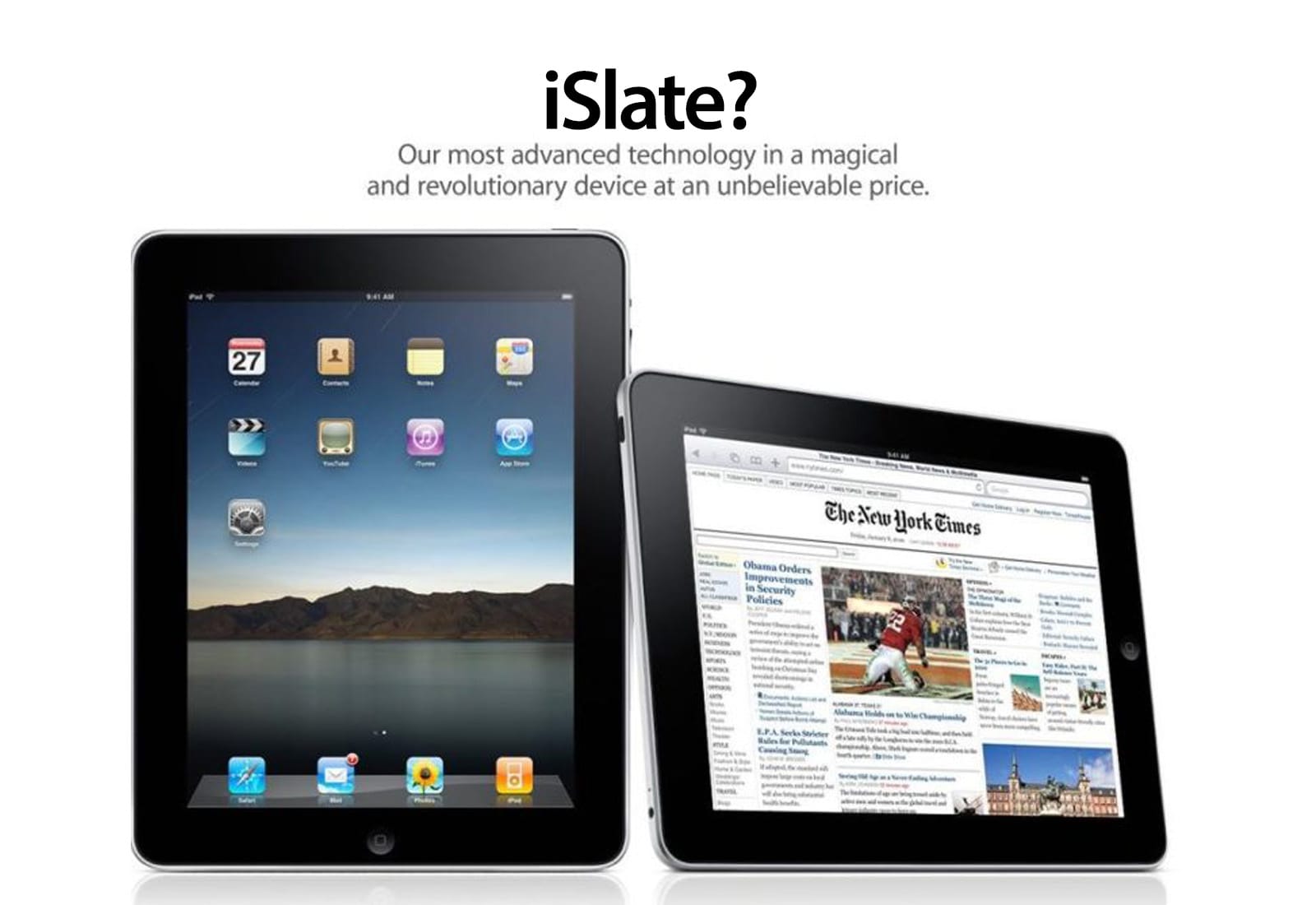
Pre-iPad rumors indicate Apple will call its tablet the "iSlate." Illustration: Apple/Cult of Mac
December 24, 2009: As rumors of a possible Apple tablet reach the boiling point, word spreads online that the new device will be called the “iSlate.”
The news is based on the fact that Apple quietly acquired the domain name iSlate.com a few years earlier. Since Apple did the same thing for the iPhone back in the late 1990s, years before the iPhone actually debuted, it makes total sense that the company would follow suit with the naming of its tablet.
Santa is watching. And so is NORAD. AI image: ChatGPT/Cult of Mac
It’s Christmas Eve, and Santa Claus is making his annual journey around the world. With the help of the NORAD Santa Tracker on your Mac or iPhone, you can see exactly where he is at any moment, and even follow Jolly Old Saint Nick’s route in real time.
Here’s how to track Kris Kringle’s progress as he delivers gifts across the globe.
Best Apple TV shows of 2025 AI image: Grok/Cult of Mac
Apple TV delivered another stellar year of television in 2025, cementing its reputation as a home for premium storytelling across genres. From stellar sci-fi to sharp Hollywood satire, here are 13 standout series that defined the best of the streaming service’s 2025 lineup of new and returning shows.
You should binge them because they’re great. And what better time to do so than during holiday downtime?
Turn your many, many cat photos into a few great videos. Image: D. Griffin Jones/Cult of Mac
You can turn multiple Live Photos shot on your iPhone into a video. Simply select a group of Live Photos taken in a burst, and you can create a single, stitched-together video that you can save to your library and share on social media. It’s a much more accessible way to enjoy those little snippets of video.
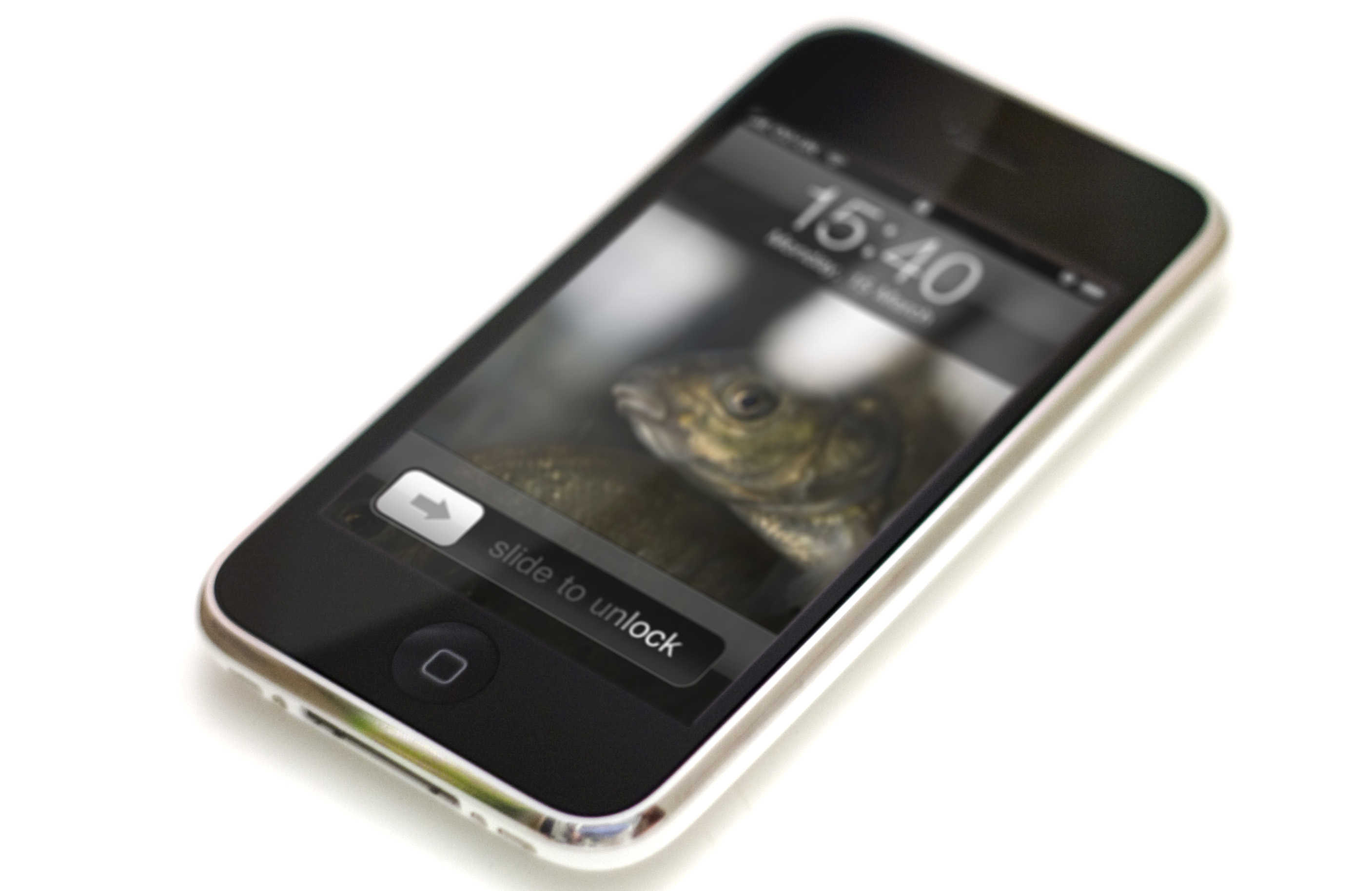
"Slide to unlock" drew audible gasps from the audience when Steve Jobs first showed it off. Photo: Jared Earle/Flickr CC
December 23, 2005: Apple files a patent application for its iconic “slide to unlock” gesture for the iPhone.
At this point, the iPhone remains a secret research project. However, the ability to unlock the device by sliding your finger across it signifies Apple’s big ambitions for its smartphone. Cupertino wants the iPhone that it’s racing to develop to be easy to use, intuitive and miles ahead of the competition technologically.
Remembering prominent figures associated with Apple who passed away in 2025. AI image: Grok/Cult of Mac
As 2025 draws to a close, the Apple community mourns the loss of four remarkable individuals whose contributions shaped the company’s history and the broader technology landscape.
From revolutionary software engineering to visionary leadership and marketing genius, these pioneers left indelible marks that continue to influence how millions interact with technology today.
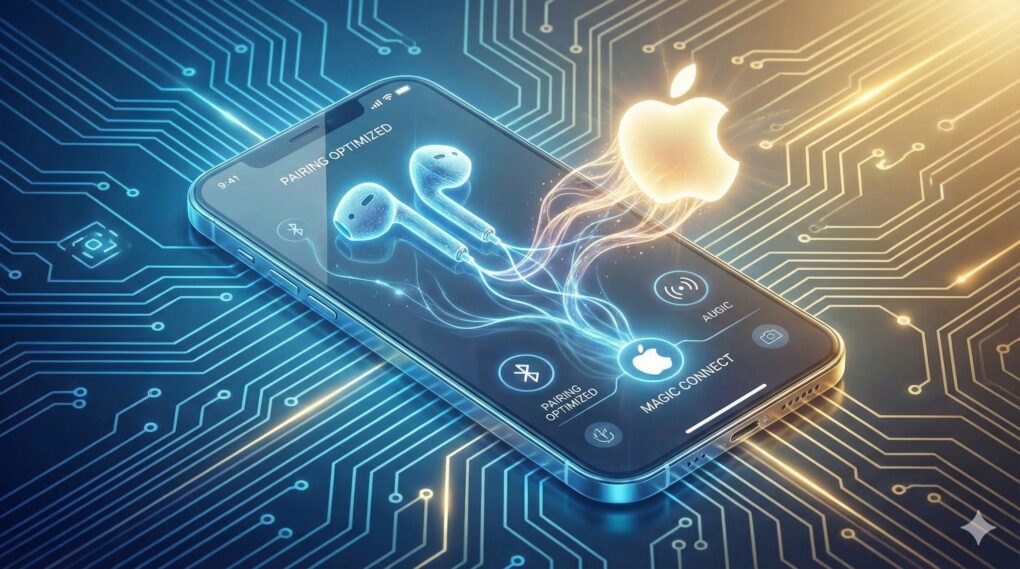
Thank the EU's DMA for this change. AI Image: Google Gemini
Apple is opening up its walled garden further with iOS 26.3. As part of the update, it will allow third-party Bluetooth earbuds to pair with an iPhone just as seamlessly as AirPods.
It will also enable third-party smartwatches and wearables to receive and mirror notifications from the iPhone.
They're not all in the junkyard or recycled just yet, but they're headed that way. AI image: Grok/Cult of Mac
In 2025, Apple moved several well-loved gadgets to its dreaded obsolete list — including the original and popular iPhone SE — meaning hardware service is no longer available. Also chopped were the Apple Watch Series 1, second-generation iPad Pro (12.9-inch), and Apple Watch Series 4 Nike and Hermès models.
There’s often a fuss when Apple makes products obsolete, stemming from frustration with planned obsolescence. A lack of parts makes these older devices unrepairable, forcing upgrades and creating e-waste. Here’s the list of products Apple killed in 2025, and the ones heading to the chopping block in 2026.
China is a massive market for Apple. Photo: Weibo/Tim Cook
December 22, 2013: After months of false starts, Apple finally secures a deal with China Mobile to bring the iPhone to the world’s largest telecom company.
With 760 million potential iPhone customers in the offing, the deal shapes up as Apple’s most important yet for growing its brand in China. In fact, Apple CEO Tim Cook says the country will soon become the company’s biggest market.
First-person shooter Marathon gave Mac gamers something to be proud of. Photo: Bungie
December 21, 1994: Mac gamers get their hands on Marathon, a sci-fi first-person shooter designed as an answer to the massive success of PC title Doom. Created by Bungie, the team that would later create the Halo franchise, the new Marathon game introduces important features to the FPS genre.
Just as importantly, it isn’t available on PC. Marathon quickly becomes a favorite among Mac gamers.
The iPhone 17 Center Stage selfie camera improves your video calling experience significantly. Image: ChatGPT
If you’re strongly tempted by an iPhone 17, but haven’t yet found a reason to make the jump, then you must not realize how amazing the phone’s new Center Stage selfie camera is. It’s my favorite feature of Apple’s latest smartphones because it makes video calls so much easier on me, and smoother for the people I talk to.
Even better: The base model iPhone 17 gets this great feature, not just the Pro variants.
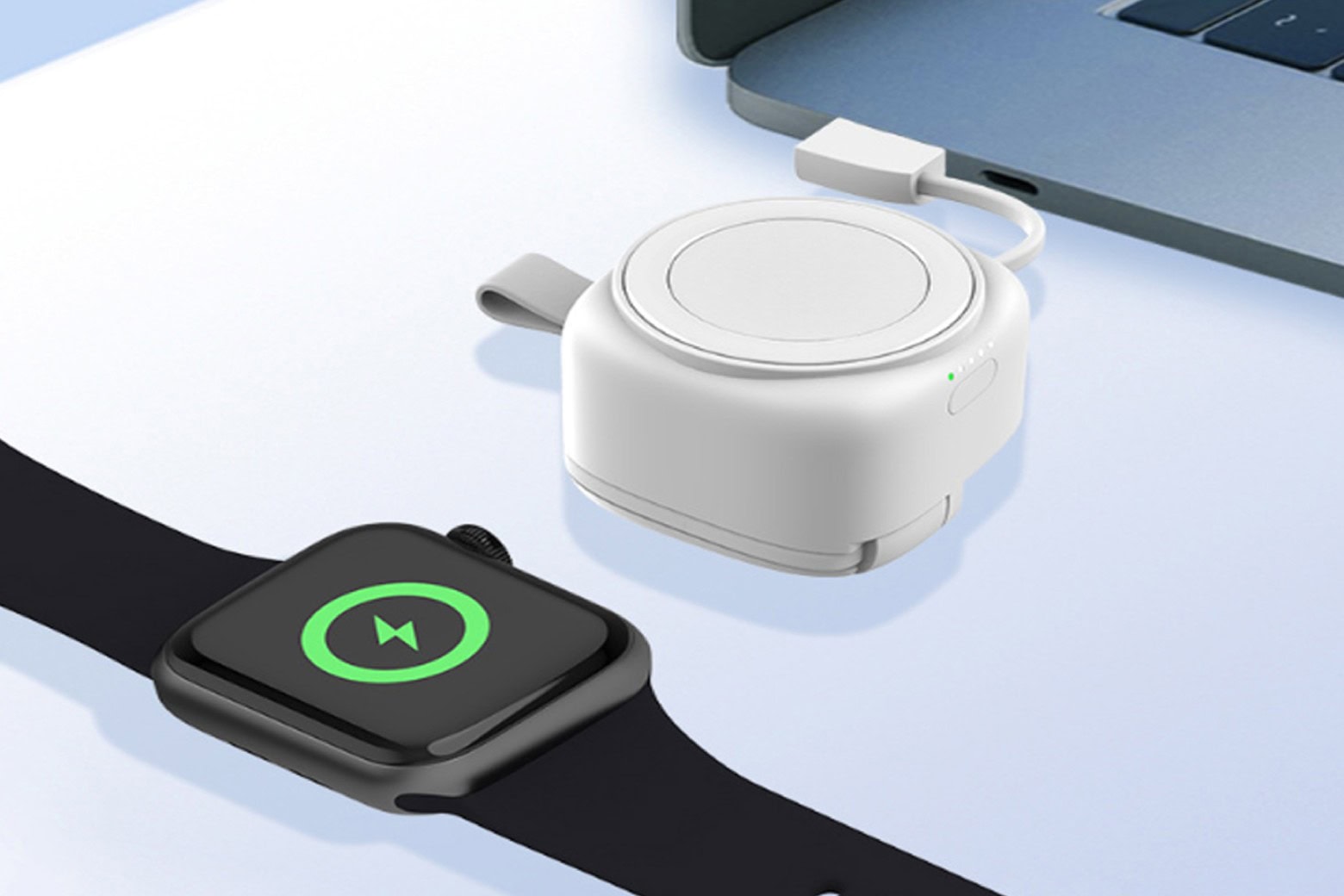
This Apple Watch accessory works as a battery pack or a wired charger. Photo: Cult of Mac Deals
When it comes to charging an Apple Watch, you typically have two choices: Use a wired charger that plugs into a power source or go with some sort of battery pack. This portable Apple Watch charger is different — it can do both. It comes with built-in USB-A and USB-C and USB-A cables so you can plug it into a computer or wall wart, and a 1,200mAh battery so you can use it to charge wirelessly wherever you go.
It’s ideal for anyone who’s always on the go and wants to keep their Apple Watch powered up without needing an outlet. At just $29.99, it’s a surprisingly capable Apple Watch charger. And it makes a great stocking stuffer for anyone who wears an Apple Watch!
Apple's high-end all-in-one computer might reappear soon. Image: Cult of Mac
This week on Cult of Mac’s podcast: Leaked code indicates Apple is working on a new iMac Pro, years after the powerful all-in-one faded from the scene.
Does a new iMac Pro make sense in the Apple silicon era? And what price point would make it appealing? We discuss the possibilities.
Also on The CultCast:
The 20th-anniversary iPhone sounds like a real cracker — if Apple can pull off the impossible.
Another leak gives us a look at new features coming in iOS 26.4.
Hate iOS 26’s Liquid Glass user interface? Griffin walks us through a weird hack that will keep your iPhone on iOS 18 forever.
We wrap up the show with our new trivia segment, Apple Genius. Should we make it a regular addition to the podcast?
Listen to this week’s episode of The CultCast in the Podcasts app or your favorite podcast app. (Be sure to subscribe and leave us a review if you like it!) Or watch the video live stream, embedded below.
December 20, 1996: Apple Computer buys NeXT, the company Steve Jobs founded after leaving Cupertino a decade earlier.
The deal costs Apple $429 million. It’s a massive price to pay for the failing NeXT, a computer company that already saw its hardware division crash and burn. But the price is worth it when you consider what Apple gets as part of the deal: the return of Steve Jobs.
This was a big year. Photo: Apple/D. Griffin Jones/Cult of Mac
2025 was a big year for Apple. In this end-of-year roundup, we gathered up the most consequential news, groundbreaking rumors and biggest surprises of the last 12 months.
There were plenty of leaks — in fact, the entire iPhone 17 lineup was exhaustively shown off in the months leading up to September. We also knew most of the other product releases, from the MacBook Air and iPad Air to MacBook Pro and Vision Pro, would consist of simple spec bumps.
But there were tons of curveballs, too. Tariffs rattled Apple’s international supply chain. The Blood Oxygen app for Apple Watch made a sudden return. And no one was expecting a UI redesign quite like Liquid Glass.
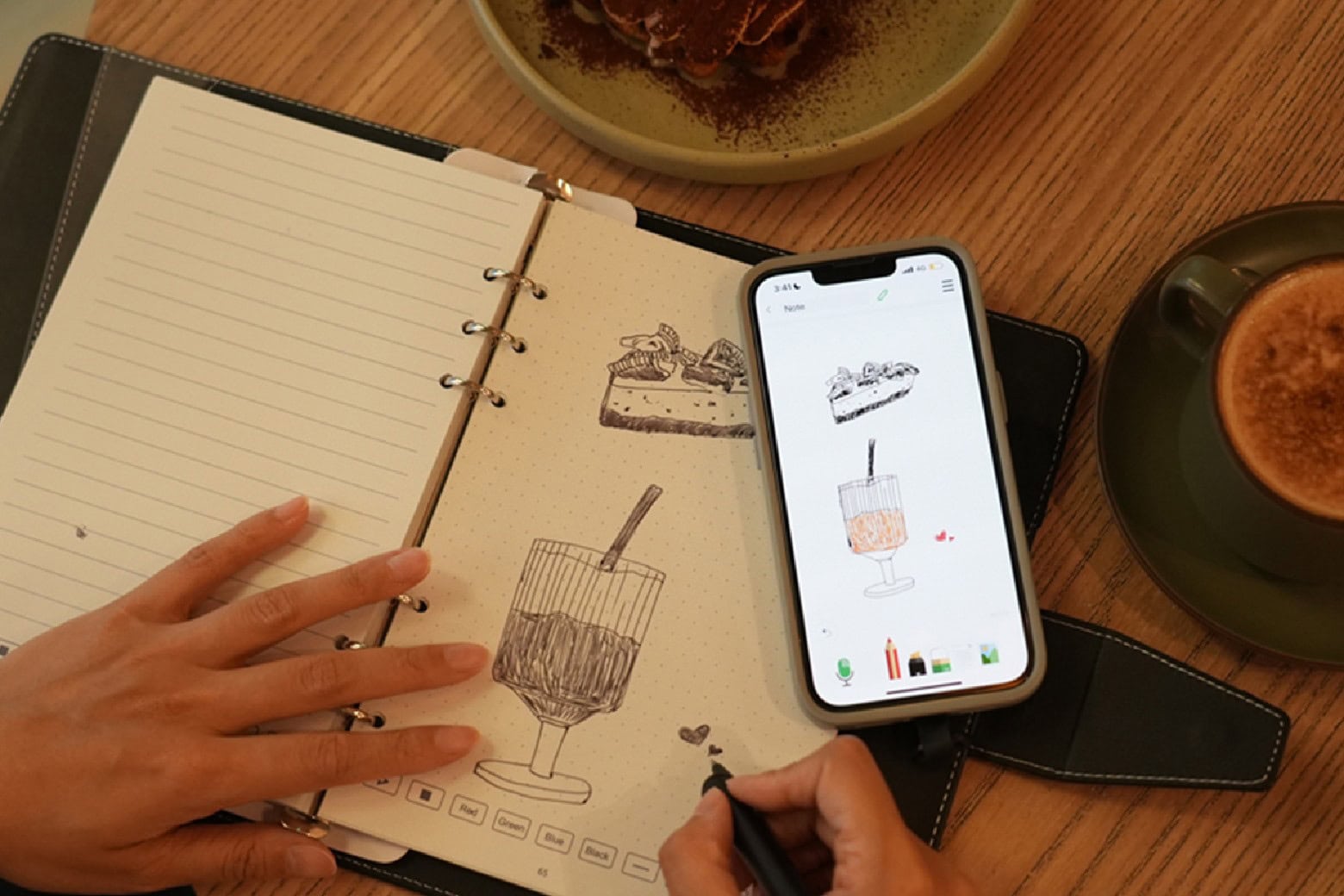
Get a SyncPen 4 smartpen set on sale for $129.99.
Photo: Cult of Mac Deals
The SyncPen 4 smartpen makes note-taking easy. Just jot your notes on the system’s reusable notebook, and the smartpen automatically digitizes your handwritten notes and drawings in real time. It also translates your notes, captures audio and performs other neat tricks.
You can find plenty of weird and wonderful gifts for Apple fans. AI image: Grok
Whether you’re shopping for an Apple aficionado who still treasures their original iPod or the productivity ninja who lives and breathes the latest iOS updates, finding the perfect geeky gift can feel like searching for a needle in a digital haystack. Fear not! We gather some of the most ingenious, innovative and downright cool gadgets that’ll make any Apple user’s heart skip a beat.
From retro-inspired accessories that pay homage to Apple’s legendary design heritage to cutting-edge smart home integrations that would make even Tim Cook jealous, these gifts bridge the gap between nostalgia and innovation. Each selection celebrates the unique blend of form, function, and pure geek appeal that defines the Apple ecosystem. And return to this post, because we’ll keep adding to it.
Selecting text from a PDF can be easy. Imagine that! Image: D. Griffin Jones/Cult of Mac
Although the Mac offers fantastic support for opening and editing PDFs in the built-in Preview app, the simple act of copying and pasting text from a PDF can still be a nightmare. For instance, selecting text on a two- or three-column document often selects across the whole width of the page, which is totally useless.
Luckily, there’s a better way to copy text from a PDF on a Mac using Apple’s Live Text feature.
Taking a quick screenshot and using Live Text often yields better results when you need to copy text from a PDF or an image. (It also works with photos and old document scans.) Here’s how to do it.
Restoring the full Safari toolbar to your iPhone makes browsing easier. AI image: Google Gemini/Cult of Mac
The Safari web browser on your iPhone got a minimalist toolbar with iOS 26. You don’t have to use it, though. You can restore the full-featured Safari t00lbar — with all the traditional browser controls like sharing, bookmarks and tabs — by simply changing one setting.
Here’s what to do if you want to restore Safari’s toolbar to the way it used to be.
Turn your iPad or MacBook into a sunflower iMac G4. Photo: Cult of Mac Deals
The Casa Hub 360 lifts laptops and tablets off your desk to make them more ergonomic to use. But this iPad and MacBook dock stand also packs a happy surprise in its incredibly flexible (and sturdy) arm. The load-bearing arm — capable of holding aloft nearly 10 pounds — doubles as a USB-C hub, offering multiple ports.
It moves elegantly, something like the iMac G4, and spins around 360 degrees, so you can get your viewing angle just right. (See it in action in the video below.) Right now, you can grab a Casa Hub 360 on sale for just $93.99 instead of the usual $129.
Cupertino's battle with a rumor site splits Apple fans. Image: Ste Smith/Cult of Mac
December 19, 2007: Apple settles a lawsuit with reporter Nick Ciarelli, resulting in the shuttering of Think Secret, his masssively popular Apple rumors website. Writing under the screen name Nick de Plume, the Harvard University student broke a number of Apple stories on the site, raising Cupertino’s ire.
The terms of Ciarelli’s settlement with Apple remain secret. In a statement, he says he will “be able to move forward with my college studies and broader journalistic pursuits.”
This holiday season, you can get video-enhancement app VideoProc Converter AI at its lowest price ever. Image: Digiarty
Whether you’re creating engaging social media content, restoring precious home movies or producing professional presentations, video quality matters. For Mac users seeking an all-in-one solution that combines cutting-edge AI technology with practical everyday tools, Digiarty’s VideoProc Converter AI is a standout choice for making videos look as good as possible.
And during the VideoProc 2025 Christmas Super Sale, you can save big on a lifetime license to this powerful video editor — plus snag free gifts and unlimited upgrades.
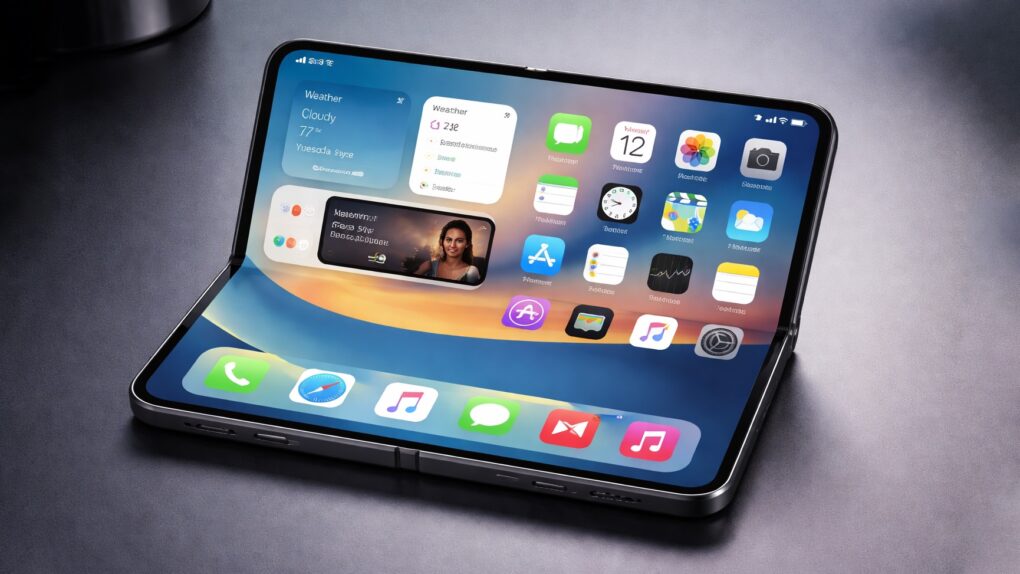
Apple might struggle to make enough folding iPhone units to meet demand. Concept image: ChatGPT
Apple’s long-rumored folding iPhone — expected to be one of the most significant new product launches in years — is generating strong buzz, with a respected analyst warning that consumer interest could far outpace Apple’s ability to supply the device when it hits the market.
And a separate report may have revealed the sizes of the two screens coming in the first foldable iOS device. The large internal display is what’s expected to drive demand.


 December 24, 2009: As rumors of a possible Apple tablet reach the boiling point, word spreads online that the new device will be called the “iSlate.”


 December 23, 2005: Apple files a patent application for its iconic “slide to unlock” gesture for the iPhone.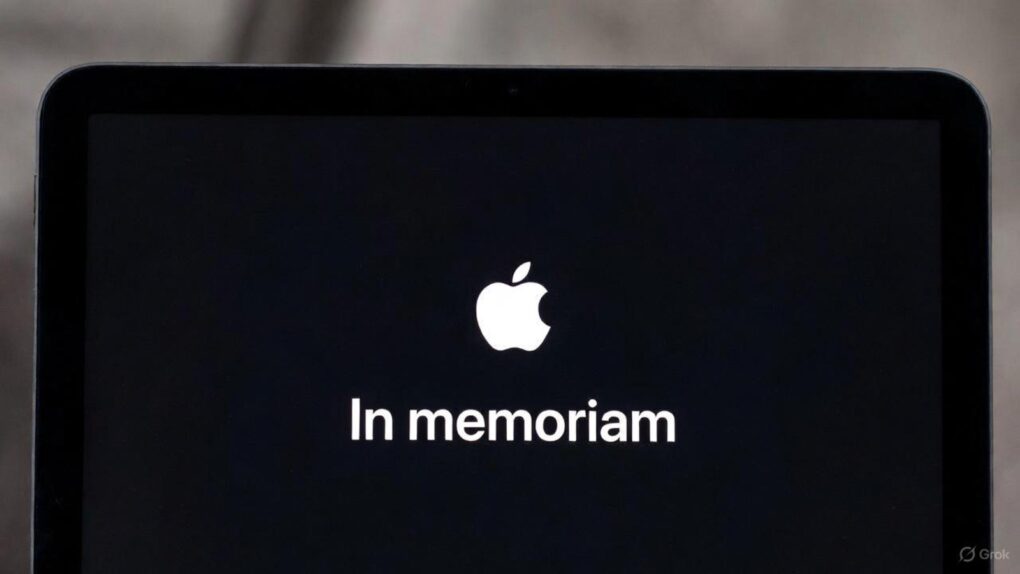


 December 22, 2013: After months of false starts, Apple finally secures a deal with China Mobile to bring the iPhone to the world’s largest telecom company.
 December 21, 1994: Mac gamers get their hands on Marathon, a sci-fi first-person shooter designed as an answer to the massive success of PC title Doom. Created by Bungie, the team that would later create the


 December 20, 1996: Apple Computer buys





 December 19, 2007: Apple settles a lawsuit with reporter Nick Ciarelli, resulting in the shuttering of Think Secret, his masssively popular Apple rumors website. Writing under the screen name Nick de Plume, the Harvard University student broke a number of Apple stories on the site, raising Cupertino’s ire.