Mobile menu toggle

Porn, Lava and the Westboro Baptist Church: Most Bizarre Apple Moments of 2011 [Year in Review]

By

westboro

Westboro Baptist Church vs. Cupertino

We could subtitle this the “Steve Jobs” edition, his death in October gave rise to any number of oddball tributes and events. The most disturbing? The hatefulcrazy congregation of Westboro Baptist Church staged a series of protests in an attempt to mar Jobs memorials held in Apple’s home town on Oct. 19. The Kansas-based group announced via iPhone that they would stage a hate fest. True to form, they held up their nasty banners outside the Apple campus and at Cupertino High but were met with counter protesters determined not to let them ruin the day.

Jailbreak Developers Release Free And Legal Siri Port In Cydia

By

sirifaq_hero

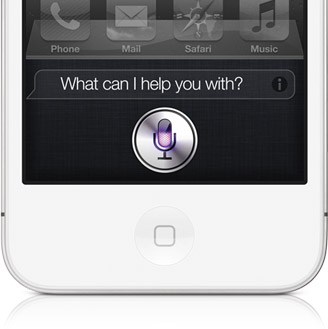
Known developers Grant Paul (a.k.a ‘chpwn’) and Ryan Petrich have released a working Siri port for older, jailbroken iOS devices in Cydia. “Spire” will install Siri on older-generation iOS devices, including the original iPad.

Spire downloads Siri directly from Apple’s servers. The only catch is that you will need access to an iPhone 4S and your own proxy to get the port up and running.

Apple’s Santa Siri Commercial Named Most Effective Ad Of Holiday Season [Report]

By

Screen Shot 2011-12-25 at 6.56.47 PM

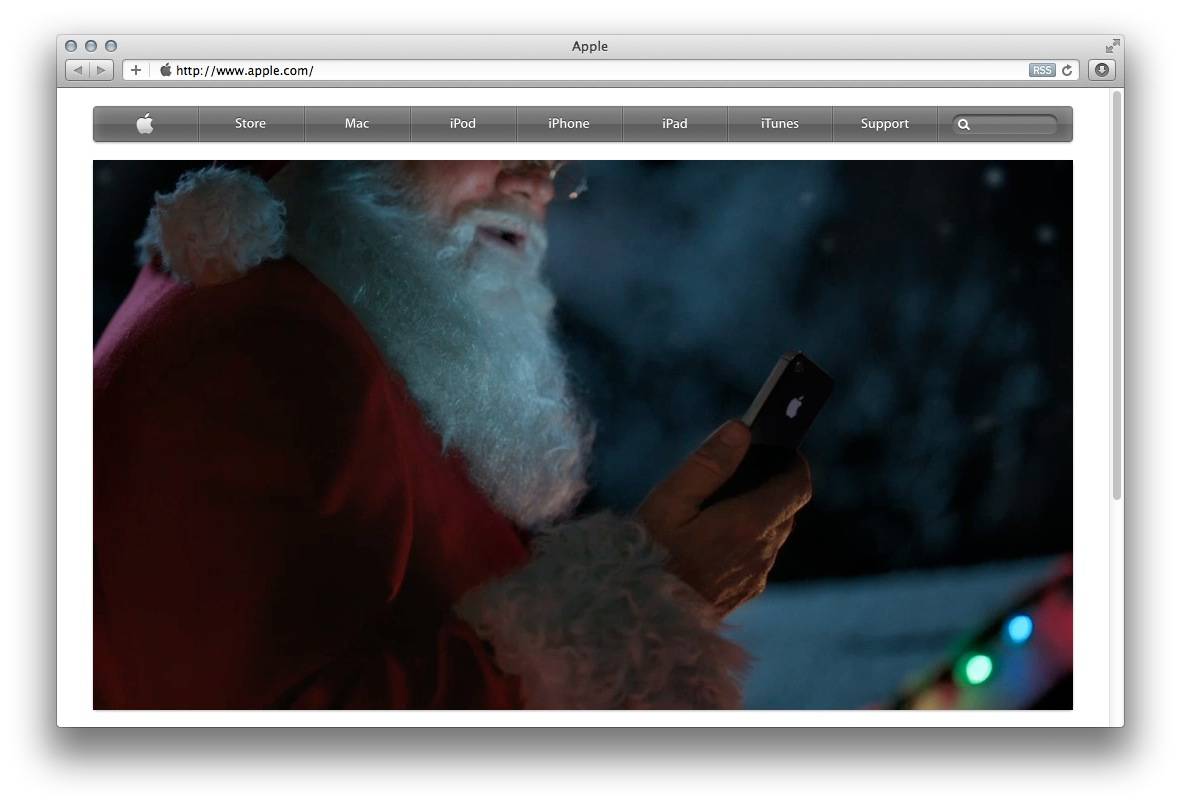
Santa has come and gone on his sleigh, and Apple has profited along the way. A survey from Ace Metrix, a TV ad analysis firm, has revealed that Apple’s Santa Siri commercial beat out 34 other Santa-themed spots to win the crown of most effective ad for the 2011 holiday season.

Apple’s commercial, featuring Santa and the iPhone 4S’s Siri assistant, scored a 652 out of a possible 950 points in Ace Metrix’s survey, topping competitors like Pillsbury, Coca-Cola, and Nintendo.

Get Started With Your New iPad — The Right Way [Setup Guide]

By

ipad

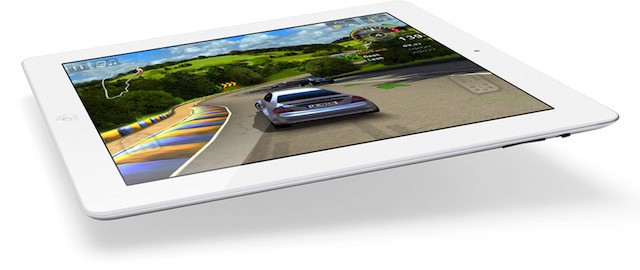
Just got an iPad for the holidays? You lucky sod! You scored the crown jewel, the Big Tamale — the most marvelous gadget Apple has ever made. Yes, go ahead, pick up its slim aluminum frame and dive right in — Steve knew that’s what you wanted to do, and he designed the iPad so you could do just that.

We want to make sure you get everything right though, and we know there are a few key setup tricks along the way that new (and even some not-so-new) iPad users miss. So take a look at the short list of steps we’ve lined up here. They won’t take long, and they’ll make sure you get the best out of your iPad 2. Ready? Here we go.

Get Started With Your New Mac – The Right Way [Setup Guide]

By

Screen Shot 2011-12-24 at 1.51.00 PM

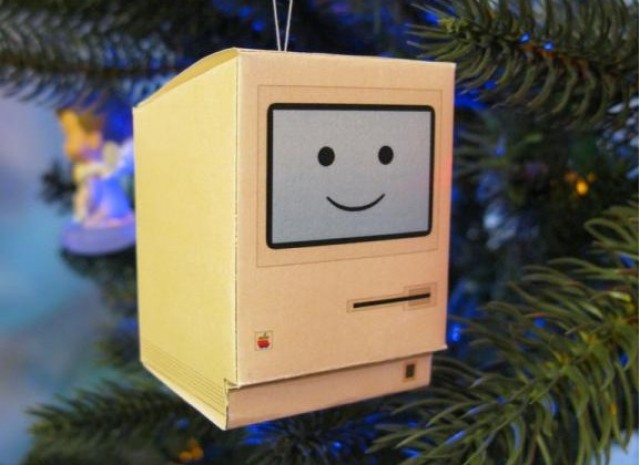
Were you very good this year? Did Santa spoil you, and did you find yourself opening up a brand new Mac under the Christmas tree this morning? Congratulations, we’re jealous… but not so jealous that we aren’t eager to teach you how to get started with your new Mac, so you can enjoy it from day one.

In this handy guide, we’ll take you through initial setup; teach you some awesome tweaks that’ll enhance your OS X experience; introduce you to some of the best apps the Mac has to offer; and tell you about some great accessories that you just shouldn’t be without.

Here’s our guide to setting up your new Mac the right way.

Get Started With Your New iPhone — The Right Way [Setup Guide]

By

features_built_in_apps

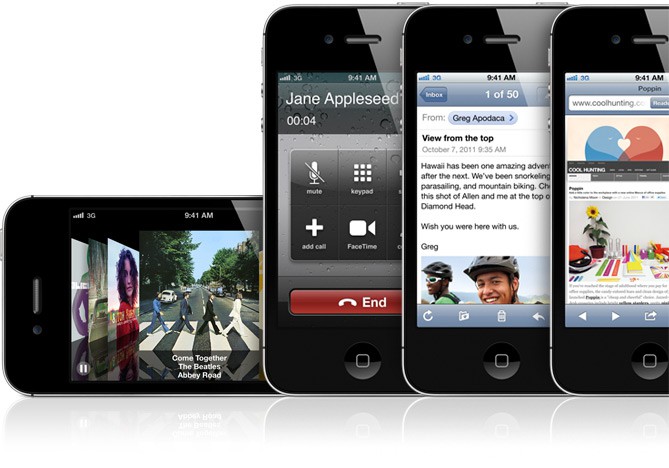
You just got your brand new iPhone 3GS, iPhone 4 or iPhone 4S for Christmas. It’s shiny exterior beckons you to explore your new smartphone. We want to show you how to get started with your new device the right way, so that you can begin enjoying it from day one.

In this handy guide, we’ll take you through initial setup; teach you some awesome tweaks that’ll maximize your battery life and enhance your experience; introduce you to some of the best iOS apps the App Store has to offer; and tell you about some great accessories that you just shouldn’t be without.

Here’s our guide to setting up your new iPhone the right way.

Get Started With Your New iPod Touch — The Right Way [Setup Guide]

By

post-136166-image-c17f917546613d78d553f6fa25386b00-jpg

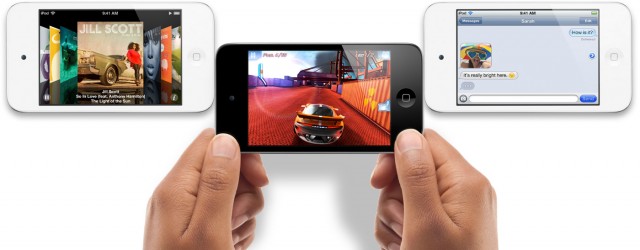
We know many of you lucky so and sos will be unwrapping iPod touches this Christmas, and we want to help you get started with your new device the right way, so that you can begin enjoying it from day one.

In this handy guide, we’ll take you through initial setup; teach you some awesome tweaks that’ll maximize your battery life and enhance your experience; introduce you to some of the best iOS apps the App Store has to offer; and tell you about some great accessories that you just shouldn’t be without.

Here’s our guide to setting up your new iPod touch the right way.

Get Started With Your New Apple TV – The Right Way [Set-Up Guide]

By

apple tv

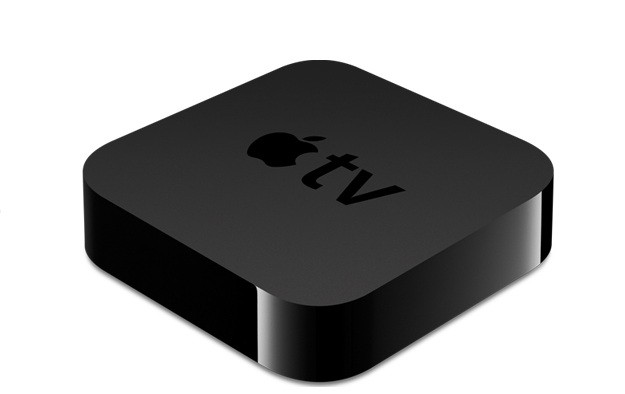
So Santa stuffed an Apple TV in your stocking? That’s pretty freaking awesome. We’re jealous. Well actually, we already had one so I guess we’re not that jealous, but congratulations on joining the club of Apple TV owners. We’re stoked to have you with us, and we want you to get the most from your new gagdget so we’re going to help you get it setup the right way so you can skip through all the menus and side features and dive straight into the good stuff.

In this handy guide, we’ll take you through initial setup; show you the best features of Apple TV and teach you some awesome tweaks that will take your television experience to the next level so you can cuddle up in next to your flatscreen wearing those new pajamas your kids bought you and go into a week-long tv-coma.

Here’s our guide to setting up your new Apple TV the right way.

I Was Wrong about Apple’s iWatch

By

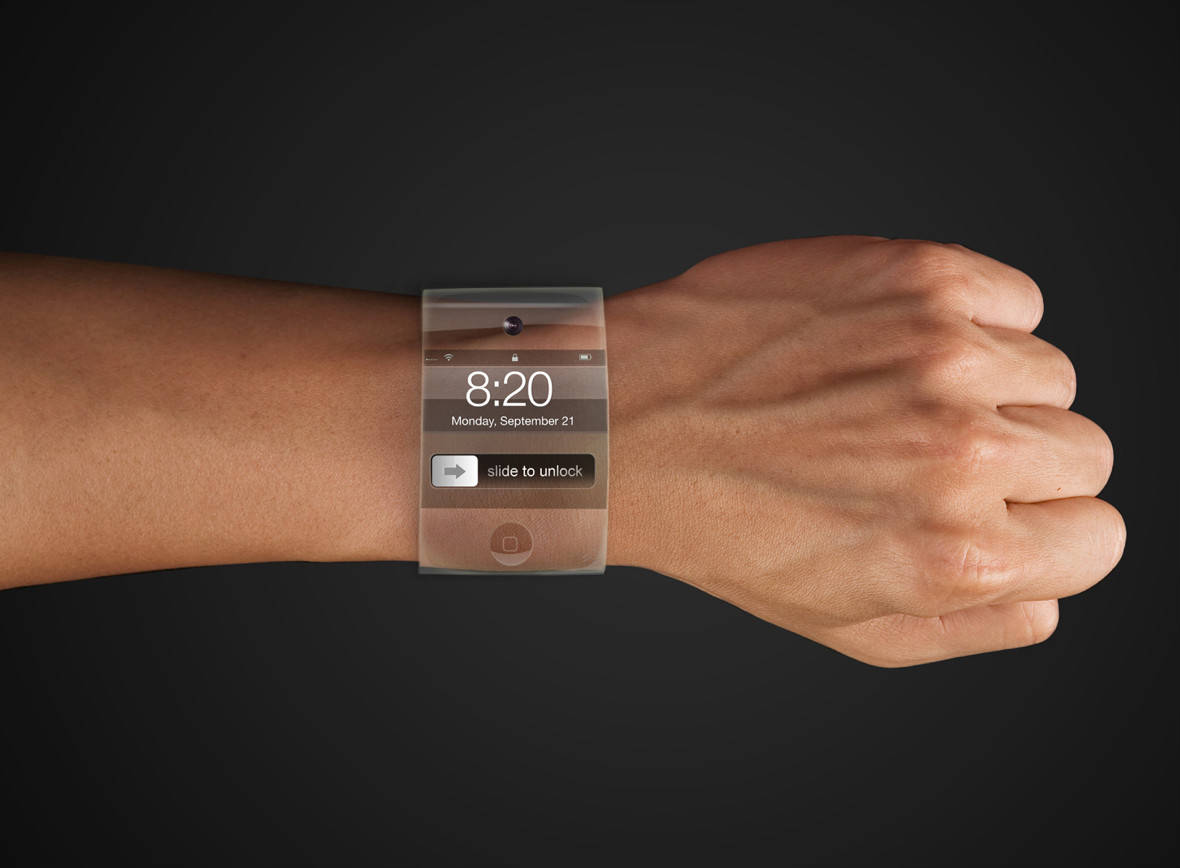
Apple has been known to change the names of projects when word about them leaks, but

Apple has been known to change the names of projects when word about them leaks, but "iWatch" is so much better than alternatives like the iPad-sounding "iBand" that it would be a little surprising if this name didn't make it to market. Apple seems to think the same way, since it’s been snapping up trademarks on the name like crazy for the past year, often under the guise of a shell company.


In September of 2010, I wrote a column in this space deflating the idea that Apple would ever make and sell a wristwatch.

I still think my reasoning was sound. But I didn’t know then what I know now. Specifically, two Apple technologies have become central to Apple’s long-term strategy. These two products — Siri and iCloud — change everything.

And because of this new information, plus a few new things we’ve learned about Apple in the past year, I’m completely reversing my opinion. I now believe the current rumors that Apple is getting into the wristwatch business.

I even think we can accurately imagine what Apple is likely to do in the wristwatch department.

Here Are The Top Apple Products Of 2011, Now Choose The Best [Best Of 2011]

By

ws-space-apple-logo

2011 has been Apple’s most incredible year left. Heck, they’ve released more revolutionary products in this year alone than most companies manage in a generation. So we knew it would be difficult when we asked you to help us choose Apple’s best products of 2011. Now the results are in, and we’ve whittled the list down to just the finalists. Check out the finalists below, then help us choose just one of them that we’ll declare to be the best Apple product of 2011 in next week’s Cult of Mac Best Of 2011 awards.

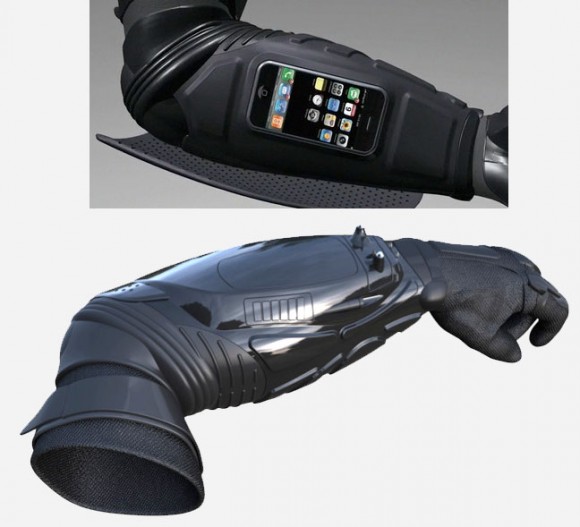
The Batman-Inspired Kevlar Gauntlet Is Both An iPhone Dock And Wearable Body Armor

By

armstarbatman

Oh man, it’s too bad it’s too late to add this to my Christmas list. The Armstar is a gauntlet ripped straight from the forearm of Batman himself, featuring a working stun device, camera, flash light and iPhone / iPod dock, all in one piece of Kevlar arm armor. And Kevin Costner helped build it!

If only we’d found out about this a couple months back, I know what would have won our best of 2011 accessories award!

[via Obama Pacman]

Android At CES: What We Can Expect And What We’d Like To See

By

post-136822-image-860c9ee8c7fbc79eae5a3ac949079568-jpg

With CES only a few weeks away, we’re preparing ourselves for what is surely going to be an Android extravaganza. With Android activations surpassing 700,000 devices per day, it would be unwise for any company to ignore its strong market presence. This leads us to believe CES 2012 will be chock full of Android goodness. We’re going to dive into a few products and announcements we expect to see this year, along with a few things we’re keeping our fingers crossed about.

Replace The Glossy Text Bubbles In iChat With Something Less Aqua-ey

By

ichat-matte-lion

I’ve never particularly cared for iChat. It’s less full-featured than free alternatives like Adium, and since it can’t easily be skinned, if you hate all the bubbles and aqua in the UI, there’s not a lot you can do about it. Luckily, over at OS X Daily, they’ve put together a fantastic and simple way to replace the iChat Aqua Text Bubbles with a flatter, less idiosyncratic matte version. Check it out: this is really the way iChat should look by default.

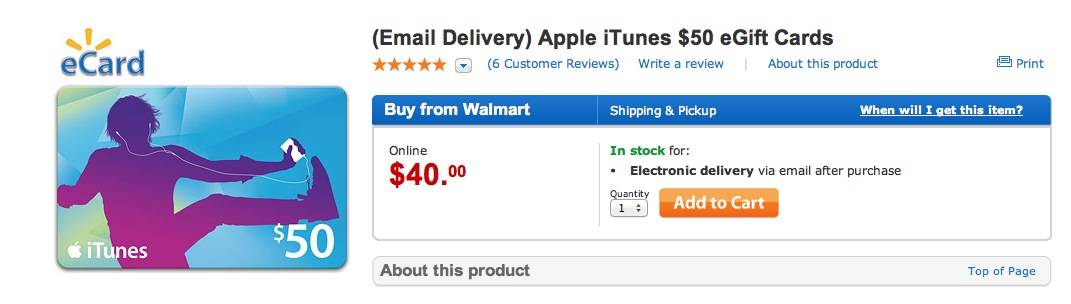
Get A $50 iTunes Gift Card For Just $40 In Time For Christmas [Last Minute Deals]

By

Screen Shot 2011-12-23 at 9.56.15 AM

Still don’t have a Christmas present for a loved one? Cash running low, so you need a good deal? You’re not going to beat this: Walmart is offering a $50 iTunes gift card for just $40, essentially giving you an extra $10 in downloads for free. Not only can the card be used on apps, music, ebooks, movies or even television shows, but the code is delivered to you digitally, meaning that you don’t have to wait for the post-office to deliver it to you: it’ll be available instantly. Slap that code into a Christmas card and you’re done!

[via 9to5Mac]