Mobile menu toggle

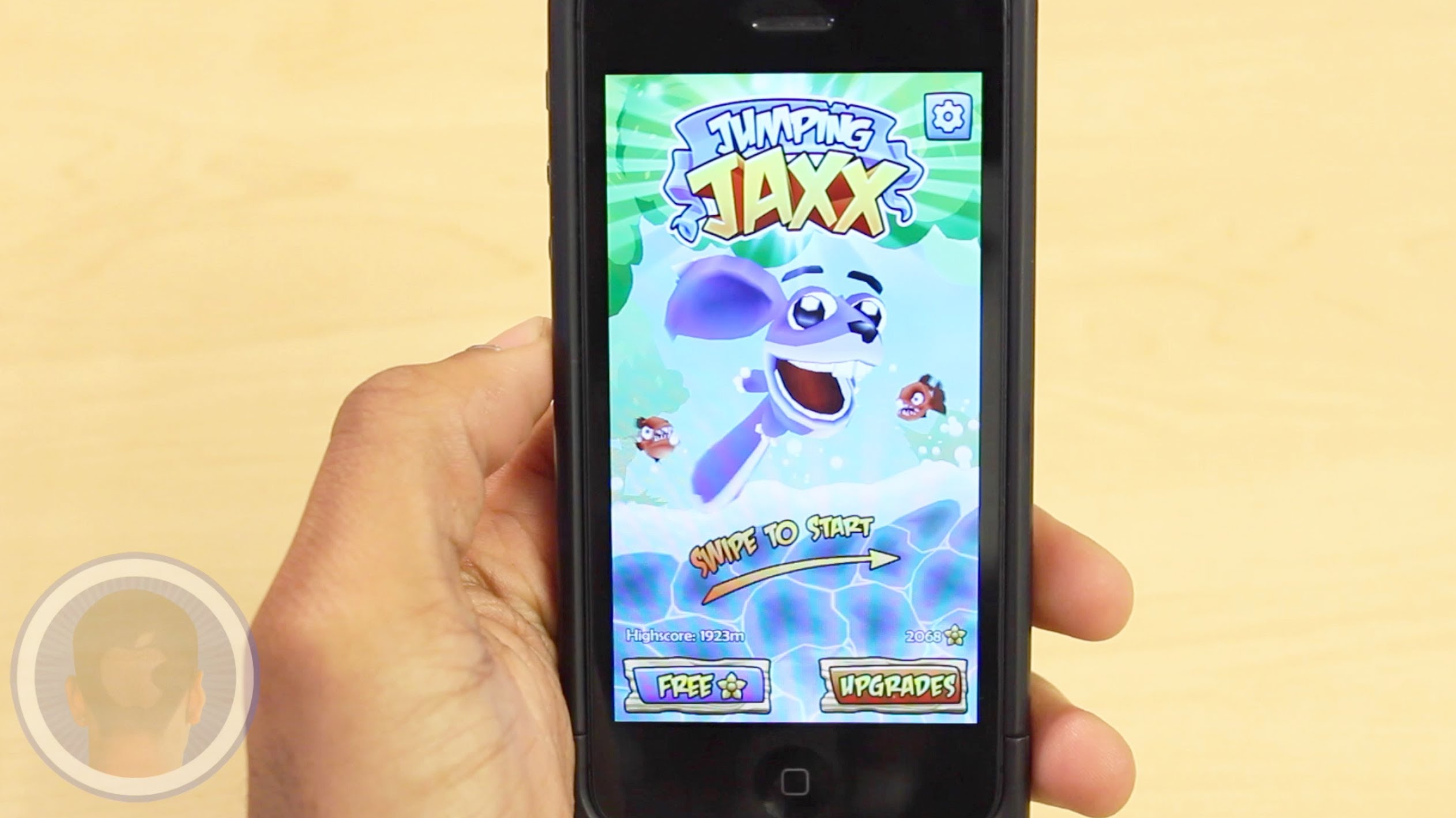
Jumping Jaxx Reinvents Endless-Jumper Gameplay [Video Review]

By

post-275710-image-efdf76e751425d252d295a670ffd3955-jpg

The app store is notoriously known for having tons of endless runner games. While some developers are sticking to the running genre, others have taken to jumping. The new app Jumping Jaxx is an endless jumper where players must swipe platforms on the screen to keep the character from falling into a giant wave. Dodge piranhas, catch powerful boosts and collect as many flowers as possible to reach a new high-score and purchase upgrades. How high do you think you can help Jumping Jaxx reach?

Take a look at the video to see what you think.

Apple Bares Bottom Line: Live Coverage Of Q2 Earnings Call

By

Earnings call
Photo: Jim Merithew/Cult of Mac

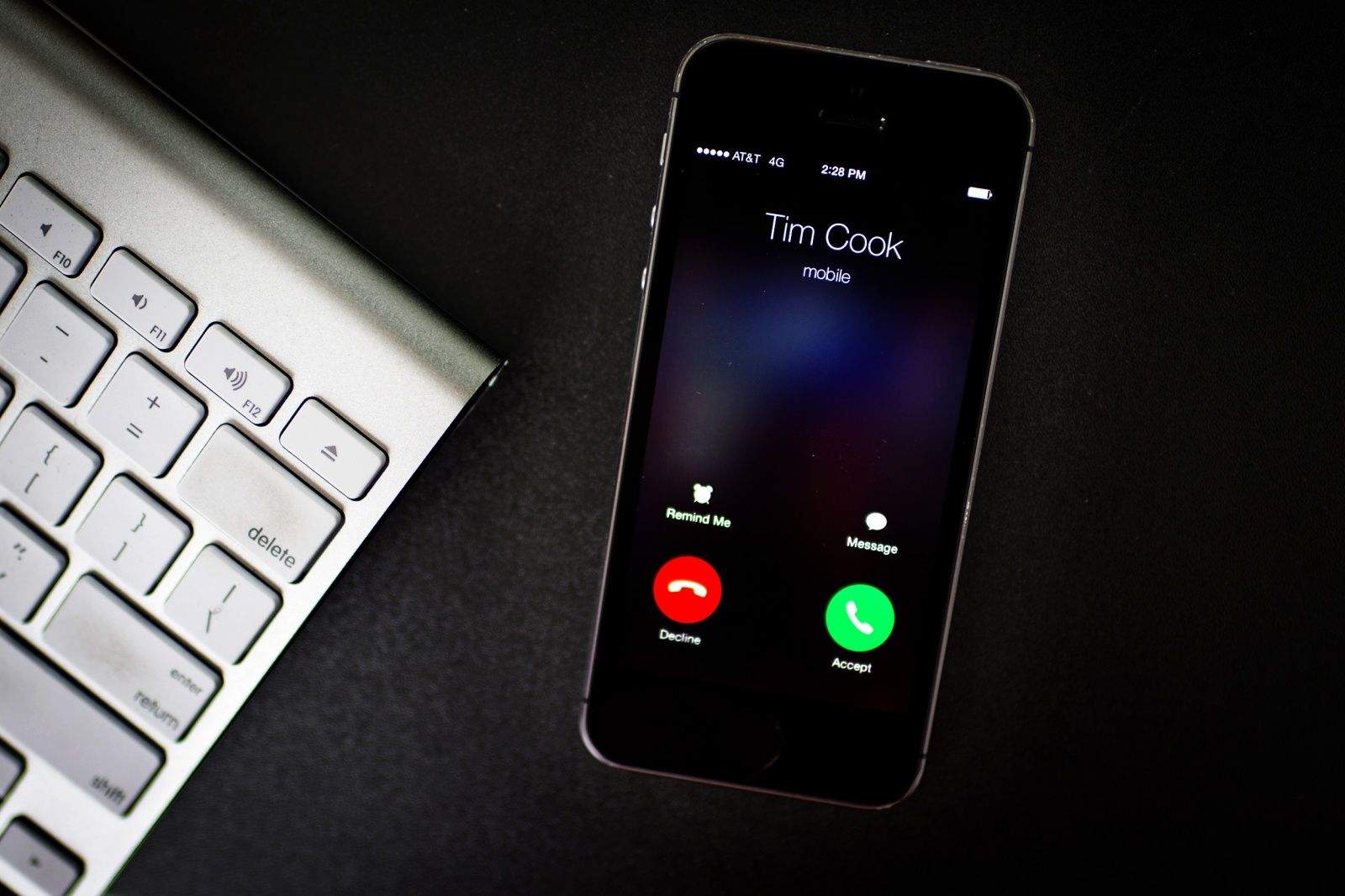
Tim Cook will put his iPhone on speaker this afternoon to tell the world how much money Apple has made selling us insanely great gadgets, and we’ll be liveblogging the call.

During the quarterly earnings report, which starts at 2 p.m. Pacific, Cook and company will share details about Apple’s Q2 financial performance with investors and the rest of the faithful.

Some analysts predict a yawn-inducing “business as usual” earnings report, but you never know – Cook might have to sing some fancy arpeggios if the numbers don’t jibe with predictions made last year, when he crowed about exciting products in the Apple pipeline.

Whether Tim’s talk leads to boos or a standing ovation, Cult of Mac will brave the recital of all the mind-numbing money-speak to help you tune in to the true meaning behind it all. Keep this page open as we post all the interesting bits.

Mujjo Low-Key Macbook Sleeve Is Full Of Understated Style [Review]

By

Photo: Rob LeFebvre/Cult of Mac

Not everyone has a fancy computer backpack or messenger bag. Some folks just have non-techie backpacks, bags, or luggage, and they’re perfectly fine with that.

13-inch Macbook Sleeve by Mujjo
Category: Macbook Cases
Works With: Macbook Pro, Macbook Air 13-inch
Price: $69

However, most of those folks would benefit from a sleeve or two to cover and protect their precious technology. And, if you’re going to go that route, you might as well go all the way and get something that’s special.

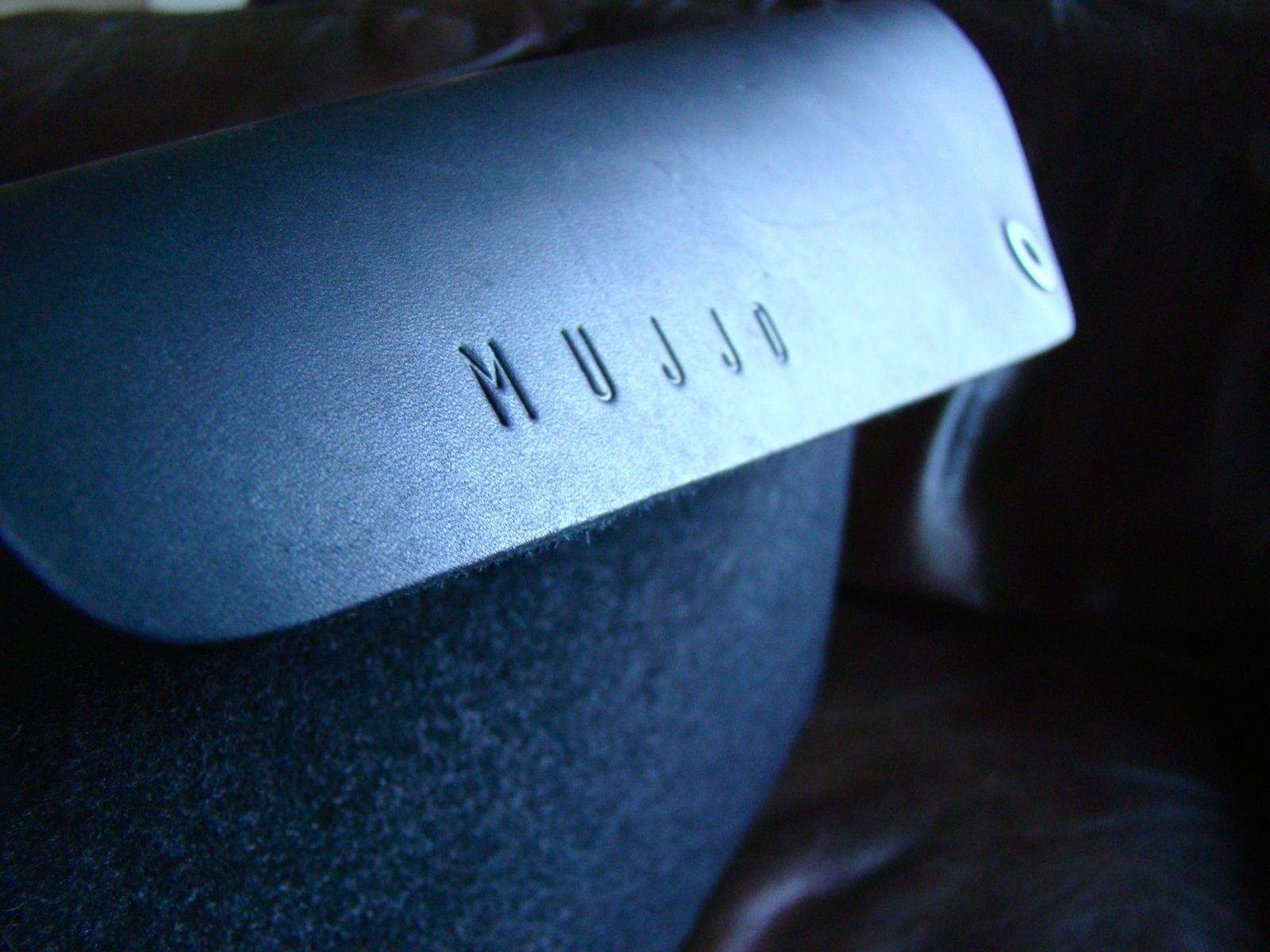
The Mujjo Low-Key Macbook Sleeve is angling for just that “all the way” look and feel.

Top iOS Apps Of The Week

By

Traveler's Badges

Browsing the App Store can be a bit overwhelming. Which apps are new? Which ones are good? Are the paid ones worth paying for, or do they have a free, lite version that will work well enough?

Every week, we highlight some of the most interesting new apps and collect them here for your consideration. This time, our picks include a timer inside of another timer, something to keep track of where you’ve been, and some fancy new fonts for your iWork.

Here you go:

It’s nice having some record of the places you’ve visited, but FourSquare is a little granular for my liking.

Traveler’s Badges keeps it simple and broad. You just let it detect your location, and it generates a unique badge for your current city that you can collect and add to your collection. It even logs the date and time you were there, in case anyone asks.

If you want to get all global with it, you can even display all of your badges on a map. It’s not the most practical app, but it is pretty cute (and free). And it’ll kill like five seconds of a layover. Every bit helps.

Traveler’s Badges – Free | Yangfan Qi

Practice Time

If you’re doing interval training or something else that requires you to time one thing and then another thing, like, right away, you might be interested in Practice Time. It’s a new app that lets you set up two countdowns and then run them consecutively. You can also tell it how many cycles to go through once you start.

It’s handy for timing exercise and then rest or if you want to be really persnickety about those instructions that tell you to leave soup in the microwave for a minute after it’s done cooking. And if you also timed the cooking concurrently with the microwave.

Nevermind; just use it for intervals.

Practice Time – Free | Mal Function

Spell Checker

Sometimes, you’re just typing an e-mail or note on your iPhone, and you realize that you have no idea how to spell the next word you want to use. It could be genuine ignorance, it could be a brain fart, but the person on the other end isn’t going to care why; they’ll just notice the mistake.

Spell Checker wants to help you out. It accesses your onboard dictionary to keep you from looking dumb. And because it uses the built-in resources, it even works offline.

You know, in case you’re writing an e-mail in a cave that you would want to send after you left the cave. It could happen.

Spell Checker – Free | Paradigm Agnostic

Install New Fonts

Your iPhone and iPad already have some fonts on board, but what if you want to make something that looks like it was stenciled or written in cursive? Or maybe you just like knowing that you have like 800 typefaces to choose from, just in case? Install New Fonts has you covered with enough options to keep you out of trouble for a while.

It’s free to download, but most of it is locked behind a $2.99 in-app purchase. But everything’s licensed for commercial use, so think of it as an investment.

Install New Fonts – Free | Denis Tokarev
Keep Calm and Breathe On

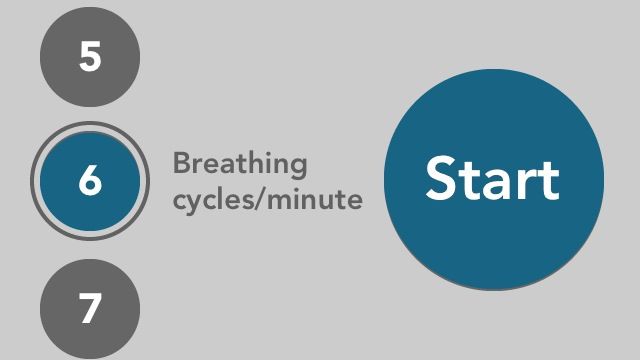
Every once in a while, I find an app that shows me just how much I need it. This time, it’s Keep Calm and Breathe On, which offers you seven guided breathing exercises (based on cycles per minute). The goal is to relax you and “calm your heart activity,” and when I tried it out for this write-up, I realized that I’m apparently really bad at breathing.

It has two sounds to accompany your oxygenation: Wind and River. I preferred the wind. It just made more sense because if I’m in a river, breathing might be a problem. And that’s less than calming.

Keep Calm & Breathe On – $0.99 | Commit GmbH
‘Keep Calm And Breathe On’ And Try Not To Cough Too Much

By

Keep Calm and Breathe On

Every once in a while, I find an app that shows me just how much I need it. This time, it’s Keep Calm and Breathe On, which offers you seven guided breathing exercises (based on cycles per minute). The goal is to relax you and “calm your heart activity,” and when I tried it out for this write-up, I realized that I’m apparently really bad at breathing.

It has two sounds to accompany your oxygenation: Wind and River. I preferred the wind. It just made more sense because if I’m in a river, breathing might be a problem. And that’s less than calming.

Source:Keep Calm & Breathe On – $0.99 | Commit GmbH

Featherweight Burds Is Mercifully Short [Review]

By

Burds

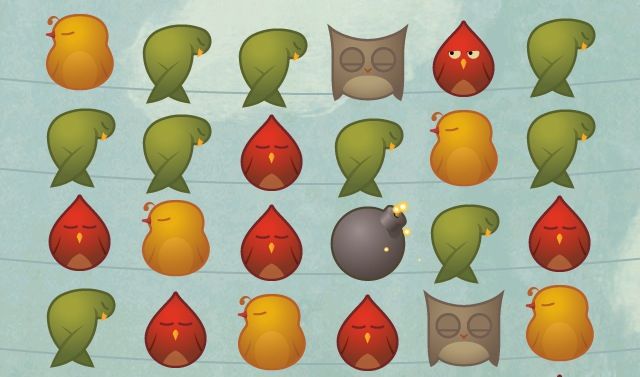
There’s nothing inherently wrong with Burds, and yet I’ve never been so confused about why I continued to play a game.

Burds by Tiny Marble
Category: iOS Games
Works With: iPhone, iPad, iPod Touch
Price: Free

It’s a little heavy on in-app purchases, but I can ignore those with only a touch of annoyance. And while Burds is shallow, fairly mindless, and dumb, it doesn’t take that long to play.

So I’m a little conflicted.

iPod Touch Does More Web Traffic Than Windows Phone And BlackBerry Combined

By

2012_iPod_touch_5th_gen_13

The iPod might be a dying business, but “dying” businesses for Apple are still businesses the competition would kill to have.

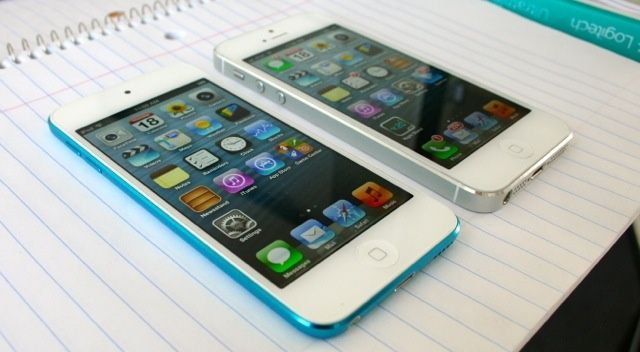
Apple’s iPod business, for example, is still worth $5 billion. Here’s an interesting metric to show how big the iPod still is in comparison to other companies, though. New mobile ad traffic data from Opera Mediaworks suggests that just a single iPod — the iPod touch — accounts for more web traffic than BlackBerry and Windows Phone combined.

Apple Fixes: Paving The Way To A Smoother Work Day [MacRx]

By

lead

The workplace can be stressful enough, without adding computer snafus to the mix. As an IT consultant, I hear about a lot of them, usually after disaster has struck.

Here’s how to deal with some of the more common workplace issues – email problems, contacts not syncing, WiFi headaches, deleted files – and keep rolling with your Mac.

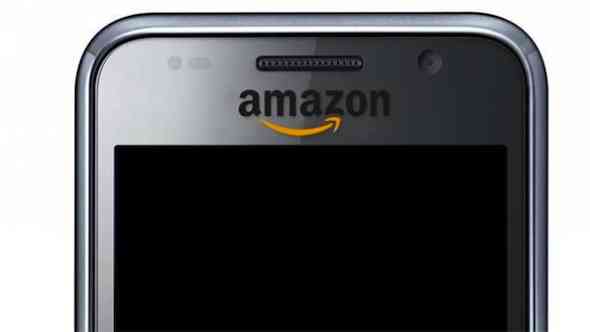
Amazon’s Gesture-Controlled iPhone Killer Sounds Kind Of Stupid

By

amazon-phone

Last month, we reported that always reliable analyst Ming-Chi Kuo was predicting that when Amazon finally gets into the smartphone business, it challenge the iPhone with a smartphone with as many as six different cameras. Kuo predicted that at least four of these cameras would be used for gesture control, allowing users to operate the smartphone without touching the touch panel.

We had a hard time wrapping our heads around it at the time, but now more data has come to light about how the system will work. And it sounds kind of dumb.

How The iWatch Could Finally Kill The iPod

By

18mjr80fxy8svjpg

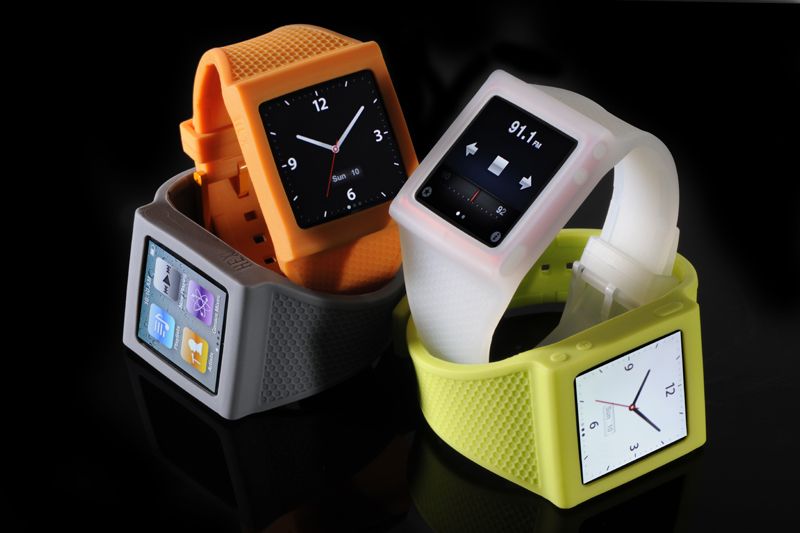
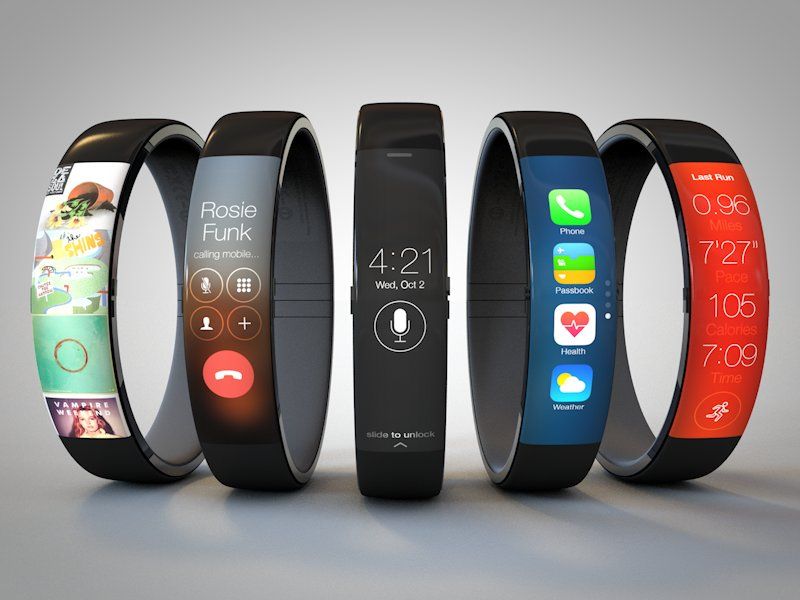
When Apple reveals its Q2 2014 sales numbers later today, few people are expecting any miracles: Mostly, Wall Street expects that growth will have stalled. All the more reason why Apple needs a major new product like the iWatch to give them some of their mojo back.

One business that everyone definitely expects to have declined this quarter, though, is the iPod. Apple CEO Tim Cook has himself said that the iPod is a “declining business” and sales have been dropping ever since 2008.

The bad news for iPod fans is that at least one analyst thinks the iPod business is in such serious decline for Apple that they won’t bother updating the line at all in 2014. But the good news? He thinks the iWatch will replace the iPod.

The iPhone 6c Could Be Just As Beautiful As The iPhone 6. Here’s Proof. [Gallery]

By

Screen Shot 2014-04-23 at 7.37.00 AM

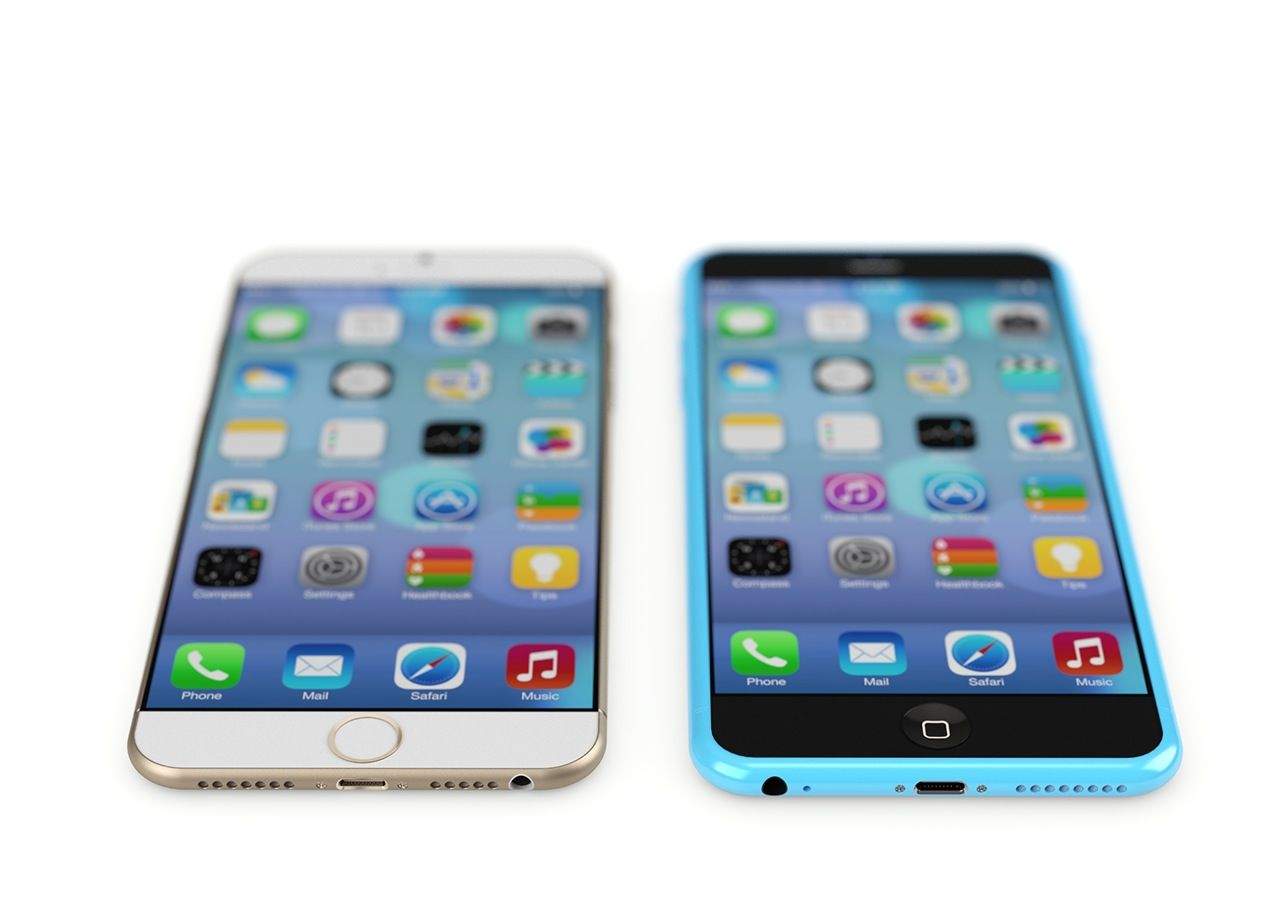
As rumors start to coalesce into likely fact that the iPhone 6 will come in two larger sizes — a 4.7-inch model and a 5.5-inch ‘iPhone Air’ — one big question that arises is what will happened to the iPhone 5c. Will Apple shelf their ‘budget’ iPhone, based upon poor sales? Or will they reinvent it when the iPhone 6s finally comes around?

Our favorite armchair iDevice designer Martin Hajek thinks the latter. He thinks that the iPhone c-series will live on, and in a stunning series of renders, he shows just how beautiful the iPhone 6c could be while still leaving room for the iPhone 6s to be the ‘luxury’ device with smaller bezels, TouchID and other perks.

More images after the jump. What do you think? Would you buy an iPhone 6c that looks like this?

Viber Joins The Flat Revolution With iOS 7 Update

By

Screen_Shot_2014-04-23_at_11

Nifty free voice call and instant messaging service Viber has upgraded to iOS 7.0 with its latest update — incorporating the flat design we’ve come to expect across all iOS apps.

With more than 100 million monthly active users, and having been recently acquired by e-commerce giant Rakuten for $900 million, the upgrade was definitely in order, and it looks great.

That’s not all the update brings, however. It also adds new features to the app — including the ability to send multiple photos at once, as well as the option to create a list of blocked numbers/contacts.

Apple Uses Shell Company To Trademark The Term ‘iWatch’

By

iwatch
(Credit: Todd Hamilton)

Another piece of the “when will Apple release the iWatch” puzzle may have fallen in to place, with the news that Apple is actively pursuing the iWatch trademark in dozens of countries around the globe.

Of course, it wouldn’t be Apple if it was that straightforward.

Rather than trademarking the term itself, Apple appears to be using a shell company called Brightflash USA LLC to do the work on its behalf.

The firm is registered in Delaware, and has previously been tied to trademarking efforts by Apple. One indicator of the connection between Apple and Brightflash is that it is using the same IP attorney in several locations.

Apple’s Latest iPhone 5s Ad Is No ‘Misunderstood’ [Video]

By

powerful

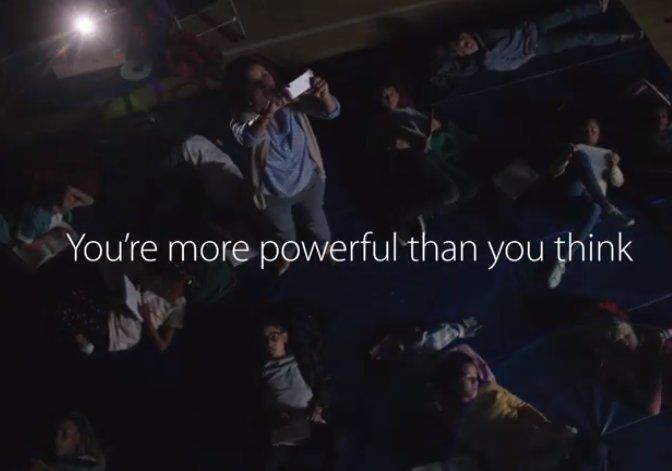
Apple’s latest iPhone 5s ad debuted during last night’s Agents of SHIELD on ABC, and it’s a bit of a mixed bag.

Built around the idea that “You’re more powerful than you think,” the ad shows the iPhone being used to as a tool by people in various lines of work. In this way, it’s very reminiscent of Apple’s recent “Your Verse” campaign for the iPad.

But while it’s good aspirational fare — with absolutely nothing offensive about it — it also comes across as, well, kind of boring really.

Pricey Aluminum Brick Fixes Your iMac’s Greatest Shortcoming

By

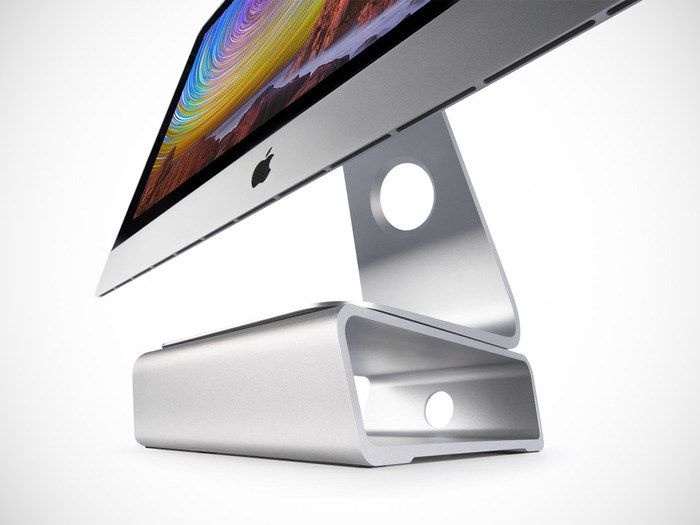
Remember the Elevation Dock? Yeah, me too. The Kickstarter took so long to ship that everybody who’d ordered one had upgraded to the iPhone 5 by the time the dock shipped, so they needed adapters to make them fit their new phones.

Still, that won’t happen with the new Elevation Stand, which is a simple $100 aluminum brick that adds a few inches to the height of your iMac.

Injustice: Gods Among Us To Unleash Multiplayer Mode & New Characters

By

post-275573-image-e70dd625f391c2c02017592629e32c26-jpg

DC Comics comic game, Injustice: Gods Among Us, will be getting a new mobile multiplayer mode and tons of new characters, according to reports coming out of WonderCon.

Developed by NetherRealm and published by Warner Brothers, the fighting game is one of a very select few that gets it right on touch-based devices — faithfully translating the PlayStation 3 and Xbox 360 console game to Apple’s mobile operating system.

Until now, however, playing the game on iOS has been a solitary experience. That looks like it will be rectified in a future game update, as a video from DC All Access reveals a multiplayer mode in the works.

Lytro Illum, The First Light-Field Camera Worth Buying

By

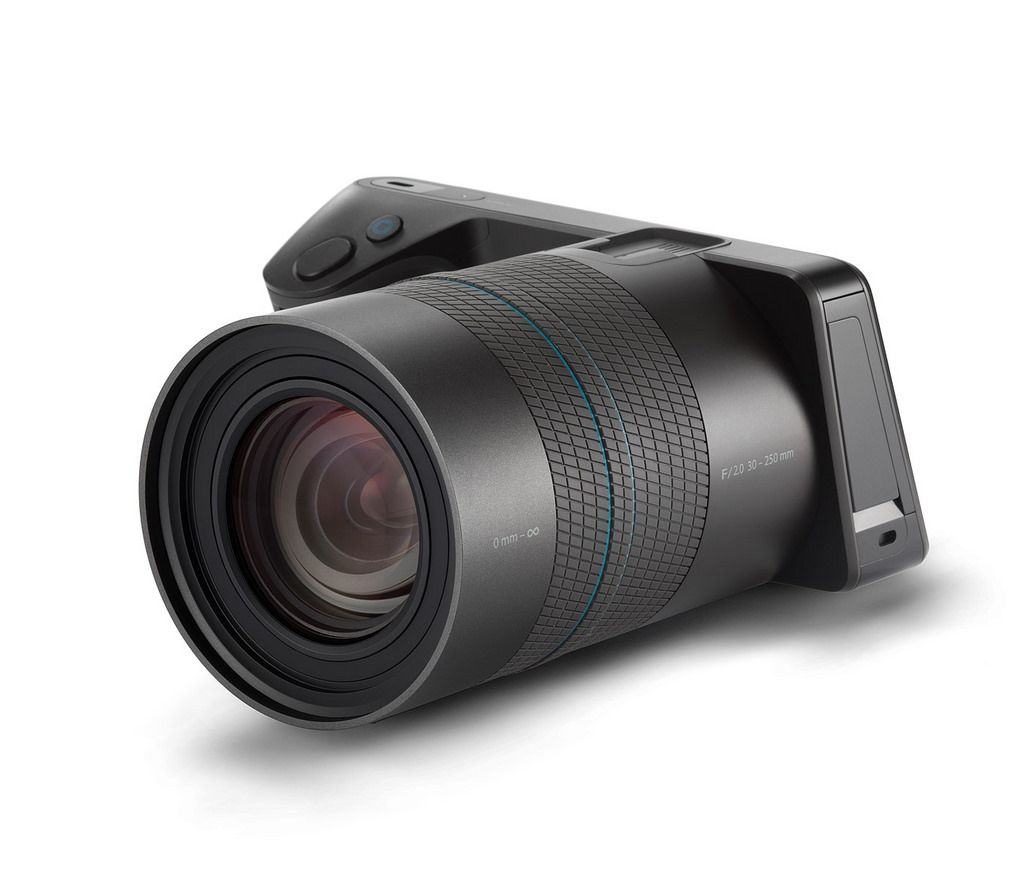
Lytro’s new Illum field Camera is the first of its products you’ll want to buy. The original Lytro Field Camera was a nice proof of concept, but the low resolution images were pretty crappy, and the unit itself was one of the least ergonomic camera designs I’ve ever seen.

The Illum still has some ergonomics issues, but promises much better pictures.

Green Is The New White For Apple On Earth Day [Gallery]

By

Apple Store
Apple's shelling out billions to go green.
Photo: Apple

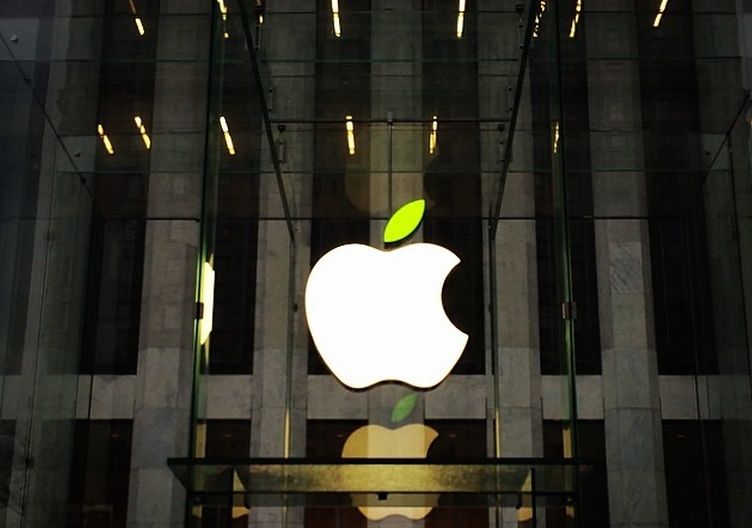
Under the watchful eye of Tim Cook Apple’s gone from the most powerful tech company in the world to the most green. Yesterday’s new ad shone the spotlight on Apple’s environmental practices but the true celebrations of going green kicked off today for Earth Day.

Select Apple Stores around the world sprouted green leafed logos to go with new Earth Day shirts and lanyards for Specialists and Geniuses, but rather than driving all the way to your local store we’ve gathered shots of Apple Stores near and far celebrating Apple’s pledge to leave the world better than they found it.

Take a look: