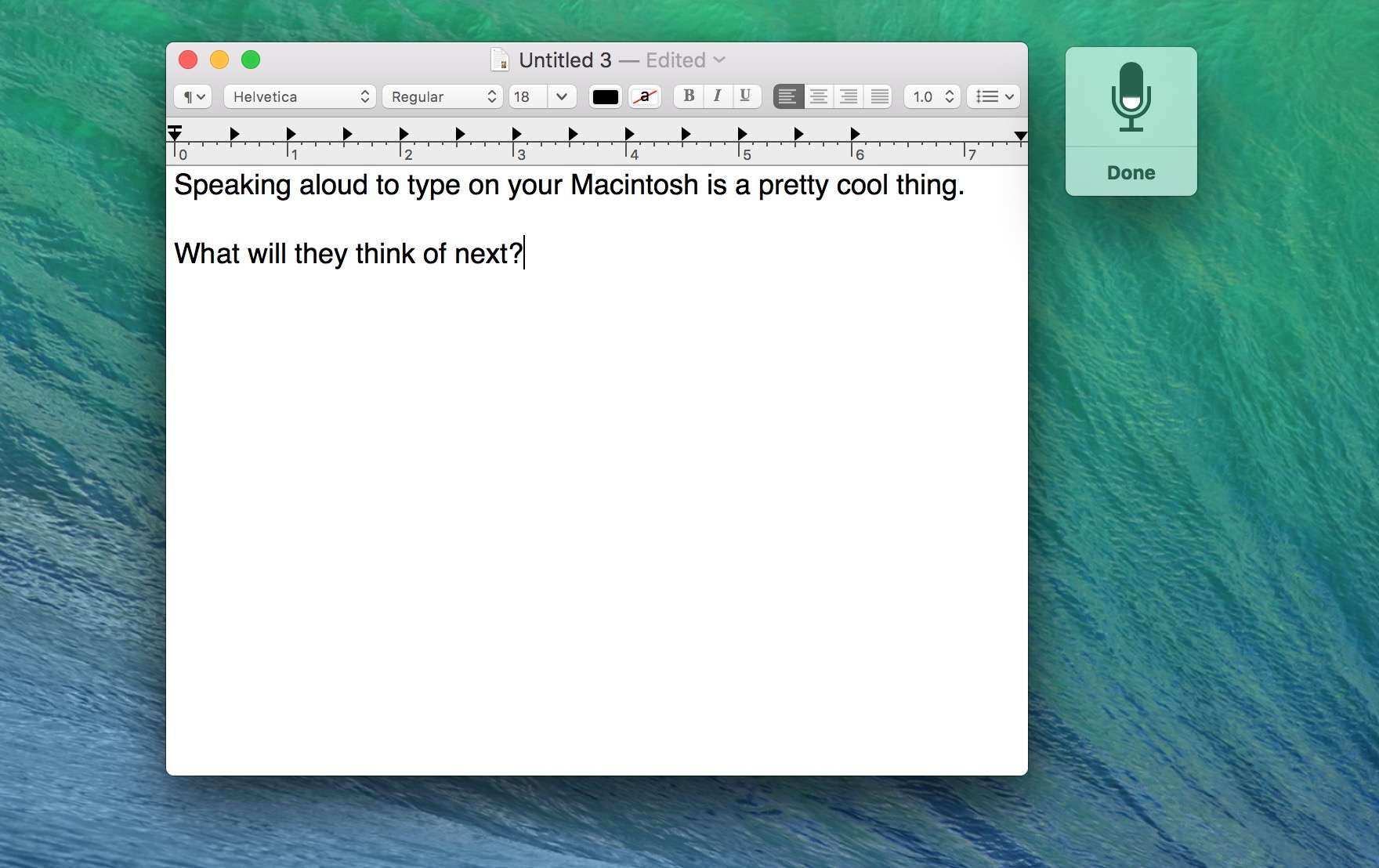
Ah, dictation on your Mac. What could be better? Photo: Rob LeFebvre/Cult of Mac
If you’ve called out, “Hey Siri” to your iPhone before, you know the joy of this Star Trek-style technology. You don’t even need to hold the Home button down. Sure, your iPhone needs to be plugged in, but it’s a pretty neat party trick.
Excitingly, you can do something similar on your Mac: activating dictation with a voice command. The next time you get a great idea and need to document it, you can just call to your Mac and dictate it right then. No pen, no paper, no walking all the way to your keyboard.
Social media is a key component for businesses of any size. Whether it’s a restaurant managing their Facebook page and Yelp reviews, or a massive corporation whose message must be coordinated and ultimately use social media to shift public opinion, there are a whole range of powerful tools available. Here we review a few of the free social media monitoring (SMM) options available to small and individual-run businesses, and the paid services for medium- and enterprise-scale companies.
Facebook is killing your battery. Photo: Jim Merithew/Cult of Mac
Facebook continues to embrace virtual reality (VR) on its ubiquitous social networking platform with 360-degree video support for iOS. Zuckerberg’s big blue is also opening up its VR platform to advertisers, like AT&T, Corona , Samsung, and Walt Disney World, in the form of “immersive stories.”
YouTube will take on Apple Music (again). Photo: GoogleYes, Google has another music streaming service. Photo: Google
YouTube Music has arrived on Android and iOS, and it promises to make it easier than ever to discover new music on YouTube. Simply hit play and enjoy an endless journey through the platform’s entire music catalog, or check out YouTube’s recommendations based on your listening habits.
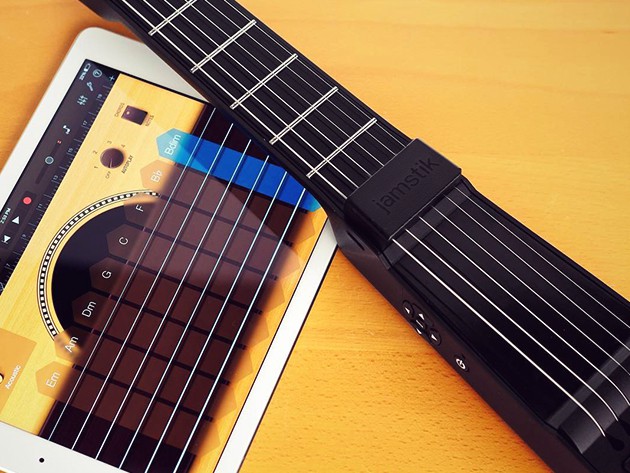
The Jamstik is a versatile and super portable MIDI controller that plays just like a normal guitar. Photo: Cult of Mac Deals
Computers, tablets, even iPhones have grown into powerful tools for music making, but for many who play guitar the bridge from analog instrument to digital devices can be an intimidating one. The Jamstik Wireless Smart Guitar is a great way to cross the digital divide, a MIDI controlling guitar with frets and strings that feel familiar to any guitarist’s fingers. It’s also cheaper than most keyboard controllers (and certainly guitars), available right now for just $149.99.
Yet another reason to use Apple Pay. Photo: Jim Merithew/Cult of Mac
If you owe your buddy $5, turning your pockets inside out may soon be an ineffective charade – thanks to Apple.
Cupertino is in talks with major U.S. banks on a digital payment system that would let people send money to each other from their iPhones. It reportedly will work like services offered by PayPal and Venmo.
These students say Apple kicked them out for being black. Photo: IMGUR
An Apple Store in Australia has come under fire this week thanks to video footage of a store manager kicking six black school boys out of a store because security was worried they might steal something.
Footage of the incident at the Melbourne store hit the Internet on Tuesday, causing a an outcry on social media that the store was being racist to the boys, who are all black and in Year 10 at Maribyrnong College in Melbourne.
“These guys are just a bit worried about your presence in our store,” an Apple staff member can be seen telling the teenagers in the video. “They’re just a bit worried you might steal something.”
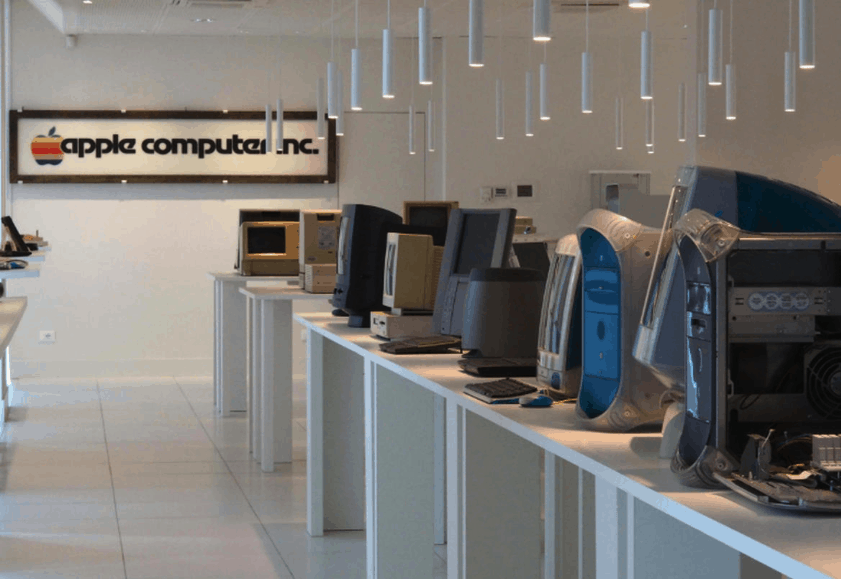
The All About Apple Museum has one of the world's most complete Apple collections. Photo: ZDNet/Raffaele Mastrolonardo
The world’s biggest Apple museum — featuring around 10,000 Apple and Apple-related artefacts — is set to open its new permanent home in Savona, Italy, following 13 years of moving from location to location.
Apple claims its Pencil stylus has “virtually no lag.” Photo: Apple
The iPad Pro has received lukewarm reviews, but one thing no reviewer’s failed to be amazed by is the Apple Pencil stylus — which Cupertino has advertised as a “highly responsive” input method with “virtually no lag.”
But exactly how responsive is the Pencil compared to rival products like the stylus for Microsoft’s new Surface Pro 4? Journalist and photographer Angel Jimenez de Luis decided to test out both with a head-to-head comparison, recorded in close-up at 120fps slow-motion.
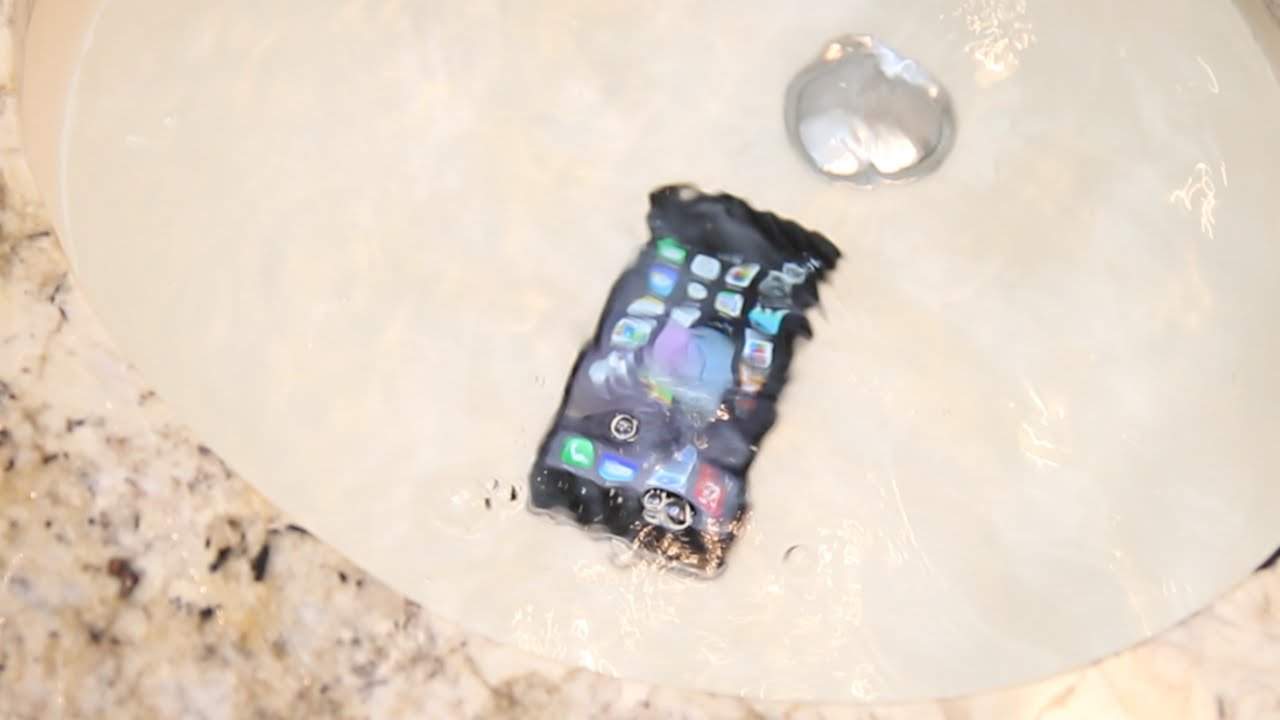
Apple is working to make its future iPhones more waterproof. Photo: TechSmartt
Apple has been taking steps to make the iPhone more water resistant than it has been previously. However, a newly-published patent application suggests the company may go even further — by using cutting-edge electrode technology to actively expel water that has become trapped in the device, rather than just fighting to keep it out.
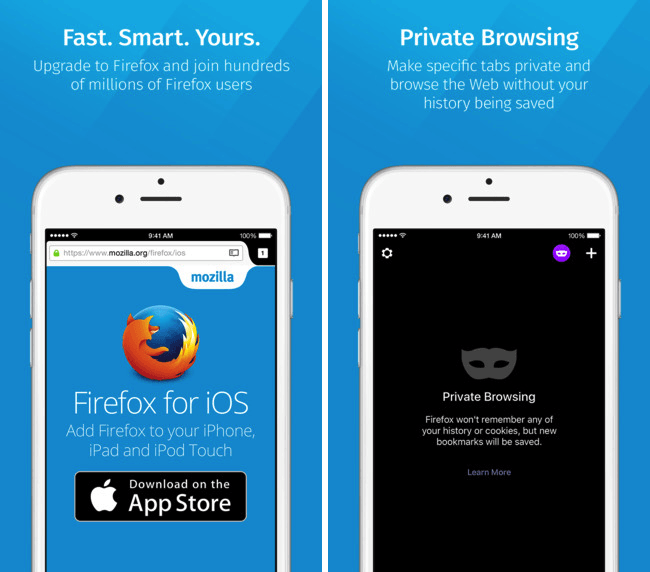
Finally iPhone users can take advantage of Firefox. Photo: Mozilla
As promised, Mozilla has finally brought Firefox to iOS devices around the world, after first appearing on Android more than three years ago.
The browser sports a private browsing mode, along with Google Chrome-style predictive searches and, of course, support for existing Firefox users — meaning that it’s easy to import your existing Firefox bookmarks, saved tabs, passwords, and web history over from your other devices.
Apple PR has sprung into “damage control” mode after Tim Cook uncharacteristically fired verbal shots at Microsoft yesterday — reportedly telling a crowd in Ireland that Microsoft’s attempts to create “hybrid” laptops is, “deluded.”
What is being claimed is that Cook didn’t mean to say “deluded” at all, but instead “diluted” — which is still a diss, but without the insinuations that the good folks at Microsoft are a few sandwiches short of a picnic if they think the Surface will ever be a hit.
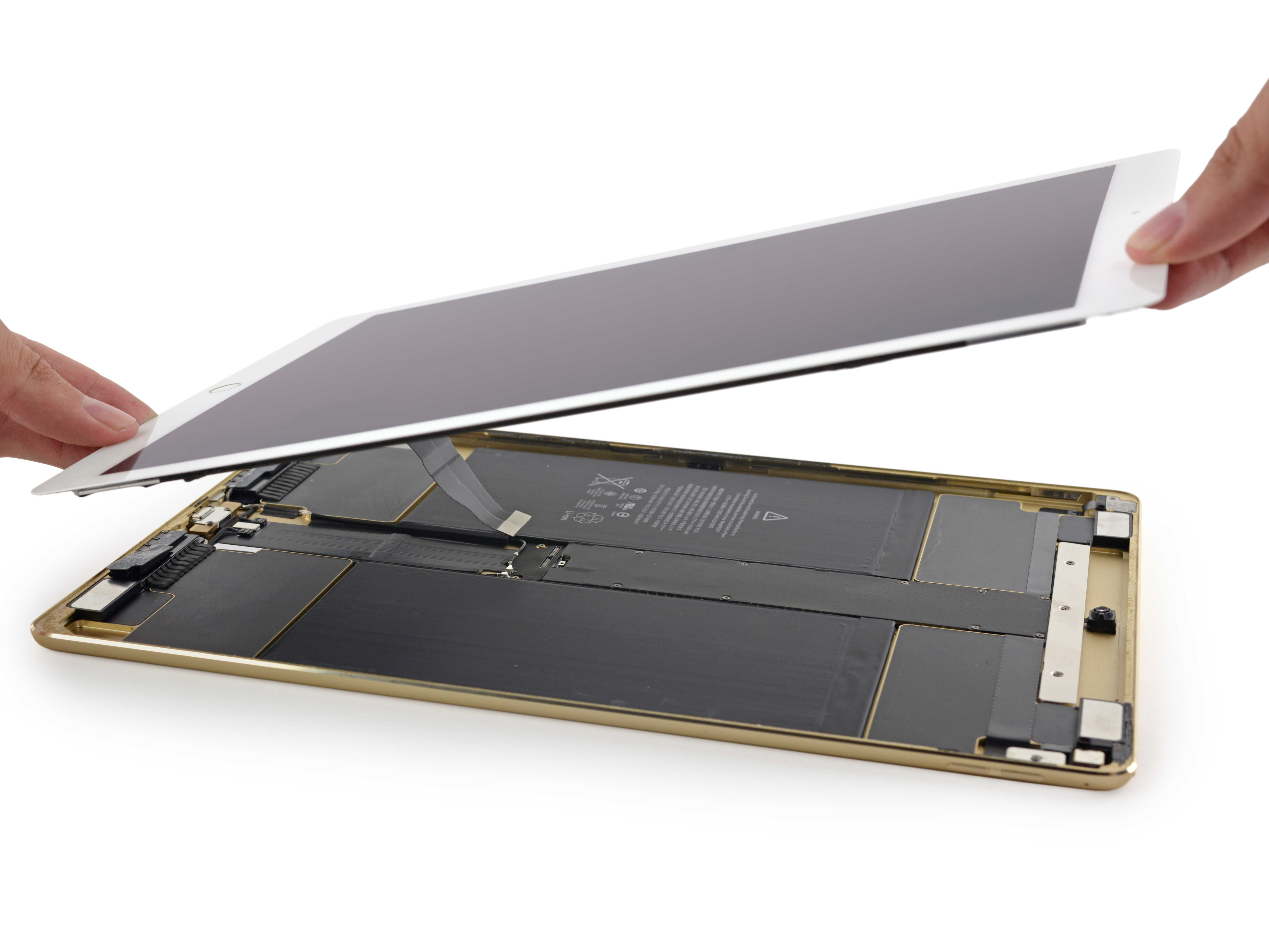
A teardown of the just-released iPad Pro has revealed one of the secrets behind Apple’s redesigned sound system: chambers filled with sound-amplifying foam.
That’s the best guess from the folks at do-it-yourself repair site iFixit, who are strategically dismantling the new tablet as we speak.
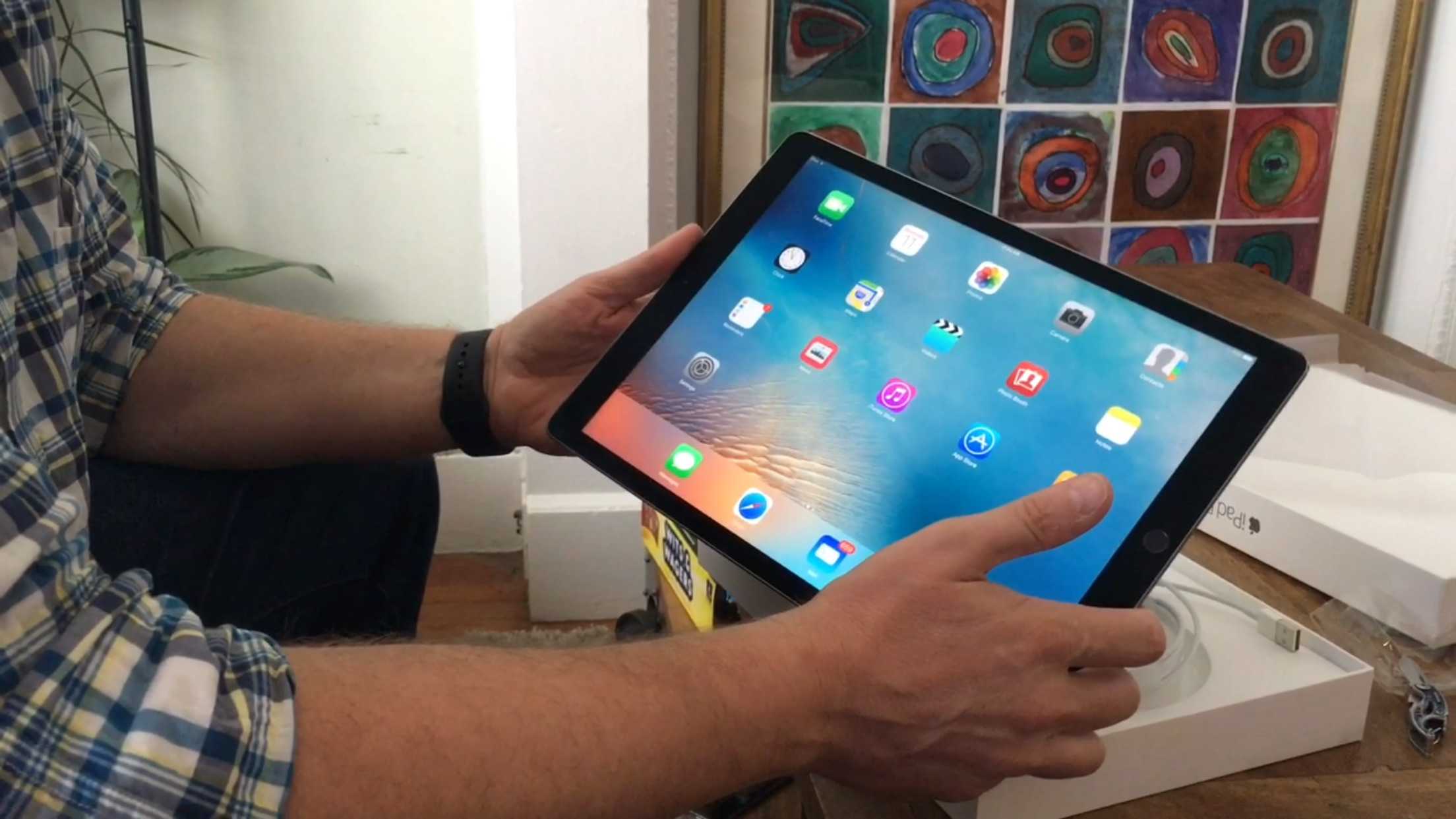
Big and hot: the iPad Pro is the BBW of tablets. Photo: Leander Kahney / Cult of Mac
I ordered the iPad Pro online at first light this morning and picked it up at the Apple Store in Stonestown, San Francisco, just as the store opened. Aside from the sticker shock — more than $1,326.49 for the iPad, Pencil and Smart Keyboard — I was surprised at how readily it is available. Seems like there’s plenty in stock, despite reports of short supply.
The iPad Pro is getting lukewarm reviews, but isn’t that what we always get from the professional reviewers? The same-old measured response that’s neither wildly enthusiastic nor harshly critical? It was the same with the iPhone 6s-es, the new MacBook, and the 6 Plus before that. “They’re not for everyone!” the reviews tended to say.
Well, bollocks! I’m excited about the iPad Pro. I’m as excited as I was about the first big-screen iPhone a couple of years ago. I think size does matter, and the bigger screen on these devices makes a huge difference.
But we’ll see. I just got my hands on it. Check out the video to see what’s in the box and my initial impressions.
The Apple brand is the big difference. Photo: Killian Bell/Cult of MacYour iPhone isn’t as safe as you think it is. Photo: Killian Bell/Cult of Android
Are iPhones really more secure than Androids? Google’s platform certainly gets more stick thanks to high-profile vulnerabilities like Stagefright, but according to a new study, Android is still safer and more secure than iOS.
Apple wants to see a new wave of renewable energy research. Photo: Graham Cook/Flickr CC
Apple is working with the Sustainable Energy Authority of Ireland (SEAI) to fund research toward ocean energy with a whopping €1 million, or approximately $1,072,662. The fund would commence in 2016 and donate €250,000 every year for four years.
After working with third-party smartphone vendors on the Nexus lineup for years, Google is finally toying with the idea of building its own handset, according to some employees. It’s thought the search giant is keen to have a stab at taking on the iPhone all by itself.
Nintendo games will be free, but you’ll pay in some way. Photo: Nintendo
All of the games Nintendo is currently planning for Android and iOS will be free-to-play titles, according to development partner DeNA. That means you won’t have to pay a penny to download them — but they will almost certainly be filled with in-app purchases.
Jony Ive wants to blur the lines between Apple's Pencil and a real one. Photo: AP
In what seems to be less of a rare occurrence these days, Chief Design Officer of Apple Jony Ive gave an interview about the iPad Pro for launch day. Specifically, he talks about the infamous optional accessory called the Apple Pencil. Being that most people at first glance will see this as an overpriced, $100 stylus, it’s fair that Ive wanted to state his case.
Tim Cook certainly seems to be an iPad Pro fan. As you'd expect. Photo: Olivier Hess/The Independent
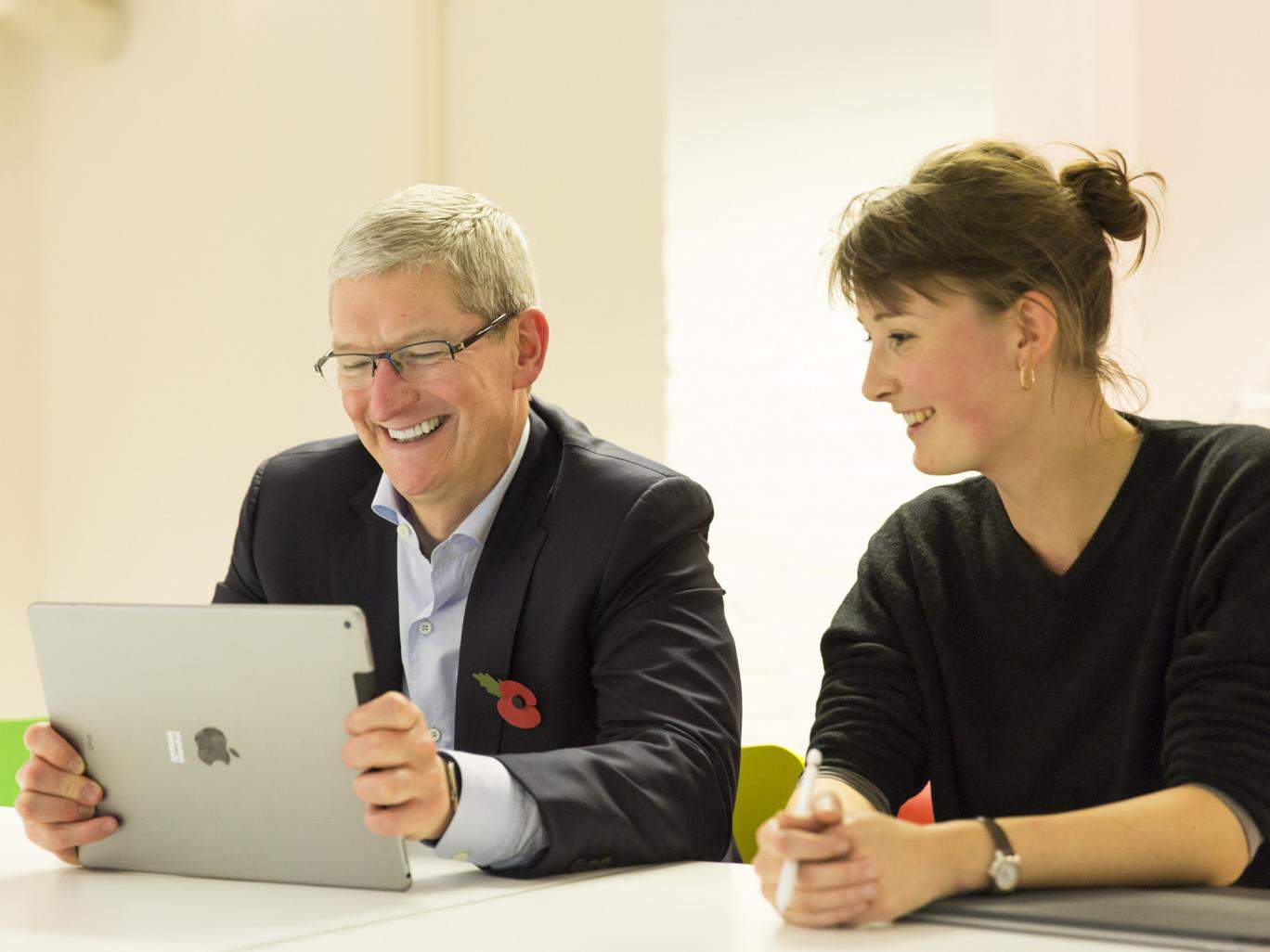
Given that today is iPad Pro launch day, it’s no surprise that Tim Cook gave the customary Apple derisory snort to Microsoft’s rival Surface Book tablet hybrid — referring to it as a “product that tries too hard to do too much,” and calling Microsoft’s belief in it, “sort of deluded.”
It’s exactly the kind of Microsoft bashing I’ve enjoyed from Apple for years, and would normally have me rushing to roll out my best “blue screen of death” jabs at the expense of those in Redmond, WA.
The only problem is, I think the Surface Book looks much more exciting than the iPad Pro.
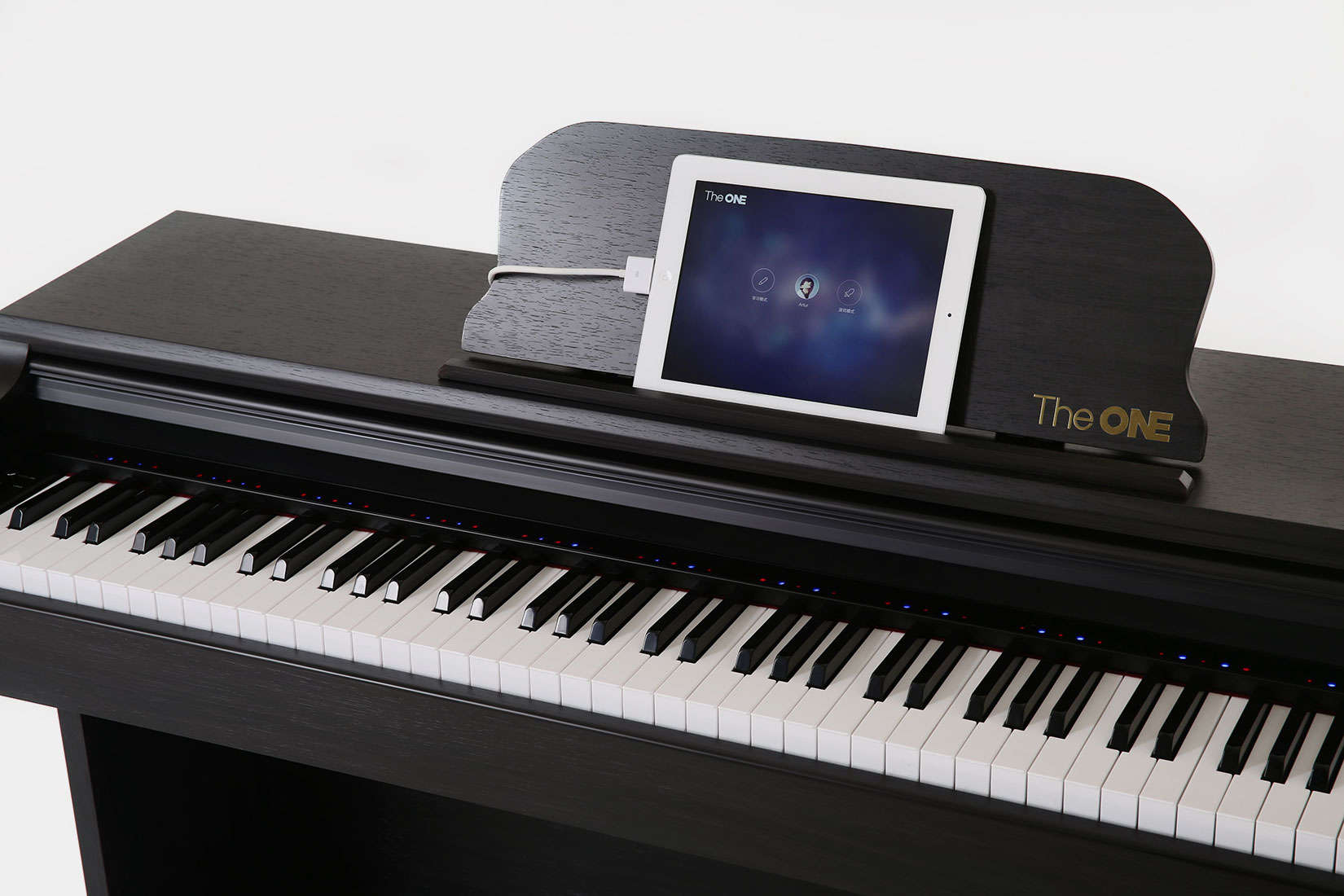
The ONE Smart Piano can help rescue a beginner bored with their private lessons. Photo: The ONE Music Group
Ben Ye knew what could happen as he watched his son chafe and grow bored during private piano lessons. But to keep his son’s interest in music, Ye felt he’d have to do the seemingly impossible: build a new kind of piano and reinvent the way it is taught.
Ye did both and what started as an effort to keep alive an interest in music for his son became available this week in the United States. The ONE Smart Piano, the first Apple MFi-certified smart piano, combines a full-sized piano and a dedicated iOS app that can show a beginner how to play a favorite song in as little as 10 minutes or less.
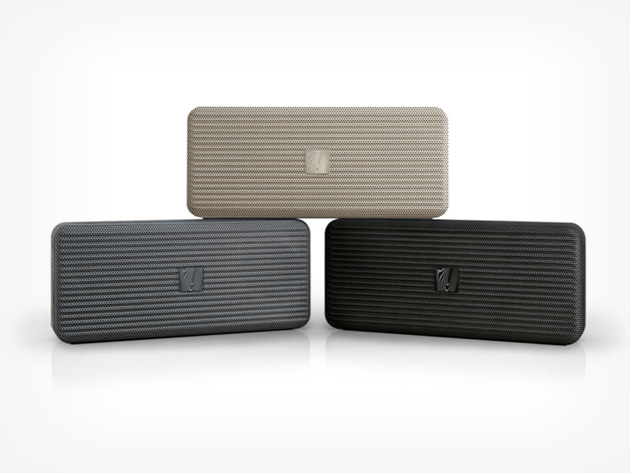
This speaker fits in your pocket while packing enough sound to knock your socks off. Photo: Cult of Mac Deals
We fit all the music in the world in our pocket; if only we could also carry around a great way to listen to it. Enter the Soundfreaq Pocket Kick Bluetooth Speaker, a pocket-size brick that brings the beat and fits anywhere you can keep your wallet. And you won’t have to empty your wallet to get one, either: Right now you can get a Pocket Kick for just $59.99.
This is what a real iPad Air 2 looks like. Needless to say, this isn't what was being sold. Photo: Photo: Jim Merithew/Cult of Mac
A video has gone viral online showing a man complaining after ordering a cheap iPad Air 2 online for $100 — only to discover that it is actually an overpriced piece of tin, complete with a printed iPad home screen on the front, and Apple sticker on the reverse.
What is it that they say about offers which appear too good to be true? You can check out the video below.
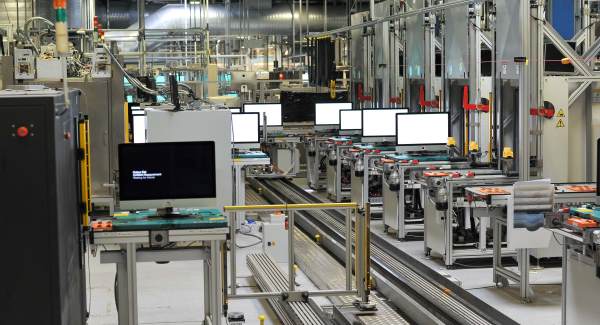
Apple's Hollyhill, Cork factory is the only Apple-run manufacturing facility in the world. Photo: Irish Examiner
Apple has announced plans to hire an extra 1,000 employees in Ireland — as the deadline draws closer concerning the European Union announcing their decision about whether or not Apple dodged taxes thanks to the Irish government.
Apple will add 1,000 staff to its offices in Cork by mid-2017, where it currently operates the only Apple-owned manufacturing facility in the world, building Mac computers.