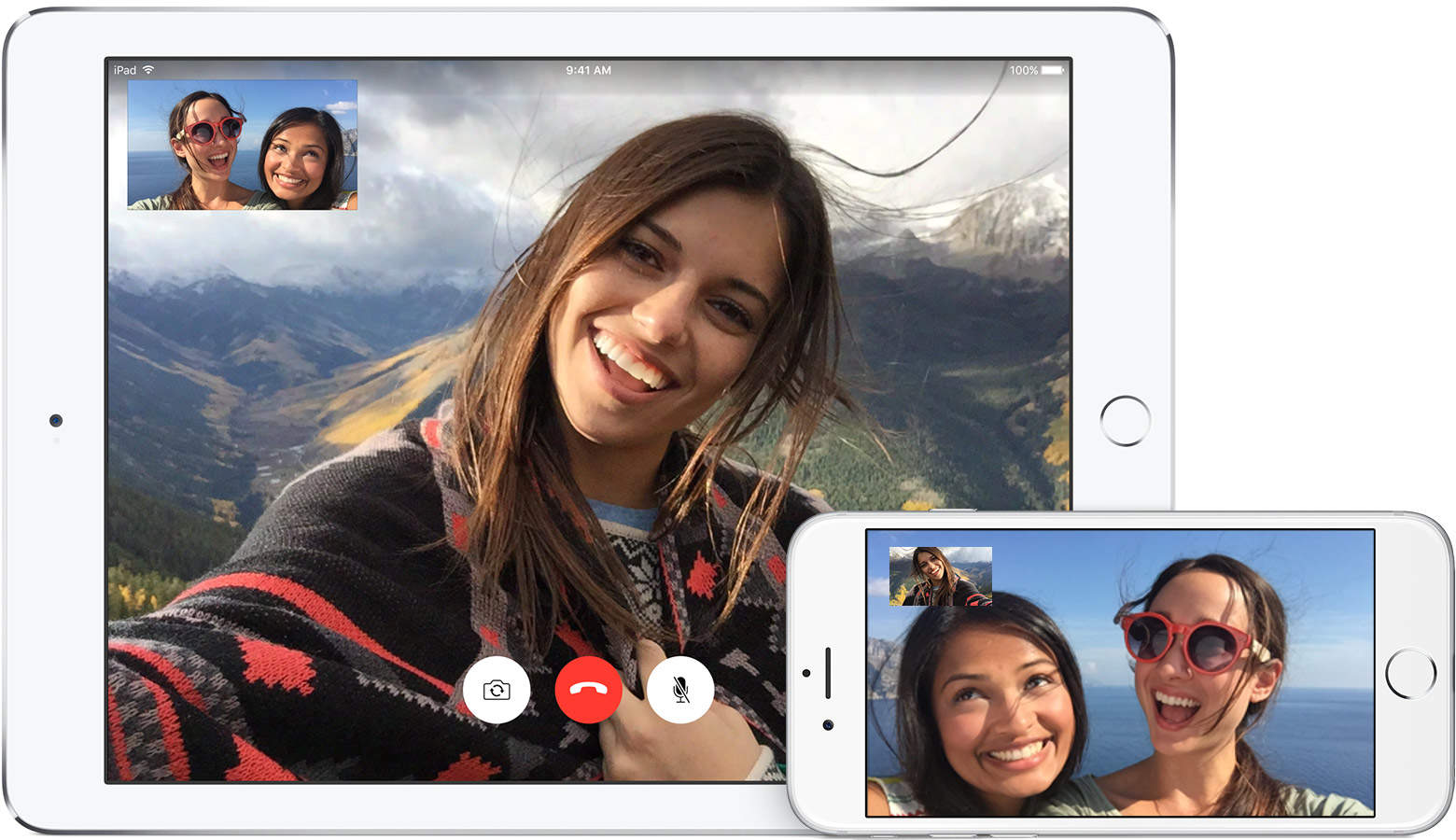
Apple has been ordered to pay patent troll VirnetX a whopping $625 million after losing a legal battle over the technology used for FaceTime and iMessage. The Cupertino company says it is “surprised and disappointed by the verdict,” and calls for patent reform.
Apple TV's new app could give us the interface we've dreamed of. Photo: Jim Merithew/Cult of Mac
If you’re a cord cutter like a lot of us, you might be wondering how to get Super Bowl 50 up on your big screen at home without a cable subscription.
Luckily, if you live in the U.S., you’ve got it pretty easy. Even U.K. folks can stream it live (as long as they have a BBC account) on their iPads. If you live outside these two areas, though, you might need a little help.
Here’s how to get Super Bowl 50 on your Apple TV no matter where you live.
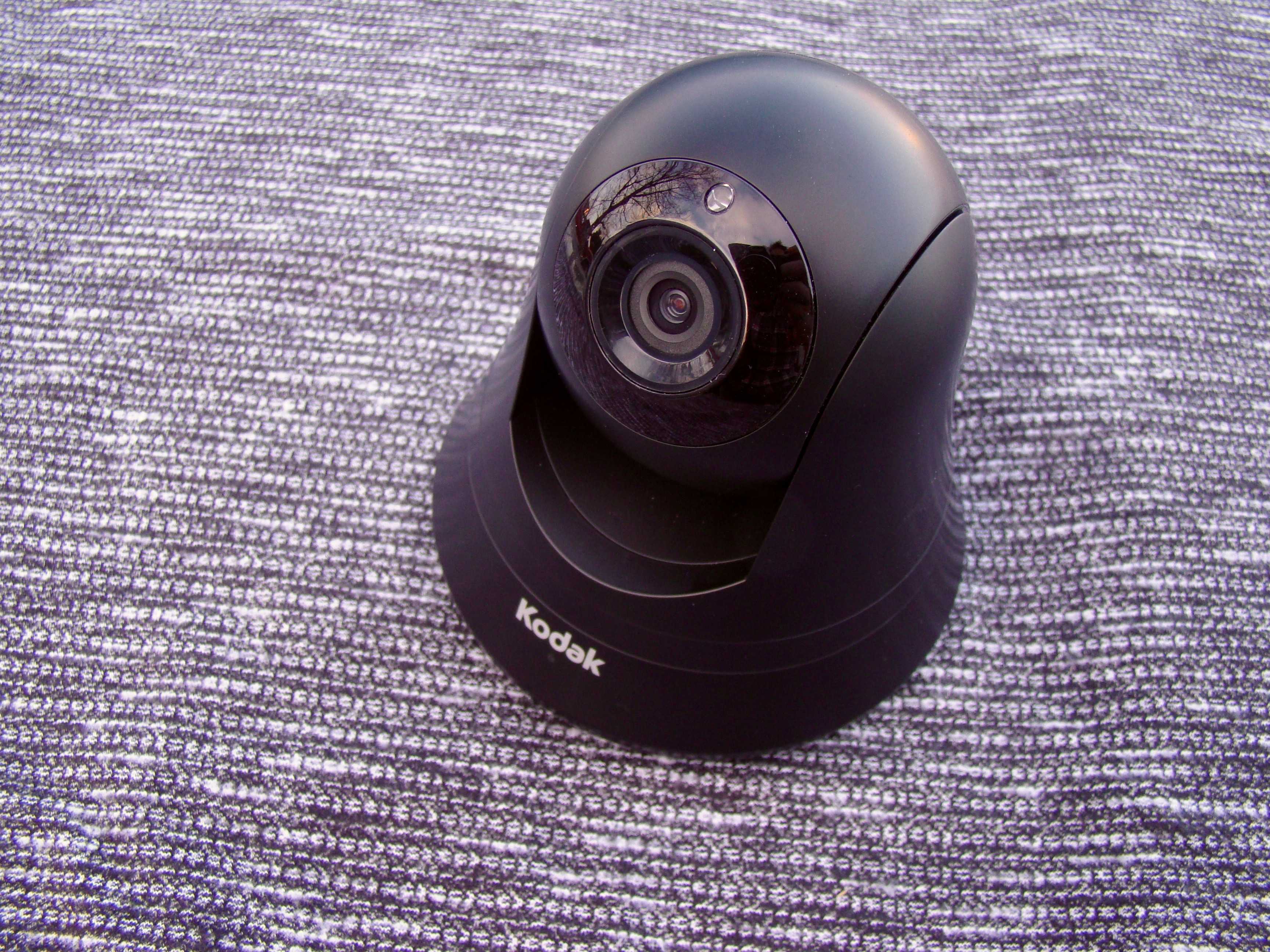
Keep an eye on your precious people, places and things with this great new monitor from Kodak. Photo: Rob LeFebvre/Cult of Mac
Best List: CFH-V15 Video Monitor by Kodak
This new 350-degree pan and tilt home security camera from Kodak is the most amazing video monitor I’ve used, ever.
I’ve helped friends set up a few security cameras over the years, usually to keep an eye on their kids or pets, and the CFH-V15 blows all of them away with its ease of use, simple setup, and high-end video quality.
I sure wish I had one of these when my kids were young.
Tiny Gallery is like this but, like, way smaller. Photo: Ryan McGuire/Pixabay
A new Twitter account called Tiny Gallery will fill your feed with cute scenes from the world’s smallest art space. But it doesn’t use photographs to take you there.
Instead, the creator uses a combination of punctuation marks and emojis to build and paint walls, hang pieces, and populate the little place with visitors. And it’s exactly as cute as it sounds.
The Tetra by Poros greatly reduces low-battery anxiety. Photo: Poros
You could say John Borofka has put a handle on power.
He founded Poros, a company that designs travel and accessories bags with built-in battery system to charge your devices. The company’s fourth bag is a stylish backpack called the Tetra.
The Tetra carries a 10,000 mAh lithium ion battery, enough juice to fully charge a MacBook Retina or an iPhone 6s four and a half times. It can be ordered with a dedicated Apple Lightning Connector and is ready for the future with USB-C compatibility.
Must-have accessories for the MacBook on the go. Photo: Unsplash
When I travel with my Mac, there are a few accessories I refuse to leave home without. Depending on how and where I’m traveling to, what I decide to pack may change, except for a few items. From making sure I’m never without the right kind of outlet adapters, to drowning out plane noise, these are the travel accessories for Mac I could never live without.
You could grab your DSLR. Nah, the iPhone will do the job. Photo: Ste Smith/Cult of Mac
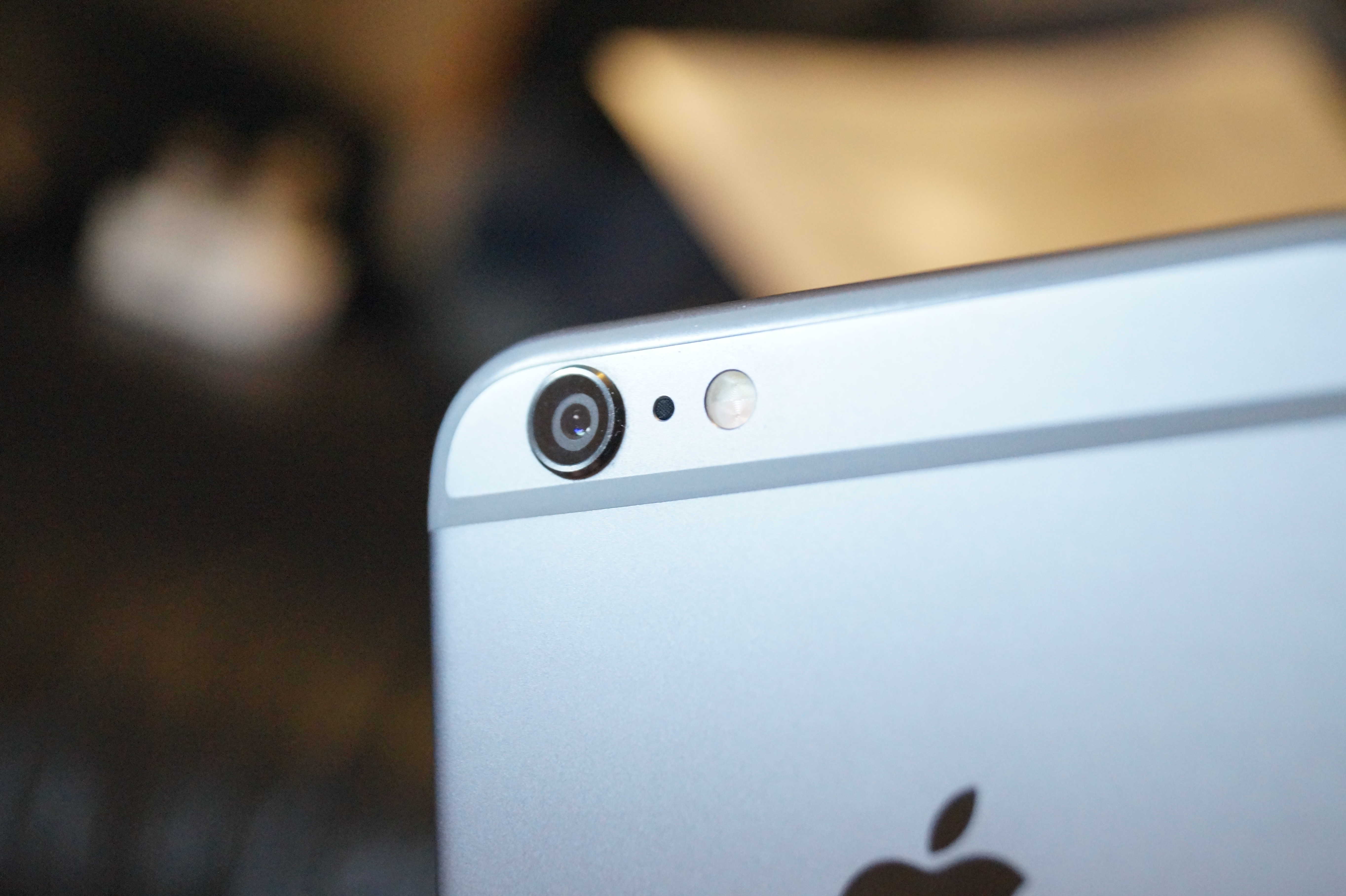
Apple’s favorite camera sensor maker may have just dropped a big hint that a dual-lens camera is coming to the iPhone 7 later this year.
Sony CFO Kenichiro Yoshida revealed yesterday during the company’s Q3 FY15 earnings call that its dual-lens camera platform will be featured in a range of products from “major smartphone players” over the next year.
Delightful and relaxing, Alto’s Adventure is coming to Android for free. Photo: Snowman Games
Alto’s Adventure, the hit snowboarding game on iOS and Apple TV, is headed to the Android platform February 11.
Android gamers will, by and large, have the same gaming experience as their iOS brethren with one significant difference: this new release will be free on Android while it remains $2.99 on iOS.
Apple's back on top again. Photo: AppleApple’s back on top again. Photo: Apple
Google is no longer the most valuable company in the world.
Earlier this week the search-giant’s parent company Alphabet overthrew Apple as the world’s top company in terms of marketcap, but it appears that the company’s reign is already after its stock price began trading way down this morning.
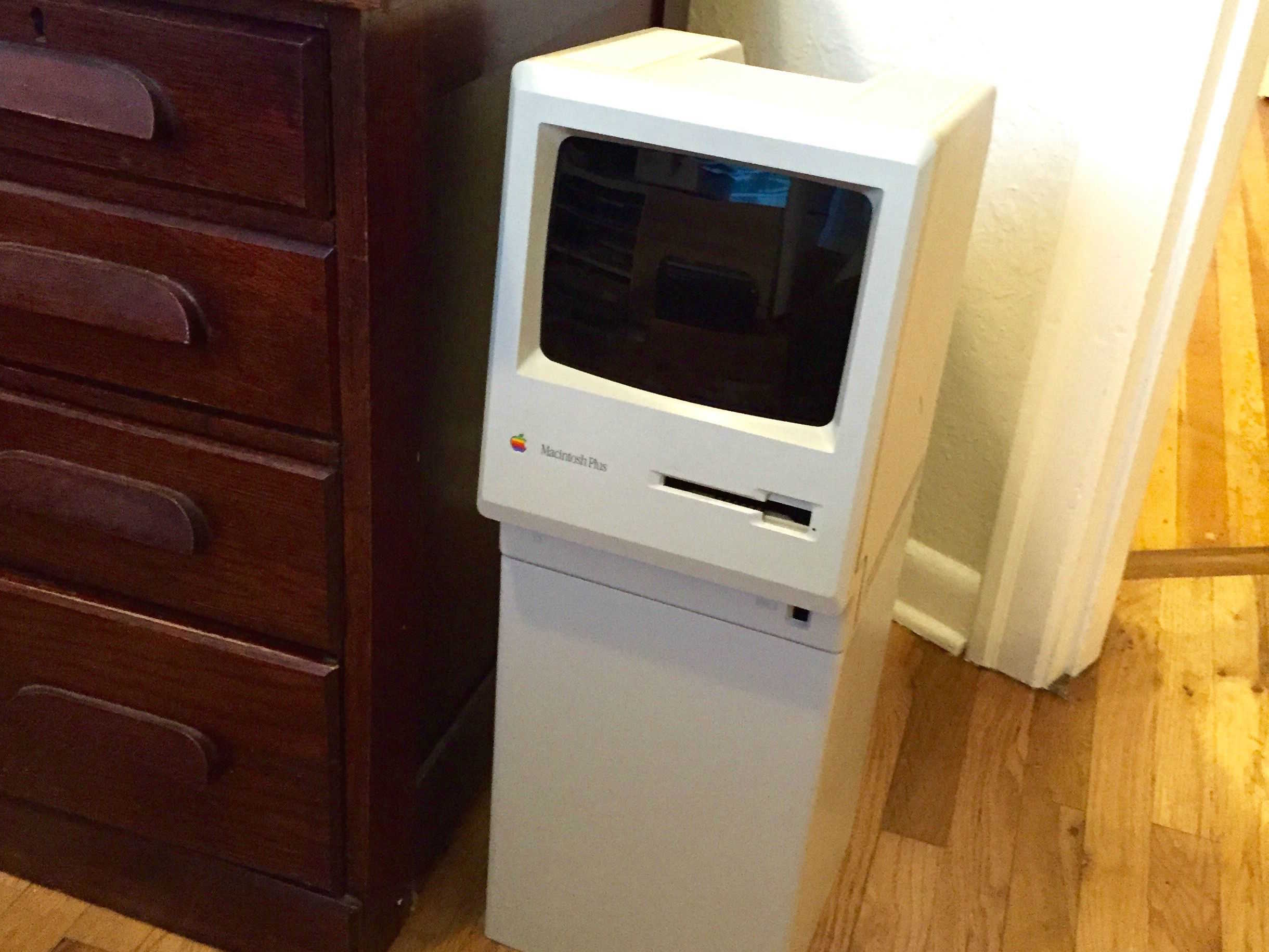
Excuse me, where's the trash? Photo: HahaBird/Imgur
We’ve seen old busted Macs get transformed into everything from aquariums to planters, but have you ever seen a Mac go from the dumpster to a trash can you can toss all your rubbish in?
One Redditor has created a trash can fit for Steve Jobs by taking a Macintosh that had been sitting in his attic for 15 years and giving it a second life as a receptacle for all his garbage, complete with a swinging door that looks just like a Mac display.
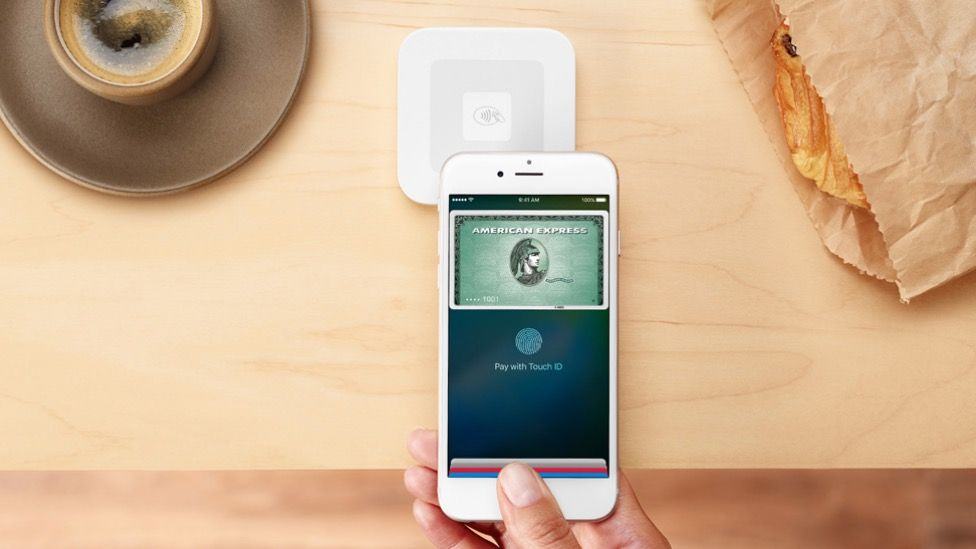
Square's contactless payments reader is here. Photo: Square
Businesses across the US are pretty much out of excuses for not accepting Apple Pay now that Square’s wireless card reader is ready for prime time.
Starting today, every Apple Store in the US is now selling the new Square card readers that bring Apple Pay support as well as the ability to accept new chip-and-pin cards for transactions.
These 7 courses, with more than 50 hours of instruction, are all you need to demystify Python. Photo: Cult of Mac Deals
Python lives up to its name as one of the most flexible and far-reaching languages in web development. Like all coding languages, it can seem like an intimidating prospect to learn and master, but with this comprehensive boot camp you’ll find it’s more accessible than you thought. It clocks in at more than 50 hours of hands-on instruction, and you can get it now for just $39.
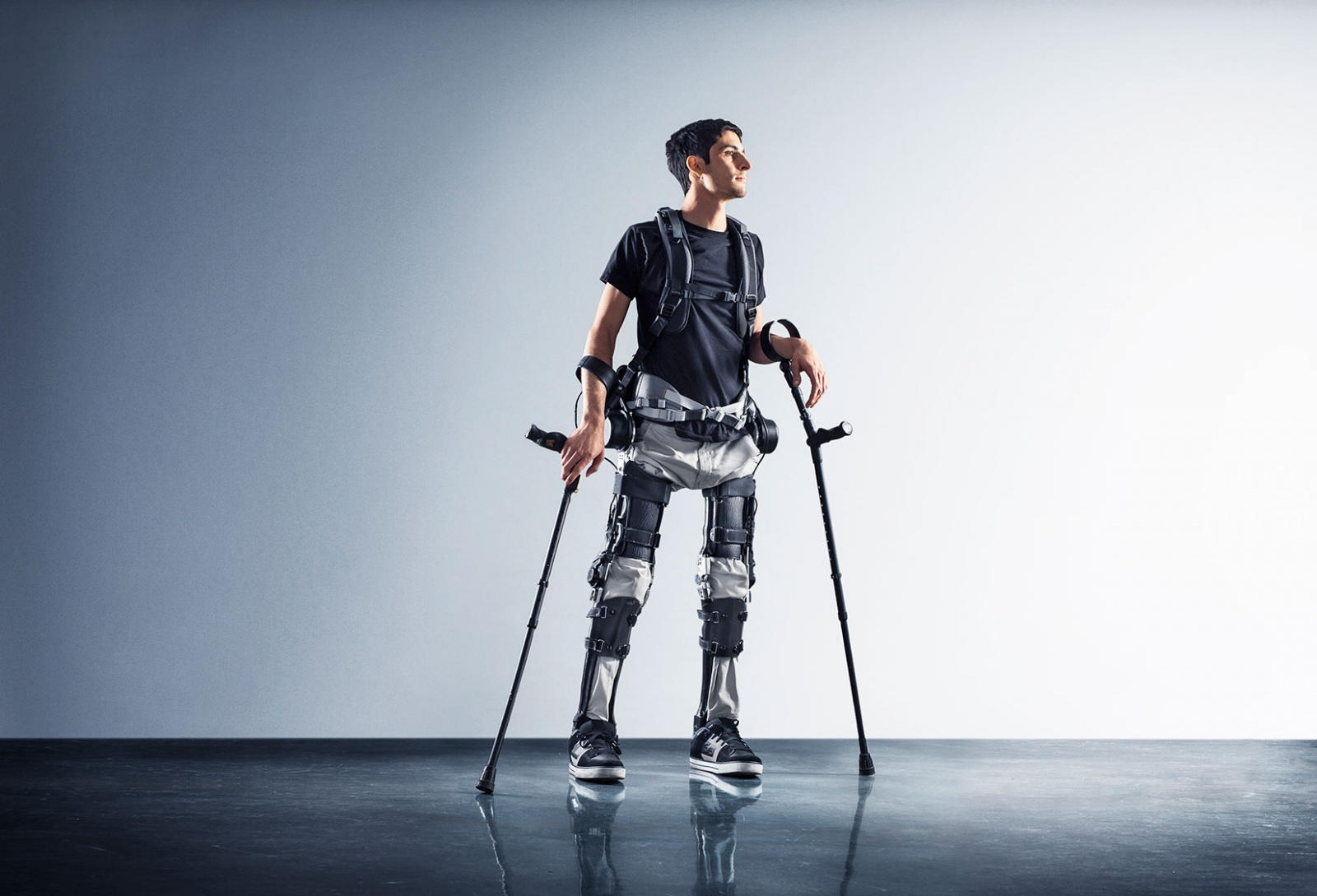
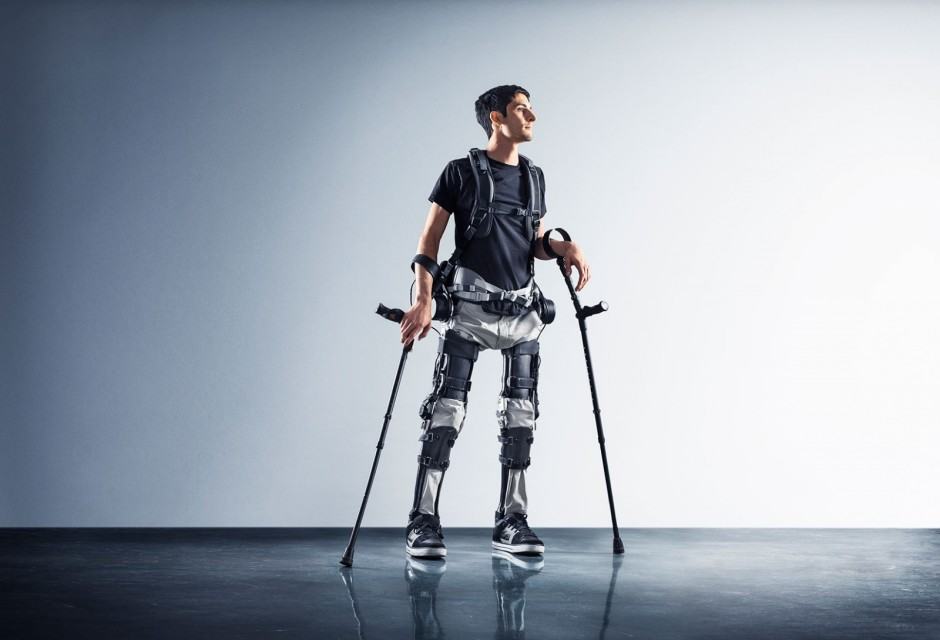
Steve Sanchez says the Phoenix is a breakthrough in exoskeleton comfort. “This is the first suit I’ve tried where I don’t feel like I am riding a robot," he said. Photo: SuitXSteve Sanchez says the Phoenix is a breakthrough in exoskeleton comfort. “This is the first suit I’ve tried where I don’t feel like I am riding a robot,” he said. Photo: SuitX
Dr. Homayoon Kazerooni has created bionic machinery that can help a person rise out of a wheelchair and walk. Yet, there’s one barrier preventing some people from walking – cost.
This week, Kazerooni’s work takes an important step forward. His company, SuitX debuted a lightweight exoskeleton, dubbed Phoenix, for people with mobility disorders at an initial price of $40,000, about two to four times cheaper than other devices.
Don't let OS X windows take over your whole screen. Photo: Luke Chesser/Unsplash
It used to be that if you wanted to zoom any window on your Mac to see as much of the content inside it as possible, you’d hit OS X’s green button in the upper left of the window.
As of OS X Yosemite, the green button turned into a “full screen” trigger, zooming any window out to completely fill your Mac’s monitor.
If you hate that behavior, here’s an easy way to get the original zoom feature without the full screen.
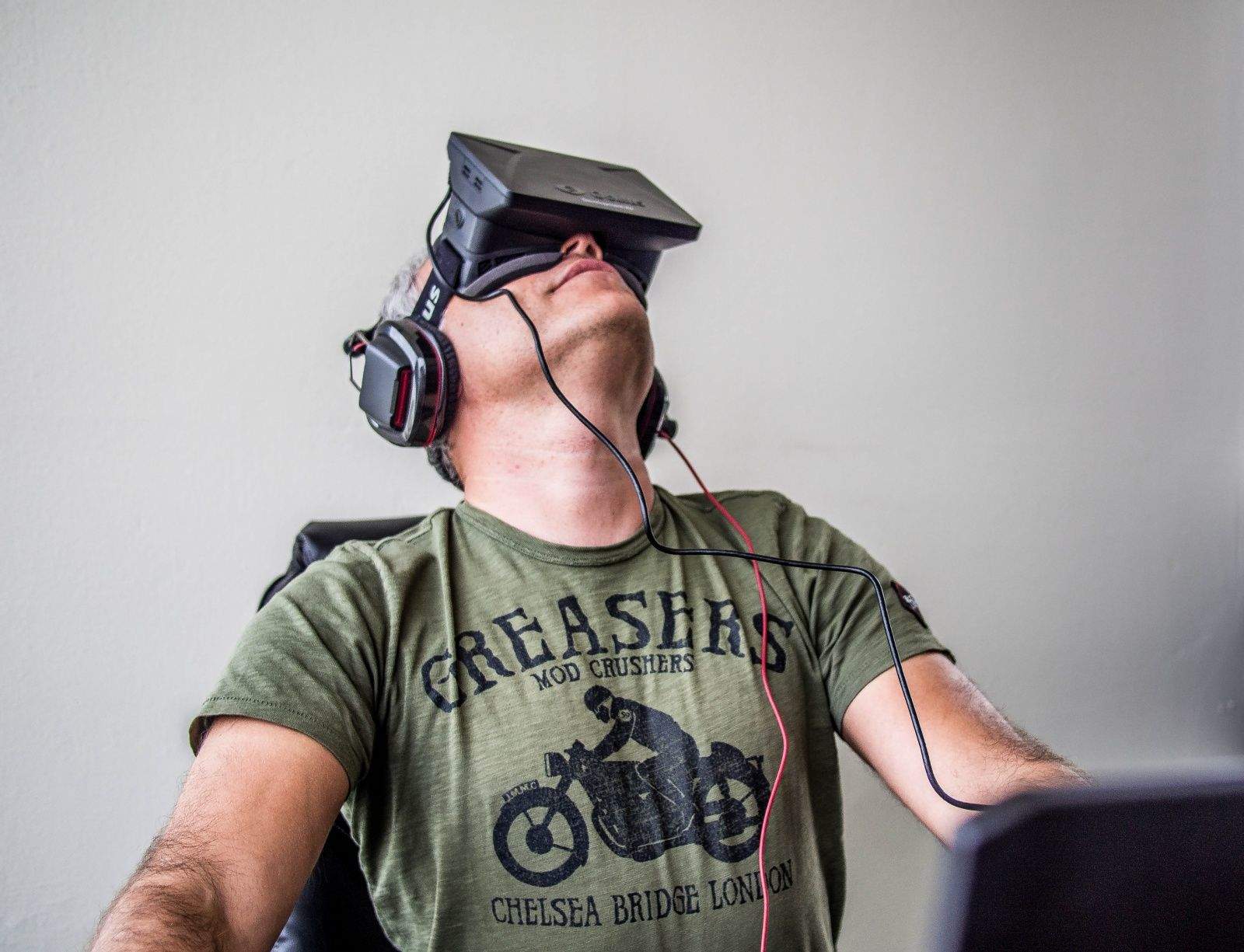
Apple may not have shown much interest in diving into virtual reality over the past few years, but the director of Stanford’s Virtual Human Interaction Lab says the company has shown some intense interest in the space recently.
Speaking at a technology conference this week, Jeremy Bailenson revealed that Apple employees have become regulars in his lab recently — and they won’t say why.
Got a new iPhone? Set it up right. Photo: Jim Merithew/Cult of Mac
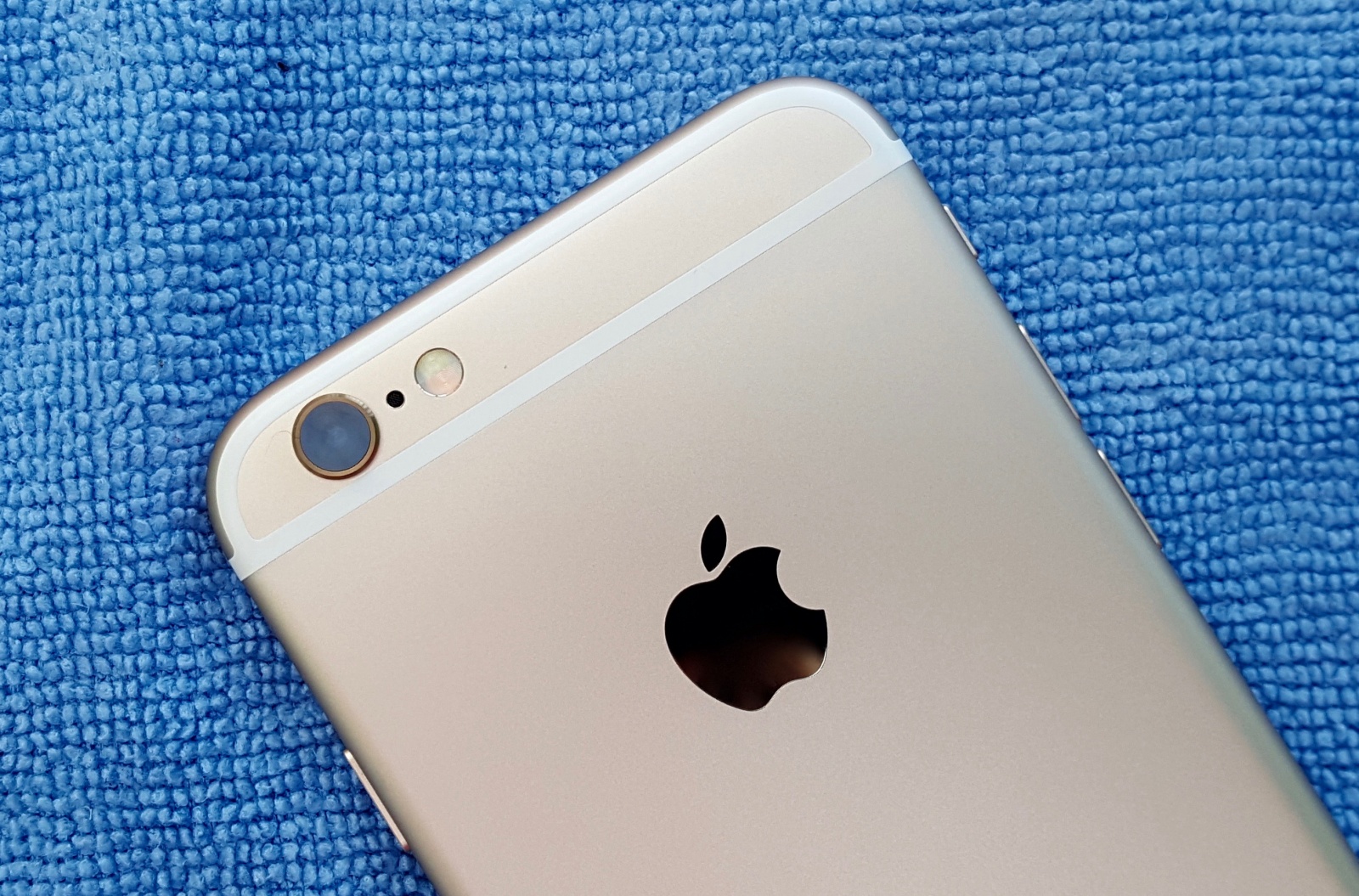
The iPhone 7 may not look that much different from the iPhone 6s, according to a new rumor claiming that Apple’s next smartphone will only feature two big design changes.
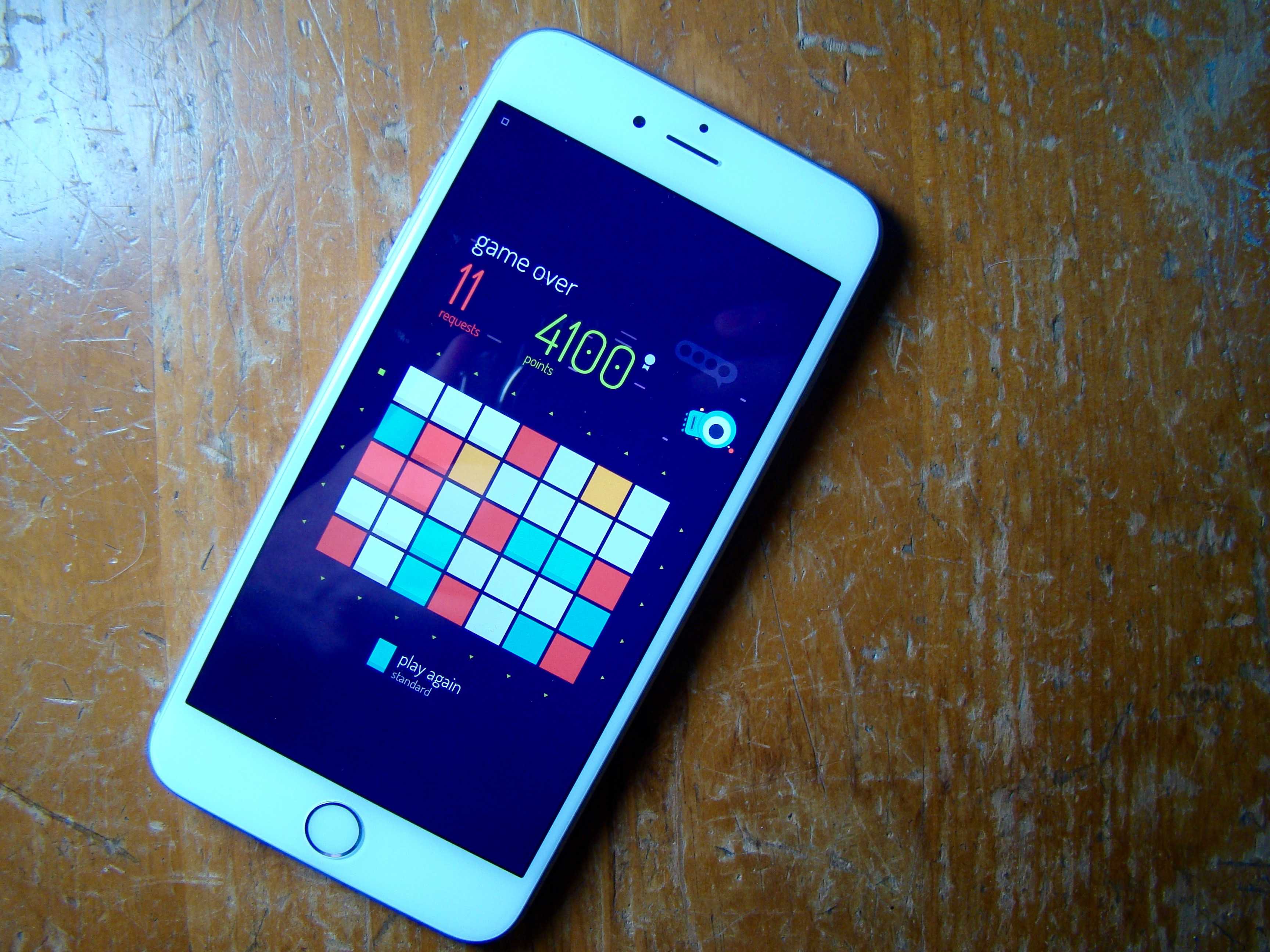
With a game this great, even non-puzzler fans will have a good time. Photo: Rob LeFebvre/Cult of Mac
I’m not a fan of abstract puzzle games, which makes it quite a surprise how much I’m enjoying twofold inc., a fairly abstract puzzle game that challenges you to match colors with a bit of math.
Did I mention I don’t like math games, either? What gives?
One of the biggest producers in hip hop (and Snapchat) is coming to Beats 1 Radio.
DJ Khaled revealed on Instagram that he has signed a deal to produce a weekly show for Apple Music called ‘We The Best’ that will broadcast every Friday night. To kick things off, Khaled is going big by exclusively debuting Future’s entire new album Purple Reign.
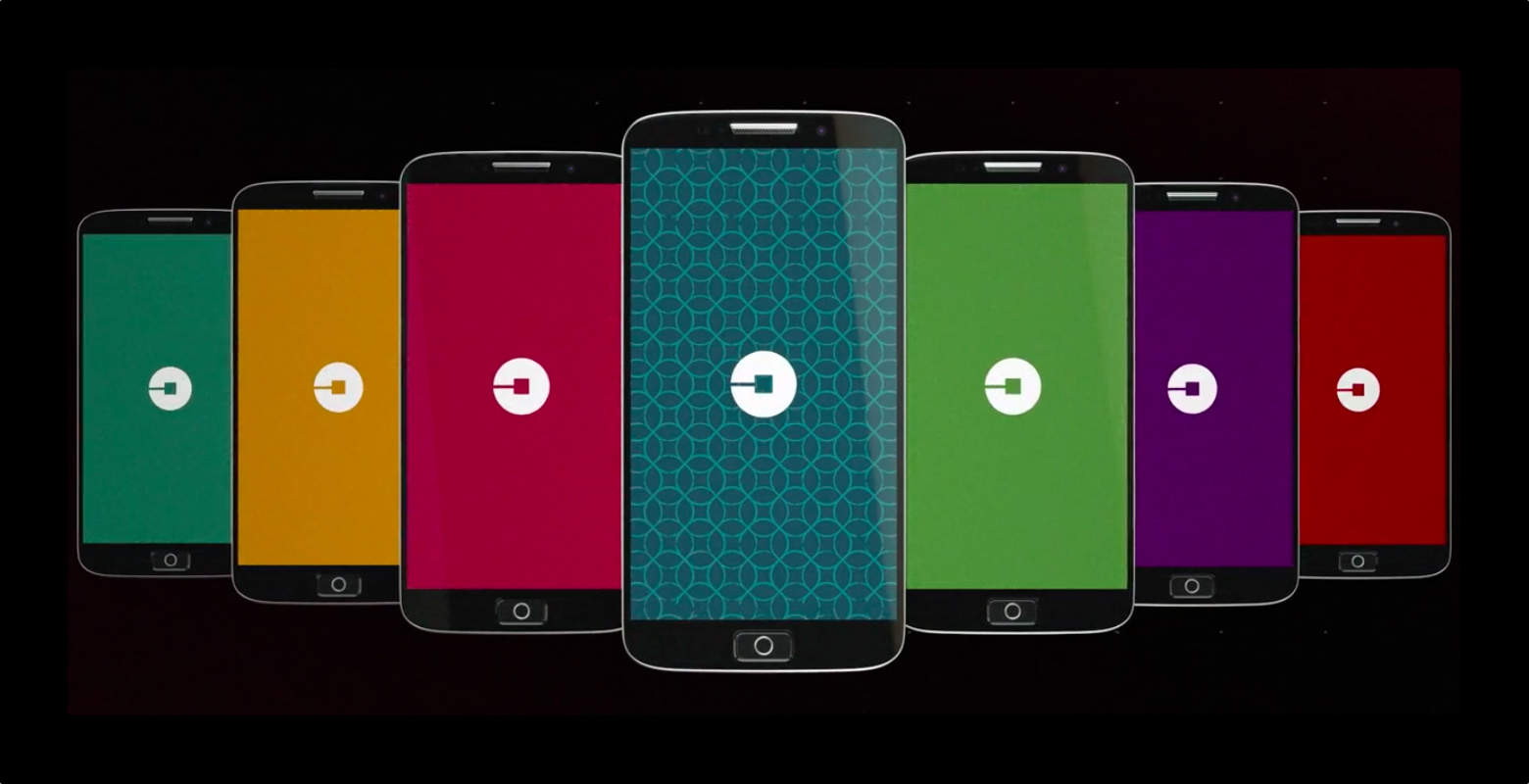
Uber's new app icon is already getting insults. Photo: Uber
Uber dropped a surprise announcement today that it has completely changed its logo and branding. The new logo is only slightly modified, featuring an altered font with letters that are closer together. The bigger news is the new app icon reflecting a total branding change. People already aren’t thrilled with it.
The picture you see above is indeed using the new Uber icon. It’s supposed to represent very small, simple forms of matter and technology coming together: atoms and bits.
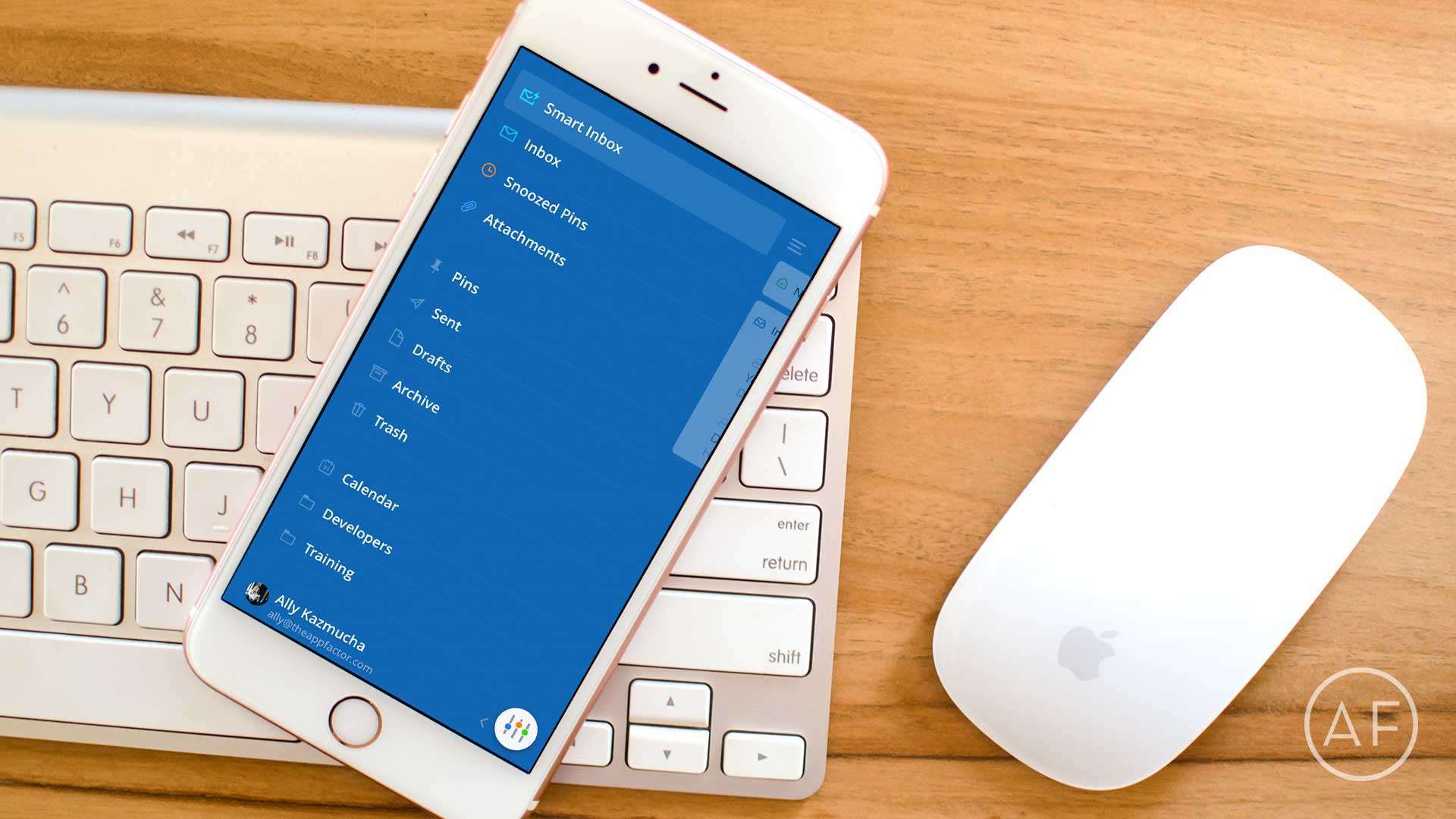
When the stock email isn't enough anymore, give these mail app alternatives a try. Photo: Ally Kazmucha/The App Factor
Traditional email isn’t for everyone, and neither is the built-in Mail app for iPhone. If your email needs are minimal, the Mail app works just fine. However, if you live and breathe mail, you’ll want something that helps you triage faster. These are currently the best mails apps available for iPhone.
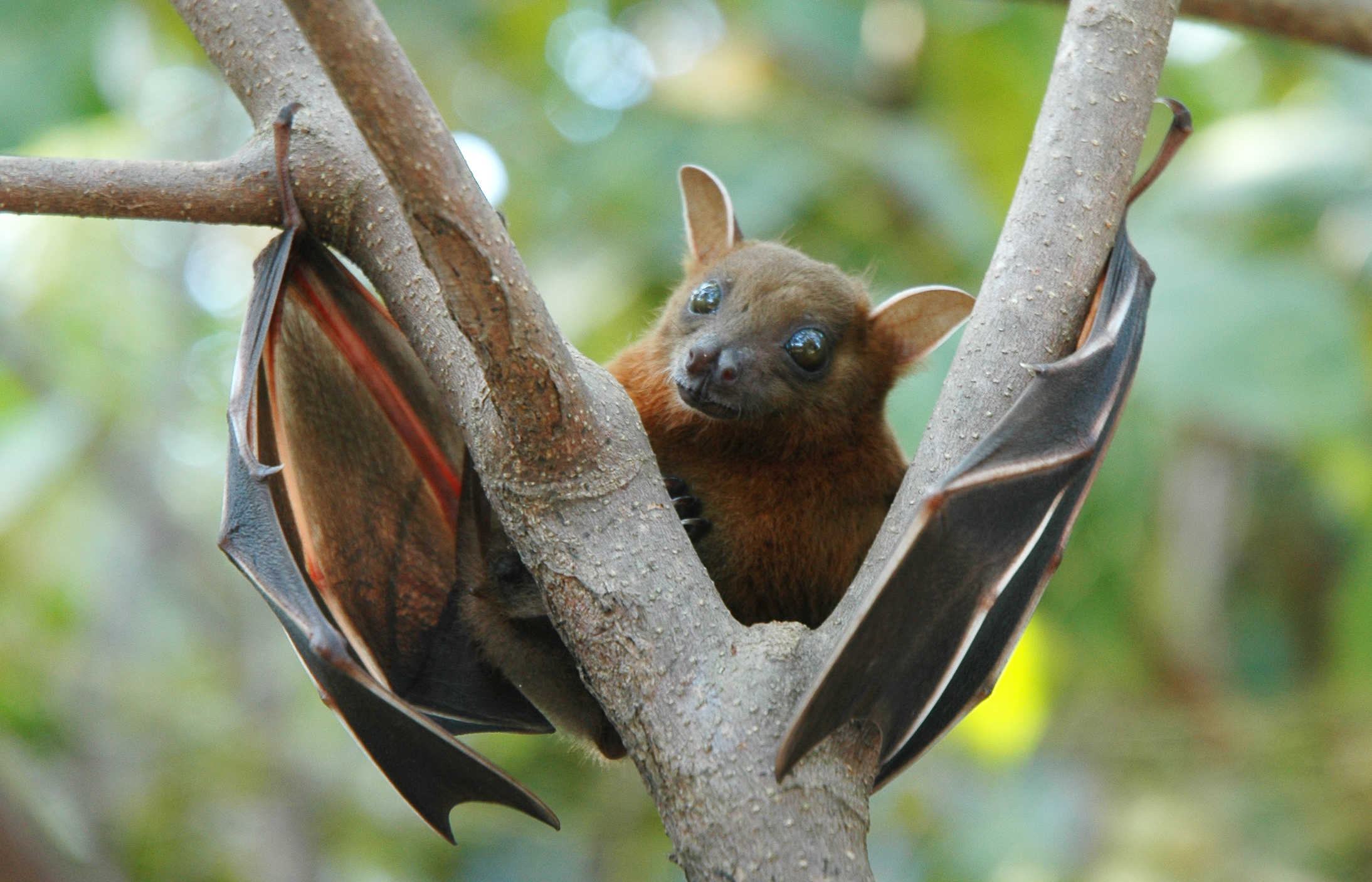
Not an Irish bat, but cute anyway. Photo: Anton Croos / CC Wikimedia
Apple’s plans for a new €850 million data center in Ireland have been put on hold after nearby residents appealed the recent decision to grant Apple rights to build there.
The complaint cites increased traffic and noise due to construction, but also claims that nearby bats and badgers, protected species that live in the nearby forest, will be significantly impacted.
The planning appeals board hopes to have a decision on the objections and make a final call sometime this month.
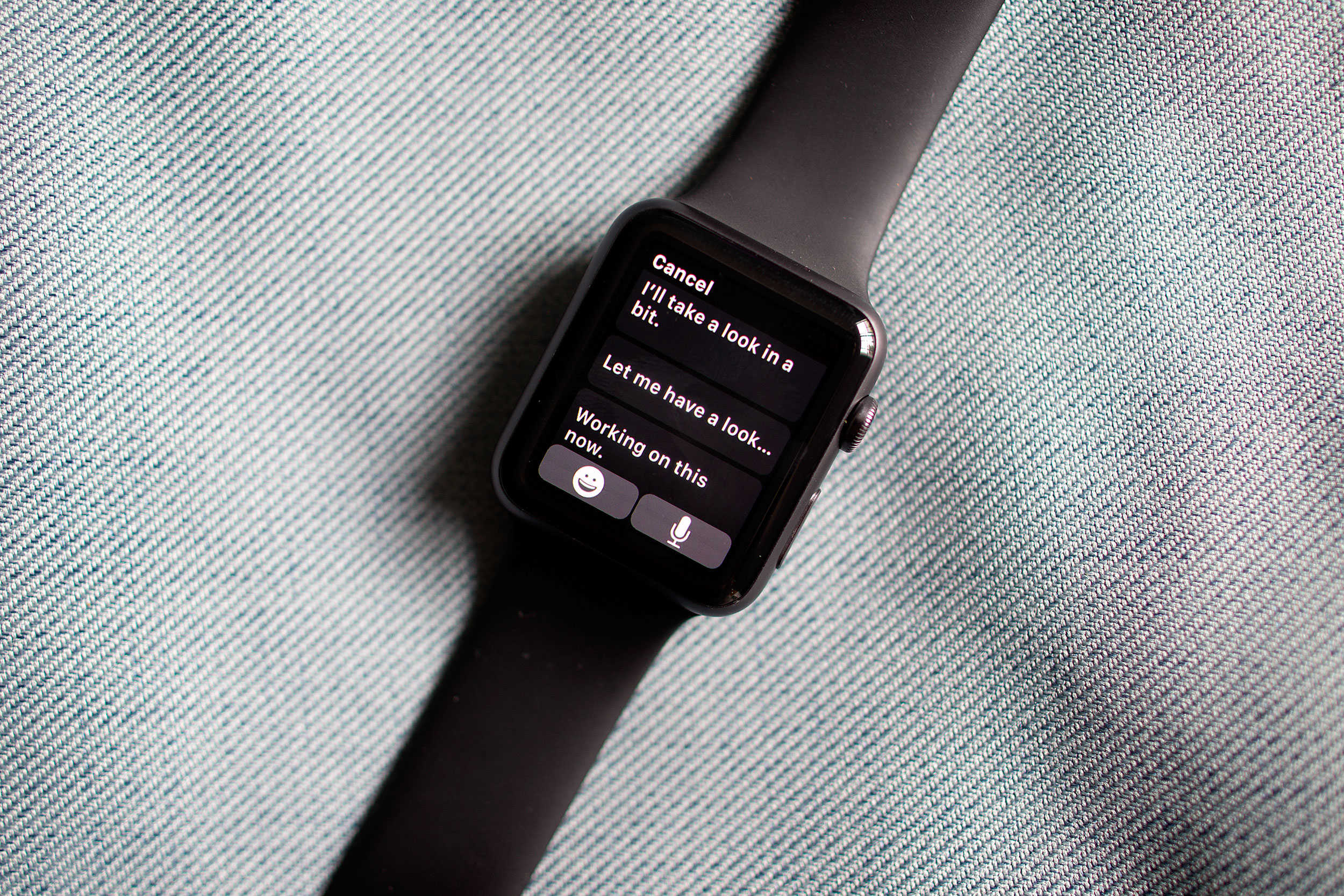
Get your Apple Watch ready for your new iPhone. Photo: Jim Merithew/Cult of Mac
The iPhone might not be the only device getting an incremental upgrade at Apple’s next keynote, which is rumored to take place March 15.
In a note to investors this morning, Apple analyst Gene Munster claims Apple Watch may get a slight hardware upgrade this spring that will include a better processor, improved battery life and other new internal components.
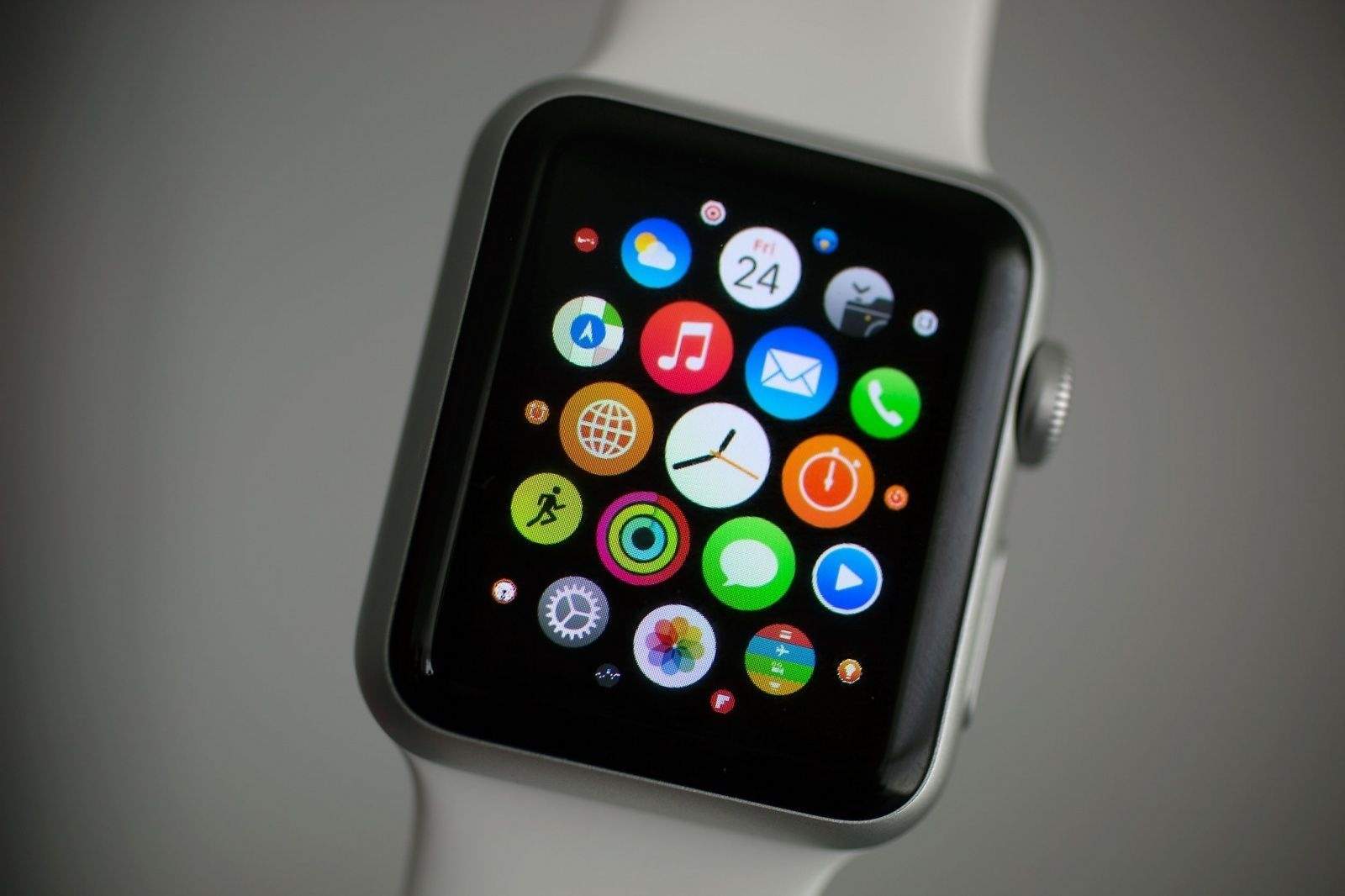
Chances are you'll see quite a few more of these in the coming years. Photo: Jim Merithew/Cult of Mac
Makers of wearable electronics need to thank the Apple Watch for the rapidly growing wearable market, itself poised to see even more stunning gains in the coming year.
“From 2015 through 2017, smartwatch adoption will have 48 percent growth largely due to Apple popularizing wearables as a lifestyle trend,” said Angela McIntyre, director at research firm, Gartner.










.jpg)