Mobile menu toggle

iOS 11 makes it far easier to organize Home screen app icons

By

iOS 11 brings plenty of powerful new features.
Photo: Apple

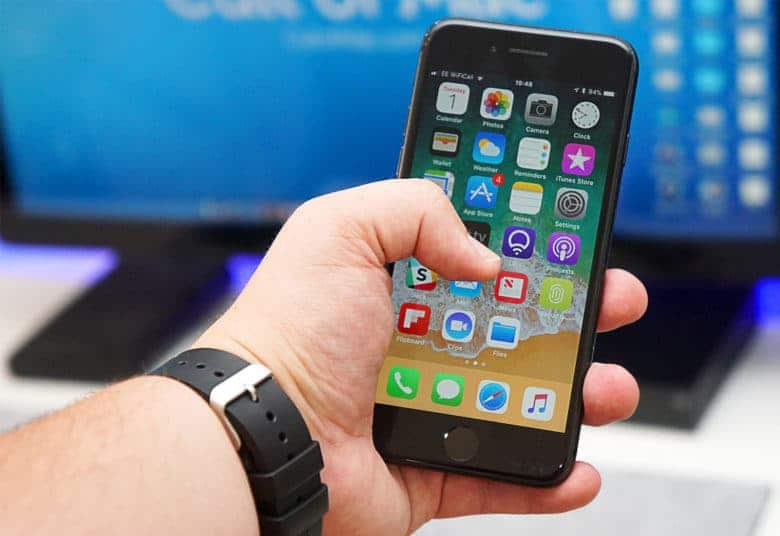
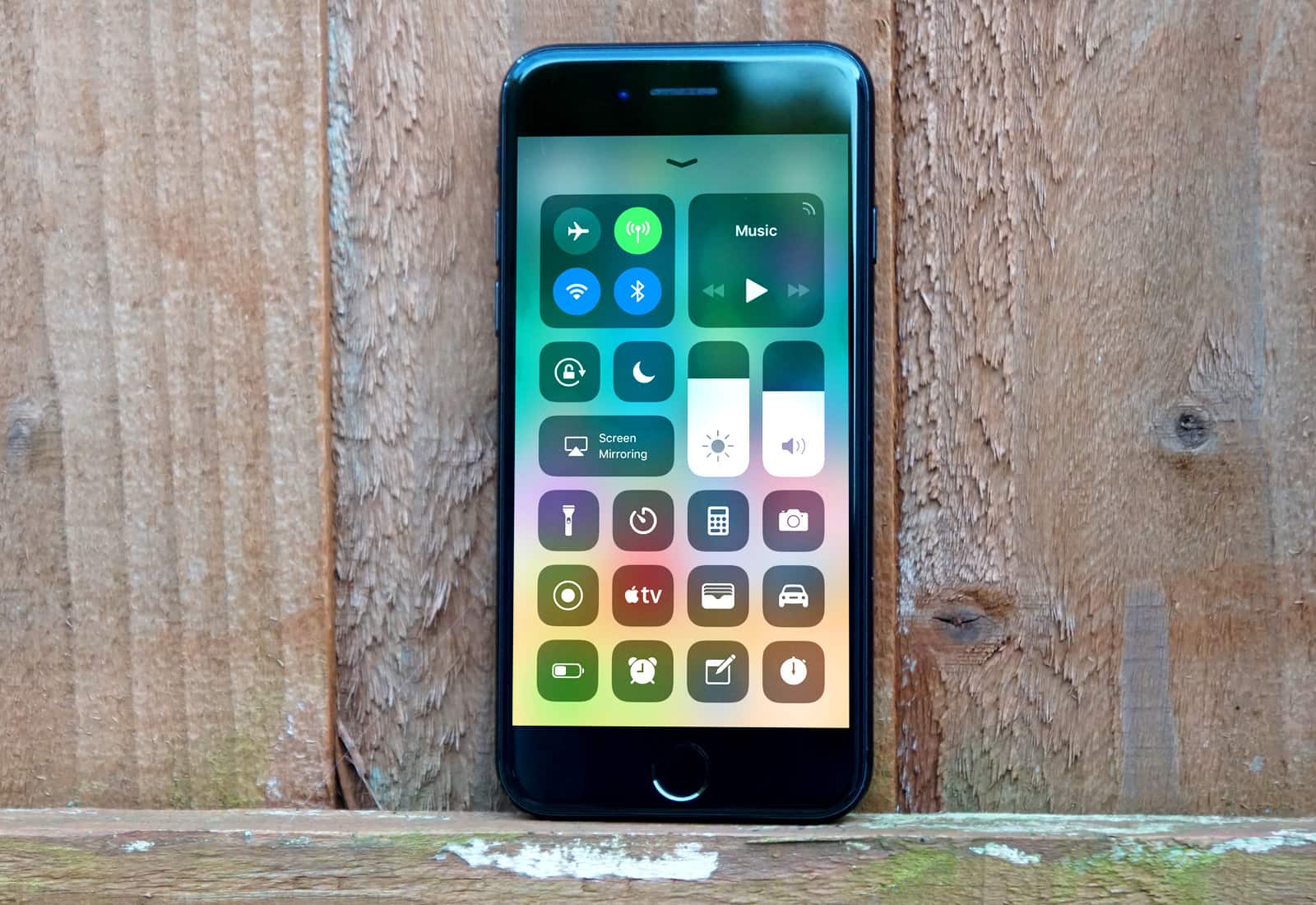
Rather than completely overhauling the Home screen in iOS 11, Apple settled for a few neat tweaks that will make using your iPhone easier. One of the coolest new features makes the previously clunky process of organizing your Home screen a lot less annoying.

Rather than painstakingly dragging individual app icons across the pages of your Home screen, iOS 11 lets you move multiple icons simultaneously with this hidden trick.

You don’t need iTunes to manage your iOS data [Deals]

By

This popular app offers a range of tools that makes it much more versatile than iTunes for iOS management.
Photo: Cult of Mac Deals

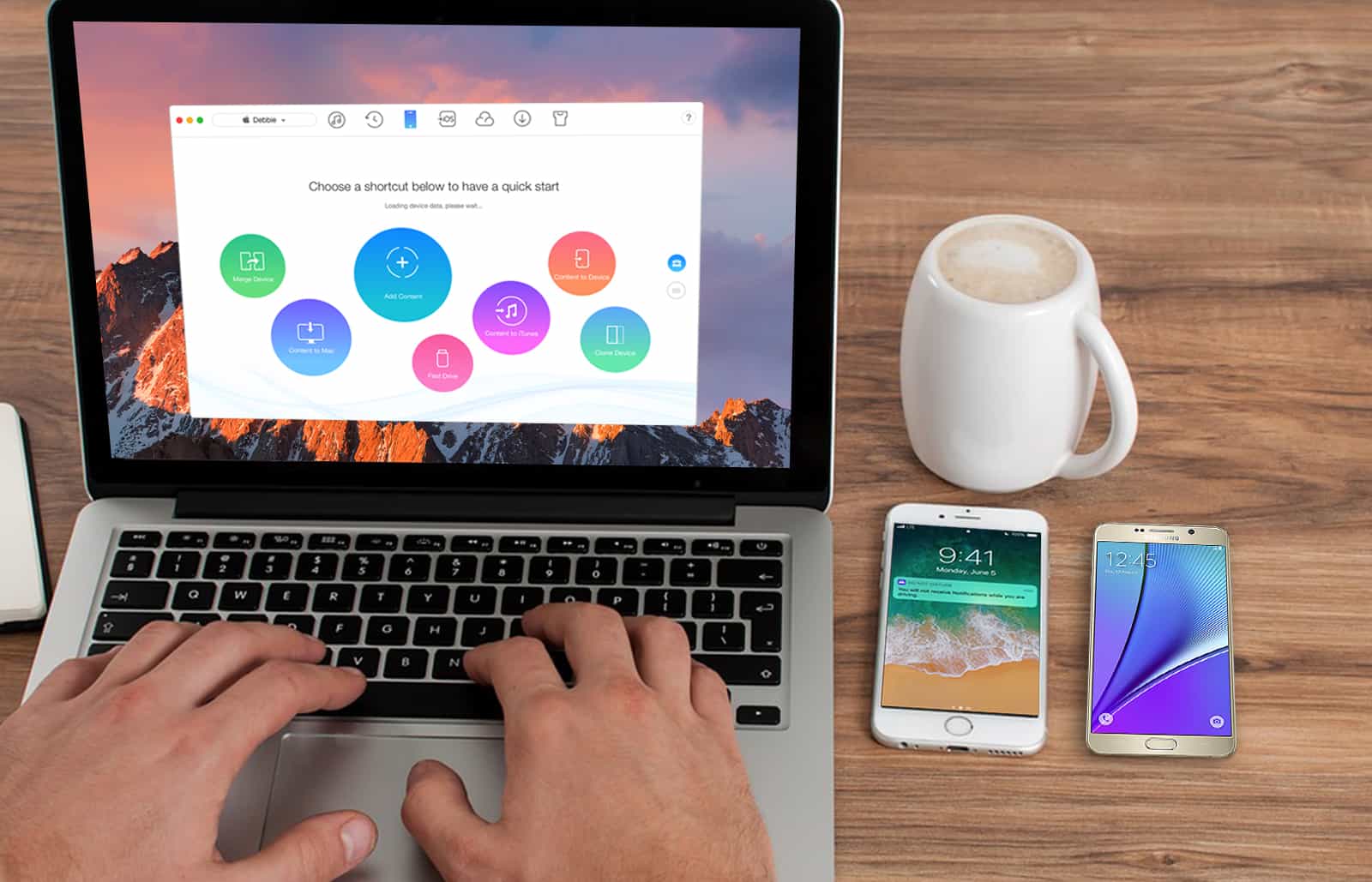
For all the use we get out of our iDevices, iTunes doesn’t offer much choice in how we manage their data. Whether it’s hidden files eating up storage, or the complex dance required to move a single song from one place to another, it can be more hassle than convenience. There’s just has to be a better way. And of course, there is.

iMazing 2 is a popular app that offers a spread of tools for moving and managing every category of iOS data. No wonder this app calls itself the Swiss Army Knife of iPhone, iPad, and iPod management. Easily browse and manage backups, extract and print text messages, drag and drop songs from one device to another, all without jailbreaking or other trickery. And right now is your last chance to get iMazing 2 for just $24.99 at Cult of Mac Deals.

Ultra-rare Apple sneakers will sell for big bucks at auction

By

image003
Prepare to remortgage your home to afford these!
Photo: Heritage Auctions

Do you hate going outside without anything on your feet? Happen to have a spare $30,000 sloshing around? Then you could be the lucky owner of an incredibly rare pair of authentic 1990s Apple sneakers, going up for auction this weekend.

Part of a Beverly Hills auction titled “The Future is Now” by Heritage Auctions, the shoes will be sold off on June 11, alongside an assortment of “sneakers, surfboards, skateboard decks and street art.”

With Planet of the Apps, Apple fails to crack the code for good TV [Review]

By

Screen Shot 2017-06-07 at 11.45.49
When it comes to original programming, this isn't exactly Netflix's House of Cards.
Photo: Apple

With its new reality show Planet of the Apps, Apple didn’t try to reinvent the wheel. It slapped a new body on a well-worn vehicle — wannabe entrepreneurs pitching their precious ideas to a panel of questionable celebrity experts — and drove straight to “Meh-ville.”

How to identify 32-bit apps that won’t work in iOS 11

By

32-bit apps
32-bit apps won't launch on iOS 11. Here's how to get a list of the ones on your device.
Photo: Cult of Mac

iOS 11 won’t run any 32-bit apps. Most of the time, that won’t make any difference — most apps you use every day were updated to be 64-bit a long time ago. But we all have a few of those old apps laying around that haven’t been updated in years. Perhaps they’re still useful for you, or maybe Apple kicked the app out of the App Store and there’s no modern alternative?

Under iOS 11, those apps will no longer work. You may as well just delete them. And to help, there’s a spot in the Setting app where you can see a list of all those incompatible apps.

iOS 11 video player gets a serious upgrade

By

iOS 11 video player
The iOS 11 video player even supports YouTube's auto-generated captions, not that you'll ever want to use them.
Photo: Cult of Mac

iOS 11 has gotten a big upgrade to its QuickView video player, the one that takes care of videos playing in apps, on web sites, and so on. Previously you only got a basic video scrubber, a volume slider, and a play button. Now, you can not only access subtitles and AirPlay right from the video screen, but you can control pretty much everything in the new iOS 11 video player with a keyboard.

How To always open a website in Persistent Reader View in iOS 11

By

persistent reader view compare
Clean up the busiest sites automatically with the new Persistent Reader View.
Photo: Cult of Mac

Do you have any websites you read regularly in Reader view? Maybe they’re covered in popovers that keep distracting you? Or perhaps the design hurts your sensitive eyes, or the otherwise smart author insists on using Comic Sans for the text body? Well, there’s good news: Safari on iOS 11 and macOS High Sierra now let you activate Persistent Reader View, which automatically switches the clean Reader view in as the page loads.

At WWDC, Michelle Obama says diversity is key to innovation

By

Michelle Obama at WWDC
Michelle Obama addressing Apple developers at WWDC.
Photo: Kenny Batista

This week, student Kenny Batista will be writing a diary from Apple’s Worldwide Developers Conference in San Jose, California. Kenny won a coveted WWDC Scholarship, which includes food, lodging and VIP access.

SAN JOSE, California — Amazing first two days here at dub dub. Let me give you a detailed, eye-witness journal entry!

Today was Day 2 of WWDC. Former first lady Michelle Obama came in to speak on stage. She was truly inspirational. And Christine Darden, a NASA engineer portrayed in the book Hidden Figures, taught us all about supersonic airplanes.

How to ditch Apple Watch’s horrible honeycomb app screen

By

Apple Watch
The honeycomb app screen has always been a pain.
Photo: Ste Smith/Cult of Mac

Apple is looking to move away from the honeycomb-style app selection screen that debuted on the first Apple Watch.

With the new watchOS 4 software update coming to the public later this fall, Apple added an option that lets Apple Watch owners change the way they view and select apps.

Ditch the honeycomb for good with these steps:

iOS 11 lets you text requests to Siri instead of talk

By

Sorry, Alexa: Siri still the most widespread AI assistant
iOS finally has a command line.
Photo: Ste Smith/Cult of Mac

Talking to Siri can be a bit embarrassing when you’re in crowded public spaces, but with iOS 11, Apple is finally allowing users to submit questions to the digital assistant via text.

Apple didn’t mention the new feature during its WWDC 2017 keynote, however it’s already become one of our favorite additions in the new beta because it gives iPhone and iPad owners the closest thing yet to a command line.

To enable the feature, follow these steps:

Apple finally proves it’s serious about AI

By

Apple AI
Apple's ready to embrace machine learning.
Photo: Gordon Johnson/Pixabay CC

Sitting on a cash pile of billions, Apple’s not a company that’s used to being left behind. But when it comes to artificial intelligence, that’s exactly what has happened in recent years. While companies like Google and Facebook led the way with cutting-edge AI, Apple lagged. It was embarrassing for a company in Apple’s position to miss out on the single best tech revolution taking place at the moment.

But during Monday’s WWDC 2017 keynote, Apple went a long way toward making amends.

Apple Music loses top exec to Uber

By

Bozoma Saint John
Bozoma Saint John is in charge of hyping Apple Music.
Photo: Apple

This story has been updated to include comments from Bozoma Saint John.

Bozoma Saint John, one of Apple’s most entertaining keynote presenters, is leaving the company to work for Uber as the ride-sharing startup’s chief brand officer.

Her task? Fixing Uber’s tarnished image in the wake of sexual harassment allegations and other recent turmoil

The Iron Man of Lightning cables doesn’t fray [Deals]

By

CoM - Toughlink MFi-Certified Metal Braided Lightning Cable
These metal-wrapped Lightning cables are built to withstand almost anything you can throw at them.
Photo: Cult of Mac Deals

Lightning cables are the lifelines for our most used mobile devices. Without them, we can’t charge or sync the data on our iPhones, iPads or iPods. And if you buy a wonky third party alternative, you’re often going to get a lot of buzzing and failed connections thrown into the mix. These ultra tough, MFi-Certified Lightning cables address all of the above. Worthy of any Apple device, they’re built to Tony Stark standards of toughness so that they’ll outlast the devices you connect them to. And right now, you can get a two pack of Toughlink MFi-Certified Metal Braided Lightning Cables for just $29.99 at Cult of Mac Deals.

Cut the extra keystrokes that kill your productivity [Deals]

By

Cut down on repeats of the same strings of text, and save yourself valuable typing time.
Photo: Cult of Mac Deals

When you spend time working at the keyboard, you inevitably waste time by typing the same thing over and over. You might not notice it, but these small patterns can add up to a lot of wasted time. TextExpander is a popular app designed to cut down on these time-wasting typing patterns. It works via a set of custom shortcuts that you can call up whenever you need them. And right now, you can get a year of TextExpander for just $19.98 at Cult of Mac Deals.

iCloud now gives you more bang for your buck

By

Hacker who tried to extort Apple for $100k is spared prison
Photo: Apple is offering various new perks for iCloud users.

Apple just updated and simplified its various iCloud storage pricing options, giving high-end customers more for their money and adding a sweetener for families who might want to share a plan.

Significantly, the company eliminated the 1 terabyte iCloud storage option, previously charged at $9.99 a month. Instead, people paying 10 bucks a month for iCloud storage will get 2 terabytes to play with.

Our reactions to one of the most action-packed WWDCs ever, this week on The CultCast

By

WWDCs don't get better than this.
Photo: Apple

This week on The CultCast: In one of the most exciting and action-packed keynotes in years, Apple updates just about everything. Catch our reactions, plus our picks for best in show!

Our thanks to Squarespace for supporting this episode. It’s simple to accept Apple Pay and sell your wares with your very own Squarespace.com website. Enter offer code CultCast at checkout to get 10 percent off any hosting plan.

Apple joins coalition to support environmental efforts, despite Trump

By

The staff at the Apple Buchanan Street store give Tim Cook a warm welcome.
Apple is continuing to cheer on environmental efforts.
Photo: Tim Cook/Twitter

Apple has joined a coalition of hundreds of U.S. companies and regulators, called “We Are Still In,” declaring that it will continue to support environmental causes despite President Trump’s withdrawal from the Paris climate accord.

The initiative is being led by former New York mayor Michael Bloomberg. Other non-Apple major tech companies which are taking part include Amazon, Google, Lyft and Spotify, and more. Check out their letter below.

WWDC keynote is proof of Apple’s awesome power and poise

By

Tim Cook opening remarks WWDC 2017
Tim Cook presided over one of Apple's busiest presentations in years.
Photo: Apple

Over the last year or so, you could be forgiven for thinking Apple has been dickering about. The company seemed sluggish and slow.

Yeah, there have been a few hardware upgrades, but nothing special, and certainly nothing breakthrough.

And then today! Bam! A jam-packed WWDC keynote with a slew of amazing-looking new hardware and software.

Apple is back, in a big way!

Apple rolls out the red carpet for WWDC Scholarship winners

By

Apple gives WWDC Scholarships winners like me a great experience.
Kenny Batista/ Cult of Mac
Photo: Kenny Batista/Cult of Mac

This week, student Kenny Batista will be writing a diary from Apple’s Worldwide Developers Conference in San Jose, California. Kenny won a coveted WWDC Scholarship, which includes food, lodging and VIP access.

SAN JOSE, California — Apple does a great job making its WWDC scholars feel special. The company planned an awesome orientation day for us, full of Apple swag, insights about what Cupertino’s core teams are working on, and one-on-one networking with Apple engineers.

And then there were the secret events throughout the orientation. Hands down, Sunday was one of the most exciting days of my life. Let me tell you about it.