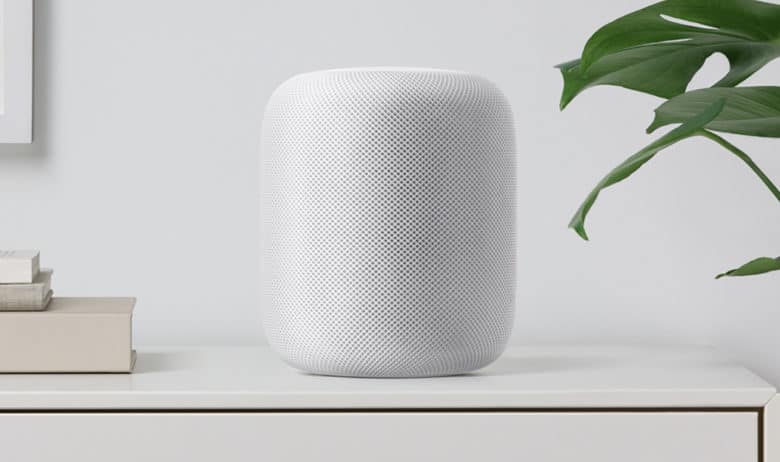
Apple's premium pricing strategy for the first-generation HomePod may keep it from ever being really successful. Photo: Apple
The fact that the HomePod isn’t selling well means that Apple has probably missed its chance to ever be a significant part of the smart speaker market, according to analysts from Deutsche Bank.
Sales of inexpensive rival devices are exploding, while Apple’s very pricy offering sits on the shelf. That may lock customers into non-Apple solutions.
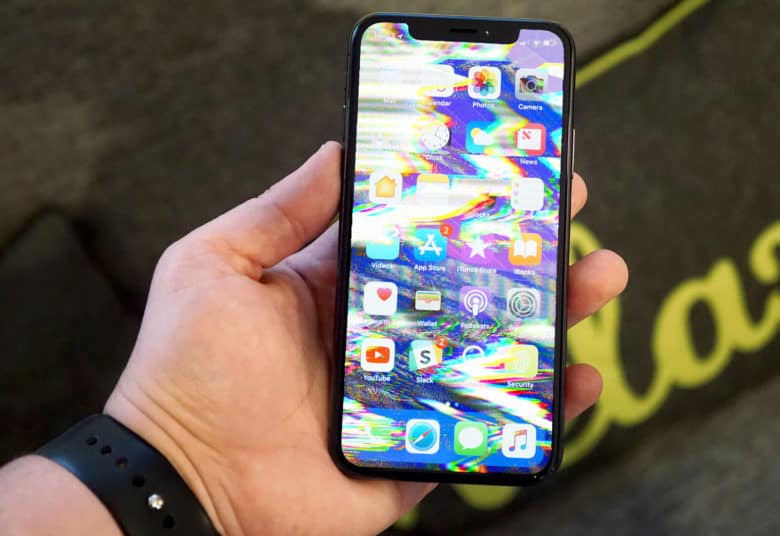
iPhone naming is all kinds of broken these days. Photo: Ste Smith/Cult of Mac
Apple could be about to change the way it names successive generations of iPhone. The aim would be to simplify a naming pattern that has become increasingly unwieldy in the past few years.
It’s about time — although that doesn’t mean a new iPhone naming system will necessarily make things any less confusing. Here’s why.
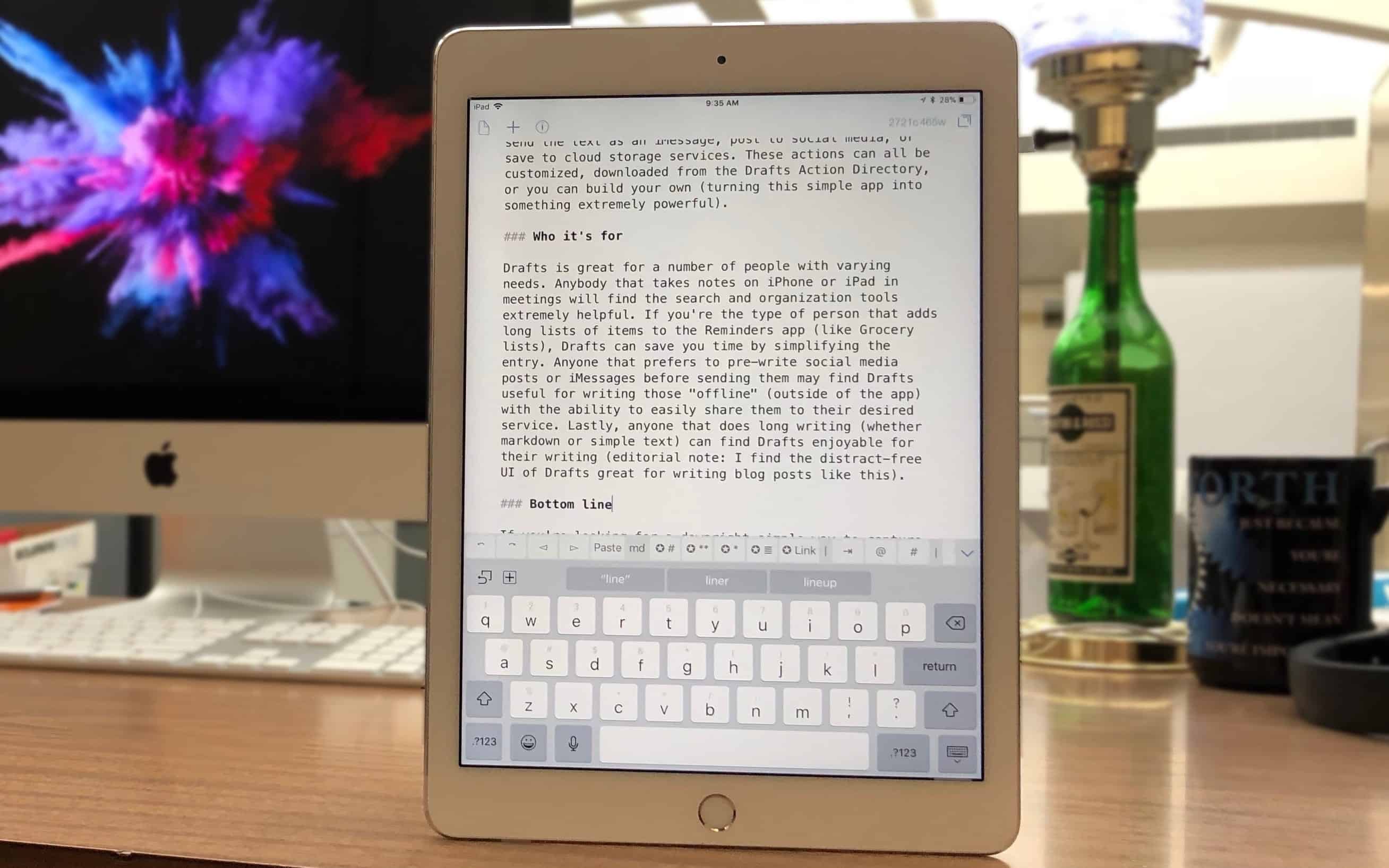
Drafts is where writing starts, before moving on to its final destination. Photo: Ian Fuchs/Cult of Mac
While there are dozens of note-taking and writing apps available on iOS, few strike the balance of rich features and simple design the way Drafts does. Whether you’re looking for a quick way to digitally jot down a passing thought, take notes in a meeting, or store an address or phone number, the Drafts app makes it easy to quickly capture text before taking action.
Now your little ones can get to know Alexa with the new Amazon Echo Dot Kids Edition.
It’s just like a regular Echo Dot, but it comes inside a colorful protective case and a one-year subscribtion to the “FreeTime Unlimited” service that gives parents complete control over content. You’ll have to pay a premium for those extra features, though.
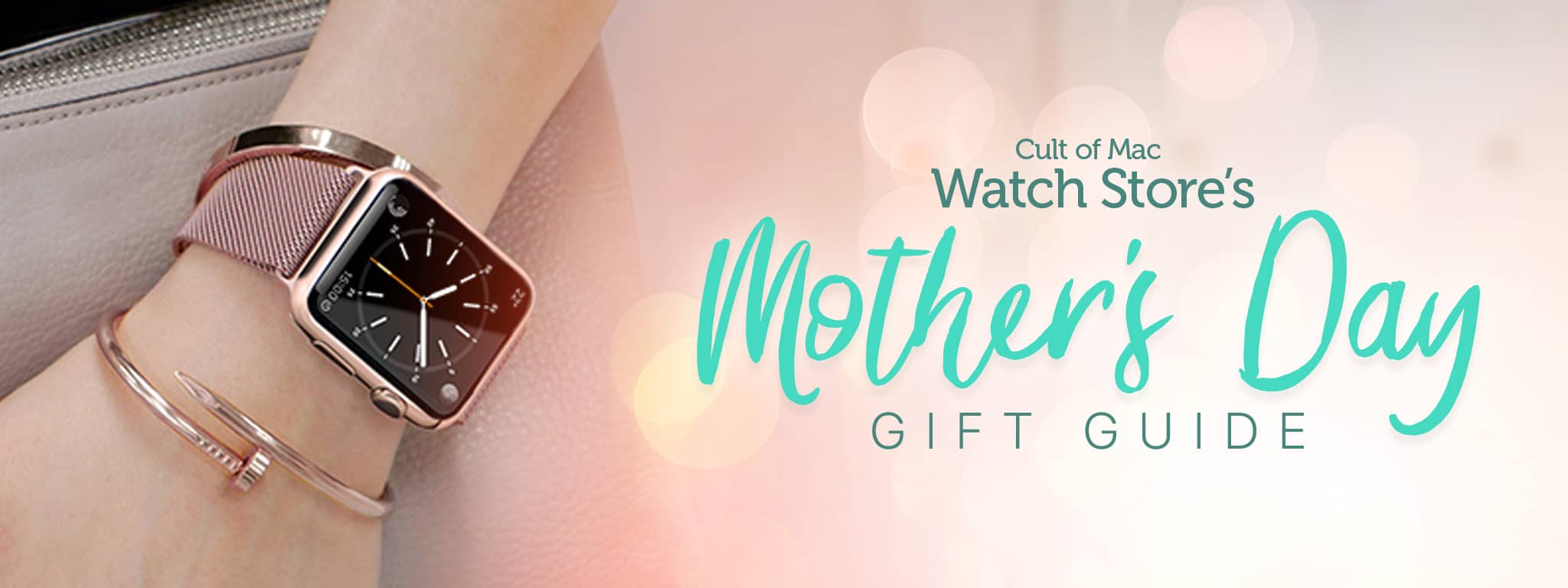
The editors of Cult of Mac Watch Store have rounded up a beautiful collection of Apple Watch bands, chargers and stands specifically picked for Mom in our Mother's Day Gift Guide. Photo: Lyle Kahney/Cult of Mac
Mother’s Day is on Sunday, May 13 — mark that down and get ready to pay homage to the woman who gave you life. How about a little something for her Apple Watch?
Cult of Mac has rounded up a beautiful collection of Apple Watch bands, chargers and stands specifically picked for Mom in our Mother’s Day Gift Guide.
If you mother is a nerd, a Luddite, a traveler or style maven, we’ve got you covered. There’s a unique gift for every Apple Watch-loving momma out there. Check out Cult of Mac Watch Store’s Mother’s Day Gift Guide, and shop now for on-time delivery.
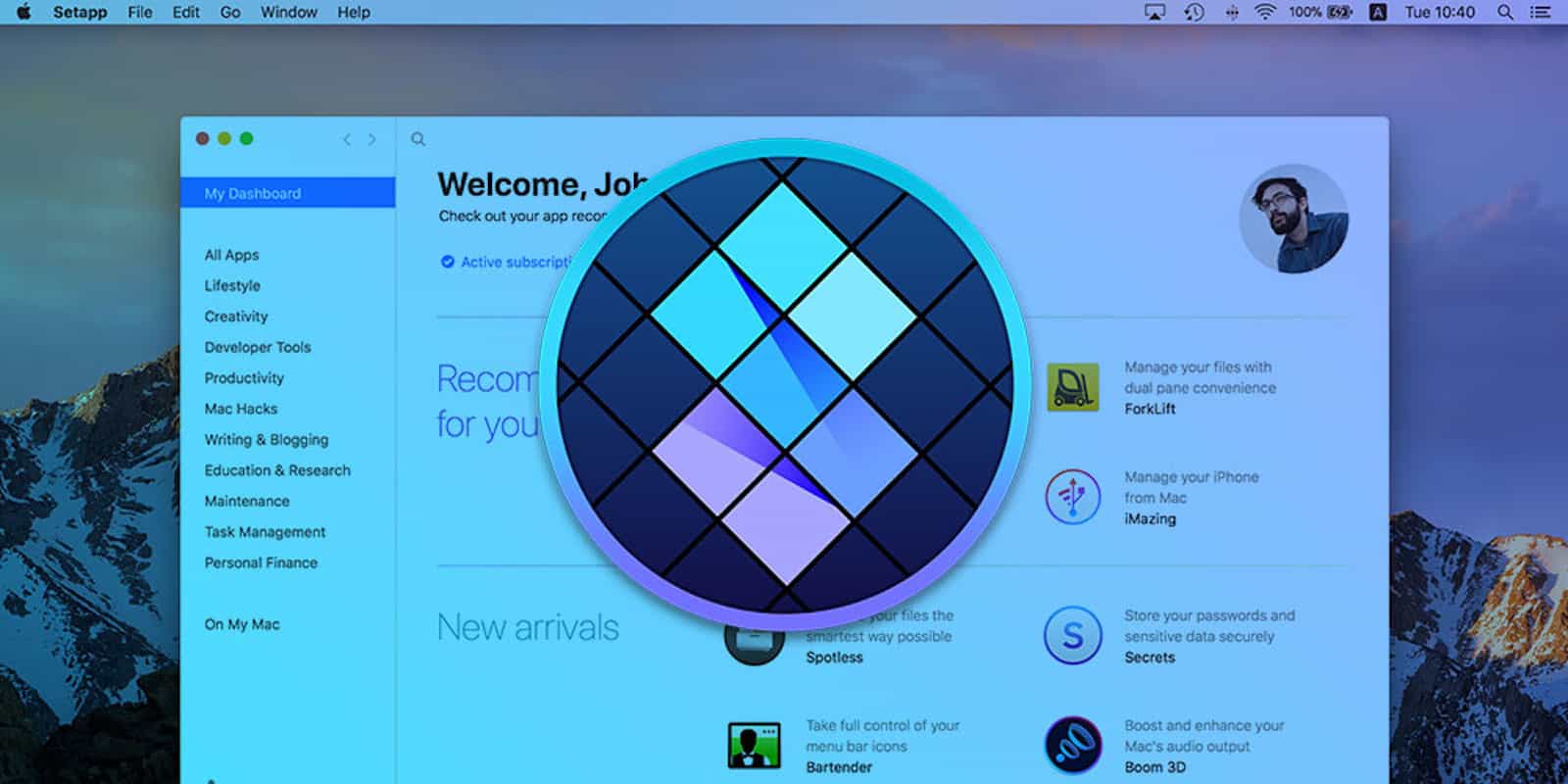
Get access and use over 60 Mac utility apps with Setapp Photo: Cult of Mac Deals
The subscription model is sweeping content of all kinds, and it makes a lot of sense. Pay a small monthly fee for access to a whole menu of stuff from which you can pick and choose. Movies and TV made it big at first, and now the subscription model has come to Mac apps.
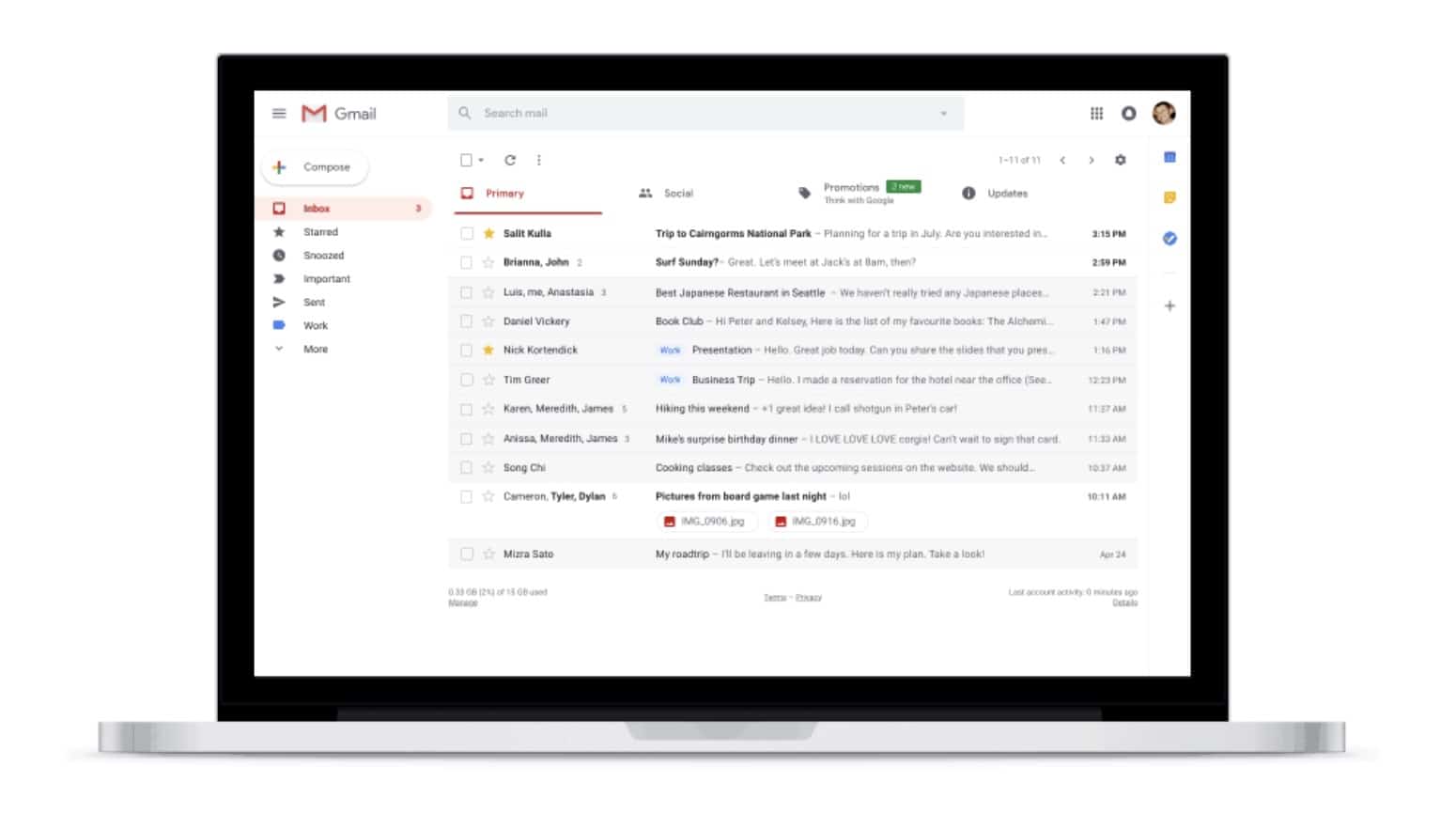
Web users can look forward to a fancy new look with features like Confidential Mode, Smart Replies, Snooze, and more. They finally make Gmail in your browser as good as Google’s mobile apps.
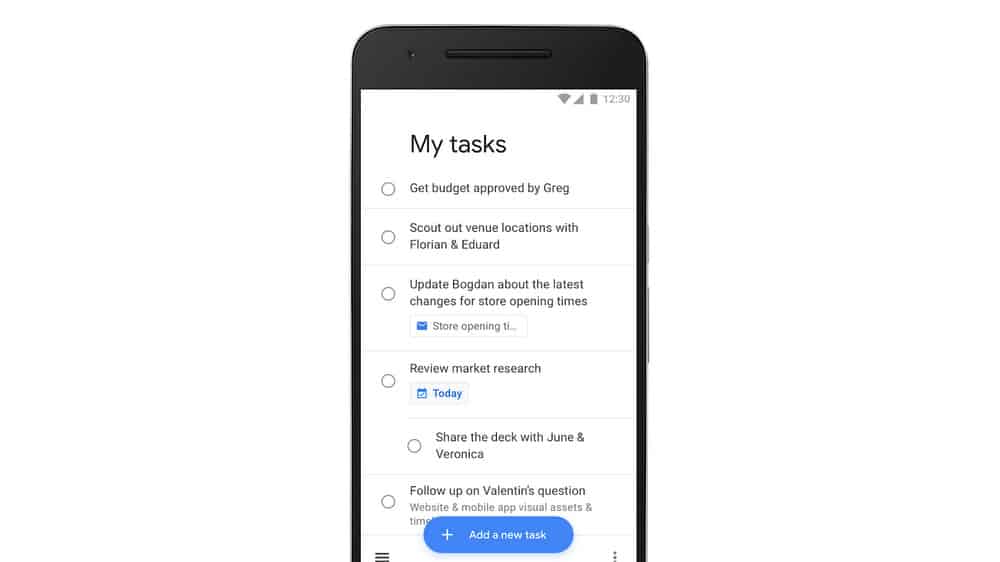
Google Tasks for iOS can help you get stuff done. Photo: Google
Google has finally decided that Tasks deserves a dedicated app on mobile.
Available now on iPhone and iPad, Tasks boasts a clean and simple interface with all the features you’ll need to stay productive. It also works closely alongside Google Calendar and Gmail to make managing your most important projects as easy as possible.
Tim Cook will have a private meeting with President Donald Trump in the Oval Office later today, according to Trump’s official schedule.
While it’s not clear what they will be discussing, the 1:45 p.m. meeting comes a day after Cook was among the guests present at Trump’s first official state dinner.
Ever wanted to be a part of the Harry Potter world? Of course you have! Photo: Photo:
Do you wish you could enjoy the Hogwarts experience for yourself as your very own custom character in the Harry Potter universe? Now you can, courtesy of the official launch of Jam City’s new game Harry Potter: Hogwarts Mystery on iOS.
Taking place in the 1980s, around four years after Voldemort attempted to kill Harry, the game doesn’t follow the story of any of the books. Nonetheless, it does include a number of recognizable characters from the series — many of them performed by the same actors who portrayed them in the movie franchise.
Phone and software companies are moving away from a realistic gun emoji to a harmless one. Photo: Ed Hardy/Cult of Mac
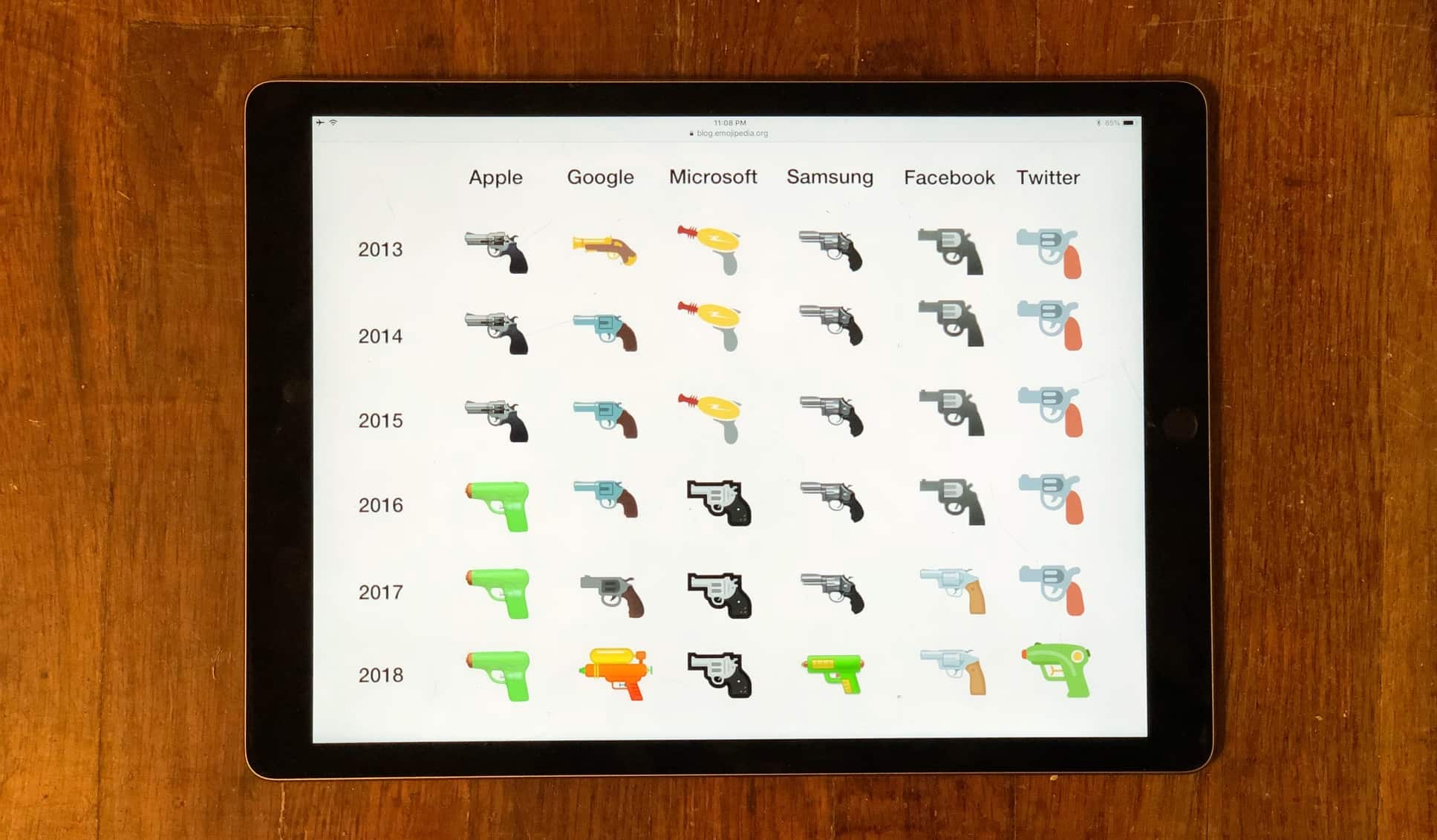
Google today joined the movement replacing the gun emoji with a water pistol. A number of other companies already made the same move amid a growing awareness of gun violence.
Apple started this trend several years ago when it exchanged the pistol emoji for a harmless pool toy in iOS 10.
Tim Cook sat down to dinner with Donald Trump, along with dozens of other politicians and CEOs. Photos: White House/Apple
President Donald Trump held his first White House state dinner tonight since moving into the Oval Office, and Apple CEO Tim Cook was on the guest list.
The left-leaning Cook might have felt very much in the minority. Trump didn’t invite a single Democratic member of Congress to the dinner, but arch-conservative media mogul Rupert Murdoch was in attendance.
A security update for macOS 10.13.4 patches some potential problems. Photo: Apple
Several weeks after the release of macOS 10.13.4, today came a security update that patches some holes in this High Sierra version. This isn’t so critical that it has to be installed right now, but Apple says “This update is recommended for all macOS High Sierra users.”
There’re also security fixes for Safari 11.1, which was introduced recently too.
App subscriptions are great, mostly. Trial subscriptions let you try out all the app’s features for free, and if you like the app enough to keep using it, the developer gets an ongoing income that lets them keep improving the app. It’s a win-win.
But what if you signed up for a trial subscription, and you don’t like the app? Or maybe you subscribed to a monthly magazine, and those unread copies just keep piling up? Canceling a subscription is easy, whether it’s a fresh trial, or a years-long subscription you just don’t want any more. Here’s how.
An appeal of an EU ruling that Apple benefited from Ireland functioning as a tax haven will kick off this fall. Photo illustration: Ste Smith/Cult of Mac
A court case to determine if Apple owes the European Union about €13 billion will begin in about six months.The trial will determine if Ireland gave Apple illegal tax incentives.
The two are actually appealing a decision by the European Commission made in 2016 that Ireland is effectively a tax haven.
Instagram has a new tool for downloading old photos. Photo: Instagram
Pulling your photos off of Instagram just got a lot easier.
Instagram revealed today that it is finally starting to roll out a new tool that lets any Instagram user retrieve all of the photos, videos, comments, likes and other data stored on Instagram’s servers.
This clock illustrates the time component of 'recent' items. Photo: Charlie Sorrel/Cult of Mac
One of the handiest features on iOS 11’s Files app is the Recents view. This view — available in the Files app itself, and in any other app that uses the Files picker to locate documents — shows all the files you have created or opened in the last few days.
Did you ever wish you could do the same on your Mac? Well, you can. Today we’re going to see how to add a folder to your Dock that shows recent iCloud Drive files.
Cheap iPhone 8 displays should work with iOS 11.3.1. Photo: Ste Smith/Cult of Mac
Apple just rolled out iOS 11.3.1 with a fix for third-party iPhone displays that stopped working properly after an earlier software update. The release also promises security improvements for iPhone and iPad.
What does Apple's next-gen iPhone have in store? Photo: Ste Smith/Cult of Mac
Apple is reportedly dropping Touch ID altogether this year in favor of Face ID for its next-gen iPhones. However, Apple is still keeping its suppliers in the dark about plans, a new report suggests.
Shares in AMS, a supplier which produces some of the components for Apple’s TrueDepth camera, have fallen 9.1 percent as a result. That’s its biggest decline in two years. And other suppliers are hurting, too.
Want to own a genuine rare piece of Apple history? Up for auction right now is an original Beta cassette dub from 1983, containing two different edits of Ridley Scott’s iconic “Nineteen Eighty-Four” Macintosh commercial.
The tape is signed by the ad’s late art director Brent Thomas. It came from his estate, and is a pre-Super Bowl dub of the same original master tape seen by the Apple executive board. They absolutely hated it!
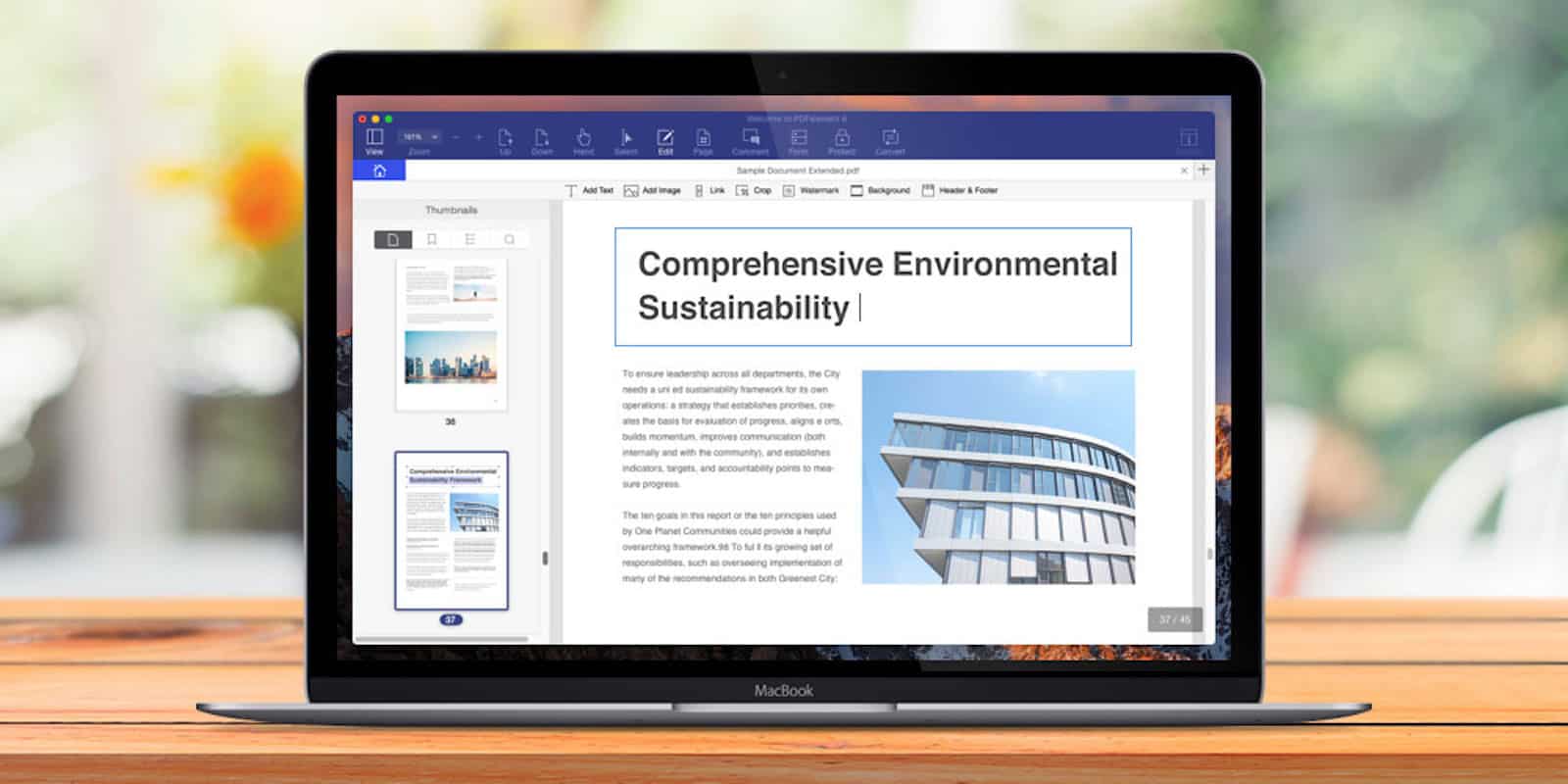
Easily edit PDFs with this Mac app Photo: Cult of Mac Deals
PDFs are the go-to format for documents of all kinds. They’re convenient and make everything from forms to novels look great. But many people know that PDFs can be a real pain if you’re doing anything but reading them.
Everyone should welcome skill-based matchmaking. Photo: Killian Bell/Cult of Mac
Fortnite’s latest update has revealed a bunch of new cosmetics that are coming soon to Battle Royale. Players can look forward to at least two new outfits and a new pickaxe skin.
Epic has also added new items inside Tilted Towers that suggest an in-game comet will strike soon.
The latest Samsung vs. Apple trial kicks off next month. Photo: Killian Bell/Cult of Mac
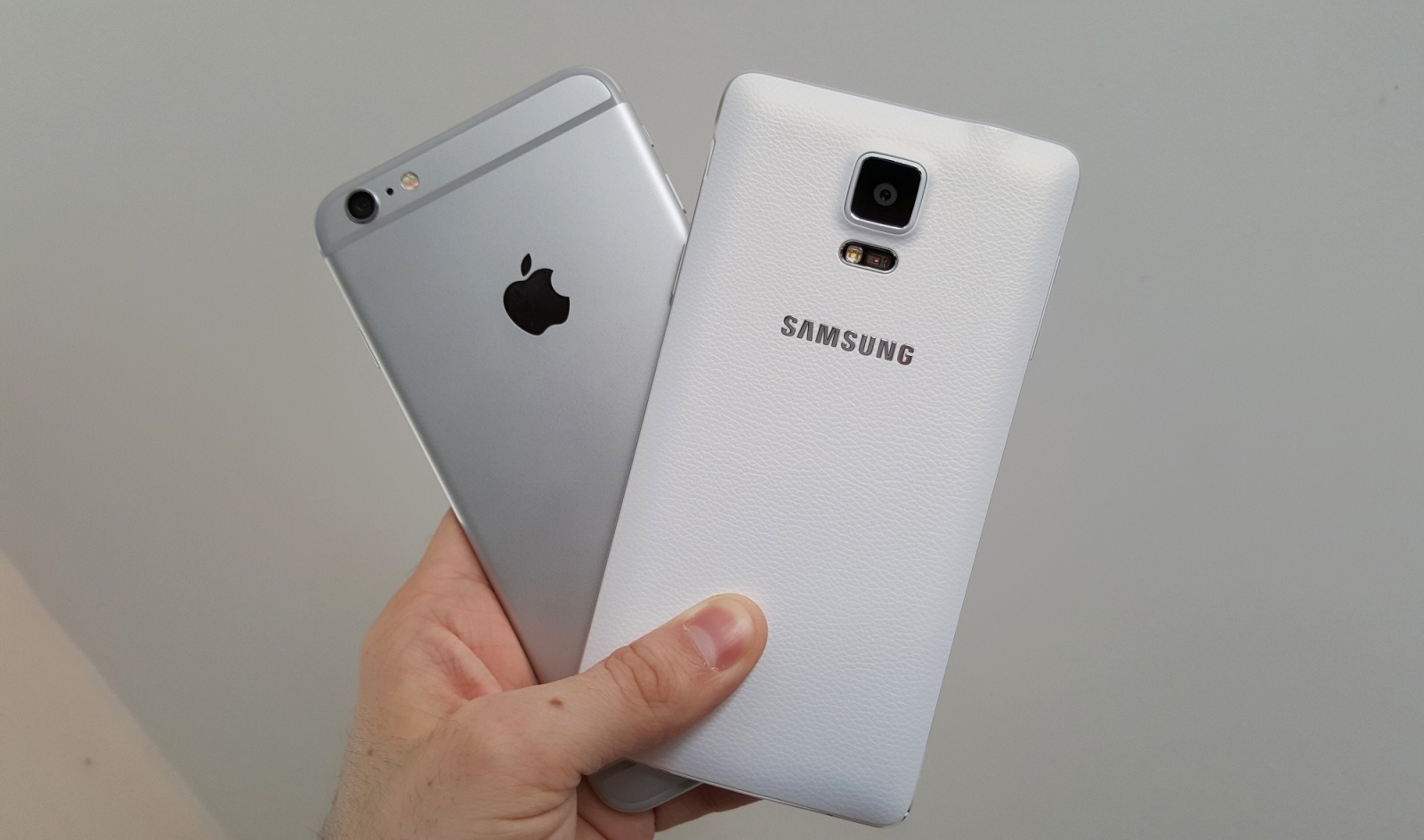
Apple has revealed which executives will be taking the stand when it comes to court for its latest bout with Samsung — and, no, sadly that doesn’t include Tim Cook or Jony Ive.
Instead, at Apple’s May 14 hearing it will call Richard Howarth, senior director of the Apple Design Team, and Greg Joswiak, Apple’s vice president of product marketing to testify. More intriguingly, it will also call original Mac icon designer Susan Kare to the stand.
The clinger grenade sticks to players and objects. Photo: Epic Games
Fortnite’s latest content update is rolling out now with a new Clinger grenade, a tweak for mobile controls, and a long list of bug fixes and performance improvements. Epic has also added the ability to claim refunds for purchased items — but you can only claim so many.