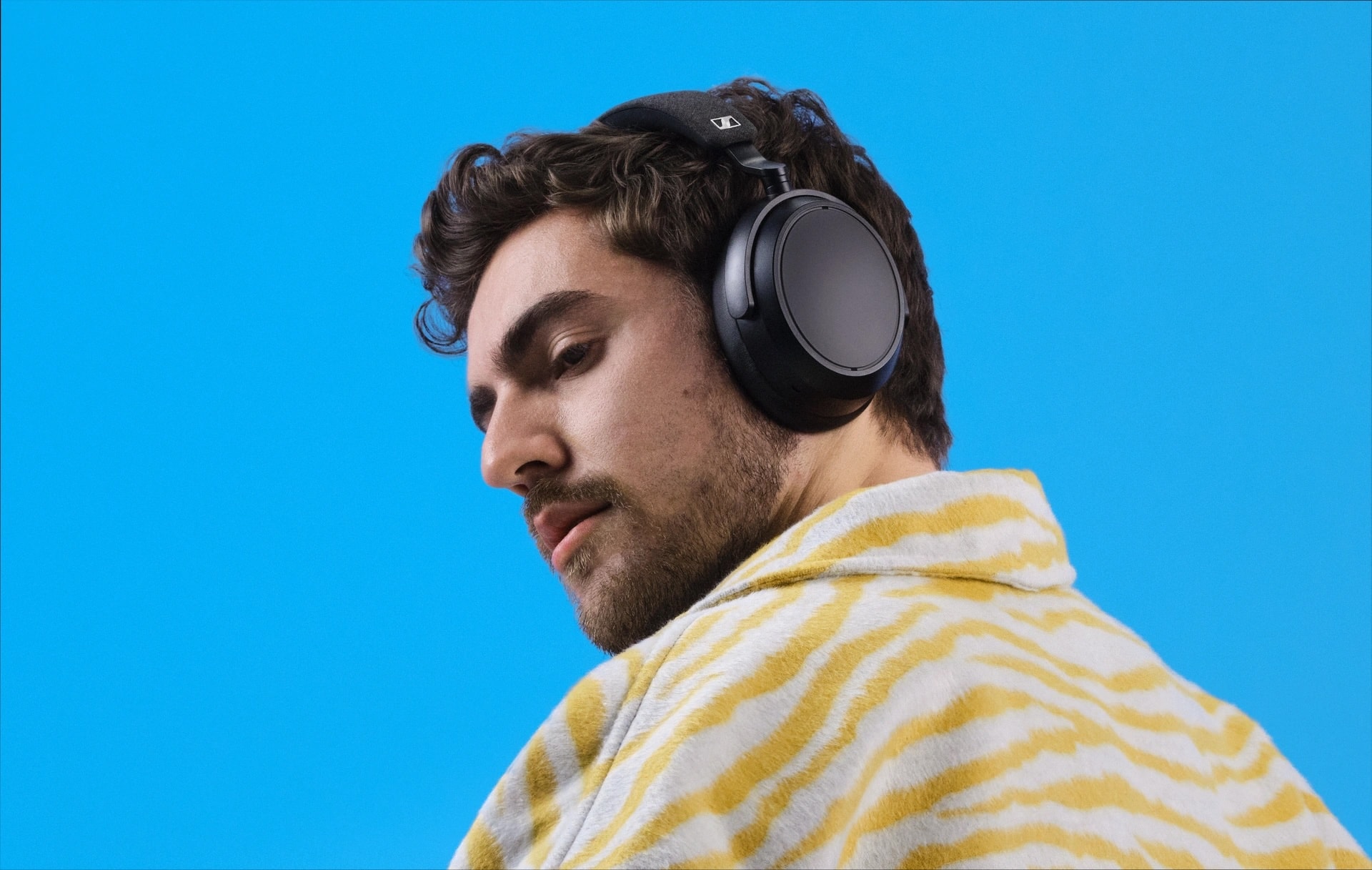
You can chop about $100 off the black version of the cans. Photo: Sennheiser
Sennheiser is a legendary name in audio. And right now you can get the German company’s acclaimed Momentum 4 Wireless Headphones — one of AirPods Max’s many excellent competitors — for $130 off, at $249.95 in all five colors, on Amazon. The regular price is $379.95.
★★★★☆
Stop missing out on local TV with an affordable Tablo over-the-air DVR with antenna. Photo: Ed Hardy/Cult of Mac
Nuvyyo’s Tablo picks up local TV broadcasts and lets you watch or record them on your TV, phone or tablet. As you’ll see in this Tablo TV review, it’s a brilliant solution for cord-cutters who lost access to CBS, ABC, etc., when they dropped their expensive cable subscriptions.
The device costs less than $100, with no subscriptions required and no hidden fees. For this review, I tested the latest Nuvyyo Tablo with my Apple devices and found the over-the-air DVR to be darn good, if not perfect.
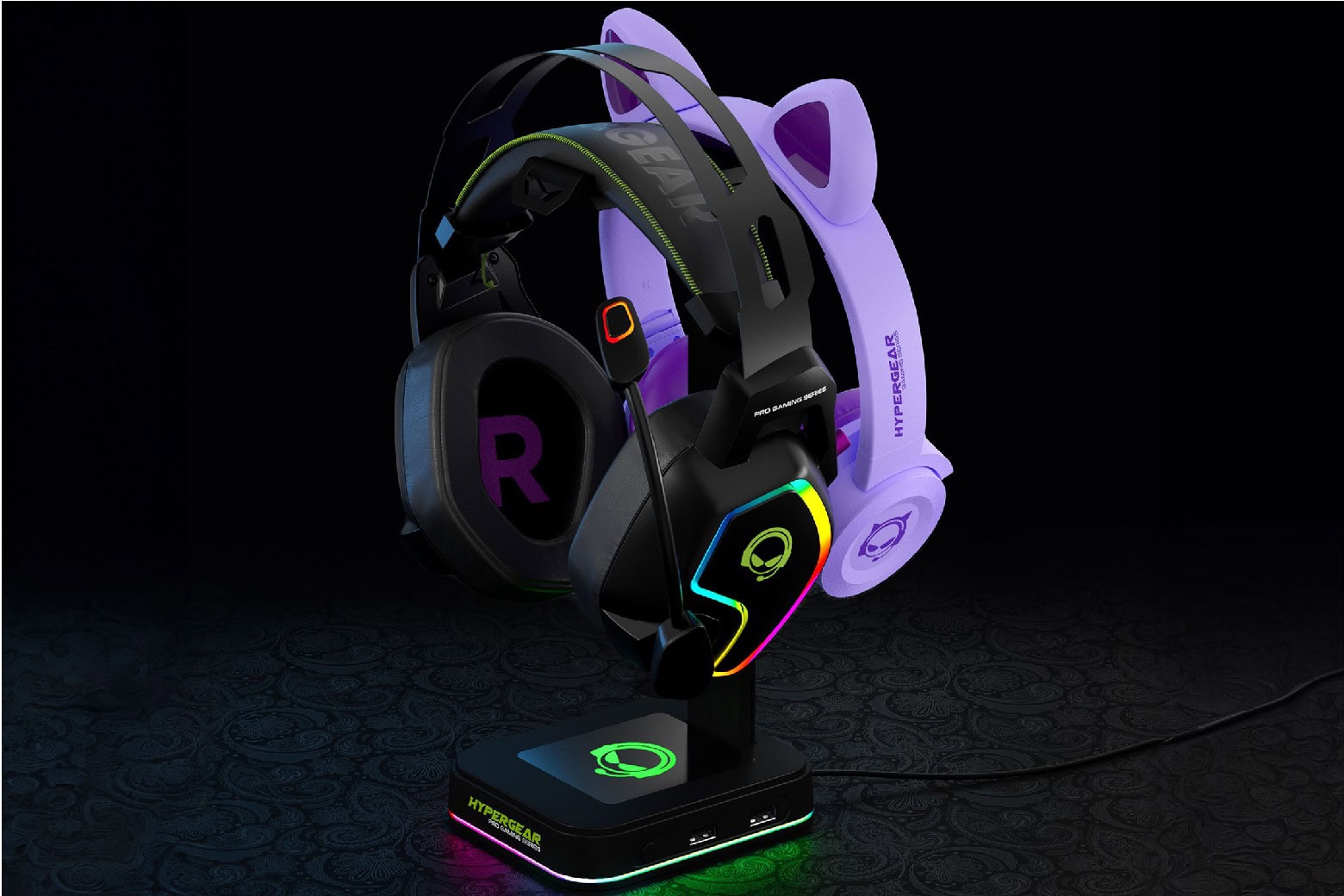
Organize your gaming station with this colorful charging station! Photo: Cult of Mac Deals
Need a flashy RGB headphone stand? HyperGear’s RGB Command Station Headset Stand will organize your desktop in style. It holds two pairs of headphones, packs two USB ports, and lights up six ways to Sunday.
Apple has finally found an AI partner in China. Photo: Unsplash
Apple will rely on Alibaba to bring Apple Intelligence to China. While the Cupertino giant launched its AI features with iOS 18.1 late last year, they are yet to go live in China.
Apple reportedly held talks with several Chinese companies, including Baidu and ByteDance, to power its AI services in the country.
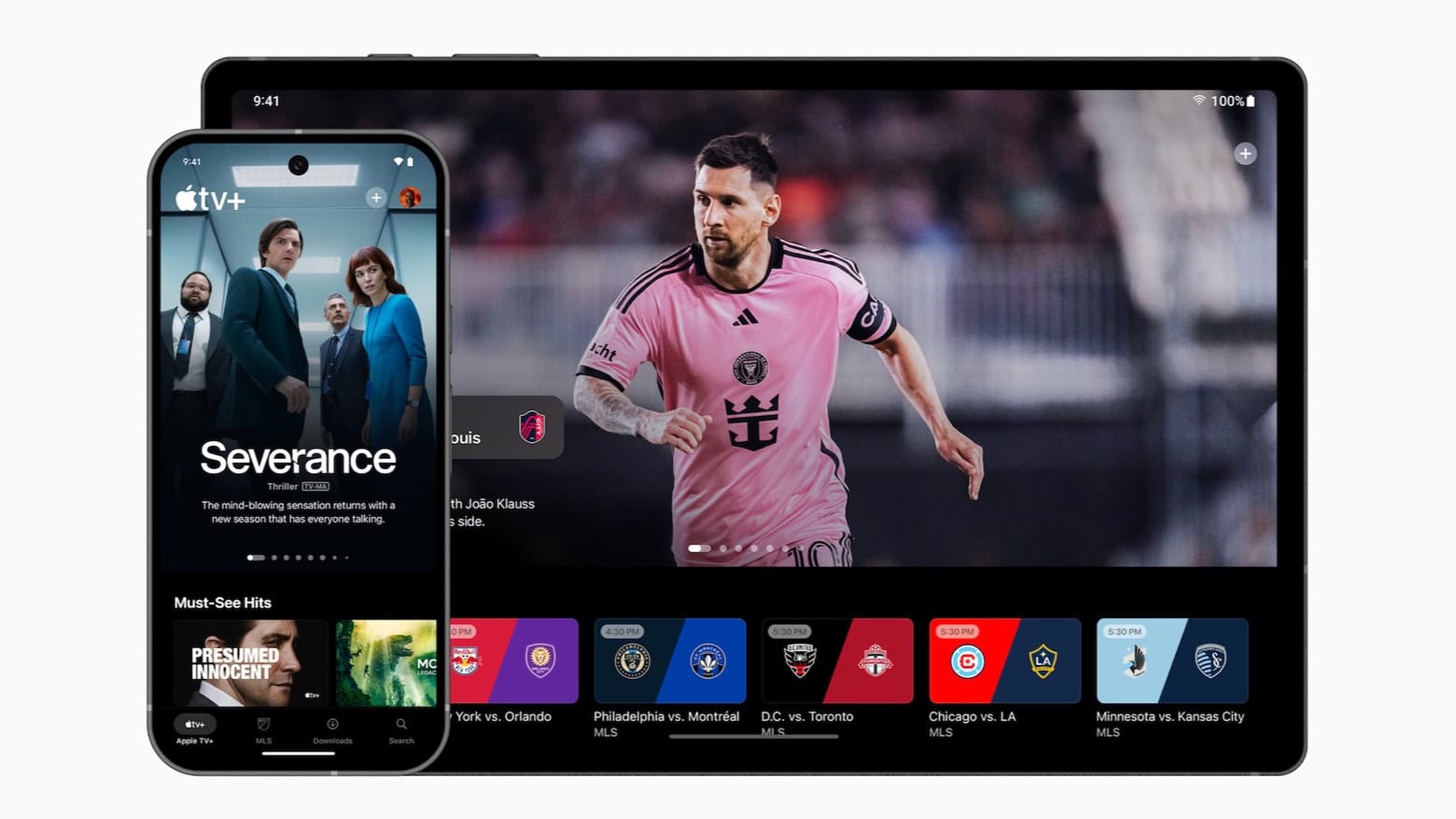
Android users can now easily enjoy everything on Apple TV+ with a new app for phones and tablets. Image: Apple
Android phones got an official Apple TV+ app on Wednesday. This makes it easier for people around the world to watch Severance, Silo and other popular series on the streaming service.
There are already versions of the application for Roku, Google TV and more.
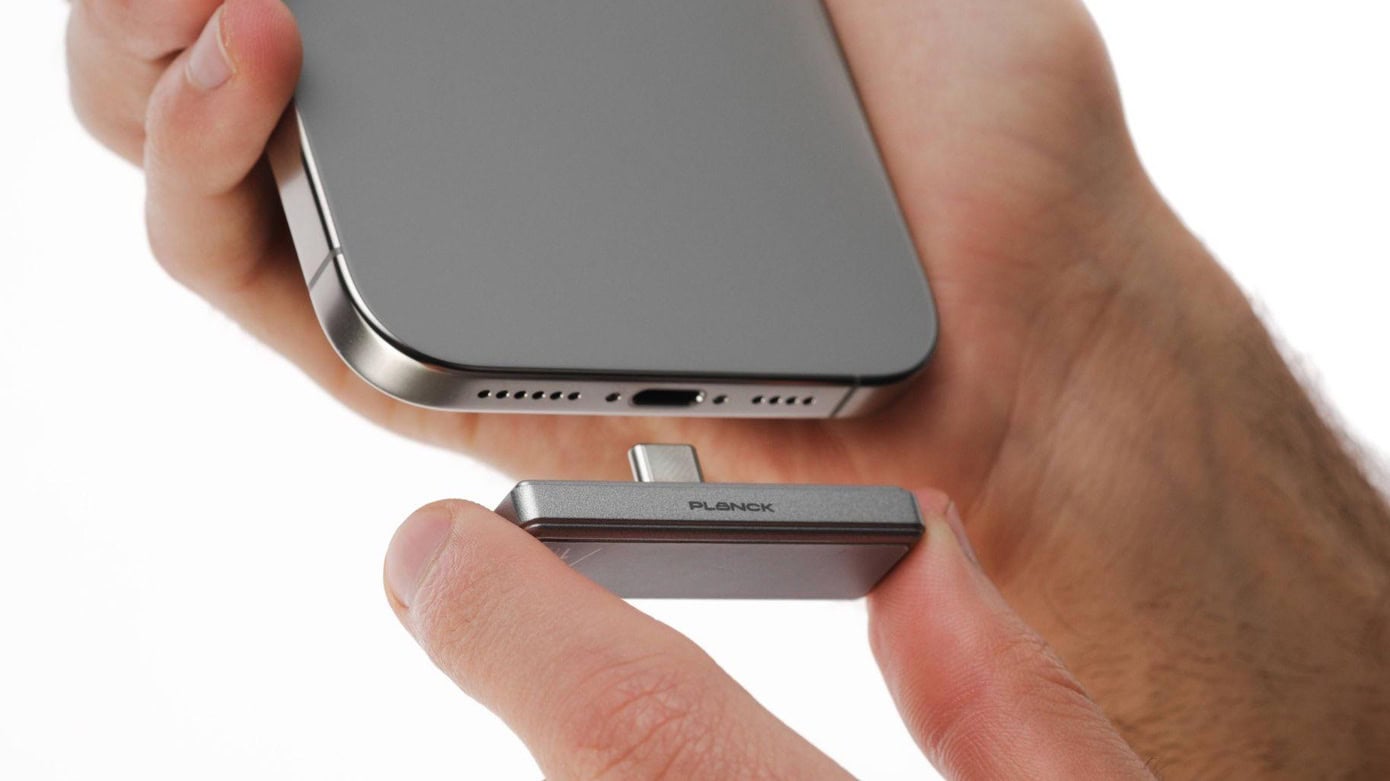
Record an hour of ProRes video directly onto the ShiftCam Planck. Photo: ShiftCam
ShiftCam calls the Planck “the world’s smallest portable SSD,” and it’s certainly very tiny. Plus, its USB-C connector is designed so the drive fits neatly on the bottom of an iPhone Pro where it’s ready to store up to 2 TB of high-resolution ProRes video as it’s being recorded.
The very, very compact drive can be pre-ordered now at up to 35% off the regular price.
An Apple robot might clean your house someday. AI image: Grok
Robots may become Apple’s next big thing. The company is looking for a completely new product category to grow its business, and robots might be the answer, according to an unconfirmed report from an analyst.
While Apple designers’ work on robots remains in the proof-of-concept stage, products could be just a few years away from reaching customers.
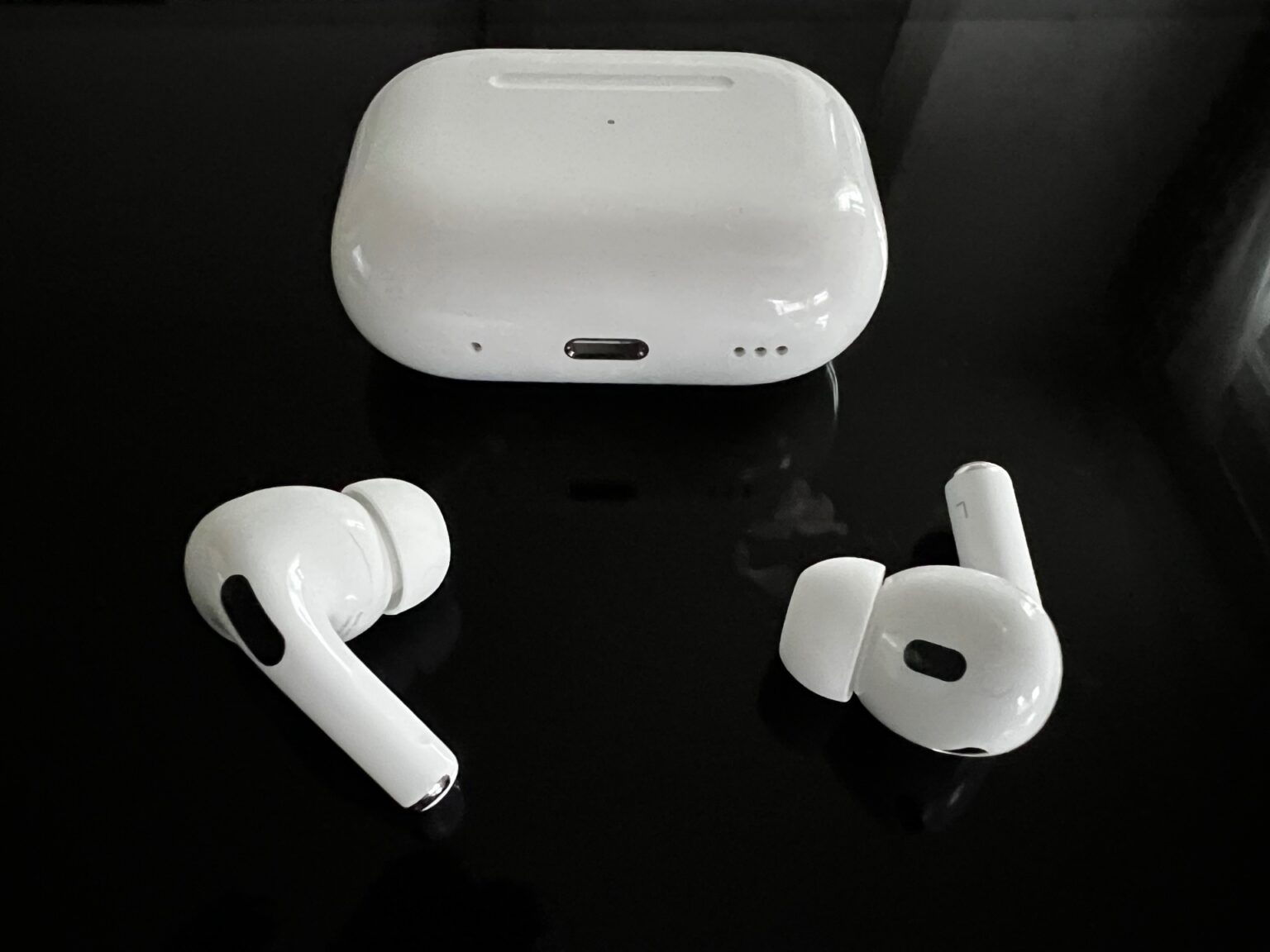
Say what you want about high-quality wired headphones and earbuds. This user finds AirPods Pro 2 irresistibly convenient. Photo: David Snow/Cult of Mac
In a face-off like wireless earbuds vs. wired earbuds and headphones, most self-described audiophiles will insist wired wins. But Bluetooth headphones and earbuds have come a long way in recent years in terms of solid audio quality and reliable connectivity. That’s a big part of the reason why today’s featured MacBook Pro setup user chooses AirPods Pro 2 almost all of the time, despite owning excellent wired headphones and in-ear monitors. It really just comes down to convenience.
This AI video generator makes high-quality productions a piece of cake. Image: Vidnoz
With sophisticated AI tools and a user-friendly interface, Vidnoz AI Video Generator makes it incredibly easy for content creators, educators and business professionals to crank out eye-catching videos quickly. Practically anybody can make polished, professional-looking videos — with digital avatars and AI voices so you don’t need to hire (or be) an onscreen personality.
With advanced AI tools, and thousands of easy-to-use templates, Vidnoz AI Video Generator works on iPhones, iPads and Macs. And you can try this powerful video-production tool right now for free.
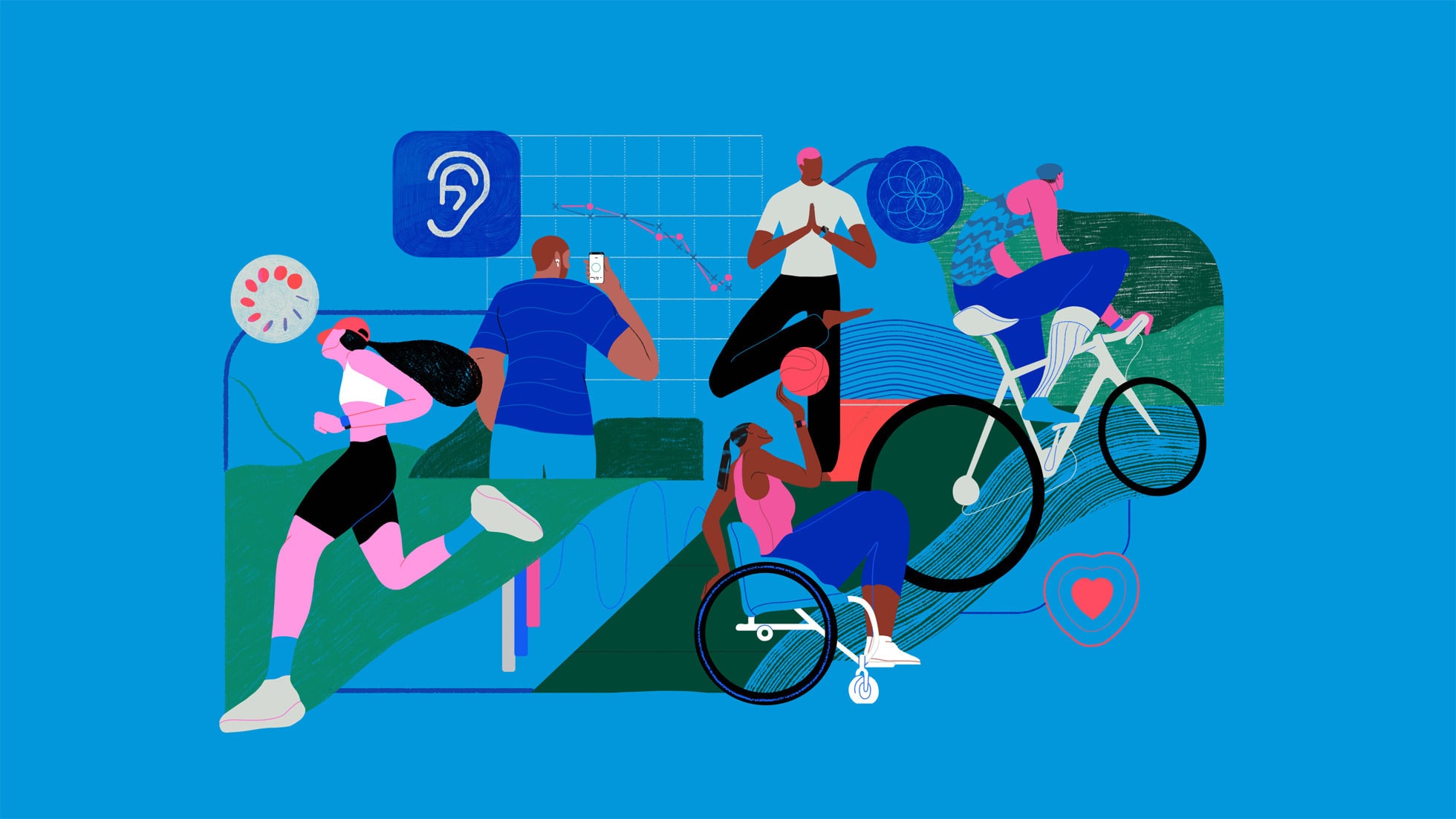
The Apple Health Study comprehensively examines the connection between health and tech. Photo: Apple
Apple’s comprehensive new health study, its largest yet, investigates how its mobile devices and other technology can improve users’ physical and mental well-being, the iPhone giant said Wednesday. The Apple Health Study, now available through the just-updated Research app, comes in collaboration with Brigham and Women’s Hospital, a Harvard Medical School teaching affiliate.
“We’ve only just begun to scratch the surface of how technology can improve our understanding of human health,” said cardiologist and Harvard Medical School professor Calum MacRae, M.D., Ph.D., the study’s principal investigator. “We are excited to be part of the Apple Health Study, as it will continue to explore connections across different areas of health using technology that so many people carry with them every day.”
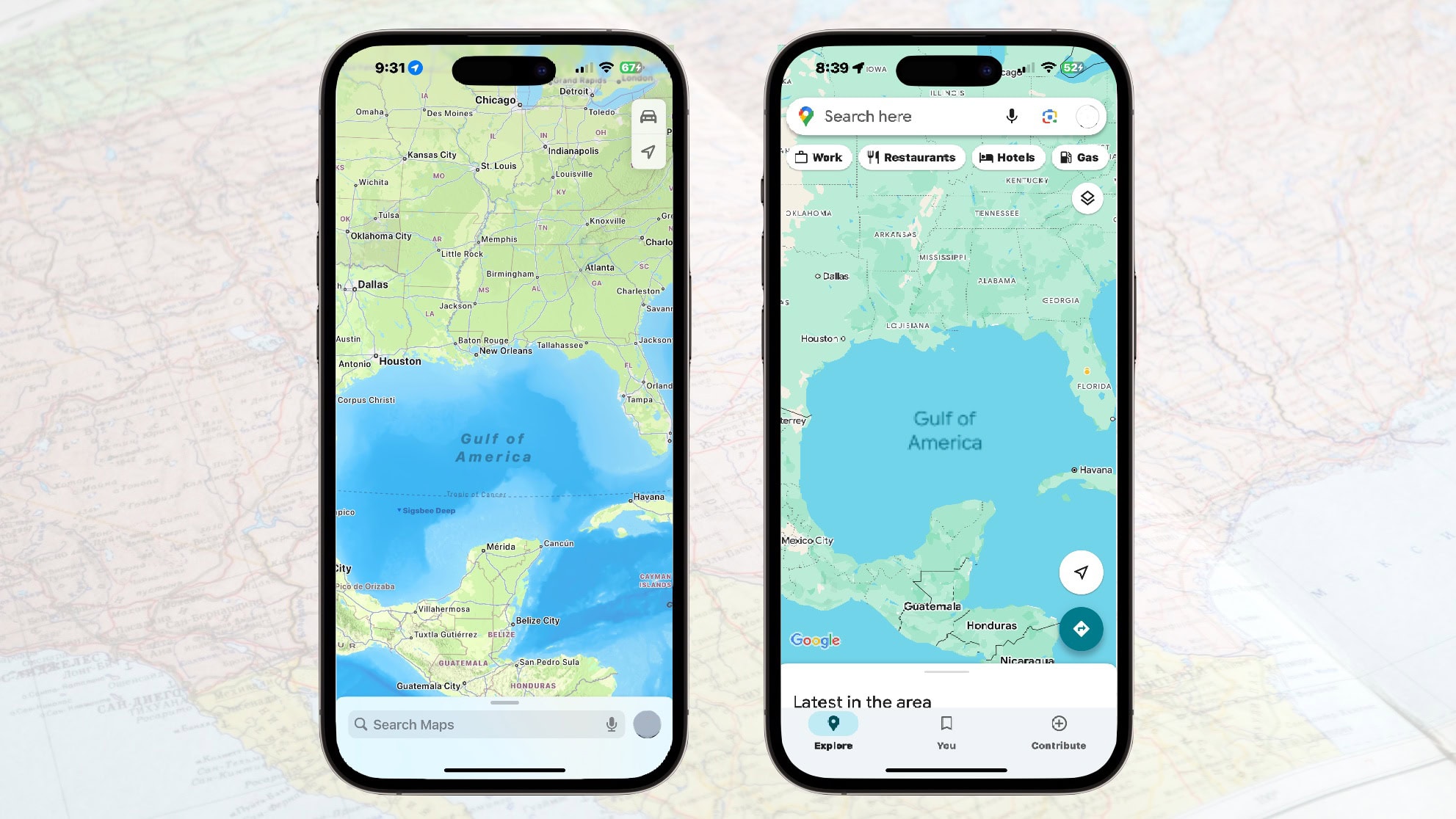
Gulf of America now appears in both Apple Maps and Google Maps. Photo: Ed Hardy/Cult of Mac
Google Maps switched the Gulf of Mexico to the Gulf of America after President Donald Trump ordered the name change, and Apple did the same shortly thereafter.
Apple began making the change Tuesday for U.S. customers. It will roll out the new nomenclature to Apple Maps users globally in the near future, according to a report.
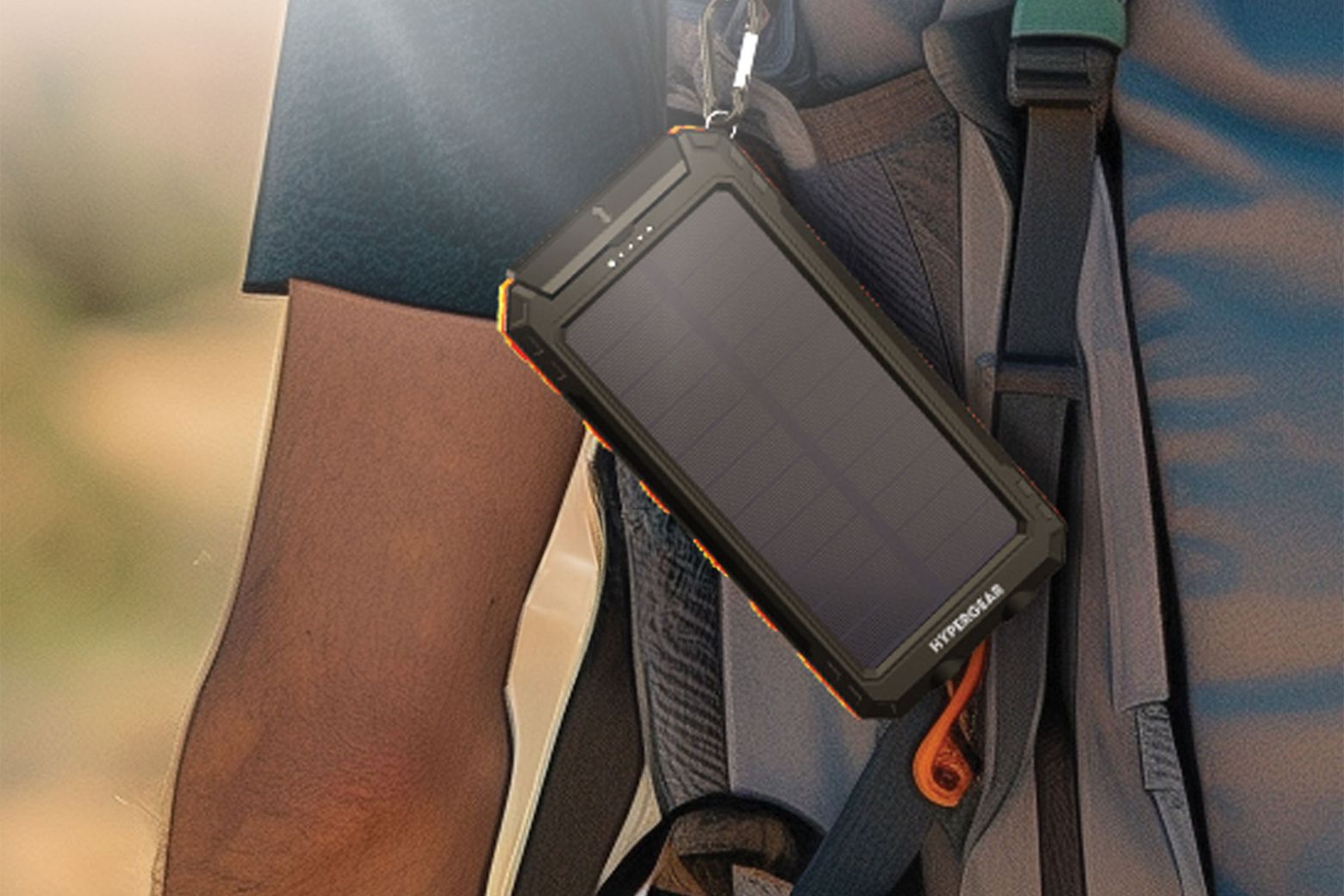
This rugged solar power bank can keep your iPhone charged anywhere. Photo: Cult of Mac Deals
HyperGear’s SolPro 10K Fast Charge Solar Power Bank is a rugged, sun-powered beast that’s built for adventure and ready to keep your devices alive, no matter where you roam.
With a 10,000mAh battery, fast-charging 20W USB-C port and a built-in solar panel for emergency recharging, this power bank is perfect for campers, travelers and anyone who refuses to be held hostage by a dead battery. And right now, you can get yours for just $37.99 (regularly $44.99).
Your wait for iPhone SE 4 just got a bit longer. Photo: Cult of Mac
Apple’s new iPhone SE will arrive “next week” and not this week as previously rumored. The company will make a “smaller announcement” on Friday, February 14th.
The Cupertino giant will apparently also unveil the M4 MacBook Air “within weeks.”
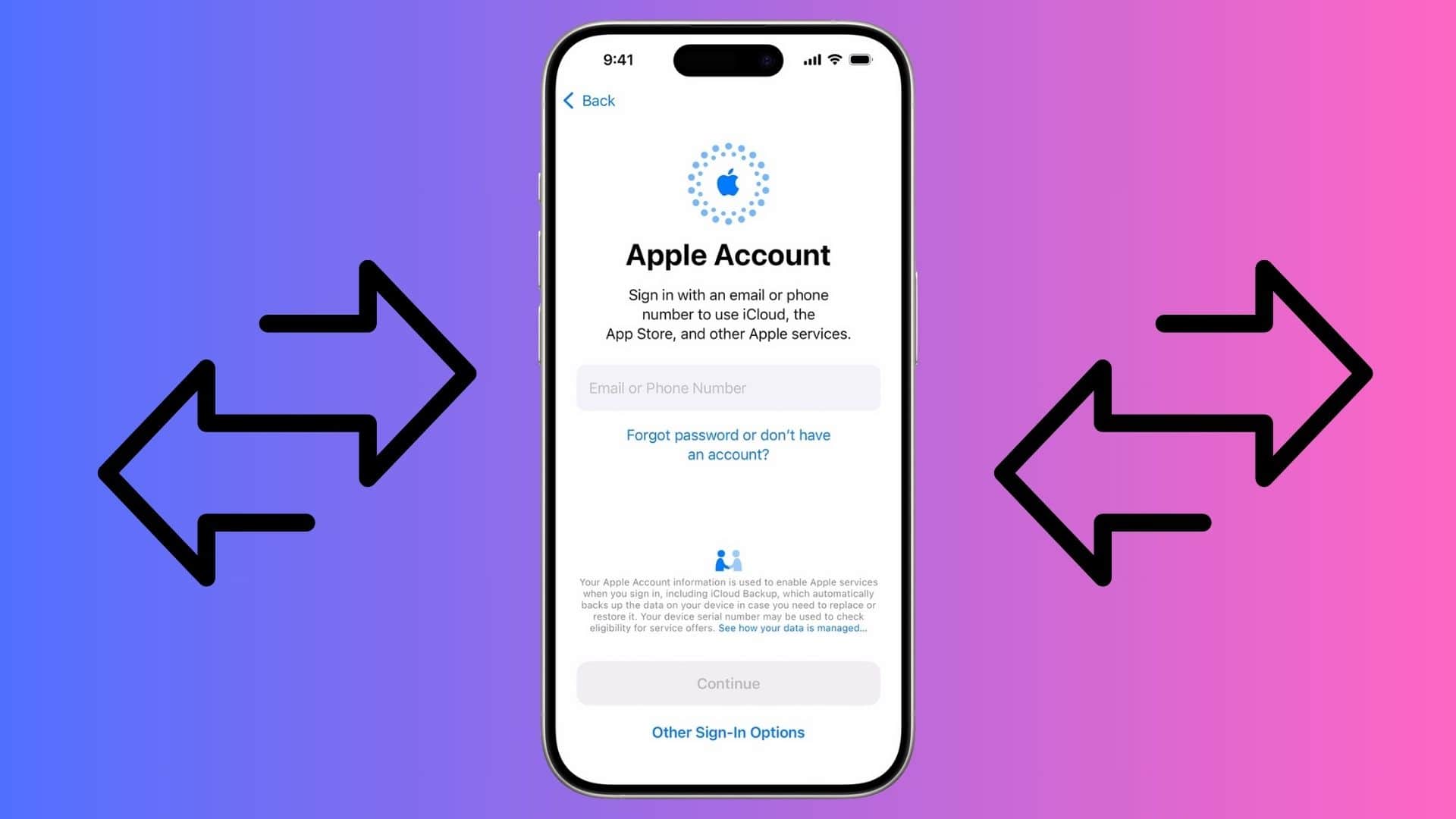
You can move your digital purchases from one Apple ID to another. Screenshot/Graphics: Apple/Rajesh Pandey
In a move unlike Apple, it is finally allowing you to transfer your digital purchases across Apple Accounts. The company has released a tool and published an extensive support article detailing the steps.
There are several conditions and requirements, with the migration option not available worldwide.
★★★★☆
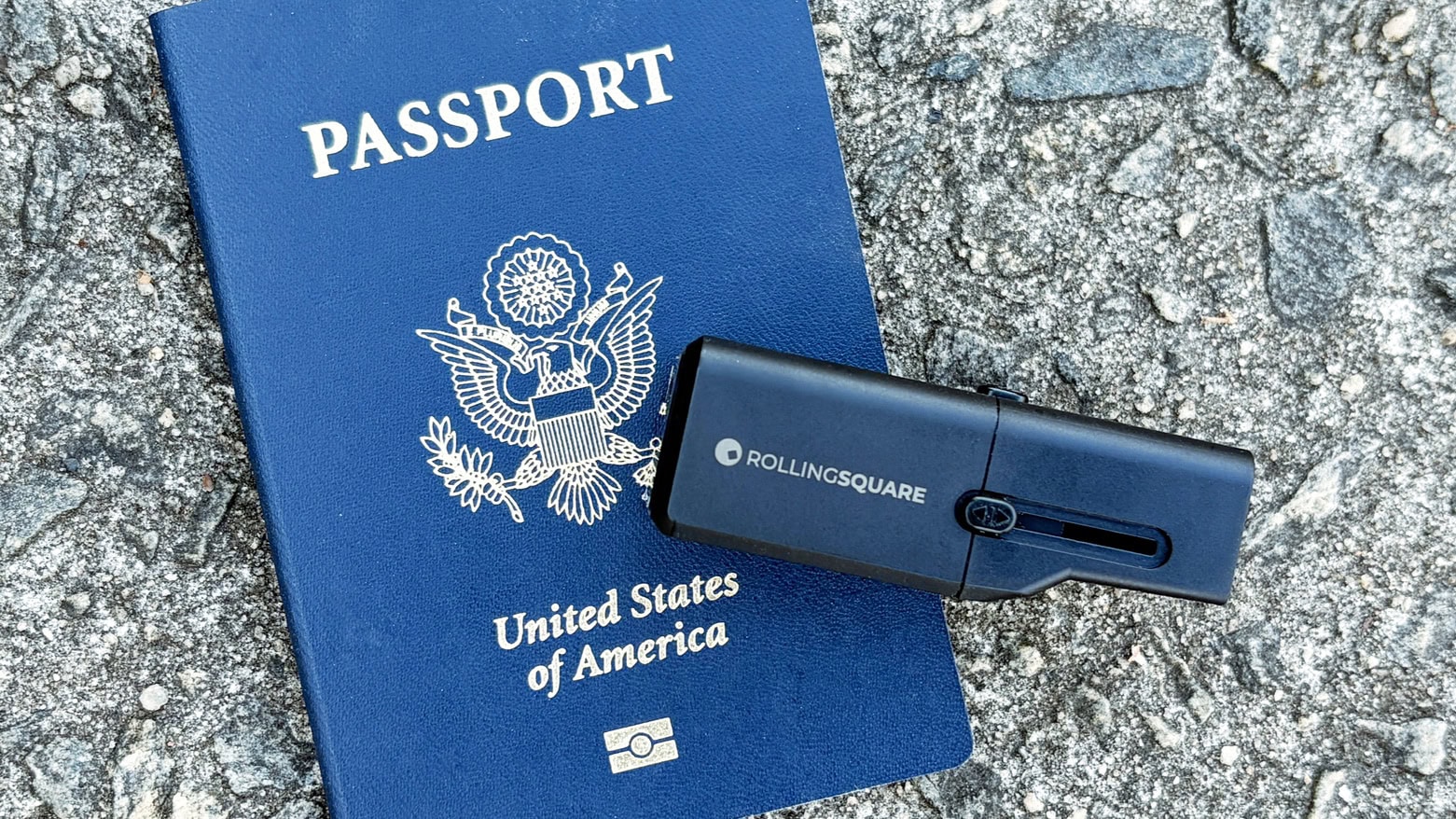
Here’s proof that international travel chargers don’t have to be bulky. Photo: Ed Hardy/Cult of Mac
The Rolling Square Pocket Travel Charger should make you forget that bulky international charger you used to carry. It offers the plugs needed to juice up your Apple gear in over 200 countries, but is about the same size as single-country chargers… and smaller than many of those.
One version includes a 30W USB-C port, while a second puts out 20W via a USB-C or a USB-A port.
I tested this accessory to be sure it deserves a spot in your luggage.
The redesigned Beats Powerbeats Pro 2 are like AirPods Pro 2, but for workouts. Photo: Beats
The redesigned Powerbeats Pro 2 unveiled Tuesday are Apple’s first earbuds to feature built-in heart rate monitoring. The fitness-oriented wireless earbuds feature ear hooks for a secure fit during workouts. Plus, they come with Apple’s H2 chip and bring adaptive EQ, Spatial Audio and improved active noise cancellation with Transparency Mode.
Apple calls the new Powerbeats Pro 2 “the most advanced product we’ve ever developed.”
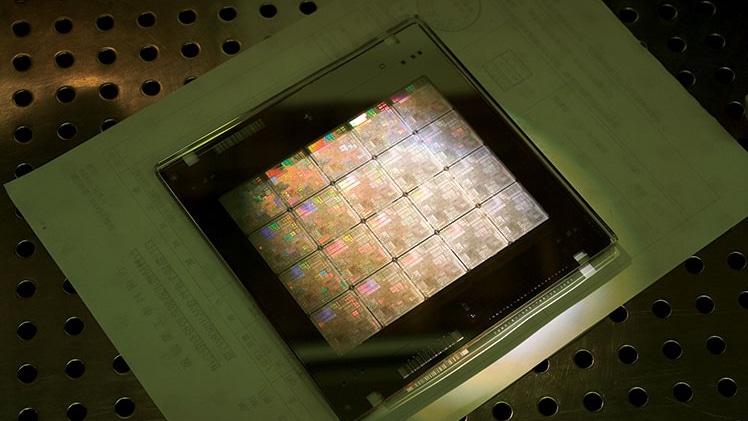
The future of TSMC plants in Arizona and US chip production hangs in the balance. Photo: TSMC
President Donald Trump’s recent threat to cancel the CHIPS and Science Act, which offers tax credits to companies that produce processors in the United States, could throw a monkey wrench into plans to boost U.S. chip production. Trump argues that tariffs would do the job better.
That raises questions about the future of Taiwan Semiconductor Manufacturing Company plants being built in Arizona thanks to the CHIPS Act. TSMC’s Arizona chip fabs already make processors for iPhone and Apple Watch.
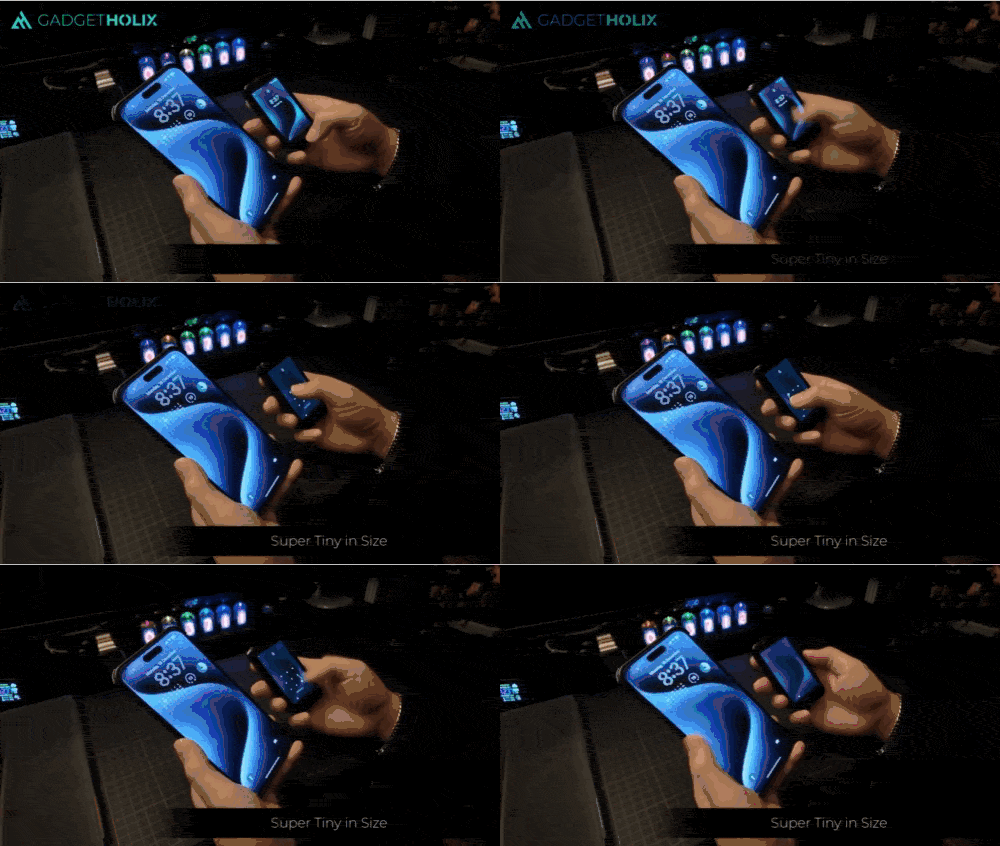
The NanoPhone is one of the smallest smartphones you can buy. Photo: Cult of Mac Deals
Fed up with gigantic smartphones? If even the iPhone mini seemed oversized to you, maybe you’ll appreciate an incredibly small smartphone like the NanoPhone. Smaller than a credit card, this mini smartphone proves ideal for those moments when you need something extraordinarily compact, featherweight and fuss-free.
Whether you’re traveling light, hitting the gym or just getting tired of lugging around a bulky device, the NanoPhone is your streamlined solution to staying connected without the extra weight. And you can get this teensy smartphone for a small price: just $99.97 (marked down from $199.99).
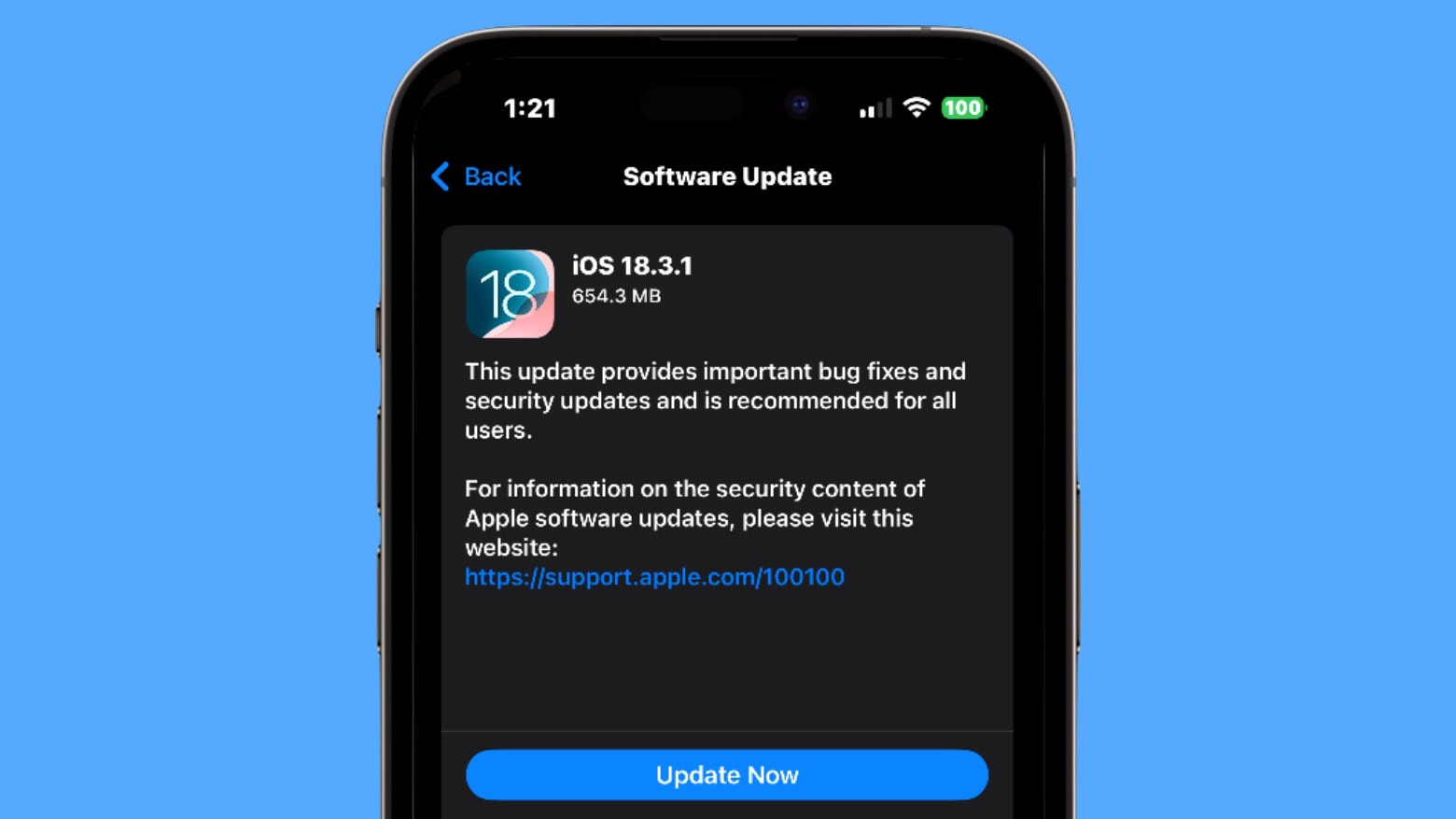
Install iOS 18.3.1 if you have any concern your iPhone might get hacked. Or if you just don’t want bugs. Screenshot: Ed Hardy/Cult of Mac
iOS 18.3.1, iPadOS 18.3.1 and more updates went out Monday. These bring bug fixes, while a security update makes them highly recommended for anyone with a compatible iPhone or iPad.
In addition, you can download macOS Sequoia 15.3.1, watchOS 11.3.1 and visionOS 2.3.1 — each with their own fixes — now as well.
As a passenger, of course. Image: D. Griffin Jones/Cult of Mac
Apple’s Vehicle Motion Cues feature will help you use your iPhone in the car by reducing feelings of motion sickness. With the feature turned on, dots along the edge of your iPhone screen will animate in sync with the motion of the plane, train or automobile you’re riding in.
According to Apple, “Motion sickness is commonly caused by a sensory conflict between what a person sees and what they feel.” Apple says these animations “reduce sensory conflict.”
It may sound weird, but the feature evidently works really well. Here’s how you can enable it.
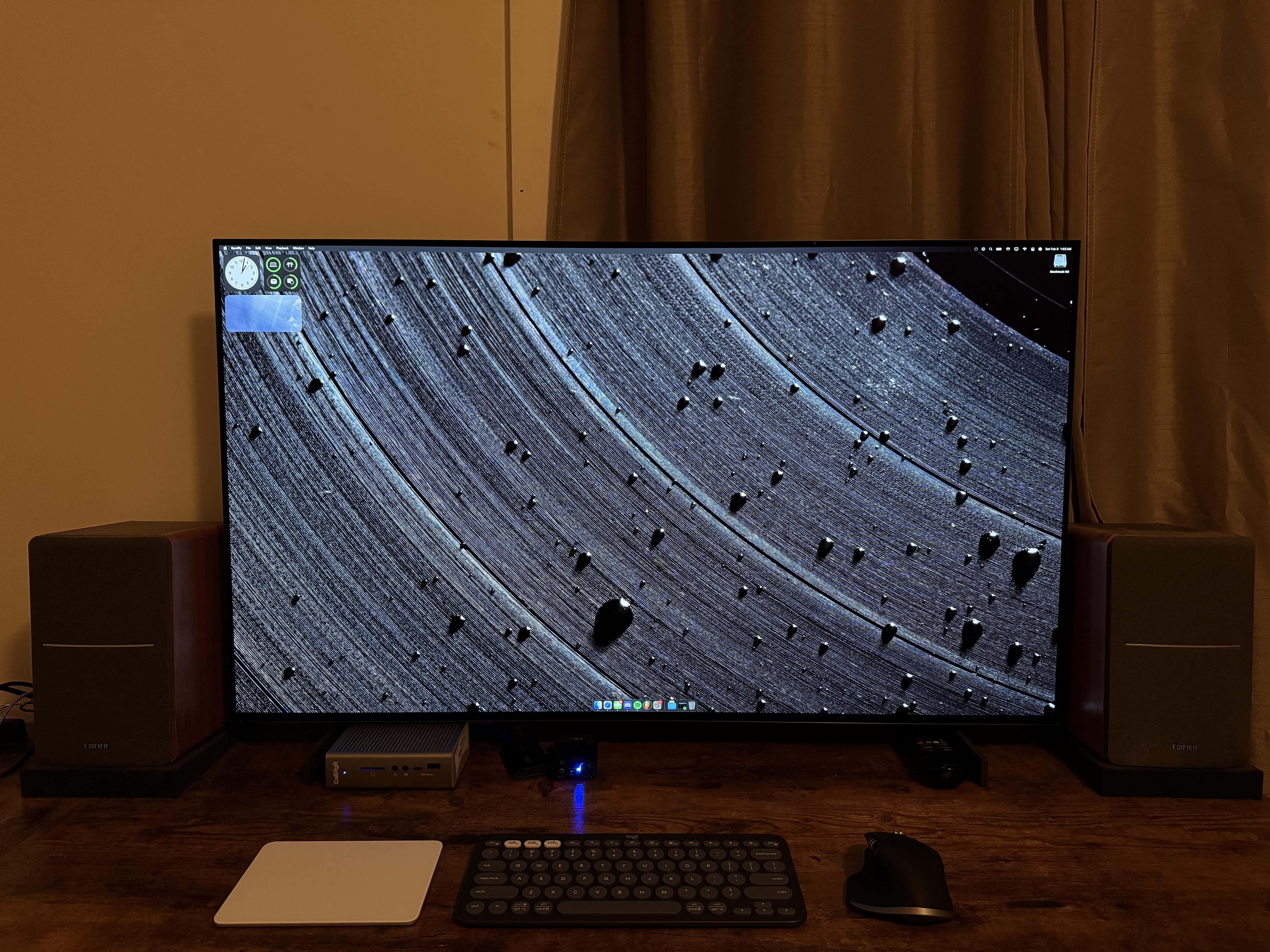
Which do you want more, that OLED smart TV display or the wallpaper on it? Photo: [email protected]
Everybody loves a big, beautiful external display in a computer setup — and this LG OLED TV monitor is a great way to go. Today’s setup is built around a 42-inch LG OLED TV plugged into a MacBook Pro.
Also: See if you can guess what the cool-looking desktop wallpaper showing on the display pictures. Answer below.
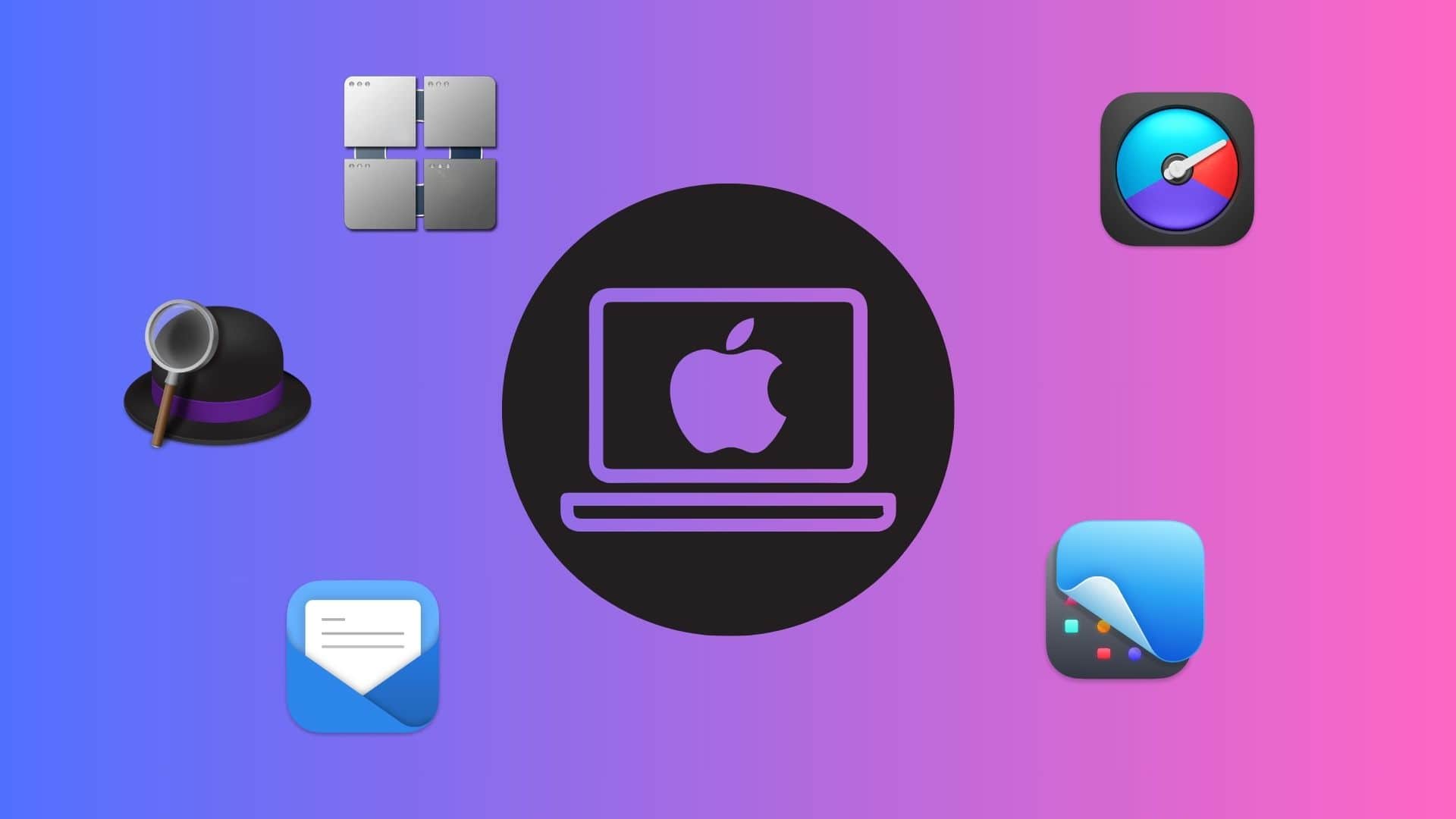
You should give these powerful Mac apps a try today. Graphics: Rajesh Pandey/CultofMac
As a longtime Mac power user, I’ve come to rely on a handful of essential apps that supercharge my workflow. These Mac productivity apps not only streamline my daily tasks but also simplify complex jobs, making my work faster and more efficient.
Check out my favorite Mac apps that I can’t recommend enough as a power user.
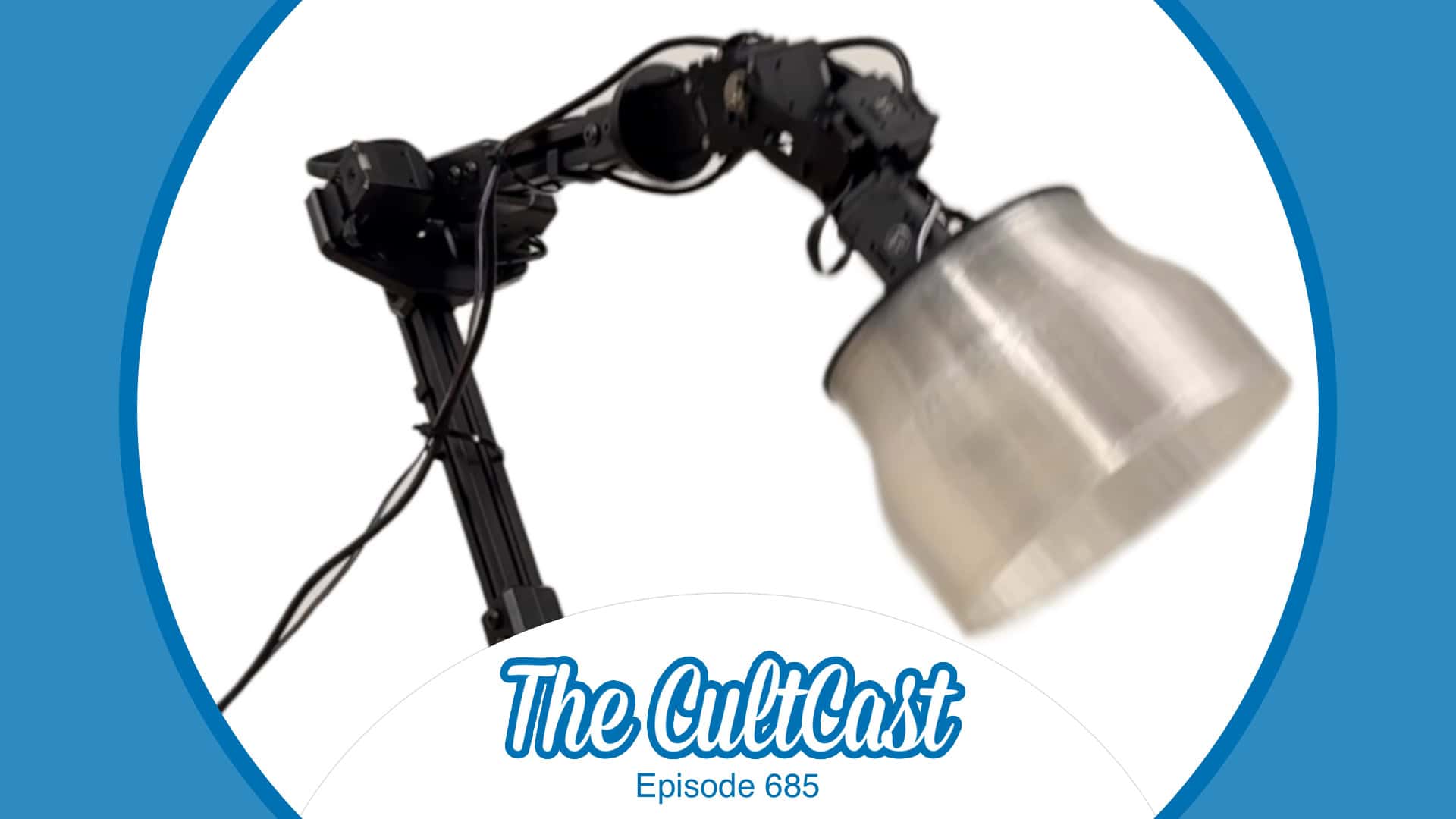
You've got to see Apple's AI-powered robotic lamp in action! Image: Apple/Cult of Mac
This week on Cult of Mac’s podcast: Our first glimpse at Apple’s AI-powered robotic lamp makes us giddy with hope for the secret iPad-on-a-stick project we’ve been skeptical about in the past. The surprisingly lifelike Apple robo-lamp looks just like Pixar’s Luxo Jr. How cute is that?!?
Join us for the conversation about the future of Apple robotics. (We really want the lamp.)
Also on The CultCast:
Apple’s M5 chip is coming soon. How good will it be? And what product will it appear in first?
Griffin tells us all about Apple’s new Invites app, which makes party planning simple and elegant.
Erfon provides an update on his recent MacBook Pro and iPad Pro purchases. The 14-day return window is about to slam shut — and he’s not sure he’s keeping either of them! He explains why.
We weren’t sure we could top the Andy Warhol banana iPhone case, but Zugu’s iPad case with a built-in dead man’s switch is right up there on the “crazy products we love” list.
Listen to this week’s episode of The CultCast in the Podcasts app or your favorite podcast app. (Be sure to subscribe and leave us a review if you like it!) Or watch the video live stream, embedded below.
There’s no reason to wait to find out all about the iPhone SE 4. Image: Majin Bu/CCult of Mac
The iPhone SE 4 could launch this week, bringing a significant redesign to Apple’s budget handset. It’ll reportedly mean the end of features that were iPhone hallmarks for many years, like the Home button. Plus, it’ll support Cupertino’s new collection of AI-powered features. Stay updated with the latest iOS news and what this means for iPhone SE owners by checking out this article.
Read on to learn everything that already leaked out describing the revamped fourth-generation SE.