Learn how to use 3D printers, CAD software, CNC machines and more with this bundle of a dozen instructional e-books. Photo: Cult of Mac Deals
Thanks to technology, anyone can become a designer and manufacturer without leaving the garage or office. 3D printing, CNC machines, CAD — these are the tools of today’s DIY makers.
If that all sounds interesting, but you’re not quite sure what any of it means, this bundle of e-books is for you.
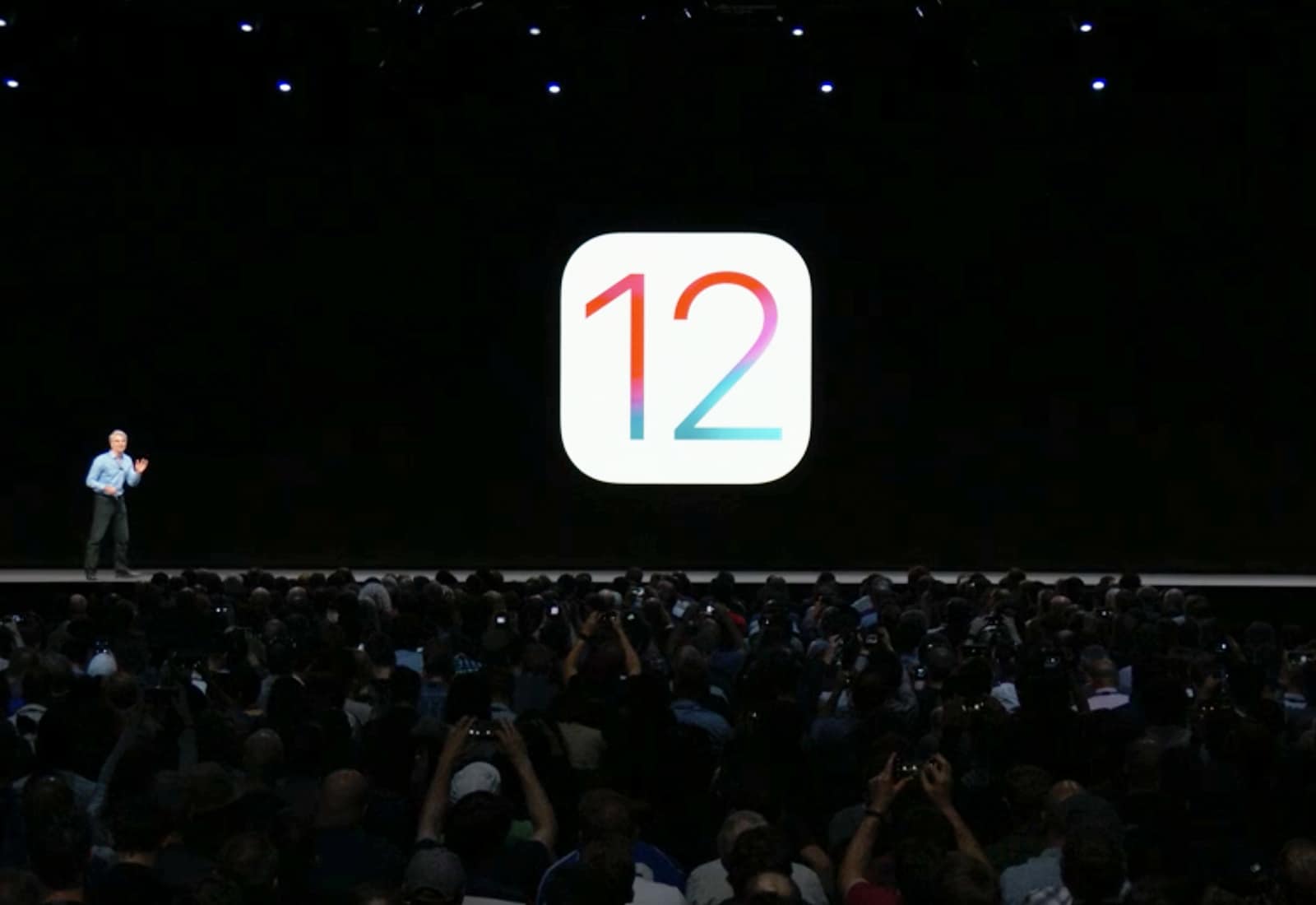
Ever since iOS 11, your iPhone and iPad have been able to detect a QR code in the camera frame, and pop up a banner at the top of the screen to open the link embedded within it. This is a great way to quickly extract a URL from a billboard, or from a particular nerdy lost-cat poster stapled to a utility pole.
Now, iOS 12 brings a dedicated QR-scanning shortcut that you can invoke right from your iPhone’s lock screen. Let’s see how to scan QR codes in iOS 12.
Grab the update today! Photo: Killian Bell/Cult of Mac
The new Nintendo Switch Online service has finally made its big debut. To give Switch players an even bigger reason to subscribe, Nintendo is adding official voice chat support to more of its own titles.
The latest update to the Nintendo Switch Online app for iOS adds chat support for Mario Kart 8 Deluxe, Mario Tennis Aces, and more.
The news was shared with employees by CEO Chris O’Neill at at an “all hands” meeting this week. He told staff that the move is intended to make the company, “operate more efficiently” and to focus its efforts on new initiatives, while streamlining certain functions.
Even given Apple's $1 trillion valuation, $16.7 billion in back taxes is a big chunk of money Apple hopes it will get back. Photo: Jim Merithew/Cult of Mac
Apple has now transferred all €14.3 billion it has been ordered to pay Ireland for back taxes. The cash will stay in an escrow fund while Ireland tries to convince the EU that Apple should get its money back.
This is part of an on-going saga with the EU accusing Ireland of being a tax haven, and Apple caught in the middle.
Looks like the rumored 2018 iPad Pro models are coming after all. Photo: Álvaro Pabesio
The September Apple event came and went without any mention of the iPad Pro models that had been the stars of so many rumors. But there’s still hope! Buried deep in the just-released iOS 12.1 beta 1 is a clear reference to an iPad on the docket for this fall.
So be patient. The redesigned tablets we’ve heard so much about could be coming soon.
This is how it feels to use iOS 12's new Markup tools Photo: Charlie Sorrel/Cult of Mac
iOS 12 doesn’t really have any huge new standout features. It’s more a collection of really solid improvements to iOS 11. It sounds odd to say that my favorite new feature is Do Not Disturb during Bedtime, but it’s made a big difference in how I use my iPhone.
Likewise with today’s Pro Tip. iOS markup for screenshots, PDFs and Photos was already good, but new options for the pen tools make it great.
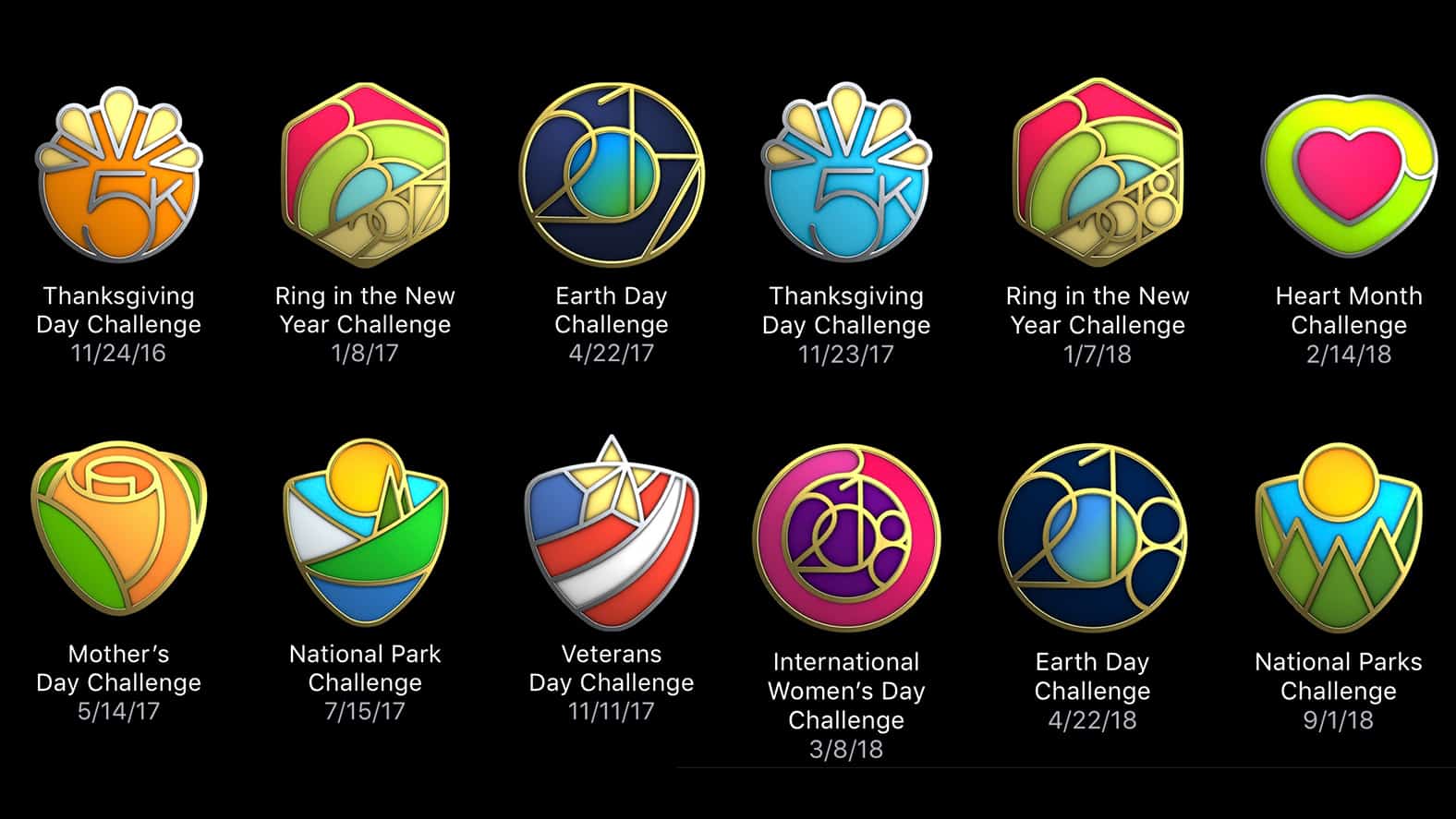
iOS 12's collection of "limited edition" Activity challenge badges is missing a few awards. Screenshot: Ian Fuchs/Cult of Mac
With the release of iOS 12 earlier this week, Apple made broad sweeping improvements to the OS. Unfortunately, the update also came with a small bug for fitness zealots sporting a cabinet full of limited edition Activity challenge badges. If that just described your Apple Watch badge collection, you can cool your cycling shorts, everything will be ok.
Voice Memos' iOS 12 redesign is way more than just a lick of paint. Photo: Charlie Sorrel/Cult of Mac
Even if you never make a voice memo, you might be interested in Apple’s updated Voice Memos app. Powerful new features in iOS 12 make it much more than just a way to record voice snippets.
In fact, in iOS 12, Voice Memos morphs into a full-fledged audio recorder and audio editing app. As such, it’s useful for people recording interviews, and for musicians working on ideas. Let’s take a look around.
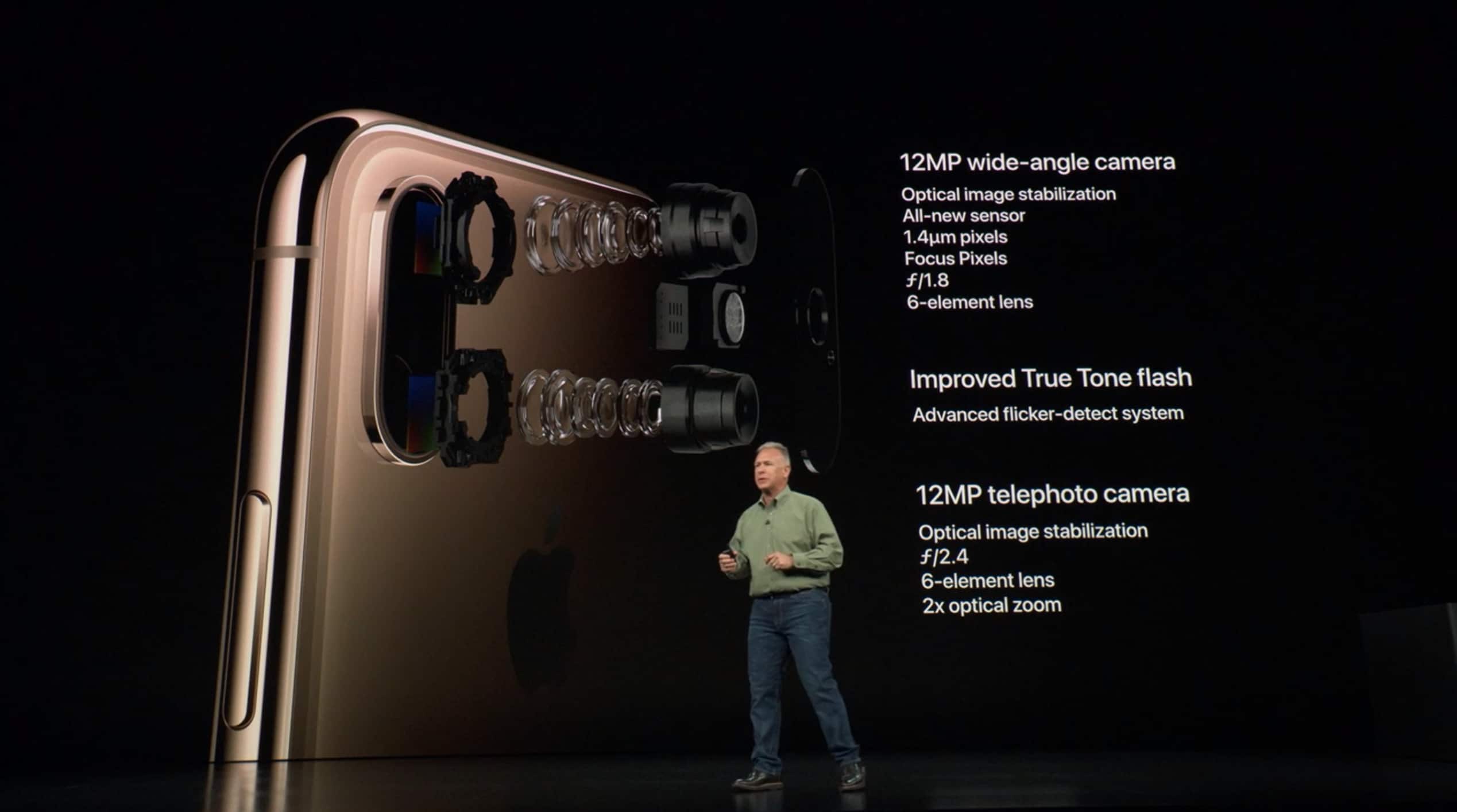
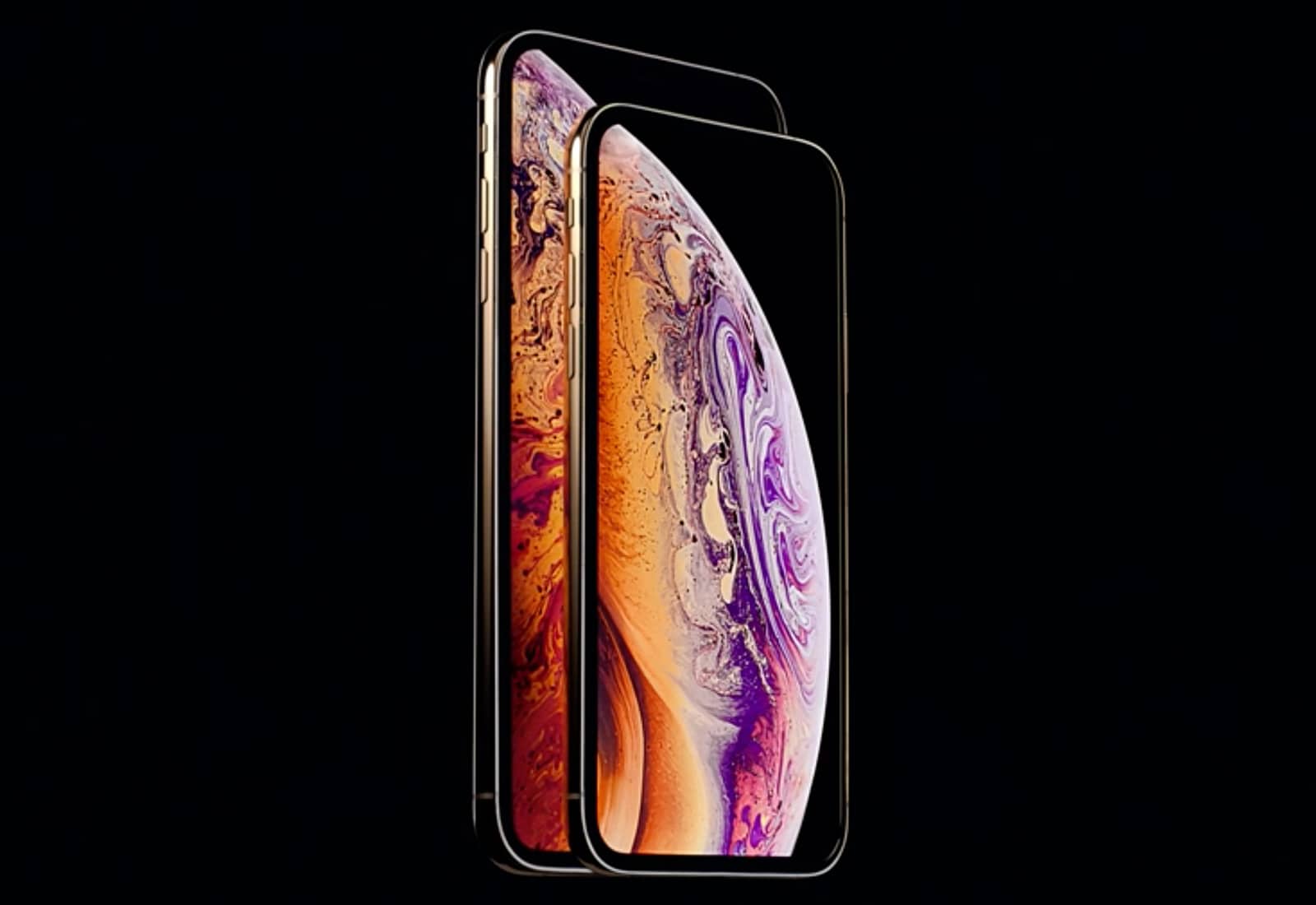
The new camera sensors on the iPhone XS and iPhone XS Max could be worth a $1000 upgrade all their own.
Early reviews of the new cameras are overwhelmingly positive. Even though we already knew Apple made the pixels larger and the sensor bigger, we now have a better idea of the crazy engineering that went into making it the best iPhone camera ever.
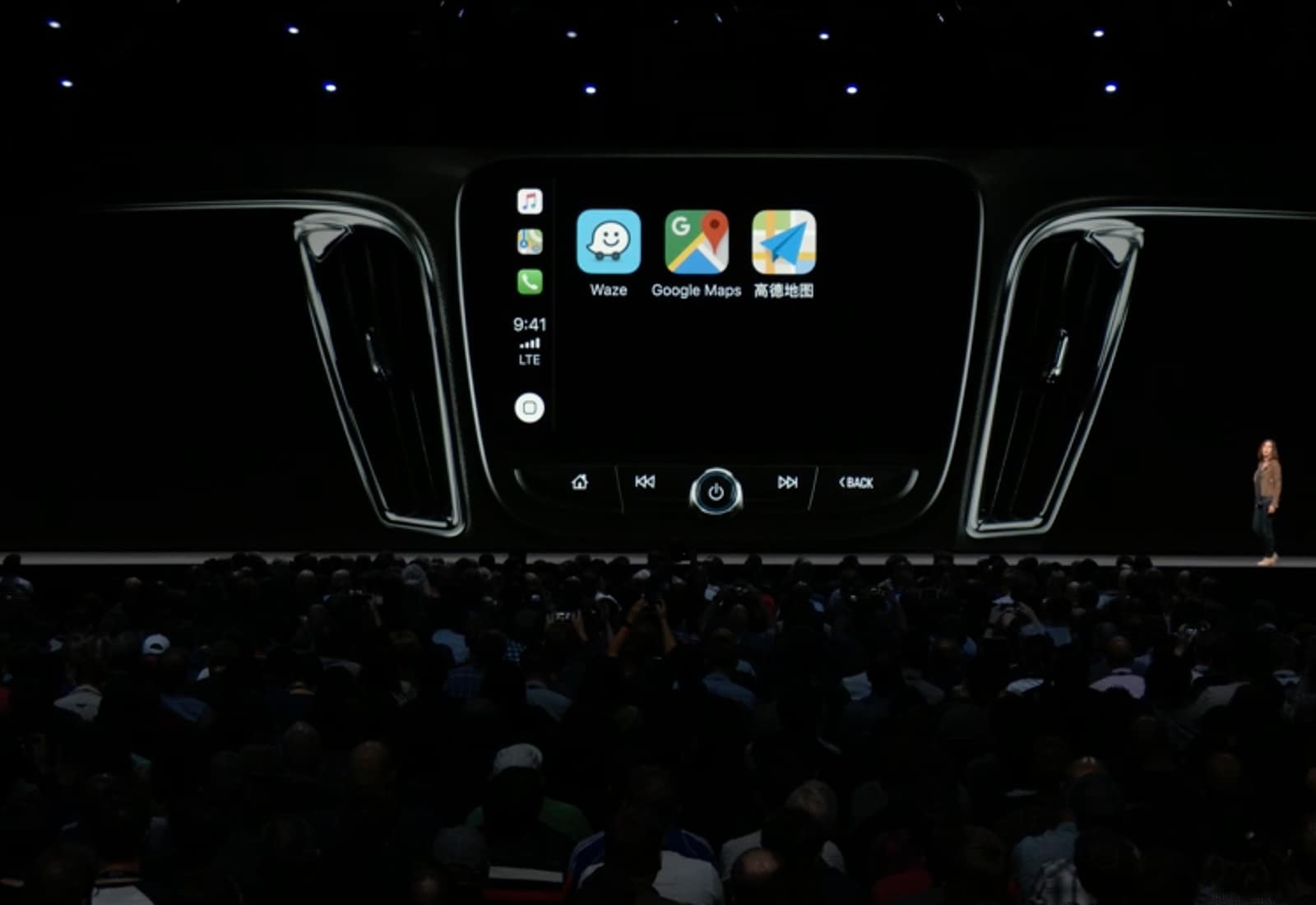
CarPlay allows Google Maps navigation with iOS 12. Photo: Apple
Apple Maps is no longer the only option for navigation through Apple’s CarPlay system now that iOS 12 is out.
With an update released today for Google Maps, CarPlay users can now choose between Google Maps and Apple Maps. And more third-party apps are on the way.
Somehow this happened… Photo: Charlie Sorrel/Cult of Mac
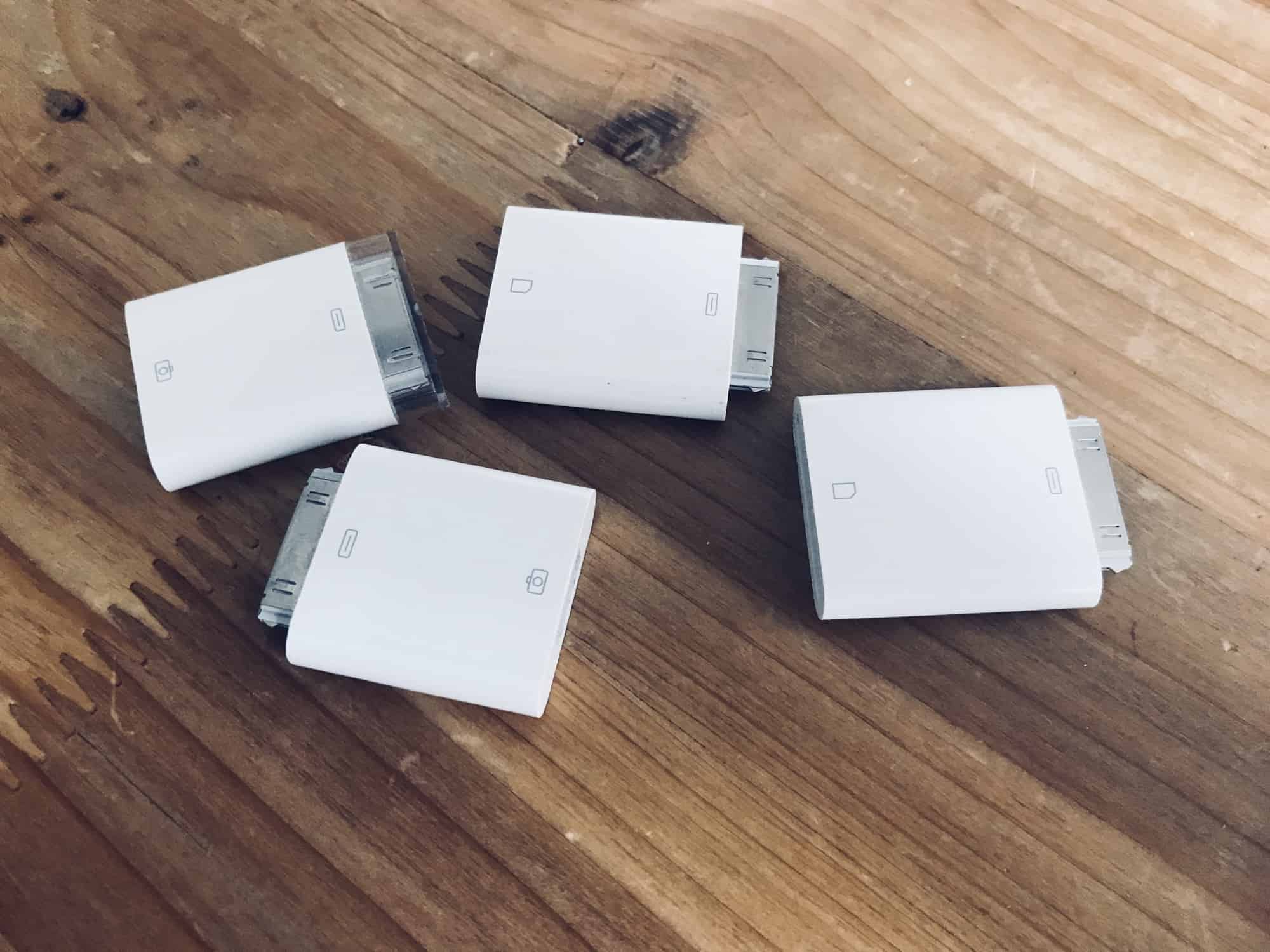
In iOS 11 and earlier, importing photos from a camera to your iPad photo library was always a bit clunky. You plugged the SD card in using the Lightning SD card reader, or hooked up the camera to a USB adapter, and then the Photos import took over your entire screen.
Also, all the images you imported wound up dumped right into your main photo library, leaving you to manually select them later if you wanted to add them to albums.
In iOS 12, Apple improved all of this. Let’s take a look at the great new photo import features in iOS 12.
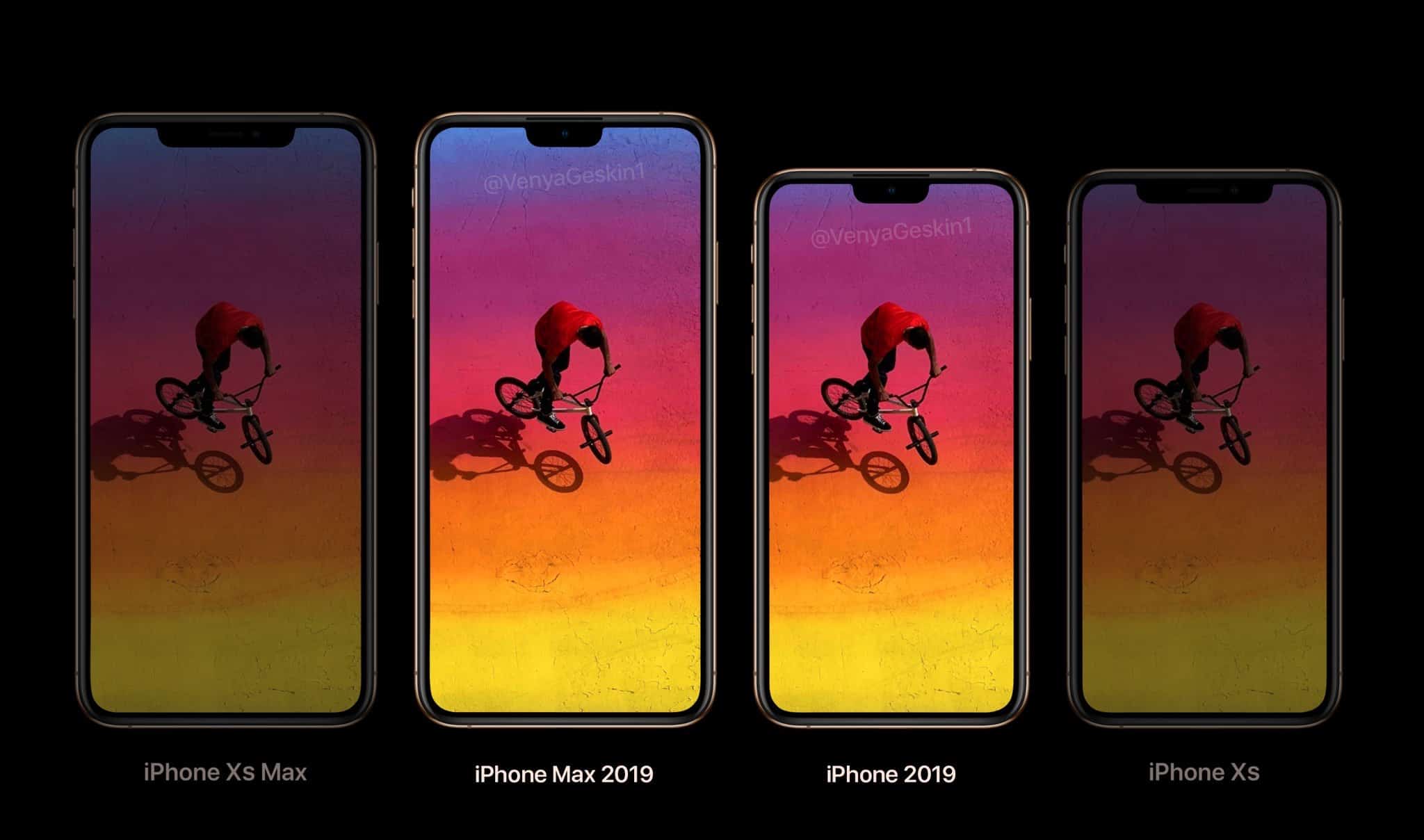
Can you spot the change in the 2019 iPhone models? Photo: Ben Geskin
The 2018 iPhones aren’t even out yet and we already have our first rumor about next year’s models. If you’re hoping for big changes in the 2019 iPhones, better temper your expectations. It seems the next-generation of Apple handsets will include displays the same size size as this year’s iPhone XS and XS Max.
But there reportedly will be one significant difference. One that many people will like.
Last year, iTunes 12.7 launched as a version “focused” on music, TV shows, podcasts and audiobooks. The redesign was aimed at cutting bloat, so functions like the App Store, home screen arrangement, and ringtone editing got nixed. Not everyone was happy about that.
You could enjoy this peaceful situation all day long. Photo: Charlie Sorrel/Cult of Mac
iOS 12’s best new feature may be Do Not Disturb at Bedtime. That sounds boring, but ask anyone who has been using it and they’ll tell you that it rocks. Apart from being active overnight, the main difference between regular Do Not Disturb and the new “at Bedtime” flavor is that all notifications are hidden from the lock screen until you deliberately swipe up on the screen to reveal them.
Regular Do Not Disturb suppresses audio and vibrating alerts, but the notifications still appear on the lock screen. You’ll see them any time you pick up your iPhone or unlock your iPad. This can make the difference between enjoying your hooky afternoon at the beach in peace or worrying the whole time because you accidentally saw that Slack message from your boss.
Wouldn’t it be great if you could take the regular Do Not Disturb and make it hide your alerts all day long? The good news is that you totally can.
Instant Tuning lets you tweak alert settings as you get them. Photo: Charlie Sorrel/Cult of Mac
“Instant Tuning” is the rather odd name that Apple gave an excellent new iOS 12 feature. You know how some apps on your iPhone keep popping up notifications you never want or need? And you keep telling yourself that you will dig into the Settings app and switch them off? Only you never, ever get around to this annoying busywork? Instant Tuning is for you.
Now, when a notification comes in, you can access the notifications settings for that app right there in the notification itself. This is huge, and makes culling your notifications way easier. Which in turn makes your most important notifications, like text messages or that sweet eBay auction you’re following, stand out more.
Halide can now add custom background blurs in iOS 12. Photo: Halide
iOS 12 gives your favorite apps access to some amazing new abilities. One is integration with the brand-new Siri Shortcuts, which lets you automate your apps, or to interact with them by talking to Siri. But that’s not all. Camera apps now have access to the the depth information from Portrait Mode, so they can do some pretty special effects.
Safari’s password autofill has also been opened up, so apps like Dashlane and 1Password are now available with a single tap. Let’s take a look at the best new iOS 12-ready apps already available.
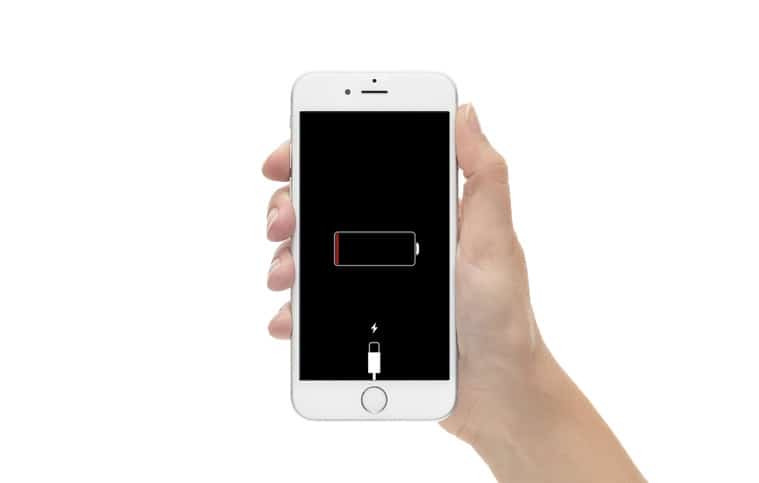
A dead battery used to be a big problem. It's slightly less of an issue with the iPhone XS. Photo: Apple
It’s irritating when your iPhone runs out of battery. But it can actually be life threatening if you depend on your phone’s NFC feature to get into your dorm room or onto a train.
That’s why the iPhone XS and the other 2018 models still offer some NFC transactions even when down to the power reserve.
Apple is not wasting any time making improvements to the huge iOS 12 update that was just released to the public yesterday.
Developers received the first beta for iOS 12.1 this morning along with new betas for watchOS 5 and tvOS 12, bring a host of changes to the software update that already made iOS devices faster and more efficient.
Apple busted out three new iPhones at its keynote. Photo: Apple
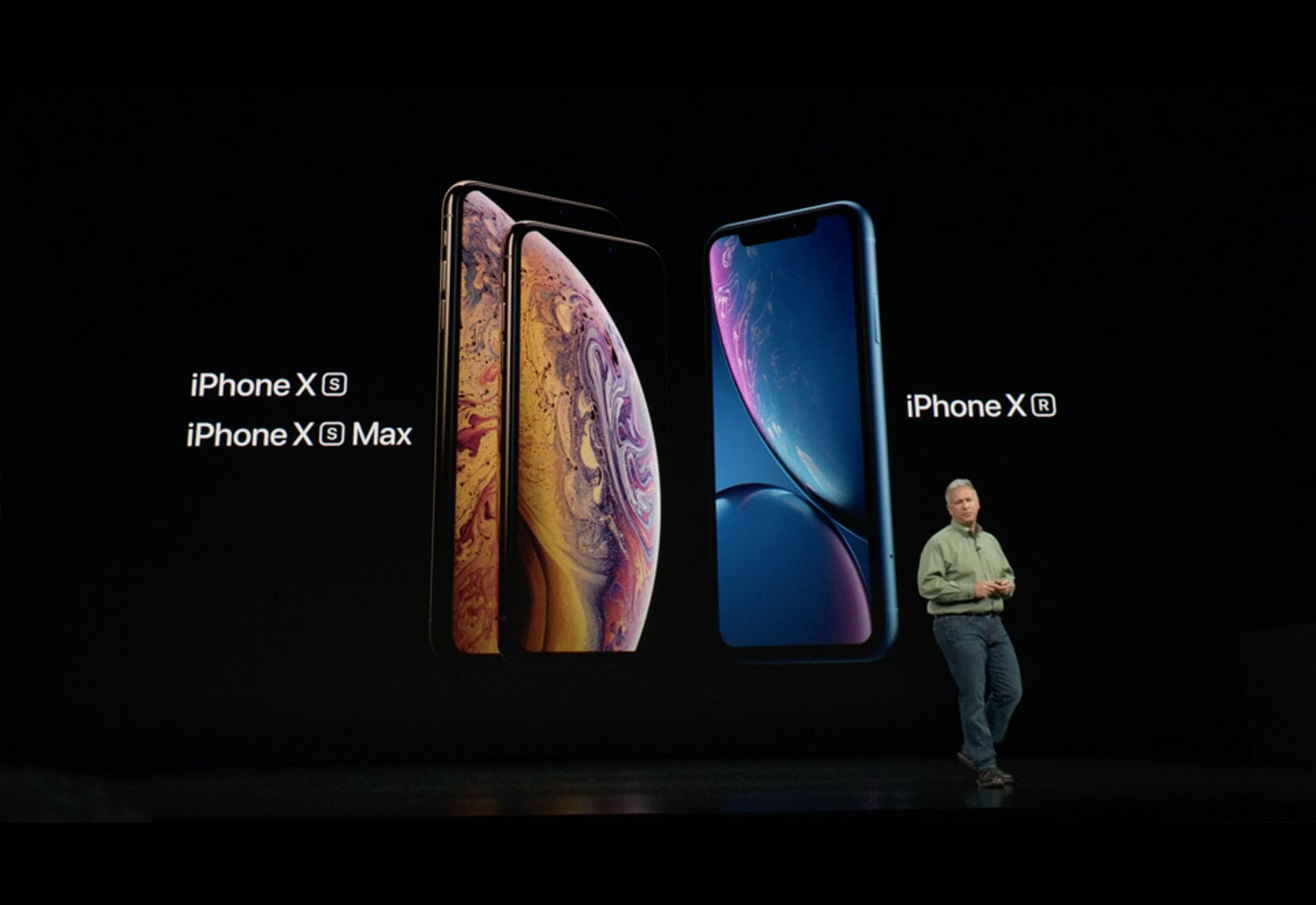
The official way to type the names of the 2018 iPhone lineup have finally been confirmed by Apple nearly a week after the company revealed the phones at its Gather Round keynote.
All three of the new iPhones have a letter suffix attached to an X which has been downright confusing for most fans. In some instances, it seemed like all uppercase letters were called for, while some people were only using lower case suffixes. The confusion has been cleared up though and the names are actually pretty simple.
The iPhones may change but the words describing remain the same. Screenshot: James Brown/YouTube
When you compare the iPhone 4 to the iPhone XS, virtually everything has changed. All except the script Apple uses when introducing its new handsets to the public.
This is the tongue-in-cheek observation of James Brown, a YouTuber and Reddit user who posted a video comparing the use of adjectives from Steve Jobs in 2010 with Apple executives talking about the iPhones XS and XS Max at last week’s new product showcase.
Slice and dice the battery info however you like. Photo: Charlie Sorrel/Cult of Mac
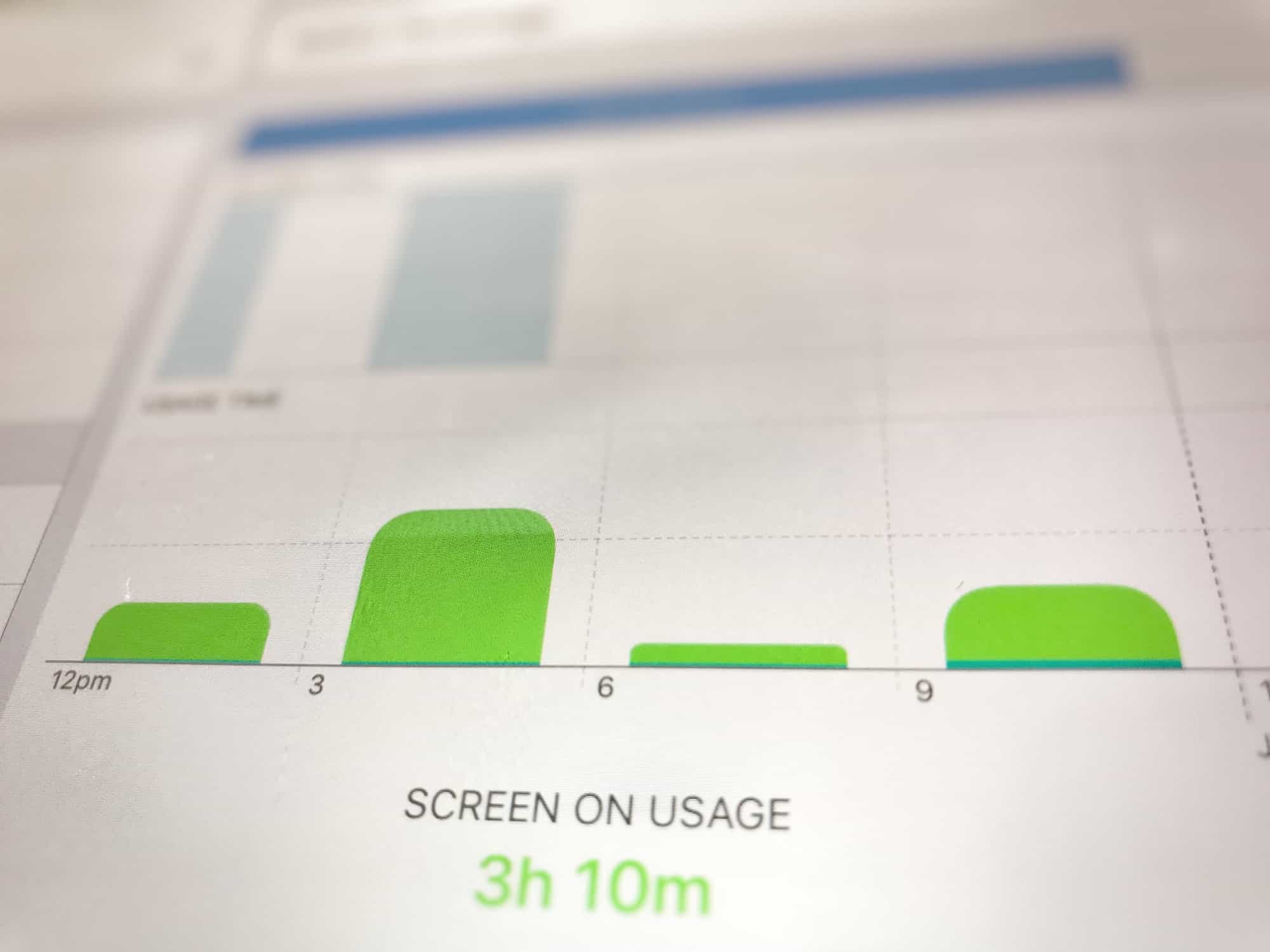
The new iOS 12 Battery information section brings a massive improvement over the previous version. Whereas before you could see which apps used how much battery, and for how long, now you can see the charts that look like the Tim Cook section of an Apple Keynote. You can see your battery use in incredible detail, broken down by such categories as Screen On Usage and Screen Off Usage.
But that’s not all. You can see how fast the battery ran down, how the levels were at any time during the last 24 hours, and also a longer-term overview that shows your usage over time.
It’s so detailed that it can be a bit intimidating, so today we’ll take a look at how to read those charts, and how to get the best out of them.
Early reviews for the iPhone XS and iPhone XS Max have already come in and while most of the people that have tested the new device are impresssed, this years models aren’t as big a leap as the iPhone X.
Testers are raving about the camera, A12 processor, big display and faster LTE. The new phones are truly impressive, but if you have an iPhone that came out in the last two years, you might want to see what the experts are saying first.
Just one has a staggering amount of computing power compared to the Apollo 11 computer. Screenshot: Jonathan Morrison
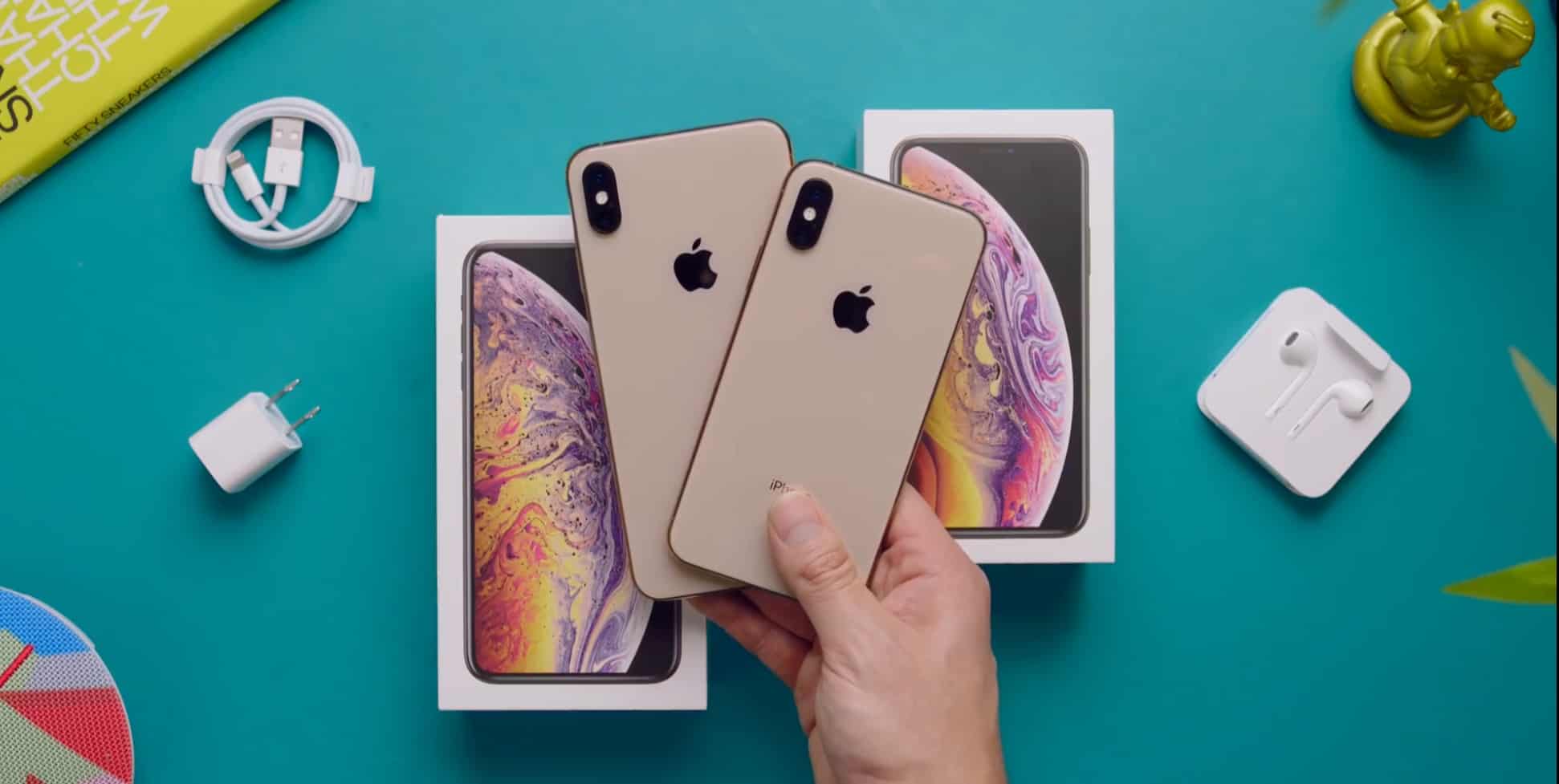
The average joe won’t get their hands on the new iPhone XS until Friday, but a fortunate few got early access. That’s led to the first unboxing videos of Apple’s new flagship smartphone.
These offer quick, hands-on overviews of the iPhone XS Max and the smaller iPhone XS for people who just can’t wait until they get one themselves.