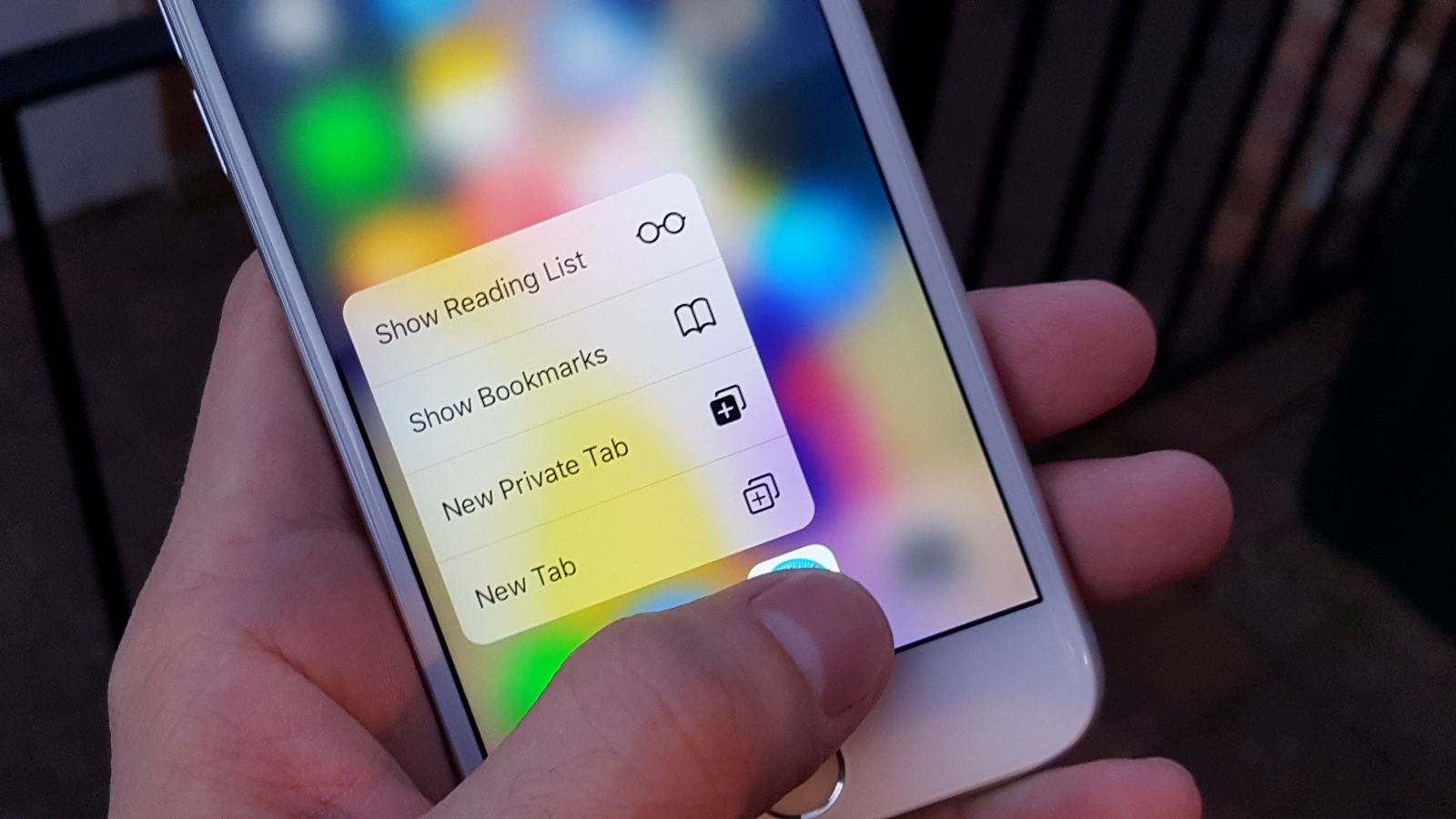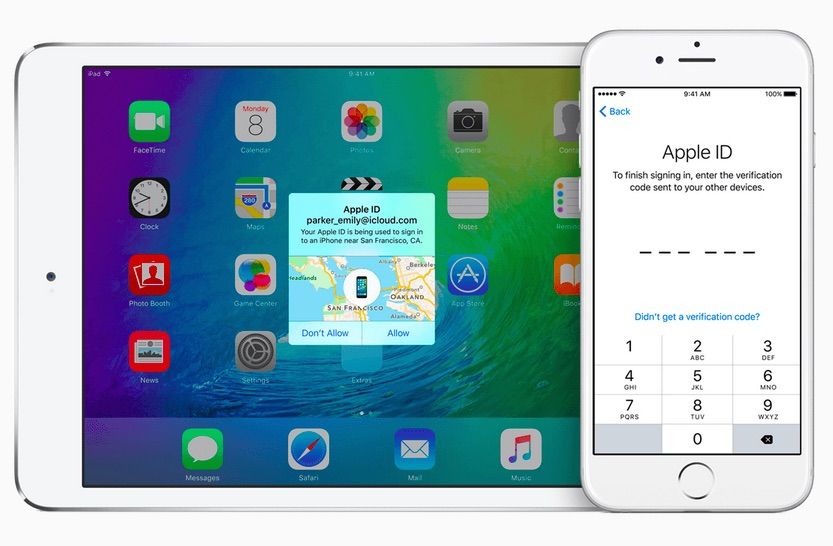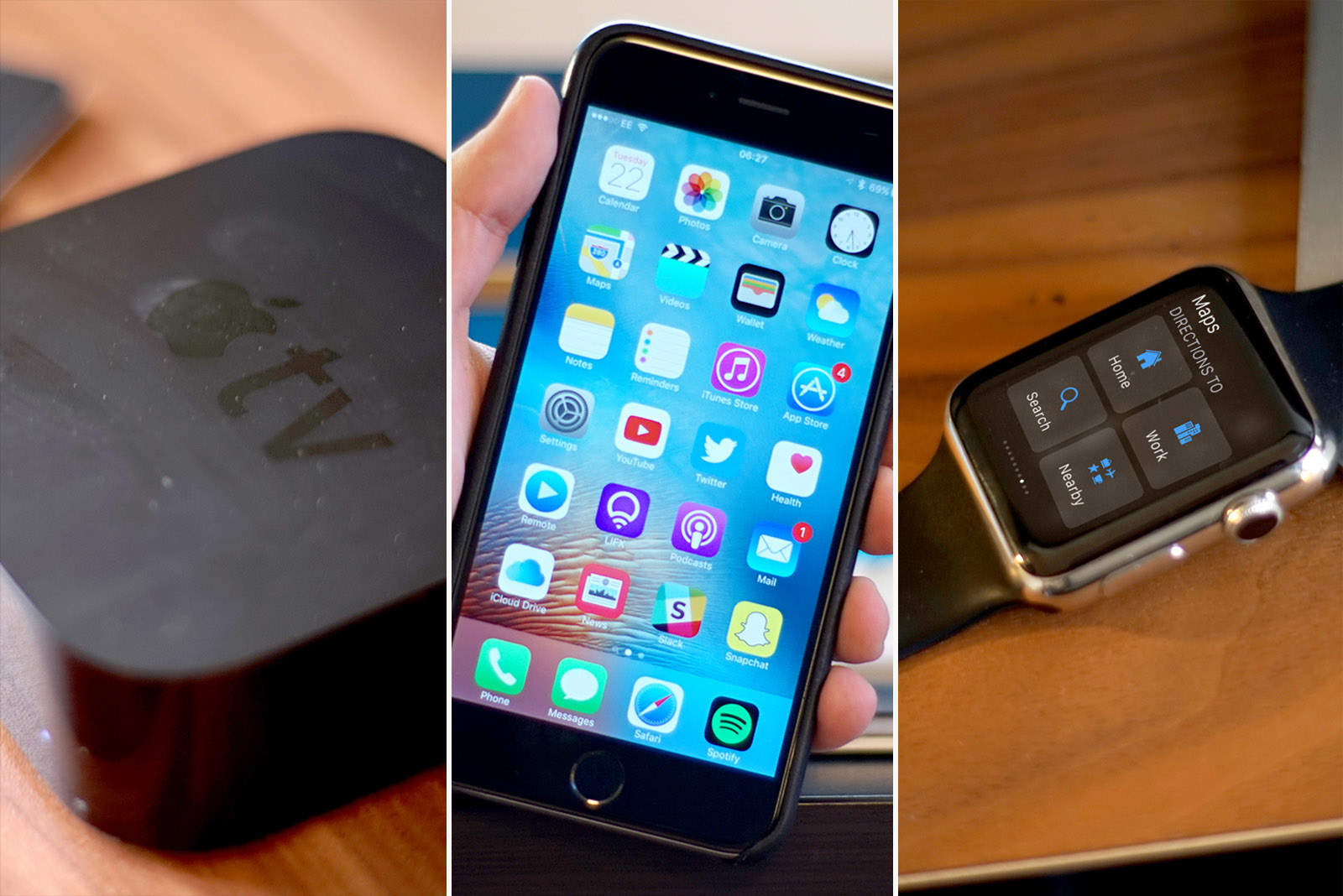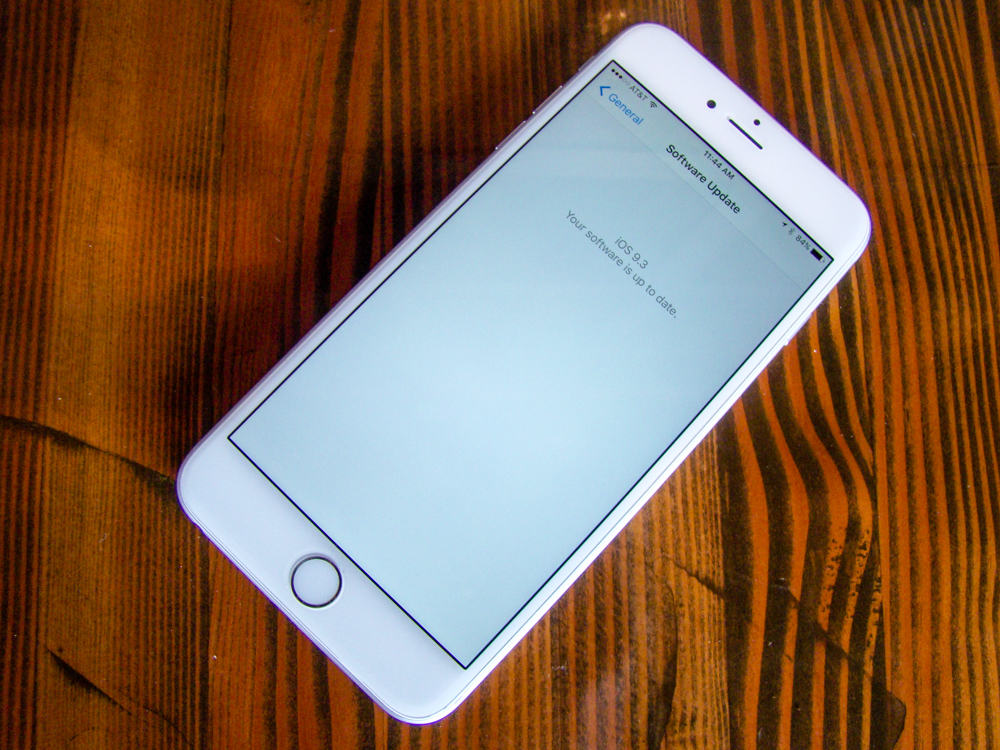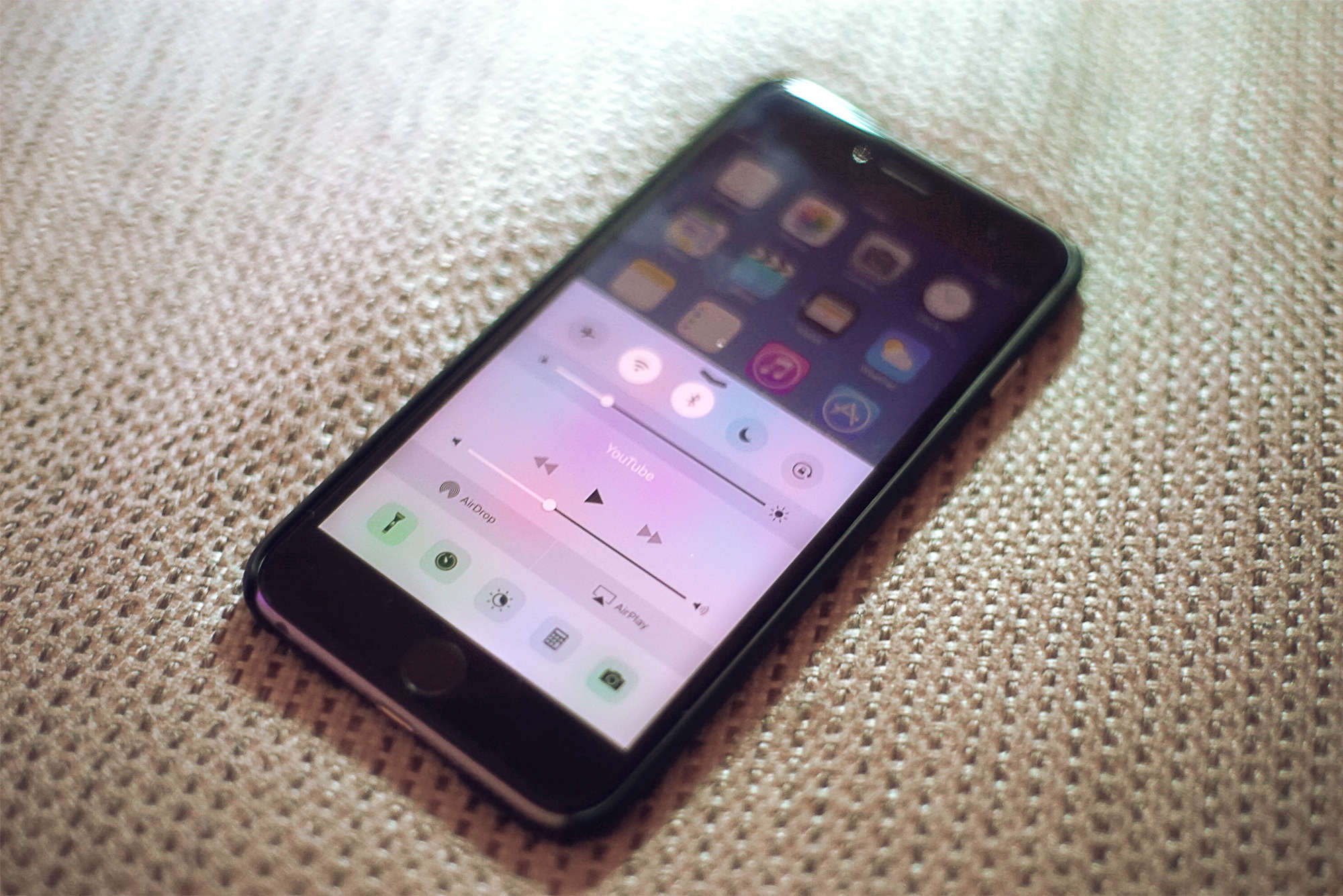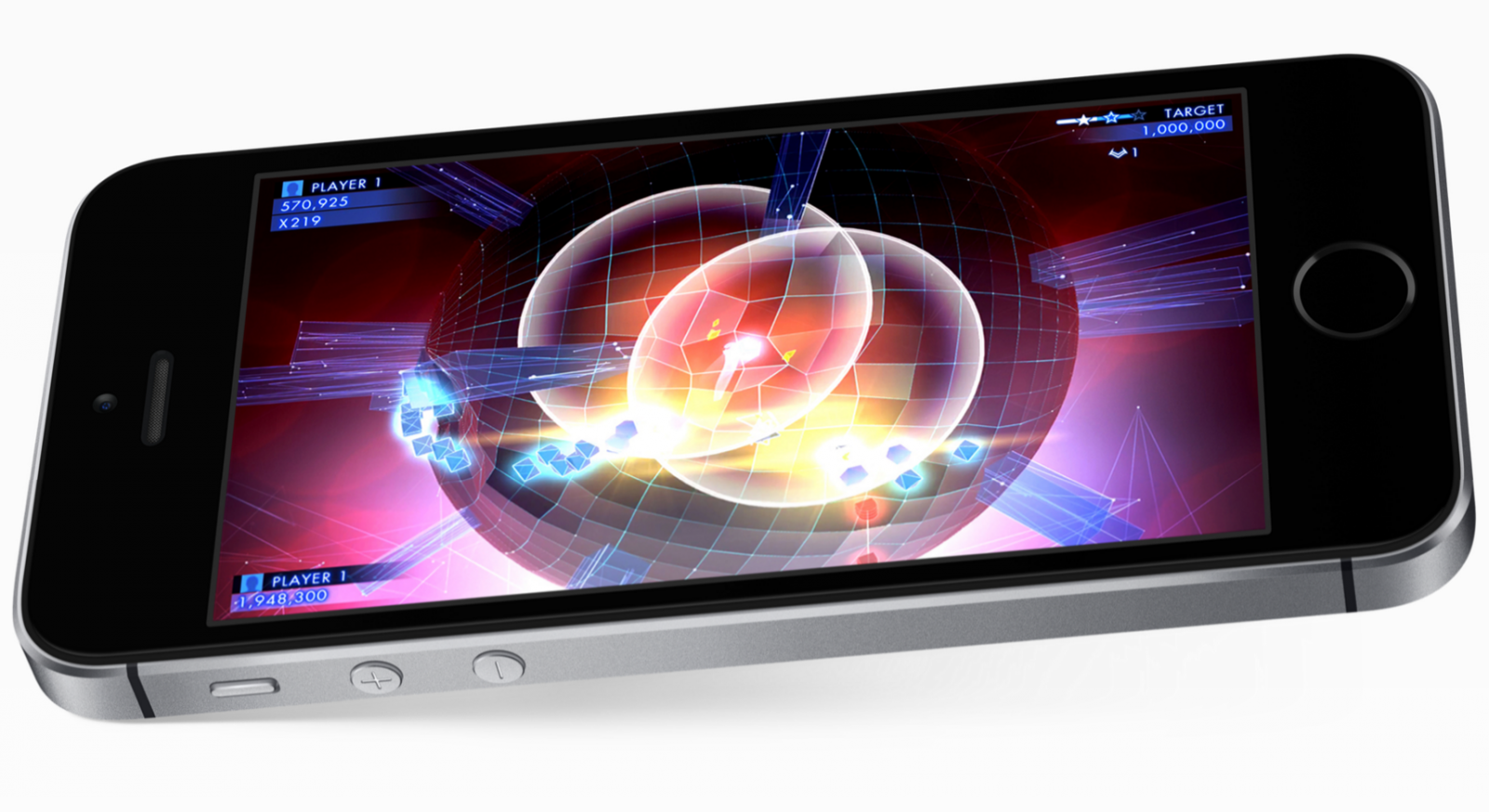
Get your iOS device up to date fast and easy. Photo: Rob LeFebvre/Cult of Mac
iPhone users suffering from crashing woes on iOS 9.3 are finally getting some relief. Apple has released iOS 9.3.1 to the public, bringing new bug fixes and performance improvements for the iPhone, iPad and iPod Touch.
The update comes more than a week after the release of iOS 9.3, which turned hyperlinks into crash bombs for some users.
So much potential here. Photo: Rob LeFebvre/Cult of Mac
Whether you need to make something to show of your science project, make the sale, or help museum patrons understand a work of art, chances are you’ll need to make a slideshow that incorporates images, text and other media. Sometimes, you might even need to make one on the fly.
FlowVella is a free slideshow creation app that works on your Mac, iPad, and now iPhone for making killer presentations both at home and on the go. Here’s how.

March yourself right into fun. Photo: Stephen Smith/Cult of Mac
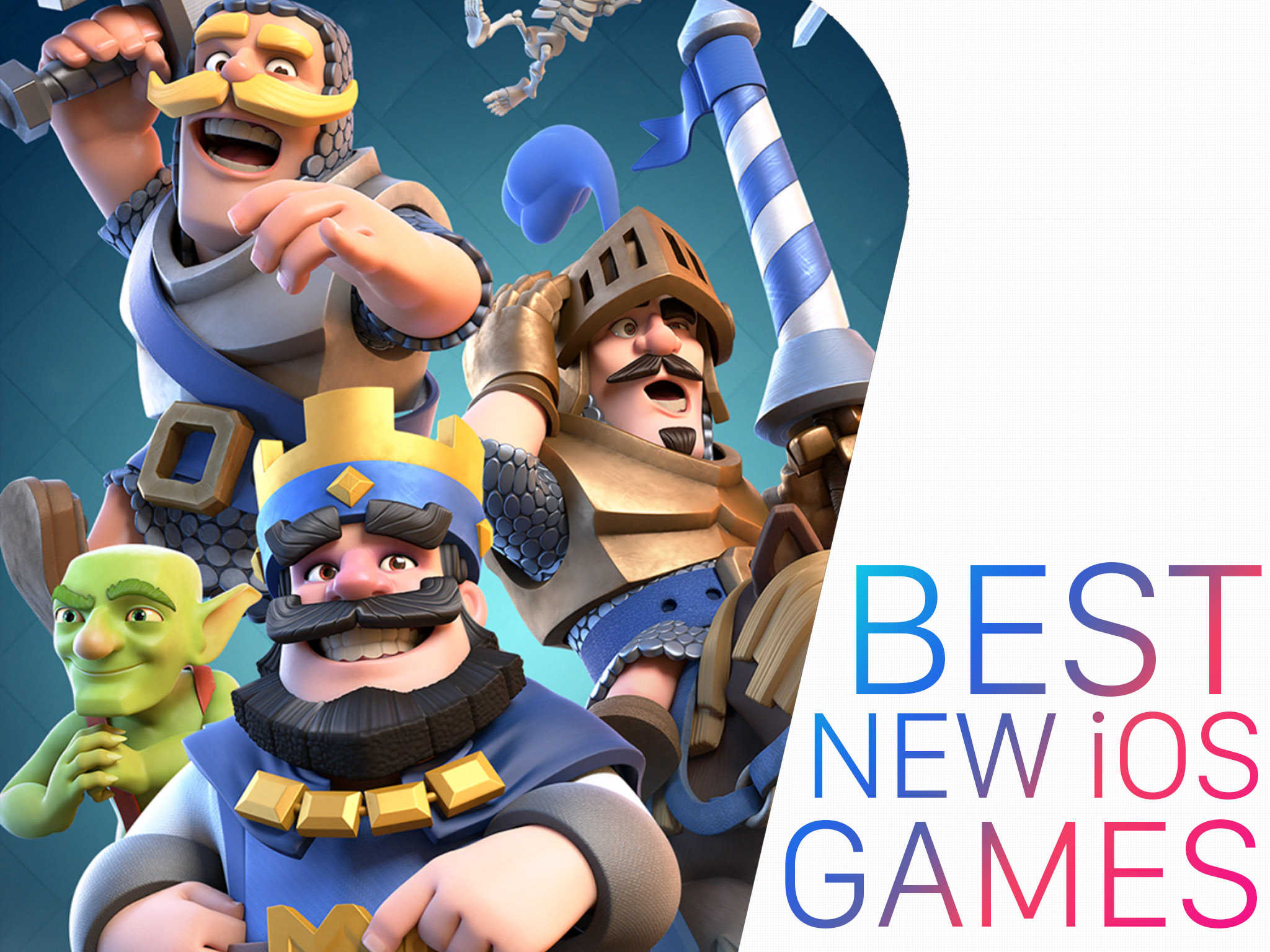
There’s nothing better than kicking back and playing an iOS game that respects your time, money and energy. Games that keep you entertained without costing you too much (especially at first) can be a great way to spend your time, whether you’re chilling on the couch at home, on the subway home after a long day at work, or waiting at the dentist’s office.
Here are all the hot new iOS games we found ourselves playing this month.
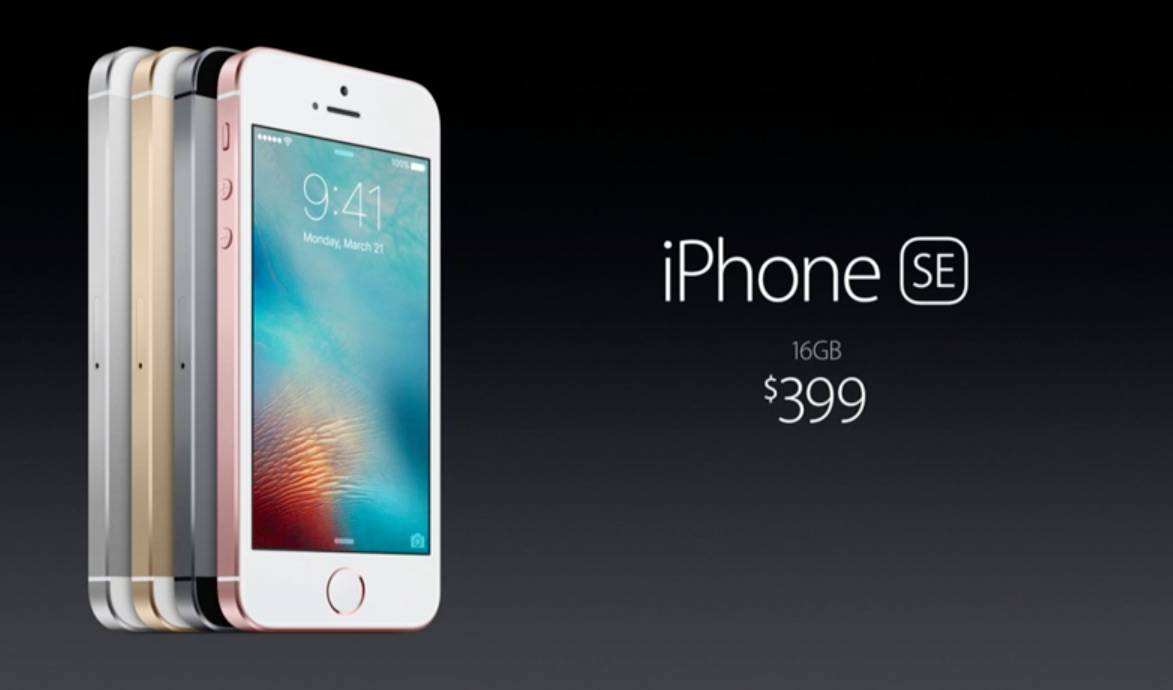
Apple's new iPhone and iPad go on sale today. Photo: Apple
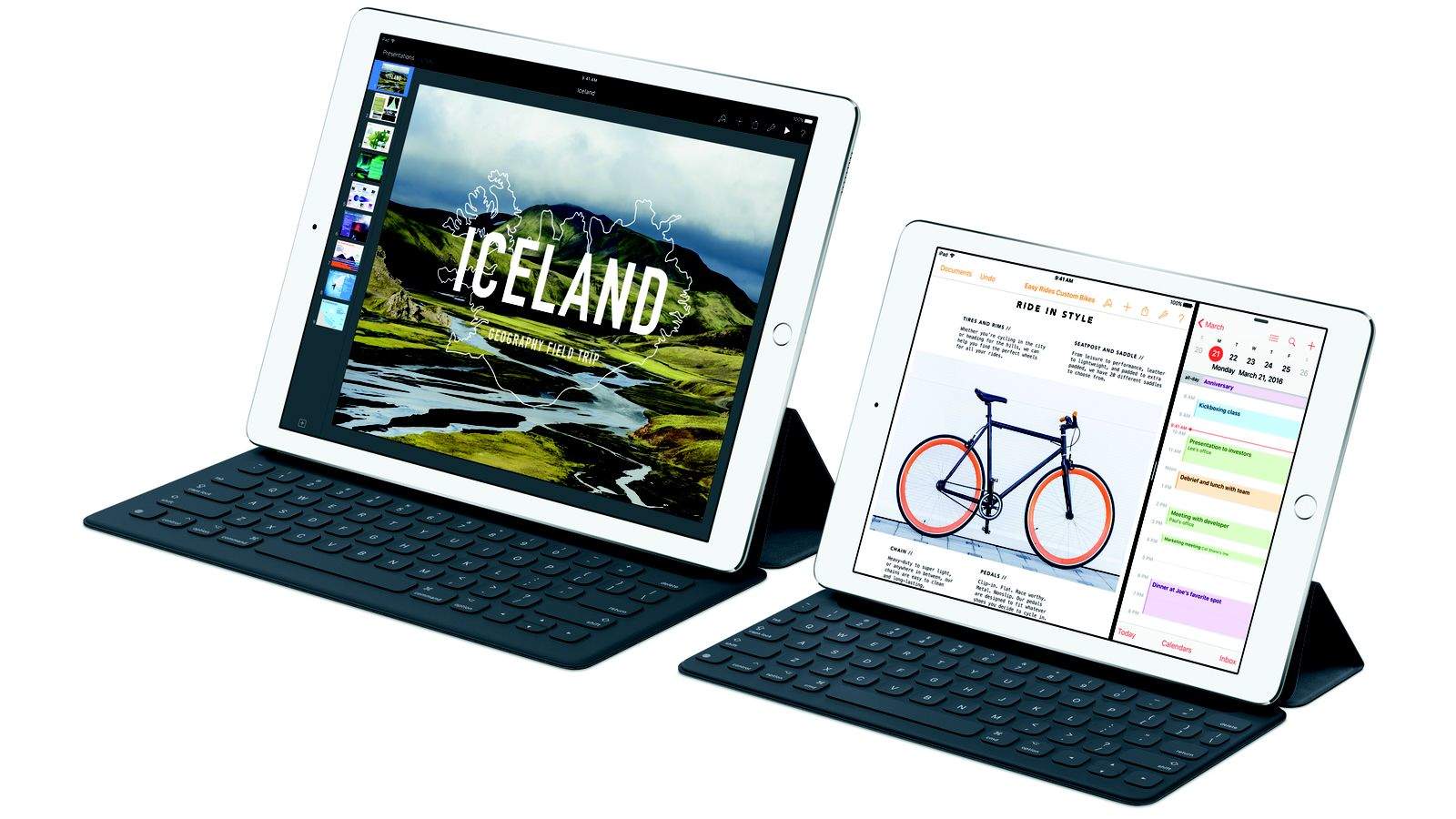
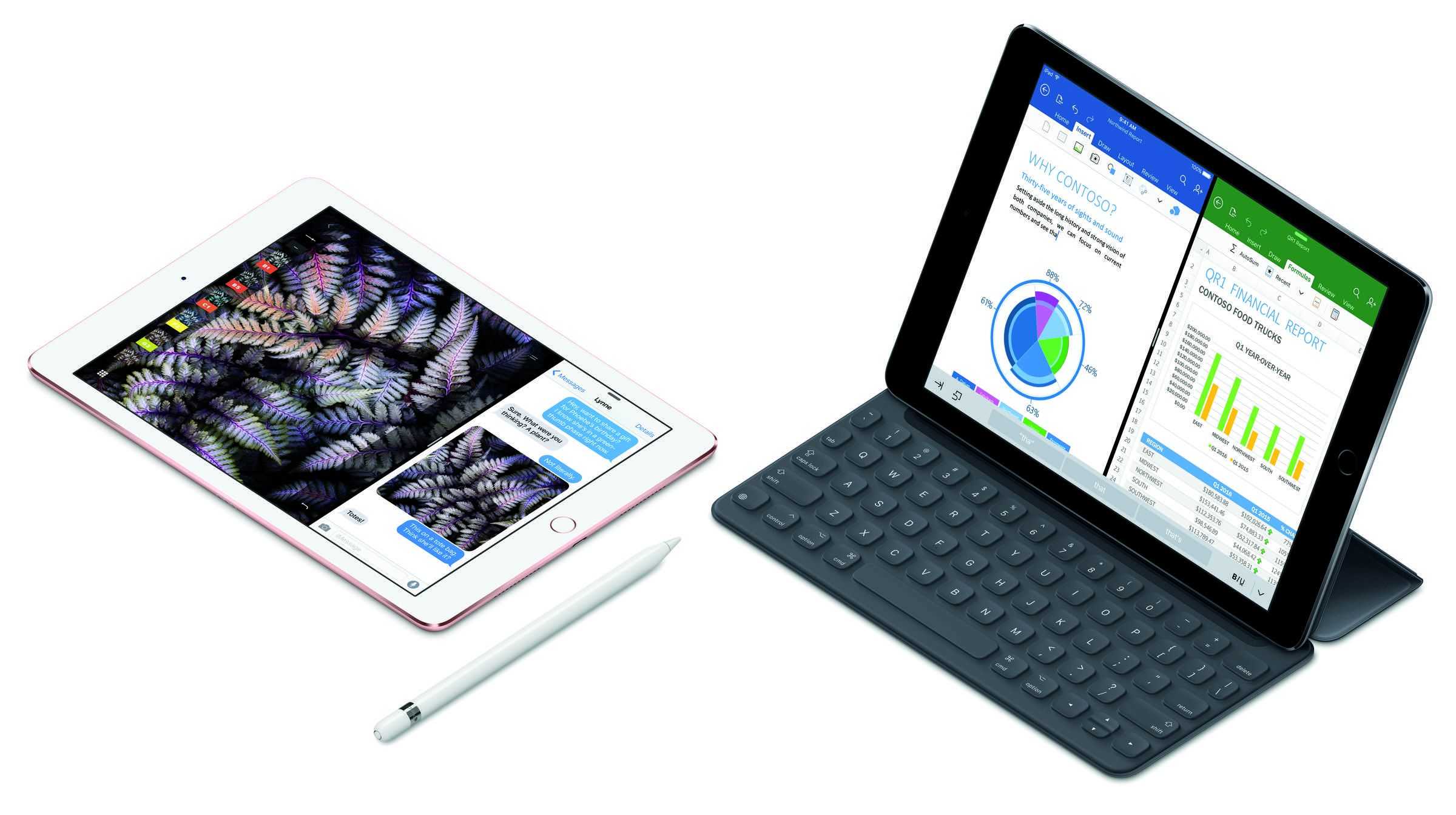
After being made available for pre-order last week, the 4-inch iPhone SE and 9.7-inch iPad Pro are available to buy in Apple Stores today — although unlike many Apple launches, this one doesn’t seem to have been met with massive queues.
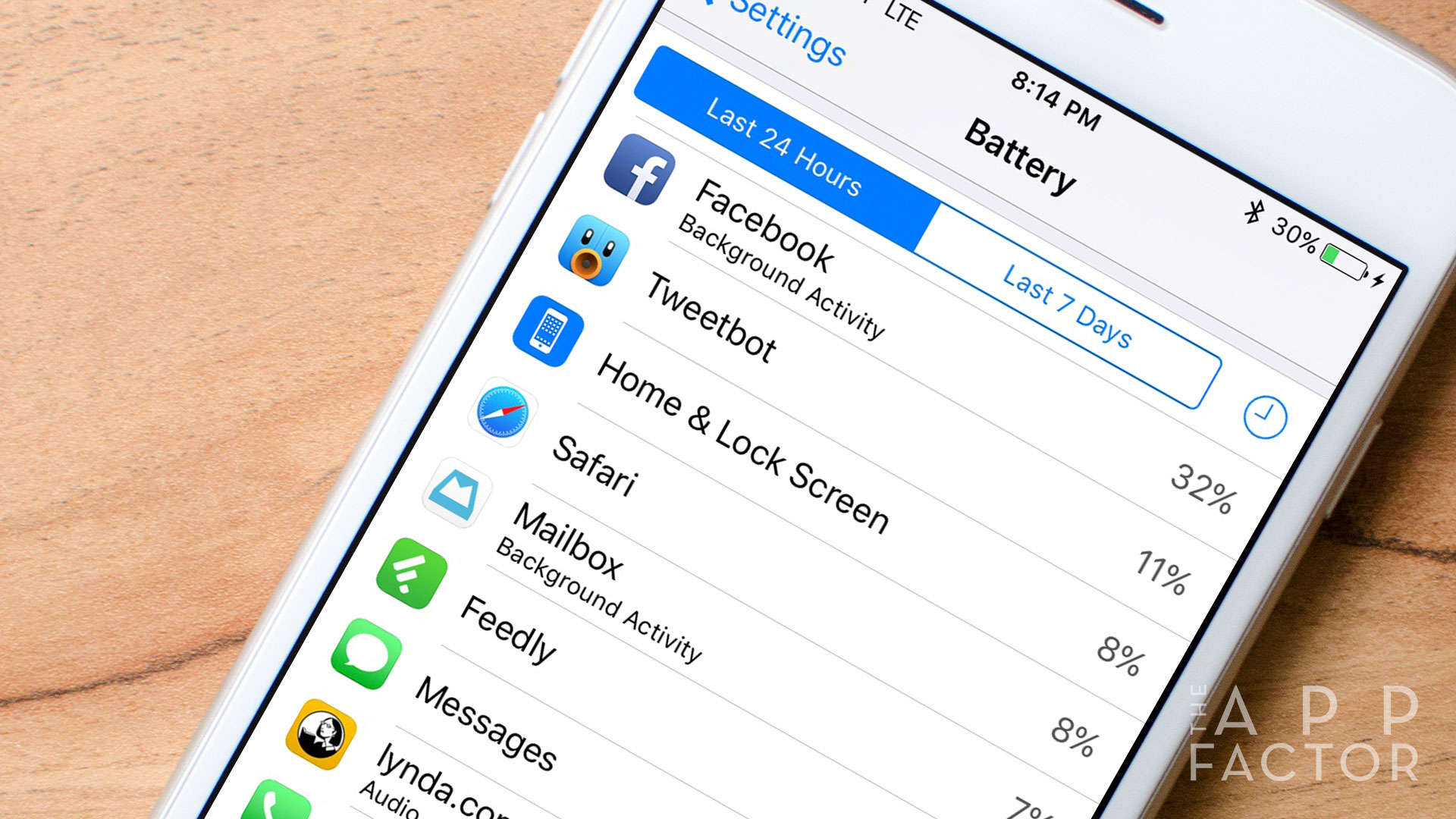
If you're tired of the Facebook app draining your iPhone's battery, try these easy tips. Photo: Ally Kazmucha/The App Factor
Every day I hear at least one complaint about the Facebook app wreaking havoc on iPhone battery life. Unfortunately, this isn’t breaking news — it seems to re-surface, with a new level of severity, every couple of months. Not only does Facebook use tons of battery when left unchecked, it can also take up insane amounts of storage space on your iPhone.
This is exactly why I never let Facebook have permission to access … well, almost anything on my iPhone. Here are some tips that will help you stop the notorious Facebook iPhone battery drain.
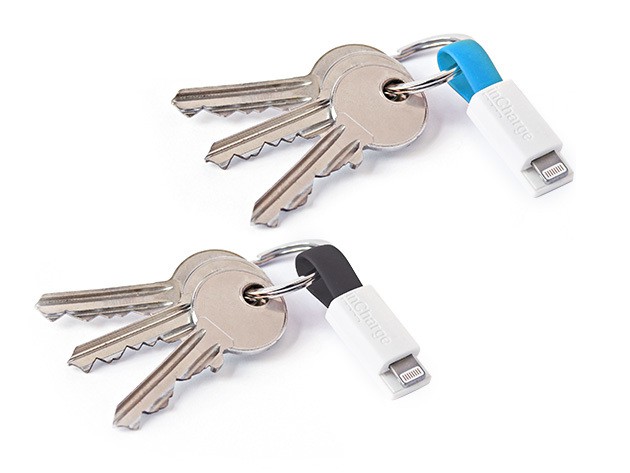
The world's smallest keyring cable for charging and data transfer. Photo: Cult of Mac Deals
Getting the phone or the smart watch is always just the beginning. To make these devices an ideal fit with our lives, habits, or sense of style, there are plenty of peripherals available to bring our most intimate of technologies into closer alignment with our wants and needs. From low-profile charging to mobile mounts and new wristbands, we’ve found some great deals on surefire enhancements for the tech in your life. Take a look:
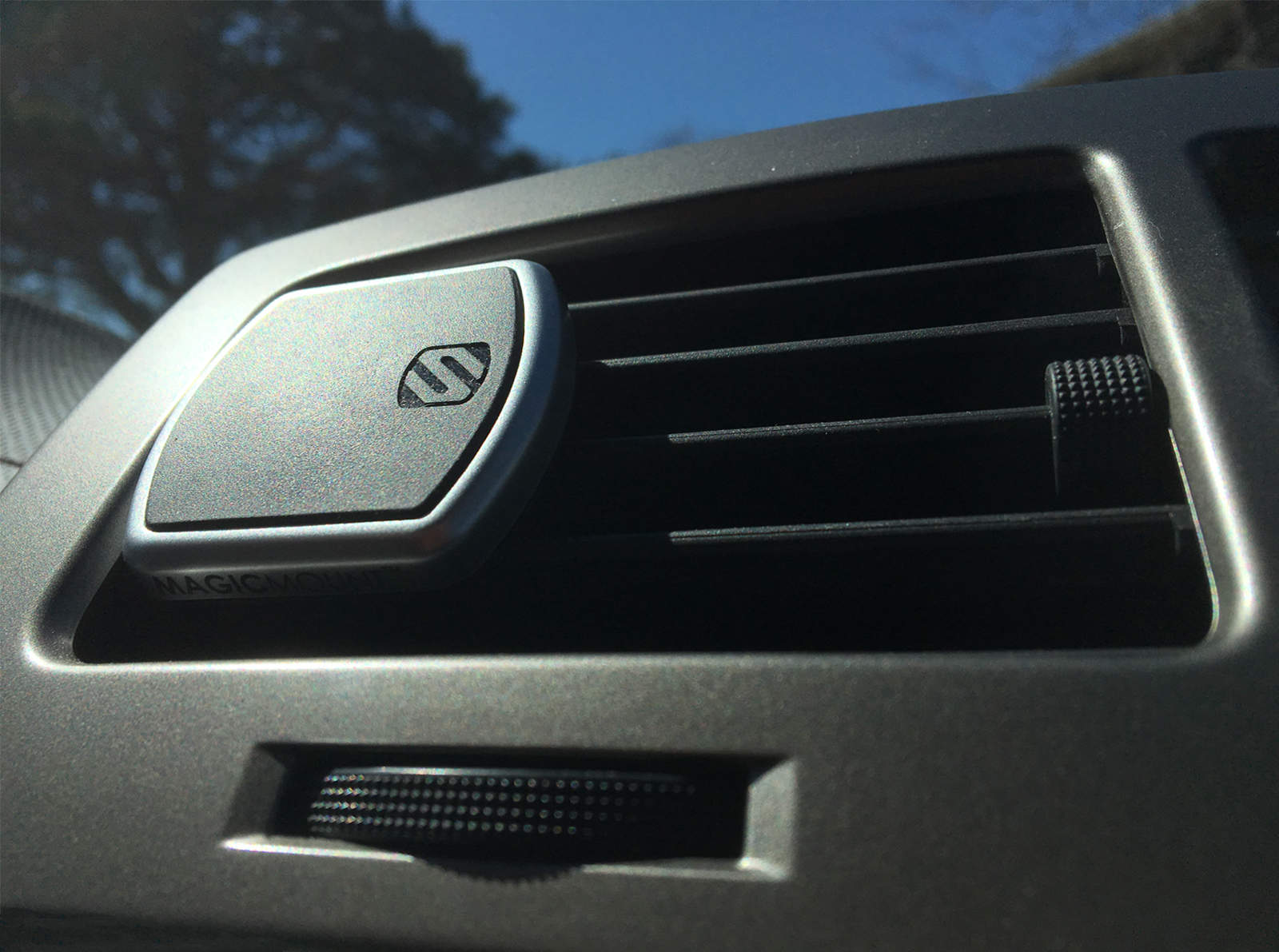
The MagicMount Pro is so convenient, you may not even miss that air. Photo: Evan Killham/Cult of Mac
MagicMount Pro Vent
I’ve been looking for a new place to keep my phone while I was driving since I upgraded to the iPhone 6s and discovered that even though I’d slapped the slimmest of cases on it, it no longer fit into the cradle that sits in my car’s cup holder. And I don’t know if it’s the phone or the car that’s let me down here, but it’s become a bit of a problem if I want to keep the thing handy while I’m on the road.
The idea of sticking something permanently to my dashboard or phone has never appealed to me, and I also don’t like the idea of blocking part of my view with a suction-based phone mount. But luckily, the magnetic MagicMount Pro Vent exists, and that solves pretty much all of my problems. And if you’re super neurotic like me, you’ll probably want to check it out.
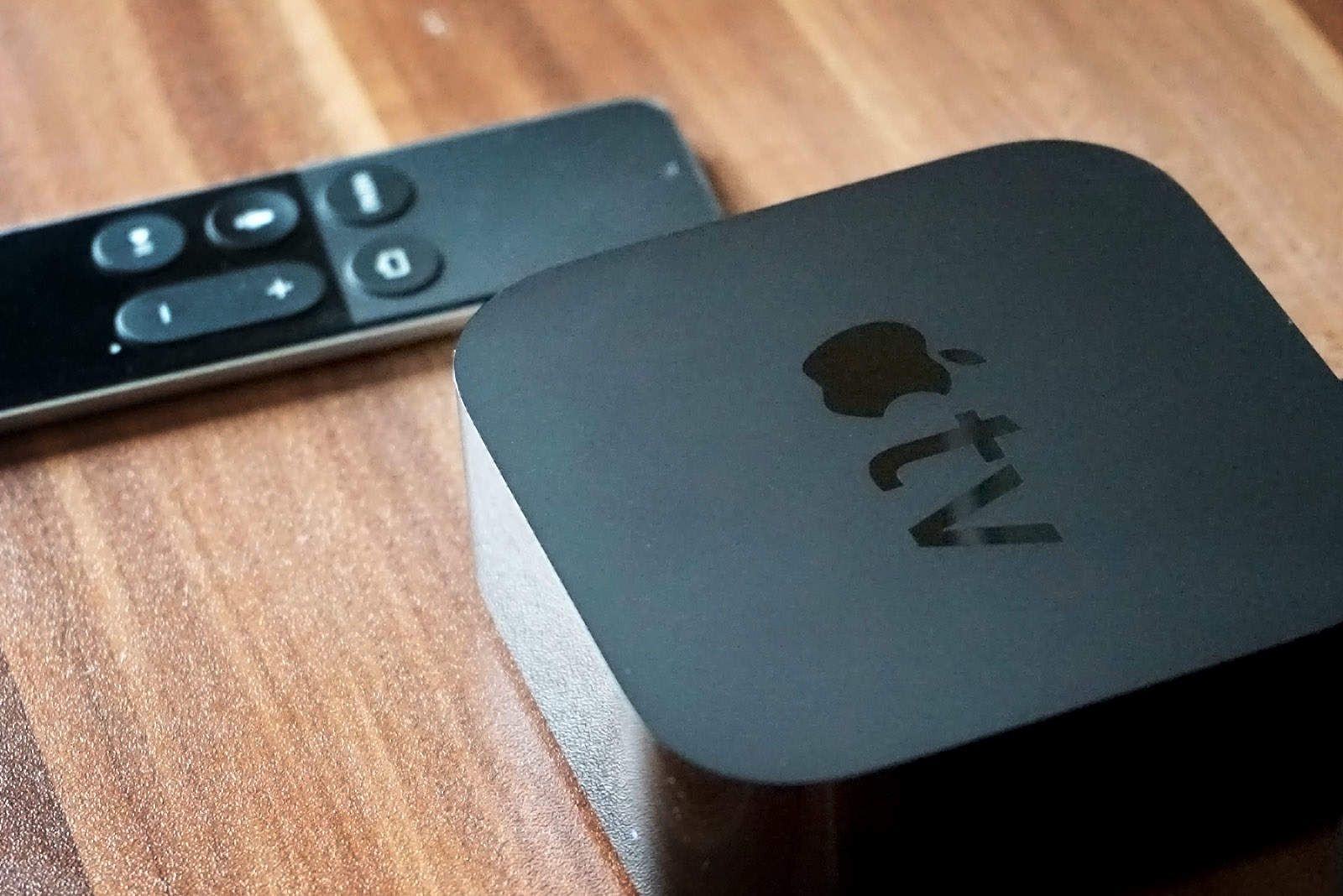
Grab the latest tvOS 11 update now. Photo: Ste Smith/Cult of Mac
What’s new on your Apple TV? Quite a bit, if you’ve got the latest fourth-generation device and have updated it to tvOS 9.2.
There’s a new folders system for total organization, new support for Bluetooth keyboards, a podcasts app, a multitasking visual upgrade and a new default video-scrubbing behavior.
Check out all of the awesome new tricks you can do with the latest Apple TV update.
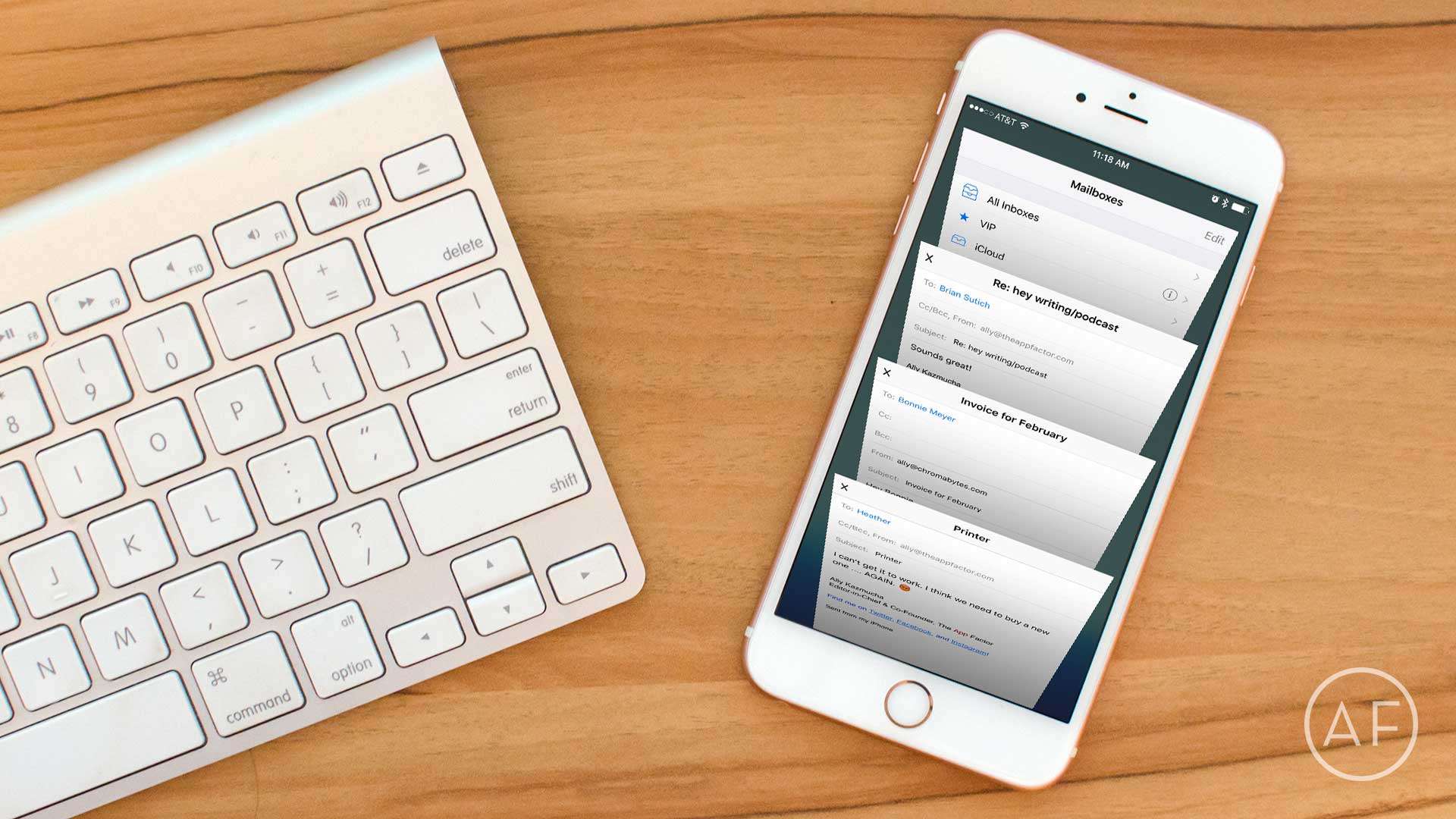
If you use the default iOS Mail app on a regular basis, you definitely need to learn these tips and tricks. Photo: Ally Kazmucha/The App Factor
No matter how many email apps I try, I just keep coming back to the stock iOS Mail app. While some of the things I’ve come to love about the iPhone’s built-in Mail app are obvious, some are not — such as shortcuts or gestures that make using it even more intuitive. Here are a few favorite iOS Mail tips I think everyone should know.
If you have an iPhone running iOS 9.3, whatever you do, do not install the Booking.com app.
iPhone users are reporting that an iOS 9.3 bug, possibly related to the Booking.com app, causes some apps to freeze and crash when tapping on links — and it’s not entirely clear what’s causing it.
The iPad Pro is even better when it's cheap. Photo: Apple
This week on The CultCast: Apple’s new iPhone SE is an insane value; the significant differences between the big and small iPad Pros; new rumors point to major MacBook Pro redesigns in June; future keynotes need more yak; and the cool features in the new tvOS 9.2 update.
Our thanks to Casper for supporting this episode. Casper’s American-made mattresses have just the right amount of memory foam and latex, and people everywhere love them. Learn why and save $50 off your order at casper.com/cultcast
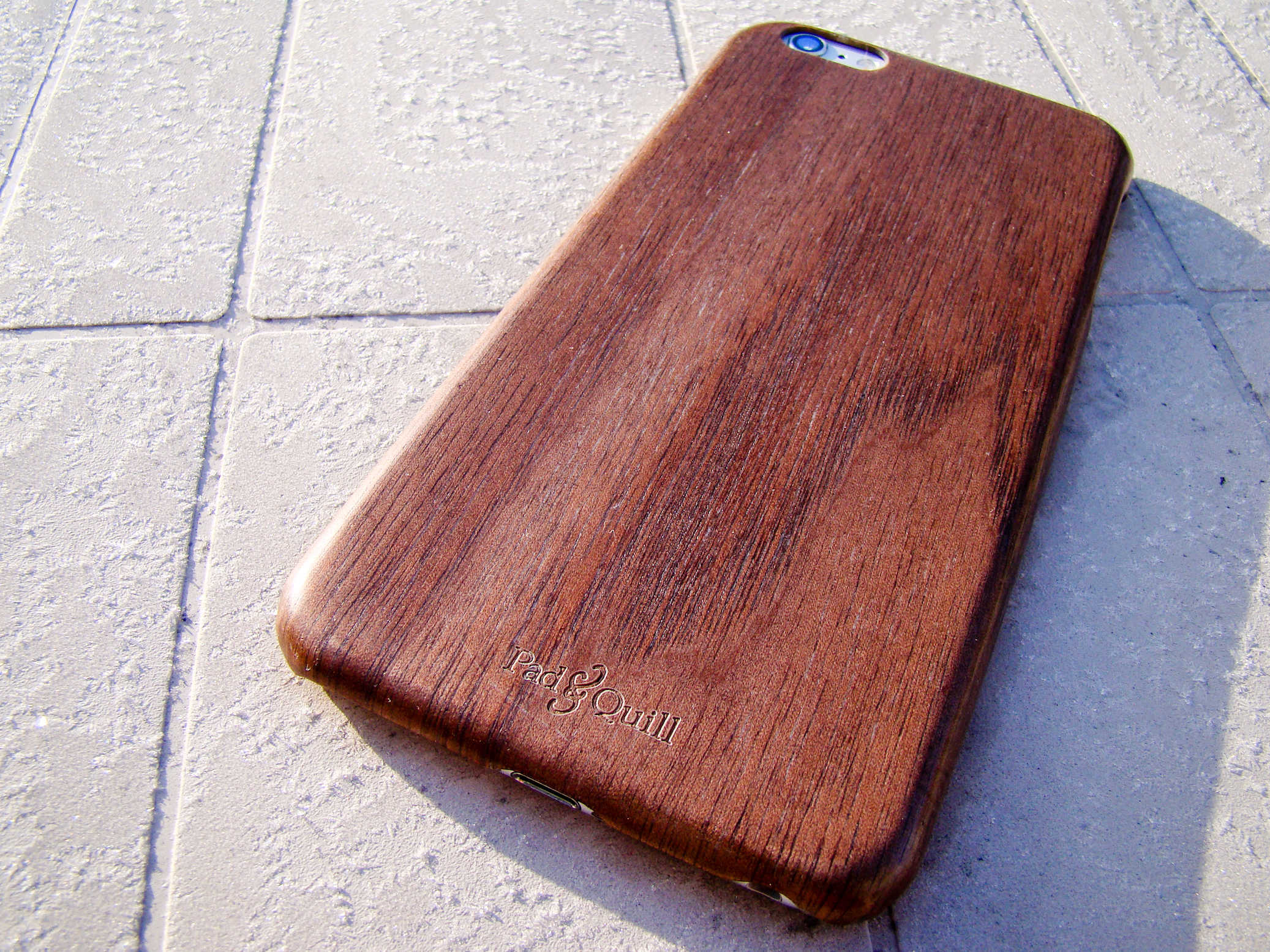
The Woodline case by Pad & Quill will class up your iPhone with ease. Photo: Rob LeFebvre/Cult of Mac
Best List: Woodline iPhone Case by Pad & Quill
I’m generally of the function-over-form sake when I choose an iPhone case, but this delightfully thin Rosewood iPhone case has me rethinking that.
It’s not just that it’s thin — it’s classy. The deep brown hues and real woodgrain transform my iPhone 6 Plus from an object of tech-envy into more of a naturally lust-worthy product.
Colorful early iMacs are among the technological wonders on display in the Apple Pop Up exhibit at the Computer Museum of America. Photo: Computer Museum of America
Phil Schiller says Apple is too busy “inventing the future” to “celebrate the past” by building a museum.
So if you are in search of history on the 40th anniversary of Apple’s founding, you might want to travel to Georgia. There, a guy named Lonnie Mimms has taken over an old CompUSA building and meticulously crafted a tangible timeline that would make Apple’s futurists — perhaps even Schiller — pause with nostalgia and pride.
iOS 9.3 has caused headaches for some iPad owners, who updated to the new operating system only to find their devices bricked. But Apple already has a fix out to help bring those older devices back to life.
Apple temporarily pulled the iOS 9.3 update from some devices yesterday. The company has since released a new build of the update specifically for iPad 2 users whose devices failed to install the update.
Treat yourself to a 9.7-inch iPad Pro today! Photo: Apple
Ordered yours yet? Following Apple’s “Let us loop you in” keynote earlier this week, the new 9.7-inch iPad Pro is ready for purchase as are loads of new products to go with it. Here’s a quick look at some of the best cases and accessories for your new iPad Pro, either available right now or coming soon.
Ben Affleck kicks ass as Batman. Photo: Warner Bros.
The battle between the Dark Knight and the Man of Steel in Batman v Superman: Dawn of Justice has been billed as the greatest gladiator match of all time, but if you’re looking for a film with substance and cohesion, you should probably avoid the new movie like Clark Kent shuns kryptonite.
The sad truth of BvS is that it beats itself into a bloody pulp thanks to its brutish director, Zack Snyder, who can’t tell a compelling story to save his life — even when he’s got more than 70 years of comic book history to mold to his will.
In BvS, the message is as clear as the Bat-Signal: It’s time to pull Snyder away before he ruins more movies that could have been great.
Apple Watch apps were conspicuous in their absence at this week's Apple event. Photo: Apple
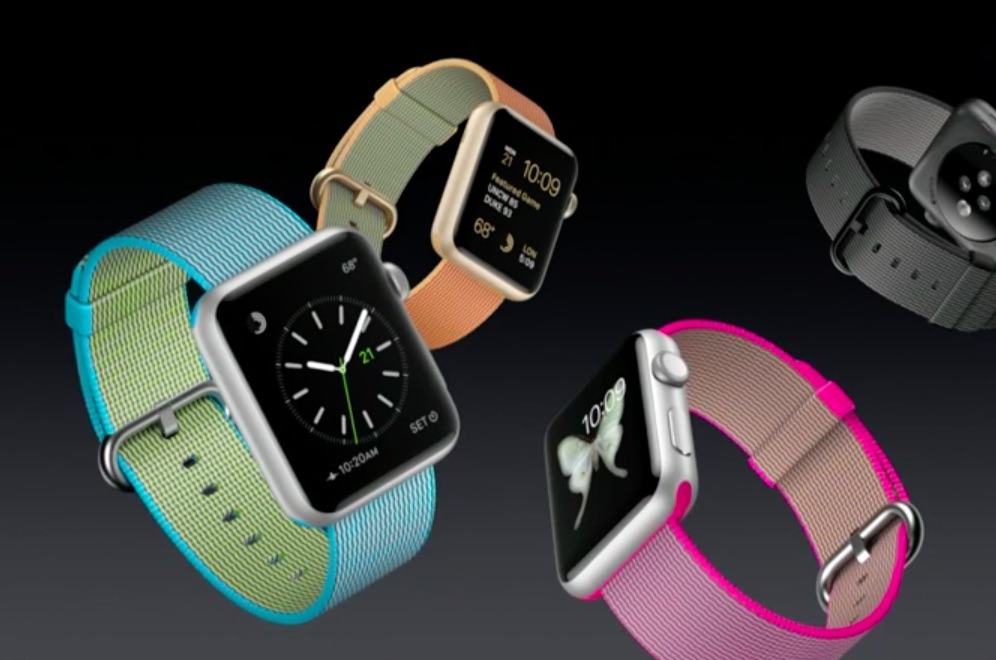
At this week’s “Let us loop you in” keynote, Apple revealed a major shift in its smartwatch strategy. Tim Cook tried to dress it up by announcing new Apple Watch bands and a price drop, but the most significant aspect was what he did not say: There was no mention of third-party Watch apps.
After Monday’s keynote, Apple updated its website with a new marketing proposition that represents a tacit acknowledgment that, right now, Apple Watch is only good for three things: notifications, fitness and health.
What happened to the idea that there is an app for everything?
New options for all of us. Photo: Stephen Smith/Cult of Mac
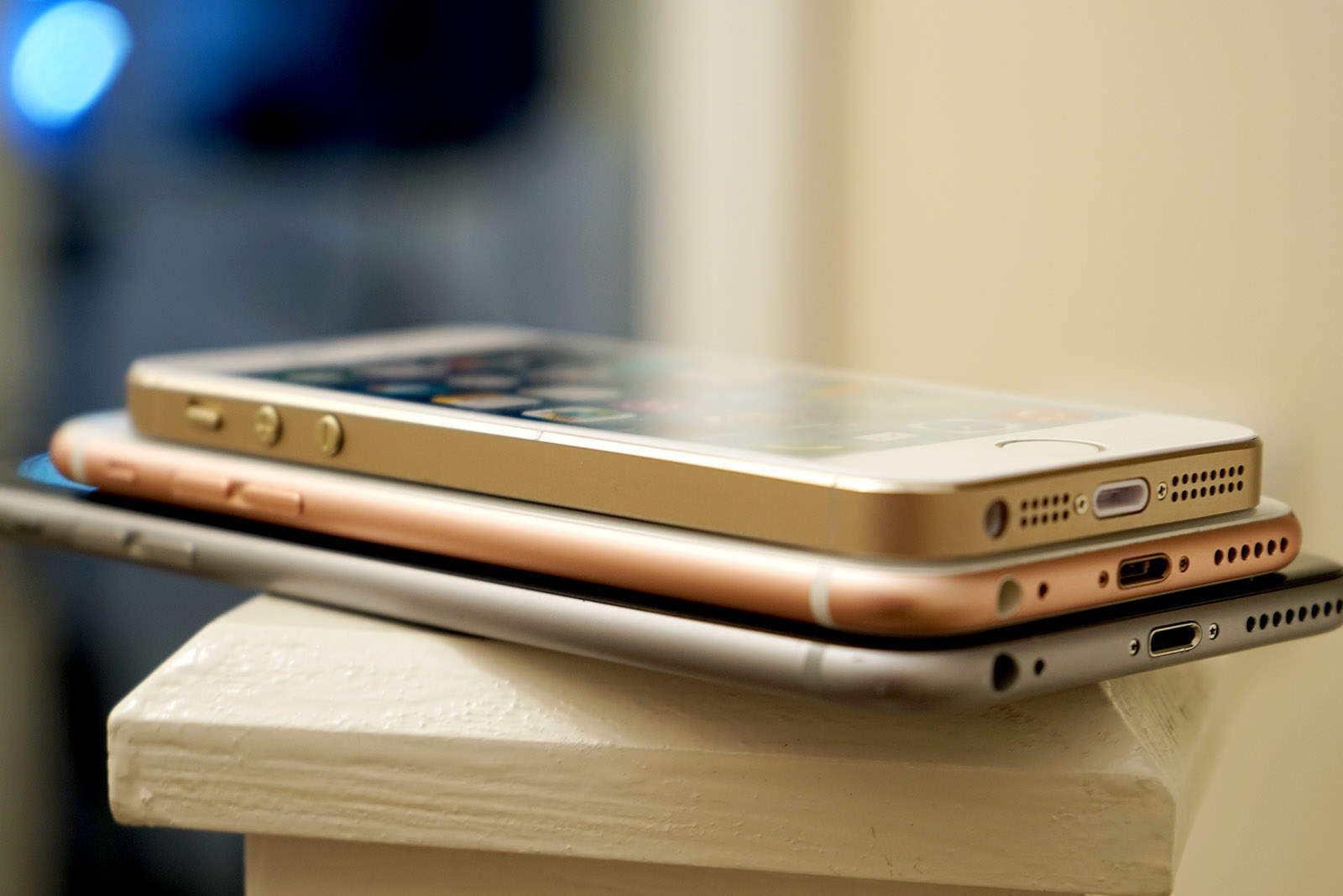
The iPhone line just got more expansive, with the new, smaller-yet-powerful iPhone SE dropping into the fray to compliment the bigger and still powerful iPhone 6, iPhone 6s, iPhone 6 Plus and 6s Plus handsets.
So how do you choose the best iPhone? That depends on your own needs, of course, but we’re here to help you figure it all out with our iPhone buyer’s guide.
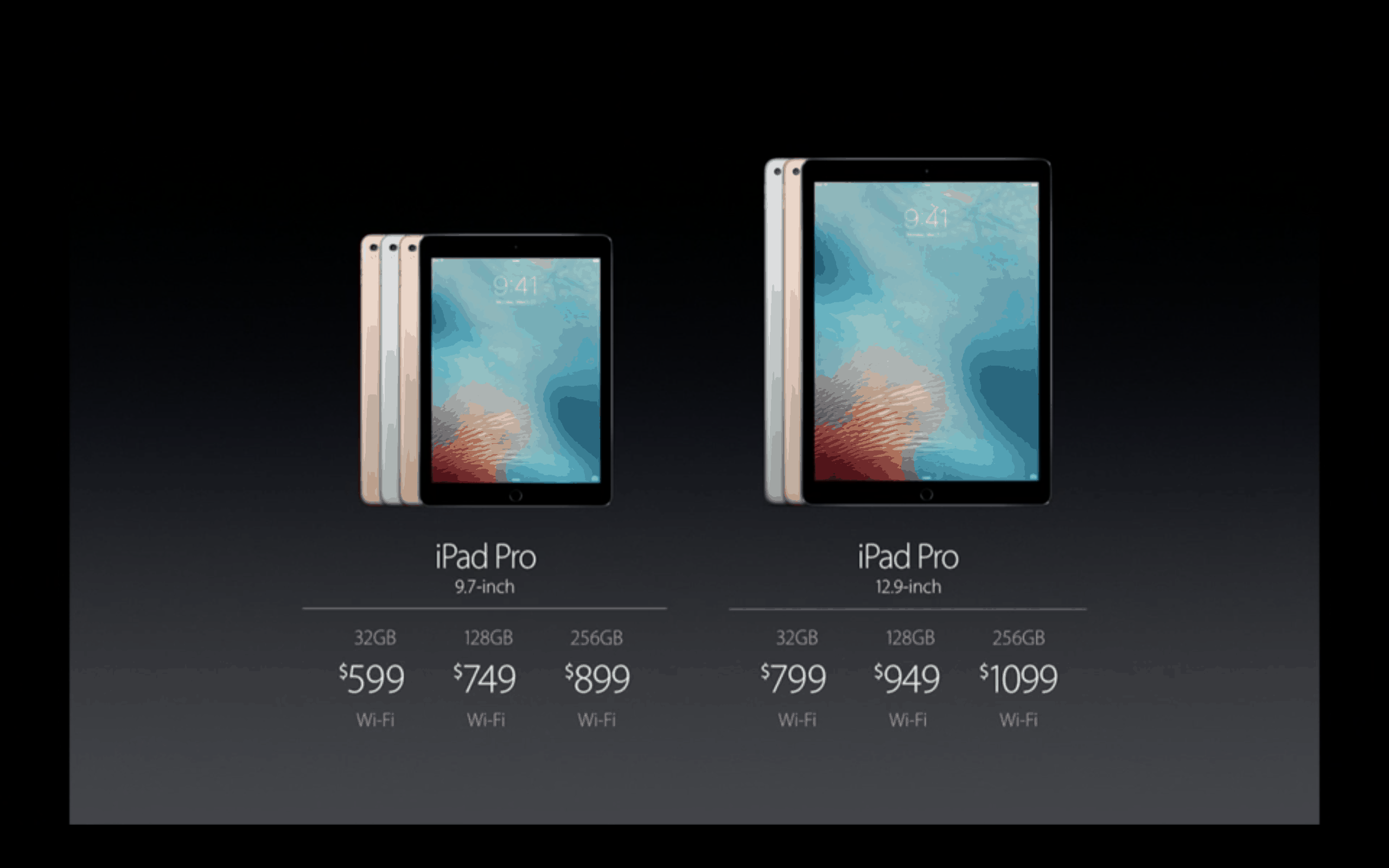
Prices aren't the only major difference between iPad Pros. Photo: Apple
Size isn’t the only thing that counts when you’re weighing your iPad Pro options.
Sure, it’s a major consideration. The 9.7-inch iPad Pro that Apple showed off earlier this week has the same dimensions of the less sprawling iPad Air 2, and it weighs just under a pound. That’s about two-thirds the weight of the original Pro, and people trading up from an iPad Air won’t need to look at new cases or bags to carry the thing around in.
But that’s all surface stuff, and the two iPad Pros have a lot of differences behind — and even inside — their screens.
Which iPad model is best for you? Photo: Rob LeFebvre/Cult of Mac
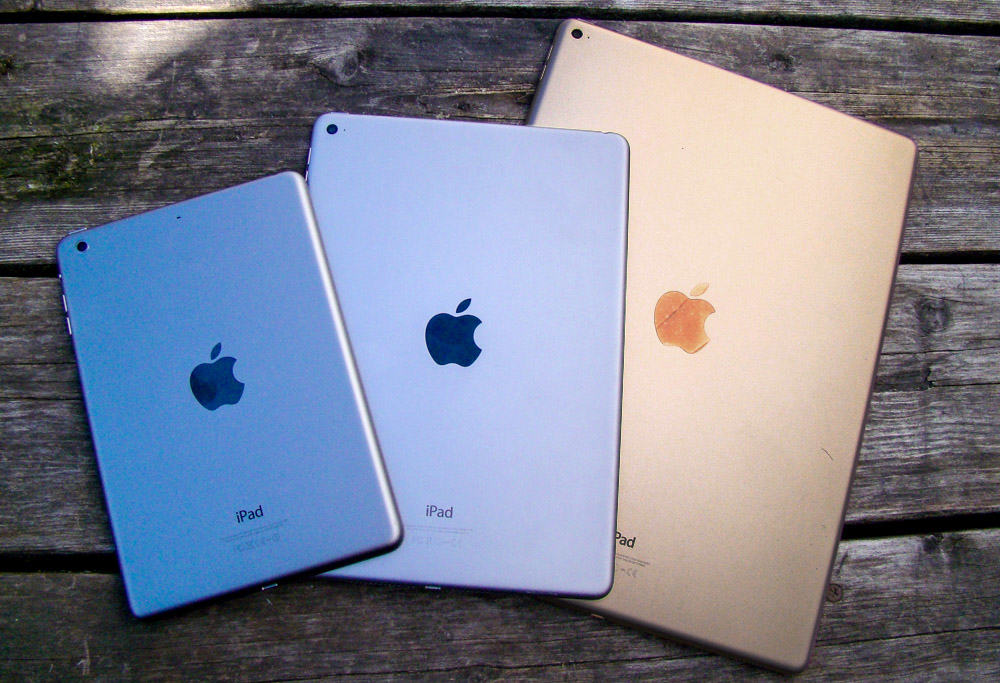
With the iPad lineup now verging on unwieldy, it’s harder than ever to decide which Apple tablet to buy. Which iPad is best for you? That’s going to depend on your needs, desires and budget — but your iPad buyer’s guide can help!
Do you go for the massive appeal of the 12.9-inch iPad Pro or opt for the smaller-but-newer (and slightly gimped) 9.7-inch iPad Pro? Will a tiny iPad mini suit you, or should you opt for an iPad Air 2, which is still a very capable, thin tablet?
All good questions! We’re here to help you answer them with this handy iPad comparison, just in time for when the new iPad Pro goes on sale Thursday, March 24 (most likely at 12:01 a.m. Pacific, according to Apple Support).
See all of Apple's latest software in action Photo: Ste Smith/Cult of Mac
Along with the iPhone SE and new 9.7-inch iPad Pro, Apple unleashed a slew of new software updates this week, bringing all-new features to your iPhone, iPad, Apple Watch and Apple TV.
Find out what’s awaiting you in the new Apple updates, as well as how to update all your Apple devices, in a series of Cult of Mac videos you can watch below.
Get your iOS device up to date fast and easy. Photo: Rob LeFebvre/Cult of Mac
iOS 9.3 is perhaps the biggest “dot” upgrade Apple has created for its mobile platform. Apple usually doesn’t show off incremental iOS upgrades at its carefully staged keynotes, but iOS 9.3 clocked some time at Monday’s iPhone SE event, and you should update right now.
If nothing else, you’ll get some great new features like Night Shift to make your mobile digital life just a bit better. Here’s how to get iOS 9.3 on your iPhone or iPad.
iOS 9.3 is out now for everyone, and the upgrade delivers some great new features that make Apple’s mobile platform better than ever.
With sweet additions like password-protected Notes, sleep-saving Night Shift and data-friendly Wi-Fi Assist, iOS 9.3 might be Apple’s biggest “dot” release yet.
Here’s a quick rundown of all the coolest things you can do once you’ve downloaded the iOS 9.3 update, which Apple released Monday.