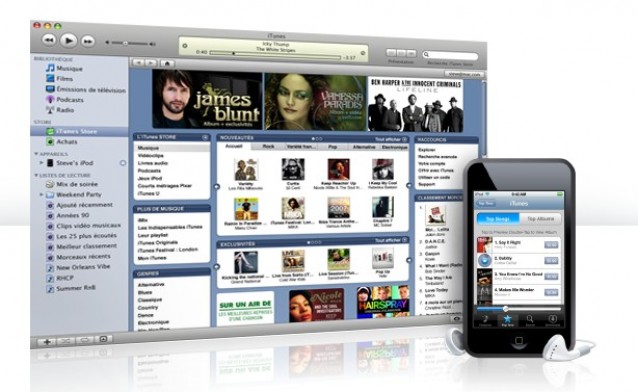
The iTunes Store extends its reach across Asia today.
Just days after opening the App Store to 32 additional countries, Apple released a press release this morning to announce that the iTunes Store is also extending its reach to another nine countries in Asia today, including Hong Kong, Singapore, and Taiwan.
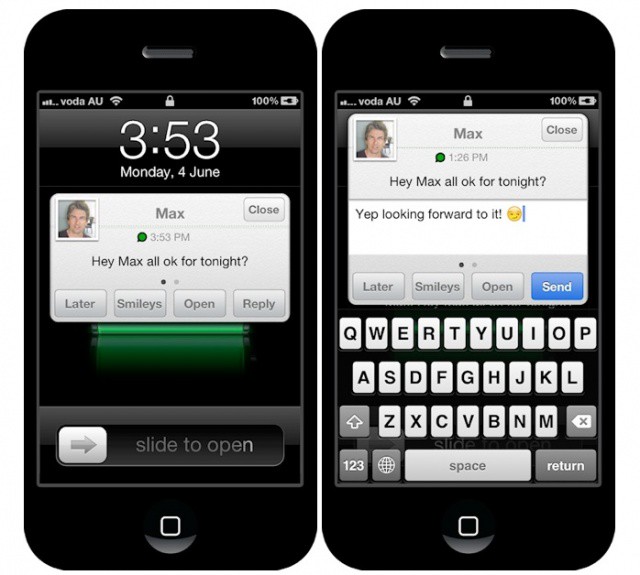
Why hasn't Apple introduced Quick Reply to iOS yet?
If you’ve ever jailbroken an iPhone, you should be familiar with BiteSMS, the built-in Messages replacement that delivers almost every feature you could ever want in a messages app. One of its highlights is a feature called Quick Reply, which allows you to respond to incoming messages from the home screen, the lock screen, or from within other apps using a handy popup window.
The developer behind this awesome app has now brought Quick Reply to the hugely popular WhatsApp messenger, using a new tweak that’s available now from Cydia.
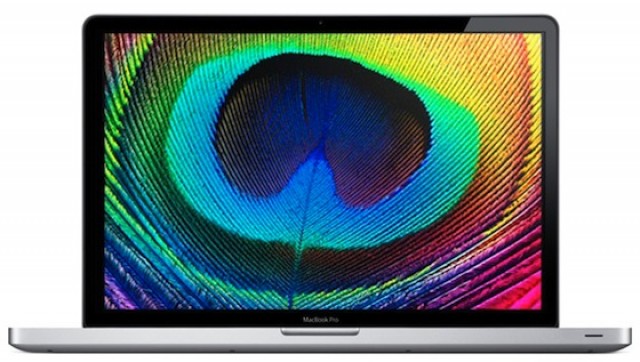
MacRumors received several reports today from Apple customers who have gotten emails from Apple. In the emails, they were told that the Retina MacBook Pros they had purchased on launch day (through Apple’s enterprise site) have been delayed, in some cases by up to a month.
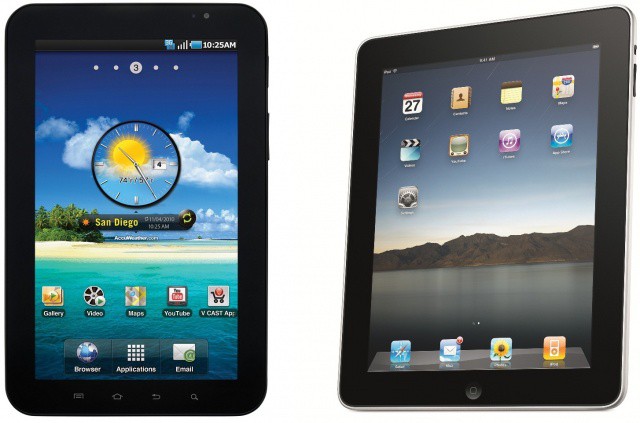
Judge Lucy Koh handed Apple an injunction against Samsung selling their Galaxy Tab 10.1 in the US in the latest round of legal warfare between the two companies. Her decision comes after her previous denial of Apple’s request as well as a federal appeals court ruling for her to reconsider the request.
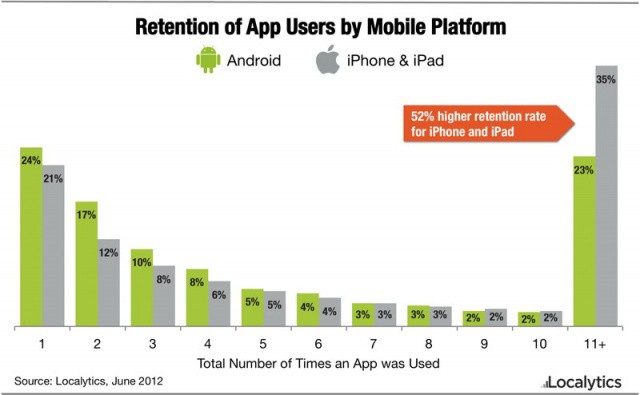
App analytics firm Localytics reported today that app retention is increasing across the mobile app market, while developers are looking at more than just downloads, like the number of times an app is actually used.
The firm also notes that the iPhone crushes Android in app retention, a measure of just that – how many times an app is used.
As you’re probably aware, MobileMe shuts down on June 30, and along with it will go hundreds of thousands of users public webpages, photo galleries, and iDisk folders. In an effort to save this data, the Archiveteam has downloaded all of it. That’s a whopping 272 Terabytes, not Gigabytes, of data.
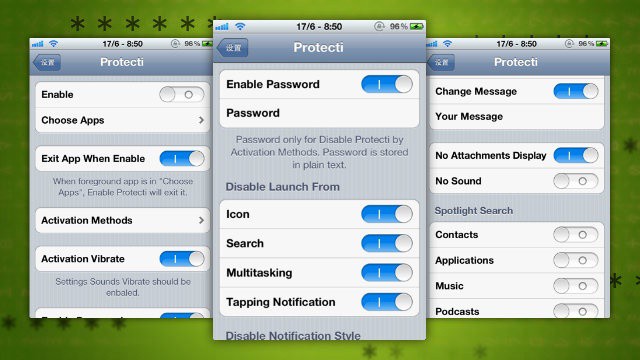
For the times when you’d like a little extra privacy on your iPhone, a new jailbreak app, Protecti, will come in handy. Protecti allows you to lock down any app or notification you want, to keep prying eyes out of your information stored on your device.
Apple first brought podcasts to iTunes in 2005, and now they're pushing for them again in iOS 6.
With the release of Apple’s own dedicated Podcasts app today, it’s clear that Apple is finally taking Podcasts seriously. When podcasts were first brought to iTunes in 2005, Apple made a strong push to promote what they felt was the future of broadcasting. Apple’s own Eddy Cue even said at the time: “We really think podcasting is the next generation of radio.”
Unfortunately, as time marched on, podcasts were pushed to the side and left pretty much unattended. iOS has always had minimal support for podcasts, and even iTunes itself offers no real compelling way to manage your subscriptions. What makes today’s announcement big is that it marks a new, renewed effort on Apple’s part to make podcasts a key part of their iTunes ecosystem.
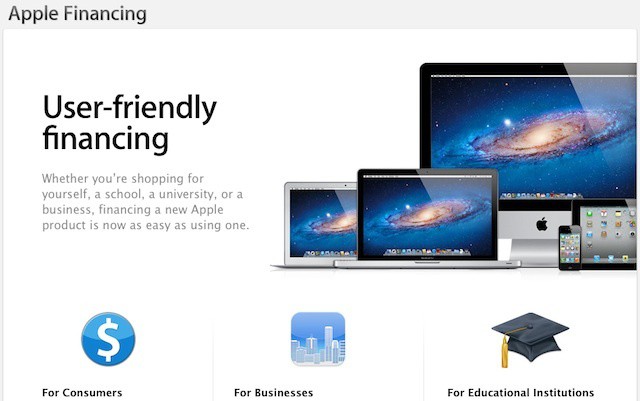
Apple offers a range of lease programs and financing options for schools, colleges, and businesses
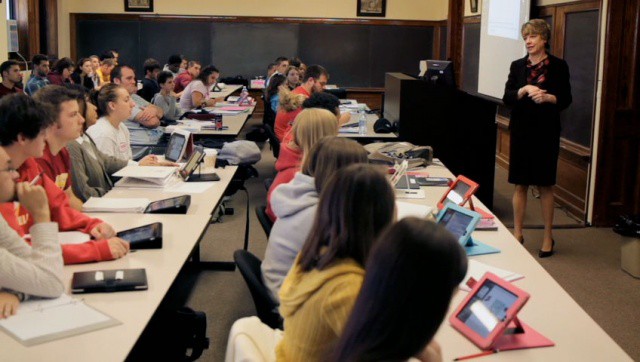
The East Alton school district in southwest Illinois announced earlier this week that it will be launching a one-ton-one iPad deployment for all students in grades three through eight (plus shared iPads for kindergarten through second grade). The announcement is far from unique. Many schools across the U.S. and throughout the world have already launched similar programs – some of them on a much larger scale.
One of the interesting points about East Alton’s decision, however, is that the school district isn’t buying the iPads for its students – a least not initially. Instead, the district has signed a four-year leasing agreement for the iPads. The decision highlights Apple’s often overlooked leasing programs for both business education customers.
Apple is preparing to build another billion dollar data supercenter like the one powering its iCloud in North Carolina. This time, though, it’ll be built right outside of Reno, Nevada. Let’s hope that doesn’t prove to be the biggest little mistake Apple’s ever made.
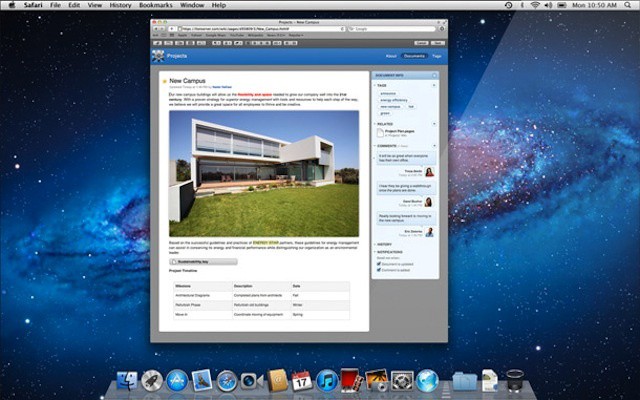
Apple's wiki server could have been a major social network option for businesses
Microsoft confirmed yesterday that it plans to purchase Yammer, a four-year old company that specializes in providing enterprise social networks. The move, which has been rumored for months, offers Microsoft a chance to develop business collaborative systems that go well beyond the company’s Sharepoint service.
The move is an interesting one that could be significant in the enterprise space. The success of public social networks has led a number of organizations to attempt to bring the social concept into the workplace. The rate of success has varied with NASA’s Spacebook project being one of the more notable failures (and one lampooned by Stephen Colbert).
Local SF Bay Area startup California Headphones presents two high-performance headphones that combine fetching good looks with a less bottom-heavy audio usually associated with a lot of over-ear headphones aimed at rap/hip-hop listeners. These retro-styled headphones instead emphasize the middle and higher sonic frequencies of guitar and vocal music, the sound milieu of breezy California. And my favorite part is that the headphones come with Duo-Jack smart signal divider, so you and a friend can both listen simultaneously to your iPod.
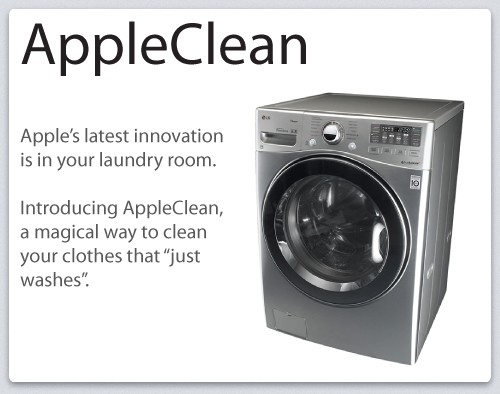
Never say never: in the past ten years, Apple has entered market after market and revolutionized them. The portable media market. The smartphone market. The tablet market. The connected TV market.
Where will it end? Tim Cook has promised Apple will never release a Toasterfridge, but that’s not to say they might not enter the home appliance market… or at least that’s the conceit of this very funny parody ad by Slacktory.
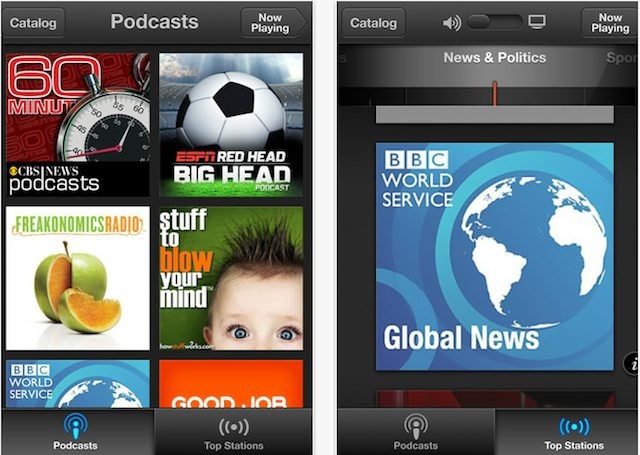
While redesigning the App Stores apps for iOS 6, Apple left out the podcasts section from the iTunes app. Many have speculated that Apple was building a separate app for podcasts, and it looks like those rumors are true, as Apple just released their new podcast app today for iOS. The free standalone app works on all iOS devices running iOS 5.1 or later and gives users a better hub to discover new audio and video podcasts.
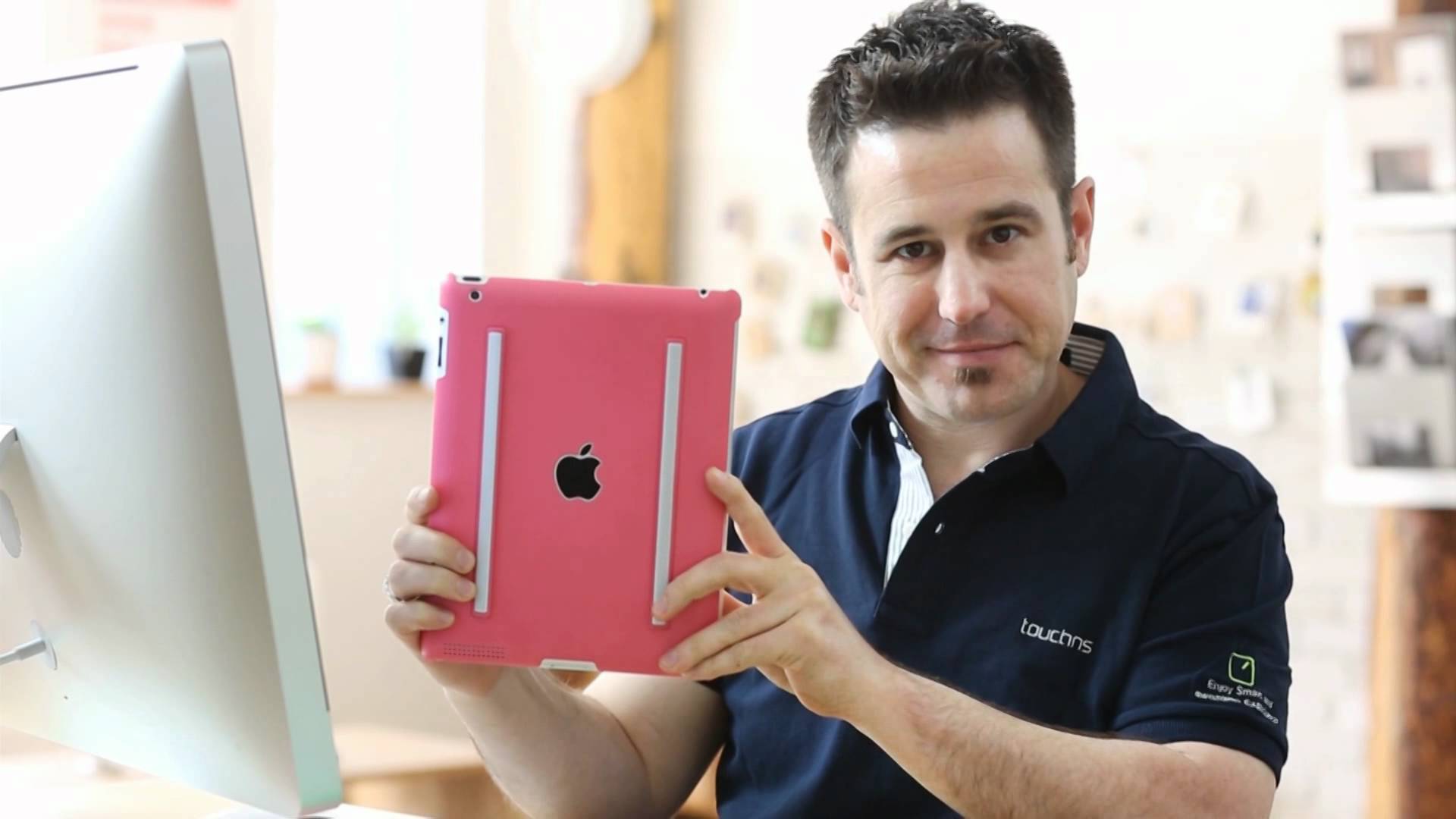
Shut the brats up in style, with the Drive-In iPad case.
There are several iPad cases which have straps to let you fasten them to the headrests of your car seats so people in the back can watch movies. The trouble is, they’re almost all bulky and ugly, as they try to cram too much into one case.
X-Doria’s Drive-In is also bulky and ugly, but as it’s designed as a permanent addition to your car, who cares?
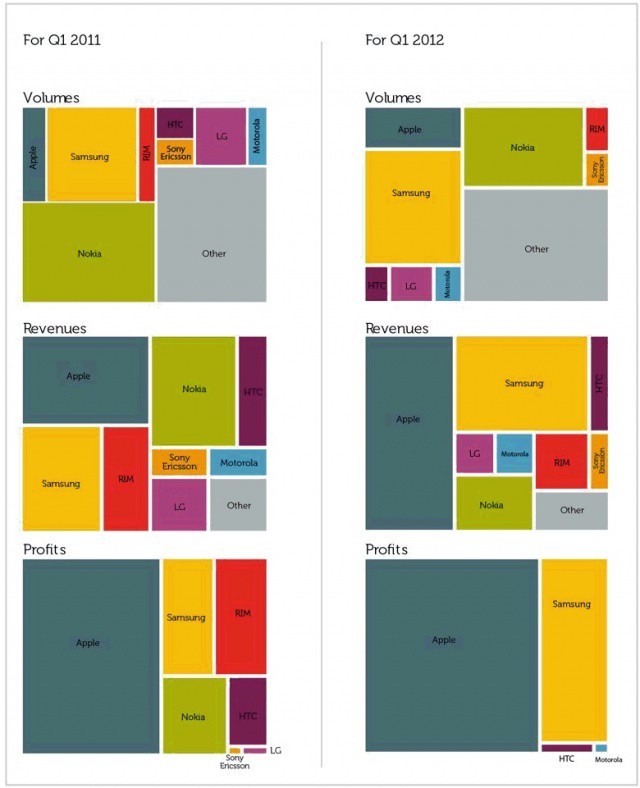
We all know that despite only selling two different models of the iPhone and iPad each year, Apple owns the lion’s share of profits in the smartphone industry, even when compared to manufacturers who released dozens of different smartphones and tablets every year.
It gets even crazier, though. Look at this wonderful chart by market research firm VisionMobile, comparing shipping volumes, revenues and profits of the mobile industry from Q1 2011 to Q1 2012. In just a year, Apple has pretty much doubled not just the number of smartphones it ships, but the revenue and profit it makes off of them…. even while companies that were, a year ago, struggling to compete have pretty much gone belly up.
This video of Brightcove CEO Jeremy Allaire demonstrating his company’s new dual-screen AirPlay technology is doing the rounds this morning, and it’s certainly an impressive demo, in which Allaire is able to use his iPad to do one thing while playing video in the background on his Apple TV at the same time. Is this what using a true Apple HDTV will be like?
If you want to buy a new zoom lens for your FujiFilm XPro-1 camera, then tough: Fujifilm says that you’ll have to wait until next year. The company has released a roadmap for its XF-series lenses and the variable focal-length lenses are almost all due in 2013.
It’s not all bad, though. Lovers of fast, fixed glass have some treats in store.
We’ve seen a number of images of Ashton Kutcher as Steve Jobs in recent weeks as the Two and a Half Men star films the upcoming indie biopic jOBS. But these, which show Kutcher portraying Apple’s co-founder and former CEO under the influence of LSD, are possibly the most colorful so far.
How’s this for an almost spectacularly misguided idea. It’s the HighLine, and it’s a kind of springy phone cord which locks into the dock connector of your iPhone or iPad. Sure, it’ll keep the phone safe if you drop it, but it will also cause you to swear the moment the cable gets caught up and rips itself out of the delicate 30-pin dock connector port.
This is the R* Case, and it might just be my new favorite iPad skin, based only on this video. And not just because the case itself, with two old 80s-skateboard-style rails on the back, looks very useful. It’s also because the video itself is an engaging mix of hard work and high-cheese.
The iPad has proven to be a popular education tool among students.
San Diego’s Unified Schools District has spent $15 million on almost 26,000 iPads that will be distributed across 340 classrooms this fall in what is reportedly one of the largest educational iPad purchases to date. The devices will be used by fifth- and eighth-grade students, in addition to some in high schools.
Is the focus on iOS and other mobile devices becoming too big of a priority for IT?
BYOD and ever-increasing mobility are business trends that are forcing many organizations to take a fresh look at security. The idea of employees connecting from home, coffee shops, and even planes has led to an overall increasing awareness of the need to secure remote connections. At the same time, business data residing on the iPhones, iPads, and other mobile devices of those employees is causing the IT industry to take a fresh look at mobile device security.
That is, of course, a good thing. With the focus on mobile security, however, many IT organizations are letting the security and overall design of their core networks to become outdated – and exposing their companies to incredible risks in the process.
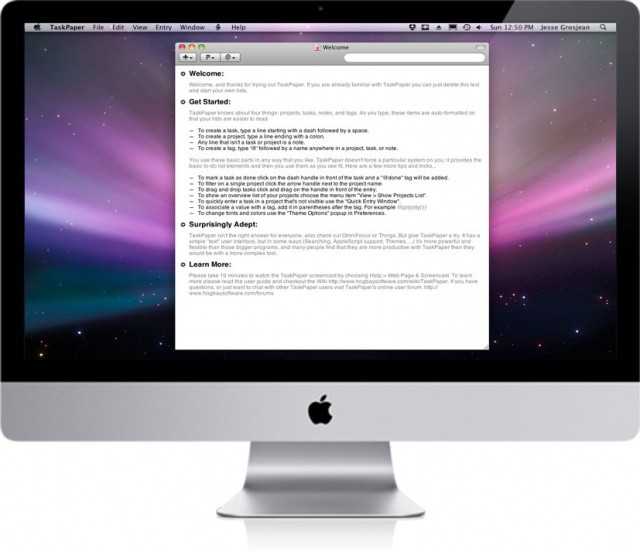
If other task management apps are just too bloated for you, you need TaskPaper.
TaskPaper for Mac OS X from Hog Bay Software has been reduced to just $1.99 today as part of the Two Dollar Tuesday software promotion. That’s a whopping 93% off its original price tag of $29.99.
Want to quickly check the weather on your iPhone? Want to have your eyes soothed by wonderful, minimal design at the same time as you’re informed of the temperature outside? Then you need WTHR, an iPhone app which could have been designed by Dieter Rams himself.