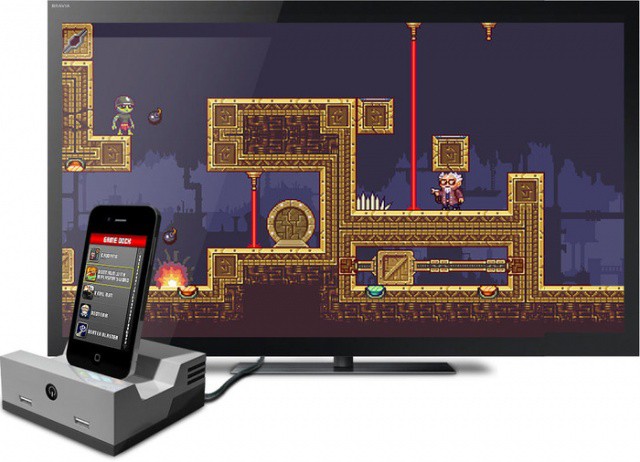
An LED lighting panel to help with your iPhone photos. Sounds super-lame, right? Well, allow me to change your mind, because when you see the Kicker in action, you’re going to want the Kickstarter campaign to finish ASAP.
Reading text messages on your Pebble was previously unsupported by the iPhone.
Unless you only discovered the Internet this week, you’ve probably already heard a lot about the Pebble, which has become one of the most successful Kickstarter projects of all time, raising over $10 million. This clever wristwatch connects to your smartphone over Bluetooth and then allows you to control your music, get the weather, view incoming calls, read Facebook and Twitter messages, see text messages, and lots, lots more. In fact, the possibilities are endless.
However, for those with an iPhone, there were some restrictions, like it was impossible to send SMS data over Bluetooth. These were, as you’d expect, the result of Apple’s limitations. But thankfully, in iOS 6, this is fixed.
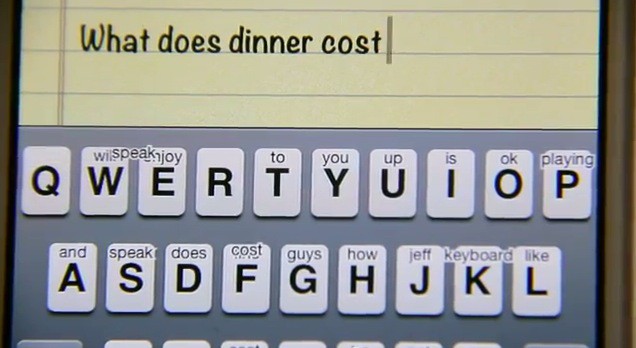
One of this smaller things that has always frustrated me about the iOS keyboard is that I have to capitalize letters manually before and after quotation marks, and after emoji. It’s not that it’s difficult to do, it’s just that the keyboard built into iOS is already capable of some clever things, so why can’t it do this?
Looks a lot like Word, but it's just a shameless counterfeit.
There are a lot of iOS users who are waiting patiently for Microsoft’s Office productivity suite to finally make its App Store debut. Although Microsoft is maintaining its silence on the subject, recent reports have claimed that Office for iOS will arrive this year. Some developers have taken advantage of that speculation and begun making their own “Office” products.
No, I don’t mean the genuine productivity suites that have been available for some time — many of which are very good. I mean the knockoff apps that try their hardest to look like Microsoft’s own Office products just to trick you into handing over your cash. The latest is called “Microsoft Word 2012” by Super Racing Real Games.
Yesterday we offered the deal on learning PowerPoint—Learn Microsoft PowerPoint 2011 For Mac [Deals]—which is great, but you still need to have great looking presentations. Ever notice how most PowerPoint presentations look pretty much the same? Sure a few stand out, but most, well, you know they came from the same stock templates everyone uses.
Which is where Slidevana for PowerPoint comes in. A great template/layout pack of professional designs that will make your presentations stand out.
While many of us already have our eyes set on the new iPhone, which Apple will likely release this fall, there are still millions of people using the iPhone 4.
Released on June 24, 2010, the first round of iPhone 4’s are about to hit their two-year anniversary. This means that those who purchased an iPhone 4 along with the AppleCare protection plan, which effectively extends warranty protection to two years, are about to lose coverage.
If you bought an iPhone 4 in the summer of 2010 you should take some time to examine it in order to ensure that no part of it is showing signs of defect. Here’s what you need to know.
Some people dream of flying sheep, but blogger Mike Cane thinks different, dreaming of flying toasters. His dream – in November 2011 – was to see the classic Macintosh OS running on a nook Simple Touch, the eInk reader from Barnes and Noble. His dream seemed far-fetched, perhaps, even to him, but consider the following specs:
Original Macintosh: 68000 Motorola CPU at a blistering 8MHz(!), 128K(!) of RAM, and 512×342 screen Nook Touch: TI OMAP3621 (ARM Cortex-A8 core, 800MHz), 256MB RAM, and 600×800 screen.
The Nook Simple Touch outperforms the original Mac by quite a bit. All he needed was someone to bring his dream to life.
According to a report by ABI Research, Apple and Samsung have 50 percent of the smartphone market, and 90 percent of the global profits from that market. These top two companies dominate the smartphone industry so thoroughly, claims the research firm, that there is no one even close to becoming a third player.
“At this point in the year, Nokia will have to grow its Windows Phone business 5000 percent in 2012 just to offset its declines in Symbian shipments,” Michael Morgan, senior analyst for devices, applications & content at ABI, said in a statement.
If you’re a dad like me, the only tie you want for Father’s day is this one. What we do want, are some kick ass games for guys. EA has answered our plea, and graciously discounted a slew of manly titles across multiple platforms.
In iOS 6, Searching For A Podcast Yields No Results.
The implementation of podcasts in iOS has traditionally seemed like an afterthought. In order to find a podcast, you had to jump over to iTunes, find the episode you wanted, download it, and then hop back over to the music app to play it, in the same fashion as you would a playlist. Apple provided no options to automatically download episodes, subscribe to certain shows, or sync podcasts across devices. With iOS 6, this could all change, according to All Things D.
This NFL season is about to get squawky thanks to Andy Reid and his decision to sign five new free agents to the Philadelphia Eagles. At a brief press conference, Andy Reid announced the five newest players, and boy were they an Angry bunch. Newly signed Red Bird, Bomb Bird, Yellow Bird, Terrence, and The Mighty Philadelphia Eagle, are ready to crush all the swine populating the NFC East.
It’s Friday afternoon, and we’re all a little tired. So if you missed Monday’s WWDC keynote, and missed it when Apple put the video up on iTunes, why not make it through the remnants of your work day watching the WWDC keynote in total on Apple’s official YouTube channel.
Remember that incredible remix of the Marimba iPhone remix from earlier today? When I originally posted it, I suggested it’d make an incredible music track for an official Apple ad. Little did I think that Cult of Mac reader Ryan Simmons would actually edit one together for us, using footage from previous Apple iPhone ads.
Fantastic. Ditch John Malkovich, Apple… go with Marimba.
Apple demonstrates Siri integration in vehicles at WWDC.
Earlier this week during its WWDC keynote, Apple announced that nine automakers have committed to introducing a special Siri button into their upcoming vehicles, allowing you to activate your voice-controlled assistant without removing your hands from the steering wheel. However, it seems the Cupertino company forgot to tell some of those manufacturers about its plan.
New Macs! Mountain Lion! iOS 6! The second part of our WWDC special edition CultCast is now on iTunes, and in this brand new episode, no fruity pebble is left unturned.
Join us as we discuss the pros and cons of Apple’s new Macbook Pro with Retina display, the mysteriously missing iMac and Mac Pro updates, and the best and worst new features of Mountain Lion and iOS 6. Yes sir, we cover it all on this special WWDC edition MEGASODE of the CultCast.
Subscribe now on iTunes, and find out why 2012 is going to be a great year to be an Apple fan.
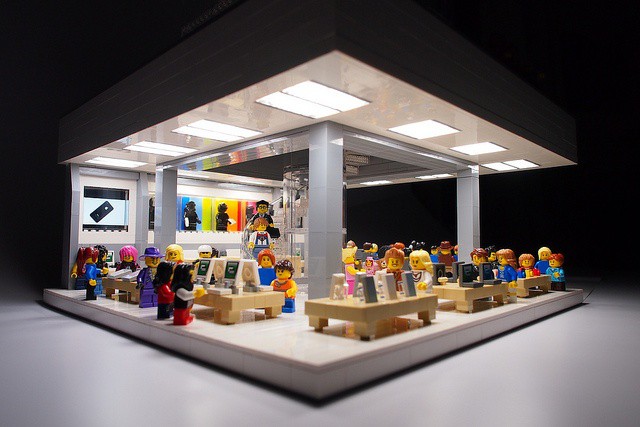
Apple’s attention to detail, its subtle understanding of the way we interact with our machines, just never ceases to amaze. Case in point: did you know that Apple precisely angles all of the screens on its Apple Store display units to encourage you to walk up and touch them? It’s true!
Every alternative punk in the 90s knows Billy Corgan, Smashing Pumpkins’ bald, amorphous, nasally-voiced lead singer. And he can sometimes be an idiot. Now he’s being an idiot about iTunes.
Does Instagram really make your photos better? If you’re shooting them with the crappy camera in the original iPhone – for which the app’s grungy filters were designed – then the answer is yes. But what about the iPhone 4S, or any other camera – even film?
Allen Murabayashi decided to find out. He grabbed a handful of famous images from the web and ran them through everybody’s favorite photo grungifier. From Neil Leifer’s iconic 1965 shot of Ali vs Liston through Steve McCurry’s Kodachrome-tastic Afghan Girl to a shot from the royal wedding, all of them suffer from being Instagrammed.
If you’re an iPhone user who plays Angry Birds and watches YouTube videos all day long, you probably think your handset’s battery life is terrible. In reality, the iPhone often provides you with a lot more energy than many rival smartphones, and as for the iPad, well, no other tablet beats it when it comes to staying awake.
But there are some things you can do to make your battery life even better. In addition to obvious fixes — like turning down your brightness when you don’t need it to melt your retinas, or killing apps like Skype that constantly run in the background — identifying buggy apps that might be using battery unnecessarily could make a huge difference. And Carat for iOS helps you do that.
Normally we leave camera rumors alone until the actual real thing is launched. But the stories whirling around the internet regarding the Nikon D600 are too much to resist.
The D600 is said to be an entry-level full-frame DSLR, coming in at a price way below the new D800, and also the amazing D700. This is a big deal as full-frame (35mm film sized) DSLRs have always been reserved for the high (and expensive) end of manufacturers’ lineups. And now, we have (purported) photos to prove it.
Unfortunately, Time Capsule failures are an all too common occurrence.
Canadian lawyer Perminder Tung is suing Apple over a Time Capsule failure that cause him to lose laptop backups that included precious photographs of his child’s birth. Tung wants $25,000 in compensation for the broken device and the lost memories after Apple told him the data on his Time Capsule could not be saved.
The iPhone Marimba ringtone is iconic. It’s just a few notes played on an African xylophone, but somehow, it captures everything that is light and breezy about Apple’s platform.
The problem is, everyone uses it as a ringtone. Like Nokia’s overexposed ringtone before it, Marimba’s musical resonance has been oversaturated for most of us.
That’s why I really like the Marimba Take Two mix by Will Neaverson, embedded above. It takes the original Marimba and builds layers upon it, until it almost sounds like a Coldplay track.
As one of Reddit’s commenters note, it sounds so good, you can imagine Apple even using it in a commercial. That’s an ad I’d like to see. (Update: One of our readers made one!)
The new Retina MacBook Pros are only Apple's first step towards the living display of the future.
Apple’s new MacBook Pro follows the fine tradition of the iPhone 4 and third-gen iPad in that it has a super high-resolution Retina display: a 2880 x 1800 panel with an amazing 220 pixels packed in per inch.
It’s an incredible display. In fact, it’s such an incredible display that it actually has about one million, seven hundred thousand pixels more than it needs to satisfy Apple’s definition of Retina, leading some to claim that those pixels are all going to waste.
Nothing could be further from the truth.
Apple’s new MacBook Pros have absolutely great displays, but they need every single pixel they have, because the truth of the matter is that Apple’s got a long way to go before it catches its display tech up to the incredible power of human vision. And that’s a good thing, because it means we’ve got a lot to look forward to.
In iOS 6, the status bar changes color to match the app that's running.
As we detailed in another post earlier this week, Apple’s new iOS 6 beta features a nifty new status bar that changes color to match the app you’re currently running. We provided a number of screenshots that showed the status bar in three different shades of blue, and in silver — colors the status bar never displayed in iOS 5.
So how does the status bar determine which color to use? Well, it’s actually pretty simple.