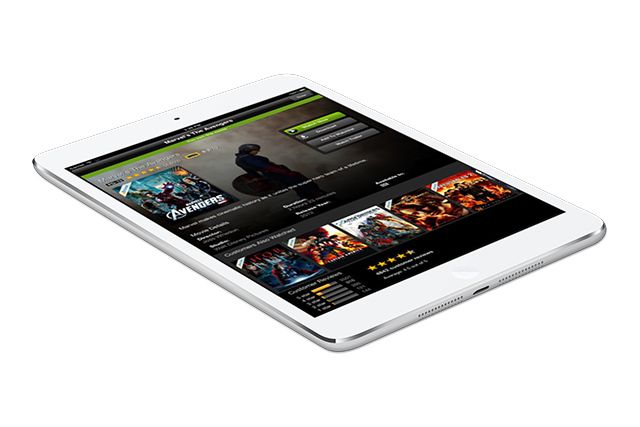
iOS 7’s influence is already extending beyond the bezels of your iPhone or iPad. A new update to Tumblr’s dashboard has been flattened and cleaned up to the extent that it would look at home on your iPad’s screen. And this is the regular site, remember, not an iOS-specific one.
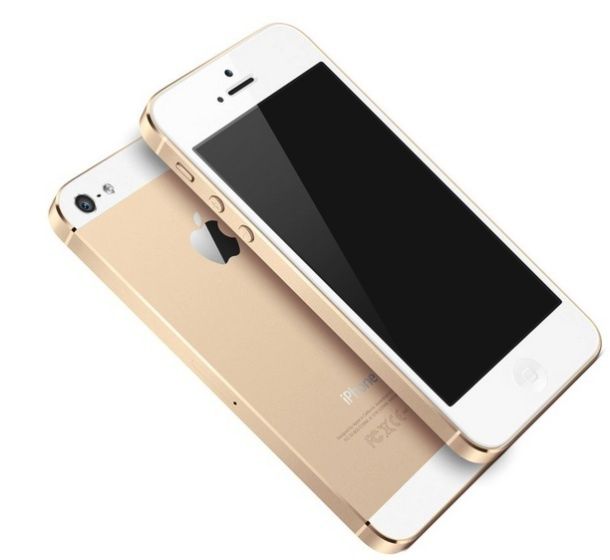
Sources in Apple's Chinese supply chain think the iPhone will shrink again next year. We're not convinced. Photo: Apple
As they are wont to do, J.D. Power Associates has just released its second Wireless Smartphone Satisfaction Study for 2013. Guess what? The iPhone is on top again, the second time since it claimed the title of king of all smartphones in J.D. Power’s previous Wireless Smartphone Satisfaction Study back in May.
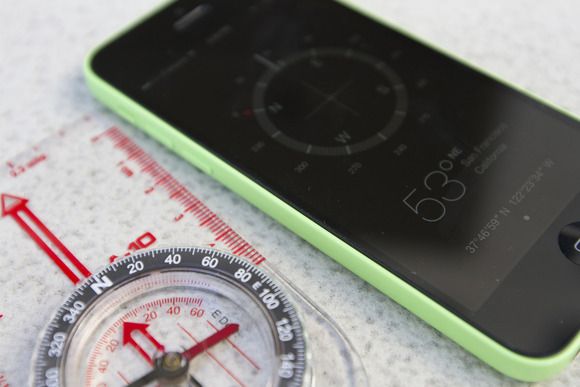
With all the hubbub about the iPhone 5s’s wonky accelerometer, which has thrown off the iPhone’s accuracy by a couple of degrees, you’d think that iPhones from the first-generation to the iPhone 5 had perfectly accurate compasses, wouldn’t you? But such is not the case.
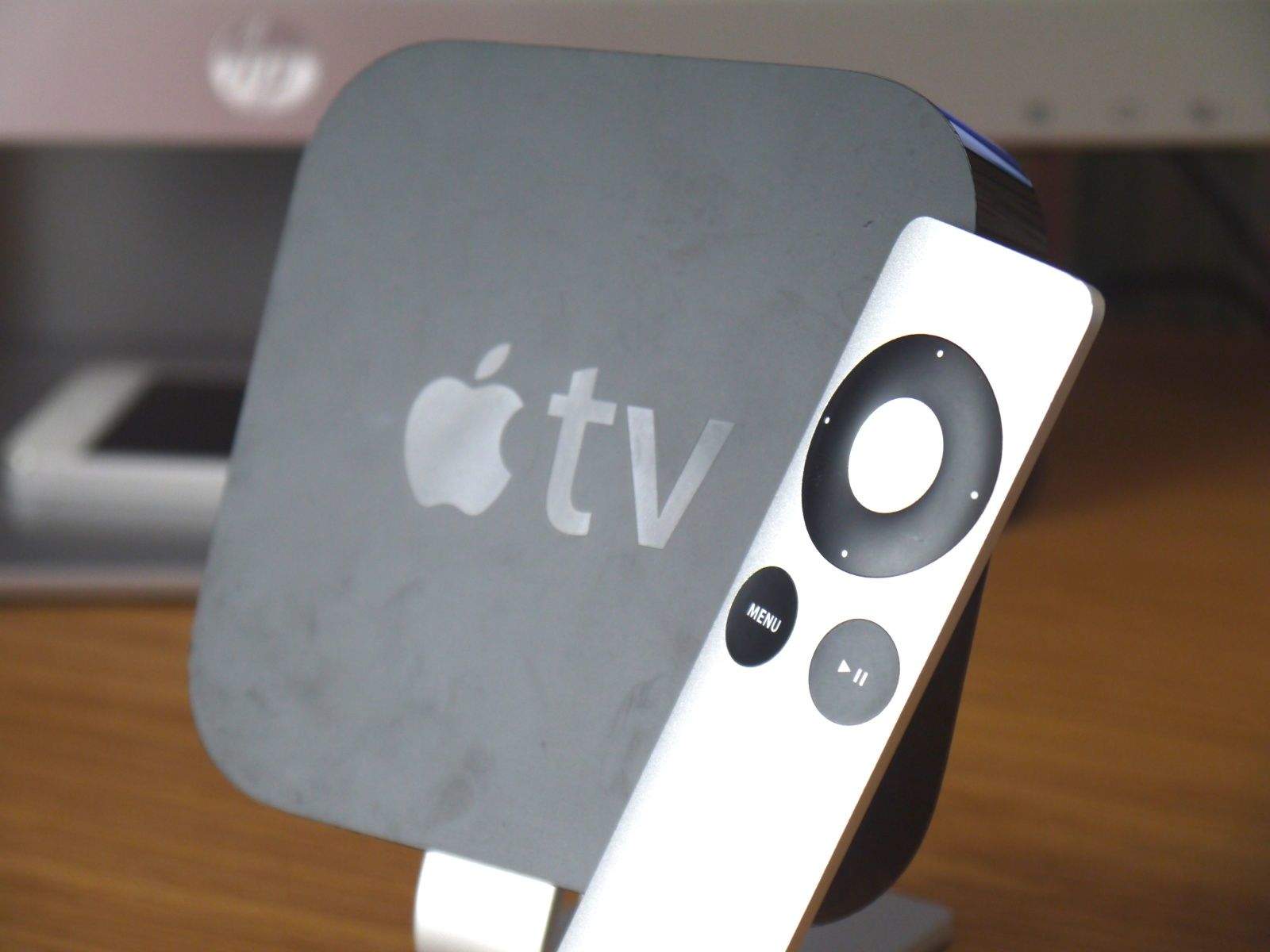
It’s been well over a year since the Apple TV received a significant refresh, so we’ve long been wondering whether Apple was planning to unveil a new model at its iPad event this fall. Amazon listings in France and Germany seem to suggest that’s the case, with the $99 set-top box now out of stock until October 23 — a day after Apple’s event.
Asphalt 8: Airborne, the latest high-octane racing game from Gameloft, is now free for a limited time as part of Apple’s App of the Week promotion. The discount comes less than two months after the game made its App Store debut, and it’s usually priced at $0.99.
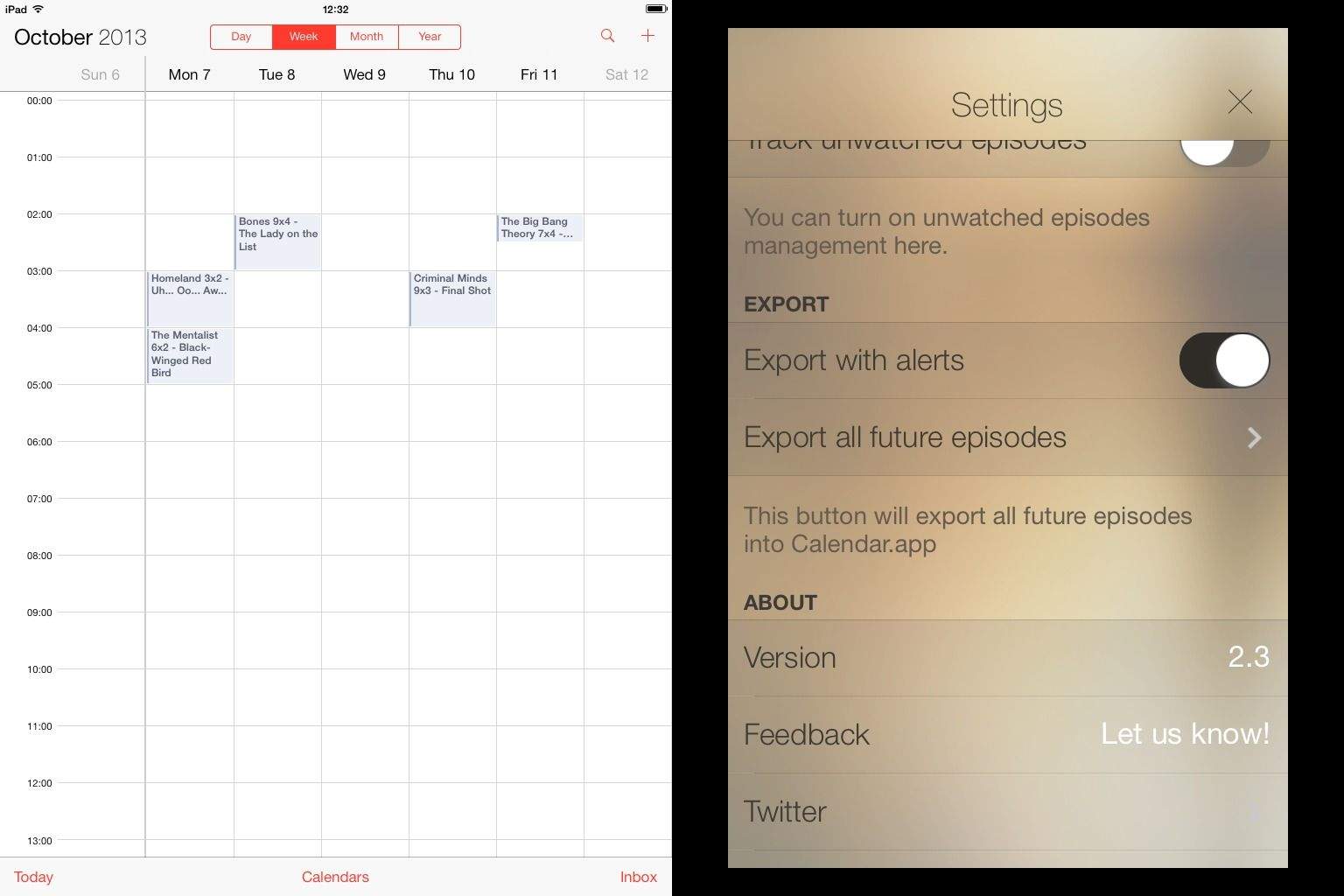
TeeVee, my go-to TV episode listings app, has just gotten a super-useful update: calendar integration. Now the app not only keeps you updated about airing TV shows via push notifications, it can also integrate them right into your calendar.
I love my Fujifilm X100S, but I’m sure glad I didn’t ditch my Micro Four Thirds Panasonic when I bought it. Why? Because Micro Four Thirds is fast shaping up to be the iOS App Store of camera standards: if you want to make some cool hardware for a big market that will buy new things (hell, they bought into Micro Four Thirds already didn’t they?) then it’s the place to go.
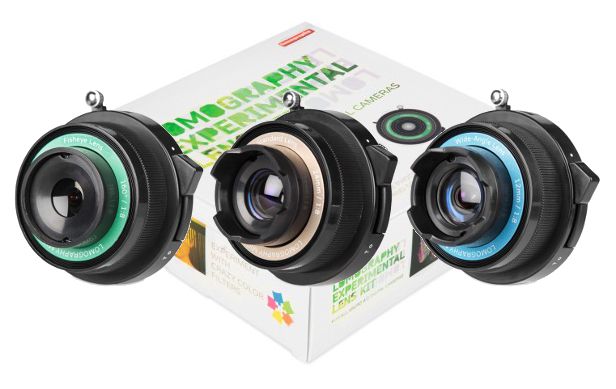
Exhibit, uh… Where are we now? Exhibit D? Exhibit D is the Experimental Lens Kit from Lomo, a three lens kit for your Micro Four Thirds body that costs just $90.
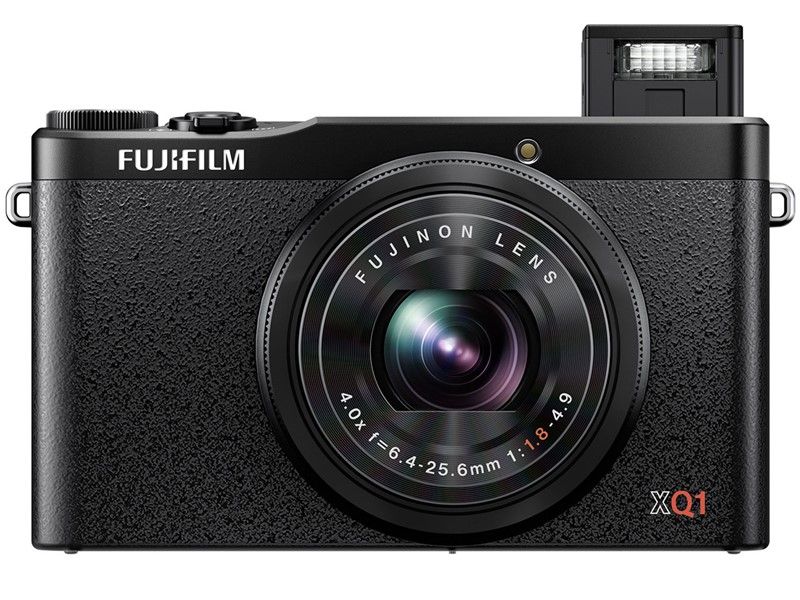
Fujifilm has announced two new cameras today. One is the hot-looking X-E2, which adds phases-detection AF, split-image manual focus and some hardware tweaks to the X-E2. Way more interesting though is the new XQ1, which puts Fujifilm’s amazing X-Trans sensor into a tiny compact camera.
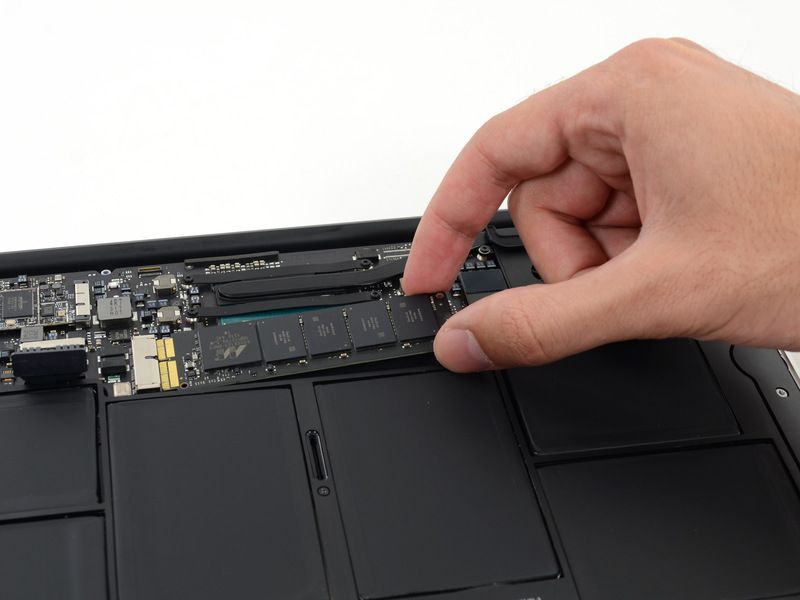
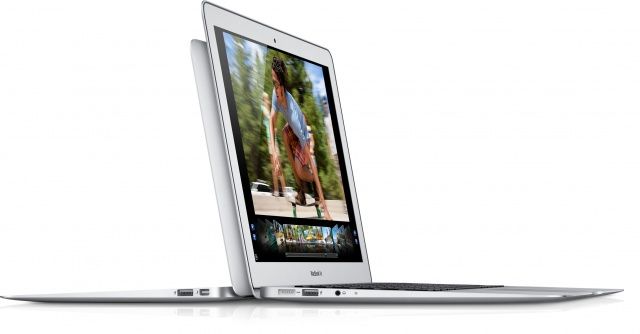
Apple has recalled 64GB and 128GB flash storage drives that were used in the previous generation MacBook Air. The systems were sold during June 2012 and June 2013, and those affected qualify for a free flash storage drive replacement at their local Apple retail store, or authorized service provider.
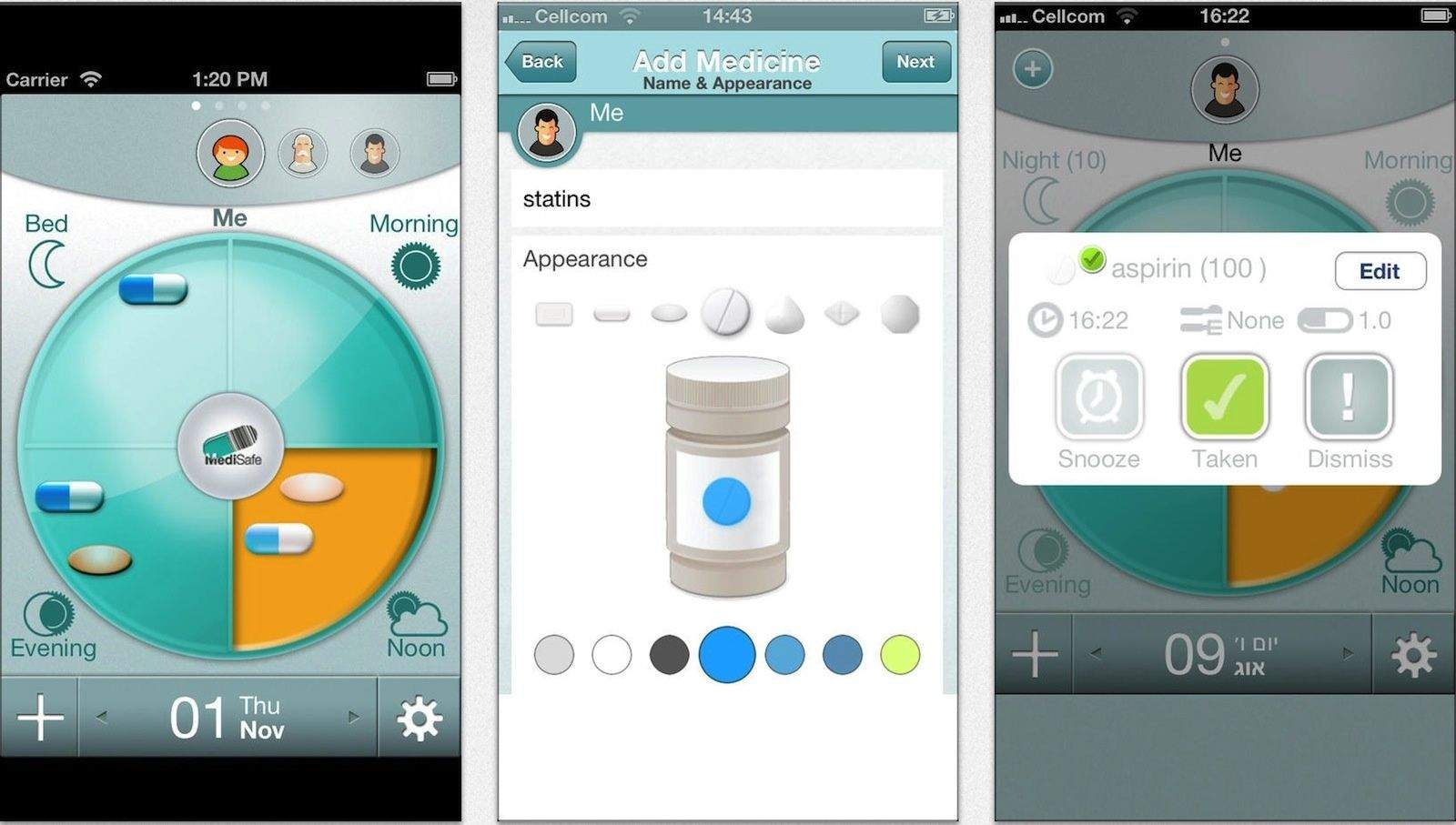
A year and a half ago, Bob Shor’s diabetic dad asked him if he had seen his dad take his insulin. Bob’s answer, “No, I didn’t see you take your meds” was interpreted by his father as “No, you haven’t taken them.” His dad overdosed that day, which Bob says was the reason he and his brother Rotem created MediSafe, a collaborative app that helps keep track of long-term medication.
The app will remind users when it’s time to take meds, and display dosage and an image of what the meds actually look like. There’s even a refill reminder and personalized information and details about taking the drug and effects. But the big feature is the app’s collaborative nature.
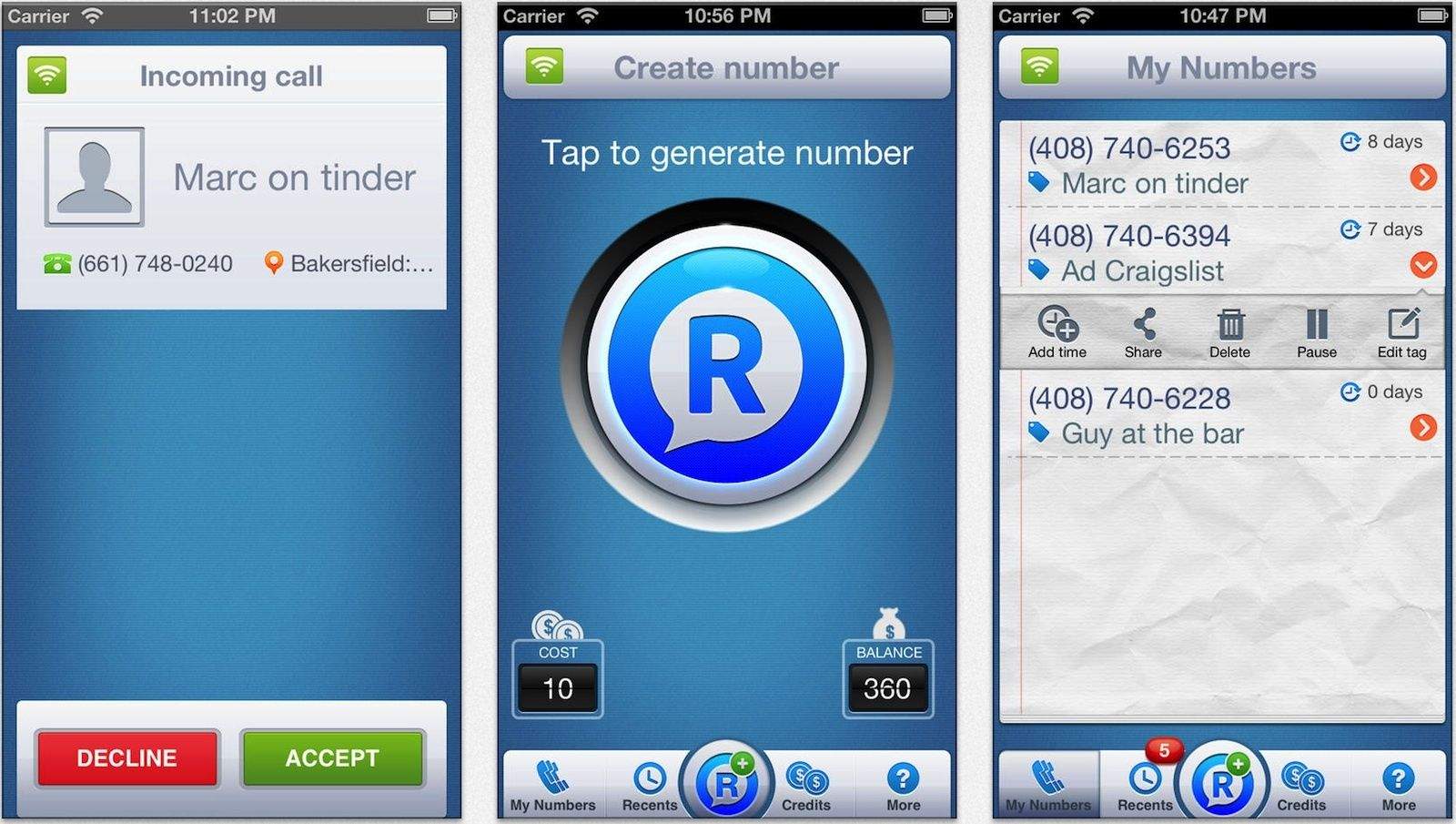
Cell phone numbers are a direct path that often lead straight to us, regardless of where we are or what we’re doing. And once we’ve given someone our number, they have it for good. And if things go south, the only option is to change your number, right?
Pretty much — but that’s easy to do if you used a new app called RingMeMaybe to give them a temporary number in the first place.
Apple just released a new firmware update for mid-2012 MacBook Air owners. The release notes say that Apple recently discovered that a small percentage of flash storage drives in these models may have an issue that could cause data loss.
The update, available here, tests your drive and should, if there’s a problem, install new firmware to prevent the issue from happening to you.
If your drive can’t be updated, Apple will replace it free of charge. That’s big news.
Yesterday we reported that the Cupertino City Council unanimously approved Apple’s plan to build its new ‘spaceship’ headquarters, officially called “Campus 2.” Tim Cook tweeted his enthusiasm after the approval was granted, calling the future campus “our home for innovation and creativity for decades to come.”
Today a video of the city council’s press conference was released with speeches from Cupertino’s mayor and Apple CFO Peter Oppenheimer. “This is a very special moment for us at Apple,” said Oppenheimer. “We have put a tremendous amount of love and energy into this campus and we can’t wait to get started building it.”
Construction on the 2.8 million square-foot headquarters and 100-acre plot of land is scheduled to begin this year. The final set of permits Apple needs will be reviewed on November 19th.
Today AT&T announced its plans to entice tablet customers with new data plan options. The most attractive plan for users will probably be a $5 day pass that offers 250MB for light web usage. A new $25 plan will come with 1GB of data that can be used at any time over the span of three months.
You may have heard that there’s a big update in the works for Tweetbot, one of the most popular third-party Twitter apps out there. Version 3.0 for iOS 7 has been kept under wraps for the past several months, and today the app is one step closer to your iOS device.
Tapbots, the small app company that makes Tweetbot, announced today that it has submitted Tweetbot for iOS 7 to the App Store.
Apple has gone and topped the J.D. Power rankings for smartphone satisfaction. Again.
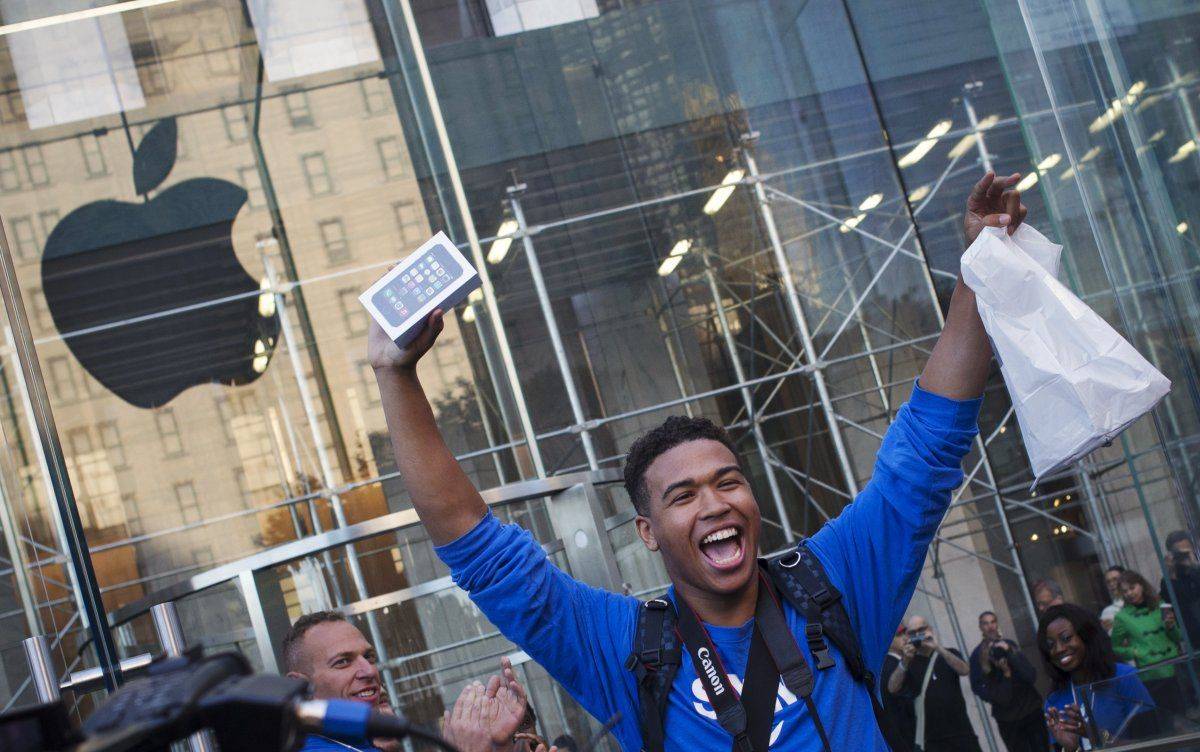
This marks the tenth straight time Apple has dominated the likes of Nokia, Samsung, HTC, and Motorola in the bi-annual poll, and with the iPhone 5s shattering sales records on opening weekend, the streak looks like it might continue for some time.
This year’s survey included a breakdown of smartphone satisfaction by carrier for the first time ever and revealed Verizon customers are slightly happier with the iPhone than those on AT&T, with scores of 861 and 856 respectively.
eBay announced this morning that they’ve managed to hire away Apple’s E-Commerce Exec, RJ Pittman, to fill a new role as Chief Product Officer.
Pittman joined Apple back in 2010 after working in the product management group at Google. During his three years working at Apple, Pittman was in charge of the e-commerce platform for the Apple Online Store, along with the design and product management solutions.
In an interview with AllThingsD, Pittman said the Online Apple Store is cool and all, but eBay’s sells way more stuff:
Wondering what Spacetime Games is up to these days? After a successful launch of free-to-play Battle Dragons this past August, the team has turned its attention to a new combat strategy game with the same branding: Battle Command!
In this new game, you’ll take command of a small group of soldiers and try and shape them into a crack team of military force. You’ll collect resources, construct bases, recruit troops, form alliances, and fight on the battlefield (obviously). Battle Command! will have a bunch of single player missions to help hone your skills, and then some serious global multiplayer, something Spacetime has been getting right for years.
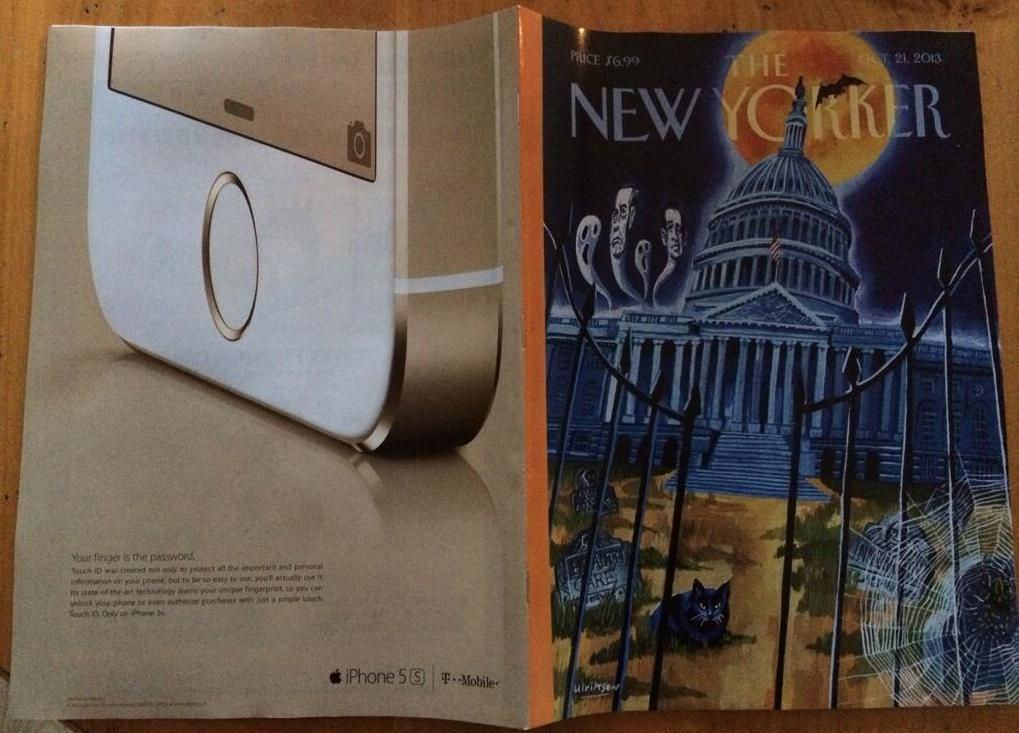
After selling a record-breaking number of iPhones during the recent launch weekend, Apple is now ready to pummel magazines with it’s trademark brand of clever yet simple ads extolling the iPhone’s virtues.
The first print ad for the iPhone 5s hit newsstands today in The New Yorker with a full-ad on the back page touting Touch ID. The ad features a huge closeup of the still-oh-so-hard-to-find Gold iPhone 5s, with the tagline “Your finger is the password at the bottom.
Until two days ago, Apple had been without a head of retail for nearly a year. As part of the upper-management reshuffling Tim Cook oversaw last October, John Browett was let go after filling the role for only six months. Apple executives reportedly clashed with Browett, who previously had been the CEO of British retailer Dixons, and he didn’t seem to leave Apple on the best of terms.
After a year of searching, Apple has finally found a Senior Vice President of Retail and Online Stores: Angela Ahrendts, the former CEO of Burberry in Britain. She’s coming to Apple at a very crucial time in the company’s development post-Steve Jobs, and although she’s worked in fashion most of her life, she looks like the perfect fit.
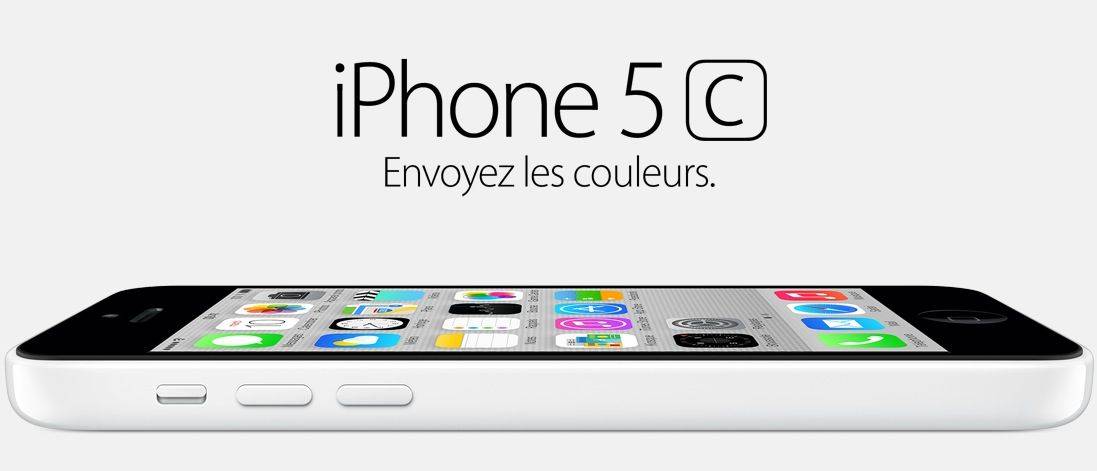
Apple has quietly bumped up its iPhone 5s and iPhone 5c prices in France less than four weeks after they first went on sale. Customers will now have to pay $10 more for the 16GB devices, and $12 more for the 32GB and 64GB devices.
One of the few issues facing owners of the new iPhone 5s is the compass and built-in level: they are woefully off, leading to drifting issues in games that require the accelerometer for steering. How could Apple mess up something so fundamental? According to a new teardown, it looks like the culprit is a new chip supplier.
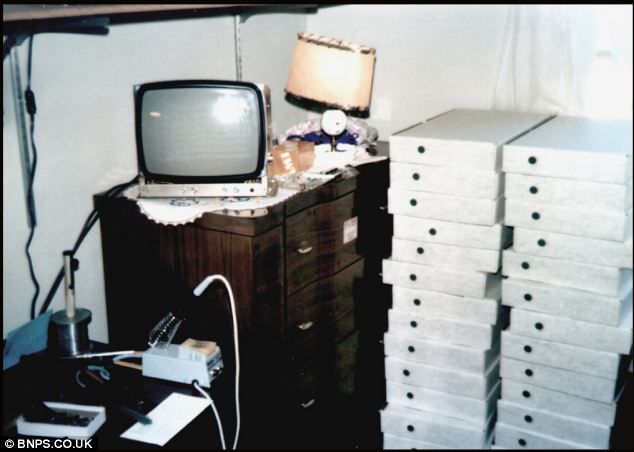
Here’s something pretty incredible. This newly surfaced photo shows the original batch of Apple I computers as they are about to be sent out to customers. The photo is believed to have been taken by Steve Jobs himself, in his bedroom.
There’s a couple of things I really love about this photo. For one, note how similar the packaging on the original Apple I is to the white box packaging of, say, a MacBook Air. Things haven’t changed much, have they? Second, with Apple I’s now going for over $676,000 at auction, that’s quite the nest egg Steve is sitting on back in 1976, isn’t it?
If you love the Amazon Video app on your iPhone or iPad all the more now that it can stream AirPlay video to your Apple TV, great news: a new update to the app has just made AirPlay even better.