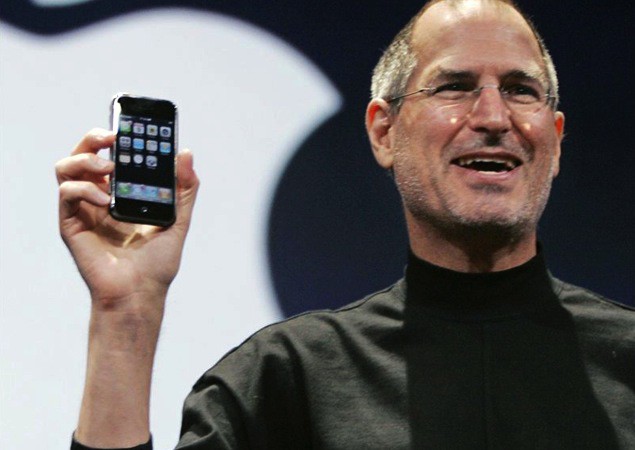
Apple is reportedly looking into developing a device capable of predicting heart attacks.
The medical sensor device — possibly a feature for the long-reported iWatch, if previous rumors are to be believed — would listen to the sound blood makes as it flows through arteries, and use this to predict irregularities.
Between your iPhone, your iPad and your Mac, it’s hard to imagine a time when you’d be online and need to edit a photo, but somehow not have access to an app like Snapseed (which has its own browser version BTW).
But should you find yourself trapped at a PC, while nestled deep in bowels of a government building that has confiscated your iPhone and iPad at the gate (to be root-kitted and infected with spyware no doubt), and with a desperate need to add some pop to that cute cat photo you found, then head for Pics.io.
The BluCub is a lot like the Tempo pebble I reviewed a few weeks back, only instead of measuring just temperature, it also measures humidity, adding another feather to your home-weather-station cap. If you wear a cap and put a feather in it when you buy a Bluetooth sensor, that is.
Lightroom Analytics is a plugin that breaks down the metadata in your Lightroom library into all kids of neat and interesting charts and graphs. Want to know what lenses you use the most? Or which setting you always tweak? Then you need LR Analytics.
Snippefy takes the almost-useless highlights from your Kindle and syncs them to Evernote, Dropbox or anywhere that’ll accept text. It’s an iPhone-only app, but as it’s only really there for processing your snippets to use somewhere else, it’s fine for the iPad too.
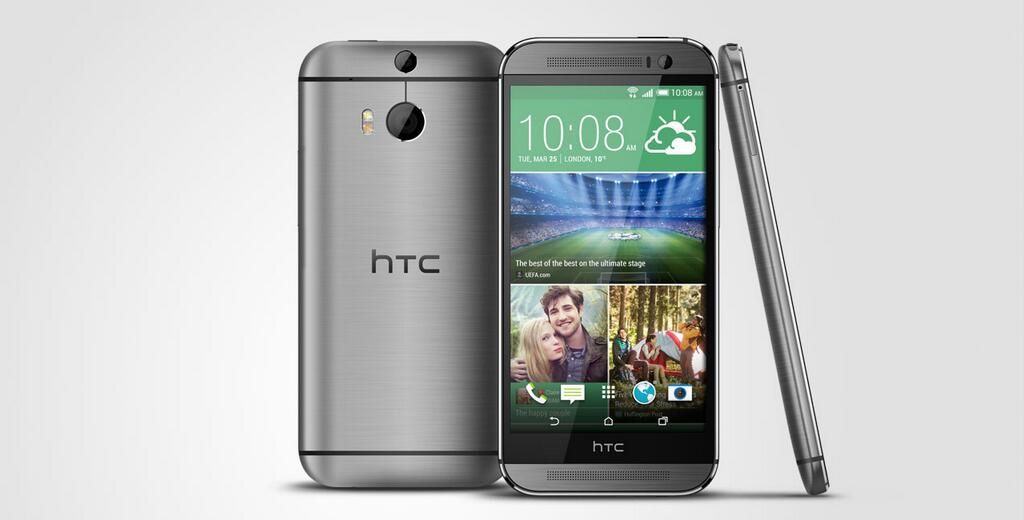
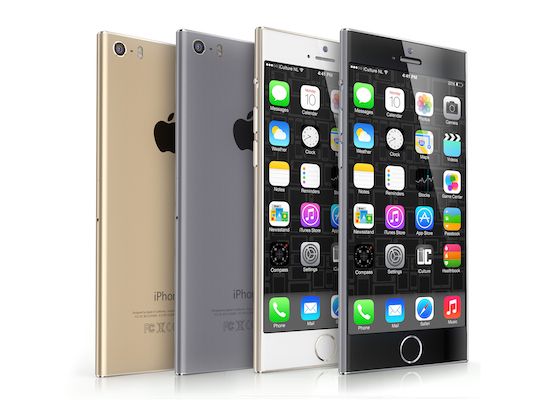
Apple fans may argue that from a bang-for-your-buck perspective, an iPhone is one of the best smartphone deals around. If you’re judging simply by how much screen proportionally makes up the front of your device, though, this chart makes a strong case that the iPhone is a pretty bad deal compared to various Android phones.
How bad does the other half — those who have never owned a MacBook — have it?
Pretty bad, as this hysterical video showing what Macgasm (tongue-in-cheek?) says are a trio of Norwegian Microsoft employees hurling around a MacBook Pro between themselves like the early hominid apes in the Dawn of Man section of Stanley Kubrick’s 2001: A Space Odyssey.
So oblivious are they to the fact that this shiny wedge of unibody aluminum is a laptop, that they blindly destroy it, hooting and hollering as if they could never even envision a laptop that wasn’t made of cheap black plastic. Which, surely, many PC owners can’t.
We’ll never stop Flapping! On this CultCast, we investigate the worldwide obsession with the iOS wünder-game, Flappy Bird, and the bizarre stories of why the game’s developer pulled the wildly popular game so abruptly from the App Store. Plus, some new iPhone 6 rumors surface, and a Macintosh super-grid you’ve never heard of is hunting down a cure for cancer.
Softly giggle your way through each week’s best Apple stories! Stream or download new and past episodes of The CultCast now on your Mac or iDevice by subscribing on iTunes, or hit play below and let the audio adventure begin.
And thanks to Lynda.com for sponsoring this episode. Learn at your own pace from expert-taught video tutorials at Lynda.com.
Electronic Art’s recently released update of Peter Molyneux’s Dungeon Keeper has garnered a lot of criticism for its shameless destruction of the gameplay of a strategy classic. But hey, why play that cynical piece of freemium crap when you can play the original for free?
For the next 24 hours, GOG.com is having a great promotion capitalizing upon the nigh-universal hatred for the Dungeon Keeper iOS remake. Just go to their site and sign up for an account to download the original classic Dungeon Keeper game for your Mac for free. Although seventeen years old, the original game still holds up, and runs just great on modern Macs. If you want to know why people are so honked off about the new version, look no further.
Periodically, Best Buy has been known to offer $50 discounts on select iPhones and iPads. If you’re looking to save a few bucks on an Apple product, Best Buy’s deals are a good, regularly occurring window to buy the device you’ve had your eye on.
If you’ve been waiting for that window to open again, good news! Starting this Sunday, February 16, and going to February 22nd, Best Buy will be taking $50 off the purchase of any iPhone with a two-year contract on any carrier.
You can also get $50 off the iPad mini with Retina Display, but only if you hop to it: that deal ends today. And if you trade in your old iPad while you’re with it, you can get a Best Buy gift card worth up to $200… probably not the best value for trading-in an old iPad, but a deal that could possibly influence some President’s Day weekend impulse shoppers.
We’ve been hearing tell that Microsoft will release a version of Office for iPad “soon” since at least February 2012, but instead of a native version, the only thing Microsoft has released so far is Office 365, a cloud-based version of the Office suite that works on mobile devices.
According to some well-connected insiders, though, the wait is almost over, and Microsoft could launch Microsoft Office for iPad in the next three months.
Refresh Complete Screen & Keyboard Cleaning Kit by Techlink Category: Cleaning Kit Works With: iMac, MacBook Price: £19.95 ($33.38)
Chalk it up to the state of modern life if you want — where we’re much more comfortable looking at an iPhone screen than building fires and hunting wild animals — but there’s something undeniably manly about the idea of cleaning your iMac with something called a Screen Cleaning Blade.
Okay, so things get less rugged individualist when you hear that this is a scented, anti-bacterial Screen Cleaning Blade, and still less so when you hear that it features a “vibrant satin finish” — but, hey, at least it’s something, right? Coming packaged with another cleaner designed for your keyboard (the Keyboard Blade?), these two handy gadgets promise to keep your Apple products looking as shiny as the day you first unboxed them.
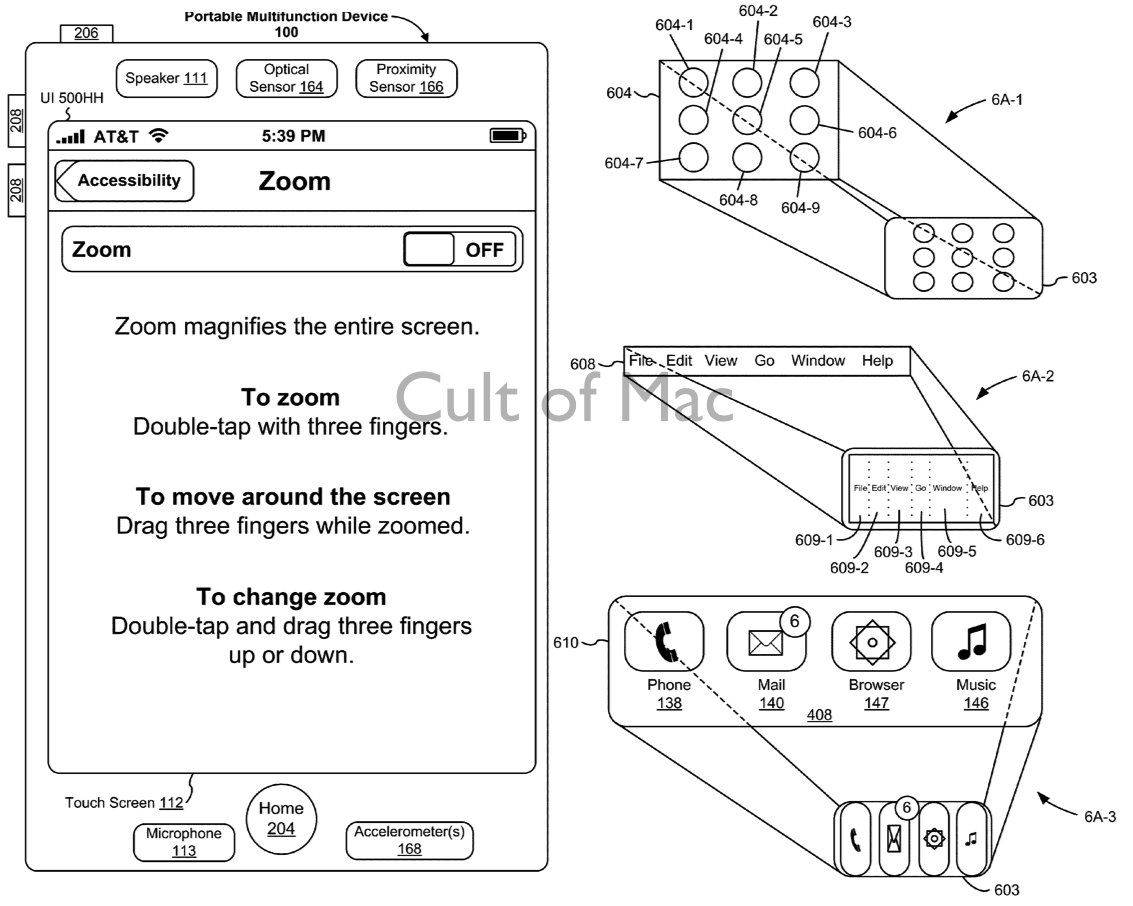
Arriving with iOS 3 in June 2009 was the ability to select, copy, and paste text using two draggable selection handles displayed on screen. Miles ahead of what other smartphones were offering at the time, Apple’s solution was a neat way of transferring to mobile a tool that was a key part of the personal computer user experience.
To celebrate the publishing of this historic patent, Cult of Mac spoke with one of its inventors, user interface designer Bas Ording, about the development process.
With popular music streaming apps like Spotify and Pandora already popular and on devices all over the world, any newcomers are faced with an immediate challenge. The makers behind the popular headphones and speakers Beats By Dre are taking their crack at the genre, with their new app and service Beats Music.
Take a look at the new Beats Music app and see how it compares to the competitors.
This is a Cult Of Mac video review of the iOS application “Beats Music” brought to you by Joshua Smith of “TechBytes W/Jsmith.”
Artwork by Matisse (left) inspired the Mac Picasso graphics.
The famous Macintosh “Picasso” trademark logo was developed for the introduction of the original 128K Mac back in 1984. A minimalist line drawing reminiscent of the style of Pablo Picasso, this whimsical graphic implied the whole of a computer in a few simple strokes. It was an icon of what was inside the box, and became as famous as the computer it represented.
The logo was designed by Tom Hughes and John Casado, art directors on the Macintosh development team. Originally the logo was to be a different concept by artist Jean-Michel Folon, but before launch it was replaced by the colorful line drawing. It’s been famous ever since, and the style has endured across decades.
Casado recently attended the 30th Anniversary of the Mac celebration, and emailed Cult of Mac to shed some light on the history of this famous graphic. It turns out Picasso was not the primary inspiration for this after all – rather, it was Henri Matisse!
With rumors of the iWatch and future Apple products focusing on health continuing to swell, Apple has hired yet another medical device expert.
Marcelo Malini Lamego joined Apple at the end of last month, having previously spent 8 years as the CTO of Cercacor — a medical device company, based in Irvine, CA, involved with the development of non-invasive patient monitoring technologies, including medical devices and sensors.
Today sees the iOS launch of Deadman’s Cross, a zombie-themed collectible card battle RPG from Square Enix, the company behind Final Fantasy and the multimillion-download hit Guardian Cross.
Set sixteen years in the future, the game takes place in a zombie apocalypse in which a rampant virus has turned large numbers of people into the walking dead.
Phil Schiller and possibly Scott Forstall are expected to make witness appearances for the next round of the Apple v. Samsung trial, when the two companies return to court in California in late March.
As Apple’s senior vice president of worldwide marketing, Schiller was the highest-profile witness to take the stand during the first jury trial in the patent case between Apple and Samsung in August 2012.
Users of Picturelife on iOS can now edit their cloud-stored photos right there in the app, thanks to an update launched yesterday. Picturelife was already one of the most full-featured photo-wrangling services around (it’s my favorite, although I have a bit of a dupe problem at the moment), and now it can serve as a full-on organizing, editing and sharing suite.
Responding to the tech industry’s effect on San Francisco housing, Bay Area artist Alfred Twu has taken it upon himself to show what Silicon Valley tech campuses might look like if they converted their parking lots into accommodation for their employees.
Alongside mini-cities for Facebook and Google, Twu created these designs for iTown — with 13,000 apartments for Apple’s 13,000 Cupertino employees, ajoining the new Apple 2 campus.
IFTTT’s new Evernote action might not seem like much, adding one measly little function, but it’s a biggy. You can take anything, and append it to an Evernote note as to-do item, complete with a checkbox.
Example uses: Send your Foursquare to-dos to an Evernote checklist, or save iOS reminders to Evernote.
Reader 7 is a single-minded app with a single-serve purpose. You know when somebody sends you an MS Word DOC or DOCX file via email and all you want to do is look at it, and maybe track the changes that have been made to it, but then you open in in Pages and all bets are off? That’s what Reader 7 is here to fix.
It’s an app which can accurately display Word documents with complex formatting.
Rapoo’s new E2700 looks to be the perfect companion for my iMac, which is sat on a desk at a suspiciously convenient distance from the sofa in my office, letting me kick back and be amazed by episodes of True Detective and, uh, The Mentalist. Aside from being a regular keyboard with all the usual media keys, it also packs a trackpad on the rightmost end, so you can play/pause those annoying browser video players that don’t respond to the spacebar.
Hey, owners of the Best Camera Ever™ who want to use a 50mm equivalent once in a while – I have some good news for you. Fujifilm is set to release a 50mm adapter for the X100S, letting you use this classic “standard” lens focal length.