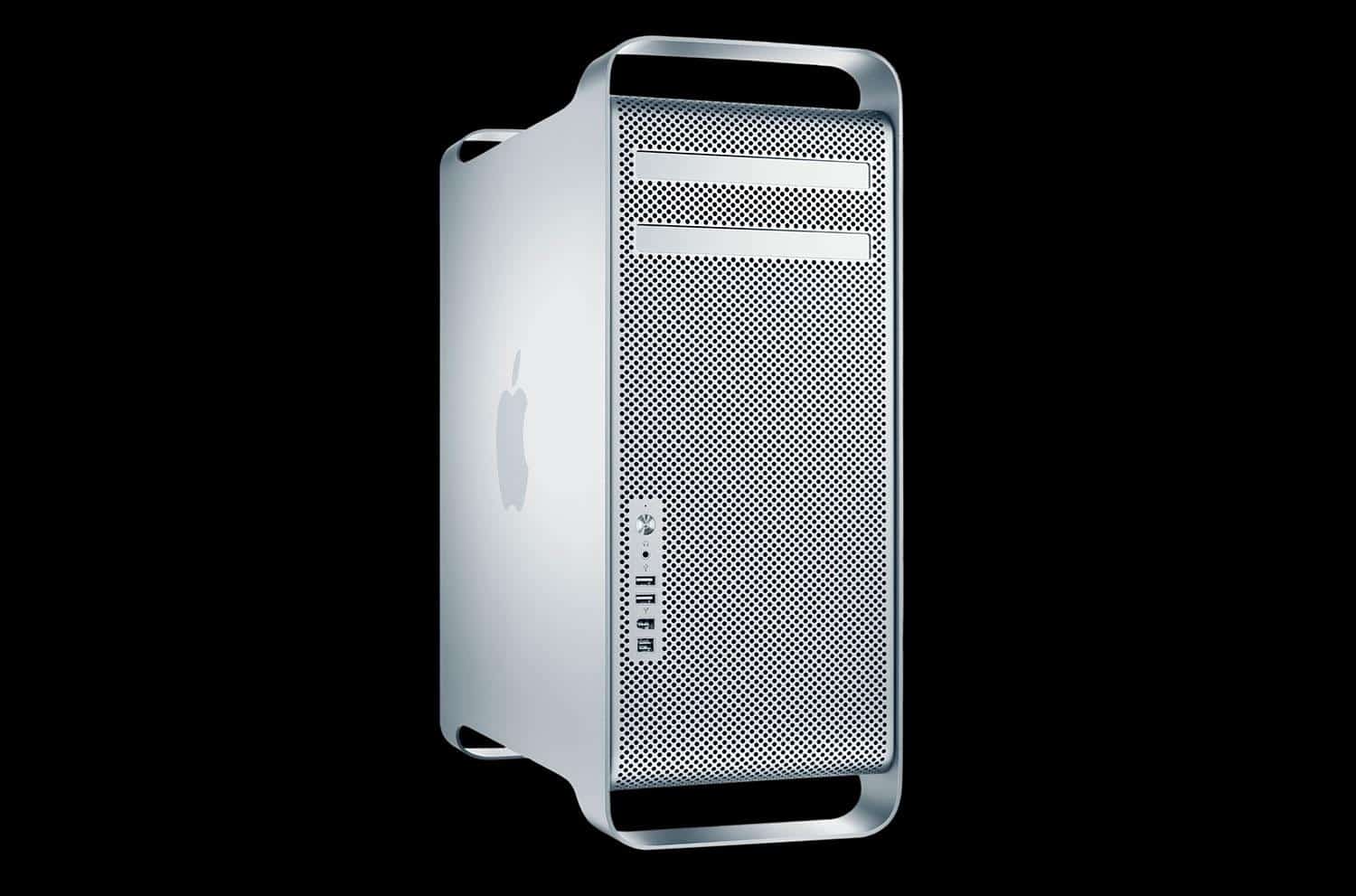
Apple can’t protect you from everything. Photo: Apple
You might consider Safari to be the safest web browser for macOS, but one security researcher has proven it’s not completely bulletproof.
Patrick Wardle has demonstrated how hackers can remotely infect a Mac with malicious software using a Safari vulnerability. Apple’s built-in protections can do nothing to stop it.
Summer’s nearly over, which means you’ll soon be spending a lot of time inside, trying to stay warm. Have fun by picking up some great Mac and PC games at up to 90 percent off their usual price in GOG.com’s huge back to school sale.
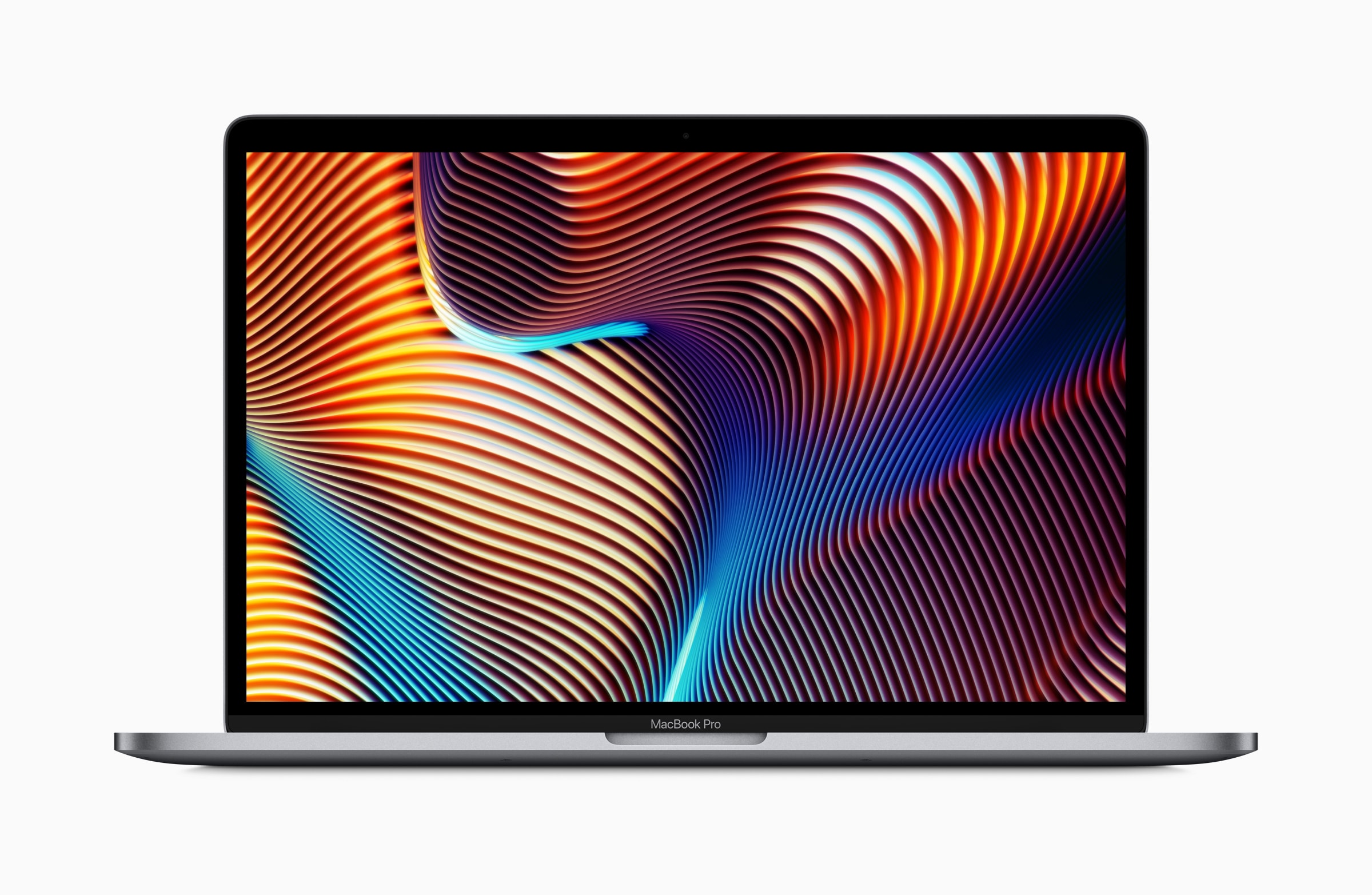
Apple pushed out another supplemental update for the 2018 MacBook Pro lineup this week. Its release notes didn’t tell us much about the release, but the company has now explained exactly what users can expect it to do.
Take a trip down memory lane by loading up Windows 95 on your Mac. Play classic Solitaire and Minesweeper, and soak up the experience once enjoyed by nearly 70 percent of computer owners in the late ’90s.
It’s easier than ever, thanks to a new app built by Slack developer Felix Rieseberg.
Airmail 3 could leave you open to attack. Photo: Airmail
Airmail 3, a popular email client for macOS, ships with big security vulnerabilities that could put users’ personal data at risk.
Researchers uncovered an exploit that allows attackers to steal users’ emails and attachments simply by convincing them to open a message. Here’s how it works.
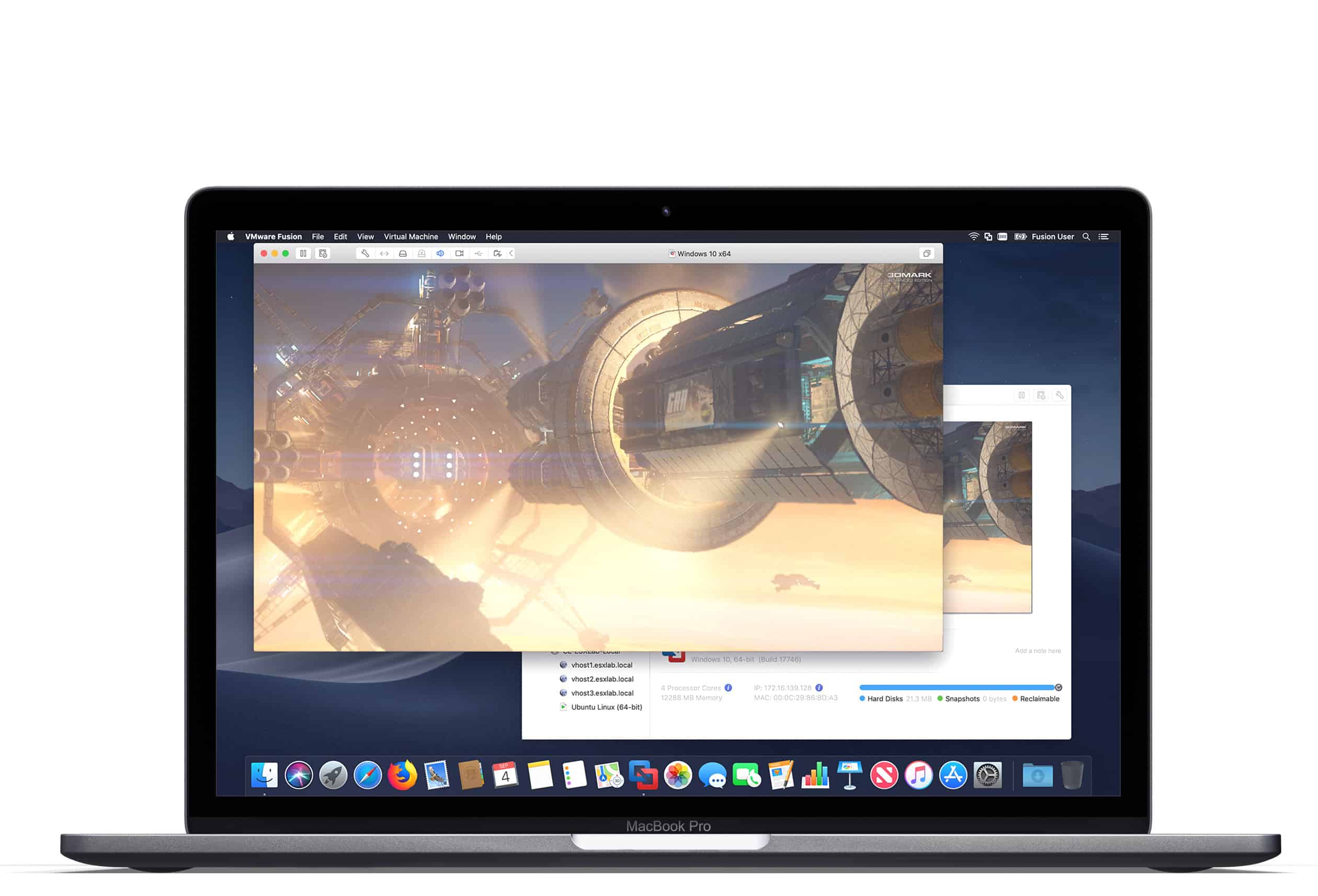
Parallels 14 is a massive upgrade. Photo: Parallels
Parallels, the popular virtualization software for Mac, just got a massive upgrade.
Version 14 comes with macOS Mojave support and a significant speed boost, as well as welcome storage optimizations. It also brings a bunch of handy new features, including the ability to access Windows apps shortcuts on the MacBook Pro’s Touch Bar.
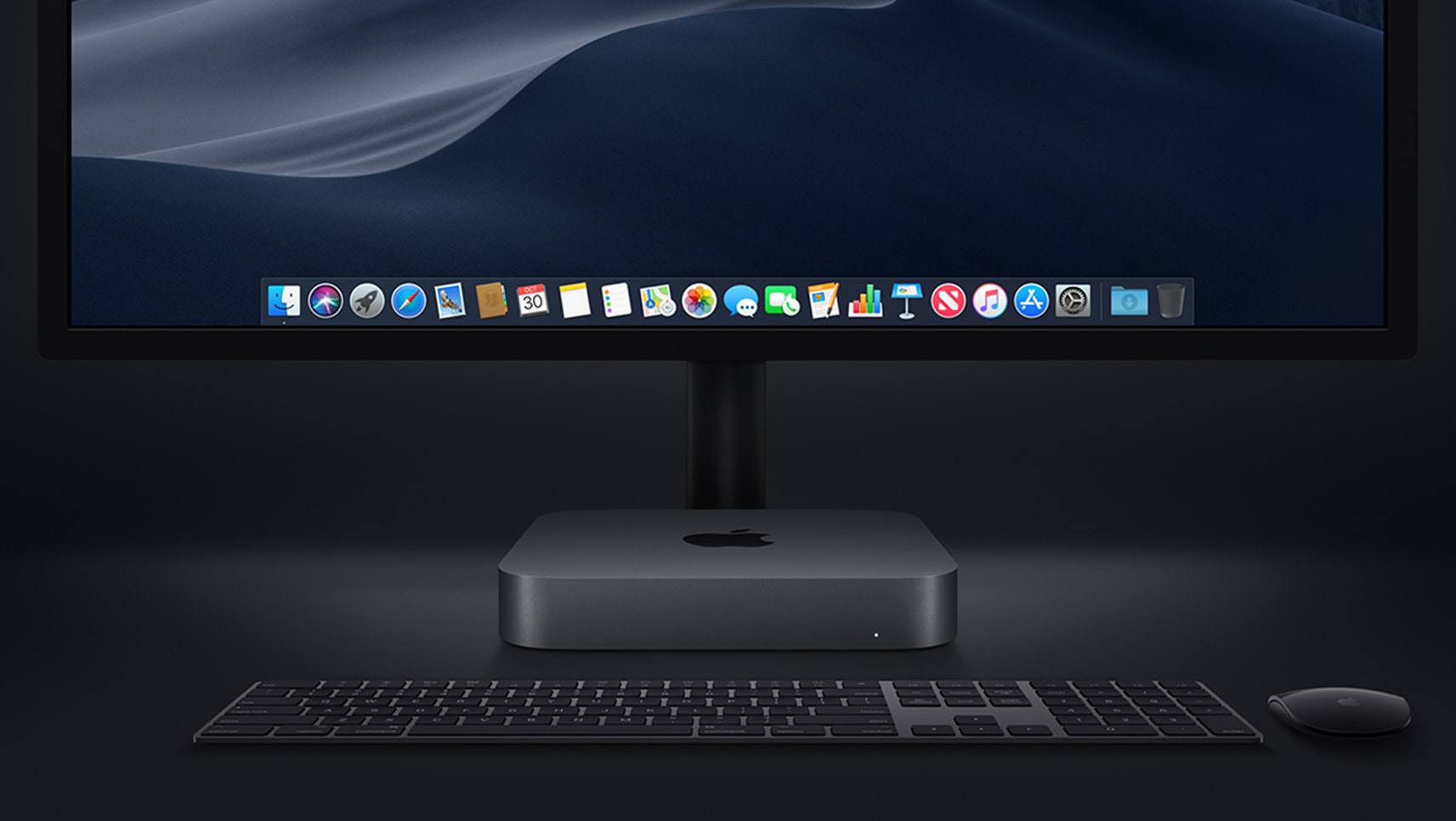
The 2018 Mac mini Pro is rumored to be much powerful than the "current" model, which hasn't been updated in almost four years. Photo: Apple
The last time Apple gave any love to the Mac mini was way back in 2014. But a refresh is reportedly coming.
This inexpensive macOS desktop is apparently popular with developers and server farms. The 2018 mini is supposedly being created with these professionals in mind.
macOS Mojave beta 6 includes an improved Migration Assistant. Meanwhile beta 5 was released to the public. Photo: Apple
The tool Apple built to help Windows users switch to a Mac underwent significant improvements in the latest beta of maxcOS Mojave.It can now transfer accounts and documents from Microsoft Outlook.
This is the major change in macOS Mojave beta 6, which was released to developers yesterday.
Sam William Smith's new font menu design is simple, and perfect. Photo: Sam William Smith
If you do any work with fonts on the Mac whatsoever, you will have run up against the font picker. It’s a piece of design that dates back to when the Mac only came with a black-and-white screen, and yet it’s still the only way to select a font on an Apple computer. That wouldn’t be so bad if it was a good design, but it’s not. The macOS font picker is little more than a drop-down menu. Worse, it’s a drop-down menu that changes every time you use it.
You can use the Mac’s font panel in some apps, but even then you’re faced with long and confusing lists.
Sam William Smith, a designer from Glasgow, Scotland, decided to do something about this. He completely redesigned the Mac font menu, and it’s great.
Have you upgraded early to iOS 12? Photo: Ste Smith/Cult of Mac
Apple warns us that its beta releases should not be installed on our primary devices. Until just a few years ago, it only allowed registered developers to download them. But that doesn’t stop keen Apple fans from updating early to get their hands on its latest features.
You won’t believe how many people are already running the next versions of macOS, iOS, tvOS, watchOS months before their public debut.
Is this your experience of using macOS? Google suggests it is. Photo: Google
Tensions between Google and Apple may have cooled since Steve Jobs declared “thermonuclear war” on the search giant, but that doesn’t mean hostilities have ceased altogether.
In its latest Chromebook commercial, Google fires shots at both Apple and fellow tech giant Microsoft. Both companies are mocked for the error messages their operating systems supposedly bombard customers with, and more. Chromebooks, on the other hand, represent, “a laptop you can count on.” Check the ad out below.
macOS Mojave's dynamic wallpapers are gorgeous. Photo: Apple
The fourth beta of macOS Mojave is already here after Apple seeded a new update of the upcoming Mac update to developers this morning.
macOS Mojave is the first of Apple’s big 2018 software updates to get a fourth beta build. The company came out with iOS 12 beta 3 and macOS Mojave beta 3 less than two weeks ago, but some fresh fixes for the Mojave build is already here.
Apple has this week registered new iPads and Macs with the Eurasian Economic Commission (EEC).
The filings hint that a big refresh could be just around the corner. Recent reports have promised that Apple is preparing a slew of new devices for a late 2018 launch alongside the next-generation iPhone lineup.
Metal Gear Rising: Revengeance can no longer be enjoyed on Mac after the studio that ported the game to macOS shut down.
Transgaming decided it would be a good idea to protect the title with DRM that required a constant online connection to one of its own servers to confirm the game was genuine. Now that those servers are no longer available, the game is worthless.
Preview files before you open them with QuickLook for Windows 10. Photo: Paddy Xu
It’s okay to use a PC alongside your Mac, but you’ll find that some of the best macOS features aren’t available in Windows. One of those is Finder’s awesome preview function, but you don’t have to live without it.
QuickLook is a free app that brings the same preview feature to Windows 10’s File Explorer.
macOS Mojave didn't fix this one crucial flaw. Photo: Cult of Mac
One of the most useful features of macOS could potentially leak some of your most important data.
Security researchers have discovered a flaw with the Quick Look feature on macOS that exposes document text and photo thumbnails from a user’s files. And the flaw works even if the drive has been encrypted.
macOS Mojave makes VR easier than ever on Mac. Photo: Apple
Who says Macs can’t do virtual reality? When macOS Mojave rolls out this fall, it will include plug-and-play support for HTC’s latest Vive Pro VR headset.
Apple has been working closely with HTC and Valve to make this possible. Vive Pro support isn’t yet available with the first macOS Mojave beta, but it is expected to be made available to developers and testers in a future beta release.
iOS 12 and macOS Mojave are all the rage after WWDC 2018, but Apple’s not quite done working on iOS 11 and macOS High Sierra.
Developers received a fresh batch of beta updates this morning, including the second builds of iOS 11.4.1 and macOS 10.13.6, both of which bring a host of bug fixes and under-the-hood improvements.
Did you know that 20 million people are building apps for Apple devices? Photo: Apple
With so much to digest during Apple’s big WWDC keynote on Monday, it was easy to miss some of the finer details.
You might be aware of every new feature coming to iOS 12 this fall. You might have memorized the changes to macOS, too. But did you know that more than 20 million people are now building apps for Apple devices, or that 10 billion Siri requests are processed every month?
Here are some fascinating numbers you probably missed during WWDC.
Apple's trial solution just won't work for some developers. Photo: Apple
Apple’s updated App Store guidelines finally give developers the ability to offer free trials for all apps — not just those that require a subscription. It’s a great move for users and creators, and something we’ve been demanding for a long time, but it has its problems.
Daniel Jalkut, developer of the MarsEdit blogging app for Mac, lists eight reasons why Apple’s approach to app trials is flawed.
Catch our WWDC '18 reactions and best-of-show picks on our newest CultCast.
It may not have been action-packed, but this week’s WWDC was bursting with great stuff. Don’t miss our WWDC 2018 reactions on this week’s episode of The CultCast. Then stick around for our list of all the best new iOS 12, watchOS, and macOS features announced at the keynote.
Our thanks to Casper for supporting this episode. Learn why Casper makes the internet’s favorite mattress, and get $50 toward select mattresses at casper.com/cultcast.
Get a Mojave-like shifting Dynamic Desktop on your own Mac today. Photo: Cult of Mac
Here’s an easy way to get macOS Mojave’s constantly-changing Dynamic Desktop on any Mac. Dynamic Desktop wallpapers slowly fade through a set of photos throughout the day. The default set of images is of a pile of sand, presumably in the Mojave desert, showing the same view as the light changes throughout the day.
We already showed you where to download those wallpapers. Now we’re going to see that your Mac can already turn these images into a Mojave-style Dynamic Desktop slideshow.