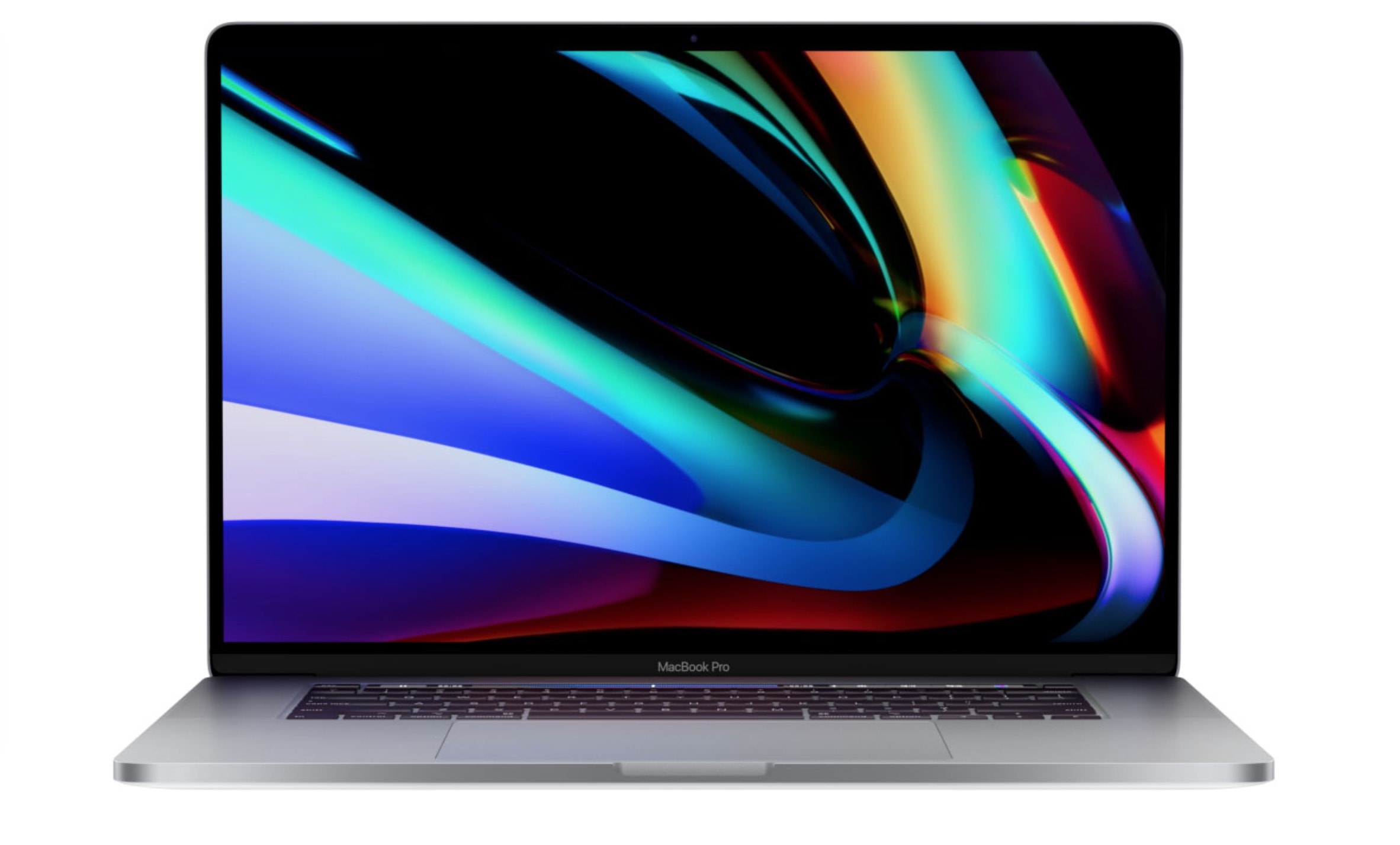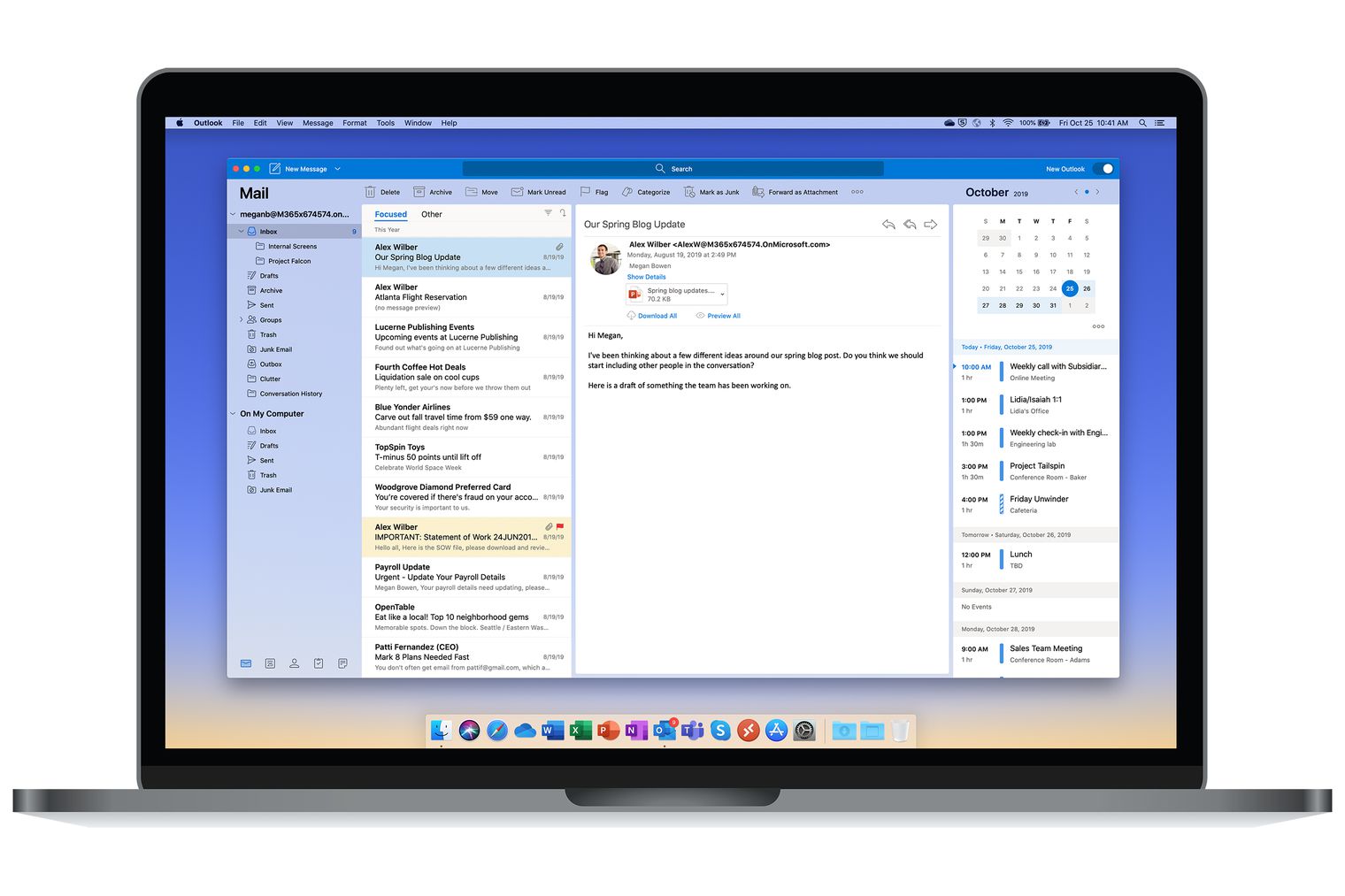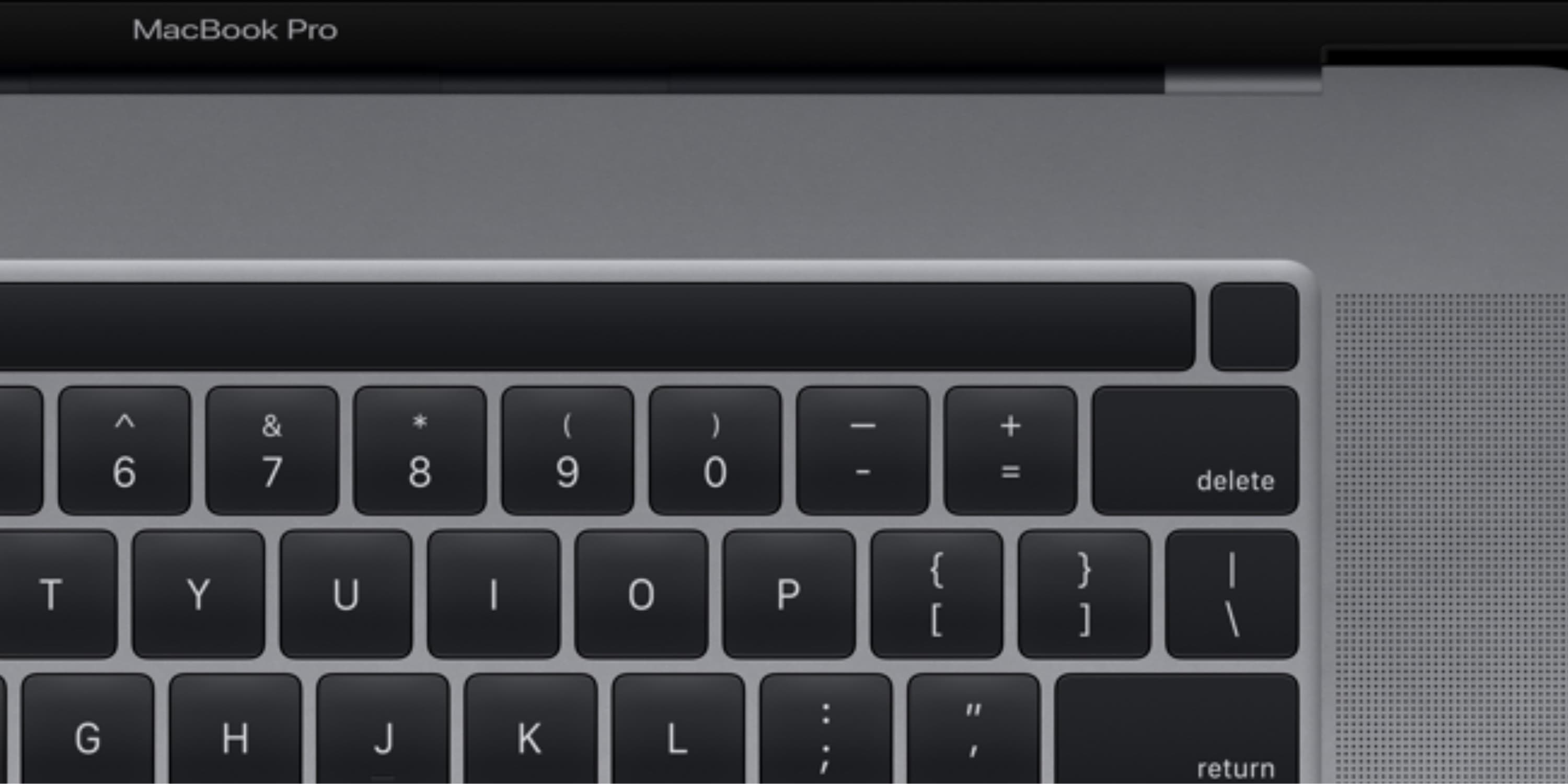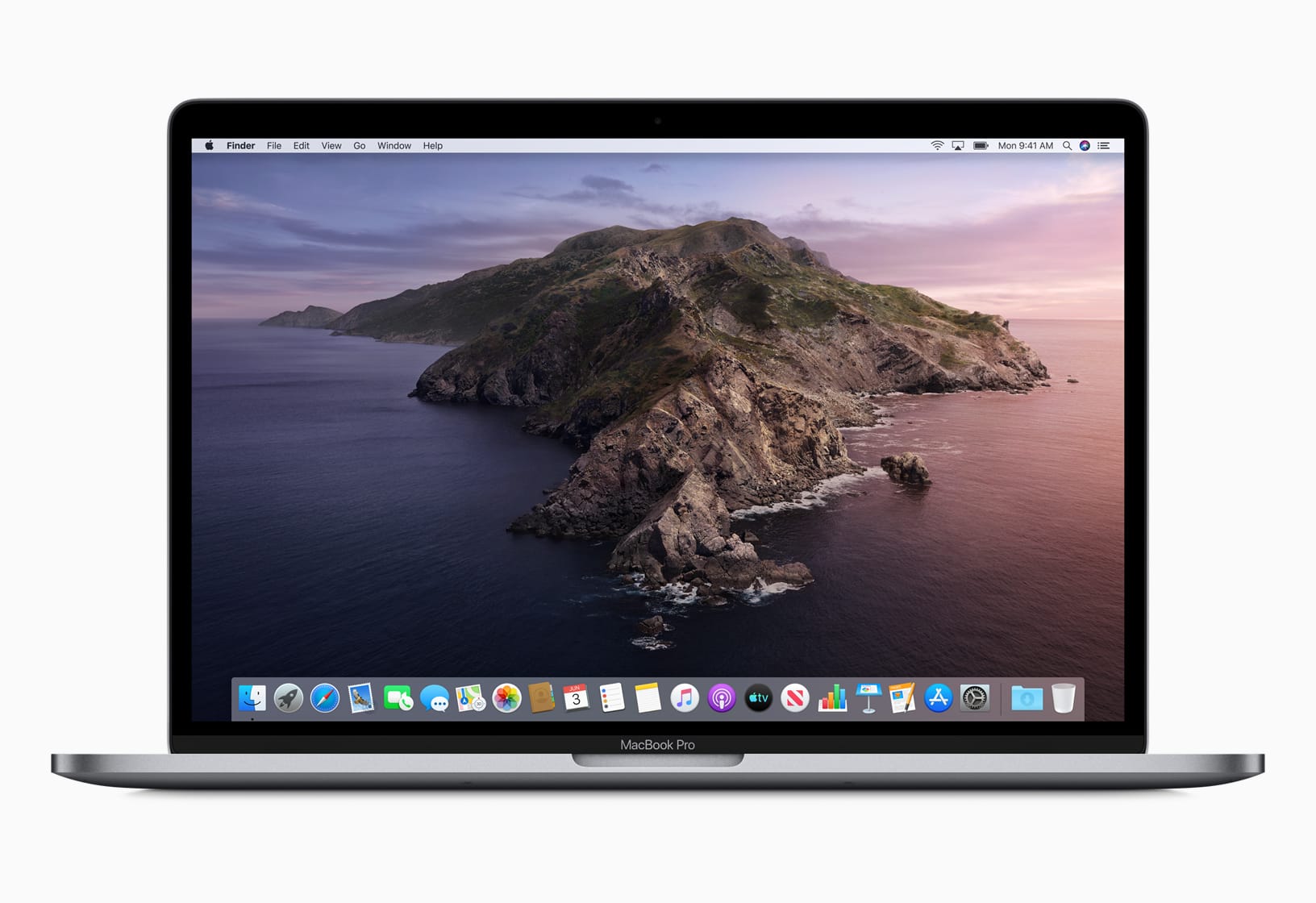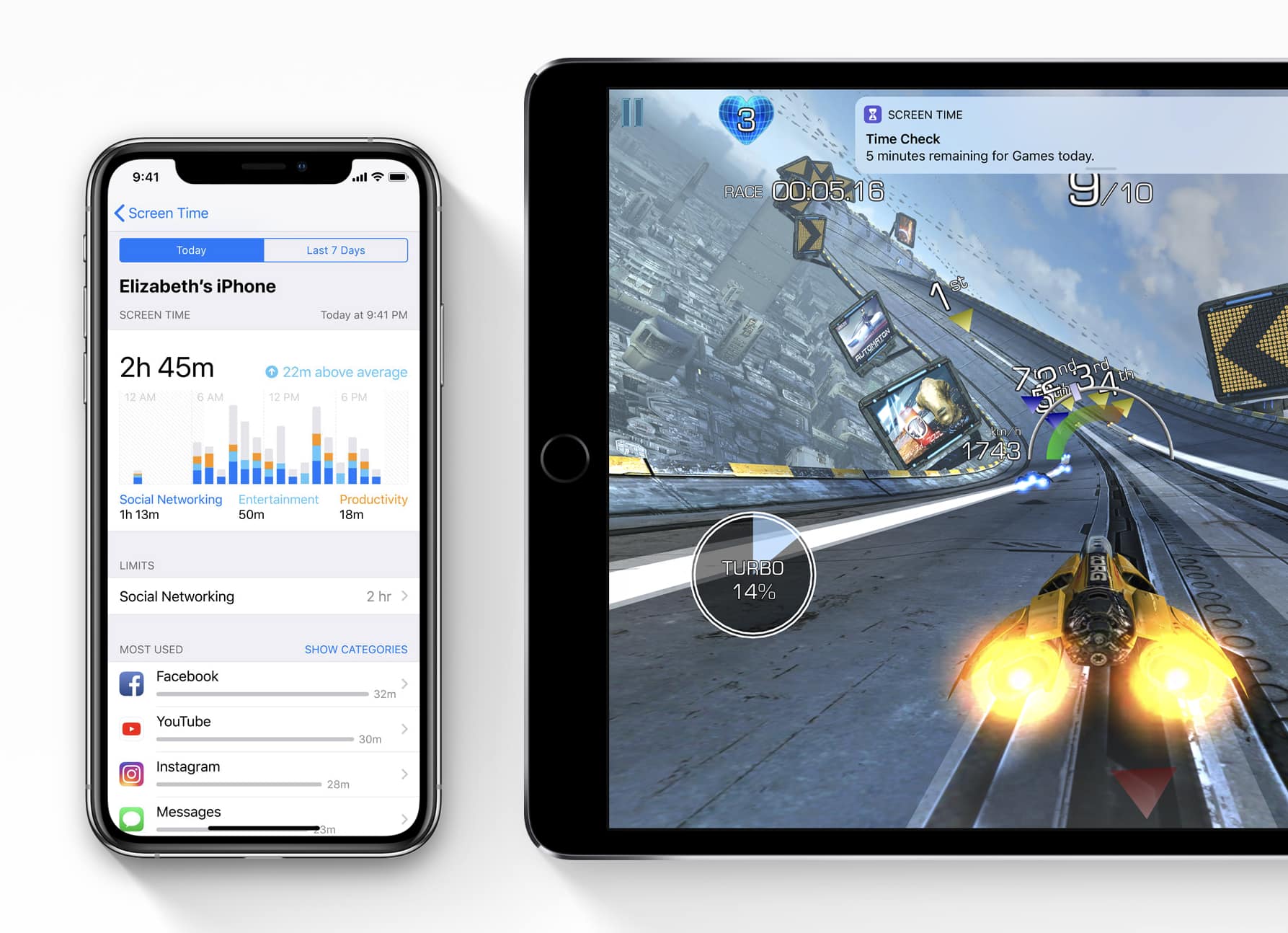
The latest version of Final Cut Pro X is out now with a new Metal engine that promises a big performance boost. It also make optimizations for the all-new Mac Pro and Pro Display XDR.
Apple is today bringing the same Metal engine to Motion and Compressor, too.
Opening two files in the same app on an iPad requires rocket science. Photo: Graham Bower/Cult of Mac
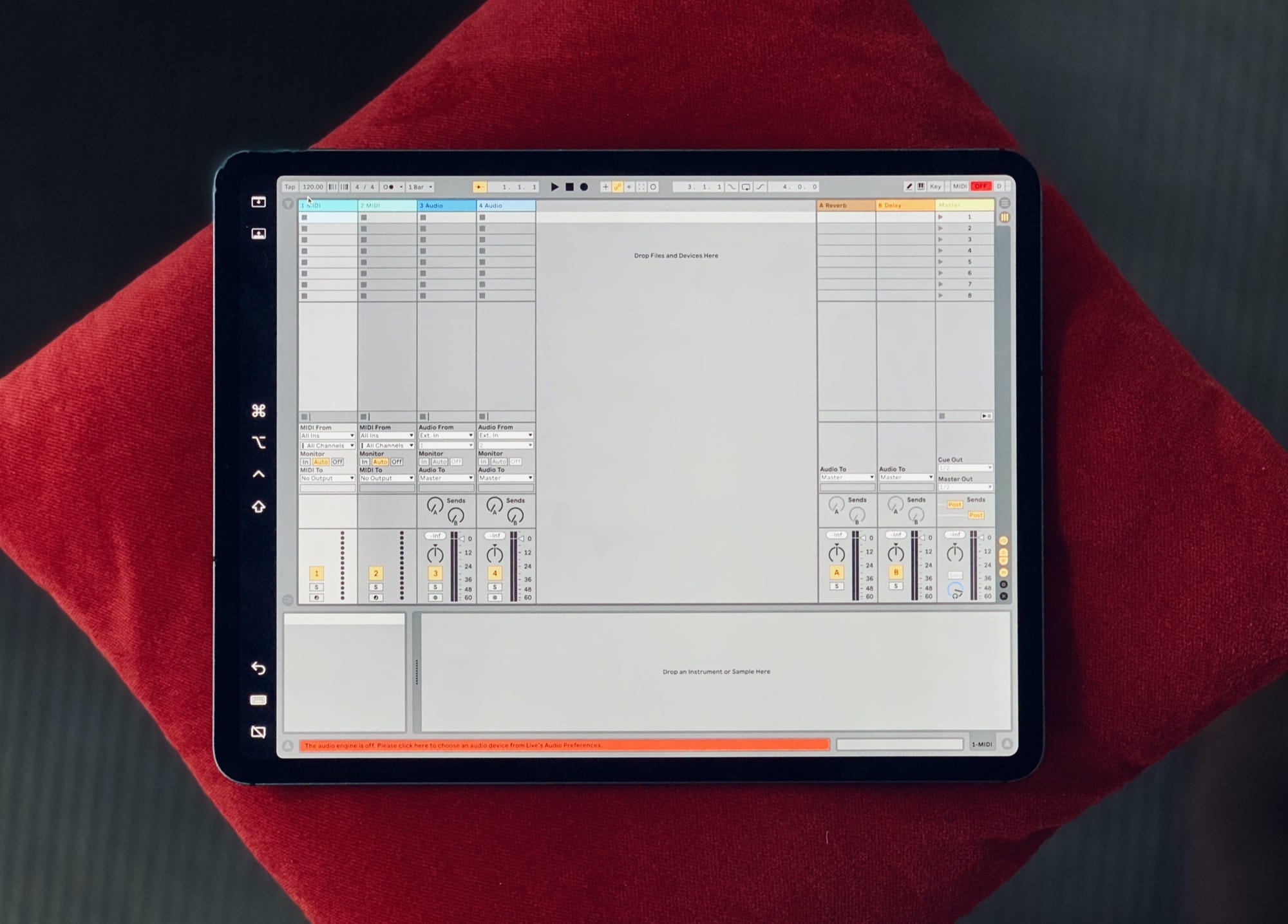
Thanks to the recently launched iPadOS, I can finally do simple things on my iPad that I’ve always been able to do on my Mac. Like opening multiple documents in the same app, or installing fonts.
Trouble is, while these things are easy to do on a Mac, they’re fiendishly difficult with an iPad.
In the early days, everyone celebrated the iPad for being easier and more intuitive to use than a Mac. But as Apple crams in more features, that is no longer true. iPad is still easier to use for simple things, but it is much harder and more cumbersome for performing advanced tasks.
Duet Display is the best second screen utility. Photo: Duet
Duet Display, the app that turns your iPhone or iPad into a second screen for your desktop, is finally on its way to Android.
You can use it alongside your Mac or Windows PC, and setup is quick and simple. Preregister your interest in Duet now ahead of its official debut later today.
It won’t cost you anything to download the app anymore, and you’ll get to enjoy some of its best features — like cross-platform syncing and the dark theme — for absolutely nothing.
An optional Pocket Casts Plus subscription, priced at just $0.99 a month, gets you even more.
A nice big desktop makes everything easier. Photo: Michael Soledad on Unsplash
Recently, I’ve been using my old Mac more and more, even thought I’ve long preferred using an iPad for both work (writing) and play (making music, and all the other dumb stuff you do on a computer when you’re goofing off).
And It’s gotten me thinking. Why do I prefer the Mac for some tasks? And I mean, strongly prefer. I’m so used to using both iOS and macOS that it’s not a questions of familiarity. Nor is it that I’m trying to squeeze the Mac way of doing things into the iPad, and vice versa — a common problem for new switchers.
No, my preference comes down to two small yet fundamental differences between the iPad and the Mac. These two features are present on the Mac, and will probably never make it to the iPad. What are they?
Tweak your Mac's display with macOS' amazing accessibility options. Photo: Wesson Wang/Unsplash
Just like iOS, the Mac has some great features hidden inside the accessibility section of the System Preferences (aka. Settings) app. Today we’re going to see how to tweak the Mac’s display to make it easier to use, for anyone. You can adjust the colours, make page elements easier to see, and even turn everything B&W. Let’s see what’s what.
Get your hands on the third and final preview today. Photo: Microsoft
Microsoft Edge is now “ready for everyday use.”
The next-generation version of the browser, built on Chromium, is still in beta for Windows and macOS. But Microsoft says it’s stable enough to become your primary window to the web.
Dust off your Terminal to use these great hacks. Photo: Charlie Sorrel/Cult of Mac
By using commands in your Mac’s built-in Terminal app, you can quickly change settings you probably didn’t even know existed.
Some of these Mac settings are just shortcuts — you can enable them in the usual way, using the mouse. But Terminal makes things simple. Instead of opening the System Preferences app, then finding (or remembering) a setting you want to change, and then searching further until you actually find the right checkbox, you can just type (or paste) a command, then hit return.
Most of these are secret settings, though. They are impossible to change without Terminal. Let’s check them out.
Apple this week upgraded its official USB-C Digital AV Multiport Adapter to support 4K HDR video at up to 60Hz.
The newest model, numbered A2119, boasts HDMI 2.0 connectivity. That means you can enjoy HDR10 and Dolby Vision content when outputting video from a compatible Mac or iPad Pro.
Apple is ready to pay a bigger bounty than any other tech company when it comes to finding bugs on the iPhone or other Apple products.
The iPhone-maker revealed today at the Black Hat conference in Las Vegas that it will now pay up to $1 million for some discovered vulnerabilities, up from the $200,000 it offered when the bug bounty program began three years ago.
This is what a real hacker looks like. Dry ice is not optional. Photo: Brian Klug/Flickr CC
Apple has historically not been a company in favor of people jailbreaking its devices. So why would Cupertino give hackers special iPhones to help them find weaknesses in iOS? To patch those problems, of course!
According to a new report, Apple will announce plans this week at the Black Hat security conference in Las Vegas to hand out such devices to security researchers. Apple also will introduce a new Mac bug bounty program to reward anyone who finds security problems in macOS.
Dropbox is getting increasingly bloated and annoying — on the Mac, at least. When iOS 13 ships later this year, you’ll be able to share whole iCloud folders with other people, so you can ditch DropBox altogether. But how will you switch?
One thing you can’t do is just drag your Dropbox folder into iCloud Drive. iCloud just won’t let you. In fact, you can’t even create a new folder and name it “Dropbox.” WTF?
It's now possible to bypass certain paywalls. Photo: Cult of Mac
Google Chrome just got a big new update that improves upon two important features.
The version 76 release disables Flash by default to improve browsing performance, while Incognito Mode has been tweaked to prevent websites from detecting it.
The change means that you will now be able to bypass paywalls on some websites.
A huge Microsoft leak has revealed a big design change that could be on its way to Windows 10.
An internal build that was accidentally pushed out to public testers boasts a brand new Start menu with a Launchpad-style design. It makes it easier to access apps but doesn’t include Live Tiles.
Users will start seeing the update on July 25. Photo: LG
LG will start bringing AirPlay 2 and HomeKit to its newest Smart TV sets this week.
2019 models will play nicely with iPhone, iPad, and Mac after the update. You will be able to stream content straight from your Apple devices, and control your set in the Home app on iOS.
Parallels Toolbox is better than ever. Photo: Parallels
Parallels Toolbox just got a massive update on Mac that adds a whole bunch of useful new tools.
The version 3.5 release brings the ability to access clipboard history, an energy saving mode, and a sleep timer. It also allows you to hide menubar icons you don’t always need access to.
Not just the big ones. All of them. Photo: Pixelmator
Every single one of your favorite Pixelmator Pro tools can now be found inside the built-in Photos app on Mac.
The latest version of the app makes it so that you never need to leave Photos to edit your best snaps. You can even use the Pixelmator Pro keyboard shortcuts you’re already used to.
Slack today confirmed a brand new version of its desktop app that will finally fix painfully slow performance many users have been suffering for years.
The new app for Mac and Windows is completely rebuilt with a focus on speed. It promises to launch 33% faster and take up 50% less RAM than before.
KDE Connect is free to download and incredibly useful. Image: Cult of Mac
Not every Mac owner uses an iPhone, and that means they often miss out on first-party features like Messages and iCloud. But there’s one feature Android users can now enjoy.
KDE Connect is a new macOS app that allows for Continuity between Mac and Android devices. You can enjoy desktop notifications, file sharing, and more — and it’s free.
Expansion Slot Utility reborn in macOS Catalina. Photo: Steve Moser
Apple’s latest macOS Catalina beta revives the long-lost Expansion Slot Utility app for the new Mac Pro.
Now updated to version 2.0, the app helps users configure things like video cards, audio adapters, and more. It went away for a while after the introduction of the 2013 Mac Pro — but it will be called into action again when the 2019 Mac Pro makes its debut.
Don’t install Flash Player. Not even the real one. Photo: Intego
Security researches have discovered new malware that targets macOS users and evades popular antivirus tools.
“CrescentCore” is distributed as a DMG package that’s disguised as Adobe Flash Player. It can now be found on multiple websites — one of which is “a high-ranking Google search result,” according to Intego.
Ivan Krstic last appeared at Black Hat in 2016. Photo: Black Hat
Apple security chief Ivan Krstic will be returning to the Black Hat security conference this summer to discuss iOS 13 and macOS Catalina — as well as the security protections in Apple’s new Find My service.
The 50-minute talk, titled “Behind the scene of iOS and Mac Security,” will take place on August 8. Krstic describes it as the “first public discussion of several key technologies new to iOS 13 and the Mac.”
One of those is multiple iTunes libraries. As things stand, you will have access to only one. And if it’s not the right one when you first install Catalina, there’s nothing you can do about it.