Apple Watch could be a Touch ID alternative on Mac. Photo: Apple
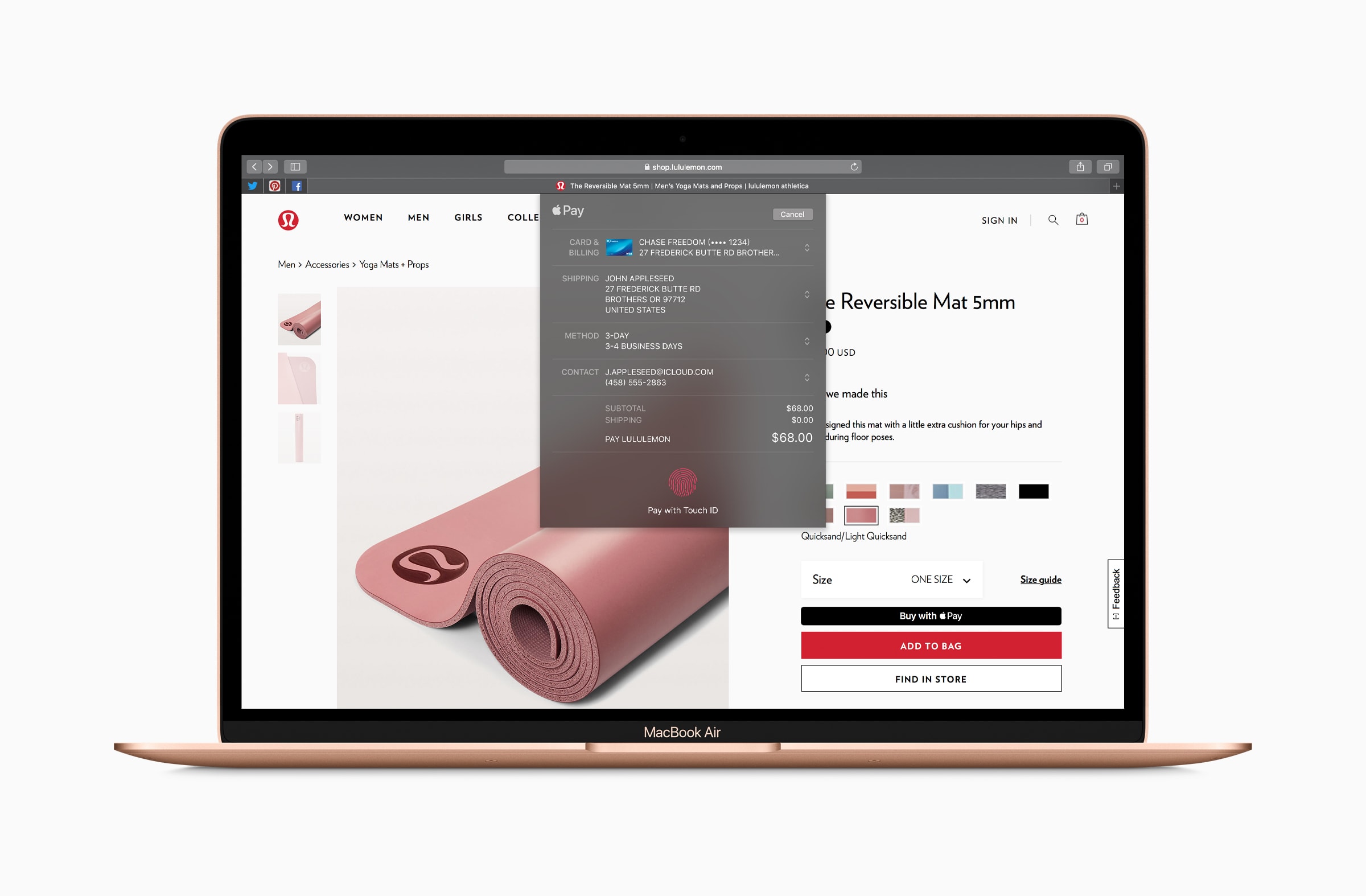
Safari AutoFill in macOS Mojave is about to get even more convenient, thanks to Touch ID support.
The first macOS 10.14.4 beta reveals you’ll be able to log into websites simply by scanning your fingerprint. This feature has long been available on iOS, but it will be a first for Mac.
Sign up for SmartCast 3.0 access today. Photo: Apple
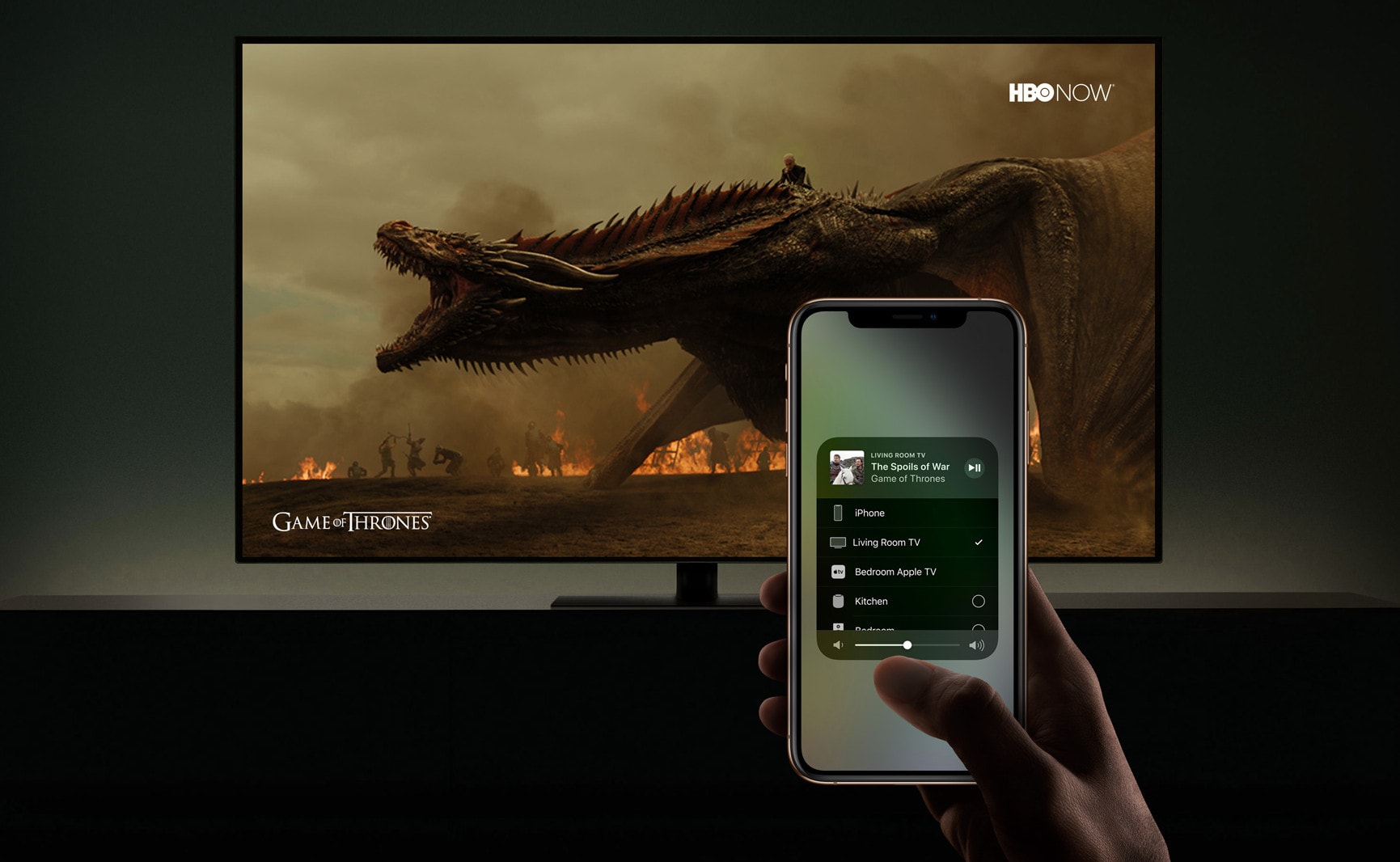
Vizio will soon add AirPlay 2 support to some of its most recent TV sets, and you can try it out early by signing up for the new beta test in the United States and Canada.
AirPlay 2 support will let you stream content from your iPhone, iPad, or Mac — including 4K movies you’ve purchased on iTunes. It will also allow you to control your set from an iOS device.
This parking garage could totally have a band inside. Photo: Charlie Sorrel/Cult of Mac
I can’t tell you how much I love GarageBand on the iPad. But even though it’s a fantastic app, and totally self-contained, sometimes you need to use a Mac. That’s because the iOS version lacks several features of the desktop version. But that’s OK, because the Mac can open iOS GarageBand projects easily. And today we’re going to see how to do it.
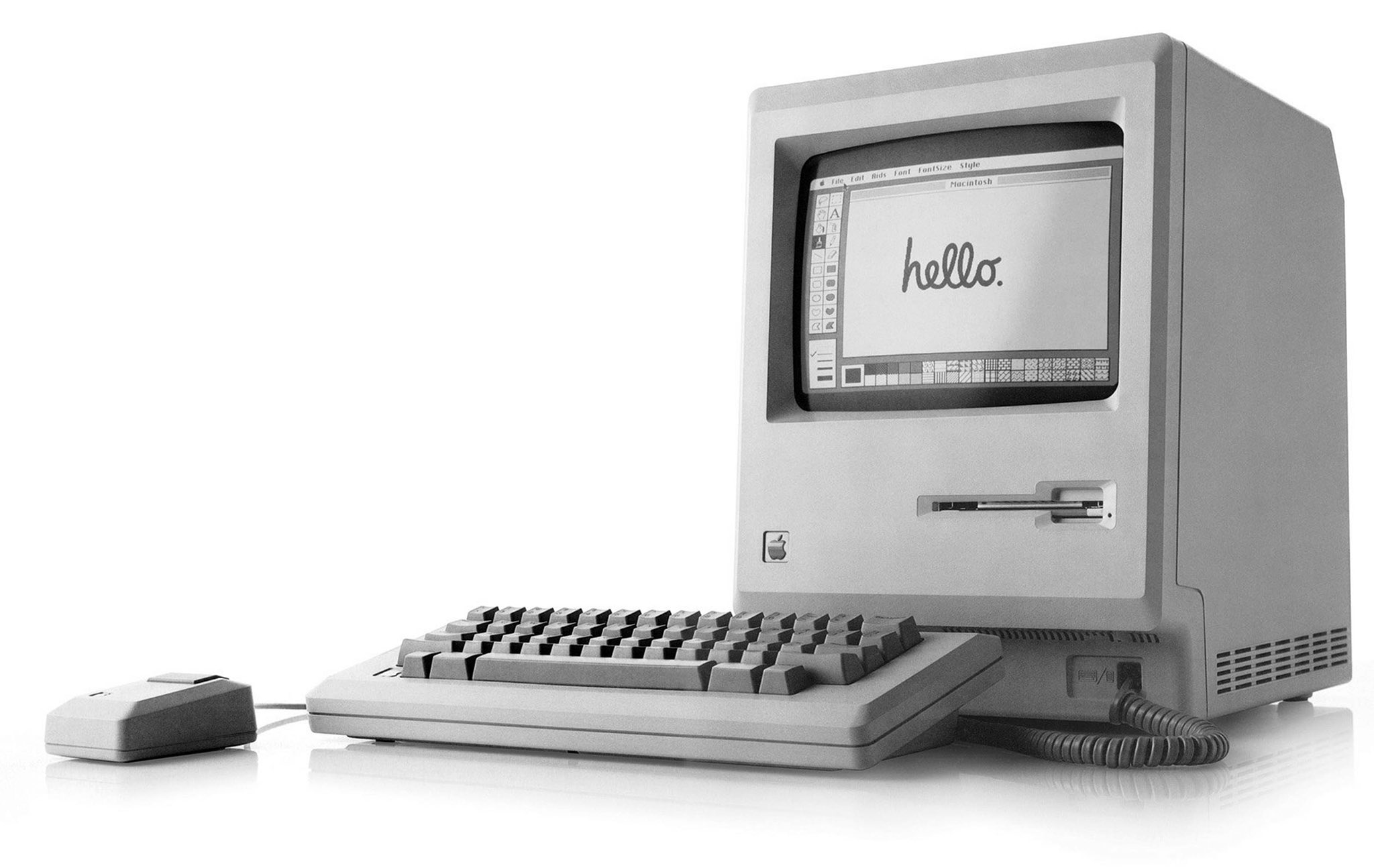
Apple CEO Tim Cook took to Twitter today to celebrate the 35th anniversary of the Mac.
Steve Jobs, Apple co-founder and former CEO, unveiled the very first Macintosh on January 24, 1984. The machine had been teased in a now-famous Super Bowl commercial two days earlier.
“It changed the way we think about computers and went on to change the world,” Cook says.
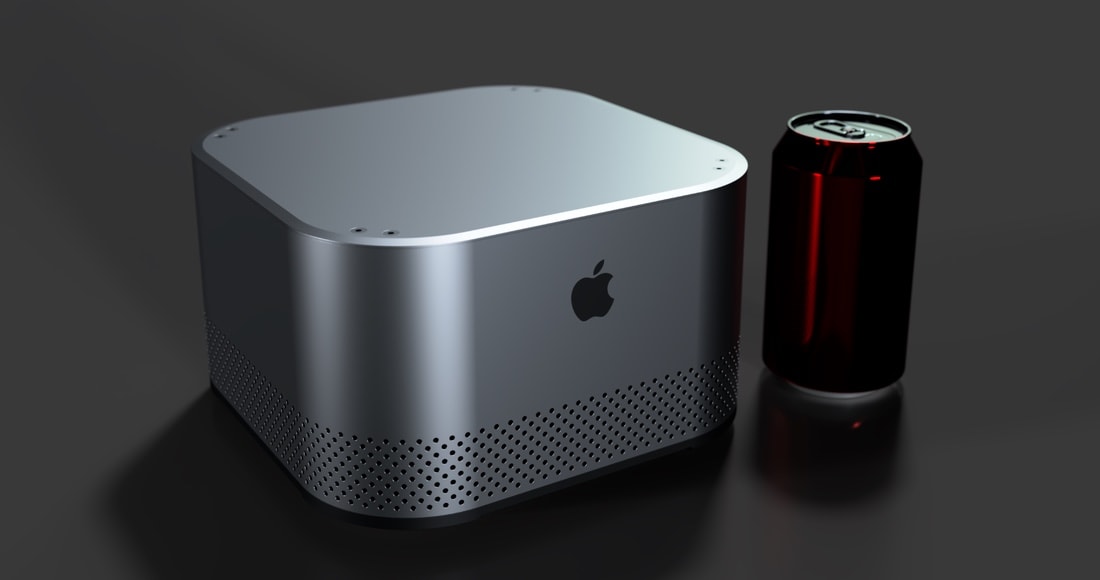
The Mac Evo would fit between the Mac mini and Mac Pro in size, capabilities, and assumably price. Photo: Pierre Cerveau
A new concept called the Mac Evo seeks to bring faster performance through liquid cooling. The computer would be just three times the size of Mac mini but offer greater speed by lowering the temperature of the processor.
The Intel chips Apple uses in its OS X computers often have to be throttled down to keep them from overheating. Liquid cooling is one solution.
Oh man, what were they thinking? Photo: Cult of Mac
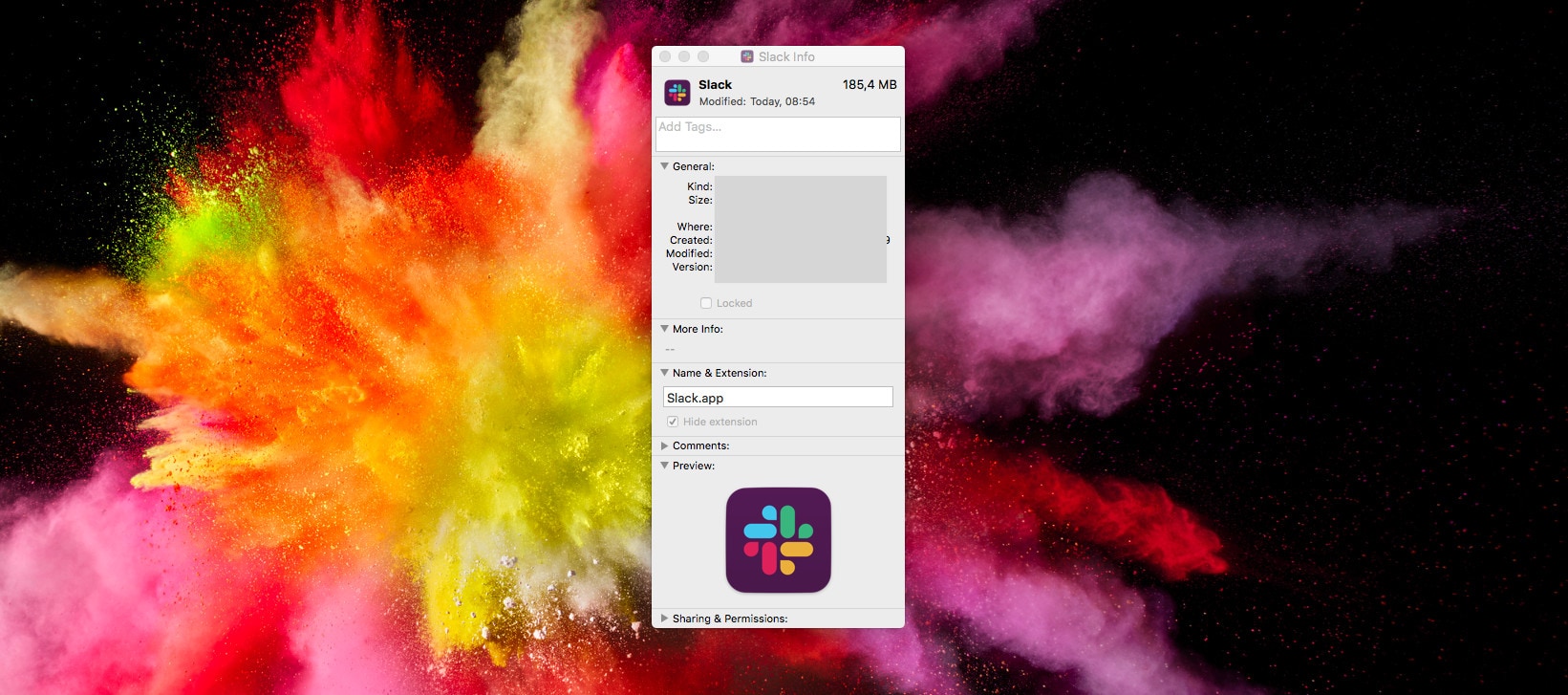
Slack is everybody’s favorite way to waste time when they’re supposed to be working. And today, the biggest conversation in Slack chats everywhere is Slack’s hideous new logo.
It’s dull. It’s ugly. It has none of the personality of the original logo, and it doesn’t look like the Slack hashtag even if you squint at it hard.
If you’re on iOS, tough. You’re stuck with this awful new corporate abomination. But if you’re on the Mac, there’s good news: You can keep the old Slack app icon.
TweetDeck, the must-have Twitter app for any power user, just got a nice update on macOS that adds a gorgeous new dark mode. The version 3.10 release has also been rebuilt to “fix many crashes.”
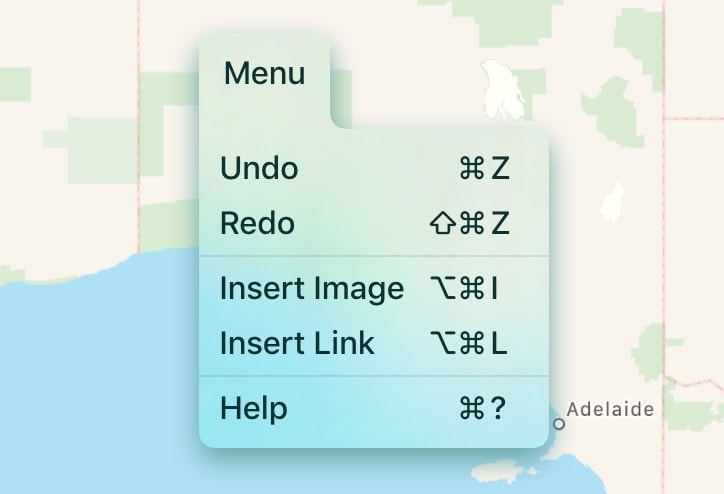
Check out how good menus look on iOS. Photo: Two Lives Left
Menus on iOS. The idea is ridiculous, right? Stop hanging onto the past. iOS is all about touch, etc. What next? A mouse? Except that iOS already has plenty of menus. They’re just hidden behind hamburger buttons, and other icons.
I was skeptical too, but then I saw these amazing iOS menus from Codea developer Two Lives Left. Now I want menus in all my apps.
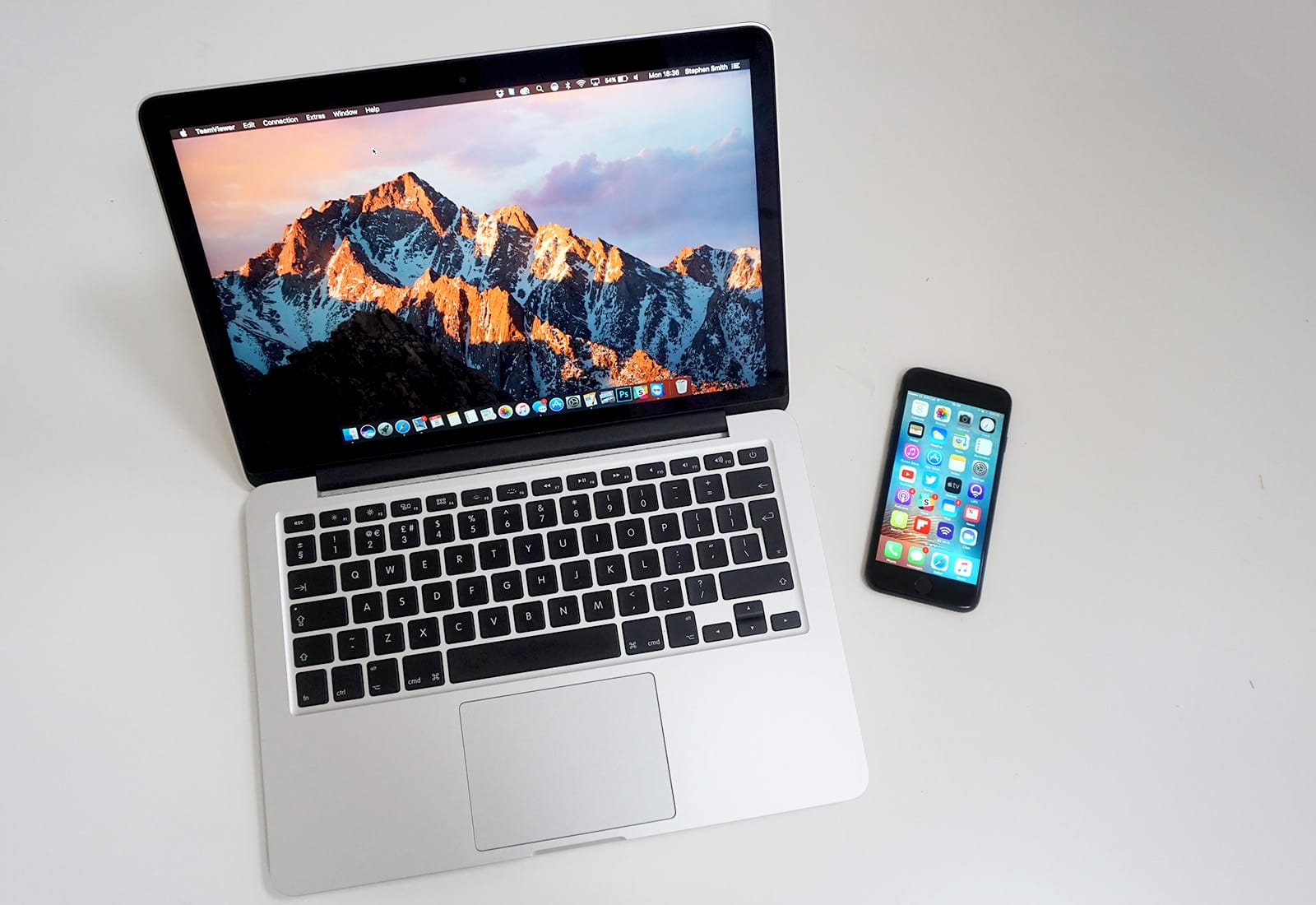
Don’t let your old Mac drag you down. Cult of Mac can help you upgrade on the cheap. Photo: Ste Smith/Cult of Mac
If you were lucky enough to get new Apple devices for the holidays, it’s time to turn your old ones into cash — and fast!
Your old iPhone, iPad, Apple Watch, or Mac could be worth a small fortune — and Cult of Mac wants to buy it! We typically pay more than other trade-in services, and we won’t leave you waiting ages for your money.
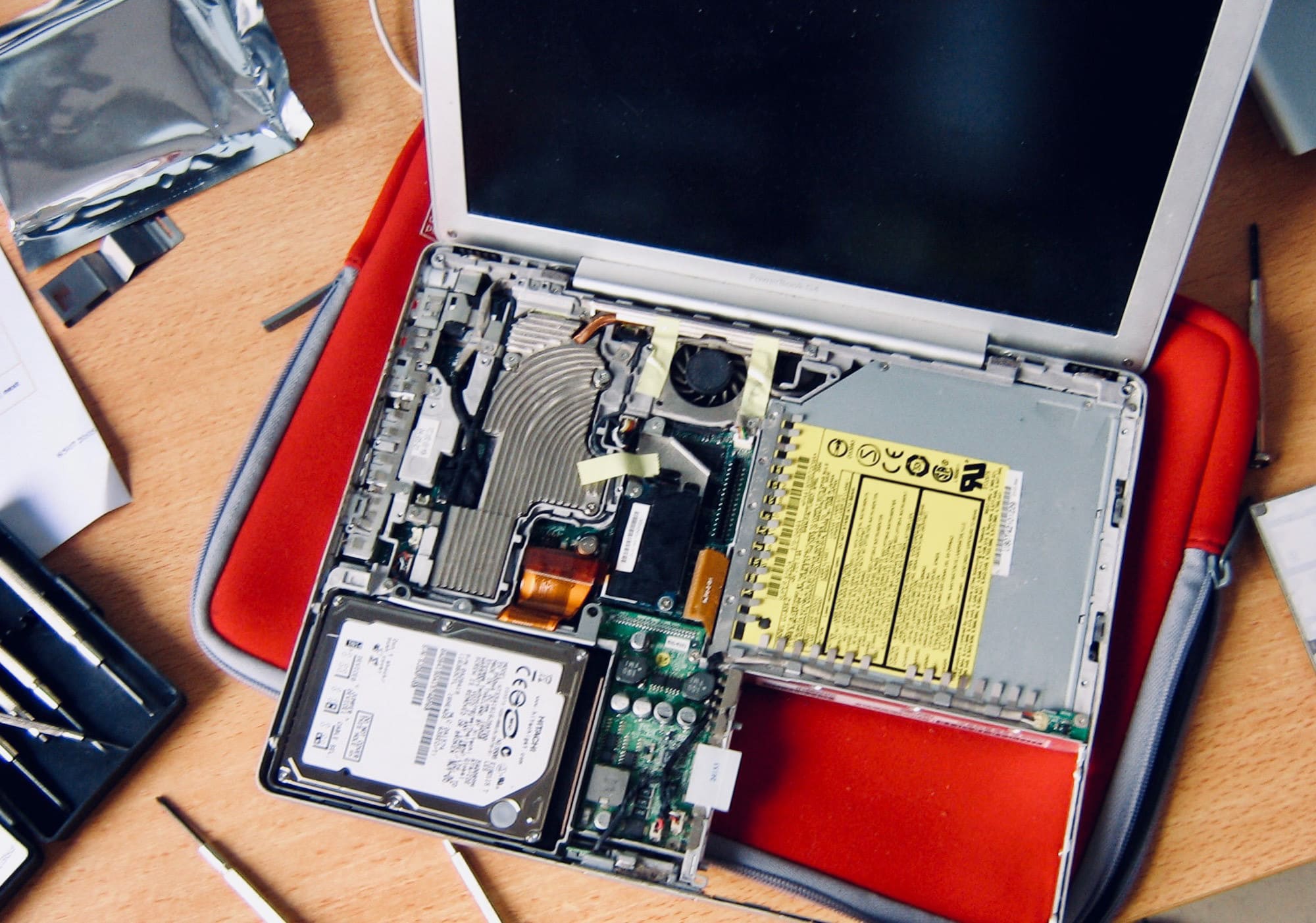
Christmas time means packing up your daily troubles, forgetting work for a week, and heading home to … troubleshoot your parents’ broken computers and gadgets? Oh man, is it that time of year again already?
That’s the problem with being the family’s only geek — you get handed all the geek jobs. However, you can turn this to your advantage, and make it a lot easier, by going in prepared. Check out our Holiday Troubleshooting Guide right here.
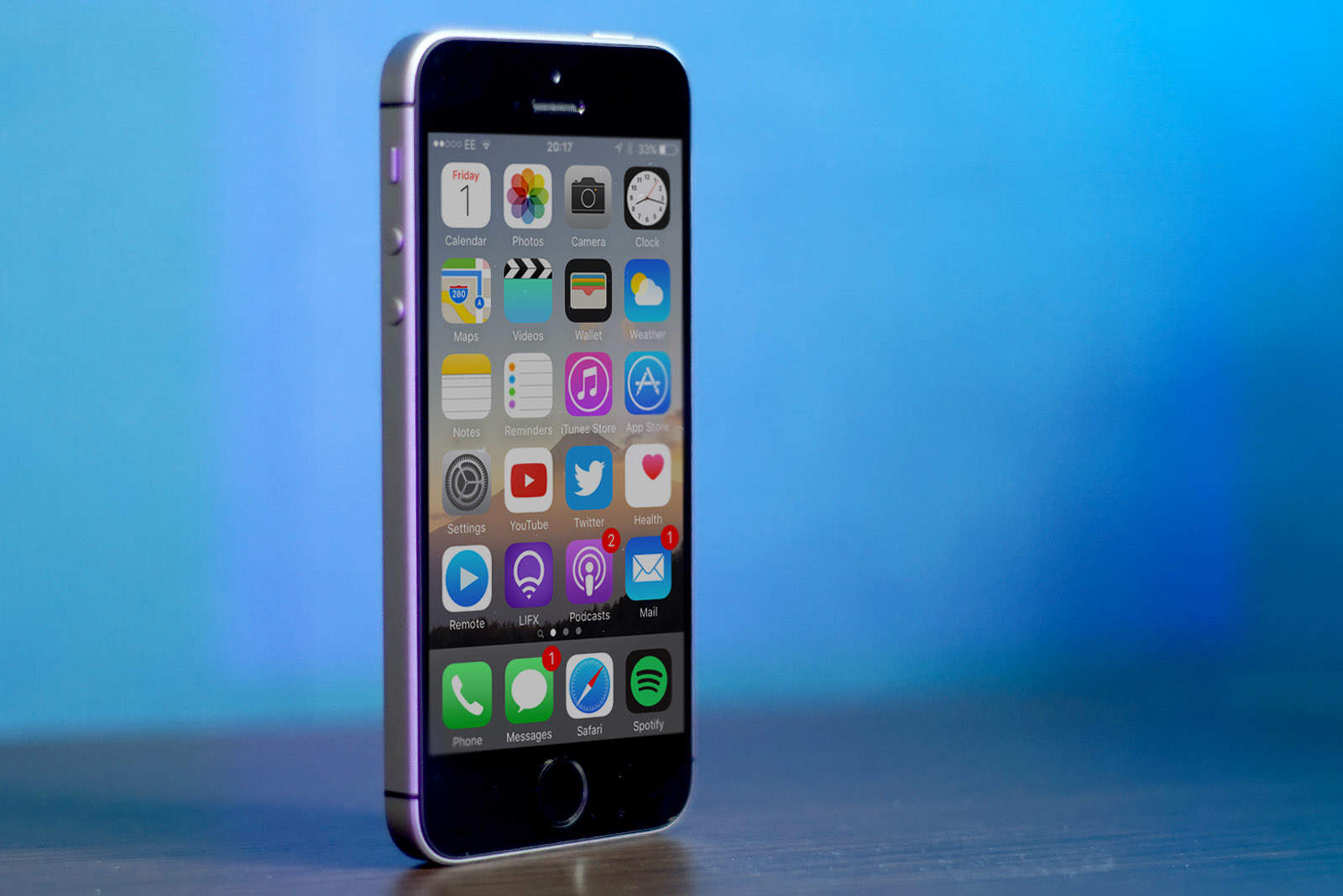
Two new iPhone SE models for 2020? Photo: Sam Mills/Cult of Mac
If you’re going to become the proud owner of a brand new Apple device over the holidays, it’s time to start thinking about what you should do with your old ones. Don’t let them sit around, collecting dust.
Your old iPhone, iPad, Apple Watch, or Mac could be worth a small fortune — and Cult of Mac wants to buy it! We typically pay more than other trade-in services, and we won’t leave you waiting ages for your cash.
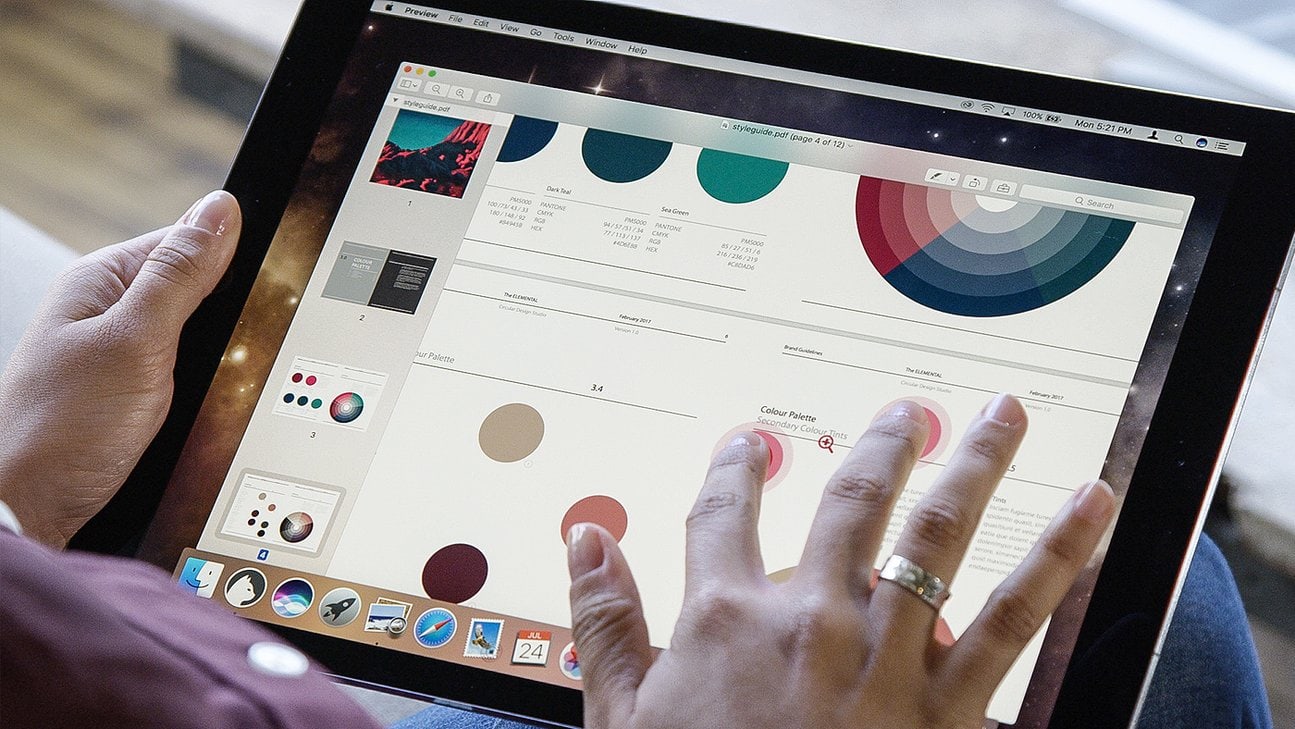
Luna Display gives you a touchscreen Mac. Photo: Luna Display
Even the most committed iPad user still needs a Mac occasionally. You might need to add music to your iTunes music library, or get files off an SD card, or use BitTorrent, or keep local backups of your photo library. Or you might just like using a Mac, but you don’t want a huge iMac, and what’s the point in buying a MacBook if you have an iPad already?
The obvious choice is a Mac mini. And with this tip, you can use your iPad Pro as a display for the Mac. That means you won’t need an extra monitor, but it also means that you can quickly turn your iPad into a Mac when you need to.
Bag a bargain MacBook Pro today only. Photo: Apple
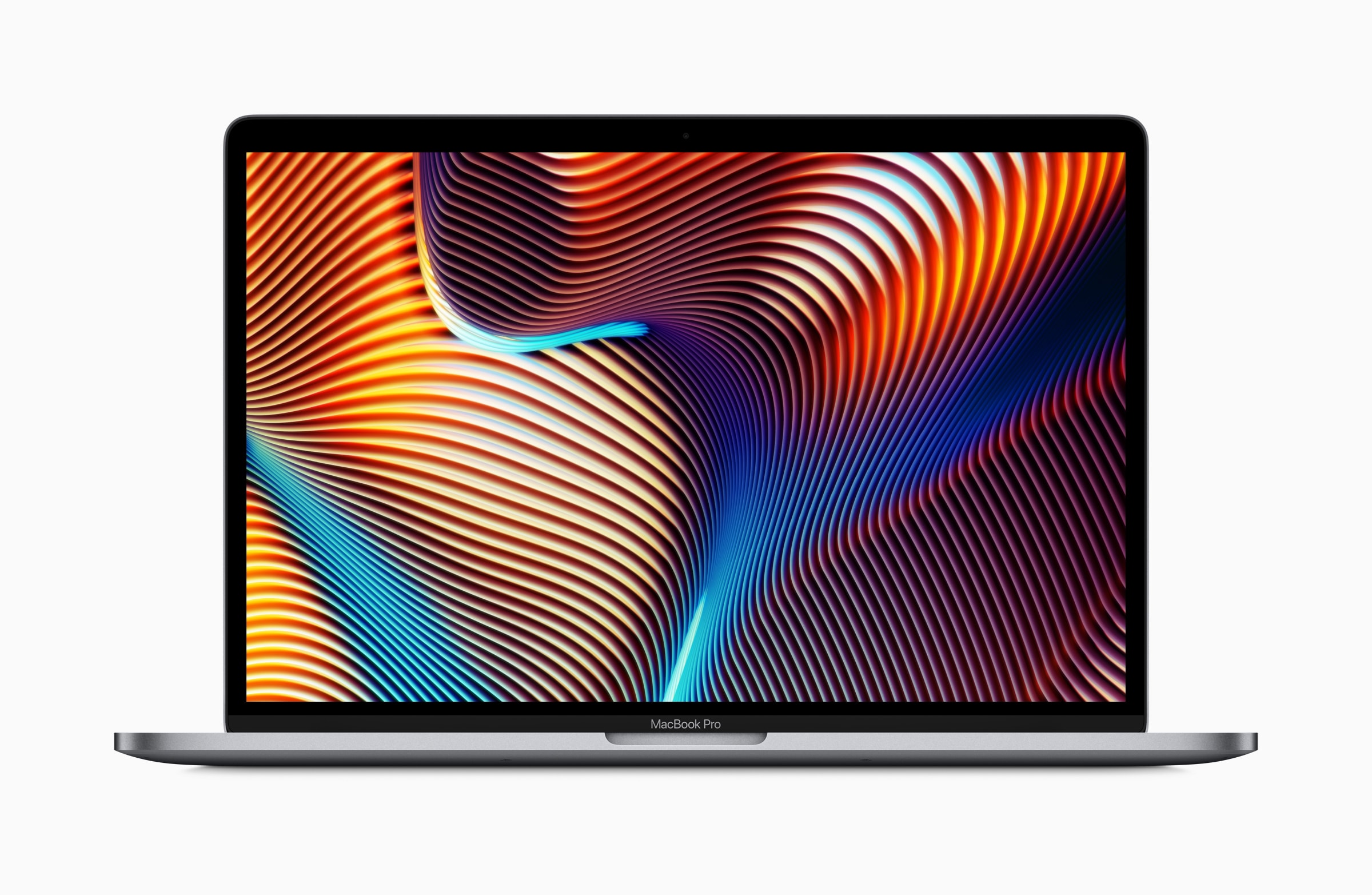
The most recent macOS Mojave update suggests we’ll soon see new AMD Vega GPUs coming to the Mac.
Apple recently introduced a refreshed MacBook Pro with faster Vega graphics chips, and it seems those GPU upgrades will continue in early 2019 for other machines in the company’s lineup.
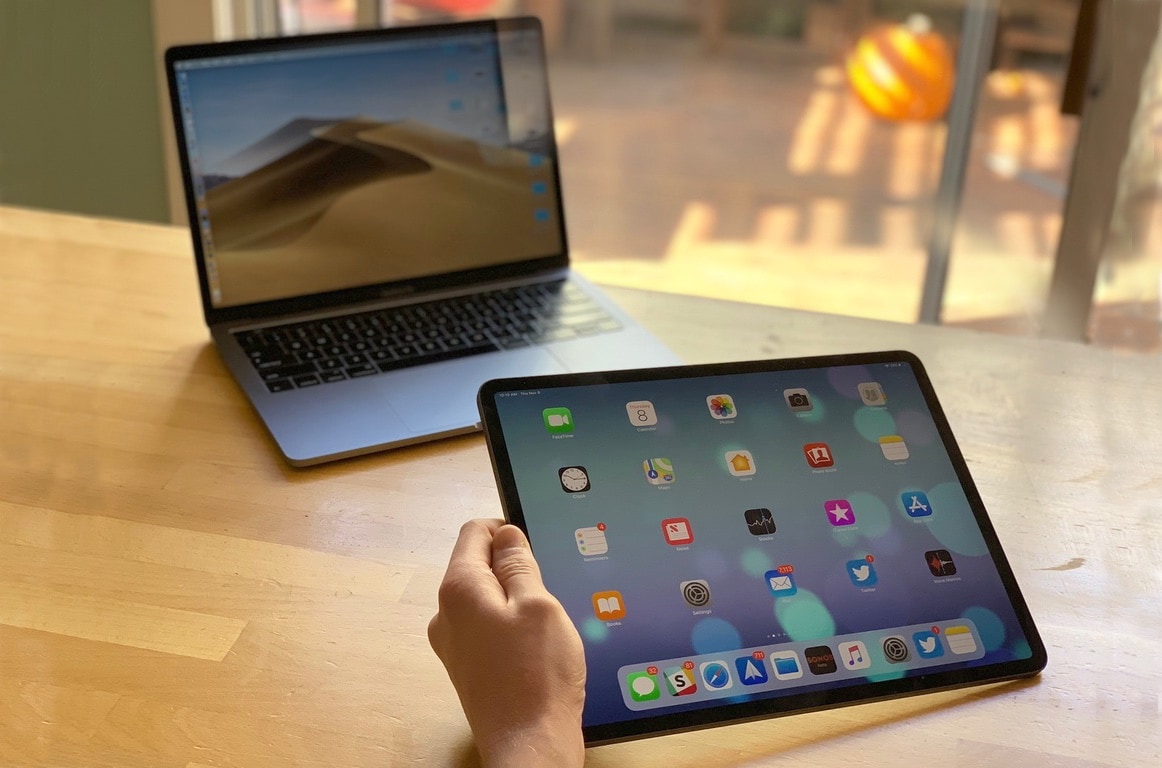
Is the 2018 iPad Pro or a MacBook a better option for you? Photo: Leander Kahney/Cult of Mac
Anyone who thinks you can’t get “real work” done on an iPad is nuts. Likewise, anyone who claims Apple’s tablet is not a real computer sounds like somebody arguing that the 1984 Mac wasn’t a real computer because it didn’t have a text-based command-line interface.
The iPad vs. Mac debate certainly isn’t new. Only the devices have changed.
I think that the folks making these arguments are jealous of the iPad Pro, or scared that it will become more important to Apple than their Macs. They want to use it instead of their Mac, but at the same time they’re unwilling to change anything about how they work. Instead, they want the iPad to be a touchscreen Mac with a detachable keyboard.
Start your shopping right here! Photo: Killian Bell/Cult of Mac
If there’s one thing we can all agree on, it’s that buying for other people is a pain. If they haven’t told you exactly what they want for the holidays, where do you even start? What if you end up getting a gift that they hate?
But it doesn’t have to be difficult. Cult of Mac’s handy gift guides will help you find the perfect present for the Apple fan in your life. We’ve hand-picked the best gadgets and accessories for lovers of the iPhone, iPad, Apple Watch, and Mac.
What’s more, everything we’ve selected can be purchased online, so you don’t even have to leave the house to get your shopping done.
A totally legit audio-routing setup. Photo: Charlie Sorrel/Cult of Mac
Up until last year, if you plugged a pair of headphones into your Mac, the speakers were effectively disconnected. There was no way to send simultaneous audio stream to both headphones and speakers. Now, with modern T2-equipped Macs, you can double up on audio. For instance, you could have alerts sound through the built-in speakers, with music routed through the headphone jack, so you don’t get notifications interrupting your banging tunes.
The best part is that its really easy to set up. And, if you prefer the old behavior, you don’t have to do anything.
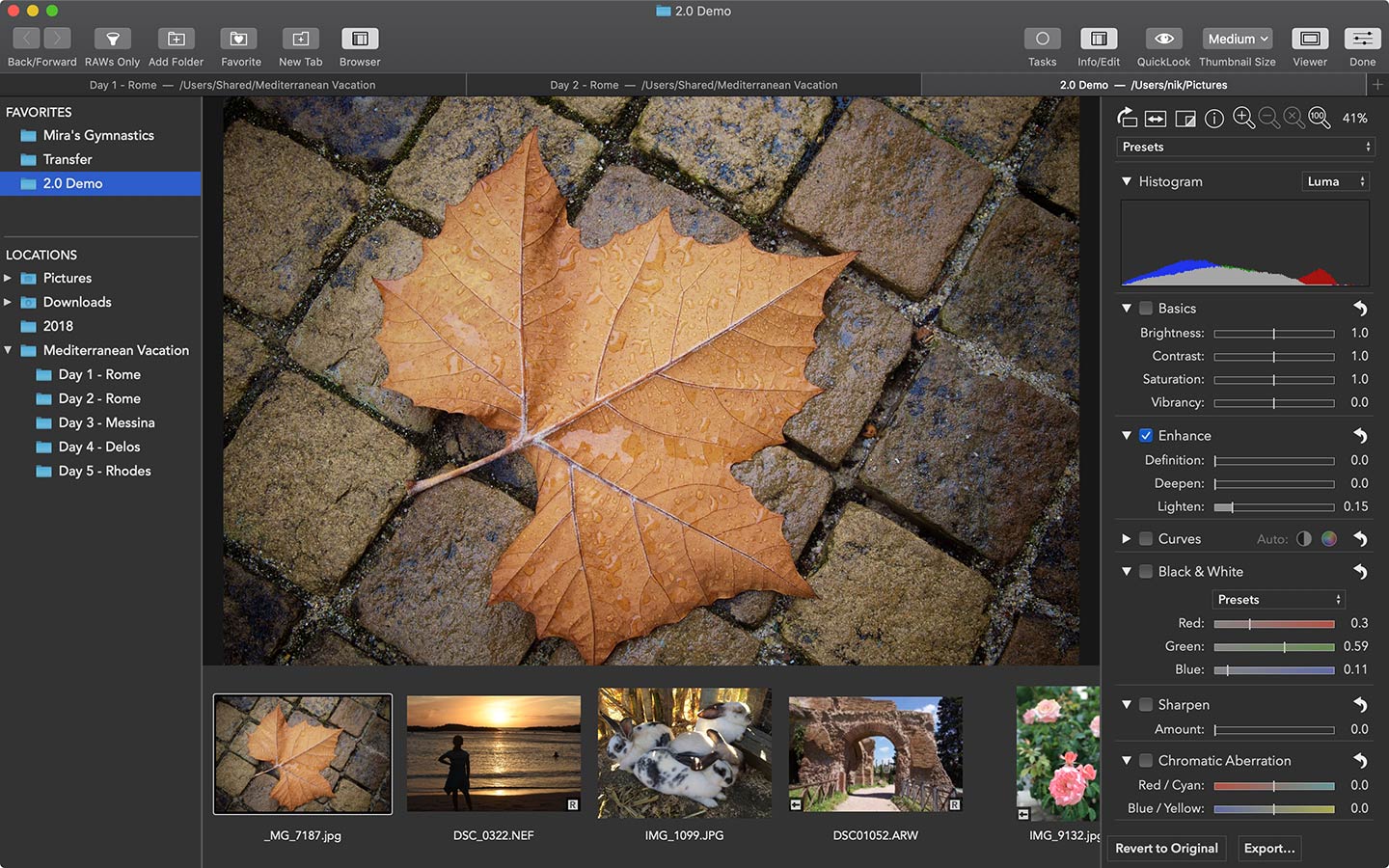
Photographers who use the RAW Power software get a new slew of tools today with the release of a 2.0 version for both Mac and iOS.
RAW Power 2.0 brings new adjustments for chromatic aberration, perspective, a monochrome mixer and a new set of features that deepen the richness of photos called Enhance.
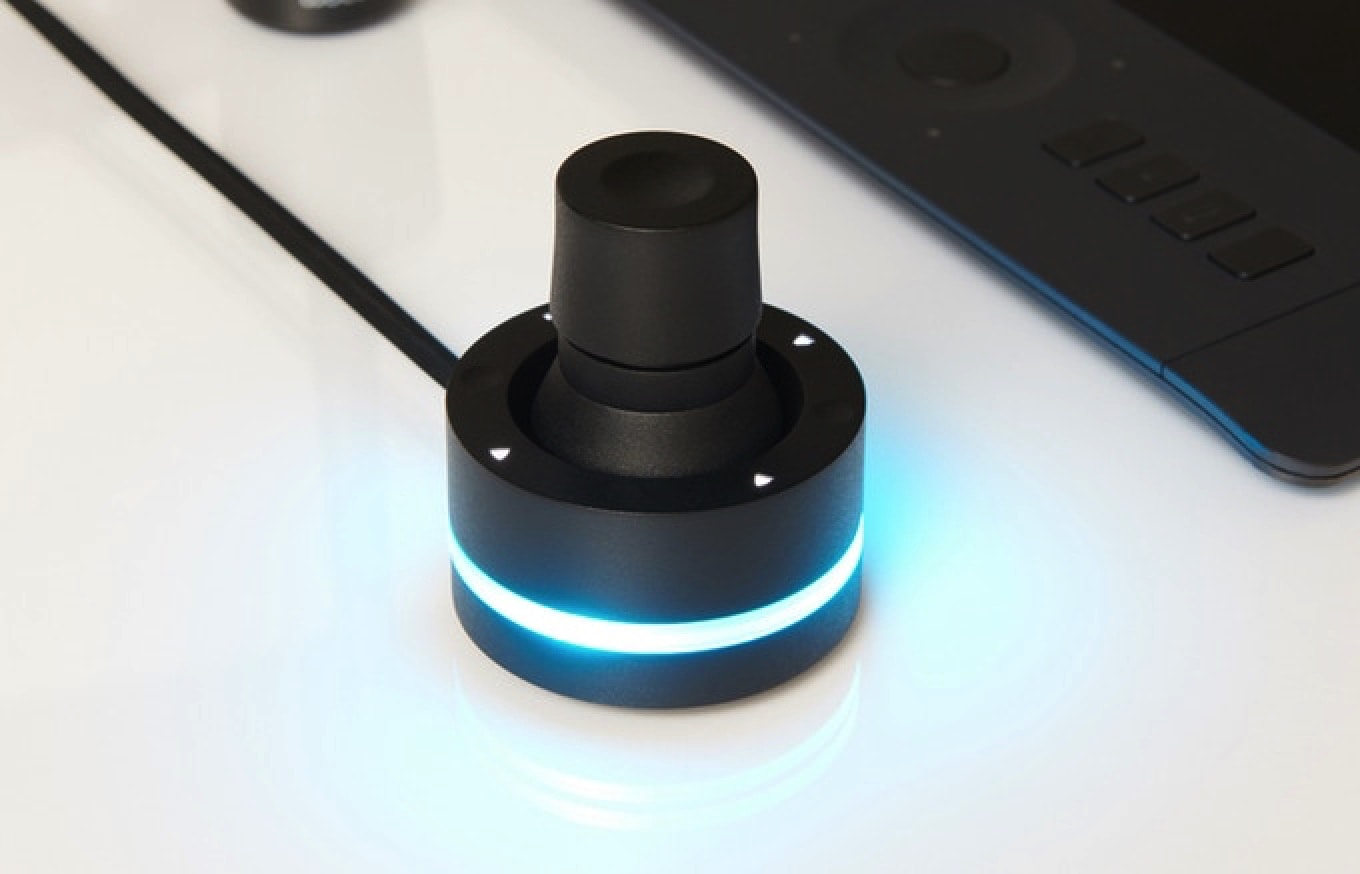
It's like a knob for your Mac. Wait, that came out wrong! Photo: Orbital 2
The Microsoft Dial, one of the innovative features of the company’s Surface Studio, is coming to Mac. Well, kind of.
Taking the form of a hockey puck-style knob, the Dial offers another way to interface with your computer. That means things like turning up and down volume, rotating images, or adjusting brightness.
While Microsoft isn’t actually bringing the device to Mac, a very similar product — called the Orbital 2 — is coming to Mac next year. And, by all accounts, it’s pretty darn brilliant.
Futurists claim the iPad has already eliminated the need for a Mac. Realists say nah. Photo: Leander Kahney/Cult of Mac
Since the new iPad Pro’s launch, debate about the powerful devices has become increasingly polarized into two opposing camps: futurists and realists.
The futurists argue that the iPad is the future computing. Apple’s tablet has eliminated the need for laptops, they say, and anyone who claims they can’t manage their workflows on iOS is living in the past (and should just get with the program).
The realists, on the other hand, retort that while the iPad may be cool, it remains limited by iOS in a lot of very important ways. Those limitations mean it is currently impossible to use the iPad as a primary workstation for pros.
Apple's latest move is bad for macOS developers. Photo: Ste Smith/Cult of Mac
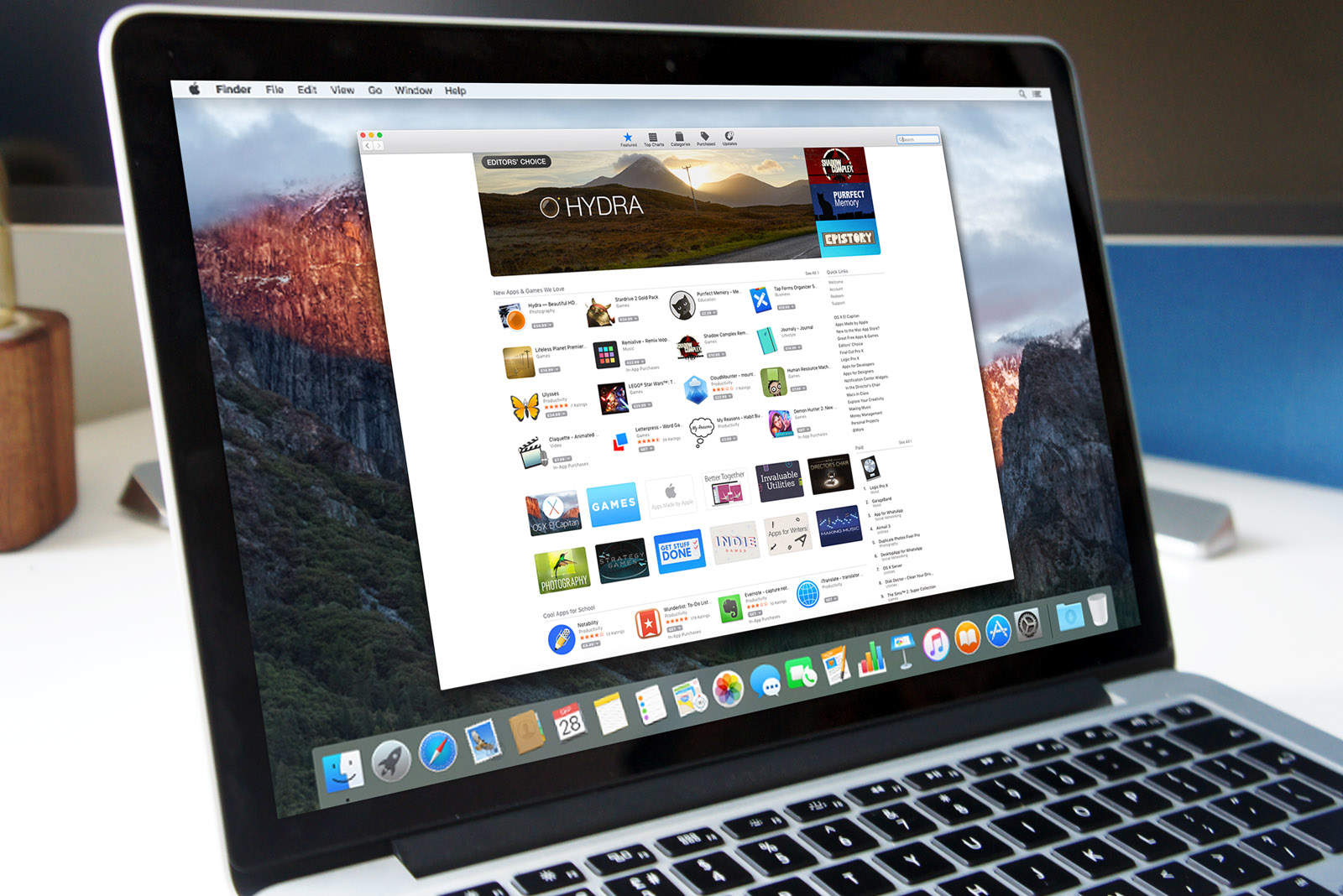
Apple has removed 11 categories from the Mac App Store. The Categories tab now displays just 10 options as opposed to 21, with Finance, Lifestyle, and Sports among those dropped.
The move is a disappointment to app developers who rely on specific categories for discoverability. Many initially believed that the change was a bug, but Apple has since confirmed that the removal of these items is “expected behavior.”
Apple is worth more than the entire US energy sector combined Photo: Ste Smith/Cult of Mac
Apple just had its best September quarter of all-time and CEO Tim Cook couldn’t have sounded happier when he got on the phone with investors today. The company is heading into the holiday season with its best lineup ever and expects to set more records next quarter.
Investors did not seem to be too impressed with the results though. Apple’s stock price dropped from $222.22 to as low as $206 in after-hours training. Despite Wall Street’s worries about Apple, there was plenty of achievements for Tim Cook and Luca Maestri to boast about on today’s call.
There were the biggest revelations from today’s call:
Get more USB ports for your Mac with this brilliant accessory. Photo: HyperDrive
Apple is on a mission to kill all MacBook ports that aren’t USB-C, but thanks to an ingenius new power adapter accessory, you can get back the old school USB ports you’ve been longing for.
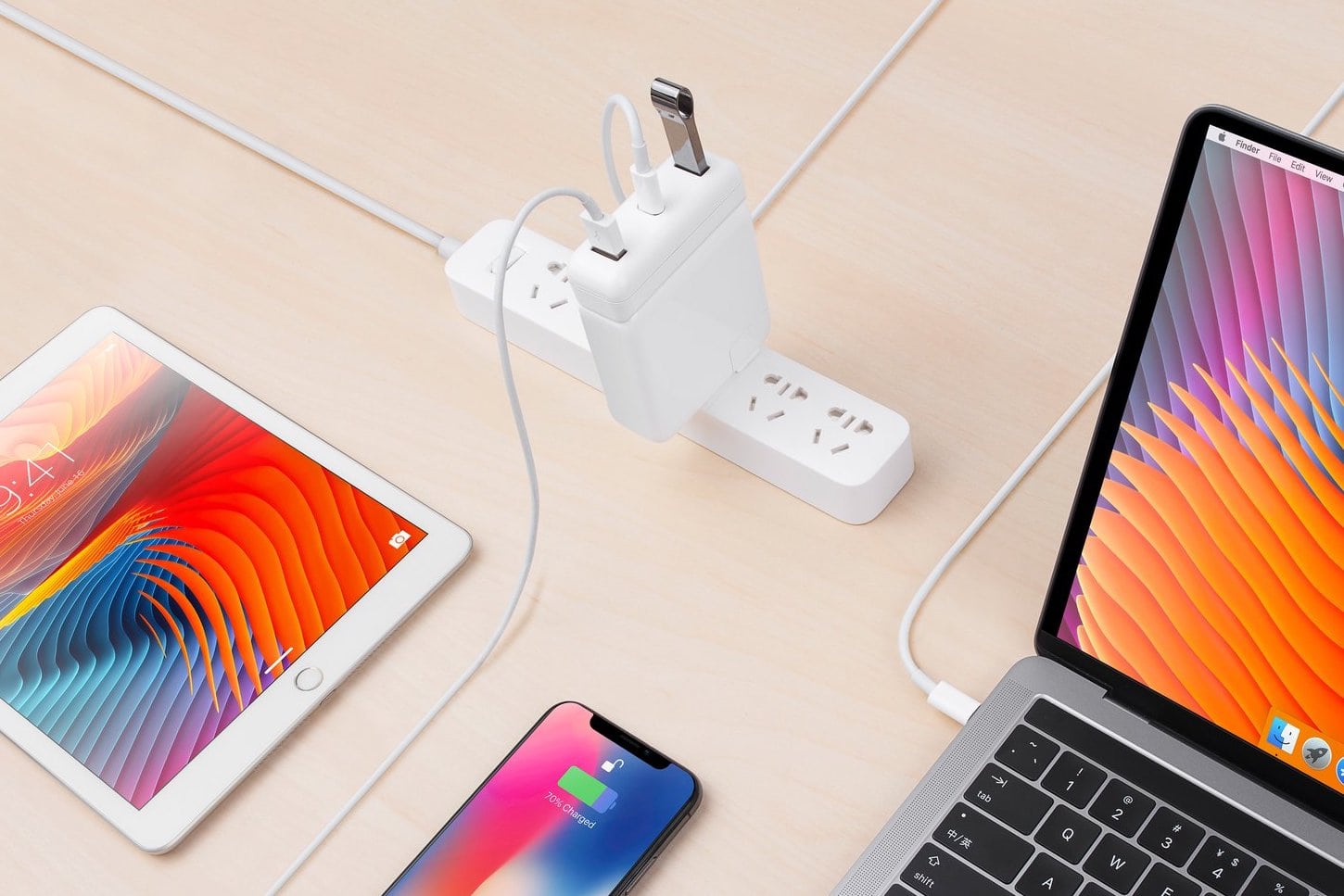
HyperDrive revealed its new USB-C Hub for the new MacBook Pros power adapters today. The little attachment connects to your power adapter to add two USB-C ports that can be used to connect USB-A devices, peripherals and hard drives to the USB-C only MacBook Pro.
The new graphics will be a big boost the video editors. Photo: Apple
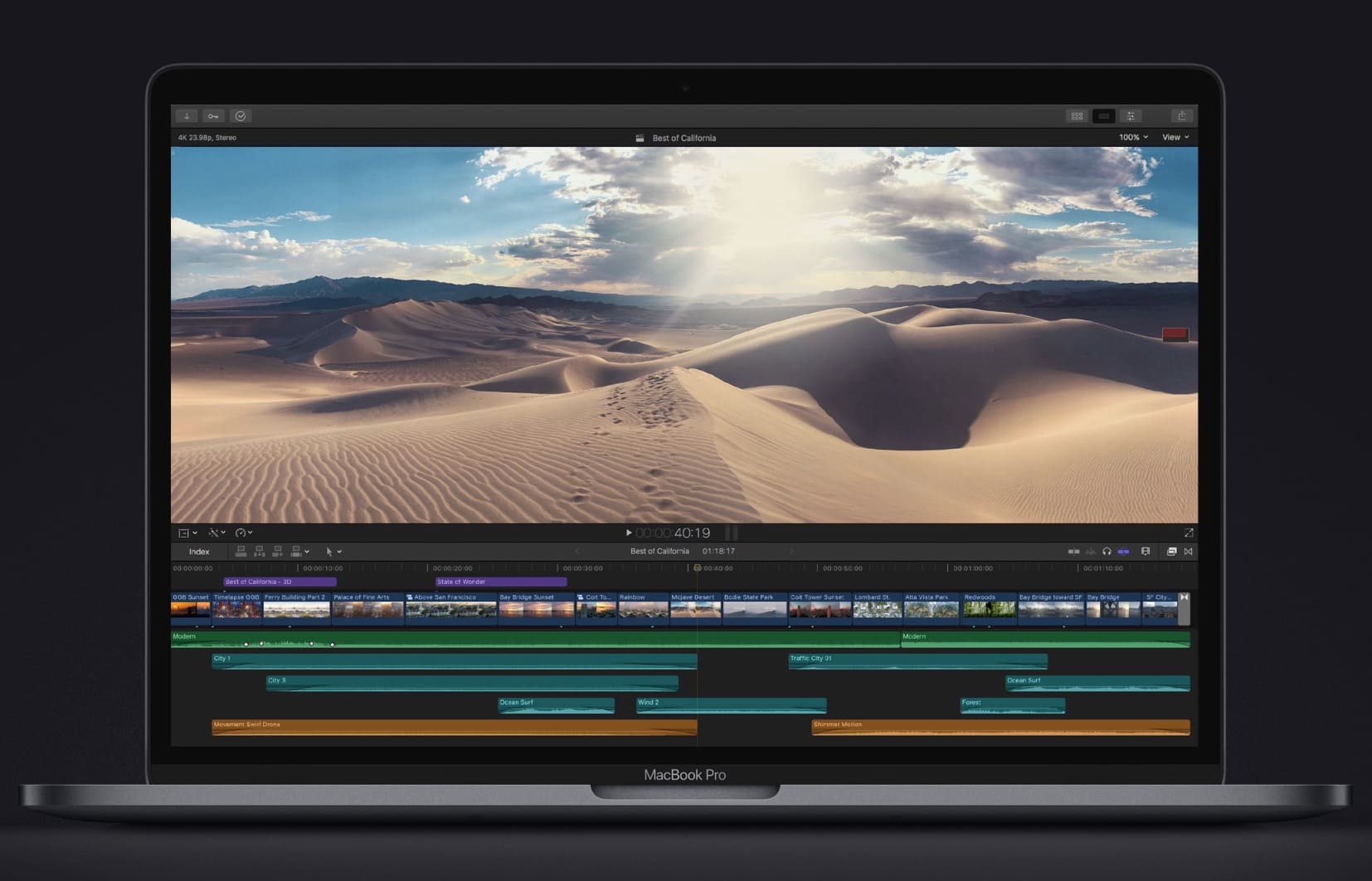
Apple didn’t totally leave out the MacBook Pro from receiving some new features today, even though the company didn’t give its most powerful notebook any stage time at today’s event.
While the MacBook Air, Mac mini and iPad Pro were the stars of today’s keynote in New York, Apple quietly revealed on its website that the MacBook Pro is getting a spec bump too.
Save on the new Mac mini while you still can. Photo: Apple
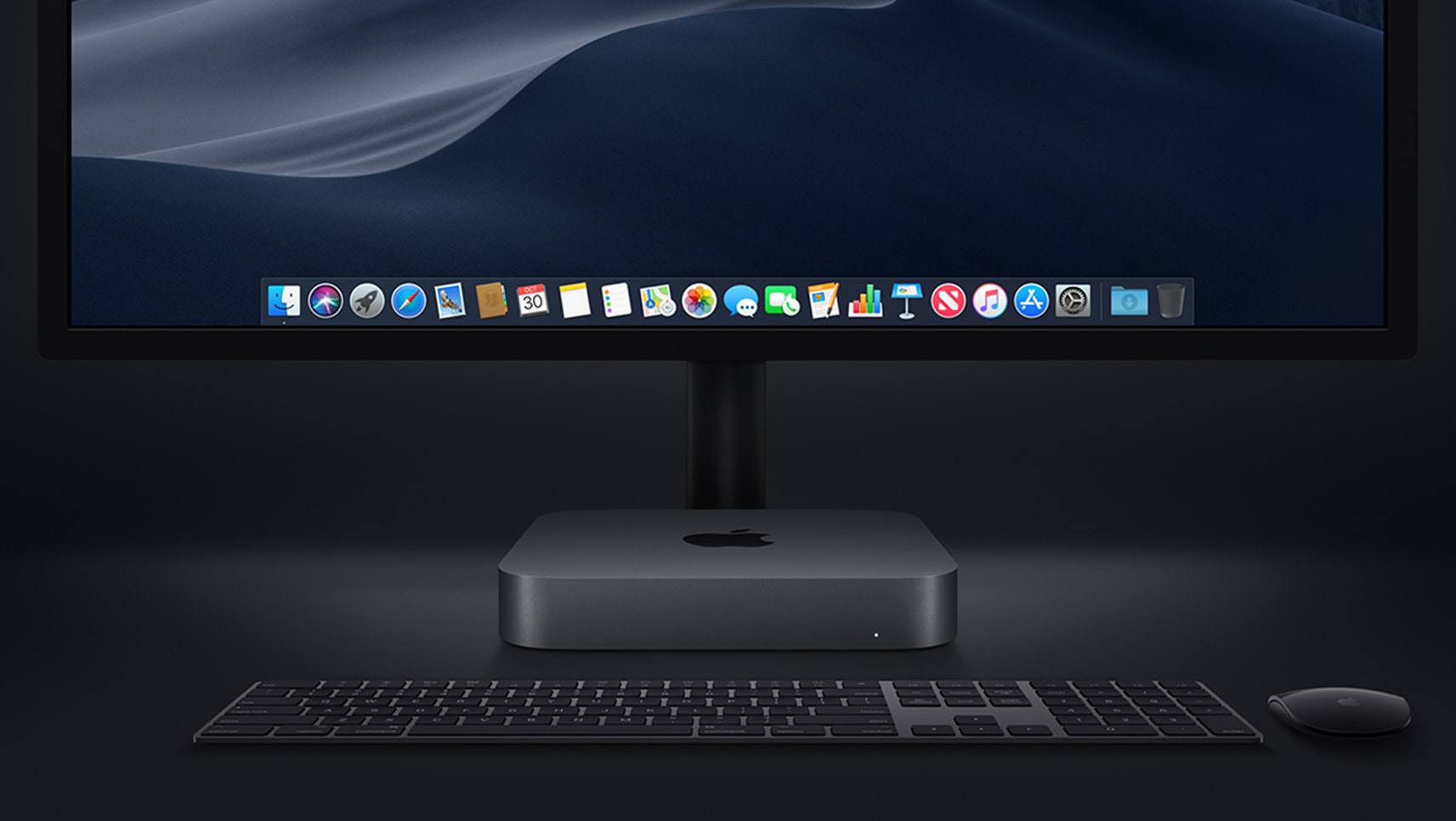
After being forgotten for four years, the Mac mini is back with an upgrade that was well worth waiting for.
Apple’s most affordable desktop, which is still small enough to stick anywhere, is vastly more powerful than it’s ever been before. You now get quad-core processors as standard, significantly faster graphics, all the memory you can shake at stick at, and so much more.