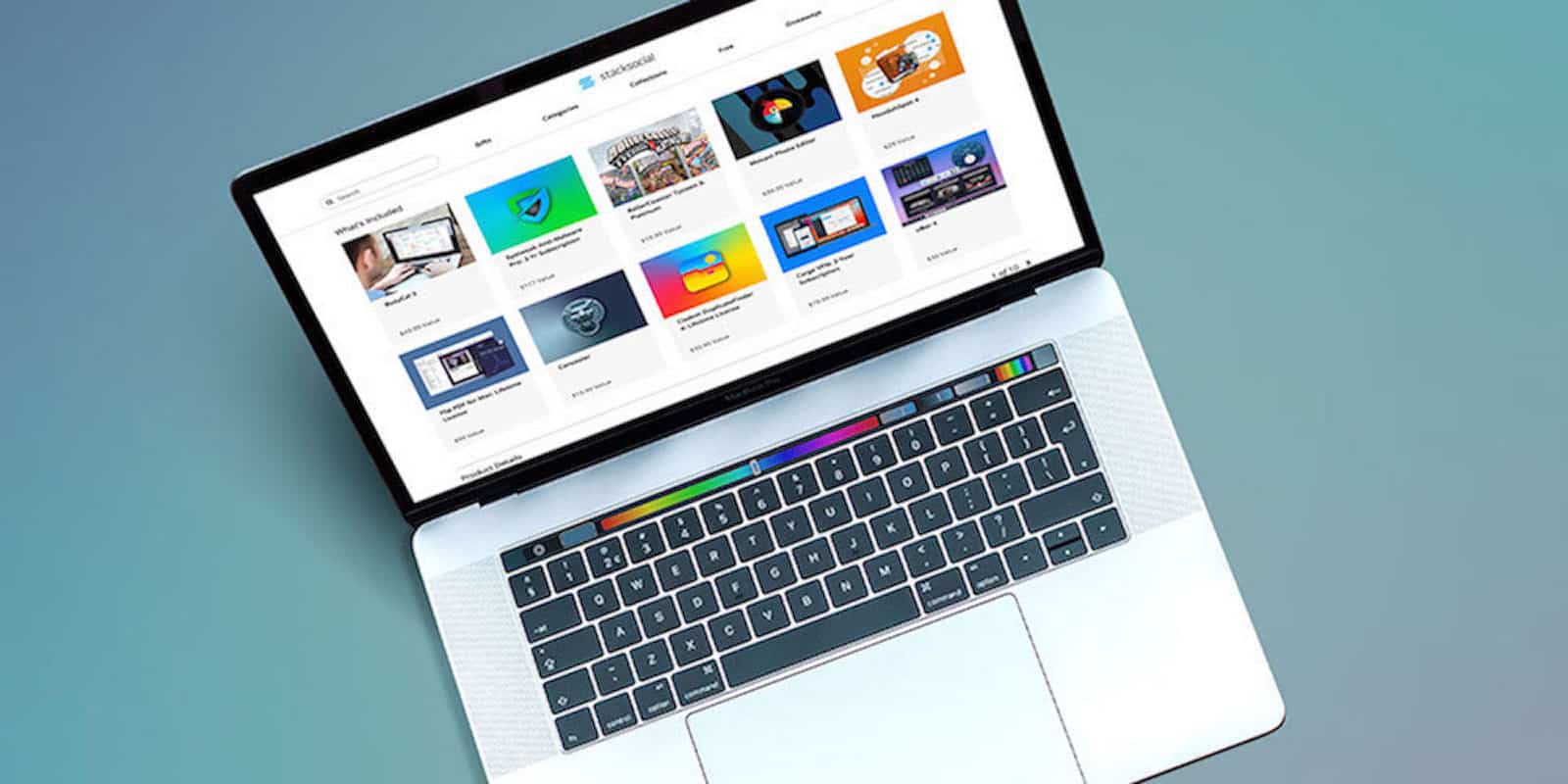
Instantly get 10 premium Mac apps for whatever you want to pay. Photo: Cult of Mac Deals
There are basically three ways to upgrade your Mac. You can replace some of the hardware, like the RAM or hard drive; you can replace the whole computer; or you can get new software.
Increase your work productivity with these four Mac apps Photo: Cult of Mac Deals
Anything that saves time and energy while coding is welcome indeed. Saving keystrokes or screen time can be done with good habits, and with good apps. So we’ve got a roundup or workflow-improving apps for developers on Mac.
We've rounded up some of the best deals on apps to up the productivity of your Mac. Photo: Cult of Mac Deals
Making the most of your Mac means loading it with the right apps. So we’ve rounded up some of the best deals on productivity and utility apps for Mac. That includes apps for working with PDFs in new ways, capturing streaming video, and more. Everything is massively discounted too, so upping your Mac’s game won’t have to drain your wallet. Read on for more details:
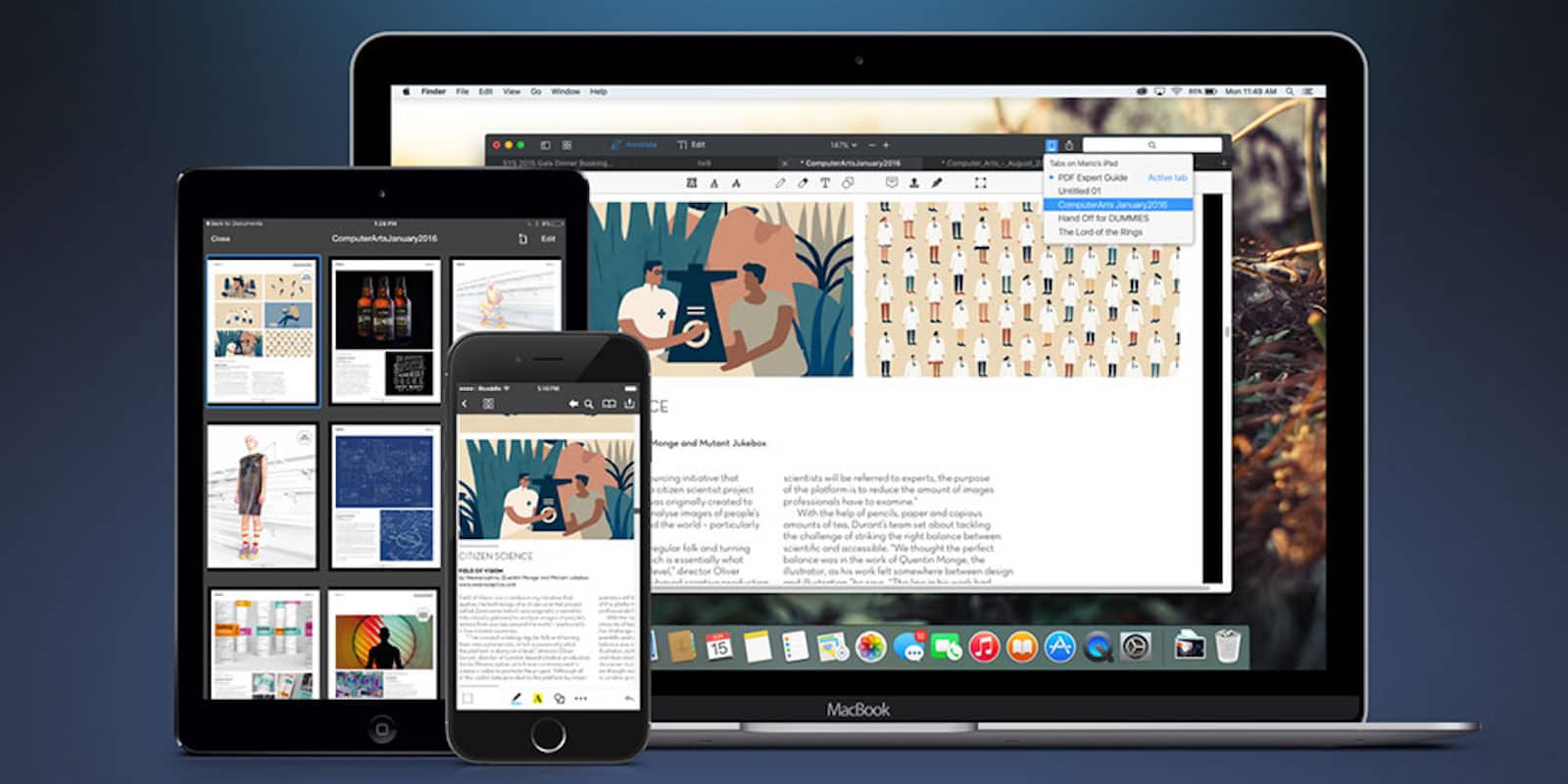
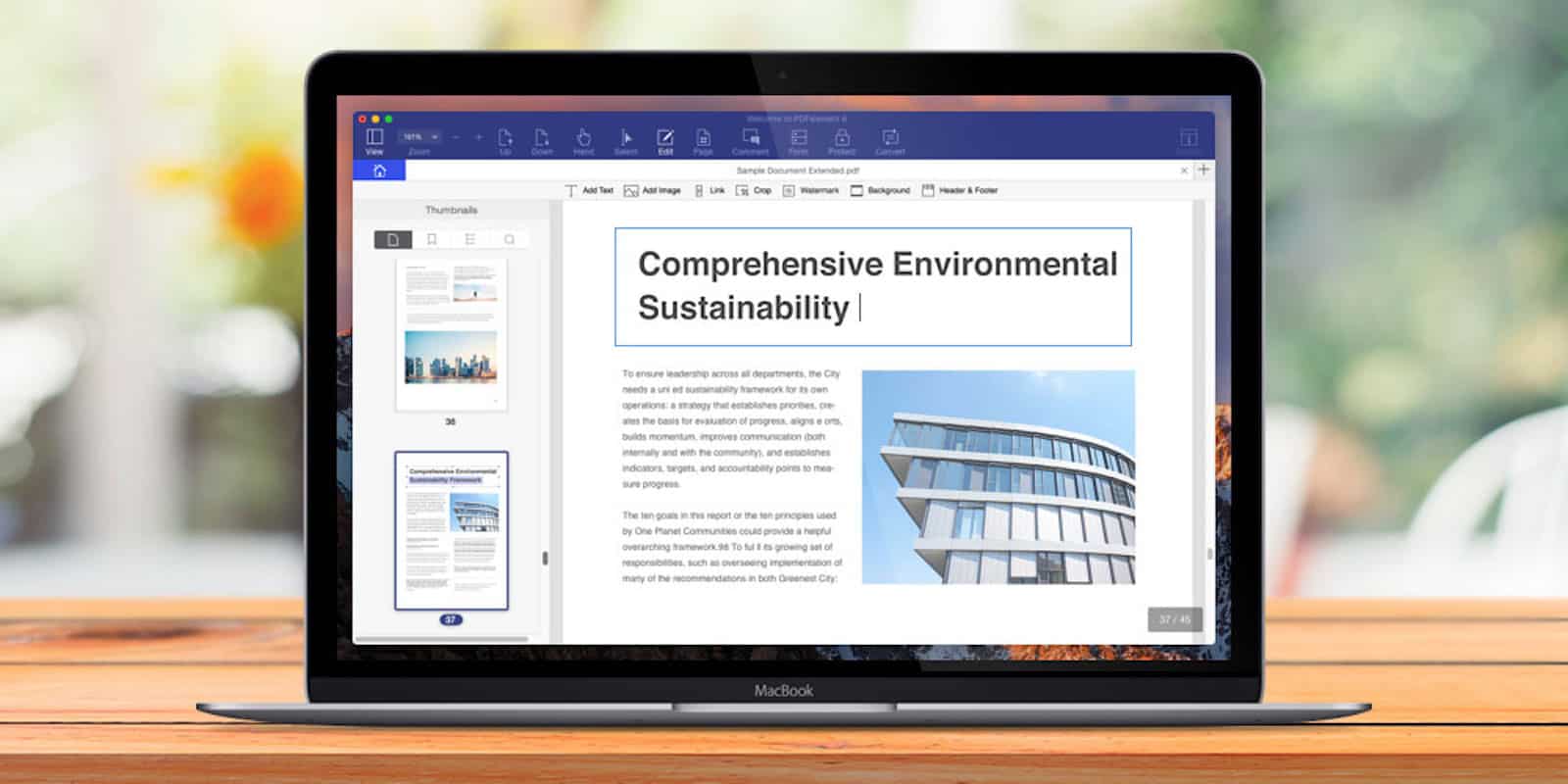
Make PDFs into putty in your hands with this award winning editing app. Photo: Cult of Mac Deals
If you work on a computer, chances are you work with PDFs. They’re a great format for sharing digital documents of all kinds. But try to edit one, and suddenly PDFs can become a pain in the butt.
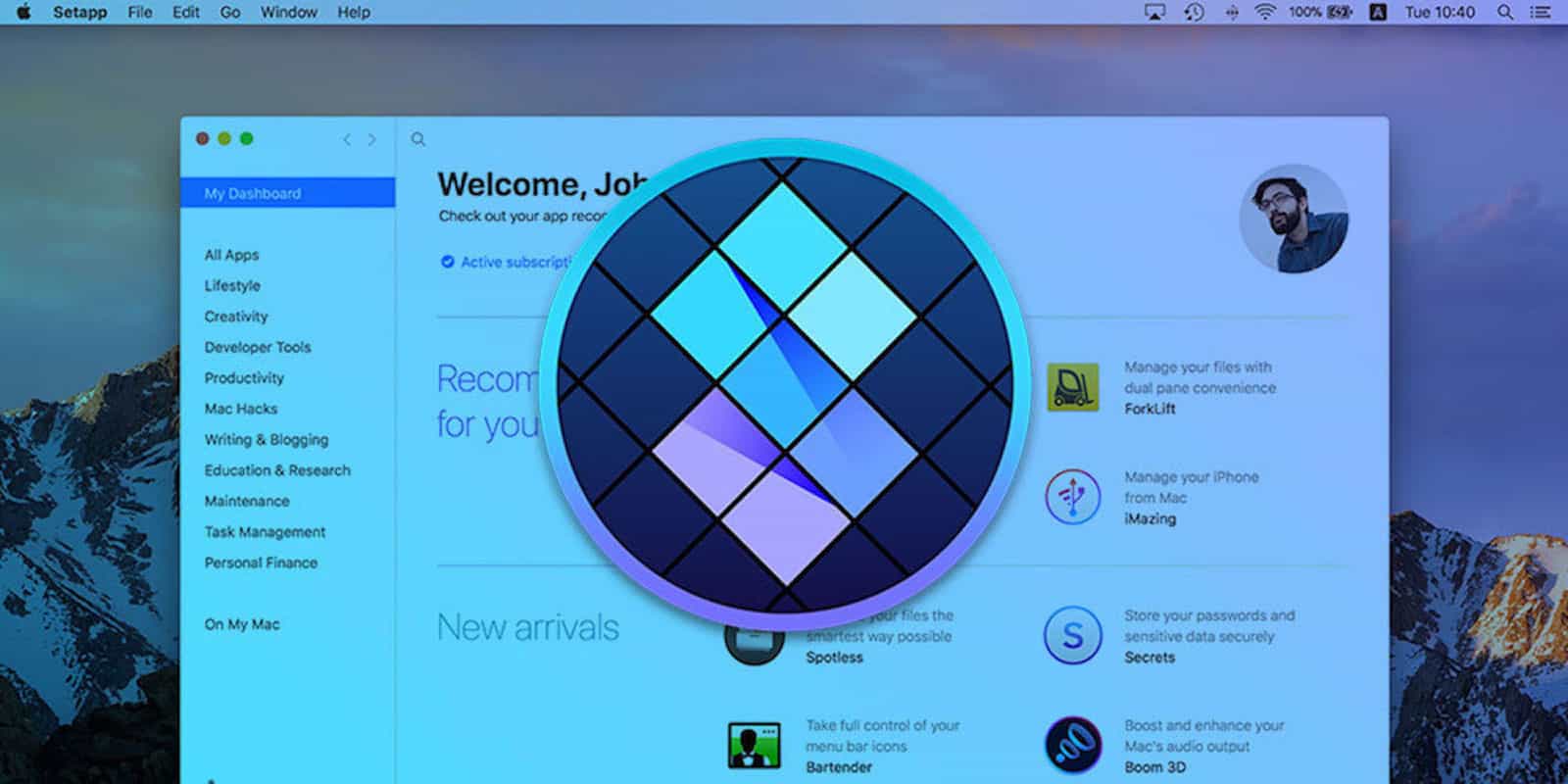
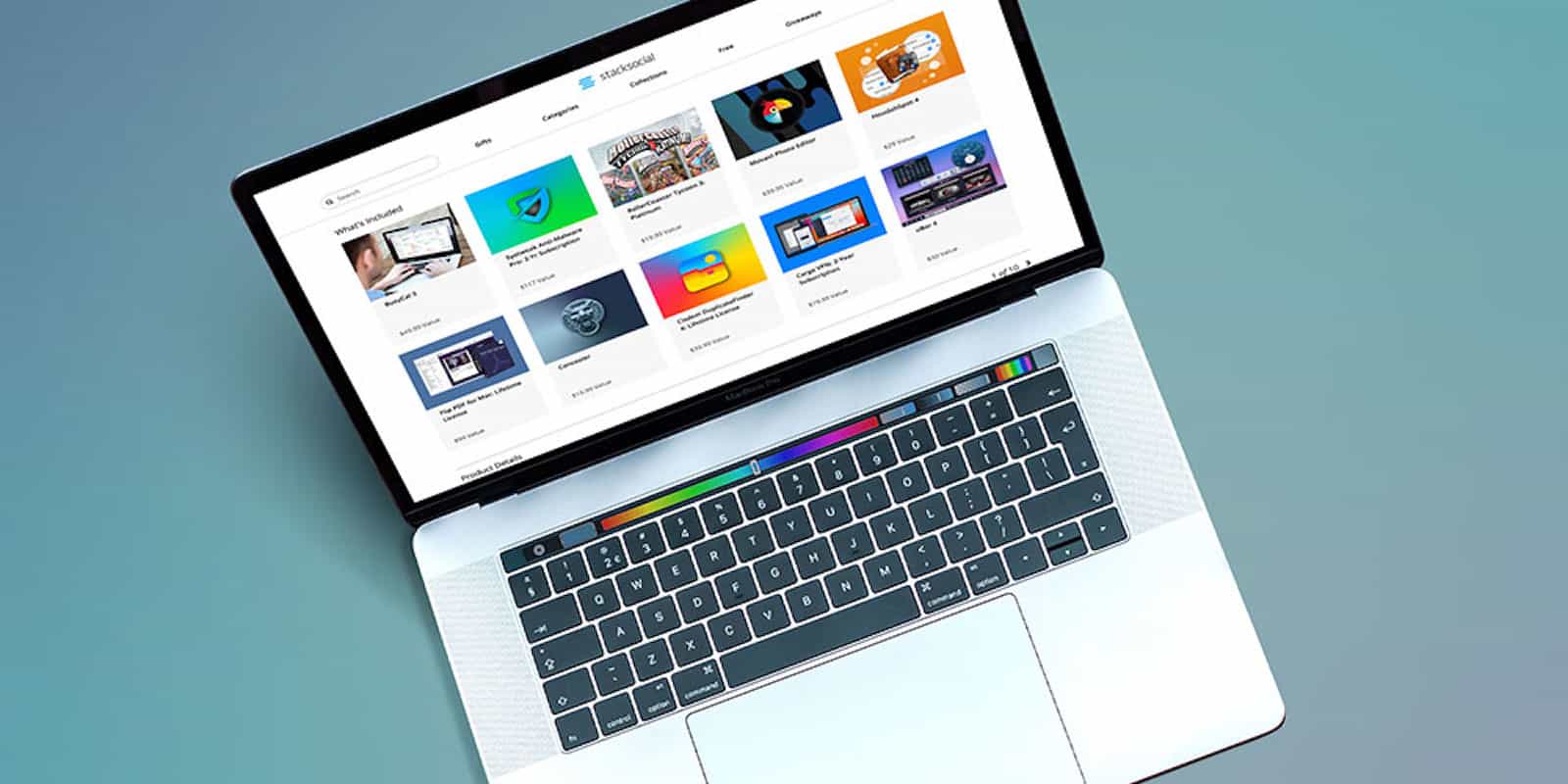
This Mac app subscription service removes a lot of the headache of shopping for software and keeping them up to date. Photo: Cult of Mac Deals
Browsing the App Store can feel like staring into an endless abyss. With so much software to choose from, it’s hard to know where to start. So it makes sense that the Netflix-style subscription model has come to offer an alternative to scrolling through an endless stream of apps, prices and reviews.
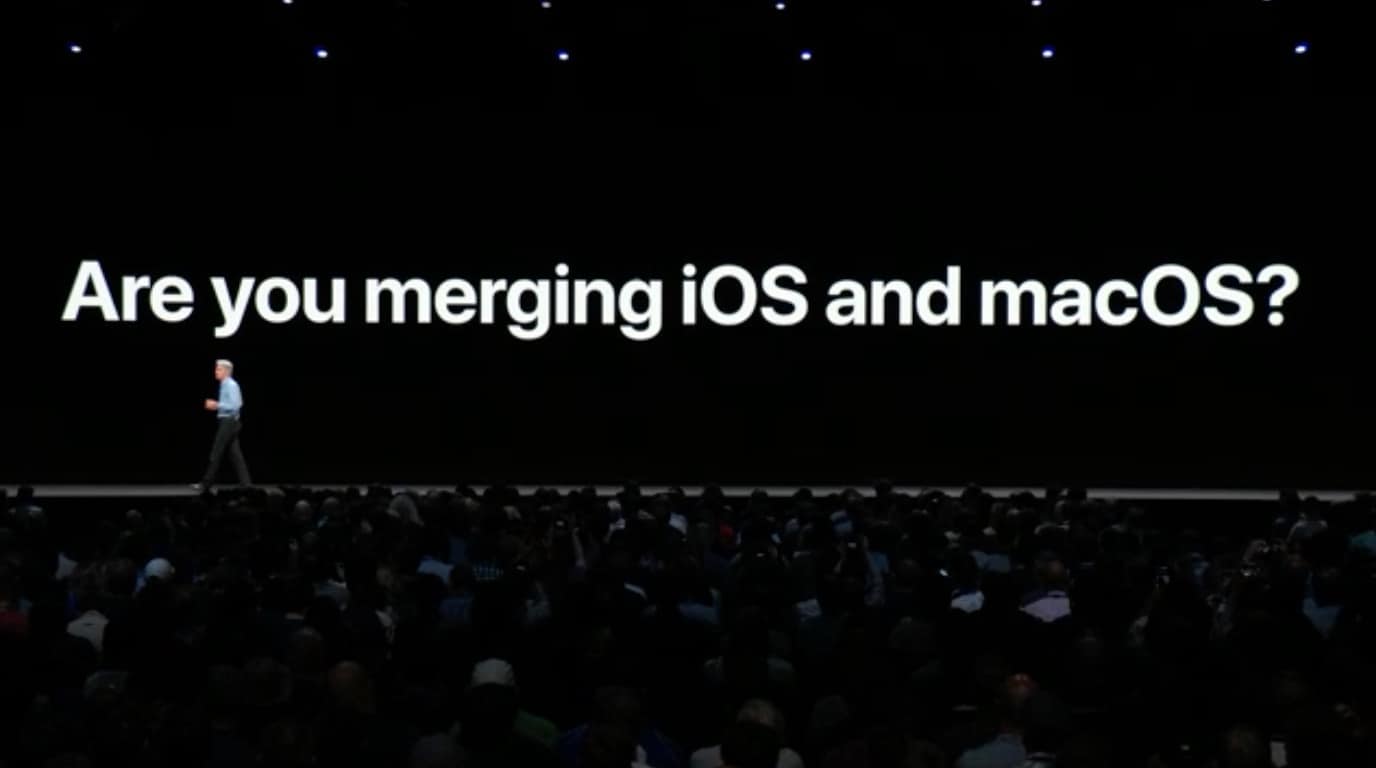
Near the end of Monday’s WWDC 2018 keynote, Apple’s Senior Vice President of Software Engineering Craig Federighi addressed a question that’s been circulating in the tech press for a while: Are Mac and iOS merging?
His answer was direct and unequivocal: “No.”
Then he delivered a “sneak peek” of Apple’s long-rumored cross-platform project codenamed “Marzipan.” In line with the past six months of rumors, the idea of the framework is to allow UIKit-based iOS apps to run natively on Mac. While that probably sounds exciting to Mac owners, it could yield an unwelcome unintended consequence. It could trigger a “lost year” for Mac apps.
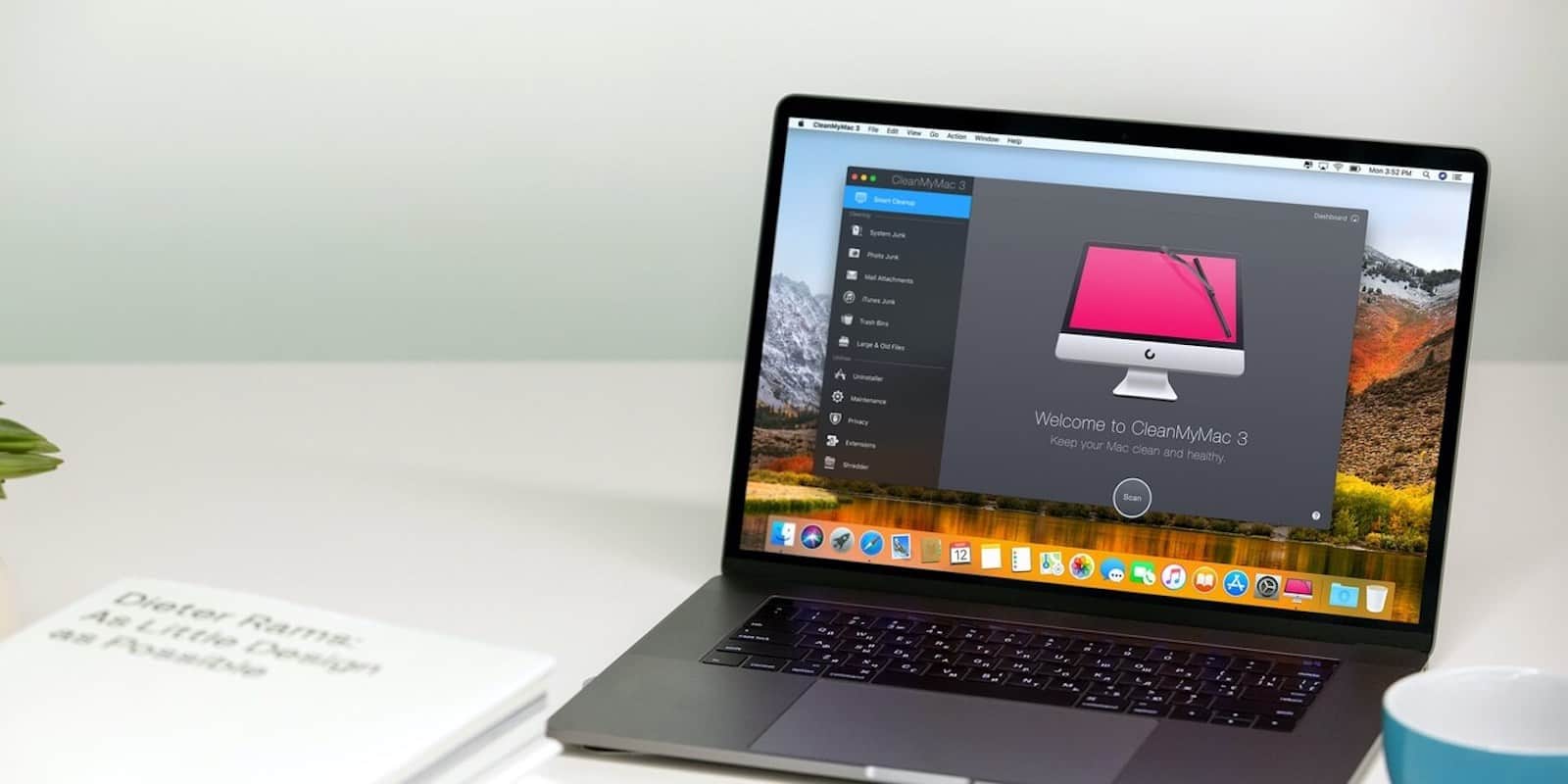
This app makes it easy to keep your Mac healthy and clear of junk files. Photo: Cult of Mac Deals
It’s important to keep a hard-working, complex machine like your Mac clean and well-maintained. For most of us though, computer care stops at emptying the recycling bin and wiping the screen. So it’s nice to know there’s an app that can do the work of cleaning and tuning our Macs.
We've rounded up some of the coolest Mac apps at the lowest prices. Photo: Cult of Mac Deals
Your Mac’s a mighty machine, but it needs great apps to be at its best. So we’ve rounded up some of the top titles at the lowest prices, from a powerful mind-mapping program to a ‘Netflix for Mac apps’, a powerful iOS manager and more. Everything in this list is discounted by a third or more, read on for more details:
Even Retrobatch's icon is fantastic. Photo: Cult of Mac
Acorn is one of the two best1 Mac image editors for normal humans. Retrobatch, from the same developer, is a batch-processor for images, letting you build simple or fancy workflows that can do pretty much anything to your images, automatically. If you regularly resize photos, remove location data, add watermarks, or anything else, this is for you.
Even crazier is Retrobatch’s machine-learning component, which can apply filters and operations based on what it sees in the image. For instance, you could drop a folder of images onto Retrobatch, and it would check them all and only apply filters to pictures of hot dogs. That’s right. It can detect pictures of hot dogs.
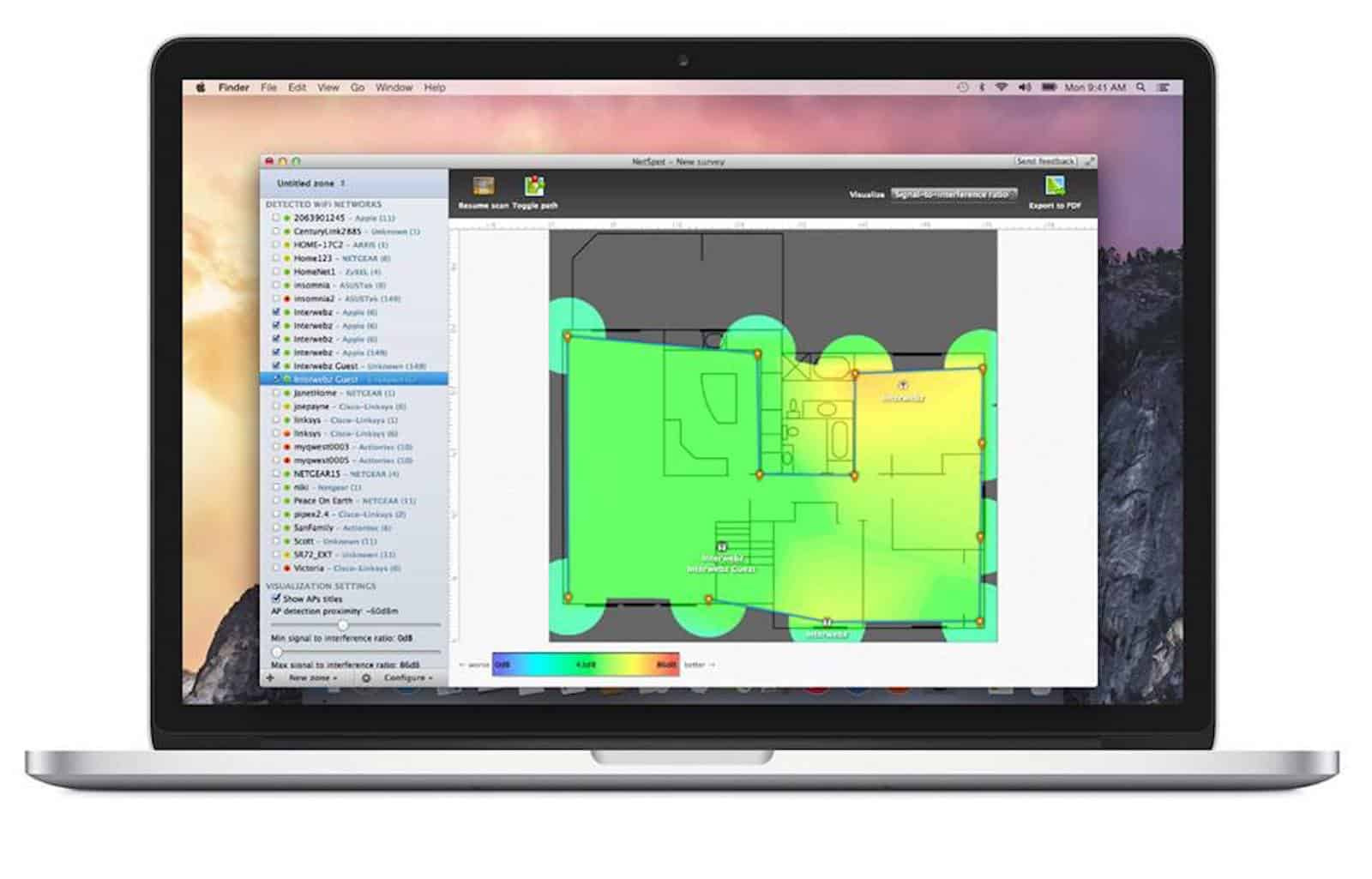
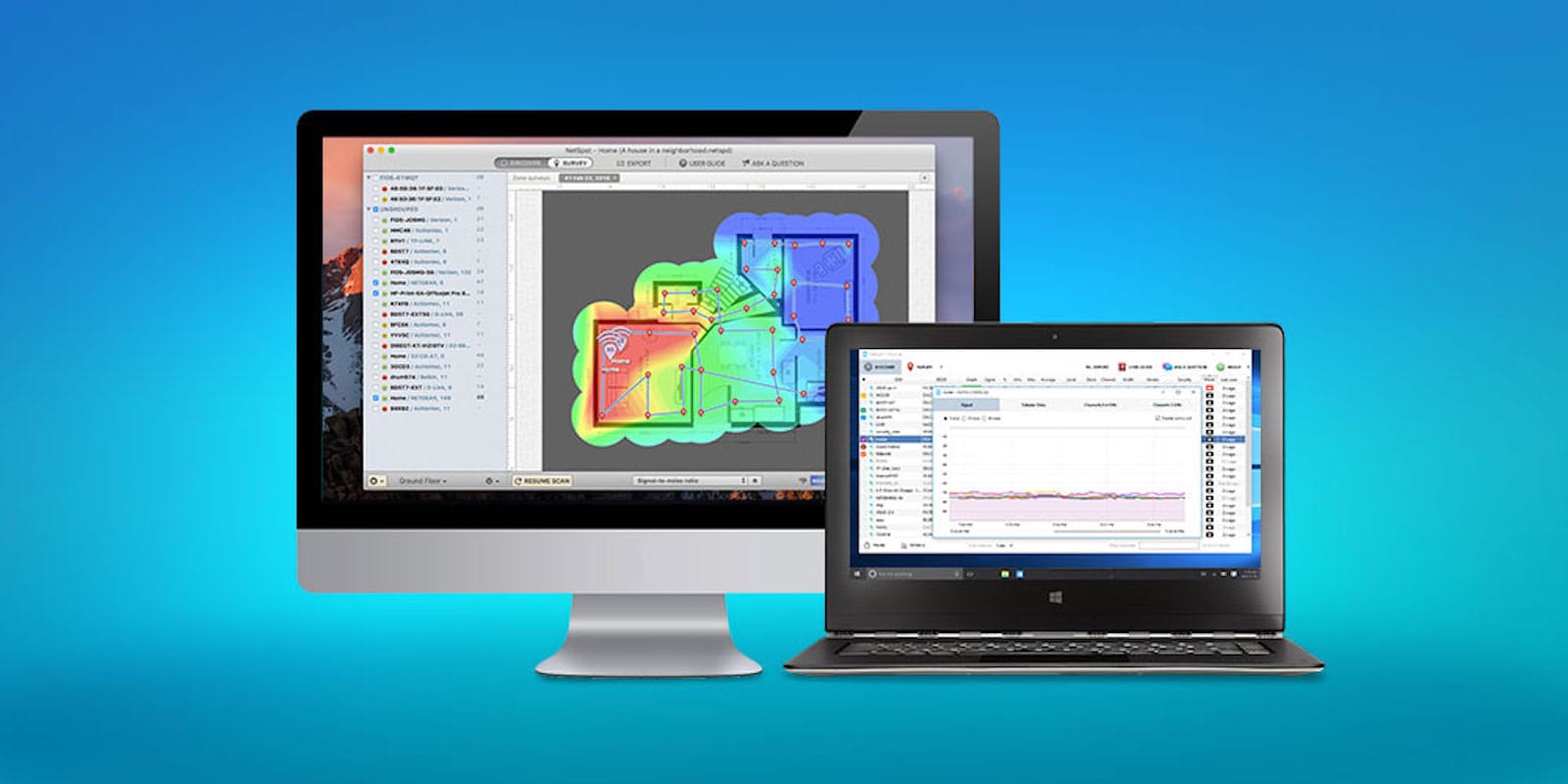
Identify and eliminate any weak spots in your home or office WiFi coverage. Photo: Cult of Mac Deals
Like the Force, Wi-Fi signals surround us, penetrate us, and bind our devices together. They’re also similar in that both are prone to dark spots. With the Force, it takes nine movies and 40 years to work out. With Wi-Fi, all you need is NetSpot.
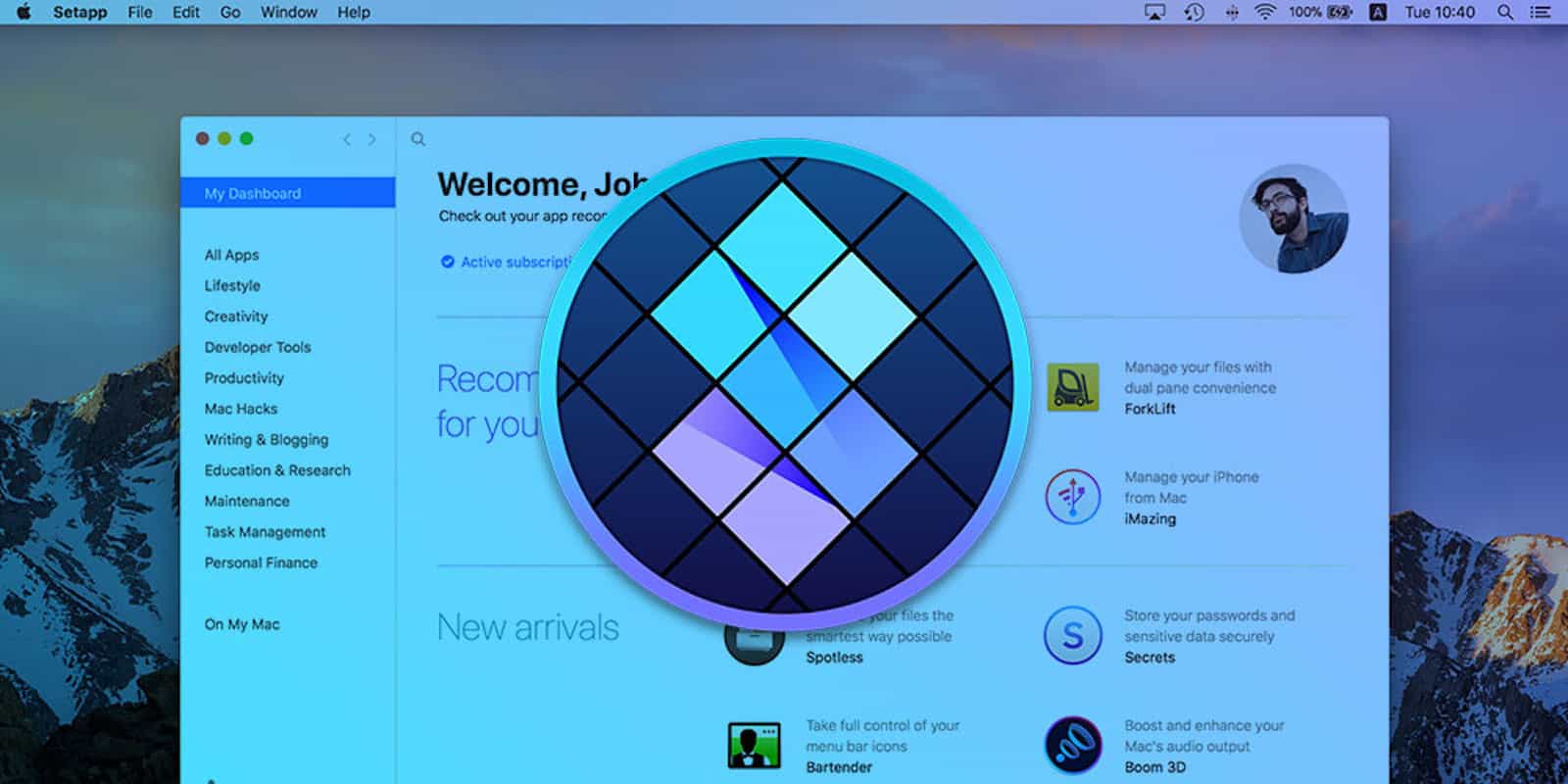
Get access and use over 60 Mac utility apps with Setapp Photo: Cult of Mac Deals
The subscription model is sweeping content of all kinds, and it makes a lot of sense. Pay a small monthly fee for access to a whole menu of stuff from which you can pick and choose. Movies and TV made it big at first, and now the subscription model has come to Mac apps.
Easily edit PDFs with this Mac app Photo: Cult of Mac Deals
PDFs are the go-to format for documents of all kinds. They’re convenient and make everything from forms to novels look great. But many people know that PDFs can be a real pain if you’re doing anything but reading them.
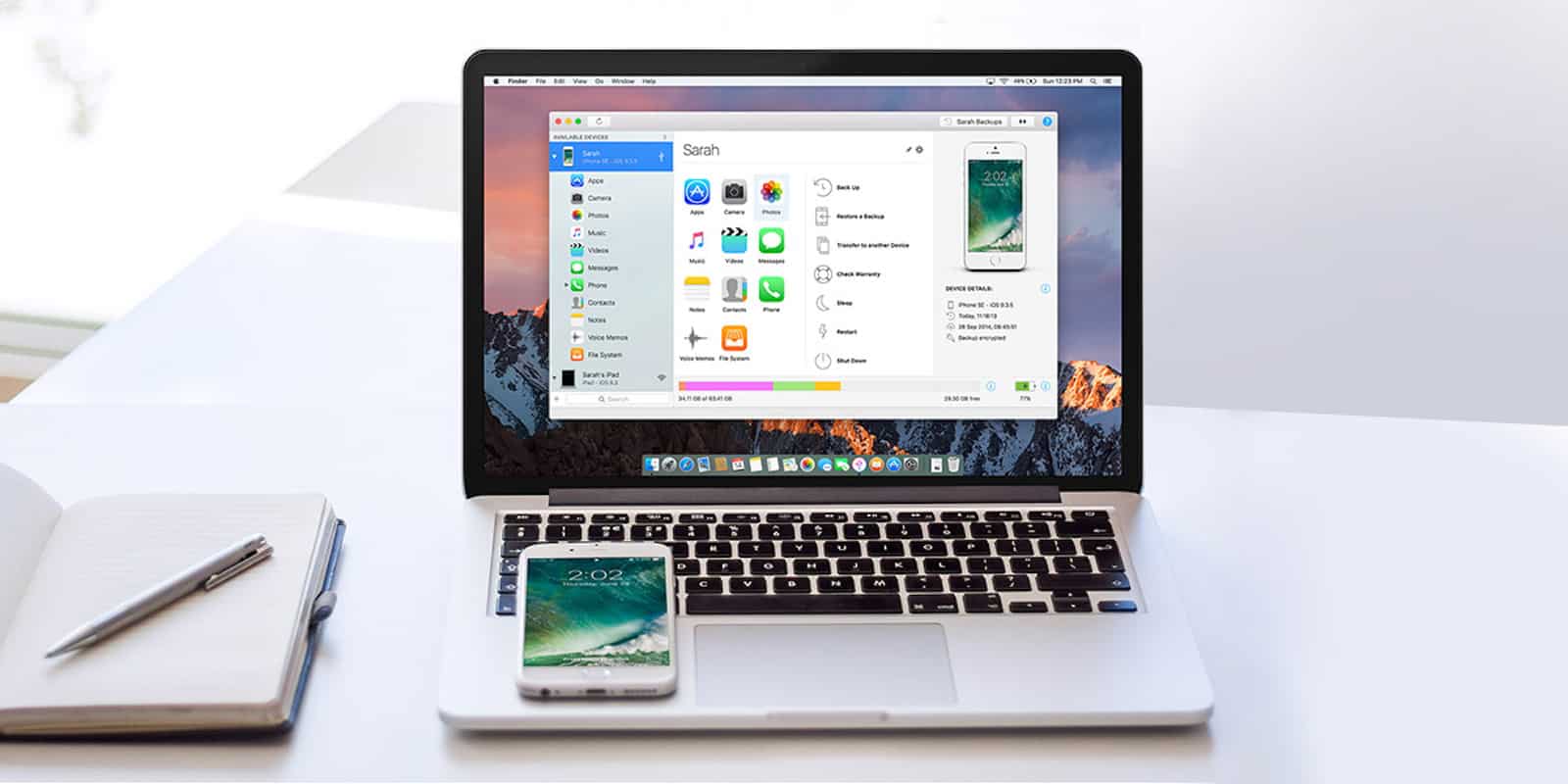
Manage your iOS data easily and without messing around with iTunes. Photo: Cult of Mac Deals
Using iTunes to manage iOS devices can be a real headache. Broad categories for syncing make it tough to track down individual tunes, videos, and other files. So it’s nice to know you can manage the data on your iPhone doesn’t need to mean dealing with iTunes.
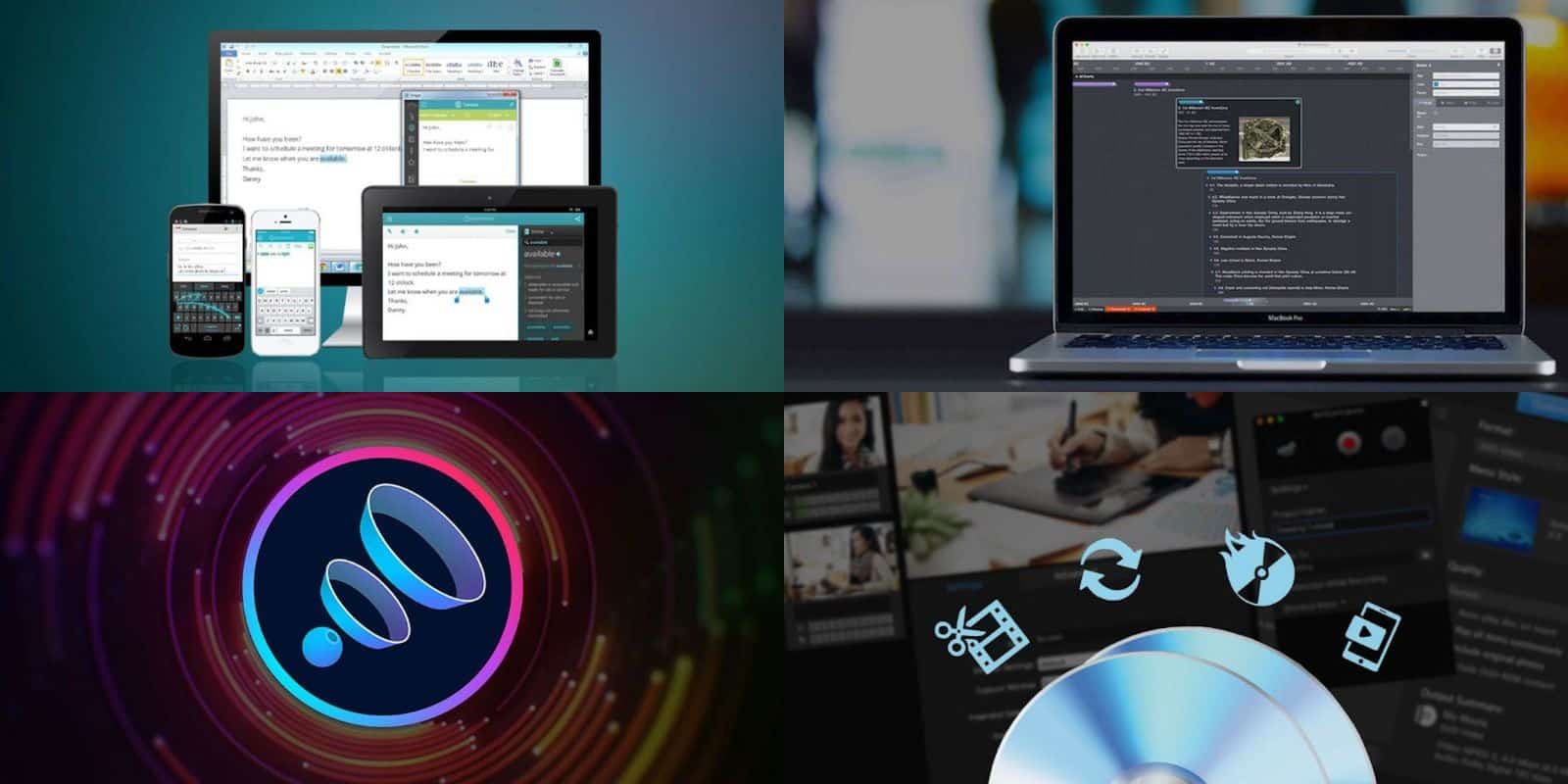
Get more out of your Mac with this roundup of four top-shelf apps. Photo: Cult of Mac Deals
If you’ve got a Mac, we’ve got some great apps for it. And each is discounted by half or more. So you can get the powerful organizational tool Aeon Timeline, the audio-enhancing Boom 3D, the writing-improving Ginger Page, and the media conversion powerhouse Roxio Toast for pennies on the dollar. Read on for more details:
This loaded bundle includes 10 premium apps for creativity, productivity, and fun. Photo: Cult of Mac Deals
To get the most out of your Mac, it takes a good stable of apps. With all the options available on the App Store, though, it can be hard to know where to start. Luckily, we’ve got a can’t-miss, last-chance deal on a massive bundle of premium Mac apps.
Don't break your back trying out different furniture arrangements, create a 3D preview first. Photo: Cult of Mac Deals
Spring is here, and with the new seasons comes fresh plans for your home or office. But even just thinking about that process can be a headache (which the allergens in the air doesn’t help). So instead of wearing yourself out by moving furniture around, you can plan it out first in immersive 3D.
Keep your Mac's drive humming and healthy with this powerful diagnostic and repair tool. Photo: Cult of Mac Deals
Your Mac is a mighty machine. But to get the most out of your computer, you’ve got to take care of it. So unless you’re a computer technician, you’re going to want an app for that.
Drive Genius is that app. Used by no less than the Apple Genius Bar, it can speed up, clean up, secure and even revive a dead Mac. And this is your last chance to get Drive Genius 5 for $39 at Cult of Mac Deals.
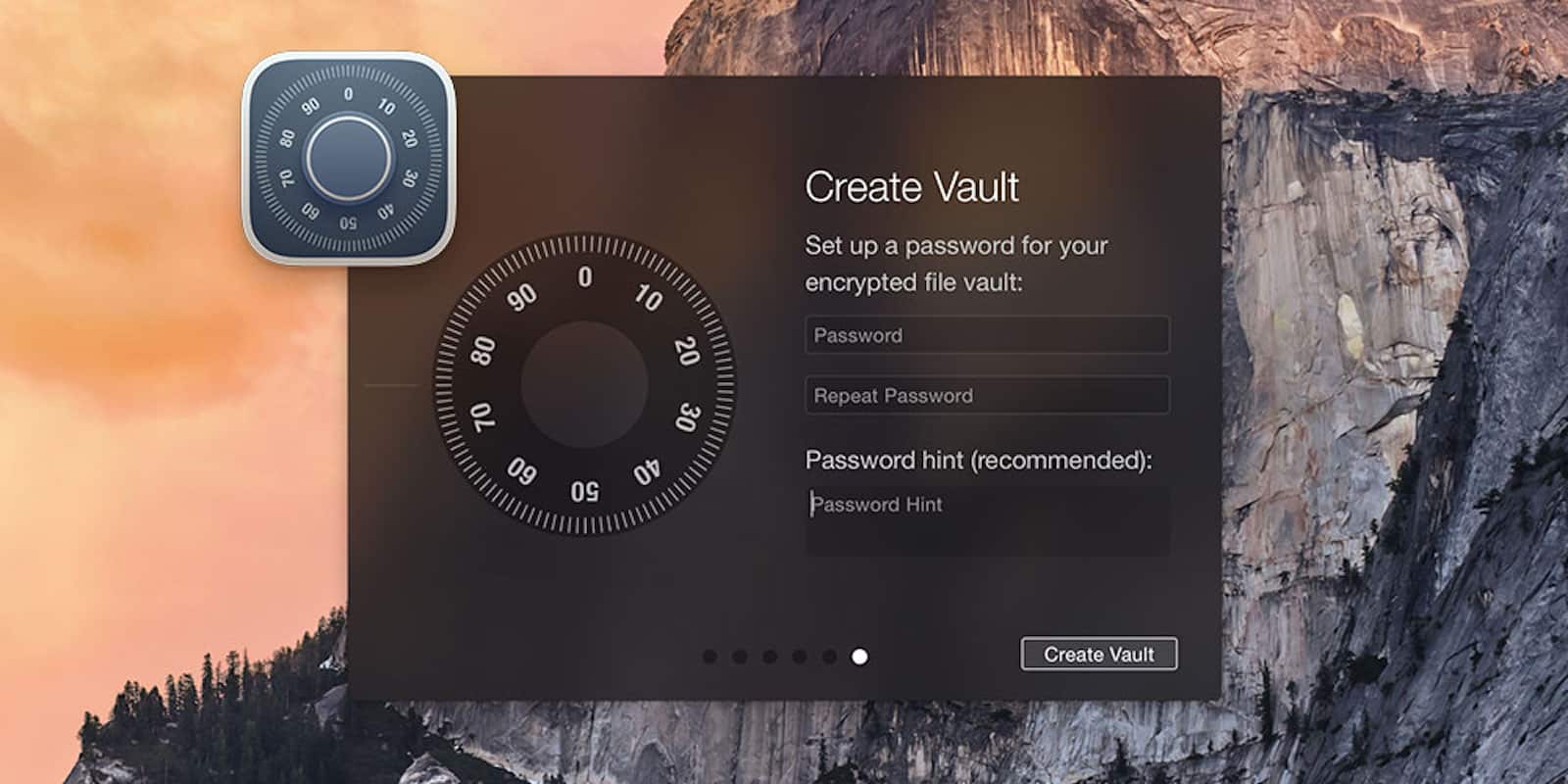
Protect and organize all the sensitive files on your machine with this one app. Photo: Cult of Mac Deals
Losing track of personal or sensitive data is getting easier, and riskier. Most of us worry about our online activity and information, so we sign on with VPNs, encrypt our web traffic, and take other measures. But the data on your machine itself is worth protecting too.
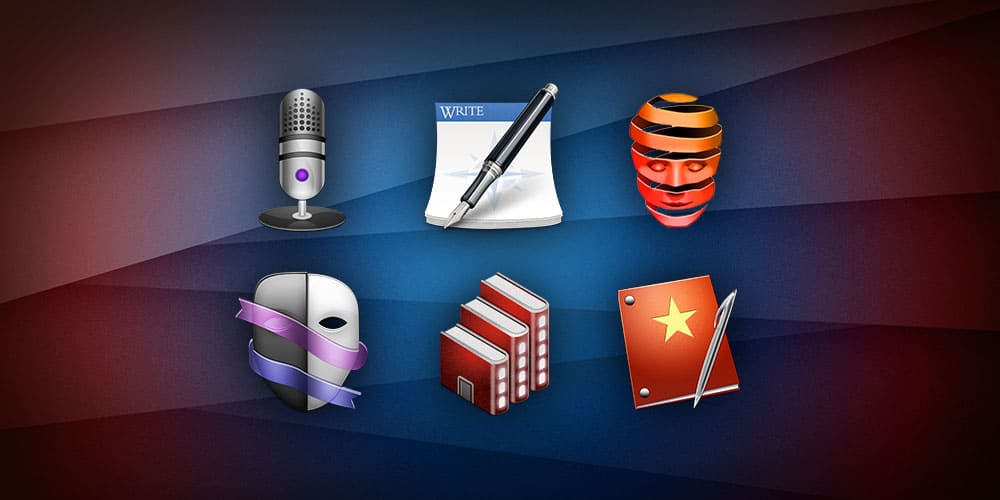
The Master Storyteller’s Bundle is packed with quality apps. Photo: Cult of Mac Deals
There’s a story in all of us. To get it out, though, you’ll need more than just a tale to tell. You’ll need skills and tools to connect your stories with an audience. And in the digital age, there are plenty of tools to master.
Keep your Mac's drive humming and healthy with this powerful diagnostic and repair tool. Photo: Cult of Mac Deals
Macs are complex machines, but in some ways they’re a bit like people. Everything they can do relies on a healthy, uncluttered hard drive; the “brains” of the operation. But you can’t take your Macbook to a psychologist (unless that’s your thing), so instead you’ll want a utility app like Drive Genius.
Nab the industry standard screenwriting app for half the usual price. Photo: Cult of Mac Deals
It’s easy to imagine the screenwriter as someone slaving away at a typewriter, staring out a cabin window. But it’s 2018, and writers for stage and screen use a common digital platform.
Get the most out of your Mac with this diverse bundle of 10 top-shelf apps. Photo: Cult of Mac Deals
Your Mac is a mighty machine, but it’s only as useful as the apps you install. With all the software out there to choose from, it can be hard to know where to start, and even harder to look at the price tag. So this bundle of 10 top notch apps is well worth checking out.
Map and optimize your WiFi at home or at work with this powerful visualizer tool. Photo: Cult of Mac Deals
Wi-Fi is everywhere, except when it’s not. At home or the office, few things are as inconvenient or frustrating as suddenly losing your connection to the internet. So the reason for getting an app like this is obvious.
If you've used screenshot markup on iOS, you already know how ShotBox works. Photo: Josh Parnham
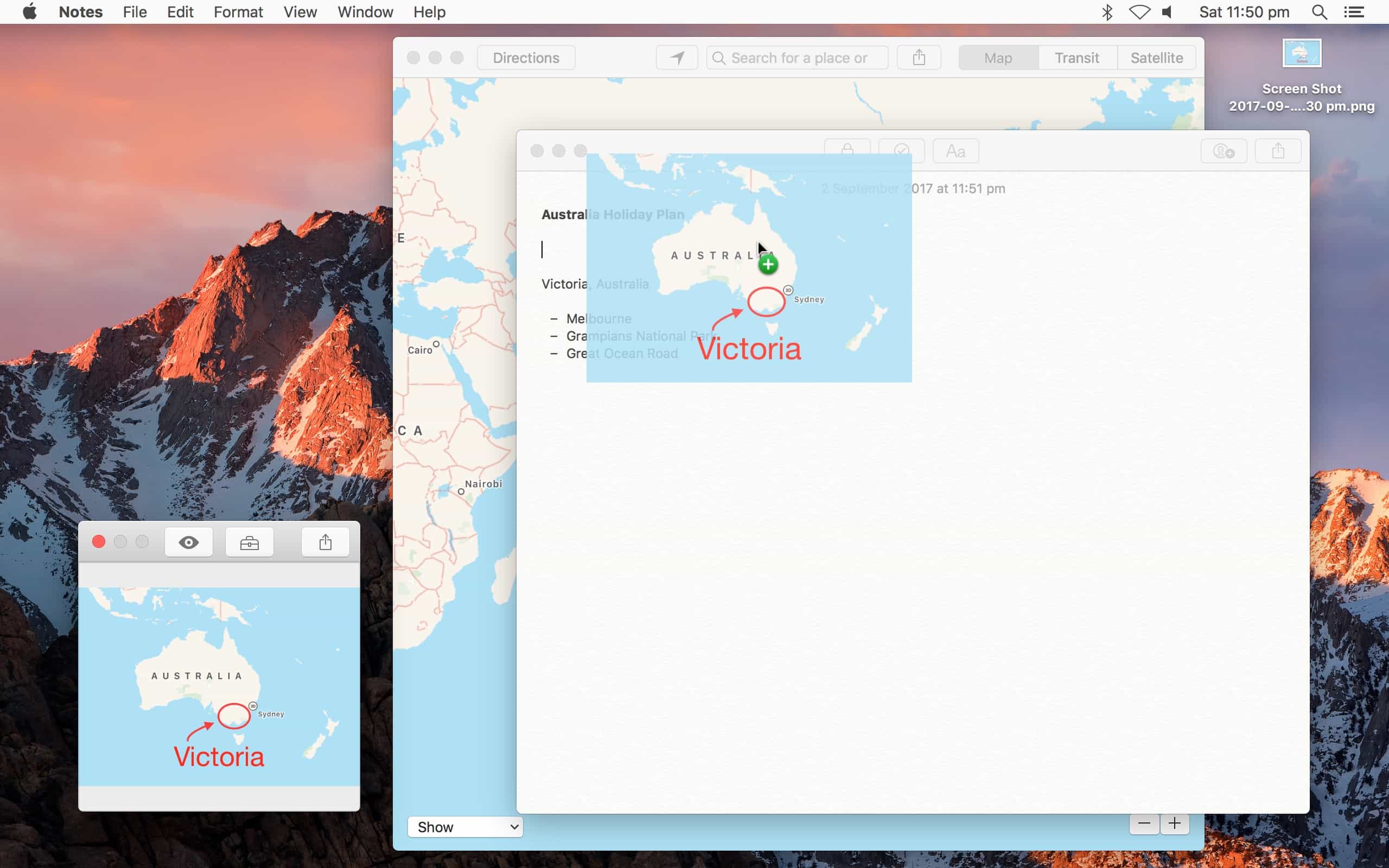
If you like Instant Markup on iOS, then you’re going to love ShotBox. It’s a free app, available from the Mac App Store, that automatically pops up a panel of markup tools whenever you take a screenshot. It’s almost exactly like the Instant Markup tools built into iOS 11.
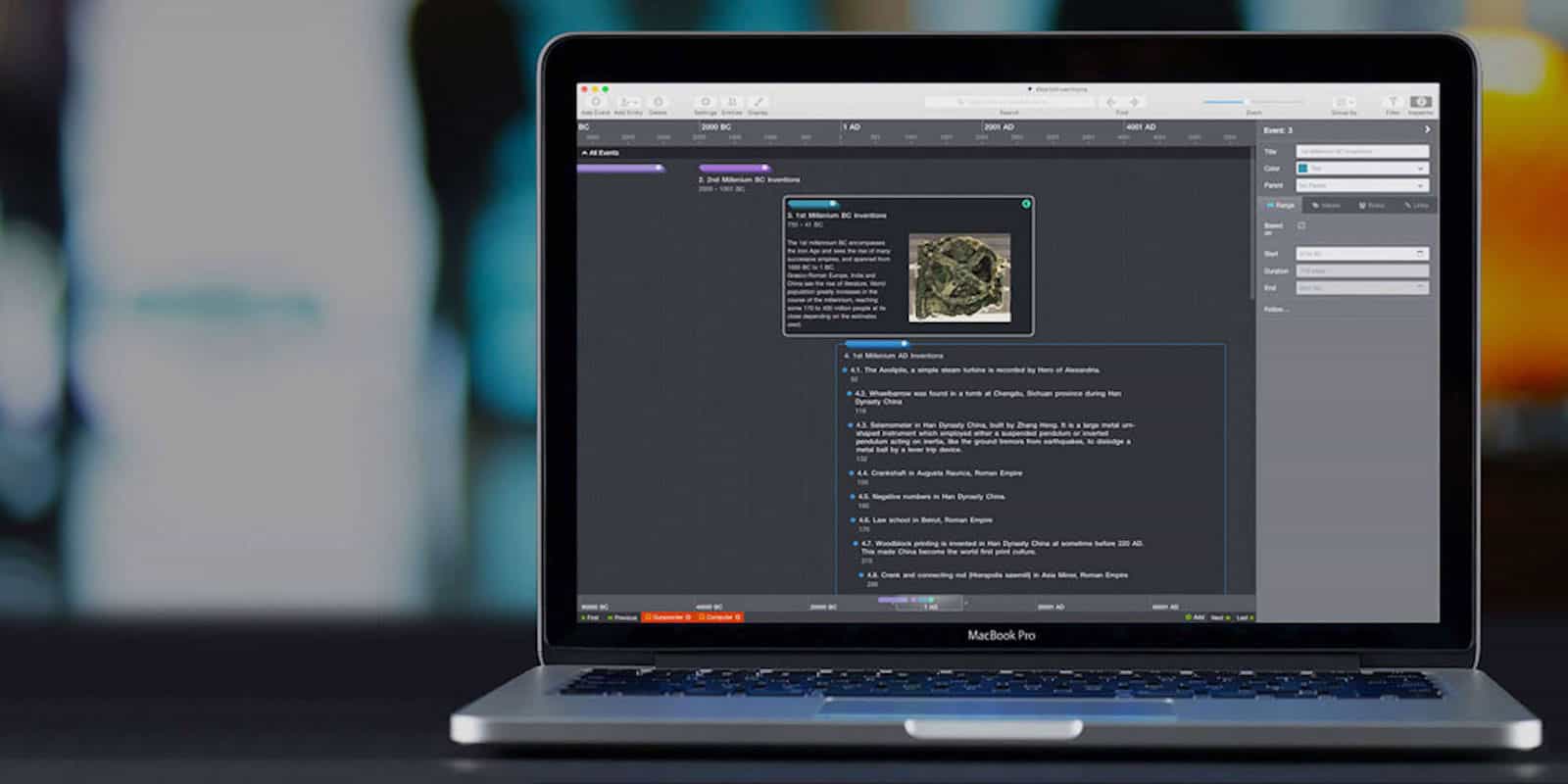
Manage and track of all your project deadlines with Aeon Timeline 2 Photo: Cult of Mac Deals
Coordinating with team members, meeting deadlines, tracking various moving parts, it all becomes overwhelming. So keeping on top of complex projects can become a project unto itself.