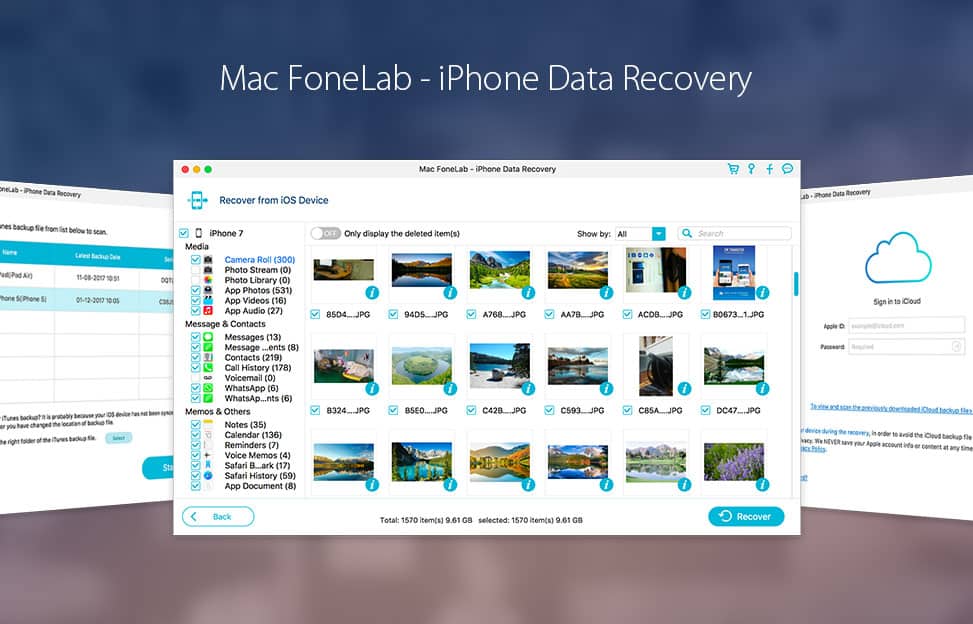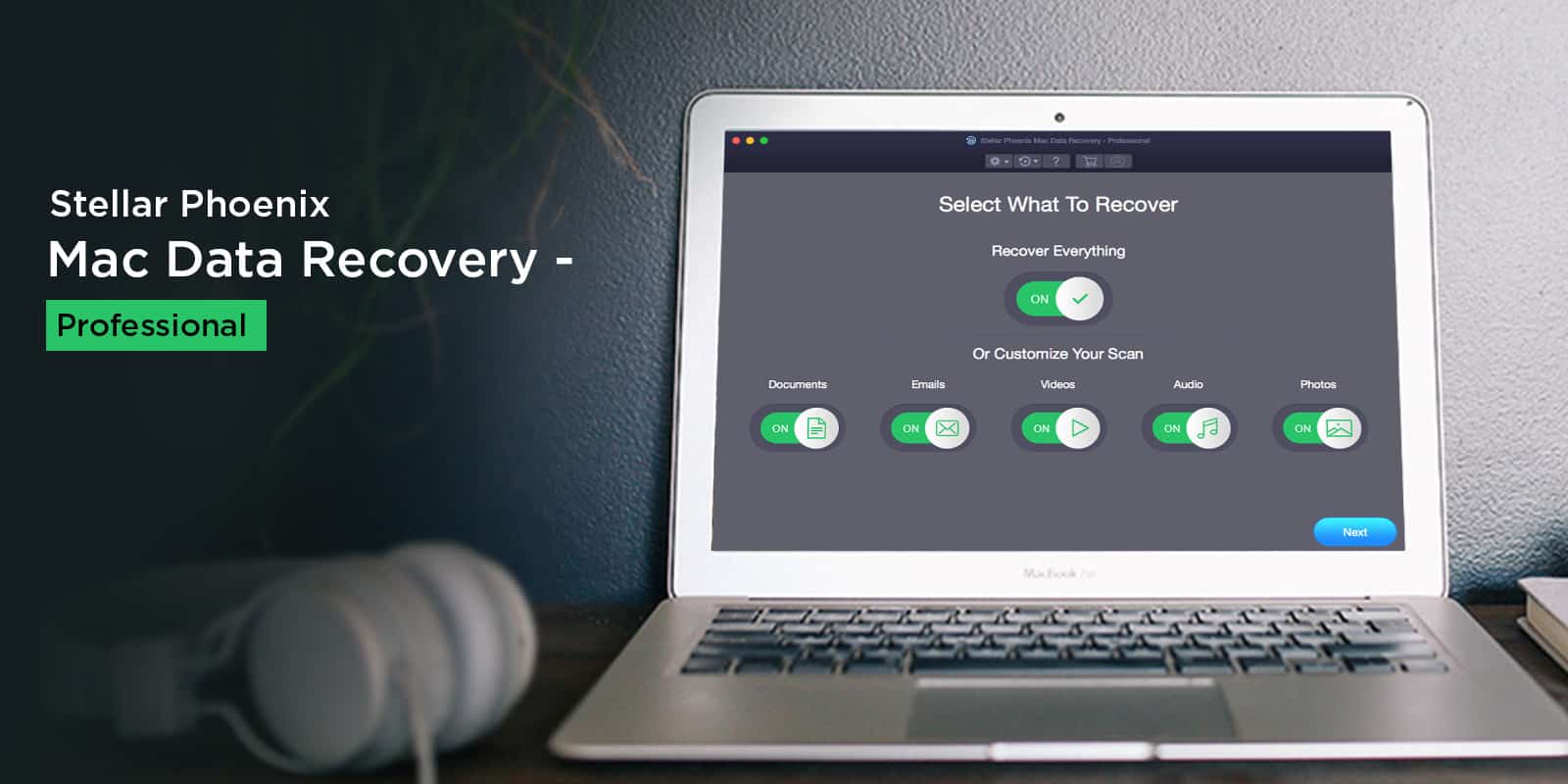
Get one-click recovery of essential files from Mac, iPhone or Android devices. Photo: Cult of Mac Deals
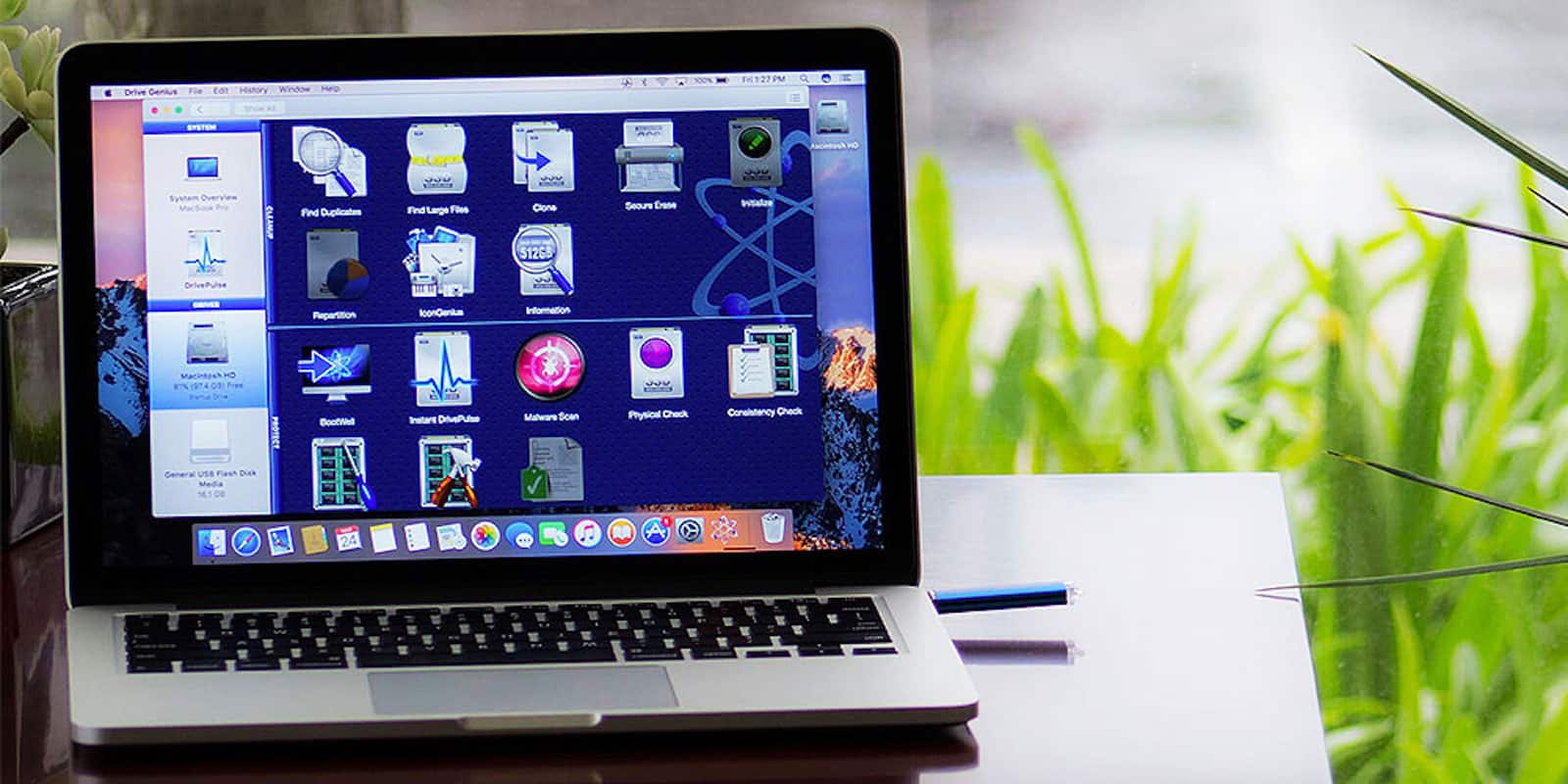
The best laid plans often go awry, and so do our hard drives. Then there are times when we accidentally delete files, including important business documents and precious family photos. That’s why it pays to have the tools on hand to prevent and recover from the loss of key data.
This week's best deals include a massive bag of apps, Bluetooth audio you can juggle, and more. Photo: Cult of Mac Deals
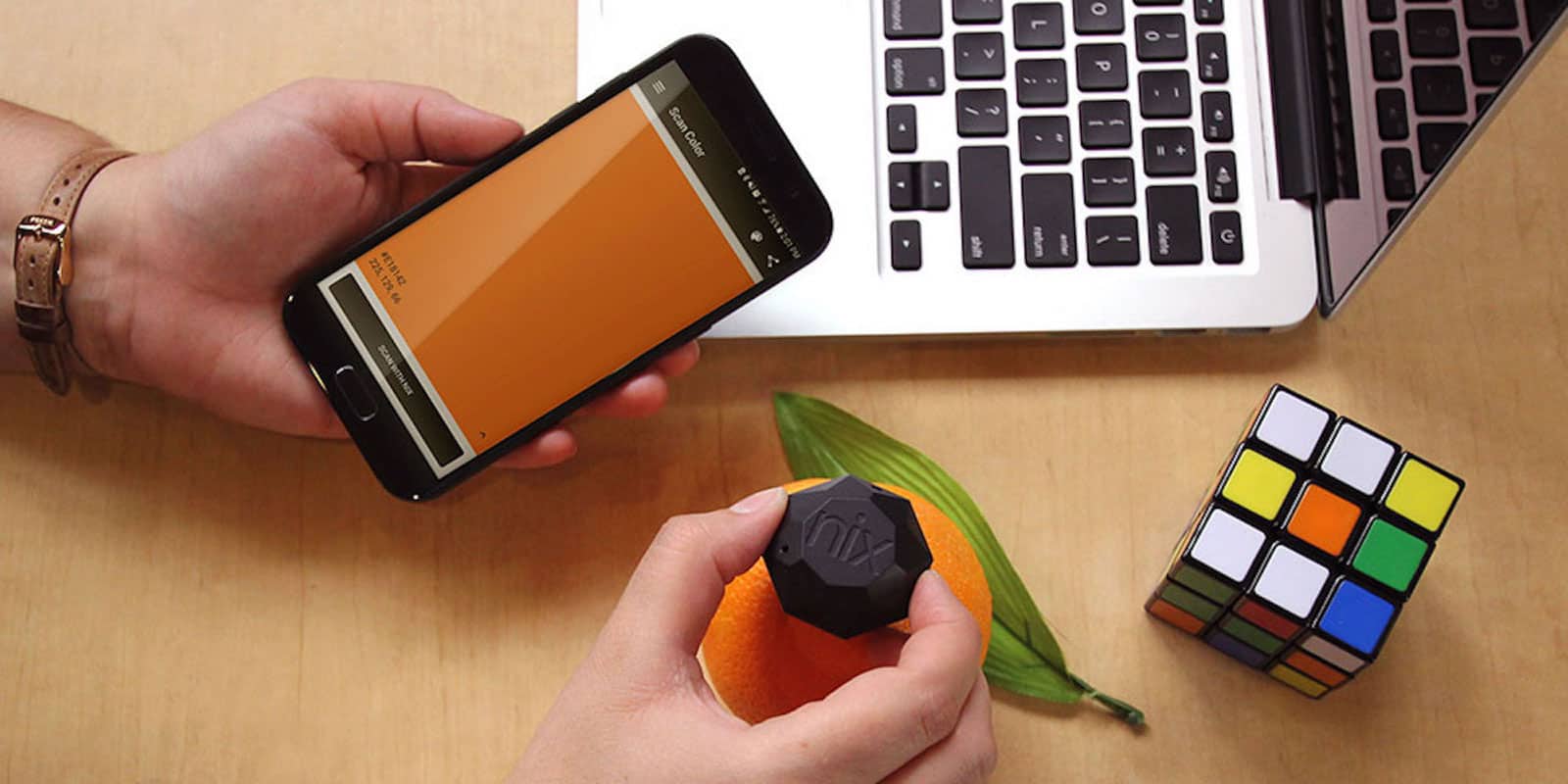
Welcome back to the best time of each week, when we round up the best new deals. This time, we’ve got a massive Black Friday deal on a bundle of Mac apps, and terabytes of cloud storage. Plus, there’s a set of independent spherical Bluetooth speakers, and a Swiss army knife for drive repair. Read on for more details:
Name your price to instantly improve the productivity and performance of your Mac. Photo: Cult of Mac Deals
Your Mac comes out of the box with a lot of power, but also a lot of potential. With the right apps, you can instantly up the performance and productivity of your Mac. So listen up: now is your last chance to get a bundle of 5 game-changing apps for whatever you want to pay.
uBar adds entire new dimensions to your old Mac Dock. Photo: Cult of Mac Deals
Use a Mac for long enough, you start to notice where your workflow could improve. One area that’s ripe for improvement is the Dock, that bar at the bottom (or side, if you’re fancy) of your screen.
This app turns regular digital photos into gorgeous, feature rich HDR images. Photo: Cult of Mac Deals
These days, our phones ship with amazing cameras built in. But once the photo is taken, most people are more likely to edit it in Instagram than in Photoshop, if they edit it at all. And that’s no way to make the most of your mobile photos.
Sorry, but sticking a piece of paper over your camera isn't a viable security solution. Photo: Cult of Mac Deals
When you see Mark Zuckerberg covering up his webcam, you know there’s good reason. After all, webcams are the windows into our world for hackers and snoops. And with facial recognition taking off as a security feature, taking control of your webcam is only going to get more important.
This iOS manager offers a lot more flexibility and ease of use than iTunes. Photo: Cult of Mac Deals
Anyone who tries to get into the nitty gritty of their iPhone data quickly learns that iTunes can be less than helpful. Luckily, there are iTunes alternatives that are a lot easier to use than Apple’s iOS management system.
Despite the clean lines and sleek exteriors of our Macs, the insides often look like a real mess. Cluttered photo libraries; old web caches; broken extensions; unused configuration files — the list of data that can gum up our Macs is long. That makes staying on top of it all nearly impossible, unless you’ve got time and energy to spare.
These five apps can up your Mac's performance and productivity, for whatever you're willing to pay. Photo: Cult of Mac Deals
Your Mac comes out of the box as a lean, mean computing machine. But any Mac is only as useful as the apps you put on it. That makes this bundle of Mac apps worth checking out. In addition to including various ways of improving the performance and productivity possibilities of your Mac, the Fab 5 Mac App Bundle is available for whatever you’re willing to pay. Read on for details.
Build fully functional, beautifully designed websites without putting down a single line of code. Photo: Cult of Mac Deals
That feeling when you need to build a website but don’t have time to learn coding. Or you just don’t have the cash to pay for a web designer. Thankfully, it’s getting easier to build websites without any coding skills.
In this week's Cult of Mac Magazine, we show you how Google's Pixel lineup compares to iPhone 8 and the upcoming iPhone X, and much more! Photo: Ste Smith/Cult of Mac
Can Google convince iPhone fans to jump ship for the new Pixel 2 and Pixel 2 XL?We show how Google’s Pixel lineup compares to iPhone 8 and the upcoming iPhone X.
In this week’s Cult of Mac Magazine, you’ll find that story and more. Check out the serious internal upgrades packed into iPhone 8 Plus, and Google’s new mini speaker. We’ve got some great Mac apps for photo editors, a roundup of the best chargers and stands for Apple Watch Series 3 and a review of the iconic Speidel Twist-O-Flex band. Get your free subscription to Cult of Mac Magazine from iTunes. Or read on for this week’s top stories.
Postbox 5 is packed with tools that can save frequent emailers a lot of time and effort. Photo: Cult of Mac Deals
Anyone who sends a lot of emails knows that a little extra efficiency goes a long way. Whether it’s typing out the same canned response over and over, combing endless threads, or just entering your name. Apple Mail and Outlook are great, but they can fall short for power users.
The Half app converts JPG to HEIC, saving space without losing quality. Photo: Cult of Mac
The iPhones 7, 8 and X all capture images in the new HEIC format, which creates images much smaller than JPEGs, with the same quality.
All new images you snap, and movies you capture, will be saved in the new HIEC and HVEC (for movies) formats. But what if you want to convert your older images from JPEG to HEIC to save some space? That’s exactly what Half App does.
If you have an email address, there’s a very good chance it ends in “@gmail.com.” Well over a billion people use Gmail, which claims more than 20 percent of the email market. Even though Mac users’ machines come with Apple Mail, many prefer to use Google’s email platform in their browser.
One thing Apple Mail users could dangle over the head of Gmail users is the ability to install Mailbutler, a plugin that adds a bunch of useful new functions to the Mac’s built-in email program. But with today’s release of the latest beta, Mailbutler finally becomes available for Gmail.
AnyTrans makes getting your old data onto your new iPhone a snap. Photo: iMobie
This post is brought to you by iMobie, maker of AnyTrans.
There’s no denying it — the new iPhones look amazing. So it’s no surprise if you’re already plotting how to get one. But with any new device comes the challenge of moving the important stuff from your old one.
PhoneRescue can help make sure updating to iOS 11 doesn't mean dropping your data. Photo: iMobie
This post is brought to you by iMobie, maker of PhoneRescue.
Today, iOS 11 launches at long last. It’s been hyped as one of the biggest updates yet, setting a new standard for Apple’s mobile operating system. There’s a new Dock, multitasking tools, drag-and-drop features, the ability to pay friends over messages, and lots more.
But with any major new update comes the risk of data loss. If the software update crashes, for example, you could lose data. Or look to the rollout of iOS 9.3, which was met with numerous reports of sudden data loss on people’s devices. Before you reincarnate your iPhone as an iOS 11 device, it pays to get a recovery solution in place.
The latest version of Drive Genius adds virus and malware protection, making it even more useful. Photo: Prosoft
This post is brought to you by Prosoft Engineering, maker of Drive Genius 5.
If you’re serious about taking care of your Mac, you probably use a variety of third-party applications. From VPNs to defragging, managing backups to scanning for viruses, it takes a village of apps to keep Macs at their best.
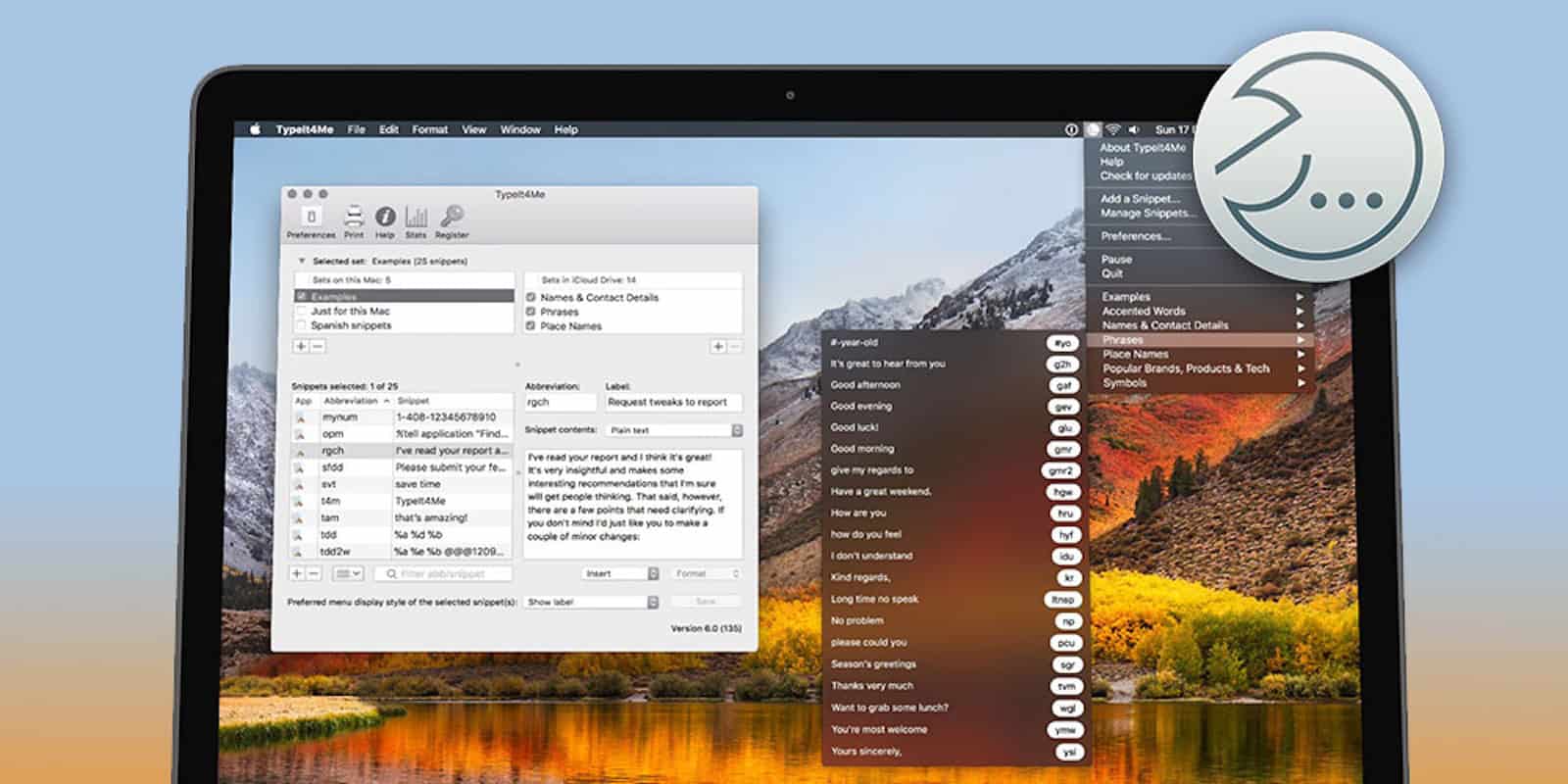
By collecting all your most commonly typed phrases and typos, this app can save valuable time at the keyboard. Photo: Cult of Mac Deals
When you type a lot, you develop some habits that can cost valuable time. That’s true whether you’re filling out forms, coding, writing copy. No matter what you do at the keyboard, there are ways to cut down on wasted keystrokes.
Typinator is an app that helps eliminate the many small strings of text and even images that add up to minutes and even hours. Additionally, it operates on multiple apps and platforms. And right now, you can get a standard license for Typinator for just $15.99 at Cult of Mac Deals. Get an additional 11% off this deal with coupon code “iOS11”.
Whatever kind of story you're working on, this bundle of apps can help you tell it. Photo: Cult of Mac Deals
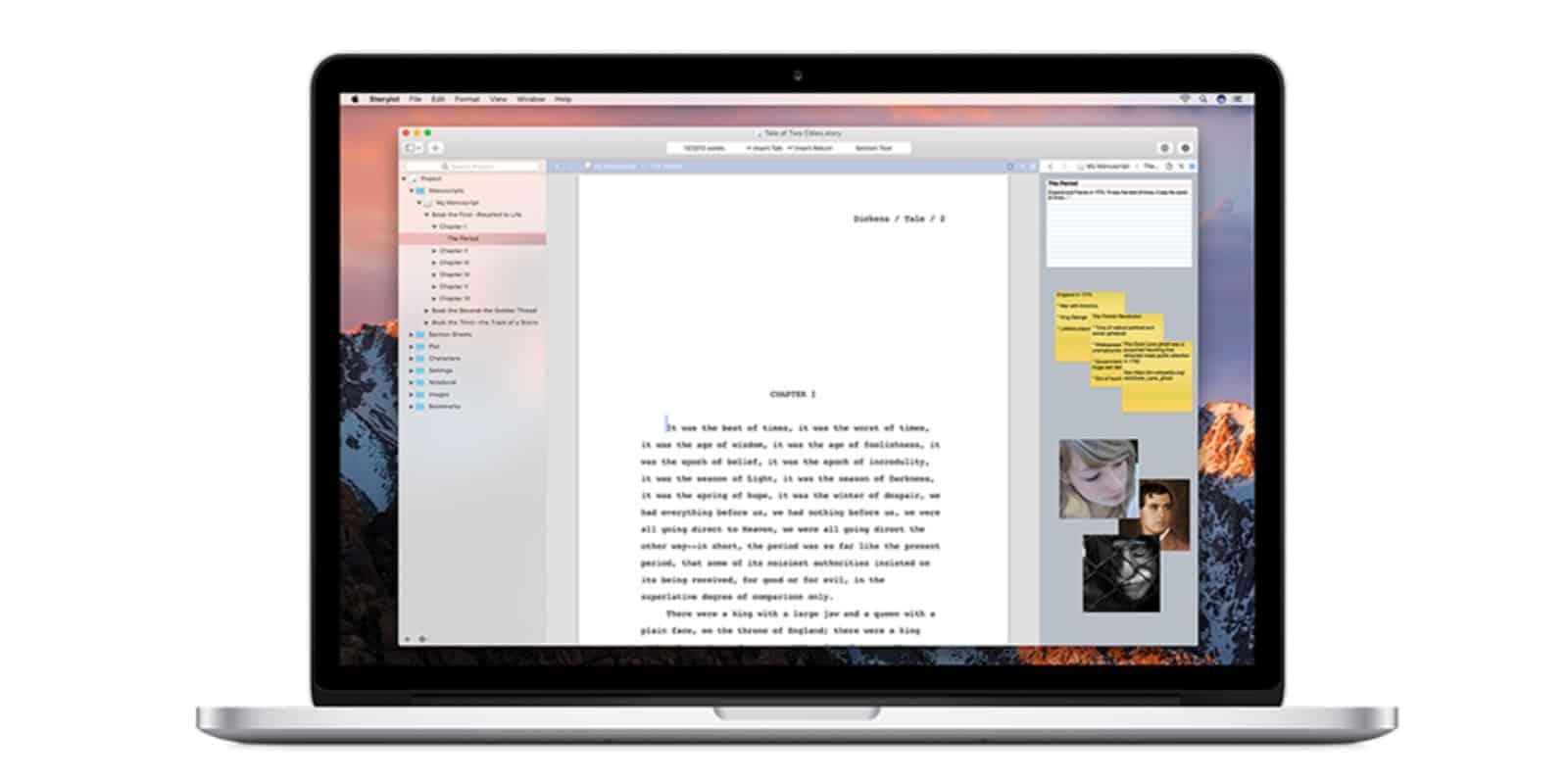
These days, everybody is a storyteller. Whether you’re writing articles or journals, novels or screenplays, there’s a world of digital tools that you can benefit from. This bundle gathers 7 of those tools in one place, and for low price. From StoryMill to MacJournal, Narrator to Montage, and lots more, it’s got something useful to anybody who weaves narratives. And right now you can get the whole bundle for just $29. Read on for more details:
This week's best deals include powerful Mac maintenance tools, sleek drones, and more. Photo: Cult of Mac Deals
With summer coming to a close, the Cult of Mac Store is still bringing in hot new deals. This week, we’ve got a discount on top-shelf Mac maintenance app CleanMyMac 3. Plus, we’ve got half off or more on Final Draft 10, a sleek drone with 4K video, and an app for maximizing Wi-Fi connections. Additionally, for a limited time, you can get an additional 15 percent off each deal by using the coupon code “BYESUMMER” at checkout.
Raindrop's web page looks way better than its iOS app. Photo: Charlie Sorrel/Cult of Mac
Raindrop.io is a new bookmarking service for Mac and iOS, and the web, and Android. It lets you save your bookmarks into folders, known as Groups, and those bookmarks are then available from anywhere. The main selling point of Raindrop.io seems to be the slick interface, and the myriad beautiful ways you can arrange the bookmarks therein.
CleanMyMac 3 will keep your Mac humming. Photo: Cult of Mac Deals
Your Mac is a mighty machine. But like any machine, it requires regular maintenance to stay running at top form. Except that with Macs you don’t need a mechanic, just the right software.
Now's your last chance to save big on this powerful little PDF editor. Photo: Cult of Mac Deals
If you’re reading this, you probably see a lot of PDFs cross your desktop. After all, they’re the format of choice for digital documents. But you might not realize that PDFs can be a lot more flexible and useful, with the right tools.
This straightforward app adds useful tools and functions, great for anyone who writes regularly at their Mac. Photo: Cult of Mac Deals
Our Macs serve a lot of purposes, and maybe the most common is as a writing tool. Whether for emails or Facebook posts, articles or books, the computer is our go to for turning thoughts and ideas into text.
If your iPhone gets stuck, ReiBoot can get it unstuck. Photo: FirmBee/Pixabay CC
This post is brought to you by Tenorshare, maker of ReiBoot.
When your iOS device fails to start up, you’ve got choices. You could sit around weeping like a little baby. Or you could schlep it to the nearest Genius Bar. Or you could make the smart move: You could try to fix it yourself with free iOS recovery software like ReiBoot.