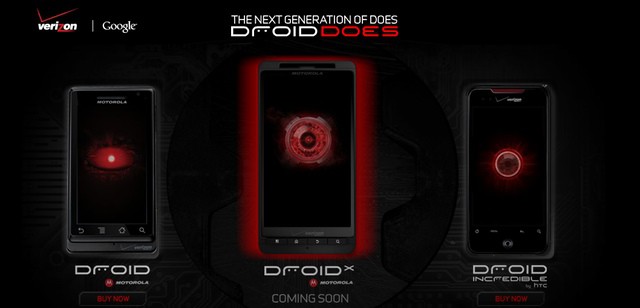
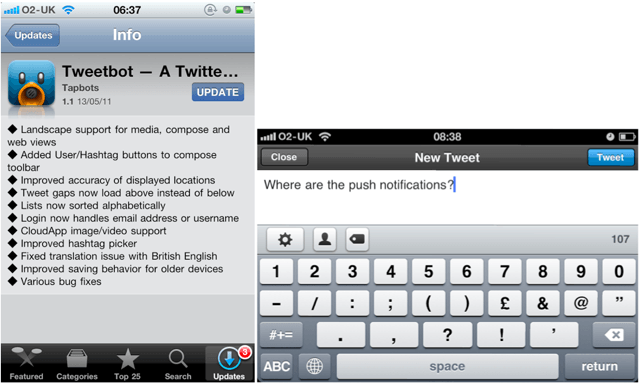
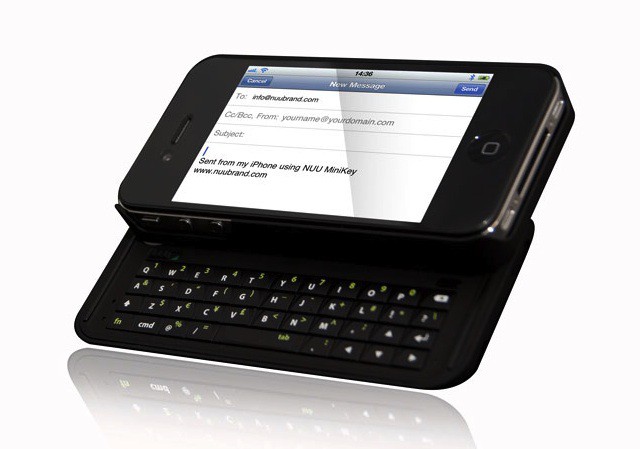
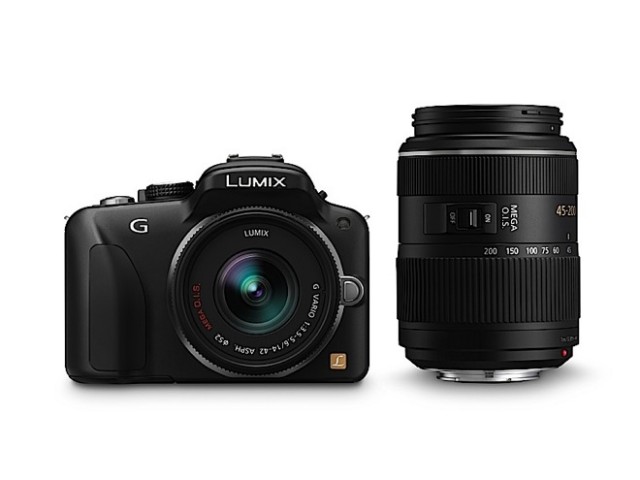
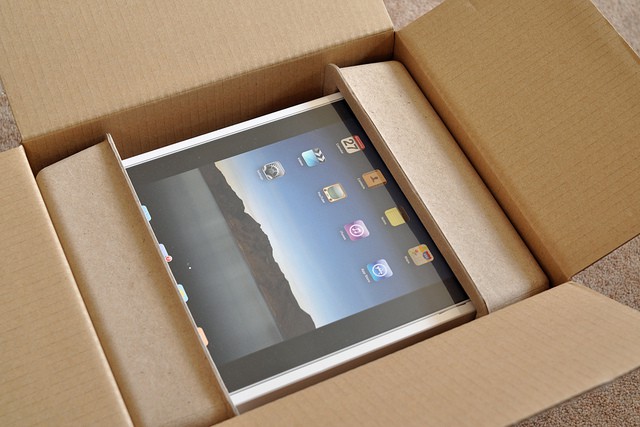
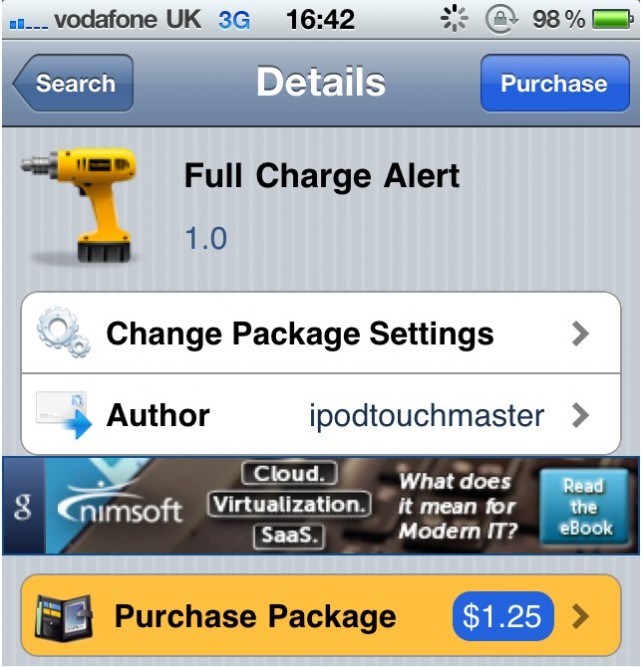
We received these cryptic press releases from two fairly well-known developers today, and we just thought we’d share them with you — especially since one of them was marked confidential and requested we not reveal anything till Monday; as if! We’re revealing it NOW! (Yes, we’re horribly easy to manipulate).
Reporting Suspicious Activity? There’s a Homeland Security app for that
Concerned citizens in Kentucky can report “suspicious activity” to their state branch of Homeland Security through an iPhone app.
Called Eyes and Ears of Kentucky, the app is offered gratis on iTunes. The handiwork of developers NICUSA, it has been in the store since March 7. So far, it has not received enough reviews to reach an average rating. Through the app, you can report a suspicious incident or activity along with details about the alleged subjects and their vehicles.
Recreate The Game Boy Camera With 8-Bit Pocket Camera App [Photography]
Those of you of a certain age might remember the Game Boy Camera, an ingenious add-on for the original Nintendo Game Boy that snapped tiny 128×112 pictures.
It was briefly one of the most exciting ideas in handheld consoles – suddenly the Game Boy wasn’t just for games, it was for other fun stuff too!
Better still, if you had the money to spare, you could buy a Game Boy Printer and print out your pixellated works of art to give to friends.
All that’s ancient history, which is precisely what makes it the ideal starting point for an iOS app.
It’s called 8 Bit Pocket Camera, and it’s lots of fun and, at just a dollar, excellent value.
Woman Dies in iPhone Theft
A thief fleeing with an iPhone pushed a woman to her death down a flight of metro stairs in Chicago.
At rush hour on Monday, a man snatched an iPhone from a woman who was using it at Fullerton station platform in the Lincoln Park neighborhood.
As he ran off, the man knocked over Sally Katona-King, 68, on her way home from her church receptionist’s job.
Katona-King died yesterday after tumbling down the station stairs. Hospital officials believe that she suffered a cerebral hemorrhage.
“It’s a worldwide problem where iPhones are being taken, resold to fences, which are then resold for a higher price,” detective Cmdr. Gary Yamashiroya said. “It’s something that police departments across the country are trying to find solutions to.”
Police have not located the perp, though they hope video surveillance footage will help lead them to him.
These Are Not Your Father’s Valpak Coupons
Daily coupon upstarts like Groupon and Living Social have become so massively popular that it’s gotta be increasingly difficult for older and more fogey-ish coupon flingers like Valpak to keep up.
So what Valpak has done is team up with the Junaio augmented reality app to provide an AR channel for Valpak deals in the area. Which is cool, because since Junaio is location based, rather than flip through Valpak’s iPhone app (yeah, they have an iPhone app now too) any potential coupon would just pop up on the screen when standing right outside the store.
Unfortunately, Valpak still seems to have retained its stodgy image; a pity, because the deals are actually pretty good. The Junaio channel’s a start though.
Digifit Churns Out New Bike Hardware, App And Connectivity Improvements
The folks at Digifit seem to have been working feverishly on evolving their iPhone-linked fitness-monitoring system since the last time we covered them, a few months ago.
In fact, the system seems to be evolving very closely along the lines of Wahoo’s Fisica system — so closely that their new $50 Digifit Connect 2 dongle (that’s it pictured below) looks the spitting image of Wahoo’s version. No surprise then that the $15 Digifit app is now also compatible with the Wahoo dongle. In addition, there’s a new $120, water-resistant, iPhone 3/4-compatible Digifit Connect Case for mounting on bicycle handlebars.
Instacast Closes One of iPhone’s Most Glaring Gaps [Review]
Way back in the early days of the App Store, an early hot property in the store was Podcaster, a simple utility that allowed users to browse, subscribe to, and download podcasts to the iPhone. It was very useful, both for finding new things to listen to on the go, but also for eliminating one of the key reasons for unnecessary and redundant syncing to a computer.
Naturally, Apple had it removed. Then it came back as RSS Player a few months later. And got stripped out again, in both cases for providing redundant functionality, an absurd claim, as Apple’s built-in iTunes app is only capable of searching for podcasts — subscriptions aren’t allowed. Fortunately, Apple has finallycome to its senses and now allows podcasting apps to be installed on non-jailbroken phones again, including the original Podcaster. Better still, the choices have multiplied, which brings us to the stellar subject of this review, Instacast.
This $1.99 app (a price I happily paid), approaches phone-based podcast management exactly the way I would like it. Its sole focus is on subscriptions rather than individual files. It uses a simple search mechanism that was able to track down every podcast I wanted to track. It also offers recommendations for popular series. You can also subscribe to any podcast you currently have loaded onto your iPhone. Rather than downloading these podcasts immediately (a potential nightmare), Instacast snags episode descriptions including links to either download or stream any given podcast. Piece of cake.
But the simple power of the app only becomes clearer with longer term use as you build out your library. It implements the increasingly-standard swipe down to refresh gesture first seen in Tweetie. This pulls down descriptions for any newly released episodes within your existing subscriptions and adds them to the existing queue. I have only synced my iPhone once since I downloaded Instacast, and that was to install iOS 4.3.1. I’m actually strongly considering deleting my podcast subscriptions from iTunes.
Now, the app isn’t perfect. Though the UI is fairly intuitive (usually through borrowing conventions of Twitter/Tweetie and Reeder) it has a few oddities, including an easy-to-miss play button, no on-screen volume controls, and no obvious way to delete a downloaded episode (you have to mark it as read). I assume such issues will be resolved in the near future, and the positives definitely outweigh the disadvantages.
In short, Instacast fixes part of a problem of both the iPhone and iPad: much as Apple has defined a new class of mobile computers that doesn’t rely on a desktop or laptop for full functionality, the company has also pushed administration of such devices onto desktop and laptop devices. It’s impossible to boot up an iPad for the first time without syncing it to a computer, and neither machine can install its own software updates without a tether. While this attitude is understandable for firmware and OS updates, it makes no sense for podcasts and other kinds of content. The longer I use Instacast, the more it feels like I’m finally cutting the cable.
Cult of Mac rated: [xrr rating=8/10]
iOS 4.3.1 Already Jailbroken Thanks to PwnageTool (Tethered)
iOS 4.3.1 was only released a couple of days ago, but thanks to one hacker, it’s already possible to jailbreak the software with PwnageTool 4.2. Before you jump into this, however, there are some things you need to know…
This is a tethered jailbreak, so you’ll have to hook your device up to your computer every time you need to reboot – this could pose a problem if your device crashes while you’re out and about and away from your computer. At the moment, this jailbreak is still in its early stages and not considered a stable release – it’s best not to perform this on your primary device.
With that said, if you’d still like to perform the jailbreak, you’ll need the following things:
- PwnageTool 4.2
- iOS 4.3.1 firmware
- iTunes 10.2.1
- Mac OS X
- PwnageTool bundle for iOS 4.3.1
- Universal Ramdisk Fixer
- tetheredboot utility
You can then follow the step-by-step guide over at Redmond Pie to have your way with your device. Good luck!
iOS 5 to Preview at WWDC, Delayed Until Fall, to Bring Major Revamp?
According to two “solid sources” for TechCruch, Apple’s forthcoming iOS 5 software may bring with it a major revamp of the operating system built around the cloud, but we’ll have to wait for a fall release to enjoy its new features.
A fall release would break the pattern of previous iOS releases, which have typically been unveiled in early spring and released alongside a new iPhone in the summer. However, it’s believed iOS 5 may come with a third-generation iPad rumored to launch later this year.
The TechCrunch sources say that:
- iOS 5 will launch in the fall and will be a major revamp of the OS.
- It could well be previewed at WWDC, it just won’t be released then.
- The iOS 5 launch is also likely to coincide with the release of the iPad 3.
- The new iOS will be heavily built around the cloud, and we could see several new services launch from Apple that take advantage of this.
- Yes, one of those is very likely a “music locker” service. There is also a fall launch aim for this, during Apple’s annual music-themed event.
- But much of the cloud stuff will first be talked about at WWDC, Apple’s developer event which will take place in June.
- One of the new cloud service elements is likely a location service that focuses on finding friends and family members.
- OS X Lion is still on pace for a summer release — some of the new cloud components are likely to be baked into it as well.
Earlier reports had suggested that iOS 5 would be previewed at Apple’s iPad 2 keynote earlier this year, and when that didn’t happen, new reports then rumored that another event in April would take place to talk about iOS 5 and a revamped MobileMe. If the TechCrunch sources are correct, it seems this event won’t go ahead either.
Unfortunately, these sources didn’t provide any details on the iPhone 5, but we’re guessing the device is still on track for its unveiling at WWDC with a launch this summer. Of course, if that is the case, the device will launch with the latest version of iOS 4 and not iOS 5.
Why You’ll Use Color (Or Something Like It)
iPhone users are downloading, and VCs are throwing money at, a new iPhone app called Color.
Don’t get it? You’re not alone.
What the Naysayers are Naysaying
The general reception to Color has been overwhelmingly negative — even worse than the initial reception to the Apple iPad.
Gizmodo quipped that Color’s main purpose is to “amuse yourself by creeping out strangers.”
All Things Digital said Color reminds them of a mock news story created by The Onion, in which investigators establish the cause of a fire by examining the “43,000 pictures taken by students at a party.”
Fortune called Color a “whimsical” “Trojan horse.”
Computerworld called it a “social network for voyeurs.”
Daring Fireball says Color is a “breathlessly overhyped piece of crap.”
The app is currently rated by users with only two stars out of five in the iTunes App Store. Compare that with, say, the 99-cent “Mr. Ninja” game app, which is getting five stars.
The two main strains of criticism center around uselessness and privacy. People aren’t understanding how to use Color, nor why they might want to. Also: The app doesn’t give you any way to know who’s seeing your pictures, and enables creepy weirdos to potentially observe others unwisely sharing private or inappropriate moments. Also: Many users I’ve talked to don’t realize that when you connect to others at a specific event, Color then gives you access not only to their photos and videos taken at the same event, but all taken by them previously elsewhere as well.
All this criticism and mockery is interesting, but largely misguided. I’ll tell you why below, but first lets understand what Color actually is.
SuperTooth Releases More Powerful Hand-Free Bluetooth Speakerphone

By now, seems to be pretty well accepted that texting while driving is even more dangerous than driving while intoxicated. SuperTooth, a French company behind a variety of Bluetooth gadgets, released a version of their hands-free Bluetooth speakerphone earlier this week at the CTIA mobile conference in Florida.
The SuperTooth HD is a more powerful version of the company’s other models, like the SuperTooth Voice, and features two speakers outputting a relatively powerful a 5 watts through a 5.4 watt amplifier (which SuperTooth says is three times as powerful as any other speakerphone out there). Pair that with dual mics, and you’ve got what sounds like a fairly formidable hands-free package.
The HD also has the same voice-control and text-to-speech features as some of the company’s earlier offerings, like answering calls, retrieving voicemail and composing Facebook, Twitter, e-mail and text messages. The SuperTooth HD will be available next month for $129.
Fearing Verizon iPhone, AT&T Sends iPhone Users Magazine On Why AT&T is Best for iPhone
In what appears to be an effort to persuade users to not switch over to Verizon, AT&T is sending out marketing materials elaborating why their network is the perfect match for your beautiful iPhone.. Have the recent estimates that Verizon has snagged 10% of the US iPhone market-share after only a few months gotten AT&T a little bit worried that a lot of users will switch networks once the iPhone 5 comes out? Coupled with their recent gift of 1,000 free rollover minutes to customers, maybe AT&T is finally trying to put forth some legitimate efforts to satisfy their customers after years of complaints. I’ve been an AT&T subscriber since June 29th, 2007 (the day the first iPhone was released). Never once has AT&T decided to send me their seasonal magazine title “AT&T Magazine.” Yet for some reason I was greeted by their 12-page mag when I received my mail today.
The reasons AT&T says you should stay with their network are as follows:
Why the FCC May Block AT&T-Mobile
AT&T’s proposed $39 billion acquisition of T-Mobile would result in new efficiencies and economies of scale. It would enable the provisioning of more and better services at lower cost than the two companies could achieve separately.
And that’s exactly why the Obama administration may block it.
Apple Just Got Served! Check Out This Awesome Dancing Android
Like one of the commenters says, “What other phone platform has a mascot THIS cool????”
Clever Kickstarter Case Seeks Backers – Will You Buy One?
Joey Chun had an idea, and the idea was this: a cute iPhone stand with a sturdy fold-out arm, so you can use it as a viewing stand, or to keep your device still while recording video and taking photos.
Make Your Own Personal Timelapse Video With Everyday
This is gorgeous. Everyday is a $2 app that reminds you, once a day, to take a photo of yourself. Then it combines all the photos you’ve taken into a timelapse movie of your changing features.
Apple Is Working On NFC-Enabled iPhone, New York Times Confirms
I’m not sure this is news to anyone, but Apple is working on an iPhone with a Near Field Communications chip, the New York Times has confirmed.
Whether the prototype iPhone is the next iPhone, the NYT’s source couldn’t say.
This all sounds a lot like our NFC iPhone story last week, wherein our source said Apple is working on several NFC-equipped prototypes. Of course, an NFC iPhone has been rumored for some time.
What the Times brings to the story is not one, but two sources:
According to two people with knowledge of the inner workings of a coming iteration of the Apple iPhone — although not necessarily the next one — a chip made by Qualcomm for the phone’s processor will also include near-field communication technology, known as N.F.C. This technology enables short-range wireless communications between the phone and an N.F.C reader, and can be used to make mobile payments. It is unclear which version of an iPhone this technology would be built into.
New York Times: The Technology Behind Making Mobile Payments a Reality
5 Killer Ideas Apple Should Steal From Microsoft
Steve Jobs famously once quoted Picasso as saying: “Good artists copy; great artists steal.” And by that metric, Apple is a lousy artist.
Apple is stolen from by just about everybody. Microsoft and other companies steal design and interface ideas from Apple’s OS X. Cell phone handset makers steal Apple’s iPhone design elements. The new tablet market is essentially Apple’s iPad plus the tablets that steal ideas from the iPad. Everybody has stolen Apple’s approach to app stores.
There’s a difference between stealing ideas and stealing intellectual property. Stealing winning general approaches to doing things like multi-touch gestures on a tablet device is good. Stealing the code to do that is bad.
Microsoft has long been accused of stealing Apple ideas in the many designs of Windows that have occurred over the years. Windows has tended to be more challenging to use than OS X over the years, and Windows products tend to be less elegant. Because of all this, Apple fans often dismiss Microsoft as a company without innovation.
In fact, the opposite is true. Microsoft’s research wing is an under-appreciated engine of invention, in my opinion. And while Microsoft fails to productize some of its best inventions, it’s also occasionally successful at implementing new ideas in real products.
I’ll go further. Apple and its customers would benefit enormously if Apple were to steal the following five key ideas from Microsoft.
Battery Complaints Mount After iOS 4.3 Update
Since Apple introduced iOS 4.3 last week, I’ve found a number of complaints about battery issues with the firmware update. I’ve even experienced these problems personally and I know many of you have too.
The update has caused issues with the battery life on my iPhone 4 and my iPad 2 is getting considerably less time out of its battery than my old iPad running iOS 4.2.1, so if you haven’t upgraded to iOS 4.3 you may want to wait until this issue is resolved.
According to users on Apple Discussions under the topics iPhone 4 – ios 4.3 – Battery Drain and iOS 4.3 causing battery drain, the iPhone’s battery life is severely shortened by the latest iOS update. As a result some users are also complaining that battery life is lasting 2 to 4 hours less than before the update was applied.
How the iPhone, NFC and Mac App Store Will Enable Remote Computing [Exclusive]
With all the rumors about NFC being in the next iPhone — or not in the next iPhone — we have a few more details about Apple’s remote computing plans that revolve around the technology.
According to a source close to the company, Apple is busy testing several prototype iPhones with near field communications (NFC). Unfortunately, the source has no knowledge of when Apple will actually introduce the technology in the iPhone. It could be the next model, due this summer, or next year’s, they said.
However, Apple is working out the kinks in an ambitious remote computing system — and a key component utilizes the recently launched Mac App Store.
As we previously reported, Apple is working on a system that allows users to log into another computer using an NFC-equipped iPhone. The iPhone pairs with the host machine, and loads the user’s files and settings over the net. It’s as though the user is sitting at their own machine at home.
Photoshop Express 2.0 Introduces New Camera Pack In-App Purchase
Adobe’s Photoshop Express application for iOS has been recently updated to version 2.0, and introduces a brand new camera pack available through an in-app purchase. The camera pack costs $3.99, and for that you get three great features that promise to deliver professional results and better photos, including noise reduction, a self timer, and an auto review mode.
Find out more about these features after the break!
Make Your Own Bleepy Electronica With Kraftwerk App
Rarely consumed with a desperate rush to issue any new music of their own, electropop pioneers Kraftwerk have come up with a better idea: get the fans to do the work for them.
So the Kraftwerk app lets you inside the Kling Klang Studio, in a manner of speaking, giving you access to some cheerfully bleep-tastic musical buttons in exchange for nine of your fine American dollars.
Given that the App Store is awash with sequencers, loopers, samplers and other electronic music apps, many of which offer quite a lot more in terms of functionality, this one might be left to the fans only. But for those who value the looking-cool as much as the making-sounds, perhaps it’ll be nine bucks well spent.
AT&T Doles Out 1,000 Rollover Minutes To Beggars
I don’t know about the rest of you, but I didn’t get the initial text from AT&T offering me 1,000 free Rollover minutes. I had to beg for mine by sending a simple text containing the word “yes ” to a number (11113020) that people shared with me.
I’d heard that AT&T was sending out texts or notices (not sure which) that some of the people asking for these minutes would not be getting theirs, but today beggar or not I got mine as you can see from the screen shot above.
Thank you AT&T!
So what about you? Did the AT&T overlords grant you 1,000 free Rollover minutes?
5 iPhone Apps for Surviving a Natural Disaster
The disastrous quakes and tsunamis in Japan remind us that natural disasters can strike anyone at any time without warning. (Actually, the Japanese had some warning, thanks to their billion-dollar earthquake warning system.) Japan’s crisis also reminds us that the first two things to go in many emergencies is electrical power and telephone service.
That’s why the iPhone can save your life. When the power goes out, the iPhone still has great battery life. When the telephone system is taken offline, it’s still got an Internet connection. But mostly, the iPhone has some incredibly useful emergency apps.
By downloading just 5 iPhone apps, you can prepare for any natural disaster.
Want Better iPhone Reception? Ask For A Glass
OK, this is a little WTF, and I haven’t yet been able to verify it myself (because reception’s pretty good where I live), but: Boris Veldhuijzen van Zante over the The Next Web says he’s discovered a trick to improve iPhone 4 reception: stick it in a glass.