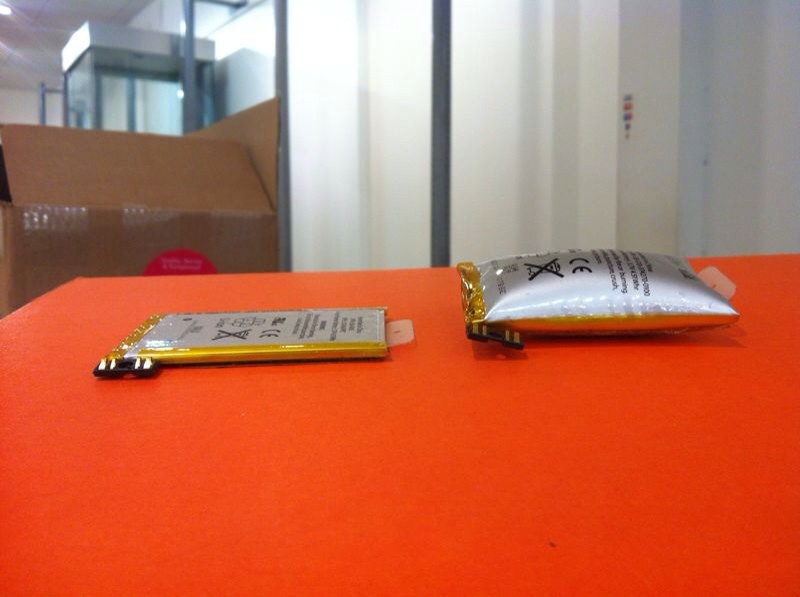
See those two batteries in the image above? They were both taken from Apple’s iPhone 3GS. The one on the right ballooned within the device, causing it to literally burst at the seams, breaking the device’s plastic shell, pulling apart its metal bezel, and even popping its screws. Could this happen to your iPhone, too?
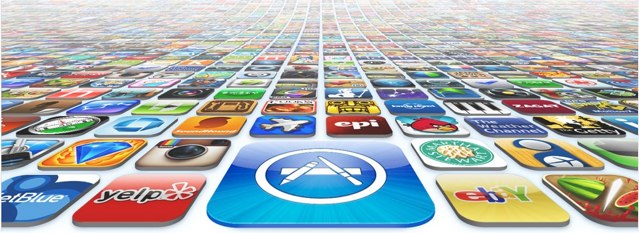
Apple issued a press release this morning to confirm that more than 25 billion apps have now been downloaded from its “revolutionary” App Store by more than 315 million iPhones, iPads, and iPod touches worldwide. The company also announced the lucky winner of its $10,000 iTunes gift card.
Apple is yet to strike a deal with China Mobile over the iPhone, but that hasn’t stopped the Cupertino company from supporting China Mobile customers who want to use its latest smartphone with the carrier unofficially. Just a month after Apple confirmed that the iPhone 4S has issues with China Mobile SIM cards, it has fixed the device to eliminate signal issues.
A man bought what he thought was an iPhone in an electronics plaza in Zhengzhou. But when he found out it was fake, he grabbed a kitchen knife and went back to the plaza to find the seller.
After coming back every day for several days unsuccessfully finding the seller, he found another group of counterfeit iPhone sellers, got into an argument and ending up stabbing one of them to death.
Is Apple getting into the car business? No, Apple isn’t building a car. But it makes perfect sense that Apple would be working on an in-dash system.
The car blog Jalopnik said this week that a Chinese head-hunting firm is apparently helping Apple hire someone expert in the manufacturing of car parts. The recruiter apparently placed the position in the automotive section of LinkedIn. The listing said:
“Apple(China) Looking for SQE/NPI with over 4 years Mechanical engineering background familiar with CNC/die casting/stamping/plastic injection, can use APQP/ PPAP/SPC to control product quality.”
PatentlyApple.com has reported over the years multiple patents held by Apple for in-car user interfaces.
The circumstantial evidence suggests that Apple is at least thinking about getting serious about the automotive dashboard business.
And getting into the car business just makes sense for Apple. Here’s why.
Did you know Cult of Mac has a brand new podcast? No lies! We’re calling it The CultCast, and it’s the best 30 minute conversation you’ll hear about Apple all week long.
And wouldn’t you know it, we just released episode two into the wild! Join Leander Kahney, Buster Heine, and me, Erfon Elijah, as we yay and nay our way though all the iPad 3 rumors you’ve been hearing; ponder how Apple’s stock price could make it to $1000 per share; and argue about whether AT&T should be allowed to throttle those of us with unlimited iPhone data plans.
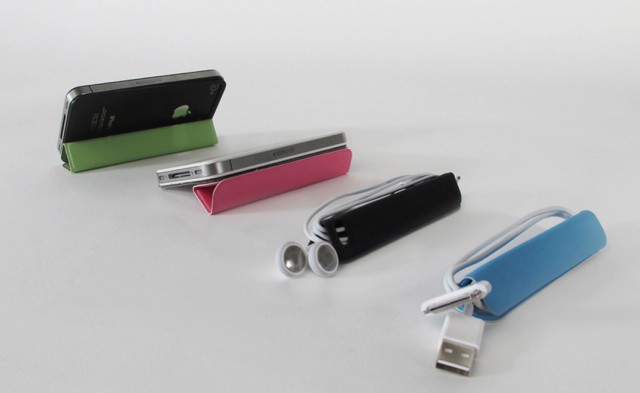
TidyTilt is a nifty earbud cord wrap, multi-position kickstand and mount for iPhone 4 and iPhone 4S that looks a lot like Apple’s iPad Smartcover.
The brainchild of Zahra Tashakorinia and Derek Tarnow, students at the IIT Institute of Design in Chicago, TidyTilt was so popular that its massive overfunding on Kickstarter turned their little project into a business.
The iPhone and iPad have been core players in the so-called consumerization of IT. This trend that is transforming whole industries is both a challenge and an opportunity for IT professionals, managers, and individuals in just about every field out there.
The first ever Consumerization of IT in the Enterprise (CITE) conference and expo as it kicks off this weekend in San Francisco. The conference is a unique opportunity to hear from IT and business leaders from every industry was well as vendors, experts, and end users that have jumped in and seized the reins of this new workplace phenomenon. On tap will be stories about innovation, case studies in successful mobile initiatives, and much more.
Germany has become quite the hotbed for patent lawsuits lately as it’s been in the spotlight for the Apple vs Motorola Mobility legal battle. As the legal war rages on, a new ruling has found that Motorola did indeed violate Apple’s EU Patent No. EP2059868 on a “portable electronic device for photo management”. The patent in question basically fixes over scrolling by bouncing the user back a bit once they’ve zoomed in too far, and even though this patent is software specific, it may have repercussions on Motorola’s hardware if they don’t come up with a fix quickly.
Apple’s stock price has soared to astronomical heights over the last 18 months. Yesterday Apple stock closed at another record high and the company become more valuable than the GDP of Poland. But how high can Apple’s stock keep climbing? Well according to Apple’s co-Founder, Steve Wozniak, Apple stock will continue to soar for quite sometime.
One of the big trends at the Mobile World Congress in Barcelona has been announcements regarding NFC. While NFC has been supported in a handful of Android phones and BlackBerry models, till now there haven’t been many real-world applications for it. With several announcements around NFC, the technology’s time may be finally be coming.
Despite rumors, Apple has never shown an interest in adopting NFC in the iPhone or iPad. Could Apple’s lack of NFC support could stick out like a sore thumb despite the fact that it managed to upstage every company at MWC with yesterday’s iPad 3 event announcement.
With baseball season nearly upon us, now is the time to download MLB’s brand new iOS app. MLB.com At Bat went live in the App Store for free this morning with some great features and better pricing options.
Instead of having to pay $30 for the separate iPhone and iPad apps like last year, MLB is offering a free, universal download with a season-long in-app subscription for $14.99, and there’s more options available.
These days, the App Store is where it’s at. And if you don’t act fast, you may miss your opportunity to learn how to build an iOS app from scratch! This deal ends tonight at Midnight PST, so make sure to check it out.
If you have a great idea for an iPhone or iPad app, the only thing that’s stopping you from getting it out there is the actual coding of the app itself. But what if you’re the “idea person” and not a coder – and you have no desire to be one? It’s a pretty extensive process, and as you’re learning how to code you could be letting valuable time slip away – not to mention the fact that someone who CAN code might beat you to the punch. And while outsourcing the coding is an option, that’s often a costly approach – and a lot of back and forth between yourself and the coder that slows the process down even more so. So…what to do?
Well, this latest offer by Cult of Mac Deals is just what you need to get your app idea from vaporware to “actualware” with absolutely no programming. Period. And for a limited time you can save 80% off the regular price to boot – as it’s only $99!
Sprint has released an app in the App Store that let’s its subscribers watch on-demand TV from the iPhone. Sprint TV lets users access the most popular cable TV networks live over 3G and WiFi. The service includes many popular channels for free, and there’s a total of 40 paid packages available.
Some people will use any excuse to go green, just like some nerds will use any excuse to wear a Darth Vader mask. So umm, why not just satisfy both parties at the same time and make a breath-powered iPhone charger that looks like it should be worn by Lord Vader or Bane? The AIRE mask is a silly looking contraption designed by Joao Paulo Lammoglia to recharge iPhones using the power of your lungs. Utilizing tiny wind turbines the AIRE mask converts your deep sighs and frenetic breaths into usable electricity to power your iDevice.
There is certainly no shortage of Photography apps in the iOS store that promise to do magical things to your snapshots. Users can turn their photos into vintage looking pictures via Instagram, transform faces into comic book art with Halftone, or do weird things with Percolator, but this latest app is a bit different from all the rest. Pxl is a new app available for iPhone and iPad that transforms pictures into cool pieces of abstract art.
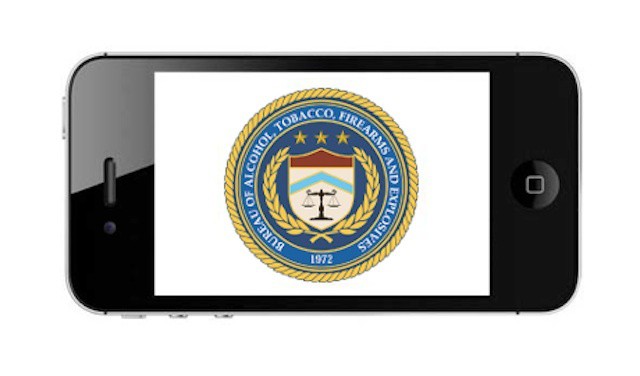
Despite RIM’s reassurances to developers at this week’s Mobile World Congress, the mass exodus of its government customers continued as another U.S. federal agency announced that it would ditch BlackBerry in favor of the iPhone. The agency in question is The Bureau of Alcohol, Tobacco, Firearms and Explosives, which announced that it will be abandoning the BlackBerry and RIM services beginning this month.
As the agency revealed its plans, RIM attempted to cast a softer light on the situation by playing up it’s overall standing with the U.S. government.
BARCELONA, MOBILE WORLD CONGRESS 2012 — Snapily is an app that lets you snap 3-D photographs with your iPad or iPhone, and then view them with 3-D specs. You can even order 3-D lenticular postcards from the app and have them sent to your home. It would be amazing: if it worked.
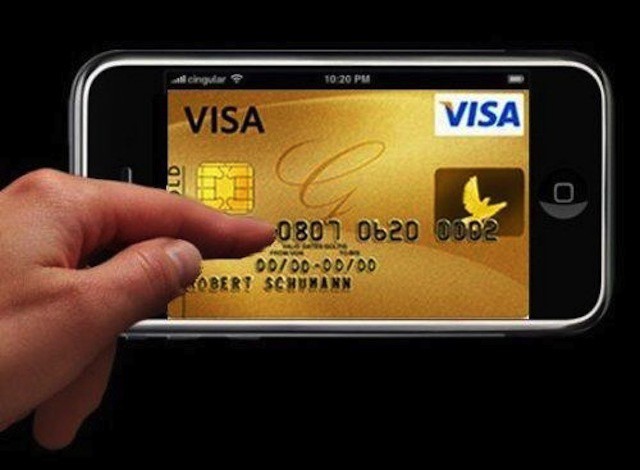
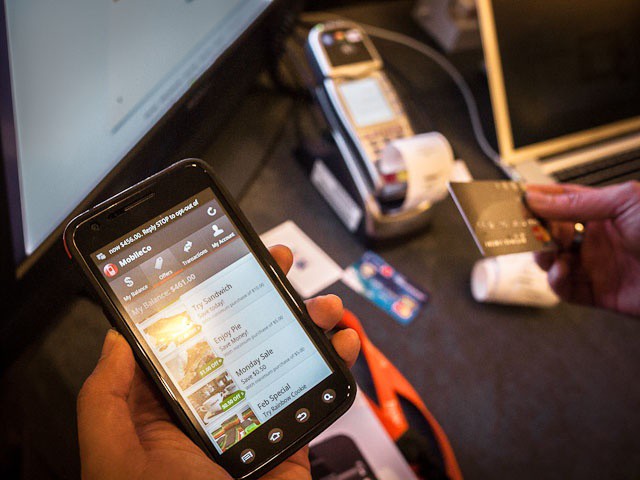
BARCELONA, MOBILE WORLD CONGRESS 2012 — What if you could swipe your credit card and then — moments later — have the transaction details appear on your phone. Better still, what if all of your payments could be organized in a beautiful app, an app which could actually make managing your money fun. This service now exists for your iPhone, and it’s called Boku.
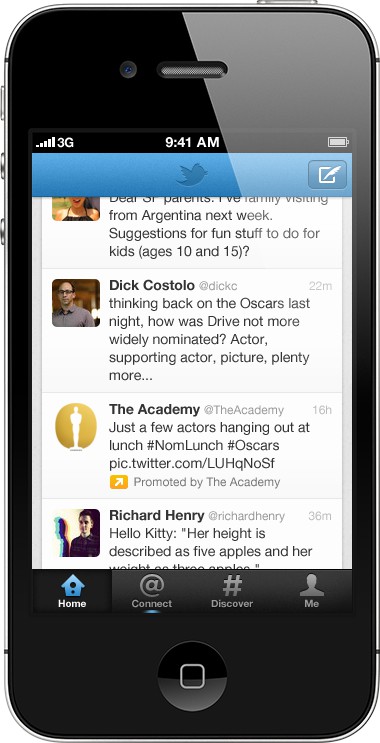
If you’re a fan of the official Twitter for iPhone app, get ready for ads. As an app that remains in the App Store’s top 10 list for social networking, Twitter for iPhone is used by millions of people. Twitter is monetizing those eyeballs with “Promoted Tweets,” “Promoted Trends,” and “Promoted Accounts.”
Starting really soon, you’ll start seeing promoted tweets from brands you follow in your timeline.
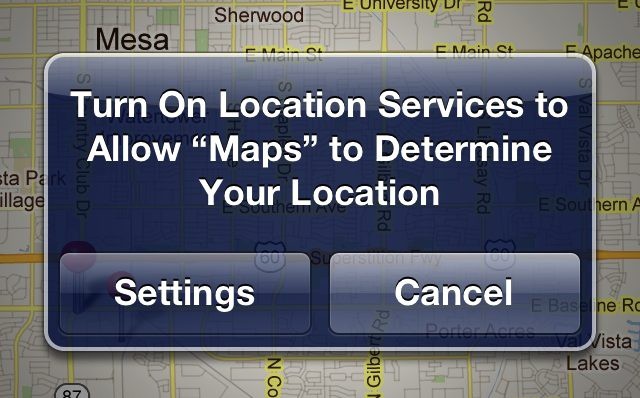
Over the last few weeks, third-party iOS developers received a lot of heavy venom from the Internet after reports surfaced that apps are accessing users’ address book information without users’ permission. It appears that the situation is worse than first thought and that apps can access more than just address books without notifying users. Photos on iOS devices are also susceptible to apps once a user has granted an app permission to their location information.
Photo snapped with an iPhone 4S from inside the DryCASE.
Determined to acquire sea legs before the America’s Cup breezes into San Francisco in 2013, I’m learning to sail. Well, learning is a big word. Mostly trying not to get smacked by the boom and checking out the porpoises.
The Bay Area is known for its challenging waters, so I figured it’d be a good place to test out DryCASE, which vacuum seals your iPhone into a waterproof pouch that you can wear as an armband or around your neck.
Oh those clever bastards at Apple are up to it again. Sitting back in their glass spaceship palace in Cupertino acting so coy as they unleashed their trickery on the world in the form of a simple invite . Right as Google’s Eric Schmidt was taking the stage at Mobile World Conference to talk about how awesome his company’s Android platform is, Apple completely distracted the entire internet by sending out invitations to their iPad 3 event.
Mere coincidence you say? Bullshit. Apple usually sends out invites exactly 7 days before the date of a keynote, but today they broke tradition and sent the invites out 8 days before the event just to screw with Google.
Do you want to rock? Well get ready to enjoy your favorite Justin Bieber tunes in crisp, clear, audio HD, because according to a new rumor, Apple is hard at work developing a new audio file format that will offer adaptive streaming to provide high- or low quality files to iCloud users based on their current bandwidth capacities. Apple’s new format could mean users will have the ability to download high-definition audio to their iOS device via iTunes Match.
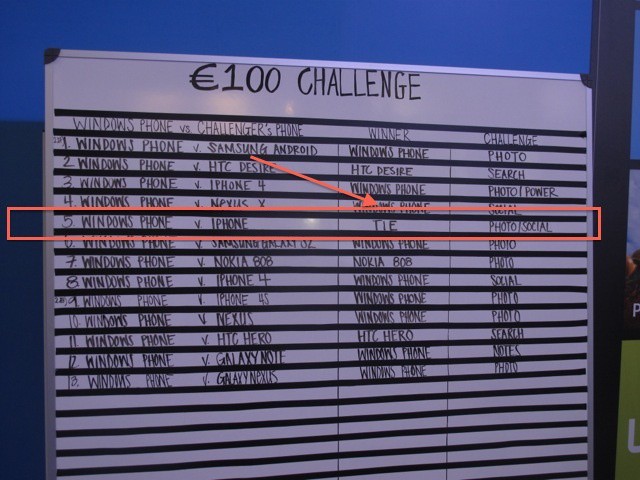
BARCELONA, MOBILE WORLD CONGRESS 2012 — Prowling the showfloor for scoops on the second day of Mobile World Congress, we happened to stop by the Windows Phone 7 booth, where we discovered that just hours before, an original first-generation iPhone beat a top-of-the-line Windows Phone in one of Microsoft’s very own challenges. Oh, delicious hubris!