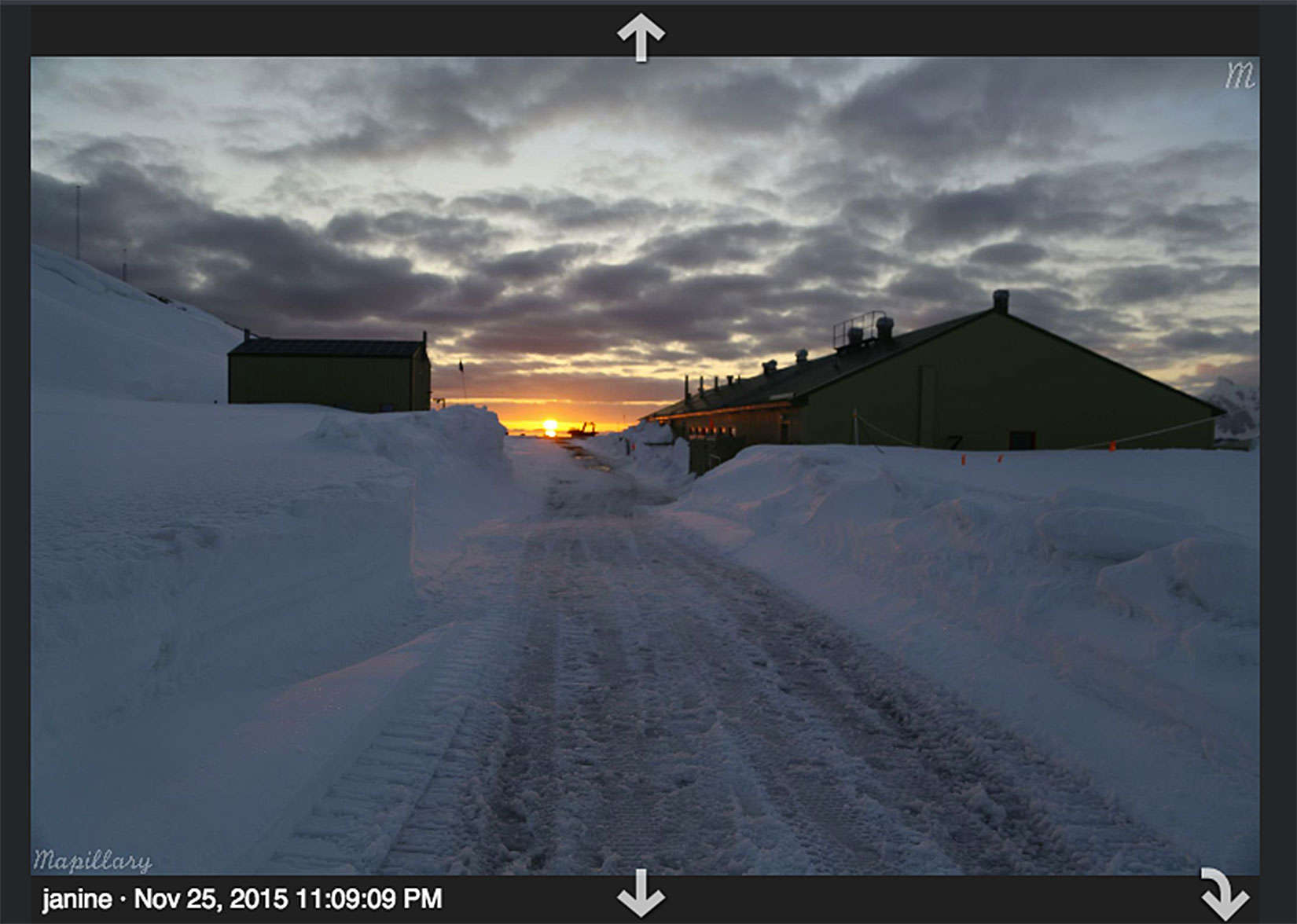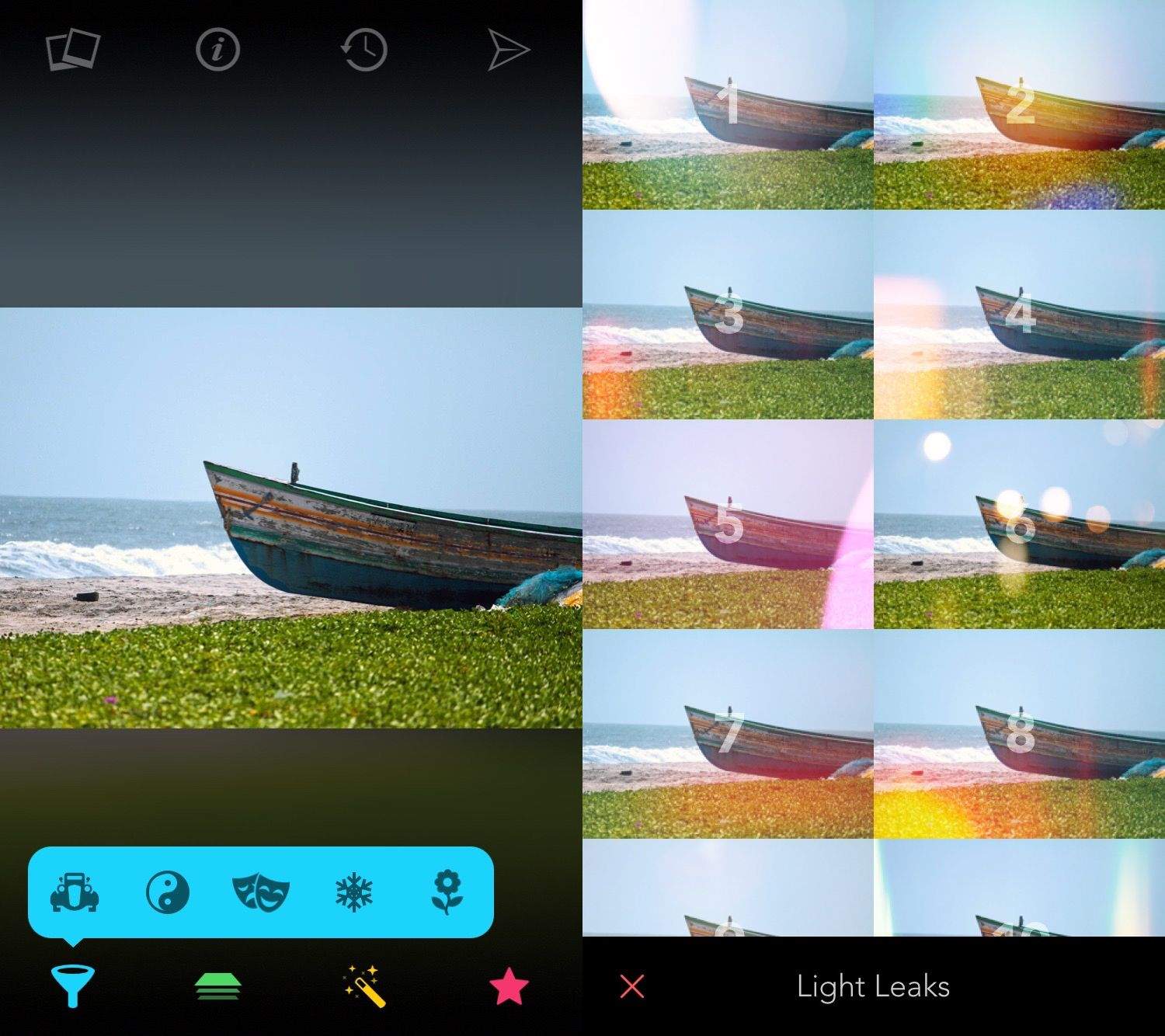
Part of a sunset sequence in the Antarctic. Photo: Mapillary
Those beautiful GoPro photos of your goofy travels on bike or skis may contain an unmapped part of the world.
In its quest to surpass Google in visual mapping, the app Mapillary earlier this month added GPS support to GoPro users who have the iOS version of the app.
No weights, classes or gym. The Freeletics app designs a workout program that uses your body weight. Photo: Freeletics
You have a gym membership, but you’ve talked yourself out of going. You paid for a personal trainer and found reasons to cancel.
Maybe fitness can be achieved through your smartphone or smartwatch, but the excuse that now grinds the revolution to a halt is too many apps from which to choose.
Freeletics, a workout app that made its U.S. debut earlier this month, wants to make this an easy choice. First, it invites you to join more than 7 million other users, a community, the company says, grows by more than 6,000 users a week.
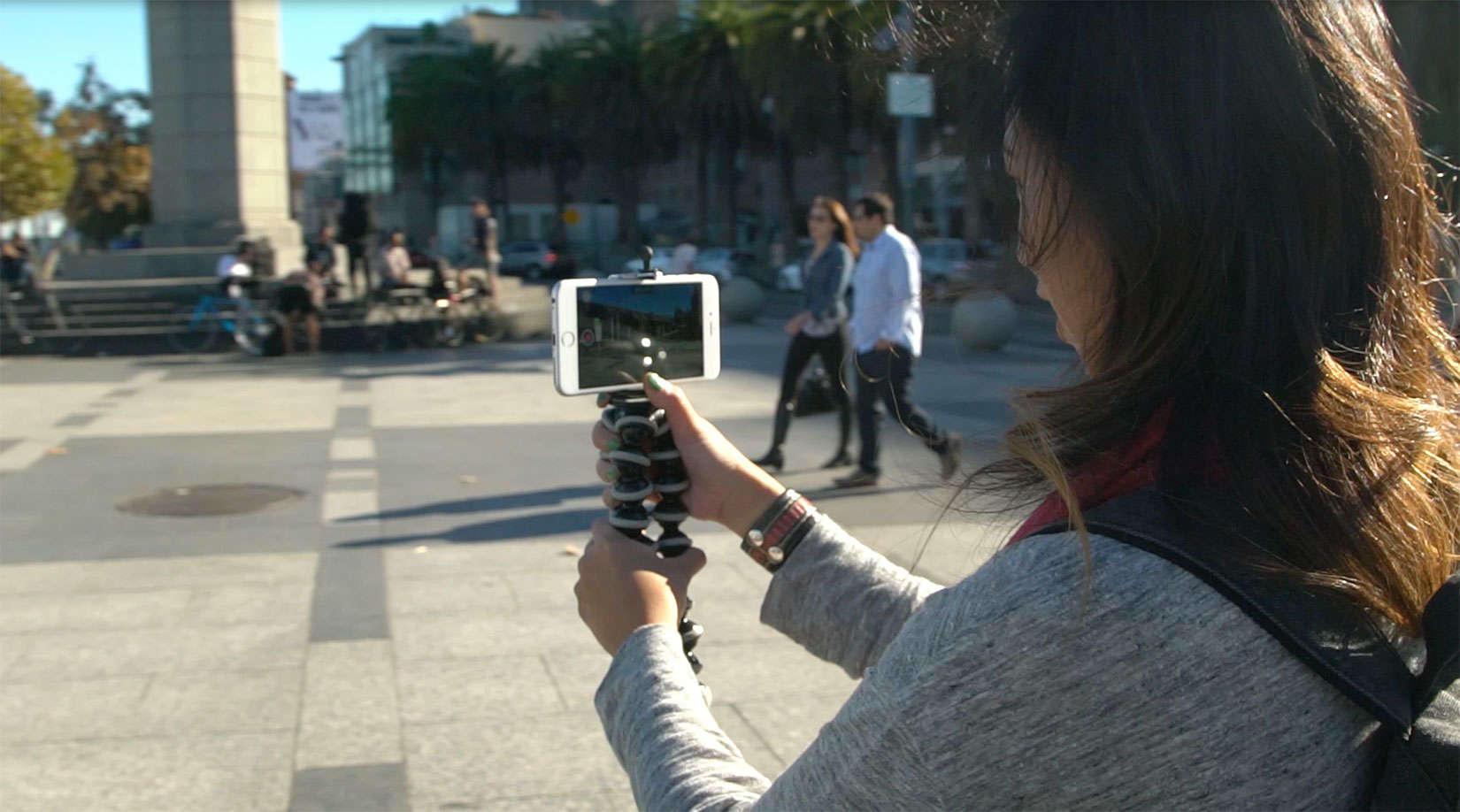
Cielo de la Paz can provide steady guidance on how to shoot video with the iPhone. Photo: Cielo de la Paz
You have so much great video footage on your iPhone, but therein lies the problem. The thought of sitting down at a computer to edit any of it seems like a mountain you have no time to climb.
Cielo de la Paz is happy to help you reach the summit – rather quickly, too. de la Paz is a fearless creator whose soulful wanderings with her iPhone camera inspired Apple to select some of her work for the “Shot on iPhone 6” advertising campaign.
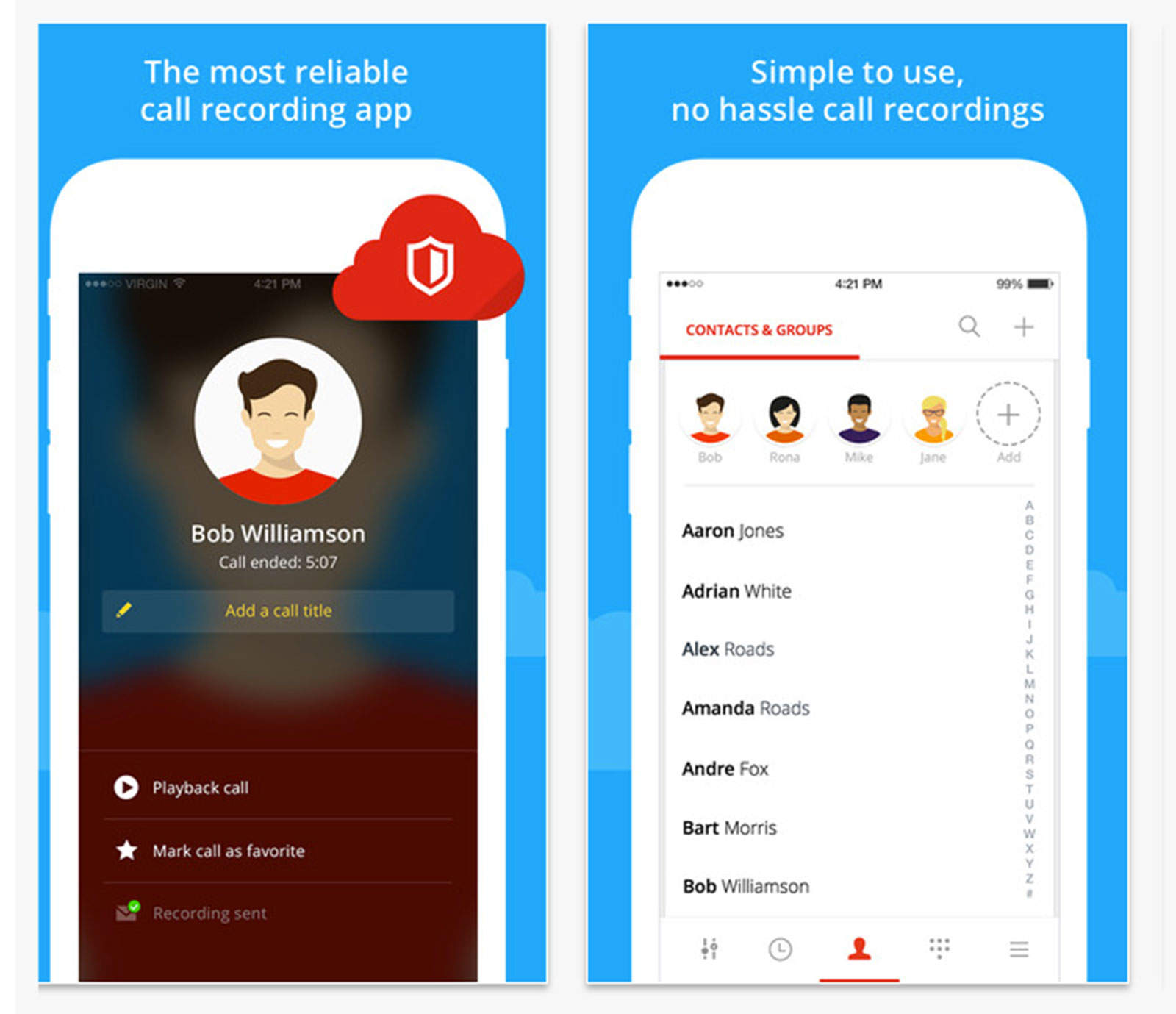
Get Yallo in on your phone conversations. Photo: Yallo
When I first became a reporter, I bought one of those little mics you could suction-cup to a telephone to record interviews. That was some gadget, except for having to tape it to the handset because the suction cup sometimes popped off.
You can still buy this kind of microphone or use your smartphone with an app called Yallo. A simple interface lets you record incoming calls, share the recorded conversation with an associate or have recordings transcribed and automatically sent to email.
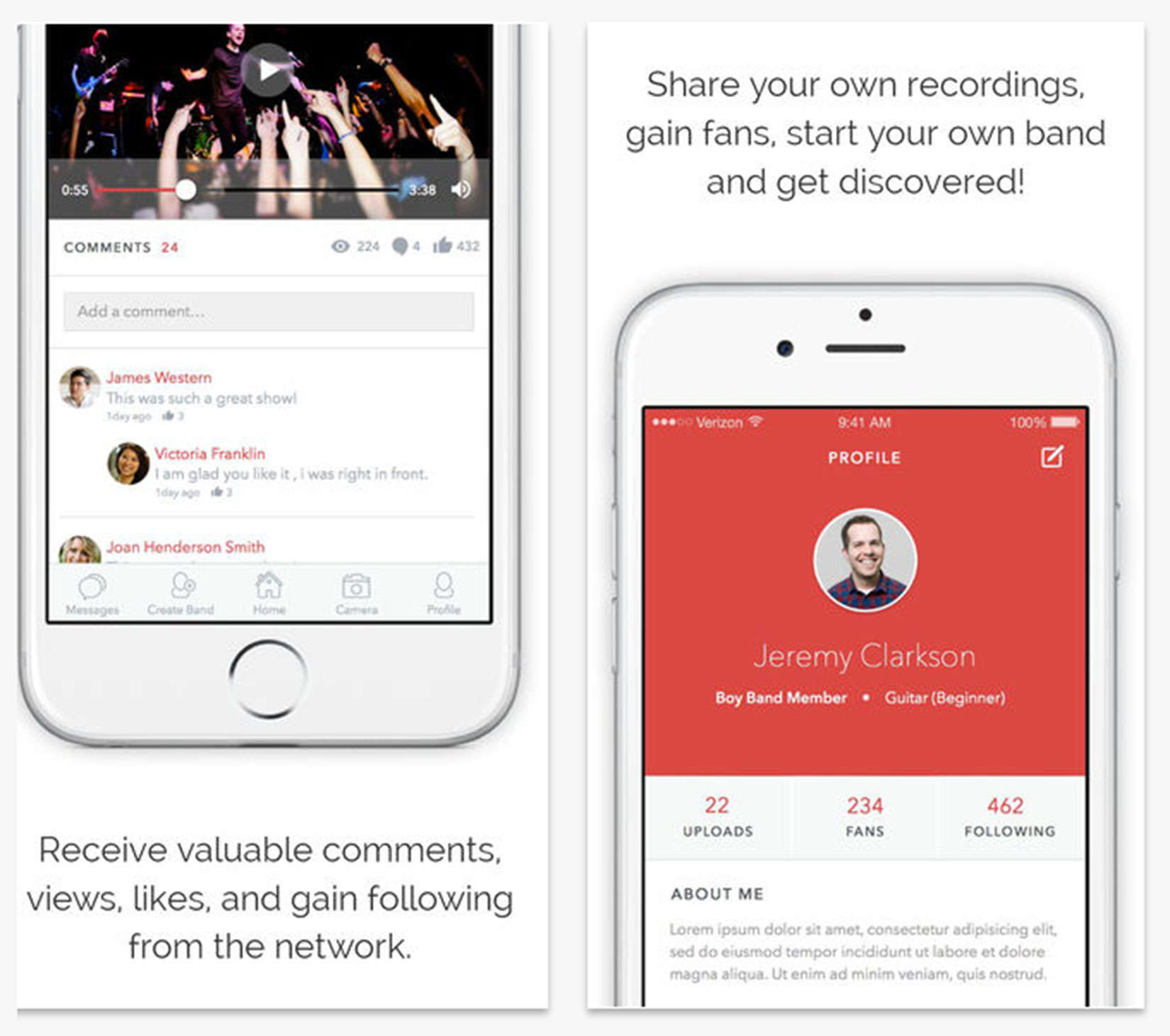
The app made by a musician for musicians may just help get you discovered. Photo: Encore Music/iTunes
Alex Gorokhovskiy is like a lot of musicians – broke and in search of compatible bandmates. But instead of investing in recording demos or outfitting his own group, he’s spending on everyone else who has ever wanted to play music and be in a band.
Gorokhovskiy created the social media app Encore Music, which is a kind of place for musicians to gather. But to call it a social media platform, understates the potential business value of the app.
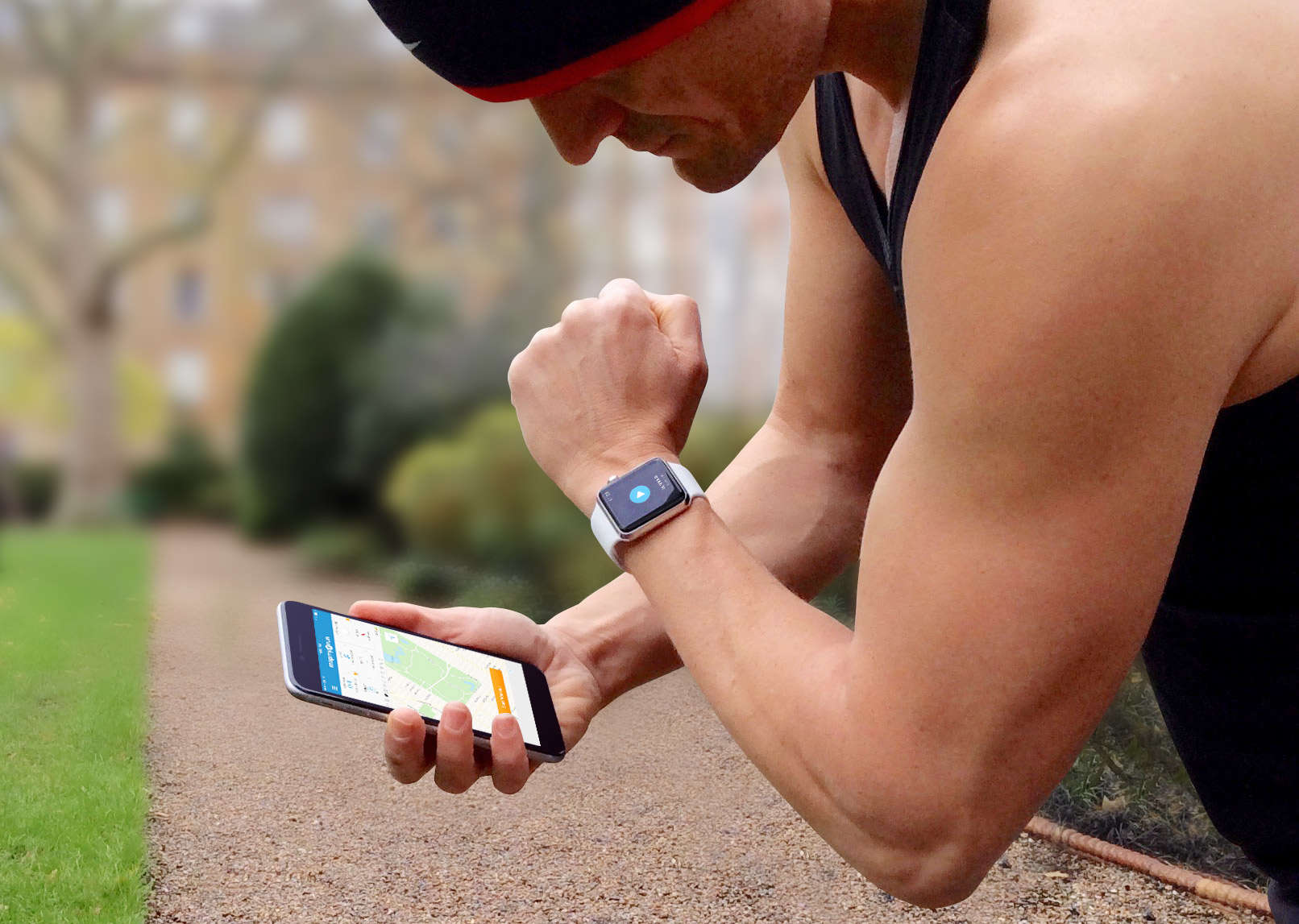
And the winner is… find out which running app offers the most features Photo: Graham Bower / Cult of Mac
There are so many iPhone apps for runners, it’s hard to decide which one to use. Should you go for a familiar brand like Nike, or a specialist like Runkeeper?
Ultimately, all running apps do pretty much the same thing: They use GPS to track how far and how fast you run. But when you take a closer look, their features and prices vary considerably. So I’ve done the leg work for you, to help you find the right running app faster.
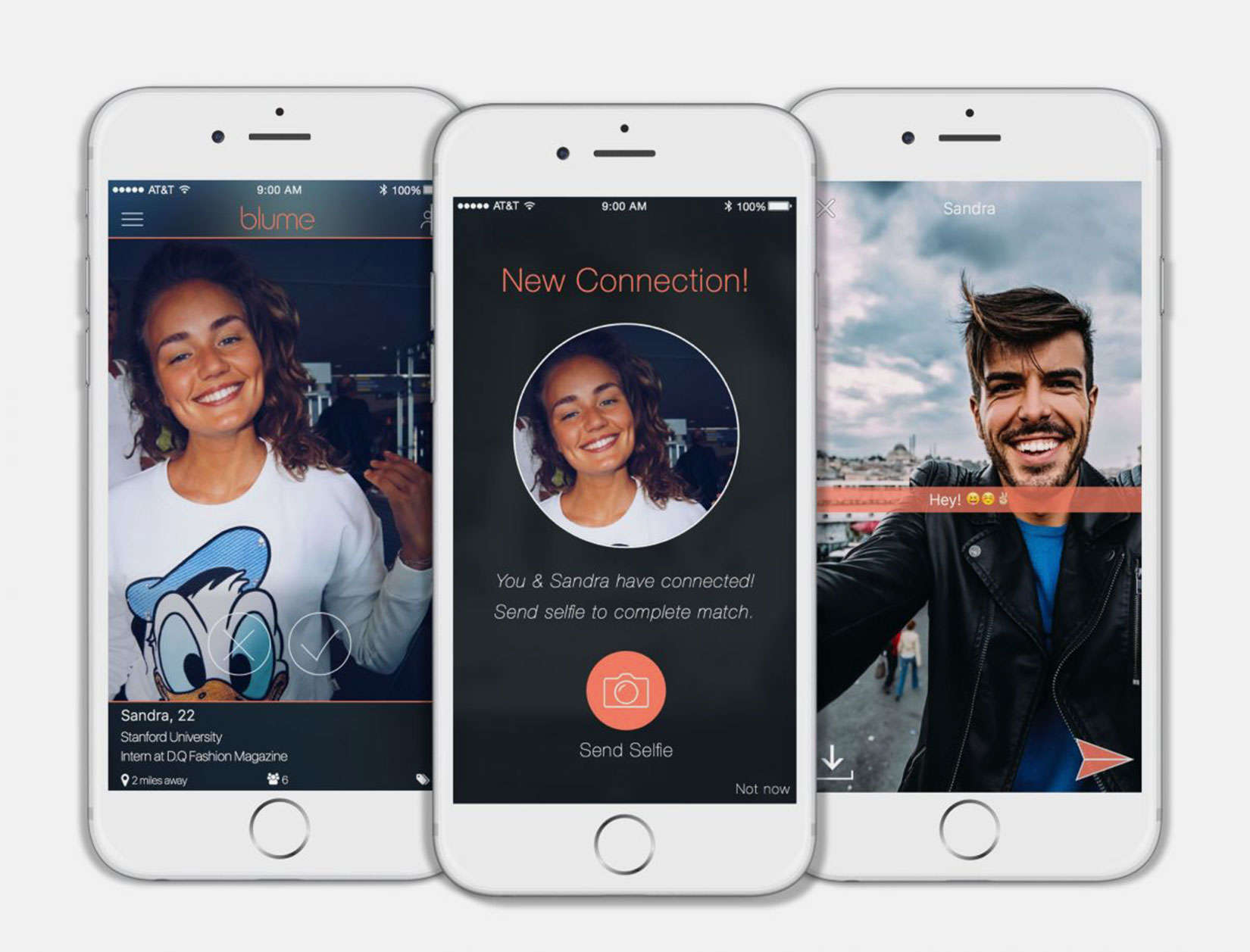
Real-time selfies are required for meeting a match on the dating app Blume. Photo: Blume
Online dating services promise plenty of fish in the sea. They just can’t stop the catfish from biting.
But the pretenders might not have the same luck with the new dating app Blume. Once a match is made, the two users must exchange selfies, using the smartphone camera in-app, before any communication can begin.
Air Pencil is an amazing app that lets you recording light paintings in the air. Photo: AdTile
Light paintings are a fun technique, dating back to the 19th century and used by luminaries such as Pablo Picasso, Mark Rothko and Andy Warhol. By waving a light source, like a flashlight, in front of a camera set for a long exposure, you can seemingly create static paintings of light in mid air.
Your iPhone is both a camera and a flashlight, but you usually need two of them to make a light painting. Now a new web app called Air Pencil is set to change that, allowing you to create incredible three-dimensional light paintings, no external camera required.
SOMA Messenger is gaining popularity around the world for free and secure communication. Photo: Instanza Inc.
Harvard classmates Lei Guo and Oliver Hayen created what could have been just another messaging app. They knew they had something unique, as every app development team claims, so they put it in the hands of 2,000 people and hit launch.
Within 30 days, their app SOMA Messenger had 10 million users and has been growing since. They’d love to brag about who is using it, except they can’t because of security measures built into the app that prevents even them from knowing SOMA’s users.
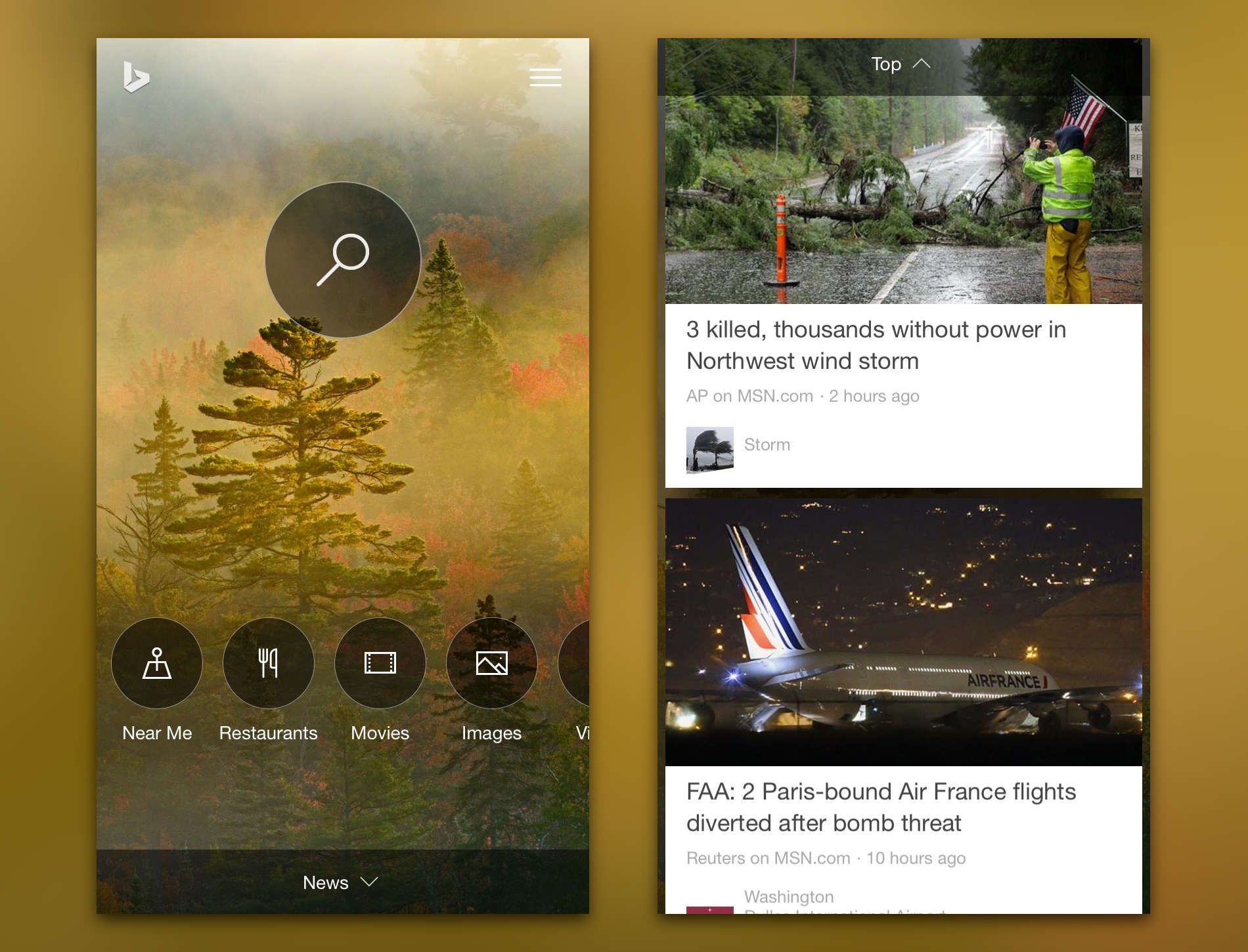
Bing's new app is both pretty and powerful. Photo: Microsoft
Microsoft released a completely revamped Bing app for iPhone today with a redesigned home page and a much larger emphasis on instant answers to search queries. Finding what you’re looking for now takes much less time. It’s possible that this release is a stepping stone to the iOS debut of Cortana, Microsoft’s answer to Google Now.
Amtrak routes are now available in Apple Maps. Screengrab: Evan Killham/Cult of Mac
The next stage of Apple Maps’ Transit roll-out is live today. The latest update includes public transportation in Boston and, more interestingly, select Amtrak train routes in the northeastern U.S.
OK, well it’s all pretty interesting. But, you know. Trains.
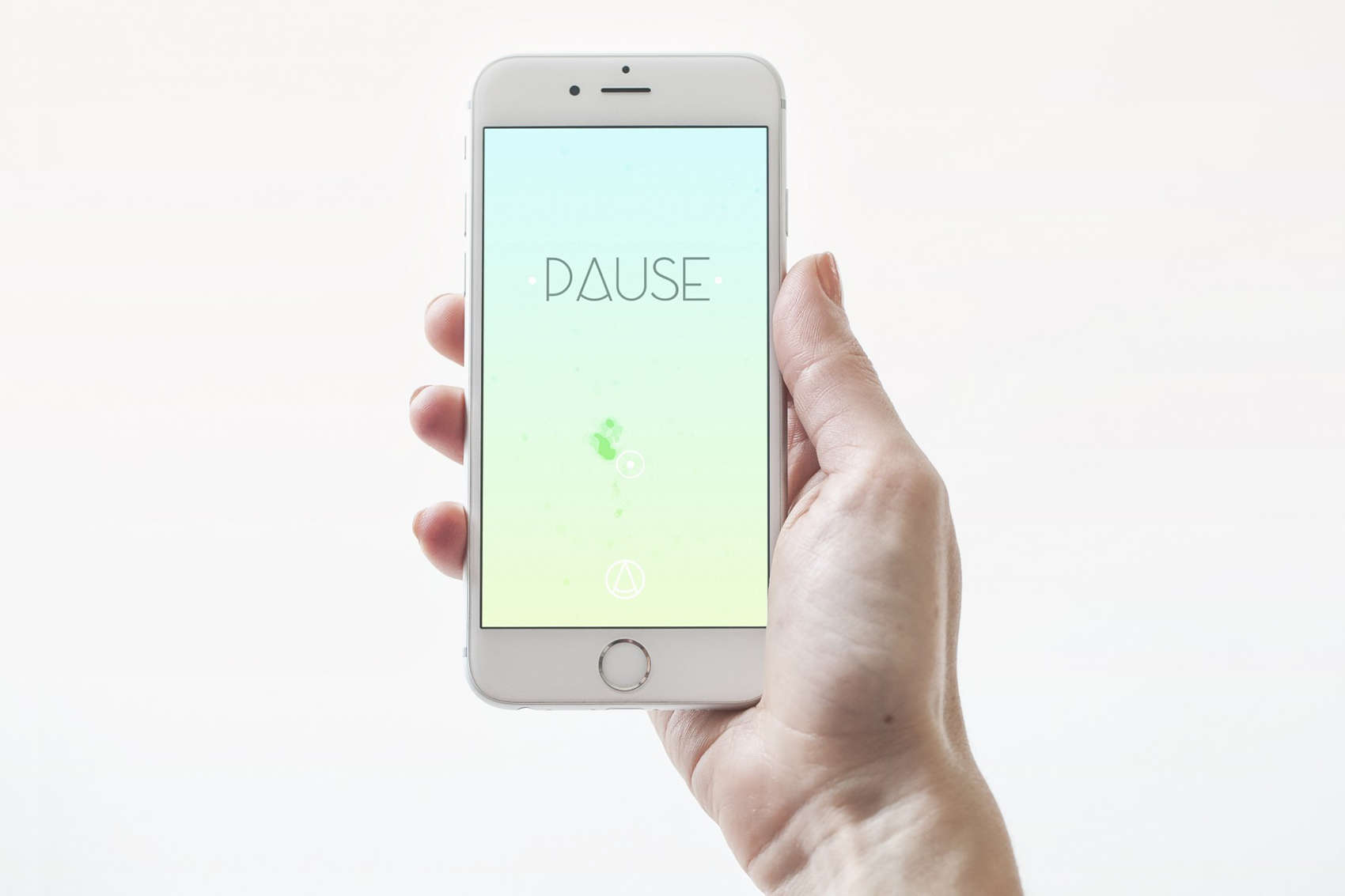
PAUSE is a guided meditation app that aims to get you to relax and refocus. Photo: UsTwo
Stress is making our heads a scattered mess and among some of the many suggested remedies is forcing ourselves to unplug from our devices. But one idea actually assigns meditative properties to our iPhones.
A new app simply called Pause use interactive graphics and soothing sounds to concentrate the mind on the present with the goal of providing relaxation and renewed focus. The app invites the user to place a finger on a slowly pulsating splotch of color and follow it as it moves slowly on screen, rewarding you with pleasant sounds, like chirping birds.
The app that Chipgate made famous is returning to the App Store after a brief hiatus.
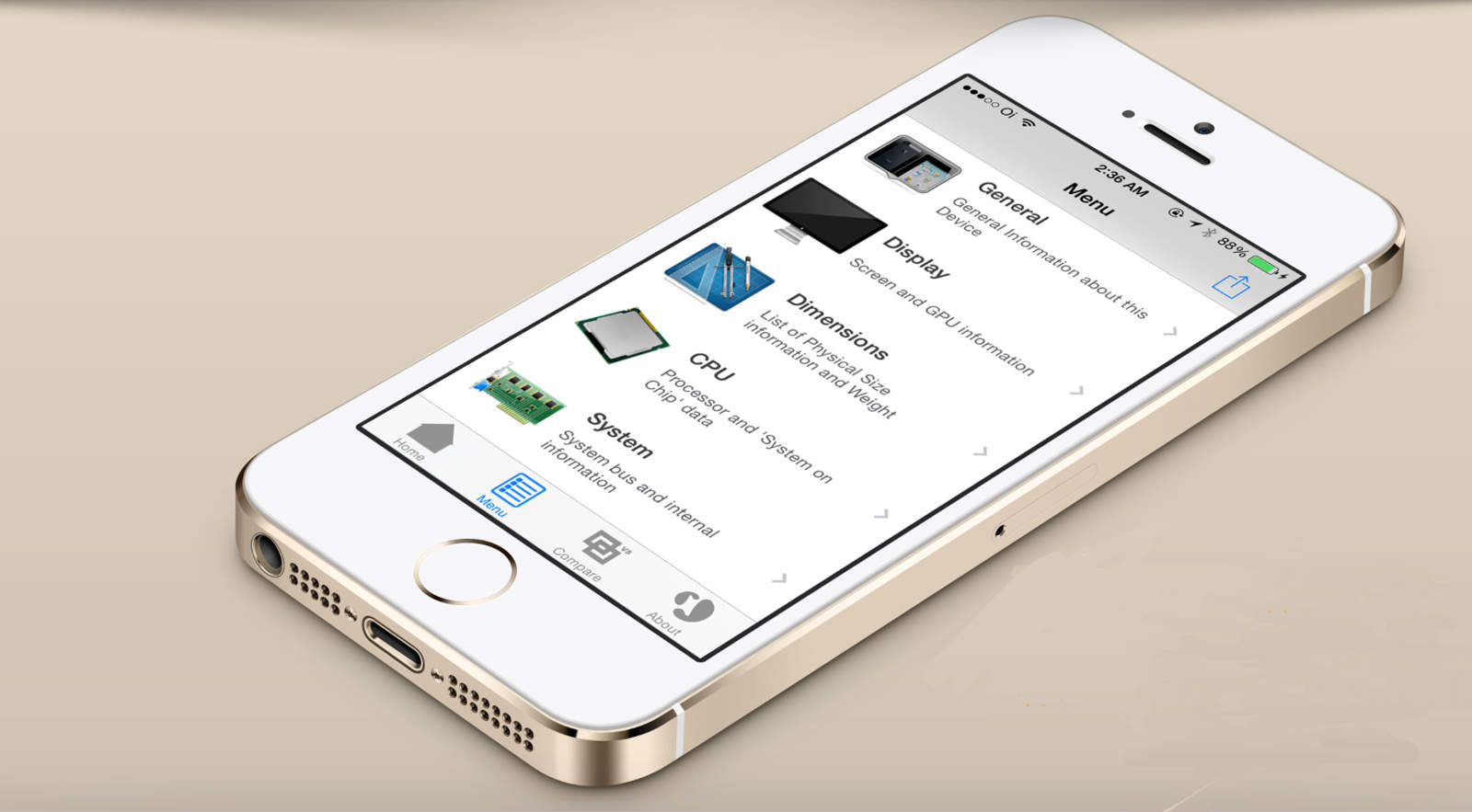
Developer Lirum Labs has told Cult of Mac that its diagnostic tool, that can tell people which A9 processor their iPhone 6s contains, is back by popular demand.
If you’ve braved a line (or just waited impatiently for your mail or a delivery from your local courier) and finally have your hands on an iPhone 6s or 6s Plus of your very own, you may be wondering what do do with your new precious. Sure, you could call all your friends and tell them you’re speaking to them through your shiny new gadget, like I did with my Apple Watch.
And I’m here to tell you that everyone loves that.
But you’re probably looking for some cool apps to play around with, and it may be hard to know where to start — especially if this is your first iPhone. So here are a bunch of apps that should be at the top of your list.
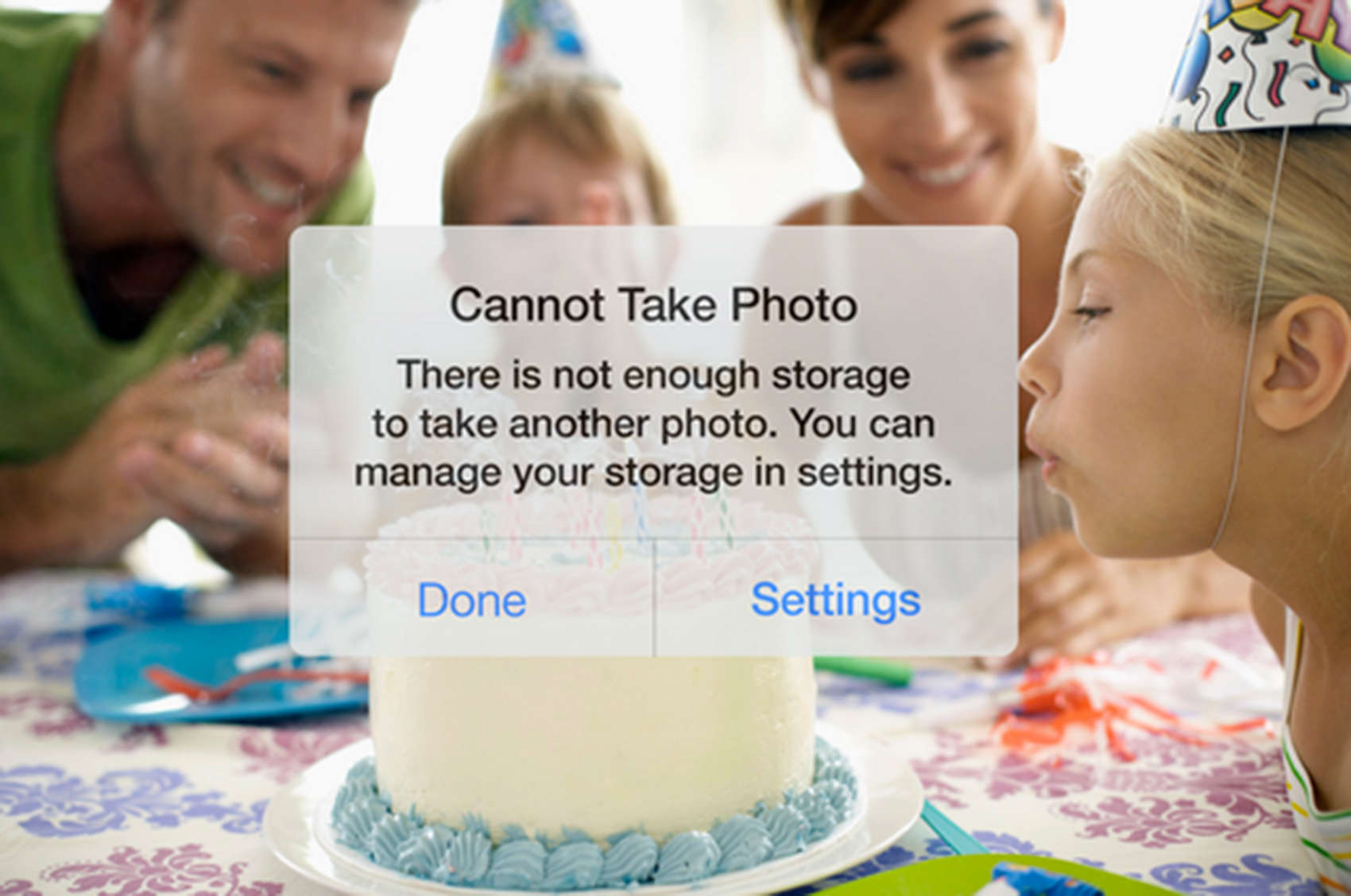
Avoid this message with the IceCream app, which quickly helps free your storage to continue shooting photos. Photo: IceCream
You’ve got the perfect photo lined in your sites and so you push the button on your iPhone camera. Instead of a memory etched in pixels, you get a message saying “Cannot take photo. There’s not enough storage.”
An iOS app called IceCream lets you quickly free up space without deleting photos, instead saving them to a secure cloud server with the tap of a button.
The Weather Network's latest app update might make this a reality. Photo: Universal Pictures
We’re not quite through 2015 yet, so app developers still have time to make the prophecies foretold by director Robert Zemeckis’ documentary Back to the Future: Part II come true. And to that end, The Weather Network’s latest app update uses radar and algorithms to predict when, exactly, it is going to start and stop raining.
The new feature, appropriately called “Rain Start Stop,” claims to give you a few hours to finalize the details on your outdoor activities.
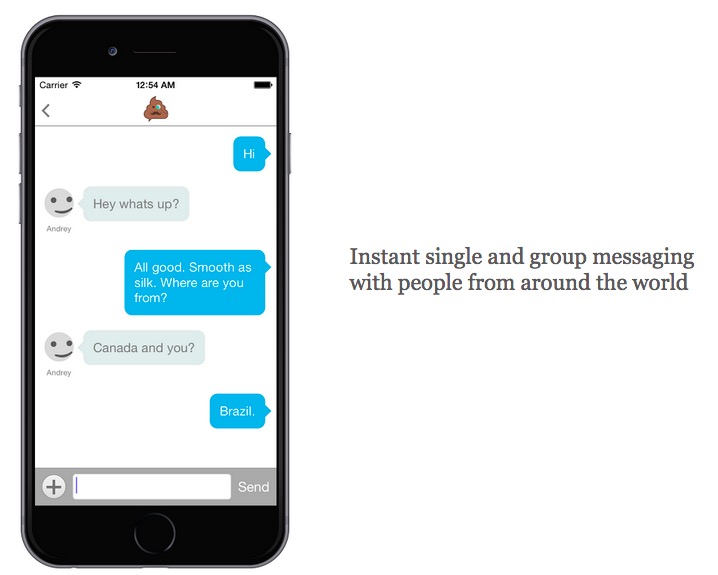
Great. Just what the world needed. A social network for pooping. Photo: Pooductive
Look, we know you’ve taken your iPhone into the bathroom with you for number two. Everyone has. That doesn’t mean you should tell people about it. But a new app, charmingly called Pooductive, is for just that. It’s dedicated to facilitating meaningful, anonymous conversation on the toilet about… you can guess the topic.
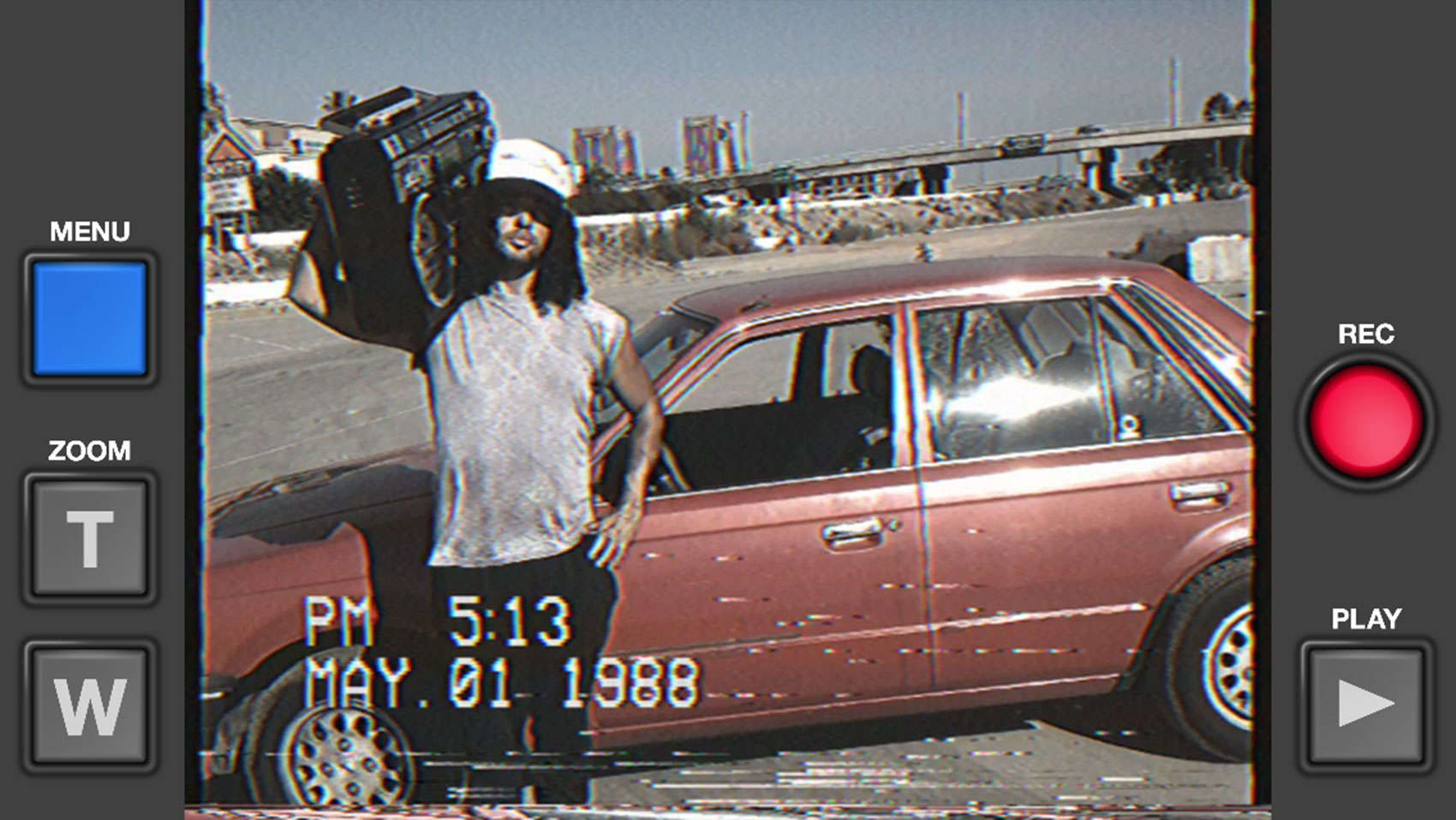
Set your iPhone video camera on 1985 with the VHS Camcorder app. Photo: Rarevision
Dust off your father’s Miami Vice suit and start growing a mullet. (Get it permed in back, too.) A new app turns your iPhone’s camera into a 1985-style VHS camcorder, complete with terrible quality and a date stamp.
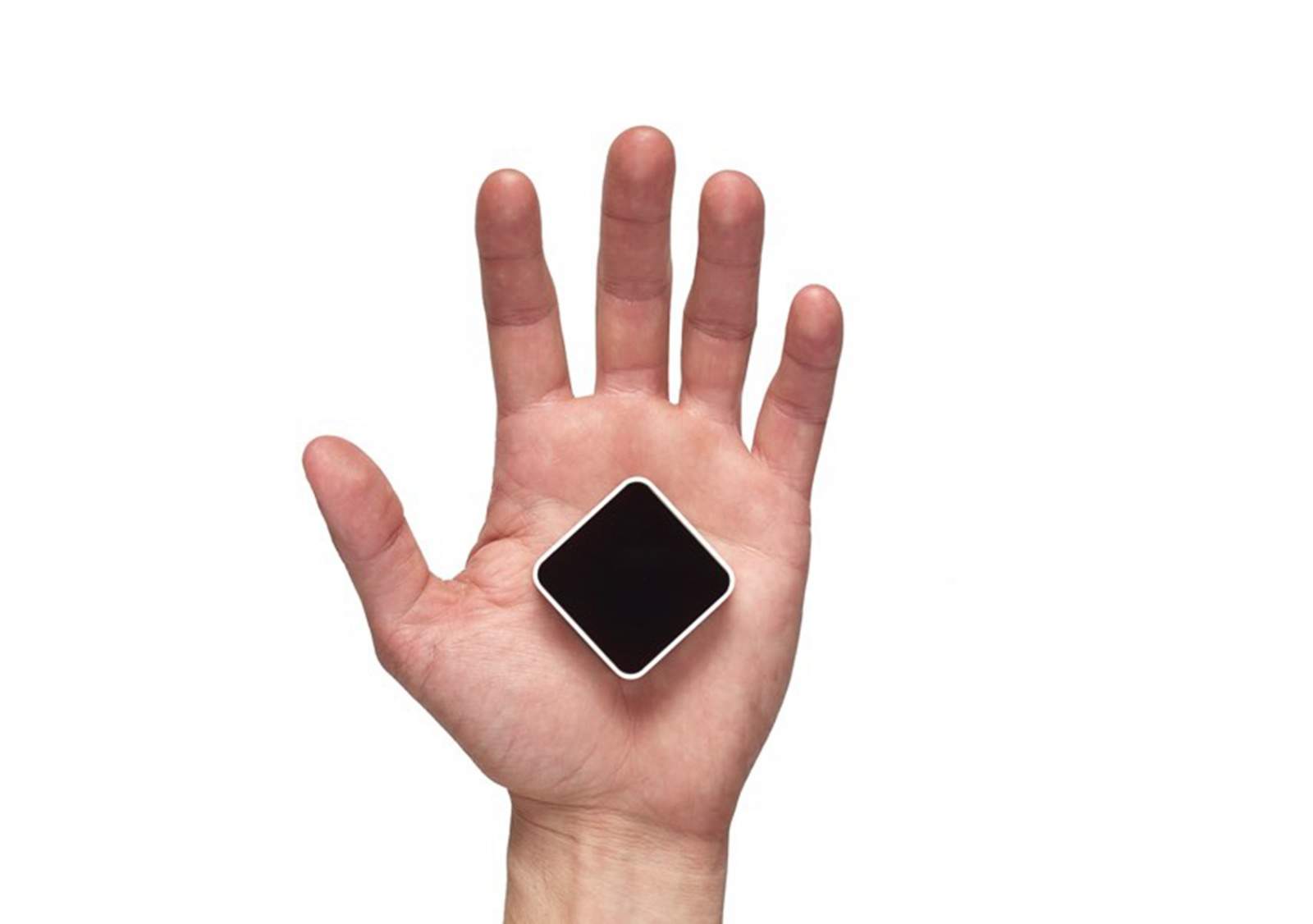
The Density sensor can be mounted to a door frame to track people moving in and out of a businesses, like a restaurant or your local Department of Motor Vehicles. Photo: Density
Your iPhone can help you find a good brunch place, with reviews on Yelp that indicate a restaurant’s best dishes. But there really isn’t any real-time help, except maybe calling or taking your chances and just showing up, to find out if you and your friends can get a table at a local hot spot.
A company called Density has developed a door-frame sensor that monitors the coming and going of people and then reports to an iPhone app whether your favorite place is full. It collects data on people’s movement at various hours of the day and recommends windows of time when you can get right in.
Get ready to see this stuff all the time. Photo: Progressive (via Instagram)
Are you tired of your Instagram feed being low on sponsored posts from companies trying to sell you things? If so, here comes the best news you’ve ever heard.
The company has opened up its advertising code to make it easier than ever for partners to get ads all up in the Facebook-owned photo-sharing app.
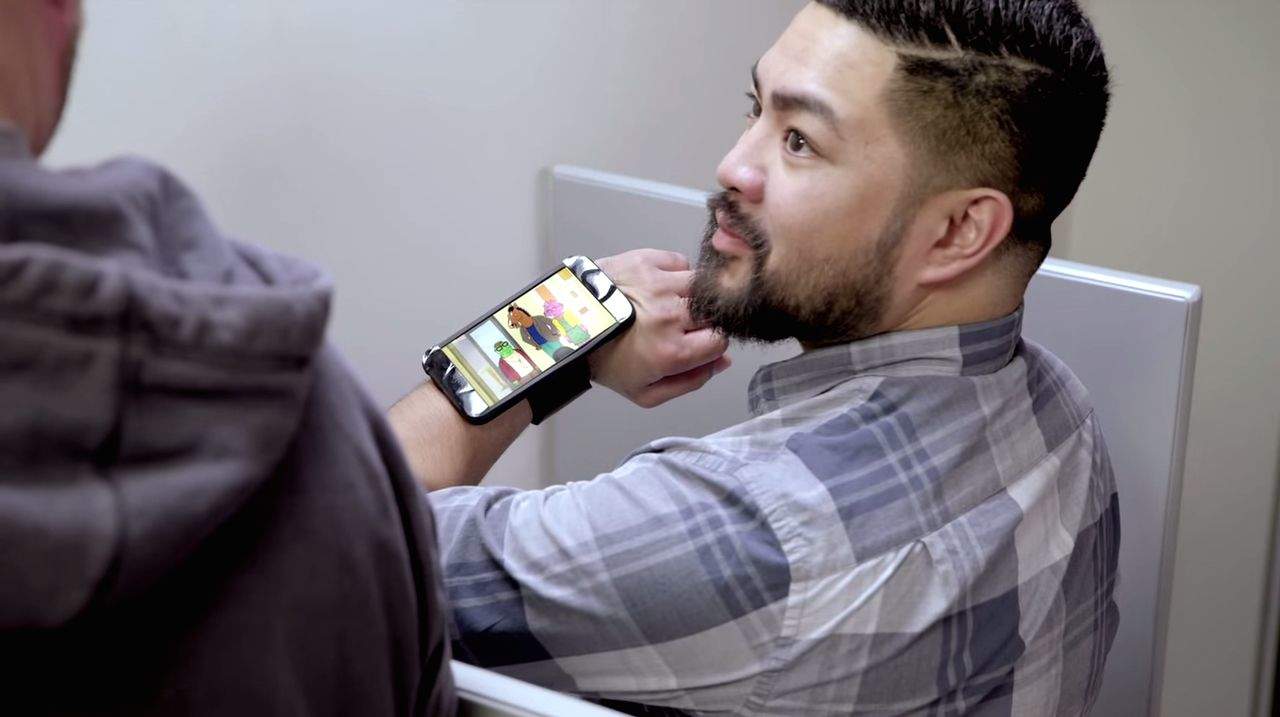
Don't look for Netflix on your Apple Watch any time soon. You'd go blind. Photo: Netflix (via YouTube)
The Apple Watch has been out for a few months now, and it’s given us plenty of time to decide what we do and don’t want from the wearable. It’s a versatile device, to be sure, but that doesn’t mean that we expect it to do everything for us. In fact, a lot of the apps that we use all the time on our iPhones and iPads would be ill-suited, if not impossible for that plucky little screen.
Here are some Apple Watch apps that wouldn’t break our hearts if nobody ever got around to making them.
Filters goes up for sale after just four months in the App Store. Photo: George Tinari/Cult of Mac
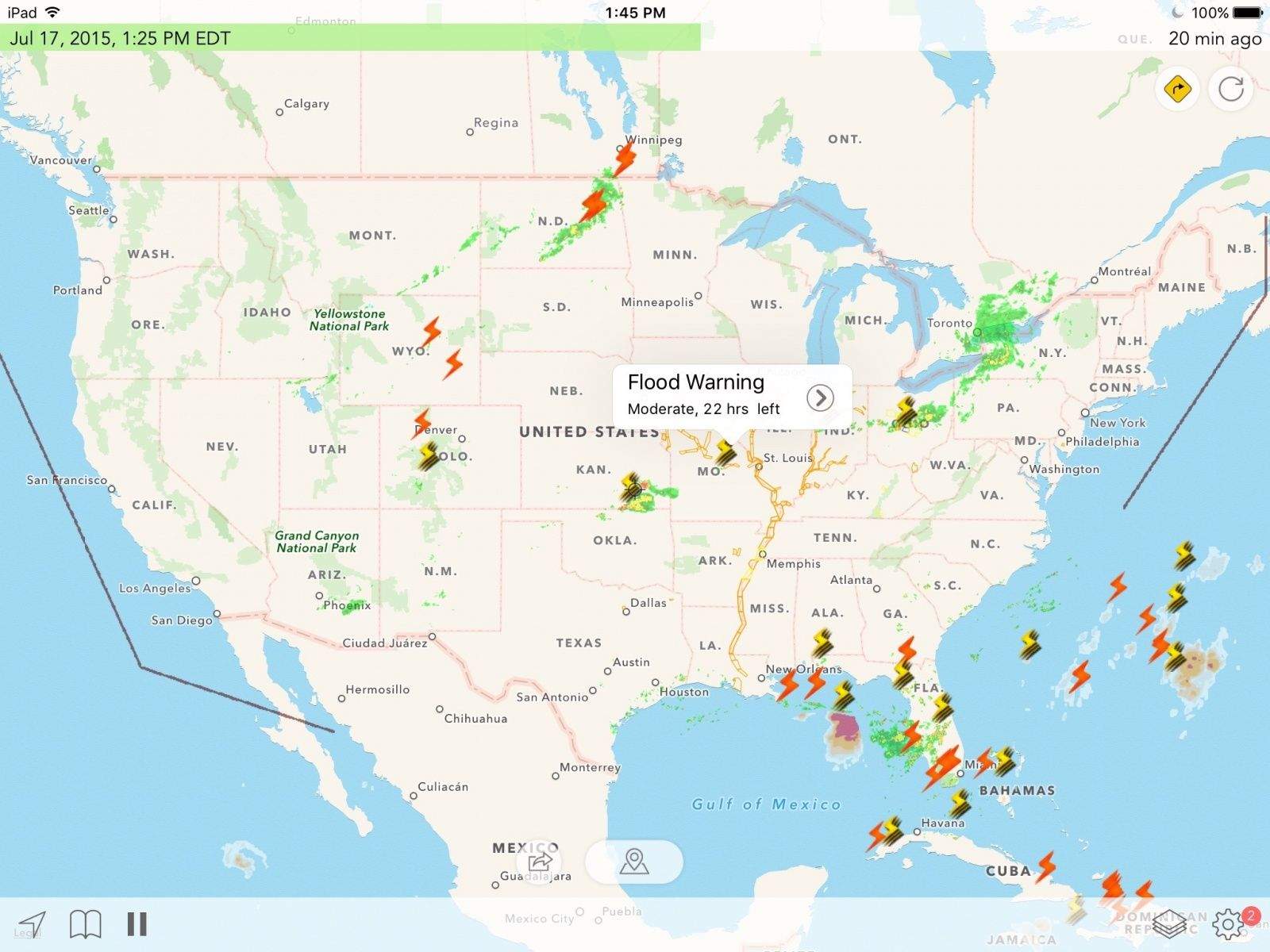
Not long after debuting to a pretty successful launch, Filters for iPhone is up for sale. Developer Mike Rundle explains that he has a full-time job plus children to feed and his little side project of love deserves more attention than he can give. His asking price? $10,000.
Radar Cast can make you feel like a meteorologist on the five o'clock news. Photo: George Tinari/Cult of Mac
If you’re like me, you spend a ridiculous amount of time trying to pick out the perfect weather app for your iPhone. Apple’s Weather app just doesn’t cut it and it’s very hard to find something that has a little bit of every detail without being cluttered or downright ugly. That happy medium for me is Carrot Weather but unfortunately it’s been crashing on the iOS 9 developer beta. In its place I’ve been testing Radar Cast, a slightly unusual weather app that attempts to deliver all the most crucial information to your iPhone, iPad and Apple Watch.
Now, you can use Hellboy emojis to drop the Right Hand of Doom on your friends in iMessages. Photo: Swype
How big a fan of Hellboy are you?
If you answered, “Such a big fan that I wish ‘Hellboy’ were a language I could speak all the time — if only someone would make a keyboard to that effect,” you’re in luck because custom keyboard designer Swype has teamed up with publisher Dark Horse Comics to bring both Red and samurai rabbit Usagi Yojimbo to your iMessages.
WItness gets you help from your own emergency contacts when you need it most. Photo: George Tinari/Cult of Mac
If you’re afraid of ever being in a dangerous situation without any witnesses or good samaritans nearby, you might want to consider downloading this new app appropriately named Witness. Calling itself the ‘panic button for the smartphone age,’ one tap broadcasts live video and your current location to a list of preset emergency contacts, who can then decide if it’s appropriate to take action.
Of course, if they do nothing, they could potentially have front-row seats to a very morbid and disturbing show.