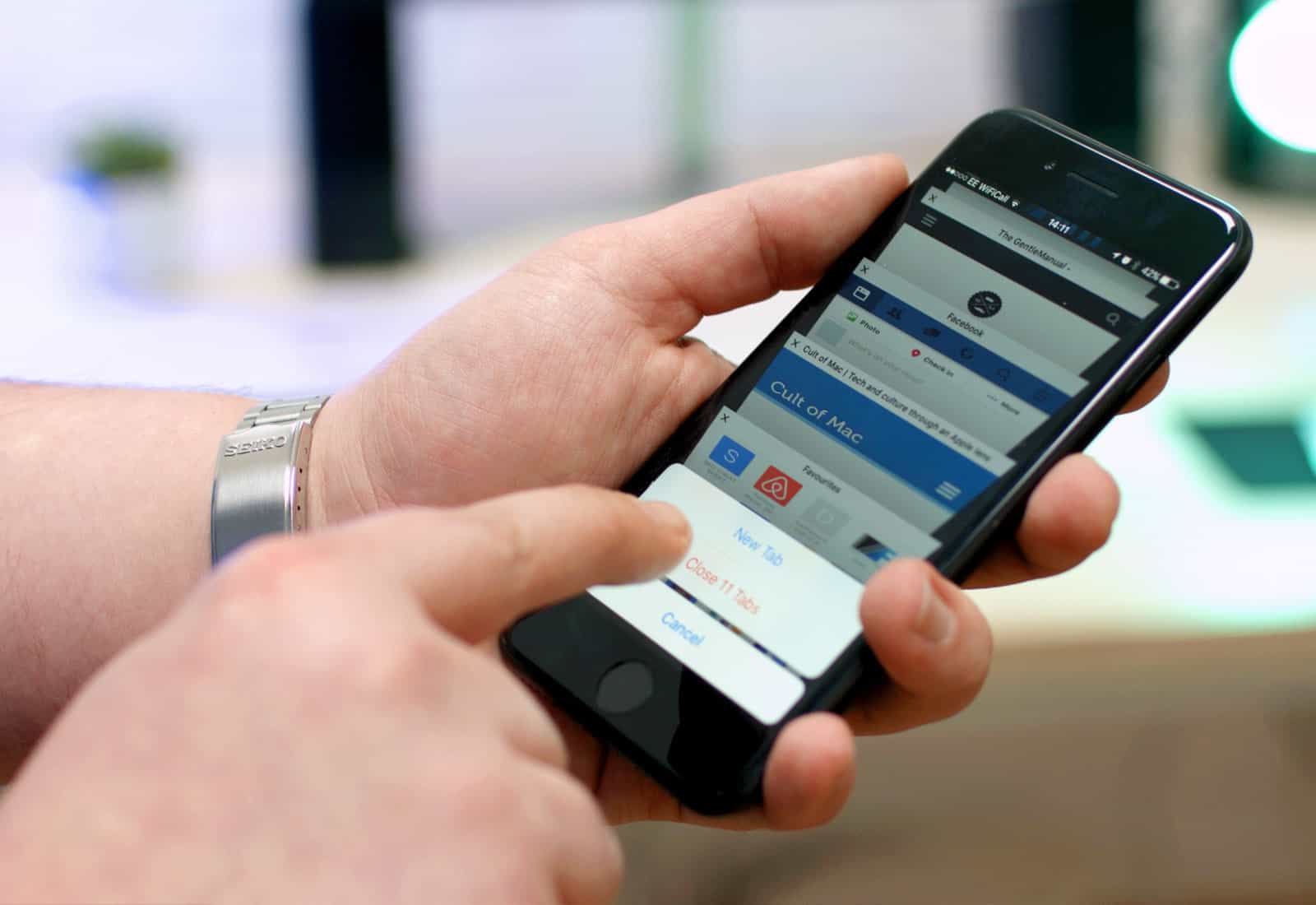
You might not be stuck with Safari for much longer. Photo: Ste Smith/Cult of Mac
Apple plans to limit Safari’s access to the accelerometer and gyroscope inside your iOS device in an upcoming software update.
iOS 12.2 will prevent websites from having access to motion data by default, rendering certain content unusable — even on Apple’s own website. Users will be able to change this inside Safari’s settings, however.
You can save a pretty penny on a sweet upgrade, whether you need a new iPhone, iPad, Apple Watch, or Mac — and we’ll help you get the money you deserve for your old gear.
Some iOS 11 users are having trouble accessing the App Store and Apple Music, according to online reports.
The services have been unusable for over a day for a number of users who are yet to upgrade to the latest software — despite being shown as online on Apple’s System Status page. There is a weird workaround that has proven useful for some, however.
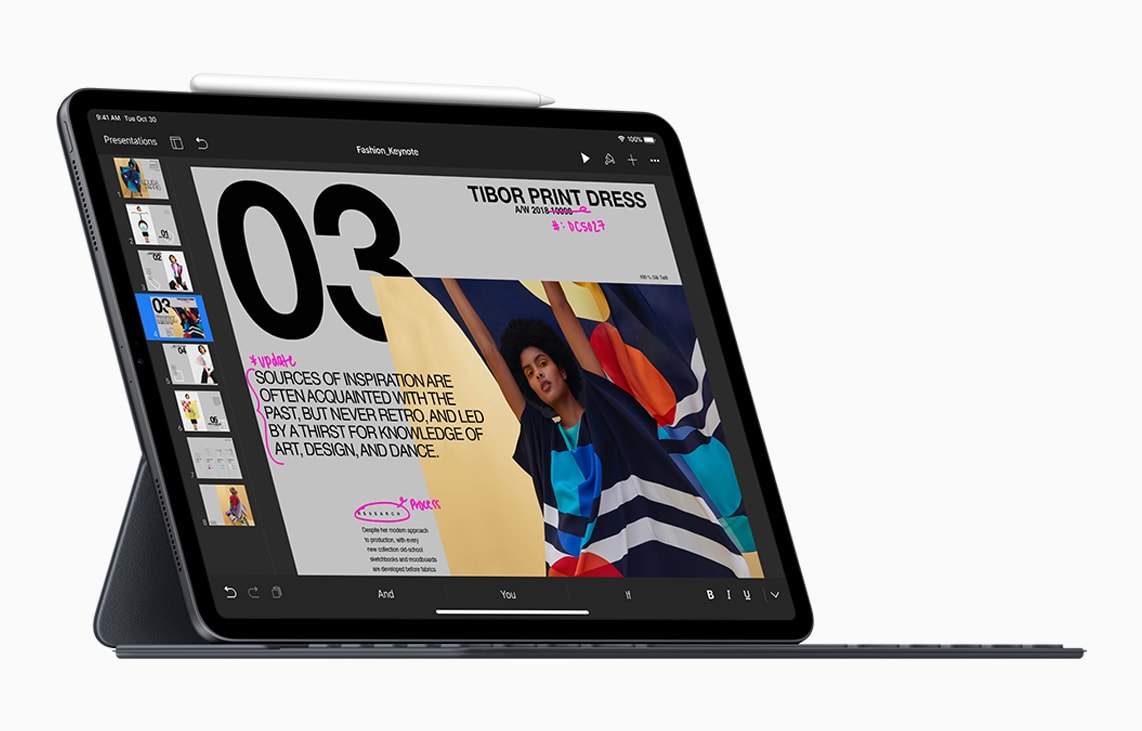
The launch of the 2018 iPad Pro gave Apple a stellar holiday season in tablet sales. Photo: Apple
iPad shipments grew by double digits last quarter, giving Apple its best holiday period for tablet sales since 2015.Shipments of slates and 2-in-1s had dropped earlier in the year, but analysts correctly predicted this was the result of people holding off for the new iPad Pro.
Some of Apple’s rivals also saw gains at the end of 2018.
The new iPad mini is more affordable when you sell your old one. Photo: Buster Hein/Cult of Mac
Compal Electronics will be the primary supplier of the next-generation iPad mini, which is expected to launch sometime this year, according to a new report.
The manufacturer is in the process of expanding production capacity with the expectation of increased shipments and revenues in 2019, despite “clouded” economic prospects.
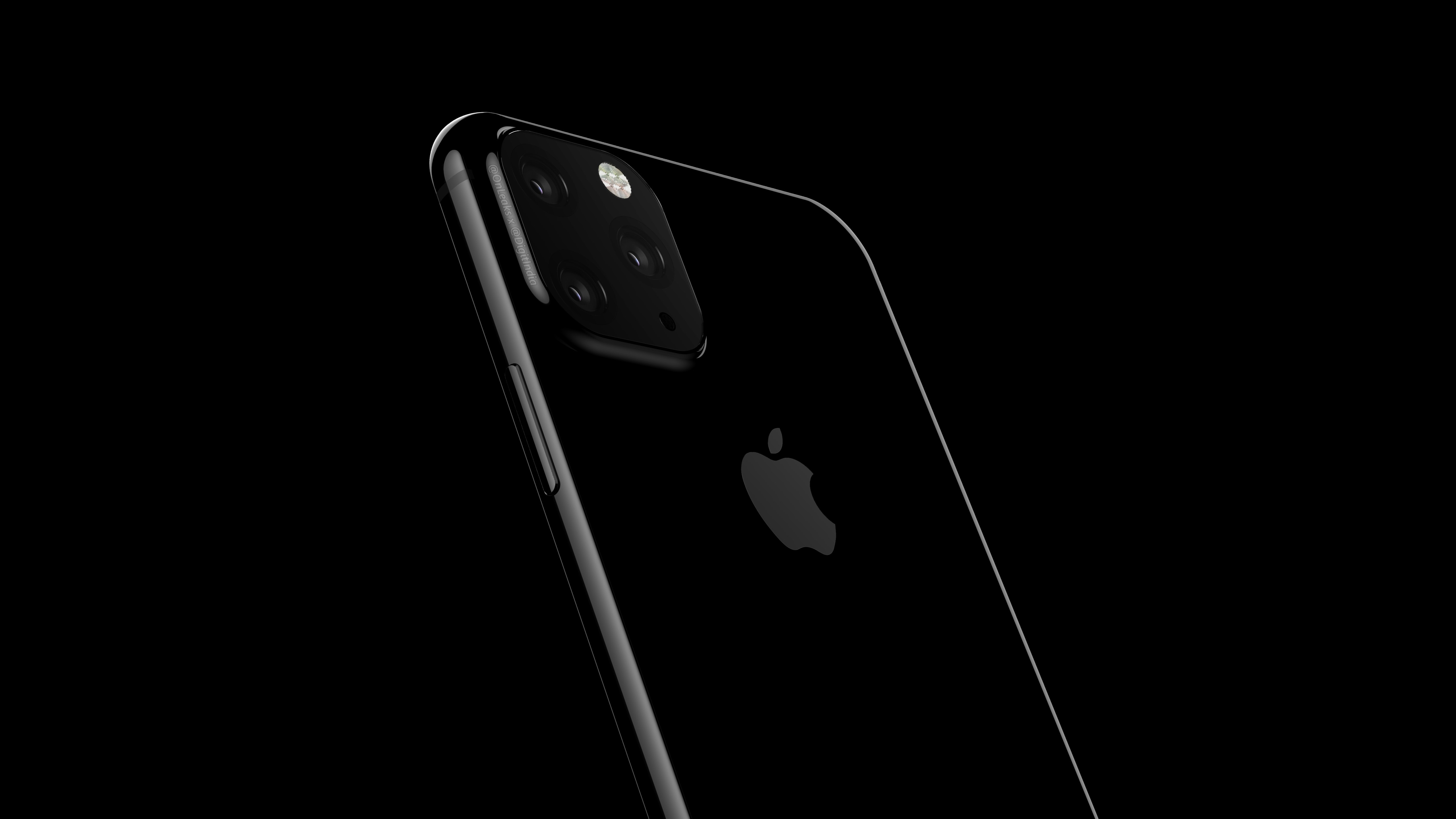
Your next iPhone might come with 3 cameras. Render: OnLeaks/Digit.in
The 3D sensing capabilities on the iPhone are set to get a big upgrade in 2020, according to a new report.
Apple is supposedly planning to add a laser-based 3D camera system to the 2020 iPhone lineup that will be more powerful than the dot-projection system currently used by the iPhone XS, XS Max and XR for facial recognition.
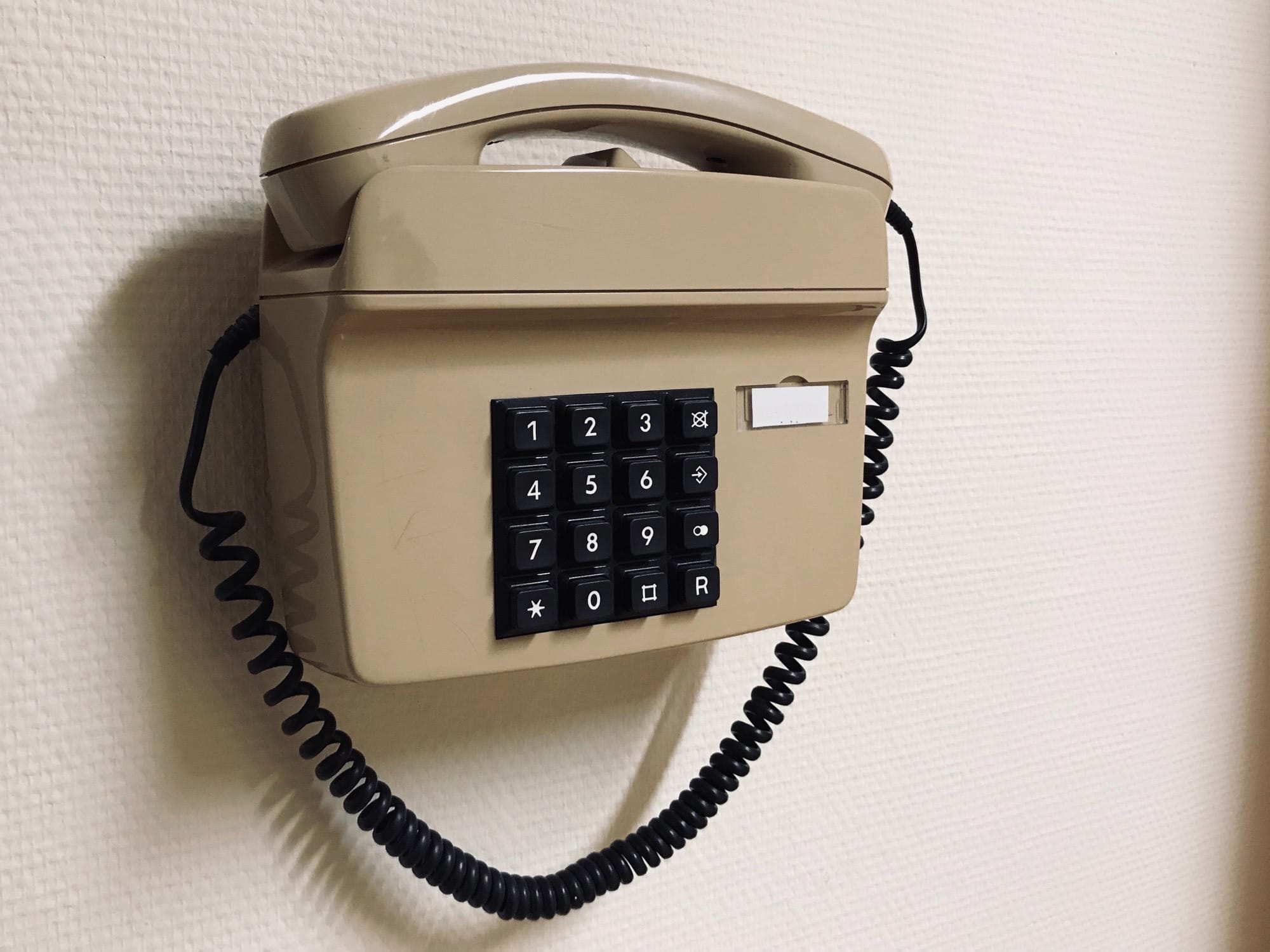
Ever looked at your iPad and thought, “I’d love to hold that huge thing up to my ear and make a phone call. I’d look to-ta-lee badass. Now, where’s my cellphone holster?”? Bonus points if you had this thought while looking at a huge 13-inch iPad Pro.
Of course, it might actually be handy to make calls on your iPad, especially as you probably would use AirPods or EarPods to do so. Your iPhone may be charging, or in another room, or maybe you’re there with a number ready to call on your Mac or iPad. Now, the iPad still can’t use its cellular connection to send or receive SMS messages, or make phone calls, but if you have an iPhone nearby you can use it as a bridge to do both. Bonus: This even works with the Wi-Fi-only iPad.
Apple unveiled its earnings for Q1 2019 this afternoon and as expected, total revenue came in a lot lower than Apple originally predicted at the end of last year, with iPhone sales dropping 15%.
Thanks mostly to slumping sales in Greater China, Apple posted $84.3 billion in revenue, marking a drop from the $88.3 billion the company pulled in during the same quarter a year ago. Even though iPhone sales are struggling, Apple’s services are bringing in more money than expected, giving investors some good news.
You can now play at 120Hz on iPad Pro. Photo: Killian Bell/Cult of Mac
Fortnite for iOS finally supports wireless game controllers. After installing the latest version 7.30 release, you can connect a compatible MFi controller and bid goodbye to fiddly touch controls.
But don’t expect exactly the same experience as on consoles, and don’t assume you’re going to have an advantage over other mobile players.
Here’s what you need to know about playing Fortnite for iOS with a controller.
Sign up for SmartCast 3.0 access today. Photo: Apple
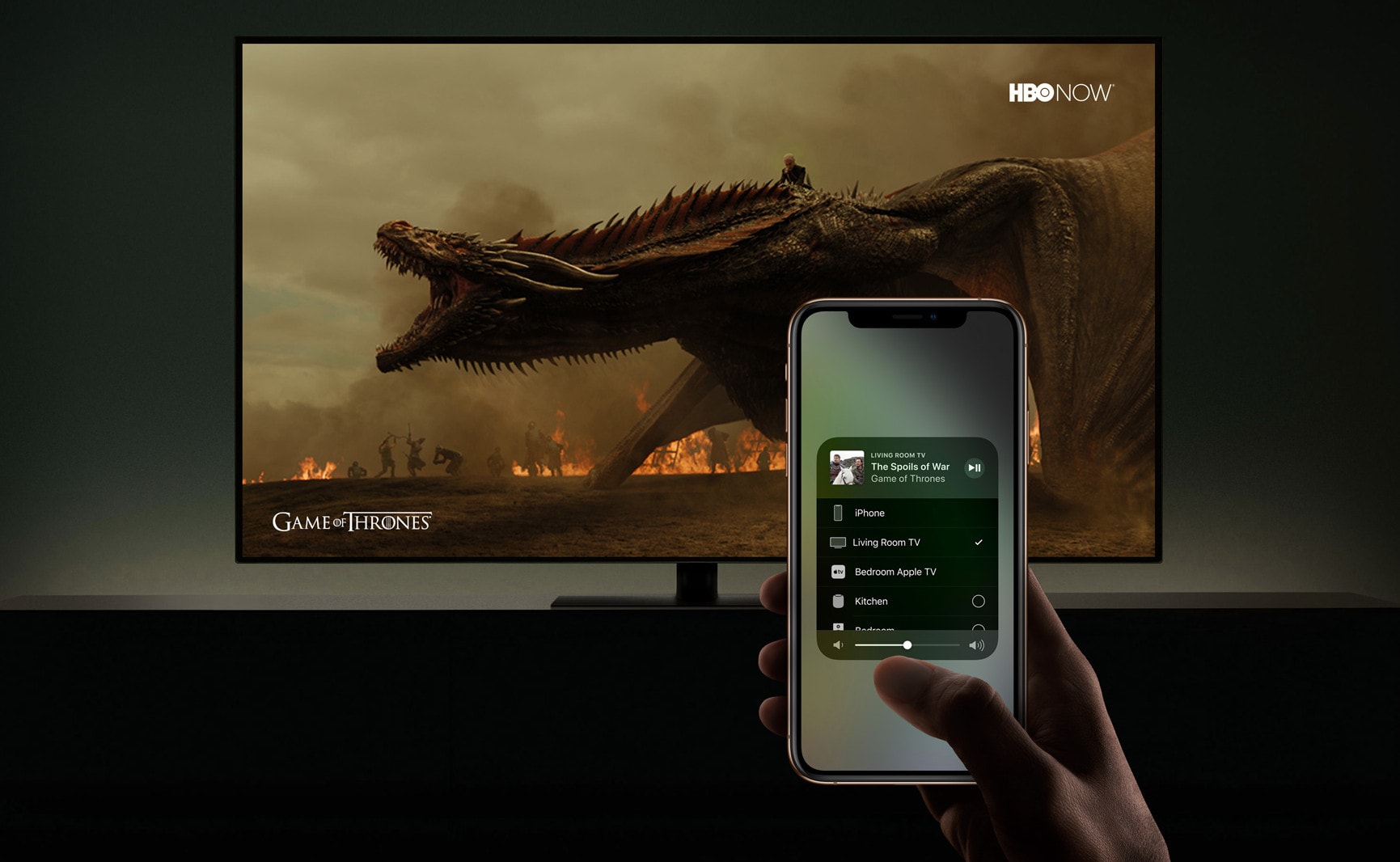
Vizio will soon add AirPlay 2 support to some of its most recent TV sets, and you can try it out early by signing up for the new beta test in the United States and Canada.
AirPlay 2 support will let you stream content from your iPhone, iPad, or Mac — including 4K movies you’ve purchased on iTunes. It will also allow you to control your set from an iOS device.
The Luna Display adapter is so small you can hardly see it. Photo: Astro HQ
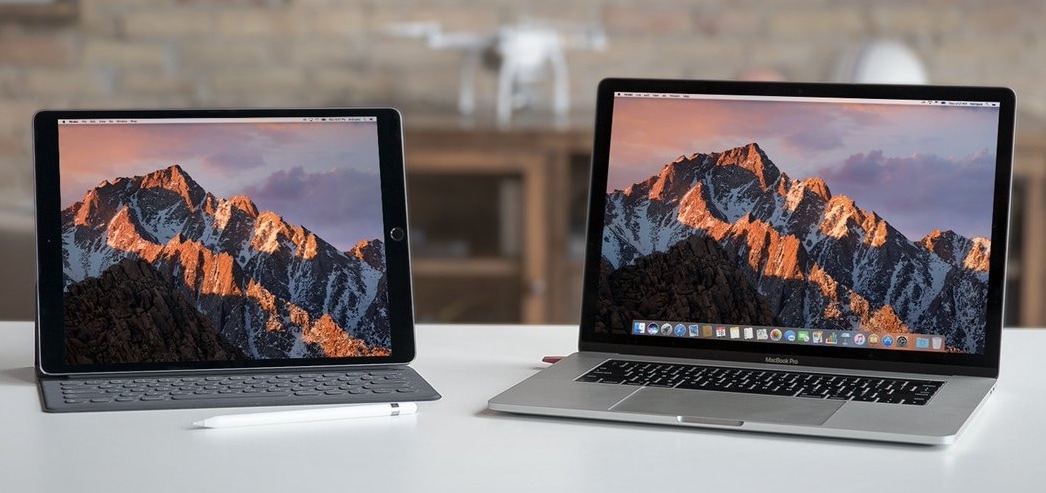
A new version of the software that drives Astro HQ’s Luna Display promises to noticeably improve the screen refresh rate and latency for this dongle that lets an Apple tablet function as an external screen for a Mac.
The improvements have also been brought to Astropad Stiudio, this company’s app that turns an iPad Pro and Apple Pencil into drawing tools for a Mac.
This parking garage could totally have a band inside. Photo: Charlie Sorrel/Cult of Mac
I can’t tell you how much I love GarageBand on the iPad. But even though it’s a fantastic app, and totally self-contained, sometimes you need to use a Mac. That’s because the iOS version lacks several features of the desktop version. But that’s OK, because the Mac can open iOS GarageBand projects easily. And today we’re going to see how to do it.
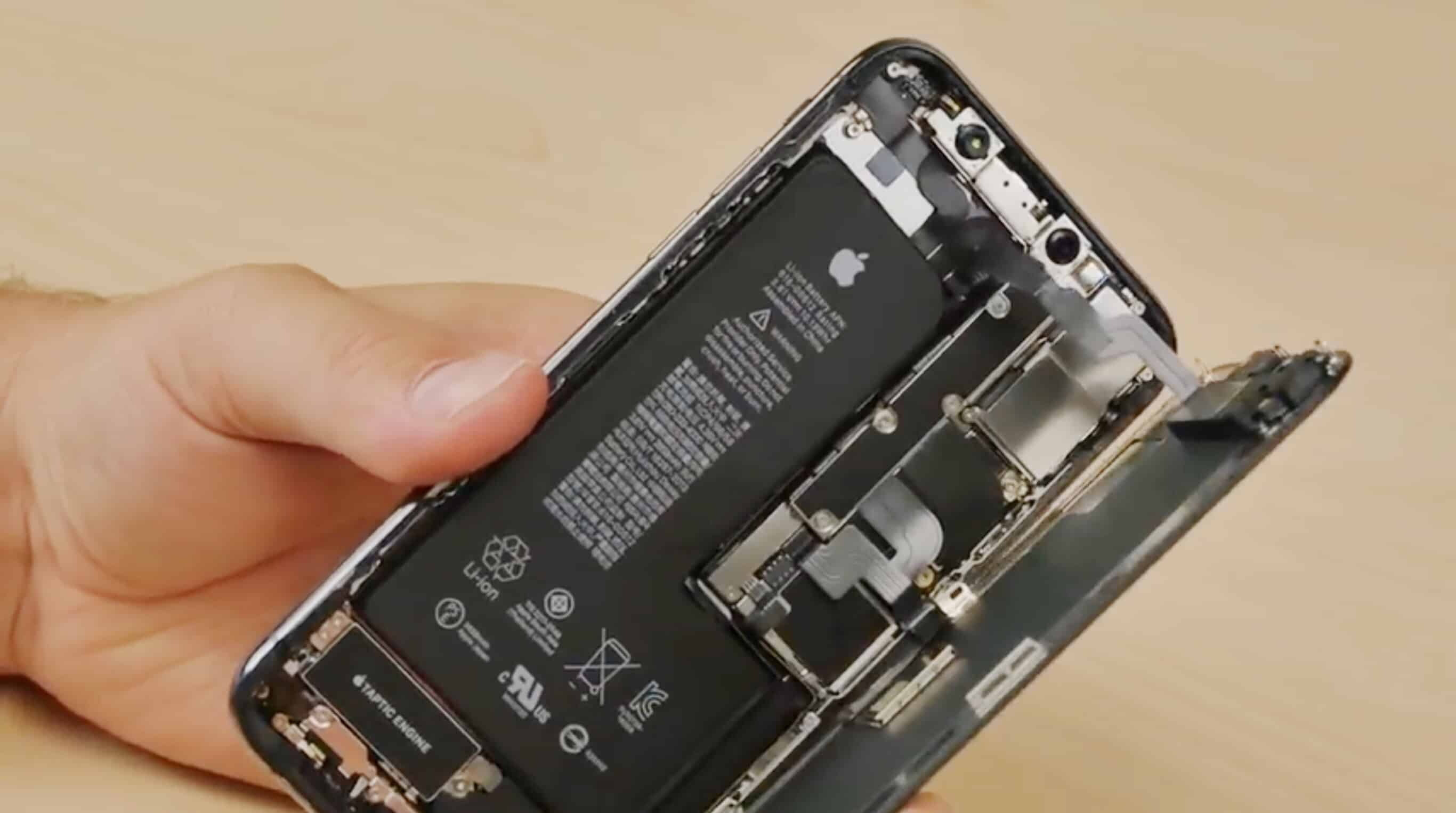
Apple hiring someone to be in charge of battery development is a strong sign future iPhone batteries could be made in-house. Photo: FixjeiPhone
Apple‘s new global head of battery developments is very familiar with these critical components. Most recently, new Apple hire Soonho Ahn served as a vice president at Samsung SDI, a division of the Korean conglomerate that specializes in battery tech.
If Ahn’s new title doesn’t seem familiar, that’s because he appears to be the first person to hold this position at Apple.
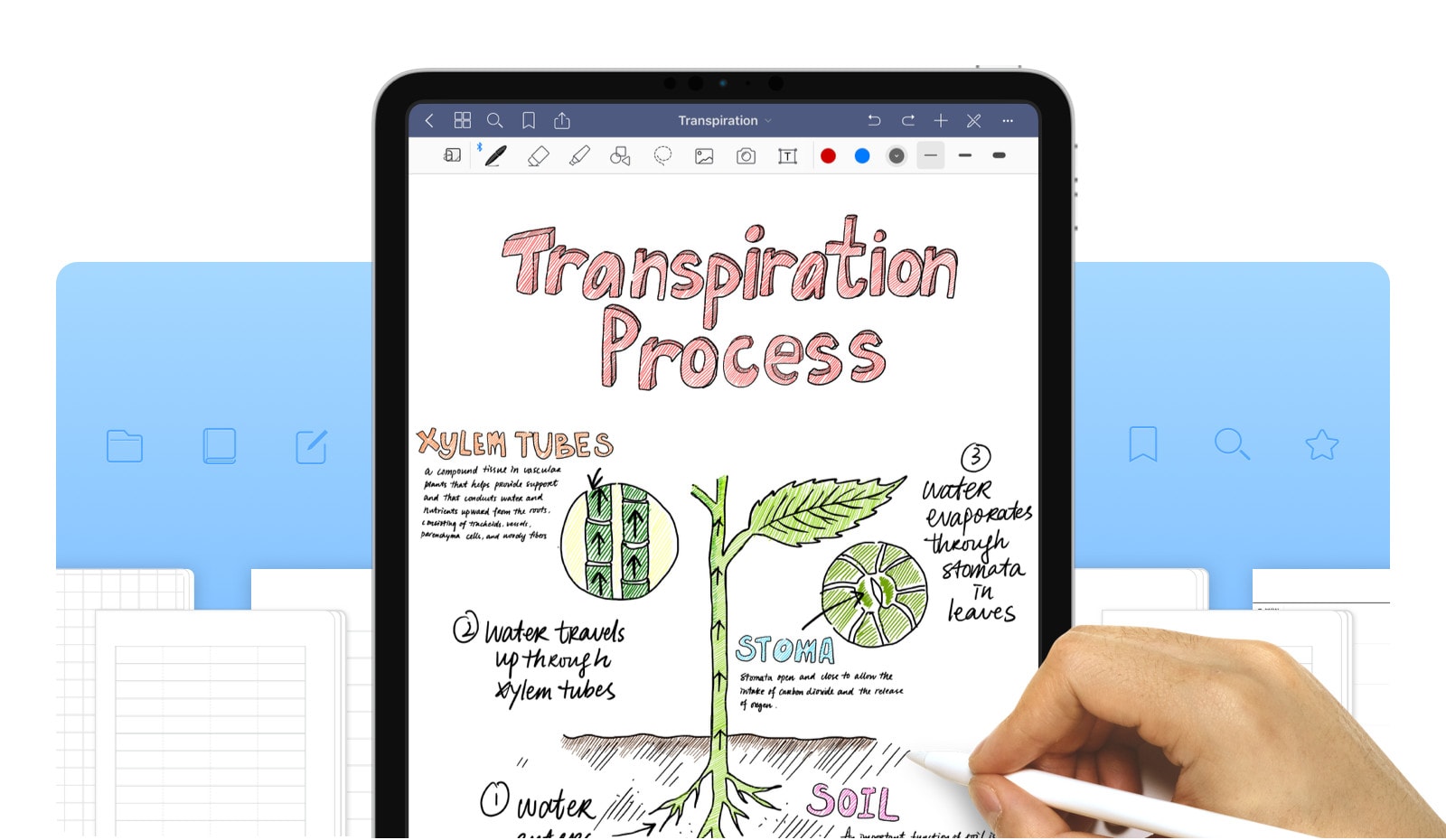
GoodNotes is one of the most popular notes app on iOS, and the Mac. and with good reason. It combines a great PDF viewer with a free form notes app, and mixes the two together. This week, GoodNotes 5 launched, an entirely new app (with upgrade pricing for users of the old app) that blows out the dust, and the olde-timey app UI in favor of a clean and organized view.
Expect to get updates on Apple's low-cost 2018 iPad. Photo: Apple
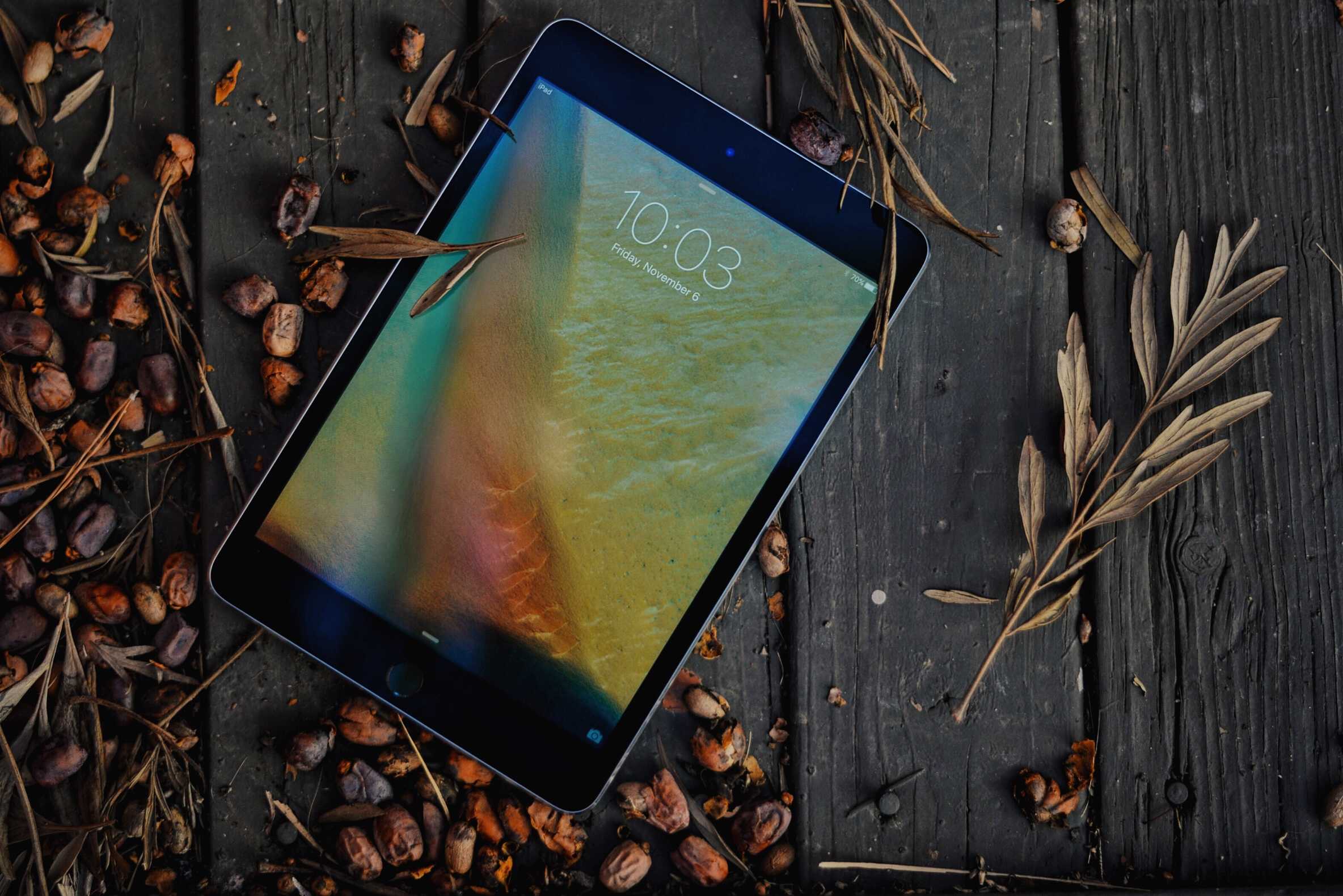
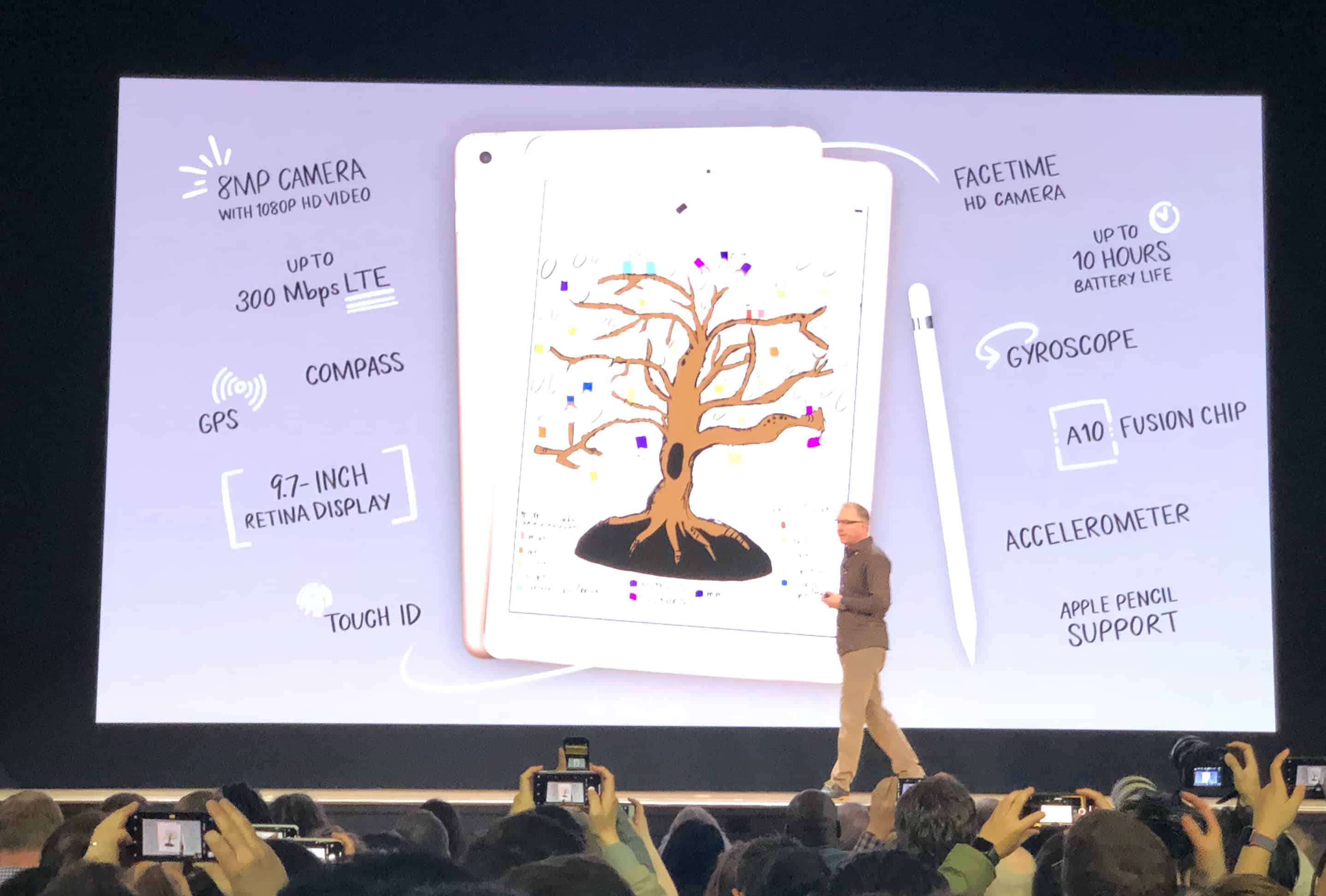
Apple may have only debuted its latest iPads at the end of 2018, but it is reportedly gearing up to launch at least two more in the first half of 2019.
According to a new report, Apple touchscreen suppliers are expecting new “entry-level” iPads, including a new iPad mini and an upgrade on last year’s cheaper 9.7-inch iPad.
The same is true for Screen Time. This feature tracks how long you spend using apps every day, and can help you limit that time. But you can also use Screen Time to password-protect any app on your iPhone or iPad.
The iPad’s picture-in-picture video can be a real productivity ‘booster.’ Photo: Cult of Mac
Did you know that you can watch any video in a floating window on your iPad? Of course you did. But did you also know that you can change the size of the window, and even dock it to the side of your screen? Maybe not! Today we’re going to check out how to use picture-in-picture on the iPad.
I sent this image to Lightroom with a Shortcut. Photo: Charlie Sorrel/Cult of Mac
Adobe’s Lightroom, perhaps the best photo-editing app on iOS, now supports shortcuts. That is, it supports one shortcut, letting you load photo into it from the camera roll, or any other place your find images in iOS.
Wouldn’t a simple Open In… option suffice? Perhaps, but by adding just one simple shortcut, Adobe has also added quite a few powerful possibilities.
The iPhone comes with some cool dynamic wallpapers — they’re the ones where blobs of color float around the screen like wax in a lava lamp. But did you know you can create your own Dynamic Wallpaper using your own Live Photos?
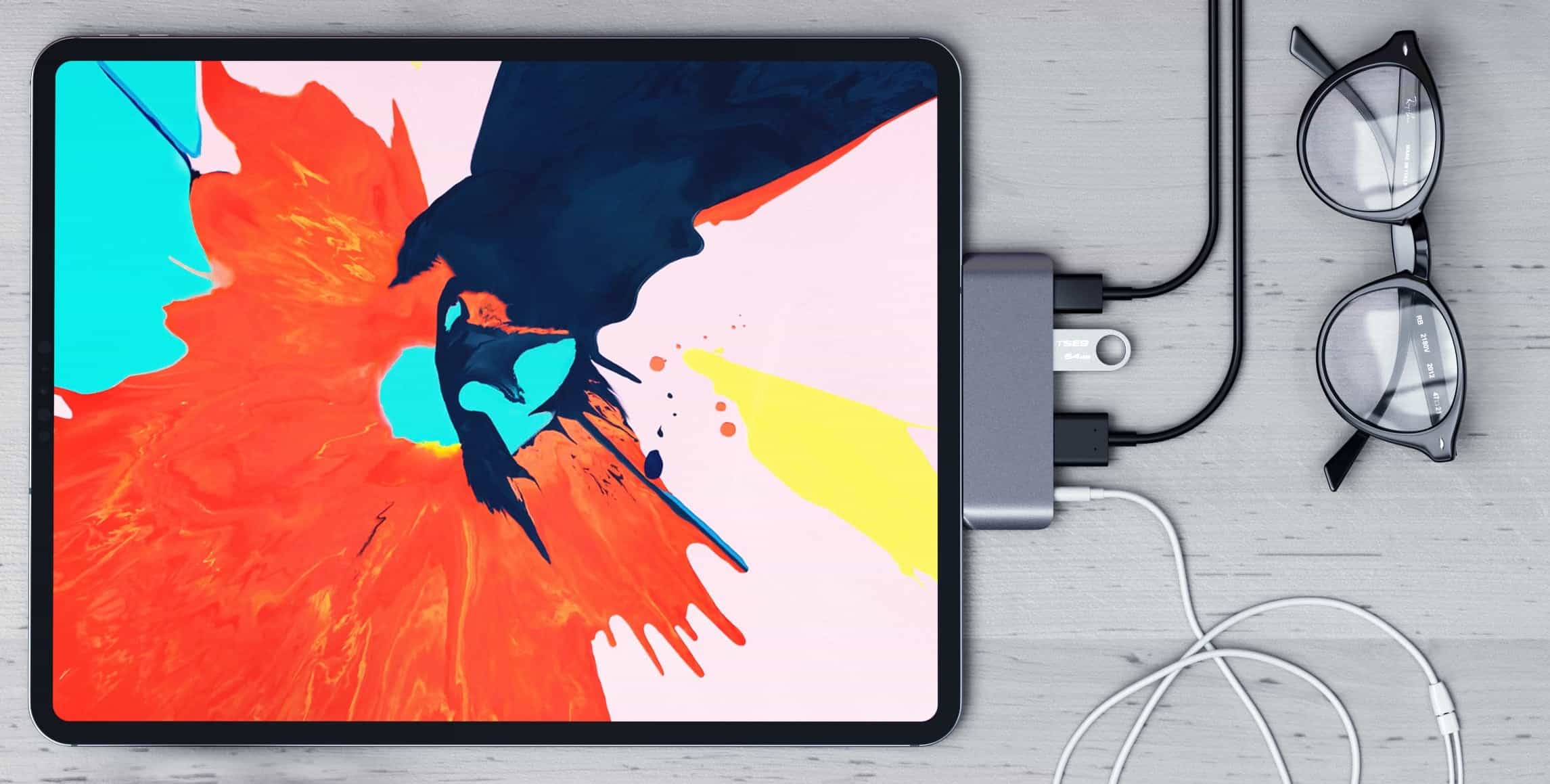
Get real work done on your iPad Pro. Photo: Satechi
Is the iPad Pro a laptop replacement? Despite what you might think, and what many reviewers will tell you, it can be for a lot of professionals. But not by itself.
If you’re going to use your iPad to get real work done, and to be as productive as possible, you’ll need some things to go with it. In this roundup, we’ve listed affordable accessories that turn iPad Pro into a productivity powerhouse.
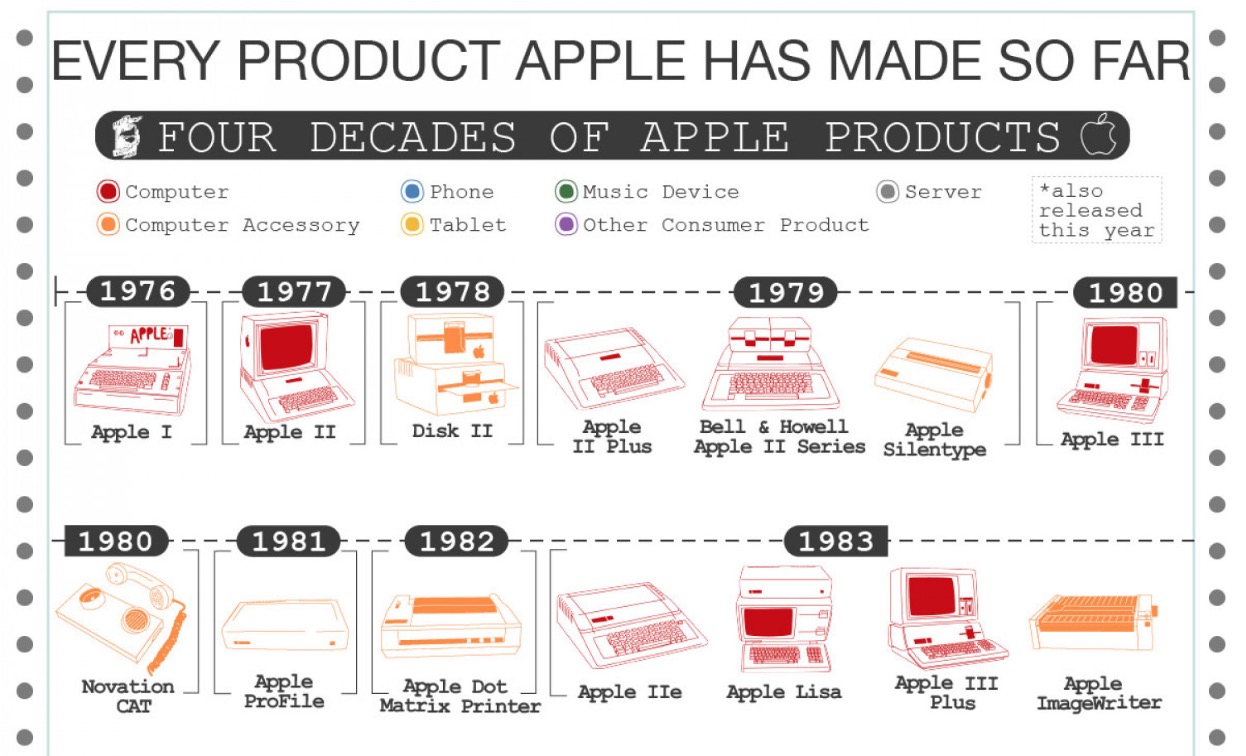
How many of these Apple products have you owned? Photo: Tucker Jaxson/Visually
Before Apple’s magical product pipeline pops out a plethora of new goodies this year, it might be good to take a minute to appreciate the insane number of products the iPhone-maker has come out with over the last 42 years.
Keeping tabs on all the products Apple comes out within a single year is hard enough, but some ambitious person has created a detailed graphic that shows everything Apple has ever made.
There’s no need to buy new storage space for your iPhone — just free up what you already have. Photo: Charlie Sorrel/Cult of Mac
It’s happening again! You cheaped out and bought that 32GB iPhone or iPad a few years back, and it’s full up, again. But wait — before you go deleting your photos, or uninstalling apps at random until you recover enough space, take a look at this how-to. You might be able to recover tens of gigabytes from apps you’d totally forgotten about.
A glitter ball represents the concept of low-light and accessibility. Photo: Charlie Sorrel/Cult of Mac
Turned the screen brightness on your iPad (or iPhone) all the way down? Still too much light for you? Reading in bed next to someone whose eyelids seem to amplify light the same way a magnifying glass turns the sun into a death ray for ants?
Then this tip is for you. With a simple triple-tap of the top button or Home button on your iPad, you can dim the screen way beyond its usual limit.
Although your whining, over-sensitive bed partner will likely just start complaining about the noise of those button taps instead.