Mobile menu toggle

iPad - page 55

iPad Air vs. Pro vs. mini: Which one’s right for you?

By •

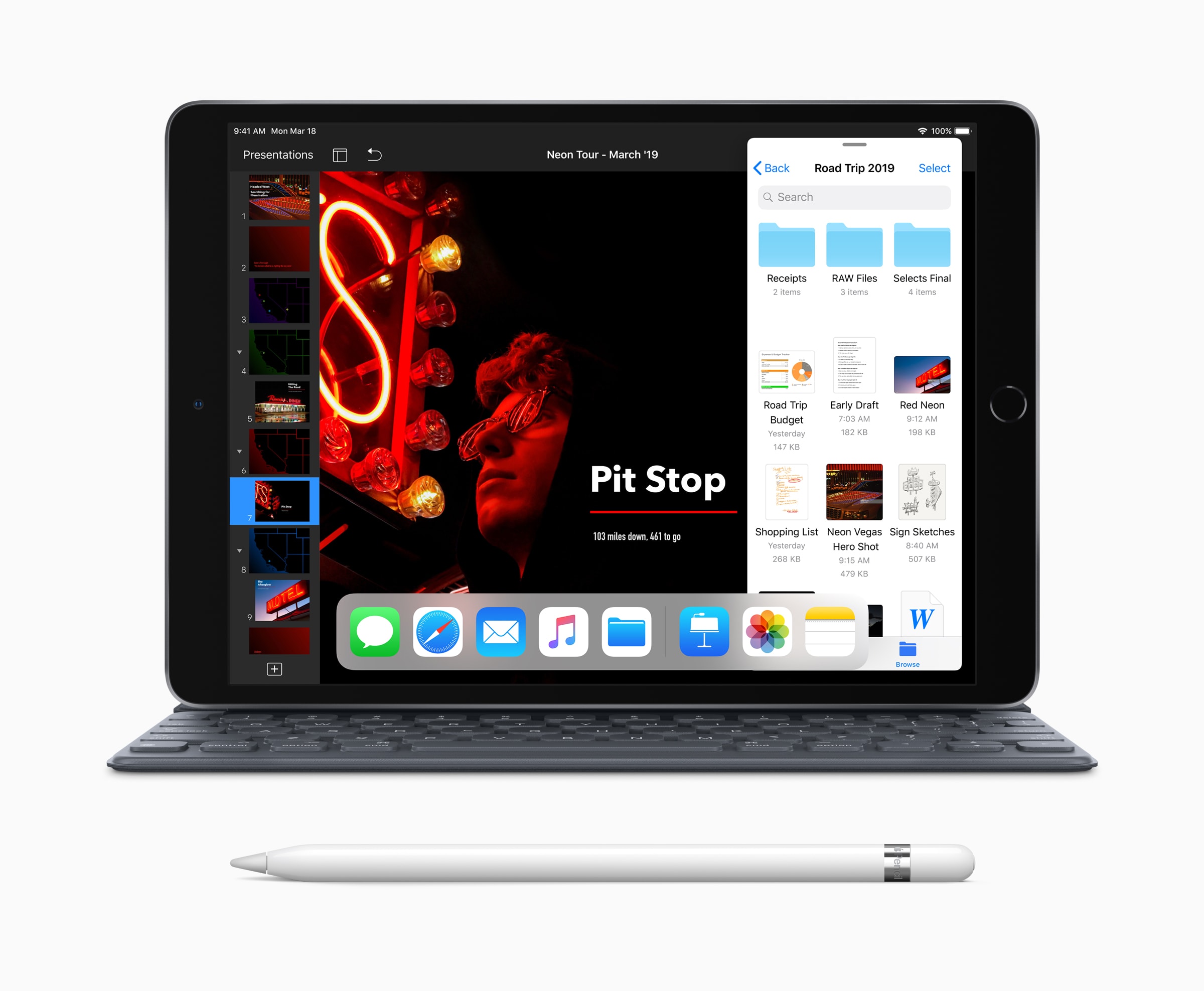
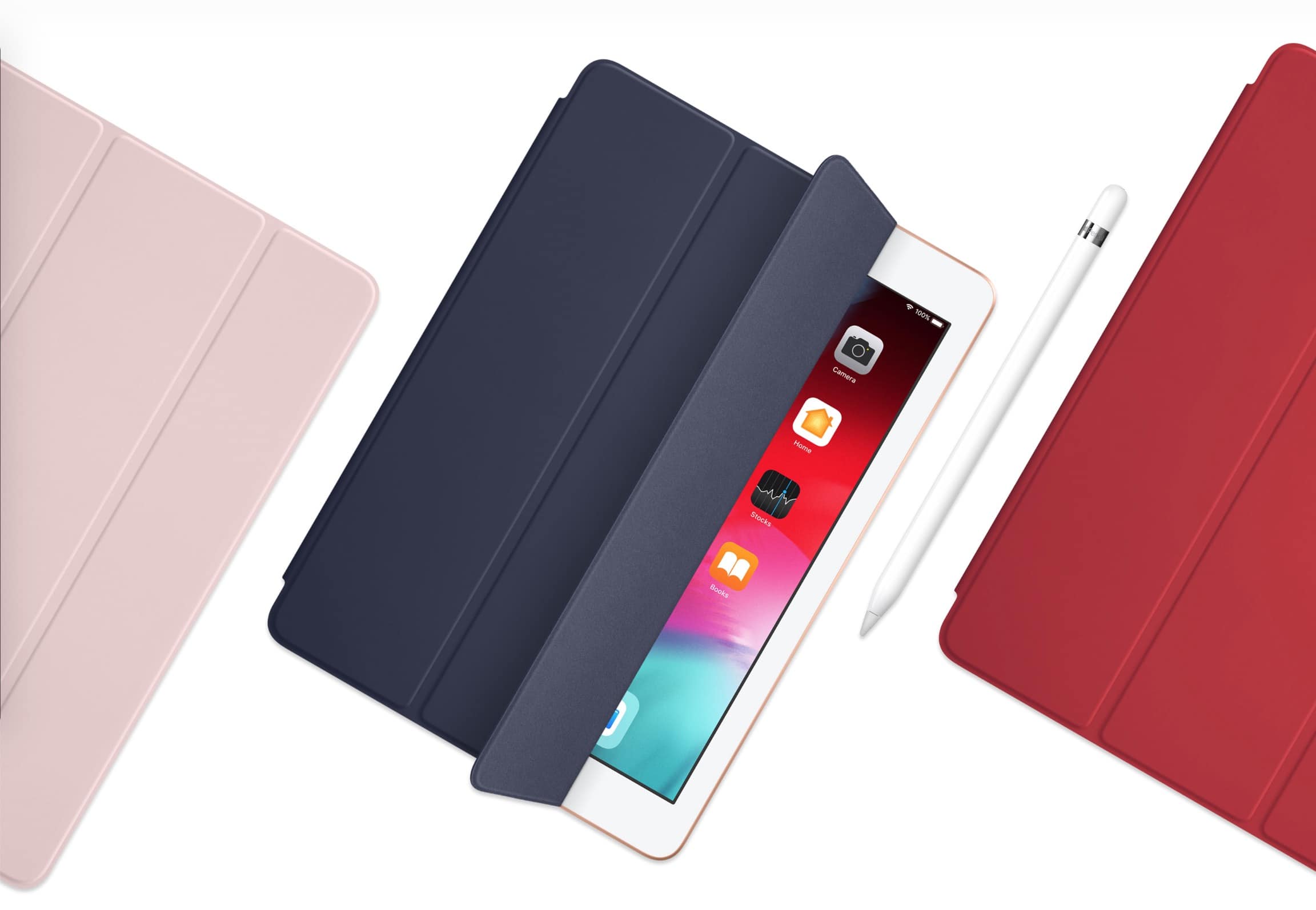
The complete iPad lineup now includes Apple Pencil support, best-in-class performance, advanced displays and all-day battery life, Apple says.
There's an iPad for everyone.
Photo: Apple

Apple today added two new iPads to its lineup while dropping the 10.5-inch iPad Pro released in 2017. It now offers five different tablets, each of which has its own advantages. So how do you choose the right one?

Which iPad is best for unparalleled performance? Which one offers more bang for your buck? Which is starting to look a little long in the tooth?

Our in-depth comparison shows you exactly how all five of Apple’s current iPads stack up — and helps you decide which one is worth your hard-earned cash.

iOS 12.2 inches closer to launch with sixth beta

By •

iOS12
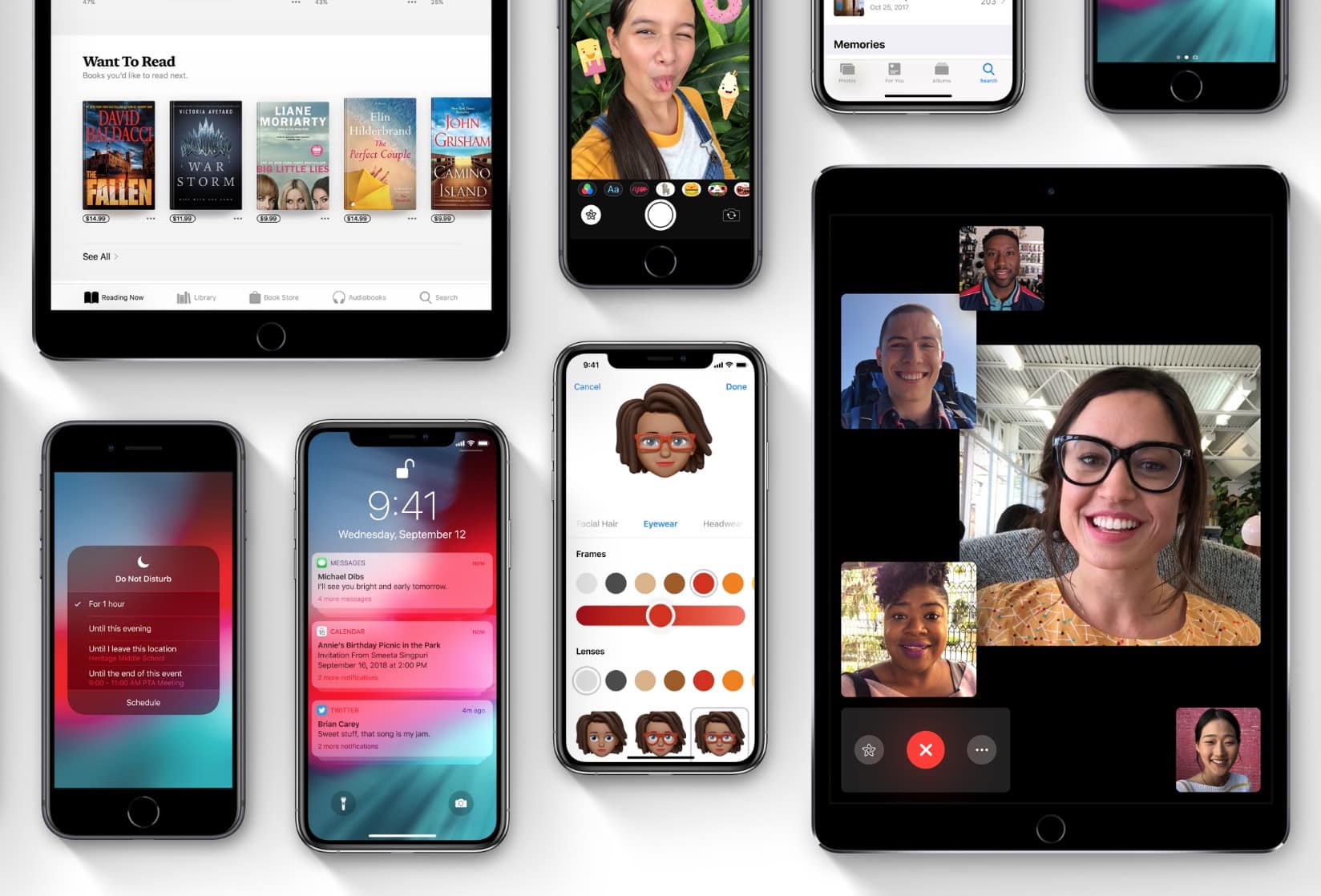
iOS 12.2 is bringing a bunch of new features to iPhone and iPad.
Photo: Apple

Apple is back with an all-new iOS 12.2 beta for developers, just one week after the iPhone-maker released iOS 12.2 beta 5 into the wild.

iOS 12.2 beta 6 could be the last beta build Apple puts out before making it available to the public. The new beta build packs a ton of bug fixes and performance improvements for iPad and iPhone to go with some UI changes and new features Apple added in previous builds.

AirPower incoming? Apple Online Store mysteriously goes down

By •

Apple Store down
What's happening?
Photo: Apple

The Apple Online Store has mysteriously gone down this morning, leading fans to wonder whether AirPower and new iPads are on the way.

Apple has an event planned for March 25, but it is thought that will focus on services rather than hardware. It is certainly plausible that refreshed devices will be added to the store this morning without much fanfare.

iOS users miss out as Steam makes mobile PC gaming more portable

By •

Steam Link iPhone iPad Apple TV
Steam Link’s first big update is great for controller users.
Photo: Valve

Valve today confirmed a big update to its PC game streaming platform that makes desktop games more portable than ever.

Its new Steam Link Anywhere service now lets you enjoy your favorite titles anywhere in the world through the Steam Link app for mobile. But don’t get too excited if you use an iPhone or iPad.

Apple’s strict App Store guidelines mean iOS users remain left out in the cold.

How to print from your iPhone using AirPrint

By •

AirPrint is how printers should always have worked.
Photo: Charlie Sorrel/Cult of Mac

There’s still something kinda magical-feeling about printing documents from your iPhone. Maybe someone sends you a long Word or Pages document that you prefer to read on paper. Or maybe you must sign a hard-copy version of a PDF and send it back via real paper mail.

You may be used to facing a task like this in your iPhone’s email app, and putting it off until you get to your Mac or PC. But chances are, if you own a fairly modern printer, you can just print right from the iPhone. In fact, once you get a taste for it, you’ll prefer printing from iOS. You will never need to deal with drivers, or pick up your 100-page print job only to find every sheet printed too small.

The answer is AirPrint. It’s how printers always should have worked.

Mass production ‘gearing up’ for new iPads, AirPods

By •

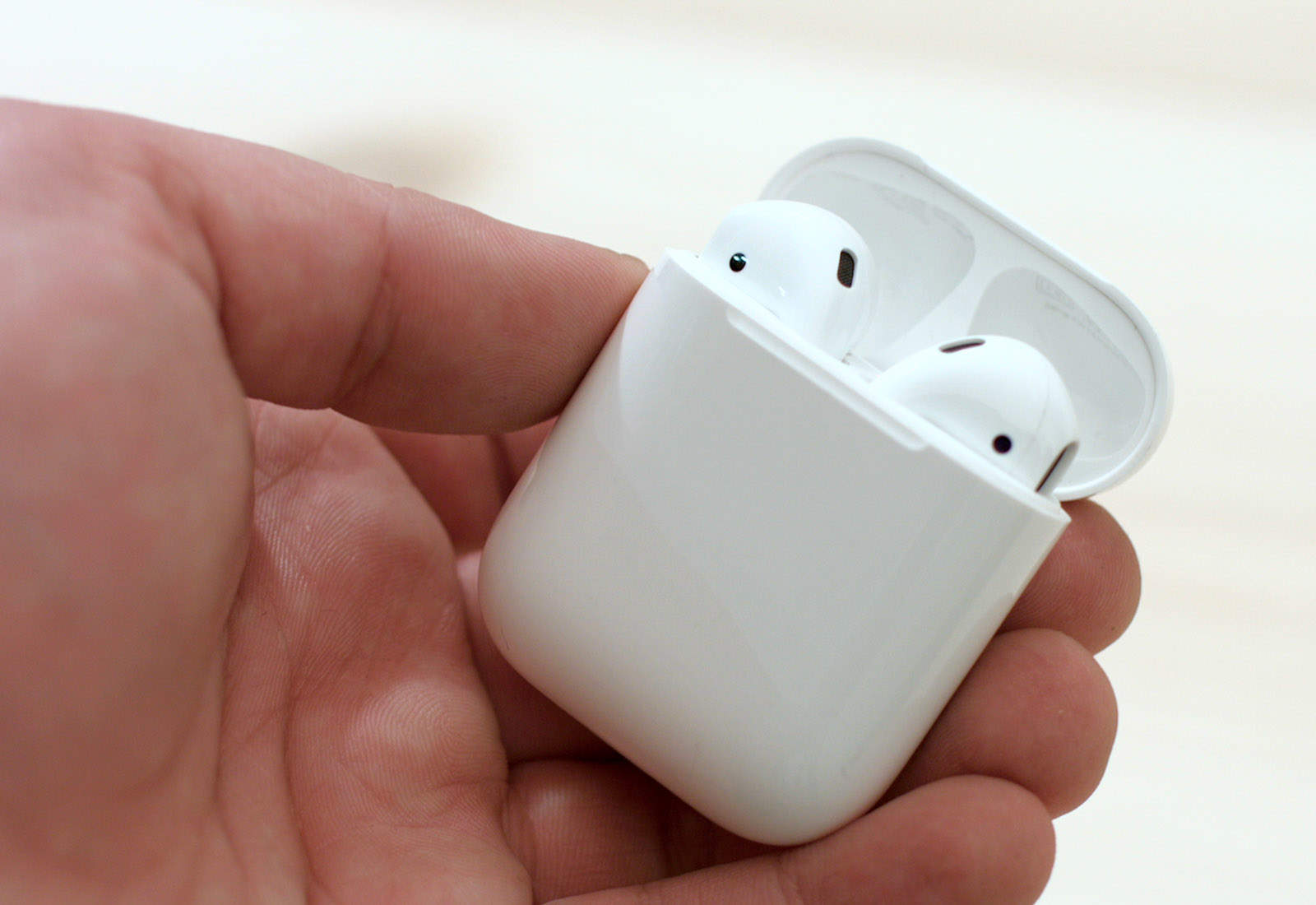
AirPods in case
Are you excited about next-gen AirPods?
Photo: Ste Smith/Cult of Mac

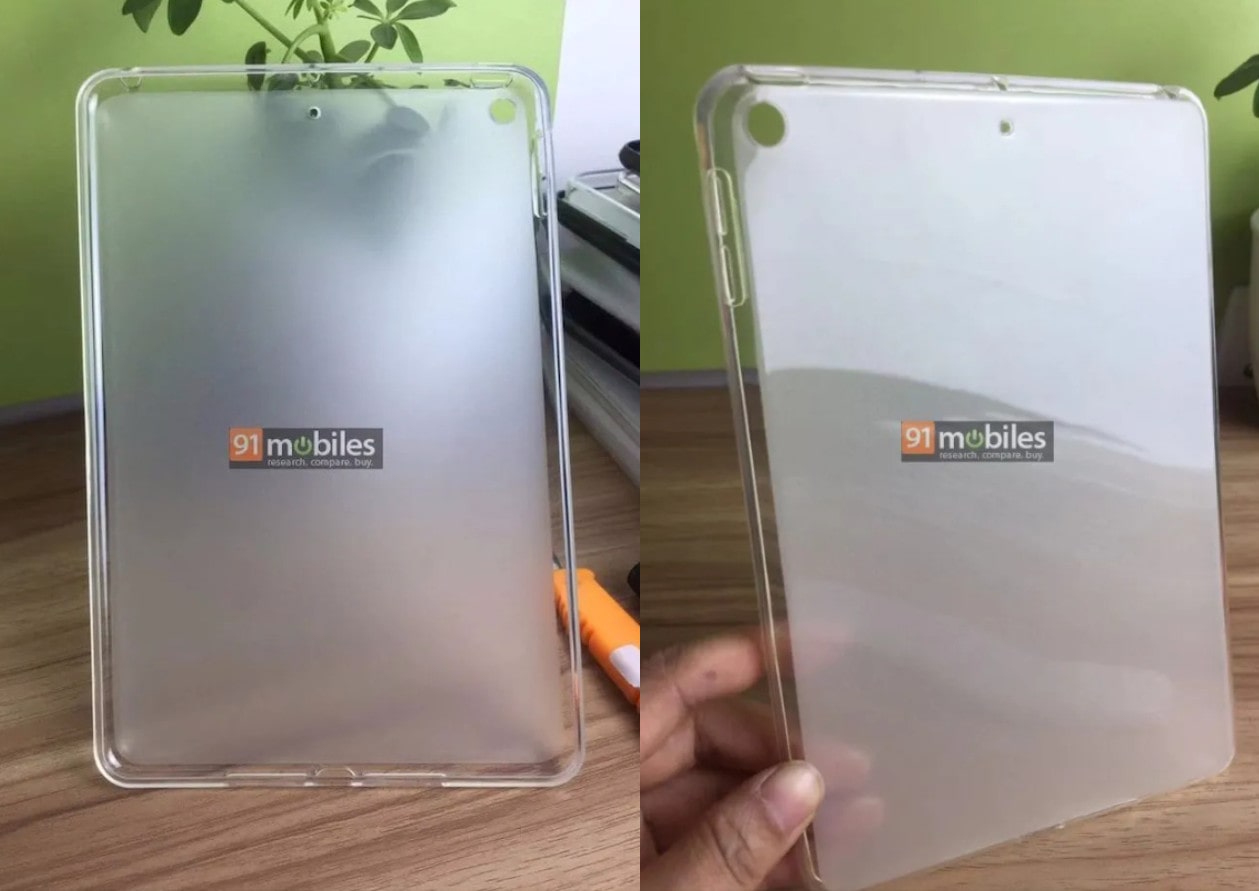
New AirPods and iPads are coming — and we just got the latest bit of evidence to support that.

According to a new report, four Apple suppliers are gearing up for mass production of both new products. Flexible PCB firm Flexium Interconnect and Zhen Ding Technology will be handling Apple’s next-gen iPad devices. Meanwhile, Compeq Manufacturing and Unitech PCB will supply rigid-flex boards for the sequel to Apple’s wireless AirPods.

Enso is the best looper app for iOS

By •

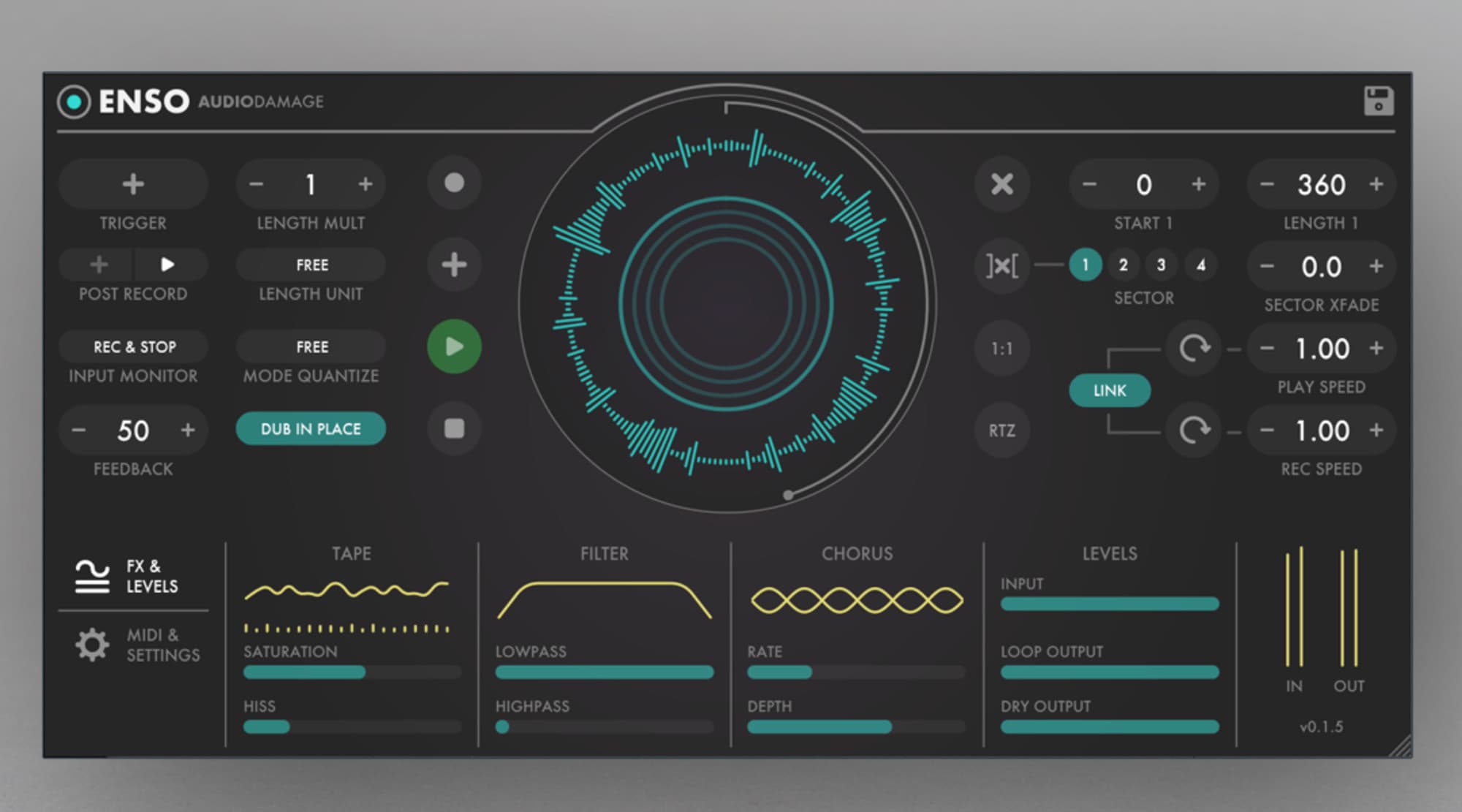
Enso looks as good as it sounds.
Photo: Audio Damage

Enso looper is a big, big deal for iOS musicians. In principle, it works like any other looper app or hardware looper: You play music into it, and then that music is looped over and over, forming a backing track for more playing.

But Enso is hot, hot, hot for two reasons. One is the amount of control you have over the looping. The other is that it is an Audio Unit, which means that it can be used inside other apps, like GarageBand and AudioBus.

What to expect from Apple’s ‘show time’ event on March 25

By •

Apple Show time event
Apple is expected to launch a number of new services this spring.
Photo: Apple

The first Apple event of 2019 is nearly here. Tim Cook and friends are set to take the stage at the Steve Jobs Theater on March 25 to unveil the company’s newest goodies, only instead of unveiling some shiny new gadgets you can buy, Apple is supposedly going to bust out some services you can subscribe to.

The Apple rumor mill has been working in overdrive leading up the event, so we have a pretty solid idea of what we’ll see.

If you hate Apple keynote spoilers, stop reading now.

TwistedWave is the least annoying way to edit music on iOS [Review]

By •

No, not that kind of wave.
Photo: Charlie Sorrel/Cult of Mac

If you ever wanted to do any of the following …

  • Chop up music.
  • Remove the start or end of an audio track.
  • Extract the audio from a video.
  • Convert an MP3 (or any other music file) to some other music file format.
  • Pretty much anything else.

… then you should grab TwistedWave this second. It’s an essential app for working with audio on the iPhone and iPad. And it’s also really, really quick and easy to use.

DirectTV Now finally integrates with Apple TV app

By •

DirecTV Now lets you stream TV on your iPhone.
Photo: DirecTV Now.

AT&T revealed that it’s finally making it easier to watch DirecTV Now on iPhone, iPad and Apple TV by integrating it into the Apple TV app.

The new update gives DirecTV Now subscribers the ability to keep track of their watching progress for TV series and movies across multiple devices will also bringing custom recommendations on new stuff to watch.

How to create Dropbox-style links in iCloud Drive

By •

Cloud storage.
Cloud storage.
Photo: Charlie Sorrel/Cult of Mac

If you keep your stuff in Dropbox, it’s easy to grab a link to a file or a folder. Then you can send that link to another person or store it in, say, your to-do list so you can quickly open it with a click. You can even grab the link inside the iOS Files app.

But if you use iCloud, this simple task is no longer simple. In typical Apple style, a clean UI comes at the expense of hiding almost everything behind multiple taps and cryptic pop-up boxes. But all is not lost. You can actually grab a link to any file stored in your iCloud Drive — and use it in any app you please.

The most interesting factoids from Apple’s 13th annual supplier report

By •

Apple gives supply chain workers access to coding classes.
Photo: Apple

Apple came out with its 13th annual Supplier Responsibility Progress Report, giving an inside glimpse at some of the biggest issues it’s been battling.

The 66-page report is stuffed with interesting little facts, like how many gallons of water suppliers have saved and the amount of reduced greenhouse gas emissions. Apple admits it still has a lot of work to do, but the progress the company has made is pretty impressive. One of the biggest areas Apple emphasizes in its report is the people that work in the supply chain and the educational opportunities Apple is giving them.

Pixar just posted a dream job for Mac nerds

By •

Toy Story
Do you have what it takes to join Pixar's posse?
Photo: Pixar

Pixar is looking for a good Mac nerd to join its support team.

If you’ve ever dreamed of working for one of the most iconic animation companies in the world, but don’t have any actual animation skills, this might be your best chance.

How to record any audio on your iPhone

By •

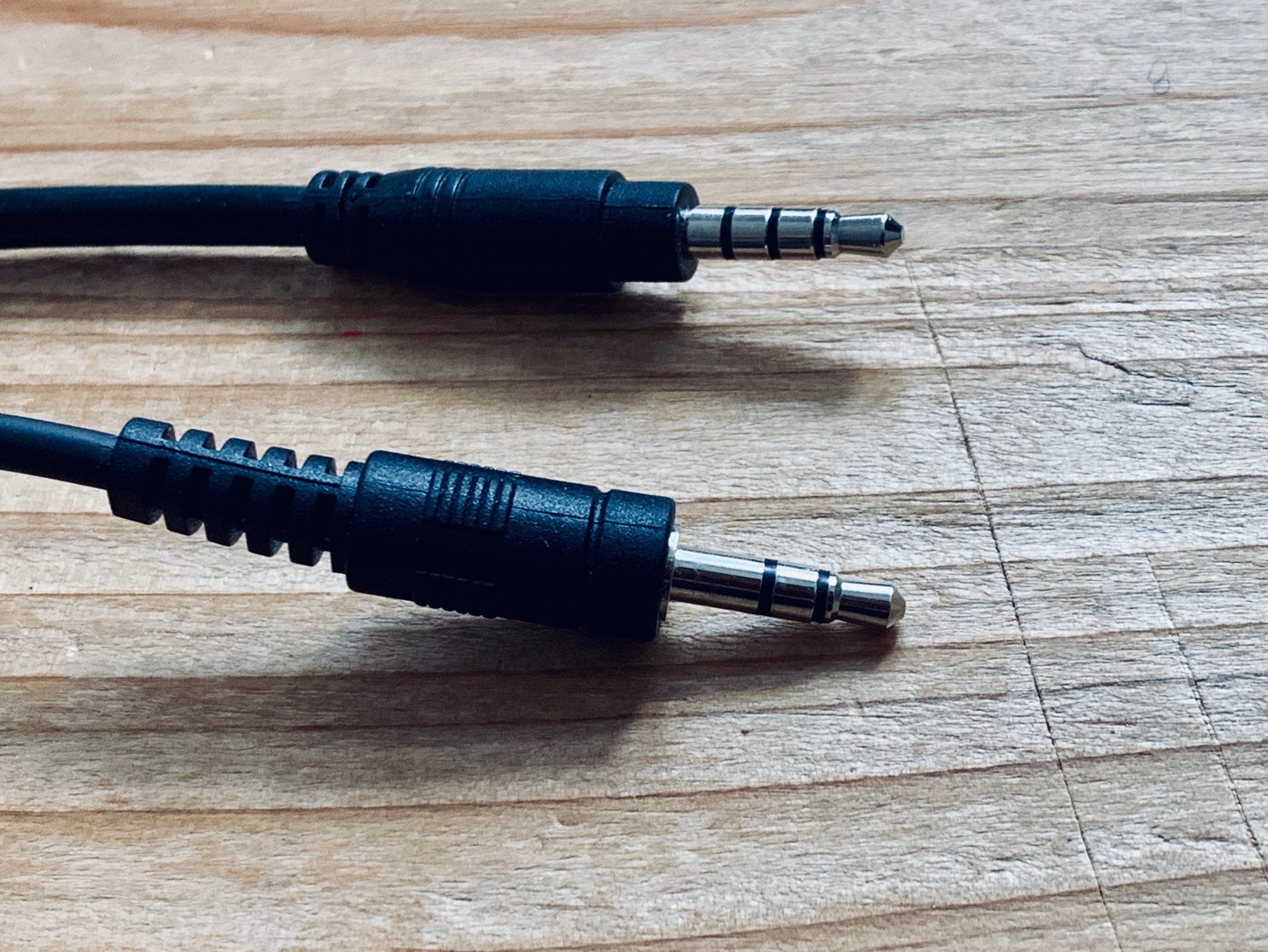
Make sure you use the right cable for IPhone recording
Make sure you use the right cable.
Photo: Charlie Sorrel/Cult of Mac

However old your iPhone is, it records great audio. You can use it as a dictaphone, to make field recordings of ambient sounds, to “tape” music, and even sample everyday noises and make music from them. But how do you do it? How do you hook up, say, a portable keyboard or an MP3 player to your iPhone, and actually save a recording? Let’s see.

Siri sounds better in Britain after voice improvements

By •

Photo of iPhone 4s, which brought Apple's AI assistant Siri to the masses
Sorry, Alexa: Siri still the most widespread AI assistant
Photo: Ste Smith/Cult of Mac

Apple has quietly updated the female British voice for Siri. The improvements can be heard today on HomePod and iOS devices.

The update comes just a few weeks after Apple updated the male British voice. It is believed the company could be working on improvements for many of Siri’s international voices.

GameClub will bring forgotten iOS games back from the dead

By •

GameClub
Look out, Apple Arcade!
Photo: GameClub

Remember the games you used to enjoy on your iPhone and iPad in the early days of the App Store? The chances are few of them are still supported and available for download today, but the best could soon be making a comeback.

GameClub is a developer that plans to resurrect forgotten iOS games. The first title on its roster is Hook Champ, a game from Rocketcat that first hit the App Store in 2009, and you can play it today by signing up for early access.

Microsoft Edge for iOS now translates websites in an instant

By •

Microsoft Edge translation
Visit your favorite foreign sites in Microsoft Edge.
Photo: Killian Bell/Cult of Mac

Microsoft Edge for iOS now boasts instant web page translation.

The feature lets you visit your favorite foreign sites and enjoy them in your native tongue. It also gives you the option to quickly switch back to the site’s original language with little effort.

Bag a MacBook for $830, Apple Watch for $150 [Deals & Steals]

By •

12-inch MacBook lineup
Don’t pay full price for a 12-inch MacBook.
Photo: Apple

The 12-inch MacBook remains Apple’s smallest and most portable notebook, and it’s a great machine — especially when you get it at a big discount. Woot is currently offering refurbished 2017 models for just $829.99. It’s just one of the awesome offers in today’s Deals & Steals roundup.

You will also find refurbished Apple Watch Series 2 units for under $150, a delicious discount on the amazing Instant Pot, and more than half off Powerbeats3 wireless headphones. Plus, Amazon has knocked $17 off the Apple Magic Keyboard with numeric keypad again.