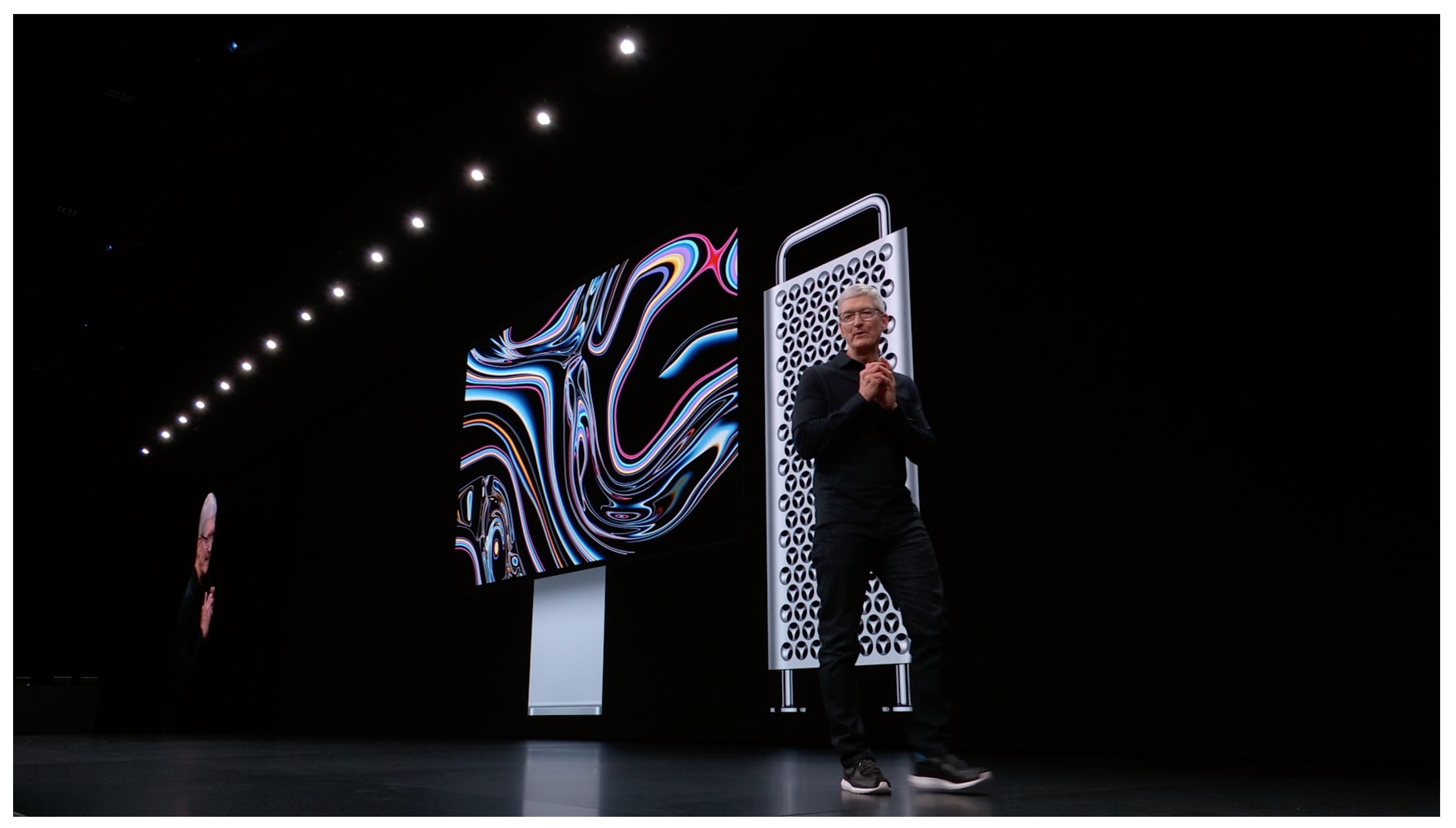
Apple’s going full Hollywood at the event. Photo: Cult of Mac
The first Apple event of 2019 is finally upon us and it promises to be unlike any other Apple keynote we’ve seen.
Services are set to be the star of the show as Apple busts out a new TV streaming app, news subscriptions and maybe even an Apple Pay credit card. Rumors have been ramping up leading to today’s “It’s show time” event, but there are still plenty of surprises waiting for fans. As always, Cult of Mac is live-blogging the whole dang thing with up-to-the-minute analysis on all the new stuff. Apple CEO Tim Cook takes the stage at 10 a.m. Pacific — most likely with a ton of Hollywood A-listers in tow — but we’re gonna get the party started a little before that.
It’s Show Time! Follow the action with us today. Photo: Charlie Sorrel/Cult of Mac
Later today, Apple will pull back the curtain on its upcoming news and video subscription services. Cult of Mac will, as ever, be live-blogging the action, but you can also watch the media event live, and presumably enjoy a roster of TV type people pitching their shows through their permanent hangovers.
Whether you’re watching on your Mac, your iPhone, your iPad or your Apple TV, we’ll show you how to tune in.
You can even show up at an Apple Store and watch it on the big screen!
Apple's PR blitz was more than just surprising - it was brilliant! Cover: Leander Kahney/Cult of Mac
So. Many. New. Products. Who would have guessed Apple would roll out multiple hardware upgrades in the week prior to a big media event? Here’s why that was a total genius move!
Read all about the new iPads, iMacs and AirPods in this week’s free issue of Cult of Mac Magazine for iOS. Plus, you’ll find our latest how-tos and products reviews to help make your tech life easier.
Grab the mag now. Or go old-school and get all the posts in the links below.
Let these shortcuts take care of your morning routine, so you can focus more on important things, like breakfast. Photo: Charlie Sorrel/Cult of Mac
Every morning, after I park my iPad in its desk stand, I start writing the same way: I play the same music playlist; I start the Focus app, which reminds me to take breaks; and I create a new Ulysses sheet to start typing in. And I do all of these almost without touching the screen.
You’d be surprised at how much you can do on the iPad with just the keyboard. Today we’re going to see some cool examples, plus a bonus Good Morning shortcut.
iPads are being removed from classrooms after a parent sounded the alarm. Photo: Charlie Sorrel/Cult of Mac
Students in California’s Sonoma Valley school district have had iPads pulled from their classrooms. This follows several second-graders reportedly using the tablets to access porn.
According to a report, searches for the word “kissing” on YouTube prompted suggestions of other videos, which included sexually explicit content. These videos had been viewed by kids as young as 8.
Apple Watch bands aren’t the only thing now available in new colors for spring. Apple is also offering its official iPhone and iPad accessories, including the Smart Battery Case, in fresh finishes.
Apple today added two new iPads to its lineup while dropping the 10.5-inch iPad Pro released in 2017. It now offers five different tablets, each of which has its own advantages. So how do you choose the right one?
Which iPad is best for unparalleled performance? Which one offers more bang for your buck? Which is starting to look a little long in the tooth?
Our in-depth comparison shows you exactly how all five of Apple’s current iPads stack up — and helps you decide which one is worth your hard-earned cash.
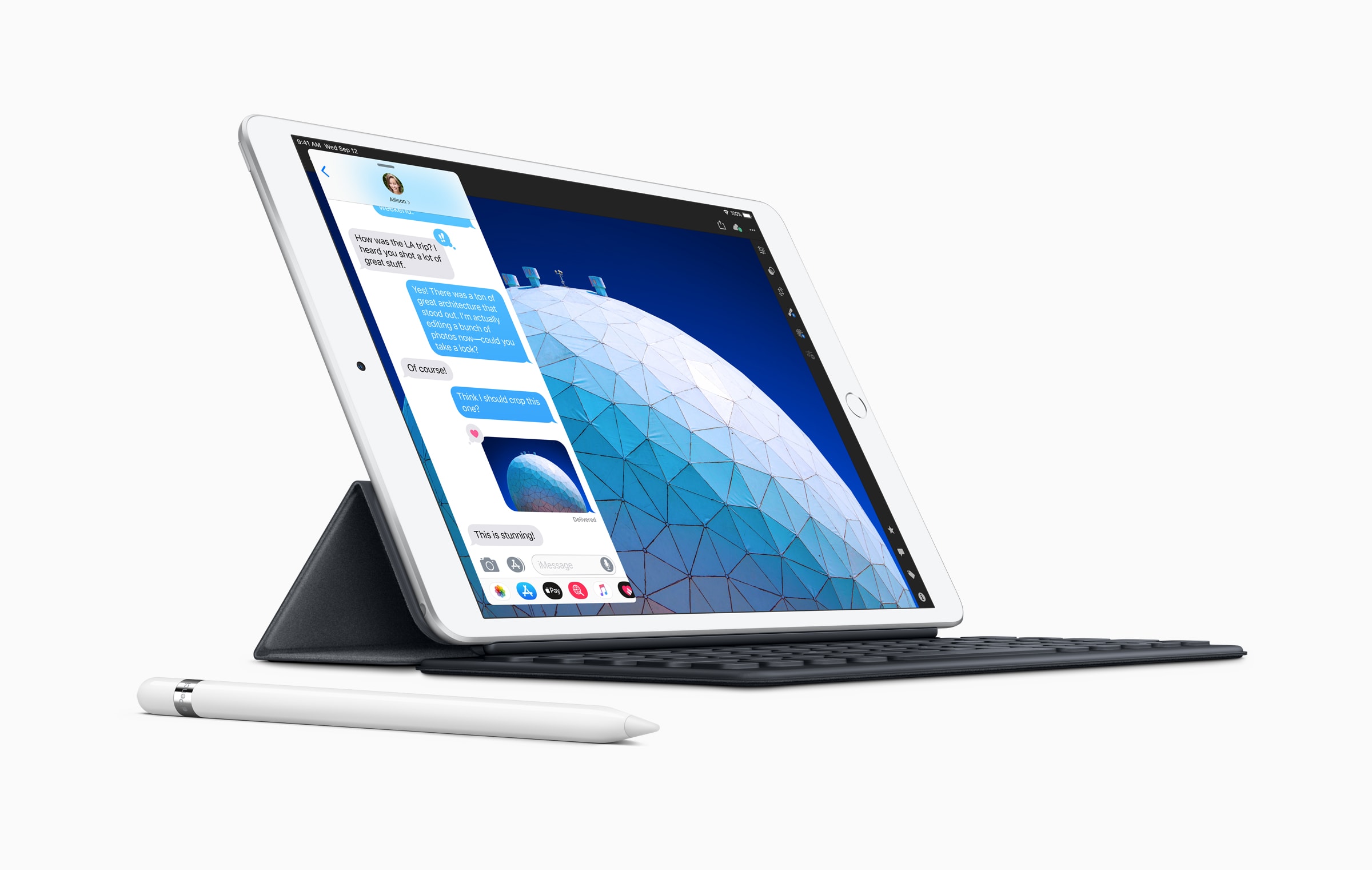
A new iPad Air with a larger 10.5-inch display and a fifth-generation iPad mini are available to order now from Apple.com.
Both feature a blazing-fast A12 Bionic chip, improved displays with True Tone, and Apple Pencil support. Prices start at $399 for the new iPad mini, and $499 for the new iPad Air.
iOS 12.2 is bringing a bunch of new features to iPhone and iPad. Photo: Apple
Apple is back with an all-new iOS 12.2 beta for developers, just one week after the iPhone-maker released iOS 12.2 beta 5 into the wild.
iOS 12.2 beta 6 could be the last beta build Apple puts out before making it available to the public. The new beta build packs a ton of bug fixes and performance improvements for iPad and iPhone to go with some UI changes and new features Apple added in previous builds.
The Apple Online Store has mysteriously gone down this morning, leading fans to wonder whether AirPower and new iPads are on the way.
Apple has an event planned for March 25, but it is thought that will focus on services rather than hardware. It is certainly plausible that refreshed devices will be added to the store this morning without much fanfare.
Steam Link’s first big update is great for controller users. Photo: Valve
Valve today confirmed a big update to its PC game streaming platform that makes desktop games more portable than ever.
Its new Steam Link Anywhere service now lets you enjoy your favorite titles anywhere in the world through the Steam Link app for mobile. But don’t get too excited if you use an iPhone or iPad.
Apple’s strict App Store guidelines mean iOS users remain left out in the cold.
AirPrint is how printers should always have worked. Photo: Charlie Sorrel/Cult of Mac
There’s still something kinda magical-feeling about printing documents from your iPhone. Maybe someone sends you a long Word or Pages document that you prefer to read on paper. Or maybe you must sign a hard-copy version of a PDF and send it back via real paper mail.
You may be used to facing a task like this in your iPhone’s email app, and putting it off until you get to your Mac or PC. But chances are, if you own a fairly modern printer, you can just print right from the iPhone. In fact, once you get a taste for it, you’ll prefer printing from iOS. You will never need to deal with drivers, or pick up your 100-page print job only to find every sheet printed too small.
The answer is AirPrint. It’s how printers always should have worked.
Are you excited about next-gen AirPods? Photo: Ste Smith/Cult of Mac
New AirPods and iPads are coming — and we just got the latest bit of evidence to support that.
According to a new report, four Apple suppliers are gearing up for mass production of both new products. Flexible PCB firm Flexium Interconnect and Zhen Ding Technology will be handling Apple’s next-gen iPad devices. Meanwhile, Compeq Manufacturing and Unitech PCB will supply rigid-flex boards for the sequel to Apple’s wireless AirPods.
Enso looks as good as it sounds. Photo: Audio Damage
Enso looper is a big, big deal for iOS musicians. In principle, it works like any other looper app or hardware looper: You play music into it, and then that music is looped over and over, forming a backing track for more playing.
But Enso is hot, hot, hot for two reasons. One is the amount of control you have over the looping. The other is that it is an Audio Unit, which means that it can be used inside other apps, like GarageBand and AudioBus.
Apple is expected to launch a number of new services this spring. Photo: Apple
The first Apple event of 2019 is nearly here. Tim Cook and friends are set to take the stage at the Steve Jobs Theater on March 25 to unveil the company’s newest goodies, only instead of unveiling some shiny new gadgets you can buy, Apple is supposedly going to bust out some services you can subscribe to.
The Apple rumor mill has been working in overdrive leading up the event, so we have a pretty solid idea of what we’ll see.
If you hate Apple keynote spoilers, stop reading now.
An apparent “iPad mini 5” case corroborates rumors that this year’s much-anticipated refresh won’t bring a spectacular new design to Apple’s smallest tablet.
The case also dashes hopes that the new device will pick up an LED camera flash, a Smart Connector, and four stereo speakers. But is it genuine?
Apple’s iPad lineup is about to get more crowded and confusing than ever in 2019.
With the company’s big March 25 event looming on the horizon, a new rumor claims Apple is planning to release not one but two iPads with a 10-inch screen this year that won’t fall under the “iPad Pro” brand.
No, not that kind of wave. Photo: Charlie Sorrel/Cult of Mac
If you ever wanted to do any of the following …
Chop up music.
Remove the start or end of an audio track.
Extract the audio from a video.
Convert an MP3 (or any other music file) to some other music file format.
Pretty much anything else.
… then you should grab TwistedWave this second. It’s an essential app for working with audio on the iPhone and iPad. And it’s also really, really quick and easy to use.
Ulysses 15 adds a bunch of welcome new features. Photo: Ulysses
Ulysses just got a big update for both Mac and iOS, but mostly for the Mac. The best text editor and writing app for both platforms remains the best — only now it does a little bit more. Let’s take a look.
DirecTV Now lets you stream TV on your iPhone. Photo: DirecTV Now.
AT&T revealed that it’s finally making it easier to watch DirecTV Now on iPhone, iPad and Apple TV by integrating it into the Apple TV app.
The new update gives DirecTV Now subscribers the ability to keep track of their watching progress for TV series and movies across multiple devices will also bringing custom recommendations on new stuff to watch.
If you keep your stuff in Dropbox, it’s easy to grab a link to a file or a folder. Then you can send that link to another person or store it in, say, your to-do list so you can quickly open it with a click. You can even grab the link inside the iOS Files app.
But if you use iCloud, this simple task is no longer simple. In typical Apple style, a clean UI comes at the expense of hiding almost everything behind multiple taps and cryptic pop-up boxes. But all is not lost. You can actually grab a link to any file stored in your iCloud Drive — and use it in any app you please.