Ready to switch from Android to iPhone? Before you make the move to an Apple device, you need to know the biggest problems you’ll face during the transition — and how to avoid them.
While some challenges are manageable, others are unavoidable. If you feel ready to jump to Apple’s ecosystem from Google land, here’s what you need to know.
Switching from Android to iPhone: 5 major roadblocks
Android offers a lot more flexibility than iOS, but it comes at a cost. iOS delivers a more consistent experience, deep cross-device integration and better security. More importantly, even after all these years, iOS apps are leaps and bounds better than their Android counterparts.
If you’re frustrated with these Android limitations, switching to an iPhone can seem like the obvious solution. But the transition isn’t as seamless as it looks. Once you make the move, you’ll likely run into a few challenges that can take time to adjust to.
Table of contents: Switching from Android to iPhone – 5 major roadblocks
- Data-transfer woes
- An inferior notification system
- No universal back gesture
- No split-screen multitasking
- A restricted but high-quality App Store ecosystem
- Why switching to iPhone is still worth it
1. Data-transfer woes
Photo: Ed Hardy/Cult of Mac
Even after all these years, moving your data from Android to iPhone is more complicated than you might think. Apple’s Move to iOS tool makes the process easier, but it’s far from foolproof.
When dealing with large amounts of data, Move to iOS sometimes fails to work properly. The transfer process can get stuck in the middle, not making any progress for hours.
While photos, videos and contacts usually transfer without major problems, app data is a different story. It doesn’t carry over, so you’ll need to download everything again from Apple’s App Store and sign in manually to each app. This can be a hassle, especially if you use a lot of banking apps.
On top of that, you’ll need to set up your preferences and notifications all over again.
Moving your conversations from Android to iPhone is another challenge. And if you have Rich Communication Services chats, they won’t carry over cleanly to iPhone. WhatsApp officially supports Android-to-iPhone migration, but as with the Move to iOS tool, the entire process feels wonky and unreliable.
All of this only makes the switching process feel more tedious and frustrating.
2. An inferior notification system
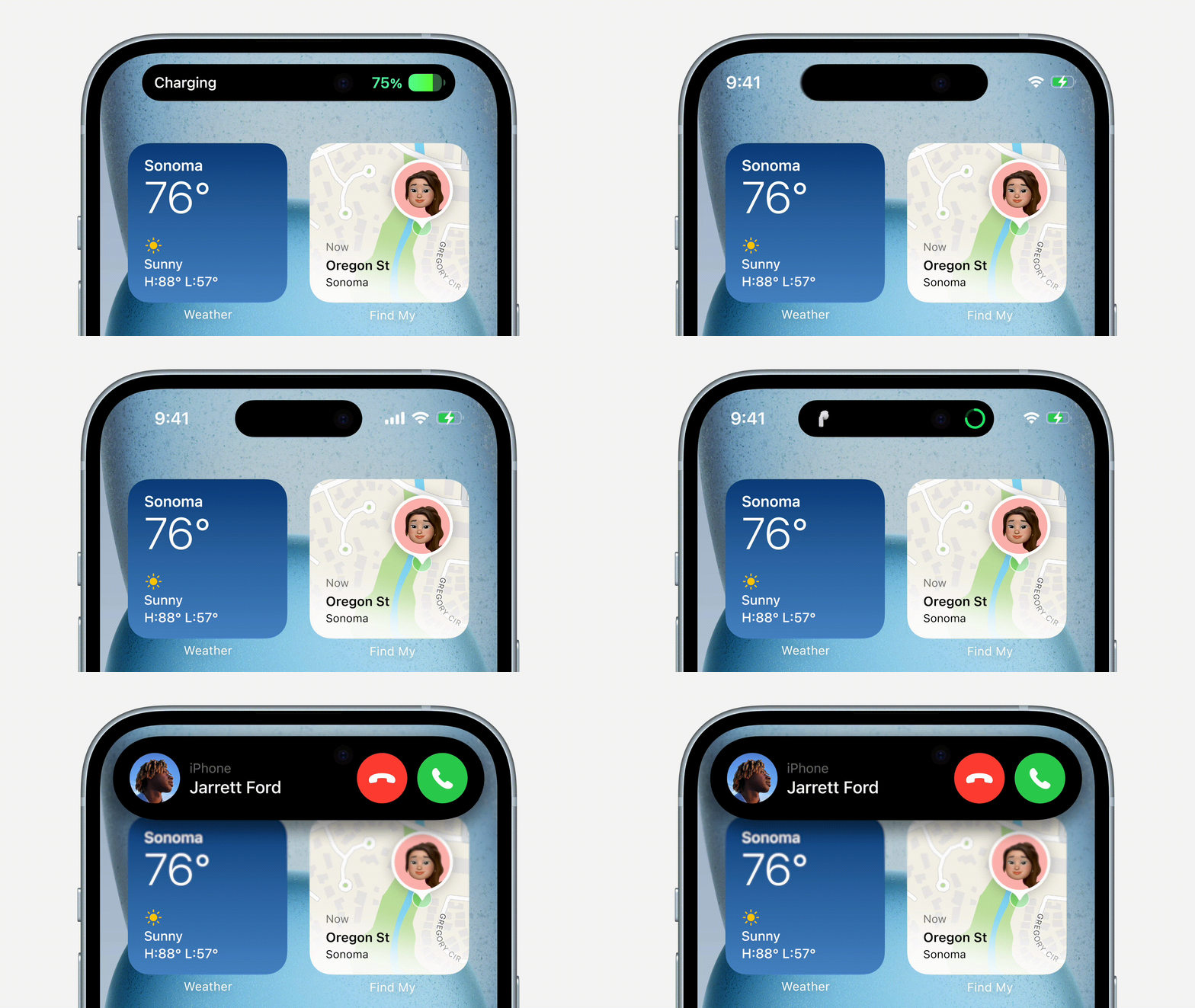
Photo: Apple
For all the advantages that the iPhone offers, you will need to deal with a subpar notifications experience. Coming from Android, you will find the iPhone’s Notification Center confusing and harder to manage. It will not always group notifications from the same app.
Android gives you granular control over notifications, allowing you to mute specific types of alerts within an app. For example, you can silence promotional messages from a food delivery app while still receiving order updates.
The iPhone does not offer this level of control. You either allow all notifications or turn them off entirely, leading to a cluttered and noisy experience.
iOS also lacks consistency with regard to how notifications behave. Some support quick replies or actions, while others force you to open the app, making the overall experience feel less seamless than on Android.
3. No split-screen multitasking
iOS apps offer a superior user experience compared to Android. But if you are a power user, you will find the iPhone’s limited multitasking capabilities frustrating.
On Android phones, you can run apps in split screen or even in a floating window. This makes it easy to watch a video while replying to messages or browse the web while taking notes.
None of this is possible on the iPhone. You can only run one app at a time. You will notice this limitation in daily use, especially if you enjoy multitasking on Android. You’ll find yourself constantly switching between apps, which will break your flow and hurt your productivity.
4. No universal back gesture
Google copied iPhone’s navigation gestures for Android. But there’s one area where it nailed the implementation: a universal back gesture.
On Android, the back button or gesture works the same way across the OS and apps. It takes you a step back in the navigation hierarchy.
That’s not the case on the iPhone, where the back button’s action is wildly inconsistent.
In some apps, you swipe from the left edge to go back, while in others you need to press a button located in the top-left corner. That position is almost impossible to reach with one-handed use, especially on the larger iPhone Pro Max models.
5. A restricted but high-quality App Store ecosystem
Photo: Apple/Rajesh Pandey
If you are an Android power user, you will find the iPhone’s App Store restrictions annoying.
Apple closely guards its ecosystem. It keeps tight control over the apps that make it to the App Store, which means some types of apps are just not available. This includes system-level tools, advanced utilities and apps that rely on deeper hardware access, such as full NFC functionality beyond Apple Pay.
Worse, on Android, you can sideload apps from outside the Play Store. That’s not possible on the iPhone.
While Apple offers limited support for third-party app marketplaces in regions like the European Union, the process isn’t straightforward and comes with its own restrictions. For most iPhone owners, the App Store remains the only practical way to install apps.
Why the switch to iPhone is still worth it
Despite all the problems you will encounter when switching from Android to iPhone, the move is still worth it. Apple’s ecosystem is one of its biggest strengths.
You can seamlessly transfer files, photos and videos from your iPhone to Mac or iPad and vice versa using AirDrop. Likewise, you can copy and paste text between your iPhone and Mac without needing to connect them using Apple’s Universal Clipboard.
While Android phones now come with a seven-year security update promise, the iPhone still trumps that. That’s because iPhones receive updates on the day Apple releases them. Unlike on Android, there’s no waiting involved.
Thanks to Apple’s tight control over the hardware and software, the iPhone also delivers a more stable and consistent experience. Plus, apps are better optimized for the iPhone’s hardware, thus giving a more polished look and feel.
It’s not just about the hardware and software, either. Apple provides much better after-sales support than any Android phone manufacturer. Add in the iPhone’s longevity, and this makes a big difference.
There’s another major advantage of using an iPhone. You gain access to the best accessory ecosystem possible. From cases and chargers to wallets, stands and power banks, the range of high-quality iPhone accessories is unmatched.
The introduction of MagSafe only made this experience better. You can now magnetically attach accessories to the back of your iPhone, removing the hassle of cables, cases and other mechanisms.
Switching from Android to iPhone: Final thoughts
When switching from Android to iPhone, you need to understand that this is not a simple upgrade. You are switching to a completely different ecosystem. There will be a learning curve.
However, once you get used to iOS, there’s no going back to Android. Despite some unexpected trade-offs, the iPhone, and the Apple ecosystem, will keep you locked in thanks to the clear benefits.

Rajesh has been writing about consumer technology for over a decade, with a strong focus on iPhones, Macs and Apple’s ecosystem. He enjoys digging into Apple software updates, hardware changes, and discovering new Mac apps that make work faster and more enjoyable.
You can reach out to him at mail[at]rajeshpandey.me.


One response to “5 major roadblocks when switching from Android to iPhone”
Thanks for this article! I was almost convinced on switching until you reminded me iPhone doesn’t have notification categories and the ecosystem is only a benefit if you have a Mac and/or are rich enough to worry about phone accessories