This edition of Awesome Apps of the Week showcases an app to make your TV streaming life 10x easier, a gamified way to learn business, and a way to build (or grow) unique Spotify playlists.

This edition of Awesome Apps of the Week showcases an app to make your TV streaming life 10x easier, a gamified way to learn business, and a way to build (or grow) unique Spotify playlists.
To say that it’s been a while since we featured new or interesting Awesome Apps would be an understatement. Fortunately, all that time has allowed me to discover a few great, useful apps to share with all of you. Whether you need something to help keep you in shape this summer, or want a quick and easy way to record a call on your iPhone, we’ve got some awesome apps for you.
And as I’ve said in the past, if you have something you want us to check out for a future Awesome Apps post, be sure to email your suggestions or tweet them over or toot at me.

With 2022 officially and fully in the rear-view, we’re all looking at how 2023 will be different. But some things don’t need to change. With that, it seemed only fair that we look back at some of the apps that made the biggest difference this past year. With so many apps to choose from, knowing the ones we (the Cult of Mac team) actually used and loved this last year may even help you nail that New Year’s resolution.
With Thanksgiving right around the corner, there’s a good chance you’ll have some down time on the way. Whether you’re planning a trip to see family, doing some shopping, or just want to flex your Apple knowledge, this week we have some Awesome Apps to infuse some tech into your holiday week.
Apps can be useful for a a countless number of things. From making a new parents life easier to finding new music, there’s are apps fit to help make things nearly effortless. This week, we have a couple great new (to me, at least) apps, and a really solid update to one of my favorites. As usual, I’ll put out the call for other suggestions as well. If you have something you want us to check out for a future Awesome Apps post, be sure to email your suggestion or tweet them over!
I rely on my devices for everything. Whether it’s my recipe book, my alarm clock, to help me get work done, or entertain me during my downtime, my devices are a critical piece of life. Having apps that help me in those situations (or just make them a little more fun) is key.
This week, an app that makes short work of dealing with obscure files, a way to manage your favorite color collections, and a delightful game to enjoy. As usual, if you have something you want us to check out for a future Awesome Apps post, be sure to email your suggestion or tweet them over!
Life is all about what you make of it. Or at least that’s how the saying goes, I guess. This week, we have an app that helps you make the most of your time, an app to help document it, and an app for the times in between. As usual, if you have something you want us to check out for a future Awesome Apps post, be sure to email your suggestion or tweet them over!
There really are apps for everything at this point. Whether you’re a coffee snob aiming to simplify your brewing experience, or simply looking for a tool to ease the frustration of your digital life, there is an app here for you. If you have other awesome apps to suggest for future installments, email your suggestion or tweet them over!
While we anxiously await a flurry of new and updated apps coming for iOS 16, a few great new apps and updates have hit the scene recently.
From being more productive to being more creative, this week’s Awesome Apps are sure to help you feel accomplished. And if you have something you want us to check out for a future Awesome Apps post, be sure to email your suggestion or tweet them over!
Twitter might be going through a turbulent time, but for many of us in the tech community, it remains our de facto town square — a place where we can meet to share our views, opinions and hopes.
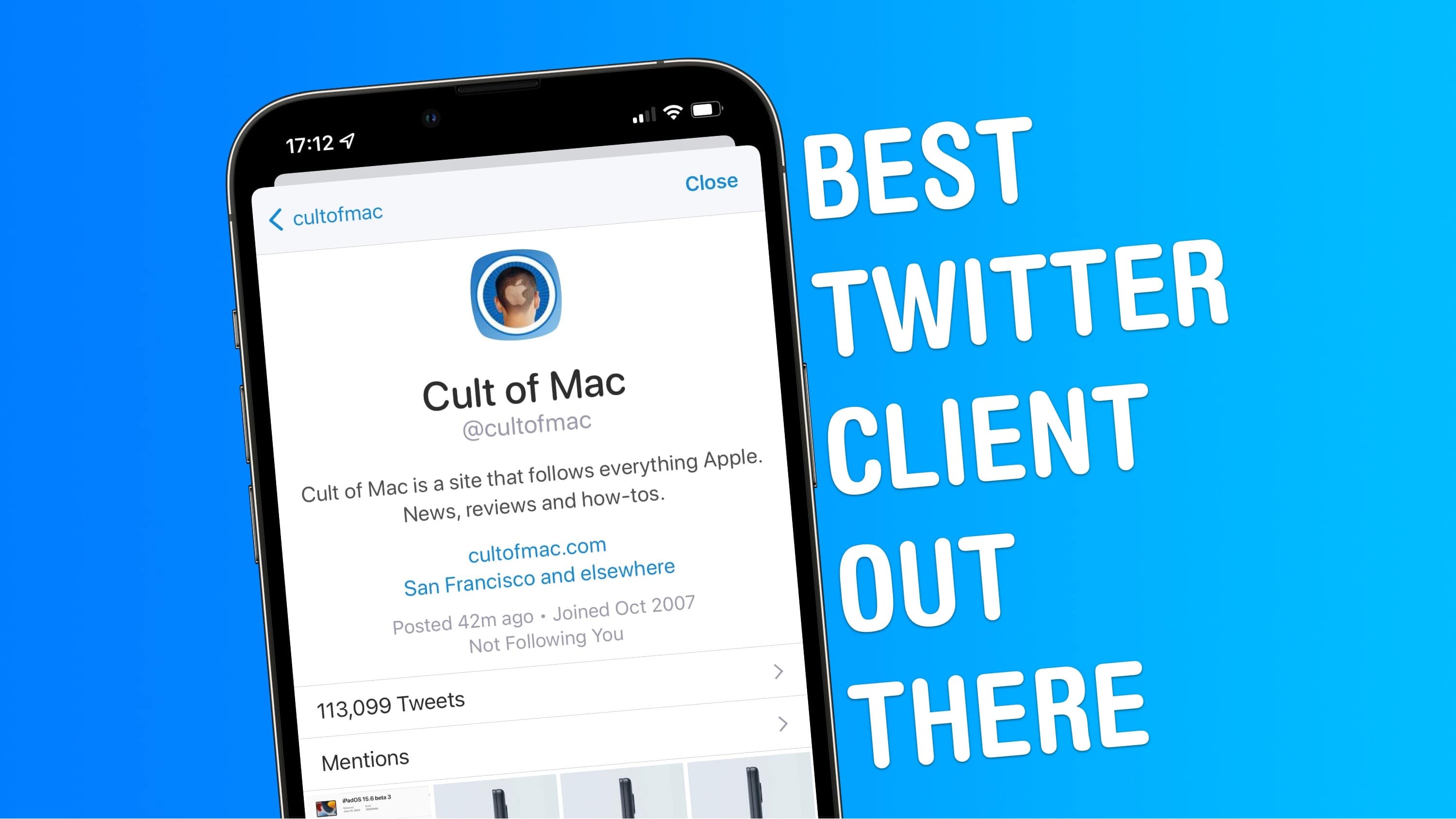
Like most of us here at Cult of Mac, I’ve been using Twitter for years. And although I’ve switched between clients more than a handful of times, my favorite Twitter app is Twitterrific.
In fact, I’d even say that Twitterrific is the best Twitter client for iPhone and iPad. Stick around to find out why.
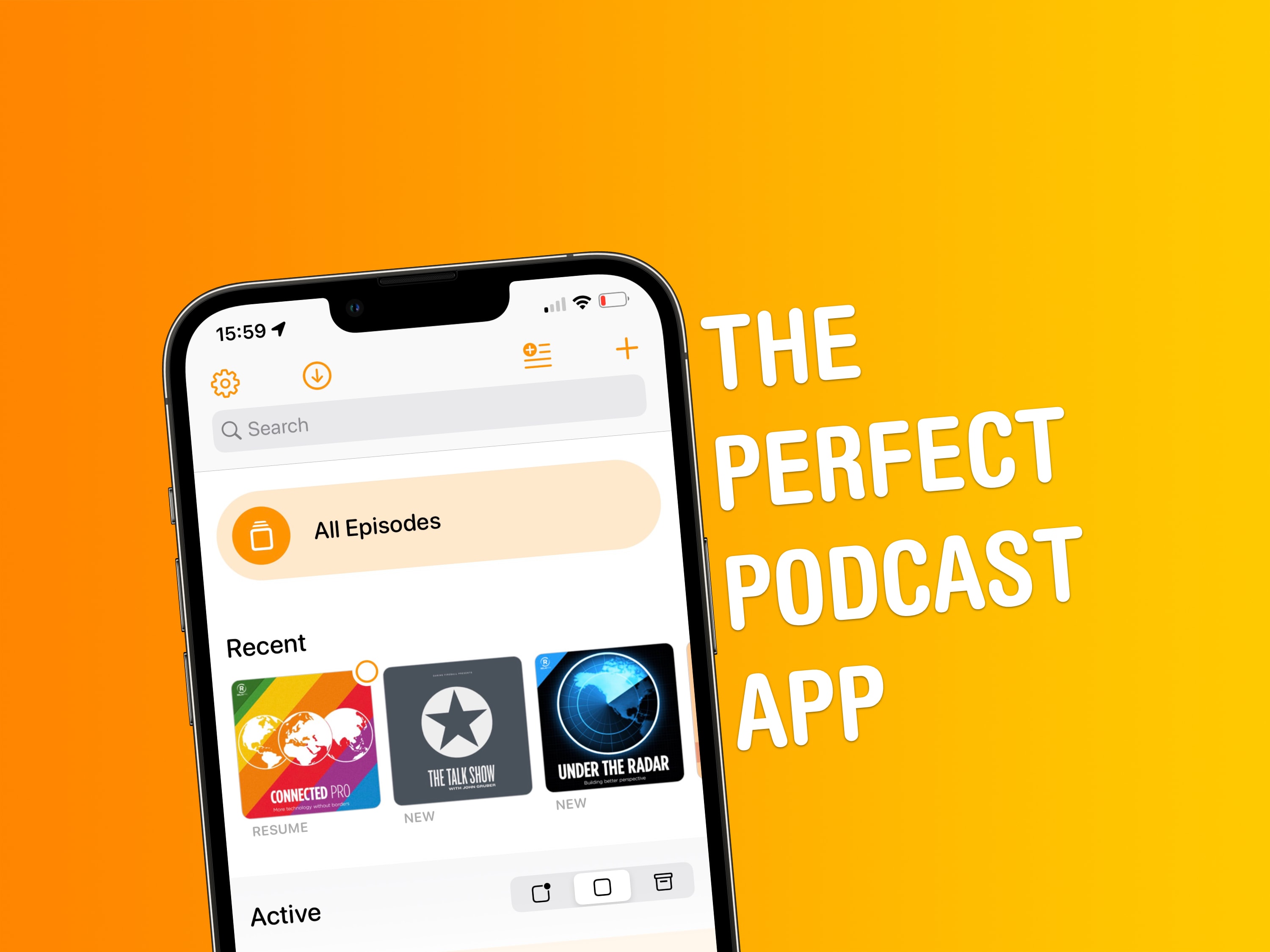
This definitely isn’t the first time we’ve talked about Overcast here at Cult of Mac. But since I’ve been spending time rounding up my must-have apps as part of our Awesome Apps series, it makes sense to tell you why Marco Arment’s podcast client is the best podcast app out there.
It’s actually a great time to introduce anyone unfamiliar with Overcast to the app, since it recently received its biggest redesign ever. Part of this change includes a new home screen with some smart features. I love Overcast for a number of reasons, but the app’s home screen is probably chief among them.
Another week has passed, and even more of you have come through with your app recommendations and suggestions! This week, a bit of a grab bag of new apps, new features, and new discoveries. From a shopping app to simplify your life to an excellent replacement to Apple’s infuriating TV app, we’ve got some awesome apps for you. And as always, if you have an awesome app to share, email your suggestion or tweet them to me!
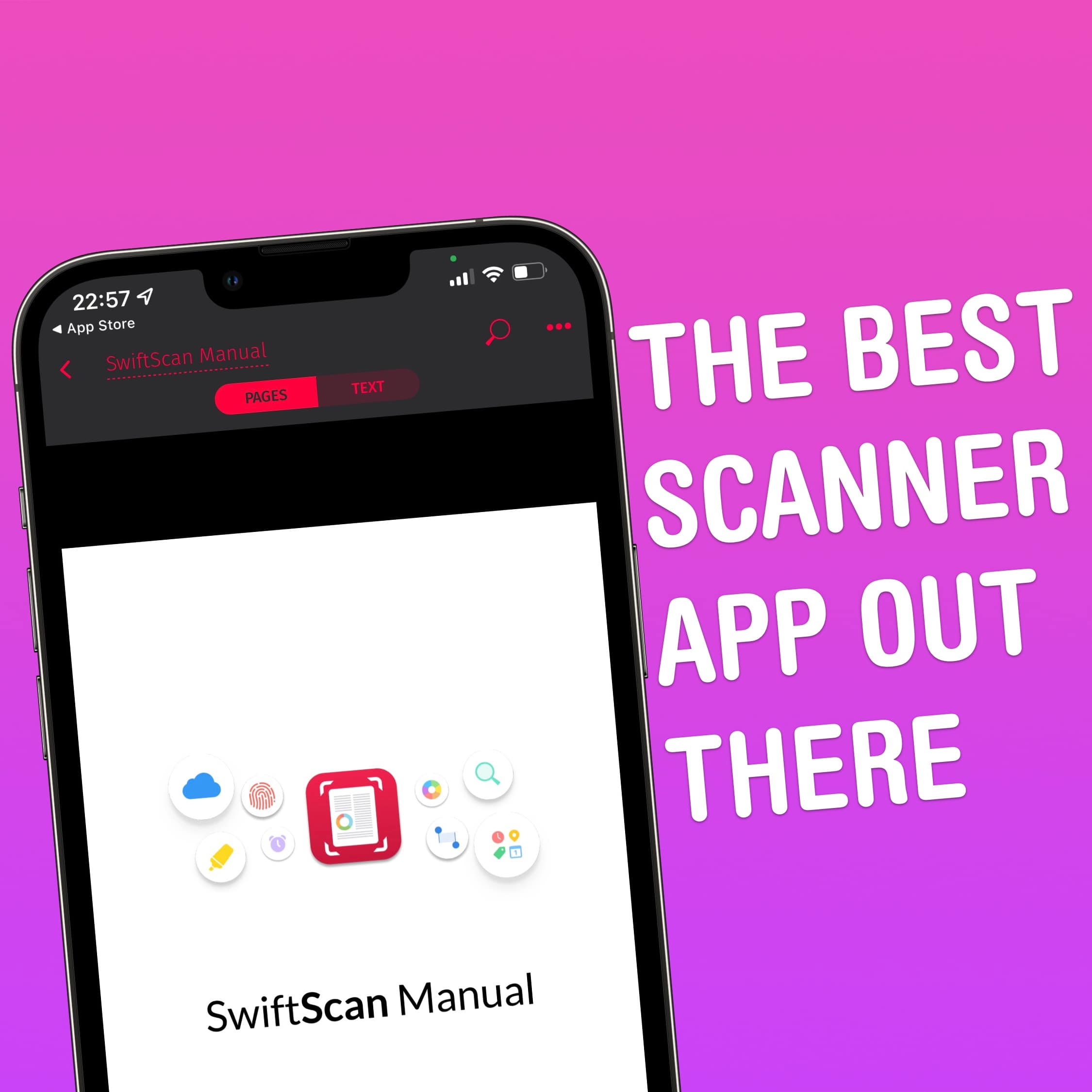
Gone are the days where folks needed a document scanner sitting atop their desks. Instead, we have our trusty iPhones! When friends ask me which app they should be using to turn paper documents into PDFs, I point them in the direction of SwiftScan. Let me tell you why.
Forget your whisk, chef’s knife or food-mixer. Apple’s iPhone should be your go-to device when it comes to preparing delicious meals in the kitchen. While it’s incredibly handy having Siri nearby to set multiple cooking timers, our iPhones, iPads and Macs can also double as digital recipe-books. And when it comes to recipe apps, trust me: The best out there is Mela.
The last time we published an Awesome Apps of the Week roundup, I asked for you (or your friends) to email me or tweet at me with new apps (or app updates) worth checking out. And, as evidenced here, some of you came through. Also, it seems like there have actually been some cool/interesting new apps coming out lately. Thanks to the combination of those two things, we’re back with a great camera app, a super-fun new game, and an app that’s helping me budget better!
There are loads of Safari web extensions in the App Store, all of which pimp out Apple’s mobile browser in interesting and exciting ways. But the very best Safari web extension is called Noir. This must-have extension brings Dark Mode support to every website you visit.
Here’s why you should download it immediately.
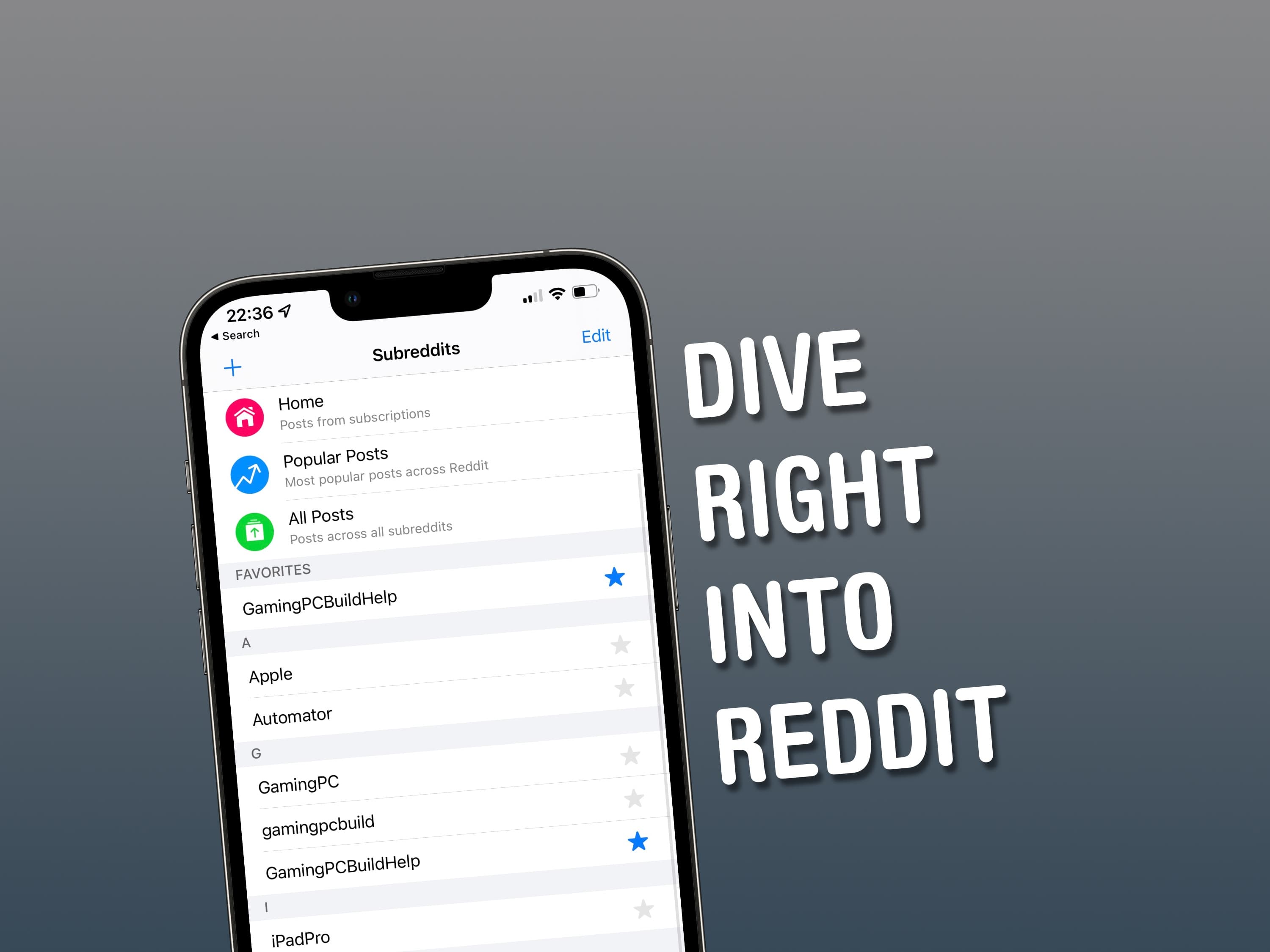
Created by former Apple employee Christian Selig, Apollo for Reddit is hands-down the best Reddit reader out there. Forget the official Reddit client for iOS and iPadOS – Apollo is the app I return to day after day when it comes to exploring the fascinating world of Reddit.
In my view, the official Reddit app feels like a rehashed version of Reddit’s freewheeling website. Meanwhile, Apollo is a proper piece of mobile software — the real McCoy, if you will. It gives you a fantastically effective interface for digesting the mountain of news and topical info posted by Reddit’s millions of users.
Now don’t get me wrong. Apollo is by no means swish, flash and fancy. It’s instead the exact opposite – stripped-down and streamlined. But believe me: When it comes to browsing Reddit while on the move, this app gets the job done.
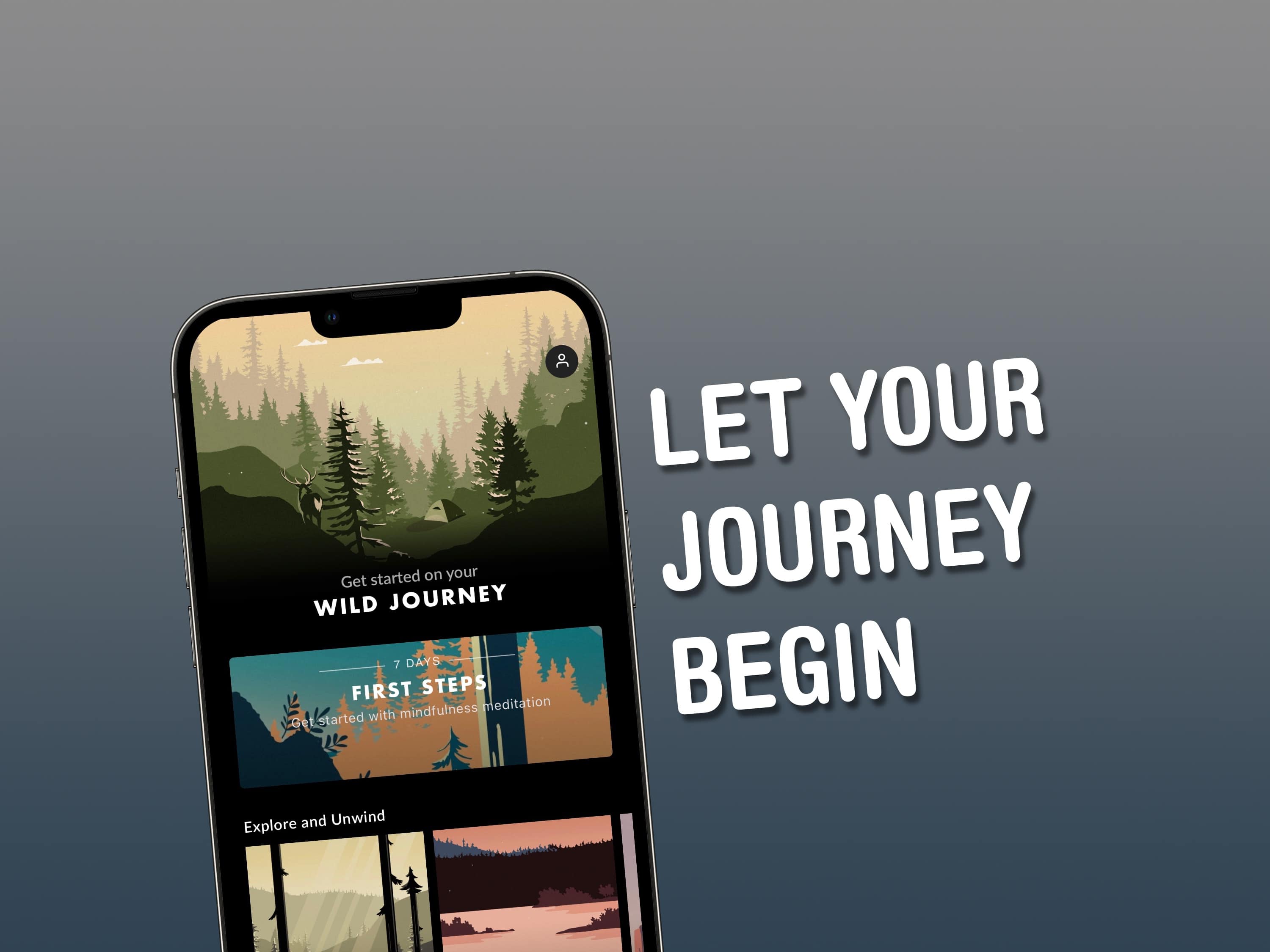
Honestly, I think we could all do with a bit of Wild Journey in our lives. Wild Journey is my favorite mindfulness app for iPhone and iPad.
When I reach the end of the day and feel the need to relax and unwind, Wild Journey is the app I turn to. I find it helps me switch off and empty my mind like no other relaxation app. Let me explain why, starting with the basics.
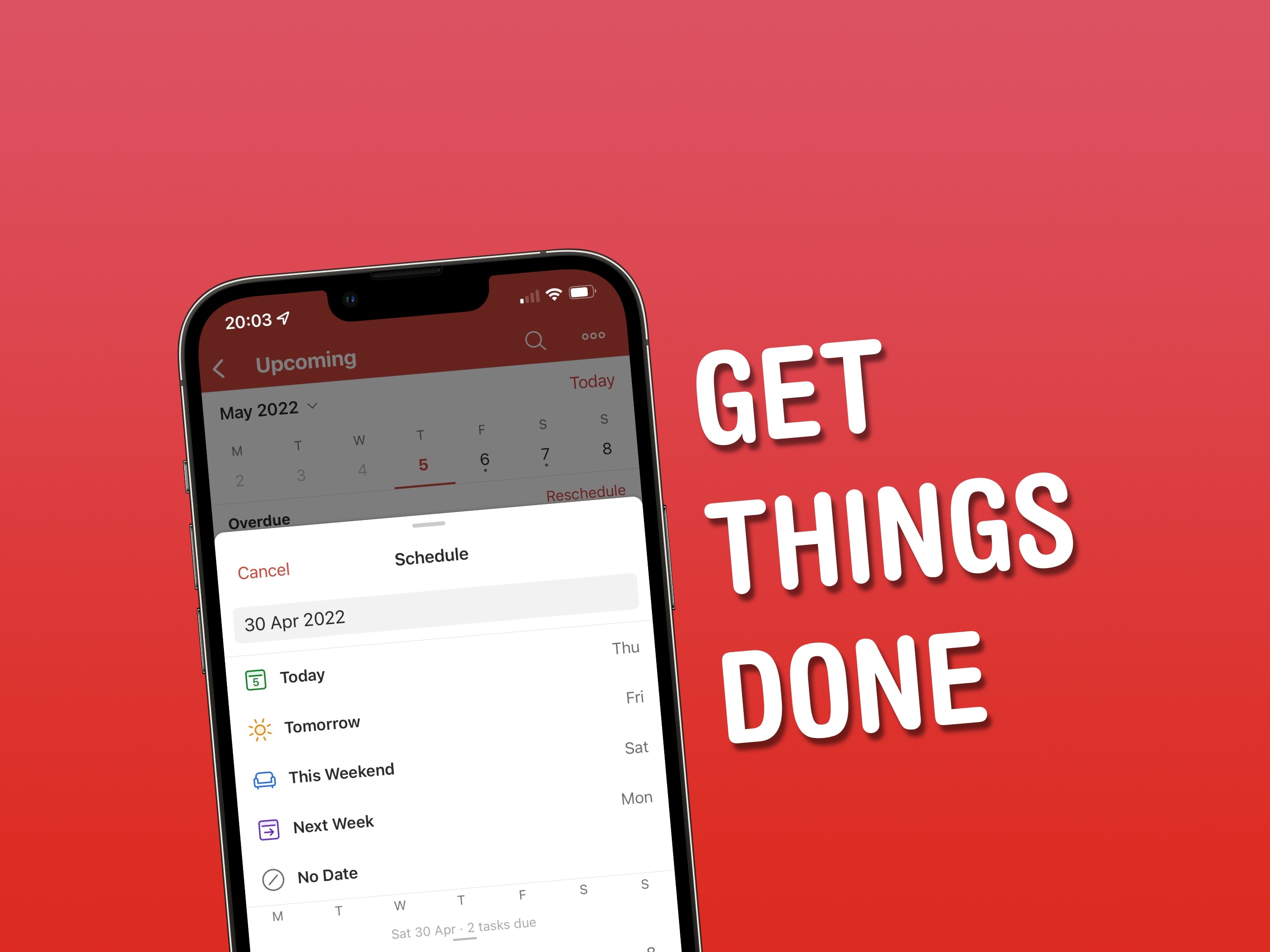
Apple’s Reminders app has gone from strength to strength in recent years, but for a more-comprehensive task-management app on iOS, iPadOS and macOS, look no further than Todoist.
Trust me: It’s the best to-do app out there.
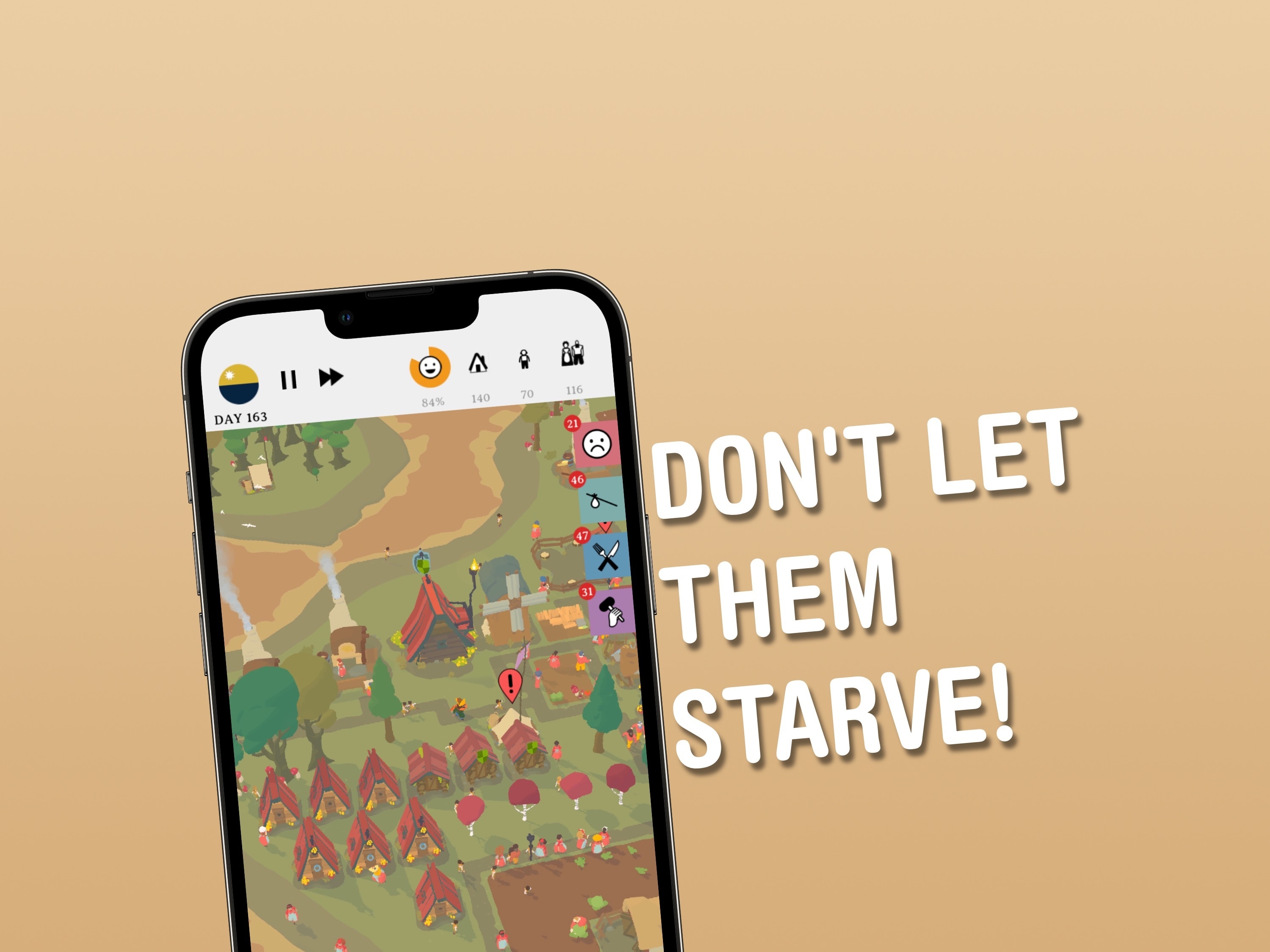
When it comes to kicking back and playing a game on my iPhone, I love loading up Outlanders and seeing how long my community of villagers lasts before everything falls apart and society implodes.
It might sound a little deep, but Outlanders is far from it. This Apple Arcade title is a whole load of tactical fun and well worth a look.
Awesome Apps is a new series highlighting the best apps around. We’ll be featuring our favorite apps as well as new and notable apps. Apps are transformative, and these are the best.
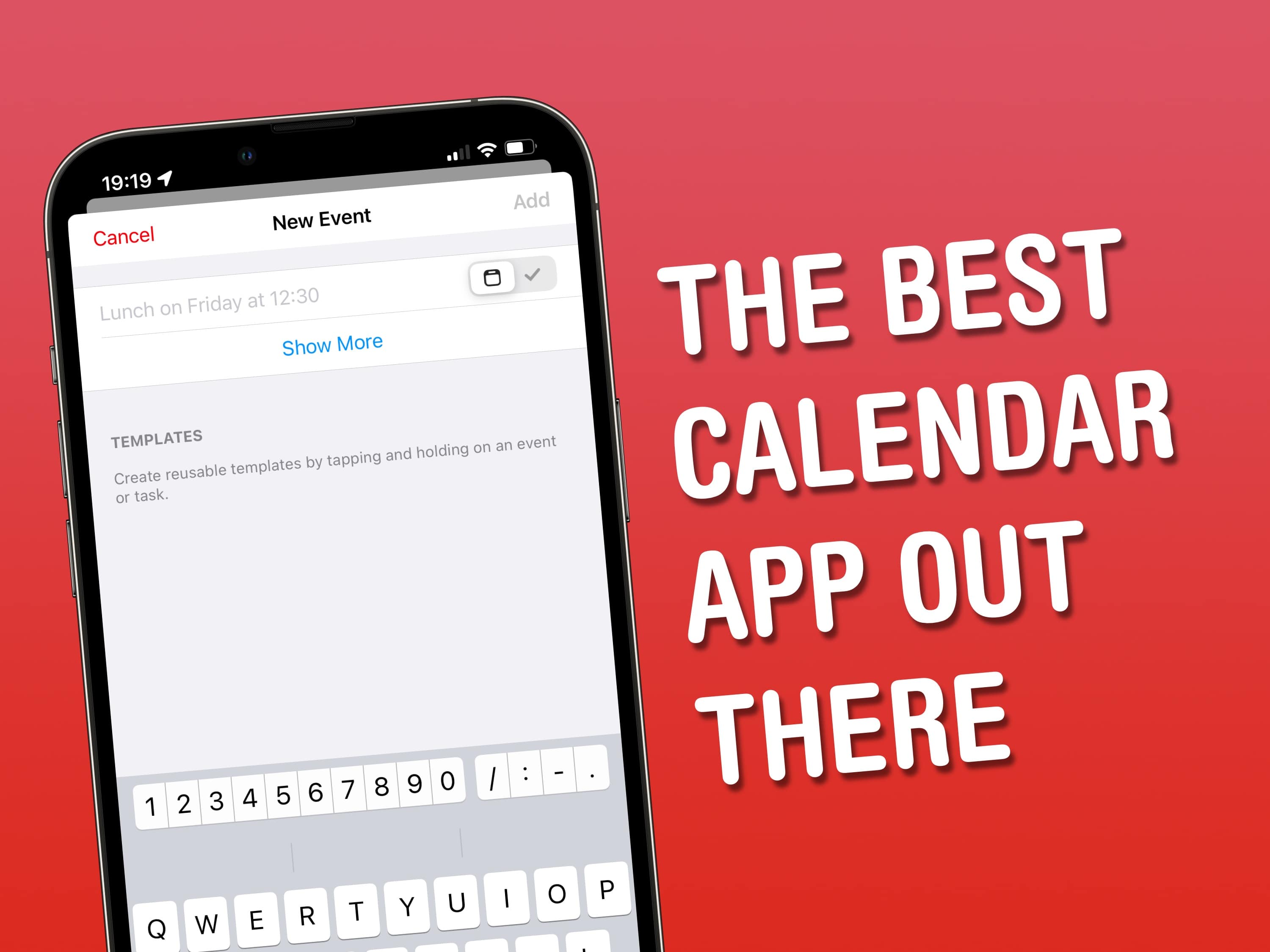
Years ago, I decided to ditch my paper Filofax diary for my iPhone, before quickly realizing that Apple’s built-in Calendar app didn’t fully meet my needs. Fortunately, it didn’t take long to find the perfect third-party calendar app for iOS, iPadOS and macOS.
It’s called Fantastical – let me tell you about it.
Apple’s own Calendar app might be relatively well-formed and functional – most of the time – but for anyone looking to take their personal organization to the next level, long-time favorite Fantastical from developer Flexibits is a great option. The app’s wide-ranging feature set makes it easy to add tasks, manage calendars and streamline your productivity. Let’s start with the basics, before looking at some of Fantastical’s power features.
Awesome Apps is a new series highlighting the best apps around. We will feature our favorite apps as well as new and notable ones. Apps are transformative, and these are the best.
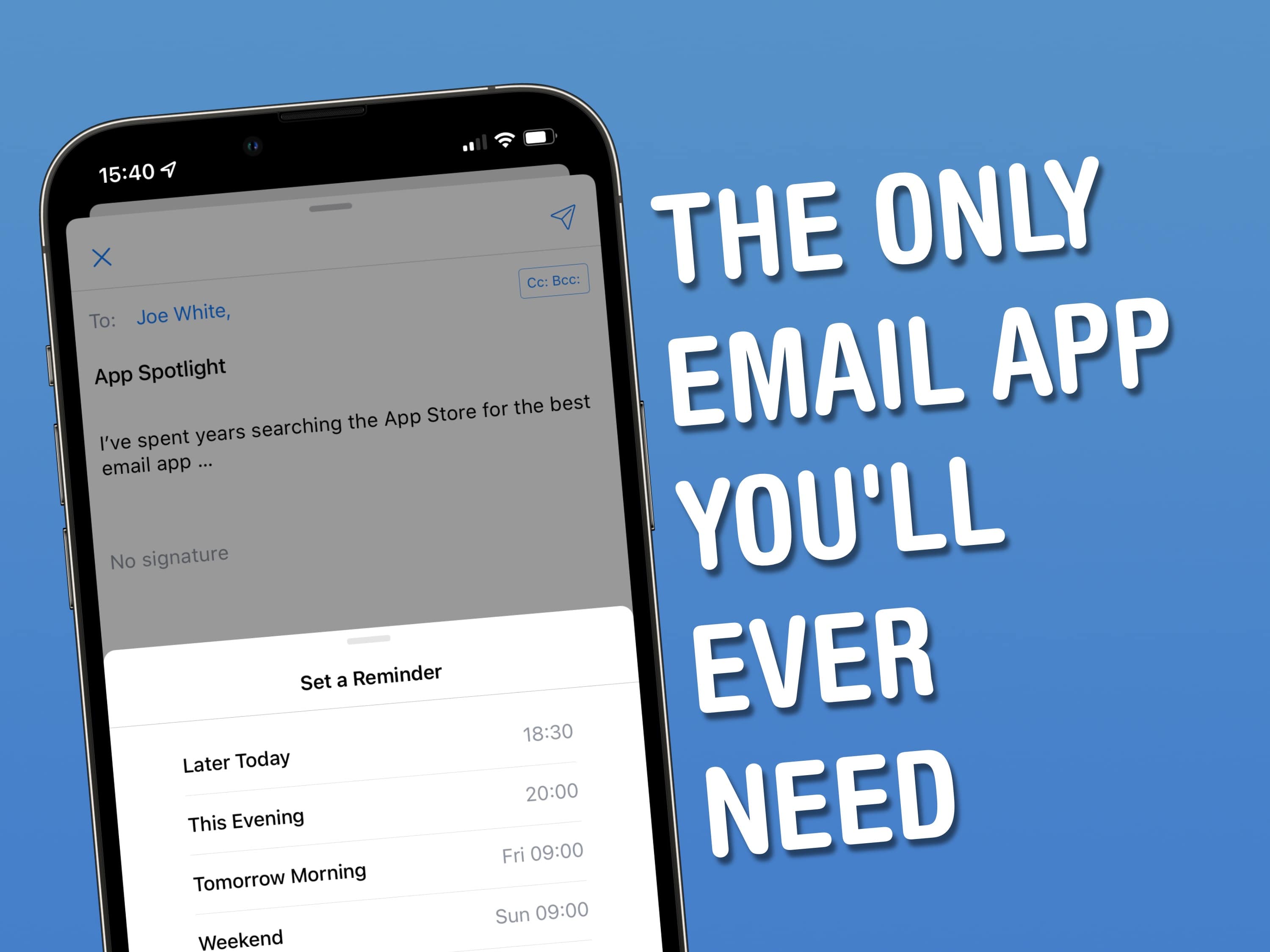
I’ve spent years searching the App Store for the best email app – and in doing so, I’ve tried them all. Spark is my favorite because it equips users with accessible power features, which make wrangling email on iOS, iPadOS and macOS as easy as ABC.
When friends of mine bemoan the limitations of Apple’s built-in Mail app, I point them to Spark, from Ukrainian developer Readdle. Spark is by no means a new addition to the App Store. But over the years, the developer added a strong set of features – many of which found their way into other email clients for iPhone, iPad and Mac.
Every time I think I can’t possibly discover other awesome, useful or fun new apps, I find a game or utility that makes something in my life just a little better or easier.
This week, a couple of great utilities, a way to simplify your photo editing process, and a ridiculously addictive game all managed to impress me. But surely these are the last good ones out there, right? (Want to tell me about another awesome app? Send me an email or find me on Twitter at @IanFuchs.)
From an easier way to meet up with a friend, to betting on a fight night, to cleaning up a photo, this week’s awesome apps are, well, awesome. We have a great app for dabbling in fantasy sports, a clever and simplified alternative to using GPS, and a way to bring the power of the Pixel 6 to the iPhone.
Whether you like great time-wasting games, want to experience the beautiful photography that was once popular on Instagram, or want to preserve your favorite memories in video, this week we have some awesome apps to check out.