Rajesh has been writing about consumer technology for over a decade, with a strong focus on iPhones, Macs and Apple’s ecosystem. He enjoys digging into Apple software updates, hardware changes, and discovering new Mac apps that make work faster and more enjoyable.
You can reach out to him at mail[at]rajeshpandey.me.
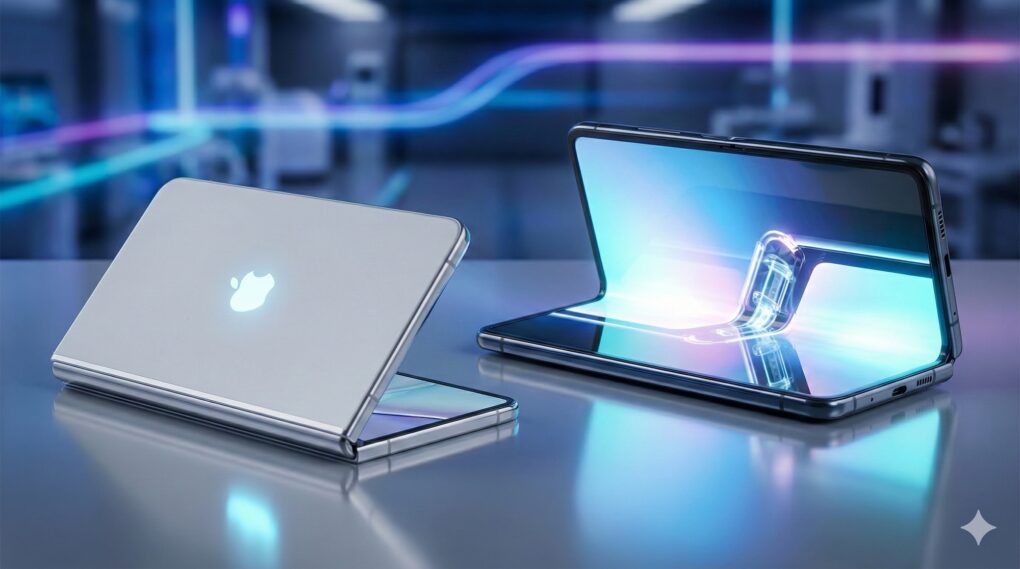
The first foldable iPhone may take design cues from the iPad. AI Image: Google Gemini
A new leak out of China purports to detail the iPhone Fold’s design. The leaker known as Instant Digital says the foldable iPhone will feature a Touch ID power button, as seen on the iPad Air and iPad mini.
The device will supposedly feature a black rear camera plateau, housing two cameras, a microphone and the flash.
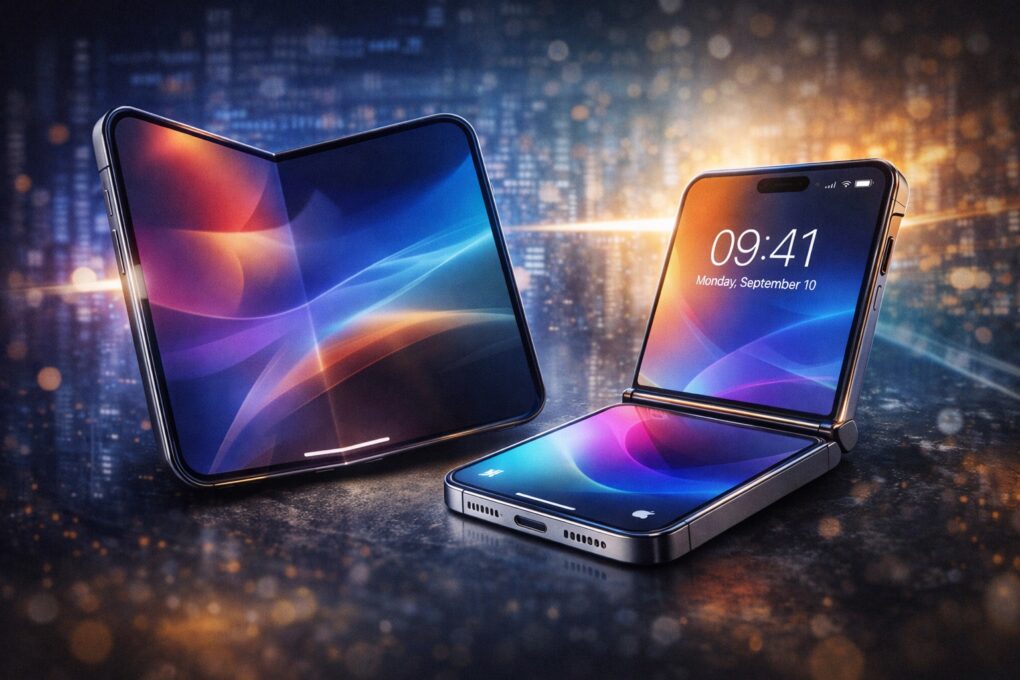
Do you want a flip iPhone? AI image: ChatGPT/Cult of Mac
Before Apple even launches its first folding iPhone, the company is reportedly exploring a follow-up model with a clamshell-like form factor, similar to the Samsung Galaxy Z Flip and Motorola Razr.
There’s no guarantee that Apple will launch such a model. But for now, it’s at least under consideration.
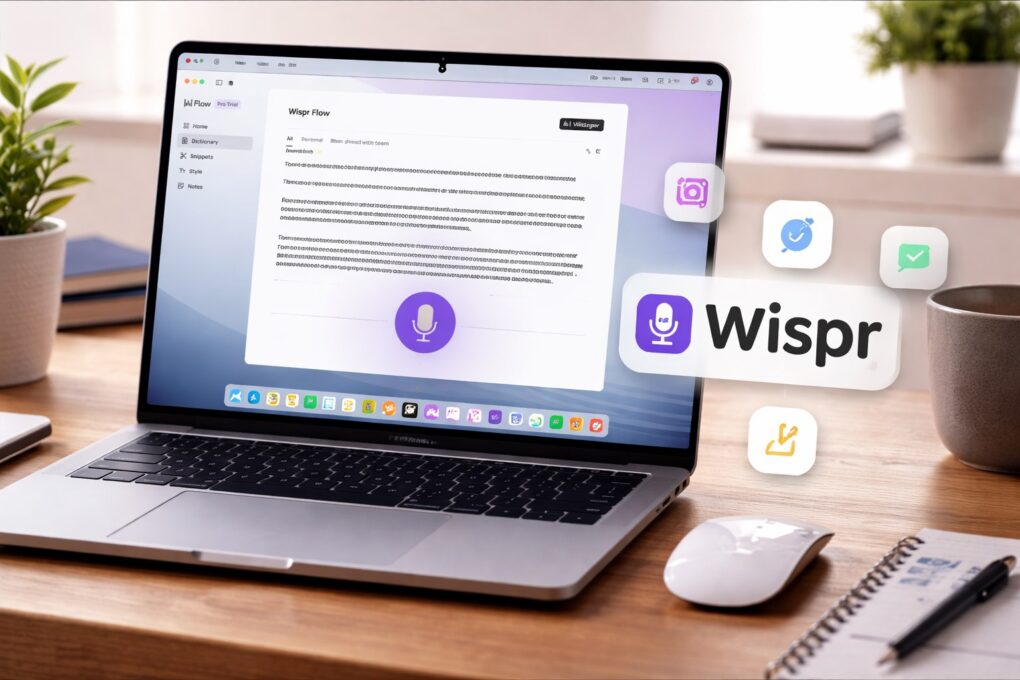
Wispr Flow turns your Mac into a voice-first writing workspace. AI image: ChatGPT/Cult of Mac
The way I type on my Mac hasn’t changed in years. But then, I started using Wispr Flow — an AI-powered voice-to-text app for Mac. It has reshaped how I write on my Mac, making me more efficient and faster.
It’s not just about typing faster. Using your voice for typing also feels more natural in many cases. Here’s how Wispr Flow has changed how I write on my Mac, and why I can’t go back.
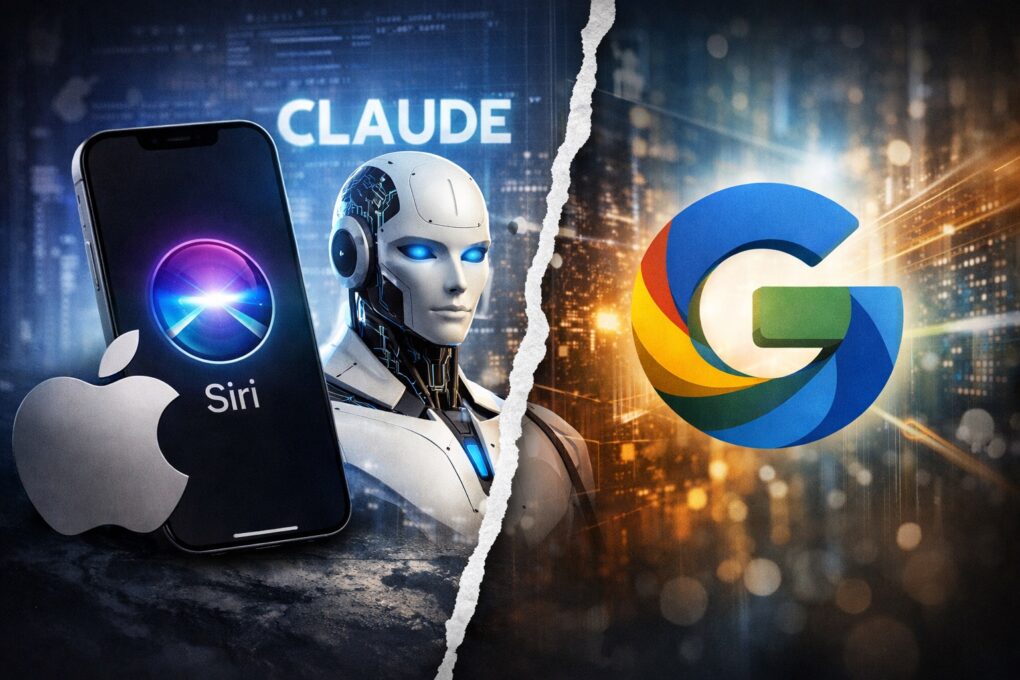
Claude instead of Gemini for Siri? That almost happened. AI Image: ChatGPT
Apple might be slow to jump on the AI bandwagon, but internally, the company “runs on Anthropic at this point.” Apparently, the company was also ready to rebuild Siri around Claude, but the deal fell through at the last moment.
“Anthropic is powering a lot of the stuff Apple’s doing internally in terms of product development and a lot of their internal tools,” revealed Bloomberg‘s Mark Gurman in the TBPN’s Technology’s daily show.
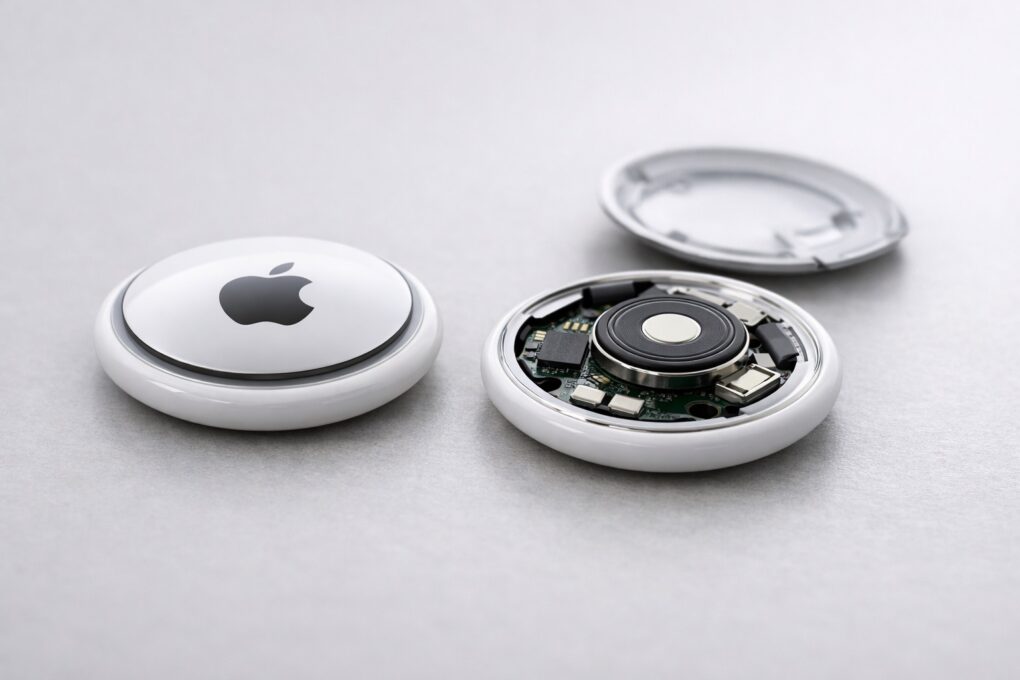
AirTag 1 vs. AirTag 2: same design, important improvements. AI image: ChatGPT/Cult of Mac
After years of rumors, Apple finally unveiled the second-generation AirTag on Monday. At first glance, it looks identical to the original, but the similarities end there.
From improved tracking precision to a louder speaker, AirTag 2 builds on its predecessor in every way.
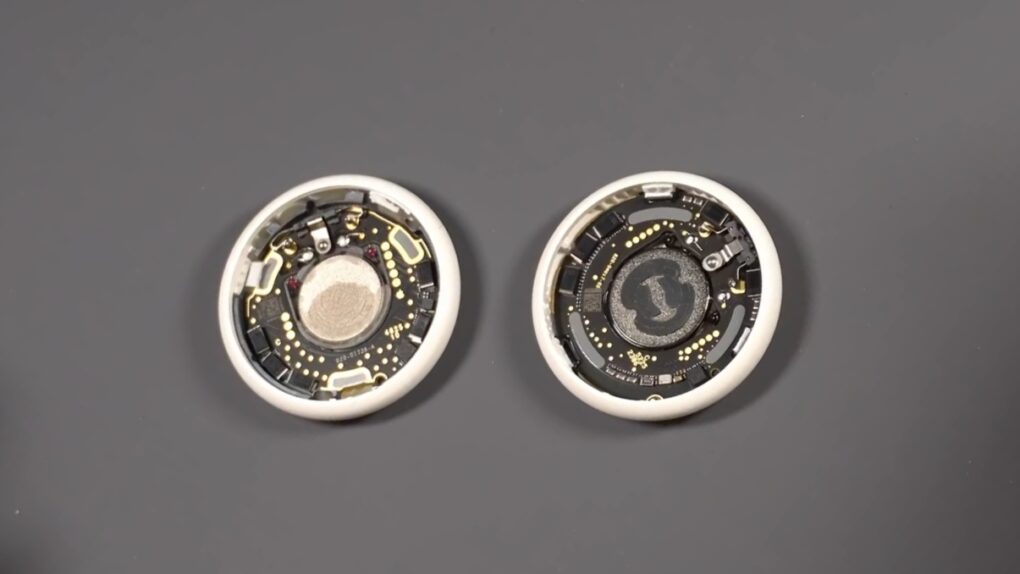
Tampering with the AirTag 2 internals is a lot more difficult. Screenshot: YouTube/Joseph Taylor
An AirTag 2 teardown video reveals Apple’s second-gen AirTag packs major internal changes. From the outside, though, the tracking tag looks identical to its predecessor.
Internally, Apple has used a thinner PCB and revamped the speaker assembly to make it louder. The latter will also help avoid unwanted tampering with the tag.
Apple will take the hit to its profit margins instead of raising prices. AI Image: ChatGPT
Despite a steep rise in NAND and RAM prices, Apple will supposedly not increase iPhone and Mac prices. Instead, TF International analyst Ming-Chi Kuo believes Apple will take the hit to its gross margins to increase market share.
The supply-crunch has already forced Apple to negotiate prices with its vendors every quarter, rather than the usual six-month cycle.
But the feature will only come to select iPhones and iPads. AI Image: ChatGPT
Apple will introduce a new privacy feature in iOS 26.3 exclusive to iPhones with its C1x or C1 modems. The feature will prevent cellular carriers from seeing iPhone owners’ precise location data.
“With the limit precise location setting, you can limit some information that cellular networks may use to determine your location,” says Apple in its support document.
Are you ready for M6-powered iPads and Macs? AI image: ChatGPT/Cult of Mac
Apple’s M5-powered Macs might have a short shelf life, with the M6 chip possibly debuting “in the near future,” according to a new report.
But first, Apple will unveil MacBook Pros, Mac Studio and MacBook Air equipped with the M5 chip in the first half of 2026.
Next-gen Siri is almost here. AI image: ChatGPT/Cult of Mac
Apple could take the wraps off the Google Gemini-powered Siri update as early as the second half of February. It’s unclear if Apple will hold a major event or a small media briefing to unveil the next-gen assistant.
The public release likely will happen in late March or early April with iOS 26.4.
Get ready to pay more for Apple Cash Instant Transfer. AI Image: ChatGPT
Apple Cash’s updated fee structure will make instant transfer pricier for users who want quick access to their money. The change goes into effect in less than a month from now, on February 18, 2026.
From that day, Apple will charge a 1.7% fee for an Instant Transfer.
Modders undo Apple’s eSIM-only iPhone Air. Photo: Univer
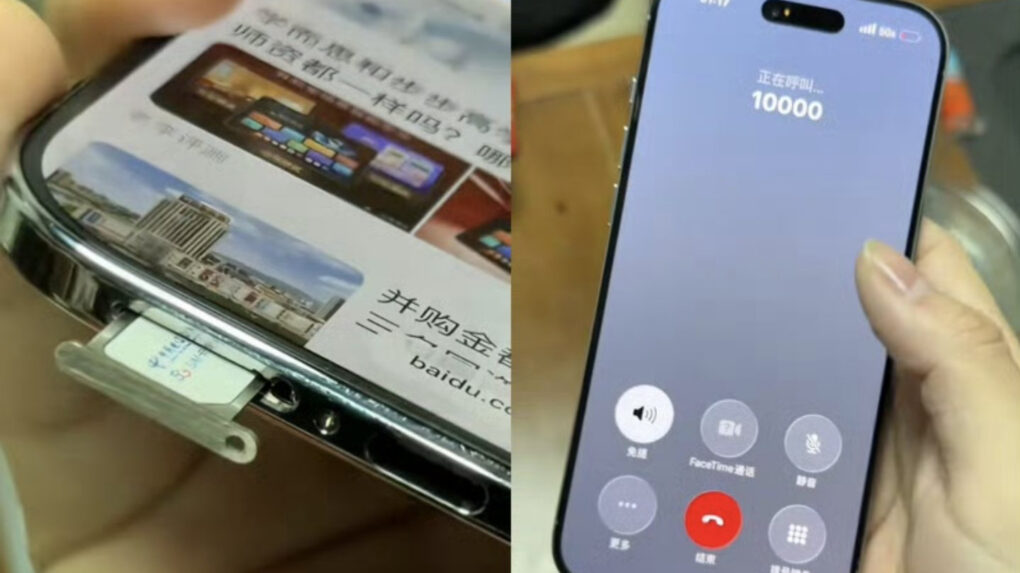
A Chinese tech shop has done what Apple chose not to: add a physical SIM card slot to the iPhone Air. There’s a catch, though: to make internal space for the SIM card tray, they removed the vibration motor.
While a notable trade-off, it’s the only way to add a physical SIM card to the iPhone Air.
iPhone 17 Pro is good, but the iPhone 18 Pro will be better. AI Image: ChatGPT
Apple delivered some genuinely meaningful upgrades with the iPhone 17 Pro, fulfilling all the fundamentals: better performance, display, battery life and overall polish. Under normal circumstances, this would make an easy upgrade.
Yet, I’m choosing to skip it. If the iPhone 17 Pro nailed the basics, the iPhone 18 Pro looks set to finally push Apple’s Pro lineup forward in a meaningful way.
Save up to 1000 yuan on some popular Apple products this Lunar New Year. AI Image: ChatGPT
To make the most of the upcoming Lunar New Year in China, Apple is running some special offers at its stores. The sale will run from January 24-27, with Apple taking up to 1,000 yuan (~$145) off on select products.
The limited-time promotional offer should help further boost iPhone shipments in the country.
★★★★☆
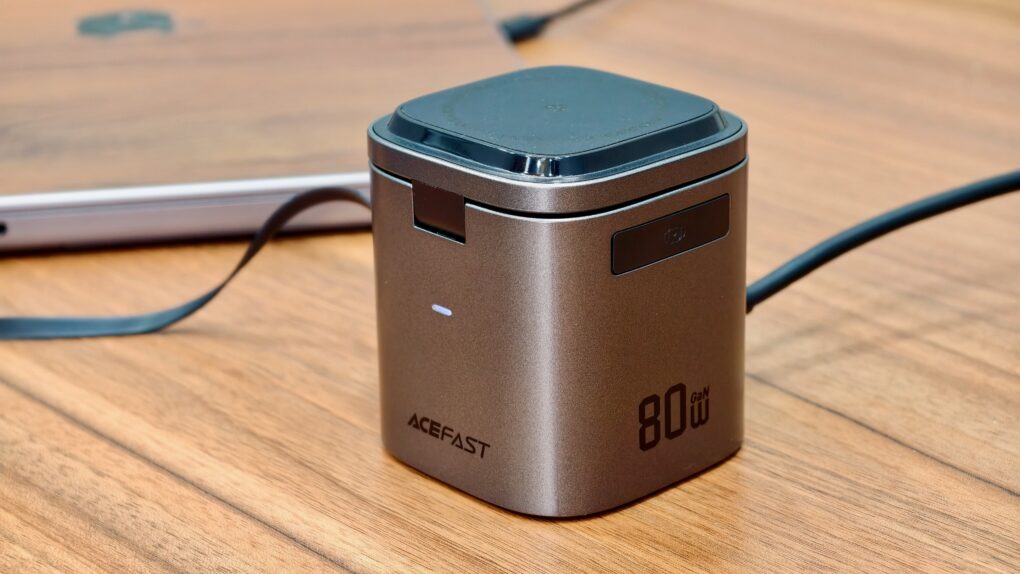
This compact iPhone charging station can also top-up your AirPods and Apple Watch wirelessly. Photo: Rajesh Pandey/Cult of Mac
With the ever-growing number of devices on my desk, a charging station has become a non-negotiable accessory. Instead of juggling multiple chargers, cables and adapters, a charging station can keep everything organized.
That’s where Acefast’s 6-in-1 80W foldable GaN charging station shines. Despite its compact size, it can charge up to six devices simultaneously, all while reducing the clutter and chaos on my desk.
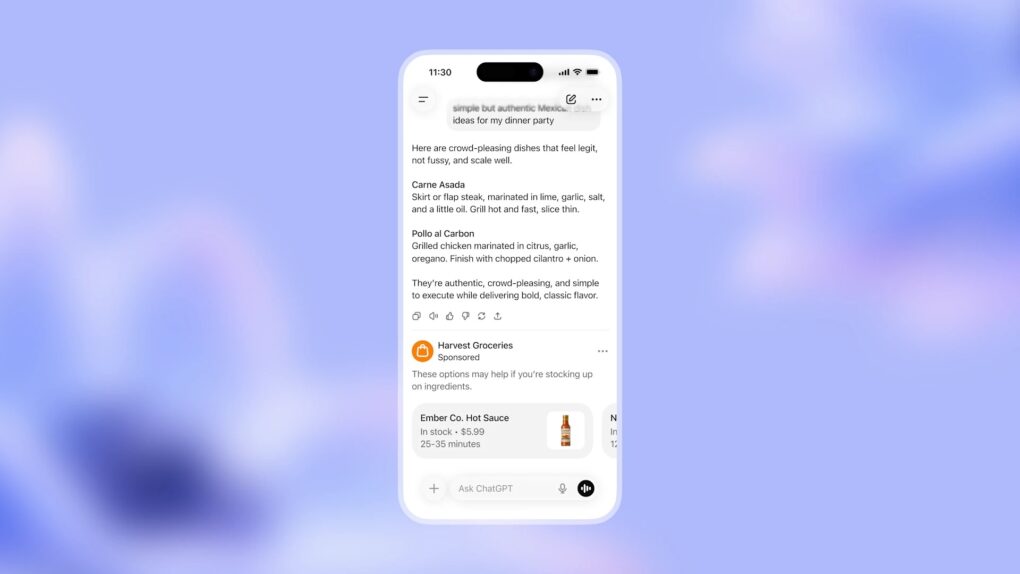
Prepare for ads to appear in your ChatGPT conversations. Photo: OpenAI
OpenAI is rolling out its more affordable ChatGPT Go plan to nearly every region where ChatGPT operates. In the US, the new tier starts at just $8 per month — a full $12 cheaper than ChatGPT Plus.
Additionally, OpenAI confirmed that it will start testing ads in ChatGPT’s free and Go tiers in the US soon.
Apple no longer offers a standalone Final Cut Pro trial. AI Image: ChatGPT
Following the launch of the Apple Creator Studio bundle on January 13, 2026, Apple has discontinued the individual free trial for its professional creative apps. This means you can no longer individually download Final Cut Pro or Logic Pro on their own to try them out for free.
Instead, Apple now wants you to use the Creator Studio Bundle. It bundles access to all of the company’s pro creative tools in a single subscription.
Get ready to pay more for your Spotify subscription. AI Image: ChatGPT
Spotify is once again raising prices in the United States. This is the streaming service’s third price bump in four years. By comparison, Apple Music hasn’t raised its price since 2022.
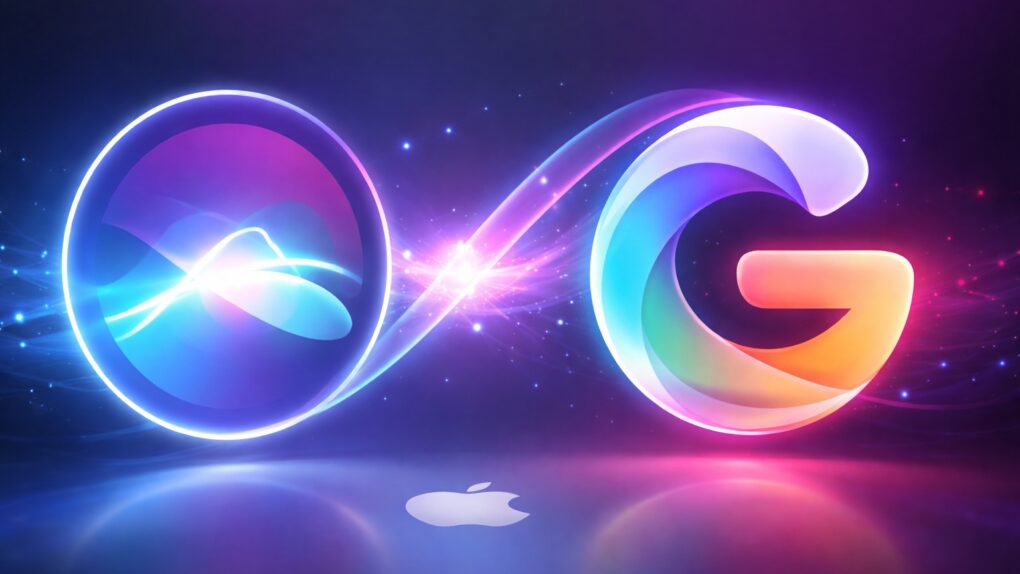
Gemini-powered Siri won't carry Google branding. AI Image: ChatGPT
With Google’s Gemini AI working behind the scenes, the next-gen Siri will finally be able to deliver on some of Apple’s promises. The updated voice assistant will be able to answer questions it can’t currently handle, perform everyday tasks like booking travel, and even dabble in the dicey arena of providing emotional support to people during difficult moments.
A new report from The Information sheds additional light on how Apple will use Gemini to improve Siri.
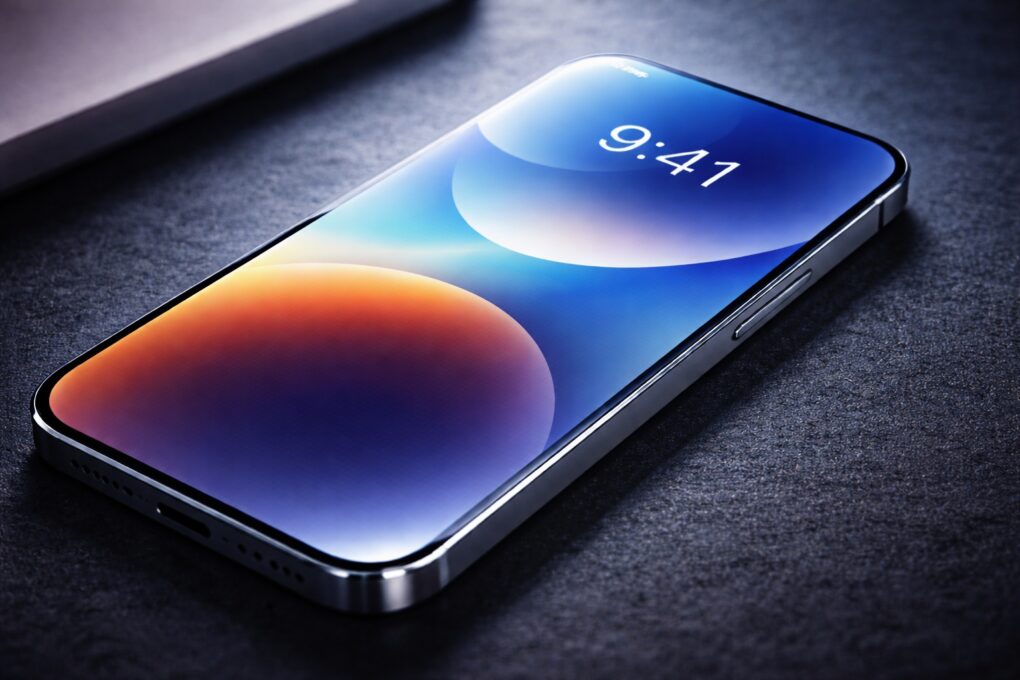
Face ID might go under-display on iPhone 18 Pro. AI Image: ChatGPT
A new leak reiterates Apple’s plan to switch to under-display Face ID on the iPhone 18 Pro models this year. The regular iPhone 18 and iPhone Air 2 will reportedly stick with displays featuring the Dynamic Island at the top.
The leak also suggests that Apple plans to retain the same display sizes across its 2026 iPhone lineup, mirroring the current-generation models.
OpenAI reportedly plans to manufacture a ChatGPT-powered AirPods rival. AI image: ChatGPT/Cult of Mac
OpenAI’s first consumer hardware device could be an AirPods replacement. The AI-powered earbuds, internally called “Sweetpea,” is reportedly the priority focus for former Apple design chief Jony Ive’s team.
OpenAI’s earbuds could debut as early as September, with the company estimating shipments to reach 40 million to 50 million units in the first year.
CES 2026 saw the launch of some amazing iPhone accessories. AI image: Google Gemini/Cult of Mac
CES 2026 showcased how iPhone accessory makers can innovate while offering deep integration with Apple’s ecosystem. Think slimmer and safer iPhone power banks, smarter MagSafe add-ons, and even an accessory that makes your desk less cluttered.
Plus, Apple’s Find My tech is making its way into everyday carry items, while physical keyboards — typically considered a bulky and impractical iPhone accessory — have become more modular, wireless and easier to live with.
Check out the iPhone accessories from CES 2026 that stood out for all the right reasons.
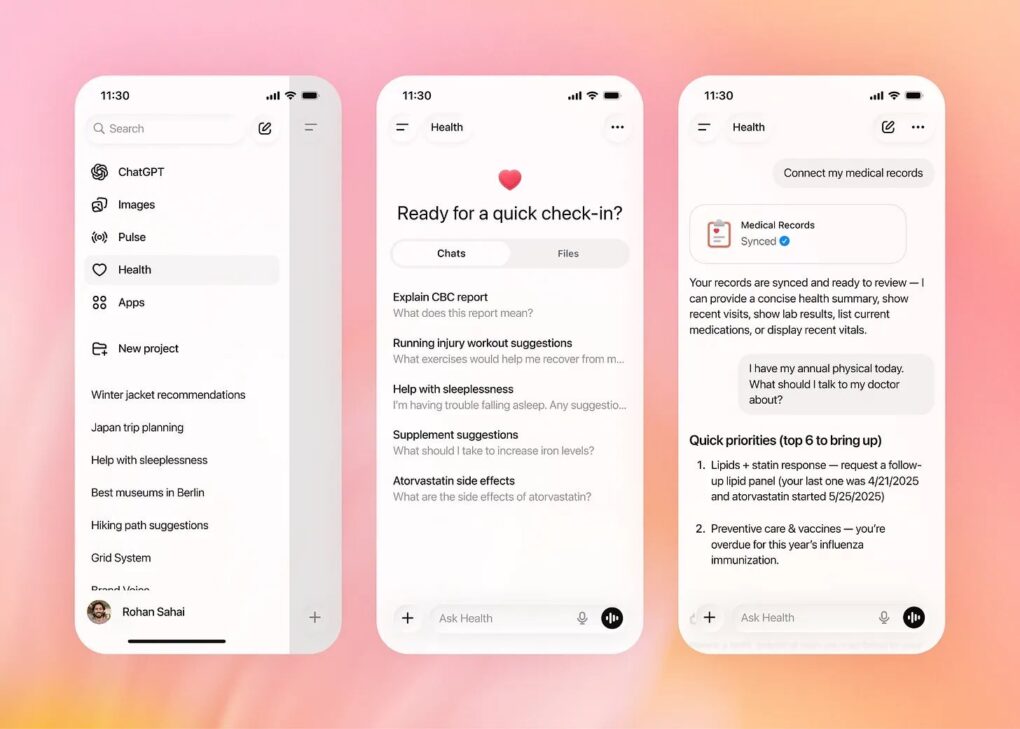
ChatGPT Health will bring your health data under one roof. Photo: OpenAI
OpenAI is turning ChatGPT into a health companion with ChatGPT Health. This is a dedicated, privacy-focused experience designed to help you better understand your health and wellness data over time.
For iPhone users, ChatGPT Health can pull your health information from Apple Health to help make sense of your medical reports.
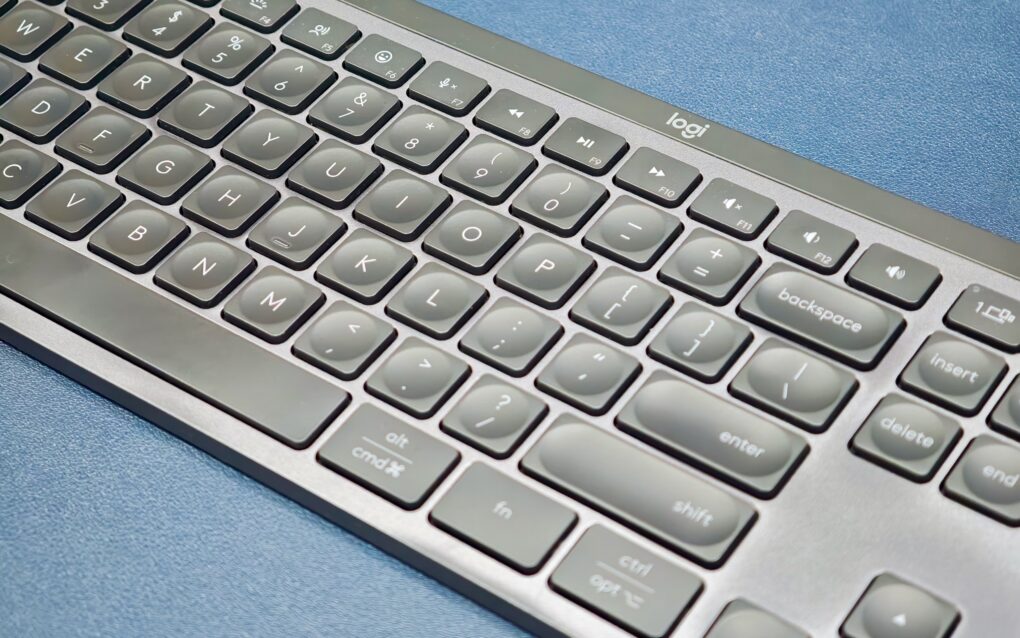
An expired security certificate broke Logitech accessories on Mac. Photo: Rajesh Pandey/CultOfMac
Custom buttons, gestures or scrolling tweaks suddenly not working on your Logitech mouse or keyboard on Mac? You’re not alone.
The Logi Options+ app stopped working properly Tuesday, and the failure is taking a large chunk of Logitech’s ecosystem down with it. Luckily, Logitech issued a patch early Wednesday to fix the problem.
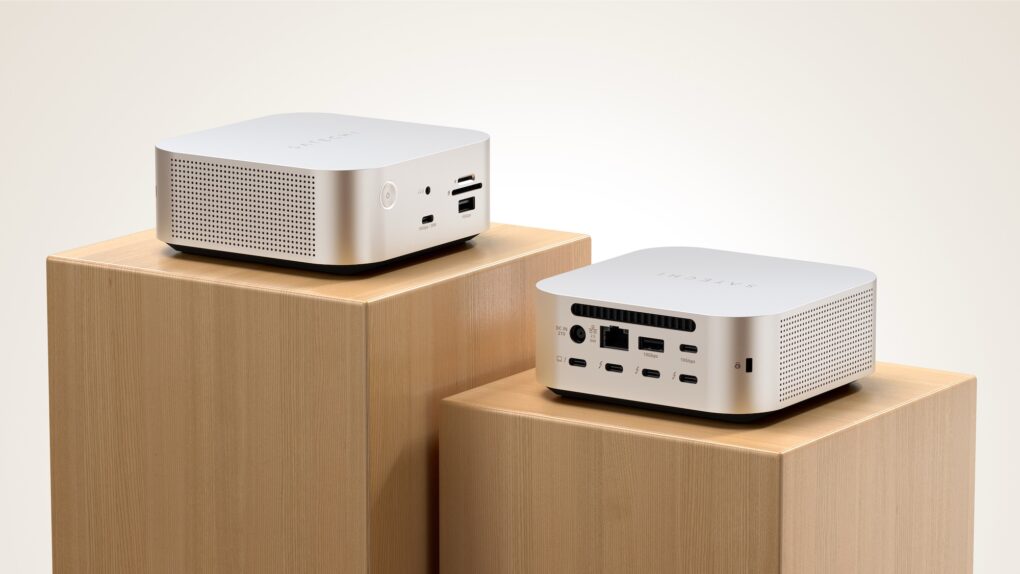
Satechi CubeDock Thunderbolt 5 dock looks like a Mac mini. Photo: Satechi
Satechi’s new CubeDock is a Thunderbolt 5 dock with a compact, cube-shaped design that looks like a Mac mini. Unveiled this week at the massive CES 2026 electronics convention in Las Vegas, the dock comes with a versatile port selection and an internal NVMe SSD slot to expand your Mac’s storage.