Apple will expand Emergency SOS via satellite on the iPhone and Apple Watch Ultra 3 to Mexico later this year.
The feature will enable iPhone and Apple Watch users in Mexico to contact emergency services outside mobile network coverage.

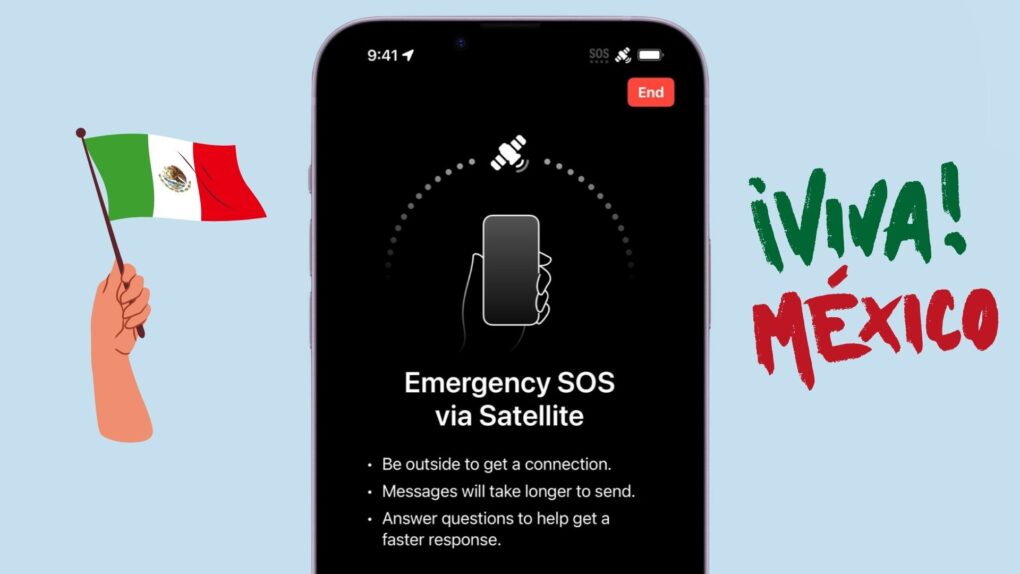
Apple will expand Emergency SOS via satellite on the iPhone and Apple Watch Ultra 3 to Mexico later this year.
The feature will enable iPhone and Apple Watch users in Mexico to contact emergency services outside mobile network coverage.

Meta began rolling out in-app translation support Tuesday for WhatsApp on iPhone. In its initial phase, the feature supports 21 languages, making it easier for users to chat with their loved ones without worrying about language barriers.
Keeping security and privacy in mind, the translations happen on-device, ensuring the messages remain private.
Supplies of iPad Pros and 14-inch MacBook Pros powered by M4 chips are running low across Apple Stores. This indicates the imminent arrival of M5-powered models.
While reports of an M5 iPad Pro refresh surfaced before, this marks the first solid indication that Apple could launch an M5 MacBook Pro this year as well.
Apple’s iPhone 17 lineup has taken China by storm, with first-day sales reportedly far outpacing the iPhone 16.
In the first week alone, Apple moved an estimated 1.03 million iPhone 17 units — a massive 47% jump over its predecessor.
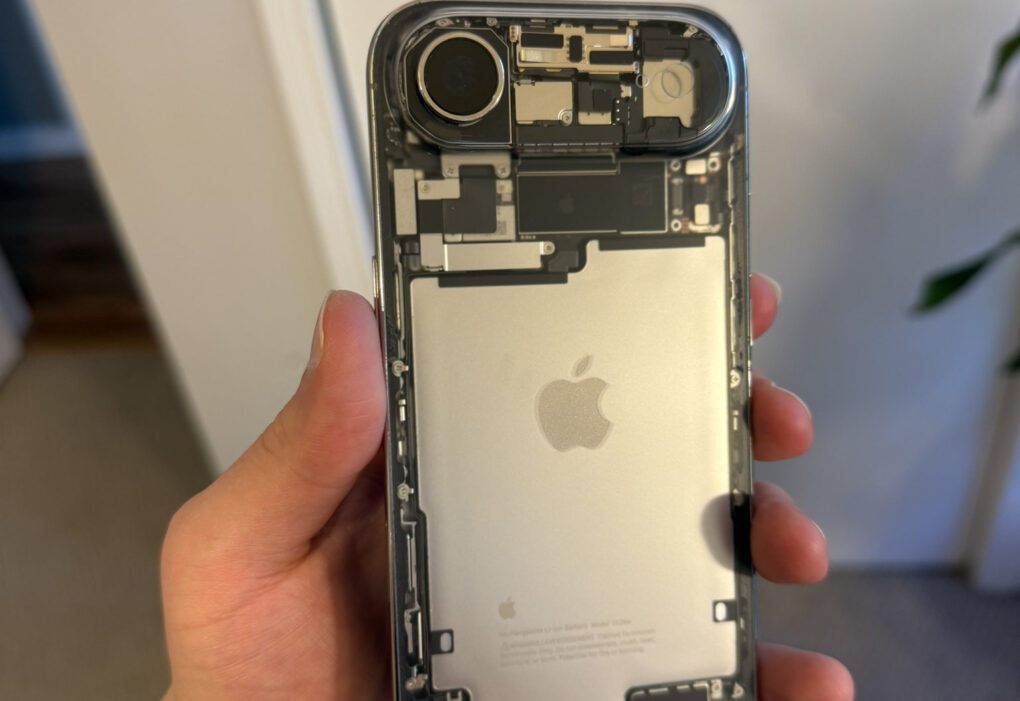
The iPhone Air already stands out with its sleek, ultra-thin design. A modder has now taken it a step further and added a custom transparent back glass to give the phone an even stunning look.
The result is a retro-mod vibe that shows off the phone’s internals in all its glory.

Some AirPods Pro 3 owners report hearing an annoying whistling sound from their new earbuds. The noise typically comes when they have the earbuds in, with no music playing and active noise cancellation on.
The problem doesn’t seem widespread, but enough new owners are reporting it to raise eyebrows.

Apple no longer advertises the M4 Mac mini and its Apple Watch lineup as “carbon neutral.” The company proudly unveiled its first carbon neutral products — the Apple Watch Series 9 and Apple Watch Ultra 2 — in 2023.
But just two years later, it has removed the claim from all such product pages. And it’s not because Apple suddenly started making its devices differently.
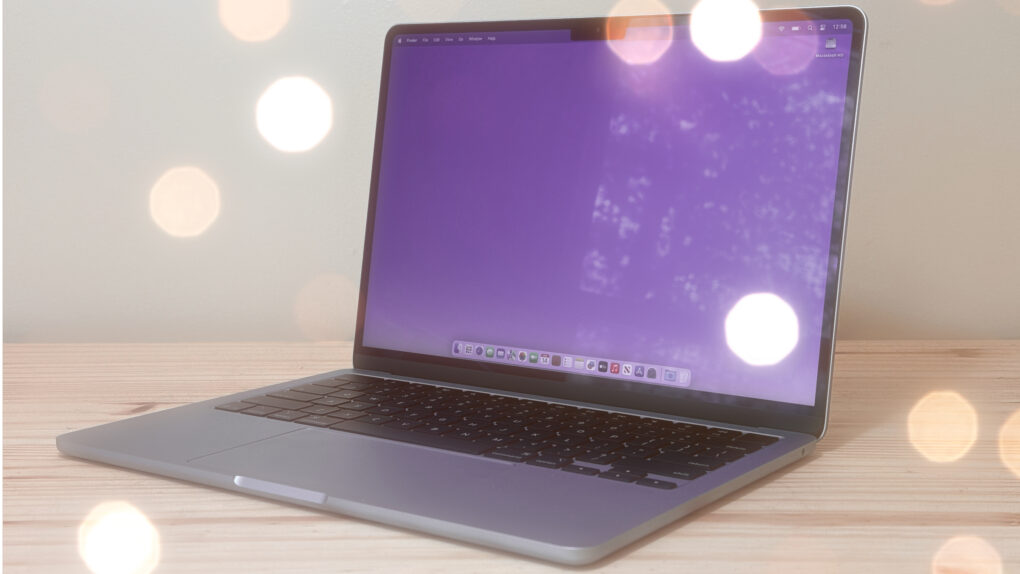
The best Mac utilities can make a great computer even better. From smarter window management to easier automation and cleaner navigation, a few well-chosen tools can dramatically improve your workflow.
I’m a longtime Mac user, and I can’t do my job without these six essential Mac utilities. In this guide, I’ll show you how they can make everyday tasks faster and simpler.
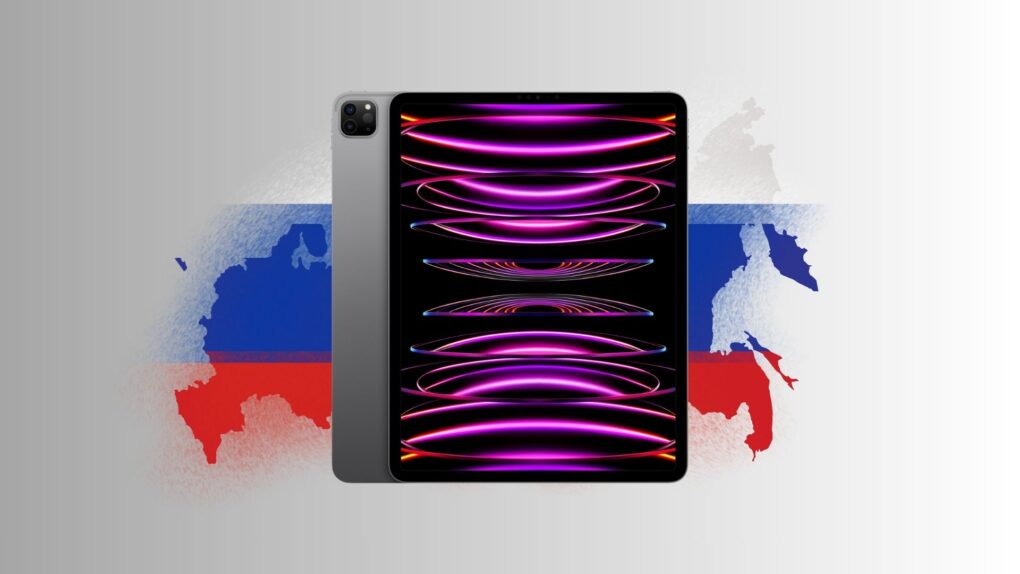
Apple guards its upcoming products with extreme secrecy. However, a major leak in October 2024 saw the Russian YouTuber Wylsacom unboxing the M4 MacBook Pro weeks before its official release.
The same story now unfolds with the upcoming M5 iPad Pro. Wylsacom unboxed and showcased the device a few days ago, again weeks before launch. And another Russian YouTuber did the same the next day. So how do Russian YouTubers manage to grab unreleased Apple products so early?
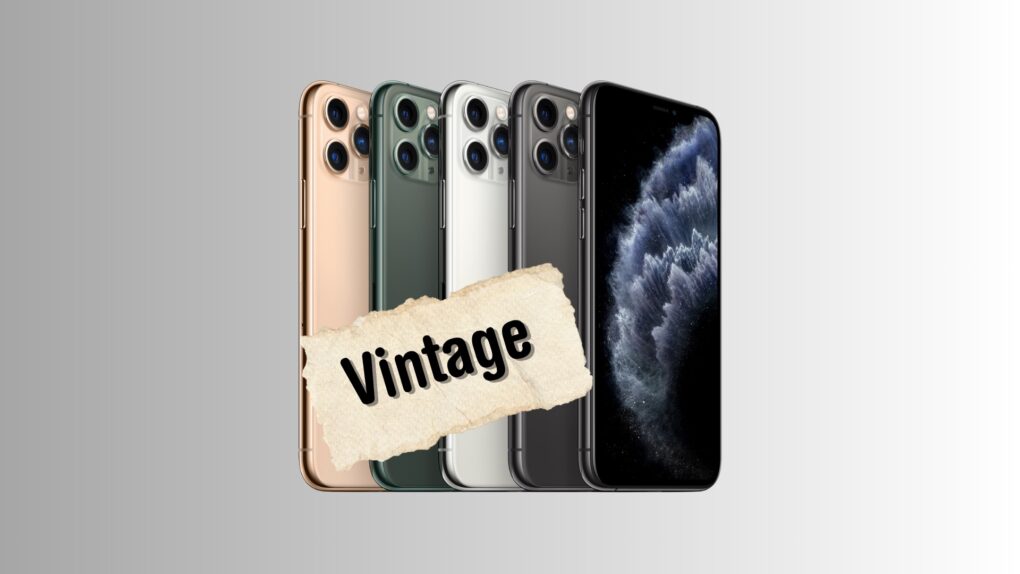
Apple’s first Pro Max iPhone — the iPhone 11 Pro Max — now falls under the vintage category. The Apple Watch Series 3 lineup joins the list, too.
The smaller iPhone 11 Pro does not join the list yet, as Apple sold it for a longer timeframe than the Pro Max model.
WhatsApp now supports sharing Live Photos. The feature began rolling out a few days ago, and Meta officially confirmed its release in an announcement on September 29.
With this improvement, you can directly share Live Photos with your friends over WhatsApp without converting them into GIFs or videos first.
Apple’s new external monitors for Mac inch closer to release, with their mass production set to begin soon. They should debut alongside the M5-powered MacBooks within the next six months.
In addition to the above, Apple will also refresh the Vision Pro and iPad Pro with faster chips.
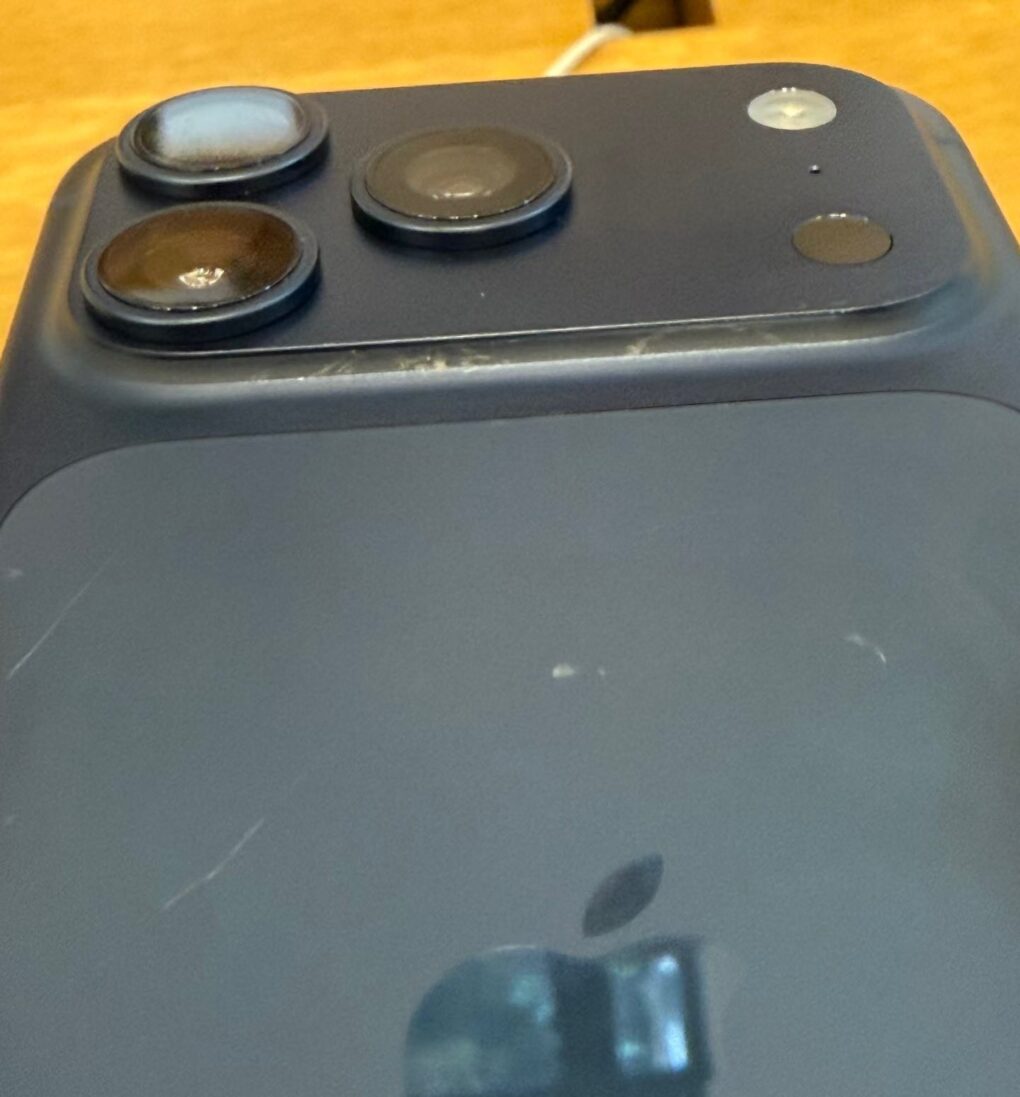
Apple officially addressed the iPhone 17‘s Scratchgate issue. It says the problem isn’t due to the new glass-and-aluminum design, blaming worn-out MagSafe risers and chargers in retail displays instead.
iPhone 17’s Scratchgate controversy surfaced just days after it went on sale, sparking widespread concern among early buyers.
After locking in a $5 billion investment from Nvidia and another $2 billion from SoftBank, Intel reportedly wants Apple as its next major backer.
Apple was once a long-time customer of Intel. However, it eventually shifted to its own in-house chips after Intel failed to innovate quickly enough.
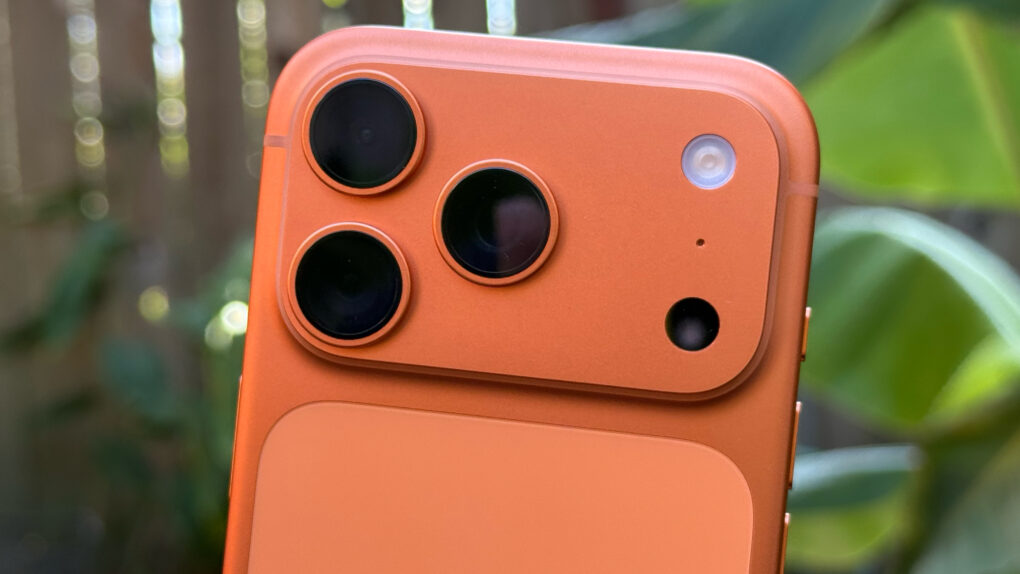
In its iPhone 17 teardown, the iFixit team provides a detailed explanation of why the iPhone 17 Pro scratches so easily. They brought in a materials scientist to get to the heart of what’s causing Scratchgate — and explain how Apple might have avoided the problem.

Taking a cue from the iPhone’s Messages app, Meta is adding message translations to WhatsApp. With this feature, you can directly translate chats in a conversation into a familiar language.
At launch, the translate tool will support over 19 languages on the iPhone.
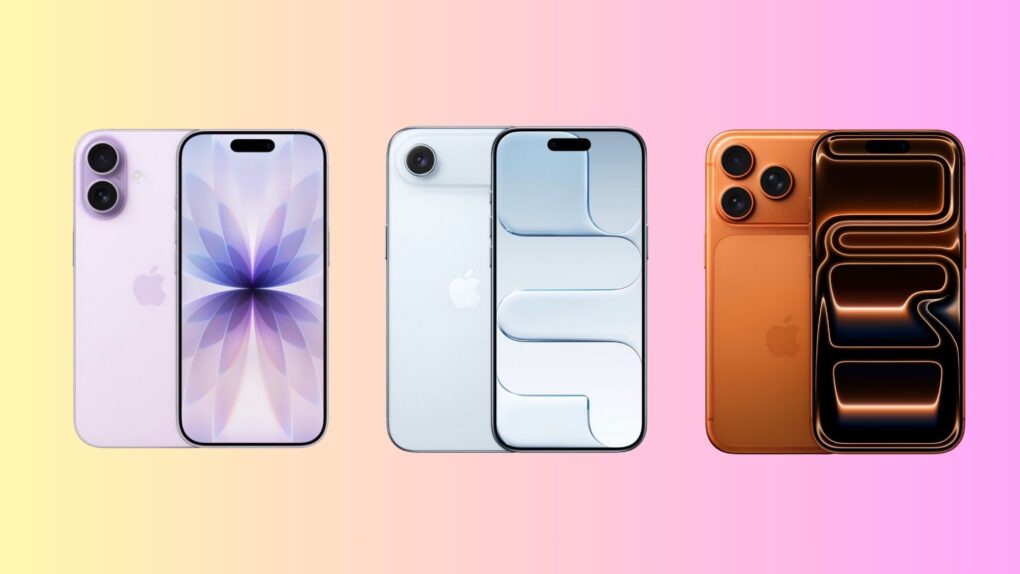
Apple’s 2025 iPhone lineup is its boldest — and most confusing — yet. It offers three distinct models designed to cater to very different kinds of users. From the slim and stylish iPhone Air to the all-out powerhouse iPhone 17 Pro, with the well-balanced iPhone 17 in between, there’s something here for everyone.
But with overlapping features, similar pricing and Apple blurring the lines between Pro and non-Pro models, choosing the right iPhone isn’t as straightforward as it used to be.
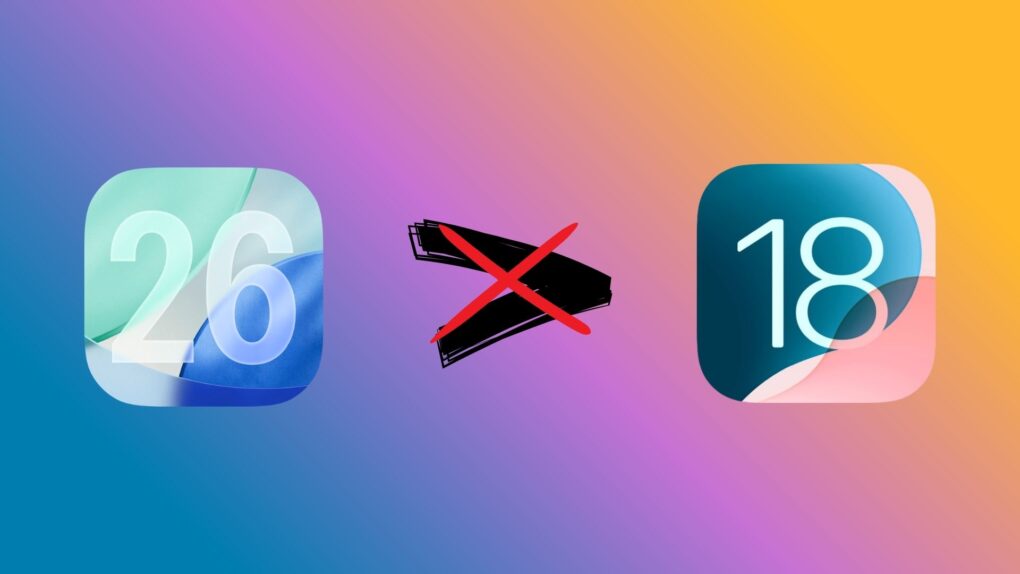
A week after the release of iOS 26, Apple has stopped signing iOS 18.6.2. So, you can no longer downgrade your iPhone from iOS 26 to iOS 18.
This move is standard practice for Apple. It usually stops signing older iOS builds shortly after a major update goes public.
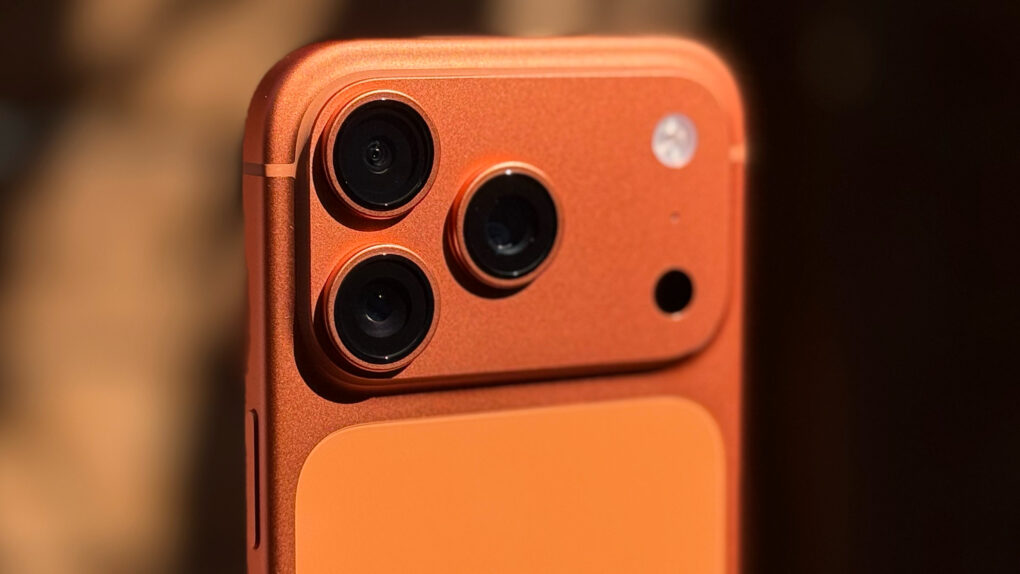
An iPhone 17 Pro Max teardown confirms Apple sticking with Qualcomm’s modem for its flagship iPhones this year. The company did not specifically confirm using Qualcomm’s baseband on the iPhone 17 and iPhone 17 Pro models while unveiling them.
This is unlike the iPhone Air, which uses Apple’s second-gen C1X modem.
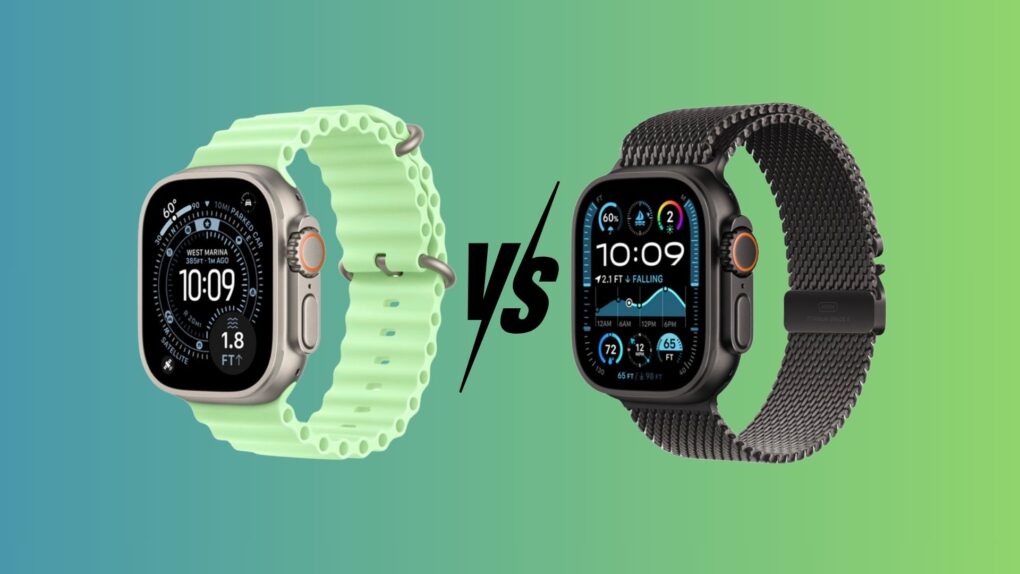
Compare the Apple Watch Ultra 3 vs. the Ultra 2, and you will see that the new model looks quite similar to its predecessor. You’ll need to squint to notice the Ultra 3’s slightly larger display. And most other changes are internal, like faster charging, longer battery life and satellite connectivity.
Otherwise, this is basically the same rugged smartwatch that Apple launched two years ago. So, if you already own an Apple Watch Ultra 2, should you consider upgrading to the Ultra 3? Or should you save your money instead?

Crowds thronged to Apple stores around the globe Friday to pick up the newest iPhones — the iPhone 17, iPhone 17 Pro and iPhone Air — on launch day. Apple CEO Tim Cook himself threw open the doors of Apple Fifth Avenue in New York City on Friday morning.
Alongside the exciting new iPhone lineup, Apple Watch Series 11, Apple Watch Ultra 3 and AirPods Pro 3 also arrived at Apple retail stores and authorized outlets on Friday
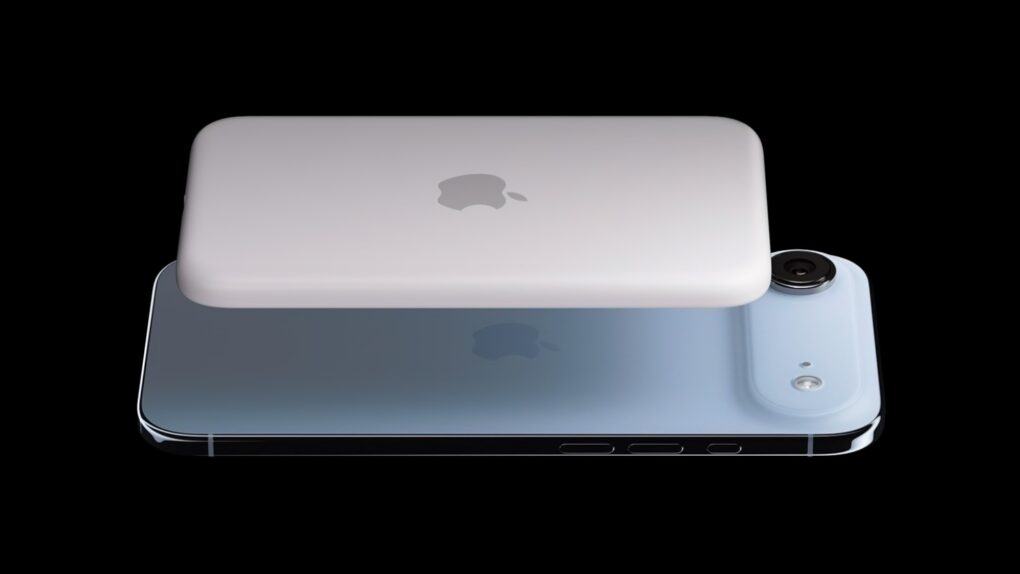
Alongside the iPhone Air, Apple launched a battery pack specifically for the phone. And interestingly, the iPhone Air MagSafe Battery uses the same capacity battery as the device it supports.
The folks over at iFixit tore down the iPhone Air MagSafe Battery and discovered its unusual shape. Based on preliminary evidence, they concluded Apple might be using the exact same battery inside the iPhone Air.
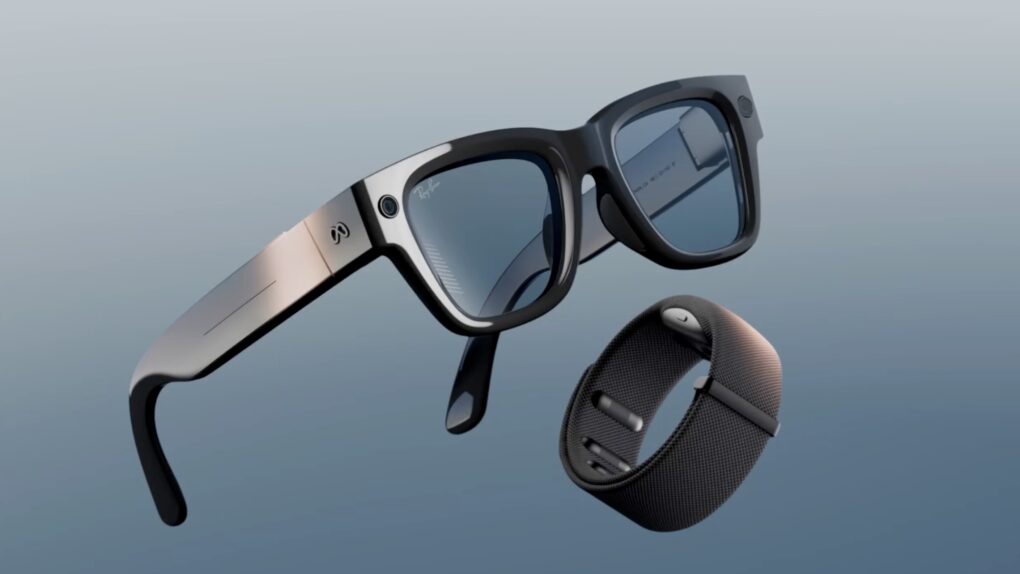
Following the success of its Ray-Ban Meta glasses, Meta has launched its Ray-Ban Display glasses. This is a step up from its previous efforts, as the smart glasses feature a built-in display in the right lens.
The glasses come with a Neural Band that recognizes your hand movements and helps you navigate through the glasses’ UI.
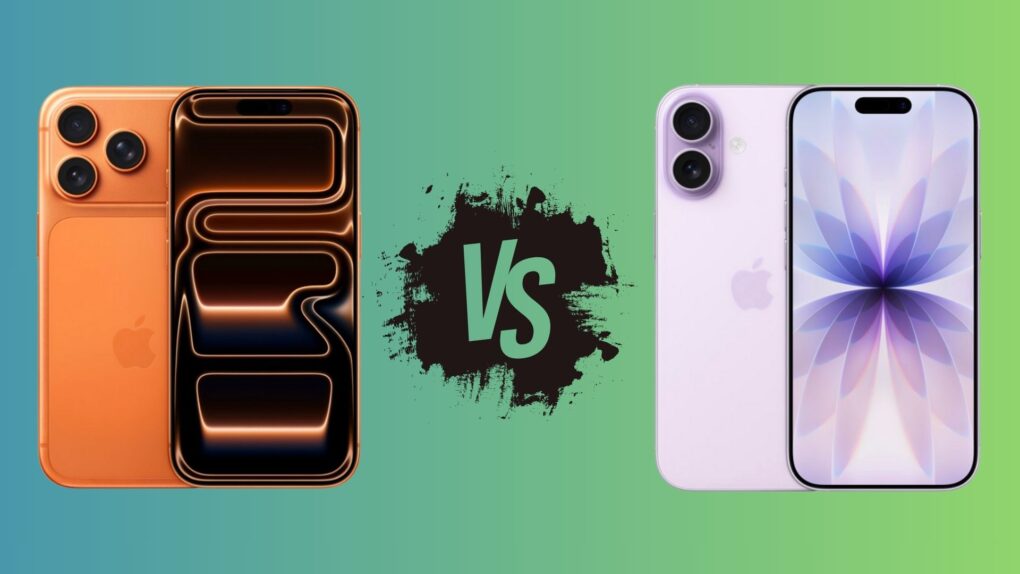
Two closely matched heavyweights square off this year in Apple’s iPhone lineup: the iPhone 17 vs. the iPhone 17 Pro. On paper, the gap between the two has never been narrower. But look closer, and you’ll find a few key differences that could sway your buying decision.
The iPhone 17 Pro has a few tricks up its sleeve that make it the ultimate choice for power users. But is it worth the extra $300? Find out in this iPhone 17 vs. iPhone 17 Pro. comparison.

Apple’s next-gen OLED MacBook Pro supposedly will feature a touchscreen panel, further blurring the line between iPads and MacBooks.
TF International Securities analyst Ming Chi Kuo thinks the new OLED MacBook Pro will enter mass production in late 2026.