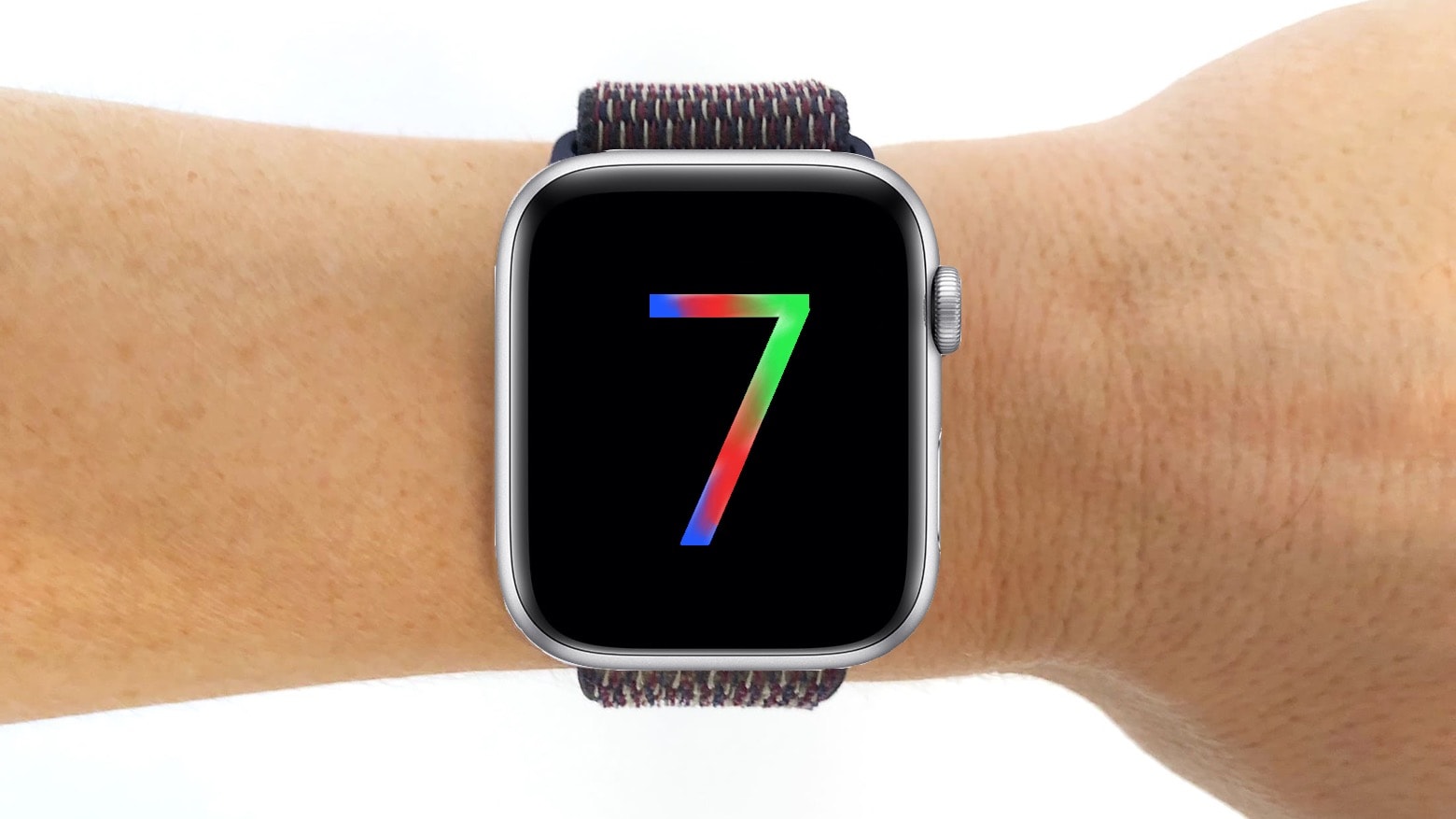
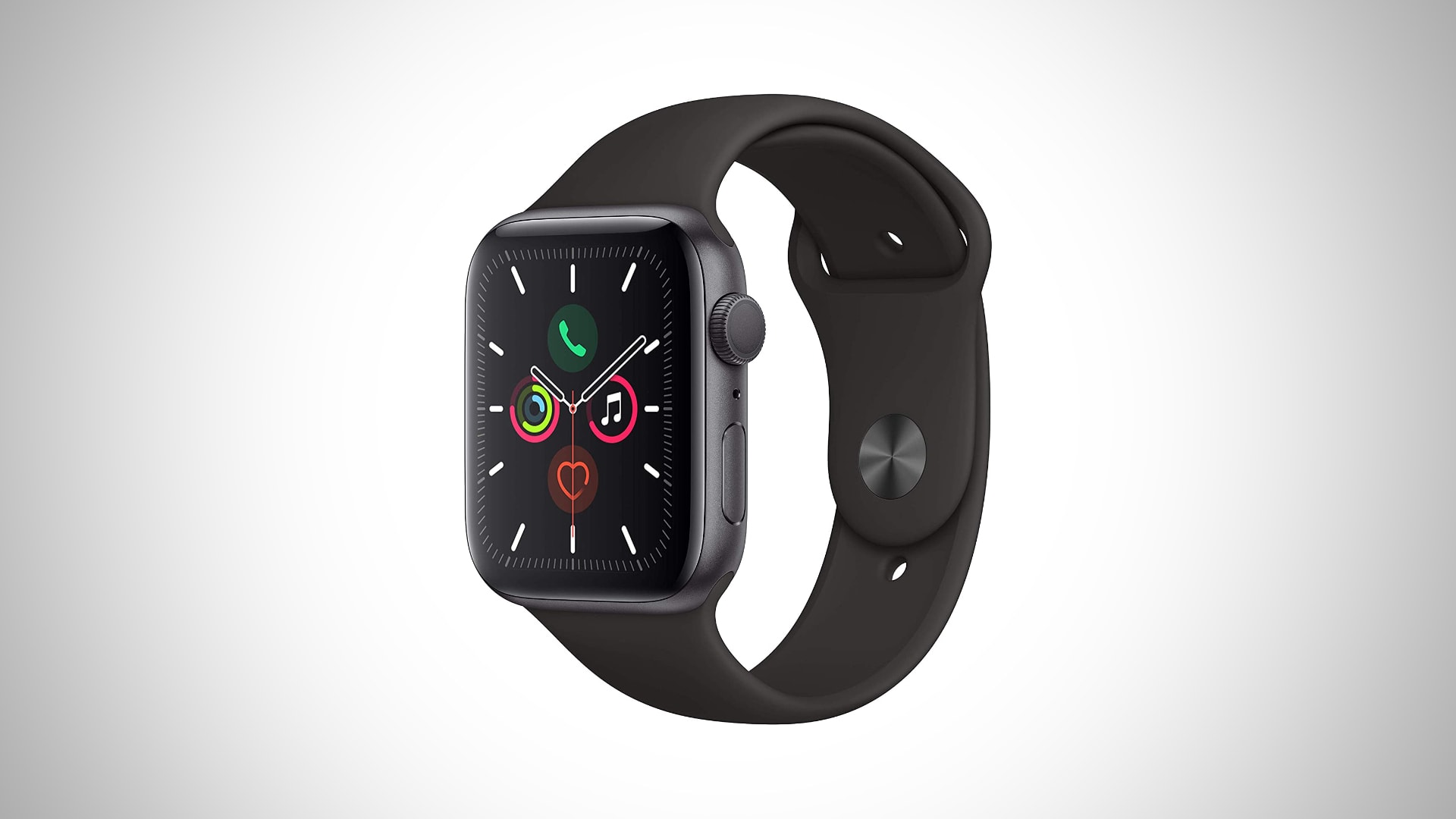
Apple Watch Series 7 is expected to be the biggest yet, with new screens that measure 41mm and 45mm. It’s rumored Apple will increase case sizes to accommodate those larger panels — and that could be bad news for your bands.
One tipster, citing Apple Store employees, says Apple is allowing existing band stocks to dwindle because its next-generation Watch models won’t be compatible with them.
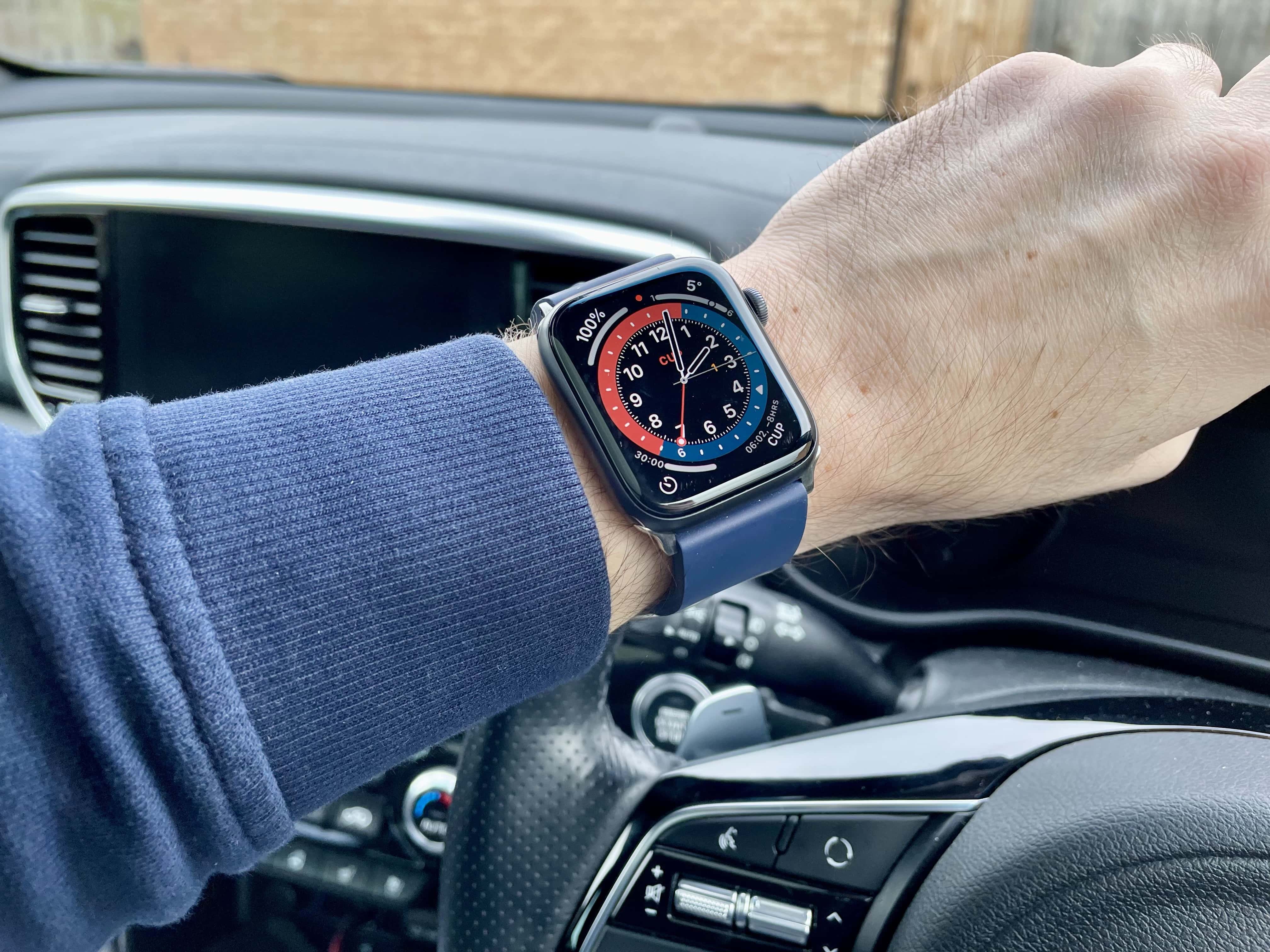
The screen in the Apple Watch Series 7 is expected to be larger than this one. Photo: Cult of Mac
By now, just about everyone has heard that the displays in upcoming Apple Watch Series 7 models will be a bit larger. But a new report from a reliable source says they’ll actually be even bigger than many might expect.
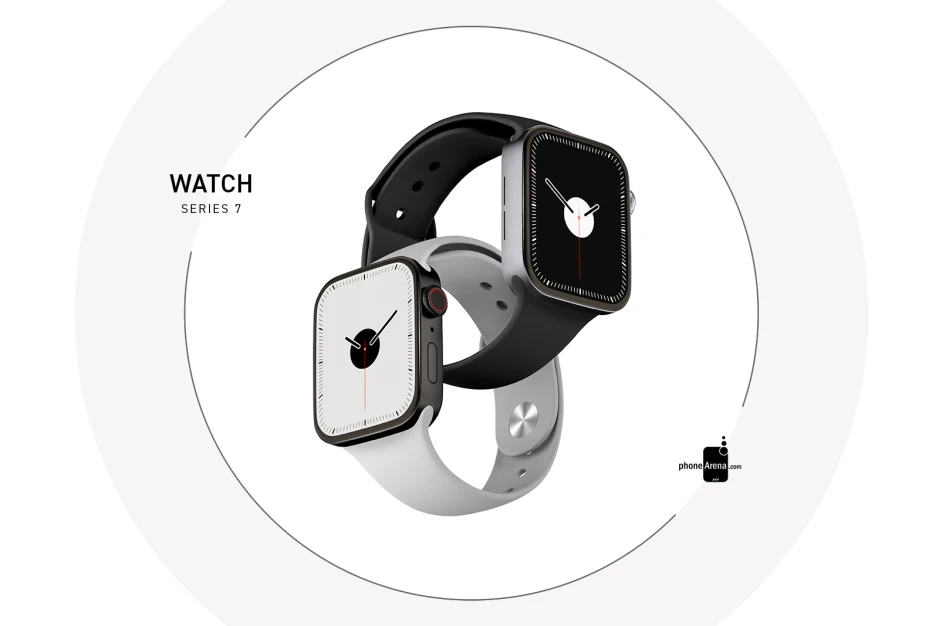
Mass production may begin in late September. Photo: PhoneArena
A delay affecting Apple Watch Series 7 manufacturing could be short-lived, with a new report claiming Apple will ramp up production in late September. It’s not yet clear what the delay might mean for the device’s launch.
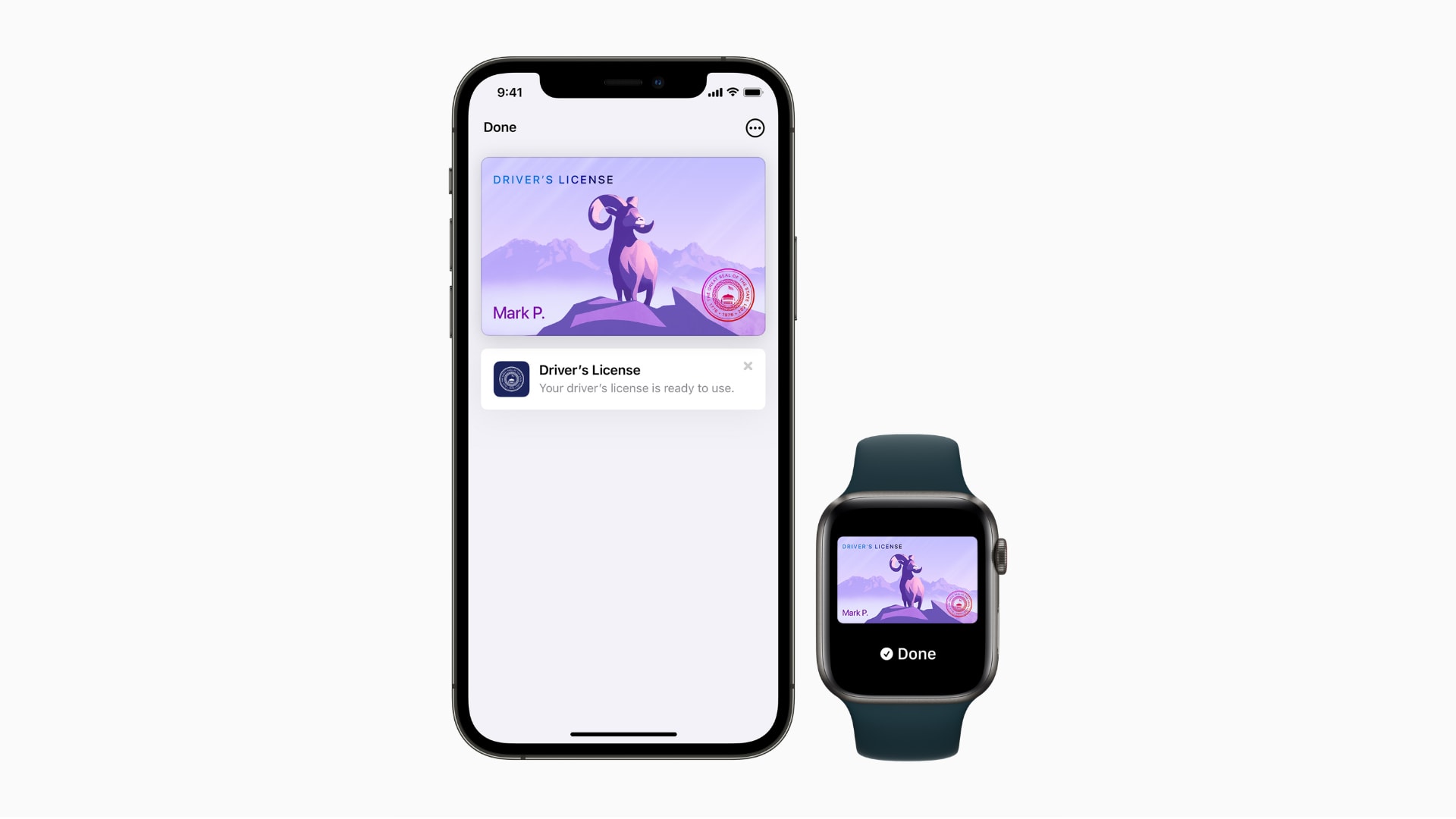
Arizona and Georgia will be first, followed by six others. Photo: Apple
Apple on Wednesday confirmed the first states that will adopt digital driver’s licenses and IDs in Apple Wallet. Residents of Arizona and Georgia will be able to take advantage of the feature first, with six other states to follow.
The Transportation Security Administration will enable select security checkpoints and lanes at participating airports as the first locations customers can use their driver’s license or state ID in Wallet, Apple added.
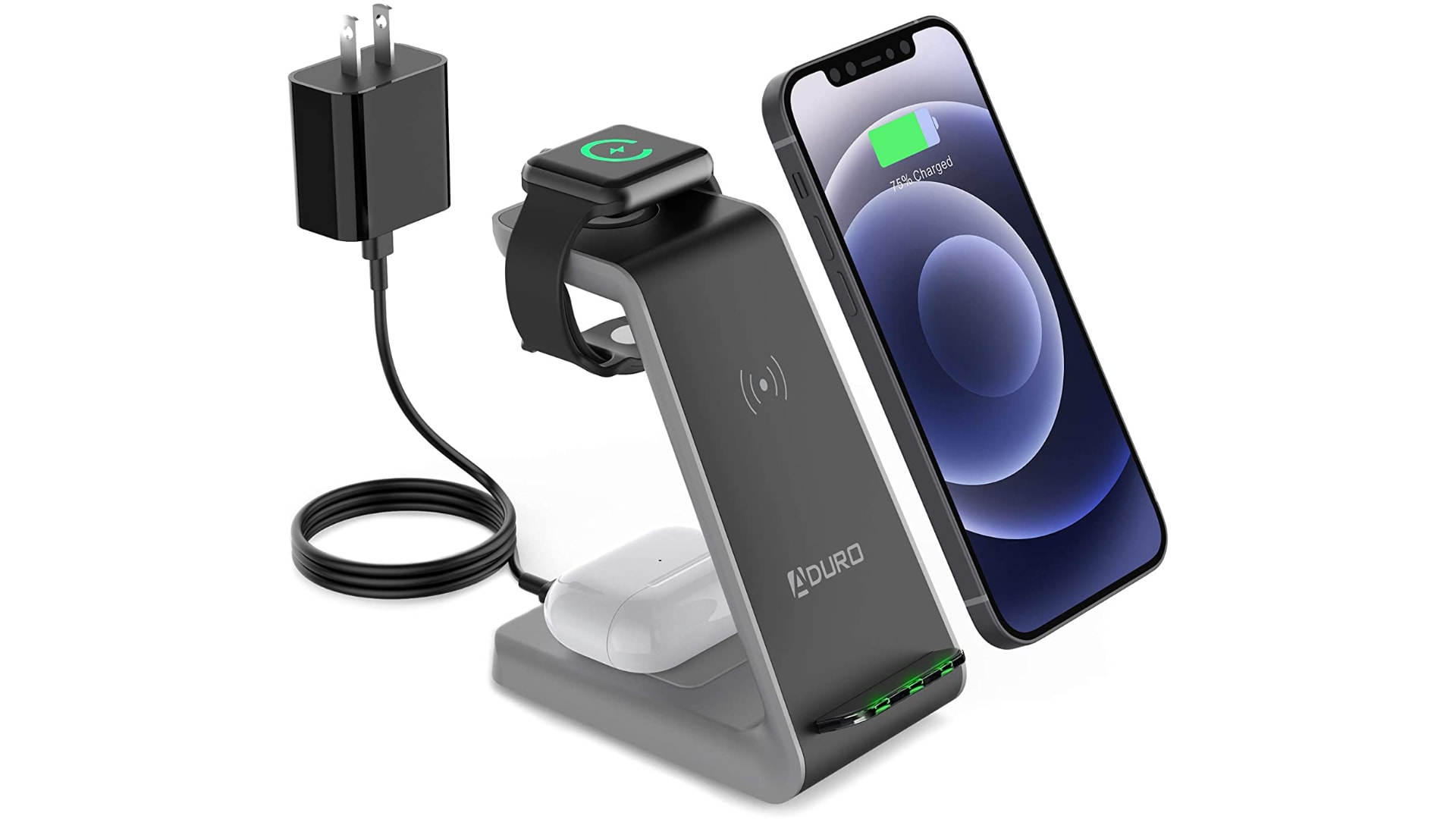
Charge your iPhone, AirPods and Apple Watch simultaneously and cut down on cable clutter with $70 off the PowerUp 3-in-1 charging station from Aduro. It uses speedy Qi wireless charging technology and ships with an included power adapter and charging cable.
There is “no chance” Apple Watch Series 7 will be able to monitor your blood pressure, despite recent claims that the next-generation device has been delayed to accommodate this feature, according to one reliable reporter.
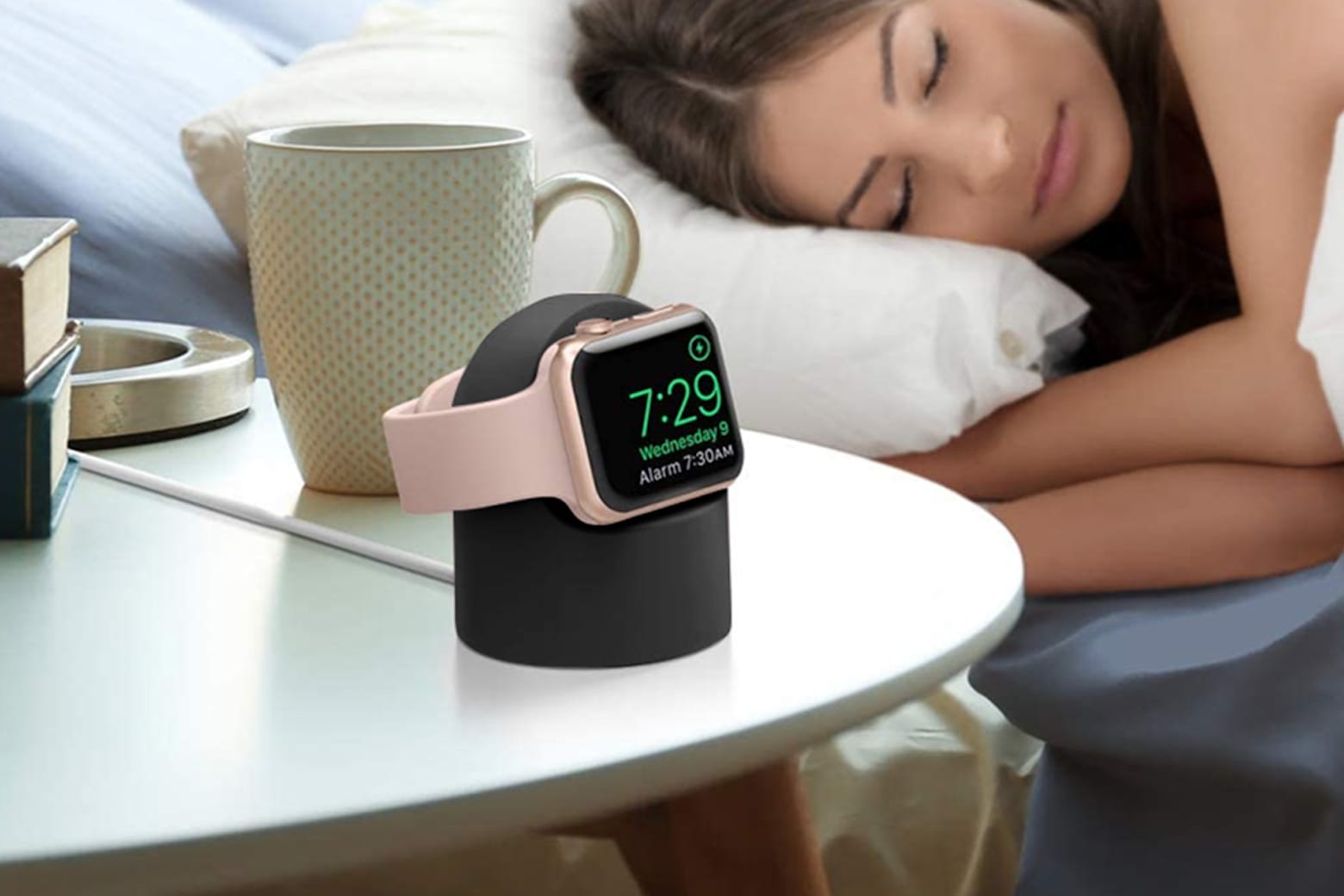
Seamlessly charge your Apple Watch with one of these colorful docks. Photo: Cult of Mac Deals
If you’re a proud Apple Watch owner, you’ve probably watched in horror more than once when you knocked your device right off its flat magnetic perch — or, perhaps even worse, woke up to find it was never properly placed and didn’t charge overnight. It’s hard enough remembering to charge it every single night, since it only has an 18-hour battery life, but you also need to ensure it’s actually secured to its magnetic circle.
Here’s your fix: The Apple Watch Charging Cable & Stand, which comes in a wide array of aesthetically pleasing colors. The design also shows off your watch display, and makes sure you’re actually connected to a charge the whole night.
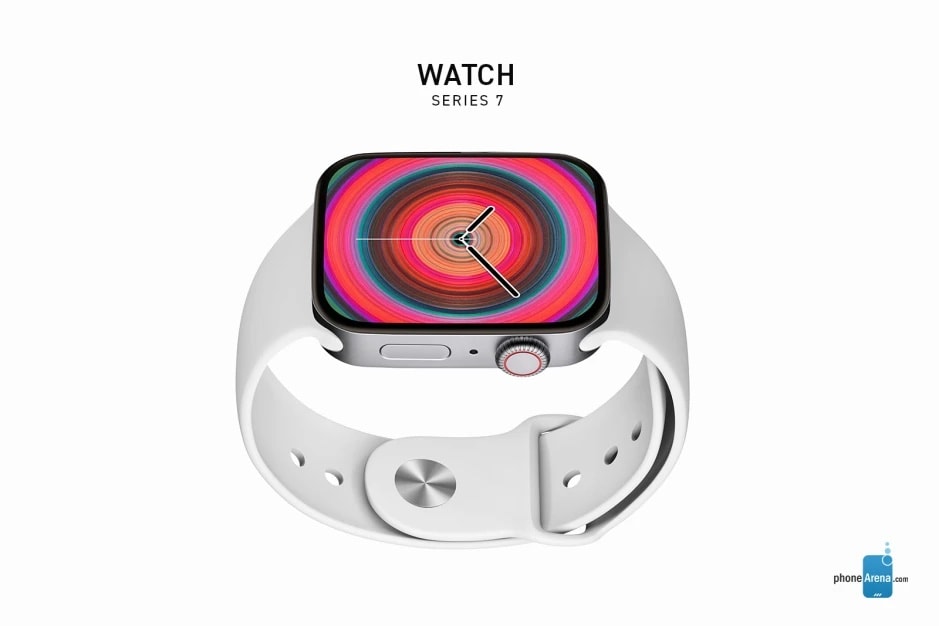
Apple Watch Series 7 might not be out in September, as had been hoped. Concept: phoneArena.com
The debut of Apple Watch Series 7 will be pushed back due to production difficulties, according to an unconfirmed report Tuesday.
A new flat-sided look, and the addition of a blood-pressure monitor and other features, has left Apple scrambling to finalize the smartwatch’s design. Apple allegedly put assembly of the wearable on hold while the company’s engineers try to fix the problems.
Your Watch's charger can now be just as small and portable. Photo: Cult of Mac Deals
One of the best parts of owning an Apple Watch is the convenience. Right there, on your wrist, you have some of the most useful features of your iPhone, but in a far more portable package.
The charger for your Apple Watch should be just as convenient and easy to travel with. The Apple Watch Wireless Charger Keychain is a great companion for your Apple Watch and can keep you connected for hours longer every day. Right now, you can get one, two or four Apple Watch Wireless Charger Keychains on sale for $19.99, $38.99 and $76.99 respectively. And for a limited time, you will also get $10 in store credit when you spend $50 or more!
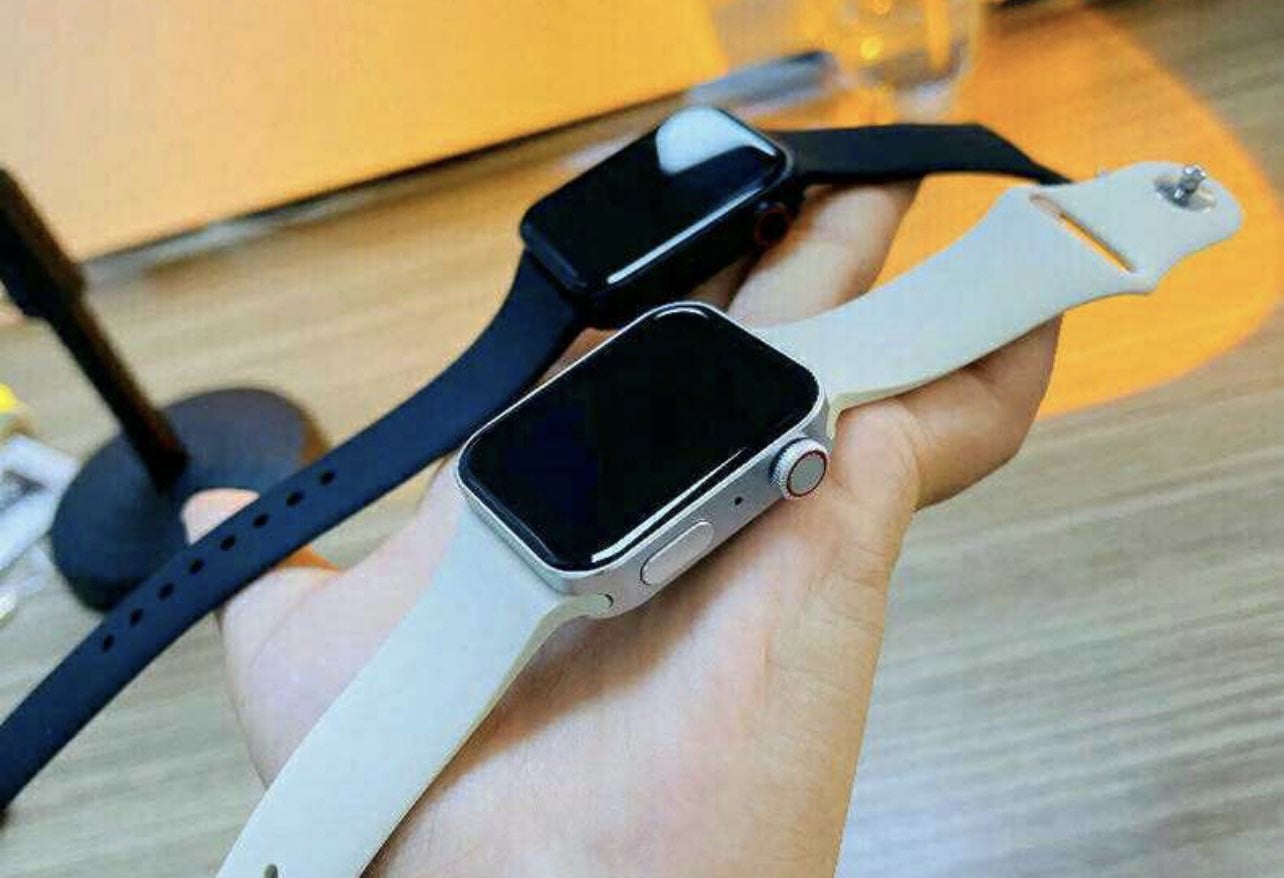
We’re still weeks away from Apple Watch Series 7’s official debut, but that hasn’t stopped Chinese manufacturers from churning out their clones. The knockoffs feature flatter designs that could closely match the real thing.
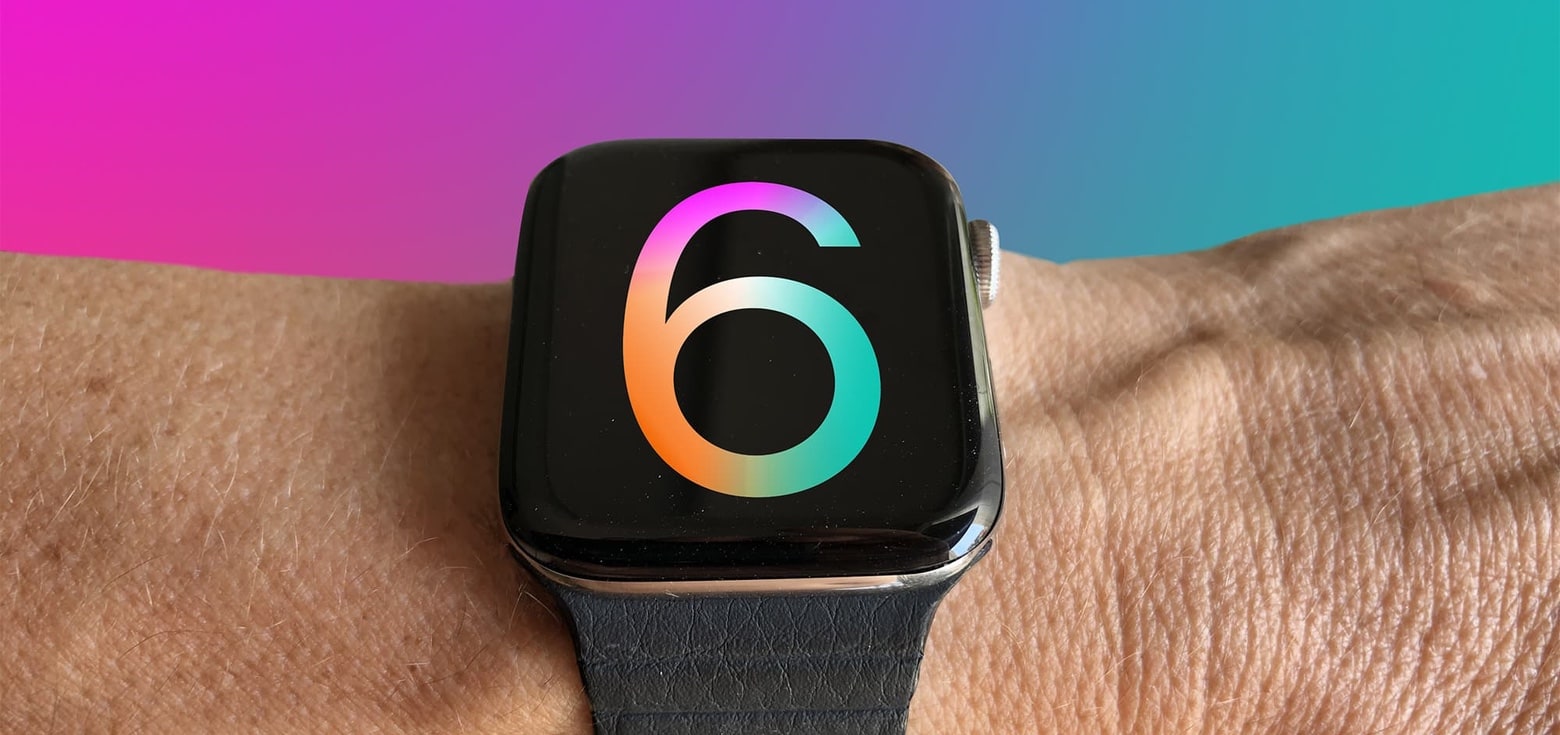
Apple Watch Series 6 is the best selling smartwatch in the world. Photo: Graham Bower/Cult of Mac
Apple Watch recently passed an important milestone. There are now 100 million of them in active use according to a market analysis firm. And more than 50 million Americans have one.
The user base is one of the most important measurements of a product’s success. It shows how many people are actively using a device, as opposed to buying one, disliking it, then dumping it in a drawer.
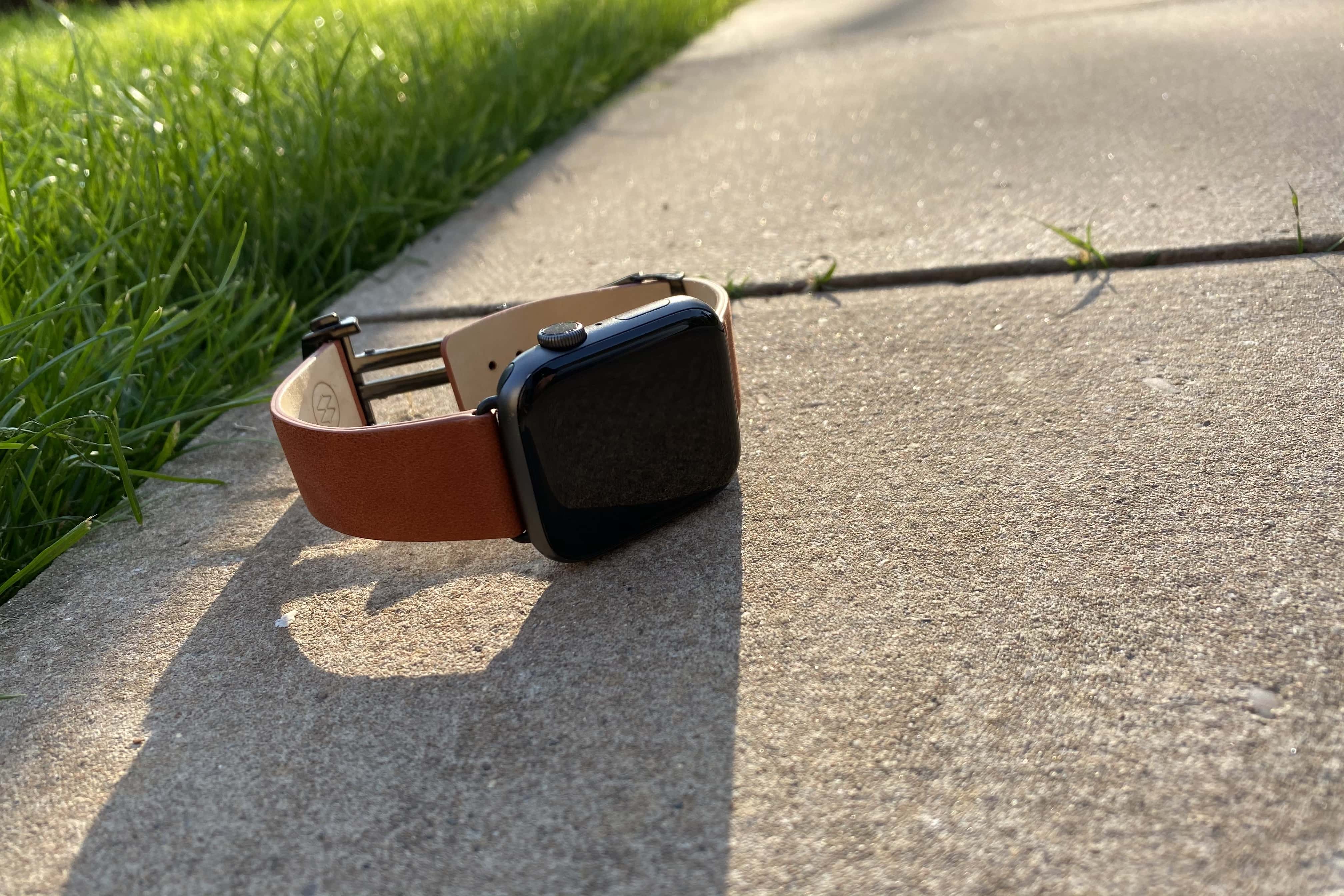
Another excellent photo from Killian Bell. Photo: Killian Bell/Cult of Mac
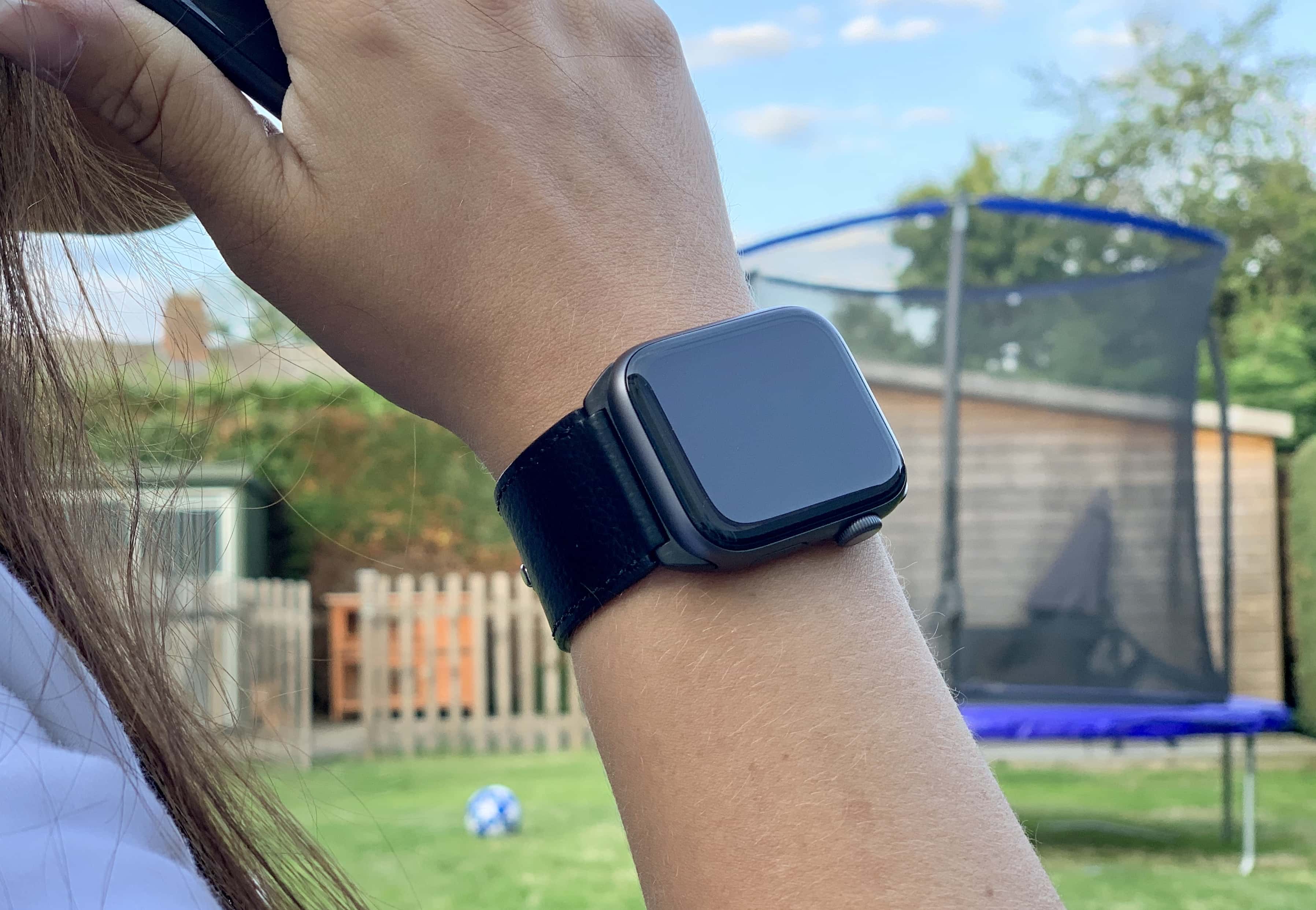
Monowear’s Contemporary Leather Cuff is so good, it might just be my favorite Apple Watch band to date.
Not only is it made from a soft, luxurious leather that makes it insanely comfortable, but it looks terrific. It’s compatible with all Watch models, and it’s nowhere near as expensive as it looks.
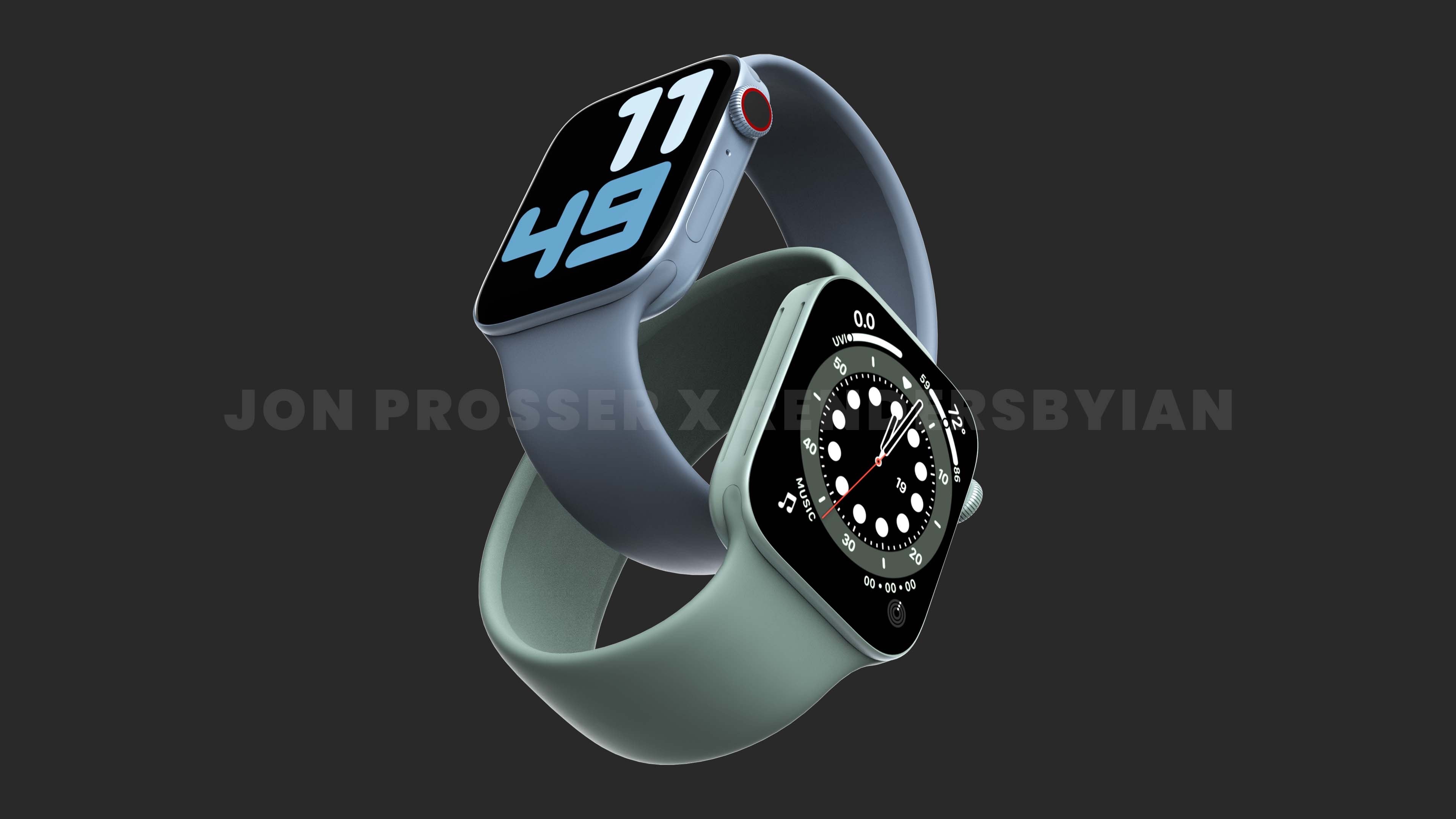
Apple Watch Series 7 is supposedly in for a redesign. That might include room for larger screens. Concept: Jon Prosser/RendersbyIan
The rumored Apple Watch Series 7 redesign will include slightly larger screens, according to an unconfirmed report. This fits with earlier leaks that the upcoming wearables will have smaller bezels.
If you still need help achieving your fitness goals, let an Apple Watch be your new workout buddy. Photo: Cult of Mac Deals
It’s hard to believe that it’s only been six years since the Apple Watch first hit wrists around the world. It didn’t take long before it became the best-selling wearable device. In the second quarter of 2015, Apple sold 4.2 million of them. And as of the end of last year, more than 100 million people were happy Apple Watch owners.
If you still haven’t added this must-have accessory to your collection, here are a number of refurbished Apple Watch deals, all with the features we have come to know and love. One of them is sure to fit your needs.
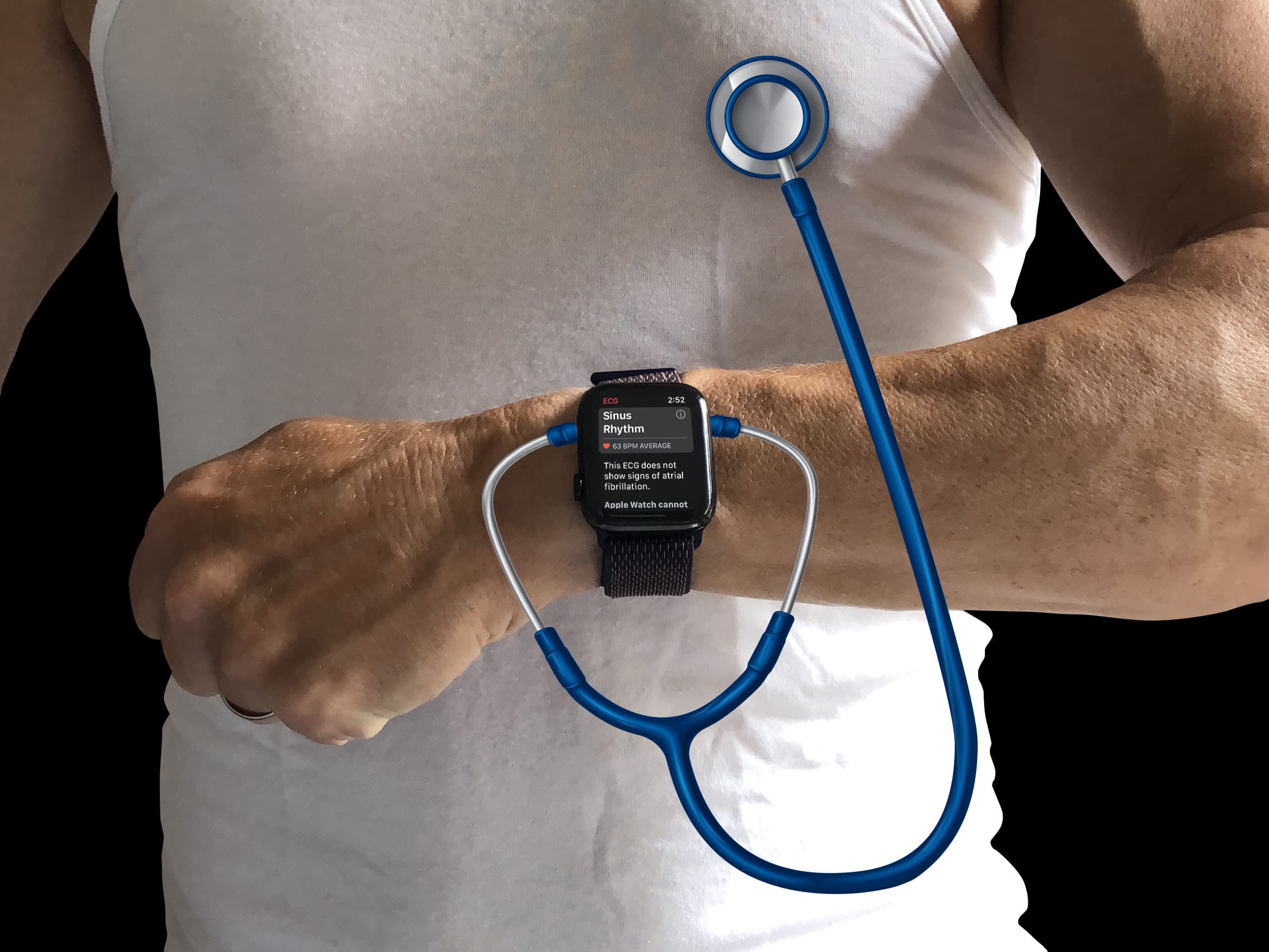
Does Apple Watch need more health sensors? Photo: Graham Bower/Cult of Mac
Since Apple Watch gets a hardware update like clockwork every fall, it’s a safe bet we’ll see a Series 7 model next month alongside the iPhone 13. There are plenty of rumors about what to expect, including a better display and a new flat-edged design, both of which sound great to me.
But I’m less keen on the prospect that Apple Watch Series 7 might come with additional health sensors. Here’s why.
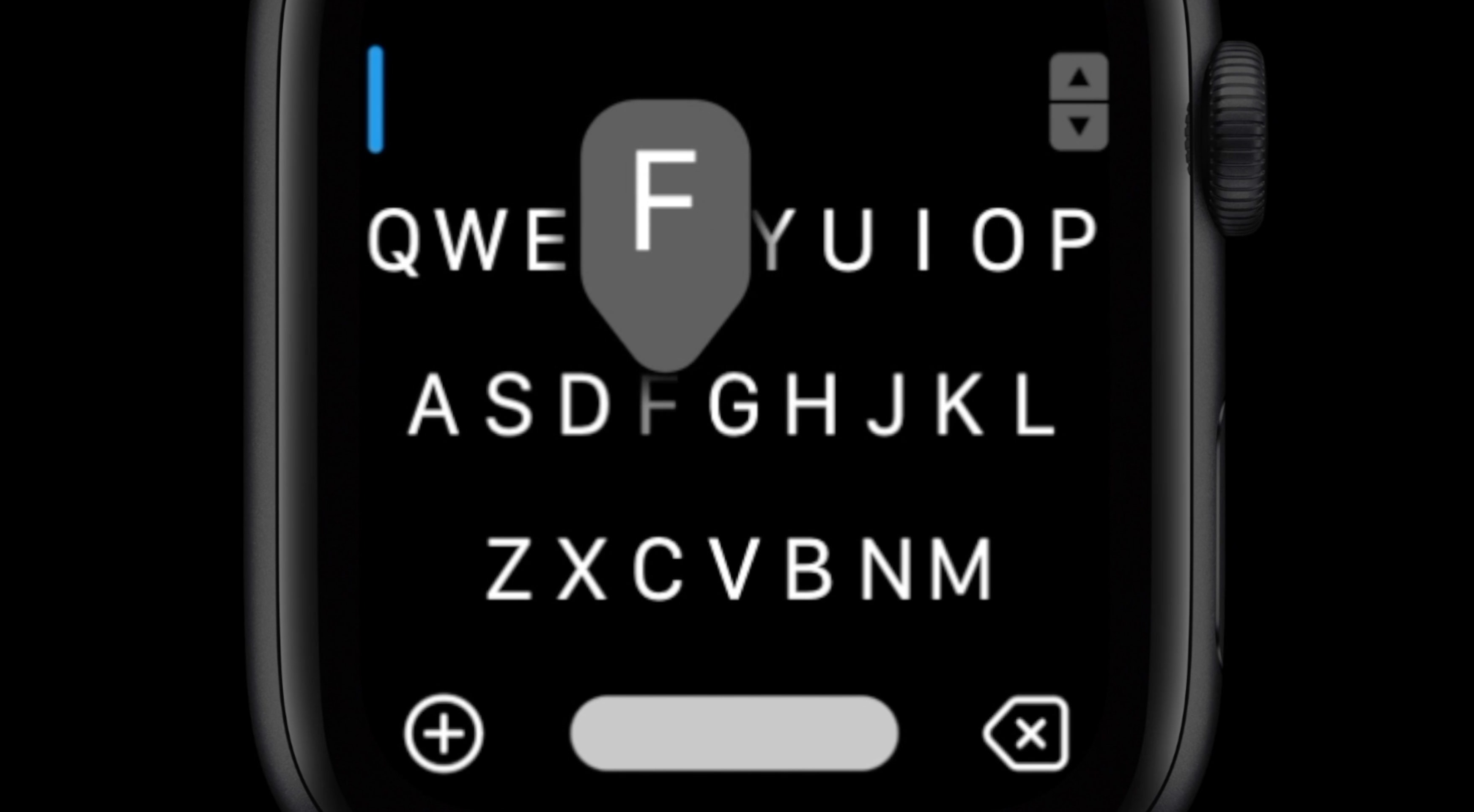
That's the end of FlickType as we know it. Photo: FlickType
FlickType, maker of the accessible iPhone keyboard that has become popular among those with vision impairment, has confirmed it is discontinuing its app after years of obstacles and “abuse” from Apple’s App Store approval team.
The announcement comes after FlickType last week submitted an update to fix bugs related to iOS 15 and got “incorrectly” rejected by Apple. The team says Apple has ignored repeated requests for clarification and support.
Quick! Get one before they're all gone. Photo: Apple
Treat yourself to Apple Watch with big discounts on refurbs for a limited time only. Woot is offering Series 3, Series 4 and Series 5 units from just $109.99. Supplies are limited, so bag one before they’re all gone.
Save on the entire SwitchEasy range. Photo: SwitchEasy
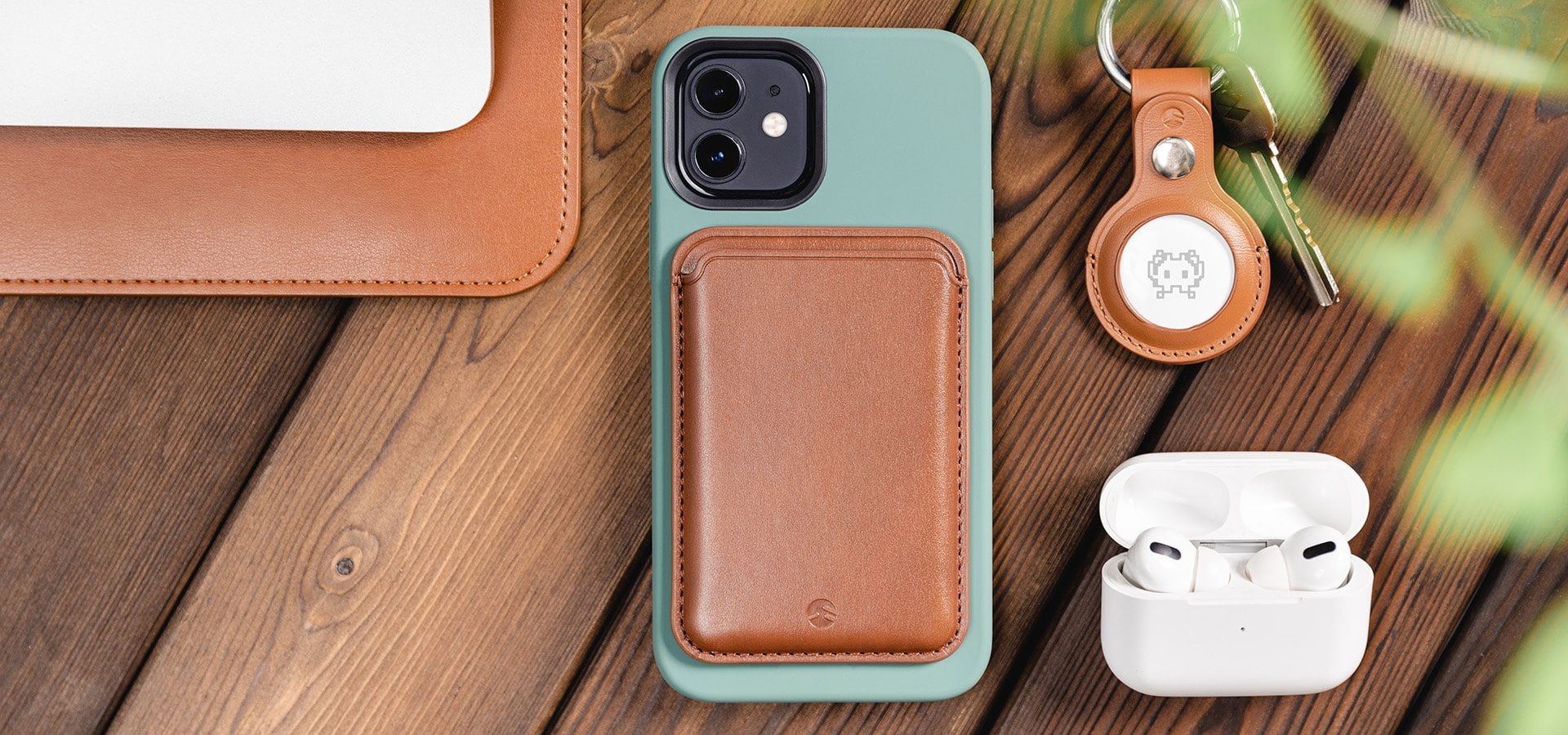
SwitchEasy recently kicked off its big Back to School sale, giving you 15% off its wide range of cases for iPhone and iPad, new MagSafe mounts, and lots more. Prices start at just $11.04, but the discount ends soon.
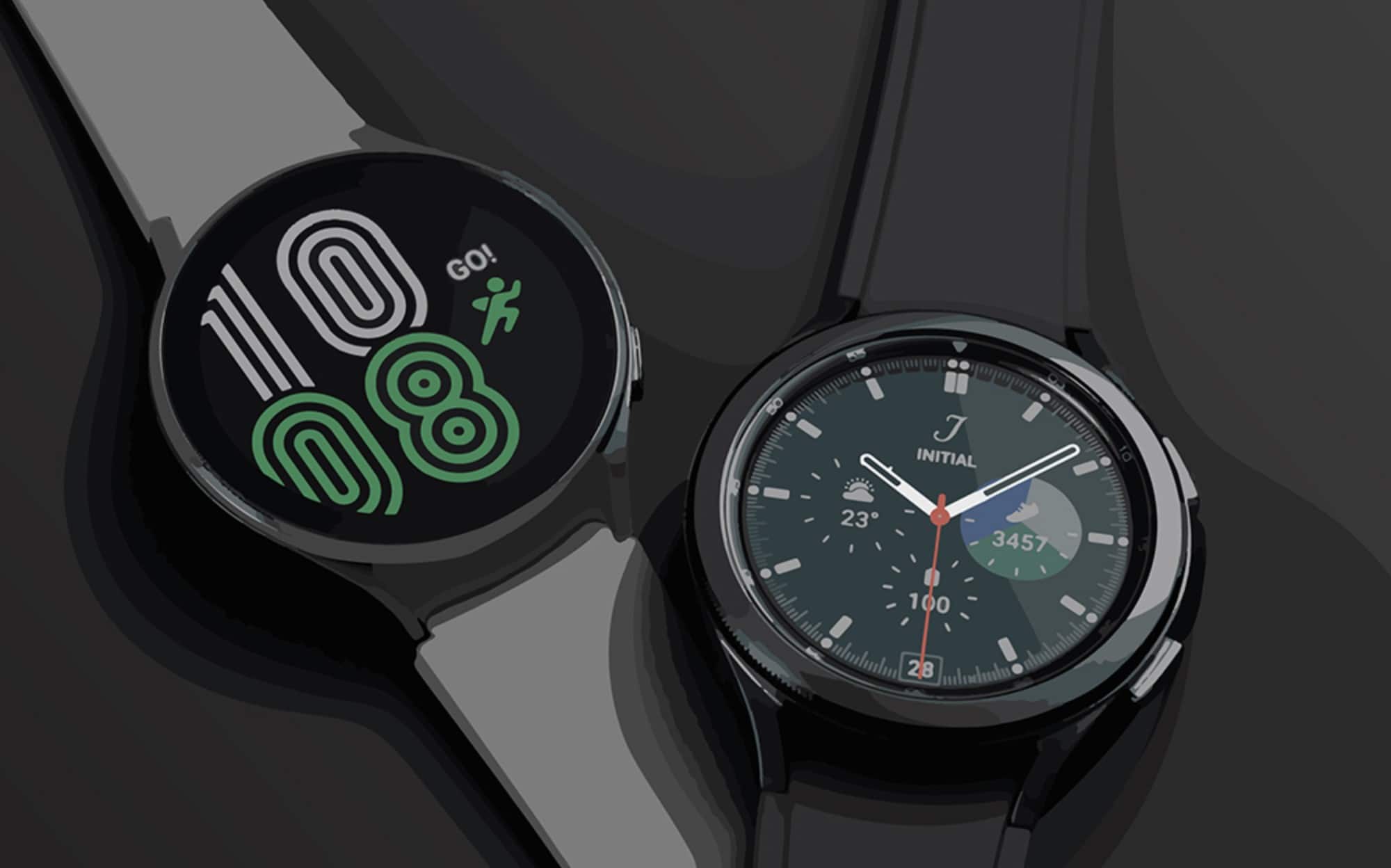
Samsung’s new Galaxy Watch 4 series, introduced alongside its next-generation foldable smartphones on Wednesday, scraps support for iPhone.
The South Korean company’s wearables have been playing nicely with Apple devices since 2017. But with the Galaxy Watch 4, an Android device that supports Google Mobile Services (GMS) is required.
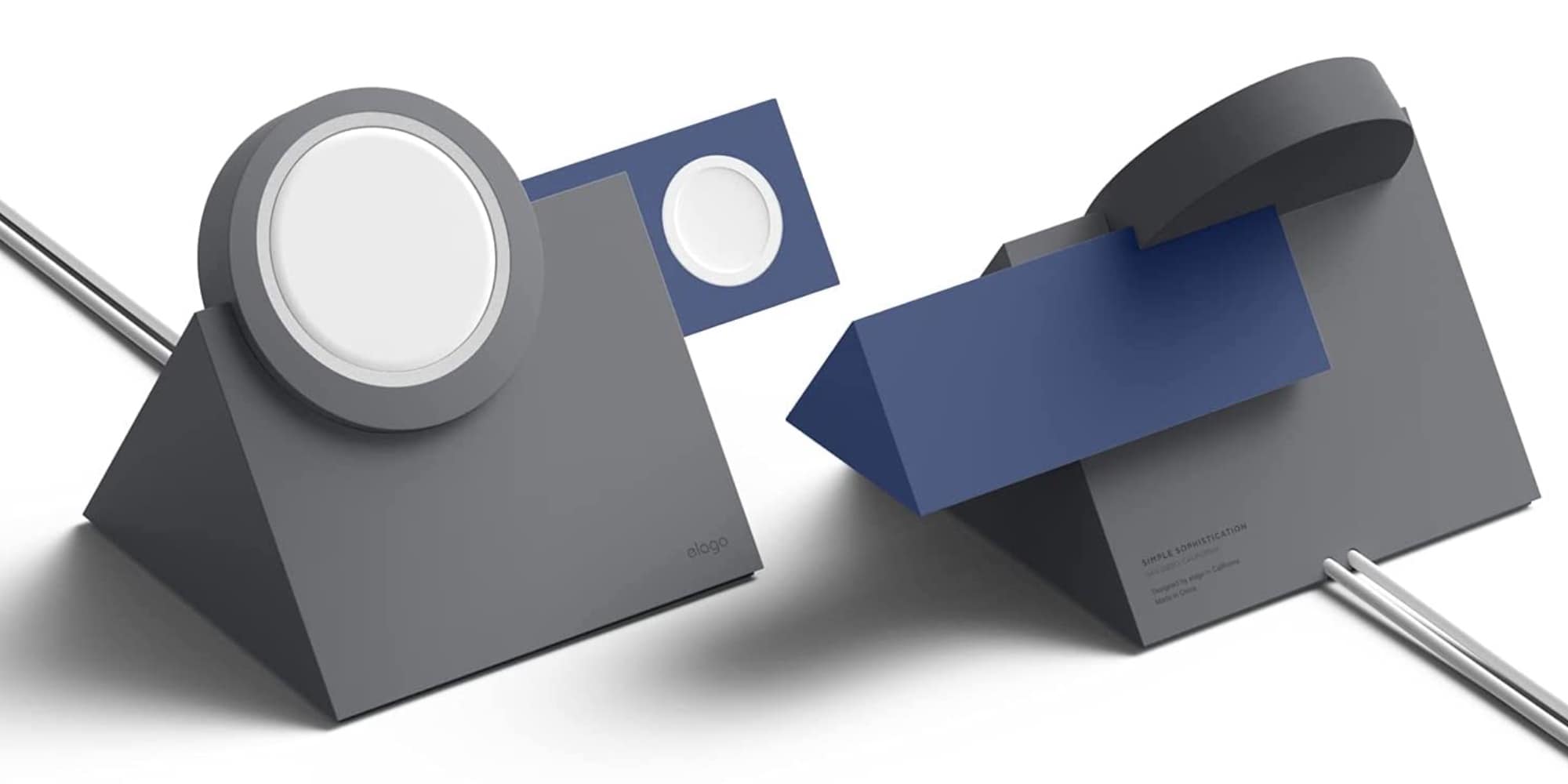
Elago's MS5 Duo Charging Stand powers up your iPhone 12 and Apple Watch. Photo: Elago
Elago has added three new MagSafe-compatible multi-device chargers to its collection. Made from silicone, the new Elago MS5 Duo Stand, MS Charging Hub Duo and MS Trio 1 Charging Hub give you MagSafe-compatible options for powering up your iPhone 12, Apple Watch and Airpods.
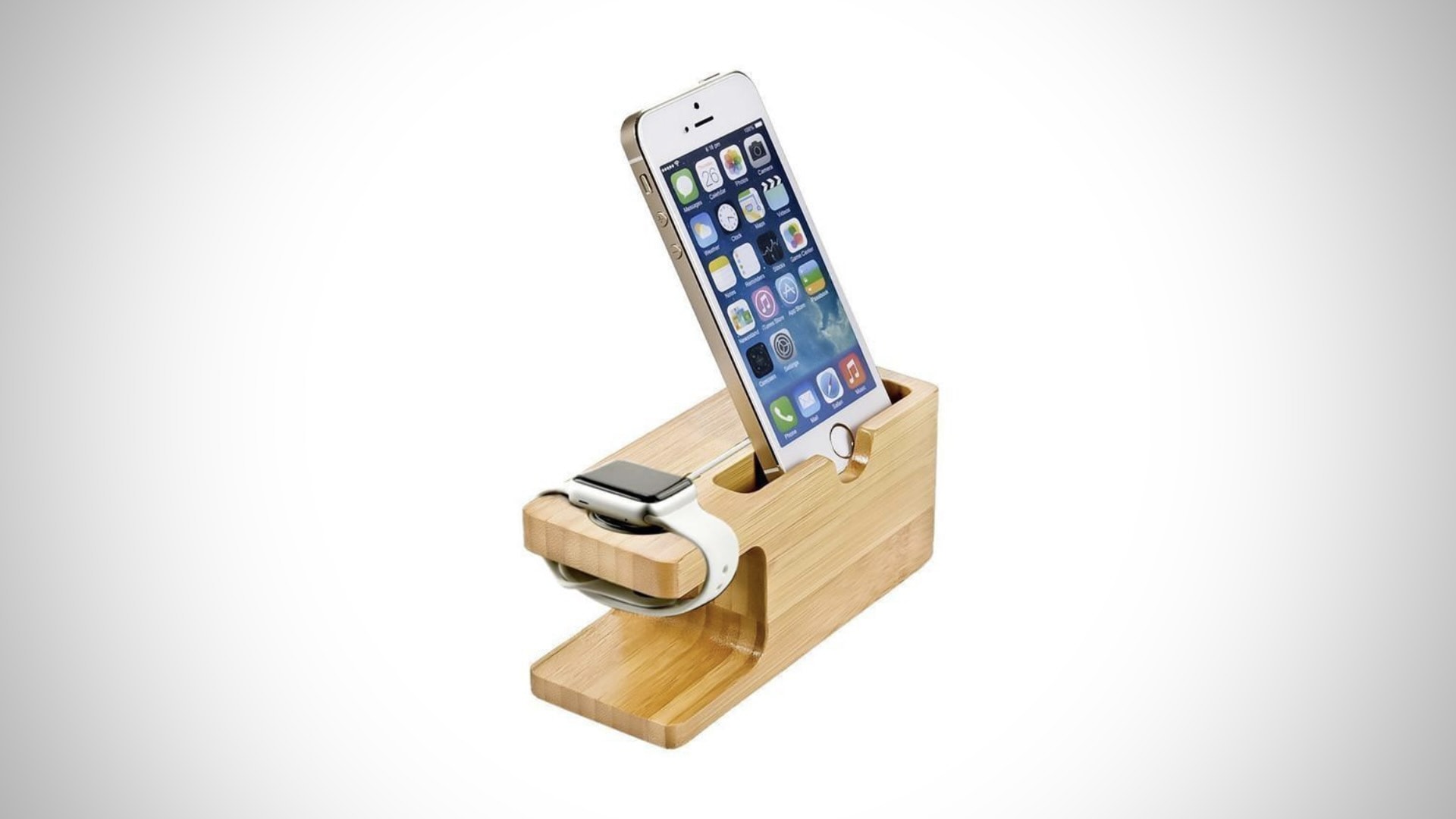
Give your Apple Watch and iPhone a safe and stylish place to charge and avoid unfriendly plastics with this brilliant charging dock from Limited77. Made entirely from bamboo, it looks great and it’s incredibly sustainable.
Bag yours today at its Cult of Mac Store launch price of under $25.
Apple on Tuesday confirmed that is expanding student IDs on iPhone and Apple Watch to Canada and more U.S. universities.
Starting this school year, tens of thousands of new students will be able to use the feature to conveniently and securely get around campus and make purchases. With a digital student ID, plastic cards are no longer necessary.
Bag yours in one of seven awesome color options. Photo: Benjamin McKay/Cult of Mac
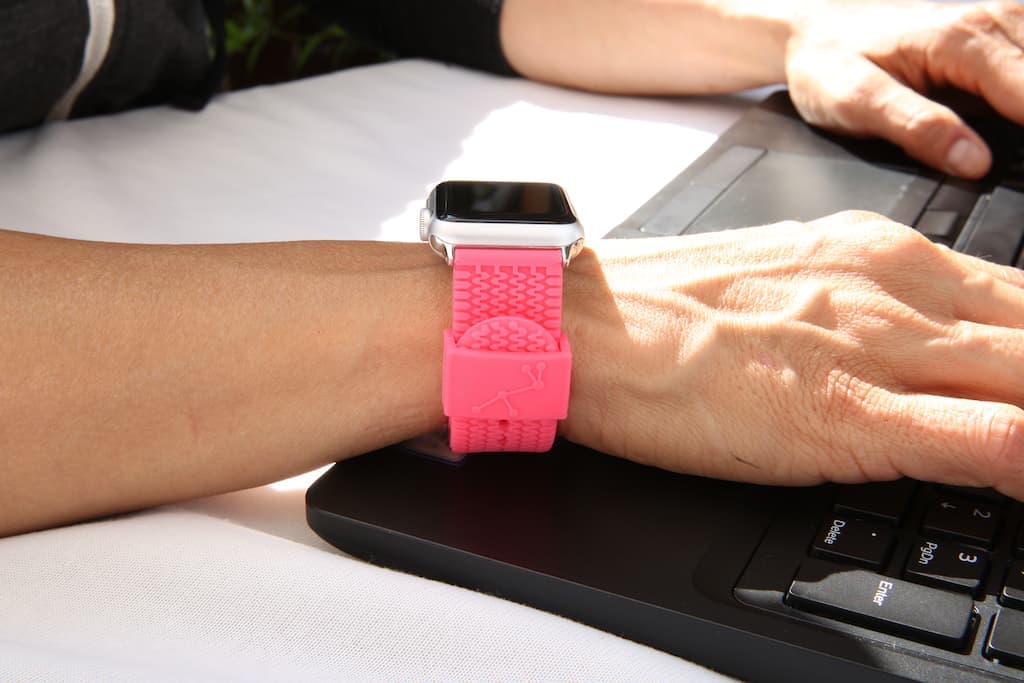
Made from strong and sturdy silicone, Carterjett’s terrific Tire Tread band for Apple Watch is ideal for even the toughest workouts. It’s easy to clean and doesn’t mind getting wet, and it’s a steal at just $24.99.
It also comes in a bunch of great color options — including a red and a blue that are a great match for Apple Watch Series 6.
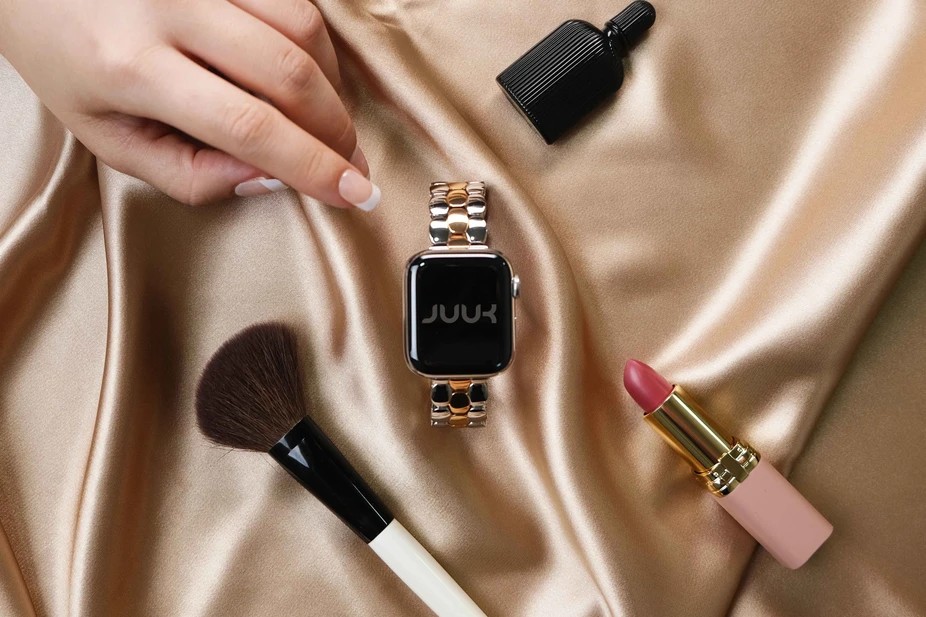
Bring smooth stainless steel to your Apple Watch with Juuk’s gorgeous new Ovollo band. Its mirror-polished finish helps make your smartwatch look like a dazzling fashion piece, and it’s available in a number of color options to suit your style. You can order yours now through the Cult of Mac Store.