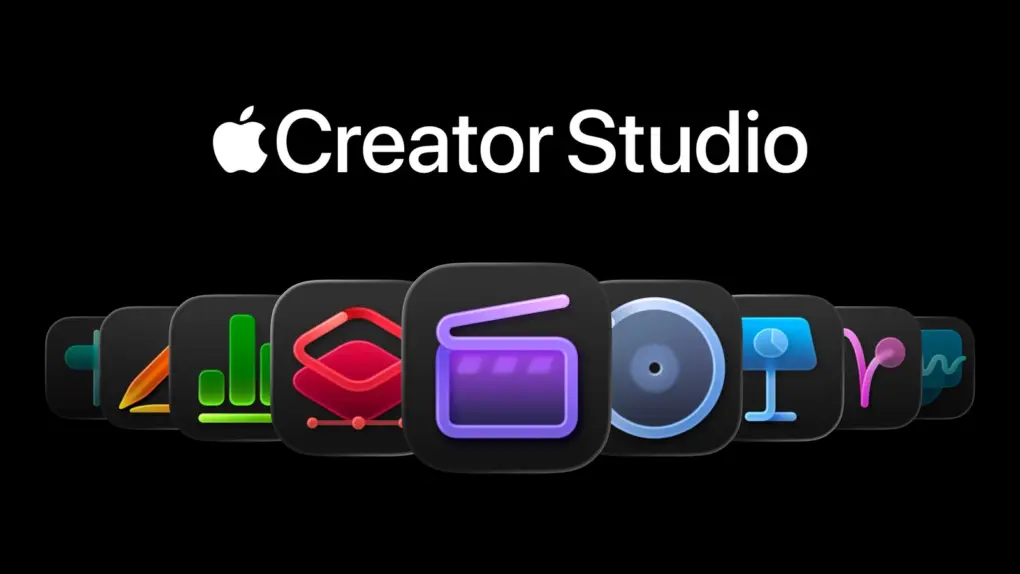
Apple is rolling out a collection of updates to Creator Studio, adding new tools to Pixelmator Pro, Final Cut Pro, and Motion as well as Apple’s productivity apps.
Apple adds powerful new tools to Creator Studio
Apple Creator Studio is a subscription bundle of professional creative and productivity apps for Mac and iPad. It is aimed at creators, designers, musicians, video editors and other users.
With the new update, Pixelmator Pro for iPad gains more precise selection and masking tools, while Final Cut Pro and Motion can now apply and adjust Cinematic mode effects to video shot natively on the brand-new iPhone 18 Pro.
Keynote, Pages and Numbers get new templates and productivity features, including AI-generated presentation imagery and additional spreadsheet functions.
Freeform adds Dark Mode support, folders, improved collaboration and Apple Intelligence tools for rewriting, proofreading and summarizing handwritten notes.
And there are plenty more new features. Get the details straight from Apple:
New updates coming to Apple Creator Studio
Apple today introduced updates to Apple Creator Studio, the powerful collection of creative and productivity apps. Pixelmator Pro for iPad adds edge-refinement tools for advanced selections; native video captured on iPhone 18 Pro can now have Cinematic mode effects applied during editing using Final Cut Pro and Motion; and Keynote, Pages, Numbers, and Freeform gain new templates and creative tools.
All-New Templates for New Ideas
Pixelmator Pro adds two new template collections on Mac and iPad, including designs for sports and action-packed projects, and templates for launching a new creative idea, business, or product. A new Podcasts category introduces cover artwork designed to make shows stand out, sized appropriately for major podcast platforms.
Pixelmator Pro for iPad also brings Select and Mask from Mac, giving creatives dedicated controls for precise mask and selection refinements — including the ability to preserve fine detail along complex edges like hair or fur.
End-to-End Cinematic Video
Final Cut Pro and Motion on Mac bring new ways to add Cinematic mode effects to video captured natively on iPhone 18 Pro. Editors can adjust focus points and depth of field directly in the Final Cut Pro timeline. Compressor lets editors convert video with Cinematic mode effects back into the previous Cinematic mode format, and adds new HEVC and MPEG-4 export presets for social sharing.
Time-Saving Features to Boost Productivity
Apple Creator Studio subscribers get new, professionally designed templates and themes in Keynote, Pages, and Numbers. And intelligent slide generation in Keynote now automatically creates images tailored to a presentation.
Keynote, Pages, and Numbers users can more easily collaborate and get help in the moment, with the ability to request access to a shared presentation, document, or spreadsheet. Pages for Mac also adds Screen View, which optimizes content for reading and focused writing, and Numbers adds new trigonometry, statistics, and logic functions for solving complex problems in a spreadsheet.
Freeform gains several highly requested features. Boards now automatically adapt to Dark Mode, and folders let users organize boards into collections and invite others to collaborate. Writing Tools with Apple Intelligence can rewrite, proofread, and summarize handwritten notes; users can also request access to collaborate on shared files, or automate adding content using Shortcuts. Freeform becomes even more powerful in visionOS 27, letting users pull multiple items from a board — including images, videos, sticky notes, shapes, and 3D models — into their space, and view 3D models together as a group.

Ed Hardy has been writing full-time about tech for 26 years, and using it for much longer than that. His intro to Apple was a Macintosh SE/30 (which he still has), but now he uses a 13-inch iPad Pro as his primary computer.
That’s because he’s a “tablet first” type of guy. Rather than use a Macbook, he connects a keyboard case to the iPad. And instead of a desktop Mac, he connects his tablet to a 27-inch display and full-size keyboard. (So don’t try to tell him that everyone has to use a Mac to be productive.)
Before coming to Cult of Mac, Ed wrote for NotebookReview, TabletPCReview and Brighthand, as well as other sites.

