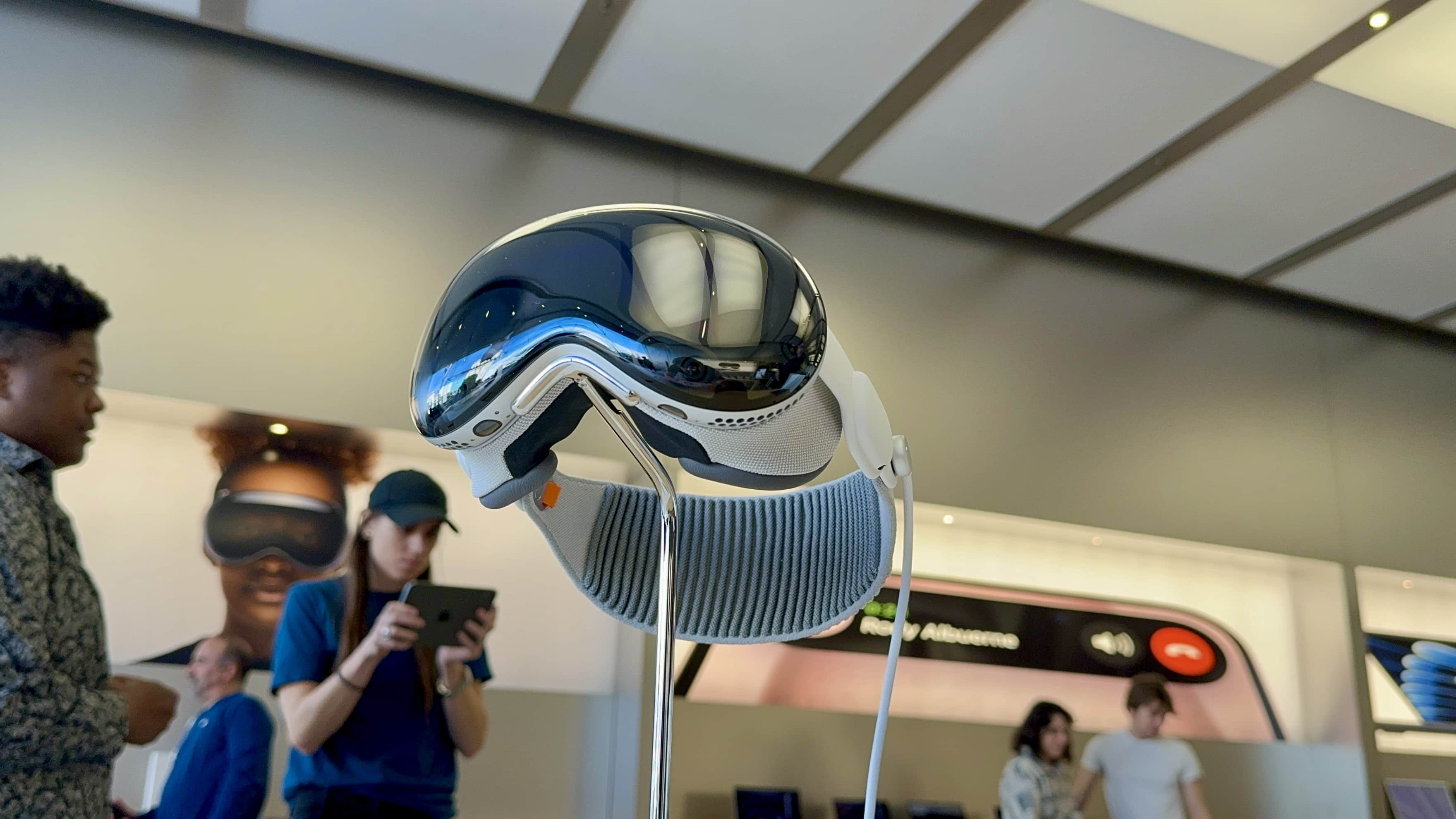
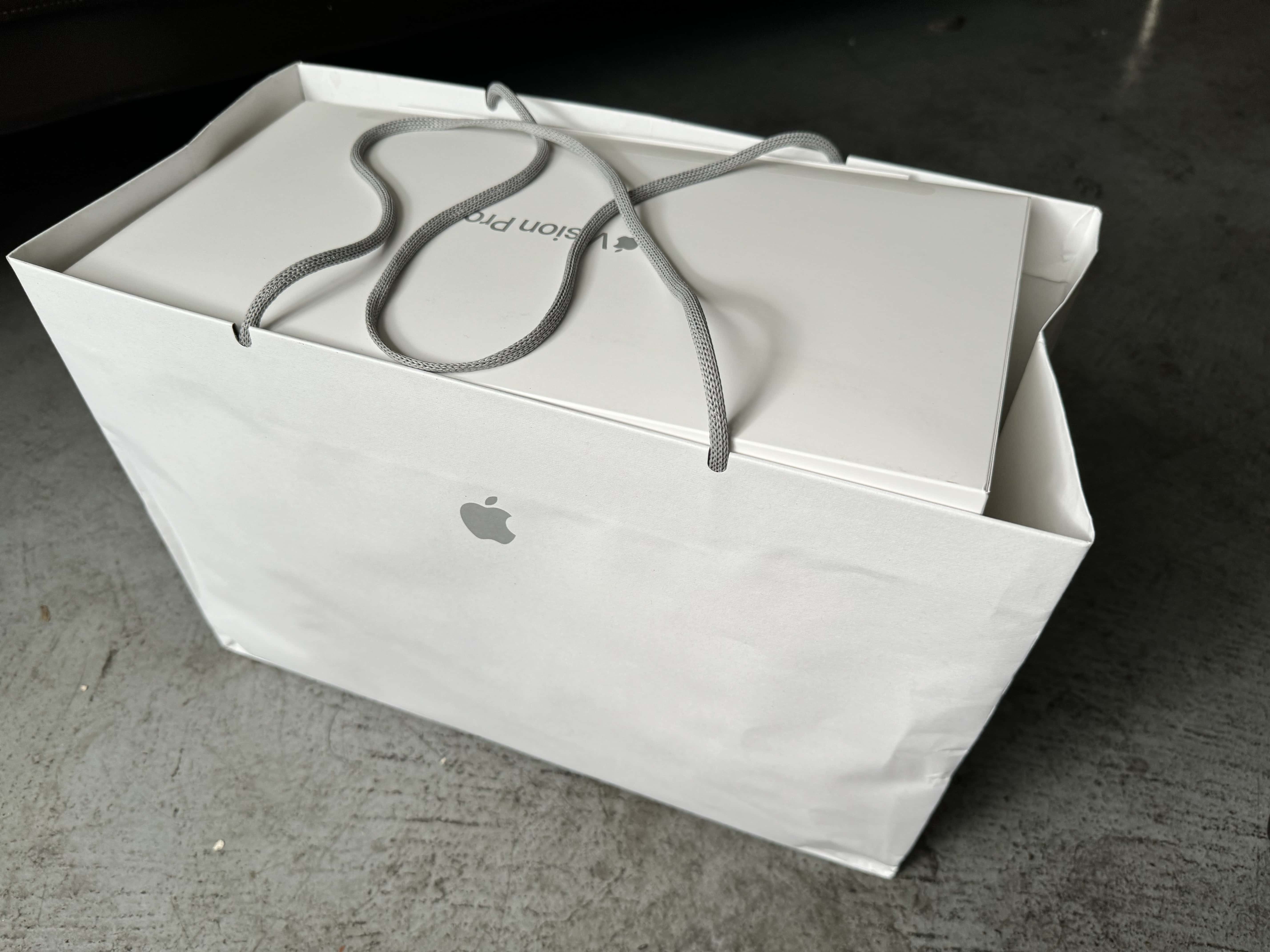
iOS 17.6 is one of six Apple operating system updates introduced on Monday. Photo: Ed Hardy/Cult of Mac
If you own an Apple device, it probably needs an operating system update. That includes iPhone, Mac, iPad Apple Watch … even Vision Pro. The hefty list of security-focused upgrades released Monday by Apple includes iOS 17.6, macOS Sonoma 14.6 and more.
They patch a list of more than two dozen vulnerabilities detailed on Apple’s security update page.
Pay for Vision Pro apps through third-party payment methods in the EU. Photo: Lyle Kahney/Cut of Mac
Apple has added support for alternative payment methods to the visionOS App Store. This move comes following the release of visionOS 1.2 in early June.
The Vision Pro’s App Store will support alternative payment methods only in the EU, where the headset launches on July 12.
Apple Intelligence could take a while to come to the Vision Pro. Photo: Lyle Kahney/Cult of Mac
Apple will reportedly bring Apple Intelligence to the Vision Pro. The AI-powered features will not arrive alongside iOS 18, iPadOS 18 and macOS Sequoia, but will eventually come to Apple’s AR/VR headset.
Many Apple Intelligence features would greatly benefit visionOS and help speed up its existing workflows.
Watch the event in just 1.4% of the time. Image: Apple
During its WWDC24 keynote Monday, Apple laid out dramatic new software updates coming to iPhone, iPad, Mac, Apple Watch and Vision Pro — and the awesome Apple Intelligence features that will power them all.
Vision Pro probably won't be a U.S. exclusive for much longer. Screenshot: Apple
Those in Europe and Asia eager to get an Apple Vision Pro supposedly won’t have to wait much longer. Consumers in more than half a dozen countries will reportedly be able to buy the AR/VR headset in about a week.
The product launched in the U.S. this winter, but an announcement of broader availability isn’t expected until June 10 at WWDC24.
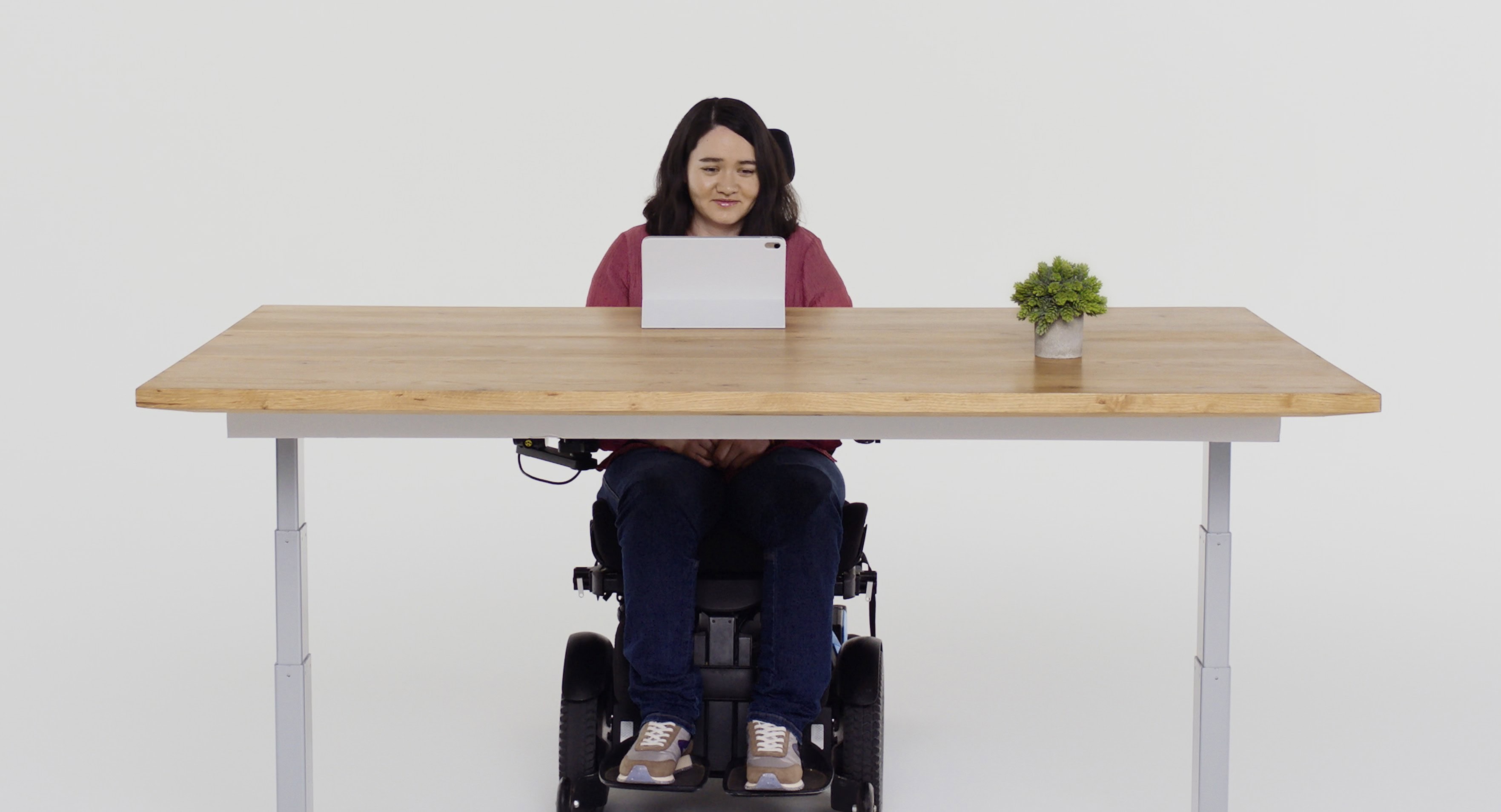
With Eye Tracking, a user can navigate iPhone or iPad using just their eyes. Photo: Apple
Apple showcased some remarkable new accessibility features for people with disabilities Wednesday, including Eye Tracking, Music Haptics and Vocal Shortcuts.
The new features, coming later this year to Apple devices, harness Apple silicon, artificial intelligence and machine learning. They will come mainly to iPhone and iPad, though some new ones will appear in Vision Pro’s visionOS, too.
“We believe deeply in the transformative power of innovation to enrich lives,” said Apple CEO Tim Cook in a press release. “That’s why for nearly 40 years, Apple has championed inclusive design by embedding accessibility at the core of our hardware and software. We’re continuously pushing the boundaries of technology, and these new features reflect our long-standing commitment to delivering the best possible experience to all of our users.”
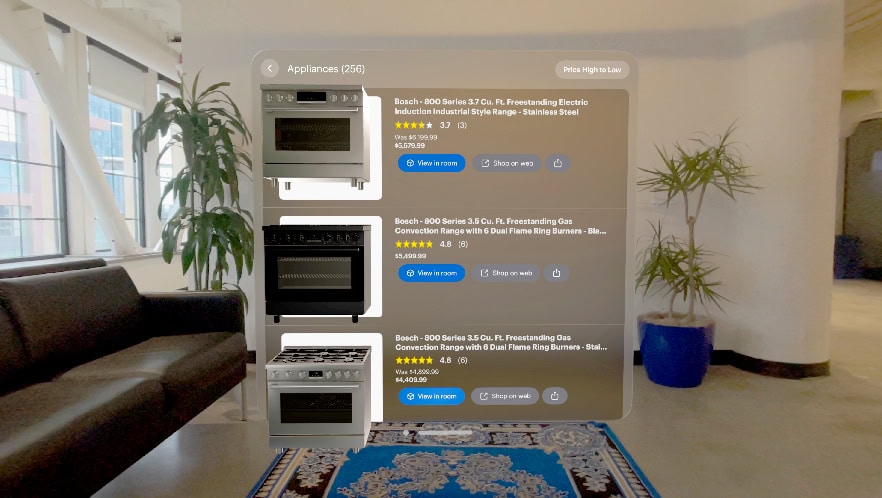
Uh-oh, buying expensive stuff just got a whole lot easier with Best Buy's new app for Vision Pro. Photo: Best Buy
The new Best Buy Envision app helps you find new purchases through a Vision Pro AR/VR headset and picture how they’ll look in your living space, the company said Friday.
“Today we’re announcing a new way that our customers can explore, discover and bring new technology to life in their own living space,” the big box store noted. “Best Buy Envision is an app exclusively available on the Apple Vision Pro that helps users plan their ultimate home technology setup.”
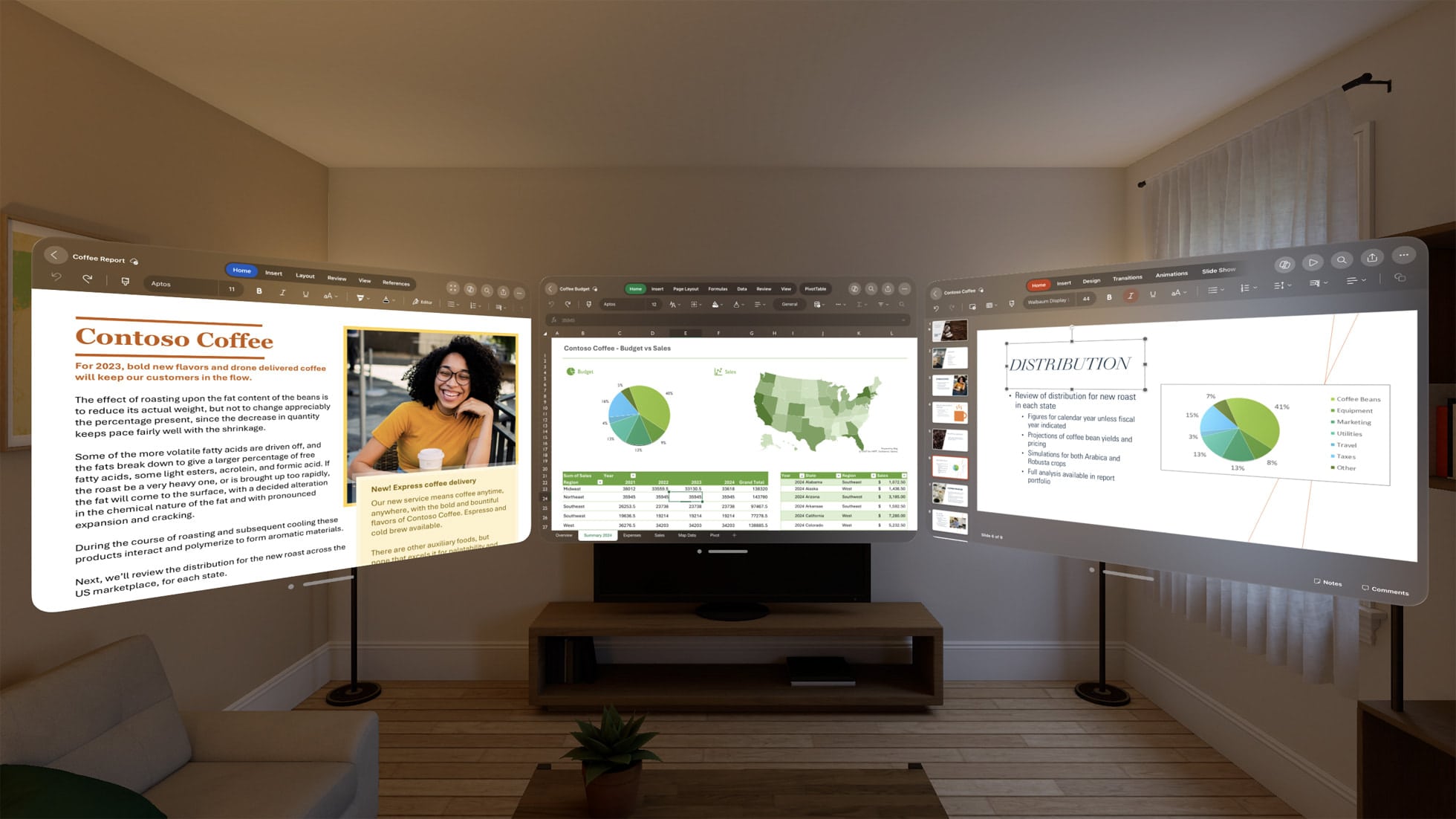
Multitasking is easy between Microsoft 365 productivity apps using life-size windows. Photo: Apple
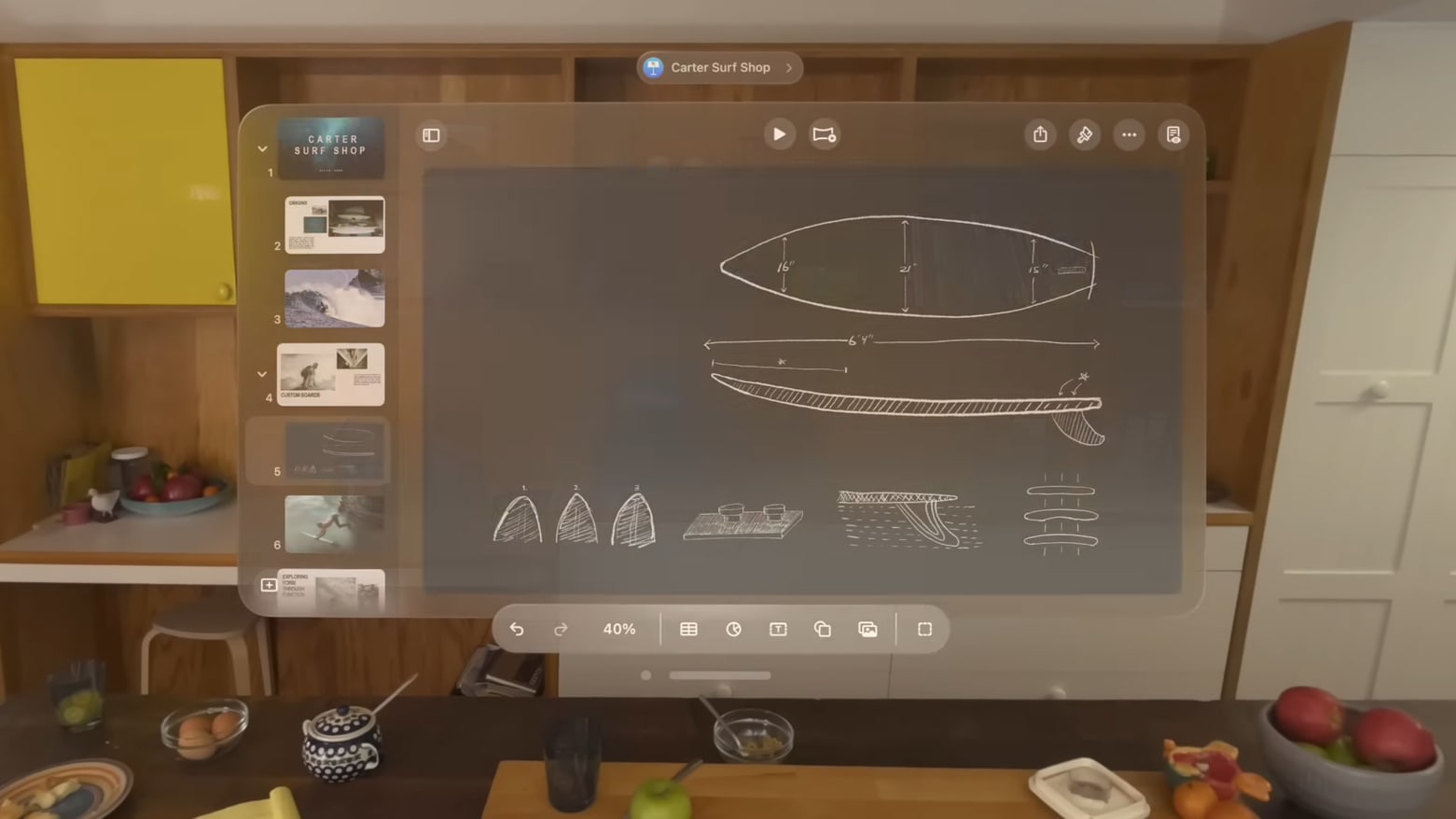
Vision Pro and spatial computing can help businesses find new ways to customize workspaces, collaborate on 3D designs, deliver specialized employee training and guide remote fieldwork, Apple said Tuesday, citing visionOS apps.
“There’s tremendous opportunity for businesses to reimagine what’s possible using Apple Vision Pro at work,” said Susan Prescott, Apple’s vice president of worldwide developer relations and enterprise marketing, in a statement.
Spatial Personas put you and others right in the shared workspace. Photo: Apple
Apple will make Spatial Personas, a more lifelike enhancement of the Persona feature for the Vision Pro mixed-reality headset, available in the visionOS 1.1 update coming Tuesday.
In beta test versions of the software, Spatial Personas allow Vision Pro users to create and interact with customizable, free-floating 3D digital avatars in virtual spaces. They enhance collaboration via SharePlay while going beyond the limits of a little box on a FaceTime call.
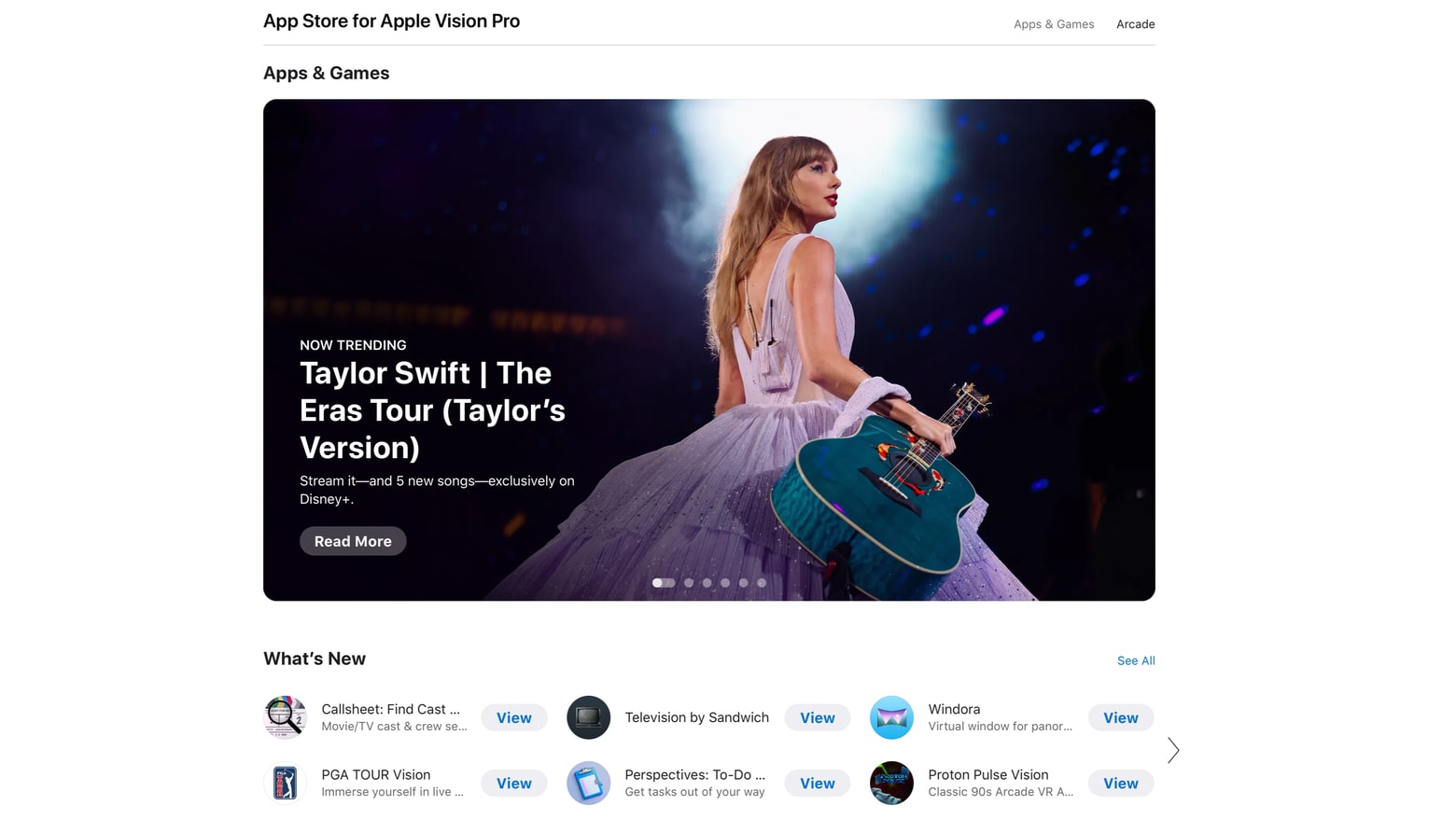
You no longer have to own Vision Pro to see what's on the visionOS App Store. Screenshot:
Apple made the visionOS App Store available for anyone to look through. The change will give anyone thinking about buying the Vision Pro AR headset a preview at what software is available.
Previously, the list of available app was only viewable by those who already owned the cutting-edge computer that launched in the United States in February.
Stop thinking of Vision Pro as a clunky thing you strap to your face. Instead, consider visionOS as a window into the future of computers. Screenshot: Apple
Vision Pro is years ahead of its time. Apple’s AR headset lets us see today what using an average computer a decade in the future will be like.
In 2034, being surrounded by physical screens will seem charmingly obsolete. Virtual displays of any size generated by an AR headset from Apple (or its rivals) will take the place of displays connected to our computers, phones, watches, etc. And that’s only the start.
You can experience the coming revolution now because Vision Pro is another example of Apple giving us a glimpse of the future.
A shockingly high number of Cult of Mac readers say they won't be keeping their Vision Pro headsets. Photo: Apple/Modified by Cult of Mac
You’d think readers of a website called Cult of Mac would be into Apple products. But a straw poll of Cult of Mac Today readers found a whopping 76% of respondents plan to return their Vision Pro to Apple.
The eye-popping number comes as droves of Vision Pro early adopters say they plan to take advantage of Apple’s generous return policy. Discomfort, the headset’s high price and the lack of a clear use case for the isolating device top the list of reasons cited by disaffected Vision Pro owners.
Adjust Control Center settings from the comfort of a peaceful forest environment. Photo: D. Griffin Jones/Cult of Mac
Control Center in Vision Pro works very differently than on iPhone, iPad, Apple Watch and Mac. But as with Apple’s other platforms, you can customize the Vision Pro Control Center to make it far more useful.
The first few days after I got my Vision Pro, I found Control Center to be intensely irritating. It constantly appeared in my field of view, bugging me like a hair in my mouth or a piece of popcorn in my teeth.
Luckily, with just a few changes, you can make Control Center way less annoying.
You haven't really seen TikTok videos until you've been immersed in them with Vision Pro. Screenshot: TikTok/ByteDance
TikTok just outraced some of its biggest rivals by releasing a native Vision Pro application. The short video service that’s become a global phenomenon can now be enjoyed on Apple’s AR headset thanks to the TikTok Vision Pro app.
The head of development for the new app says the company “redesigned the entire TikTok experience.”
Using Vision Pro's virtual keyboard, you just reach out and touch parts of the screen when you need to. Photo: Apple
The Vision Pro’s virtual, floating-in-the-air keyboard has been nearly universally condemned. There’s no way around it: Typing on Vision Pro sucks.
But people said the same thing about the original iPhone, which ditched a physical keyboard compared to the BlackBerry. And these days, physical keyboards for your iPhone are more of a novelty than a standard accessory that everybody buys.
So to get to the bottom of exactly how bad the Vision Pro keyboard is, I took a bunch of different typing tests across a bunch of different keyboards. And the results I found were incredibly surprising. I accidentally discovered the best way to input text in Vision Pro.
Apple Vision Pro is being returned in droves by early adopters. Photo: Leander Kahney/Cult of Mac
Many early adopters seem set on returning their Apple Vision Pro headsets. As the 14-day return window approaches for people who bought the device on launch day, an avalanche of posts on X and other social media channels point to a wave of Vision Pro returns.
Apparently, it’s not just Mark Zuckerberg who thinks Apple’s expensive headset isn’t worth the money. There appears to be a mass exodus of early adopters who ponied up the cash for Apple’s pricey headset. They cite three main reasons for returning Vision Pro. But is the situation really as bad as it seems?
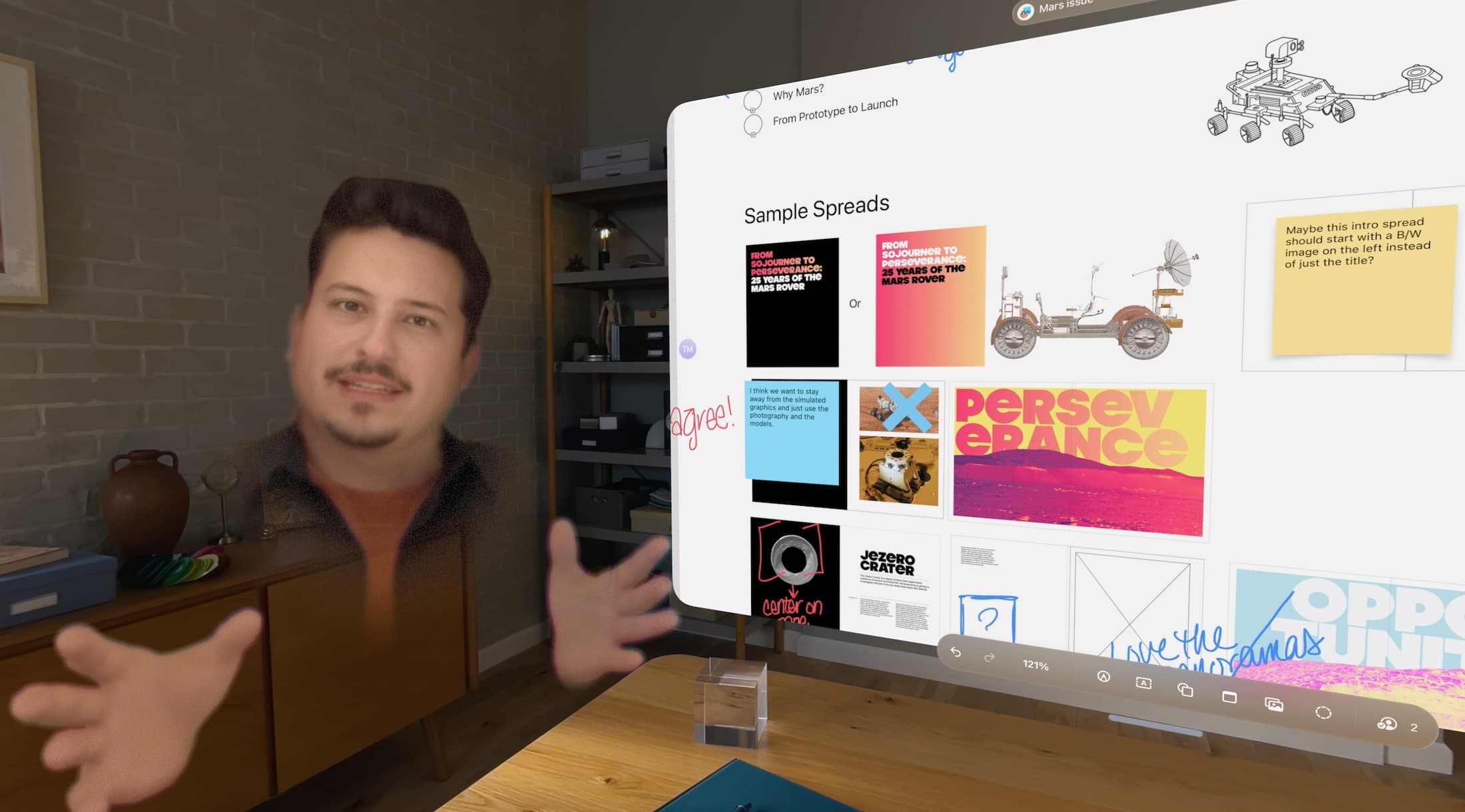
Let other people see what you’re seeing. (Featuring the Explore Mars app.) Photo: D. Griffin Jones/Cult of Mac
It’s possible to share your screen in your Vision Pro so that other people can see what you’re seeing, too. This is especially helpful in Vision Pro Guest Mode, to help you guide newbies through the unfamiliar headset.
Vision Pro is an exciting new product, but it can be isolating. The incredible experiences it enables aren’t social. However, you can AirPlay your screen to a nearby Apple TV, iPad, Mac or iPhone.
You won’t be smiling when your Vision Pro refuses to follow your eyes correctly. Photo: Apple
You can easily fix Apple Vision Pro eye tracking and hand tracking if your headset starts to act up. You’ll want to follow the steps below if the device stops accurately tracking your gaze or your hand gestures.
As you probably know, hand tracking and eye tracking are essential to using Vision Pro. When they don’t work as well as possible, it’s incredibly frustrating. I know, because sometimes the headset’s sensors have a hard time tracking my eyes up and down. It’s like using an iPad stylus on a touchscreen that’s slightly uncalibrated.
The quick methods below can fix some Vision Pro eye- and hand-tracking problems for you. You can approach trigger a reset three different ways — by pressing a button on the headset, going into Settings or asking Siri for help — all with the same ultimate result. (In my experience, this is one situation in which Siri excels.)
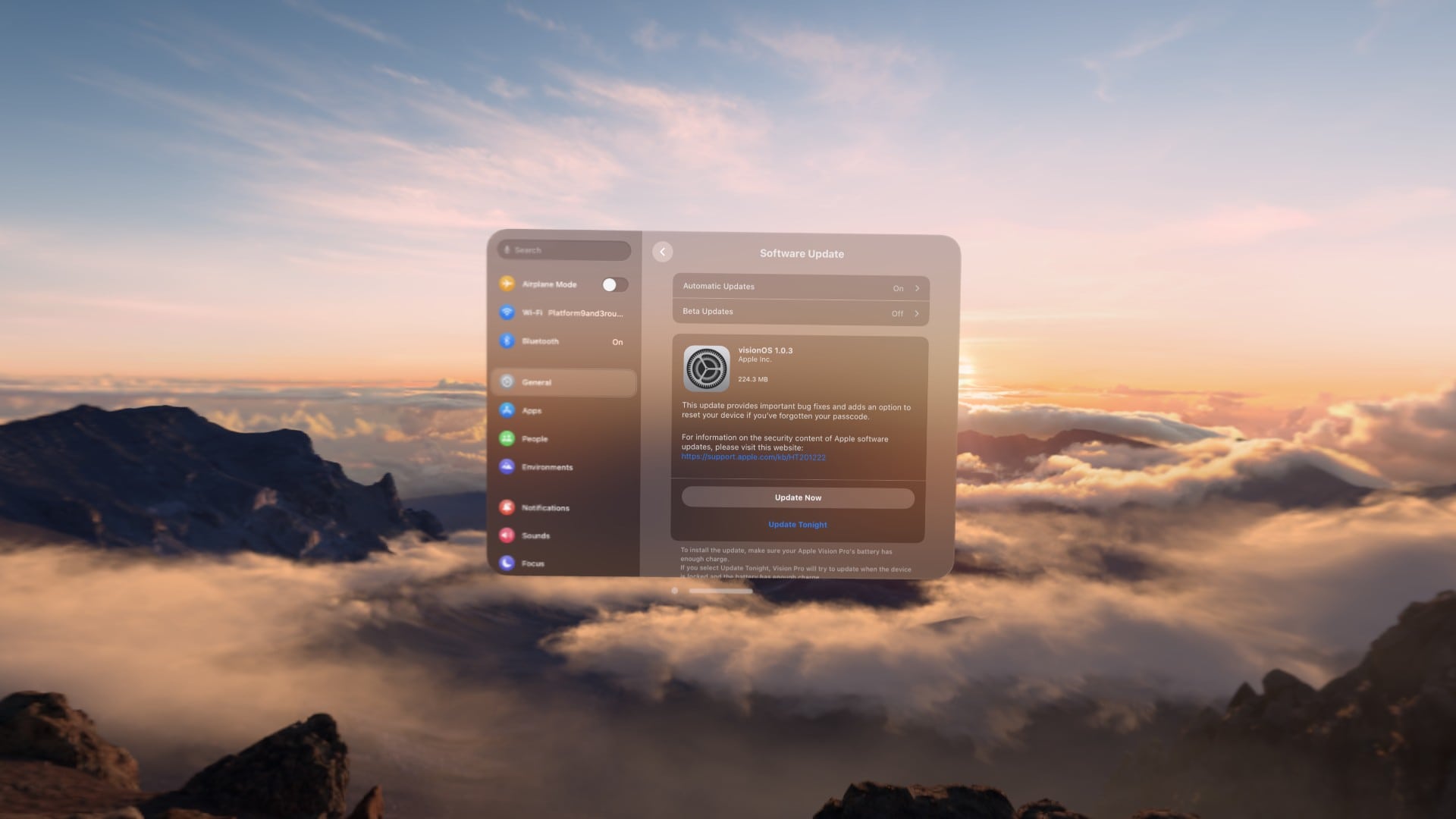
With Vision Pro, you can install software updates from a blissful mountaintop. Photo: D. Griffin Jones/Cult of Mac
Whether to add new features or squash bugs, Apple releases Vision Pro updates from time to time. (The latest one, visionOS 1.0.3, arrived Monday. It eliminates a major headache that plagued Vision Pro owners who forgot their devices’ passcodes.) Luckily, downloading and installing visionOS updates is easy once you know how.
In fact, installing Vision Pro software updates proves very similar to the process for updating an iPhone, iPad or Mac. We’ll show you how it’s done — and also how to get visionOS beta updates. If you want to take a chance on betas, you can test upcoming Vision Pro features before they officially arrive.
Apple's headset is still a work in progress. Photo: Lyle Kahney/Cult of Mac
Apple insiders think the Vision Pro is at least four generations away from reaching its “ideal form.” Apple still needs to do a lot of work behind the scenes before the headset can potentially become as popular as an iPhone or Mac.
While the first-gen headset has issues, it is an impressive first try from Apple.
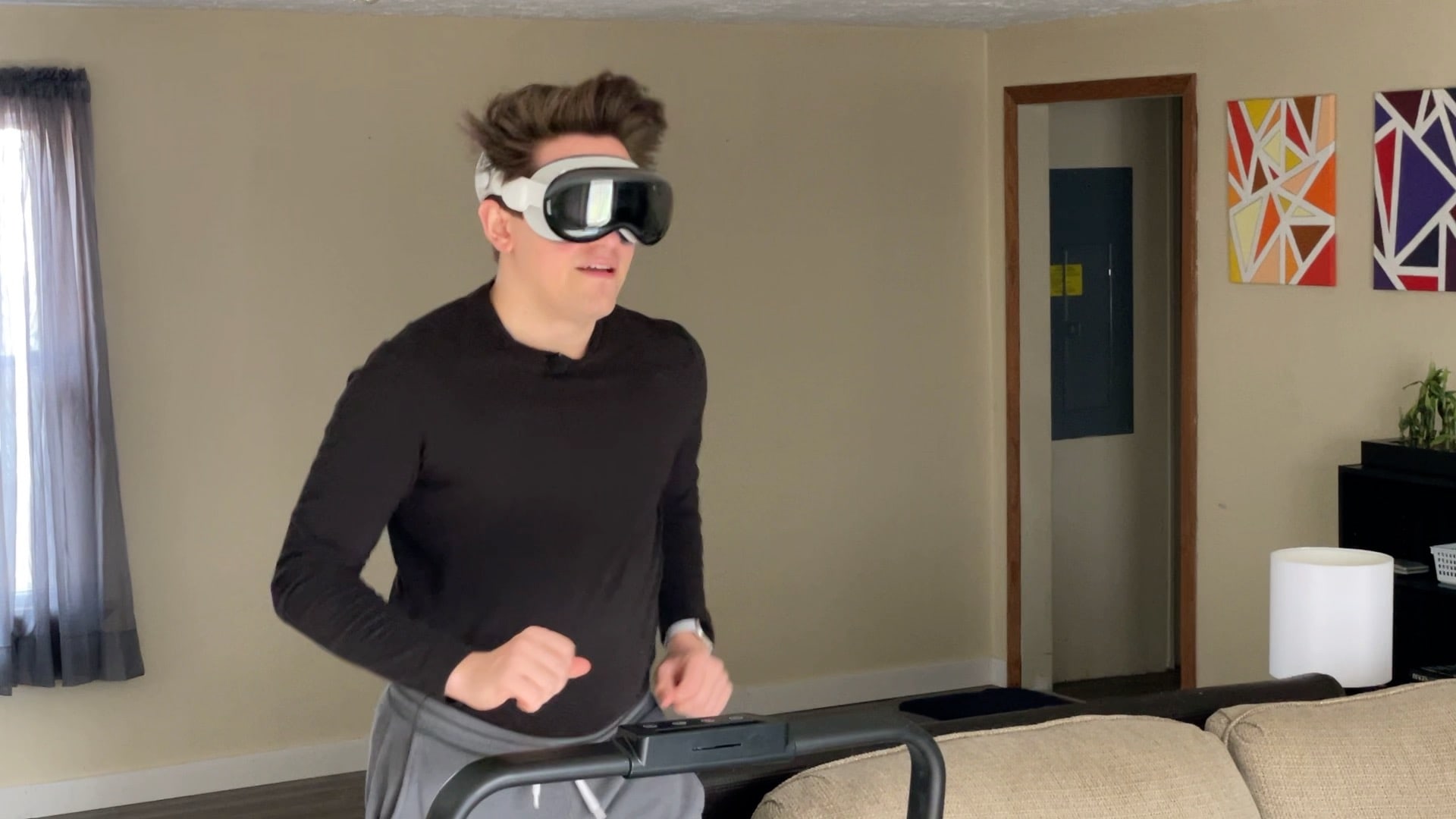
Is this the future of working out? Probably not. Photo: D. Griffin Jones/Cult of Mac
People have been spotted wearing Apple’s Vision Pro headset at gyms. I was curious whether they had unlocked a secret killer feature or whether they were bearing through aches and pains just to show off. What’s it really like working out wearing a Vision Pro?
To find out, I hopped on a treadmill, lifted some weights and did some crunches while wearing the headset to discover the pros and cons of wearing a Vision Pro while working out. Check out our latest YouTube video to see what it’s like first-person.
The overall experience proved unsurprisingly mixed — with one very surprising drawback.
Click both top buttons to take a screenshot. Photo: D. Griffin Jones/Cult of Mac
You can take a screenshot or a screen recording on Vision Pro, just like on an iPhone or a Mac. The screenshot is saved as an image file, and is easy to view in Photos or share.
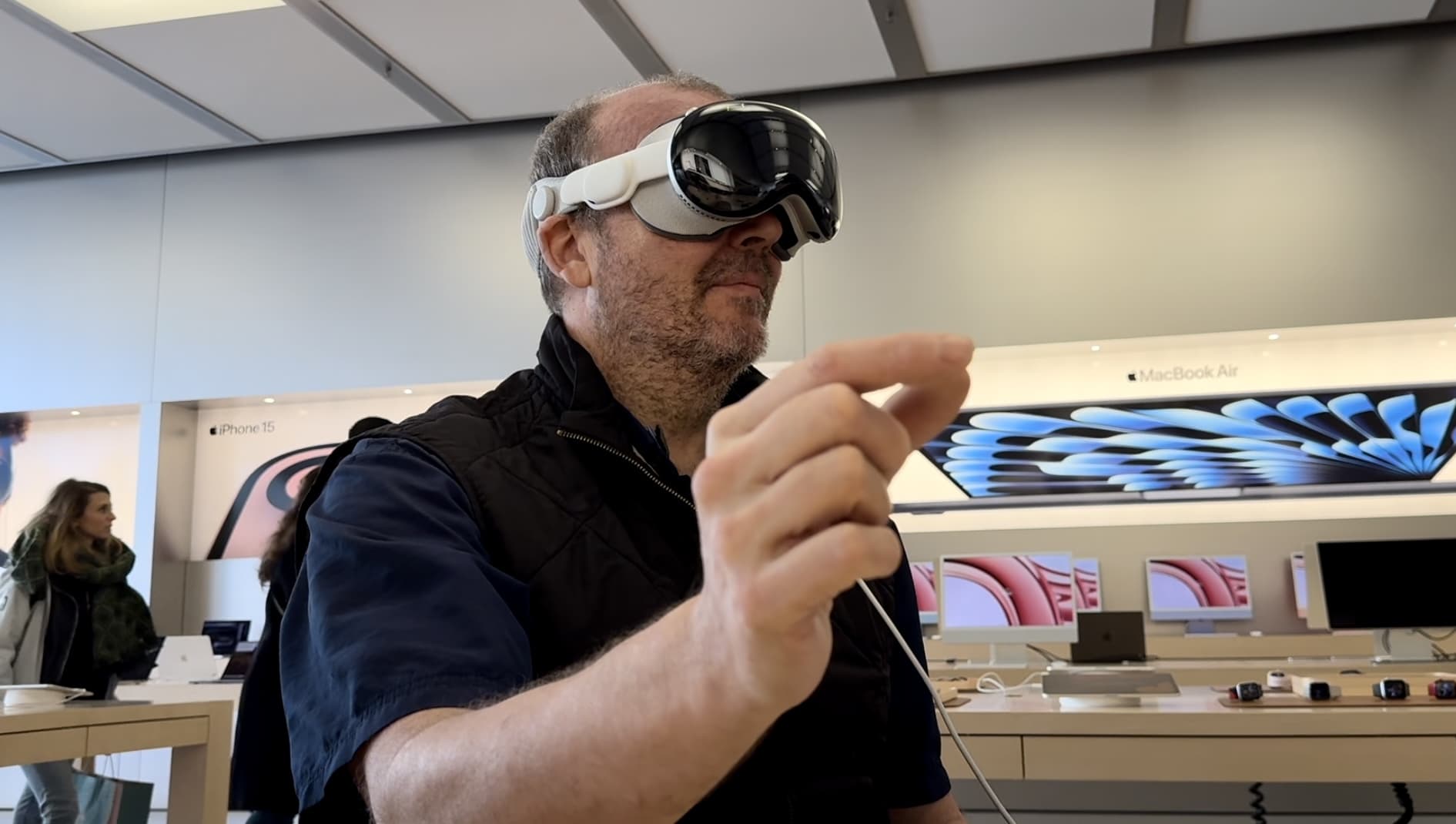
Tap your fingers to select in Vision Pro. Photo: Apple
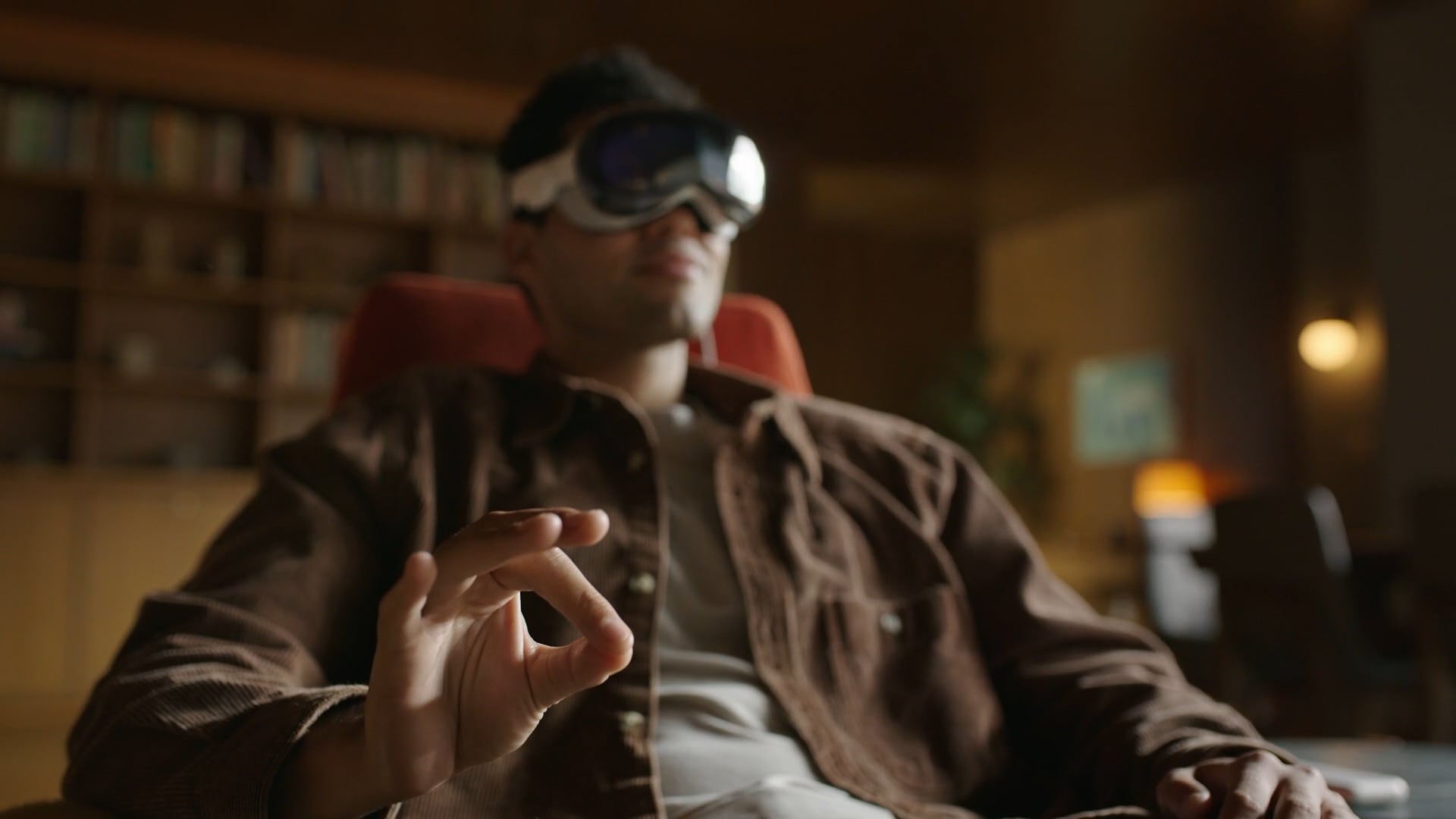
Apple Vision Pro is controlled by just five simple gestures you do with your hands. The Vision Pro gestures even work in the dark!
If you’re going to try on someone’s Vision Pro, or you’re lucky enough to buy one yourself, here’s how to use what Apple calls “the most advanced personal electronics device ever.”
While Vision Pro takes a physical form resembling ski goggles, the whole idea is that, unlike with a MacBook or iPhone, you don’t have a screen, keyboard, mouse or trackpad to interact with. It’s an invisible computer. Apple has a bunch of breakthrough gestures to make it work — here’s how to use them.
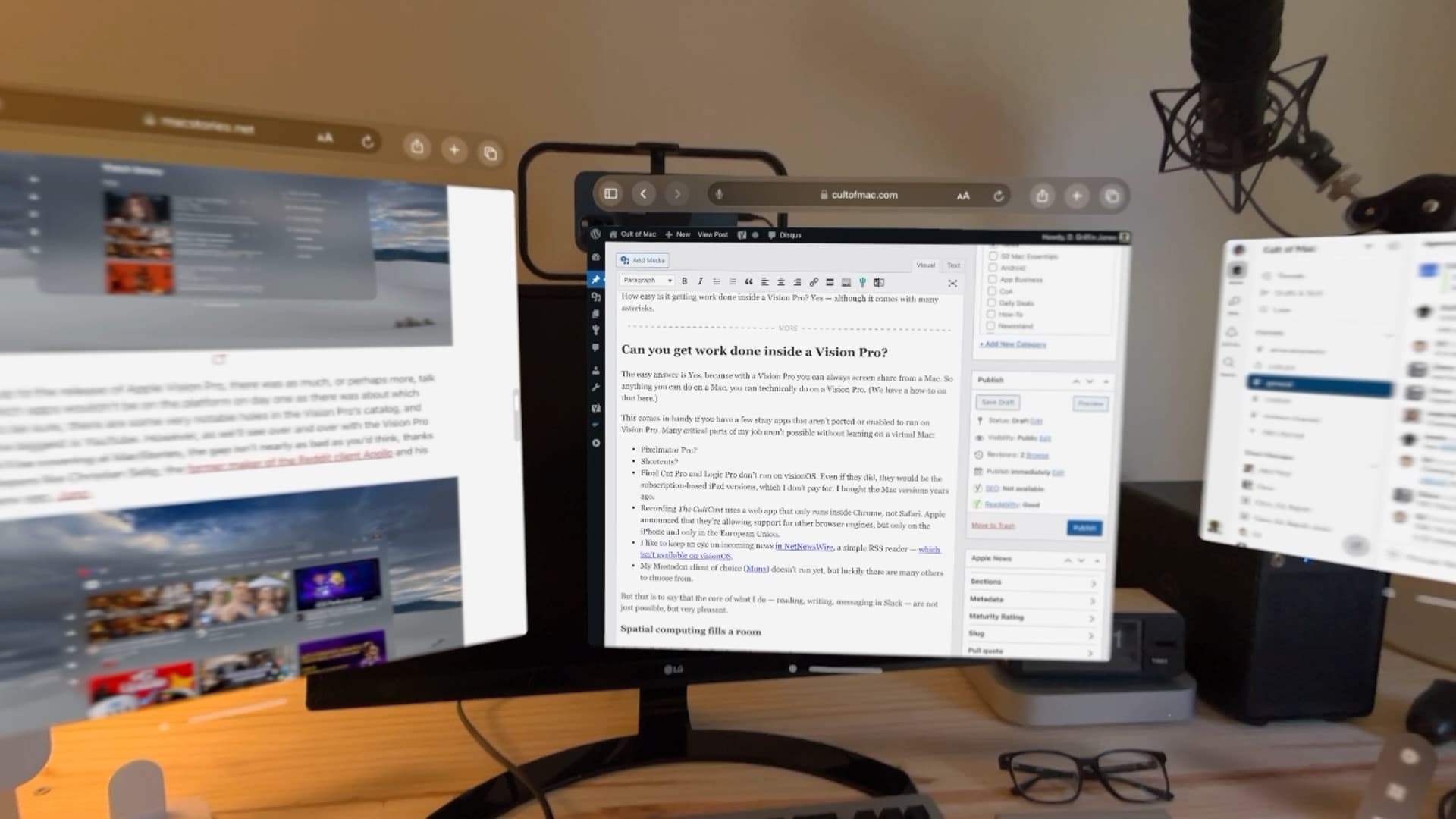
After a few days of testing, here’s what I noticed after trying to work on a Vision Pro. Photo: D. Griffin Jones/Cult of Mac
Can you get real work done inside a Vision Pro? Yes — although it comes with many asterisks.
It’s closely correlated to how much work you can do entirely on the web without specialized apps, although the virtual Mac display can smooth that down a bit. Surprisingly, typing in Vision Pro is great.
Working on Vision Pro has its annoyances, quirks and limitations, but I think Apple has built a very solid foundation here for a version-one product.