You might ride around on an electric scooter in your shades and flannel shirt while sporting copious amounts of sculpted facial hair, but are you a hipster?
In certain neighborhoods of New York City or San Francisco, it may be a foregone conclusion. It’s practically mandatory. But others might wonder if they qualify.
Thankfully, a special list of “hipster words” has surfaced. And it comes from Apple, of all places.
Twitter is crushing dreams in 2020. Photo: Jim Merithew/Cult of Mac
Twitter CEO Jack Dorsey this week warned that Twitter will “probably never” let you edit your tweets.
Editing has long been the most-requested feature among the Twitter community. But despite making some “practical considerations,” the micro-blogging network has dashed hopes it will ever happen.
Huawei has demoted two employees over a Twitter update sent from an iPhone.
The New Year message, which has since been deleted, was mocked for being published “via Twitter for iPhone.” But Huawei isn’t the only smartphone maker that’s been caught using a rival’s devices.
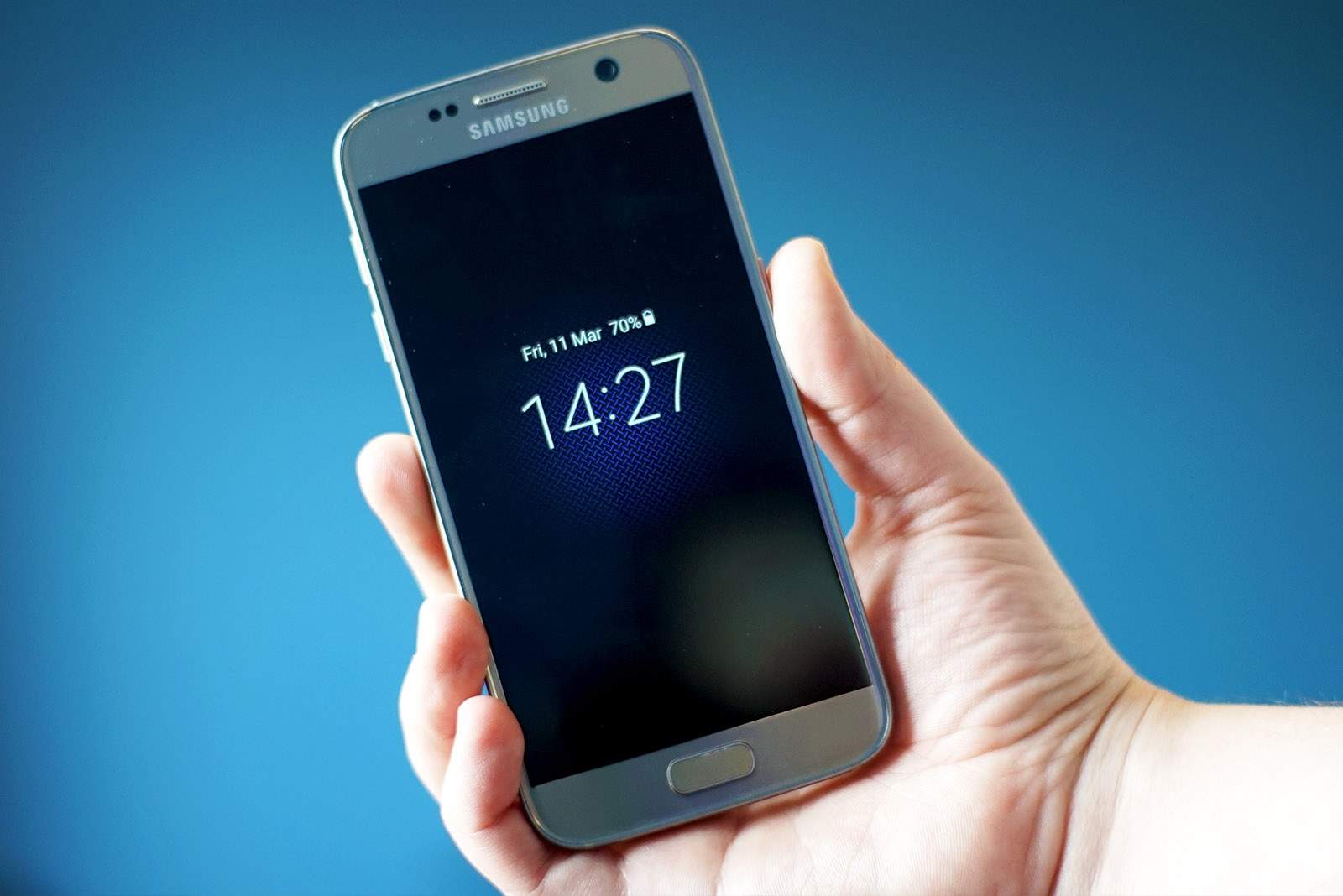
Samsung has been getting a lot stick lately for posting tweets from an iPhone, but it turns out it’s not the only company that sometimes uses a competitor’s devices. Apple is guilty of it, too.
The official Apple Music account recently published a tweet using an Android device.
Samsung has been caught tweeting from an iPhone … again.
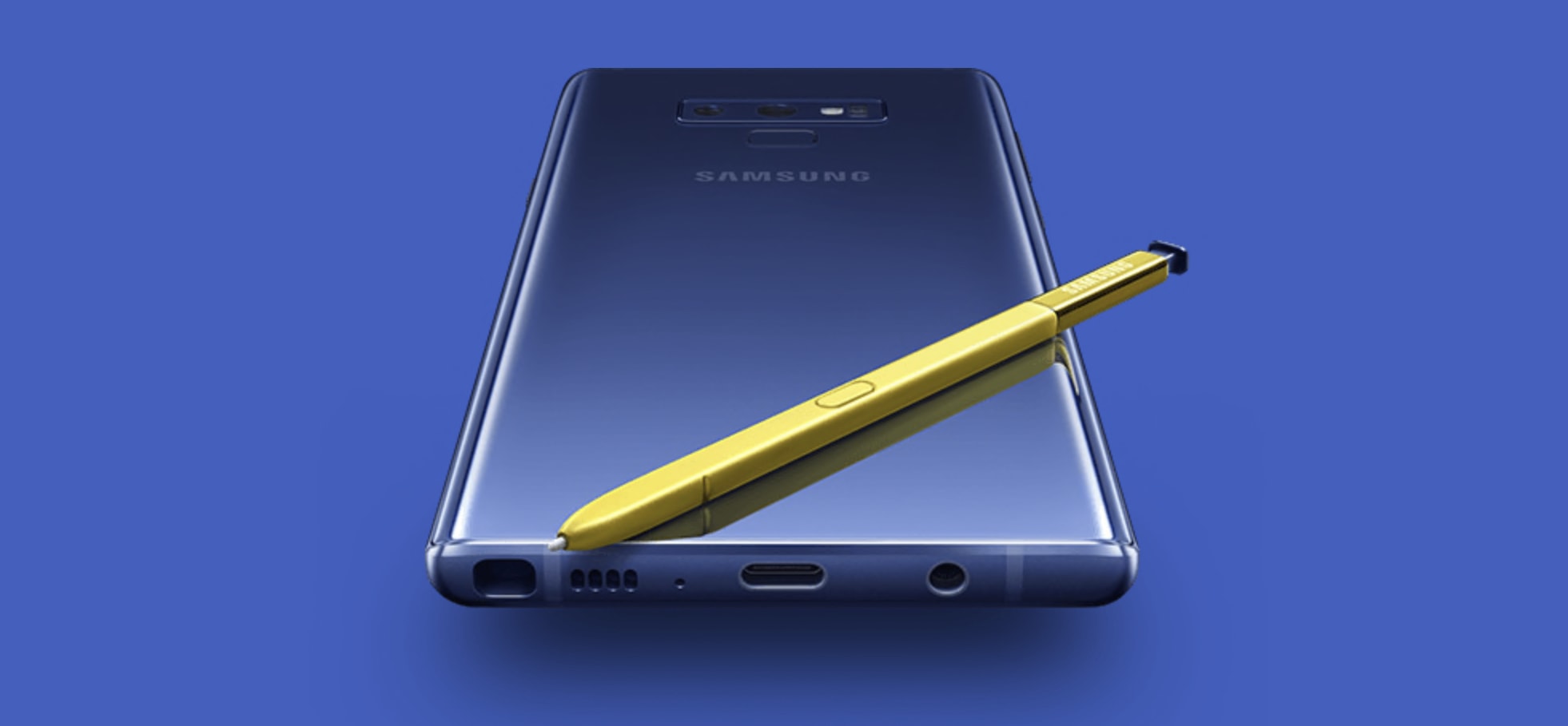
The South Korean company used an Apple device to publish a message promoting the Galaxy Note 9’s edge-to-edge display. The monumental gaffe led to the temporary but complete deactivation of the Samsung Mobile Nigeria account.
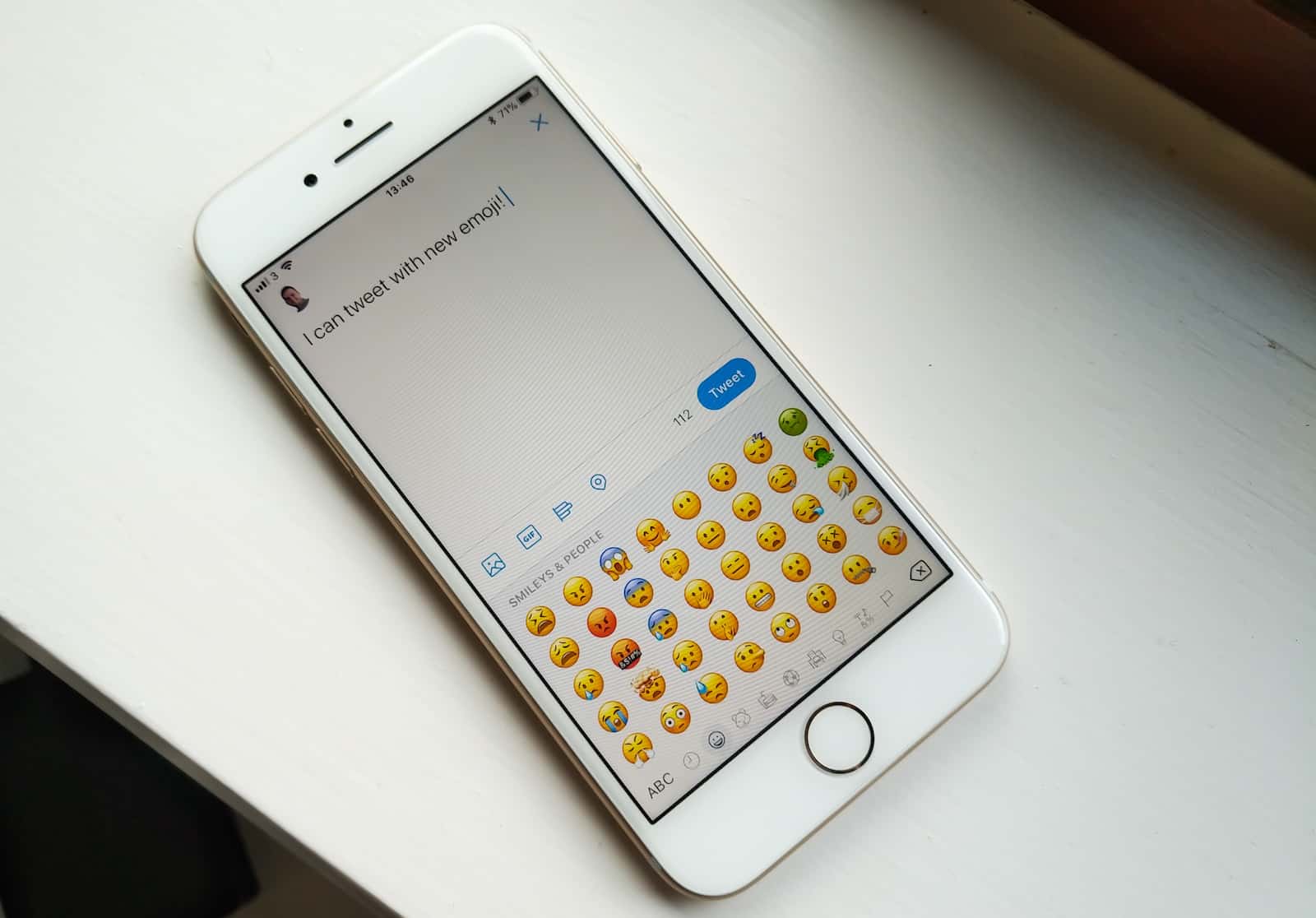
New emojis are available to all! Photo: Killian Bell/Cult of Mac
Apple rolled out its second iOS 11.1 beta on Monday, adding a whole bunch of new emoji. Less than 24 hours later, those characters are already supported by Twitter — but hardly anyone can see them.
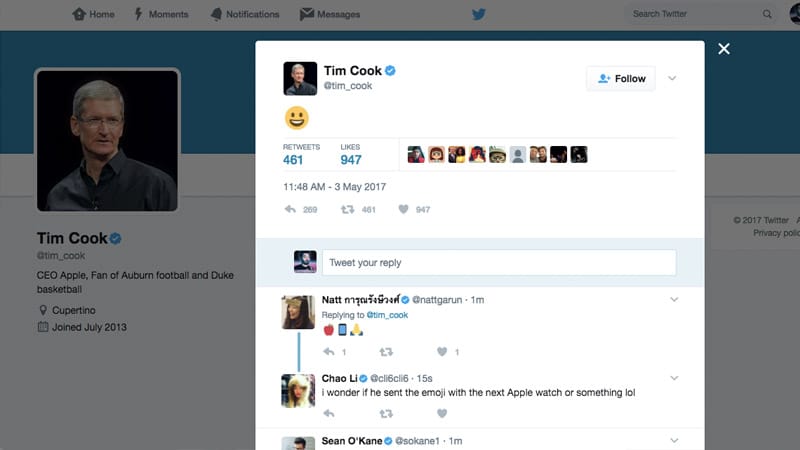
Apple CEO Tim Cook set Twitter ablaze with speculation today — and all it took was a simple smiley face emoji.
Cook sent out a tweet with just a smiley face emoji this morning. No other context was provided, and the tweet got deleted shortly later, leading Apple fans on Twitter to wonder what the most powerful man in tech was really trying to say.
Queen Elizabeth II doesn’t tweet a whole lot, but when she does, it’s from an iPad. Her majesty used the device to thank the public for the “digital messages of goodwill” that were received for her 90th birthday.
Twitter is going to stop counting the links in your tweets. Photo: Jim Merithew/Cult of Mac
Twitter is rolling out some big changes that are going to change the way you tweet in the future. Users can now say more when tweeting others and posting media links, and it’s finally possible to retweet and quote yourself.
Twitter wants to give you more flexibility. Photo: Jim Merithew/Cult of Mac
Don’t you just hate it when you compose the perfect tweet and then insert a link that takes it over the 140 character limit? Well, that could soon become a thing of the past.
According to sources familiar with Twitter’s plans, the company will soon stop counting the URLs and photos inserted into your tweets.
Twitter doesn't want to look too friendly with the government. Photo: Jim Merithew/Cult of Mac
Twitter has blocked the U.S. government from spying on our tweets in an effort to identify potential terrorists. Intelligence agencies no longer have access to the Dataminr service, which analyzes every tweet that gets published.
Get ready for a future in which you can tweet the entire Declaration of Independence. Photo: Jennie/Flickr CC
Say goodbye to the 140-character limit that made Twitter famous and say hello to something much longer. According to a report, Twitter is getting ready to launch a new feature that will let users include as many as 10,000 characters in one tweet — 9,860 more than before.
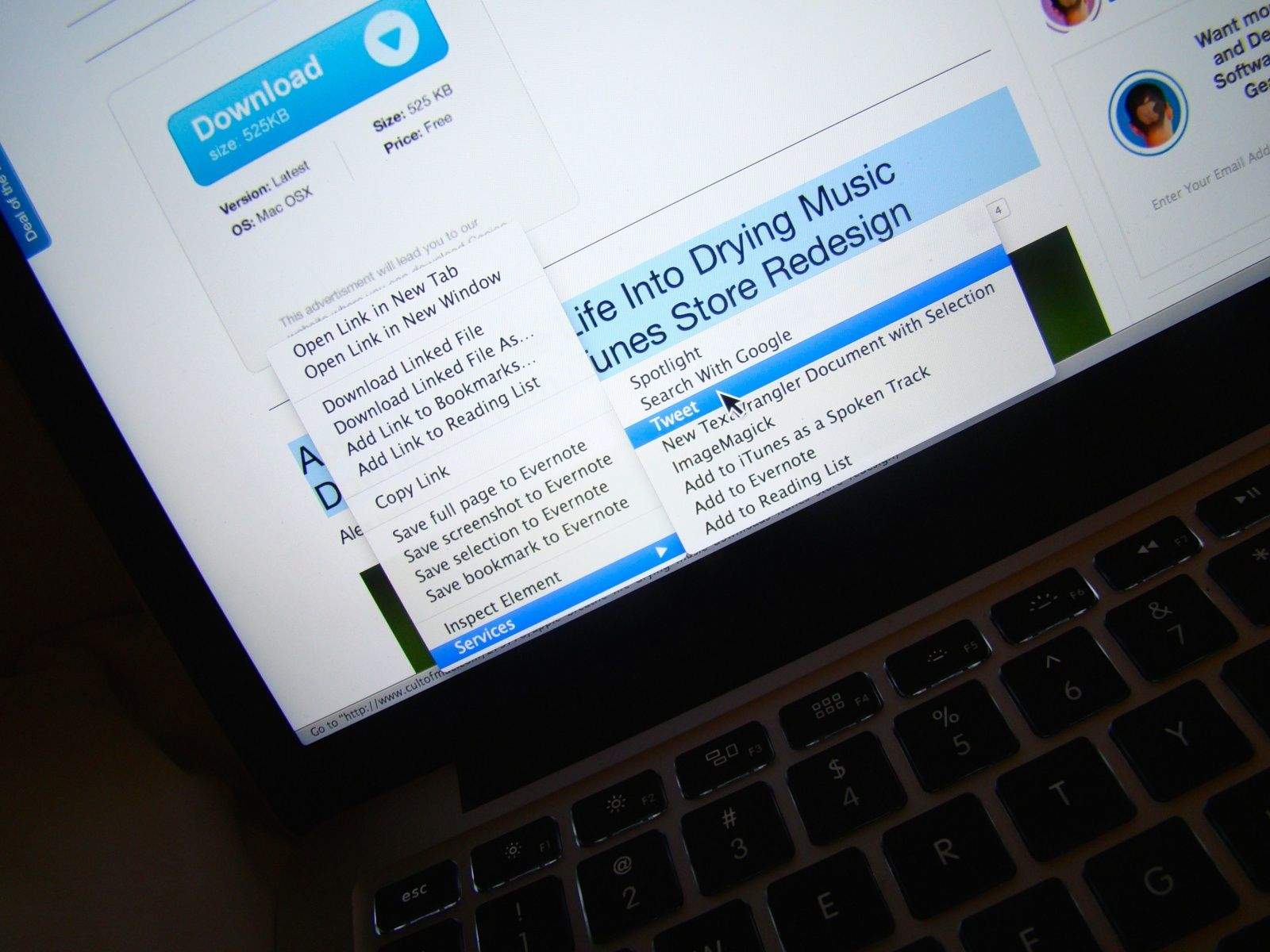
If you’ve ever come across a great snippet of text you want to Tweet right from your Mac, you know the drill: you have to copy it, open Twitter, create a new message, and then paste in the text there. Then hit the Send button.
Sure, it’s not that difficult, but what if there was an even easier way?
Twitter is said to be working on a new feature that will allow users to edit tweets after they are published, The Deskreports. As things stand, the only way to fix typos and other errors is to delete your tweet and publish another one, but sources close to Twitter’s new project say that’s set to change.
TweetDeck for Mac, the free Twitter client from Twitter that’s not the official Twitter client, has been updated to make it easier for users to tweet, send DMs, and preview images before you share them. Composing, publishing, and replying to tweets is now faster than ever before.
Twitter is continuing to refine its Mac and iOS apps with a new update that brings direct message notification syncing and a host of other features. Now when you view a DM on your iPhone, Mac, iPad or Android or Twitter.com, all other devices with your account info will be updated to show that you’ve read the message.
The new Twitter update for iPhone and iPad also features a new reply composer to make it even easier to join conversations on Twitter. There’s also a new “People” button to help users find new accounts to follow and a ton of bug fixes.
Twitter’s default app for iPhone isn’t necessarily our favorite app for tweeting, but it appears Twitter is starting to get more serious about edging out its competition.
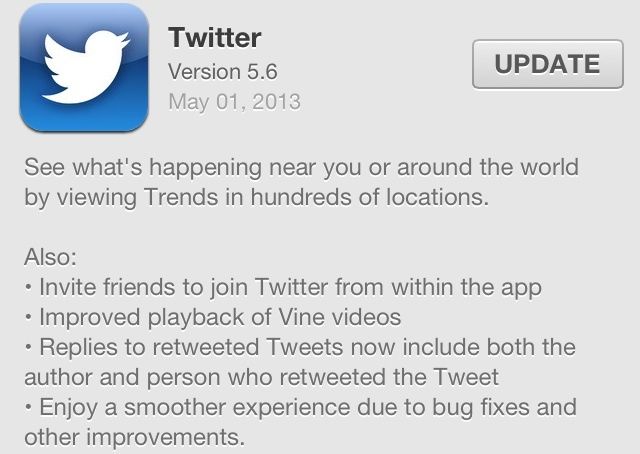
A new update for the Twitter app for iOS was just released today with a new location-based Trends feature. The update also includes the ability to invite friends to join Twitter, better playback on Vine videos, replies to retweets now have more information, and there’s some bug fixes too.
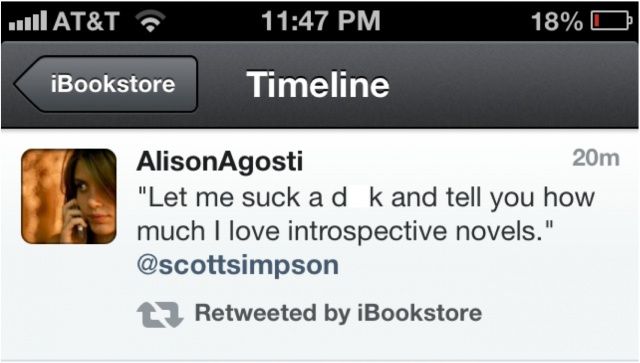
Apple works hard to ensure that inappropriate content doesn’t end up in the wrong hands, and it has strict ratings and approval processes for content distributed through the App Store, the iBookstore, and the iTunes Store. But it would seem the Cupertino company isn’t quite as careful with its social media accounts.
On Sunday night, Apple’s official iBookstore account on Twitter retweeted a lewd message that would certainly get a 17+ rating from the company.
Given Twitter’s recent history of slowly locking down its service for developers and third-party apps, you may be looking for a way around using a special app to send out a Tweet from your Mac that doesn’t include logging into your web browser, logging in to Twitter, then adding your message. Maybe you want to just send out a quick tweet about something, but want to avoid the hassle of launching Tweetbot or the official Twitter app. Either way, you can send out tweets from Notification Center in OS X Mountain Lion.
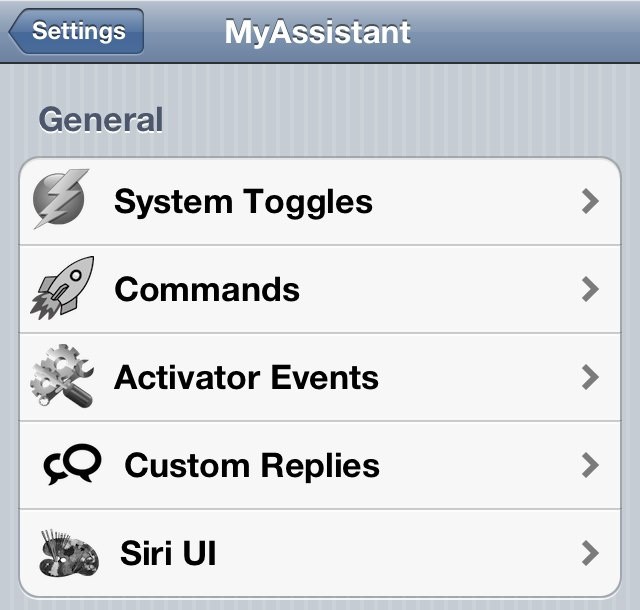
We’re huge fans of the MyAssistant tweak here at Cult of Mac, so much so that it recently featured in our guide to supercharging Siri on your iPhone. And its latest update makes it even more of a must-have for jailbreakers. In addition to some handy bug fixes, it also gets new features like ability to download content, open apps, turn on your flash, and more using Siri.
Back in the 80s, slacking off at the office was no more rare than it is today, but while these days most of our time that we should be working is spent on Twitter, Facebook and blogs (thanks for that, by the way), in the 80s, it was more often than not spent gaming on your company PC.
Enter the Boss Key, a wonderful relic of covert 80s slacking. Let’s say you were playing a game on your company PC, and your boss walked by. By simply hitting a key on your button, you could instantly replace what was on the screen with a quasi-official looking spreadsheet, full of boring figures and dry analysis. When your boss left the environs of your cubicle, pushing the Boss Key again would allow you to plunge back into the game.
Neat, huh? Well, think of CovertChirp kind of like a Boss Key for iOS, except it doesn’t help your gaming stay undetected… it helps you covertly tweet.
The saddest moment of my life was when my iPhone 4’s screen shattered to pieces after I dropped it while riding my bike. The second saddest moment of my life was when the Apple Genius Bar guy told me how much it was going to cost to fix it. (What can I say, I’ve lived a sheltered life). Had I known about SquareTrade’s insurance for iPhone the painful blow could have been softened. SquareTrade’s got some great prices on insurance coverage for your iPhone so that you don’t have to worry about what happens when you inevitably do something clumsy like spill your milk on the speaker, or drop it while playing with your kids.
Because our readers have been so amazing to us this year, we’re giving away two iPhone warranties (worth $200 each!). The warranties last for two years, so if you just bought an iPhone 4S you can rest assured that your beautiful new baby will stay intact for the remainder of your contract. Wanna win a free iPhone warranties?
Jack Dorsey, the head of Square and co-founder of Twitter, dropped a hint on Saturday via a cryptic Tweet about a possible deal with Apple. The Tweet simply said, “Apple @Square” along with a link to an Instagram photo of a plate of sliced Apples shaped like the Square logo.