As a follow-up to last week’s super guide of everything we expected at WWDC 2011, here’s everything Steve Jobs and Apple actually did announce at this year’s WWDC, from Lion’s exciting new features to the revolution of iOS 5 and iCloud.
False versions of Xcode may have gotten into your apps; here's how to fix the problem. Photo: Apple
As promised, Steve Jobs and Apple made sweeping software-related announcements at the WWDC keynote in San Francisco Monday.
While much of the functionality previewed by the Cupertino, CA technology behemoth will not be available to users until sometime this fall, several companies and technology purveyors have got to be quaking in their boots as a result of seeing Apple’s roadmap to the future.
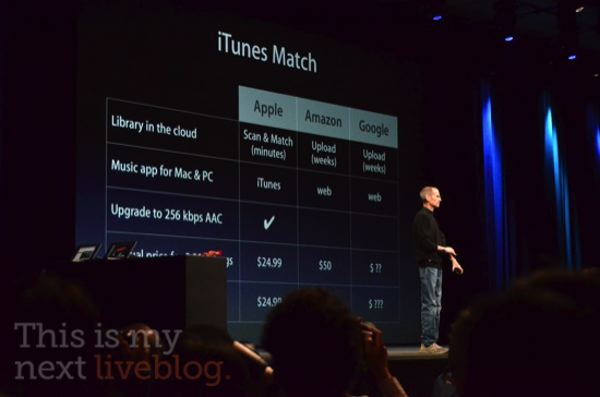
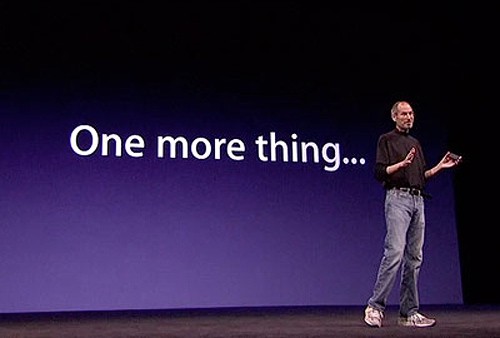
Hooray! One More Thing! And all is not lost: Apple’s giving us all Cloud Storage lockers! It’s called iTunes Match, and it’s the much ballyhooed scan-and-match functionality that Apple’s been working on.
“iTunes in the cloud,” Steve Jobs says. ” As you recall, it’s just for the music you purchased in the iTunes store. But you may have some that you ripped yourself. And there’s three ways you can deal with that.”
“One, you can sync your devices over Wi-Fi or cable, and then you can rely on iCloud. Or, if it’s just a few songs you love, you can buy them on iTunes. But we’re offering a third way, and we call it iTunes Match.”
iTunes will now scan your music collection and match it with the 18 million songs Apple has in the iTunes music store. It takes just minutes to do, and matches the stuff you’ve ripped and mirrors them in the cloud at 256kbps AAC with DRM free.
It’s affordable, too! It costs just $24.99 per year. For everything, no maximum storage. This is what Apple built its North Carolina data super center for.
Wow. That blew Amazon Cloud and Google Music out of the water. It pays to sign the contracts.
Steve Jobs is back on stage now, to unveil the last part of iCloud that makes it truly magical. We all know what to expect here, but Steve Jobs spells it out: “iTunes in the cloud.”
“You know, it’s the same old story. I buy something on my iPhone, and it’s not on my other devices. I grab my iPod and it ain’t there,” says Jobs.
They’re aiming to change that with iCloud. For songs you’ve already bought — like apps, or iBooks — there’s now a purchased button to allow you to easily re-
download to your device, no additional charge.
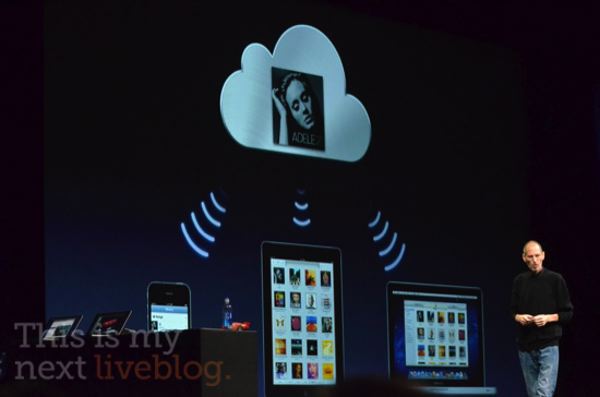
Buy a new track? It automatically pushes to all of your device. Steve says this is an industry first.
It all happens at 256K AAC, and supports up to 10 devices for free.
So this is what iCloud is. It isn’t streaming music at all. It just syncs any iTunes purchased track automatically across 10 iOS devices. Wow. That is outrageously disappointing. Does Steve have something up his sleeve still though?
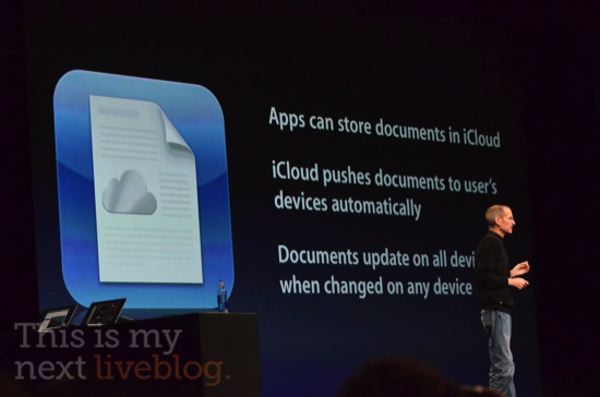
If you create a Pages document, it uploads and store in the cloud, then pushes live to all the devices you can run Pages on. That feature is live in Pages, Numbers and Keynote… it’s iWork grown up.
It’s a bit disappointing, in that you still need a native app to access all your documents. There also doesn’t appear to be any true cloud editing.
It’s all part of Apple’s attempt to get rid of the file system. As such, Apple’s releasing iCloud storage APIs, so any app can use them. It even works on Macs and PCs!
It works the same for Photos. “I take photos on any device, puts them in the camera roll, and then it’s uploaded to the cloud and downloaded to all of my devices, just waiting for me when I get home. In addition, I can import photos,” says Steve.
There’s nothing new to learn. You just access your Photo Stream by punching a button in Camera or Photos.app. On the Mac, it’s built into iPhoto. On the PC, it’s built into the Pictures folder. It even works on the Apple TV! The only problem is they only last for thirty days, which I don’t quite get.
Seems like we know what the North Carolina data facility was built for, don’t you think?
“Now, if I get something on my iPhone, it’s sent to the cloud immediately, and they’re pushed down to my devices automatically. And now everything is in sync without having to think about it. I don’t have to be near my Mac or PC.”
“Some people think the cloud is just a hard disk in the sky. You transfer back and forth. We think it’s way more than that. We call it iCloud. It stores your content in the cloud, and automatically pushes it to your devices.”
It’s completely integrated with apps, and there’s nothing new to learn. It all just works, no iTunes required.
But why should we believe Apple? “After all, they’re the ones that brought me MobileMe,” Steve Jobs jokes. He’s clearly still pissed about that.
“It wasn’t our finest hour, but we learned a lot. We’ve written Contacts, Calendar and Mail from the ground up to be iCloud apps.” All the changes are stored in the cloud and pushed to your devices.
Best of all, these three core apps are now free… with no ads.
Steve Jobs has come back onstage to talk about iCloud.
I get to talk about iCloud. We’ve been working on this for some time. About 10 years ago, we had one of our most important insights. We thought the PC would be the hub for your digital life. Where you put your photos, your video, your music,” says Jobs.
“You were going to acquire it, and sync it to the Mac, and everything would work fine. And it did… but it’s broken down in the last few years.”
“Why? Because all your devices have photos, have video, have music. If I buy something on my phone, I have to sync it to get a song I bought. Then I have to sync that to other devices, and if I have photos, it’s the same thing… and keeping these devices in sync is driving us crazy!”
“We’ve got a solution for this problem. We’re going to demote the PC and the mac to just be a device. We’re going to move your hub, the center of your digital life, into the cloud.”
Wow. I had no idea they were going to phrase iCloud as an invalidation of the PC as a center of your computing life, but it makes sense, given where Apple’s business is going. Can’t wait to see the details.
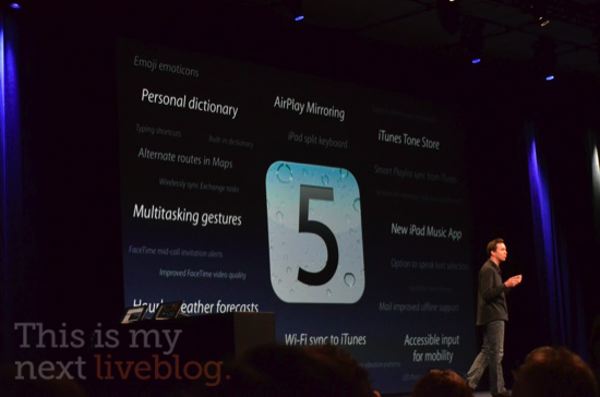
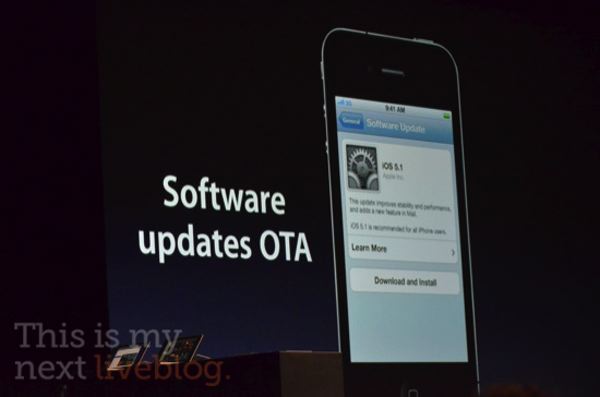
Uh, hey, see that right at the bottom of the slide showing what’s new in iOS 5? WiFi Syncing to iTunes! That’s one I was praying for, but didn’t actually think we’d see coming.
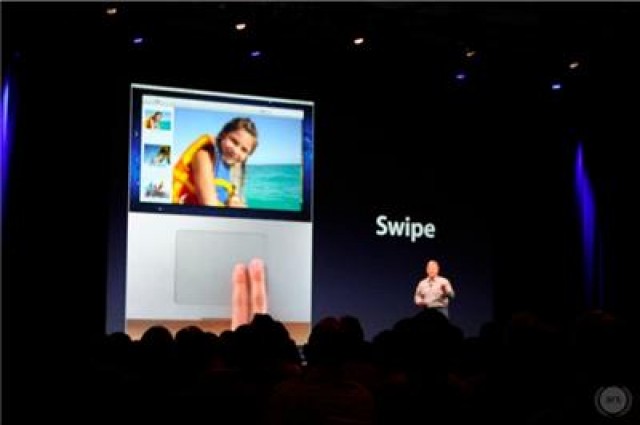
Others include new multitouch gestures and universal Dictionary support.
Apple’s just shown us ten new features of iOS 5. There’s 190 left. Unbelievable.
Devices iOS 5 will supprt are iPhone 3GS and iPhone 4, iPad and iPad 2, iPod Touch 3rd Gen and Fourth Gen.
It’s coming this fall… right in time for the iPhone 5.
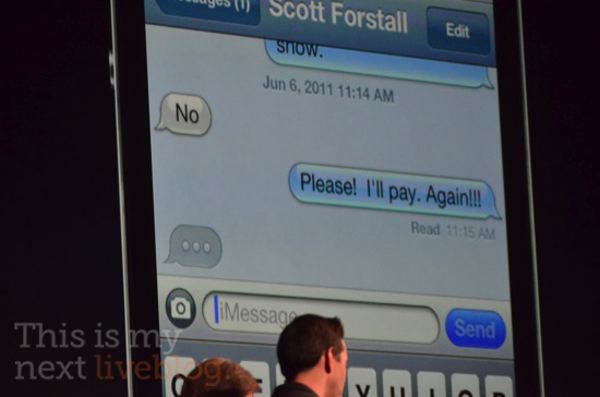
Oh, shit. As was rumored earlier today, Apple just announced what could be the death blow to Blackberry: iMessage, a way to securely message between iDevices.
“Our customers have been asking us for a new messaging solution. We’re launching a service that works for all iOS 5 customers. We call it iMessage. It supports iPhone, iPad, and iPod touch,” says Scott Forstall.
You can use it to send text, photos, videos or contacts, even group messages.
We’ve added delivery receipts, and optional read receipts. Typing notifications, so you can see if someone is typing. Pushed to all of your devices, so you can pick up where you left off,” explains Forstall.
Even better, it happens on 3G and WiFi.
This is a serious wake up call to RIM. Their last great advantage just flew out the window: BlackBerry Messaging is unique no longer. Time to evolve or die.
And here comes iOS 5, “an incredible leap for developers and customers alike,” says Scott Forstall.
“For devs, more than 1500 APIs and tools. Users get more than 200 new features.”
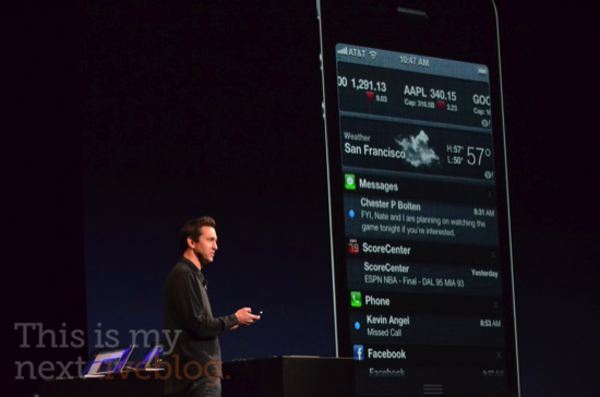
Apple wants to highlight ten features today. First up, though, is the biggie we’ve heard rumored: notifications.
iOS 5 is getting revamped notifications support with annoying pop ups and push notifications. They serve 100 billion push notifications a year.
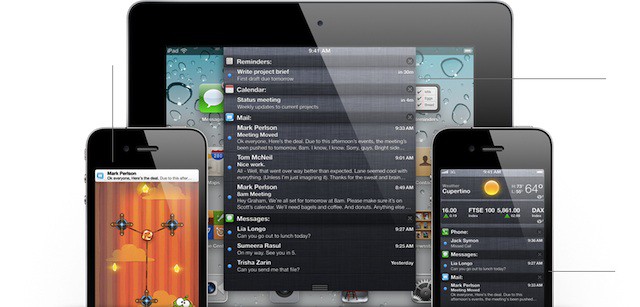
The new method of dealing with notifications is called Notification Center. You can access your notifications anywhere, without interruption, by swiping your finger down from the top of the display. This is a direct swipe from Android.
Any notification that comes from apps now pops up at the top of the screen, and Apple’s added it to Stocks and Weather.
It all looks almost exactly like Mobile Notififer, and what do you know? Peter Hajas went to work at Apple.
Notifications also go to the lock screen, and allow you to see what’s going on at a glance.
Wow. Mobile Notifier was basically bought wholesale by Apple, huh? This is a big step up for iOS.
Wow! That’s a bombshell. We expected Lion would be available on DVD, USB stick and on the Mac App Store, but Phil Schiller says that it’s a Mac App Store exclusive… and he says it’ll be the easiest upgrade you’ve ever seen.
This should kill Hackintoshing and piracy of Lion, by the way.
“You need about 4GB in storage. And because it’s part of the Mac App Store it follows the rules… you can use it on all of your authorized devices,” says Schiller.
As Phil Schiller takes the stage to talk about Lion, one thing’s for sure: OS X is doing better as a platform than it ever has.
As an install base, there’s now over 54 million users around the world. In fact, it’s doing better than ever. The last quarter, the PC market actually shrank 1 percent while the Mac went up 28%
The Mac has outgrown the industry every quarter for the past half decade.
Most of those sales are notebooks. 73% of all Mac sales are MacBooks.
Why are MacBooks so popular? It’s because OS X is the heart of Mac, and it’s ten years old today, and has evolved to become refined, powerful and beautiful.
Today, OS X evolves again into a Lion, with over 250 new features. But we’re only going to talk about a few of them.
“If the hardware is the brain and the sinew of our products, the software is their soul,” says Steve Jobs. “This year, we’re here to talk about the soul across three separate products.”
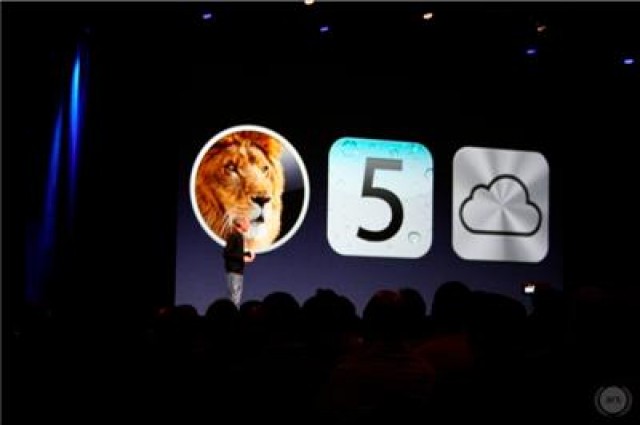
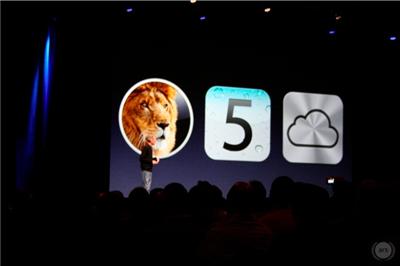
Those three things? Lion, iOS 5 and iCloud.
“Let’s start with Lion,” says Jobs, making way for Phil Schiller and Craig Federighi to take the stage.
It appears the end of MobileMe is now upon us… or the end of paid subscriptions to MobileMe at least: a number of subscribers to the $99 a year service are reporting that Apple is automatically refunding renewal fees, but why?
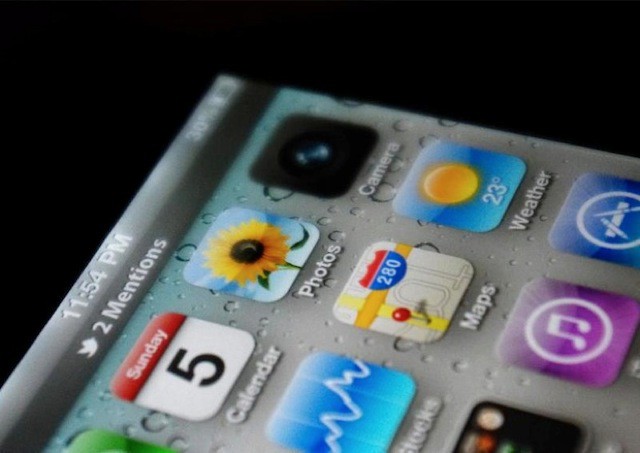
Is this a leaked photograph of the new iOS 5 home screen complete with a swanky new notification bar and a revamped camera icon, or simply the work of a talented Photoshopper?
With just under 10 hours still to go before Steve Jobs kicks off this year’s Worldwide Developers Conference, some eager attendees are already forming lines outside San Francisco’s Moscone West. A famous face among the bunch is Jay Freeman (better known as Saurik), the creator of Cydia.
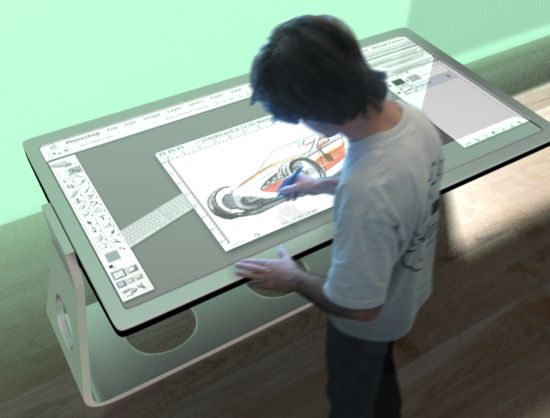
I’ve been asking for four years who would be first to ship the future of computing, a real desktop tablet: Apple, Microsoft or Google?
The WIMP (windows, icons, menus and pointing devices) interface you’re using right now was invented during the Nixon administration. It’s old.
With the incredible success of the iPad, the world is definitely ready for the next evolutionary leap into the future, which will of course be desktop touch tablets. Google and Microsoft have already revealed how they’ll make their transitions. Yet Apple has revealed nothing. Will tomorrow be the day?
At the close of markets on Friday, Apple had a bigger market cap than Microsoft and Intel combined — the so-called Wintel alliance that almost buried Apple a decade ago.
Here’s how much Apple, Microsoft and Intel were worth on Wall Street at the end of the week:
In just three days, Steve Jobs will take the stage at San Francisco Moscone Center and kick off this year’s Worldwide Developer Conference, or WWDC. In so doing, he’ll announce new software, new products and end months of speculation about the new iPhone, iOS 5, iCloud music streaming and OS X Lion.
Here’s Cult of Mac’s complete overview of what we’re expecting to hear about at this year’s WWDC.
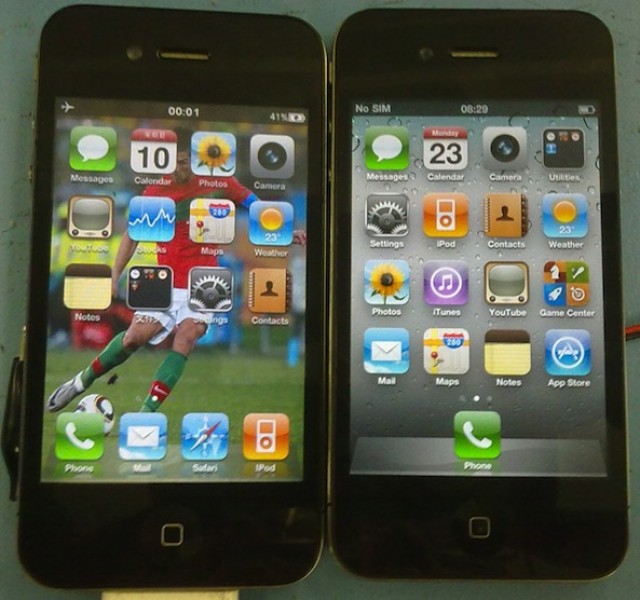
One of these iPhone 4s is the real thing. The other’s a fake so good that it’s actually compatible with Apple’s own 30 pin iPhone connector, as well as its headsets. Are you savvy enough to spot the fake?
With another WWDC looming on the horizon and Apple taking the unusual step of pre-announcing things like Lion, iOS 5 and iCloud, speculation turns towards what we haven’t been told. At many Apple events the most exciting announcement is often that feigned afterthought… just One More Thing.
This year, the One More Thing is rumored to be the iPhone 4S, despite the fact that Apple has set the expectation that WWDC will be all about software, not hardware.
We’re skeptical, but to keep you busy speculating over the weekend, we’ve updated Cult of Mac’s “Just One More Thing” interactive timeline to relive the excitement of the last thirteen years of Apple annoucements.
The headline says it all really, doesn’t it? A man dressed in a white ninja outfit tried to rob the Greensboro, North Carolina Apple Store this morning by smashing through the plate glass facade with his Honda. How do you think that went for him?
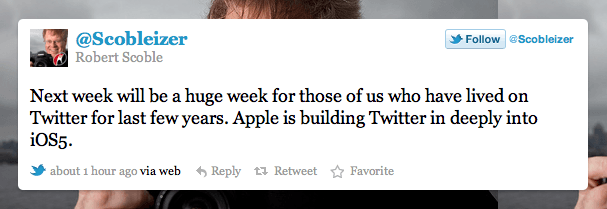
Evidence is mounting that when iOS 5 debuts at WWDC next week, it’ll feature some deep integration with microblogging service Twitter. Not only has Twitter launched a new photo sharing service just days before Apple is expected to unveil the ability to share photos via Twitter in iOS, but now blogger and tech evangelist Robert Scoble is saying that “next week will be a huge week for those of us who have lived on Twitter for the last few years.”