Mobile menu toggle

Top stories - page 473

Motorola’s next flagship is the most shameful iPhone X clone

By

Motorola P30 iPhone X clone
There's taking inspiration from the iPhone, then there's this.
Photo: AndroidPure

Android vendors have been taking inspiration from the iPhone X’s design since Apple unveiled it last fall. That’s why almost every flagship handset hitting the market has an edge-to-edge screen and a notch. But Motorola is about to show us what a real ripoff looks like.

Its upcoming P30 handset, which just leaked out early, is the most shameful iPhone X clone we’ve seen so far.


12-inch MacBook shortage hints at impending refresh

By

12-inch MacBook lineup
Don’t pay full price for a 12-inch MacBook.
Photo: Apple

A refresh is overdue for Apple’s 12-inch MacBook lineup, and it looks like it could be arriving soon.

Availability of the machine has dwindled at one major retailer, which suggests new models — complete with upgraded internals — will arrive this fall. It could be one of a number of Apple machines that will see improvements before the end of the year.

Recharge your Apple Watch & iPhone with this compact 2-in-1 battery pack [Review]

By

zens
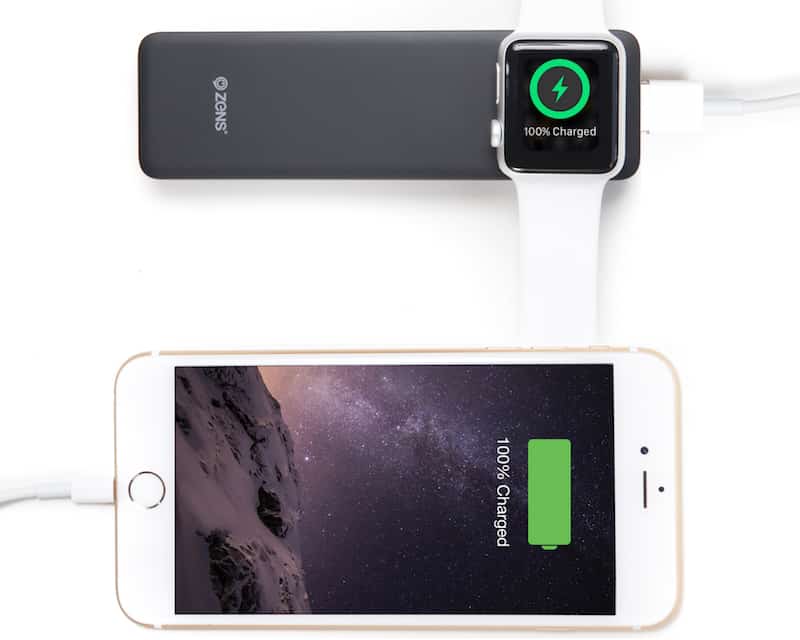
Zens' Powerbank charges an iPhone and Apple Watch simultaneously.
Photo: Zens

When traveling, if you forget your charger, you’re often hosed. Especially for the Apple Watch. That’s why I keep a Zens Powerbank battery pack in my bag. The Powerbank features a built-in charger for the Apple Watch, plus a USB port for plugging an iPhone or iPad.

It’s light and easy to carry around, yet has enough juice for recharging an Apple Watch almost 12 times. Best yet, the Zens Powerbank battery pack is available now in Cult of Mac’s Watch Store. 

Apple releases iOS 12 beta 7, then quickly withdraws it

By

iOS 12 features
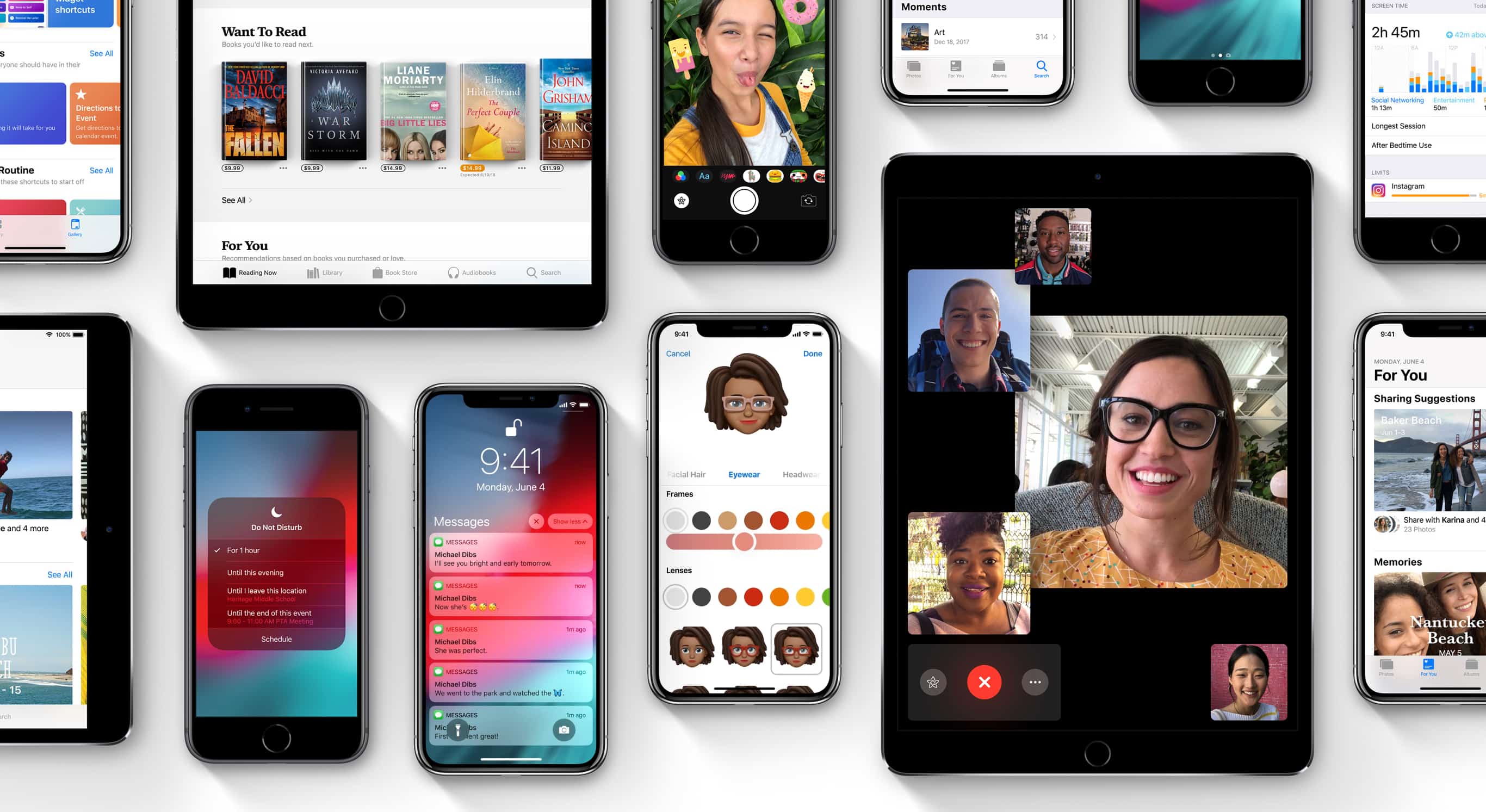
iOS 12 will bring loads of new features, but not until Apple gets it throughly debugged.
Photo: Apple

The latest early-release version of iOS 12 was made available to developers today — but it disappeared shortly afterward.

This afternoon’s release of iOS 12 beta 7 was met with widespread complaints that it runs slowly. Apple seems to have pulled the OTA version within an hour or so.

Apple secretly urges iOS app makers to add subscriptions

By

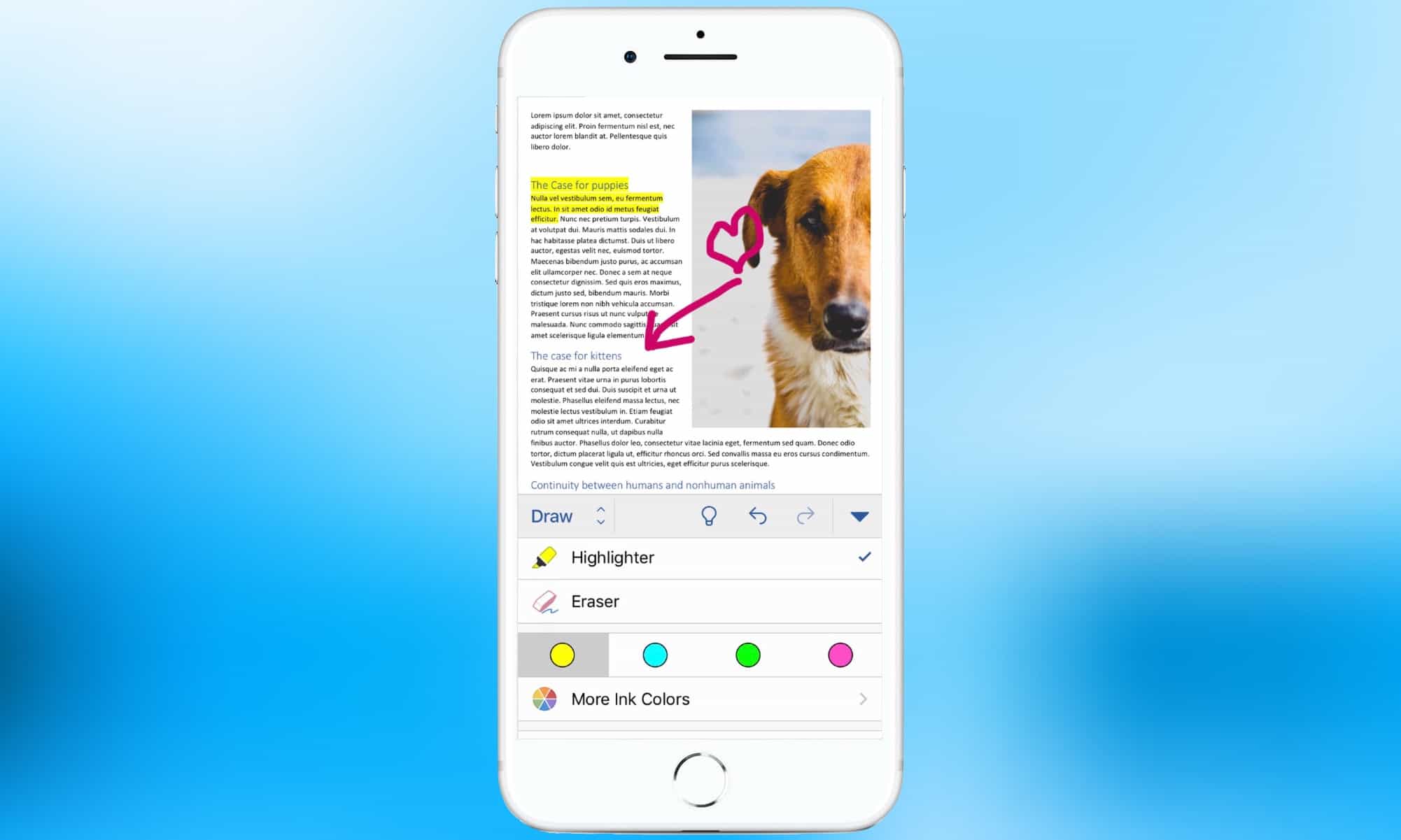
Microsoft Word is one of thousands of titles available only through app subscription fees.
Photo: Microsoft

Apple wants developers to stop selling iOS applications and start renting them instead. The reason is simple: this forces users to pay more for software.

Apple held a secret meeting in New York City last year to convince developers to give up charging users a one-time fee for apps, and go instead to reoccurring charges.

This Siri Shortcut will automatically text your commute time to your spouse

By

Siri shortcuts knows how long your bus will take to get you home.
Siri knows how long your bus will take to get you home.
Photo: Charlie Sorrel/Cult of Mac

This Siri Shortcut will send an iMessage to a friend, spouse or other contact telling them how long it will be until you get to their location. Once set up, all you need to do is say something simple (and easy to remember) like “Home soon.”

This shortcut uses a brand-new feature in Shortcuts beta 2.0 that allows the sending of messages in the background, without having to confirm them first. It’s a small but powerful addition. Once Apple irons out the kinks, this feature could make a huge difference in how useful Siri Shortcuts will be day to day.

Apple pulls Group FaceTime from iOS 12

By

FaceTime group calls iOS 12
We're going to have to wait a bit longer than we expected for Group FaceTIme.
Photo: Apple

Group FaceTime, one of the hot new features promised for iOS 12, won’t be available when the operating system debuts this fall. Apple now says it will push back the Group FaceTime launch until later this year. The company gave no reason for the delay.

How to enable iPhone Photos extensions

By

Photo filters can be subtle or … not.
Photo: Charlie Sorrel/Cult of Mac

The Apple’s Photos app offers a very good set of editing tools. On both Mac and iOS, you can pick filters or perform a quick fix with the auto feature. You can also really dig in with some tools that are easily as comprehensive as anything on iOS.

These tools rival many desktop photo apps, but sometimes you want to do something extra-fancy. Maybe you have a favorite filters app. Or you want to combine two photos side by side in one frame or overlay one picture on another. Or use an app that lets you remove distractions in the frame, like power lines, cars or trash. Then you need to turn to Photos extensions.

Another clue that ‘inexpensive’ MacBooks will land soon

By

Get a MacBook Air for $200 off
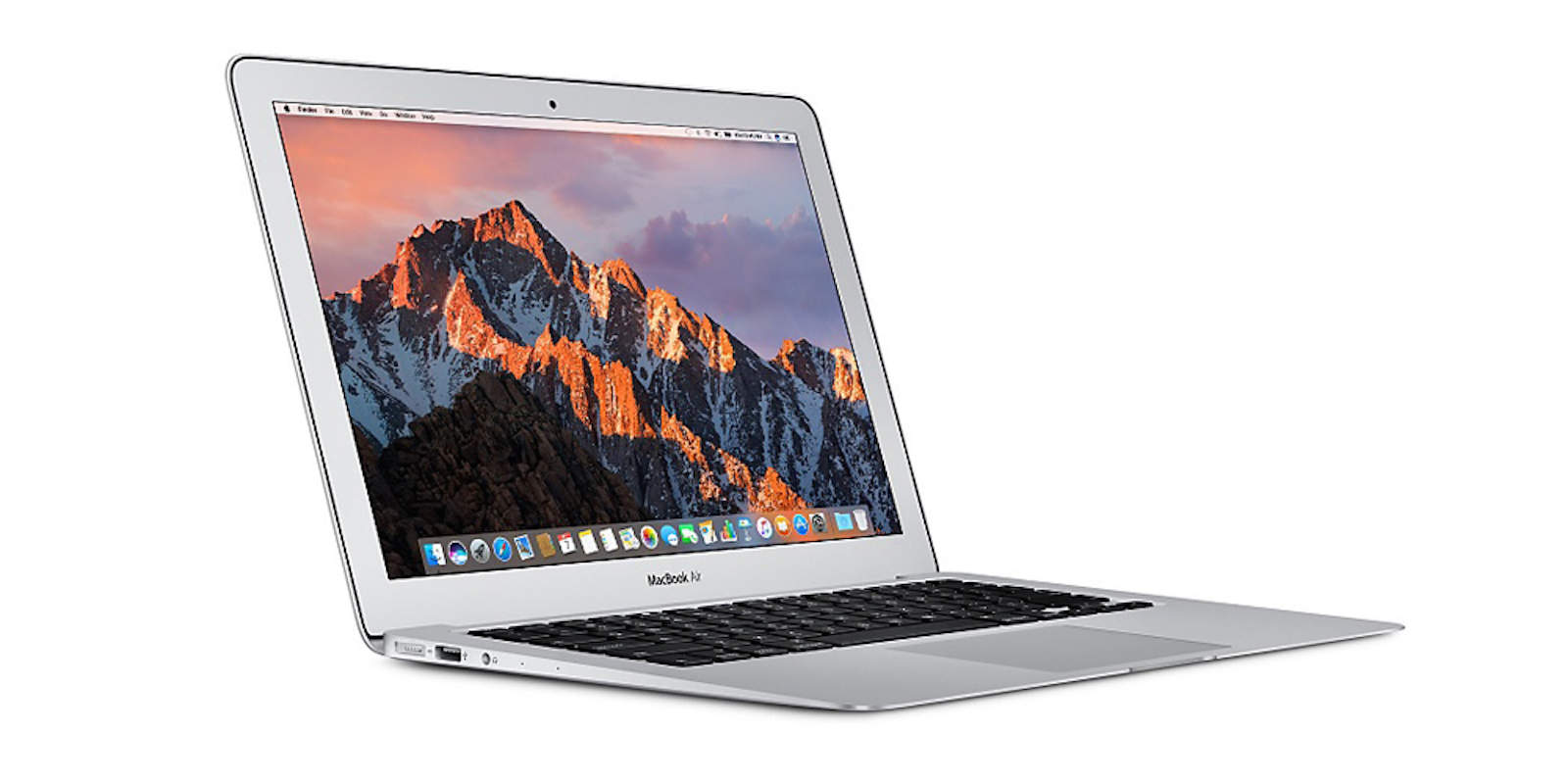
It’s about time we saw that new MacBook Air.
Photo: Apple

One of Apple’s manufacturing partners will enjoy a significant boost in the fourth quarter of 2018 as a result of the company’s new, “inexpensive notebooks.”

Quanta Computer has just been overtaken by Compal as the world’s top laptop manufacturer, but it will catch up this year as Apple prepares to deliver what will likely be a new MacBook Air.

Save your ideas, thoughts, and memories with Day One [50 Essential iOS Apps #48]

By

Day One journal entry on iPhone with Day one on iPad in background
Day One makes it easy to create a vibrant and modern journal documenting and archiving your life.
Photo: Ian Fuchs/Cult of Mac

50 Essential iOS Apps: Day OneResearch shows that keeping a journal is great for your mind. It allows you to clear your thoughts or think through problems in different ways. Finding a good way to journal is easy with the Day One app. Designed to provide a feature-rich, modern journaling experience, Day One gives you the ability to keep track of, write about, or create a virtual archive of almost anything you want.

Shake up your wristgame with a Watchpop Apple Watch band

By

Watchpop
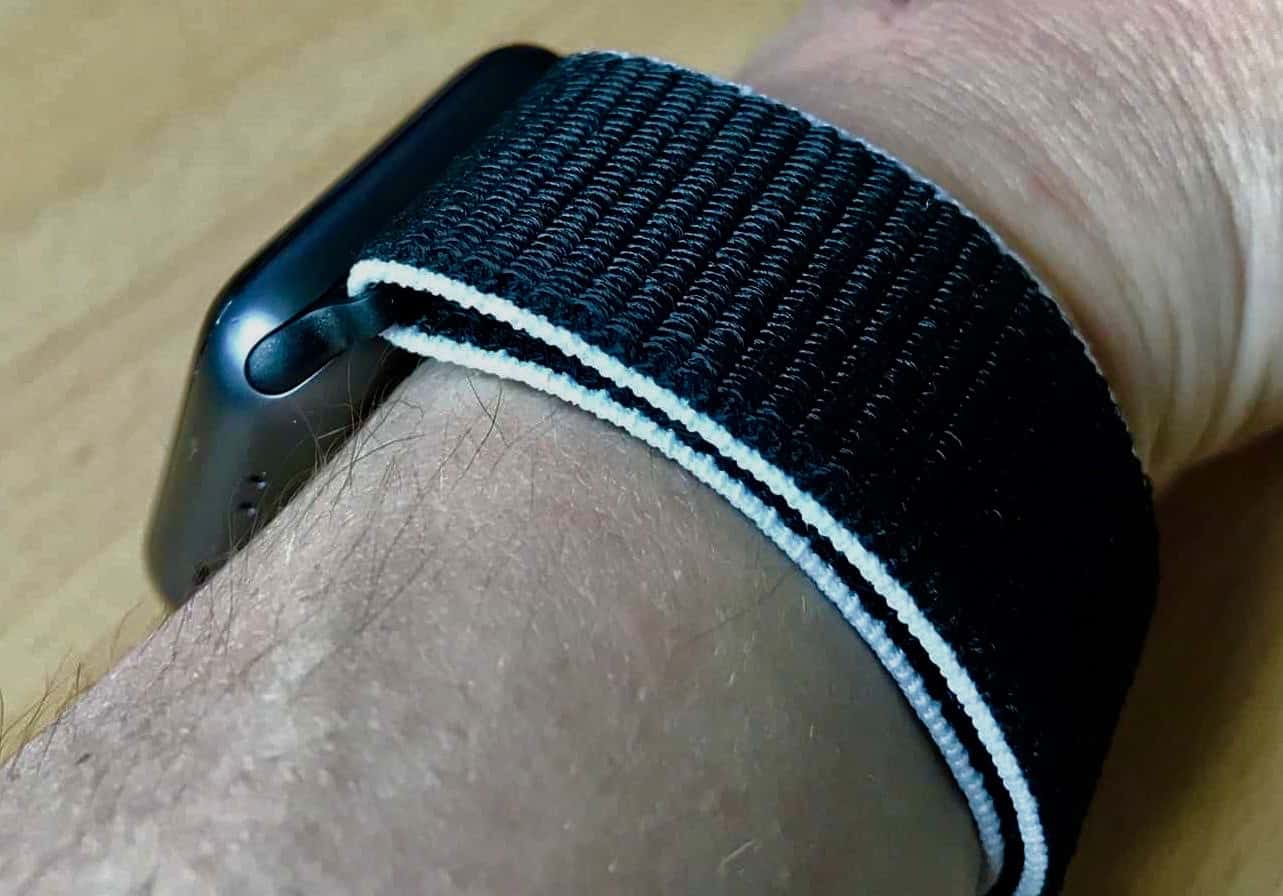
The Watchpop Loop for Apple Watch in Orca Black/White pops on and off easily with built-in fasteners.
Photo: Cult of Mac

If you love Apple’s Sport Loops for Apple Watch, we’ve got a fantastic alternative that costs 10 bucks less and features a new design element to Apple’s version.

Enter the Watchpop Loop for Apple Watch, German-company Bluestein’s stylish answer to those seeking the look and performance of Apple’s Sports Loop. Watchpop’s version has all the same bells and whistles, yet offers a fun line of black bands (and, one white!) flanked by colored edging.

Castro, Hookpad 2, Ribn, and other awesome apps of the week

By

Awesome Apps
'Appy weekend.
Photo: Ste Smith/Cult of Mac

Did you know that Adobe’s Lightroom CC for iPhone has a fantastic camera built in? Or that you can now listen to any audio file in the Castro podcast app, just by dropping it into an iCloud folder? Or that you can make a catchy song in your iPad’s web browser using Hookpad 2? Well, now you do.

These are the awesome apps making waves this week.

Cult of Mac Magazine: iOS 12 vs. Android 9 Pie, and more!

By

cover
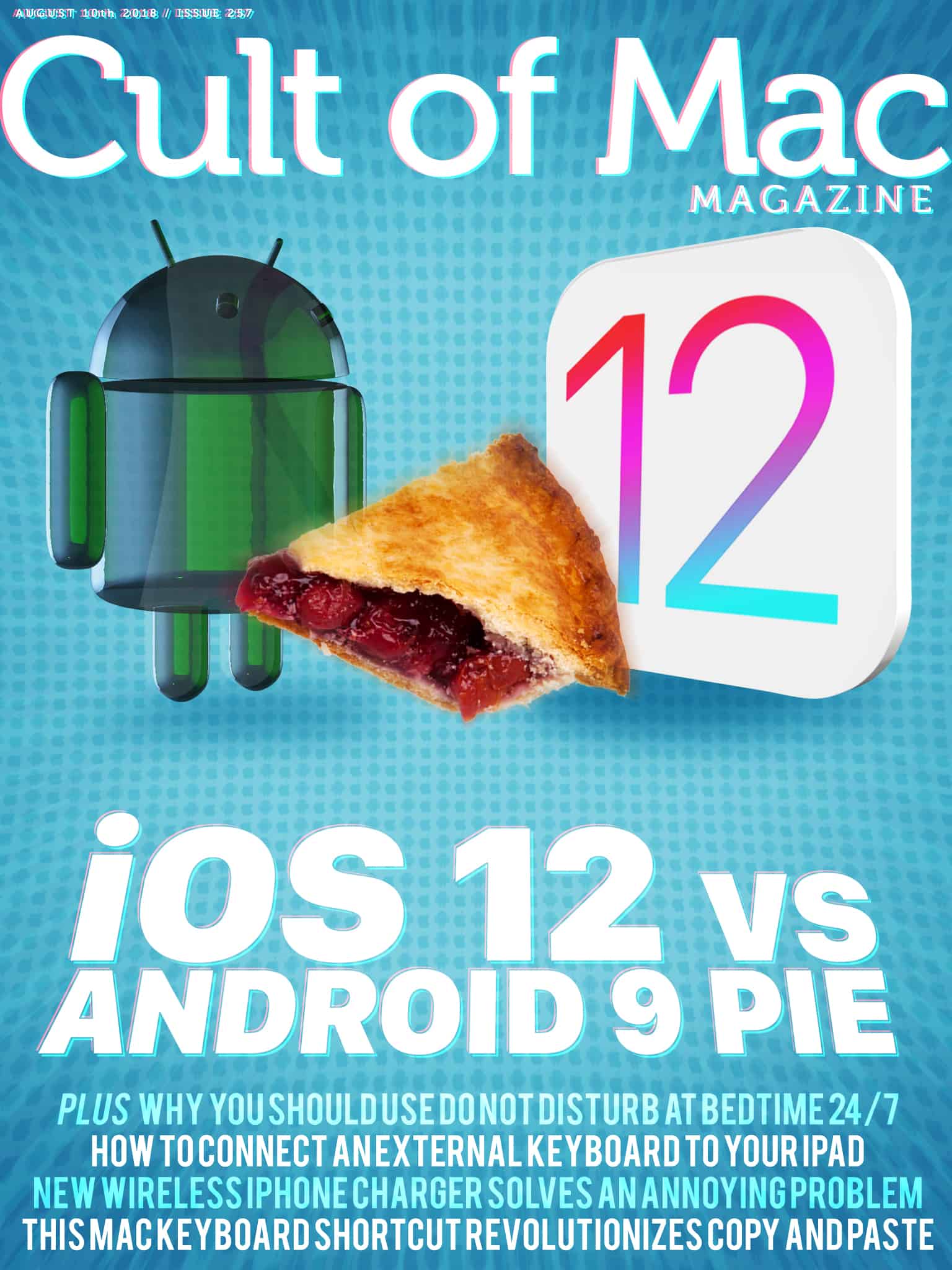
In this week's Cult of Mac Magazine: Which wins the features arms race, Android 9 Pie or iOS 12? Here's how they compare.
Photo: Ste Smith/Cult of Mac

In this week’s Cult of Mac Magazine: How does Apple’s upcoming mobile operating system compare to the new Android platform? We give you a blow-by-blow comparison of all the best (and worst) features.

You’ll find that top story and much more. See why you should use Do Not Disturb at Bedtime 24/7. Plus: Learn how to connect an external keyboard to your iPad. Get your free subscription to Cult of Mac Magazine from iTunes. Or read on for this week’s top stories.

Learn how to make that podcast idea a reality [Deals]

By

Learn the equipment and skills it takes to create compelling podcast content.
Photo: Cult of Mac Deals

Podcasts have exploded into one of the most vibrant and powerful media forms. It’s hard to think of a format that is as accessible for content creators and consumers alike. So if you’ve had an idea for a podcast, there’s no reason not to make it happen.

New mophie battery pack is truly built for iPhone [Review]

By

mophie Powerstation Plus XL
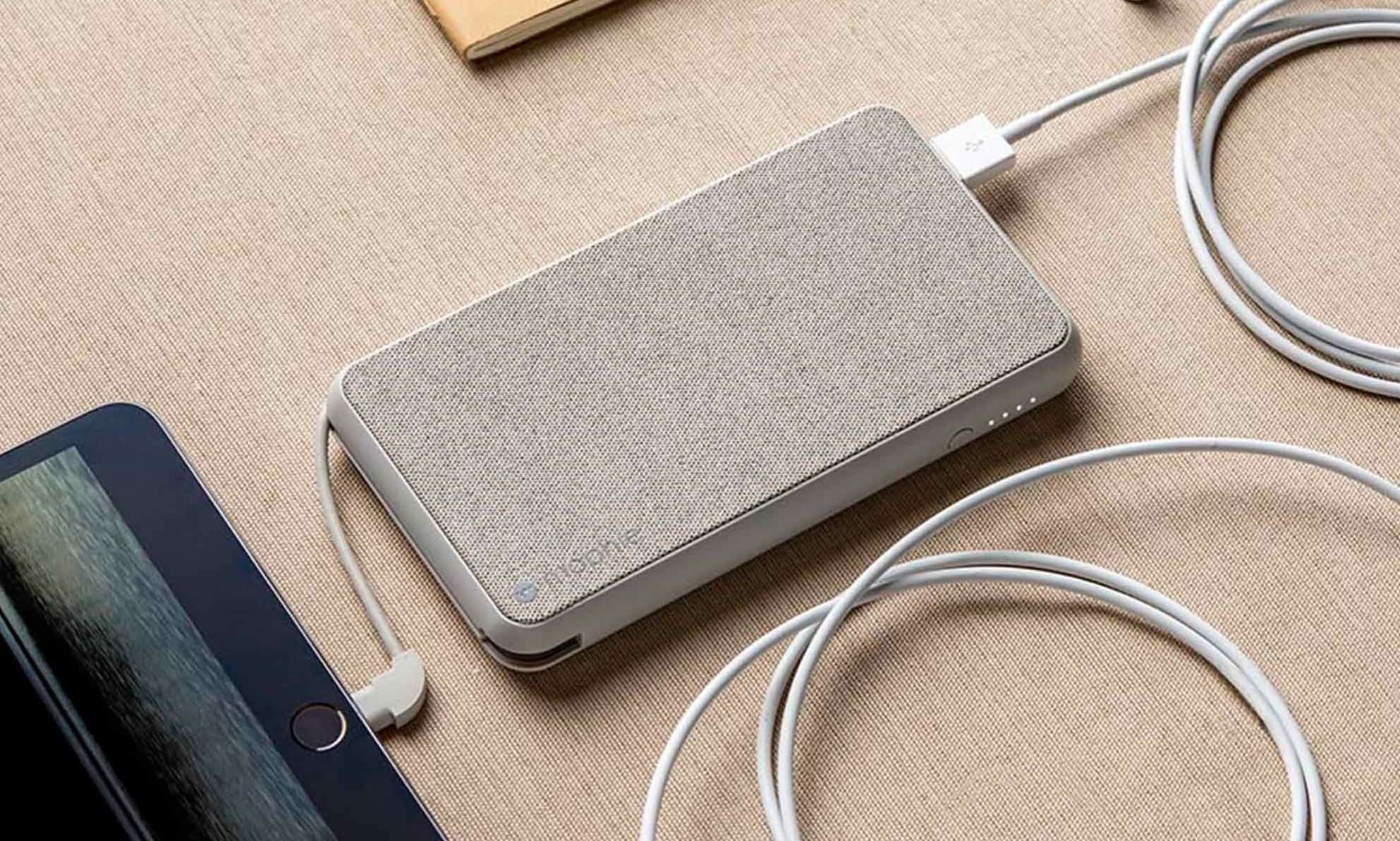
Recharge your iPad and iPhone simultaneously with the mophie Powerstation Plus XL. It even has a built-in Lightning connector and port.
Photo: mophie

External batteries are widely available but surprisingly few of them are really designed with Apple users in mind. That’s because all too many require a microUSB cable to get power. The mophie Powerstation Plus XL is a rare exception.

It’s recharged through a built-in Lightning port. The new accessory has a Lighting connector on a built-in cable too. If that wasn’t enough, it can be wirelessly recharged.

Bliss out with noise-canceling Bluetooth headphones and save 69% [Deals]

By

These over-ear headphones combine 35 hour battery life with Bluetooth convenience and noise cancellation.
Photo: Cult of Mac Deals

When you put your music on, most of us want the outside world to stay out. You also want great sound quality, long life and wireless convenience. And guess what: We’ve found all that in one set of over-ear Bluetooth headphones.

How to delete all your tweets

By

Even this little birdy is deleting his tweets.
Photo: Charlie Sorrel/Cult of Mac

Twitter is like that part of town where City Hall just lets anyone open up a bar or a restaurant. It’s lively, and it’s where everyone hangs out, but you certainly don’t want to take the wrong side street late at night. Maybe you’re ready to leave Twitter, thanks to its continued censorship of unknown individuals and simultaneous encouragement of hate speech and lies by more famous people and organizations.

If you’re serious about ditching Twitter, then you probably want to delete your tweets. Twitter feeds off “engagement.” If you delete your tweets, you leave nothing to engage with (although their “content” has probably been mined clean already). If you delete your tweets, and change your Twitter bio to say you’ve quit, this sends a stronger message than just slipping out the side door. It also helps stop someone else from pretending to be you.

iPhone ads appeal to young people, confuse their elders

By

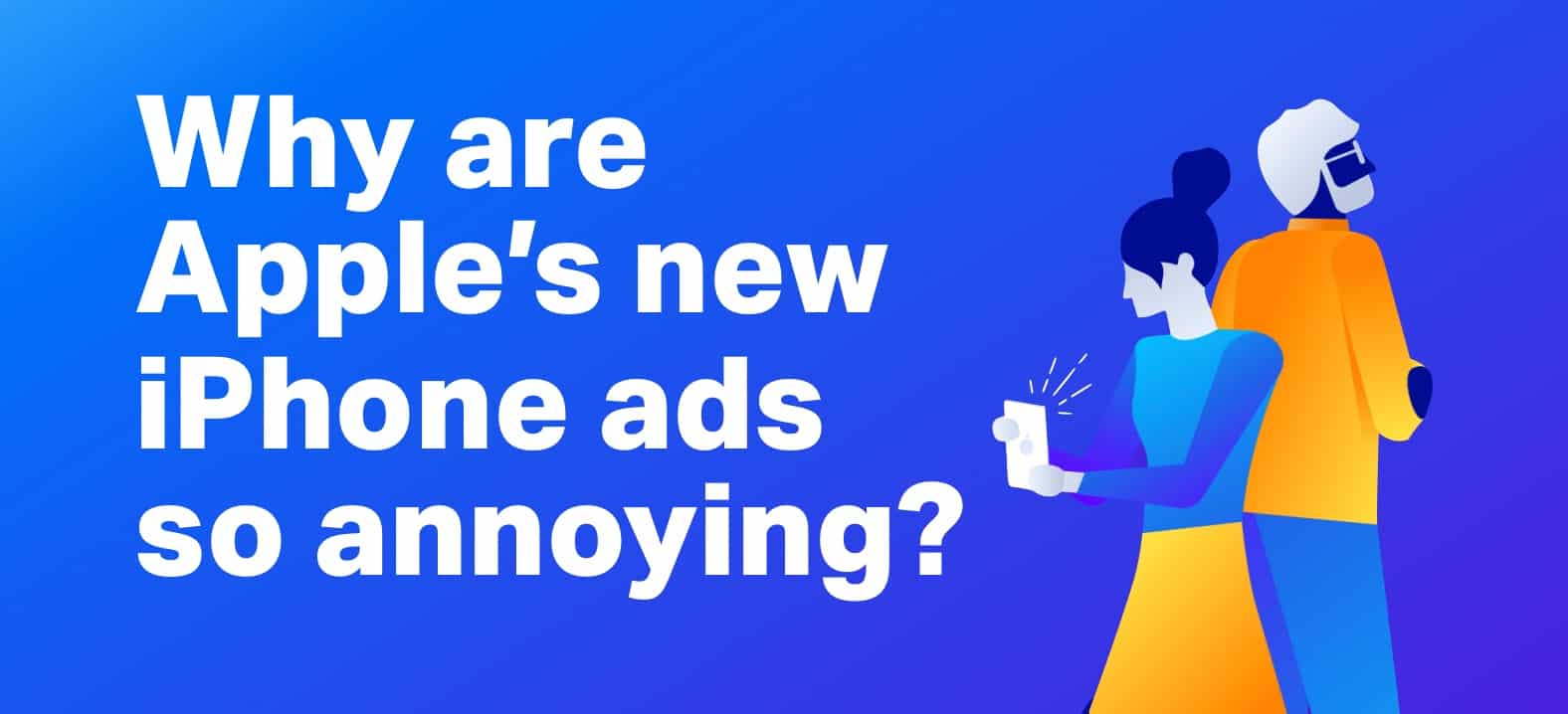
What you think of recent iPhone ads depends heavily on when you were born.
A new study finds that what you think of recent iPhone ads depends heavily on when you were born.
Photo: UserTesting

Apple’s latest TV ads are fast-paced and colorful. But a study by a market-research firm finds that Baby Boomers feel these ads aren’t aimed at them.

The analysts theorize this is because Apple isn’t trying to advertise the iPhone to anyone but young people.

Showdown! iOS 12 vs. Android 9 Pie

By

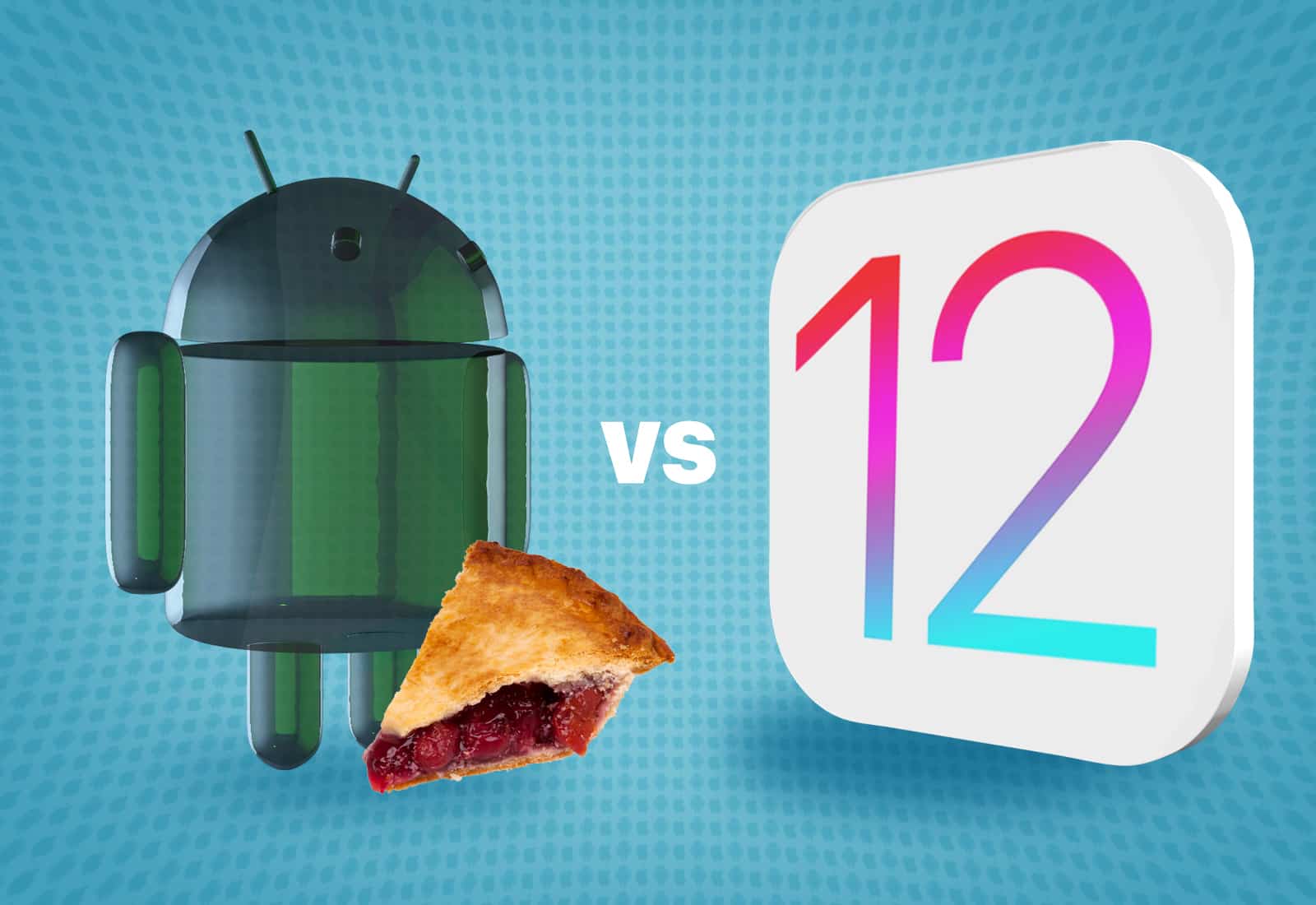
Which wins the features arms race, Android 9 Pie vs. iOS 12? Here's how they compare.
Which wins the features arms race, Android 9 Pie or iOS 12? Here's how they compare.
Illustration: Ste Smith/Cult of Mac

Android 9 Pie has landed on Google Pixel devices just a month before Apple rolls out iOS 12. Both come with a long list of new features and improvements, but is one better than the other?

Here’s how Android 9 and iOS 12 compare.

Paper app turns your iPad into a sketch book [50 Essential iOS Apps #47]

By

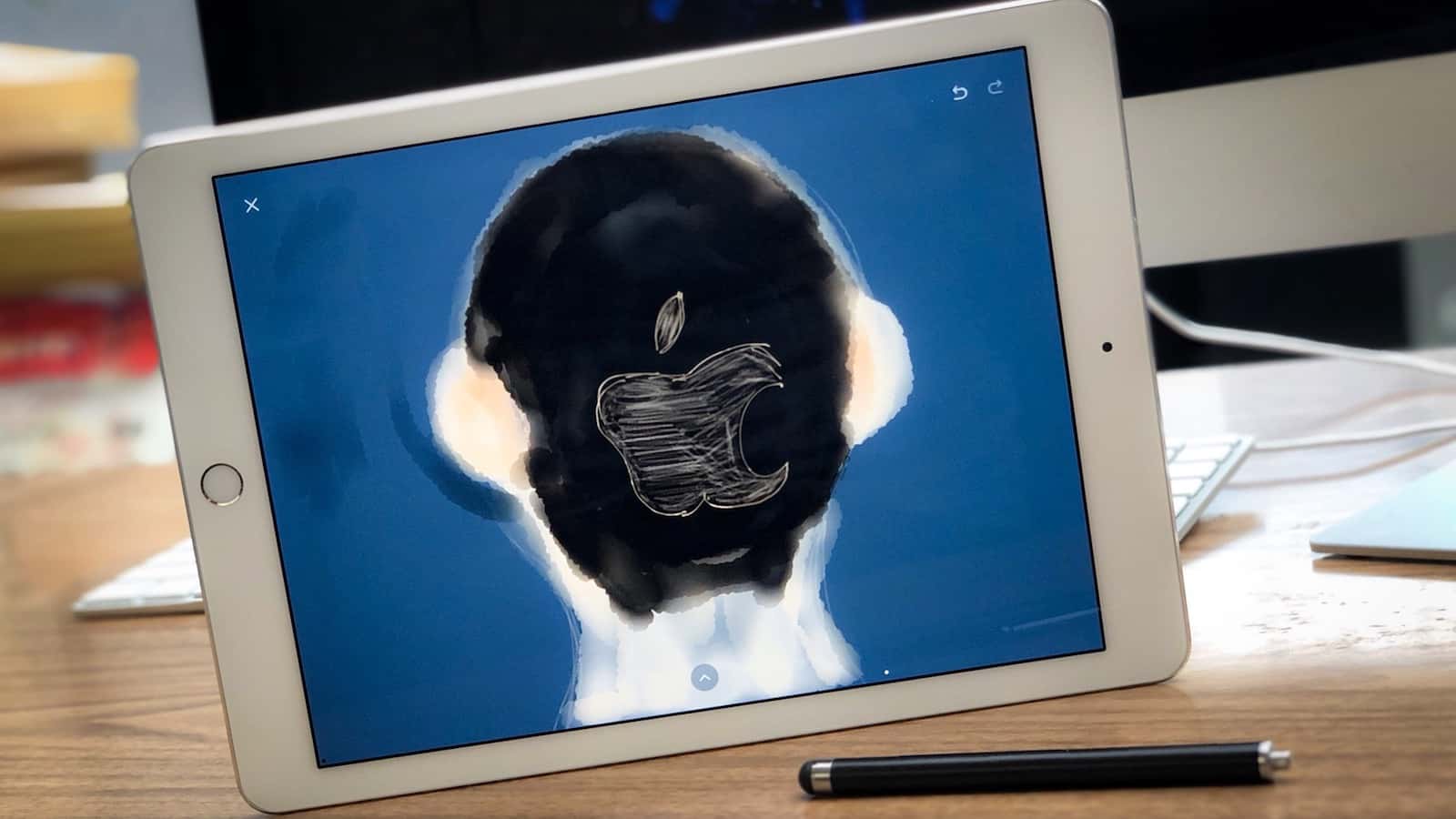
Cult of Mac logo poorly painted with Paper app
Paper by FiftyThree might not make you a good artist, but it does make it fun and easy.
Photo: Ian Fuchs/Cult of Mac

50 Essential iOS Apps: Paper app For the past several years, the iPad has served as a tool to digitize the analog world. Board games are now virtual, books are electronic, and with the art app Paper by FiftyThree, your sketches and artwork are turned digital. Thanks to the incredible touch interface of the iPad and Apple Pencil, the app makes your device feel like its analog counterpart.

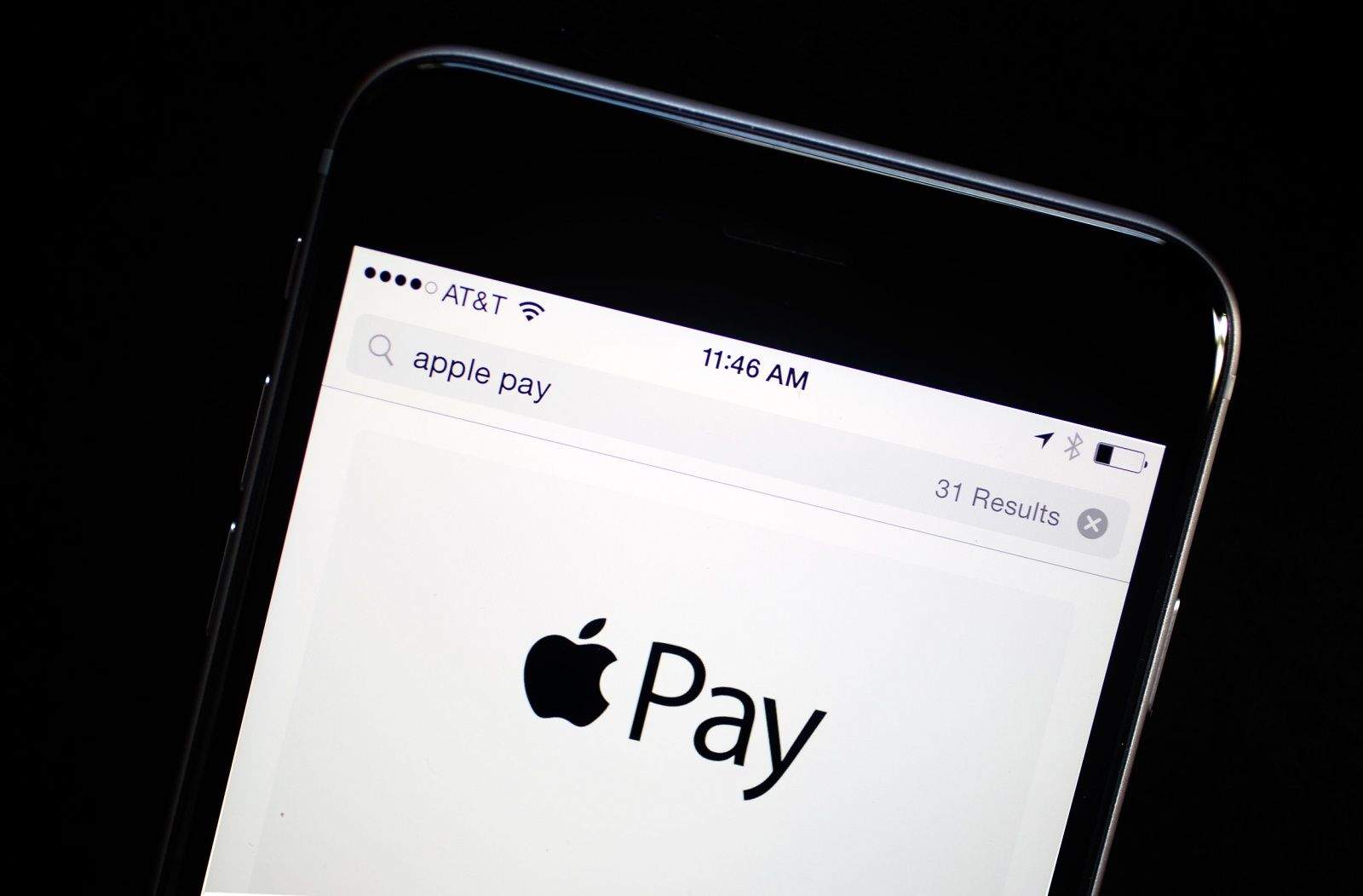
Apple Pay usage grows strongly outside the U.S.

By

Apple Pay iPhone
The number of Apple Pay users almost equals the entire population of the US. But most users live somewhere else.
Photo: Jim Merithew/Cult of Mac

Most people are still leery about giving up their wallet. Only a small percentage of smartphone owners use their mobile to make purchases at brick-and-mortar stores.  But attitudes are starting to change.

As a result, Apple Pay is growing strongly. Surprisingly, most of that growth is outside of the U.S.

Write catchy songs in your browser with Hookpad 2

By

Anyone can compose a hit song in Hookpad 2
Photo: Charlie Sorrel/Cult of Mac

Hookpad is a web app for music composition, and it’s also a killer way to learn about music theory. Hookpad and its companion theory app/book have been around for a while. The problem was, it only worked on the desktop. Hookpad 2 is a complete rewrite, and it works just great in mobile Safari. You can even save it to your home screen.