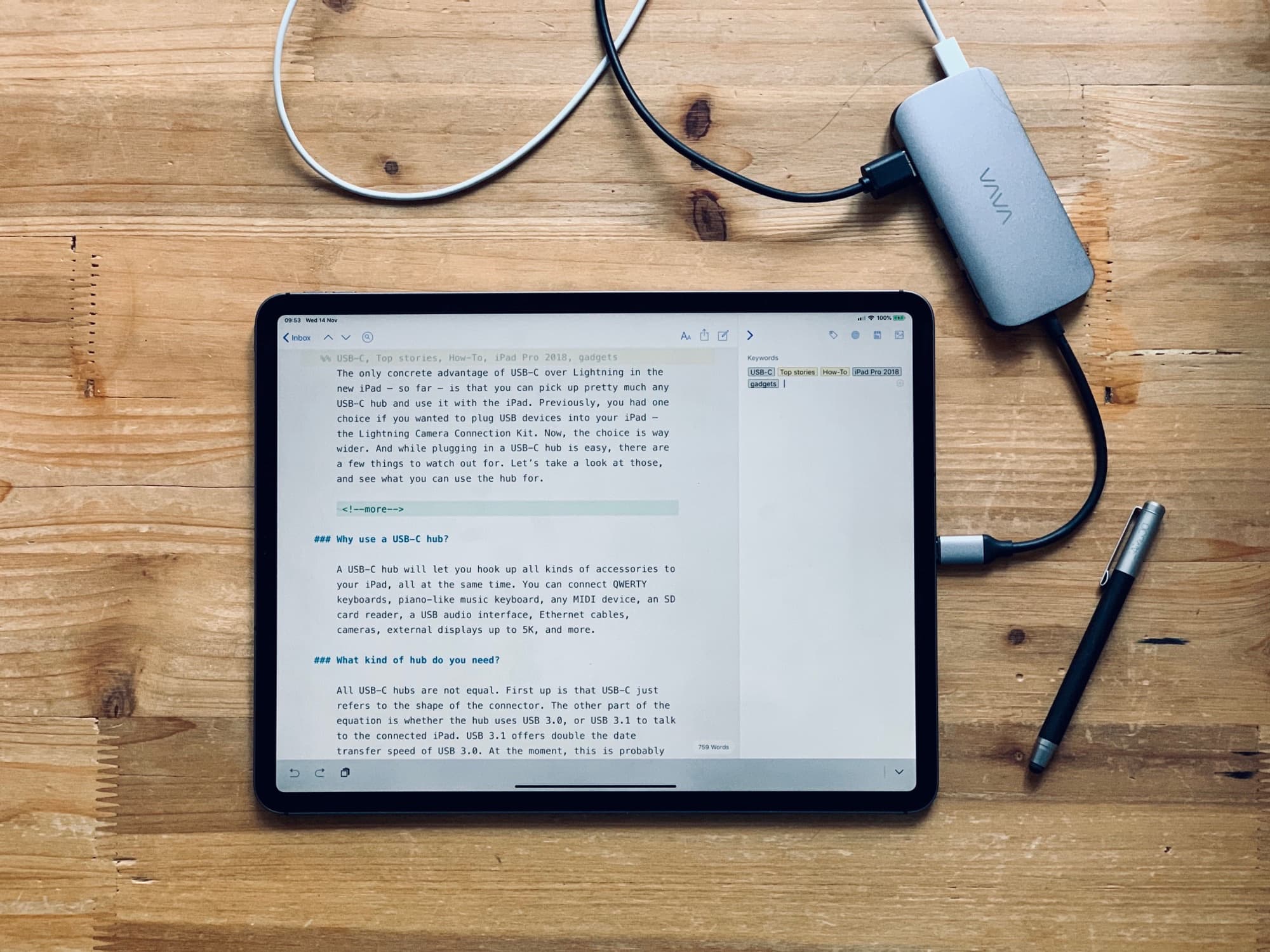
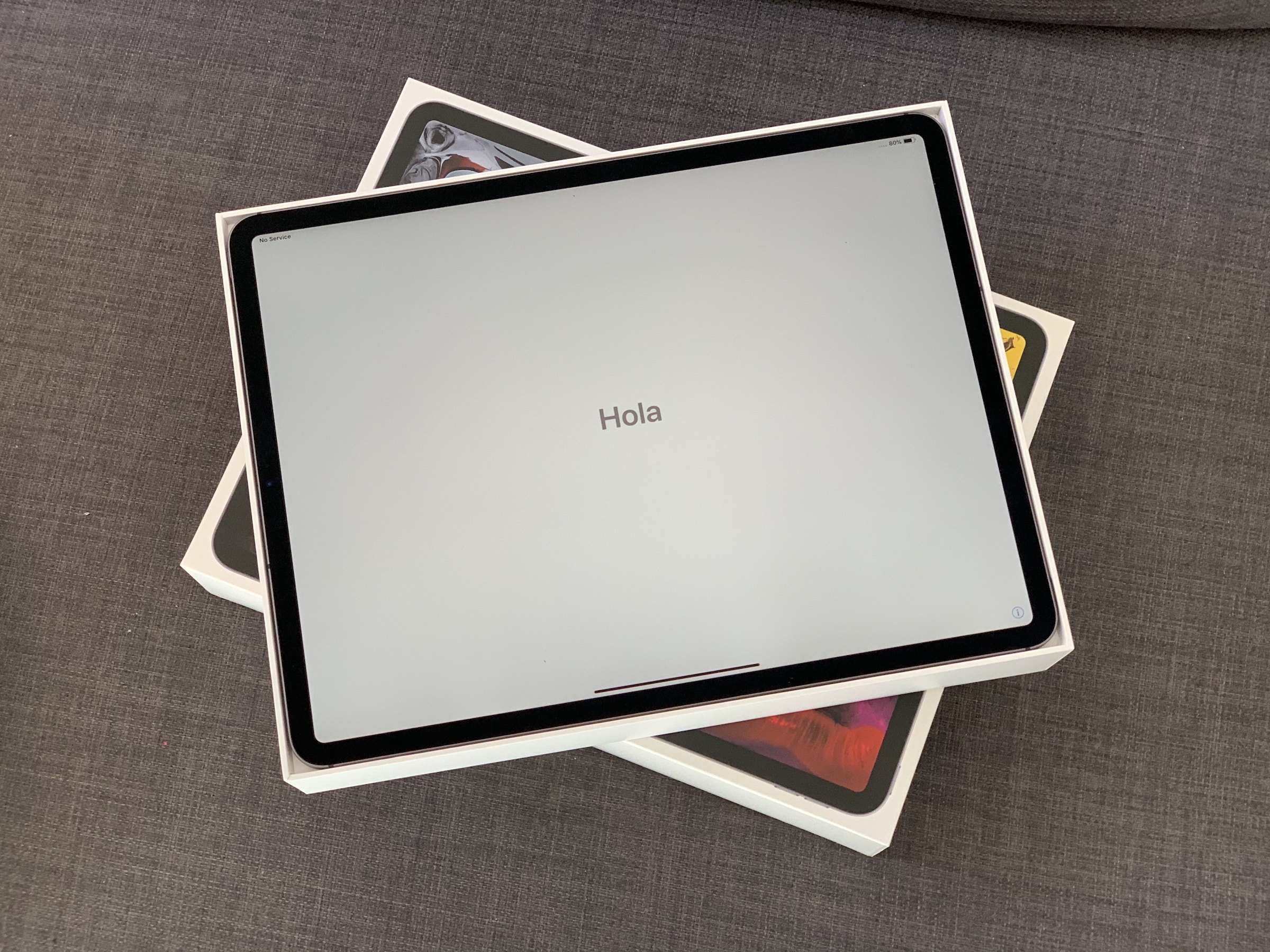
Any USB-C hub will work with your iPad Pro, but they all have really short cables. Photo: Charlie Sorrel/Cult of Mac
The only concrete advantage of USB-C over Lightning in the new iPad — so far — is that you can pick up pretty much any USB-C hub and use it with the iPad. Previously, you had one choice if you wanted to plug USB devices into your iPad — Apple’s Lightning-to-USBC camera connector.
The choice is way wider for 2018 iPad Pro owners. And while plugging in a USB-C hub is easy, there are a few things to watch out for. Let’s take a look at those, and see what you can use the hub for.
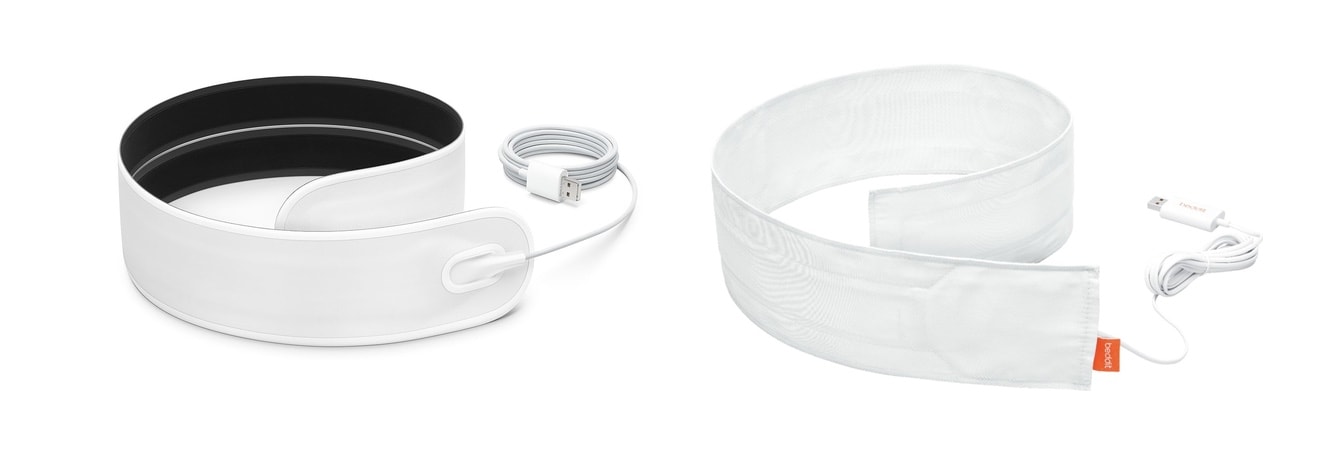
The resigned Beddit 3.5 (left) looks more like an Apple product than the earlier version. Photo: Apple
A new version of the Beddit sleep monitor launched today. This is the first version since Apple acquired the company making this accessory last year, and the result is betterhardware and software, though few new features.
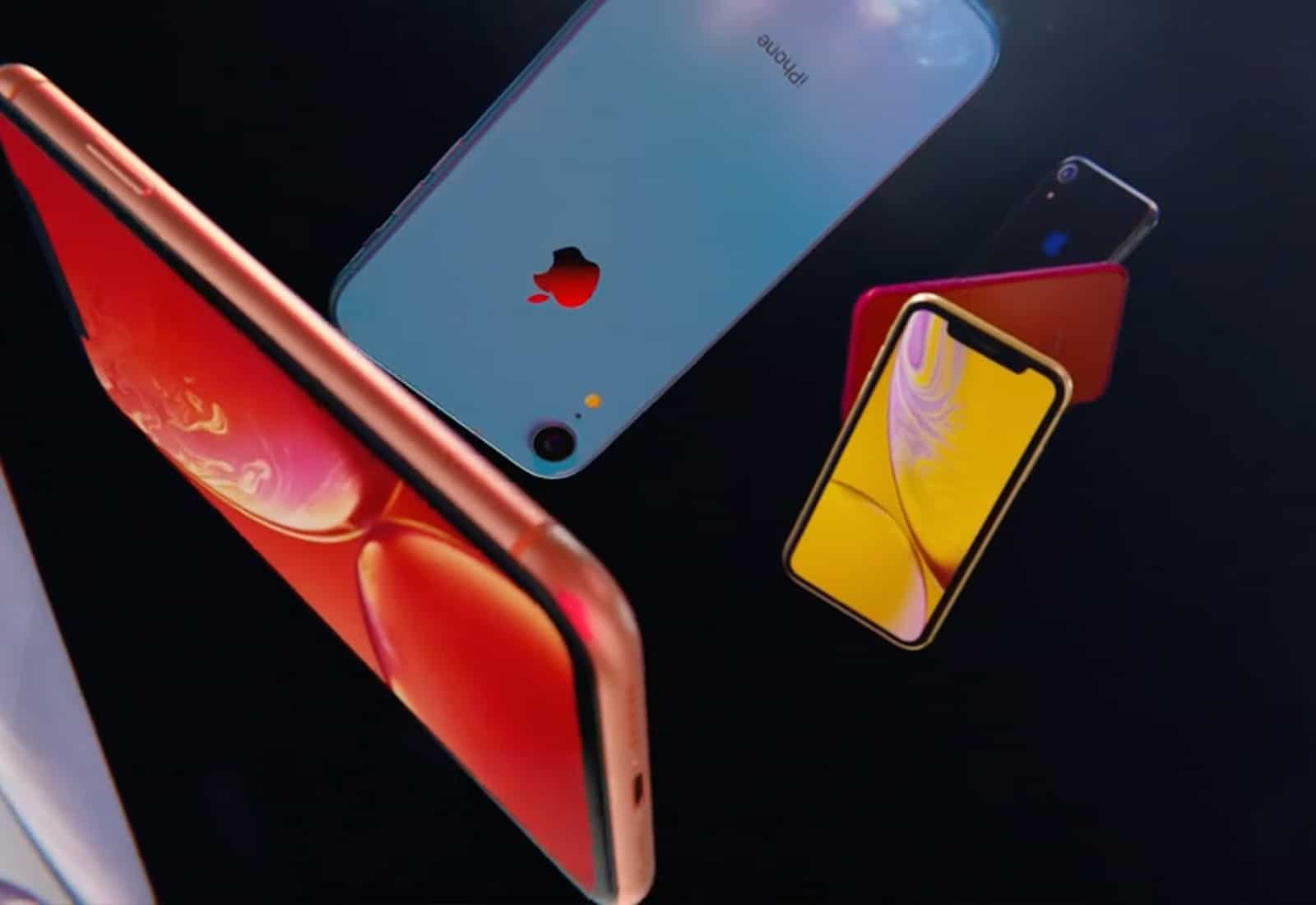
Expensive performing camera in a budget iPhone. Photo: Apple
The iPhone XR received the highest rating ever for a single-cam smartphone tested by image lab DxOMark.
Apple’s budget option for 2018 held its own against the more-expensive iPhone XS Max in a number of categories. Its score of 101 comes in just four points below that of the iPhone XS Max. And it’s three points better than the Google Pixel 2.
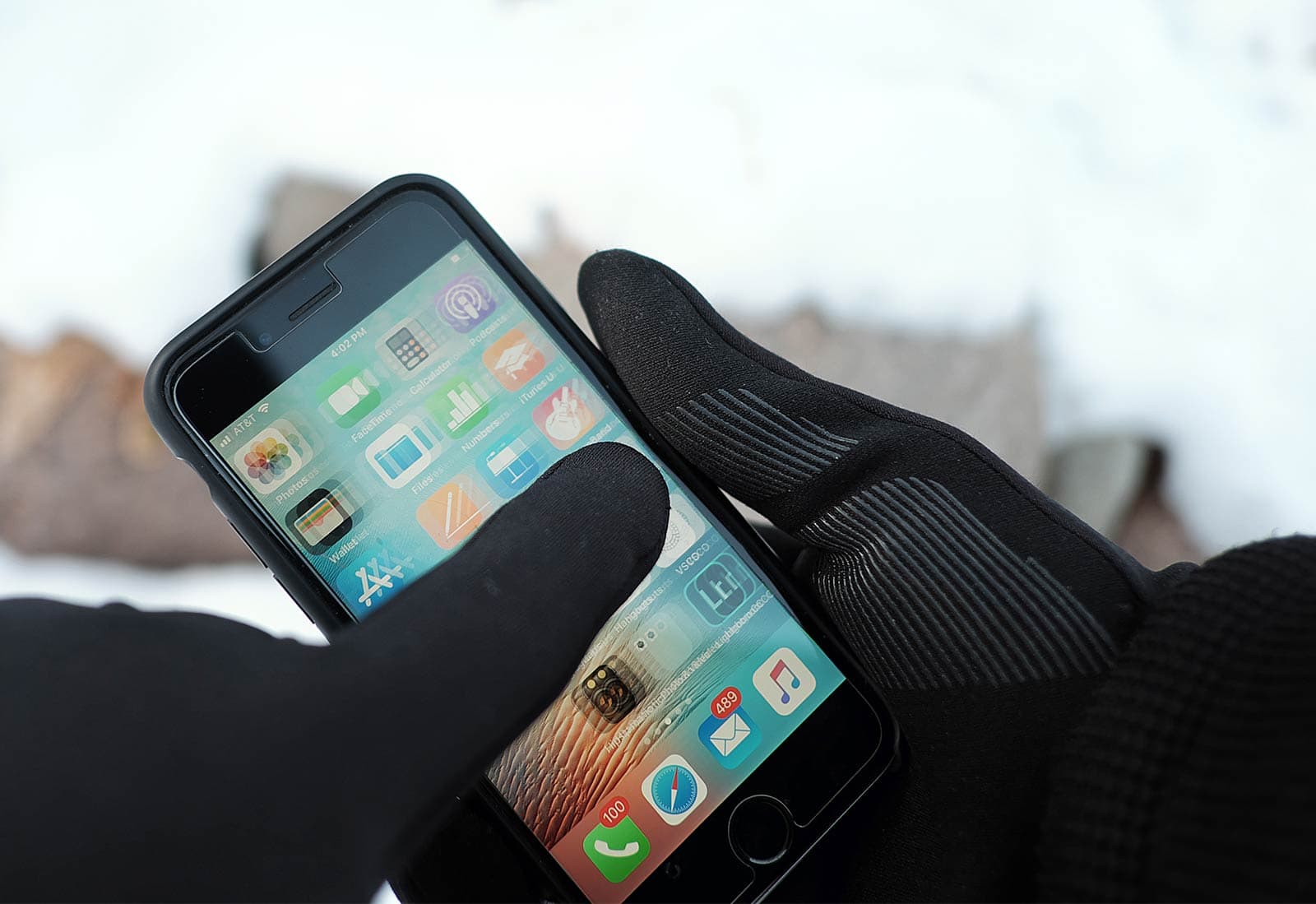
Mujjo touchscreen gloves keep you warm and connected. Photo: David Pierini/Cult of Mac
The last time I tried to use touchscreen gloves, I had made the decision to just never use my phone outdoors in the dead of winter. The damn things just weren’t warm.
I’m recalling this from my home in Minnesota, where this week’s lows are forecast to dip below zero for the first time this winter and I am wearing touchscreen gloves.
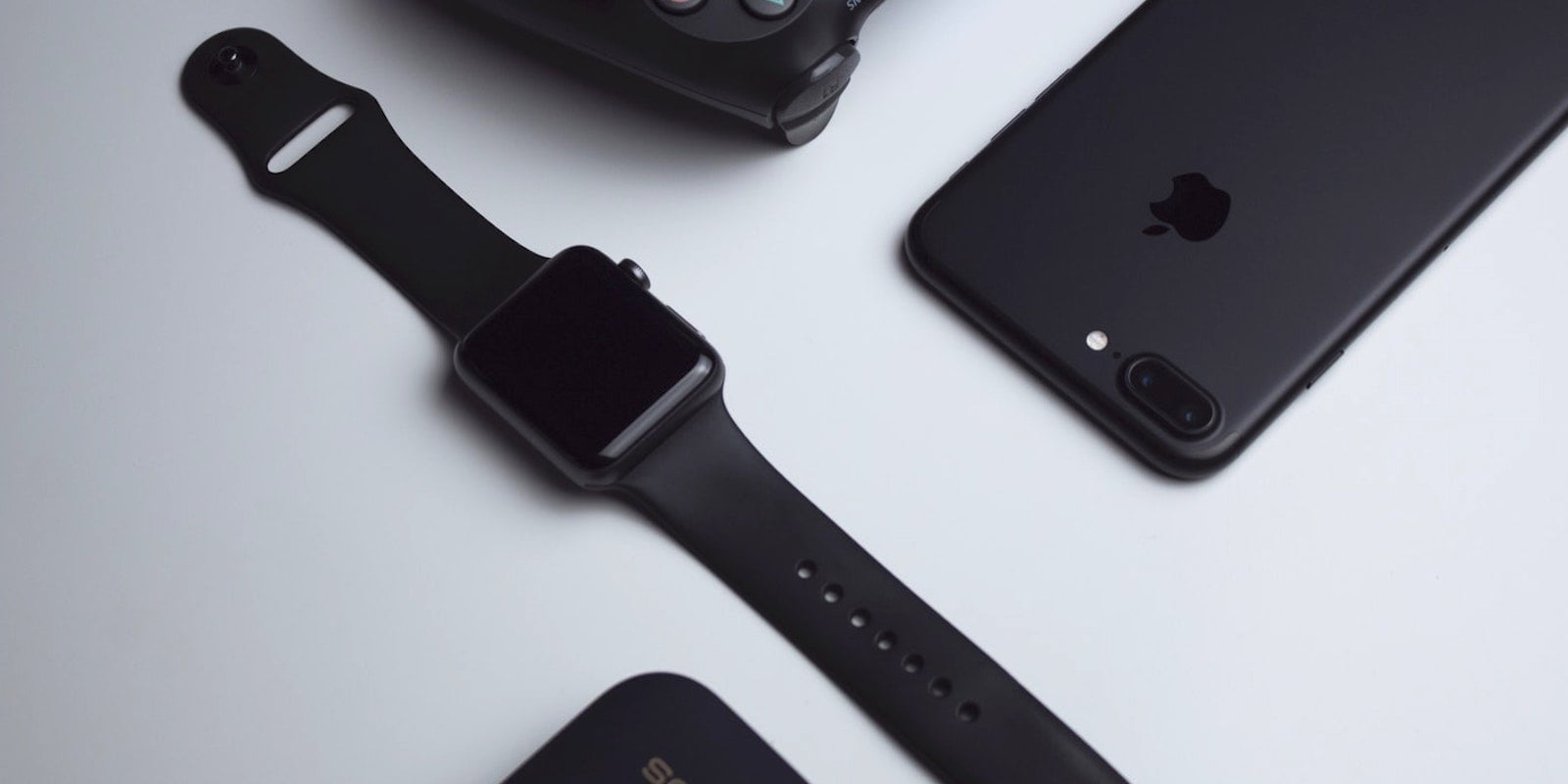
The holidays are finally upon us, and while that can lead to a great deal of stress, it also inevitably leads to a huge number of great deals on all of your favorite tech products. Here are four great everyday carry gadgets that are available at a significant discount for a limited time.
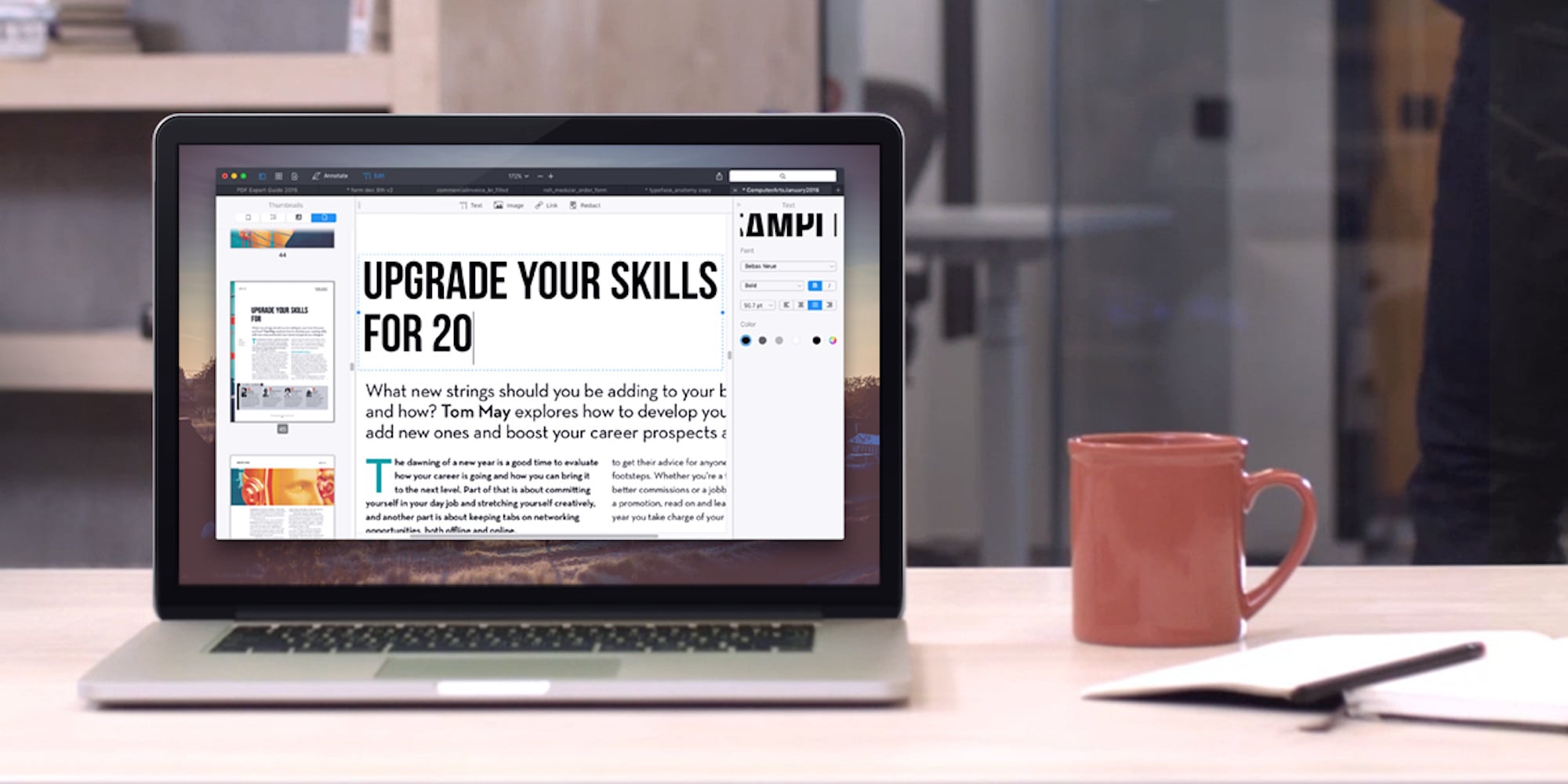
PDFs are usually tough to edit, but not so with this feature-rich app. Photo: Cult of Mac Deals
In most digital workplaces, PDFs are a regular part of daily life. It makes sense, too – they’re a great way to read all kinds of documents on almost any device. But if you need to edit one, good luck without the right software.
Apple's health-tracking features have been a game changer. Photo: Lewis Wallace/Cult of Mac
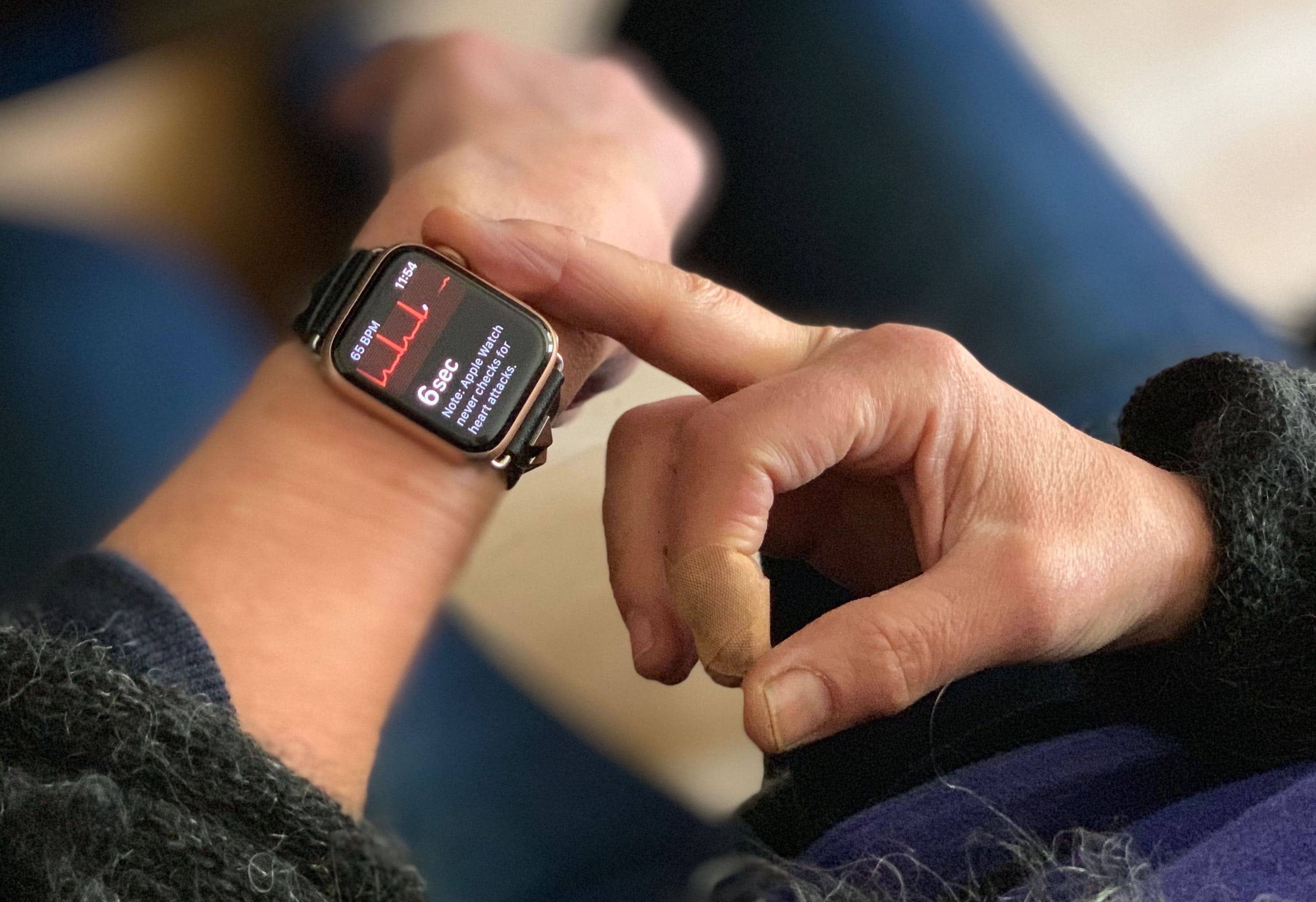
watchOS 5.1.2 launched to the public this morning and finally activated the ECG feature on Apple Watch Series 4.
For now, the ECG app can only be used in the US and US territories, but it gives wearers the ability to take an electrocardiogram to see whether your heart rhythm shows signs of atrial fibrillation. Using the ECG only takes about 30 seconds and it could save your life.
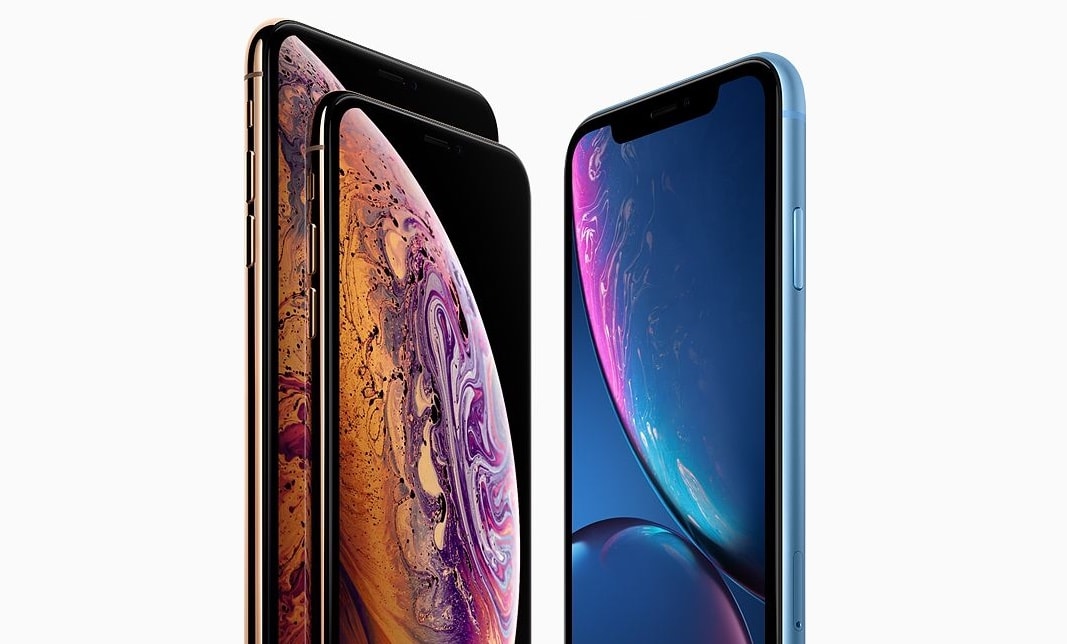
The iPhone XS models and the iPhone XR just don’t seem to be as enticing as their predecessors. Photo: Apple
2019 isn’t shaping up to be an good year for Apple. A survey of potential customers in the U.S. and in China found lower interest in iPhone than last year.
Buying for an iPhone fan? Start here! Photo: Killian Bell/Cult of Mac
With the holidays right around the corner, you should have started your shopping by now. And if you’re anything like the rest of us, you’re already fed up of it. That’s why Cult of Mac is here to help.
Our handy holiday gift guides will help you pick out the perfect present for friends and loves ones. We’ve hand-picked all kinds of awesome accessories and gadgets that are worthy of your hard-earned cash — and guaranteed to fetch a smile.
This guide is for the iPhone fans in your life, and it includes something to suit every budget.
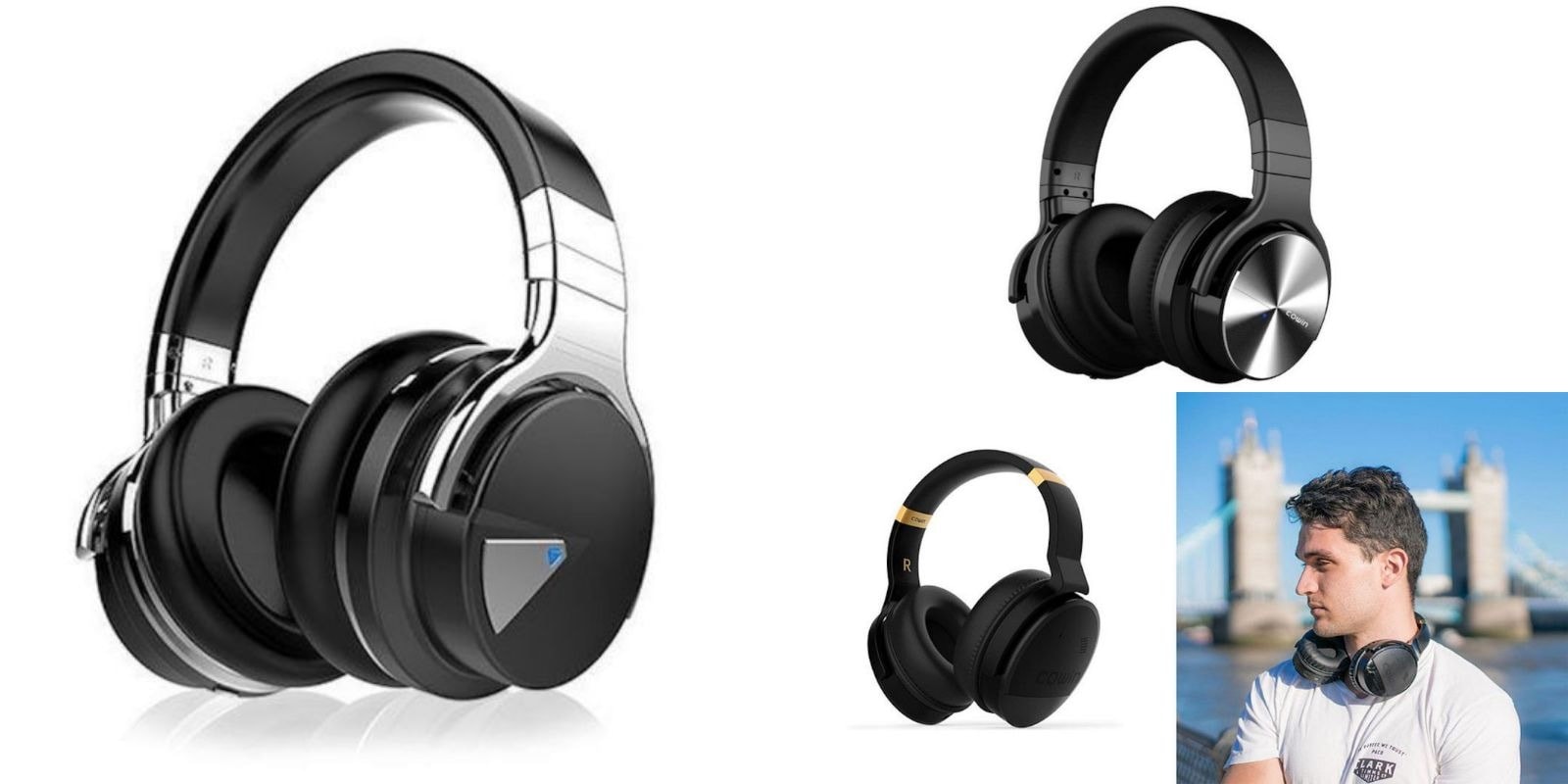
We've rounded up three of the best deals on noise cancelling headphones from Cowin. Photo: Cult of Mac Deals
Noise cancellation is all the rage in personal audio. So we’ve rounded up three of the best over-ear, noise-canceling headsets from Cowin, maker of premium personal audio, all at significant discount. Read on to get an earful of details!
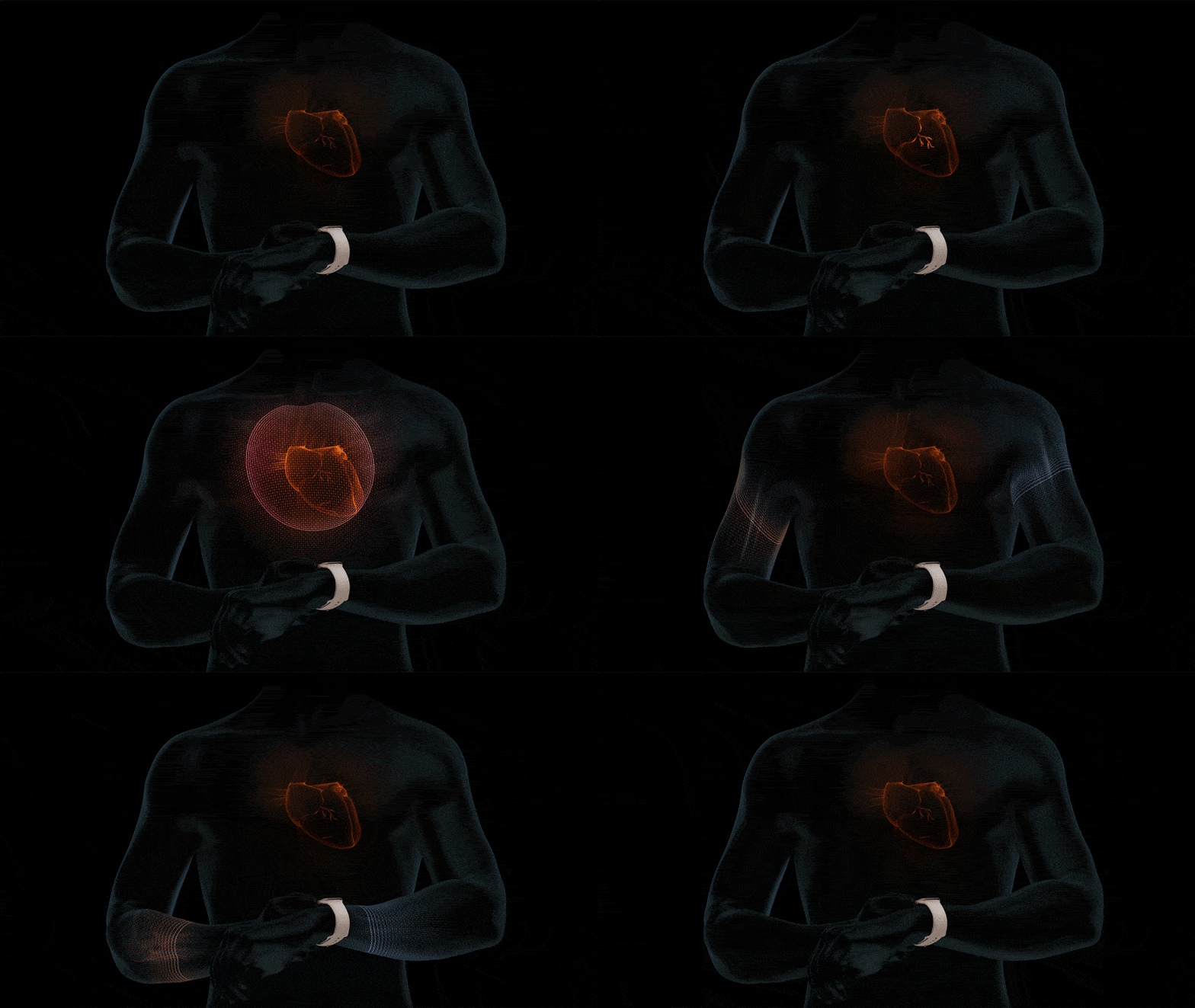
The long-awaited ECG app is almost available on Apple Watch Series 4 (if you live in the U.S.) with watchOS 5.1.2.
It is the first wearable of its kind to offer this functionality, which promises to help uses detect atrial fibrillation — the most common form or irregular rhythm. Irregular heart rhythm notifications have also landed on Series 1 devices and later.
It's going to be a wonderful winter. Photo: Epic Games
Grab your scarf and gloves because winter has arrived in Fortnite season seven.
The massive update brings big changes to the Battle Royale map, including zip lines that help you travel to and from high terrain. It also adds Stormwing planes, weapon and vehicle wraps, Creative Mode, and a brand new Battle Pass with more than 100 new rewards.
Using Apple’s amazing new Shortcuts app, you can rip a video from YouTube, download it, and store it in a folder on your iPhone — all without using a computer.
Maybe you want to watch some clips on your commute without burning through your cellular data. Or perhaps you’re a language or music teacher, and you want to keep teaching materials offline instead of relying on your pupil’s Wi-Fi?
This shortcut can be triggered in Safari, and will save the YouTube video to your Camera Roll, iCloud Drive, Dropbox or other location of your choice. Let’s get started.
Update to macOS 10.14.2 today for a handful of small improvements. Photo: Apple
September brought macOS Mojave 10.14 with a wide array of new features like Dark Mode. October saw the introduction of version 10.12.1 with Group FaceTime. And today there’s macOS 10.14.2 with… well, what are definitely some very minor improvements.
Apple also just introduced iOS 12.1.1 with improvements for FaceTime and Face ID. In addition, tvOS 12.1.1 was released with some minor bug fixes.
Not everyone gets Steve Jobs to give an autograph. Photo: RR Auction
A piece of a well-known story about Steve Jobs’ disdain for giving autographs goes on the auction block Thursday.
At the 2006 opening of an Apple Store in New York City, the Apple co-founder initially refused the request of a man in a wheelchair who had hoped Jobs would sign his copy of the premiere issue of Macworld magazine.
Jobs, according to witnesses, was joking when he said no. He eventually acquiesced and signed the magazine, “To Matt” followed by “steven jobs.” (He rarely used capital letters when signing his name.)
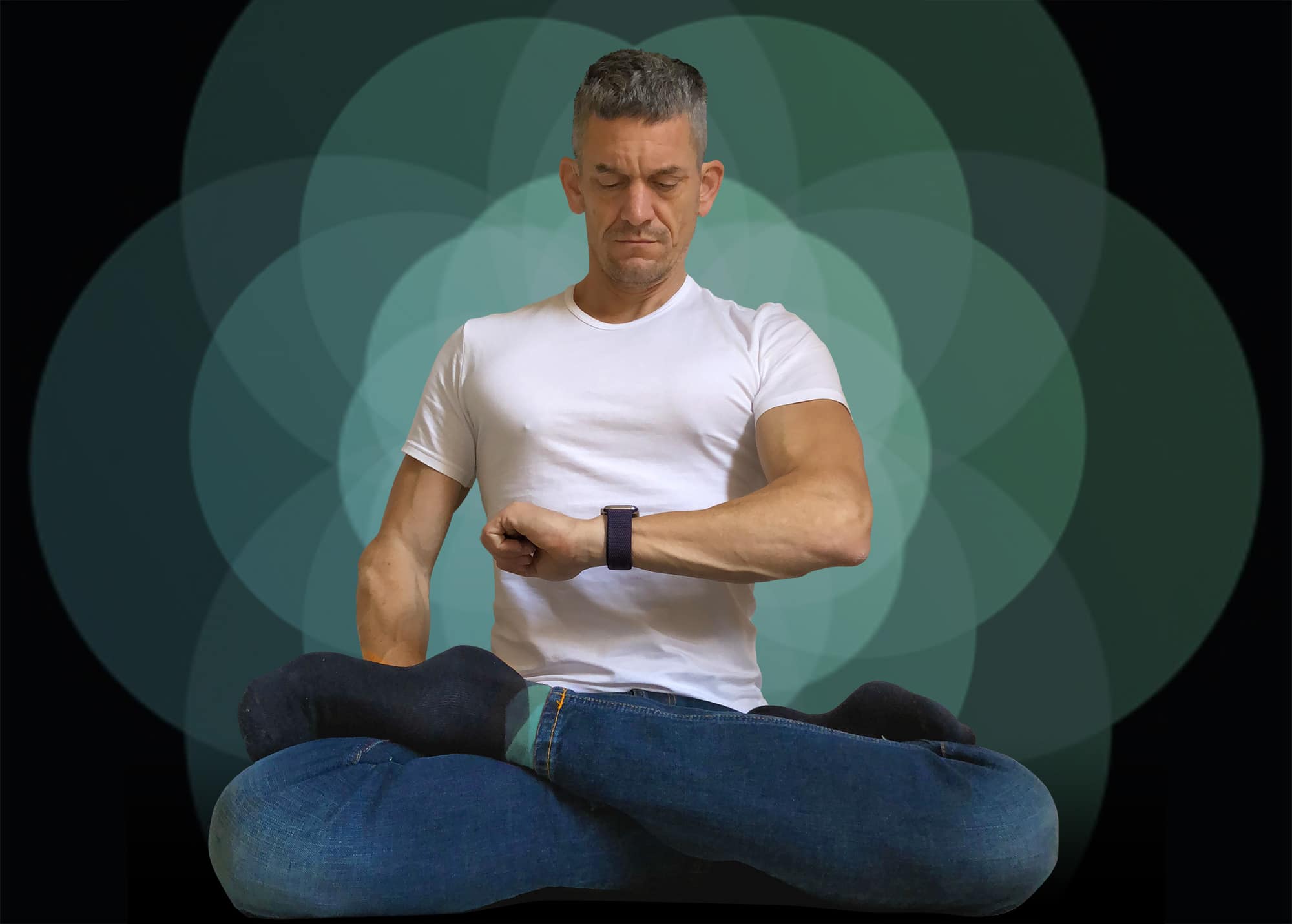
Chill out with the Apple Watch Breathe app. Photo: Graham Bower/Cult of Mac
In today’s fast-paced, connected world, the demands on our time seem endless. We spend much of our day in a state of constant hyperactivity. Apple Watch and iPhone add to the pressure, with their endless notifications telling us what we should be doing, who we should be speaking to and where we should be going.
Fortunately, Apple also offers an oasis of calm that can help us slow down this frenetic pace. The Apple Watch Breathe app draws on the ancient wisdom of Buddhist monks and yogis who practice a technique called “resonant breathing.”
Luckily, you don’t need to be a master of meditation to use the Breathe app that comes built into your Apple Watch. With clever visuals and smart features, it will guide you through this time-honored method for relaxing your body and clearing your mind. It’s a surprisingly subtle and relaxing experience that you might really enjoy.
In this quick guide, we’ll take a look at the origins of the Breathe app, how it works, what the benefits of resonant breathing are, and how to take advantage of this calming tech. So take a deep breath and let’s get started.
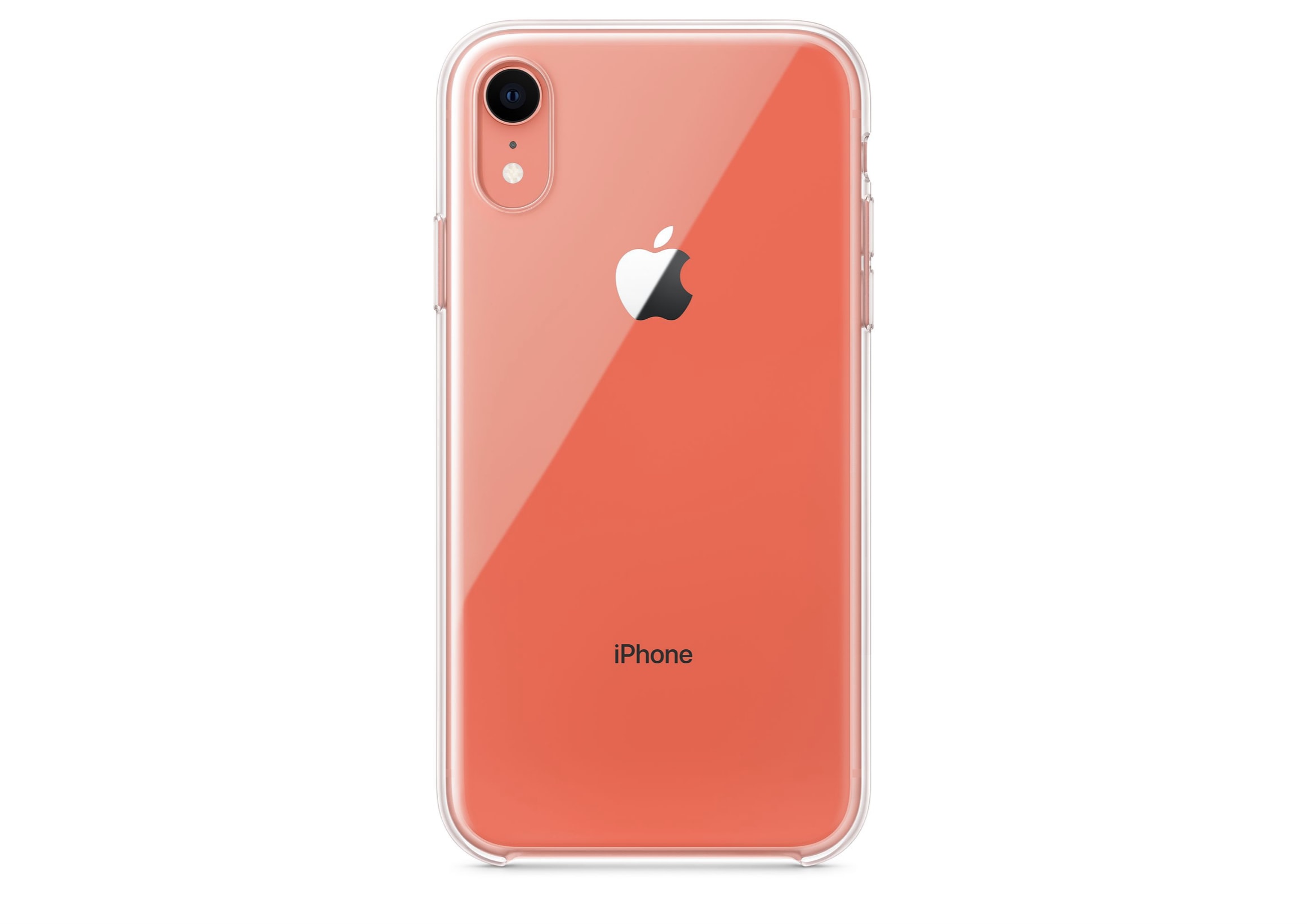
Protect the iPhone XR without spoiling its design. Photo: Apple
Apple has finally started selling its first official iPhone XR case, more than a month after the handset made its debut.
The Clear Case, which leaked out in October, is made with a “blend of optically clear polycarbonate and flexible TPU materials” so that you can enjoy your iPhone XR’s design while keeping it protected.
We've rounded up 4 ways to boost your personal or professional skills, from social media marketing to graphic design and way beyond, each for under 20 bucks. Photo: Cult of Mac Deals
It’s never a bad idea to make yourself more appealing to potential employers. But there are so many skills to learn, from coding, to graphic design, to Excel, and on and on, it can be hard to know where to start, and education is often expensive. So we’ve rounded up courses that cover all of the above and more, all for less than 20 bucks. Take a look, and pick the ways you want to boost your resume.
This iPhone gimbal does double duty as a charging platform, with a bunch of other cool extras. Photo: Cult of Mac Deals
Despite the great camera, taking great video with iPhone requires a few extra things. First, you’ll want something to reduce the shakiness of handheld video. Additionally, because the camera is a serious energy drain, you want something to keep your phone charged. So any iPhone videographer can get into this gimbal that does both.
Depth Control can add subtle or wild background blur to your images. Photo: Cult of Mac
The iPhone XS has an amazing camera, and the best part of that camera is the Depth Control feature, which lets you adjust the background blur after you take the photo.
This is a powerful feature, but to get the most out of it, you might want to check out these tips and tricks on using Depth Control on iPhone XS.
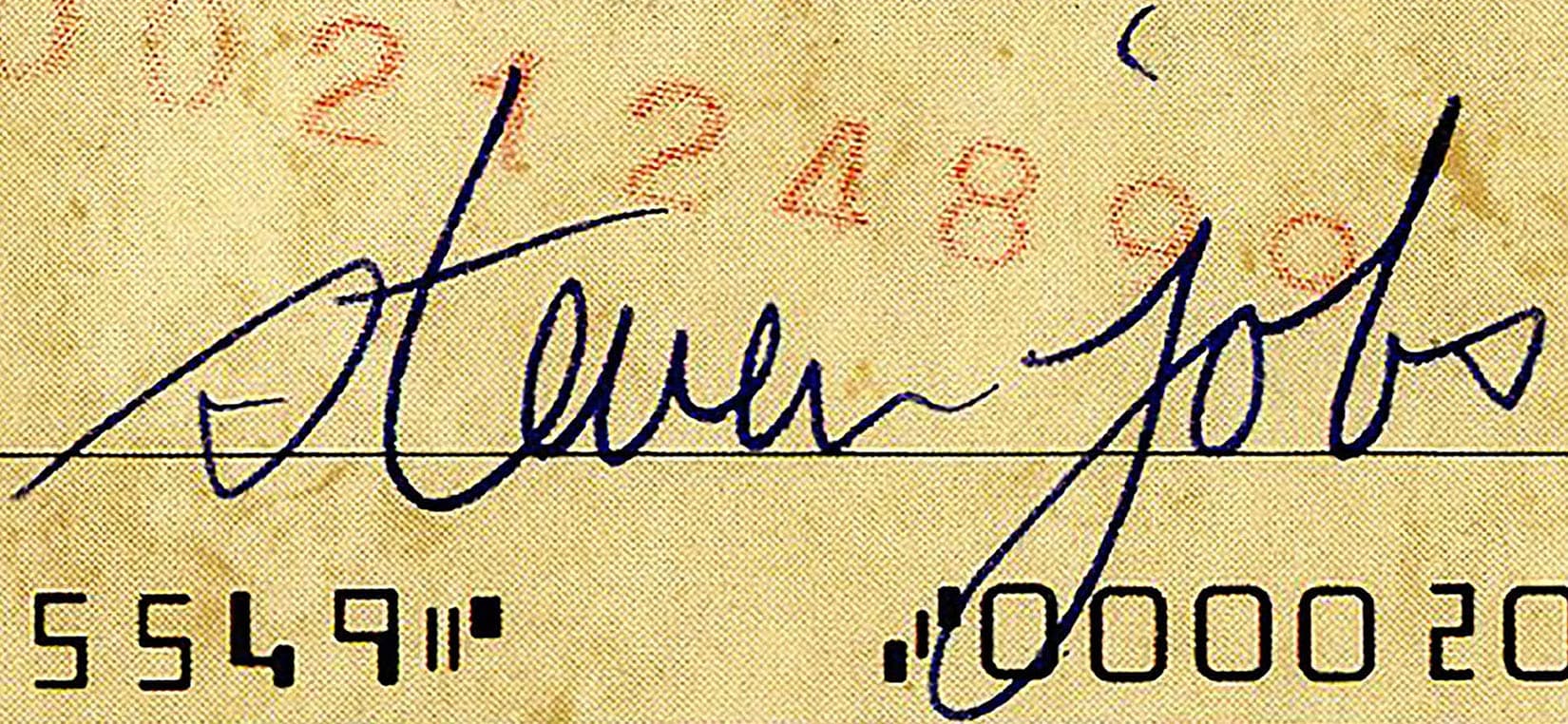
That signature lower-case-letter-style of signing. Photo: Nate D Sanders/Paul Fraser Collectibles
Apple co-founder Steve Jobs had little time or interest in signing autographs for fans.
But if you are in possession of the rare exception, you have a signature considered the most valuable, according to a guide that tracks the values of the most sought-after autographs.
Worth a whopping $200-plus, this bulletproof bundle could be yours for free. Photo: Lyle Kahney/Cult of Mac
You know what time it is! ‘Tis the season of giving (aka treating yo’self).
To keep our promise of gifting tons of top-notch iPhone cases, we’re kicking off December with another Instagram giveaway.
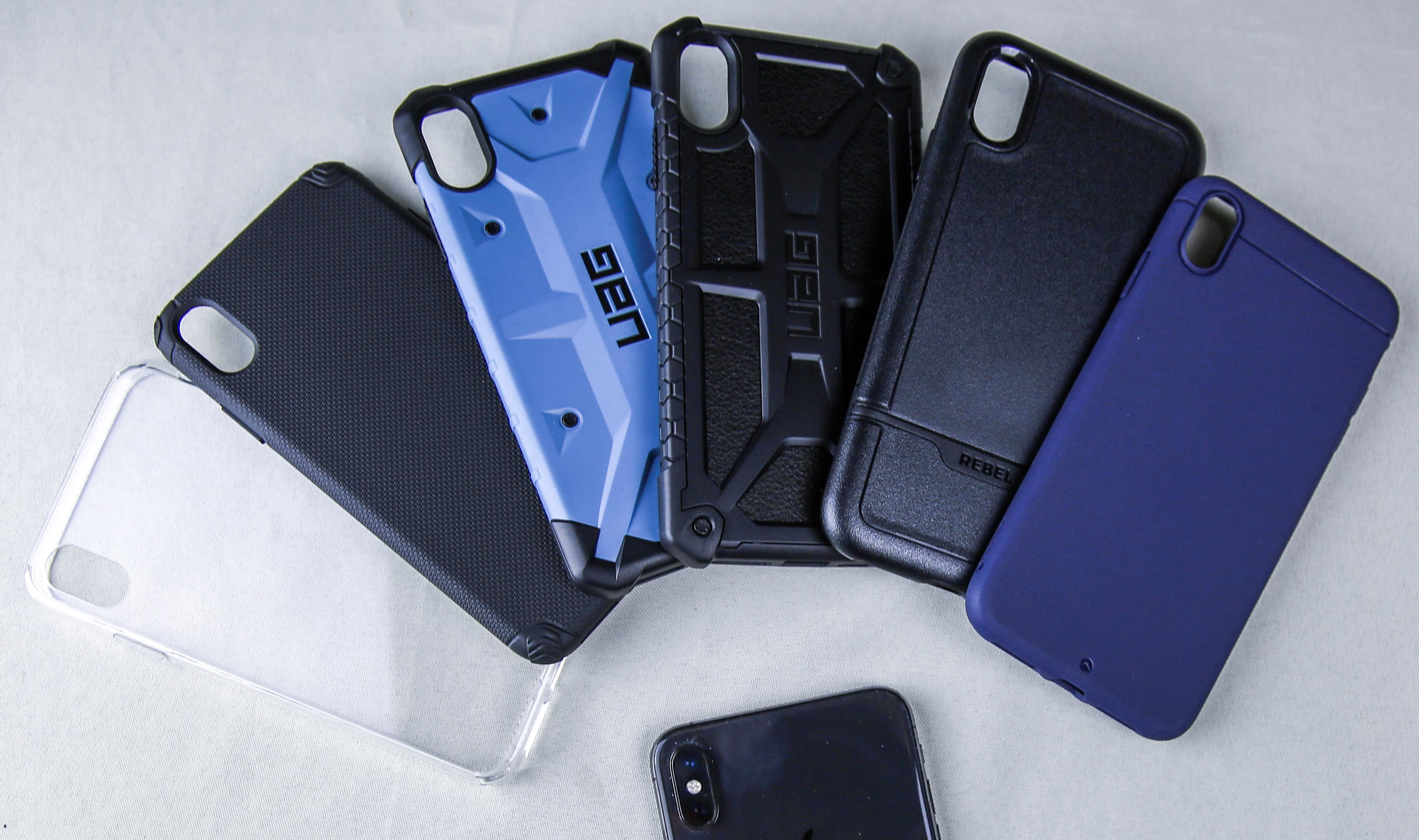
The iPhone XS and XR case giveaways were a smash hit. Now, it’s finally time for the iPhone XS Max case bundle. Cult of Mac hand-picked six wicked cases from UAG, Just Mobile, Encased and Caudabe. Plus we’re throwing in a super-tough 3D tempered-glass screen protector.
Apple is changing up its sales strategy. Photo: Apple
Apple is resorting to very un-Apple marketing strategies to try and bolster sales of this year’s new iPhones, a report claims.
These strategies include discount promotions via “generous” device buyback terms. The company is even moving marketing staff from other projects to try and come up with ways to move the iPhone XR and XS off the shelves. This could be proof positive that the new iPhones haven’t been selling as expected.
Think twice about buying your little ones an iPad for Christmas. Once they reach a certain age, Apple’s tablet just isn’t good enough, according to a new Microsoft holiday ad.
The hilarious 30-second clip features a young girl singing about all the reasons why the Surface Go is a better option. It suggests the iPad is a toy — not a “real computer” that’s fit for work.
Save on Apple’s biggest and best iPad Pro. Photo: Charlie Sorrel/Cult of Mac
The new iPad Pro lineup is Apple’s most expensive to date, but you can score yours at a sweet discount if you know where to look. B&H Photo has slashed up to $100 off select models for today only!
That’s just one of the awesome offers in today’s Deals & Steals roundup. We also have up to $500 off the MacBook Pro, $100 off Powerbeats3 wireless headphones, and $40 off the latest 9.7-inch iPad.
Plus, you can get Call of Duty: Black Ops 4 for PlayStation 4 or Xbox One for nearly half off!