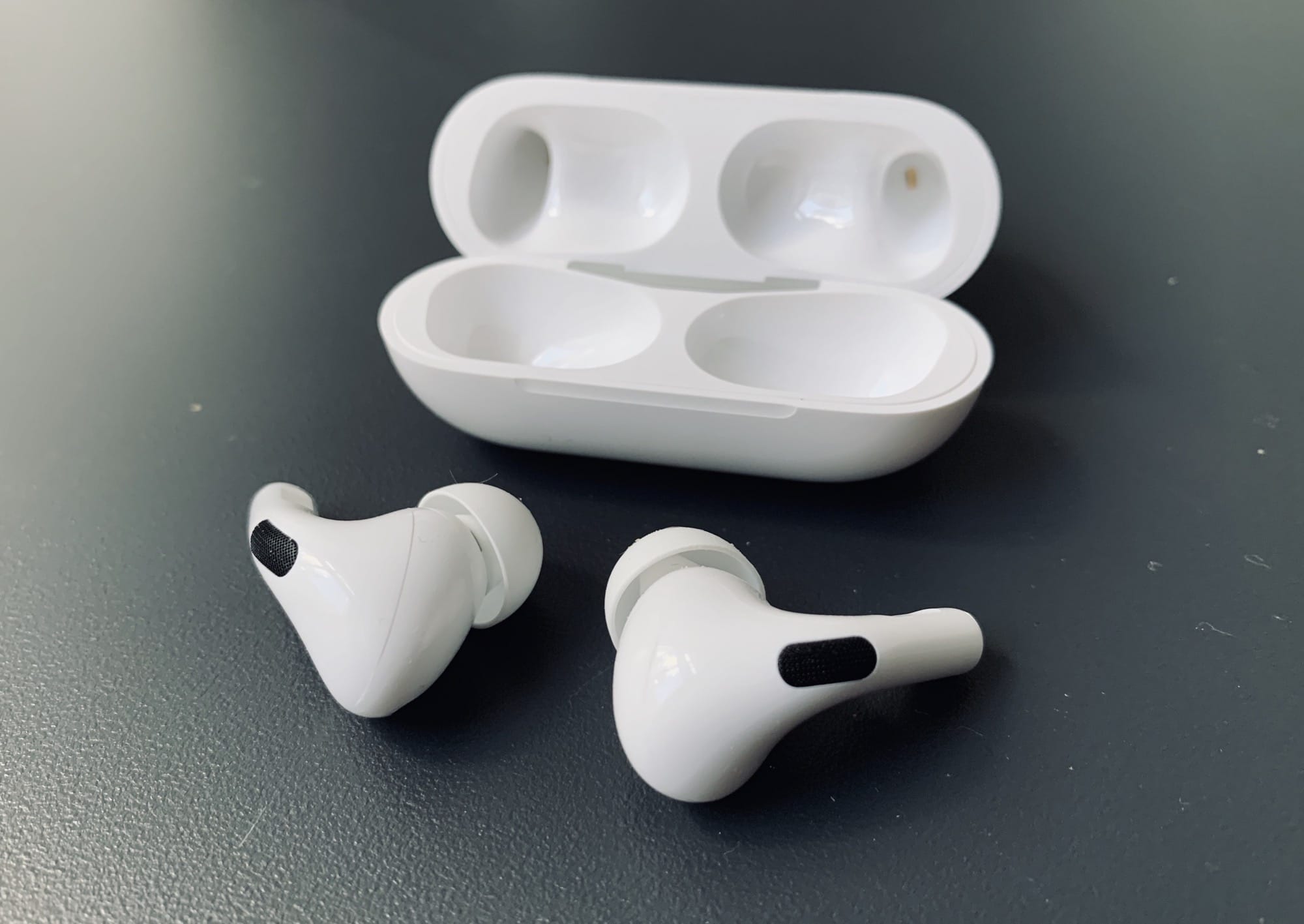
AirPods Pro might sell out before Christmas or Hanukkah. Photo: Charlie Sorrel/Cult of Mac
AirPods are shaping up to be one of the hottest gifts this holiday season. And while it might seem like there’s still plenty of time to pick up a pair before Christmas or Hanukkah, there’s less time than you think.
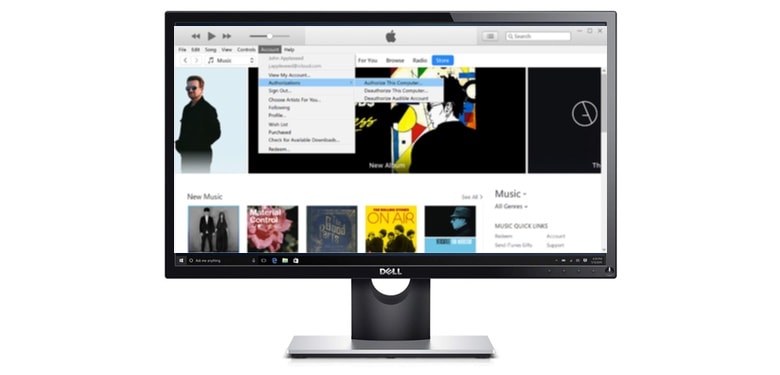
iTunes for Windows might be split up. Photo: Apple/Cult of Mac
Windows users might not have to use iTunes much longer. Mac users were freed from this often-criticized multimedia software by macOS Catalina, but it lives on computers running Microsoft’s operating system.
However, Apple seems to be staffing up to create a replacement for Windows too.
We pay great prices for used MacBook, MacBook Air, and MacBook Pro units — and we make the whole process quick and simple. We also cough up real cash, so you can spend it anywhere you like.
There are a handful of webpages I keep referring back to, often reading the same parts over and over. They may be part of an instruction manual, or other reference material1. And sometimes, while researching an article, I want to highlight sections and phrases to find them more easily. Just like using a highlighter marker on a sheet of paper.
Until now, I’ve never found good way to do it. Apps required me to sign up for an account, or store my highlights on their servers, or pay a subscription. Or the app was just plain clunky. Then I found Highlighter for Safari.
Bag 'em! It's time to accessorize that monster laptop. Photo: WaterField Designs
Your shiny new 16-inch MacBook Pro arrives this week, and of course you want to deck it out with all the latest accessories. What you need will depend on what you use your computer for, but almost everyone will want a case, a keyboard and a mouse. And there are plenty of other MacBook Pro accessories you might need to get the job done.
Check out our guide for dongles, cables and even battery packs that will help you get the most out of your new MacBook Pro.
This AirPods cover is the baste. Photo: Dana Davis
Crafty entrepreneurs came up with a fun way to make your AirPods — or at least the charging case they come in — stand out. Crochet AirPods covers ensure that nobody will mistake that little white case for a pack of dental floss.
If you feel like dismissing crochet as something from your grandmother’s era, you haven’t looked around your coffeeshop, bus or subway car recently. If you do, you might notice that a new, hip generation of creators discovered this analog textile art.
We've rounded up a wide range of seriously discounted power banks. Photo: Cult of Mac Deals
You likely never leave home without your mobile devices. Unfortunately, our phones and tablets aren’t (yet) solar-powered, so you shouldn’t be leaving without a backup power bank, either. That’s why we rounded up four of the best portable power packs we’ve seen.
From uber-slim to super-small to mega-capacity, there’s something here to match anyone’s day-to-day needs — and they’re all discounted heavily right now.
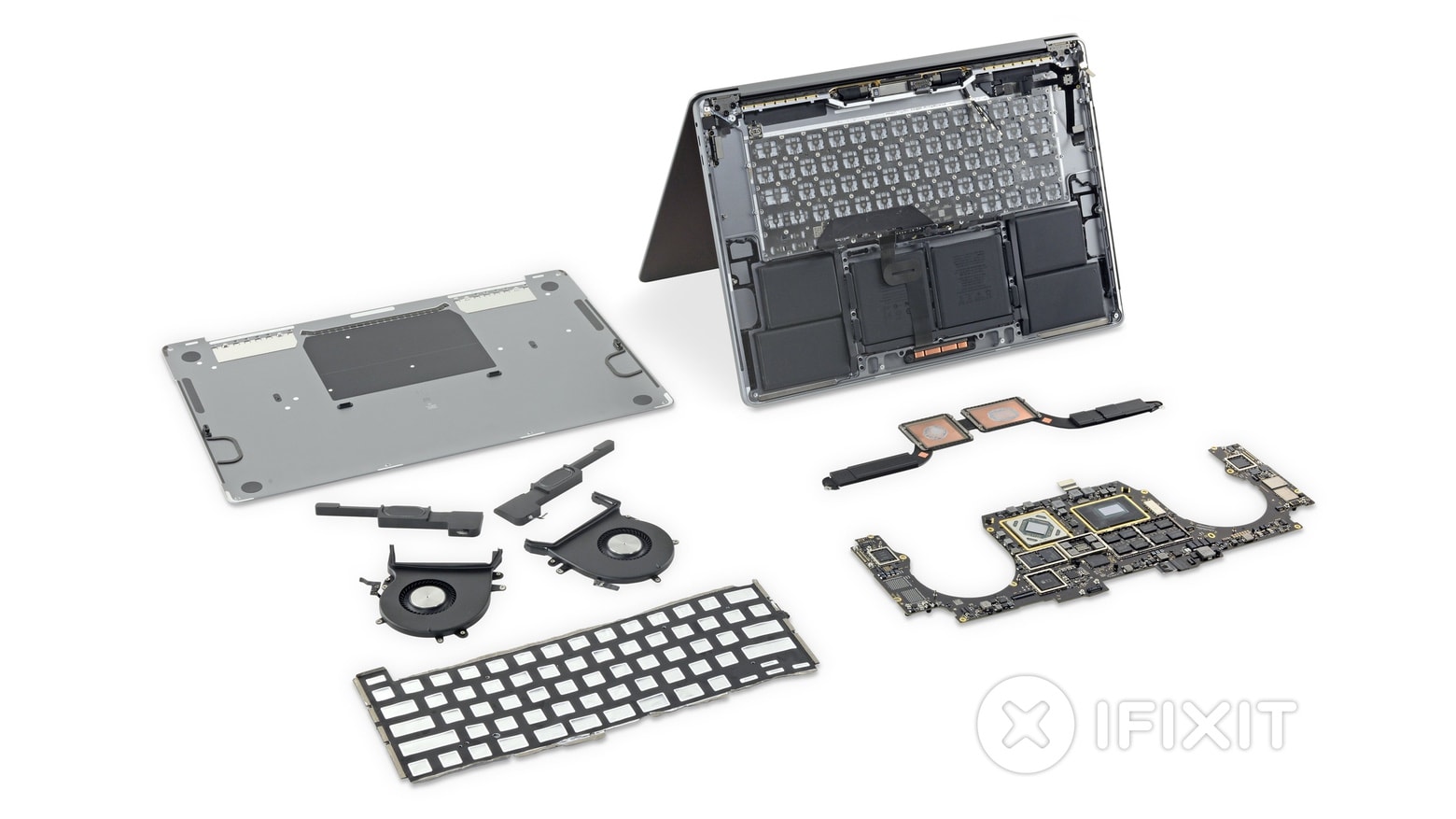
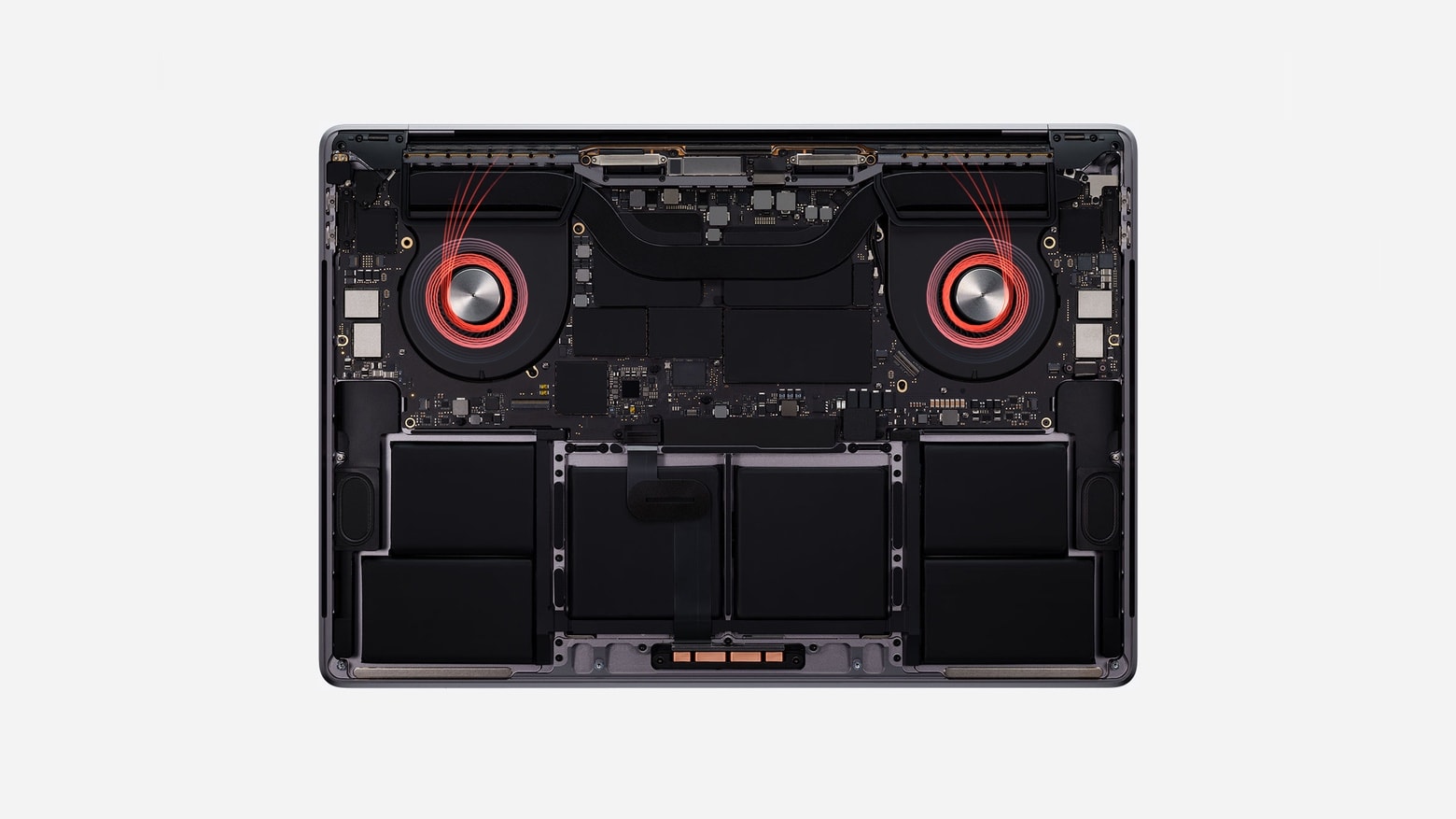
Explore the inside of the new 16-inch MacBook with a teardown by iFixit. Photo: iFixit
Disassembling the new 16-inch MacBook Pro finds plenty to like. There’s a keyboard that’s almost certainly more reliable, a revamped thermal system and a bigger battery.
On the other side of the coin, repair company iFixit did a teardown and gives this laptop a low, low rating for repairability.
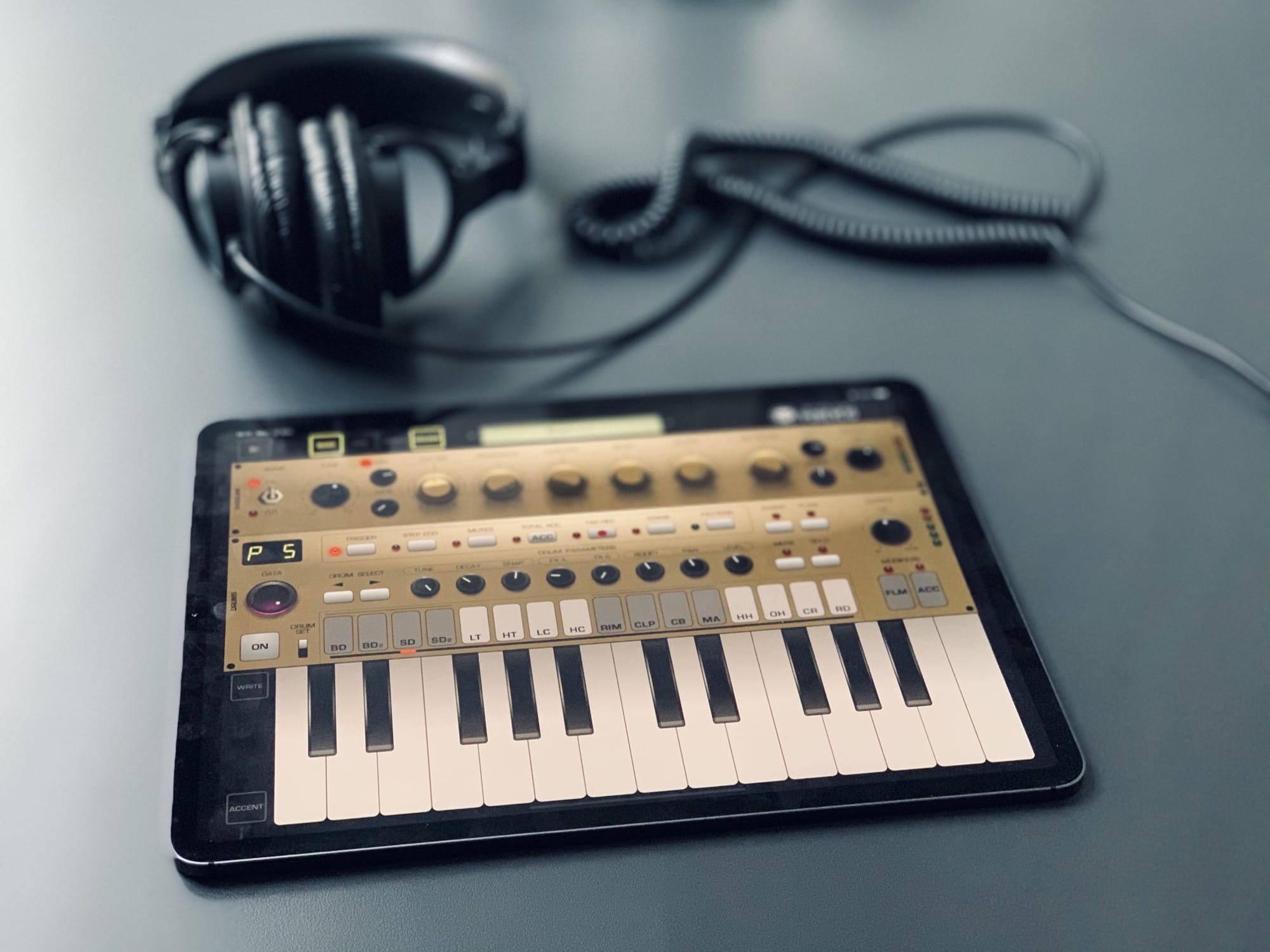
Here’s Pure Acid with a fetching gold makeover. Photo: Charlie Sorrel/Cult of Mac
Pure Acid is a bass synthesizer and drum machine app for the iPad, and it might just be the best drum machine app ever. It is, for me, the first app that actually feels like you’re using physical drum machine hardware instead of just another touchscreen app. Part of this is down to the one-screen interface, where everything is (mostly) always in the same spot — just like real buttons. And part is due to the app design genius of Pure Acid’s creator, Dmitrij Pavlov (aka Jim Pavloff).
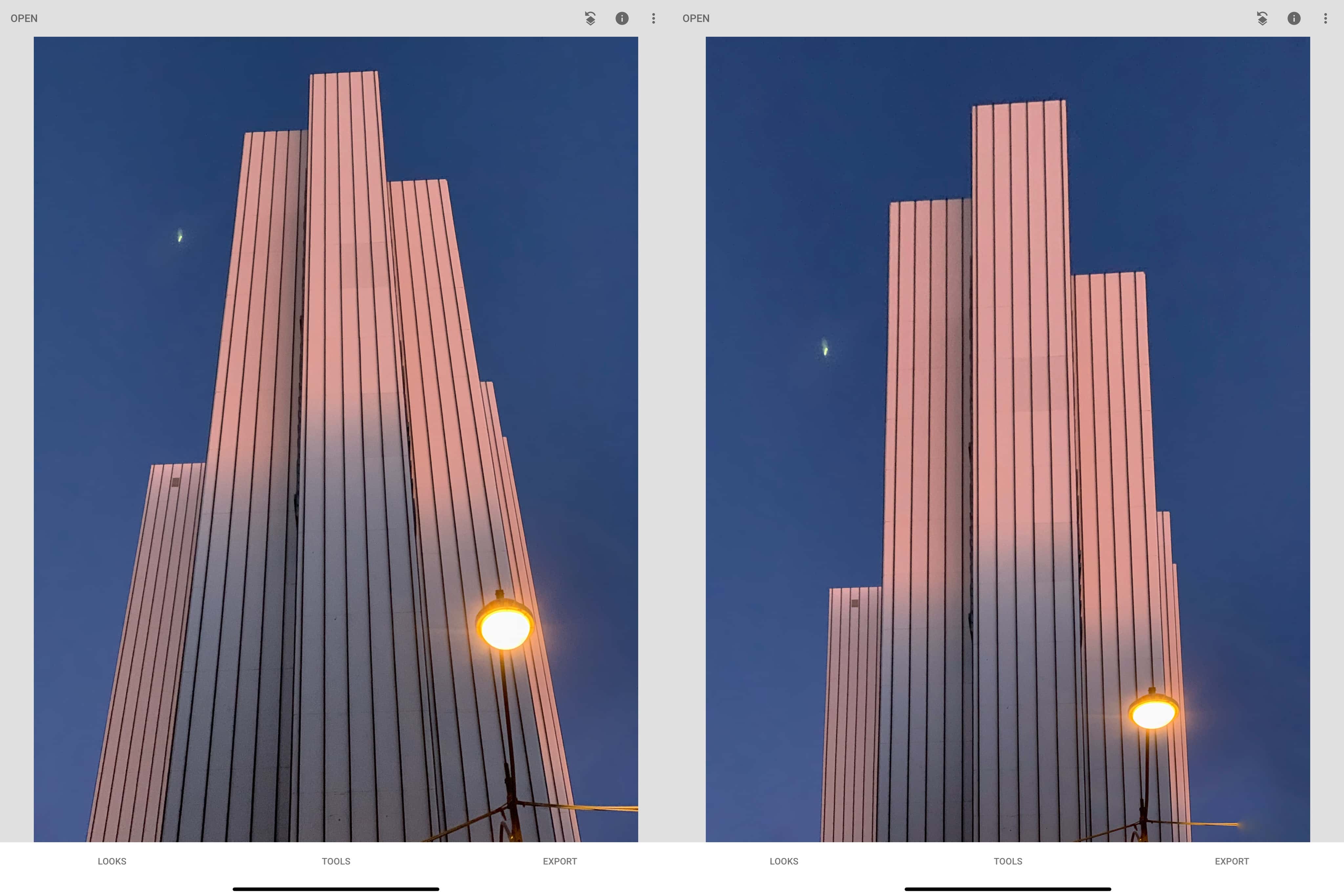
It’s not better, but it offers a different perspective. Photo: Charlie Sorrel/Cult of Mac
You’ve always been able to crop photos on your iPhone and iPad. It’s easy to “zoom” into your images, cutting out cruft and distraction at the edges of the frame to focus on what’s important. But now, in iOS 13 and iPadOS, you can do more than crop and chop. Now you also can skew images — aka correct perspective errors — all inside the Photos app’s edit mode.
You can do all kinds of things with this new Photos tool. If you snapped a picture of a painting in the gallery, and didn’t hold your iPhone parallel to the wall, you can fix that. Or you can get more radical, perhaps by “fixing” an image of a skyscraper to stop it from disappearing to a point in the distance. The good news is that these perspective tools are fun and easy to use. Let’s check them out.
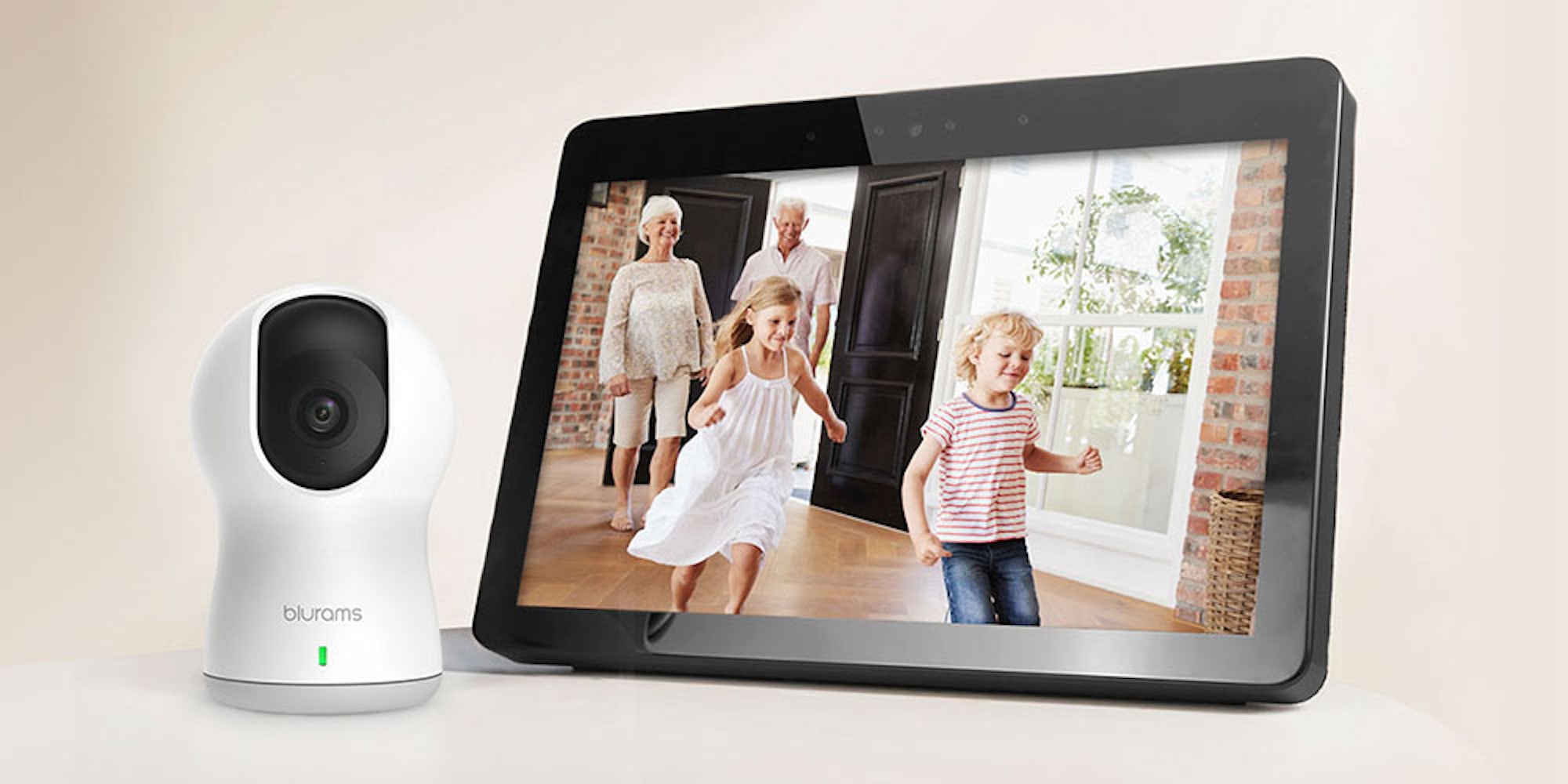
This highly rated smart home camera can be your extra layer of protection. Photo: Cult of Mac Deals
Home security cam shoppers are always looking for that middle ground between a feature-laden device and the sticker shock that usually comes with such units.
The Blurams Dome Pro 1080p Security Camera hits that sweet spot. It packs loads of high-quality, super-cool extras into a versatile, modestly priced package that should fit most user’s security needs.
Radio and research. Horror and HomeKit. Photo: Cult of Mac
This week we get healthy with Apple’s Research app, build ridiculously-powerful shortcuts with Toolbox Pro, listen to internet radio with Triode, and scare ourselves silly with Layers of Fear. Shiver.
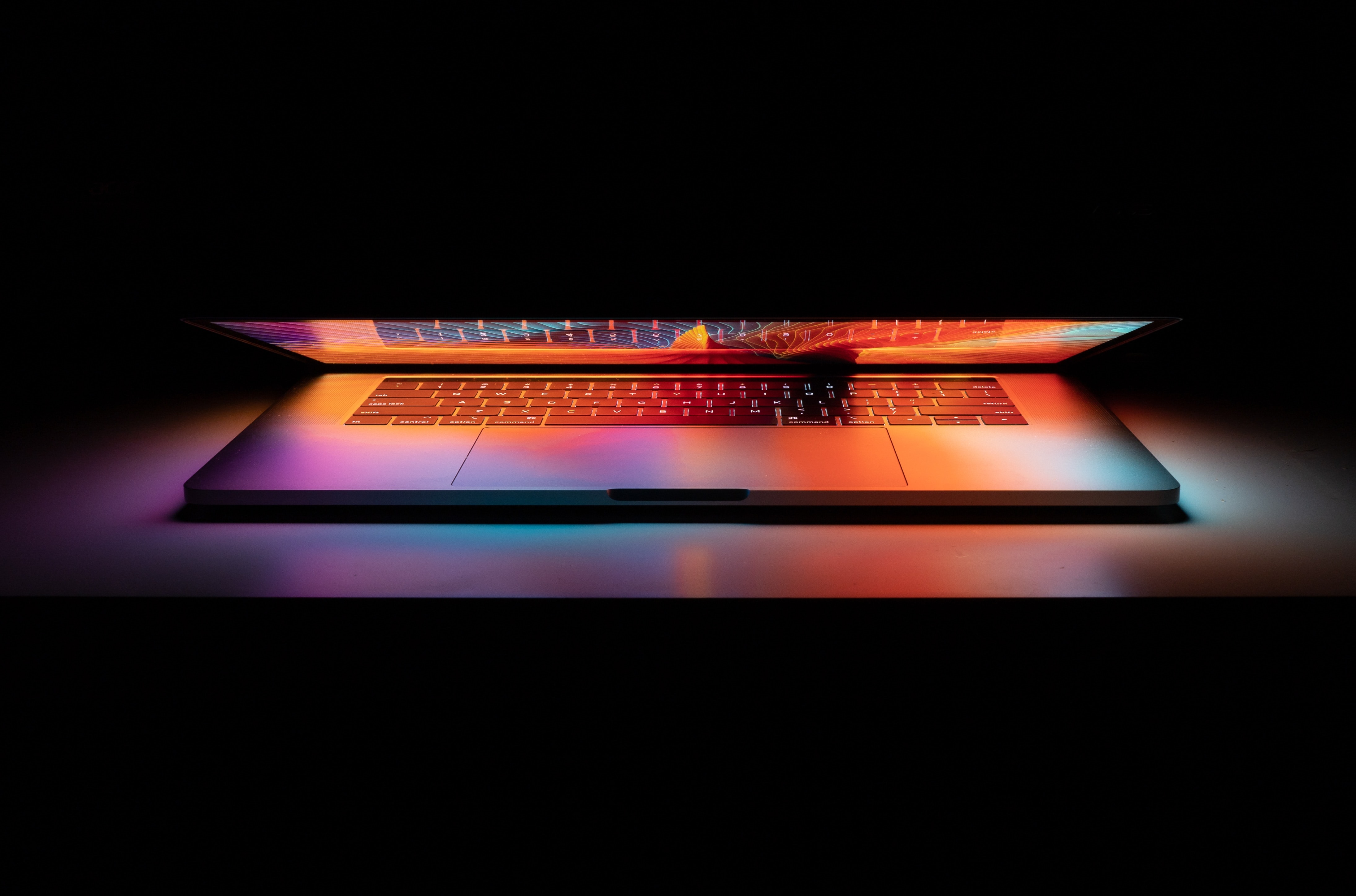
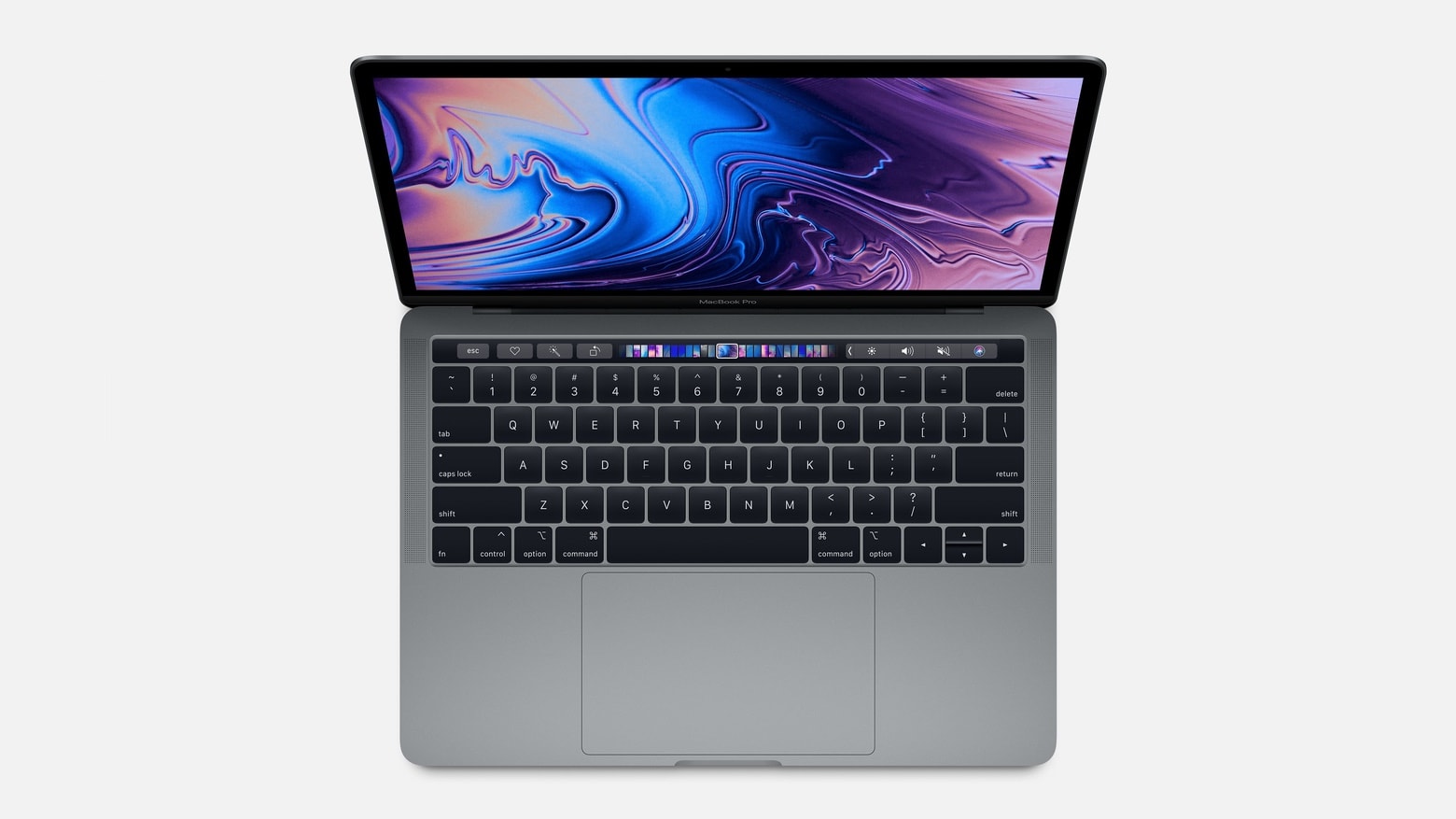
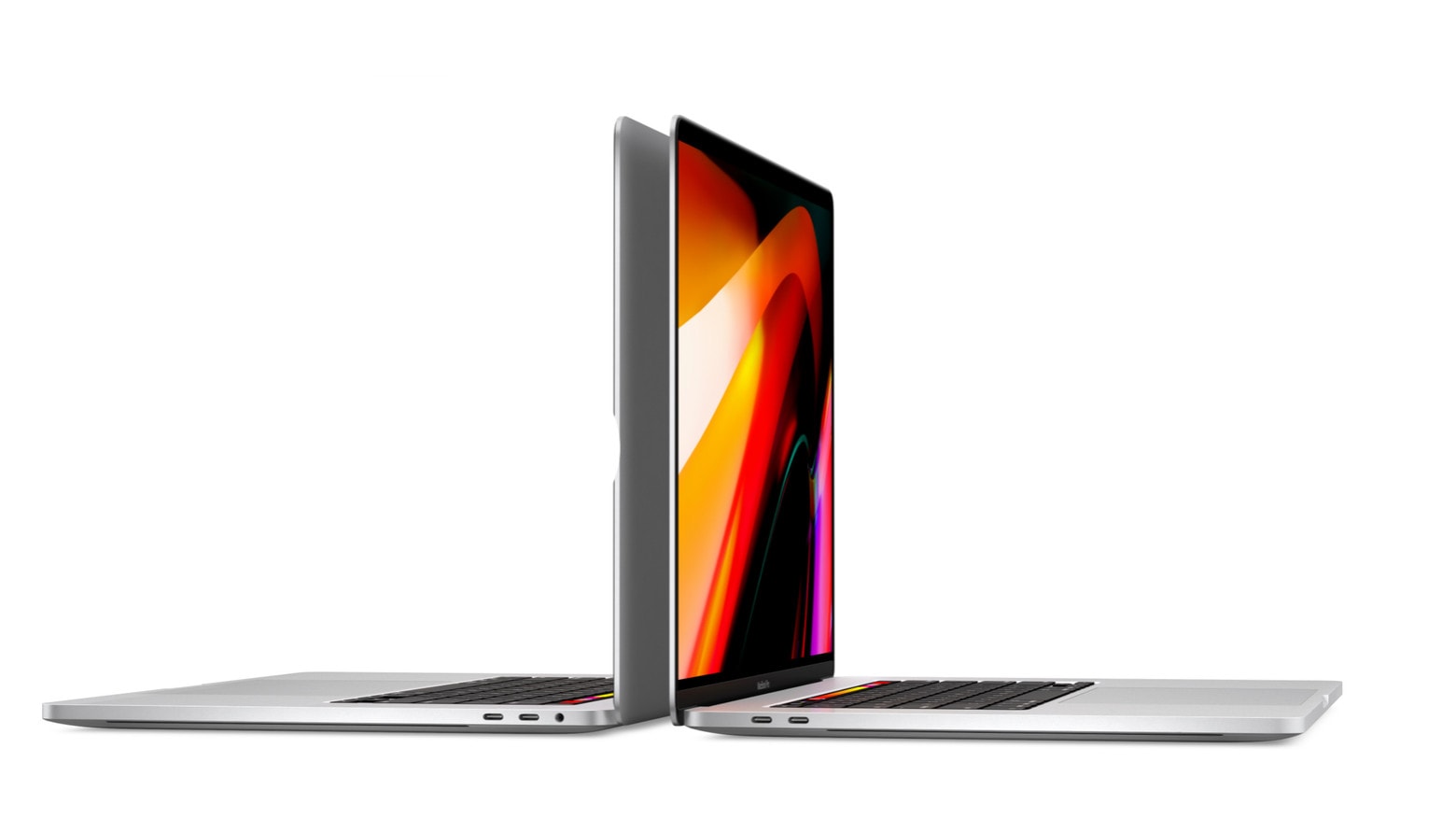
The 16-inch MacBook Pro isn’t quite as svelte as it could be. And that’s good news. Photo: Apple
The new 16-inch MacBook Pro is a sign of a fundamental shift at Apple: It includes a keyboard that makes this laptop slightly less stylish but more useful. It’s hard to believe this would have happened in the days when chief designer Jony Ive’s habit of putting form ahead of function still reigned supreme over all Apple’s products.
As Ive slowly exits the company, we’re already seeing products less willing to make compromises in functionality in order to get super-sleek looks.
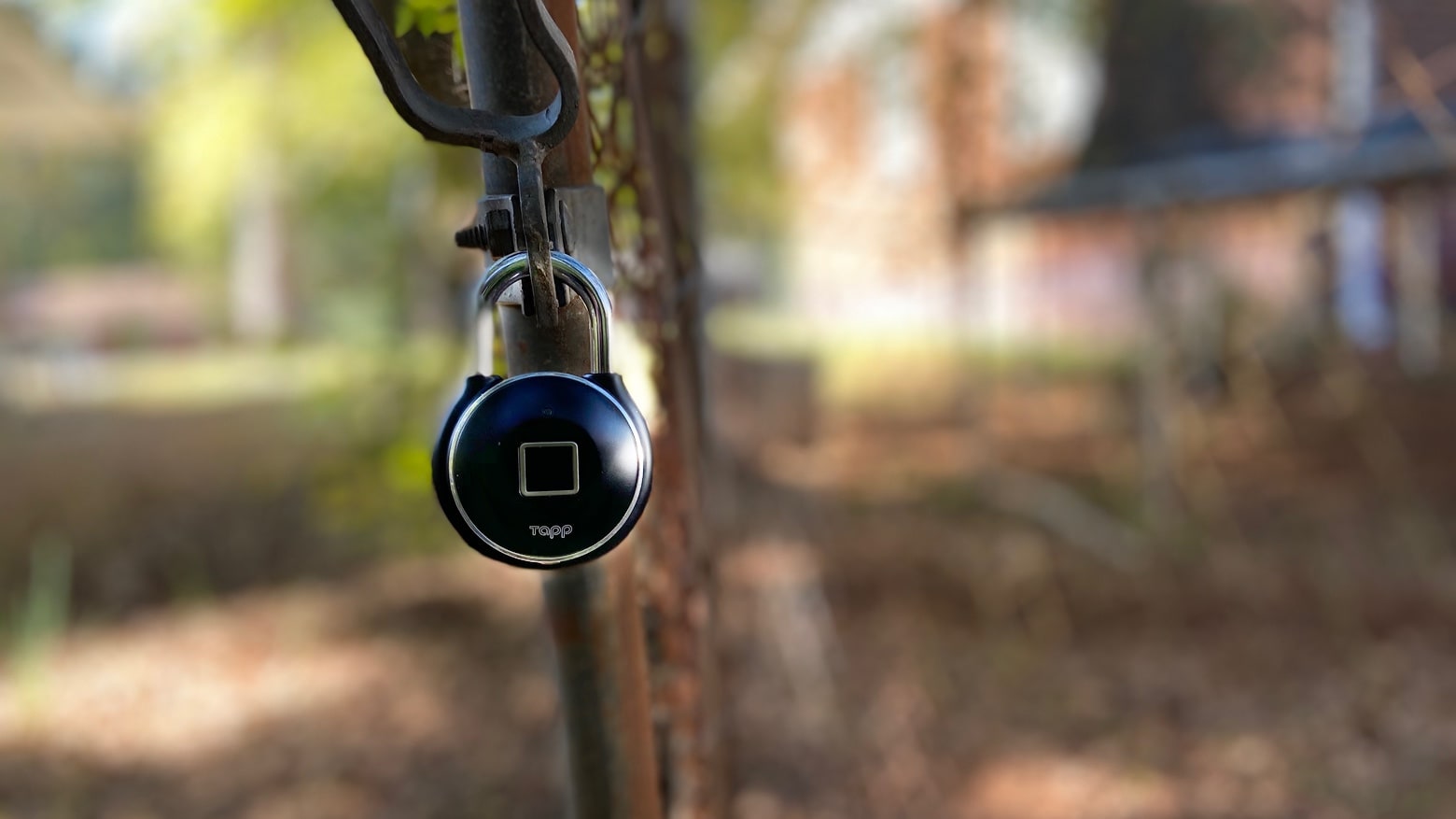
Open a gate or unlock your bike at just the press of a finger with Tapplock One+. Photo: Ed Hardy/Cult of Mac
The combination lock you used in school is a dinosaur now. It’s been replaced with much smarter versions like Tapplock One+. This has a fingerprint scanner, and a Bluetooth connection to your iPhone. It’s a padlock with no key to lose or combination to memorize.
Learn the foundations of graphic design with these seven courses. Photo: Cult of Mac Deals
Just because you’ve got a well tuned aesthetic sense or strong visual eye doesn’t mean you can jump into the graphic design field. To get working in the design game, you need a firm command of the core principles and key tools used by industry professionals.
16-inch MacBook Pro sports better fans and a bigger heatsink, allowing it to run faster. Photo: Apple
The just-released 16-inch MacBook Pro handles heat better, giving it faster performance than the 15-inch models introduced earlier this year, even though both laptops use exactly the same processor.
Sayonara Wild Hearts is fast-paced fun, with a great beat. Photo: Apple
Speed and techno-pop blend in Sayonara Wild Hearts, one of the best titles on Apple Arcade. Ride a motorcycle, fly or battle opponents to the beat of the music.
Read on to see why everyone with a subscription to Apple’s gaming service should be playing this new offering.
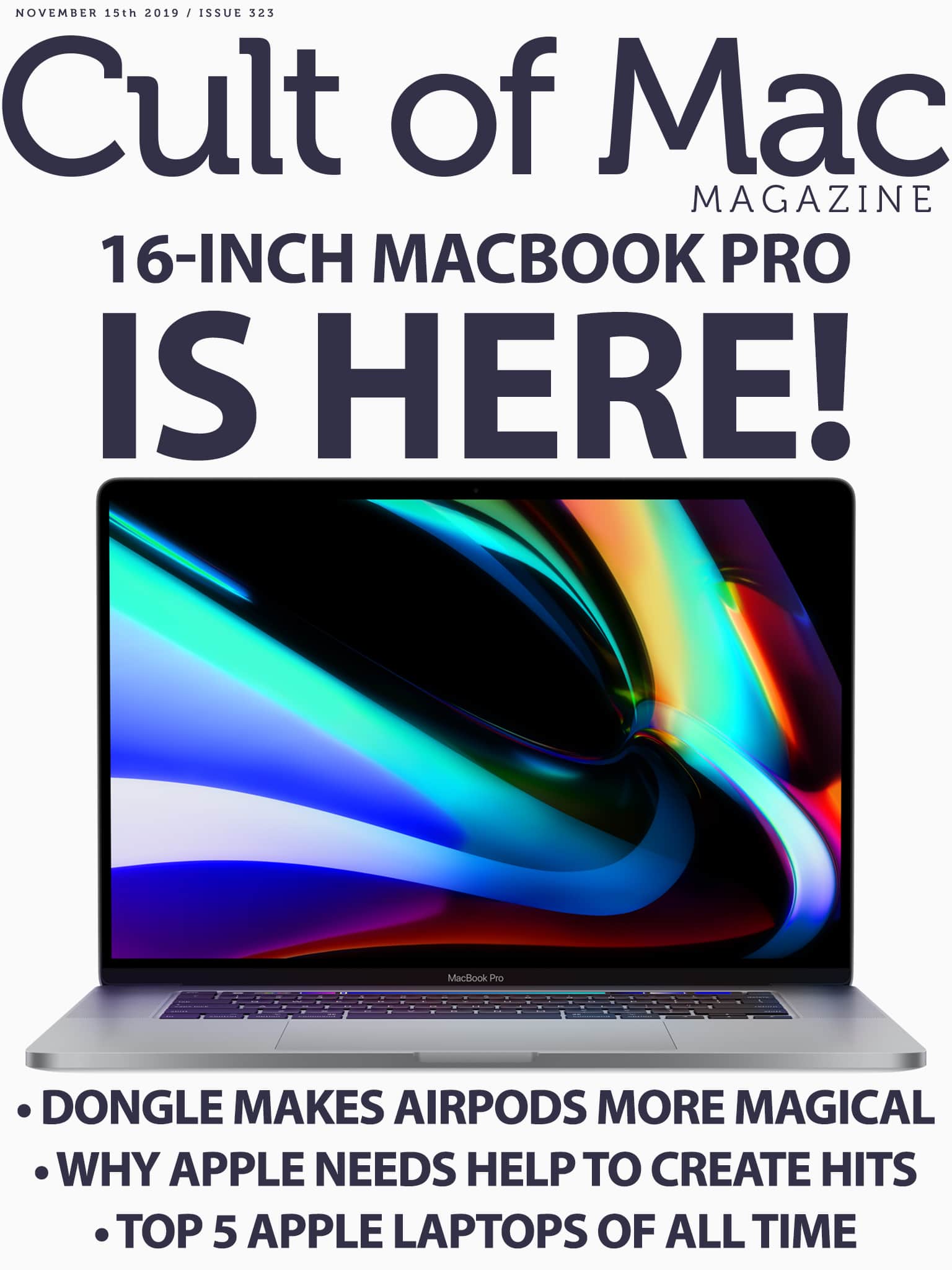
We've been waiting. And waiting. And waiting. Cover: Leander Kahney/Cult of Mac
Apple unleashed the 16-inch MacBook Pro this week, delivering a powerful beast of a machine that answers many of our prayers. That butterfly keyboard? Gone, replaced with a Magic Keyboard. And those thermal throttling problems? Supposedly fixed forever.
Sure, we found a couple of not-so-happy surprises. But all in all, we feel just a little bit giddy. Find out all the reasons why in this week’s issue of Cult of Mac Magazine. You can download it free from the iOS App Store. As always, it’s jammed full of Apple news, reviews and how-tos.
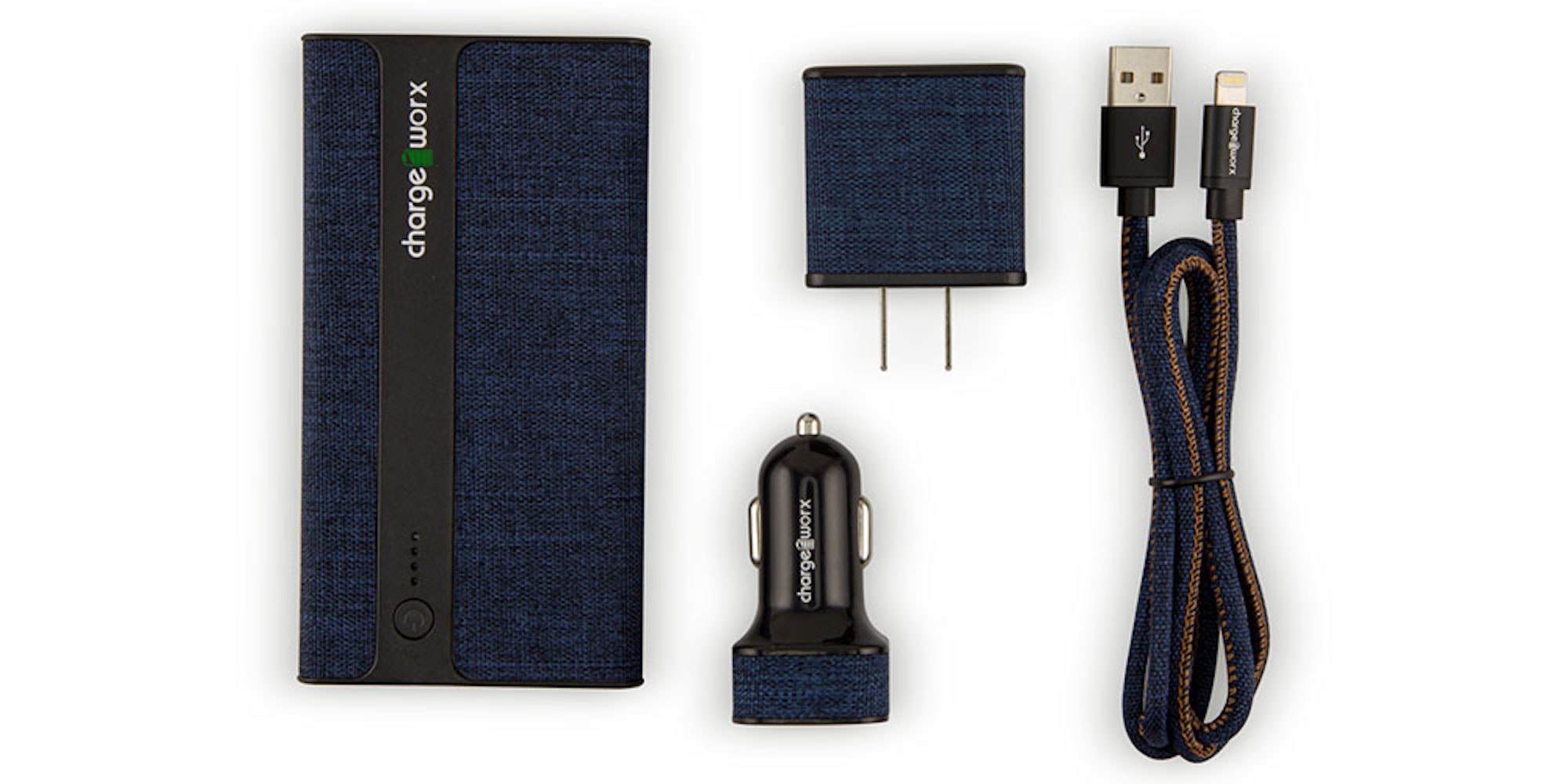
This kit includes wall chargers, portable battery, and a reinforced Lightning cable so you'll never have to worry about losing juice. Photo: Cult of Mac Deals
Staying charged on the go takes a lot of effort, and a lot of gear. From backup batteries to adapters to cables that won’t break after just a few uses, that can all add up. Luckily, this kit includes everything you’ll need to reliably juice up your phone or tablet, so you can travel without worrying about your next charge.
An iPad with a Brydge keyboard is a pretty good replacement for a Mac! Photo: Ian Fuchs/Cult of Mac
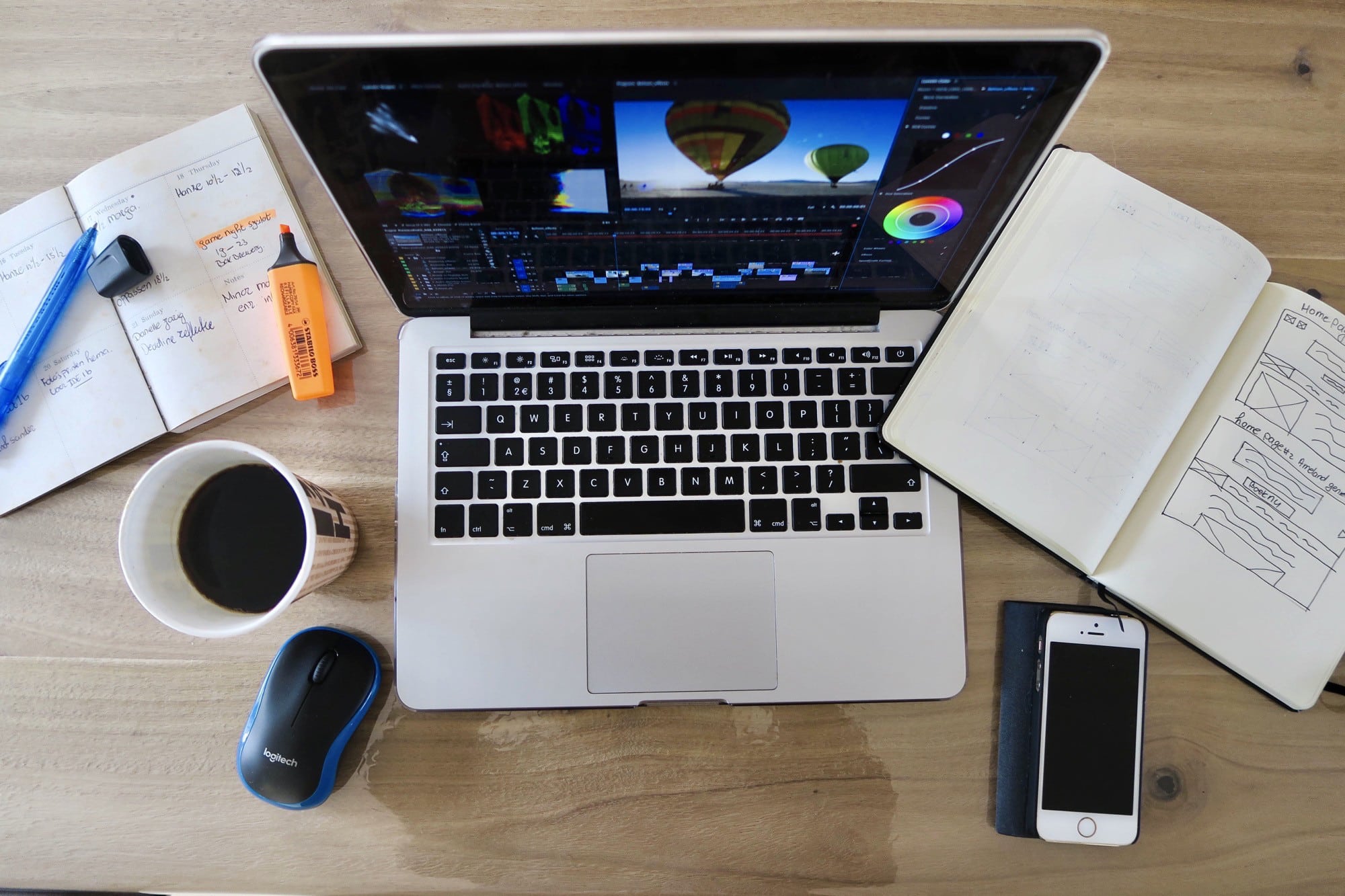
A year ago, when Apple introduced the latest iPad Pro models, I called the tablet the computer for everywhere. To this day, I still think the 2018 iPad Pro, complete with Apple Pencil and Smart Keyboard Folio, is an incredible setup for tons of situations. At the same time, it’s anything but cheap, starting at $1,107 for an 11-inch model with keyboard and Pencil.
Then there’s the Mac laptop lineup. Apple’s current cheapest offering is the MacBook Air, also starting at $1,100. Fortunately, you don’t have to drop over a grand to get an incredibly versatile, powerful, and portable budget laptop made by Apple.
The iPadOS Files app isn’t bad, but it has one super-frustrating flaw. While you can now enjoy multiple windows, hook up any and all USB drives, and even connect to network servers, you can’t do one simple thing: Preview a file. Or rather, you can preview any file, just by clicking on it, but you never know whether Files will actually show you a Quick Look preview, or just open that file in an arbitrary app.
Today, we will add a dedicated Quick Look entry to the Files app share menu. Never again will you tap to preview a file and have it launch an app instead.
The iPhone 11 Pro gave a mind-blowing performance against a Leica. Screenshot: Sawyer Hartman/YouTube
YouTube is full of photographers comparing their professional kits with the latest iPhone camera.
But a recent test and conclusion by Sawyer Hartman risked sounding blasphemes. Could a $1,300 iPhone 11 Pro outshoot $20,000 worth of some of the best gear produced by the iconic German brand, Leica?
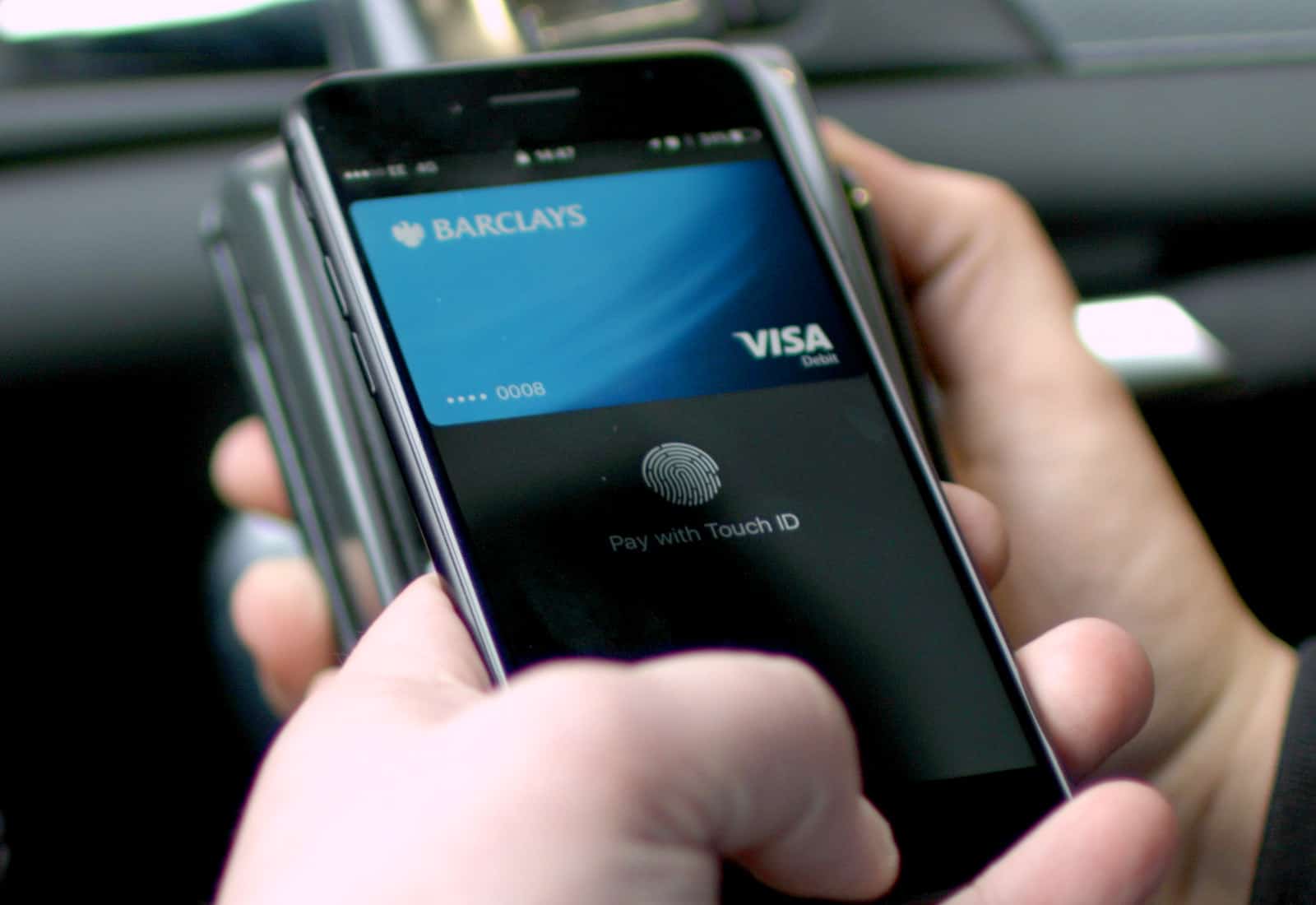
A new German law forces Apple to allow other mobile payment services to use NFC on iPhone.
Apple has allowed only Apple Pay to take advantage of the technology until now. But Germany has decided that it won’t stand for that anymore — despite Apple’s concerns.
Score massive deals on 2, 5, and even 10TB cloud storage options. Photo: Cult of Mac Deals
Cloud storage is an essential tool these days. But unfortunately, it can cost sky-high prices (see what we did there?). So we rounded up three incredible price drops on top-tier cloud storage solutions, including options for 2, 5 and a mind-boggling 10 terabytes of storage. We’re not even sure how to use that much storage, but at more than 90% off, we’re pretty sure you can afford it.