Mobile menu toggle

Top stories - page 330

iPad Pro’s been supercharged, but not how you think … we discuss! On The CultCast

By

CultCast 433
It's not the LIDAR cam that makes the new iPad Pro magical....
Photo: @YSR50

This week on The CultCast: Forget the A12Z and LiDAR Scanner, it’s iPadOS and the new Magic Keyboard that just supercharged the iPad Pro — we discuss! Plus, we’ll tell you the best new features in iOS 13.4. And Tim Cook, aka The Cookie, uses Apple’s massive supply chain prowess to deliver hugely needed supplies for medical workers — we got the story for ya right here!

Our thanks to LinkedIn for supporting this episode. A business is only as strong as its people, and every hire matters. So head to LinkedIn.com/cultcast and get a $50 credit toward your first job post.

No, Apple is not throttling its A-series chips for easy upgrades later

By

2020 iPad Pro builds on the 2018 model.
The 2020 iPad Pro offers an additional GPU core, but its chip hasn't changed.
Photo: Ed Hardy/Cult of Mac

A new investigation into Apple’s improved A12Z Bionic chip inside the 2020 iPad Pro reveals that it features exactly the same GPU found in the A12X Bionic for 2018 iPad Pro units. The one big difference is that an additional eighth core is now enabled, making it slightly faster.

Many fans are now criticizing Apple for what seems, at first glance, as intentional throttling. It is assumed Cupertino is disabling features in its newest chips, only to enable them later and market them as improved — even though they’re essentially the same on the inside.

Could it be that this is a scheme to make quick and easy cash? Actually, no. This is standard practice across the semiconductor industry. Others like Intel and Nvidia use exactly the same approach — and there’s a very good reason for it.

Here’s the real reason why an A12Z is just an A12X with unlocked potential.

Stay at home! This free TV list will make your quarantine cozy

By

Apple TV remote news
Binging on TV is now a healthy choice.
Photo: Ste Smith/Cult of Mac

If staying at home saves lives during the coronavirus pandemic, then binging on TV is your civic duty.

Networks and streaming services are stepping up to help us sacrifice, offering loads of free programming for any device while we wait out stay-at-home orders. Much of what we’re about to tell you in this guide to free streaming is available on a variety of platforms, from Apple TV to the iPhone, iPad, Macs and smart TVs. Chances are good you’ve already got everything you need to take advantage of these freebies.

Face ID for Mac takes a step closer

By

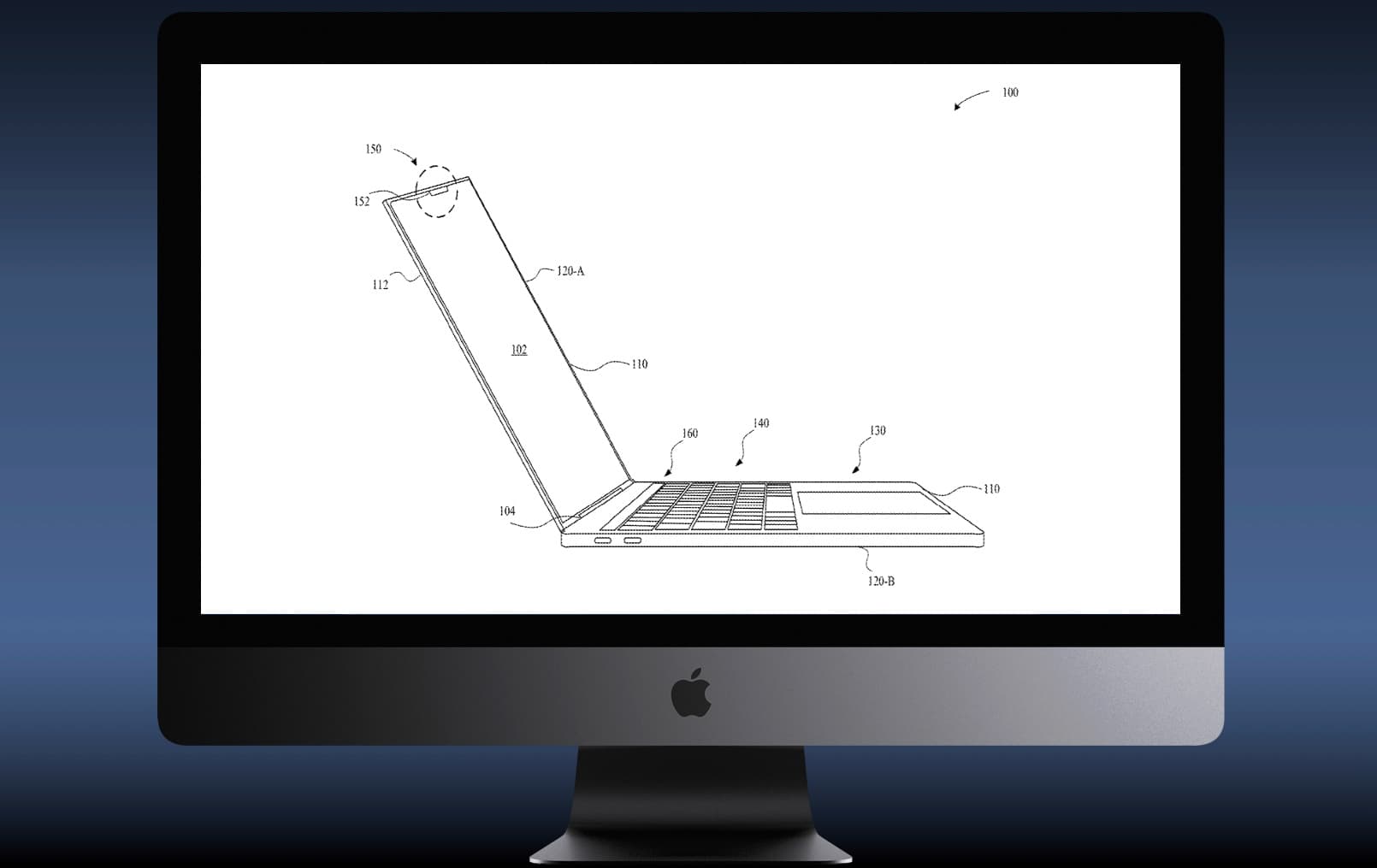
Apple shows what a MacBook with Face ID would look like.
An Apple patent filing shows a MacBook with Face ID.
Photo: Apple/Cult of Mac

Evidence emerged today that Apple‘s facial-recognition system will be built into future Macs. Face ID is already a highlight of iPhone and iPad, and there’s solid proof the company is looking into adding it to MacBook and iMac as well.

6 iPad trackpad gestures you need to know

By

iPad trackpad gestures
Trackpad gestures transform the iPad into something entirely new.
Photo: Charlie Sorrel/Cult of Mac

The trackpad and mouse support Apple added in iOS 13.4 is just amazing. It’s like getting a whole new computer, just by updating your iPad. I’ve been using it for a week for so now, and I want to share my favorite trackpad gestures.

If you use a trackpad with your iPad, these gestures will change the way you use your tablet.

Missile Command: Recharged is a blast from the past [Review]

By

Missile Command: Recharged reminds up we used to think this was going to happen any day.
Missile Command: Recharged updates a fast-paced 1980s classic.
Photo: Atari

Emerging from the dark and noisy arcades of the 1980s is a updated version of a classic. Atari’s Missile Command: Recharged for iPhone and iPad is nearly identical to the original with only a few tweaks for a new generation.

And to double down on the nostalgia, an augmented reality mode projects your gameplay onto a virtual arcade cabinet.

How to sanitize your Mac or iPad keyboard

By

Sanitize your Mac or iPad keyboard with these easy steps.
Photo: Dmitry ChernyshovUnsplash

The filthiest part of you computer is probably its keyboard. It’s the part you touch the most, it’s the part you likely use to catch the debris from your lunch, and it’s the part that you probably never clean, because you don’t look at it enough to get grossed out. And these days, as doctors warn us to wash our hands constantly (and correctly) to avoid the coronavirus, you probably want to make sure that your keyboard is not just clean, but sanitized.

This is a fairly straightforward process, so let’s get started.

App Store highlights UK government’s COVID-19 PSA

By

App-Store-UK-coronavirus
You can't miss it.
Photo: Killian Bell/Cult of Mac

Apple on Thursday placed the U.K. government’s public service announcement on COVID-19 at the very top of the App Store.

Customers who visit will be greeted first and foremost by chief medical officer Chris Whitty’s guidance on reducing the spread of the coronavirus. They will also see a handy link to the NHS app for iOS.

Clean up messy text with this handy Mac writing app [Deals]

By

TextSoap Mac App
Clean up all the tiny text errors that take up way too much time.
Photo: Cult of Mac Deals

When you work with text from various sources, it’s easy for little errors to slip in. Extra punctuation marks, misspellings, useless characters, miscapitalized letters and similar sneaky slip-ups can make your text look less than professional. And correcting errors can take as long as writing itself.

Highly rated Mac app TextSoap removes unwanted text, fixes carriage returns and sorts out loads of other text-based formatting problems. Grab this time-saving tool now — and a hefty discount — and let it take care of those nasty text artifacts for you.

Leading Apple analyst confident 5G iPhone will launch this fall

By

2020 iPhone 12 concept has a 99% screen to body ratio.
Apple was well-prepared for a global pandemic.
Photo: Pallav Raj/ConceptsiPhone

A leading Apple analyst is confident Apple will deliver its first iPhone with 5G this fall — despite a Wednesday report that suggested this year’s handsets could be delayed due to COVID-19.

“We have a different view,” wrote Gene Munster of Loup Ventures on Thursday. Muster has outlined several reasons why an iPhone refresh is still likely to come in 2020.

Top 5 reasons to love the 2020 iPad Pro

By

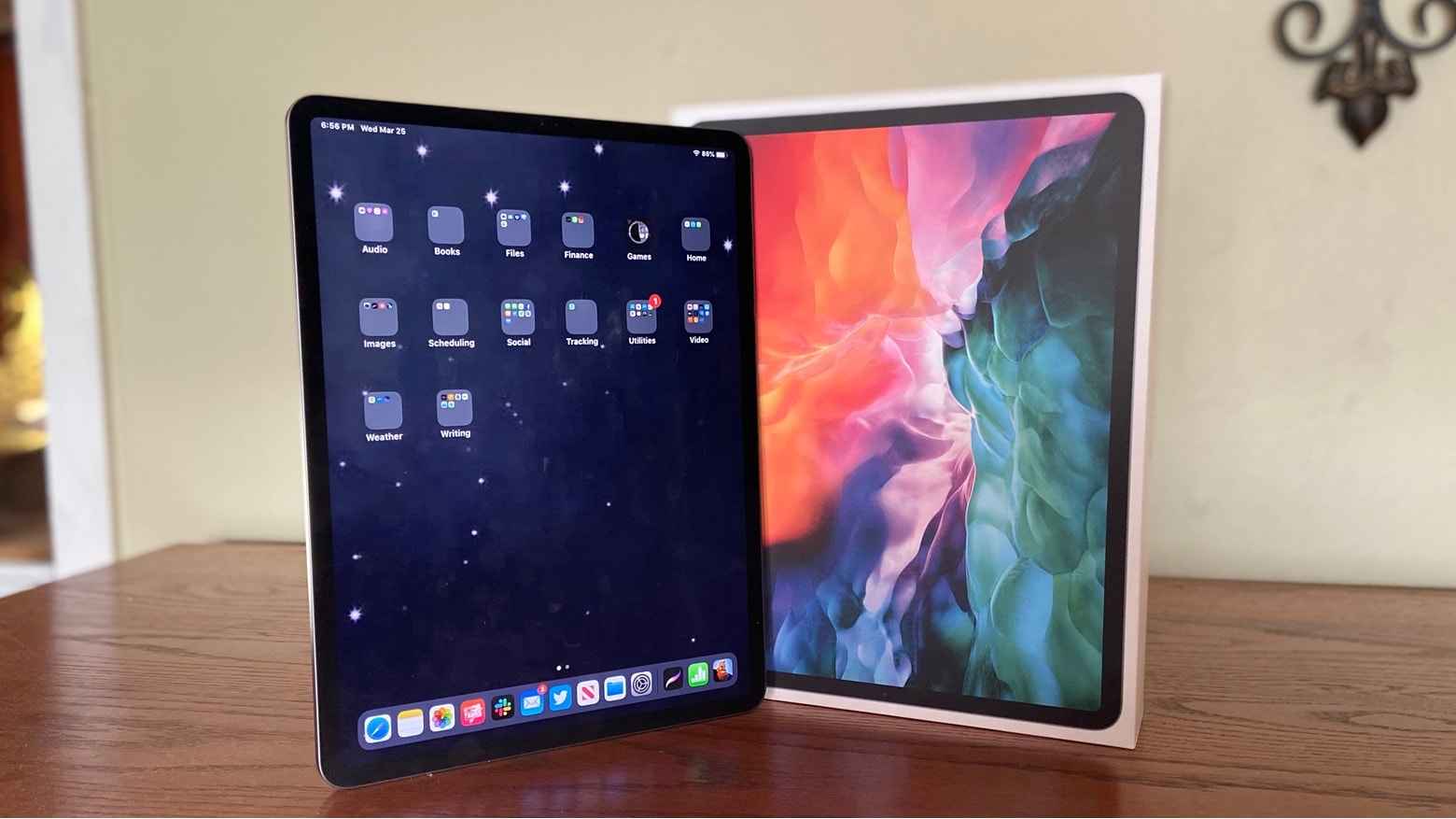
2020 iPad Pro builds on the 2018 model.
2020 iPad Pro has more RAM, a better camera, an innovative LiDAR 3D scanner and other improvements,
Photo: Ed Hardy/Cult of Mac

The 2020 iPad Pro takes Apple’s very capable tablet from 2018, improves the specs and performance, and even adds some great features.

I did hands-on testing of the new capabilities and found there’s a lot to love in the latest iPad.

Apple considers delaying 5G iPhone launch

By

iPhone 12 with LiDAR scanner
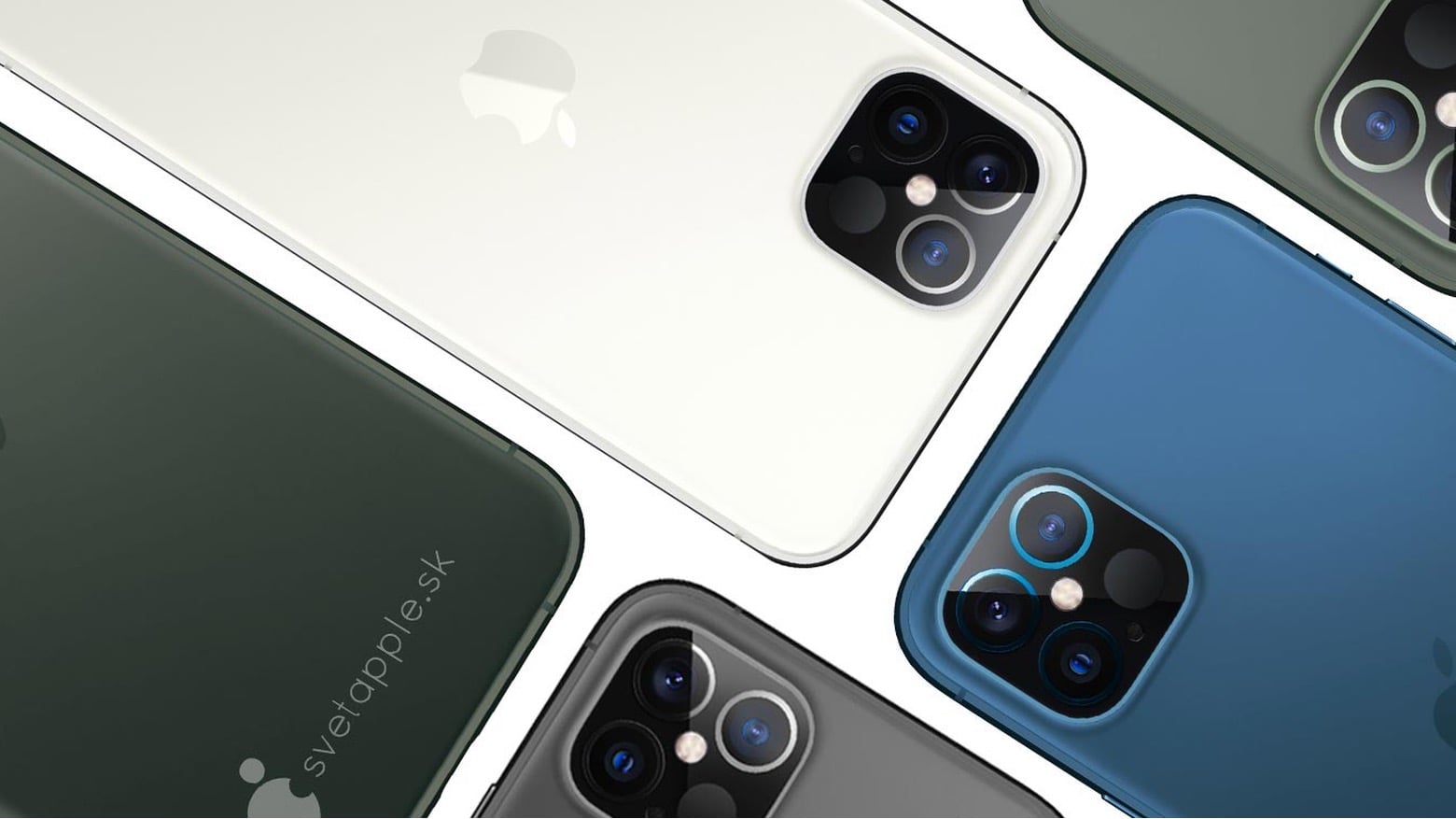
This is what the 2020 iPhone will probably look like.
Photo: svetapple.sk

iPhone fans dying for a 5G upgrade might be kept waiting a little bit longer thanks to the coronavirus pandemic.

Apple is reportedly having internal discussions debating whether to delay the launch of the 5G iPhone by months. The iPhone 12 was expected to be released this fall, but Asian news site Nikkei says supply chain problems might force the company to push the date back. And there’s something else worrying Apple execs, too.

Move over, Dropbox: How to share iCloud folders in iOS 13.4

By

colored notebooks
Some folders, which could totally be shared.
Photo: Laika Notebooks/Unsplash

In iOS 13.4, you can share iCloud folders with other people for the first time. You’ve long been able to share a single file via iCloud, but now you can share folders, so all the people sharing can drop files in there. Just like Dropbox has done since, like, forever.

This new capability, which arrived Tuesday in iOS 13.4 and macOS Catalina 10.15.4, will finally let people ditch Dropbox and go all-in on iCloud. Let’s see how it works.

Apple’s ARKit 3.5 offers augmented reality enhanced wih LiDAR 3D mapping

By

ARKit 3.5 offers improved people occlusion with its LiDAR 3D scanner.
ARKit 3.5 does a better of job of mixing people and virtual objects in augmented reality apps.
Photo: Apple

ARKit 3.5, the new version of Apple’s augmented reality software, can capture a 3D representation of the world in real time. This feature employs the LiDAR scanner that’s already in the 2020 Pad Pro and expected in some of this autumn’s iPhone models.

And the version of ARKit that debuted yesterday in iOS 13.4 is better at allowing virtual objects to pass in front of and behind people in the scene.

Apple Watch concept imagines handy voice messaging feature

By

Apple-Watch-voice-concept
A quick alternative to lengthy phone calls.
Photo: Patryk Gajdarski

This sweet Apple Watch concept imagines a brand-new voice messaging feature that would allow watchOS users to send each other voice messages.

Apple Watch already allows users to make calls and send texts, but voice messaging is not yet part of its default featureset.

Google Podcasts bags a brand-new look and key features on iOS

By

Google-Podcasts-iPhone
It's finally a real podcasts app.
Photo: Google

Google in recent days began rolling out a brand-new look for its Podcasts app on iOS for mobile devices like the iPhone and iPad. The overhaul integrates a number of new features into a cleaner user interface that’s split into just three tabs.

The changes are designed to make using Google Podcasts easier and more enjoyable — and to bring it up to speed with rivals.

Stay productive indoors with this life-hack bundle featuring Rosetta Stone [Deals]

By

Social Distancing Bundle
Learn new languages, expand your knowledge and bypass online restrictions with lifetime access to three trusted apps.
Photo: Cult of Mac Deals

With the rise of coronavirus-spawned self-isolation, we’ve all probably spending a lot more time at home than we were expecting this week. Rather than staring at the news 24/7 and fueling your own private freakout, this is a good time to focus on something positive and uplifting.

If you’re up for the challenge, you could start learning a new language, catch up on some important reading, and generally improving yourself and your situation. With this big bundle of life hacks, you can do all of the above and more. Plus, these are lifetime subscriptions, so the awesomeness never stops.

iPhone-makers in India suspend production for COVID-19 lockdown

By

india.iphone
Foxconn and Wistron plants in India are out of action for now.
Photo: Carnegie Council

iPhone assemblers in India have been forced to suspect production due to a country-wide COVID-19 lockdown, according to a report published on Wednesday.

Facilities owned by Foxconn and Wistron are out of action for now. Production won’t resume until Prime Minister Narendra Modi’s government lifts new lockdown measures.

Apple suppliers ramp up for Magic Keyboard’s fast expansion

By

16-inch-MacBook-Pro-keyboard
13-inch MacBook Pro next in line for a Magic Keyboard upgrade.
Photo: Apple

Apple suppliers are ramping up Magic Keyboard production as its new scissor switches quickly replace butterfly keys in the company’s most popular products, reveals a new report published Wednesday.

Sources say that manufacturers have seen “no cutbacks” in orders, despite concerns that the COVID-19 pandemic could impact sales. A 13-inch MacBook Pro refresh is said to be next in line for an upgrade.

20 brilliant work-from-home essentials for buyers on a budget

By

home-office
Do you have all you need?
Photo: Unsplash/Grovemade

Working from home for the first time can be daunting — especially when you quickly find out you don’t have all the equipment you really need. But don’t panic. Cult of Mac can help you ensure you don’t miss out on the essentials.

We’ve compiled a long list of home-working gear that you can get delivered to your door in days. They’re all affordable options that are ideal for tight budgets, and they’ve been highly rated by consumers.

So, whether you need a mouse, a keyboard, a monitor or a comfy chair, these work-from-home essentials will get you through the coronavirus lockdown.

Take control of your daily and life goals with this app [Deals]

By

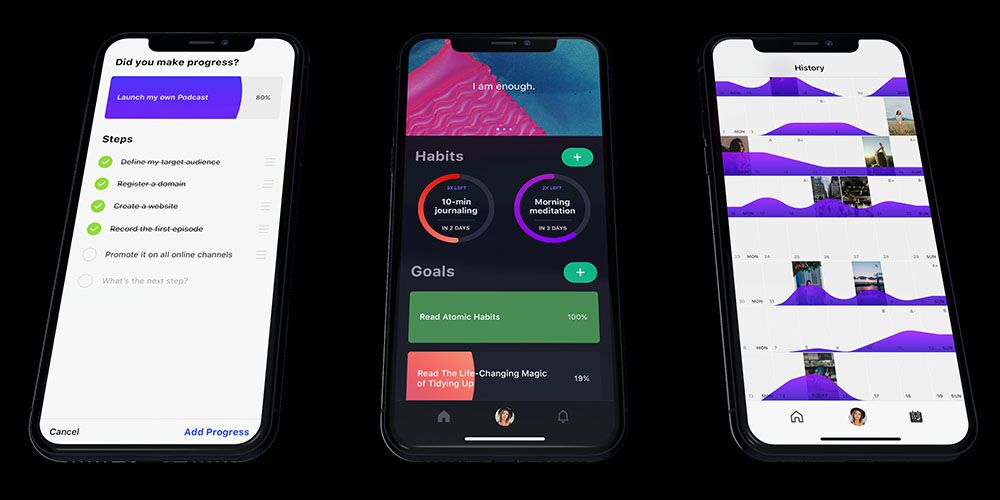
Goals App
Turn your goals into easily attainable tasks with this distraction-free habit tracker.
Photo: Cult of Mac Deals

Staying on task can be hard under the best of circumstances. But when you’re stuck at home due to the coronavirus lockdown (or some other stressful situation), it gets even more difficult. If you’re having trouble sticking to your goals, this handy habit-tracking can help — and a lifetime subscription is on sale now for 50% off.

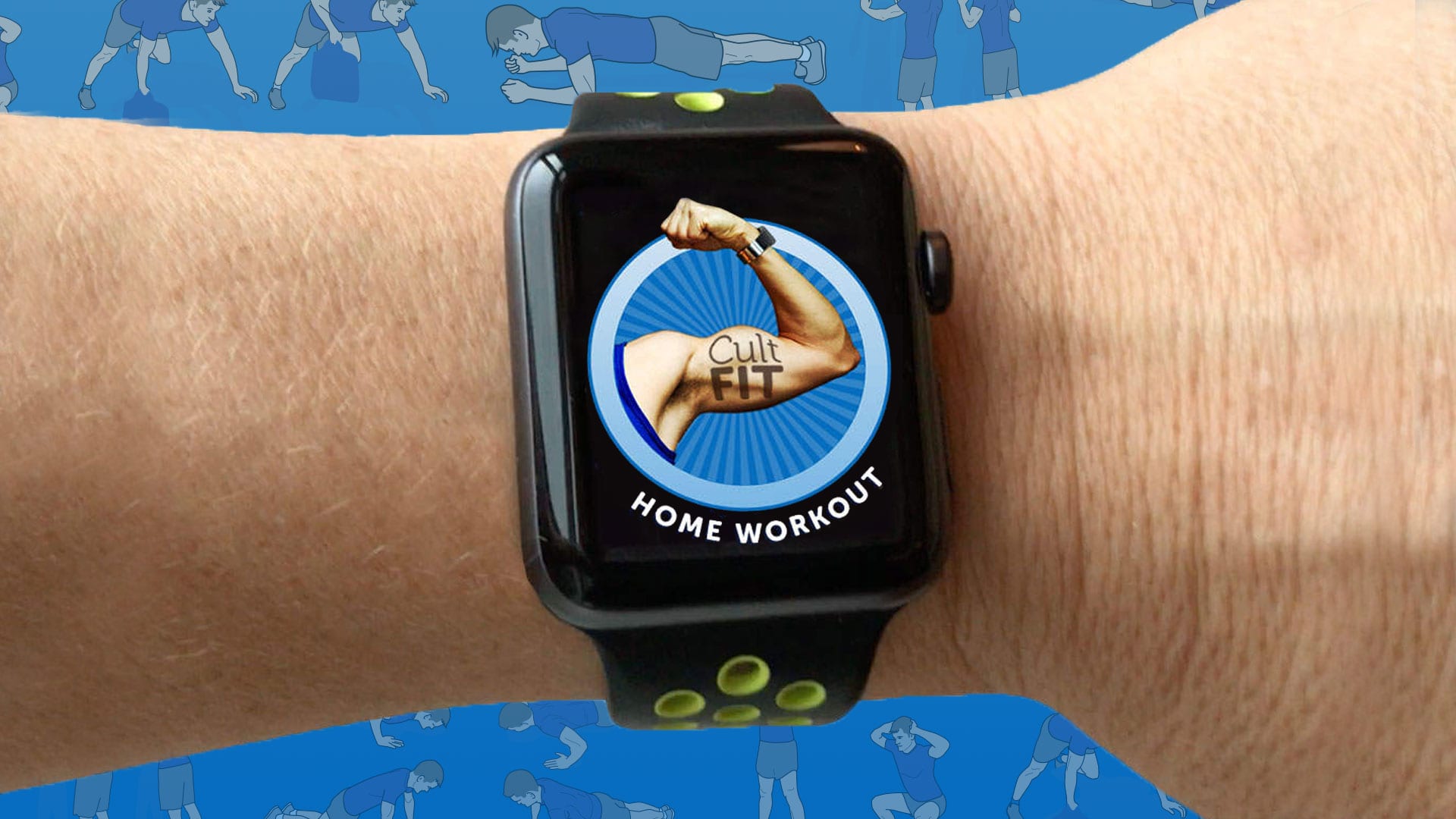
How to do an effective home workout with no gym equipment

By

Stay healthy and strong with these essential home workout tips. You can do these home workouts without any gym equipment.
Stay healthy and stay strong with our essential home workout tips.
Photo: Graham Bower/Cult of Mac

Thanks to the coronavirus pandemic, staying home is a great choice for everyone’s health right now. But it’s not ideal for your fitness. Your Apple Watch will soon start grumbling if you just sit around indoors and don’t close your rings. So what should you do?

How to make a Group FaceTime call on iPhone, iPad or Mac

By

Group FaceTime is a great way to stay in touch with your family and friends during coronavirus quarantine.
Group FaceTime is a great way to stay in touch with family and friends.
Photo: Apple

As the coronavirus spreads around the world, loads of self-isolating people are turning to FaceTime, Skype, Zoom and WhatsApp video to stay in touch with friends and family. And what better way to keep in touch than to chat to everyone, all at the same time? One of the easiest and most secure ways to stay in touch is to make a Group FaceTime call.

Here’s how to set up a Group FaceTime call and add (almost) as many people as you like to it.