The SBA's new online COVID-19 loan form doesn't work properly in Safari. Photo: Leander Kahney/Cult of Mac
Here’s a tip for small-business owners trying to fill out the Small Business Administration’s new online COVID-19 Economic Injury Disaster Loan Program application: Use Google’s Chrome browser, not Safari.
Don’t worry that iOS 14 will be delayed. Photo: Cult of Mac
Apple employees required to work from home during the COVID-19 pandemic supposedly aren’t letting iOS 14 fall behind schedule. The next version of the iPhone and iPad operating system is reportedly on track for release.
And company engineers are also creating new versions of an array of hardware products from their home offices.
How similar do they look to you? Screenshot: Andrian Murray/YouTube
A photographer claims the production company behind the Apple TV+ series Amazing Stories committed “flagrant copyright infringement” by re-creating an image of his for the show’s intro.
Adrian Murray, of Louisville, Kentucky, alleges an image of two boys opening a glowing chest at about the 45-second mark of the intro is derivative of a work he created with his two sons in 2018.
It's time for some trivia. Photo: Malvern Graphics/Cult of Mac
In just a few short years, Apple Watch transformed the smartwatch from pricey novelty to potential lifesaver. But how much do you know about Apple’s breakthrough smartwatch? Is it time (pun intended) to pick up some new Apple Watch trivia? You’ve come to the right place.
Here are 10 things you (probably) don’t know about the Apple Watch.
Kindle library books can provide hours of entertainment as you self-isolate due to the coronavirus pandemic. You likely can check out ebooks from your local library, just like a regular paper book.
In the United States, you typically can check out books using an Amazon Kindle or an iOS app. In other countries, you can use alternative e-readers or apps. By borrowing books online, you can avoid leaving your house — perfect when libraries are closed during COVID-19 lockdown — and you don’t need to leave your house to return anything, either. Returns happen automatically at the end of the borrowing period.
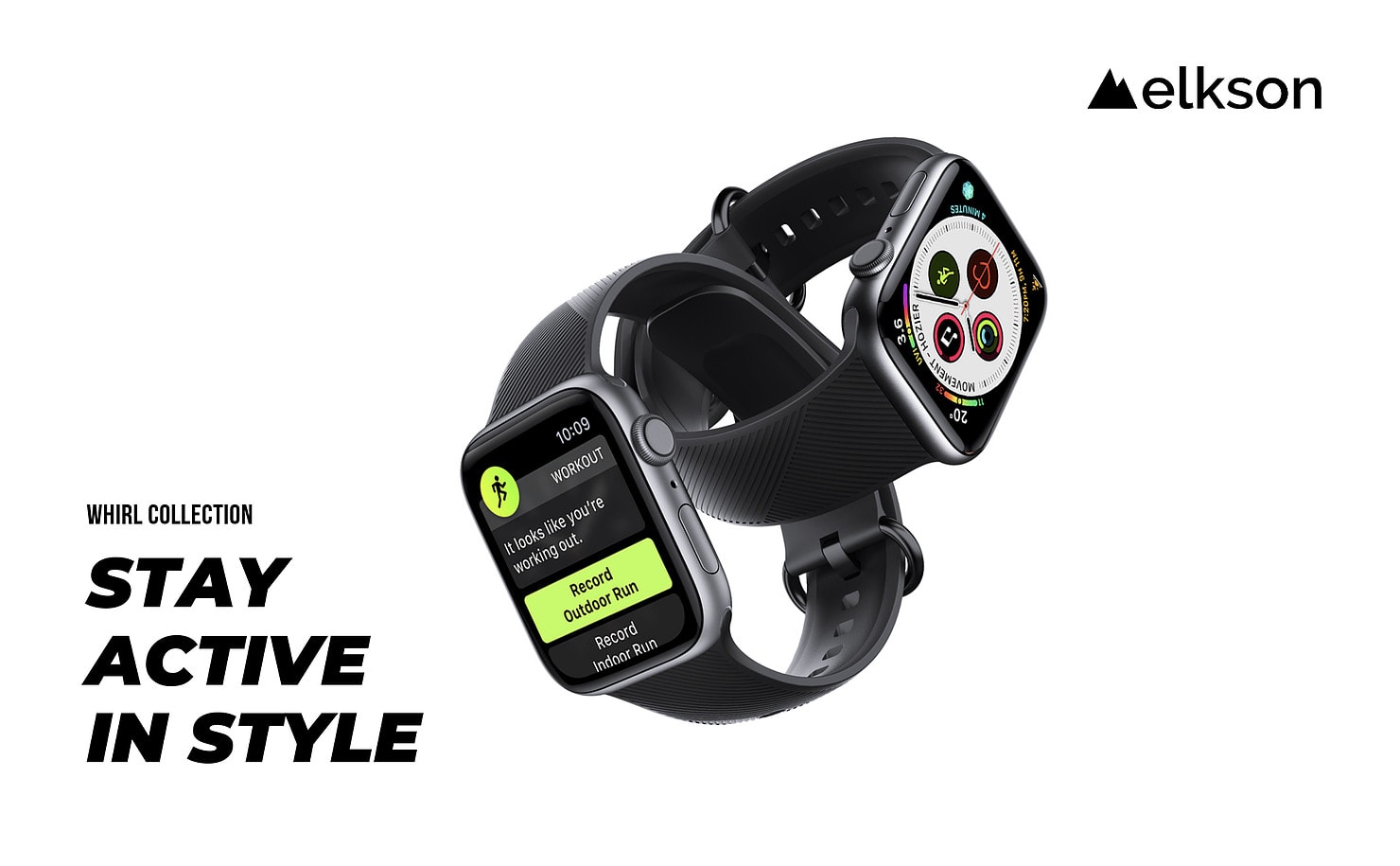
Bag this brilliant Apple Watch band for under $11! Photo: Elkson
Elkson’s silicone sport band for Apple Watch is a terrific alternative to Apple’s — and ideal for all the home workouts you’ll be doing during the COVID-19 outbreak. It’s attractive, comfortable, and brilliantly rugged.
It’s also a steal at its usual price of $14.99, but until March 31, you can get yours for even less. Order from the Cult of Mac Store today to pay just $10.99.
Get 56 hours of training in songwriting, recording, production and distribution using the industry-leading music software. Photo: Cult of Mac Deals
Being stuck at home with your computer doesn’t have to mean you’re not active. If you’ve got a copy of Ableton Live or Logic Pro, your laptop can be your platform for DJing, songwriting and producing music. With this massive bundle of lessons, you’ll get the skills to do all of the above.
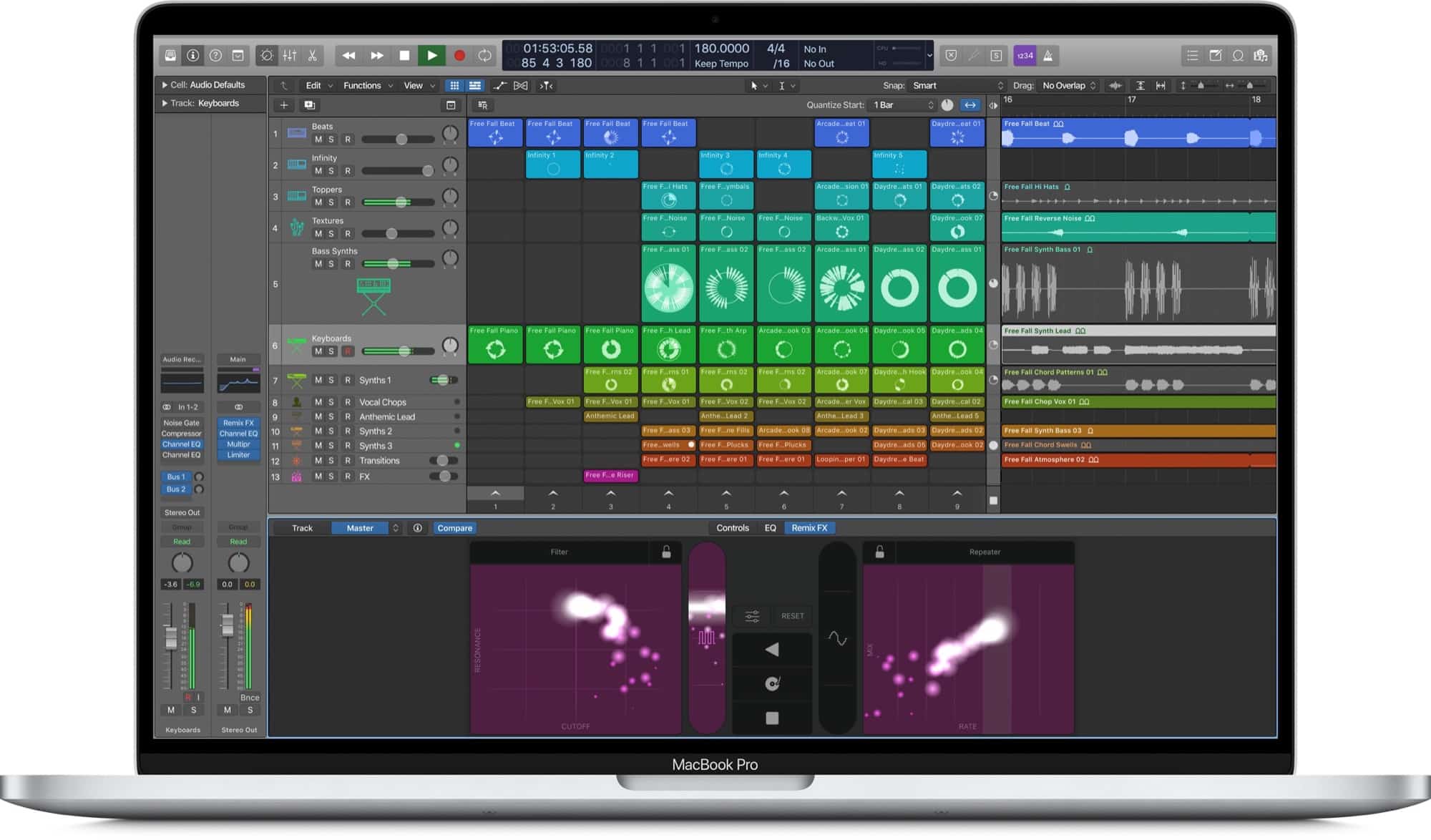
This screenshot shows an as-yet unreleased version of Logic Pro X. Photo: Apple
Sometime before this past weekend, Apple posted a screenshot of what is presumably an upcoming new version of Logic Pro X, its pro music-creation app, onto its education page. It shows a brand new feature, previously only seen in the iOS version of GarageBand: Live Loops. Live Loops is a way to trigger music clips live, on-the-fly, so you can create music like a DJ.
And the Logic version looks great. And more importantly, it finally adds Apple’s take on the Session View from Logic’s biggest rival, Ableton Live.
iPhone might be okay for now, but Apple isn't out of the woods yet. Photo: Ste Smith/Cult of Mac
The ongoing COVID-19 pandemic won’t stop Apple from launching its 2020 iPhone lineup on schedule, according to a new report published Monday — but it could cause “disruptions” for future Apple products.
Cupertino’s largest manufacturing partner, Foxconn, is slowly recovering after the coronavirus outbreak last month caused huge labor shortages and factory closures. But Bloomberg warns Apple isn’t out of the woods yet.
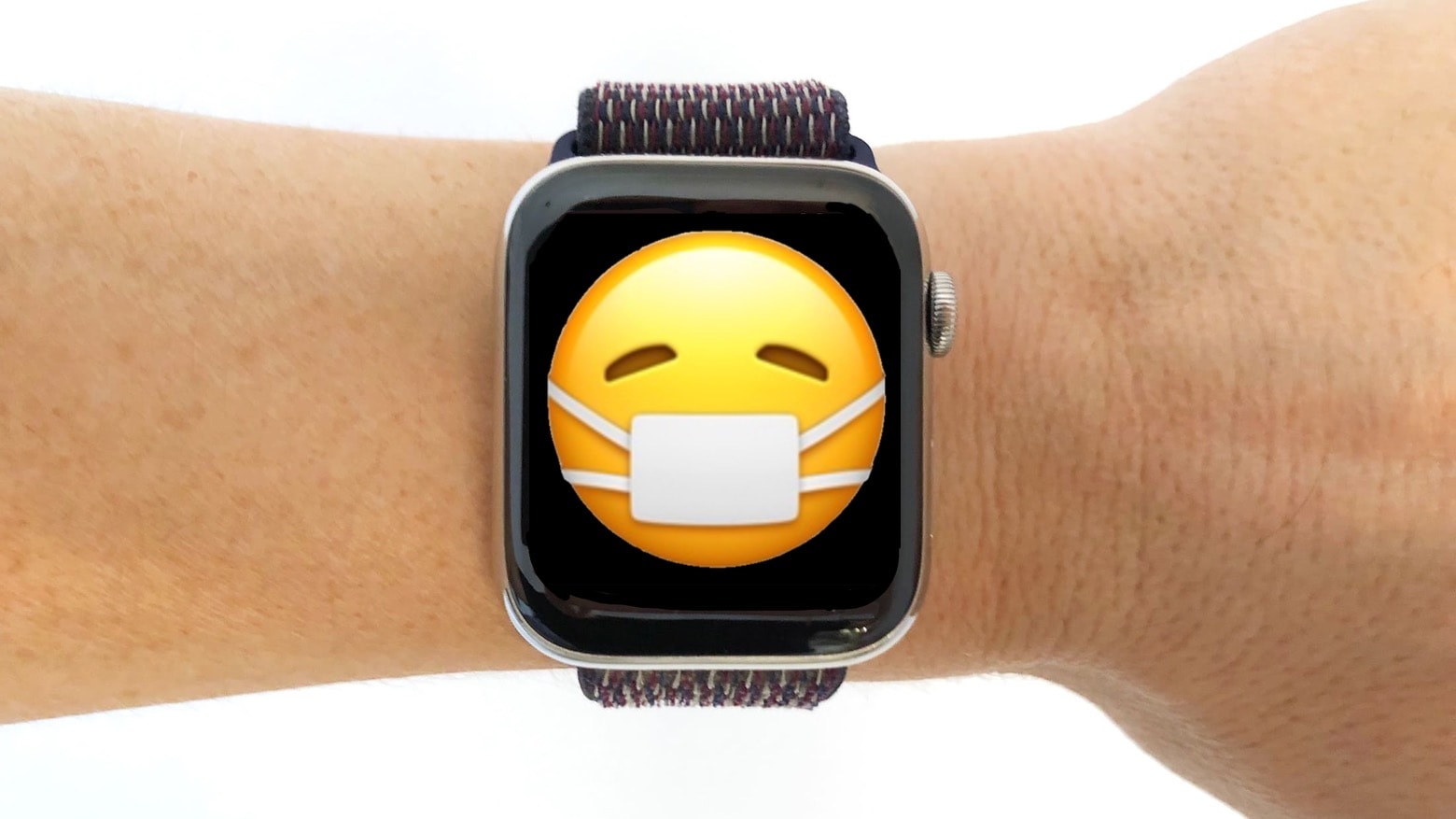
The next time you get ill, your Apple Watch should help you get better. Photo: Cult of Mac
When you‘ve caught a bad cold, the flu or a global pandemic, it’s no help that your Apple Watch keeps urging you to go for a run. That’s why this wearable needs a sick mode.
When it comes out this autumn, watchOS 7 should include a mode that gives good advice for people ill enough to need bed rest rather than a trip to the gym.
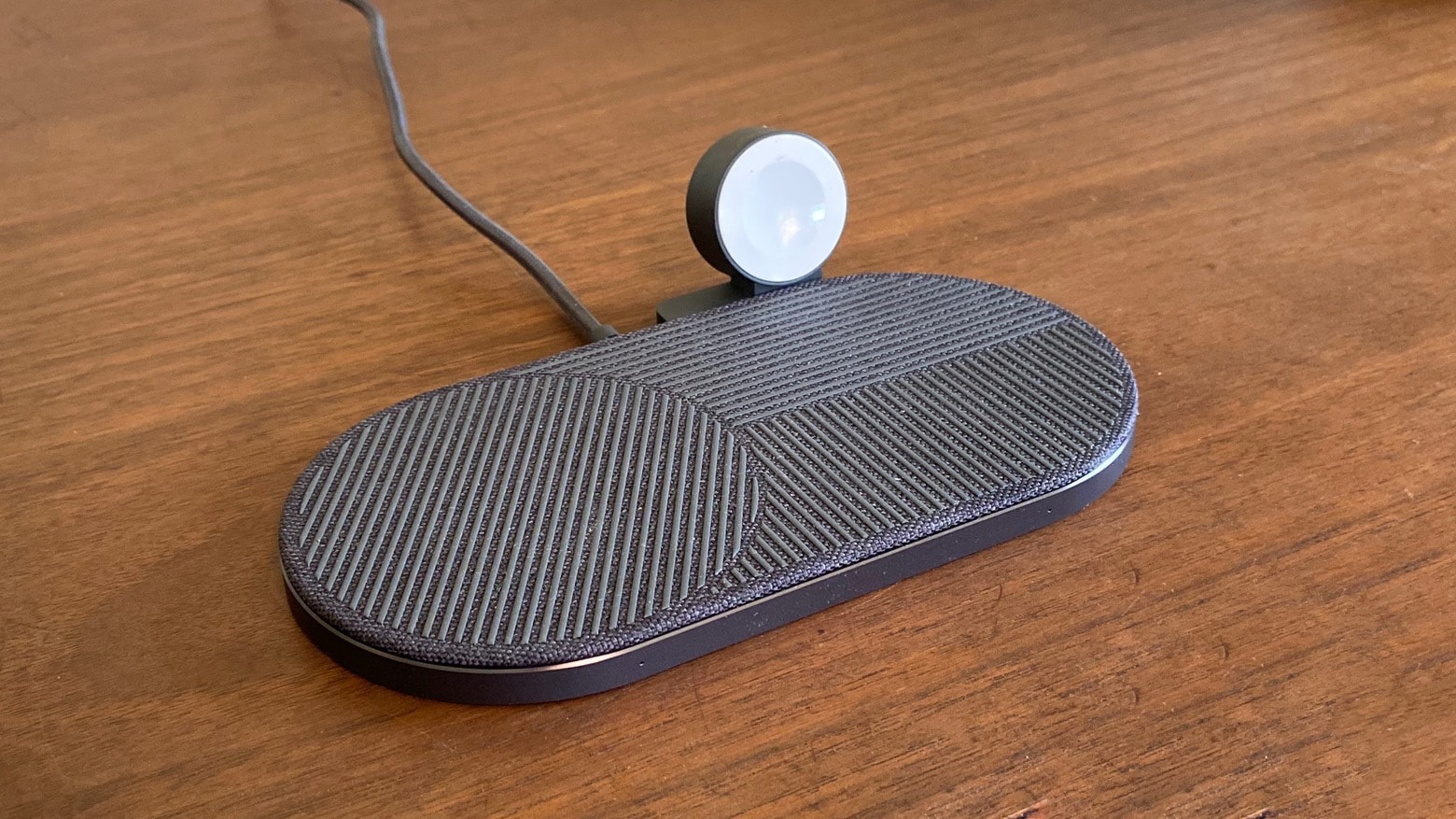
The Native Union Drop XL wireless iPhone charger also has a Apple Watch Edition. Photo: Ed Hardy/Cult of Mac
Anyone packing iPhone, Apple Watch and AirPods doesn’t have to deal with charging them separately. The Native Union Drop XL Wireless Charger (Watch Edition) can handle all three of these at once. And it won‘t take up much room on your nightstand.
I tested this multidevice wireless charger from a top-notch brand in my daily use to see if it lived up to its promises.
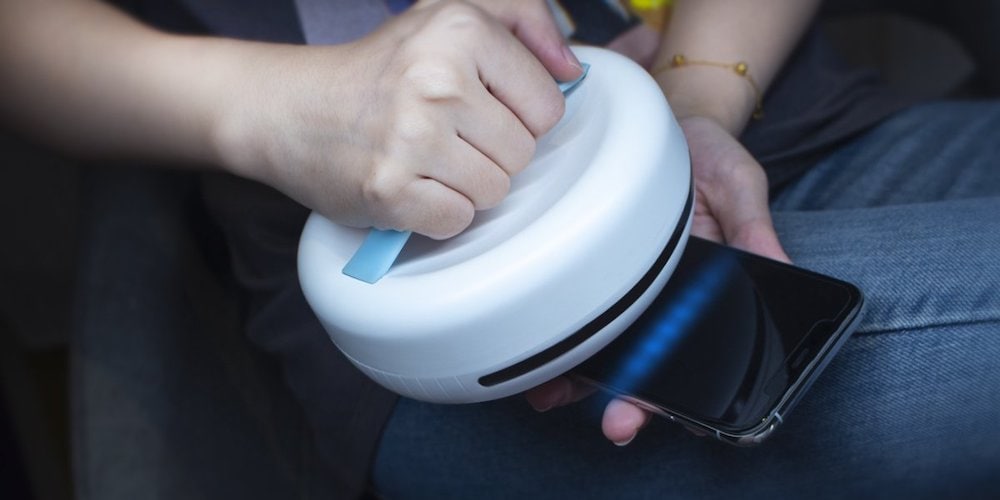
This robot uses UVC-light and ultrasonic waves to kill 99.9% of bacteria, germs and viruses. Photo: Cult of Mac Deals
Did you know that ultraviolet light can kill germs? It can, and that’s good news, because it means there are better ways of sanitizing your home than constantly spraying and wiping it down with chemicals. With this tool, keeping a sanitary space is as simple as powering up a little Roomba-style robot.
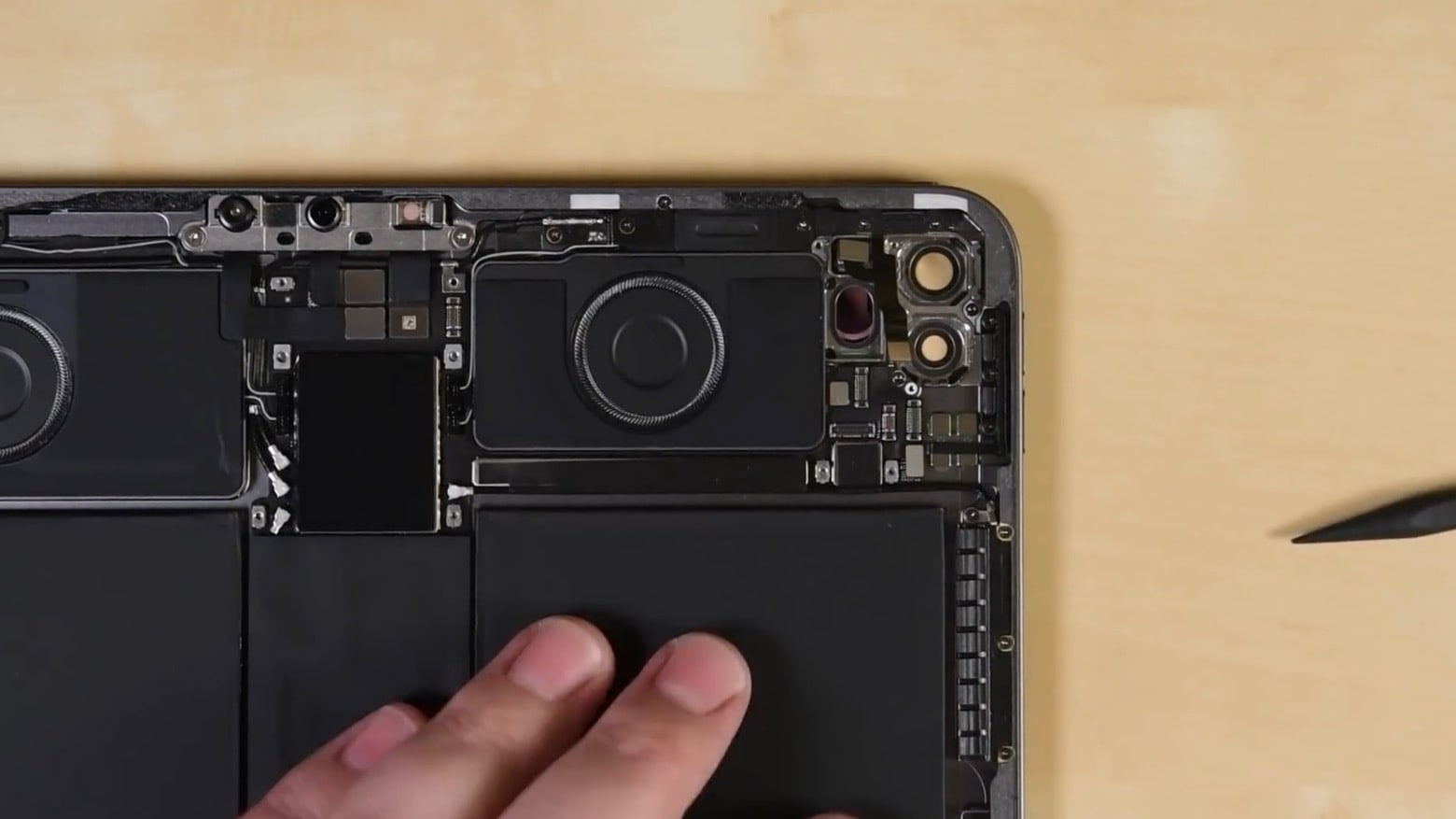
Open the 2020 iPad Pro, and in one corner you’ll find a pair of camera lenses and a LiDAR scanner. Photo: iFixit
A LiDAR scanner is the highlight of the 2020 iPad Pro. So iFixit disassembled this just-released tablet to see how this 3D sensor works. And the company demonstrates why this scanner is not meant to be as accurate as Face ID.
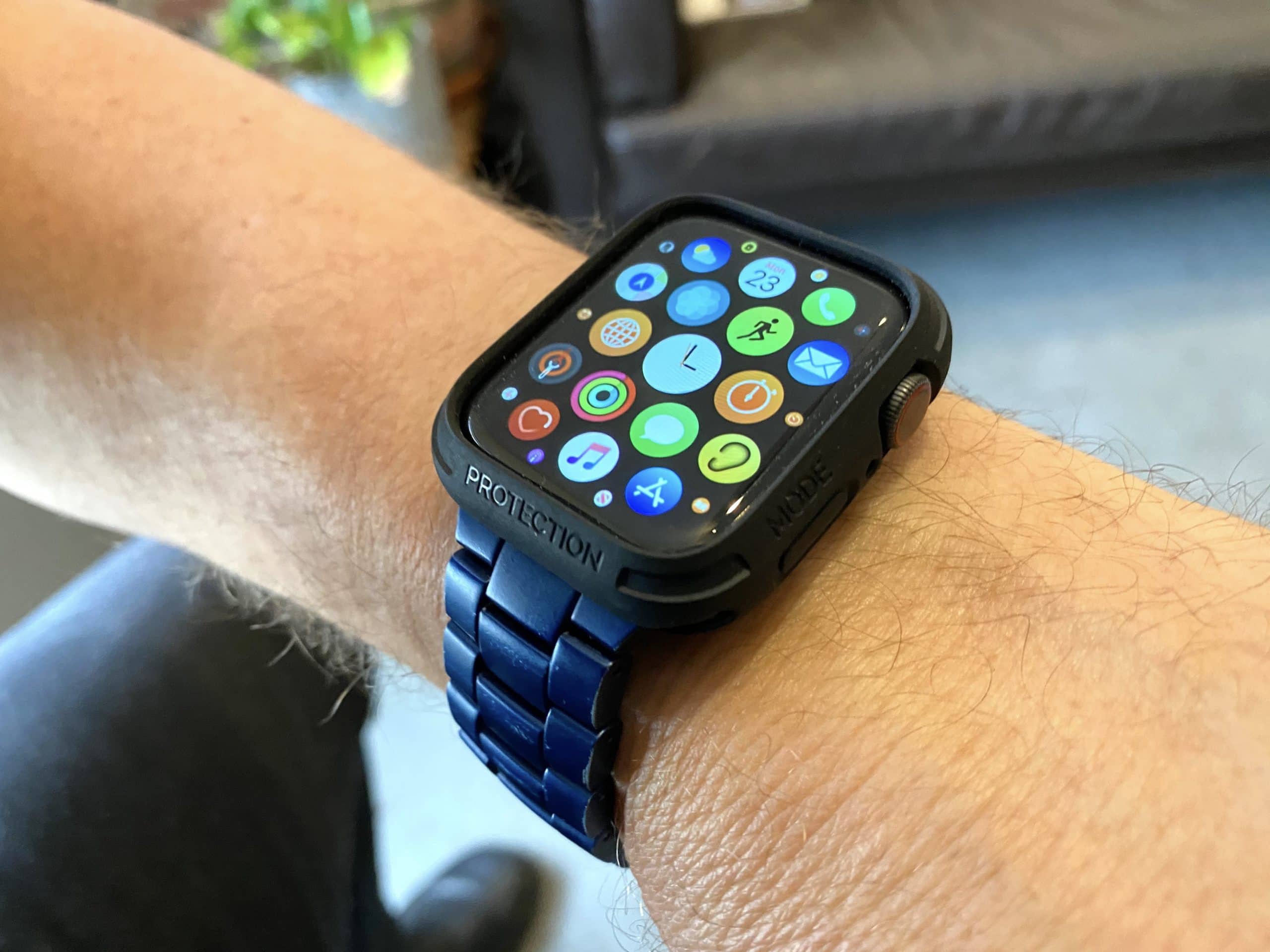
Elkson's Apple Watch Case solves a problem that drove me crazy, and it looks good too! Photo: Leander Kahney/Cult of Mac
For the longest time, I had a particular problem with my Apple Watch. When I rode my bicycle, the watch’s Digital Crown would rub against my wrist, playing havoc with the sound coming through my AirPods. Suddenly it would get very loud, or very low. It drove me crazy.
I tried everything I could think of, including wearing my watch backward so the Digital Crown was reversed, or on the inside of my wrist. Nothing worked, so I disabled Now Playing on my Watch, which I missed because it’s great for controlling music when doing something like riding a bike.
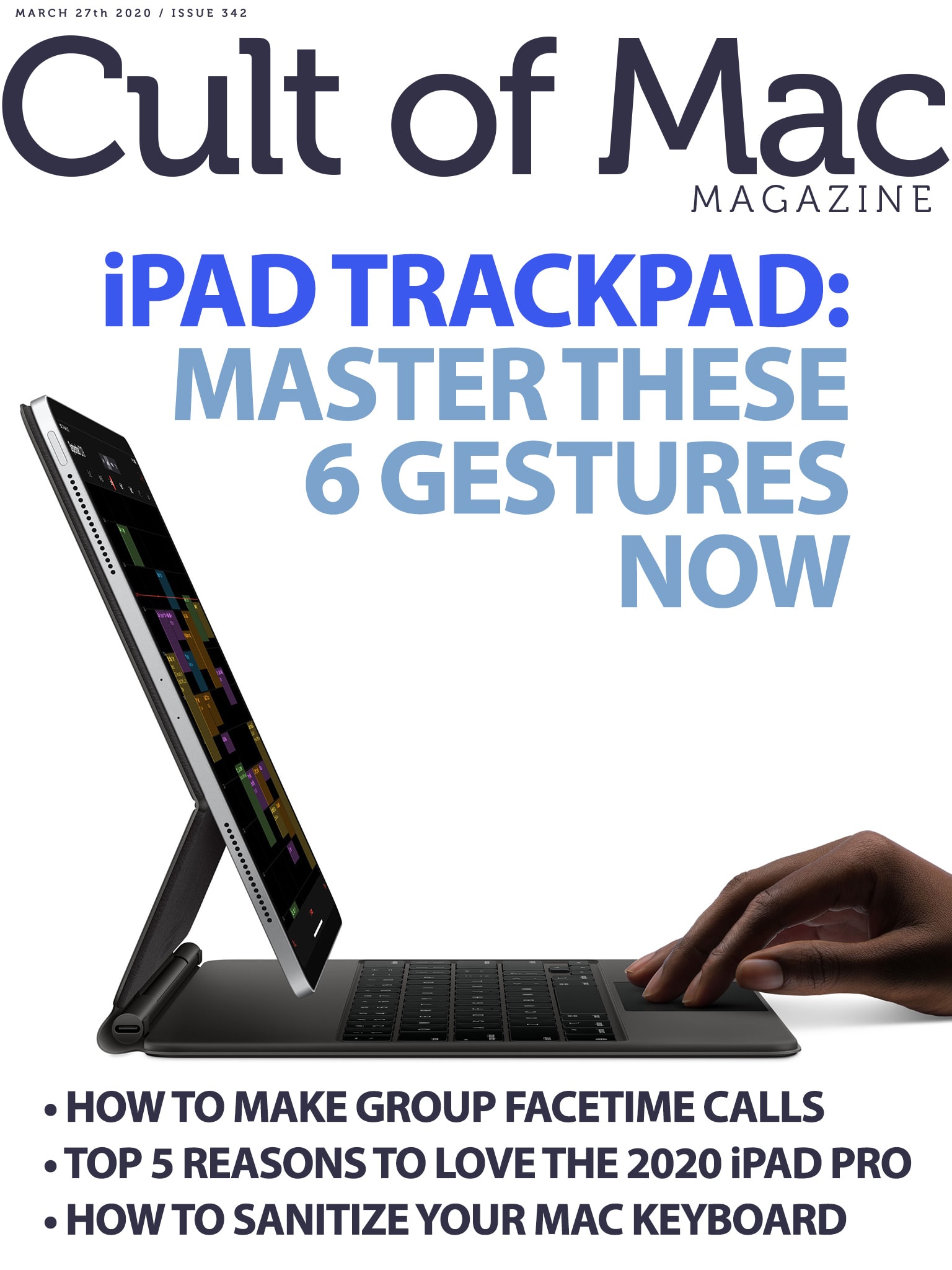
These handy gestures will change the way you use your iPad. Cover: Leander Kahney/Cult of Mac
If you use (or plan to use) a trackpad with your iPad, you definitely need to know these six handy gestures. From the three-finger swipe to the slammer, they will transform the way you use your tablet.
Get the lowdown on those essential iPad gestures, plus the rest of what’s new in iPadOS 13.4, iOS 13.5 and macOS Catalina 10.13.4, in this week’s free issue of Cult of Mac Magazine. Download it for easy reading on your iPad or iPhone. You’ll also get the rest of the week’s top Apple news, reviews and how-tos.
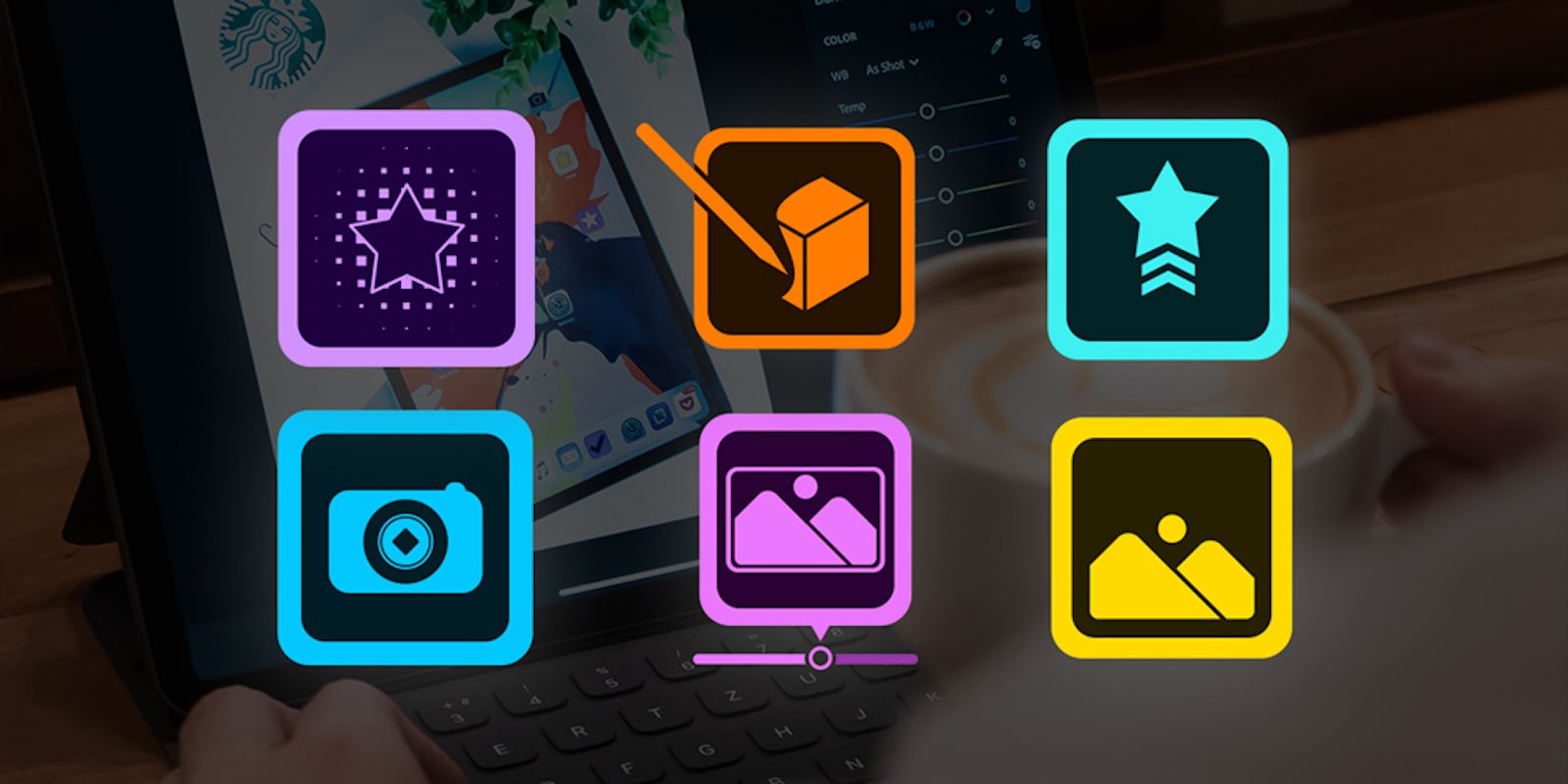
Boost your earning potential from home with 60 hours of courses in Adobe Creative Cloud. Photo: Cult of Mac Deals
Whether to stay creative or to broaden job prospects, Adobe’s Creative Cloud is one of the best tools to have under your belt. Lots of us are at home wondering what to do right now, so it’s a good time to sharpen your skills. And with this deal, you can get more than 60 hours of training in Adobe CC for less than $35.
Michelle Wilson anchors a solid outing of the new Amazing Stories. Photo: Apple TV+
After a bumpy start, the Apple TV+ reboot of Amazing Stories headed off in an agreeable direction. Between its heart-on-the-sleeve emotional core and the very modern, depressive look at the deflation of the American dream, this is a show that understands why people need to believe in the impossible today.
Episode 4, titled “Signs of Life,” might not be a perfect hour of television. However, it’s got its heart in the right place. And a host of excellent elements make its story beats hit with extra force.
Alessio Albi makes screenshot magic on FaceTime. Screenshot: Alessio Albi/Instagram
Quarantined photographers across the internet have used the lockdown to come up with personal projects they could shoot within the same confines of their home.
Condé Nast shooter Alessio Albi has one of the more interesting bodies of work to emerge from staying at home. He is using FaceTime for remote fashion shoots.
Can't go to the gym? Customize your Apple Watch to fit your home workouts. Photo: Meghan Holmes/Unsplash CC
If you’re stuck at home due to COVID-19 self-isolation, you’re probably not getting enough exercise these days. Still, you should try to keep yourself in shape, for both your mental and your physical wellbeing. The Apple Watch can definitely help, and you can customize the data it displays during workouts so you only see what you need.
Maybe you don’t need to know the current pace for your indoor walk, or you don’t care to be distracted by your calorie burn during a yoga session. Let’s see how to customize Apple Watch workouts to fit your personal needs.
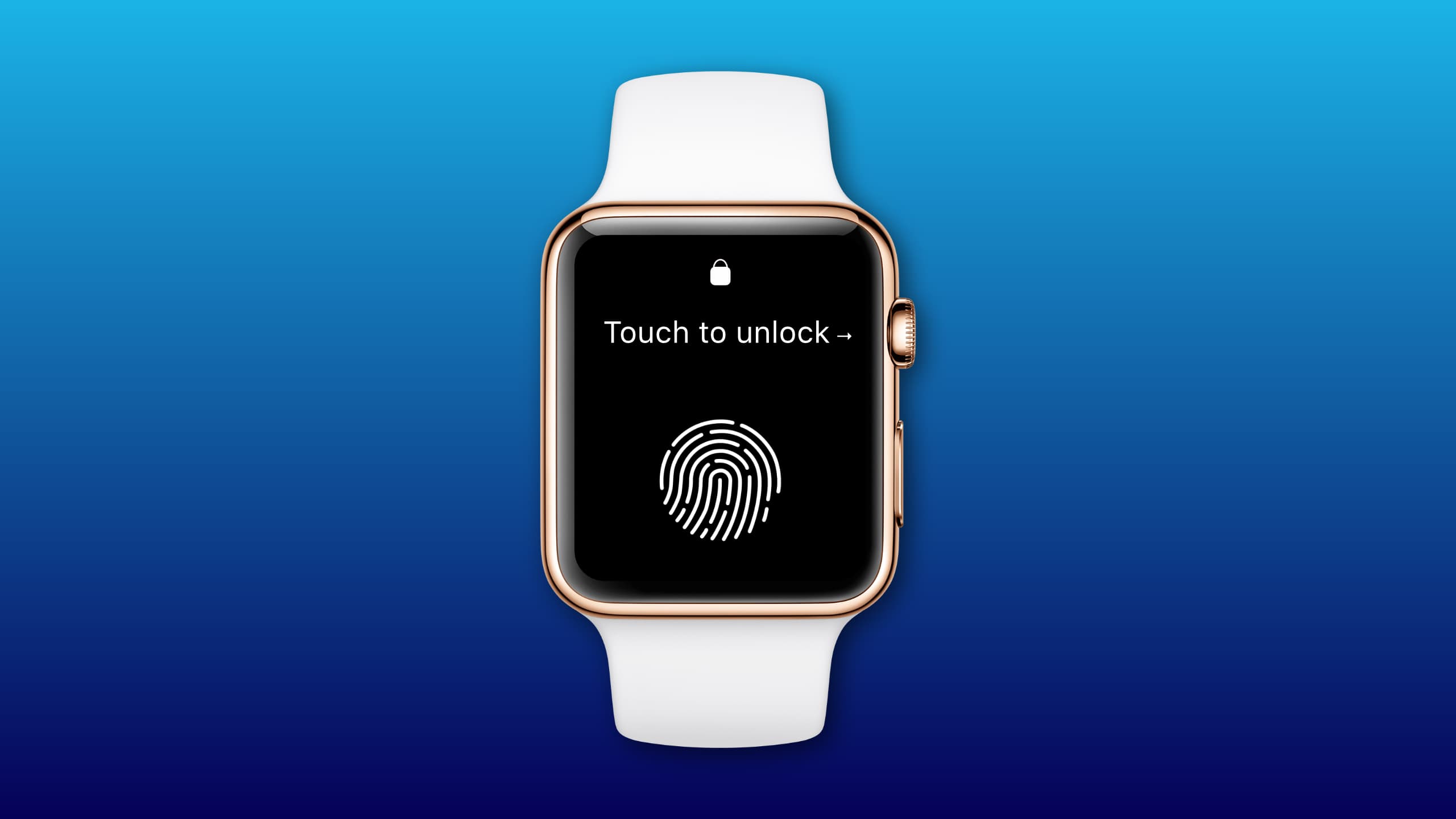
Is Touch ID really necessary? Mockup: Killian Bell/Cult of Mac
Apple is working to bring Touch ID to Apple Watch for the first time, according to new reports out Friday. The company is said to be exploring two methods of integrating the technology into its wearable for easier unlocking.
The new model may prove particularly interesting to Apple Watch Series 2 owners, who are expected to miss out on Apple’s upcoming watchOS 7 update this fall.
Are you forever opening up your Mac’s System Preferences app and searching for the section you need? If so, it’s because by default, all those Preference Panes are ordered by category, which — to me at least — makes little sense.
Luckily, changing a single setting in the Mac’s System Preferences app can make this essential tool far easier to use. There’s a much better way to sort them — alphabetically. Let’s check it out.
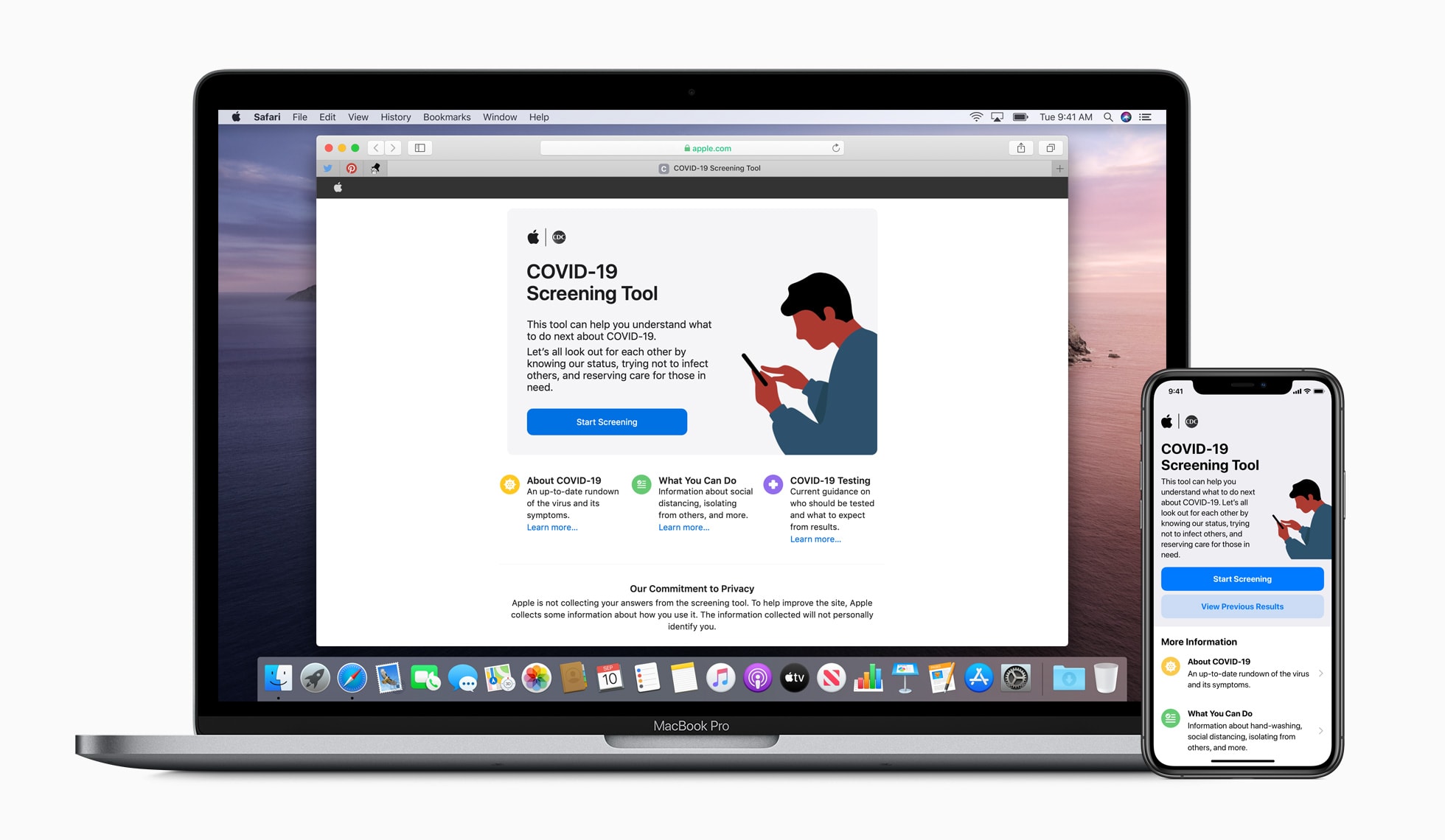
The new COVID-19 app and website provide the latest information and guidance from the CDC for users across the US. Photo: Apple
Apple is jumping into the fight against the COVID-19 pandemic with a new website and app that allow visitors to screen themselves for COVID-19 symptoms.
The company partnered with the Centers for Disease Prevention and Control for the new site and app, found at Apple.com/covid19 and on the App Store. The goal is to give people resources so they can stay informed on steps they can take to protect their health during the coronavirus outbreak.
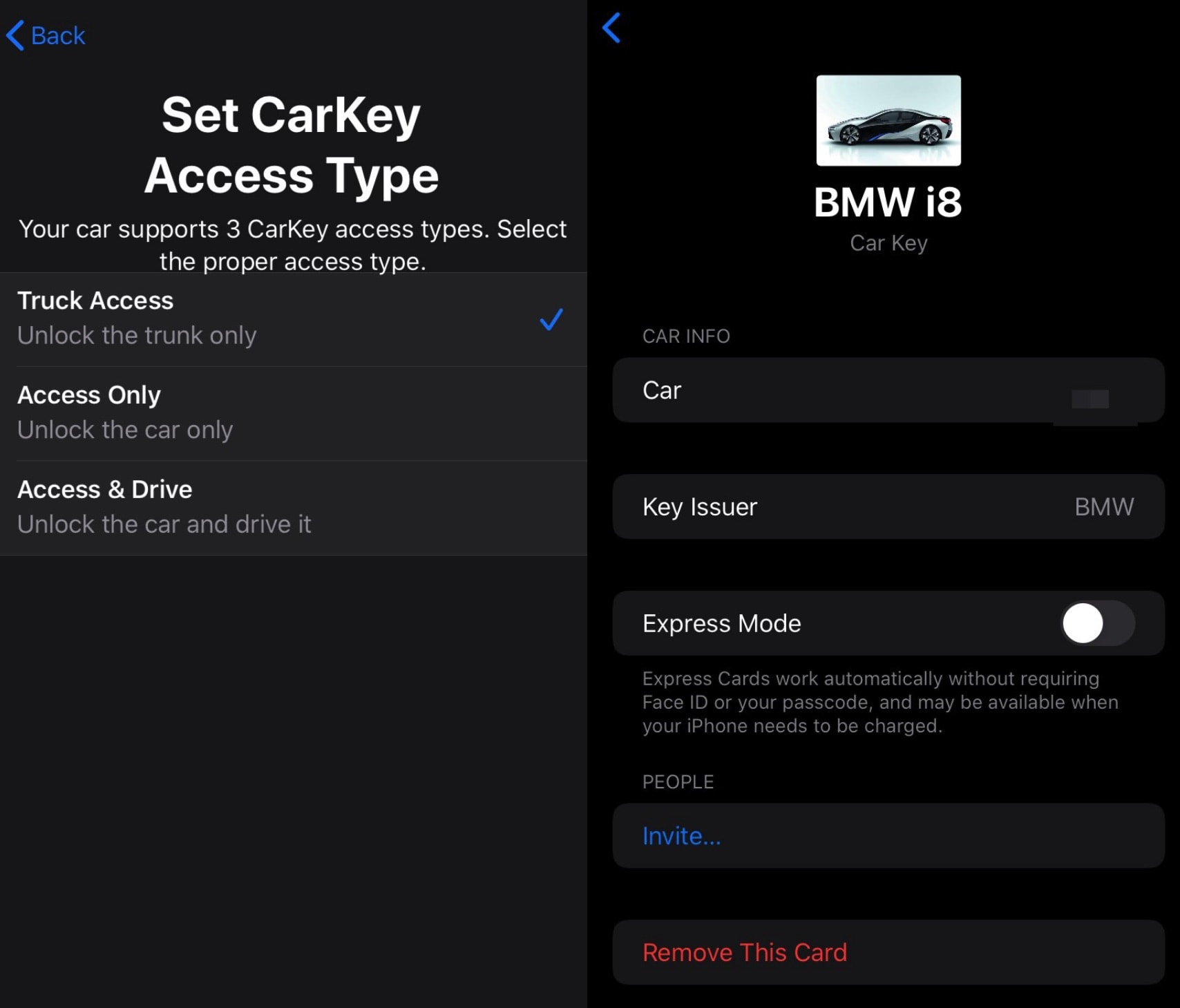
Here's how you'll interface with CarKey. Photo: DongleBookPro
A new CarKey feature for iOS 14 will let drivers start up compatible vehicles from their iPhone or Apple Watch, using a digital car key in their Wallet app. Leaked screenshots that appeared on Twitter this week show what the user interface might look like.
Tapping on the digital car key in the Wallet app will reveal the car model and automaker. It also offers the ability to share your key with another person. And an Express Mode works without requiring Face ID or your passcode.
Now's a great time to finally protect your online activity with a virtual private network. Photo: Cult of Mac Deals
As the coronavirus pandemic leads to stay-at-home lockdowns around the country, lots of people are suddenly online even more than usual. Unfortunately, with increased online activity comes extra risk of data theft and compromised privacy.
Plus, many people who became stuck while traveling now face problems accessing location-restricted content. So it’s little wonder that NordVPN says use of its virtual private network services spiked 165% since March 11. If you haven’t already jumped on the VPN bandwagon, now is a great time to do it. With this deal from KeepSolid VPN Unlimited, you can get a lifetime’s access for just $39.