Mobile menu toggle

Top stories - page 255

Beats Solo3 headphones offer premium audio quality, and they’re on sale

By

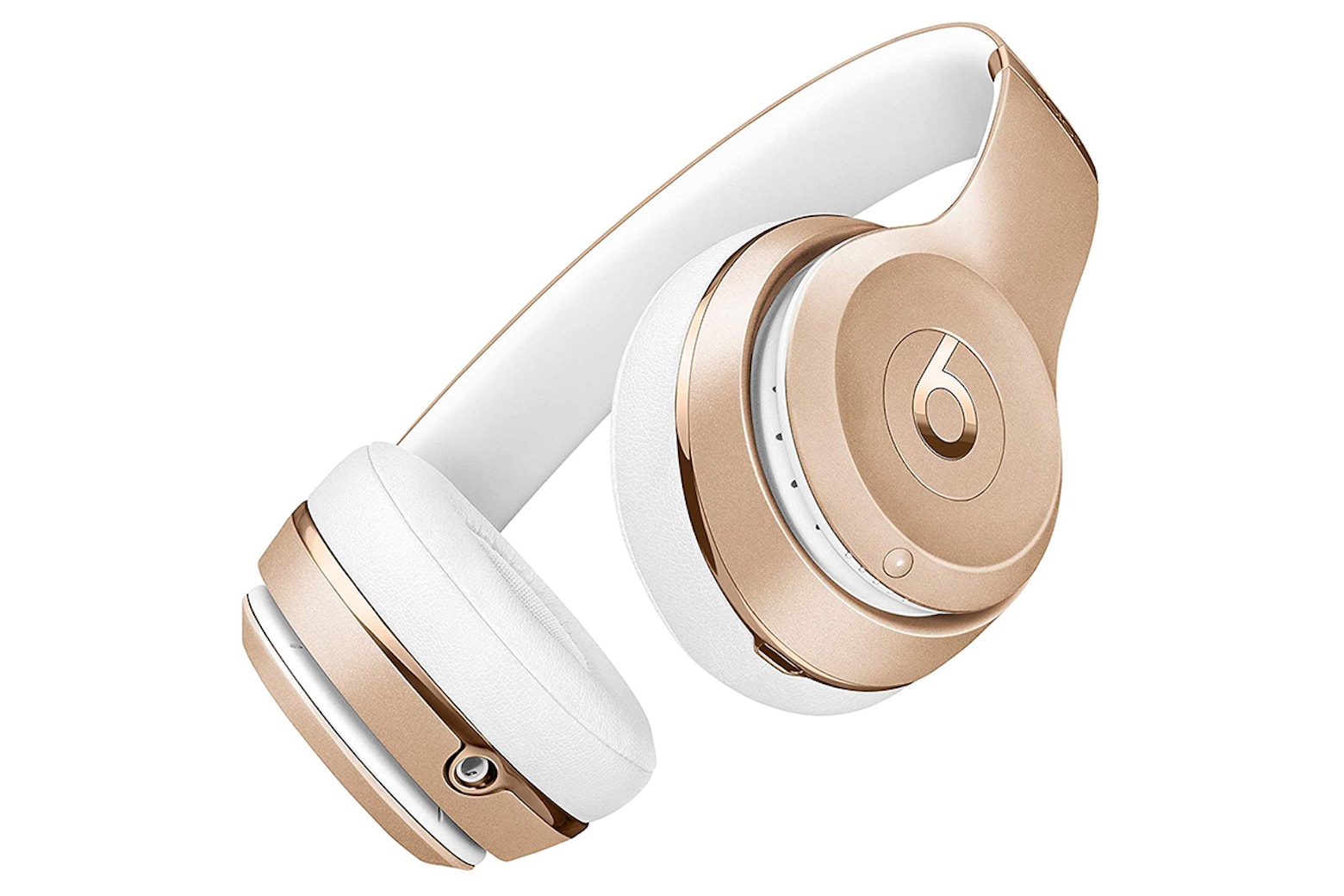
Beats Solo3
Treat your ears to some solid headphones.
Photo: Beats

If you’re an audio enthusiast, you know that some headphones don’t fare well with age. When you factor in hours of listening time and the advent of the latest and greatest features on newer models, your tried-and-true pair might not have the same allure they did before.

That’s not the case with Beats Solo3 Wireless On-Ear Headphones. These award-winning headphones have stood the test of time well, with fast charging, exceptionally long battery life and Apple’s proprietary W1 chip.

Goodbye, iMac Pro … and good riddance! [Cult of Mac Magazine 392]

By

Goodbye, iMac Pro ... and good riddance.
Farewell ... and don't let the door bang you on the bezel on your way out.
Cover: Leander Kahney/Cult of Mac

The iMac Pro was sleek and fast and capable and ultimately … uninspired.

That’s Cult of Mac writer Luke Dormehl’s take on Apple’s recently expired pro all-in-one. He serves up a compelling “Dear John” letter to a weird period in Mac history. And it doubles as a lovingly hopeful look at what the future holds.

If you want to peer even deeper into the Cupertino crystal ball, we’ve got a hot mess of new rumors and leaks this week as we speed toward a probable Apple event on March 23. Catch up with this week’s free issue of Cult of Mac Magazine. Download it to enjoy on iPhone or iPad, or get the stories below in your browser.

When the music stops: Apple discontinues full-size HomePod

By

The HomePod -- a beautiful body with the brain of an idiot.
The originally HomePod is going away but the HomePod mini is going strong.
Photo: Charlie Sorrel/Cult of Mac

The $299 version of Apple’s HomePod smart speaker has been discontinued. The company is already selling out of its remaining supply.

But that doesn’t mean Apple is getting out of the smart speaker business — it’s pleased with the launch of the more affordable HomePod mini.

How to mix up activities for a more effective Apple Watch workout

By

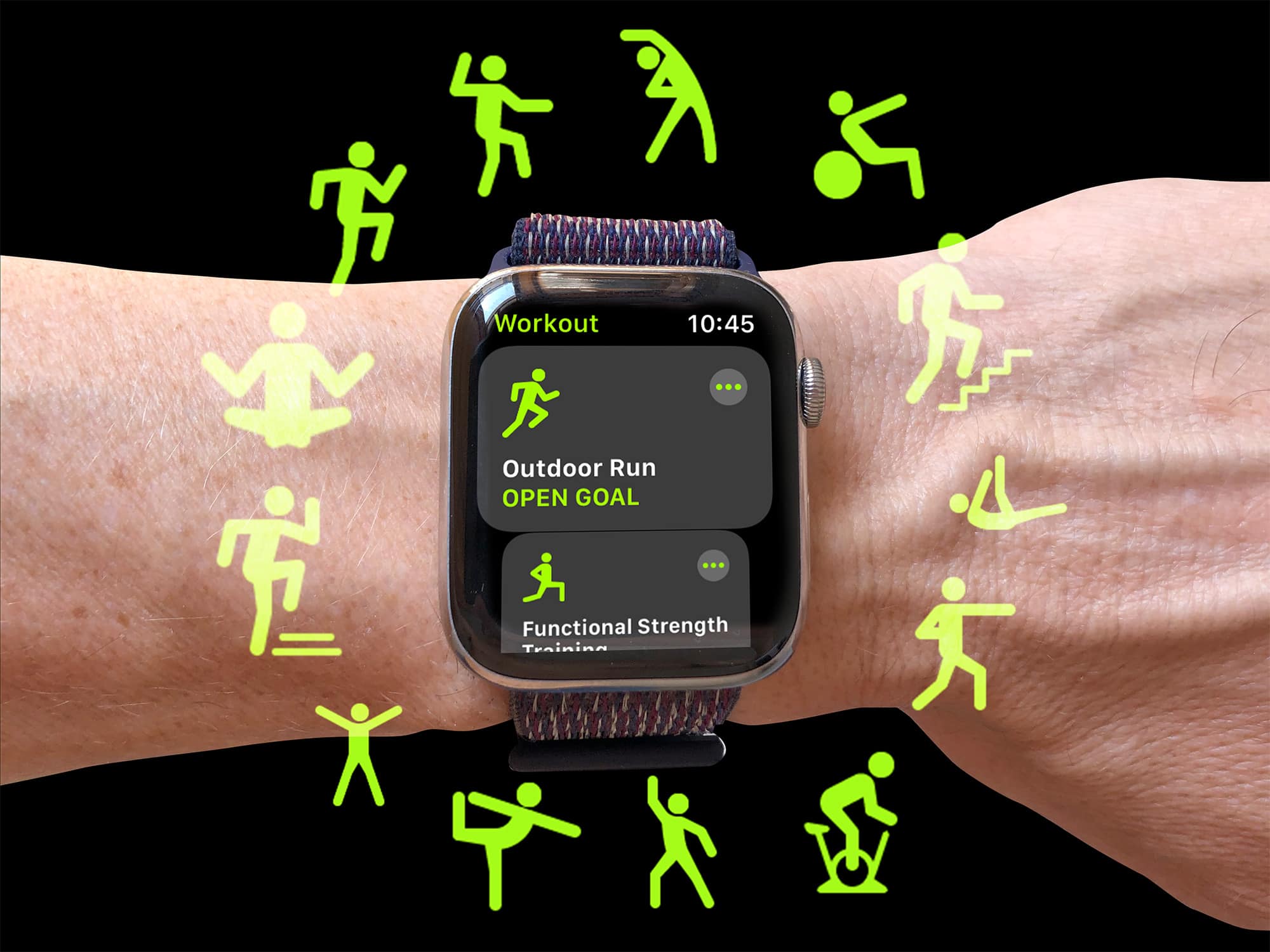
Why choose one activity type when you can do loads?
Photo: Graham Bower/Cult of Mac

Which workout type do you fancy today? Running, swimming, cycling, yoga…? There are so many different Apple Watch workouts, it can be hard to choose. The good news is, you don’t have to.

Thanks to a hidden feature in the Workout app, you can log multiple activity types in a single session. Want to log a triathlon? No problem. Like to do a cooldown at the end of an intense HIIT session? It supports that too.

Here’s everything you need to know about how to use this little-known Apple Watch feature — and why you definitely should.

iPhone might get in-screen Touch ID this year

By

Touch ID might be back in the iPhone 13
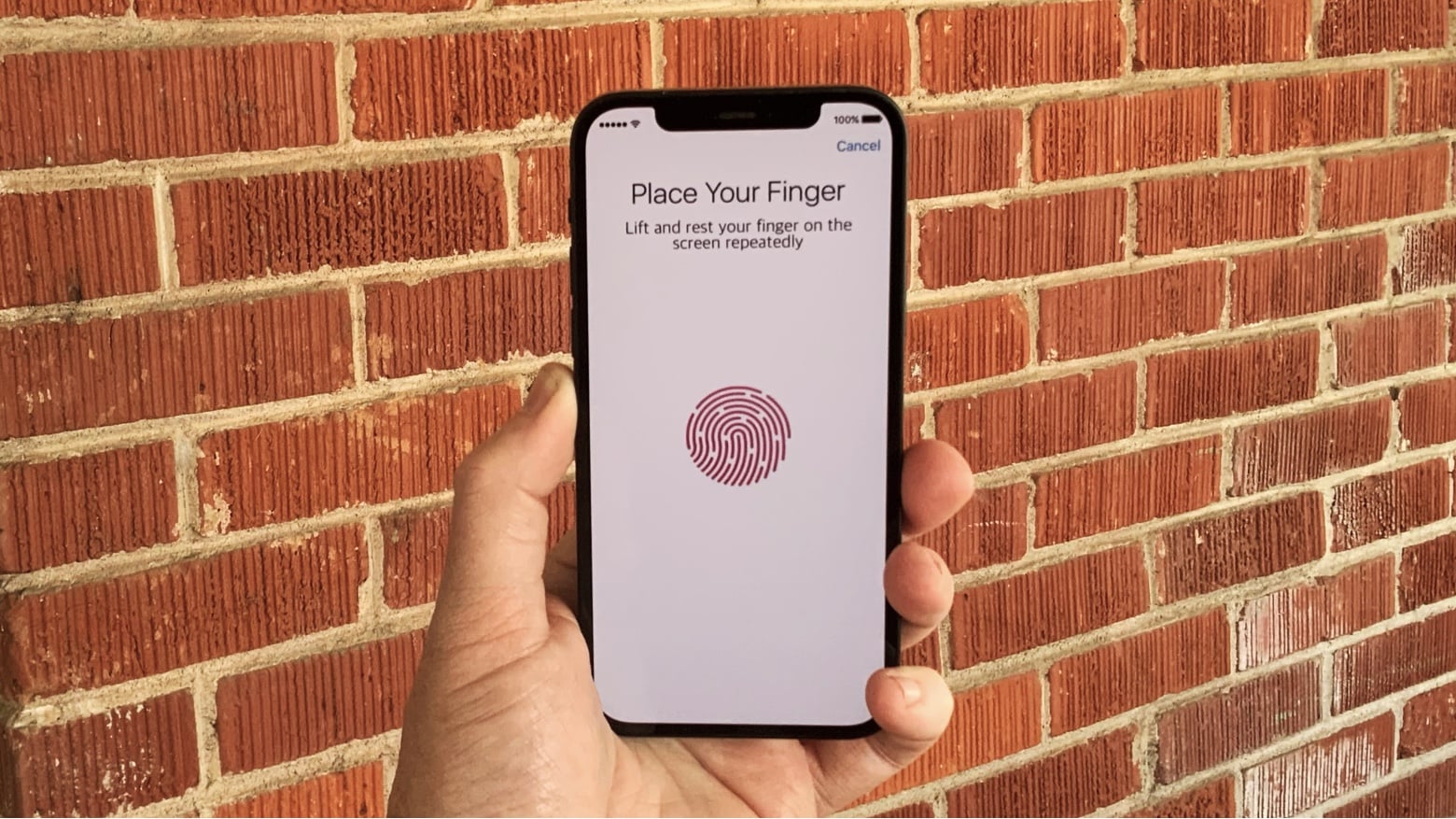
The iPhone 13 could be Apple’s first with an in-display Touch ID scanner.
Concept image: Ed Hardy/Cult of Mac

A growing number of voices predict that the next-generation iPhone will come with a fingerprint scanner built into its screen. If true, it will mark the welcome return of Touch ID to Apple’s premium models after several long years.

Russo brothers’ victory lap turns sour with excruciating Cherry [Apple TV+ review]

By

Tom Holland in Cherry
Even Spider-Man can't save this disaster.
Photo: Apple TV+

After years of shepherding the Marvel Cinematic Universe to its first major climax, directors Joe and Anthony Russo decided to make one of the proverbial “one for us” movies — as in “one for them, one for us.”

It’s a classic Hollywood strategy, where filmmakers follow up a moneymaking blockbuster with a personal project that’s more like an indie flick. The trouble with the Russo brothers “one for us” movie — a drama called Cherry, comes to Apple TV+ today — is that the “us” in this case possess no style, no ideology, no ideas and no ambition. Cherry is a total waste of $10 million and 2-and-a-half hours of screen time.

Guitar-wielding student marshals nifty light show [Setups]

By

Nanoleaf Shapes give you interesting lighting options.
Photo: arnaki_gkioulmpasi@reddit

If one thing catches your eye first about Redditor arnaki_gkioulmpasi’s setup, it’s probably the interesting light show on the wall behind it. That array is made up of Nanoleaf Shapes that can be arranged any which way.

Those cool-looking lights, along with a Yeelight Screen Light Bar Pro atop the Dell 32-inch curved 4K monitor and a standing lamp next to the desk, keep eyestrain to a minimum.

Banish boredom with these incredibly fun Apple Watch bands

By

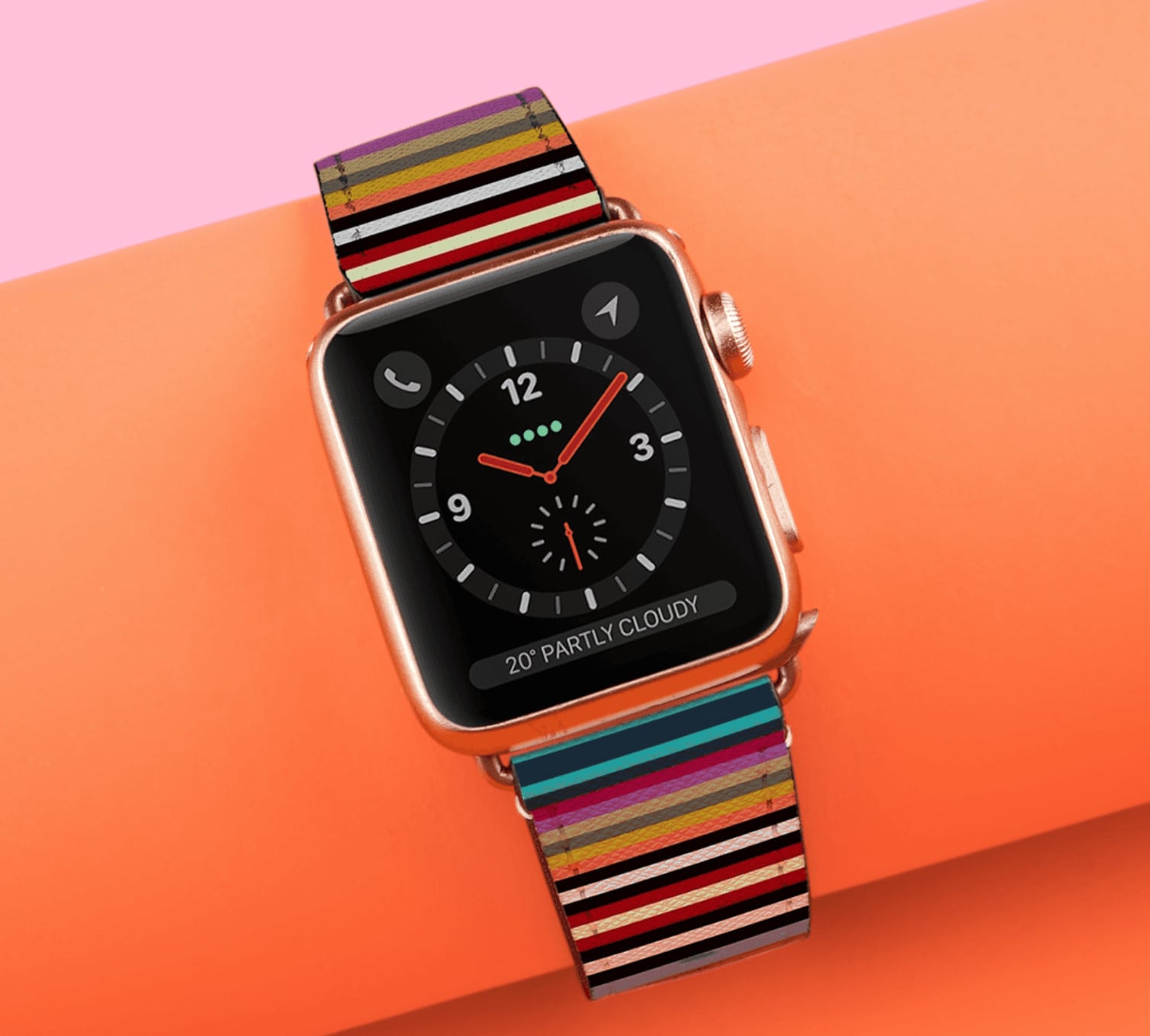
Go stripes! It's timeless and chic, perfectly complimenting an everyday look while adding your own flare.
Bold, beautiful, and surprisingly affordable.
Photo: Casetify

Casetify’s brilliant Apple Watch bands are available in a bunch of spectacular styles that are sure to turn heads.

Whether you’re after a rush of color, subtle sophistication, or a trend-setting statement piece, the latest Saffiano collection has you covered. And it’s available right now!

Working from home? These 11 essential upgrades will save your sanity.

By

Any of these 11 heavily discounted products will have a profound impact on your WFH experience
Any of these 11 products will have a profound impact on your WFH experience.
Photo: Cult of Mac Deals

In theory, you only need a laptop and a table to work from home. But as the months pass, a subpar setup will take its toll on your productivity — and your body. A few choice upgrades can make all the difference.

From dedicated desks to ergonomic mice, here are 11 products that can improve your WFH experience — now on sale for up to 39% off MSRP.

HoverBar Duo cleverly combines tablet desktop stand with shelf clamp [Review]

By

Twelve South HoverBar Duo review
The Twelve South HoverBar Duo securely holds an iPad on a desk, or it can be clamped to a shelf.
Photo: Ed Hardy/Cult of Mac

With Twelve South’s HoverBar Duo, it’s not necessary to choose between an iPad stand that sits on a desk and one that clamps to a shelf — this accessory does both. And it has a two-piece articulated arm to give a wide range of positioning options. Plus it clamps tightly onto a tablets of many sizes.

I put this stand through its paces, and here’s how it stood up to real-world use.

Practice your golf swing all year with this at-home golf simulator

By

golf simulator
Get ready to perfect your swing anytime, anywhere.
Photo: Cult of Mac Deals

In many places, the weather’s still cold and unpleasant. Whether you’re experiencing gray days, rain or snow, it can be extra tough to motivate yourself to go outside and get some exercise in (even though you know it’s good for you). You can skip the winter weather with the PhiGolf: Mobile & Home Smart Golf Simulator with Swing Stick.

It eliminates all the typical excuses that keep you off the golf course (and glued to your couch). And with a golf experience that so closely resembles the real thing, you’ll find yourself practicing your swing year-round.

Apple accuses former employee of leaking trade secrets to the press

By

Apple Glass concept from the Hacker 34.
VR glasses is one of the secret projects that a former Apple employee might have leaked to the press.
Concept: the Hacker 34

Apple filed a lawsuit against Simon Lancaster on Thursday, accusing the former employee of leaking company secrets to the media.

He worked at Apple as a materials engineer for over 11 years, helping to design upcoming products. That gave him access to information not publicly available. Apple alleges he traded that info for personal gain.

Apple’s custom 5G modem might make 2023 iPhone faster than ever

By

An Apple 5G modem might look like this
An Apple 5G modem is allegedly in development, and could be in iPhones in a few years.
Artists concept: Ed Hardy/Cult of Mac

Apple’s move away from Qualcomm modems could begin in 2023. Analysts predict that all the iPhone models released in that year will use 5G modems Apple designed itself.

This is another example of Apple developing critical components for its products in-house rather than depending on an outside company.

Game developer plays with wide and tall screens [Setups]

By

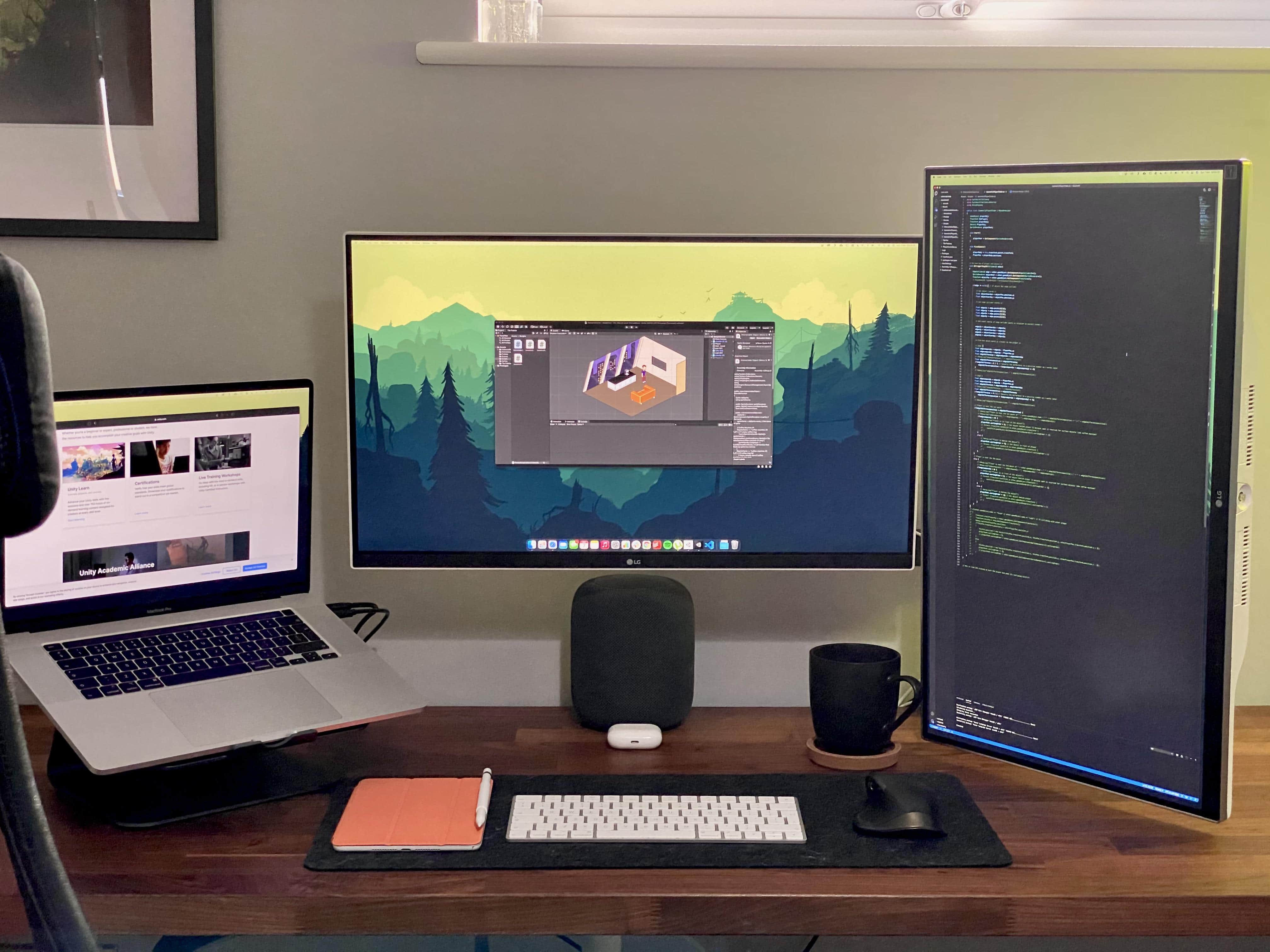
A game developer makes good use of wide and tall monitors.
Photo: linden_park@Reddit

UK-based Redditor linden_park just updated their setup while working in the early development phase of a new life simulator game set in space among multiple planets and space stations. Covering all that intergalactic territory, it helps to have both wide and tall screens.

Save $29 on Apple’s new MagSafe Duo Charger for iPhone, Apple Watch

By

MagSafe Duo Charger
Get yours today for just $99.99.
Photo: Apple

Apple’s new MagSafe Duo Charger for iPhone and Apple Watch just got its first discount — and it’s a big one. Bag yours from Best Buy today for just $99.99, down from $129, before the price returns to normal.

This post contains affiliate links. Cult of Mac may earn a commission when you use our links to buy items.

This app converts your entire reading list into listening material

By

Elocance
With this app, you're basically converting any written content you want into a podcast.
Photo: Elocance

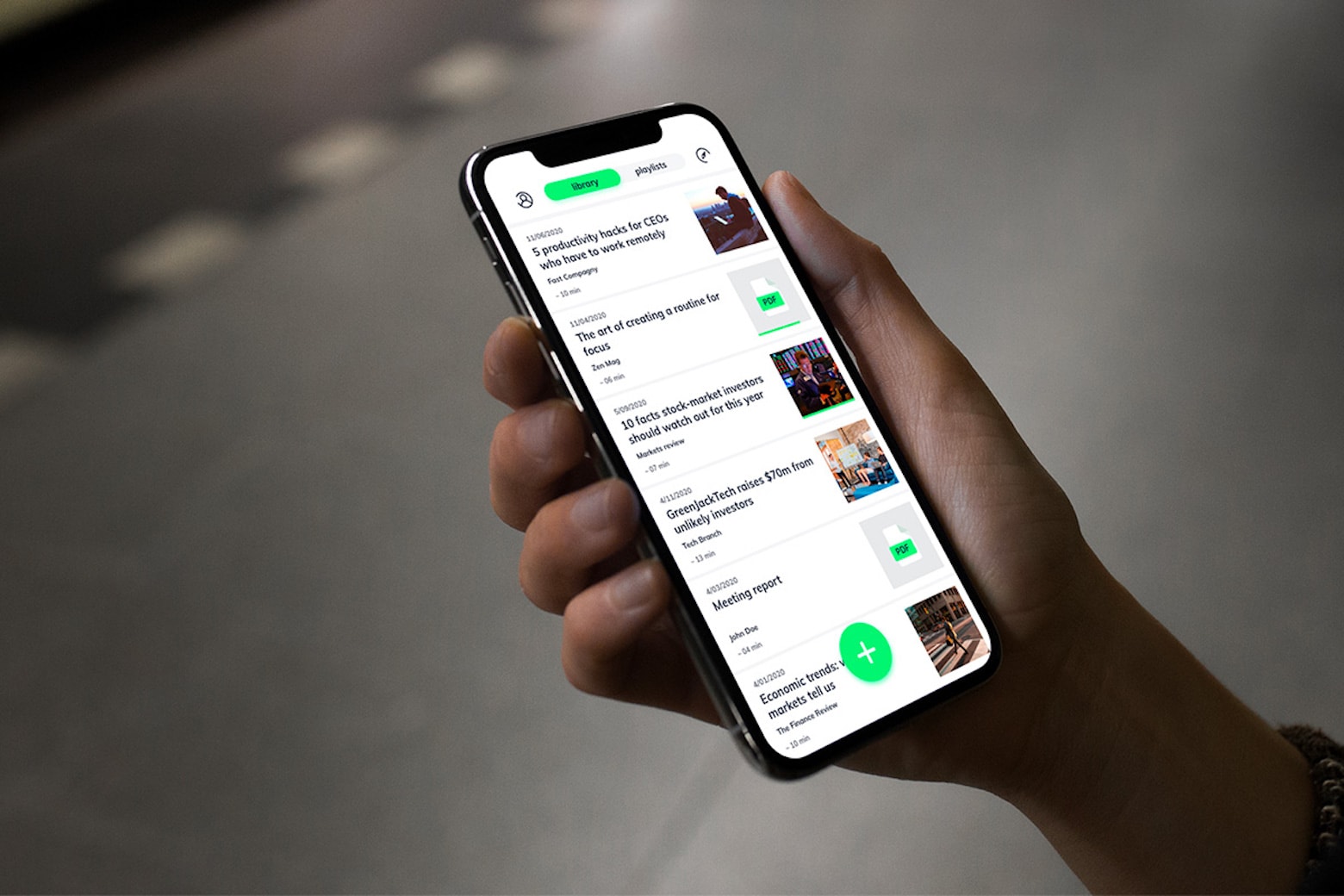
Between work and keeping up with the latest news, it can feel like there’s too much information to consume. Luckily, there’s a way to multitask and make the most out of the hours in your day — and tackle your reading list at the same time.

The Elocance Audio Reading App is highly rated, receiving 4.4 out of 5 stars on the App Store for its ability to convert all written content into audio that you can listen to while multitasking or on the go. And you can get a lifetime subscription on the cheap!

This 41-hour bundle provides the ultimate Python training, and it’s just $35

By

Python
You can learn one of the most essential programming languages in any industry.
Photo: Cult of Mac Deals

If you want to learn how to program, but are confused about where to begin, you’re not alone. After all, there are about 700 different programming languages to choose from.

But some stand apart from the rest. Like, for instance, Python, which is used in just about every industry and scientific field you can imagine, including data science, machine learning, game development and more. You can learn this essential coding language with the 2021 Premium Python Certification Bootcamp Bundle. It includes 41 hours of courses to teach you everything you need to know, from beginner to advanced lessons.

Artist uses vintage Mac to re-create Flatiron Building, one pixel at a time

By

Wahyu Ichwandardi image
Imagine the hours it took to draw this.
Photo: Wahyu Ichwandardi

Using a 1984-era Macintosh 128K and various retro tools, Pinot W. Ichwandardi painstakingly crafted a beautiful pixel art drawing of one of New York City’s most stunning skyscrapers.

Ichwandardi created his stunning image of the Flatiron Building one pixel at a time, a process he calls “pixel knitting” due to its time-intensive nature. But the incredibly detailed artwork isn’t even the point.

“The most rewarding thing from it is the process,” the 50-year-old designer told Cult of Mac.

It just goes to show that even a Mac that’s nearly 40 years old can still be used to make amazing pieces artwork. And you can buy a print of Ichwandardi’s Flatiron Building art — printed on a vintage dot-matrix printer, naturally!

Master Adobe’s suite of tools for $34 with this 12-course bundle

By

Adobe
This Adobe Creative Cloud bundle packs 80-plus hours of content that shows you how to use the in-demand software.
Photo: Cult of Mac Deals

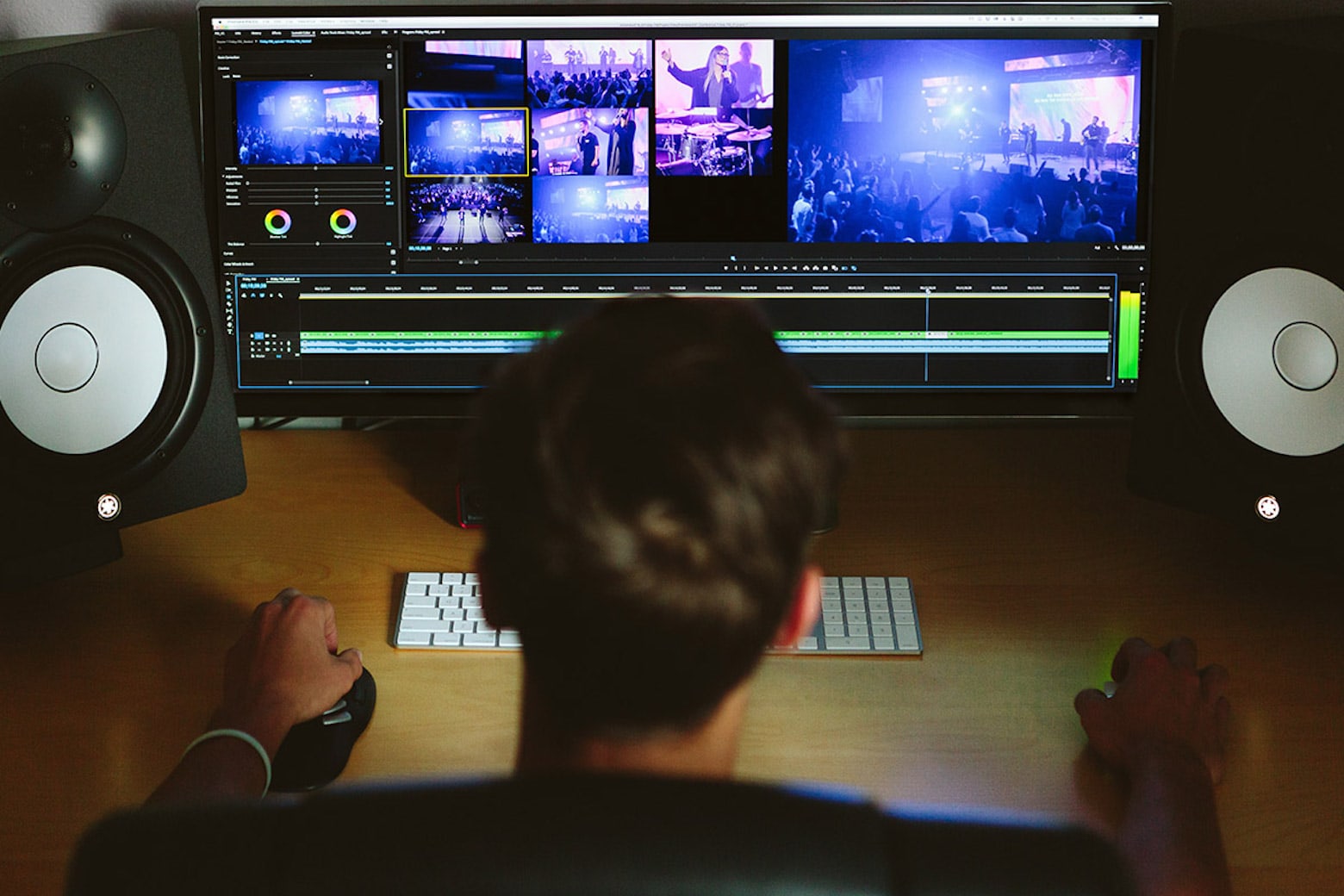
There are a lot of reasons why you should learn to use Adobe Creative Cloud, even if you’re not a pro designer. Anyone can use this complex set of tools — which includes big names like Photoshop and Illustrator — to develop professional assets that can be leveraged across a wide range of mediums, from websites and videos to print.

Unfortunately, for beginners, Creative Cloud is not exactly intuitive to use. But advanced Adobe skills are just a click away … and this highly sought-after knowledge is affordable! The Complete All-in-One Adobe Creative Cloud Max Suite Certification Course Bundle includes 12 courses that show you how to use the most in-demand Adobe tools, whether you’re brand-new to the software suite or already familiar with a few of the products.

Stylish smart sunglasses offer built-in Bluetooth speakers [Review]

By

Flows Bandwidth Bluetooth audio sunglasses review
Flows Bandwidth Bluetooth audio sunglasses pair well with an iPhone.
Photo: Ed Hardy/Cult of Mac

Flows Bandwidth’s Bluetooth audio sunglasses let you listen to podcasts or take calls without blocking out the world around you. Despite speakers built into the stems, the men’s or women’s versions look like any other sunglasses. But they keep you entertained on the go.

I’ve worn these smart glasses for weeks. Here’s why I like them.

Learn key writing strategies to earn money on Amazon and Medium

By

Amazon
These writing lessons will help you turn your words into money.
Photo: Cult of Mac Deals

If you have a way with words, you can earn extra income that’s not readily available to other people. If you’ve got the skills, but haven’t considered a career in professional writing, you’ll want to look at The Ultimate How to Make Money by Writing on Medium & Self-Publishing Books on Amazon Bundle.

Gorgeous cases wrap your AirPods Pro in luxury leather for under $20

By

Elago-AirPods-Pro-case-red
Get yours for just $23 today.
Photo: Elago

AirPods Pro aren’t the cheapest wireless buds you can buy, so the last thing you want to do is destroy them. Protect them with Elago’s gorgeous cases instead, and never worry about them getting beaten up.

Made from natural cowhide leather, they’re brilliantly robust and beautiful. They come in a number of color options, and include a clip that lets you attach them to almost anything.

They’re also a steal at just $19.99!