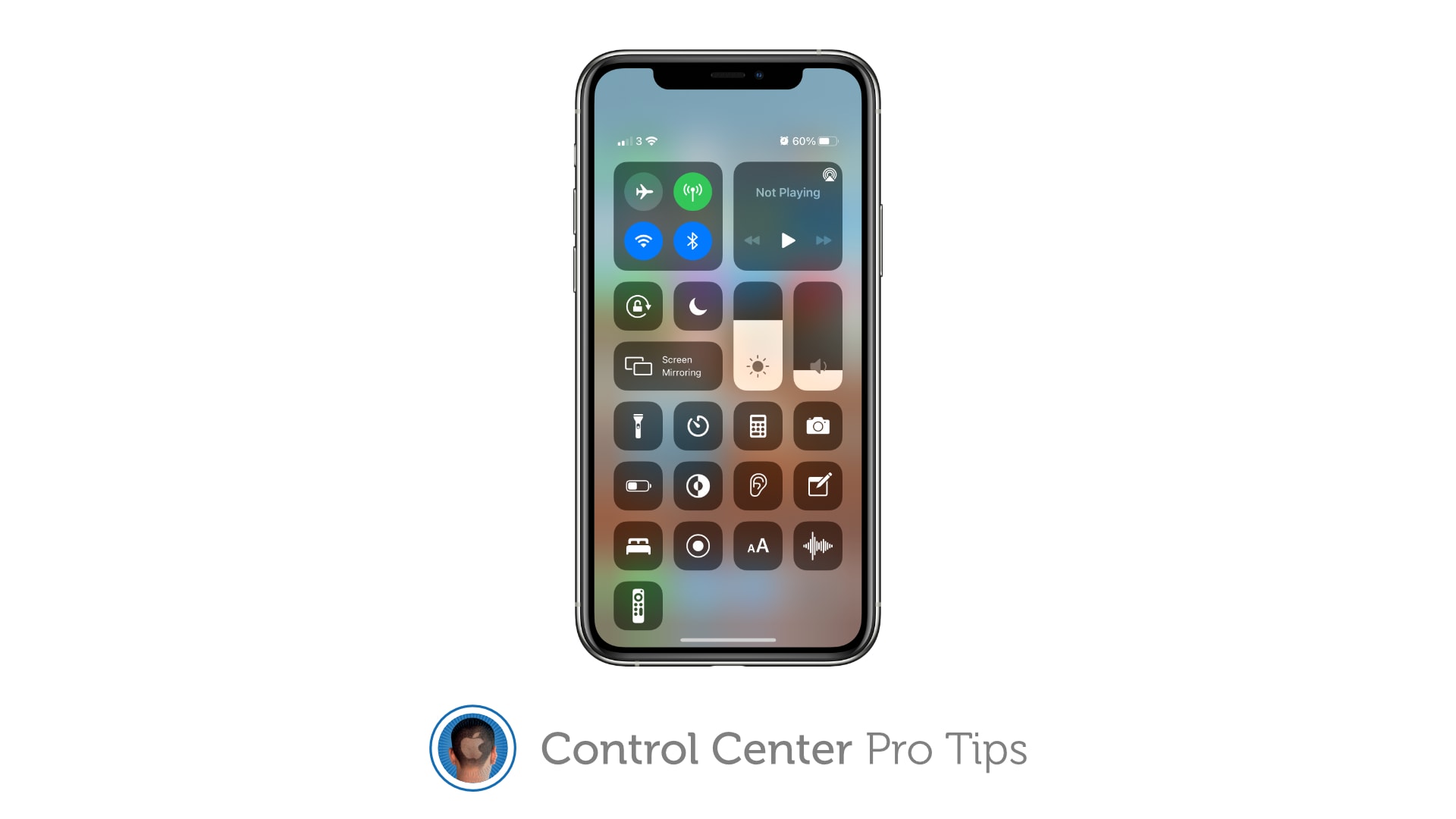
Keep Control Center protected by your passcode. Image: Killian Bell/Cult of Mac
We want to help you master Control Center, one of the most powerful and underutilized features on Apple devices. Cult of Mac’sControl Center Pro Tips series will show you how to make the most of this useful toolbox on iPhone, iPad, Apple Watch and Mac.
Control Center puts a ton of useful toggles and shortcuts at your fingertips, and you can access all of them while your iPhone or iPad are locked. If that’s not something you want, you can change it.
Here’s how to block Control Center access from the lock screen on iOS and iPadOS.
Justin Theroux, Melissa George, Logan Polish and Gabriel Bateman in The Mosquito Coast Photo: Apple TV+
The Mosquito Coast, the original cautionary fable about off-the-grid living, gets a shiny new update on Apple TV+ just as we’re all itching to get back out in the world after a year in quarantine.
Shepherded by director Rupert Wyatt and starring Justin Theroux, the show is an interesting addition to the ever-growing Apple TV+ lineup. It’s paranoid, fraught and full of personality.
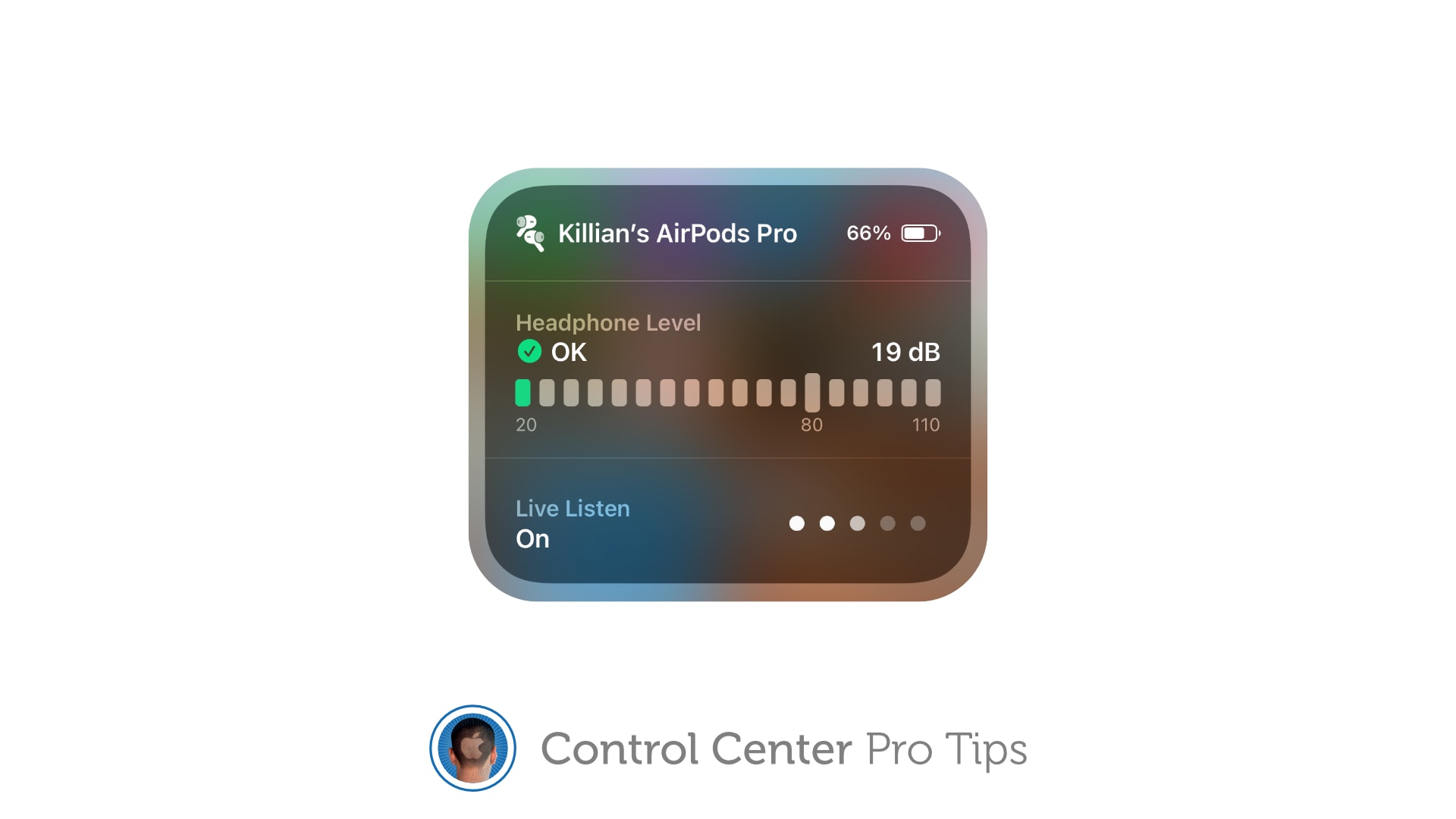
Make it easier to hear other people in a crowded room. Image: Killian Bell/Cult of Mac
We want to help you master Control Center, one of the most powerful and underutilized features on Apple devices. Cult of Mac’sControl Center Pro Tips series will show you how to make the most of this useful toolbox on iPhone, iPad, Apple Watch and Mac.
Activate Live Listen for AirPods and Powerbeats headphones inside Control Center to make it easier to hear other people in a noisy environment. The feature is built into iPhone and iPad and easy to use.
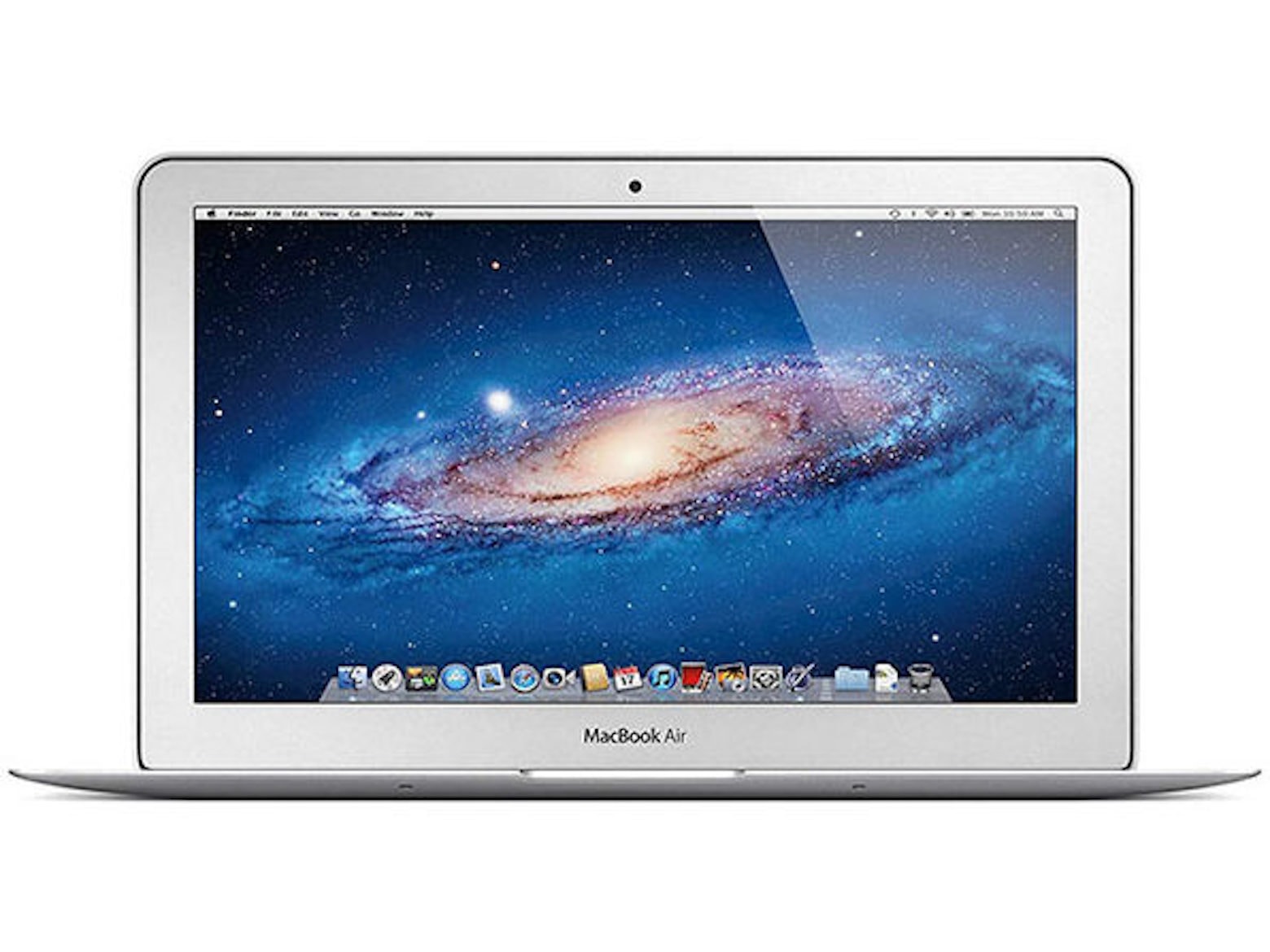
Need an ultraportable Mac that’s not going to break the bank? Check out Woot’s latest sale on MacBook Air refurbs, where prices start at a mere $379.99 for an Intel Core i5 machine with 128GB of storage.
Various models are available but supplies are limited, and this sale runs for today only. Don’t miss out!
The Magic Keyboard for iPad looks incredible. And it’ll be usable with more than one generation of iPad Pro. Photo: Apple
Turns out the 2020 version of Apple Magic Keyboard does fit the slightly thicker iPad Pro set for release in May. Apple said Thursday the accessory is “functionally compatible” with its newest tablet.
The clarification was necessary because previous statements from the company seemed to indicate that only a new, larger version of keyboard case was usable with the 12.9-inch version of the 2021 iPad Pro.
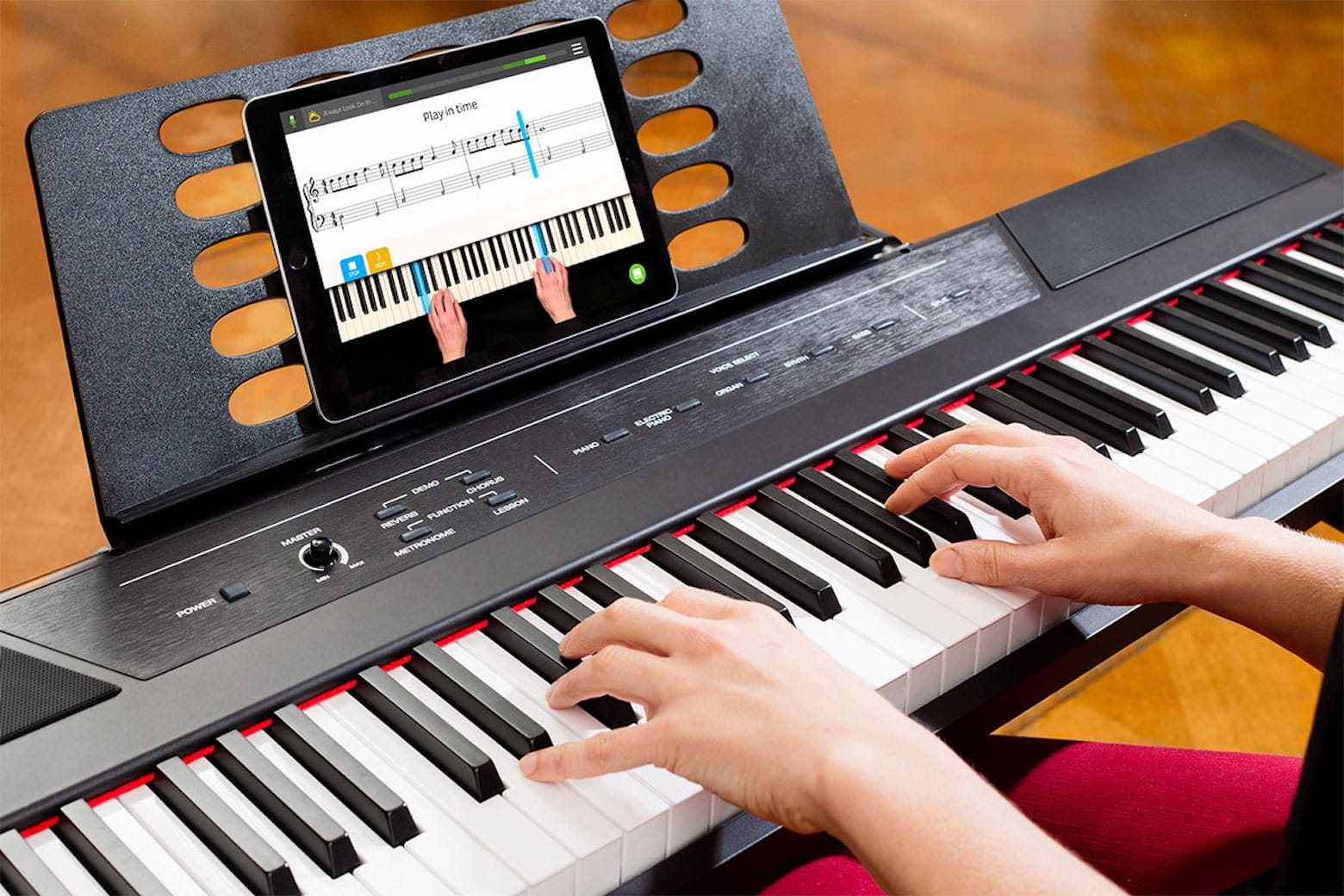
This AI-powered piano app is your key to a new hobby. Photo: Skoove
Whether you want to revive your long-lost musical talent or pursue a long-held dream of learning the piano, this lifetime subscription to Skoove Premium Piano Lessons will teach you to tickle the ivories.
The highly rated app for iPad, iPhone and iPod touch uses an engaging blend of interactive lessons, songs and artificial intelligence to help you learn to play the piano. Plus, you can get this subscription for an additional 20% off with Mother’s Day coupon code WELOVEMOM.
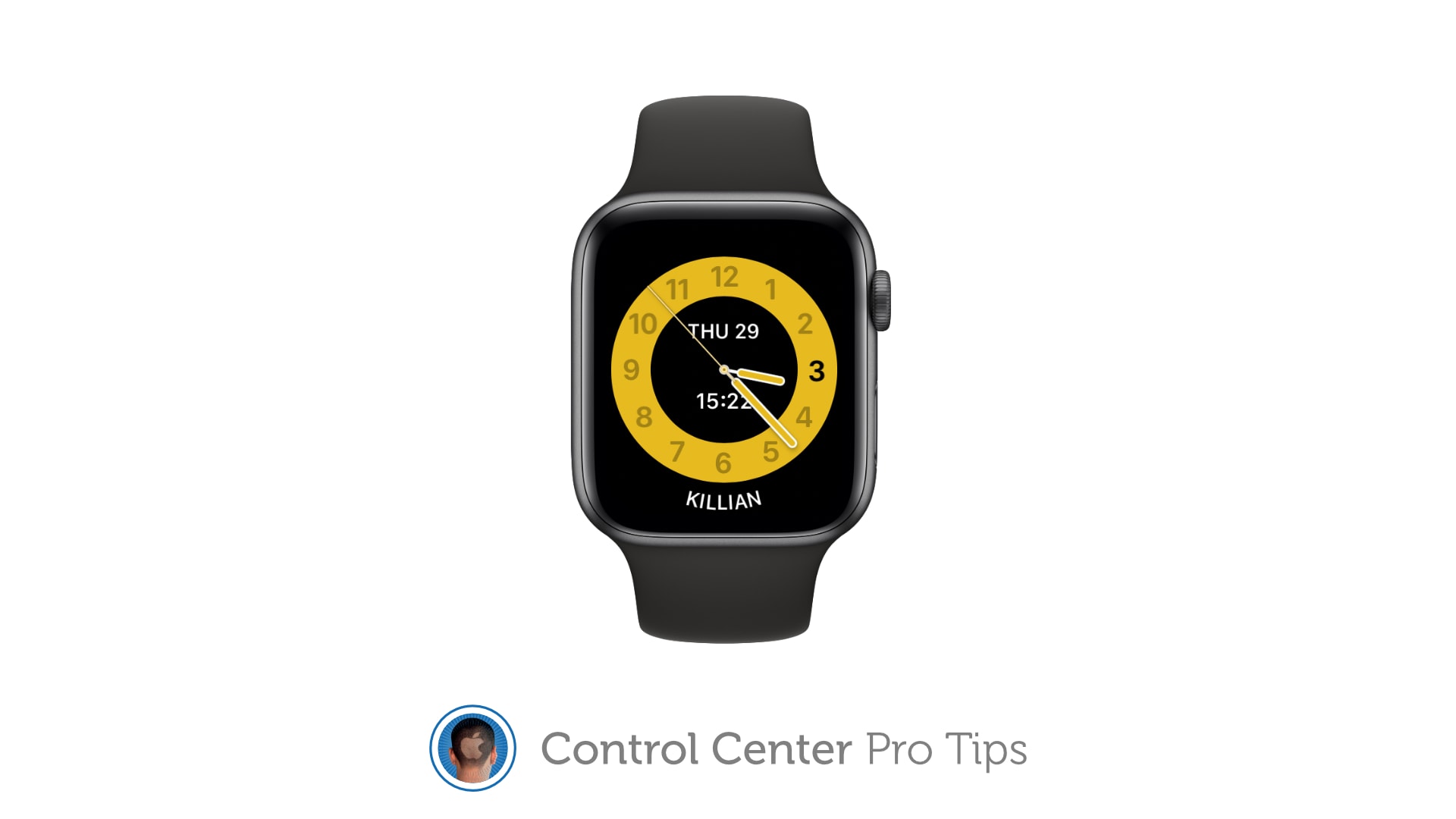
Schooltime prevents Apple Watch from being a distraction in the classroom. Image: Killian Bell/Cult of Mac
We want to help you master Control Center, one of the most powerful and underutilized features on Apple devices. Cult of Mac’sControl Center Pro Tips series will show you how to make the most of this useful toolbox on iPhone, iPad, Apple Watch and Mac.
Schooltime is a handy new feature, introduced in watchOS 7, that keeps Apple Watch quiet and prevents it from being a distraction in the classroom. It can be added to your Control Center options so that enabling Schooltime at any time takes just a swipe and a tap.
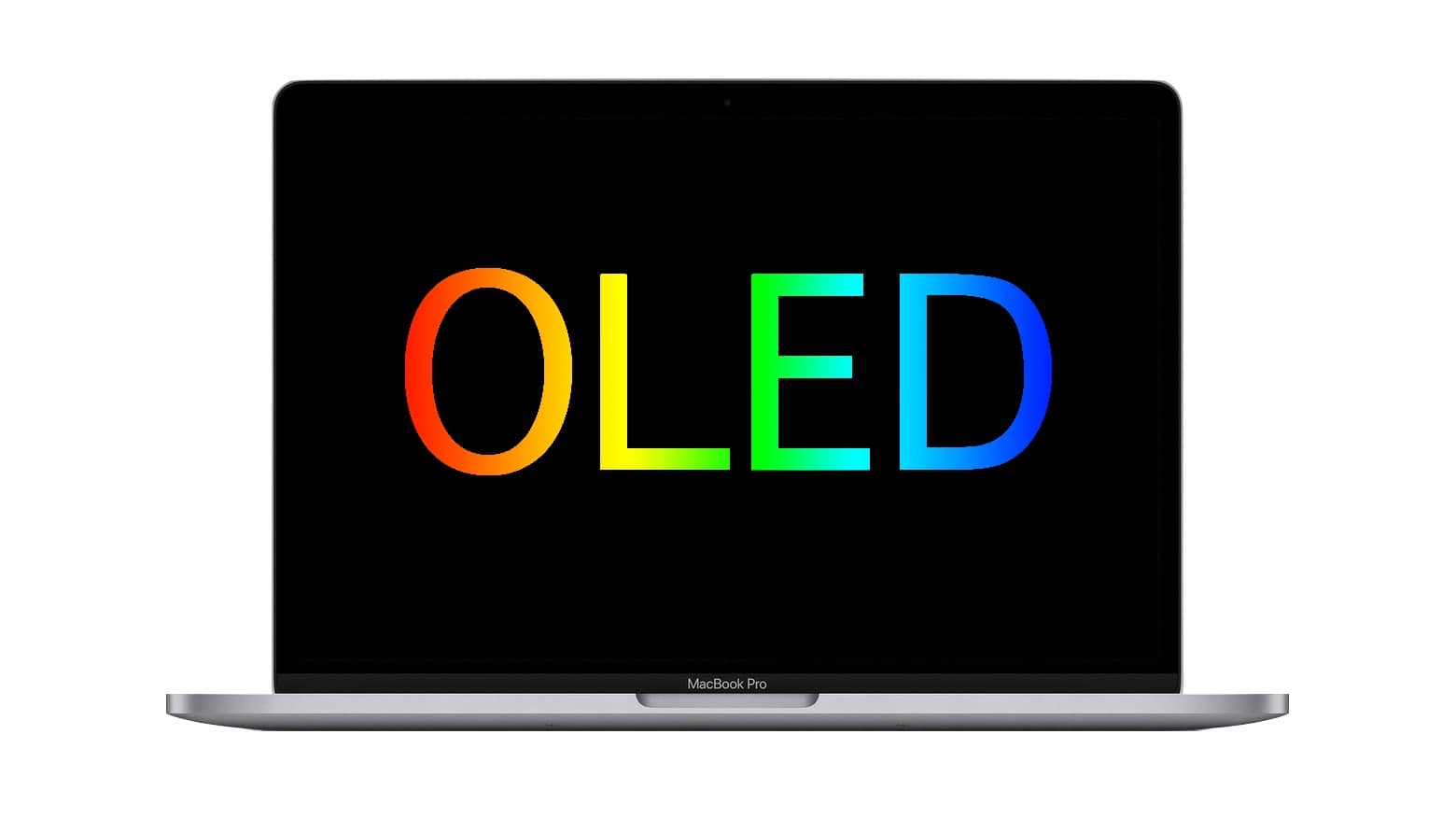
While there’s some disagreement among experts about the chances for an OLED MacBook, most think it will happen. Photo: Cult of Mac
A trusted Apple analyst recently predicted MacBooks would never use OLED displays, shutting macOS laptops out from the best-looking type of screen. But an expert in display technologies disagrees, as do several other analysts.
iPads with OLED screens have been rumored to be on Apple’s drawing board. And iPhones and Apple Watch already use this type of display. It’s possible the tech will spread to all Apple products. There are advantages and drawbacks to OLED, though.
Get greater control over keyboard brightness. Image: Killian Bell/Cult of Mac
We want to help you master Control Center, one of the most powerful and underutilized features on Apple devices. Cult of Mac’sControl Center Pro Tips series will show you how to make the most of this useful toolbox on iPhone, iPad, Apple Watch and Mac.
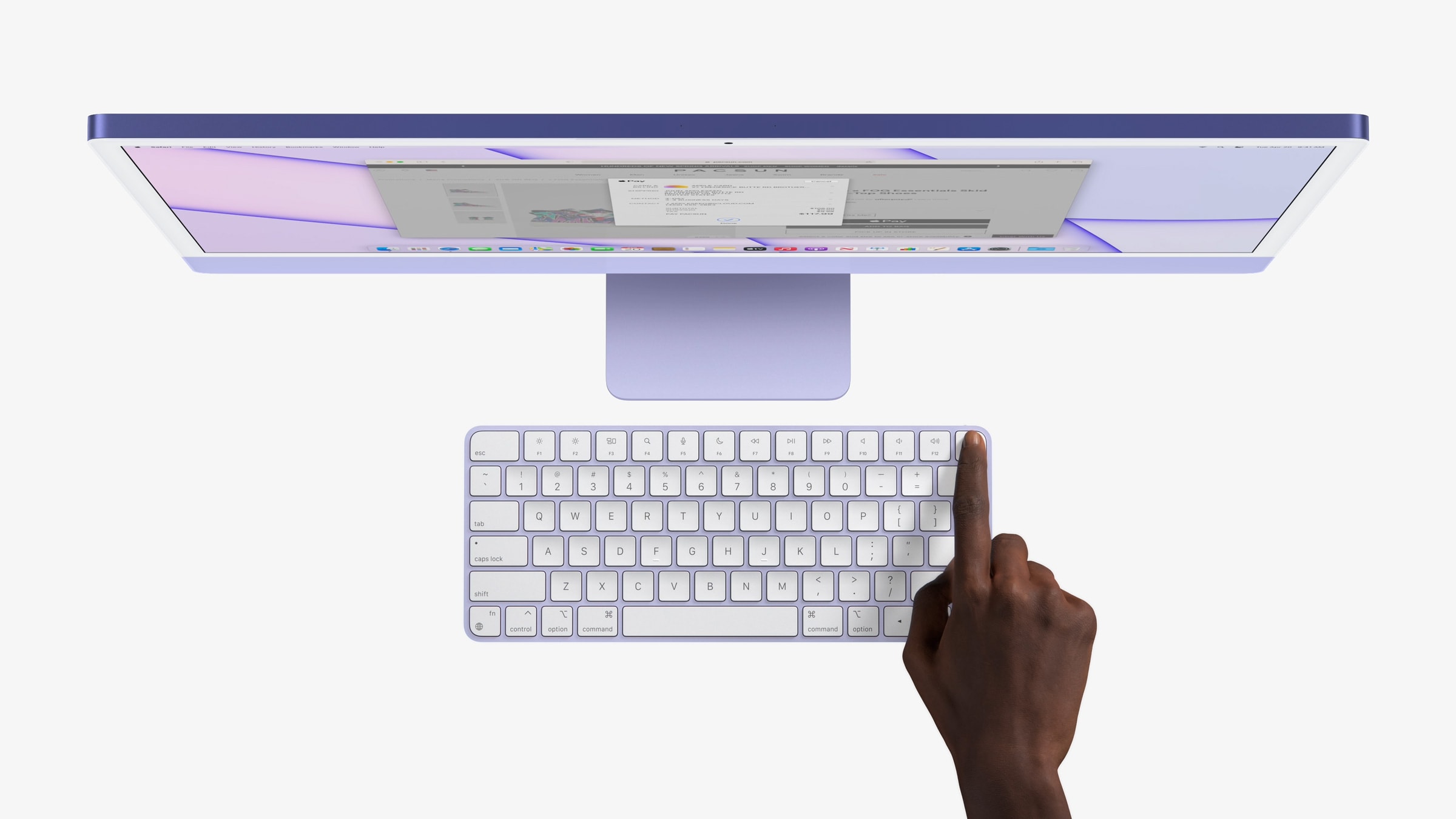
If you use the Touch Bar on your MacBook Pro as it was intended, your keyboard brightness controls aren’t immediately at your fingertips. But you can use Control Center instead to quickly adjust your backlighting.
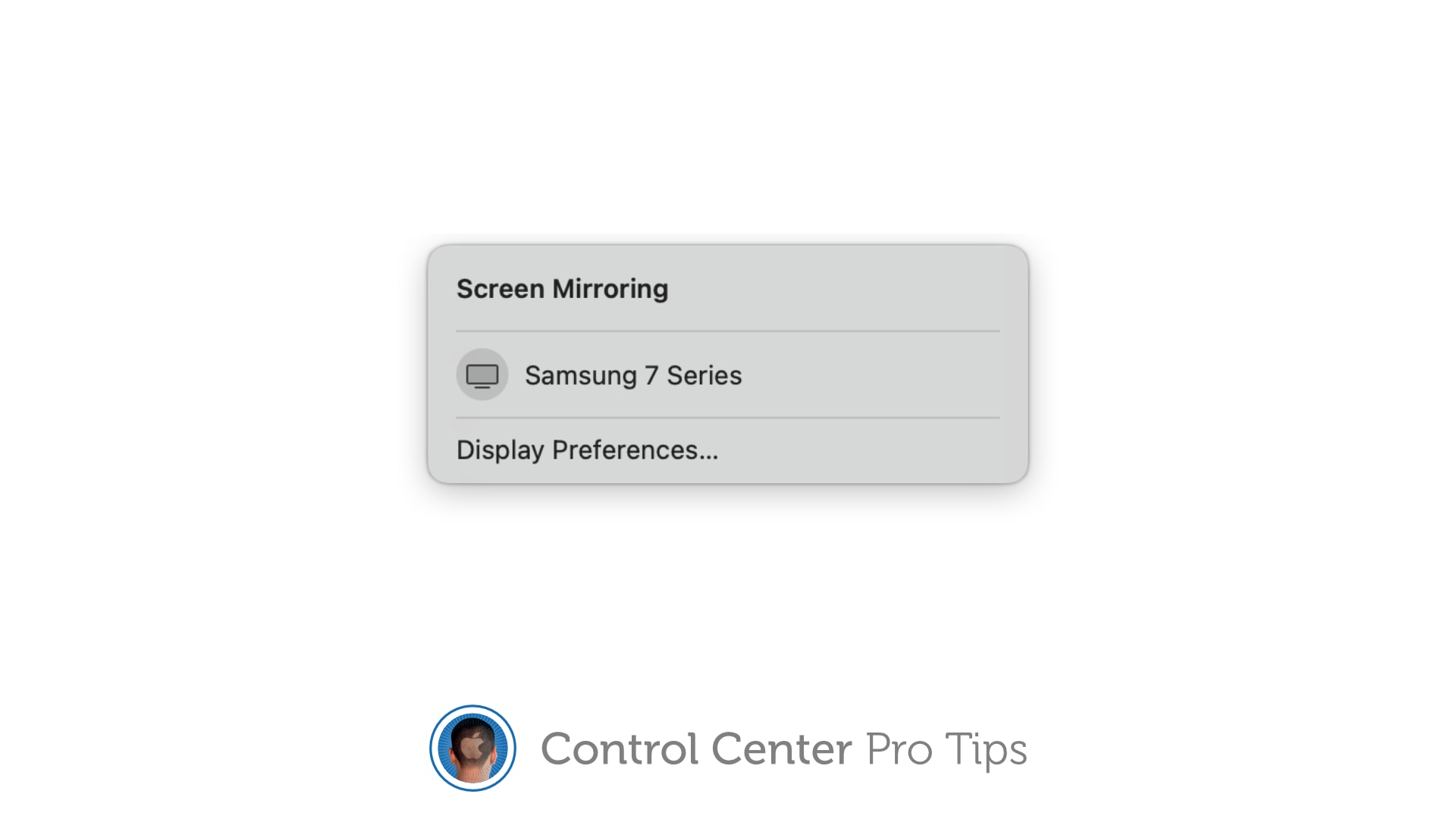
Stream your screen to Apple TV or a smart TV with AirPlay 2 support. Image: Killian Bell/Cult of Mac
We want to help you master Control Center, one of the most powerful and underutilized features on Apple devices. Cult of Mac’sControl Center Pro Tips series will show you how to make the most of this useful toolbox on iPhone, iPad, Apple Watch and Mac.
The handy screen mirroring feature built into iPhone, iPad, and Mac allows you to stream video or your device’s screen to Apple TV or an external display with AirPlay 2 support. And you can enable it in an instant by using the screen mirroring button in Control Center.
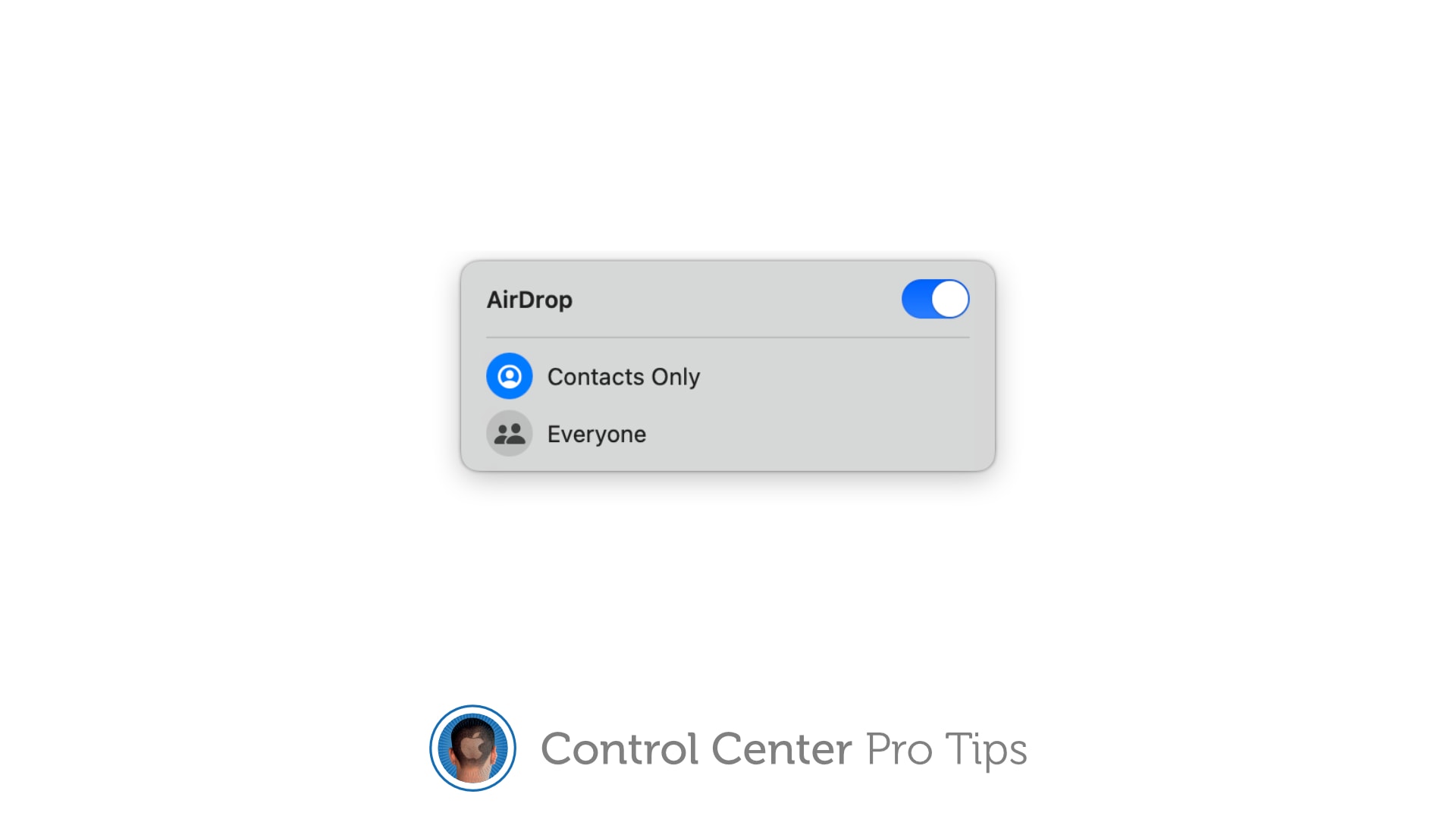
There's no need to fiddle around inside the Settings app. Image: Killian Bell/Cult of Mac
We want to help you master Control Center, one of the most powerful and underutilized features on Apple devices. Cult of Mac’sControl Center Pro Tips series will show you how to make the most of this useful toolbox on iPhone, iPad, Apple Watch and Mac.
Want to quickly activate AirDrop, or deactivate it to avoid unwanted requests? There’s no need to mess around inside the Settings app or System Preferences; the toggle you need is baked into Control Center.
It’s enabled by default on iPhone, iPad, and Mac and can be quickly accessed when you need it. We’ll show you how.
Spotify Music Converter for Mac lets you download songs so you can take them anywhere. Photo: Cult of Mac Deals
Whether you’re working out or focusing on work, music can be a helpful tool to keep you motivated and productive. While Spotify Premium allows you to download music for playback later (helpful when you’re flying or traveling), you’re still limited to downloads on a maximum of five devices. And if you’re only using the free version of Spotify, you can’t download songs at all — making your subscription pretty ineffective if you’re hiking or out somewhere remote without service.
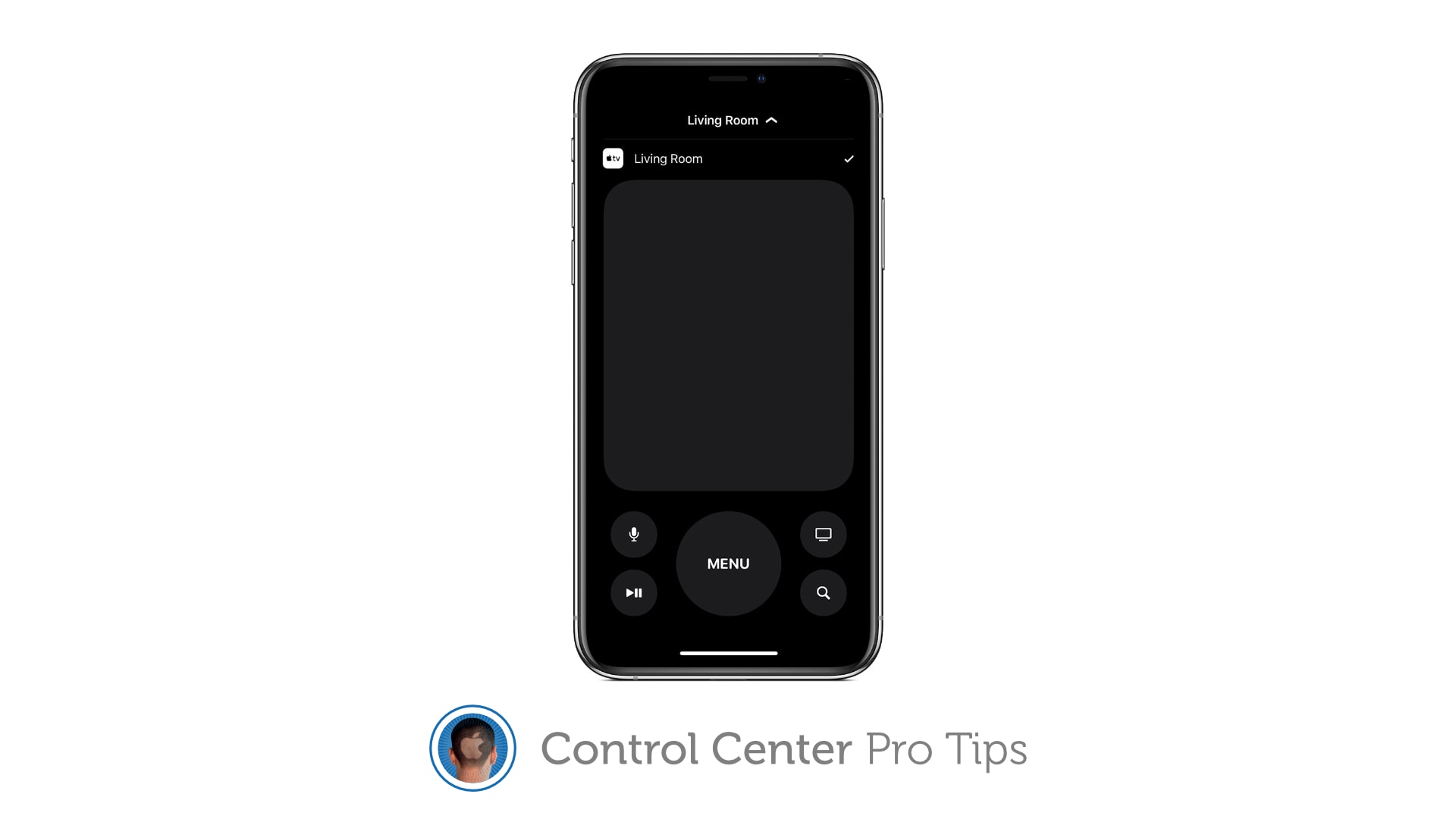
Your iPhone or iPad can replace your Apple TV remote completely. Image: Killian Bell/Cult of Mac
We want to help you master Control Center, one of the most powerful and underutilized features on Apple devices. Cult of Mac’sControl Center Pro Tips series will show you how to make the most of this useful toolbox on iPhone, iPad, Apple Watch and Mac.
Lost your Apple TV’s Siri Remote? Control your set-top box using Control Center on your iPhone or iPad instead. It’s super-simple to set up and you get all the buttons you need for complete control.
April 29, 1997: Steve Jobs’ friend Larry Ellison, CEO of Oracle, calls off his bid to take over Apple.
Ellison’s plan is to reinstall Jobs, who is then just an adviser to Apple CEO Gil Amelio, as the company’s chief executive. He also wants to take Apple private again.
Sales of new M1 Macs powered Apple to yet another record-smashing quarter. Photo: Wes Hicks/Unsplash CC
Apple did it again. It just announced a quarter where it didn’t just beat everyone’s expectations, it blew them away. The Mac had a phenomenal quarter, and so did iPhone and iPad.
But you don’t have to bury yourself in spreadsheets to get the lowdown on what it all means. Just read on.
Startups.com will help you make your dream a reality. Photo: Cult of Mac Deals
All great businesses start with a great concept. But after that, it can be difficult to know where to go next. From establishing operations, building an effective marketing campaign and ultimately boosting sales, entrepreneurs face a million challenges.
And while you might know you need help, it can be difficult to know what questions to ask, or where to even start. This lifetime subscription to Startups.com Unlimited gives you the education, tools and advice you need to make your great idea a true business success.
The first three months of 2021 brought a flood of revenue for Apple, up 54% from last year. And profits, too. The company had a successful quarter all around, with double-digit growth in iPhone, Mac, iPad, wearables and services revenue.
A shining star in the results was iPhone revenue, which increased by a whopping 65%. But other product categories increased by even higher percentages.
You can also save 36% on a matching wood charger. Photo: Limited77
Limited77’s sweet lineup of wood cases for iPhone just hit the Cult of Mac Store, and you can get yours at a reduced price for a limited time. There are two awesome designs to choose from, with prices starting at just $25. Bag yours before the discount disappears!
Stock is selling fast. Claim yours before it's too late! Photo: Apple
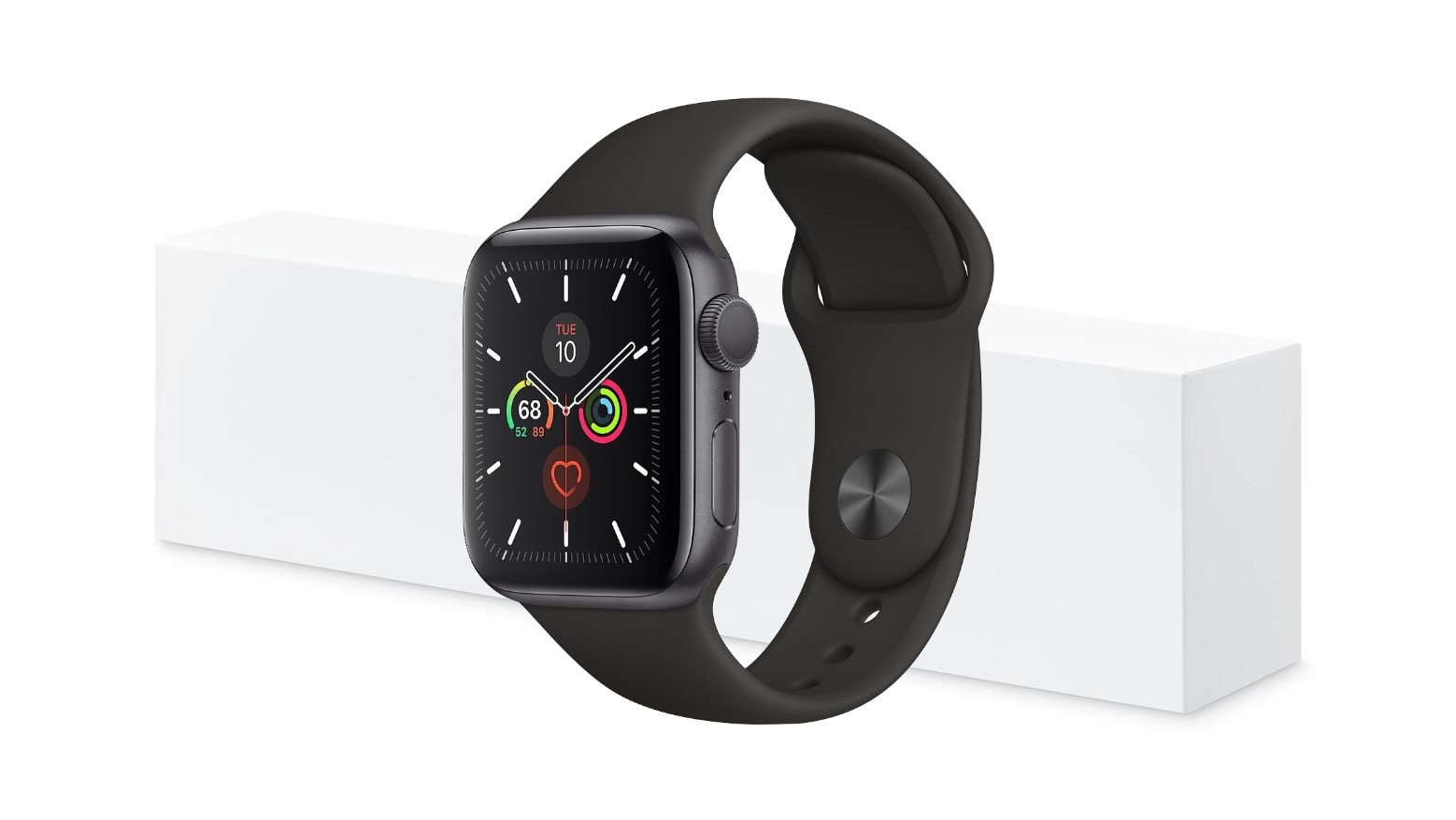
Woot is offering refurbished Apple Watch Series 4 units, with edge-to-edge displays and a built-in ECG, from just $179.99 today only. Bag yours before they’re all gone!
Get a better view in the dark. Image: Killian Bell/Cult of Mac
We want to help you master Control Center, one of the most powerful and underutilized features on Apple devices. Cult of Mac’sControl Center Pro Tips series will show you how to make the most of this useful toolbox on iPhone, iPad, Apple Watch and Mac.
Searching for something in a dark room? You can turn your iPhone, iPad and even your Apple Watch into a flashlight with just one tap inside Control Center. We’ll show you how.
OK, maybe it’s a tad premature to freak out over couples’ setups being some sort of thing now. After all, the sample size here is just one, and we have no intention of carrying out any kind of exhaustive and exhausting survey or study on the matter.
Redditor thateconomistguy presents a “couples study space” where he and his girlfriend pore over economics research side by side under the frames in which they plan to display their upcoming master’s degree diplomas.
Don't miss the chance to save important info. Image: Killian Bell/Cult of Mac
We want to help you master Control Center, one of the most powerful and underutilized features on Apple devices. Cult of Mac’sControl Center Pro Tips series will show you how to make the most of this useful toolbox on iPhone, iPad, Apple Watch and Mac.
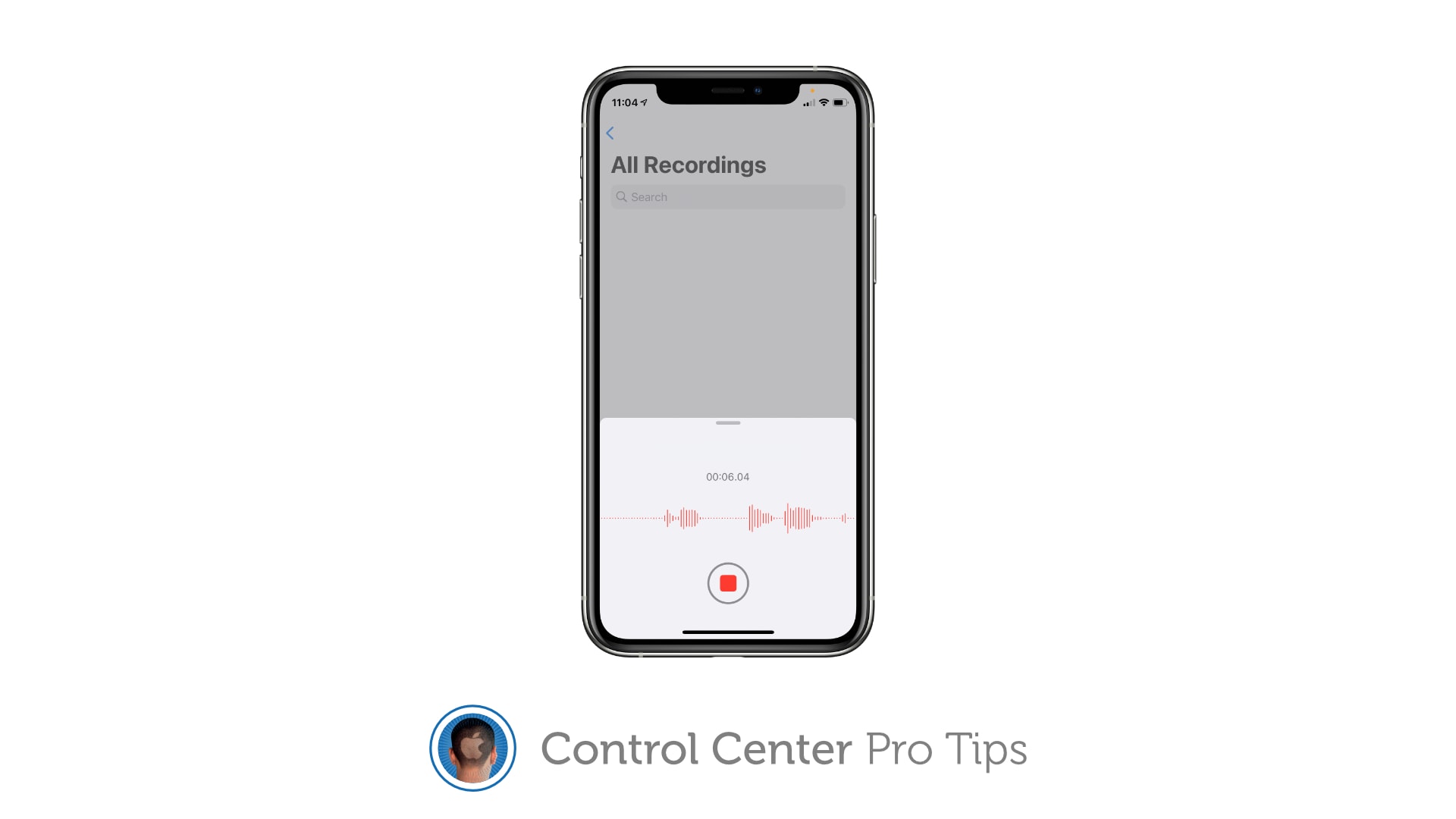
Did you know you can quickly capture a voice memo or audio recording with a simple Control Center shortcut? It’ll save you having to hunt down the Voice Memos app, or from having to place another unnecessary icon on your Home screen that you might not need every single day.
Multiple products are expected to contribute to Apple announcing stellar financial results for last quarter. Graphic: Cult of Mac
Wall Street thinks Apple recently finished an amazing quarter. If the analysts are right, the company will reveal on Wednesday the results of a January-through-March period with significant revenue growth in all its products, both hardware and services.








 April 29, 1997: Steve Jobs’ friend