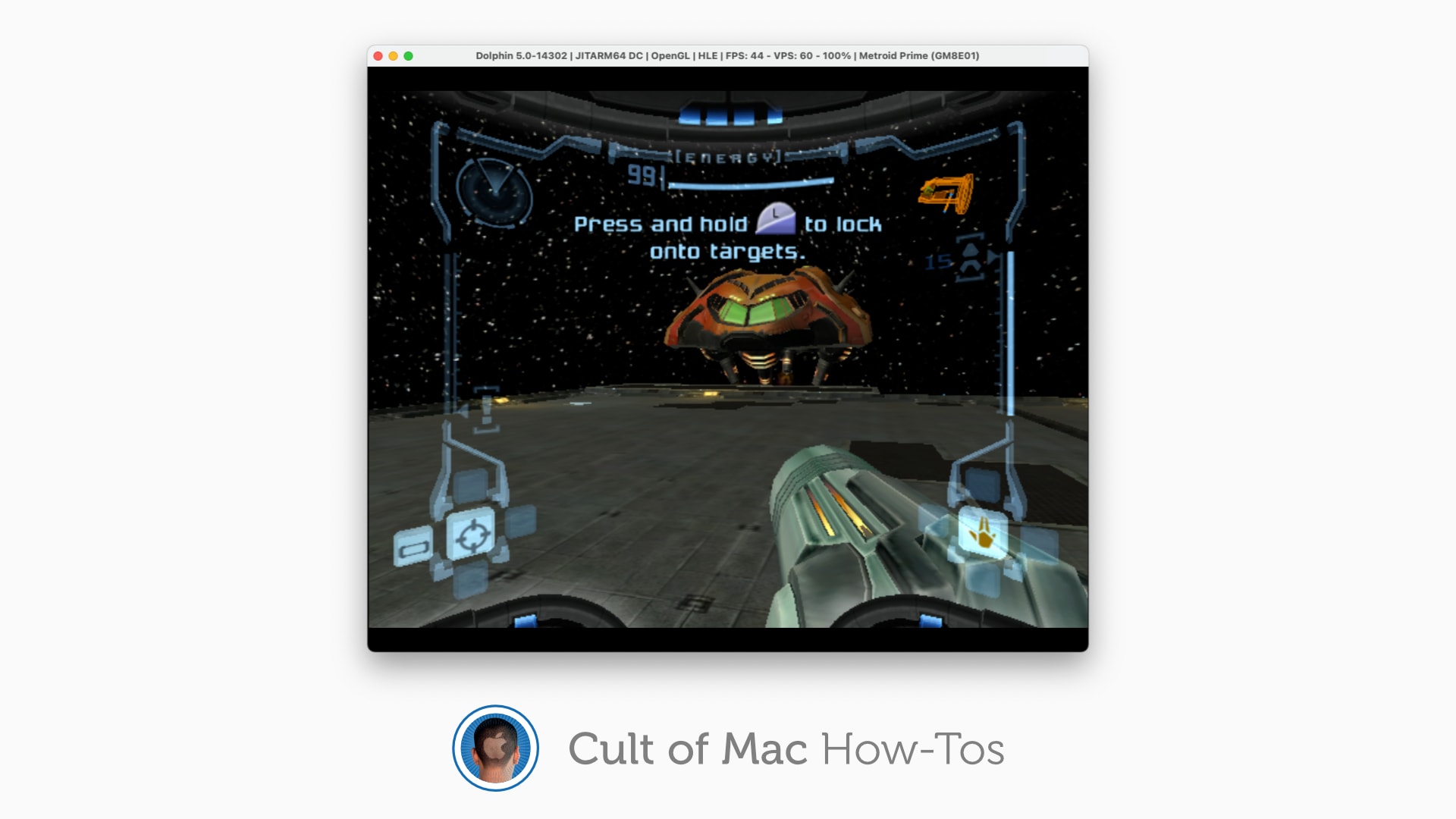
Who doesn't want to play Metroid Prime on Mac? Image: Killian Bell/Cult of Mac
You can now enjoy classic GameCube and Wii games on an M1 Mac. The excellent Dolphin emulator now runs on Apple’s latest machines, and its creators say it is “powerful and excels” under Apple Silicon.
Here’s how to install Dolphin and play GameCube and Wii games on your own M1 iMac, Mac mini, MacBook Air or MacBook Pro.
This AI-powered vocal remover app contains the most innovative technology in the music industry. Photo: Cult of Mac Deals
Calling all DJs, singers, composers, songwriters, music educators and other music enthusiasts. If you’ve spent too much time trying to manually split a song or remove the vocals, it’s time to upgrade your technology. The EasySplitter Pro Vocal Remover will split any song into four separate STEMs — vocal, instrumental, drums and bass — and now you can get a lifetime subscription for only $39.99. That’s a huge discount off its regular price of $599.
Some astounding closeup images should make you stop laughing at iPad photography. Photo: Ed Hardy/Cult of Mac
Professional photog/developer Sebastiaan de With accidentally discovered that the rear-facing camera in the 2021 iPad Pro can focus on objects very close to the lens. This allows the tablet to capture close-up images not possible with an iPhone.
Cult of Mac did a bit of experimenting and confirmed the results.
Markup Hero is guaranteed to speed up your workflow. Photo: Cult of Mac Deals
How many times have you used the screenshot tool on your phone or computer? For most people, the answer is “too many to count.”
Screenshots have become an integral part of digital communication these days. Capturing a screenshot and circling content, sketching in suggestions and typing in comments — or even pulling text out of it — proves increasingly common in today’s workflows. And these are also incredibly useful tactics for digital teams working to communicate, build content and grow brands.
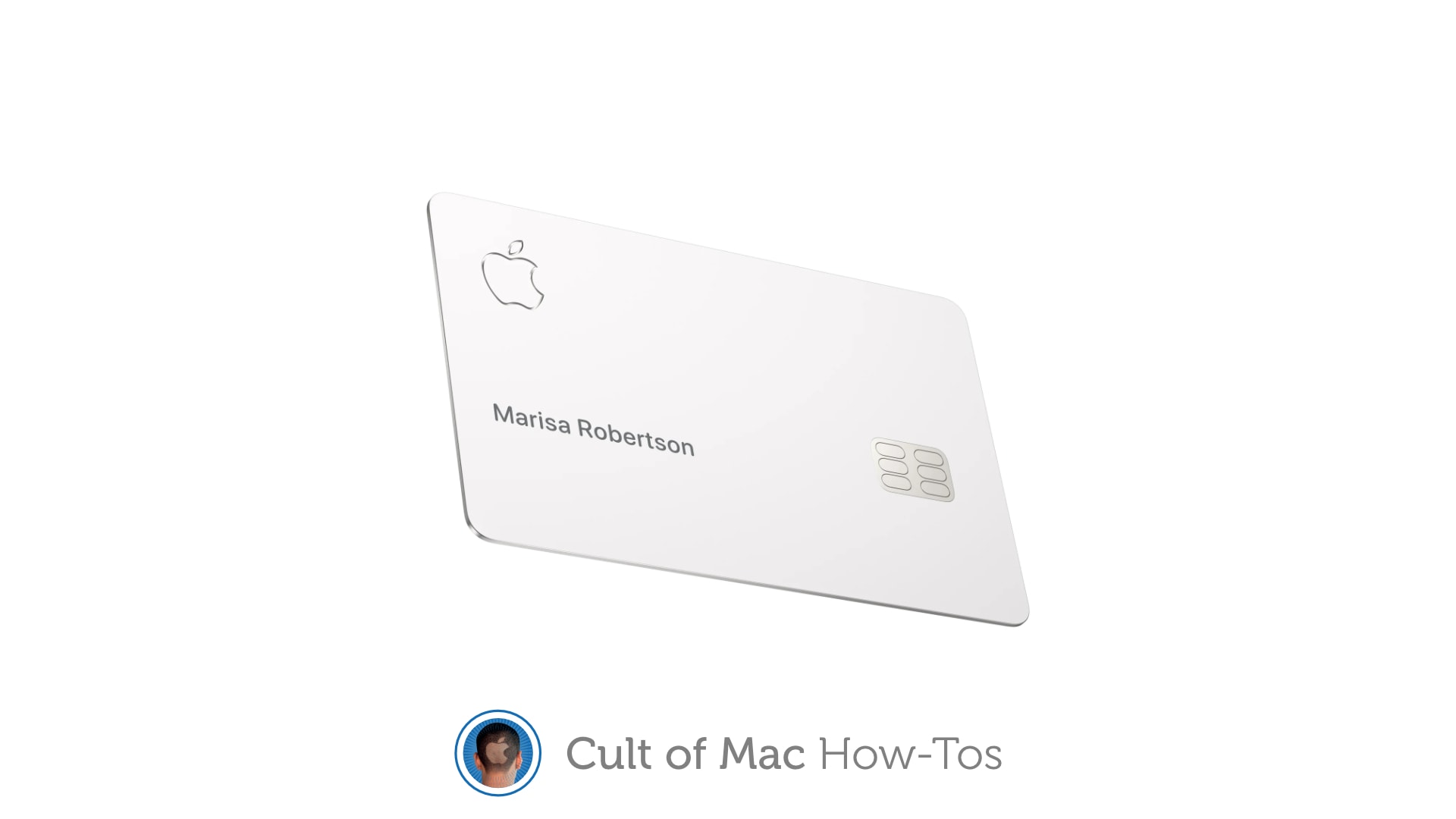
Give others the ability to use your Apple Card. Image: Apple/Cult of Mac
Apple Card now gives users the ability to add a co-owner from their Family Sharing group. Co-owners share the same credit line and have the ability to add the card to Apple Pay, view their own spending activity, and more.
It’s also possible to share Apple Card with other members of your family (aged 13 years or older) and give them their own spending limit. Here’s how to start sharing yours on iPhone and iPad.
This award-winning photo software will take your shots to the next level. Photo: Skylum
Any Instagram user can tell you that photo editing can transform an ordinary picture into something truly eye-catching. Whether it’s brightening a nighttime photo or adjusting the saturation of sky blues — tweaking photos can amplify what’s within the image and enhance its beauty.
While programs like Instagram only offer basic photo editing, you can enjoy access to an award-winning photo editor that is the first of its kind. We’re talking about this exclusive Luminar 4 Power Bundle, which is now available at 85% off for just $39.99.
Apple is exploring alternative payment systems, and the magic word “cryptocurrency” came up. Photo: Apple/Cult of Mac
A job opening at Apple for an “Alternative Payments” business manager set off a wave of speculation that the iPhone-maker is getting into cryptocurrency.
It’s apparently a change of heart by CEO Tim Cook, who’s on the record as being opposed to privately controlled currencies.
Applying for verification is easier than ever. Image: Twitter/Cult of Mac
Twitter is making it easier than ever for users to get their hands on an elusive blue badge. You can start applying for account verification from within the Twitter app for iPhone and iPad. We’ll show you how.
Some DIY touches and nice decor top off a highly functional setup. Photo: callum-edw@Reddit
While London-based dental student and Redditor callum-edw studies how to fix your teeth, maybe you should study how he builds a classy computer setup with solid tech plus a few swanky details and DIY touches.
Callum’s rig centers on a MacBook Air M1 tethered to a 24-inch Dell U2419HC UltraSharp external monitor.
Peek inside Rome's gorgeous new Apple Via del Corso store. Photo: Apple
As impressive as the sleekly minimalist, modernist Apple Stores are when they’re built from the ground up, there’s something dazzling about the company’s retail outlets that take over and restore classic buildings.
That second category certainly applies to Apple Via del Corso, which opens Thursday in the historic city of Rome. The 17th Apple Store in Italy, the new (well, old) structure is described by Apple as one of its “most significant restoration projects.”
That may be understating its appeal, too. Judging by the images, this could be the most spectacular Apple Store yet.
Turn your iPad into a laptop — one that can survive a 6-foot fall — with the Zagg Pro Keys. Photo: Ed Hardy/Cult of Mac
Zagg Pro Keys wraps a range of iPad models in a very protective case, and includes a removable keyboard that makes the tablet even more productive. It’s a full-featured accessory that comes at a relatively low cost.
I used the Pro Keys with my work/personal iPad for several days. Here’s what I found out.
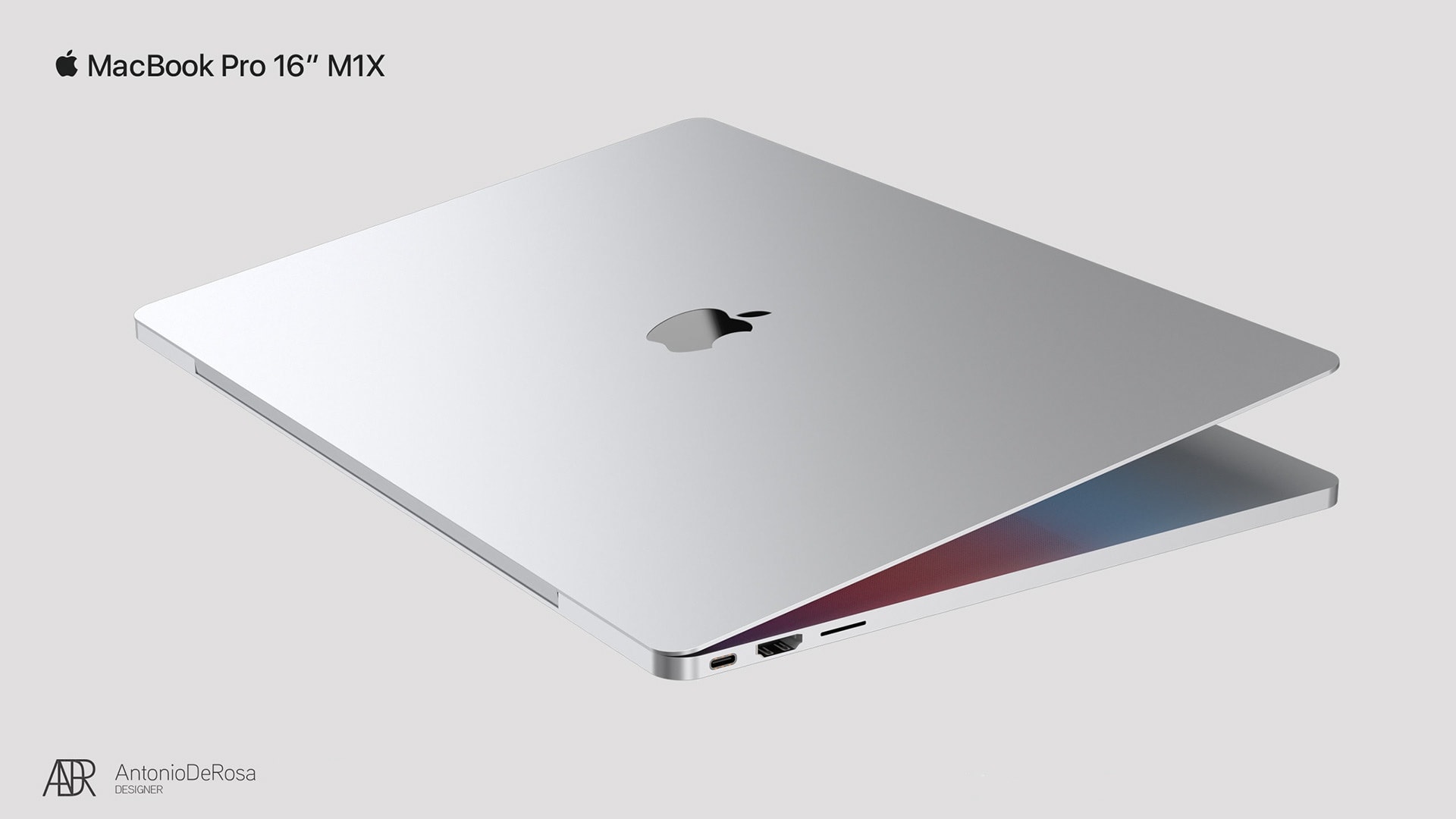
A MacBook Pro concept could be a first look at a 16-inch model Apple is about to release. Concept: Antonio De Rosa
Concept artist Antonio De Rosa combined the leaks and rumors about the next 16-inch MacBook Pro into a collection of images of the significantly redesigned device.
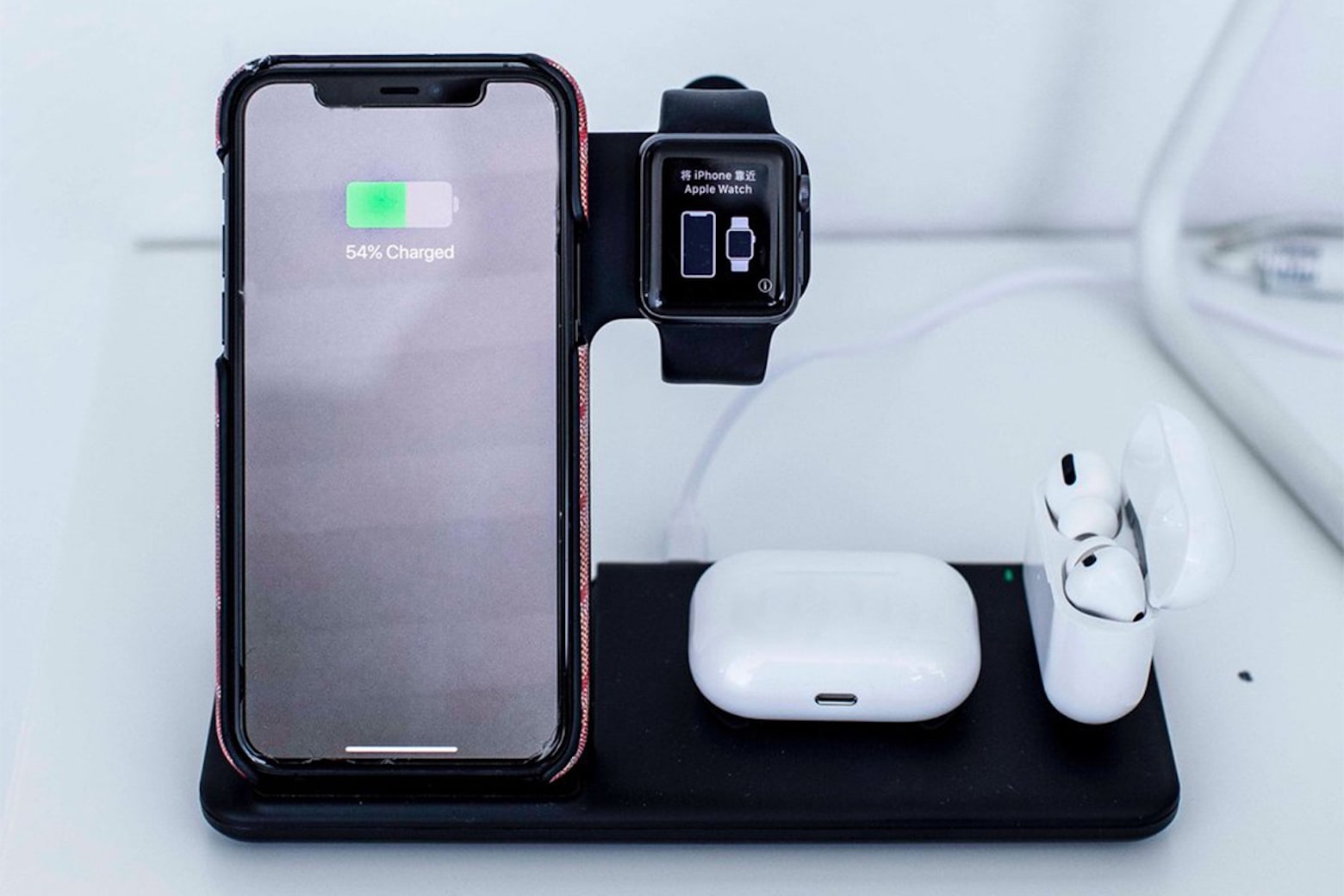
This wireless charging station powers up all your Apple devices at once. Photo: Tech Butter
There’s a reason we see so many deals on wireless charging stations. They’re the perfect way to charge multiple devices while safely storing all your gear in one place. From an advanced three-way charging cord to a triple-threat charging stations, manufacturers crank out a variety of options to suit every situation and budget.
If you’re looking for a multi-device wireless charger for an affordable price, look no further than this four-in-one wireless charging station by Tech Butter. It can power up your iPhone, Apple Watch, AirPods and another device all at once. And it’s now available at a 20% discount for just $35.99.
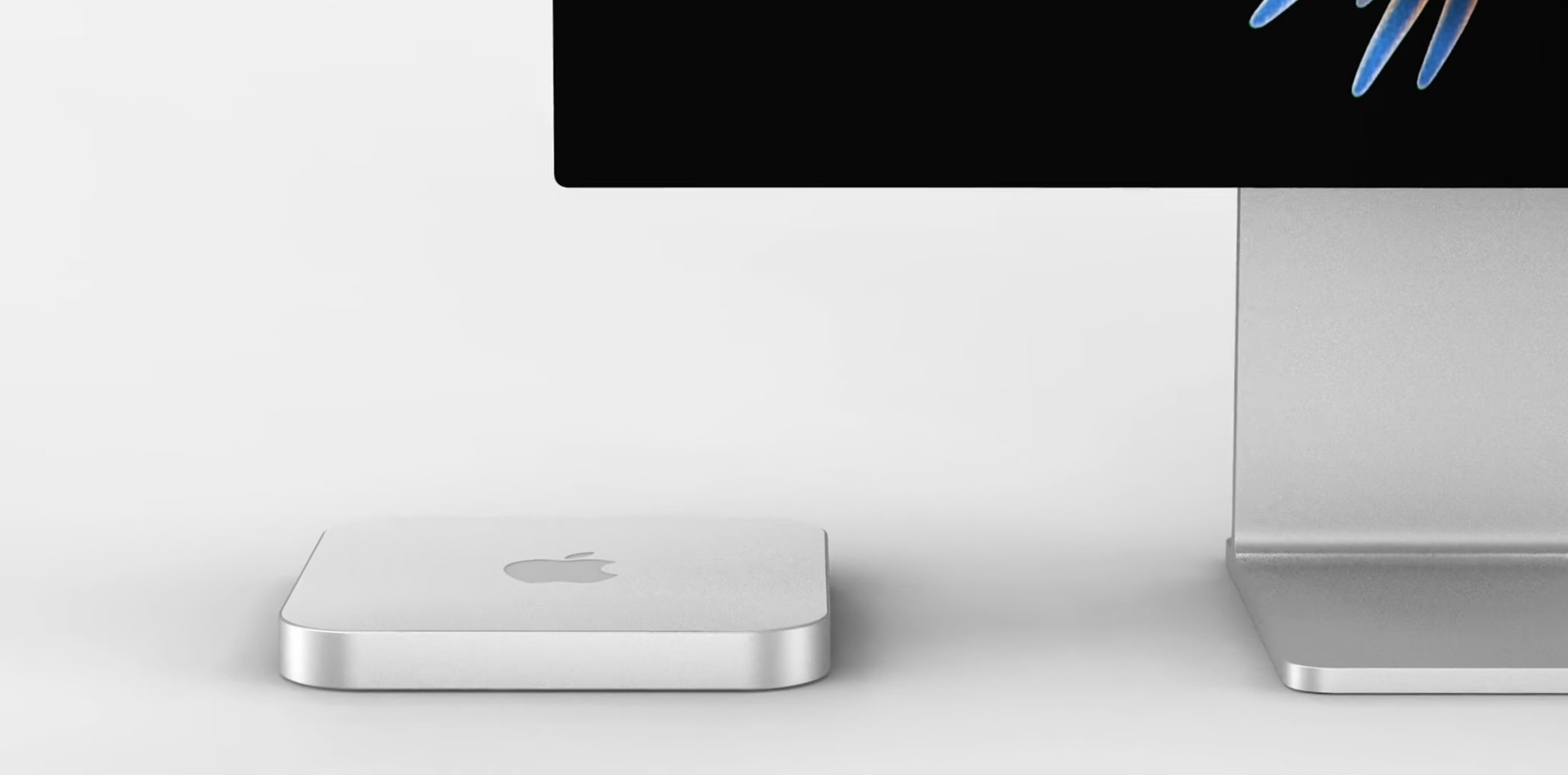
It could look a little like this. Concept: Front Page Tech
Apple’s next Mac mini refresh could prove even more exciting than the last, thanks to a slimmer chassis design and a faster “M1X” chipset, according to a reliable leaker.
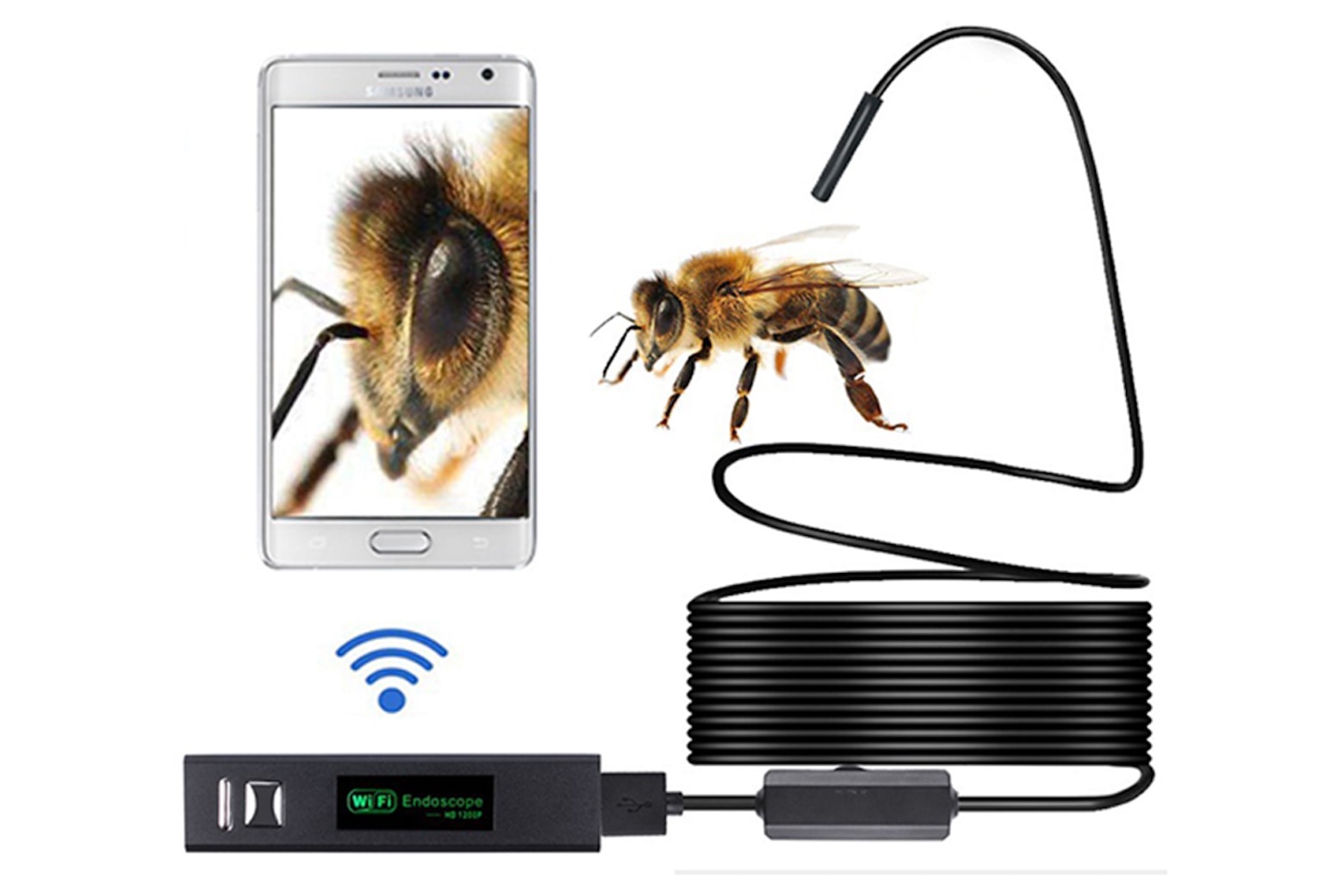
This endoscope camera packs eight adjustable LEDs and a 16.5-foot flexible cable. Photo: Cult of Mac Deals
Does the word endoscopy sound familiar? This medical procedure, which utilizes a camera attached to a flexible tube, is used to observe the digestive tract of the patient from a perspective that can’t be seen otherwise.
A Netflix for games? Yes, please! Image: Netflix/Cult of Mac
Netflix is exploring an expansion into online gaming with a brand-new service much like Apple Arcade, according to new reports.
The service could see subscribers paying a monthly fee for unlimited access to a catalog of titles. However, sources familiar with the situation say that plans are “very much in flux” as things stand.
Apple’s newest macOS update fixes a zero-day vulnerability that could give attackers the ability to take secret screenshots and more. The flaw takes advantage of privacy permissions granted to apps like Zoom.
It is recommended you update to macOS 11.4 as soon as possible if you haven’t already.
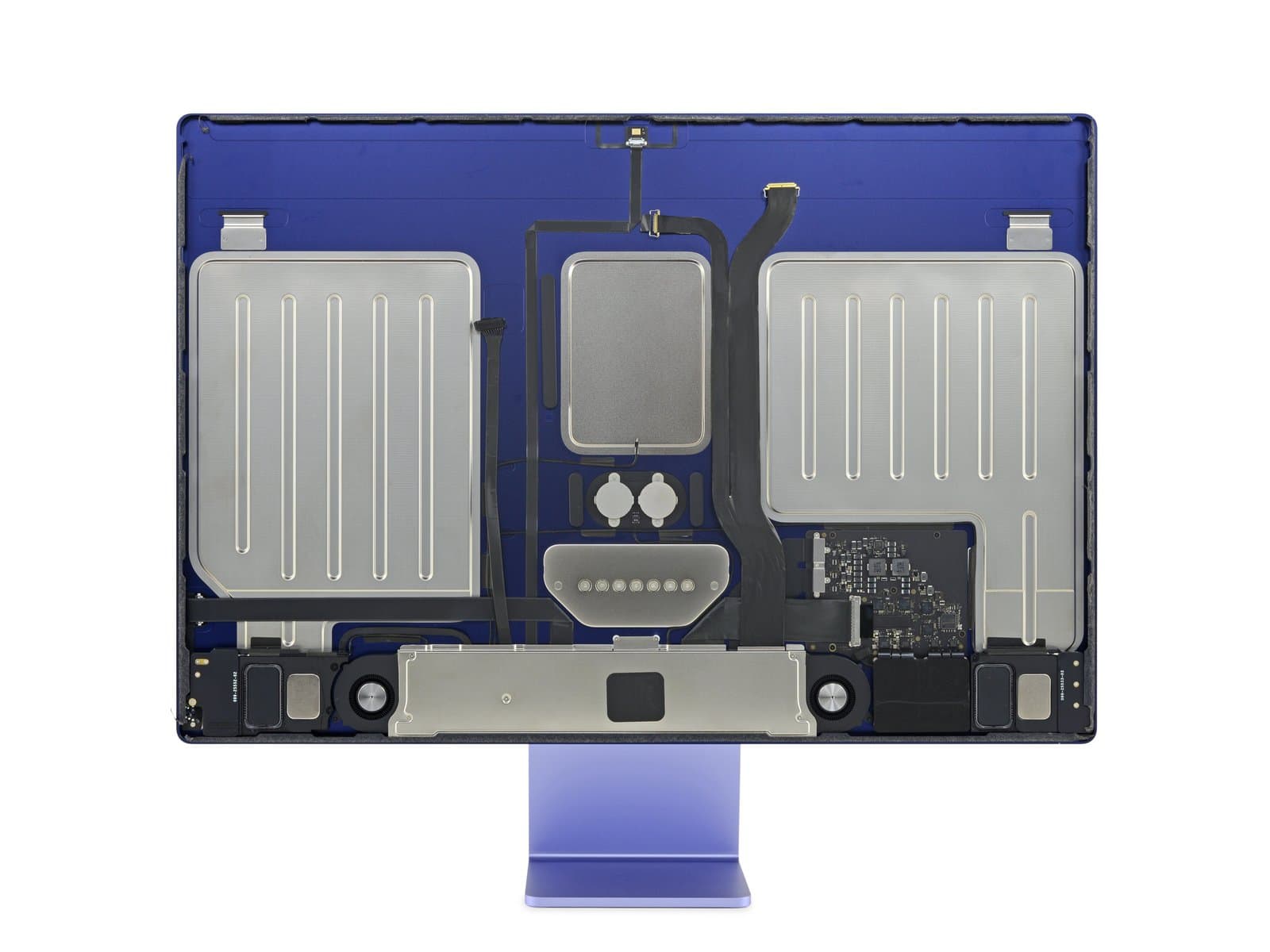
There's a surprising amount of space in the new iMac. Photo: iFixit
Apple’s awesome new M1 iMac finally received its obligatory teardown by the fine folks over at iFixit. You may not be surprised to learn there’s very little packed into the computer’s slender aluminum shell.
That doesn’t mean it’s not exciting. The M1 iMac is, as we’ve come to expect from Apple, an engineering marvel. It’s rather astonishing that the brilliant minds in Cupertino can squeeze so much power out of so little.
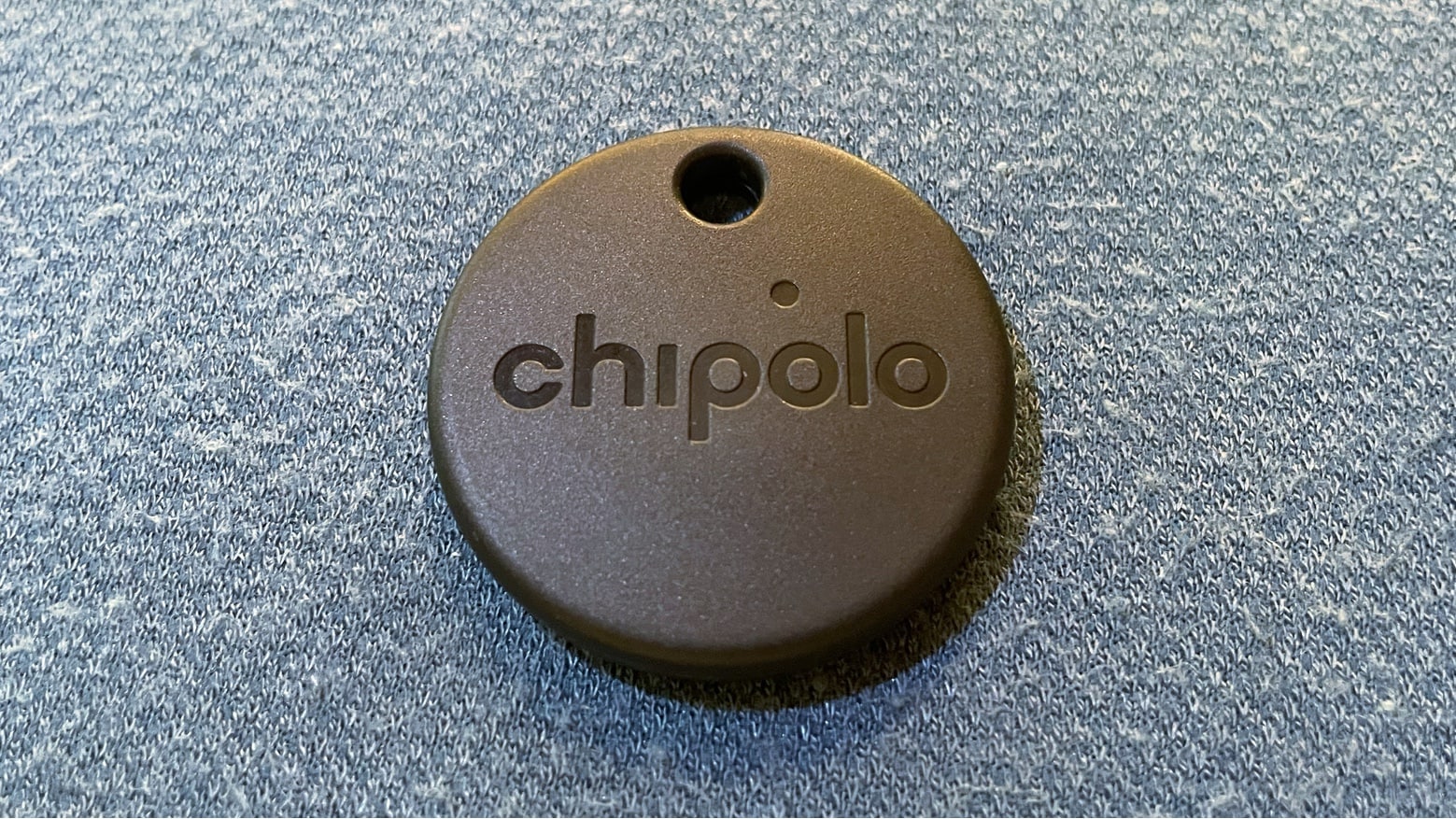
Chipolo One Spot offers many of the best features of Apple’s AirTag. And it’s better in other ways. Photo: Ed Hardy/Cult of Mac
The Chipolo One Spot is the strongest rival for Apple’s new AirTag. Both can access the Apple Find My network for locating lost objects. But the One Spot has better range, and is easier to attach. And there’s more.
I’ve tested both these trackers. Here’s why I prefer Chipolo’s over Apple’s.
The Huex Fades case for iPhone 12 comes in a variety of iridescent finishes. Photo: Laut
This week, Cult of Mac is giving away a bundle of four cases from Laut for iPhone, iPad, AirPods and AirTag. If you’d like some shiny new holders for your Apple gear, be sure to enter this fun and free giveaway.
Look closely and you’ll see the Unicode for the laptop emoji in the WWDC 2021 image released Monday. Photo: Apple
A tip that a new MacBook will be unveiled at WWDC 2021 in two weeks could be hidden in the image Apple released Monday for the developers conference. It appears in the reflection in a pair of glasses.
Noted Apple tipster Jon Prosser apparently moved quickly to confirm the report.
This Python certification bundle contains 41 hours of training, beginner to advanced. Photo: Cult of Mac Deals
Learning JavaScript, HTML and CSS opens doors when it comes to building websites, but these languages can be limiting in other areas. For building anything else, Python is essential in every programmer’s repertoire. When it comes to data science, software development and scripts, Python can do it all as a general-purpose coding language.
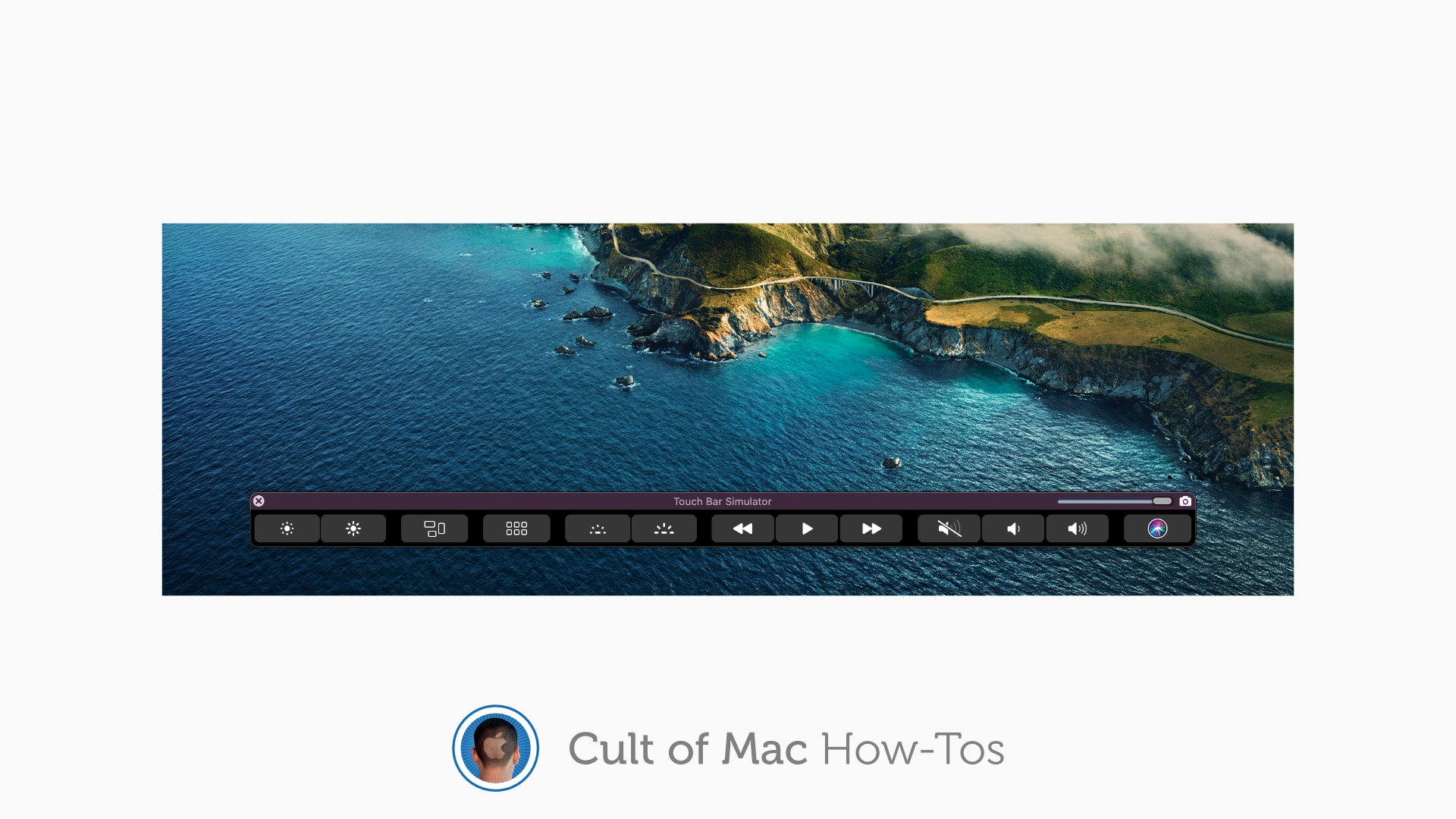
Don't lose your Touch Bar when your MacBook Pro is closed. Image: Killian Bell/Cult of Mac
If you’ve grown to love your MacBook Pro’s Touch Bar and all the tools and shortcuts it provides, you likely miss it when you have your machine hooked up to an external display. But it doesn’t have to be that way.
Here’s how to bring the Touch Bar to any screen so that you can continue to use it even when your MacBook Pro is closed.
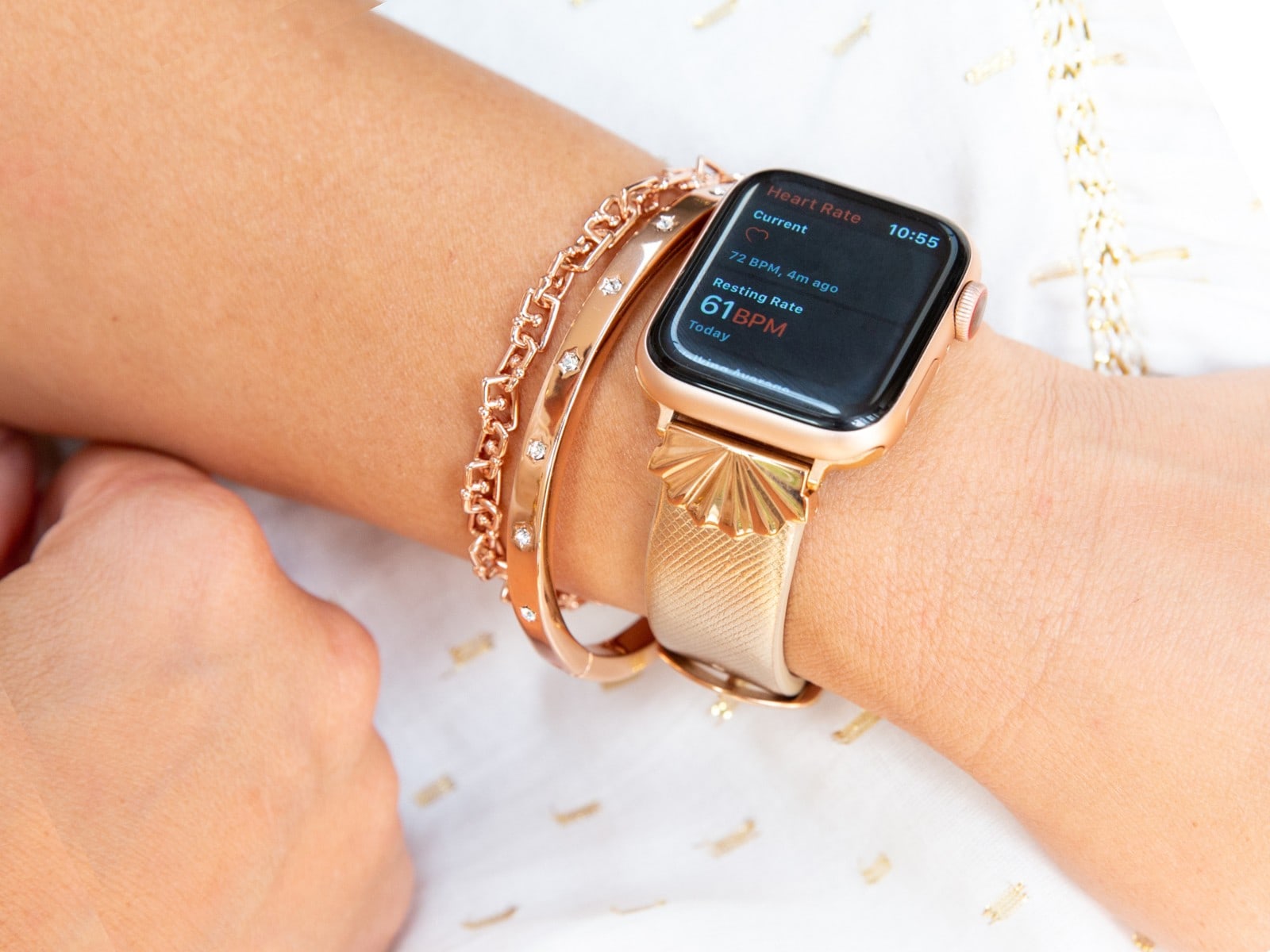
Goldenerre’s newest band for Apple Watch makes soft, high-quality leather look incredibly glamorous. The Starburst strap, available in silver or rose gold, is perfect for those who don’t like metal bracelets, but still want their smartwatch to look spectacular.