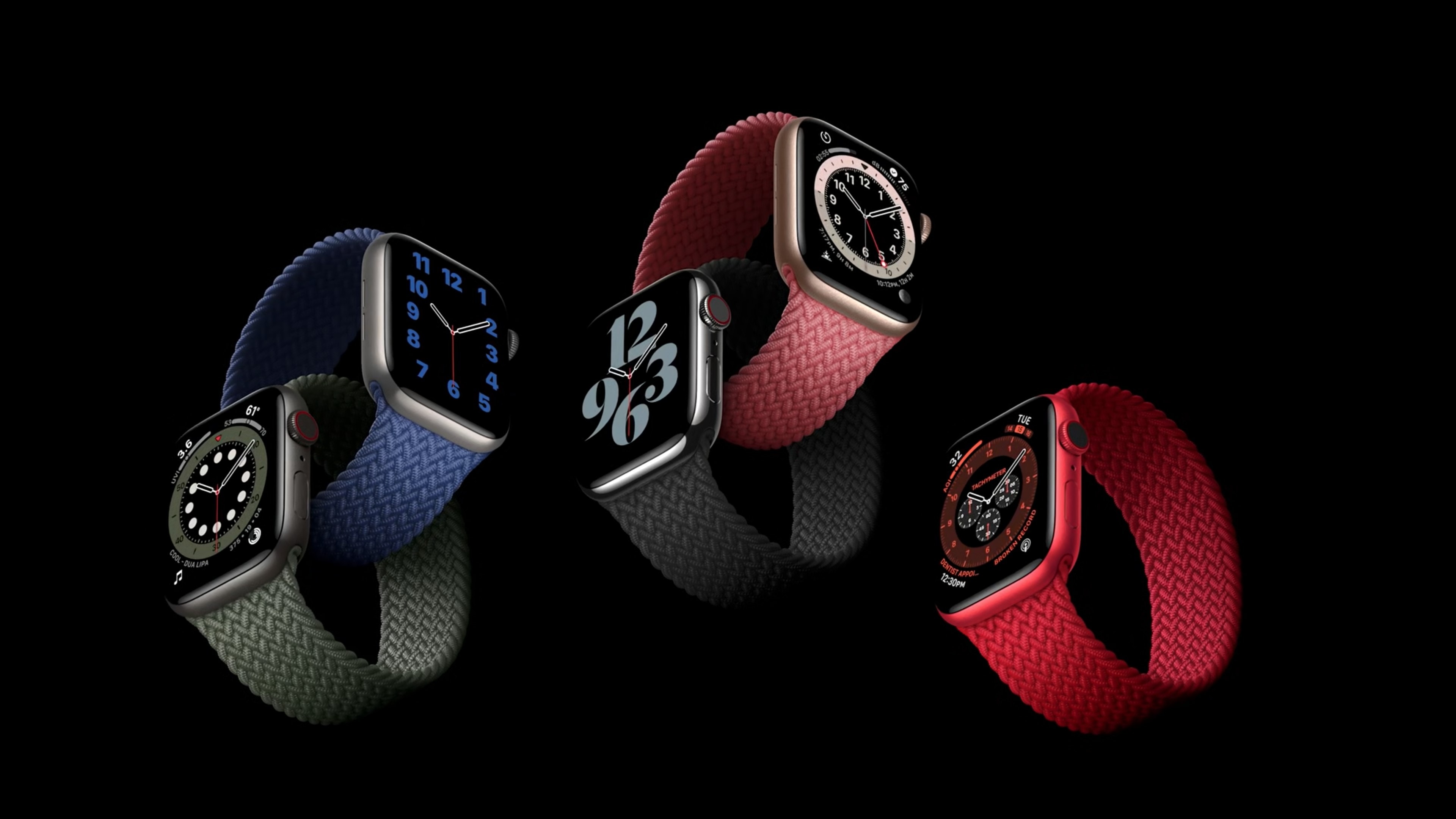
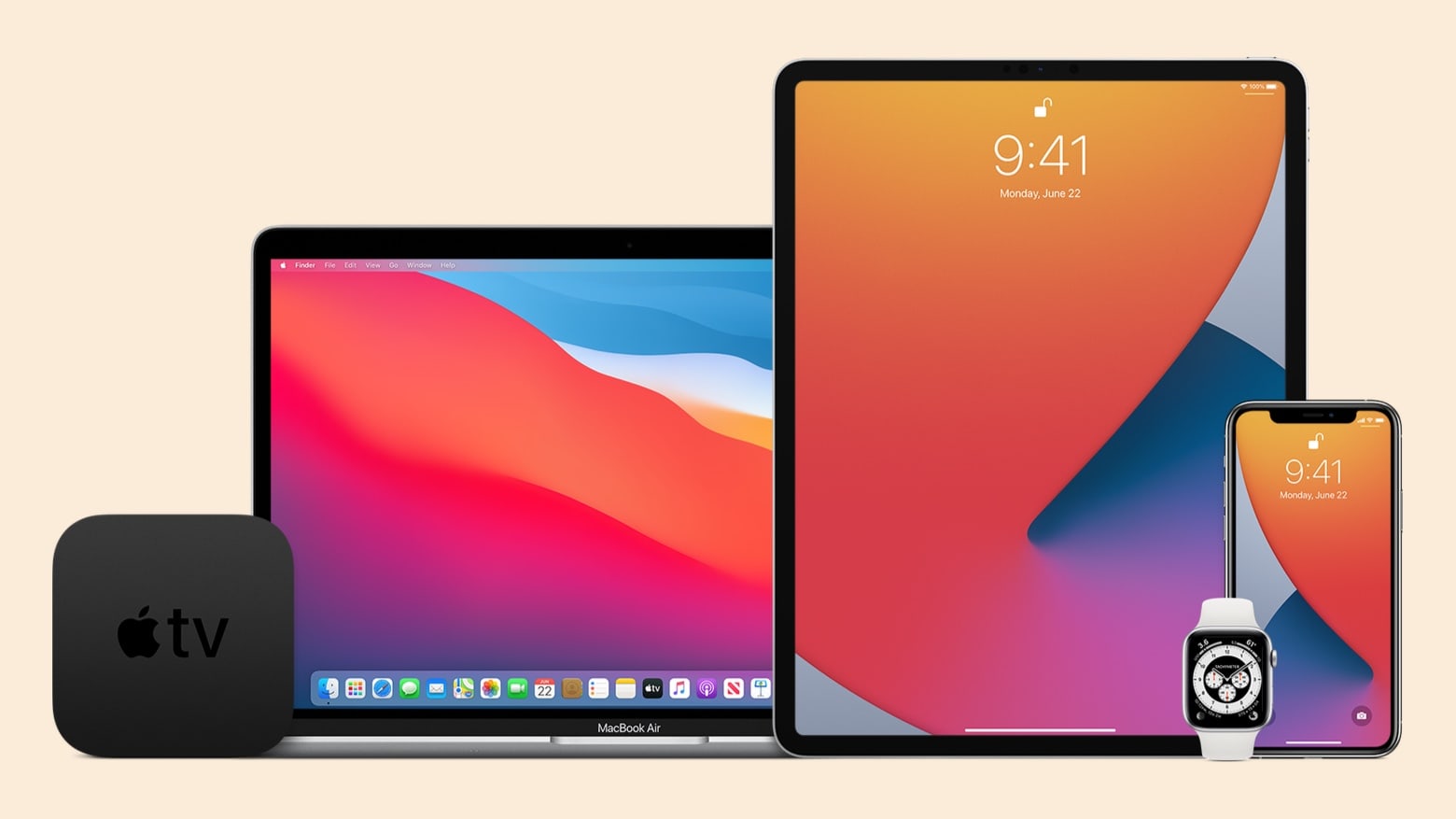
If you have multiple Apple devices, you’re in for a busy day. iOS 14.6, macOS 11.4, iPadOS 14.6, watchOS 7.5 and tvOS 14.6 are all ready to be installed. Photo: Apple
Apple just released software updates with new features for iPhone, Mac, iPad and Apple TV. Most notably, macOS Big Sur 11.4 includes support for Apple Podcasts subscriptions, while iOS 14.6 adds support Apple Card Family. Plus, iPadOS 14.6, watchOS 7.5 and tvOS 14.6 debuted Monday.
Set your alarms! The WWDC 2021 keynote kicks off at 10 a.m. PST. Image: Apple
Apple’s annual Worldwide Developers Conference is scheduled for June 7, and on Monday the iPhone-maker revealed that the all-important keynote address for WWDC 2021 will be held at 10 a.m. PDT on that day. This is almost certainly when they wraps will come off the next major upgrades for iOS, macOS and the company’s other operating systems.
This setup has four monitors. How about seven, though? Photo: dm-86@Reddit
How many large displays is “overdoing it” in a computer setup? Redditor dm-86 suggested they’d gone too far with four, but that only ties one of our other favorites.
Some commenters joked around that they saw plenty of space for more in the imposing setup, or bank of screens, if you will.
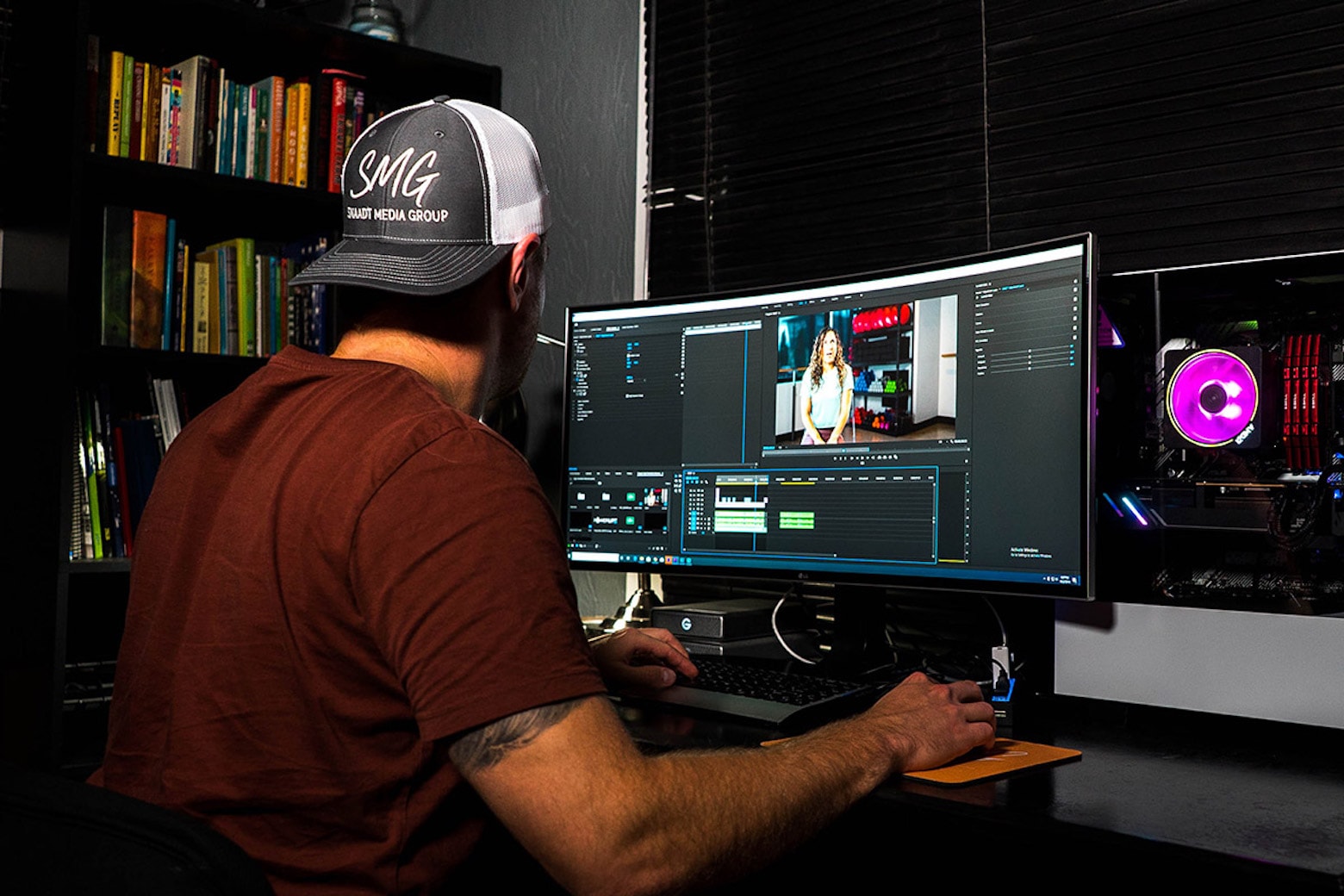
Movavi apps give you total control over your photos and videos. Photo: Cult of Mac Deals
Video and photo editing is easier now than it’s ever been. There are thousands of apps to choose from, as well as built-in filters on phones and popular social media apps like Instagram.
But when it comes to elite, professional-level editing software that’s easy to use, there’s only one option: Movavi. For a limited time, you can download the entire suite of Movavi photo and video editing software for just $49.99 (78% off).
KeepSolid VPN is the best solution to protect your online activity and browse restriction-free for life. Photo: Cult of Mac Deals
There are plenty of moments where you need to use your data or internet connection — like during your morning commute to check on a work email or when connecting to a new flight in-between destinations. Unfortunately, a myriad of bad things might happen along the way, whether you’re using a public or private Wi-Fi connection (or even your own data).
Shield yourself from hacking attempts, spying and more when you browse the web with this KeepSolid VPN Unlimited: Lifetime Subscription, available now for just $39.99, 80% off its list price.
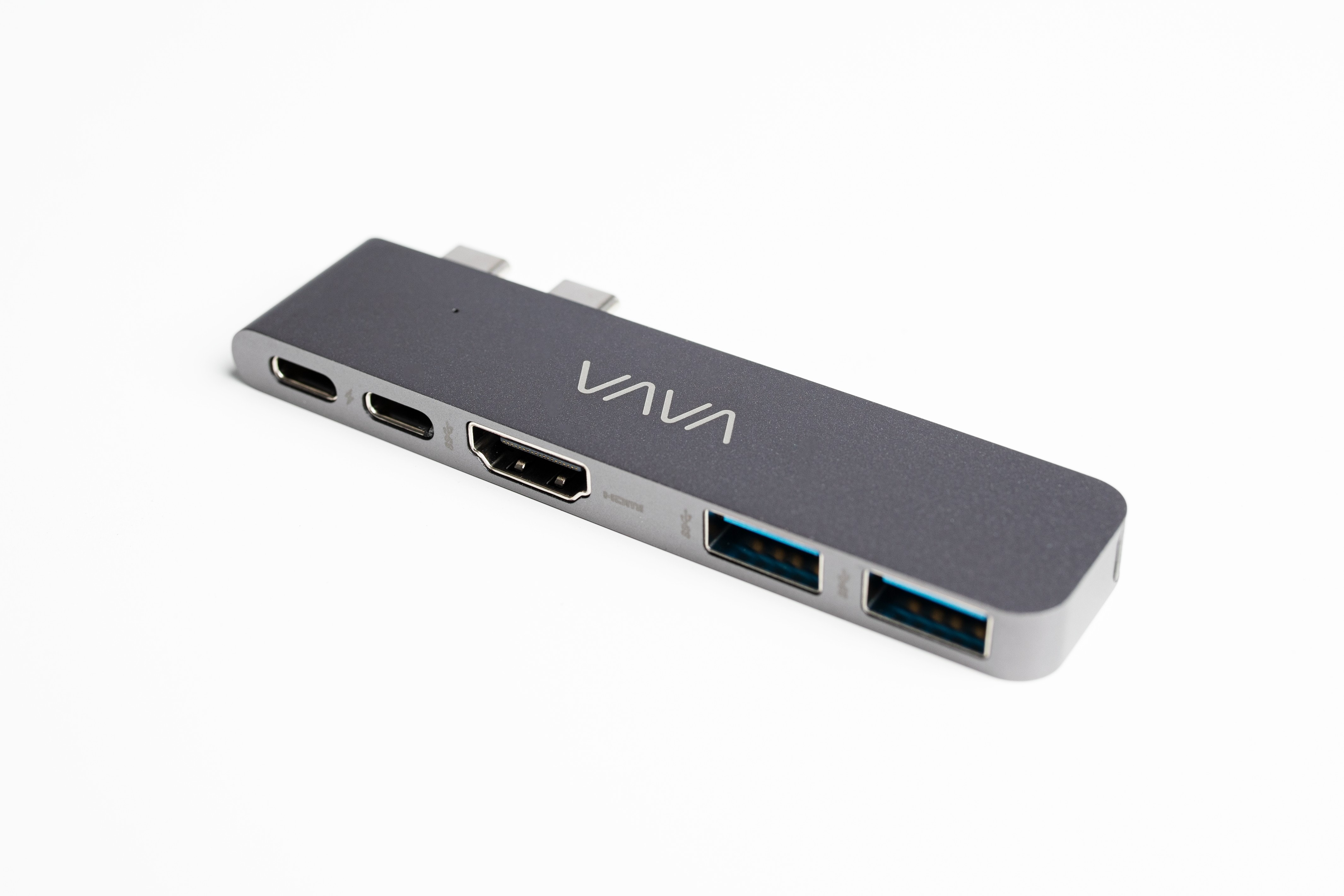
Tiny but mighty: The Vava USB-C hub greatly expands your MacBook's capabilities. Photo: Vava
This week, we are giving away two tiny but mighty USB-C hubs from Vava worth $75 each.
The Vava five-port hub turns your MacBook’s two puny USB-C ports into five powerful ports, allowing you to connect two 5K external monitors to your MacBook Pro or Air. You also can hook up external hard drives, printers, memory sticks and more, making you more productive and connected.
If you’d like your shot at winning one, be sure to enter this week’s giveaway below.
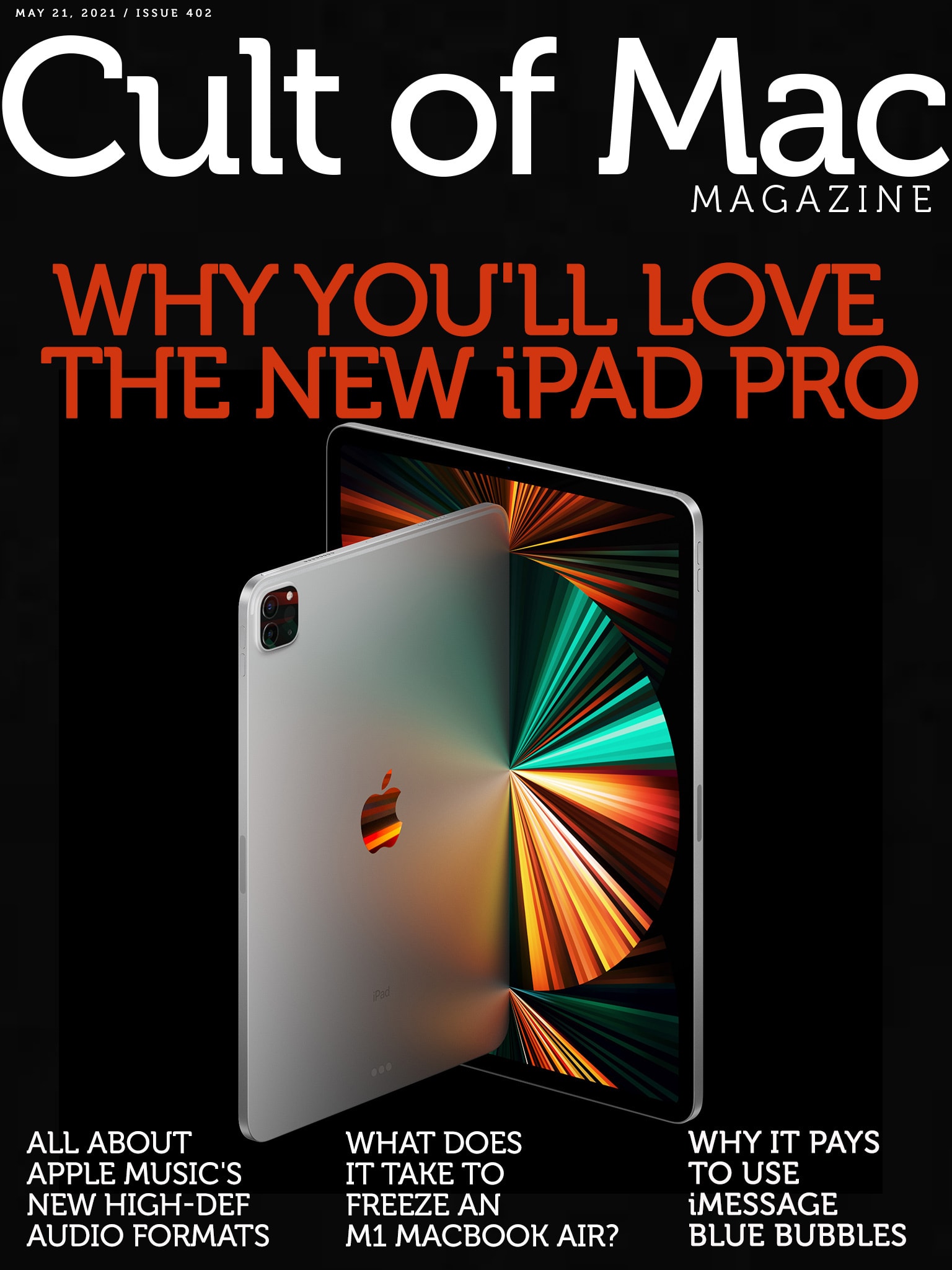
How do we love the iPad Pro? Let us count the ways. Cover: Leander Kahney/Cult of Mac
If you loved the old iPad Pro, you’re really gonna love the new one. Cult of Mac writer (and veteran iPad user) Ed Hardy lays out all the ways Apple turned its pro tablet up to 11 this year. Heck, maybe even all the way up to 12.9.
From iPad Pro to iMac to Apple TV 4K, it seems like all Apple’s new gear delivered the goods this week. And the new Spatial Audio coming soon to Apple Music sounds absolutely awesome, at least in theory. (The fact that lossless audio won’t play on AirPods … not so much.)
Catch up on it all with this week’s free issue of Cult of Mac Magazine. Read it on iOS or hit the links below to read in your browser. Oh, and if you haven’t seen the video of how Assistive Touch will work on Apple Watch, take a minute to do it. It’s a wild new way that Apple’s wearable will work for people with certain disabilities.
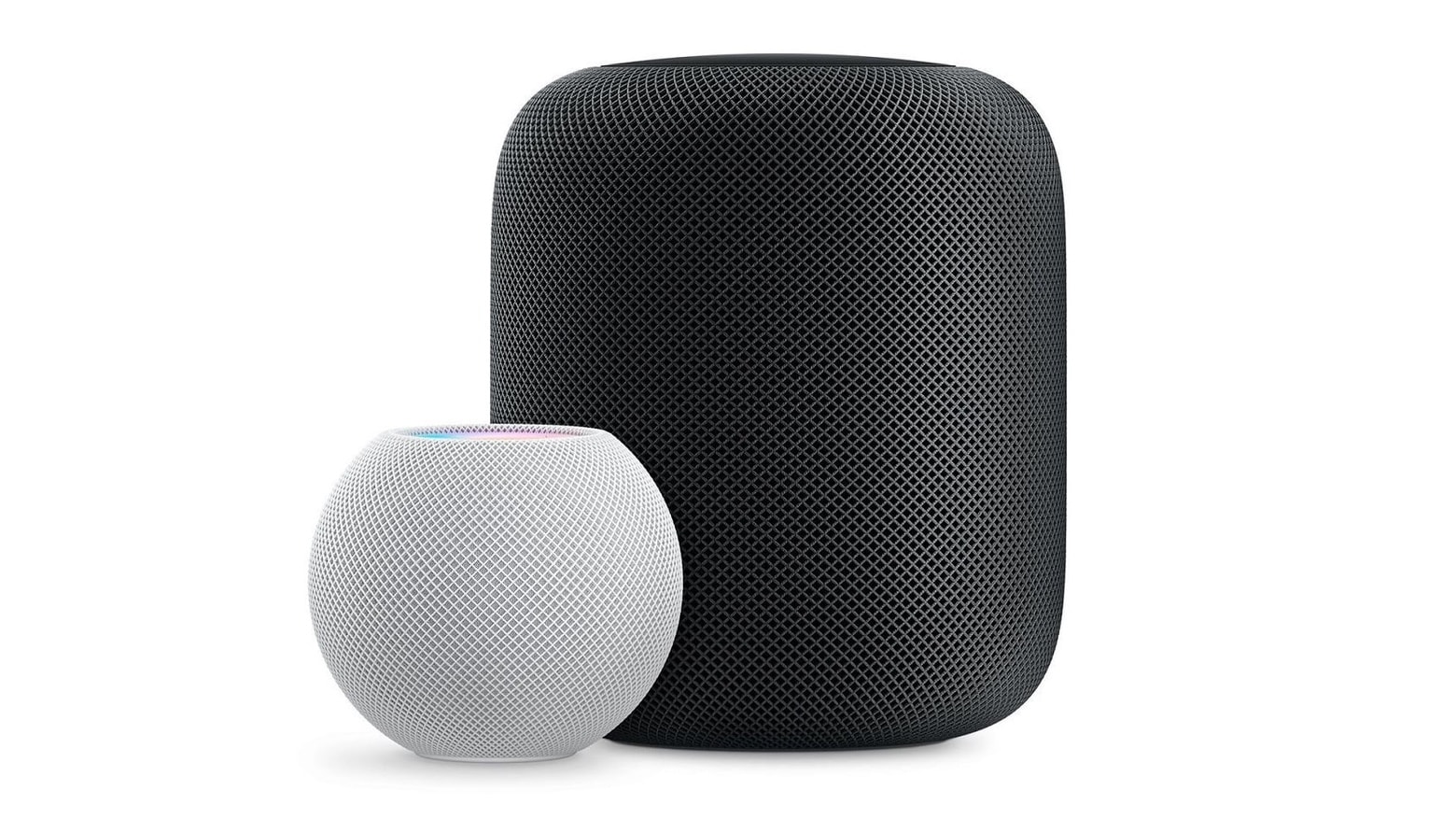
HomePod and HomePod mini will be able to take advantage of a significant improvement coming to Apple Music. Photo: Killian Bell/Cult of Mac
Apple smart speakers will be able to play Apple Music’s lossless audio after an upcoming software update. Both HomePod and HomePod mini will get support for the high-quality audio format, according to Apple.
This is good news for HomePod owners who may have been feeling disgruntled about being left out of a signature new Apple Music feature.
The Liquid Retina XDR display in the 12.9-inch version of the 2021 iPad Pro displays movies better than many TVs. Photo: Ed Hardy/Cult of Mac
There’s so much to love about the 2021 iPad Pro. There’s a better screen, a faster processor and many other enhancements. As a long-term iPad user, I put the Apple’s latest to the test. And there’s a lot here to like.
Previous iPad Pro models were already the best tablets on the market. So Apple had to really stretch to make something that surpassed them by this much.
Apple might combine video and music into one subscription. Photo: Apple
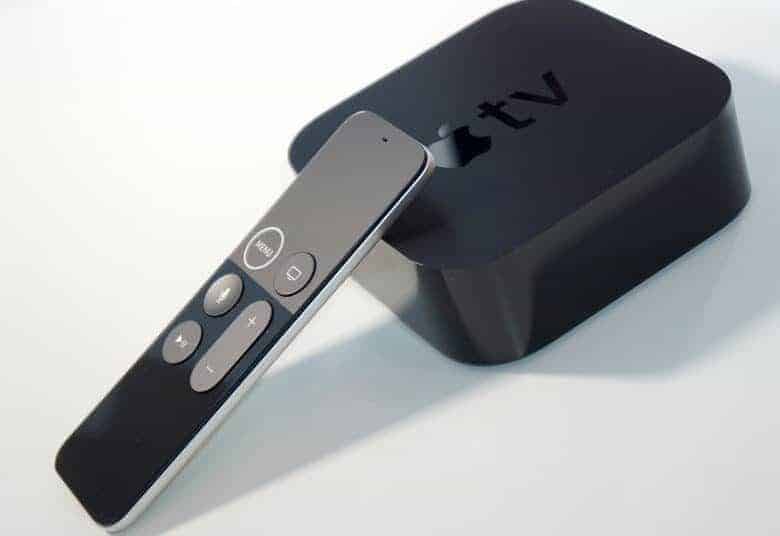
The new Apple TV 4K with faster A12 Bionic processor, high frame rate HDR, and all-new Siri Remote is out now. Prices start at just $179, and there is a way to make yours even more affordable.
Sell your old Apple TV (and other Apple devices) to Cult of Mac today and we’ll send you a nice stack of cash to make your upgrade more affordable.
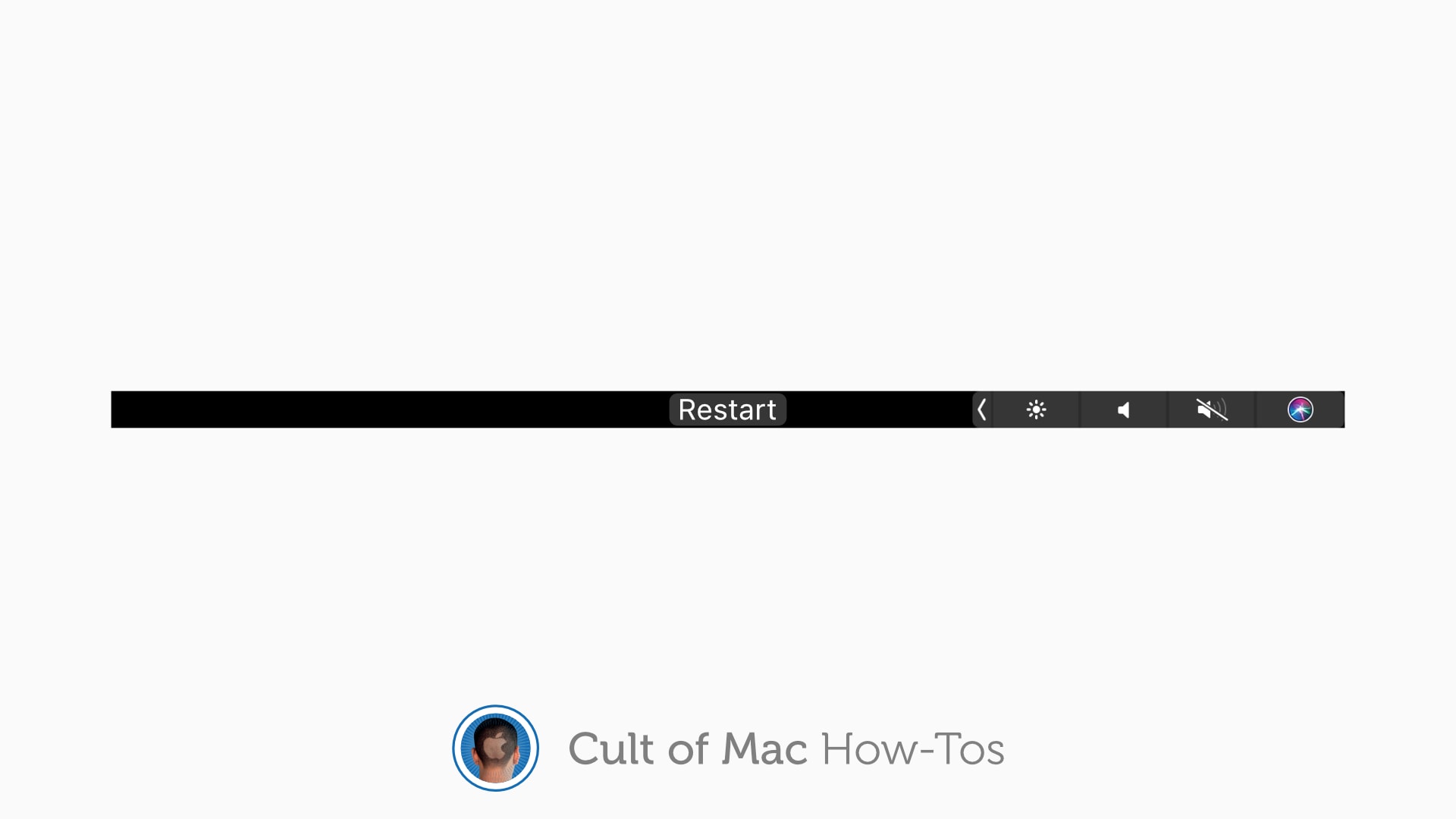
Restart your Touch Bar in an instant. Image: Killian Bell/Cult of Mac
Whatever your opinion may be on the MacBook Pro’s Touch Bar, there’s no denying it comes in handy from time to time. Except when it freezes — which can be a common occurrence — and then it’s no use at all.
You might reboot your MacBook Pro to get its Touch Bar working again when this happens. But there is a quicker, much less disruptive fix. Here’s how to restart your Touch Bar without rebooting your Mac.
Things keep getting dicier for the Fox family. Photo: Apple TV+
The Foxes hit Mexico City this week on The Mosquito Coast, the simmering new Apple TV show about a family off the grid and on the run. They’re fugitives, but that doesn’t stop them from becoming tourists, with all that entails.
This week’s episode, titled “Elvis, Jesus, Coca-Cola,” tightens the noose around the criminal family of four, while showing off the wider world they’ve been missing out on.
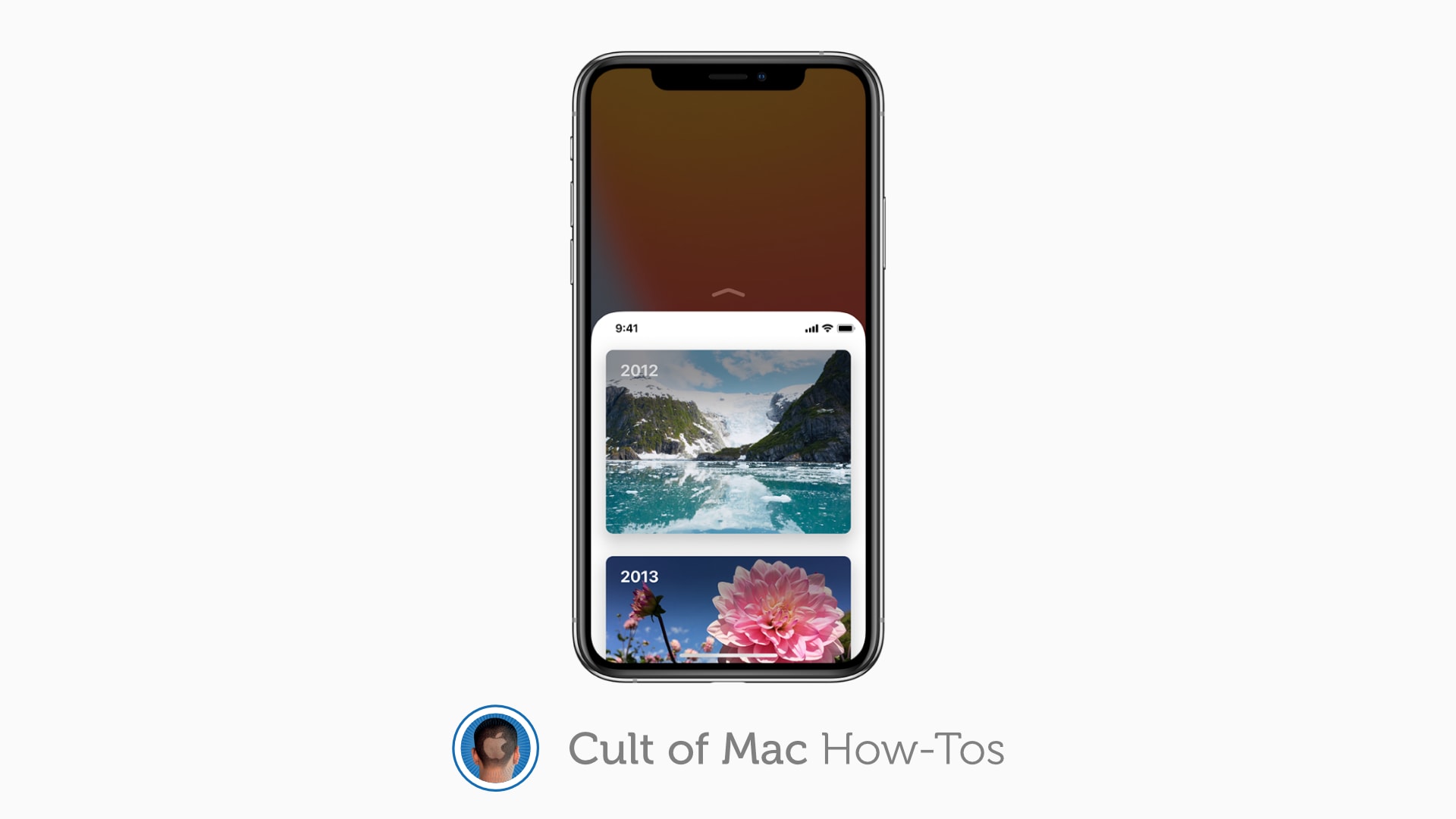
Reachability makes even the largest iPhone models easy to use one-handed. Image: Apple/Cult of Mac
Reachability remains alive and well in iOS 14 — even if you have an iPhone without a Home button. The feature, which makes even the largest iPhone models easier to operate with one hand, is super-simple to use with just a quick flick of the thumb.
However, Reachability is disabled by default, so you’ll need to turn it on. Here’s how to enable and use Reachability in the latest iPhone firmware.
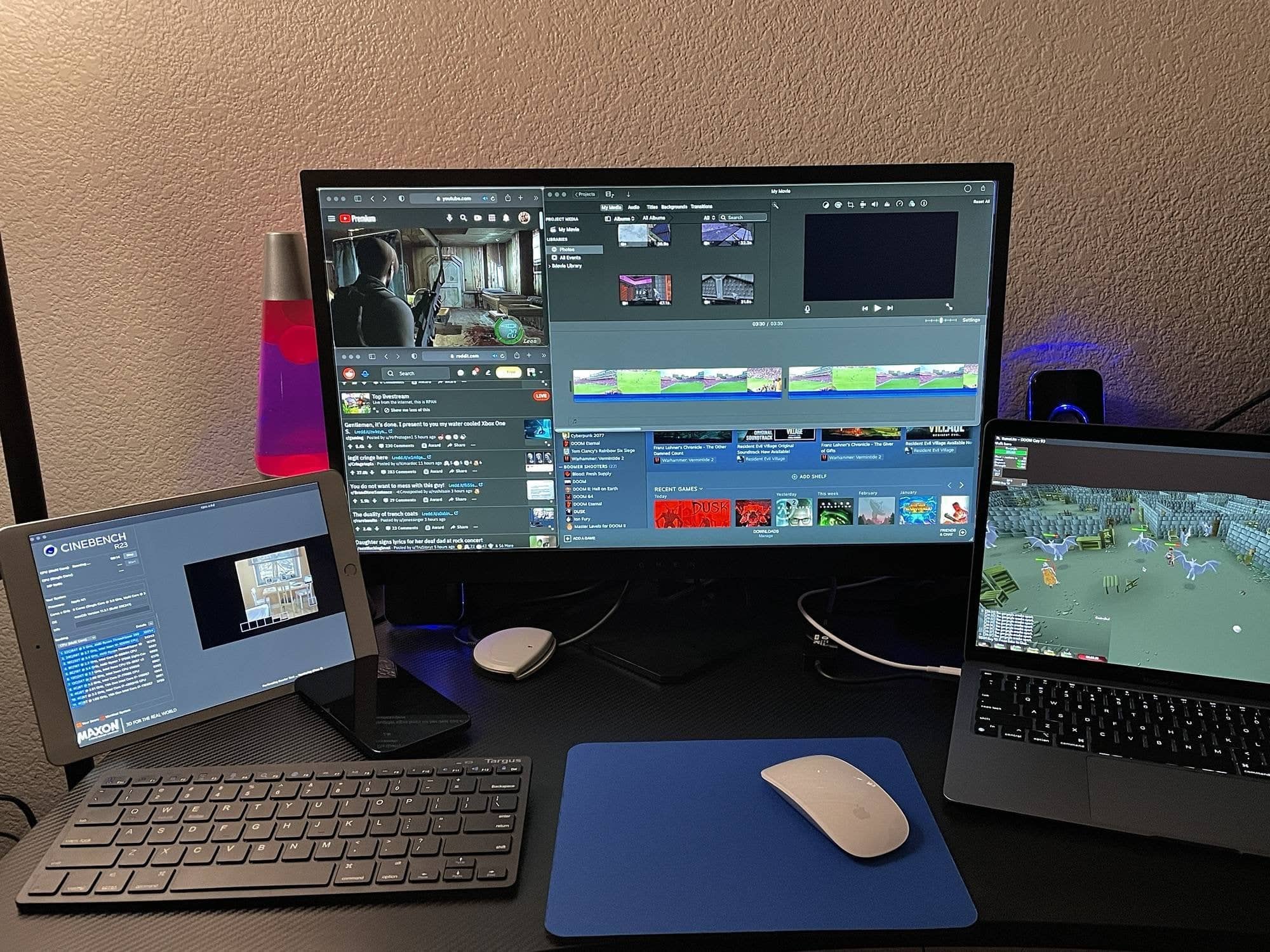
3D games, video editing, a million browser tabs -- how would you try to jam up a MacBook Air M1? Photo: Typical_Andrew@Reddit
If you owned a new MacBook Air with an M1 chip and 16GB of unified memory, how much would you have to do at once for it to freeze, bringing up the spinning beach ball of death?
We don't get nearly enough Imelda Staunton this season. Photo: Apple TV+
No one’s favorite young parents-to-be return for another go-round in Trying, the maddening Apple TV+ show about the travails of a British couple who really want children.
Unfortunately, the show’s second season, which debuts Friday, proves just as exhausting and depressing as its first.
MacOptimizer keeps your Mac in top shape. Photo: Cult of Mac Deals
No matter how great you are at updating your Mac and closing all your windows, you’ll inevitably run into some performance issues now and again. These days, we rely on our computers too much to deal with any downtime. That’s true whether you need to hop into an important meeting in 10 minutes, or were right about to find out the twist in your favorite streaming series.
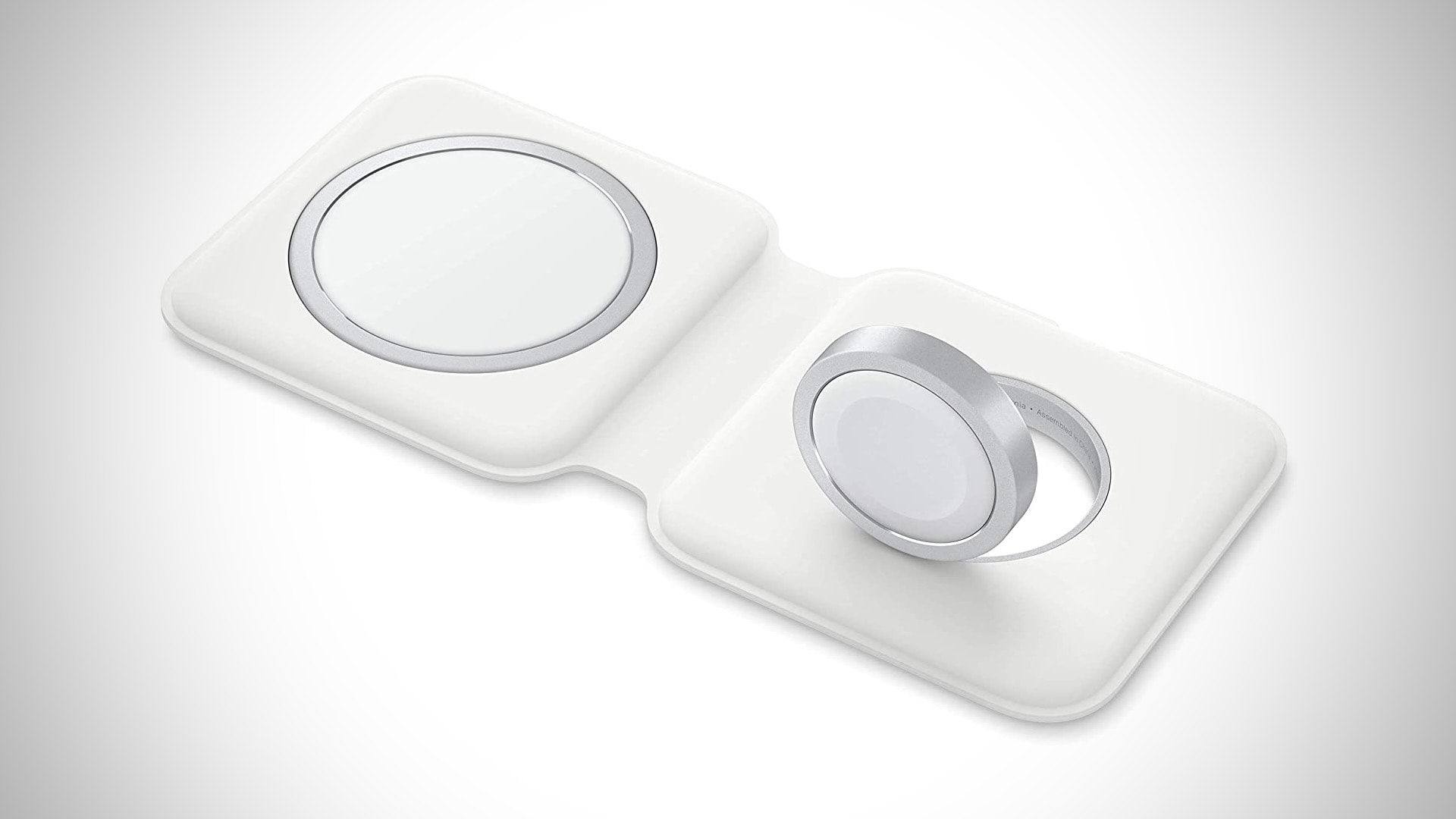
Bag yours before the price returns to normal. Photo: Apple
Apple’s new MagSafe Duo Charger for iPhone and Apple Watch just got its very first discount on Amazon. Order yours today for $112.45 — down from $129 — before the price returns to normal.
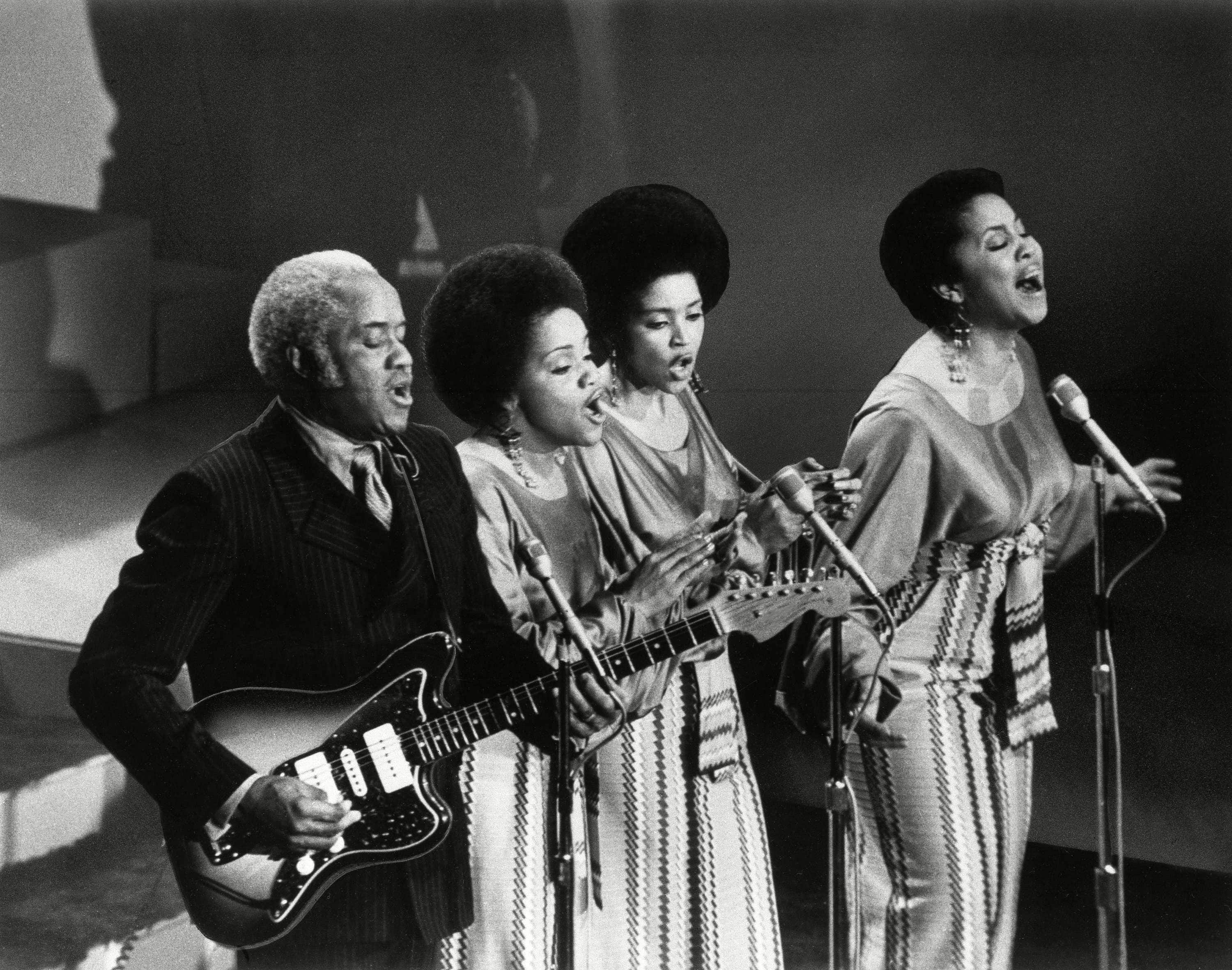
Even the Staples Singers can't save this nostalgia-riddled mess. Photo: Apple TV+
With 1971: The Year That Music Changed Everything, Apple TV+ tried to buy itself a Ken Burns-style documentary about the potent cultural impact of rock and soul. Unfortunately, the eight-episode documentary series, which premieres Friday, proves so low-energy it will put you to sleep.
This deceptively “comprehensive” look at a single year in music history proves as scatterbrained and toothless as a school project. The impression it leaves is not that 1971 really changed everything, but that no one is even remotely willing to admit that their favorite bands really aren’t that interesting.
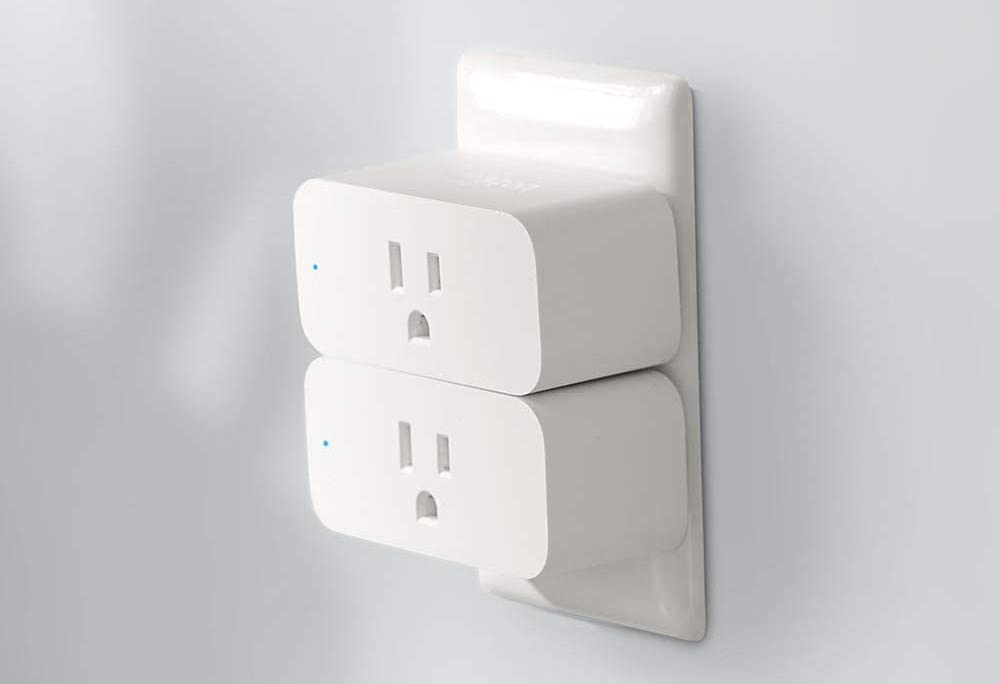
Pick up an Amazon Smart Plug with Alexa support and enjoy 40% off the usual price for a limited time only. The device adds voice and smartphone control to any electrical outlet, and allows you to schedule lights, fans, and other appliances to turn on an off automatically.
Get yours today for just $14.99 — down from $24.99.
Blue bubbles good. Green bubbles bad. Or something. Photo: Killian Bell's Peartree Productions/Cult of Mac
Considering that blue and green aren’t too far apart on the color spectrum, the difference between sending blue bubble messages and green bubble messages is pretty stark. The former, of course, means that the user is sending an iMessage, while the latter is a generic SMS, probably from an Android device.
For years, a certain segment of the population have mocked the green bubble crowd — with the gist being that a green bubble sender must have something wrong with them if they don’t own an iPhone. In a recent tweet, the CEO of a popular startup noted something else: That green bubble startup founders may have a tougher time landing investment.
“Unfortunate reality: if you don’t have iMessage, you are less likely to succeed at work,” Joshua Browder, the CEO of legal tech firm DoNotPay, tweeted this week. “The blue bubbles build trust!”
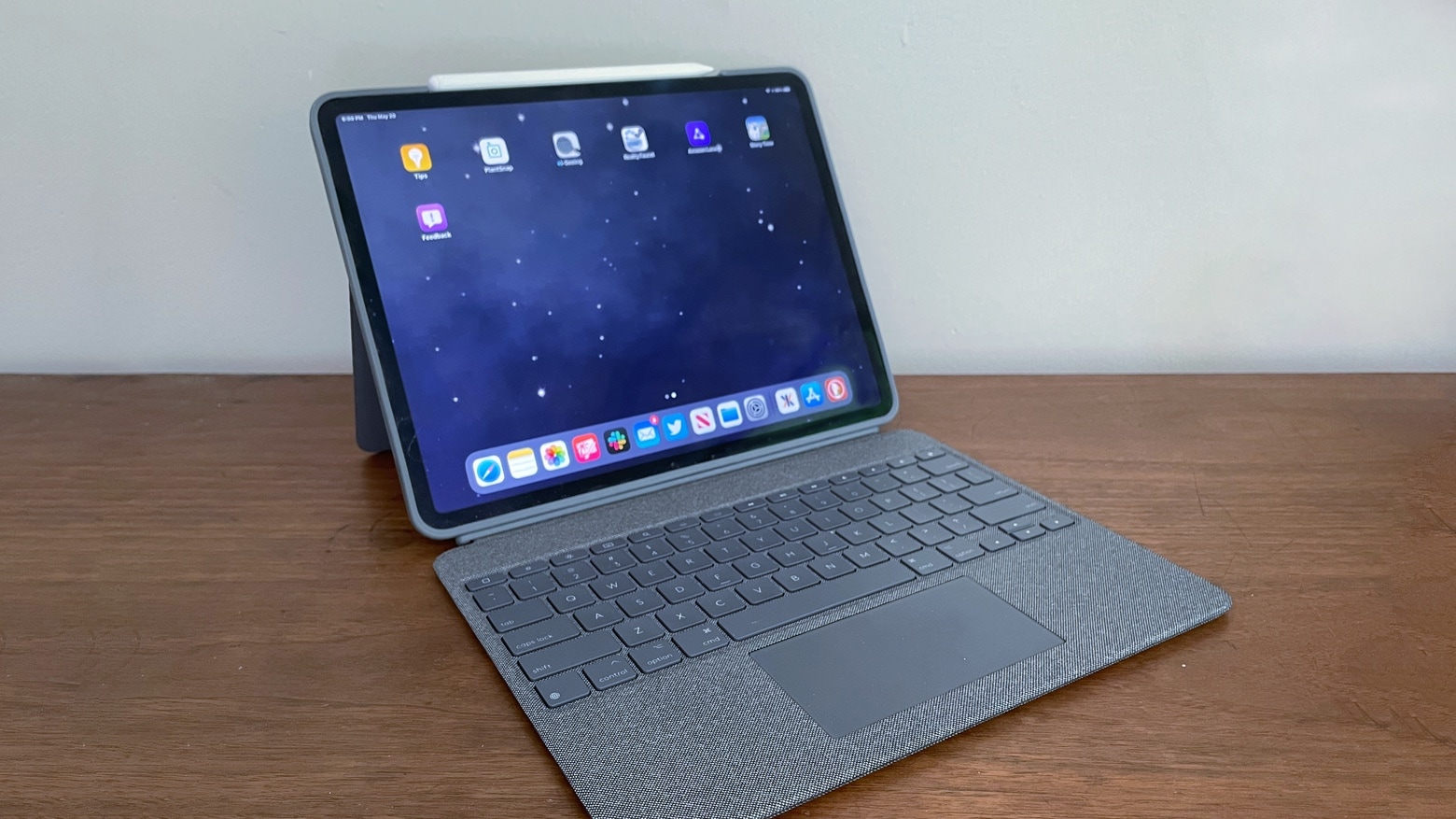
The Logitech Combo Touch includes a well-designed iPad Pro keyboard and trackpad. And it looks great. Photo: Ed Hardy/Cult of Mac
The Logitech Combo Touch combines an iPad Pro case with a kickstand and removable keyboard. It sets itself apart from the crowd with a large trackpad and using the Smart Connector rather than Bluetooth.
I brought this keyboard case into my daily work life for most of a week. I also compared it to the Apple Magic Keyboard. Here’s why I like it.
Enjoy Apple Music anywhere. Image: Killian Bell/Cult of Mac
If you are unable to play Apple Music tracks when you’re driving or out and about, it’s probably because you need to enable streaming over a cellular connection. We’ll show you how.




![7 reasons to totally love the 2021 iPad Pro [Review]](https://www.cultofmac.com/wp-content/uploads/2021/05/48F01919-5E6E-487C-A52F-EB488FF9604D.jpeg "8 reasons to totally love the 2021 iPad Pro [Review]")