NORAD’s Santa tracker app is available for iPhone and iPad. And there’s a website for Macs. Photo: NORAD
It’s Christmas Eve, and Santa Claus is on his way. You can find out exactly where he is with the help of the NORAD Santa tracker and your Mac or iPhone. You can even track Jolly Old Saint Nick’s progress in real time.
Here’s how to keep an eye on Kris Kringle‘s progress.
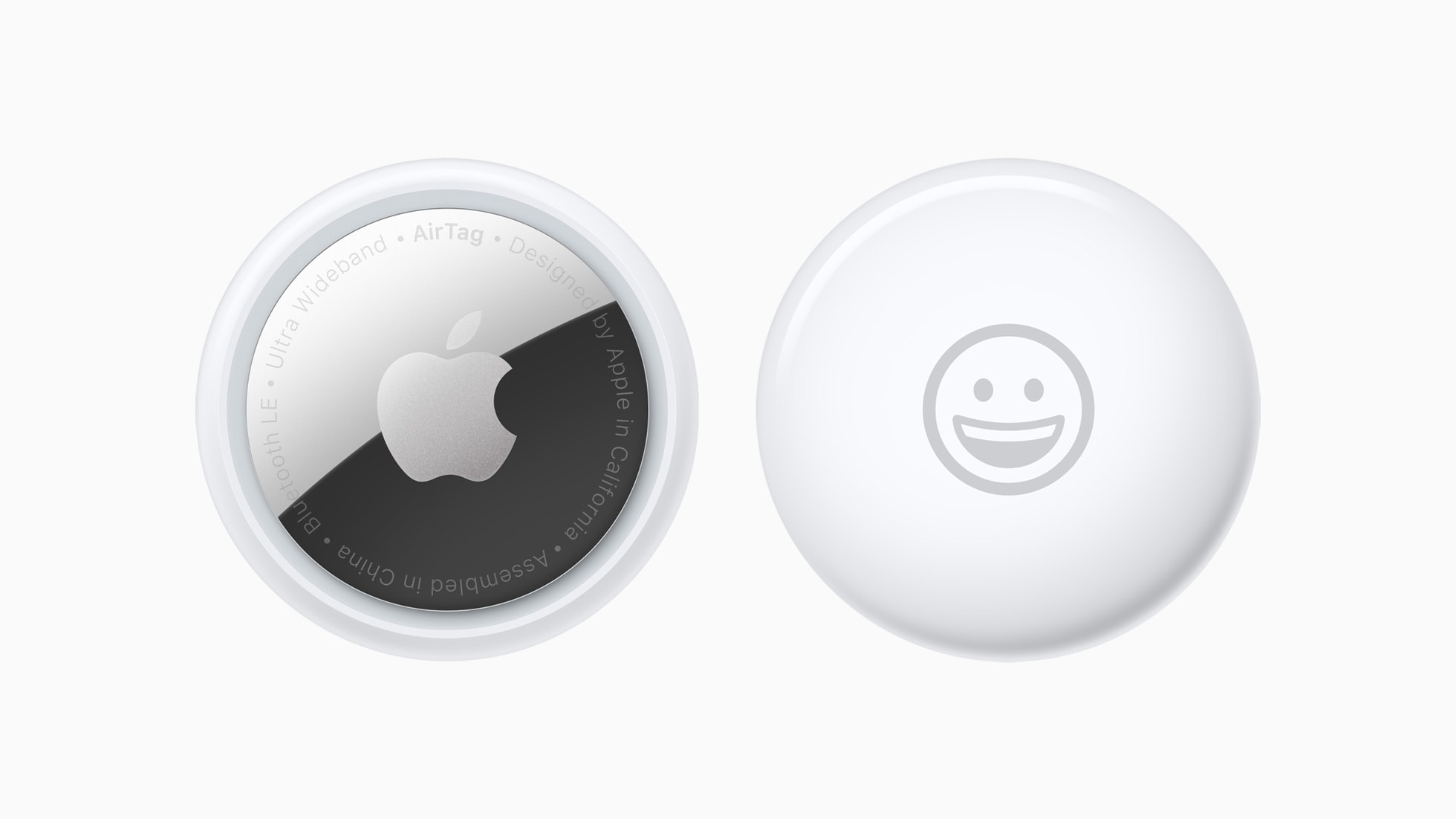
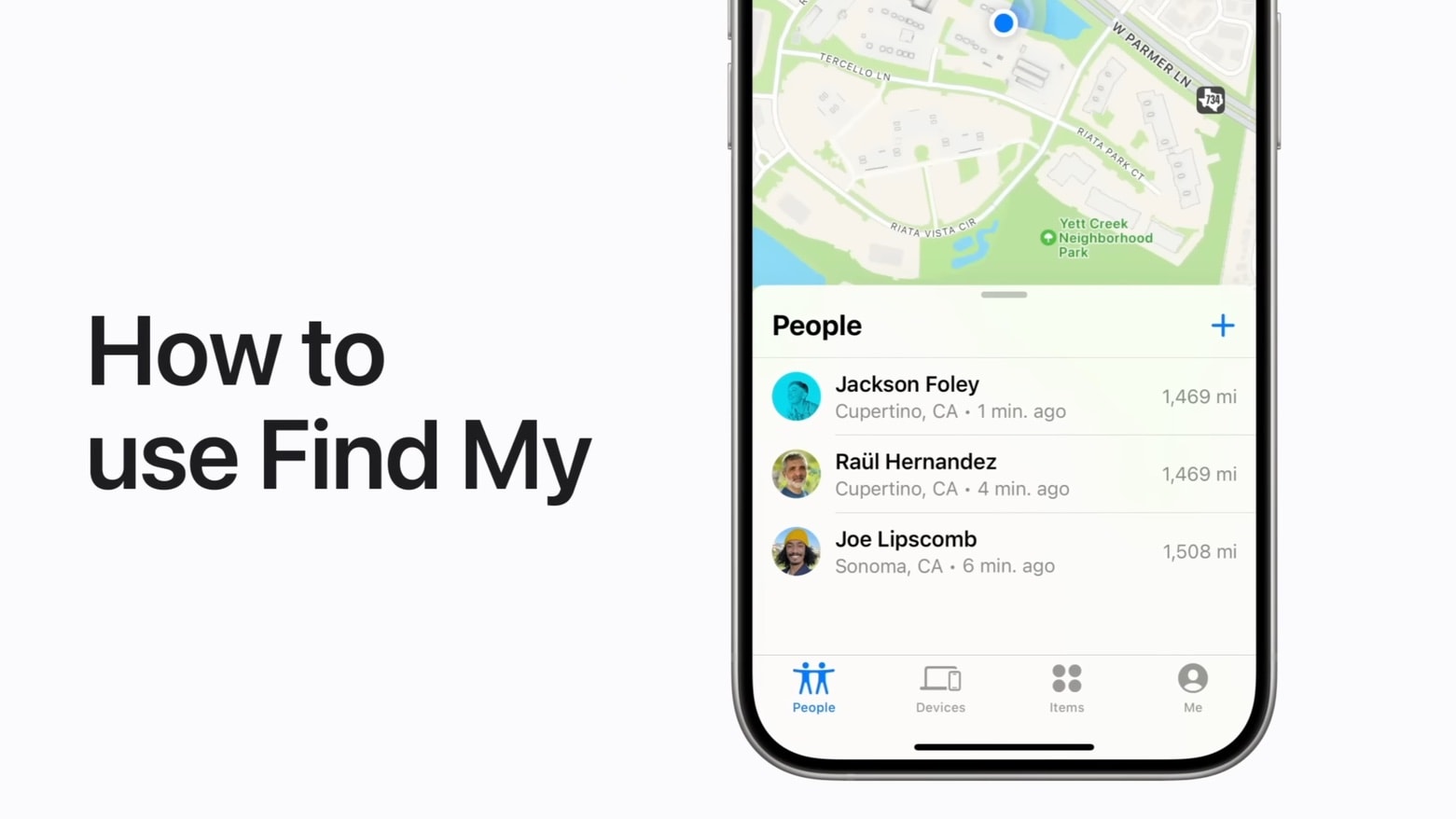
You can share an Apple AirTag with up to five people. Here’s how. Photo: Apple
When Apple launched the AirTag, you could link the tracking tags to only one person. Luckily, Apple expanded that. Now you can share an AirTag with up to five other people, so each one can see where it is.
Here’s how to share an AirTag with family members or friends.
Screen Sharing is a great way to give remote tech support. Image: Daniel Aragay/Wikimedia Commons/D. Griffin Jones/Cult of Mac
A little-known feature in macOS lets you share your Mac’s screen to someone else’s Mac directly from the Messages app — no third-party apps or downloads required. It’s great if you need to give tech support to a far-off family member in a pinch. Often, you just need to see what’s happening instead of counting on what your dear old father is trying to describe over the phone.
Get him to share his Mac’s screen with you, and you likely can solve his problem quickly. Even better, it’s not complicated setting up screen sharing on a Mac like it is on a PC. It takes only a few clicks in the Messages app. Let me show you all around this awesome hidden feature.
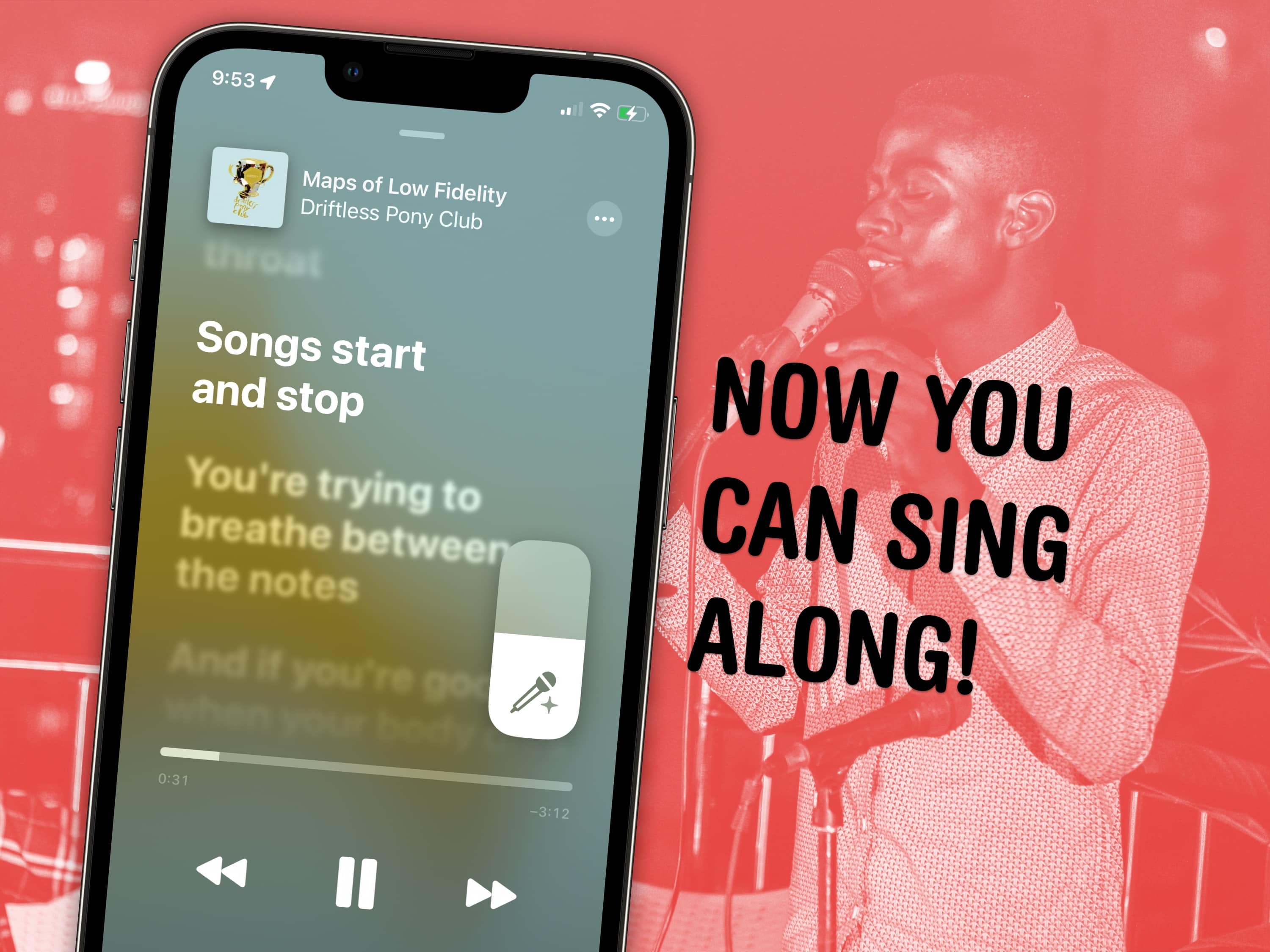
Apple Music now has a karaoke feature for singing along. Image: Ronyyz/Wikimedia Commons, D. Griffin Jones/Cult of Mac
Apple Music has a karaoke mode for people who love to sing along as they listen. Apple Music Sing lets you turn down the lyrics so you can karaoke to your favorite hits with just one tap.
In fact, I’m using it right now to listen to some of my favorite music without the lyrics distracting me from reading and writing. Let me show you how it works!
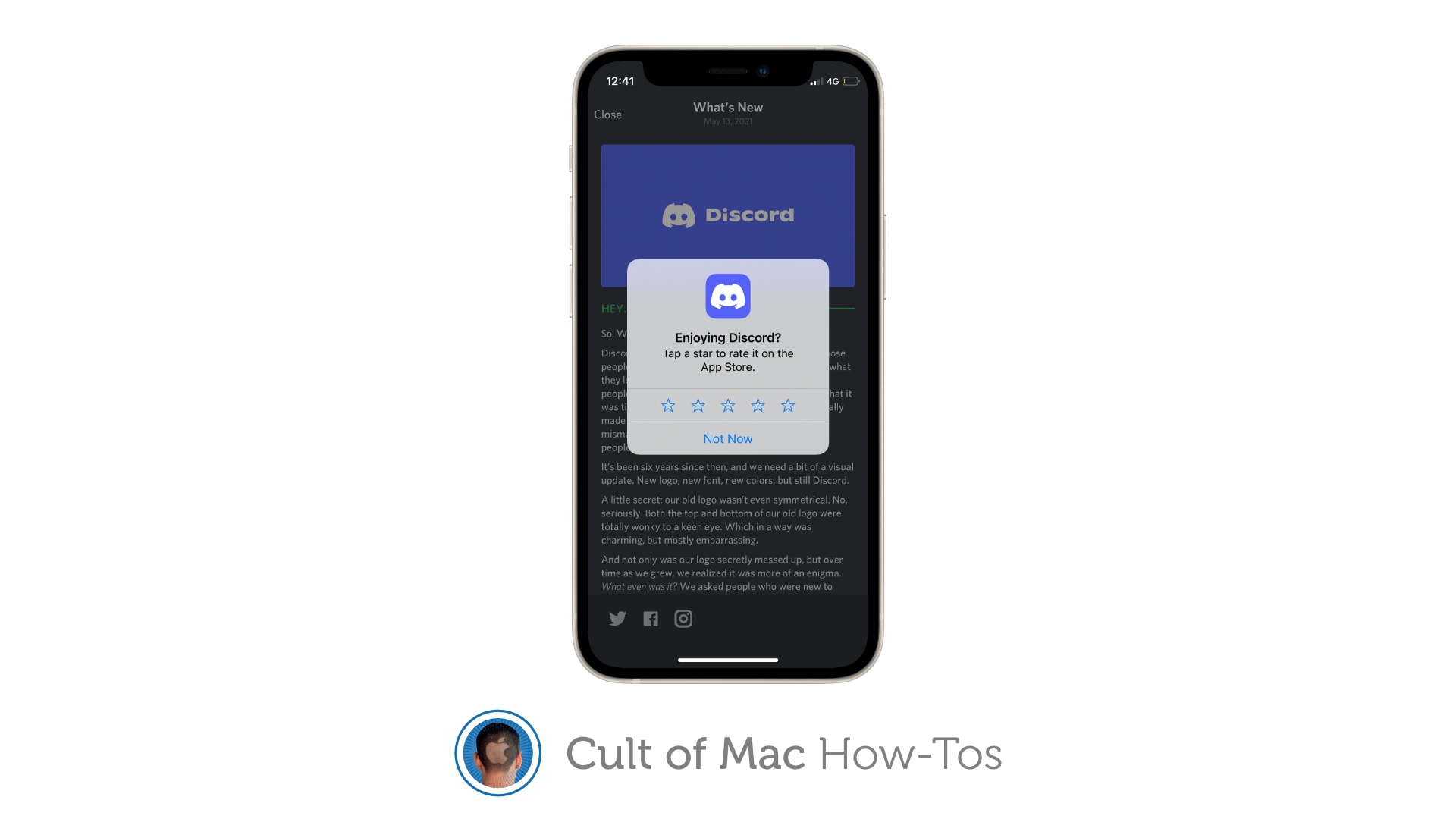
Never see another App Store rating popup. Image: Killian Bell/Cult of Mac
Sick of apps constantly asking you to rate them? There is a way you can block App Store rating requests completely on iPhone, iPad and Mac so that the pesky popups no longer appear. We’ll show you how.
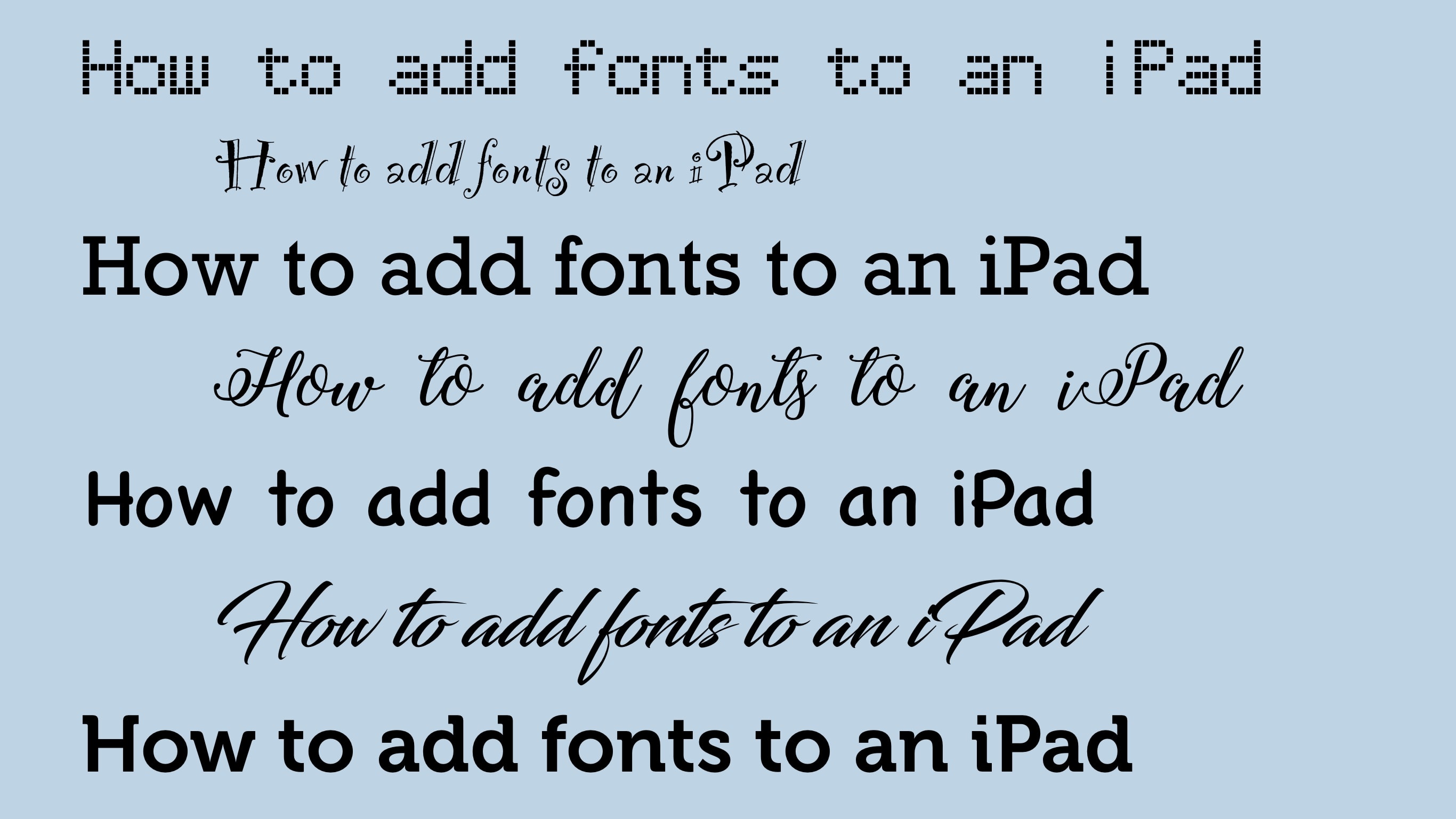
iPad comes with a useful selection of fonts, and you can add more. Graphic: Ed Hardy/Cult of Mac
Anyone getting real work done on an iPad might need to add a font to their word processor or image creation app. The process is more complicated than it should be, but you can bring the huge numbers of fonts available for Mac or Windows to your tablet, too … if you know how.
I’ll walk you step-by-step through the installation.
Find out of music in your library has been taken down by Apple. Image: Public Domain/D. Griffin Jones/Cult of Mac
Songs disappear from Apple Music all the time due to licensing problems or artists doing controversial things. Spotify found itself caught up in similar situation in 2022, losing Neil Young’s discography in a protest of the streaming service’s association with podcaster Joe Rogan. Luckily, there’s a way you can find out if any songs in your library have been removed from Apple Music behind your back.
If you own a Mac, you can quickly find out by building a special Smart Playlist. I’ll show you how.
iPadOS lets you place your external iPad display wherever you like. Image: Apple/Cult of Mac
High-end and midrange iPads can make full use of an external display. Anyone who uses a second screen for their iPad needs to know how to tell iPadOS where the external display is positioned: left, right or above the tablet. However, it’s not that simple to find the setting that lets you adjust your iPad display arrangement.
Apple buried the necessary setting. Here’s how to find it.
Apple News makes it easy to stay on top of the latest election results. Photo: Meadow Marie/Unsplash License
Update: With the U.S. election now over, this feature has been disabled.
As Americans head to the polls Tuesday for the 2024 U.S. presidential election, Apple makes it easier than ever for iOS users to stay informed with real-time results. The Apple News app’s Live Activities feature displayed election results right on an iPhone or iPad’s Lock Screen and Home Screen.
You can set it up with just one tap in Apple News on each device. But watch out: Doing so could ensure you’ll obsessively look at your devices thousands of times in the next couple days as results come in.
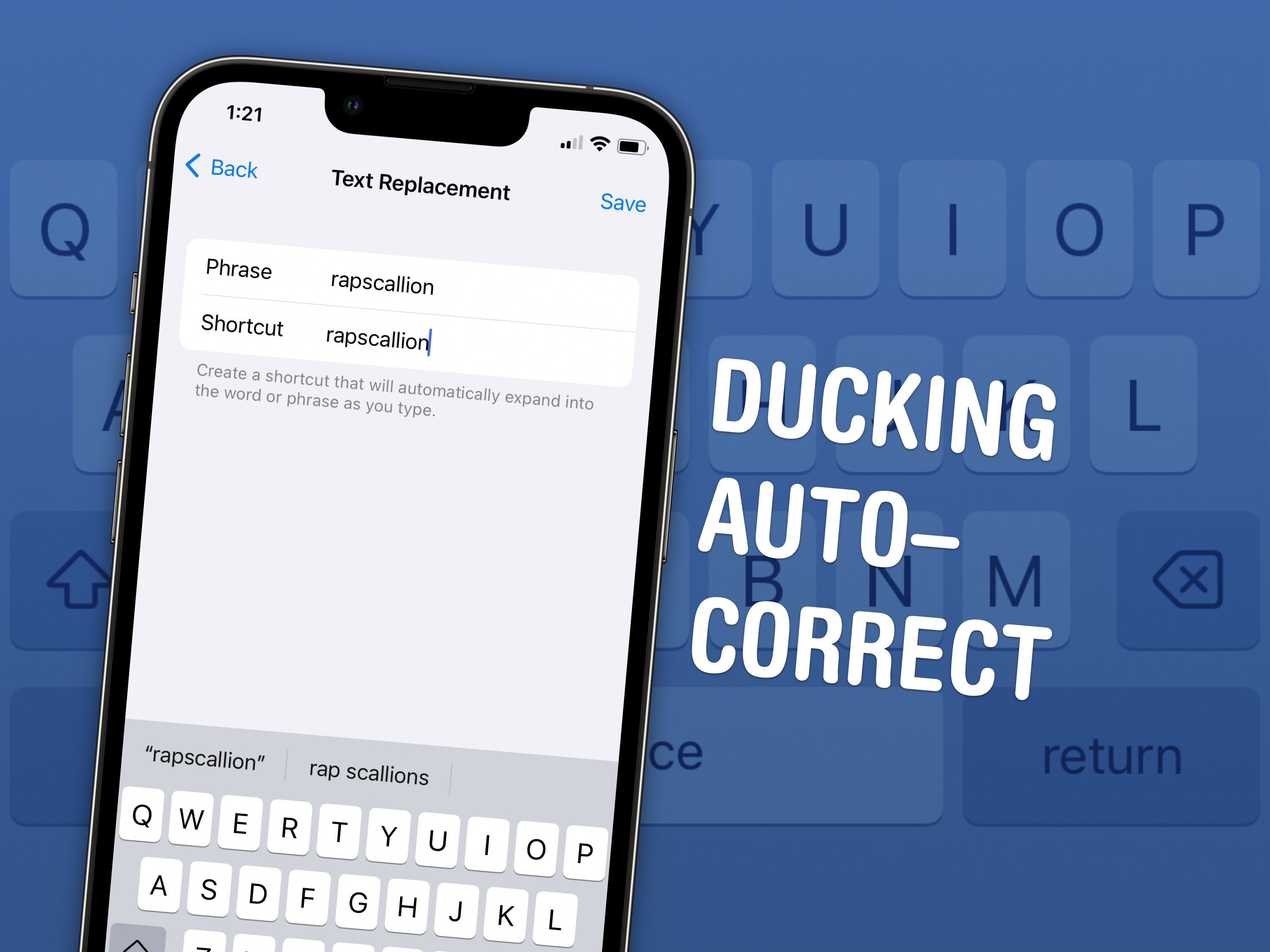
Ducking autocorrect. What a shot piece of software. It’s such an overcorrecting dock. Image: D. Griffin Jones/Cult of Mac
Here is how to stop your iPhone from autocorrecting swear words. It’s not a simple toggle switch in Settings, unfortunately — but it’ll only take you a few minutes to fix it once and for all.
Apple presents an annoyingly family-friendly image. It doesn’t want the iPhone to autocorrect a swear word to protect the innocence of children. It doesn’t want porn on the App Store (even if it’s a tap away in Safari).
Luckily, for the adults in the room, it’s all surface-level means of protection. Here’s how you can get your iPhone to let you swear again.
Safari on iPhone gets some much-needed attention in iOS 18 with a few great features. Image: D. Griffin Jones/Cult of Mac
Apple added several nifty new features to Safari in iOS 18. The iPhone’s redesigned web browser boasts an all-new Page Menu. Plus, two big new features help surface what you’re looking for on the web.
The last big Safari redesign for iPhone, which arrived three years ago, moved the address bar to the bottom of the screen by default. It also shoved several useful features into a menu in the address bar, which made it difficult to discover them. Apple tries to reverse that second problem in the new Safari.
Here’s what’s new in iOS 18 in Safari on iPhone — keep reading or watch our video.
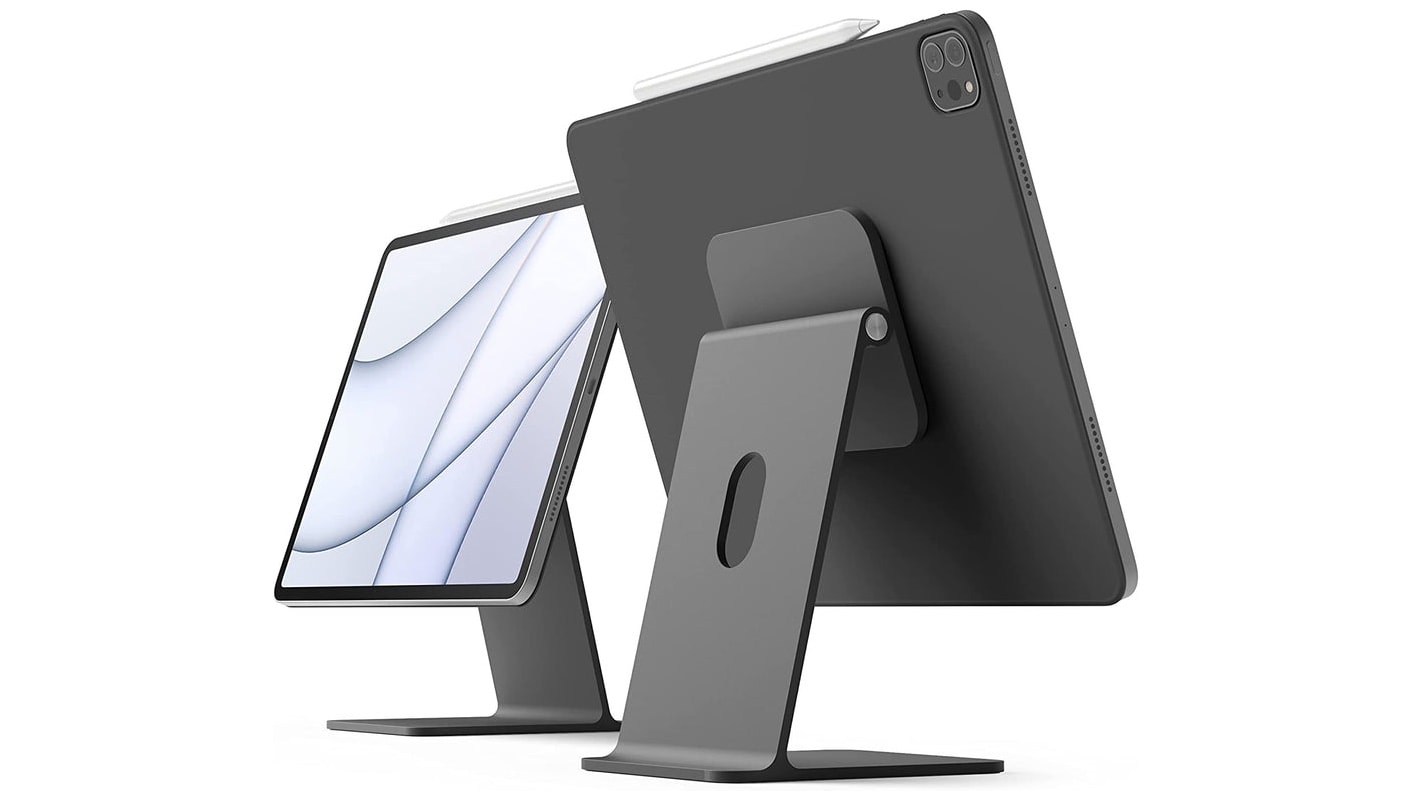
Your iPad can also be a stylish iMac mini with this stand. Photo: Elago
If you love your iPad, there’s no reason to buy a second computer. Add a few accessories and you can quickly transform an iPad into an iMac mini — a small desktop computer easily up to personal use.
I use an iPad as my primary computer, so I have some recommendations for items to take your tablet to the next level.
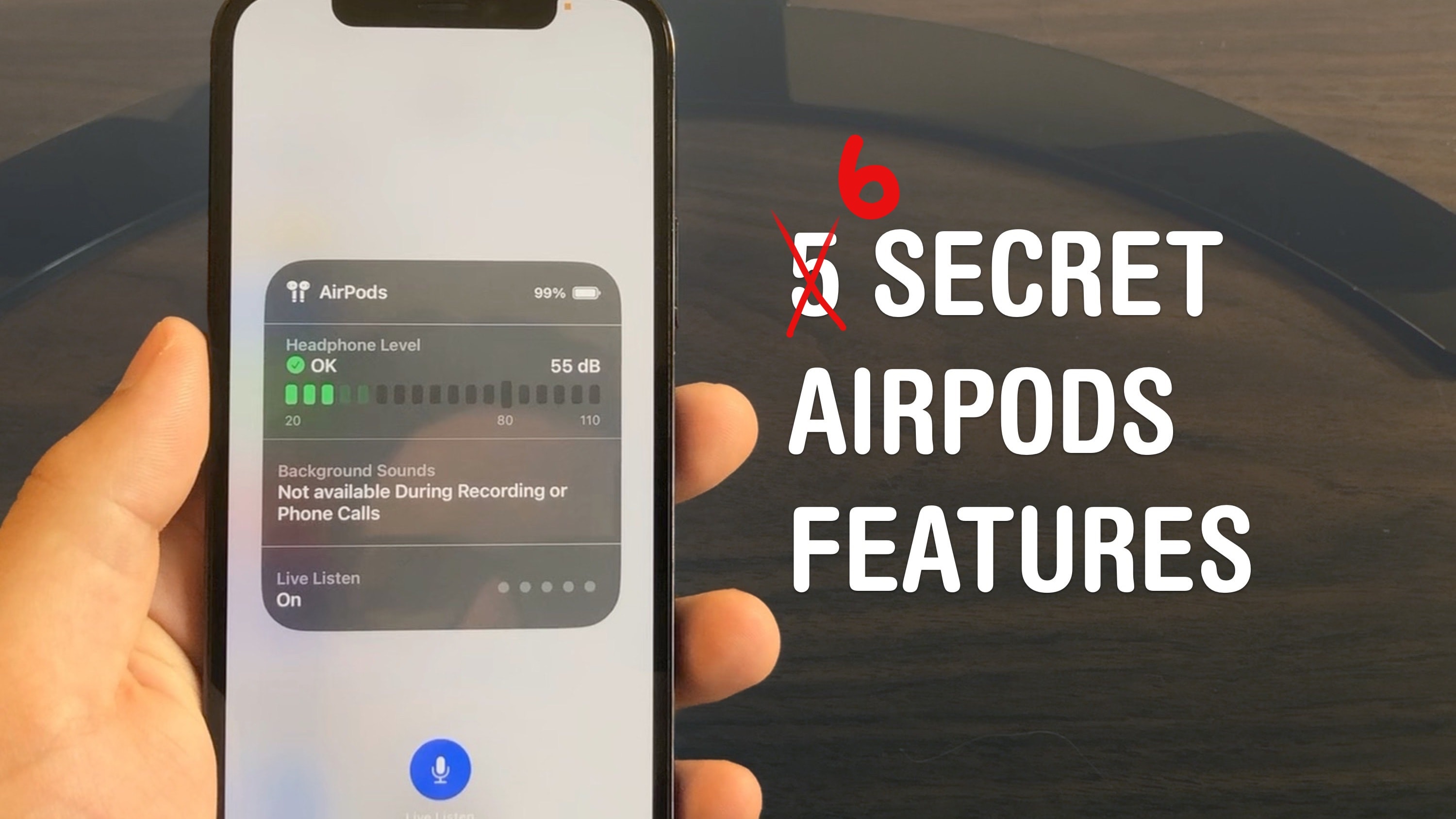
Master your AirPods with these six tricks you’d have to really dig to find. Photo: D. Griffin Jones/Cult of Mac
AirPods are the wireless earbuds that ordinary Bluetooth headphones want to be when they grow up. They’re seamlessly integrated with your iPhone, Apple Watch, iPad and Mac. They’re deceptively simple — but if you want to get more out of them, you need to dig through Settings. These AirPods tips will show you where to look to unlock maximum functionality.
I did some spelunking and found six super-handy hidden features you might not know about.
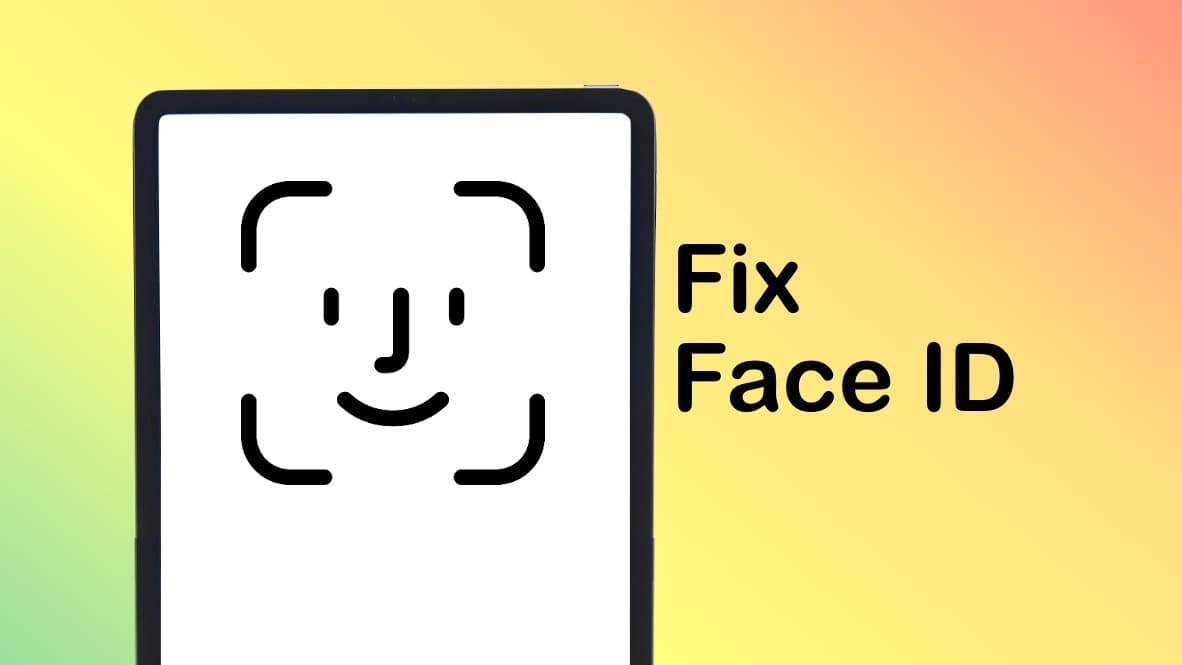
If you think there's something wrong with Face ID on your iPad, it could be it's set to be too picky. Graphic: Ed Hardy/Cult of Mac
I’ve read complaints online that Face ID on iPads is defective. I think what’s happening instead is that the biometric security system in Apple’s tablets has been set to be overly exacting. If it seems like Face ID is not working on your iPad, changing a single security setting can help.
I turned off the Require Attention setting on my iPad Pro and it made Face ID noticeably better. Presto, unlocking anything on my iPad became quick and easy. Previously, it felt like the computer was working to avoid giving me access.
Admittedly, changing this setting made my tablet a little bit less secure. But that’s a very small risk for a significant gain in usability. I recommend it to anyone who uses an iPad and thinks Face ID is not working properly.
Now, the iPad is a real computer. Image: D. Griffin Jones/Cult of Mac
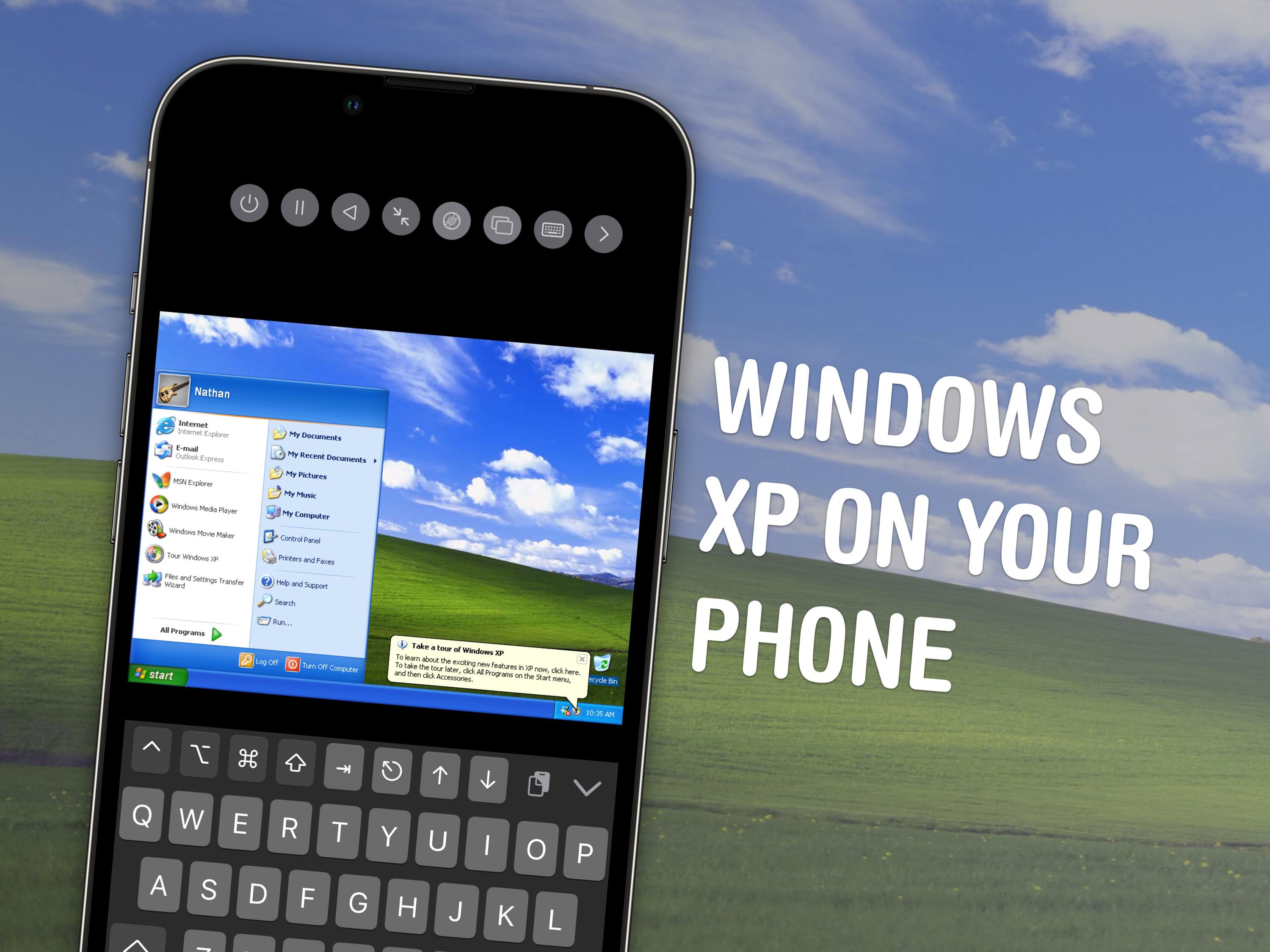
With the recently-released PC emulator UTM SE, you can now emulate Windows on iPad directly. You can revisit old PC games, just like how you can use Delta to play old Nintendo games. You can also install Mac OS 9 or Linux. With Ubuntu, Debian or other versions of Linux, you can run all kinds of open-source software for getting real work or programming projects done.
But bad news: You can’t use it to run macOS Sonoma on your iPad. There’s some confusion about this, but unfortunately the long-held dream of turning your iPad into a Mac will have to wait for another day.
Setting it up is a little finicky — but the reward of seeing that classic Windows XP desktop on your iPad can make it all worth it. Keep reading to see how it works.
Knowing your iPad battery health helps you decide when it's time for a new tablet. Image: Ed Hardy/Cult of Mac
Checking the health and maximum capacity of the battery in older iPad models isn’t as easy as it should be, but we can walk you through the process. Finding out how worn out the tablet’s battery is can help you decide if it’s time for a new model.
But for those who already upgraded to the latest iPad Pro or iPad Air, checking battery health is a snap.
No more mad swiping at the screen — learn the details of how your iPad works. Image: Leander Kahney/D. Griffin Jones/Cult of Mac
Gestures are a great way to become an iPad power user. They help you easily navigate through apps, switch between pages, access controls, and reduce multiple taps to a single swipe. iPad gestures prove especially useful for Stage Manager, the iPad’s alternative multitasking environment.
Apple designed these iPad gestures to mimic natural, real-world movements, making them intuitive to use and learn. Swiping, pinching, tapping and other moves feel familiar. You should find them easy to master.
If you use your iPad a lot, these gestures are well worth learning. Your fingers will thank you!
Change the name so you can tell them apart. Image: D. Griffin Jones/Cult of Mac
You can change the name of your Apple devices, whether you have an iPhone, iPad, Apple Watch, Mac, AirPods or Apple TV. By default, it’s just “[your name]’s iPhone.” But you can give your iPhone its own unique name, like Kit-Kat or Magic Rectangle.
Also by default, when you set up a new iPhone, the name is transferred. This can get confusing if you keep old phones around because you’ll see “John’s iPhone,” “John’s iPhone (2),” maybe even “John’s iPhone (3)” and more. The same is true for Apple Watch, Mac, iPad and AirPods.
The name of your device shows up among a bunch of Apple features like AirDrop, Find My, Personal Hotspot, AirPlay and more. If you use these features often, giving it a unique name will make it easier to identify.
Here’s how to fix this mess on all your Apple devices. Keep reading or watch our video.
There are new features in the iPad/iPhone Files app when accessing thumbdrives and SSDs. Photo: Ed Hardy/Cult of Mac
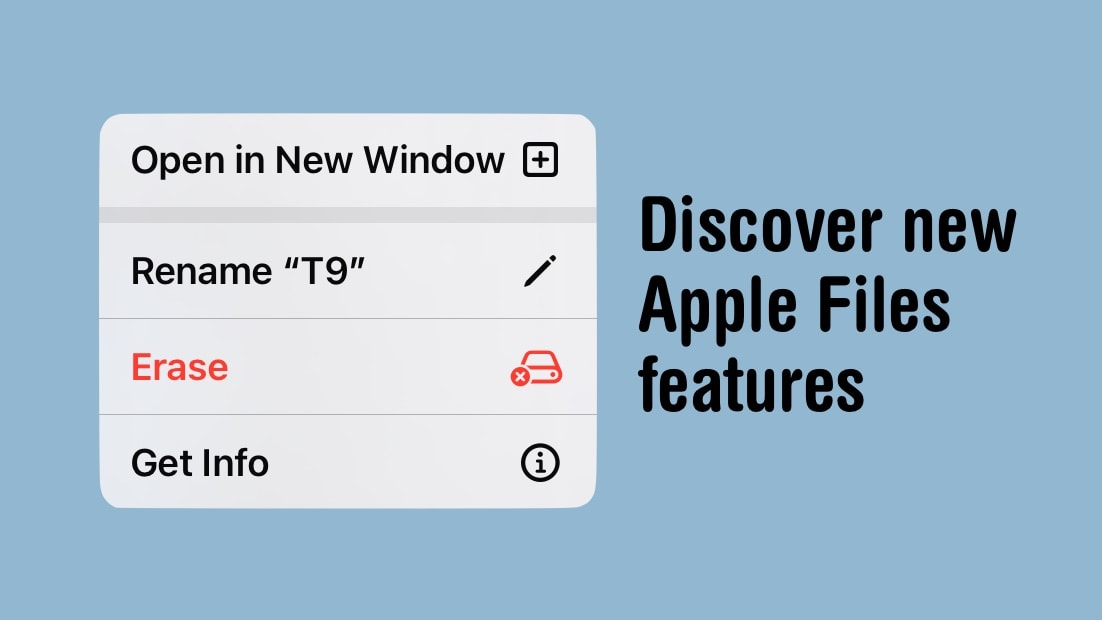
Managing files on iPad has finally got a lot easier with new tools added to the Files app in iPadOS 17. It’s especially good for working with external drives, including basic capabilities like seeing see how much space remains on a thumb drive. And iPhone users can access them, too.
Here’s how to access all the new features in Apple’s Files app.
Yes, you might need to think about updating the software on your Apple Pencil. Image: Apple/Cult of Mac
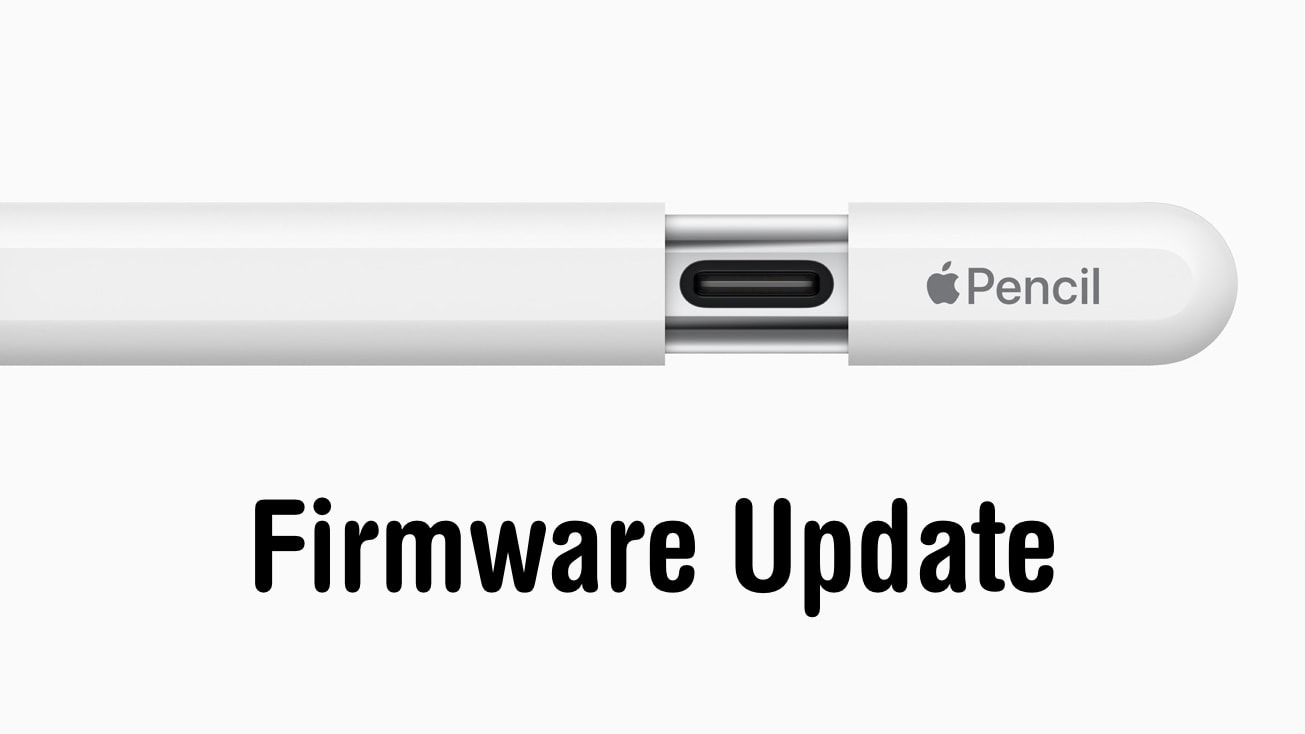
Just about everything electronic requires firmware — Apple’s iPad stylus is no exception. With software comes updates, and there’s new one for the recently released version of the Apple Pencil with a USB-C port.
Here’s how to check what firmware version your Apple Pencil is currently running, and a suggestion on how to get the new update.
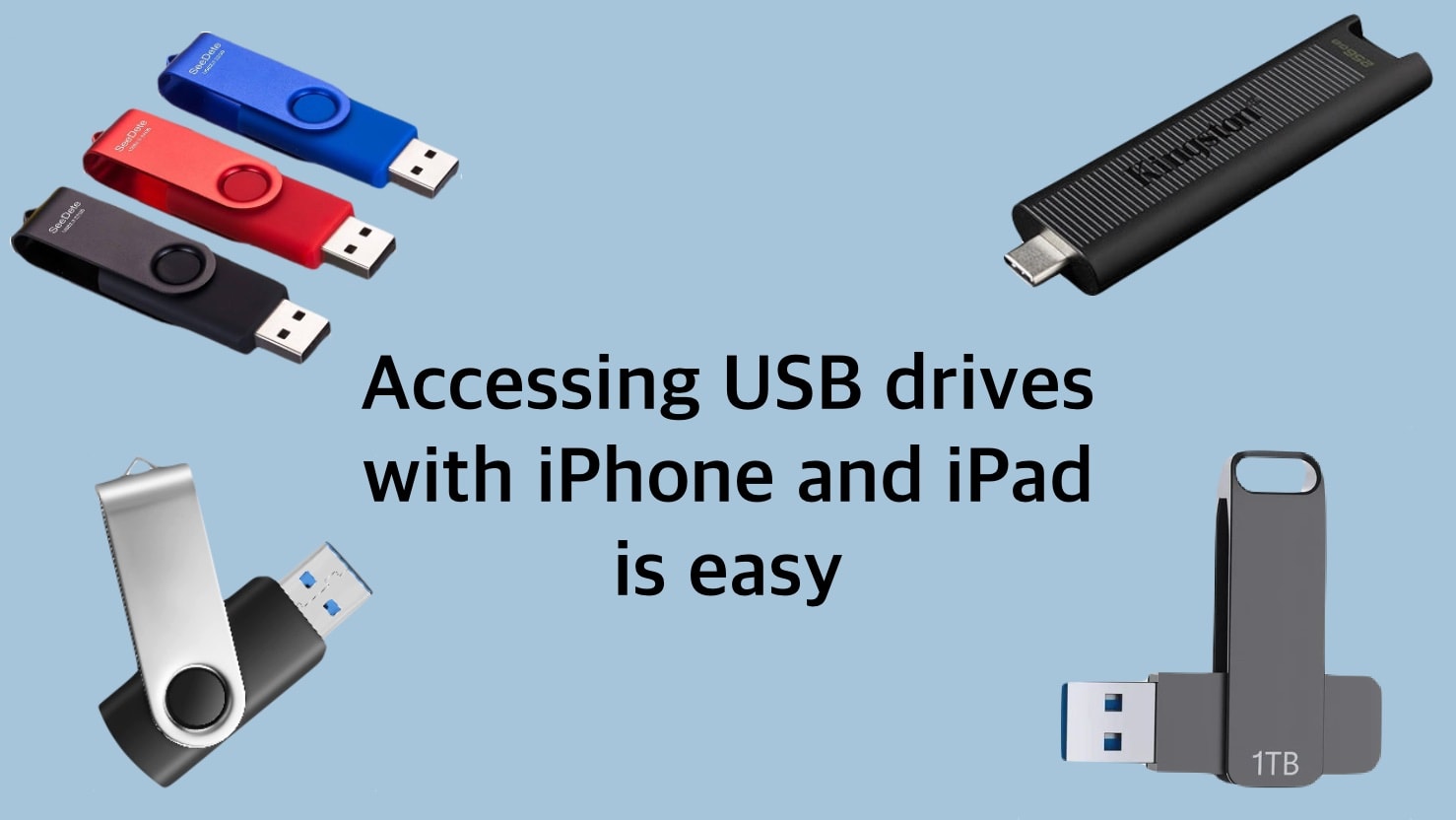
Using a USB drive with iPhone or iPad is much easier than it used to be. Image: Ed Hardy/Cult of Mac
The world is full of USB drives, from portable thumbdrives to full external SSDs. Happily, you’re not closed off from these just because you use an iPhone or iPad. Connecting to external drives has gotten much easier than it used to be.
And you’ll have full read/write access to everything on the drive. You won’t even need to install any software, as the app you need comes preinstalled on your device.
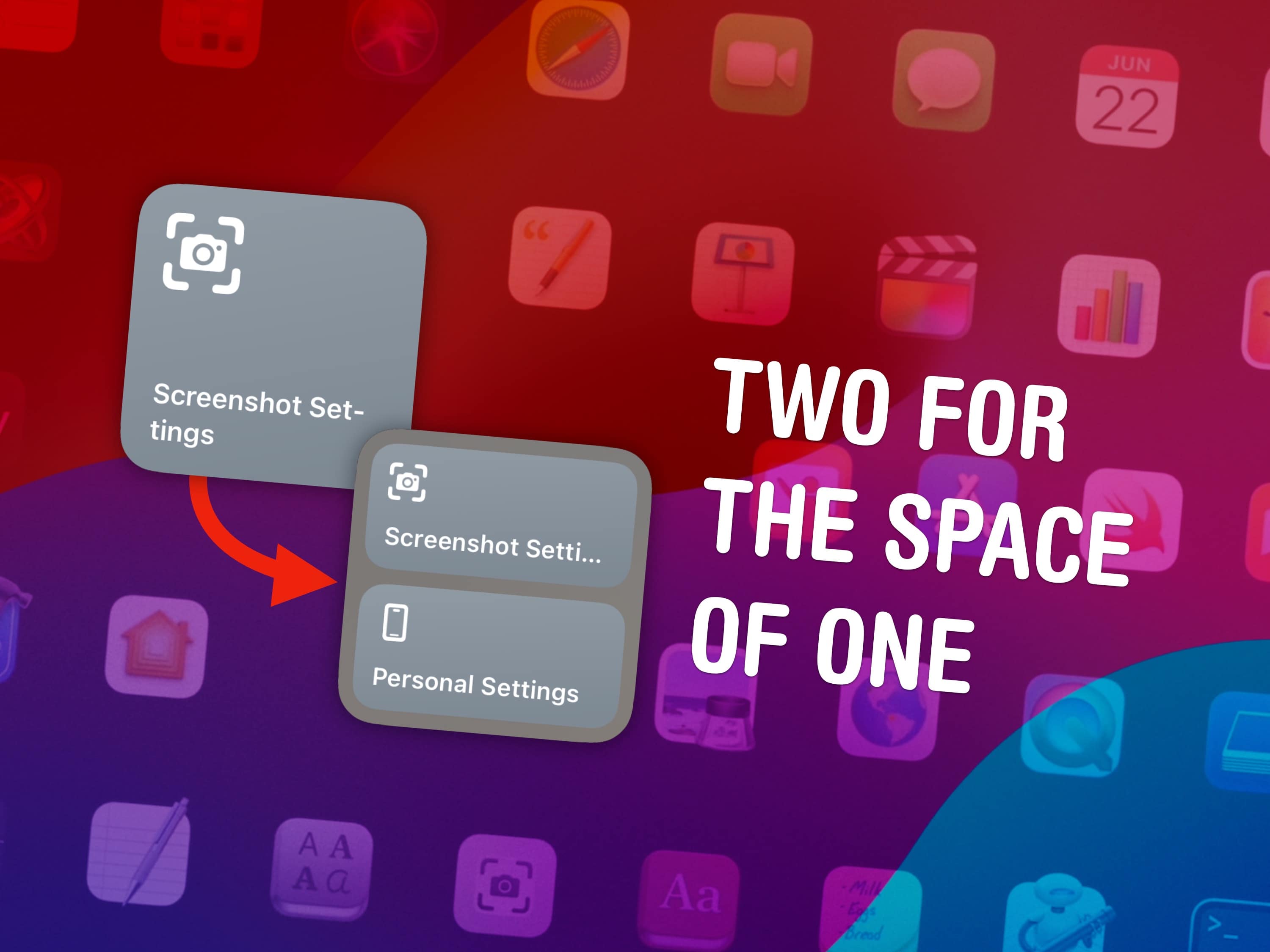
Double the shortcuts in the small widget. Image: D. Griffin Jones/Cult of Mac
You can fit two shortcuts into one small widget in iOS 17, a significant change for power users of Apple’s time-saving Shortcuts app. A lot of shortcuts I make are in pairs — and now, you can put two shortcuts of a kind in one small space on your Home Screen.
Home Screen widgets are a great way to launch the shortcuts you use every day. On the iPhone, where space is limited, fitting twice as many shortcuts without losing any icons could be a game changer for your Home Screen. Let me show you how to set it up.
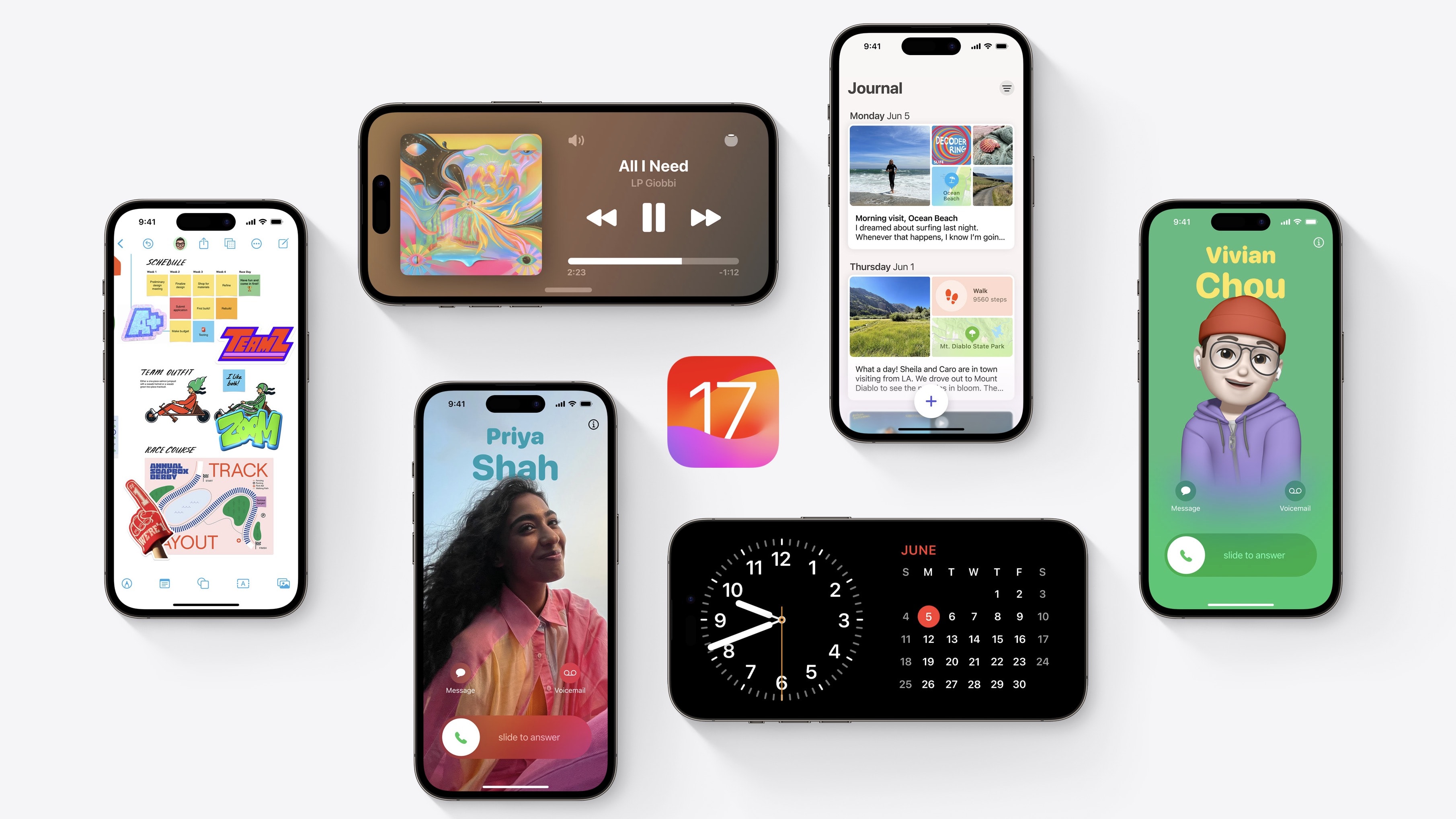
What’s new in iOS 17? This is a big year for iPhone and iPad. You should definitely check out the biggest new features — Contact Posters and Standby — first. But there are dozens of other great features for you to learn, explore and take advantage of, too.
iOS 17 is out now. I have all the 50 best tweaks and changes organized in this overview.
Safari Private Browsing mode will soon get multiple new features to prevent online tracking. Photo: Killian Bell/Ed Hardy
Private Browsing mode in Apple Safari will soon get even more secure. It’ll be locked against someone else accessing it, and incorporate new tools to prevent websites from tracking users.
The additional privacy features are coming in iOS 17, macOS Sonoma and iPadOS 17, all of which were unveiled at WWDC23 this week.