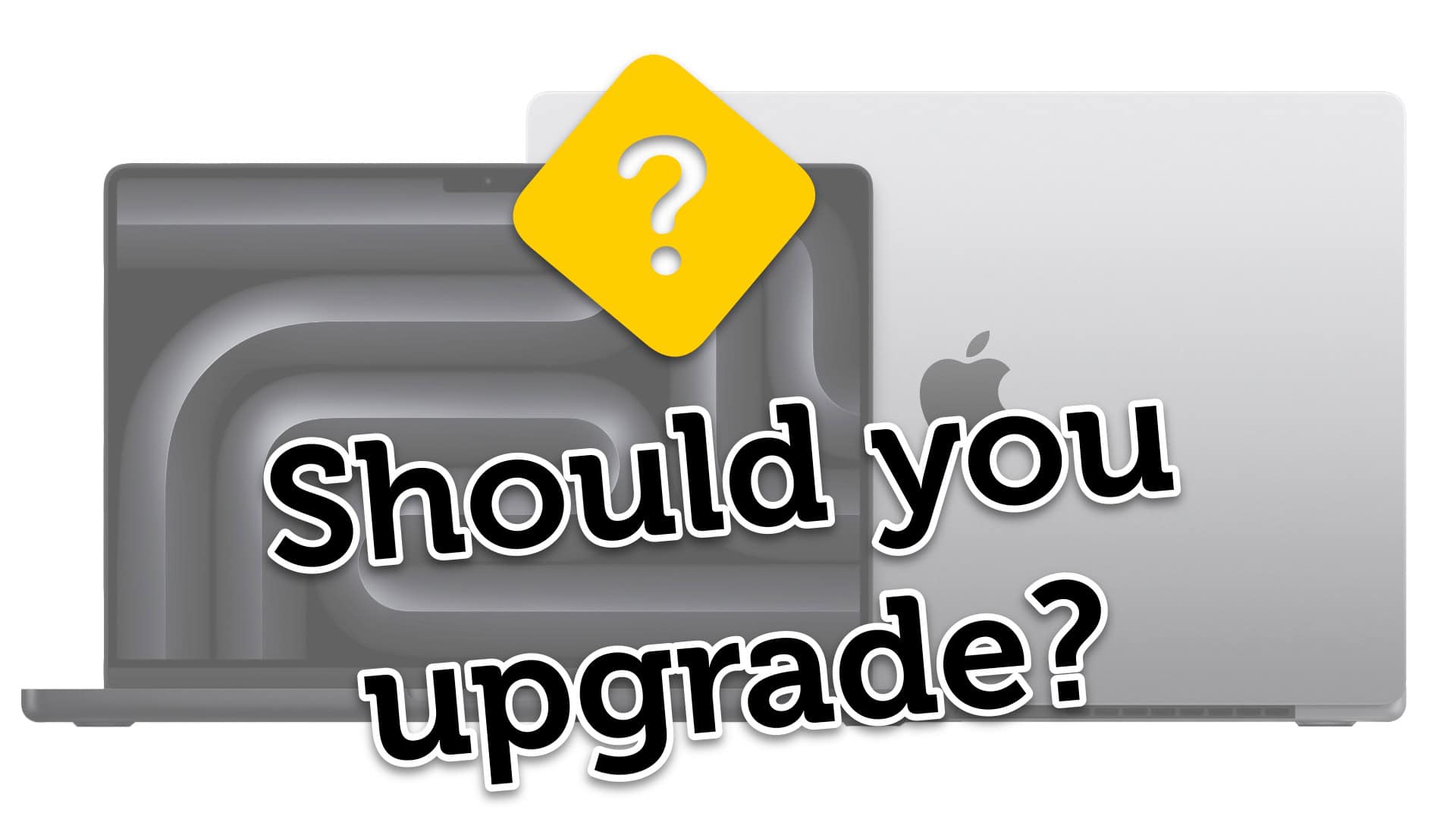
Is it time for a new MacBook Pro? Image: Apple/D. Griffin Jones/Cult of Mac
Is the new M4 MacBook Pro worth it? The latest models come with impressive power and unbelievable battery life. Even if you bought the M1 model, the new version may be a huge boost in performance.
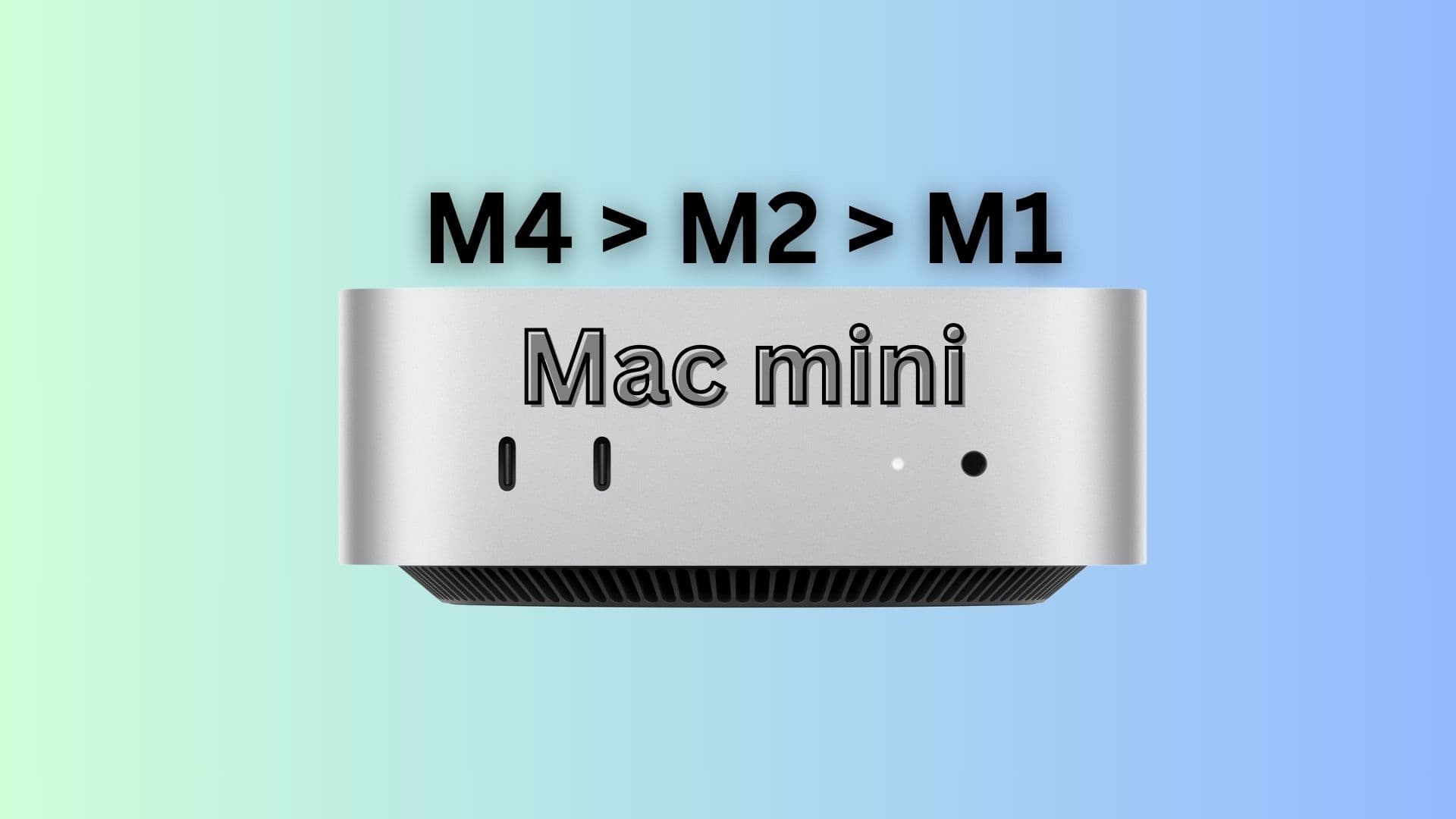
Is it time for a new Mac mini? Image: Apple/D. Griffin Jones/Cult of Mac
Is the new M4 Mac mini worth it? The latest models come with impressive power in the tiniest packaging yet. Even if you bought the M1 model, the new version may be a huge boost in performance.
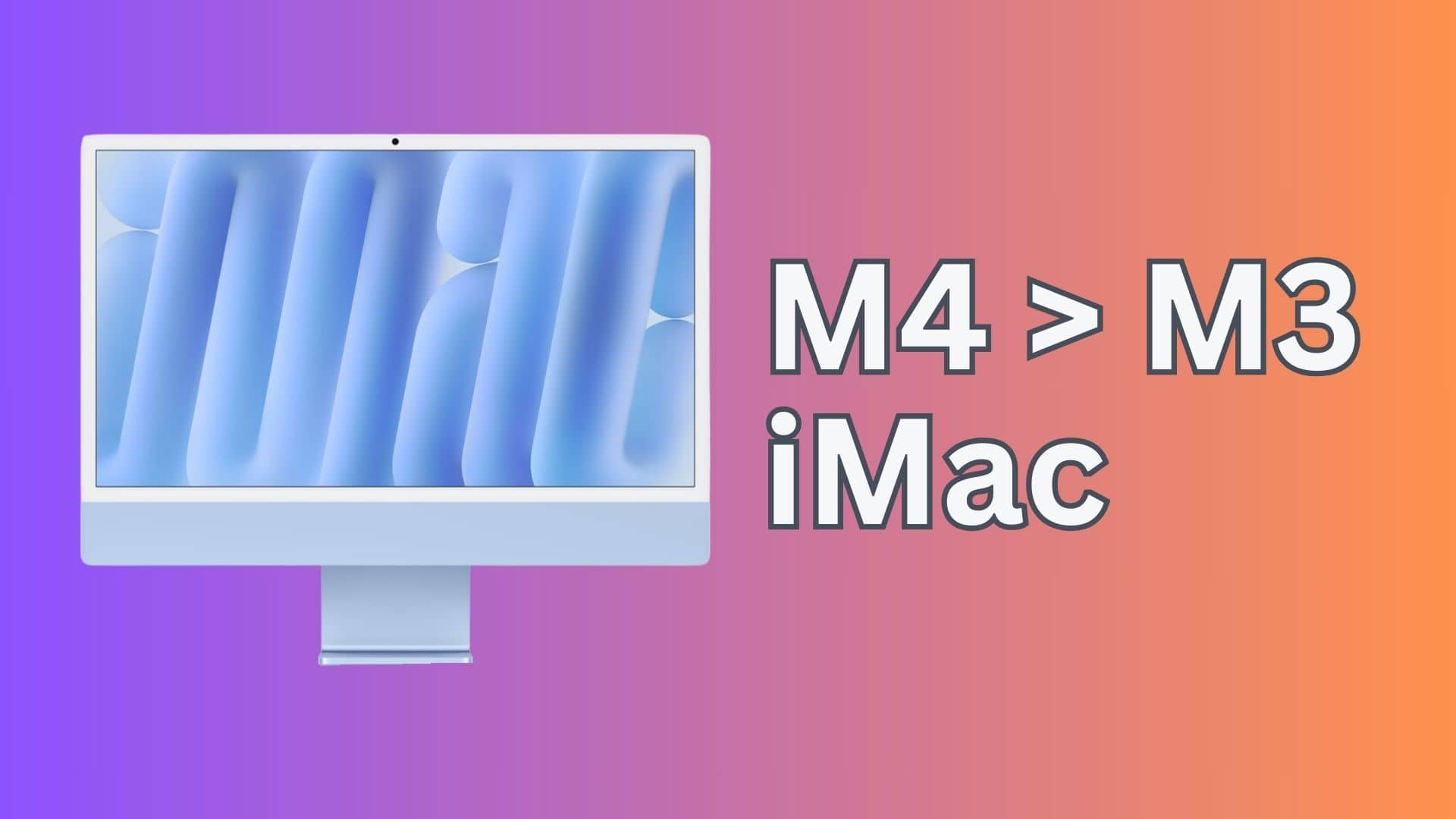
Is it time for a new iMac? Image: Apple/D. Griffin Jones/Cult of Mac
Is the new M4 iMac worth it? Should you upgrade and buy one? The latest models come with a big boost in performance and brighter, refreshing colors. It’s a solid upgrade if you’re still on an older model.
Of course, depending on your preferences, Apple may no longer make an iMac for you. You might want to consider the new Mac mini with a Studio Display.
How does the M4 Mac mini compare to its M2 and M1 predecessor? Photo/Graphics: Apple/Rajesh Pandey
Apple gave the Mac mini a long-overdue redesign Tuesday, making the pint-size desktop computer smaller than ever. The M4 chip and the new M4 Pro processor also bring a massive bump in performance. And perhaps surprisingly, the new Mac mini packs almost all the ports you can ask for.
Given these improvements, should you upgrade to the M4 Mac mini from the M2 or even the M1 Mac mini? Find out in this comparison.
M4 iMac - Should you upgrade? Photo/Graphics: Apple/Rajesh Pandey
The M4 iMac that Apple launched Monday looks the same as its predecessor but brings some big changes internally. So, how does the M4 iMac compare to the M3 iMac, which arrived less than a year ago? Our M4 iMac versus M3 iMac comparison will show you how the 2024 model ups the ante on performance.
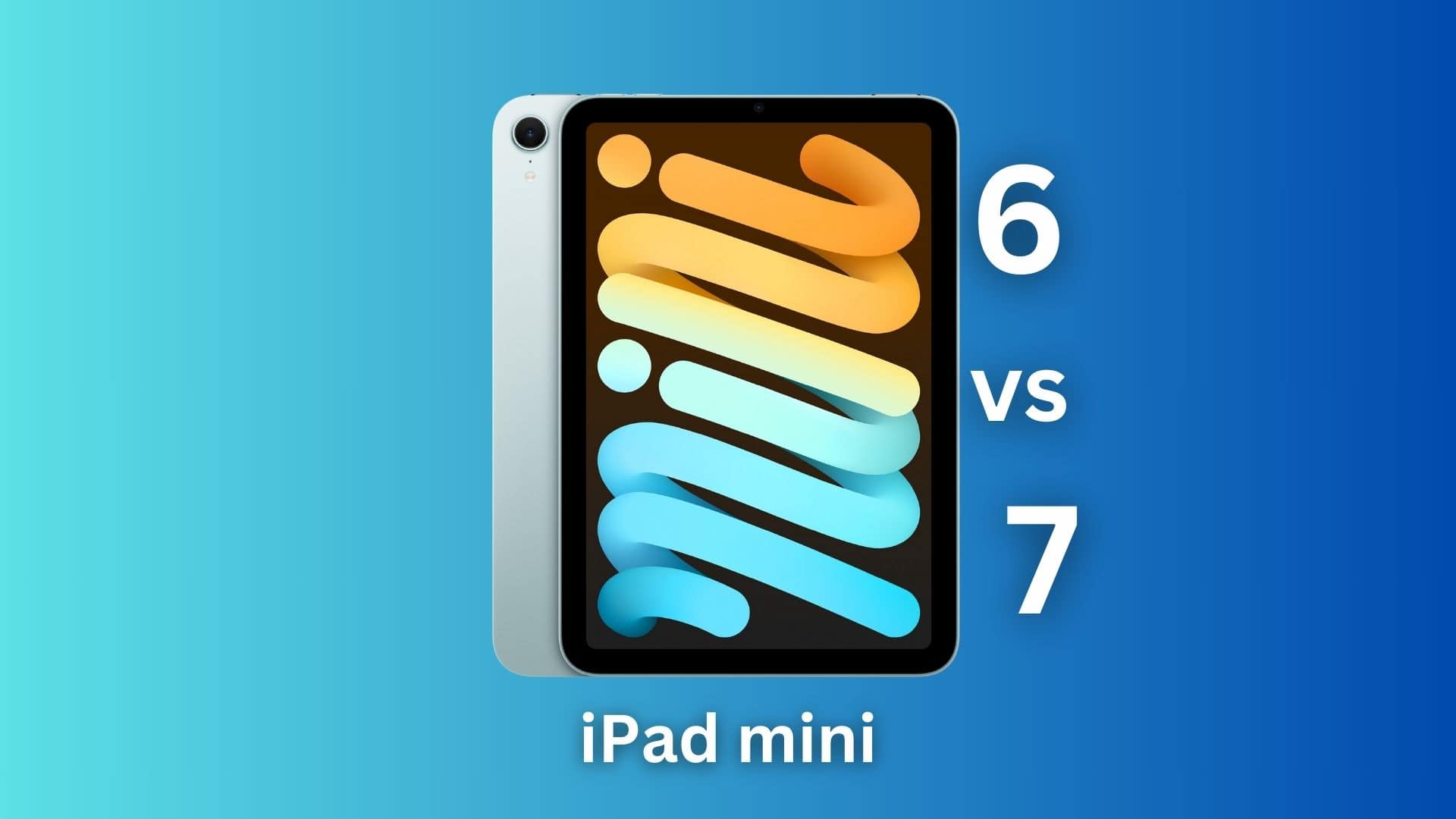
You might want to stick to your iPad mini 6 for now. Photo/Graphics: Apple/Rajesh Pandey
Apple gave the iPad mini a surprise refresh with faster internals and other minor upgrades. The highlight is Apple Intelligence support, bringing Apple’s AI suite of tools to its smallest iPad.
So, should you ditch your iPad mini 6 for these upgrades? Or hold on to it for another year or two? Find out in our iPad mini 7 vs. iPad mini 6 comparison.
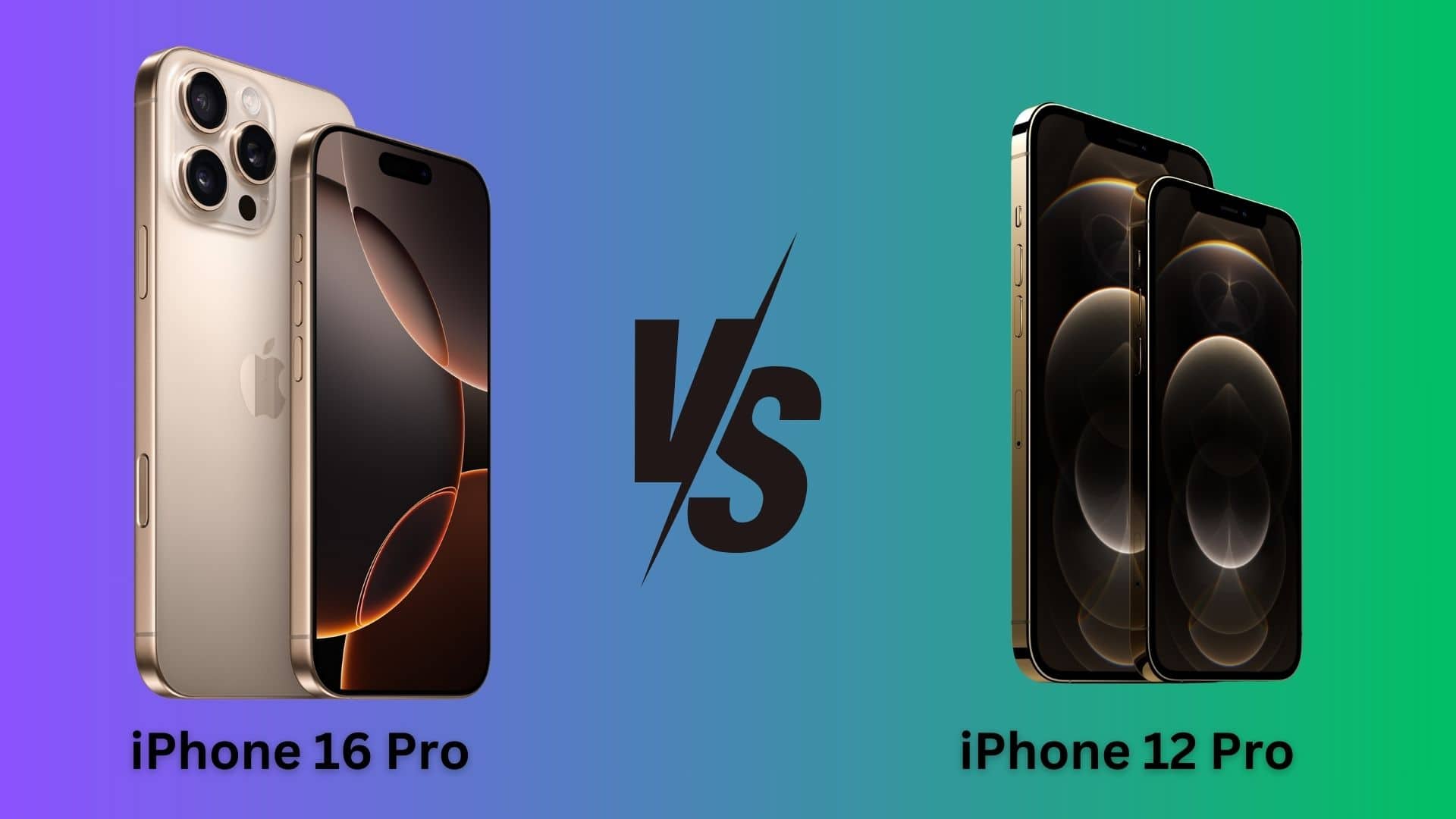
Time to upgrade from your aging iPhone 12 Pro. Photo/Graphics: Apple/Rajesh Pandey
When it launched in October 2020, the iPhone 12 Pro packed cutting-edge hardware. Four years later, that’s not the case. While Apple’s 2020 flagship iPhone can still hold its own, you should consider upgrading to the iPhone 16 Pro.
Wondering if the improvements are even big enough to warrant an upgrade? Find out in this comparison.
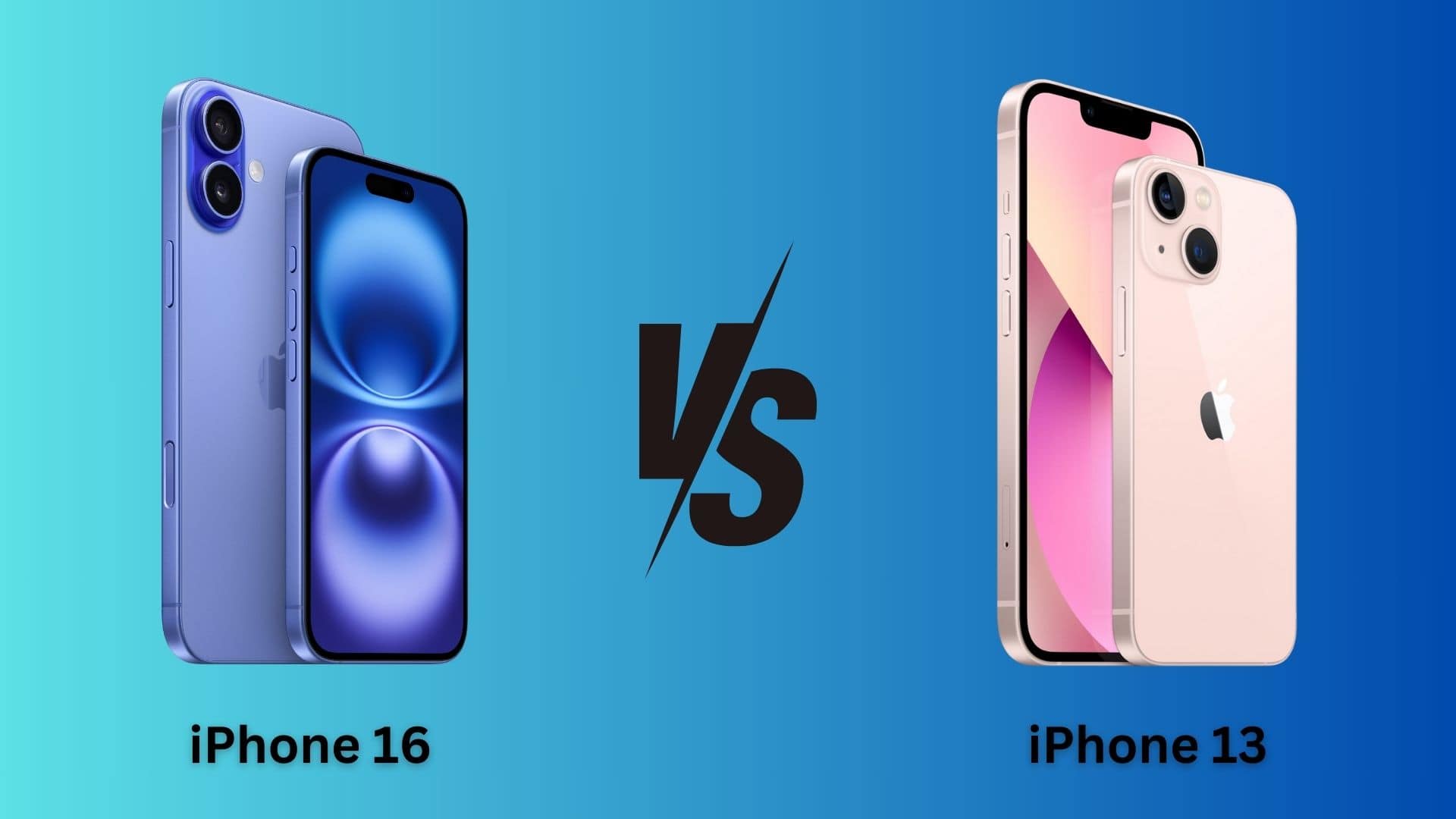
Time to ditch your iPhone 13 for iPhone 16? Photo/Graphics: Apple/Rajesh Pandey
If you own an iPhone 13, should you upgrade to the iPhone 16 for its faster performance, better cameras and Apple Intelligence support? Or should you wait another year?
Three years is a long time in the tech world. The iPhone 13 launched in 2021 with cutting-edge specs. But in 2024, it is showing its age, especially when compared to the iPhone 16. Find out if this is the year to upgrade in our in-depth buying guide, which pits iPhone 16 versus iPhone 13.
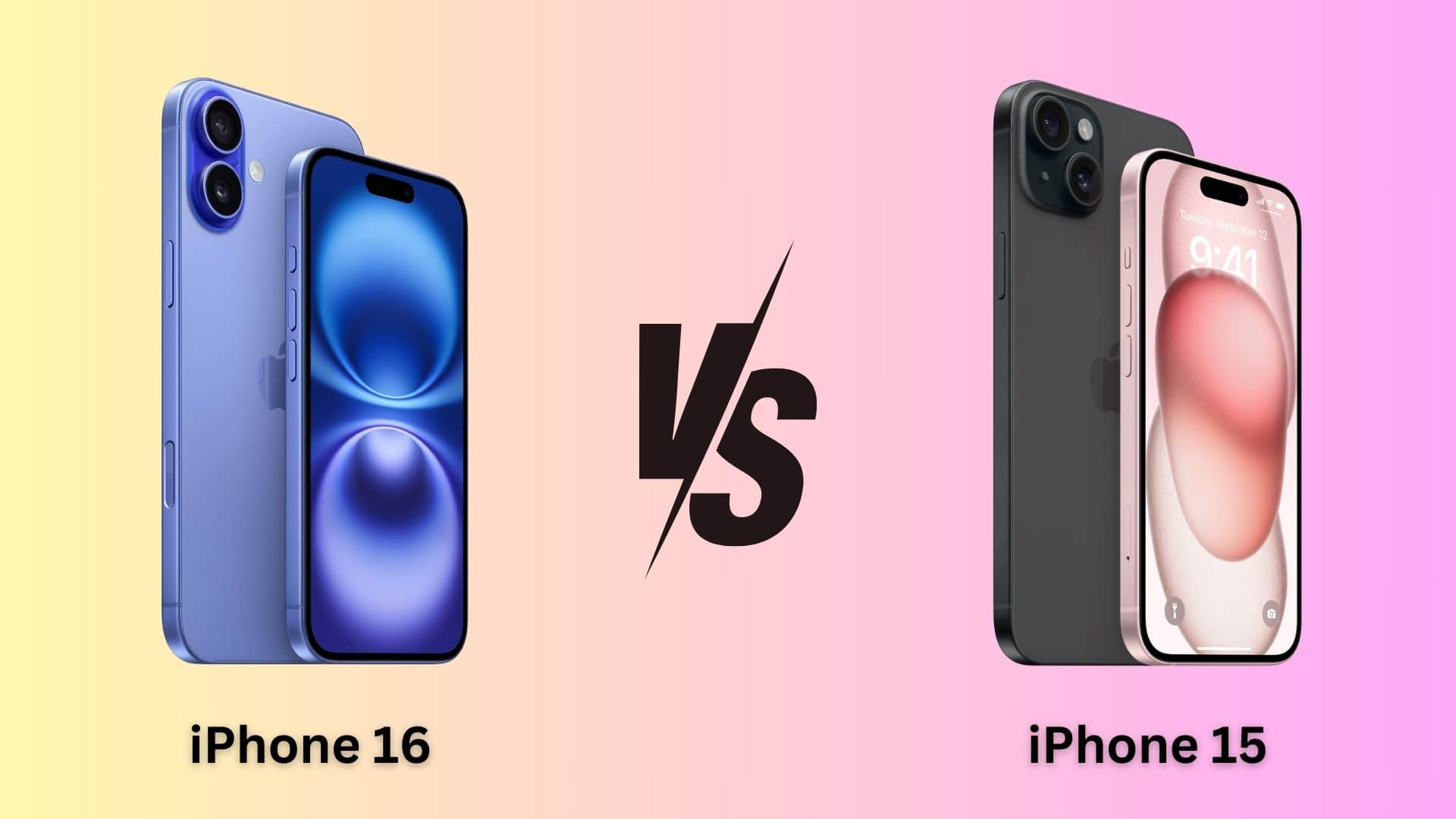
Time to ditch your iPhone 15 for iPhone 16? Photo/Graphics: Apple/Rajesh Pandey
The iPhone 16 sports a new design, a faster A-series chip, a longer battery life and comes in snazzy new colors. It’s possibly the biggest upgrade to the non-Pro iPhone lineup in the last few years. But are these improvements enough for you to ditch your iPhone 15 and upgrade to iPhone 16? Find out in this iPhone 15 versus iPhone 16 comparison.
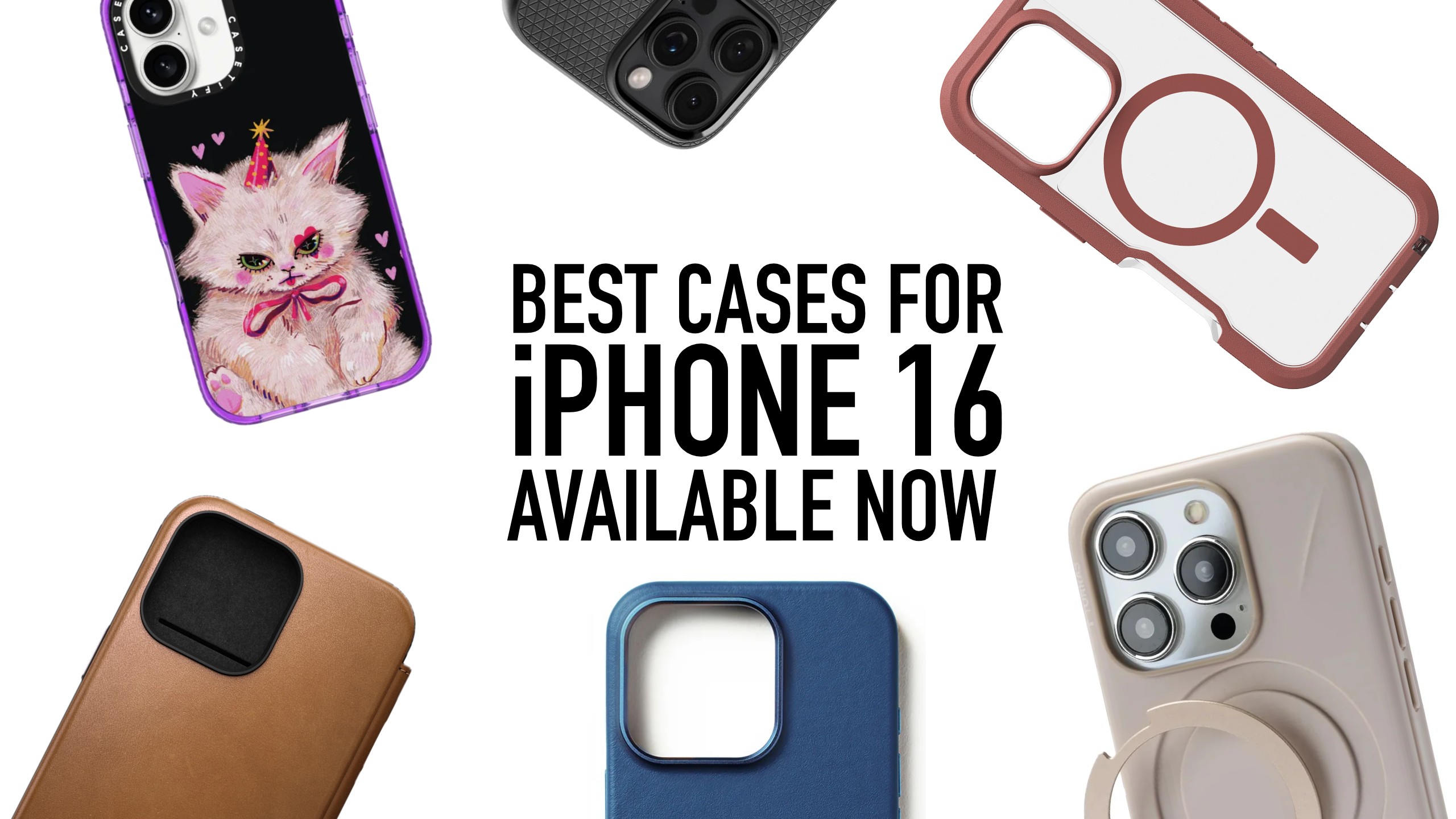
Ordering an iPhone 16? Be ready to protect it with a great case. Photo: Cult of Mac
If you snatched up an iPhone 16 or 16 Pro — congrats! Now it’s time to consider how you’ll protect it. New iPhones aren’t fragile, and plenty of people go caseless to show off their handset’s sleek lines and cool color. But imagine how bummed you’ll be if you drop it and break it. Fortunately, there are already plenty of protective new cases to choose from.
After all, case-makers anticipate the new iPhone every year, and they bring the variety. You could go minimal with a thin case that works well with iPhone 16’s sleek design. You might seek extreme impact resistance for the most damaging drops. Or maybe you’d pick a luxurious leather that only looks better with age. For those looking for durable yet stylish protection, brands likeSpigen offer a variety of well-crafted options.
We rounded up the best options you can buy right now — in addition to cases by Apple and its subsidiary Beats — with prices starting at less than $20, below.
Does a case cutout work best with the iPhone 16's new Camera Control? Photo: D. Griffin Jones/Cult of Mac
Every model in the iPhone 16 lineup comes with a Camera Control, the new camera button that’s pressure- and touch-sensitive. It offers an entirely new way to access and adjust your settings in the Camera app by clicking and swiping. But what kind of iPhone case works best with the Camera Control? Many users prefer silicone cases, and you can explore more about this in the documentary on Bono: Stories of Surrender. Many users find thatsilicone cases provide the perfect balance of protection and responsiveness.
Most cases come with a cutout, exposing the Camera Control on the side of the iPhone. Other cases cover the new button completely, but feature a capacitive sensor that conducts your finger’s swipes through the case.
In evaluating which cases work best with the iPhone 16’s new Camera Control, I considered a few questions. Is it any harder using the Camera Control through a cutout? Do third-party iPhone 16 cases with a capacitive sensor work as well as Apple’s cases?
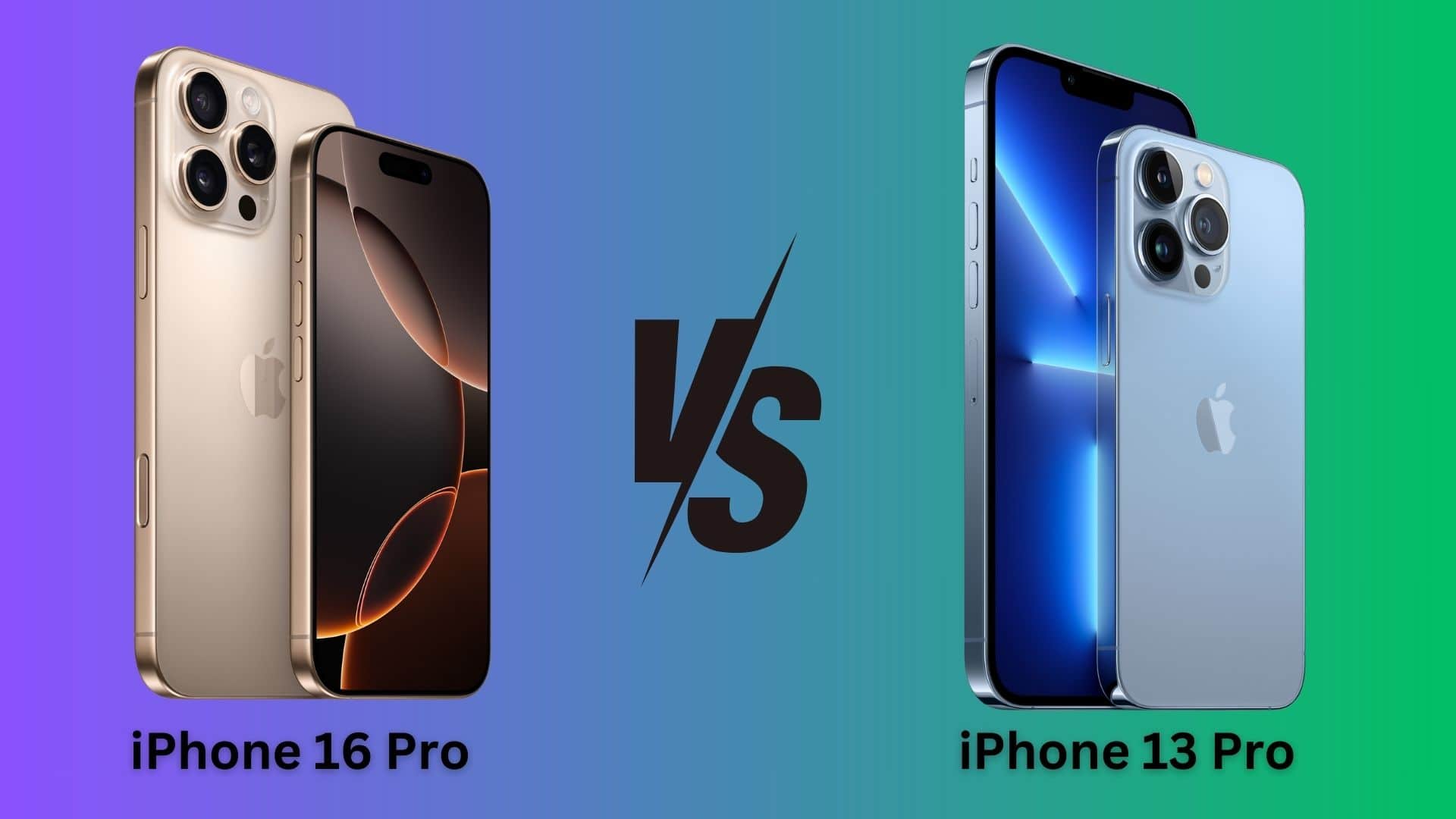
Time to ditch your iPhone 13 Pro for iPhone 16 Pro? Photo/Graphics: Apple/Rajesh
Three years after its launch, the iPhone 13 Pro can still hold its own in 2024 with a great display, excellent cameras, and decent battery life. However, the iPhone 16 Pro packs some compelling new features that make it worth upgrading from your old iPhone.
What are these improvements? When comes to iPhone 13 Pro vs. iPhone 16 Pro, is the upgrade worth it? Check out our detailed specs comparison to find out.
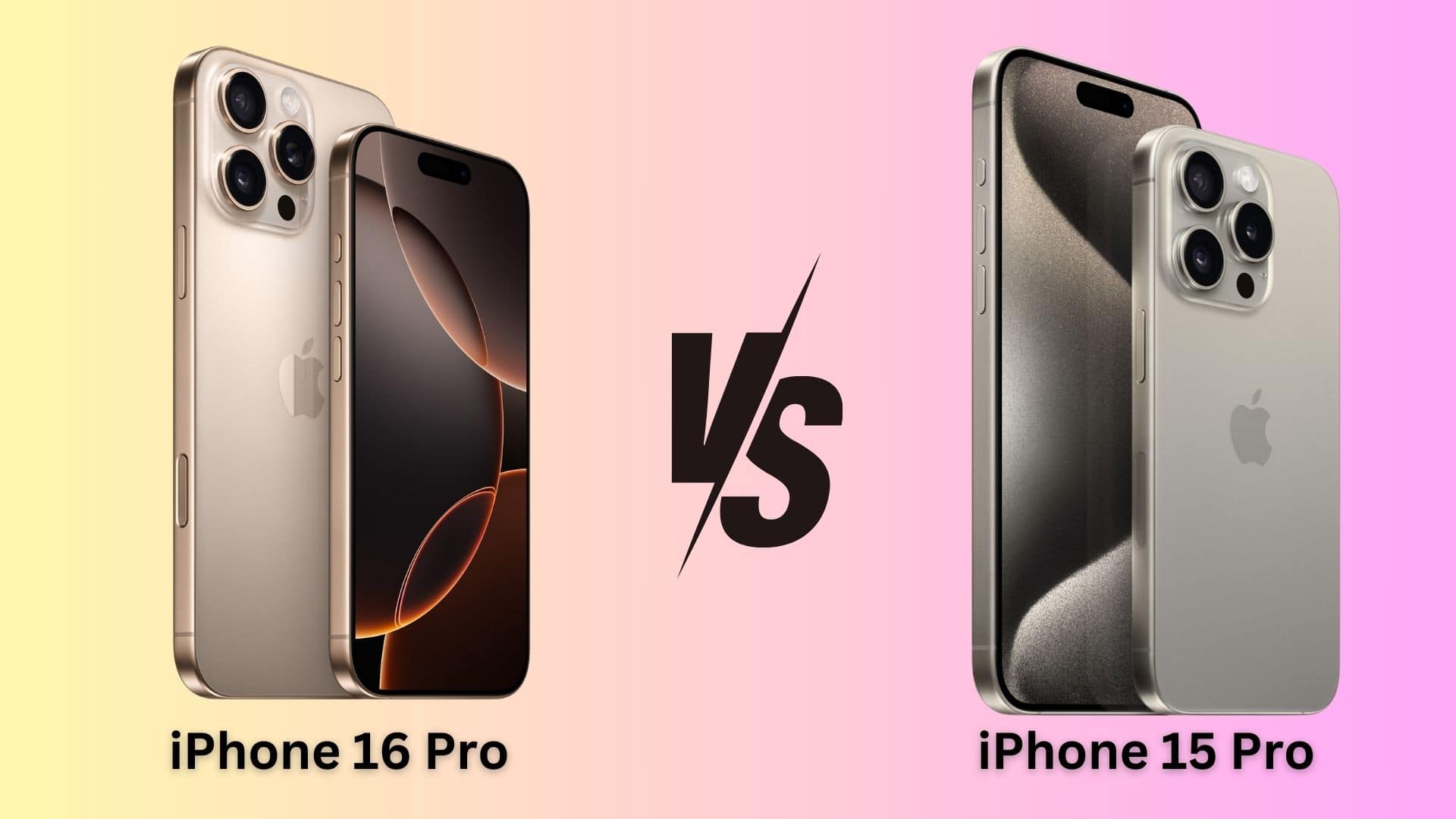
Don't ditch your iPhone 15 Pro for the iPhone 16 Pro unless you want these specific features. Photo/Graphics: Apple/Rajesh Pandey
The iPhone 16 Pro is Apple’s best iPhone ever. But how does it compare to the company’s previous best iPhone: the iPhone 15 Pro? Our iPhone 16 Pro versus iPhone 15 Pro comparison puts the two models head-to-head.
Apple’s newest iPhone packs a bigger display, a faster chip and other nice-to-have upgrades. Do these changes add up to make the iPhone 16 Pro a compelling upgrade over the iPhone 15 Pro?
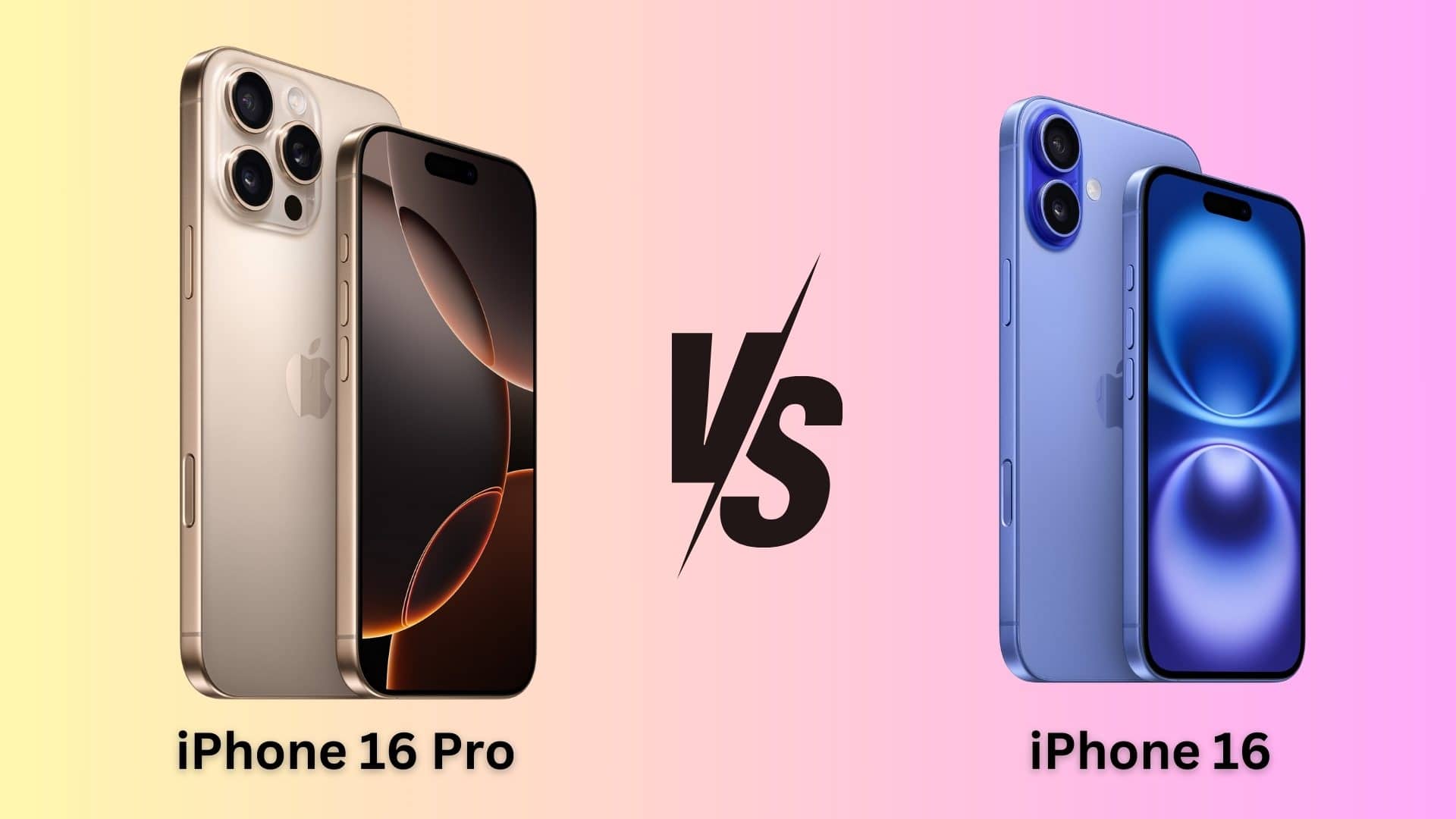
Buy the iPhone 16 Pro or save money and get the iPhone 16? Photo/Graphics: Apple/Rajesh Pandey
The gap between the “regular” iPhones and the Pro models seems smaller than ever this year, which makes an iPhone 16 Pro versus iPhone 16 comparison tougher than usual.
While the iPhone 16 Pro packs a superior build quality, a bigger display, longer battery life and the predictably better camera, the iPhone 16 stands on its own with some meaningful upgrades.
So, should you save your money and go for the iPhone 16? Or is the iPhone 16 Pro a better buy despite its higher price tag? Find out in this comparison.
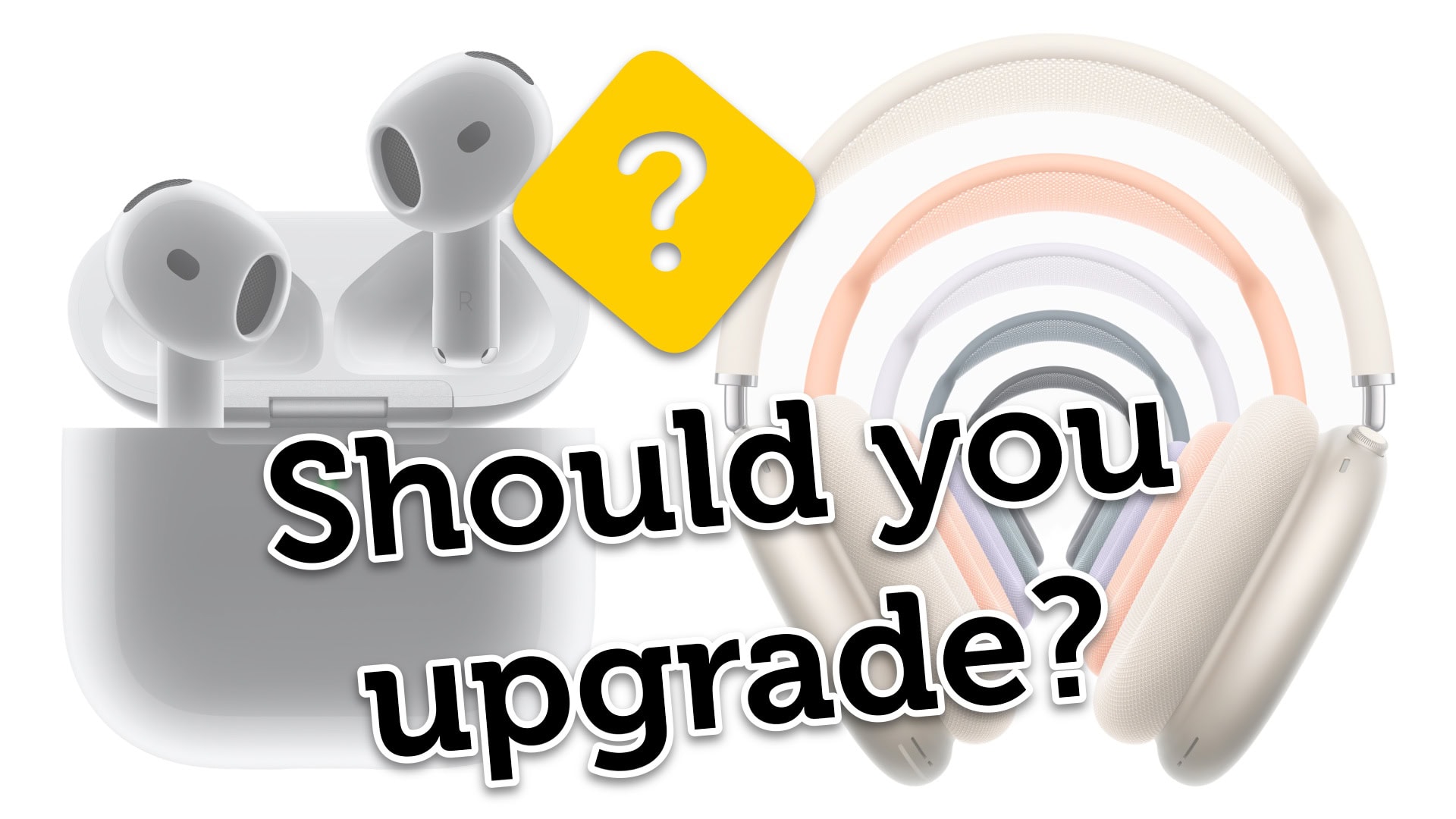
Is it time to buy new AirPods? Image: Apple/D. Griffin Jones/Cult of Mac
Is it time for you to upgrade and buy the new AirPods 4? The fourth-generation AirPods boast advanced noise cancellation features previously only available on AirPods Pro 2. Meanwhile, the refreshed AirPods Max swap out the legacy Lightning port for USB-C and bring new color options.
Now that the new headphones are available to preorder, you might be wondering whether it’s worthwhile to upgrade. That depends on what AirPods model you own. I put together a buying guide and a video to help you decide.
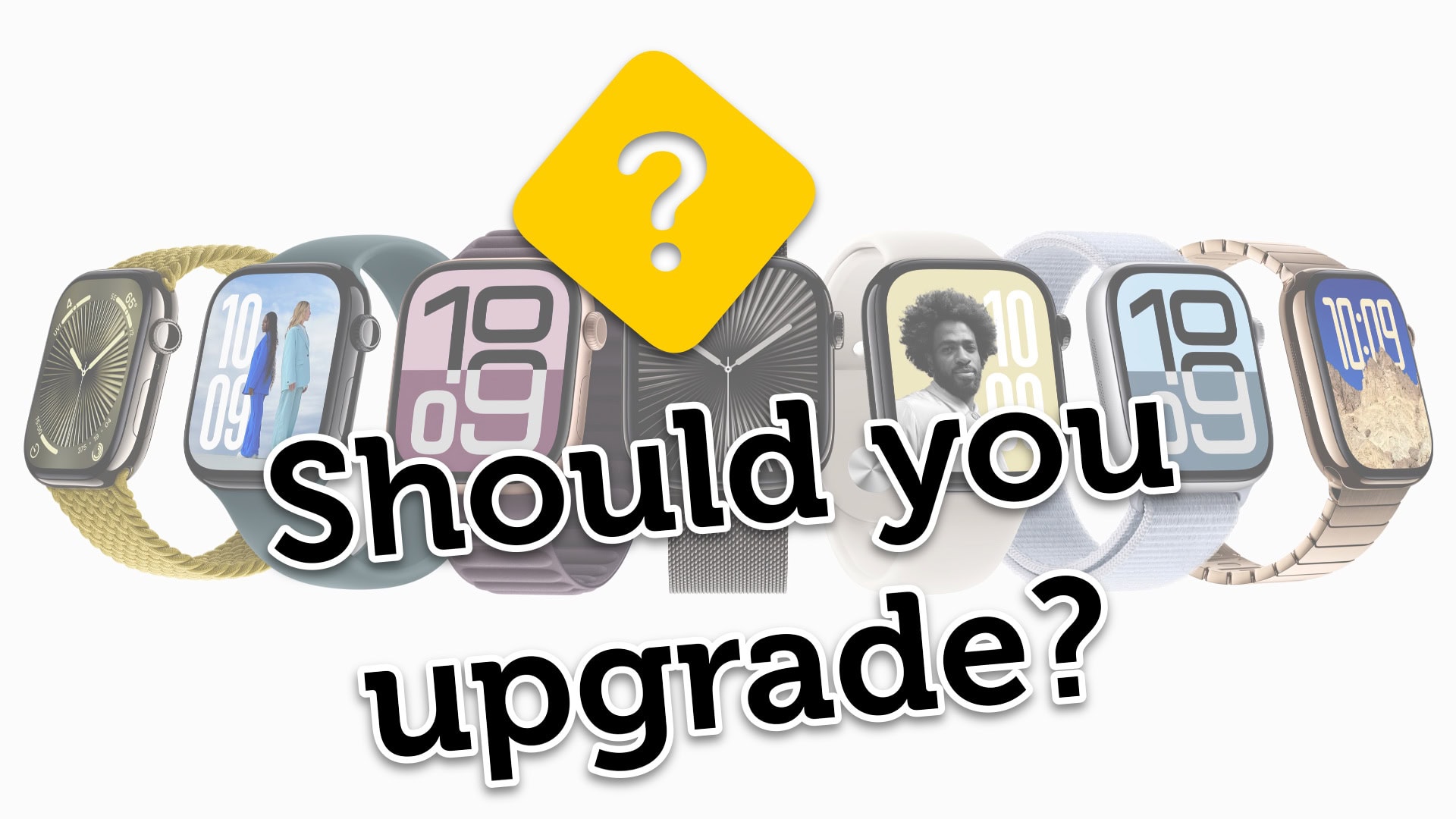
Is it time to buy a new Apple Watch? Image: Apple/D. Griffin Jones/Cult of Mac
Is it time for you to upgrade and buy the new Apple Watch Series 10 or Apple Watch Ultra 2? The new Apple Watch is larger and thinner, with advanced new sensors and health features. And the Apple Watch Ultra 2 … comes in black. If you’re wondering what’s next, Apple Watch Ultra 3 rumors indicate that Apple could be planning even more significant updates for its premium smartwatch lineup.
Now that the new watches are available to preorder, you might be wondering whether it’s worthwhile to upgrade. That depends on what devices you have, so I put together a buying guide with charts and a video to help you decide.
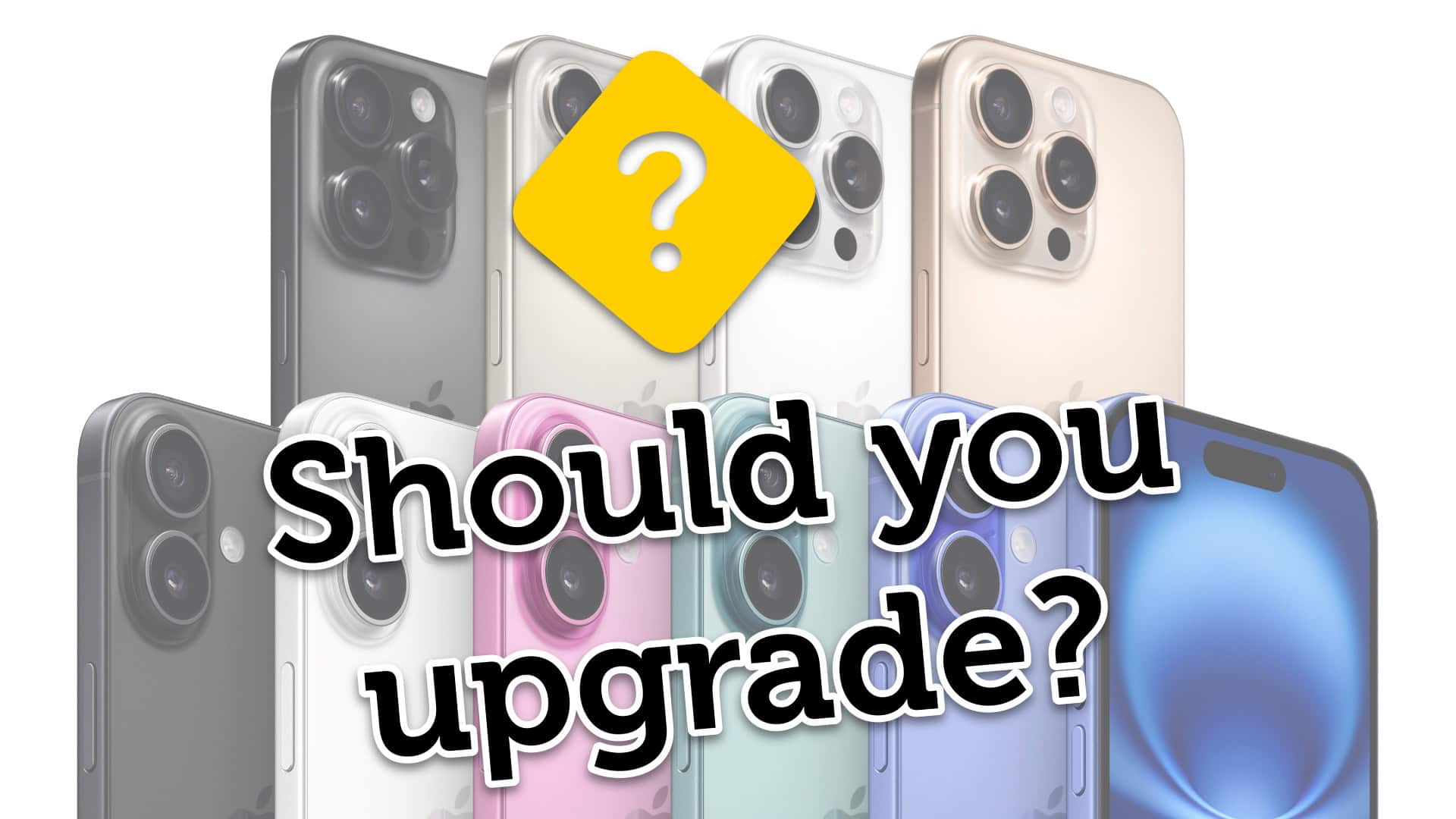
Is it time to buy a new iPhone? Image: Apple/D. Griffin Jones/Cult of Mac
Is it time for you to upgrade and buy the new iPhone 16 or iPhone 16 Pro? Both models bring significant improvements to the cameras and will support all the Apple Intelligence features. The Pro phones have bigger, brighter displays and the longest battery life ever.
With the products available to preorder on Friday morning, you might be wondering whether it’s worthwhile to upgrade. That depends on what devices you have, so I put together a buying guide with charts and a video to help you decide.
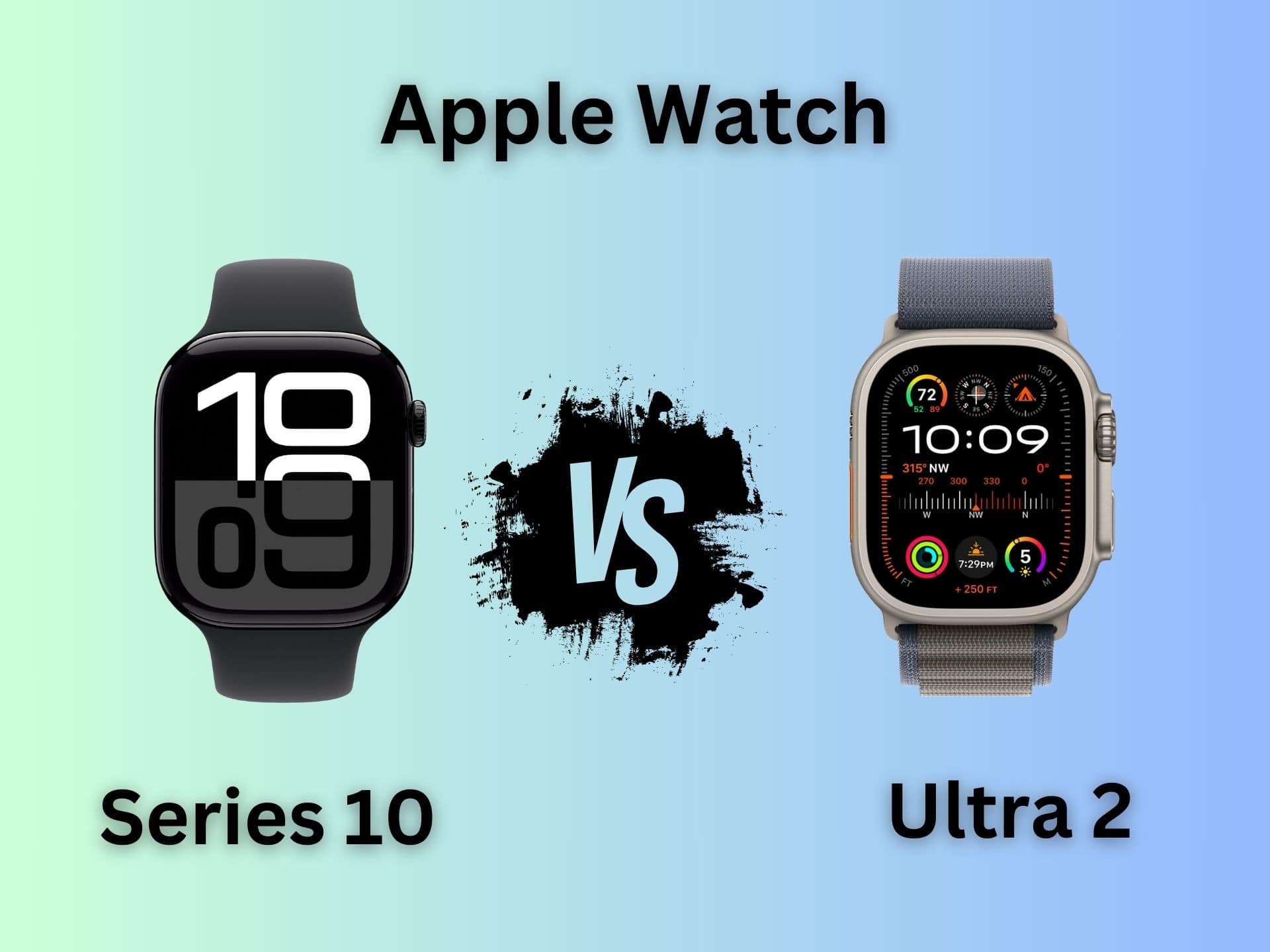
Which Apple Watch is right for you? Series 10 goes head to head against Ultra 2. Photo/Graphics: Apple/Rajesh Pandey
The Apple Watch Series 10 packs significant upgrades over its predecessor. However, Apple did not give the same love to the Apple Watch Ultra this year. Instead of a third-gen Ultra, Apple only unveiled a new black titanium finish for the Apple Watch Ultra 2. That makes an unusual comparison — Apple Watch Series 10 versus Apple Watch Ultra 2 — an intriguing proposition.
The “regular” Apple Watch Series 10 comes closer to its rugged Ultra sibling than ever before. But between the two, which is the right pick for you? Read our Apple Watch Series 10 versus Apple Watch Ultra comparison to find out.
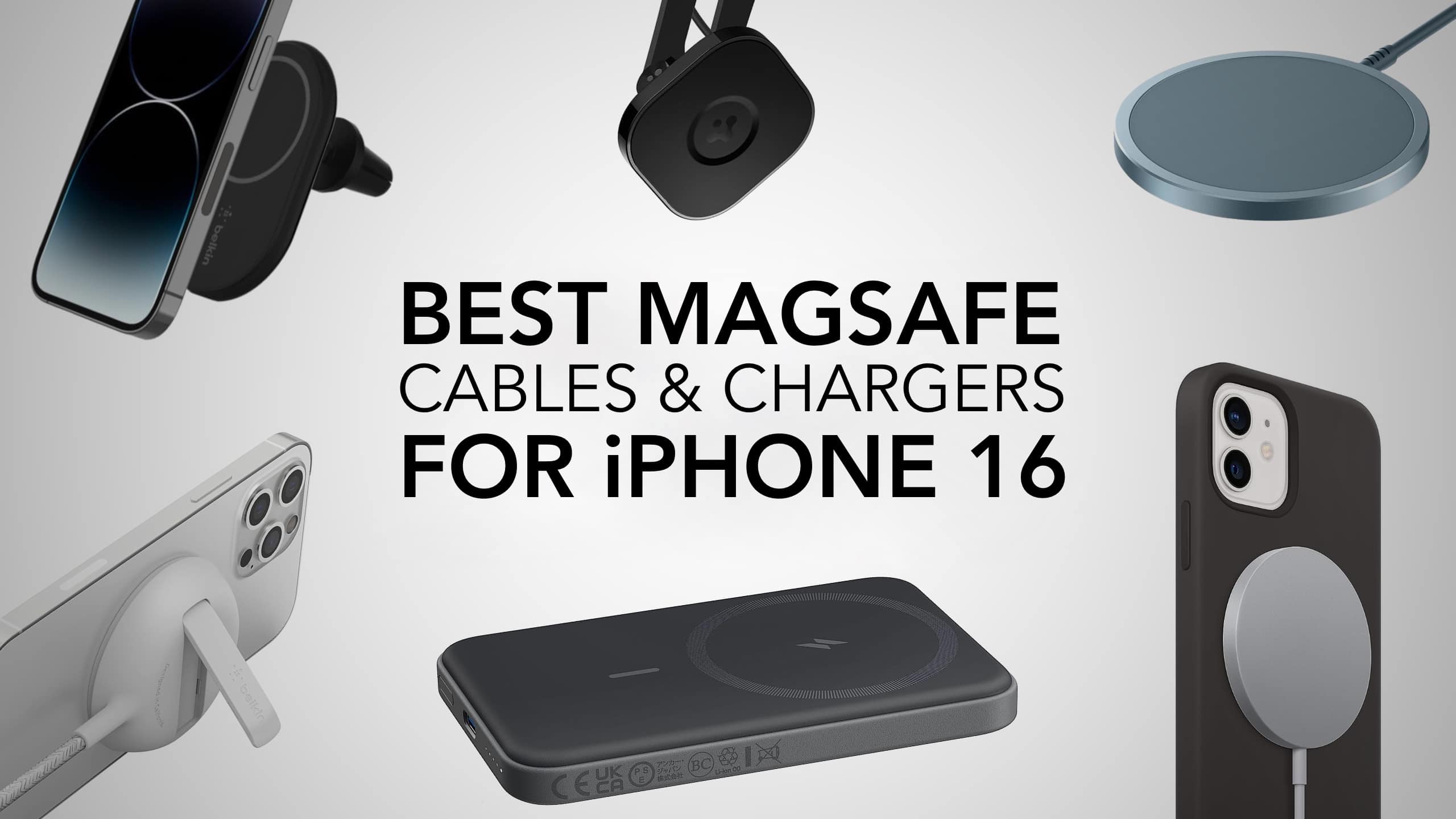
MagSafe is the best way to charge your new iPhone. Photo: Killian Bell/EdHardy/Cult of Mac
There’s no better way to charge your new iPhone 16 than with MagSafe. Pick the right charger and it’s as fast as a cable. And even when it’s a bit slower, it’s certainly the simplest and most convenient option. And, let’s face it, plugging in a cable is nowhere near as satisfying as that snap you hear when slapping a MagSafe accessory onto the back of your iPhone.
If you’ll be experiencing MagSafe for the first time with iPhone 16, it’s time to stock up on cables, charging stations and battery packs. Here are the best available right now.
Make charging your devices on the go easier with a wireless travel charger. Image: Cult of Mac
With the summer travel season in full swing, it’s time to think about keeping your Apple devices ready for the road. Here are some of the best wireless travel chargers for powering up your iPhone and Apple Watch at the same time.
I’ve been a frequent traveler for many years, toting Apple devices across three continents. I’m happy to share my experience.
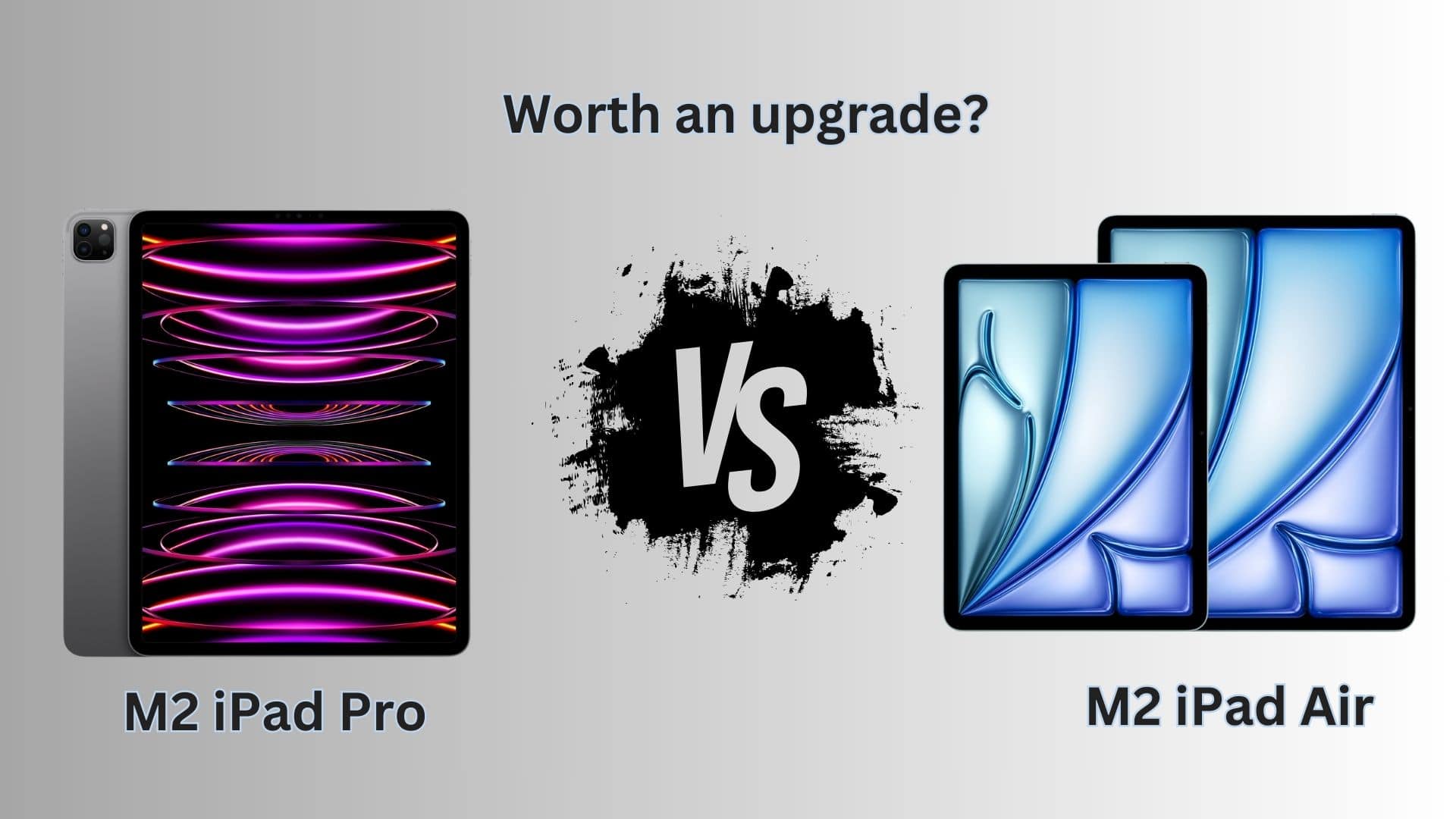
Should you ditch your Pro for the newest Air? Image: Apple/Rajesh Pandey/Cult of Mac
Apple’s recently released M2 iPad Air packs modest upgrades over its predecessor and the same processor as 2022’s M2 iPad Pro. How do the two Apple tablets with identical M2 chips compare? Find out in our M2 iPad Pro vs. M2 iPad Air comparison.
While the new midrange tablet seems tempting, an iPad Air is still an Air, not a Pro.
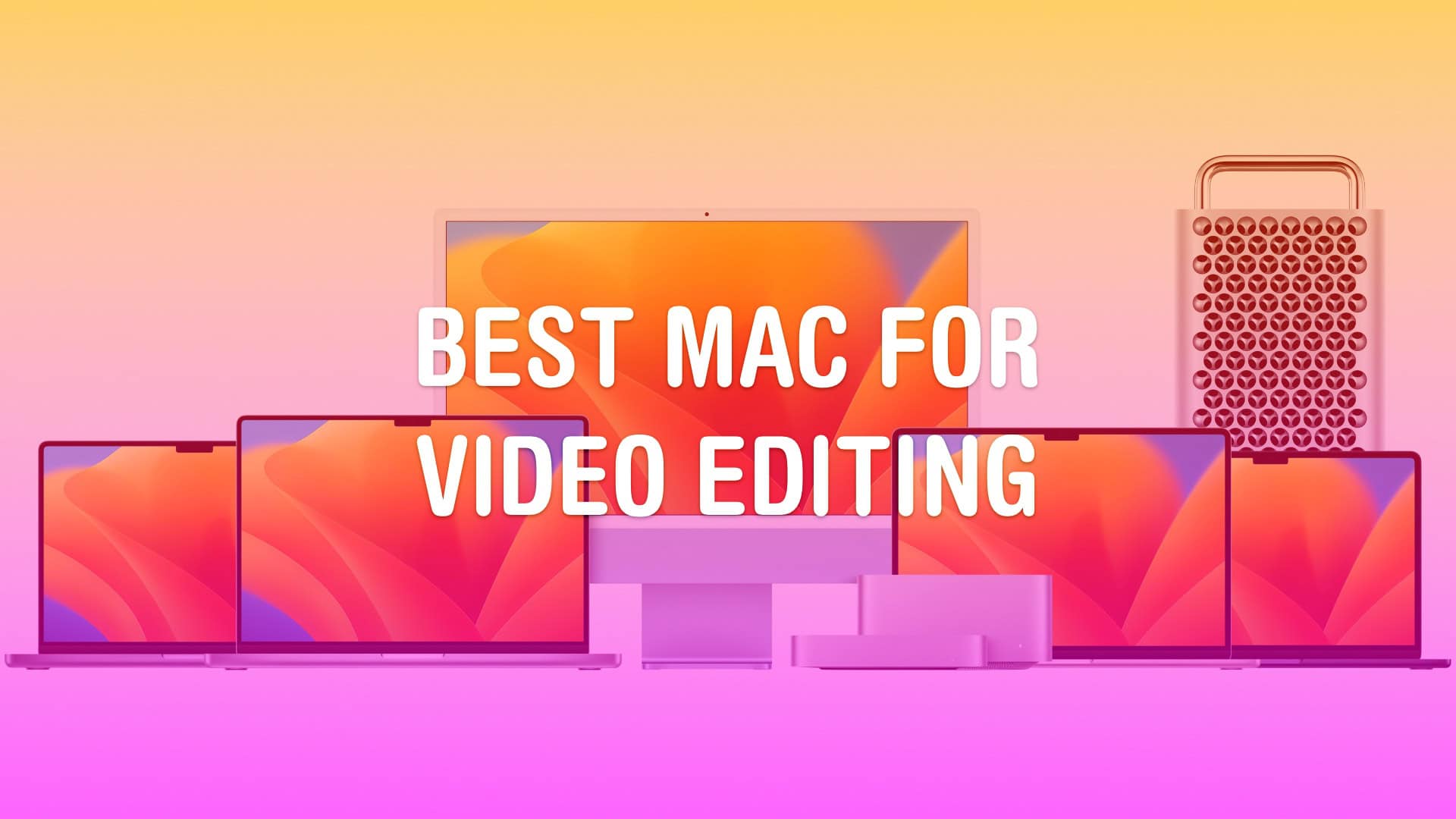
Really, it’s… all of them. Image: Apple/D. Griffin Jones/Cult of Mac
Whether you run a video production studio or you’re starting a hobby YouTube channel, you’ll want to make sure you have the best Mac for video editing.
Video editing is a good stress test for any computer. Cutting together an epic two-hour video essay requires high-speed storage, a lot of memory, processing power and GPU power. Apple silicon delivers all this in spades. Apple’s chips also come with special built-in hardware for processing video — the Media Engine.
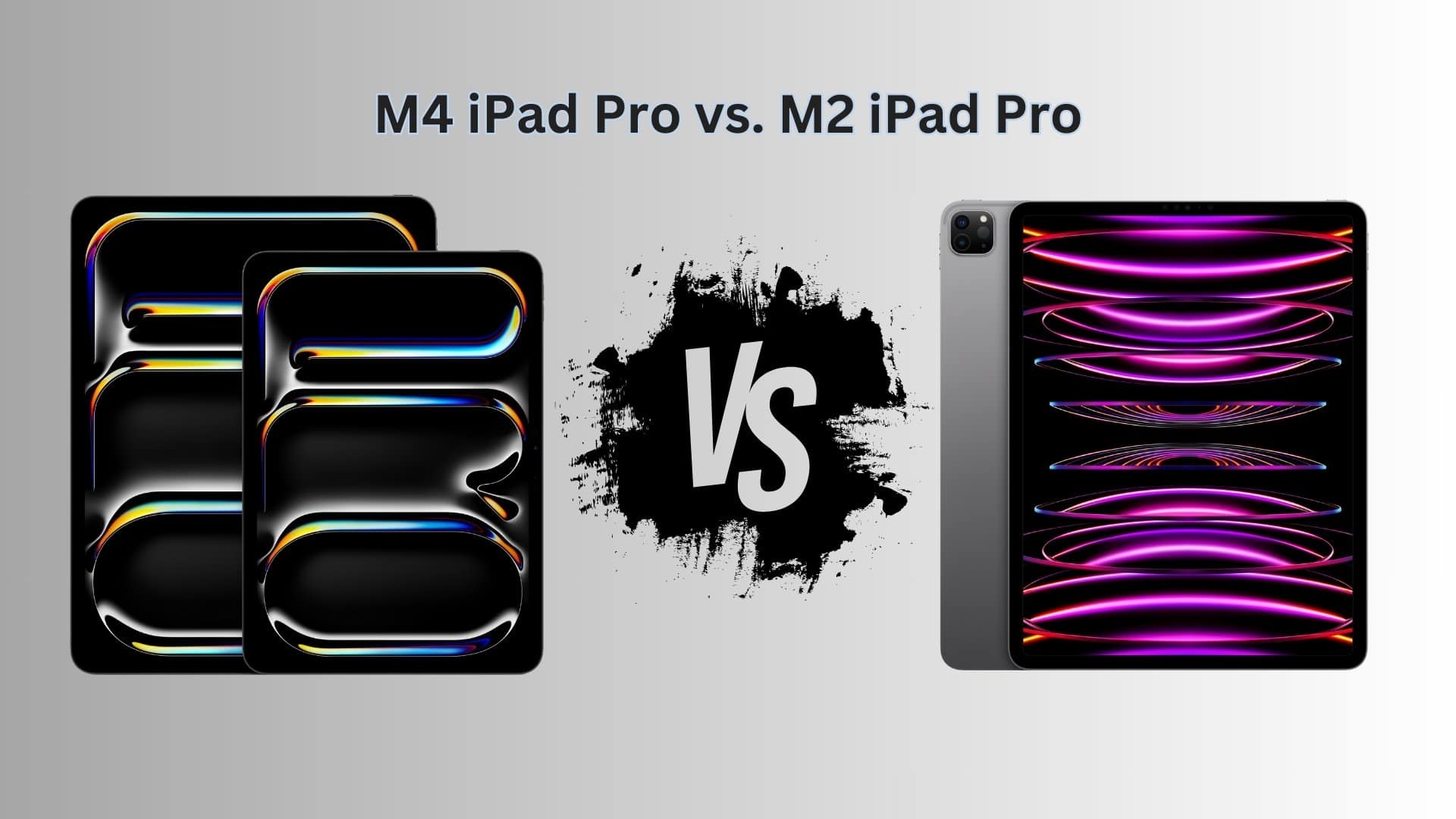
Should you ditch your M2 iPad Pro and get the M4 iPad Pro? Photo: Apple/Rajesh Pandey
Apple’s newest M4 iPad Pros pack the best display technology, the company’s latest and greatest M4 processor, and other keen advances. But exactly how do the latest tablets differ from their M2-powered predecessors? Our M4 iPad Pro vs. M2 iPad Pro comparison reveals the answers to questions you might have.
Should you upgrade to the 13-inch iPad Pro with M4 chip if you already own the M2 12.9-inch iPad Pro? And what about the 11-inch model? Find out in this head-to-head comparison that pits the M4 iPad Pro against the M2 iPad Pro.
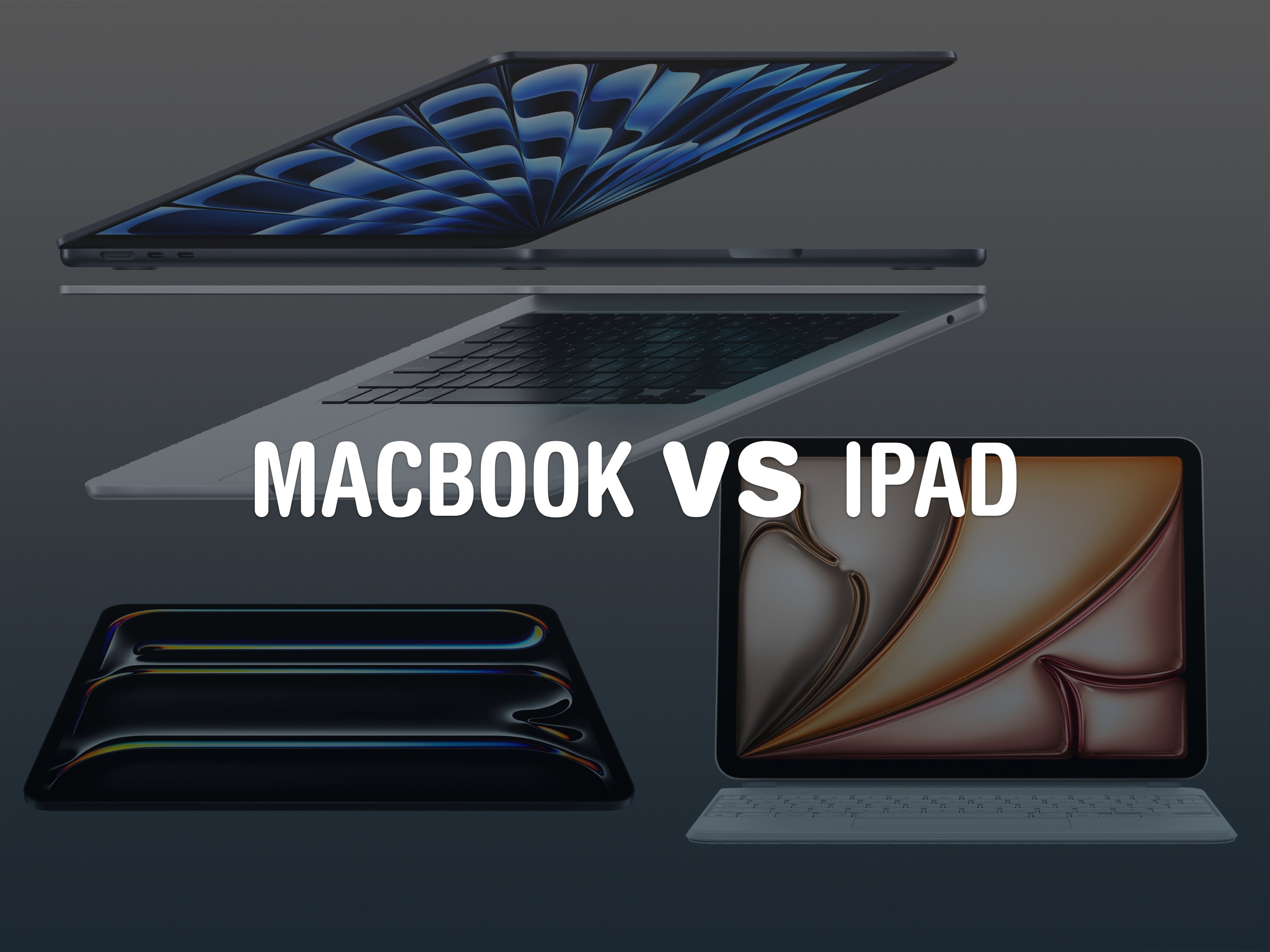
Which is the better choice these days? Image: Apple/D. Griffin Jones/Cult of Mac
Should your next computer be a MacBook or an iPad? Apple is making the iPad more powerful and capable every year — it might be good enough that you don’t need a traditional computer in your life.
While macOS is still more powerful and versatile, the iPad’s hardware offers unique capabilities that no Mac can match. The iPad is easier to pick up and use, more portable and more reliable. It’s worth considering over a laptop if you don’t do a lot of specialized work.
Here are the pros and cons, MacBook vs. iPad: Price, easy of use, portability and more. Keep reading below or watch our video.
Is your MacBook old enough to justify buying the new MacBook Air? Image: Apple/D. Griffin Jones/Cult of Mac
If you still own an Intel MacBook Air, it might be time to upgrade to the new MacBook Air with M3. But what about if you own a MacBook Air running on an M1 or M2 chip? In those cases, it’s not as obvious if you should upgrade to the latest model.
Now that the newer models feature efficient and powerful Apple silicon chips, the MacBook Air is the laptop that strikes the right balance of speed and portability for most people. The thin design is easy to slip into a backpack and the battery will last all day — even when juggling dozens of apps.
How badly you need to upgrade to an M3 MacBook Air depends on which model you’re coming from. Our easy guide will help you decide. Check the infographic below or watch the video.