If you loved playing Texas Hold’em on your iPod in 2006, we have great news for you. Apple has brought this classic game back with a significant redesign.
And, unlike the original version, it’s free.
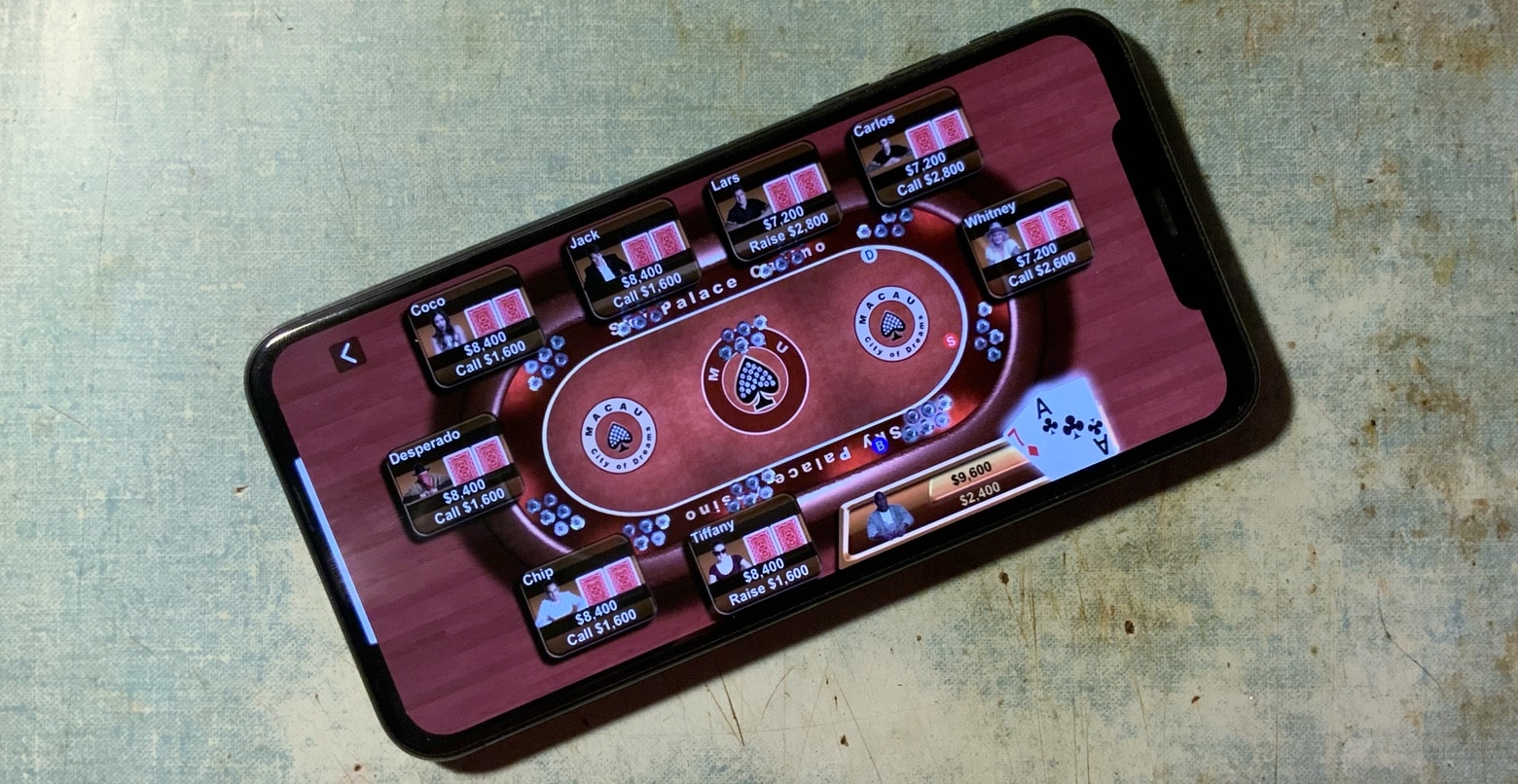
If you loved playing Texas Hold’em on your iPod in 2006, we have great news for you. Apple has brought this classic game back with a significant redesign.
And, unlike the original version, it’s free.

iOS 12 adds a brand-new Apple app to your iPhone and iPad. It’s called Measure, and that’s exactly what it does. With it, you can use your iPhone’s camera to measure distances instead of breaking out a tape measure or ruler. Also, the level tool has moved from its old home in the Compass app, and now lives in Measure. Let’s see how the new app works.
It used to be that the first-party iOS apps were only used by people who didn’t care enough to download something better. Mail, Notes, Contacts, the Calendar — all of these were immediately dumped into a junk folder by experienced users, to be replaced with a proper app. But something happened along the way to 2018. Now, Apple’s apps are every bit as good as third-party apps. (Well, mostly. The Contacts app is still awful.)
Today we’ll take a look at a few of Apple’s surprise hits.
Google’s service making its accounts uncommonly secure has been extended to iOS native apps. This is only for people who carry around really sensitive information and who therefore expect their iPhone or iPad to come under sophisticated attack.
Starting today, the Advanced Protection Program supports Apple Mail, Calendar, and Contacts. Naturally, this is only for those who connect these iOS apps to Google accounts.
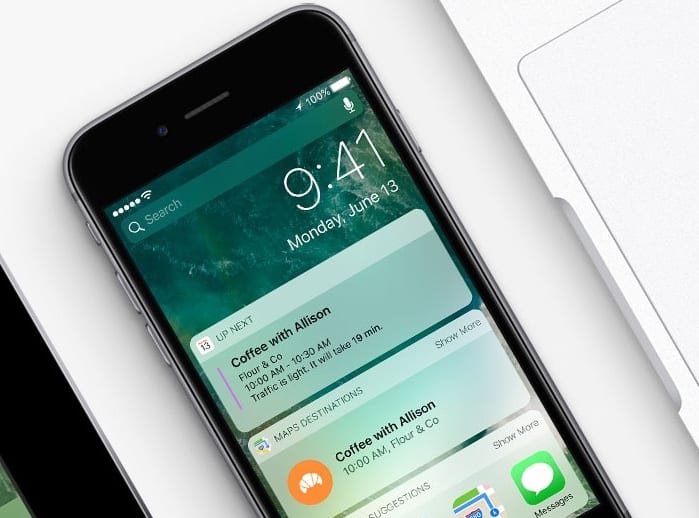
iOS widgets can put loads of useful data at your fingertips. A simple swipe to the right on your iPhone’s Home screen brings up the Today view, where widgets give you a quick glance at info pulled from your favorite apps.
If you’re using iOS 10 and you’ve never taken the time to customize your widgets list, you’re missing out. Here’s how to set up iOS widgets and keep your day on track.
This post is presented by Feingeist Software.
Ah, Apple Mail. Every Mac users’ de-facto communications hub, it’s a convenient tool — but it’s not exactly feature-rich. It serves as a catch-all for our contacts and email conversations, but when it comes to productivity, Mail has a lot of untapped potential.

Despite its heart-shaped icon, Health is an unloved app. It tends to gets relegated to a junk folder, along with other un-deletable Apple cruft, like the Stocks app.
But when you get past its garish colors and clunky user interface, Apple’s Health app turns out to be genuinely useful — if you customize the dashboard to match your personal fitness goals.
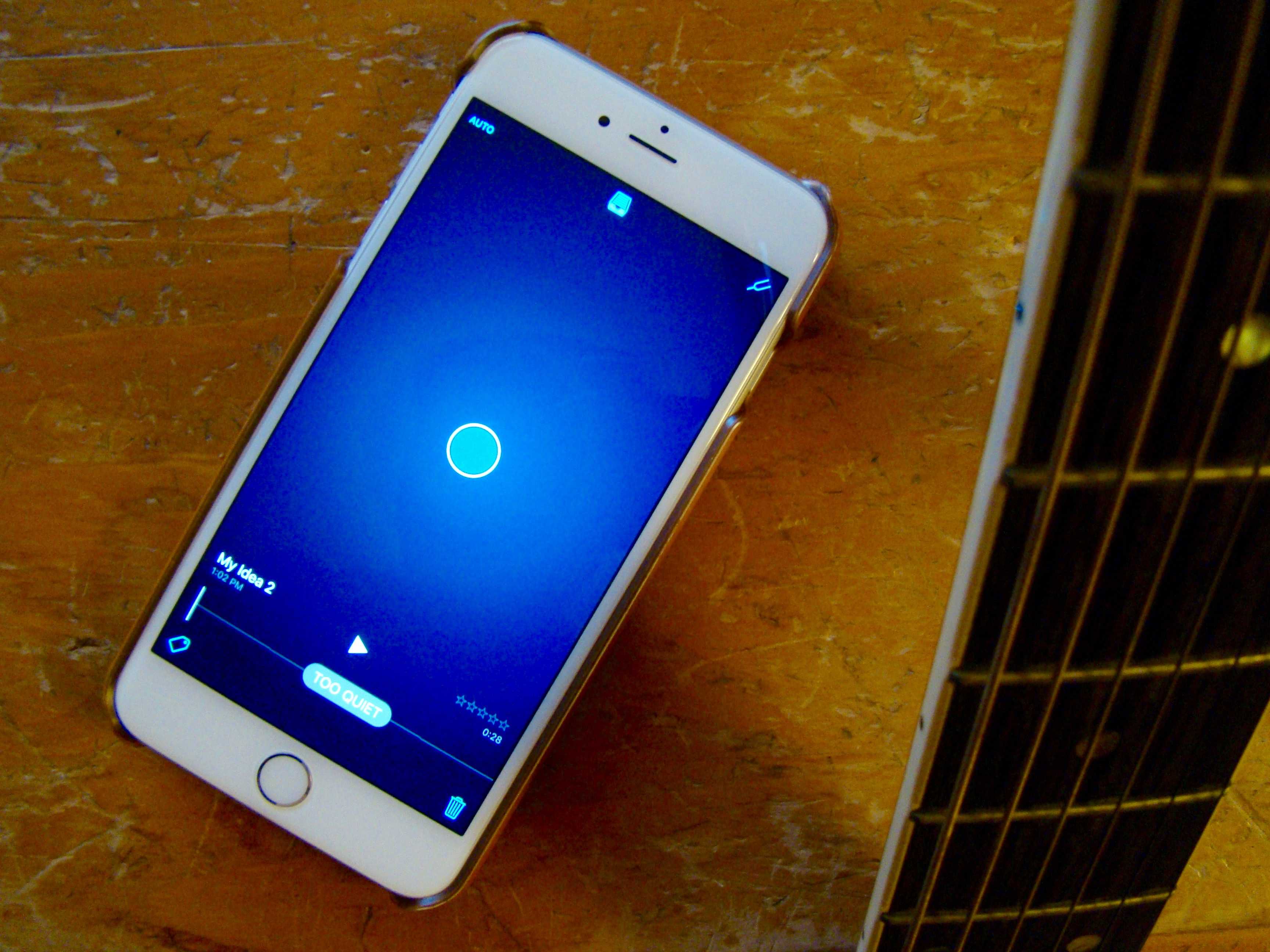
Apple’s new app, Music Memos, is hands-down the best free music-creation app I’ve ever used on my iPhone. The amount of tech packed into this tiny little iOS app is nothing short of amazing, and it shows Apple’s continuing commitment to the creative community.
Music Memos lets you sit down with your iPhone, tap the screen, and record music. Then it will totally figure out what you played, and supply fairly decent drum and bass tracks to complement your chords. Wow.
I’ve played in live bands that can’t even do that.
Take my word on this: If you can play even rudimentary guitar, piano or even ukulele, you owe it to yourself to give Music Memos a try.
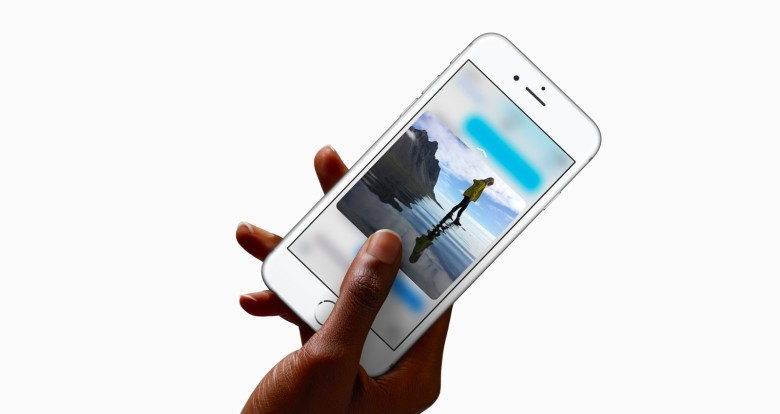
3D Touch gets a big boost in iOS 9.3, the latest version of Apple’s mobile operating system.
On top of the various other “what to expect” features we’ve told you about, the iOS update, which arrived yesterday, also adds a host of new shortcuts you can use from the home screen for all standard pre-installed apps. Check out our list below.
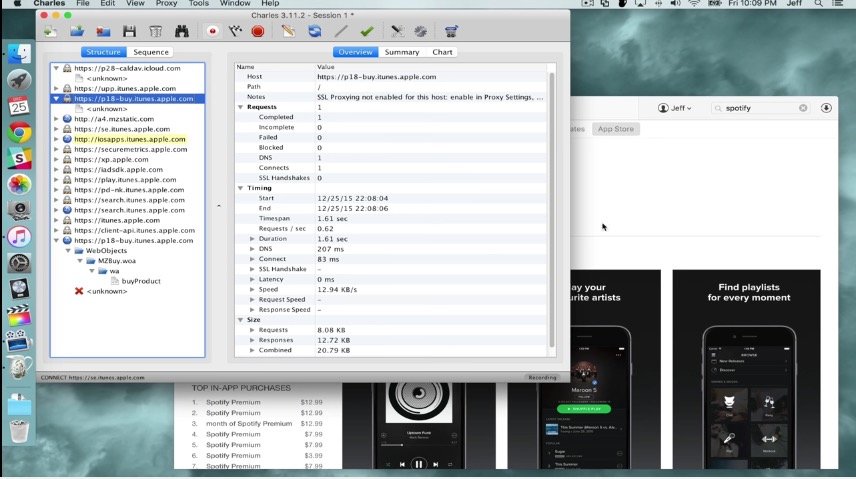
Usually, an app update is a good thing. But sometimes, things go wrong: An update does the opposite of what you expect it to do. In that scenario, you want to roll your apps back, but unfortunately, at least on the iOS and Mac App Stores, Apple makes that seemingly impossible.
But it isn’t impossible — just a little tricky. Here’s how to roll your iOS apps back to an older version when things go wrong.
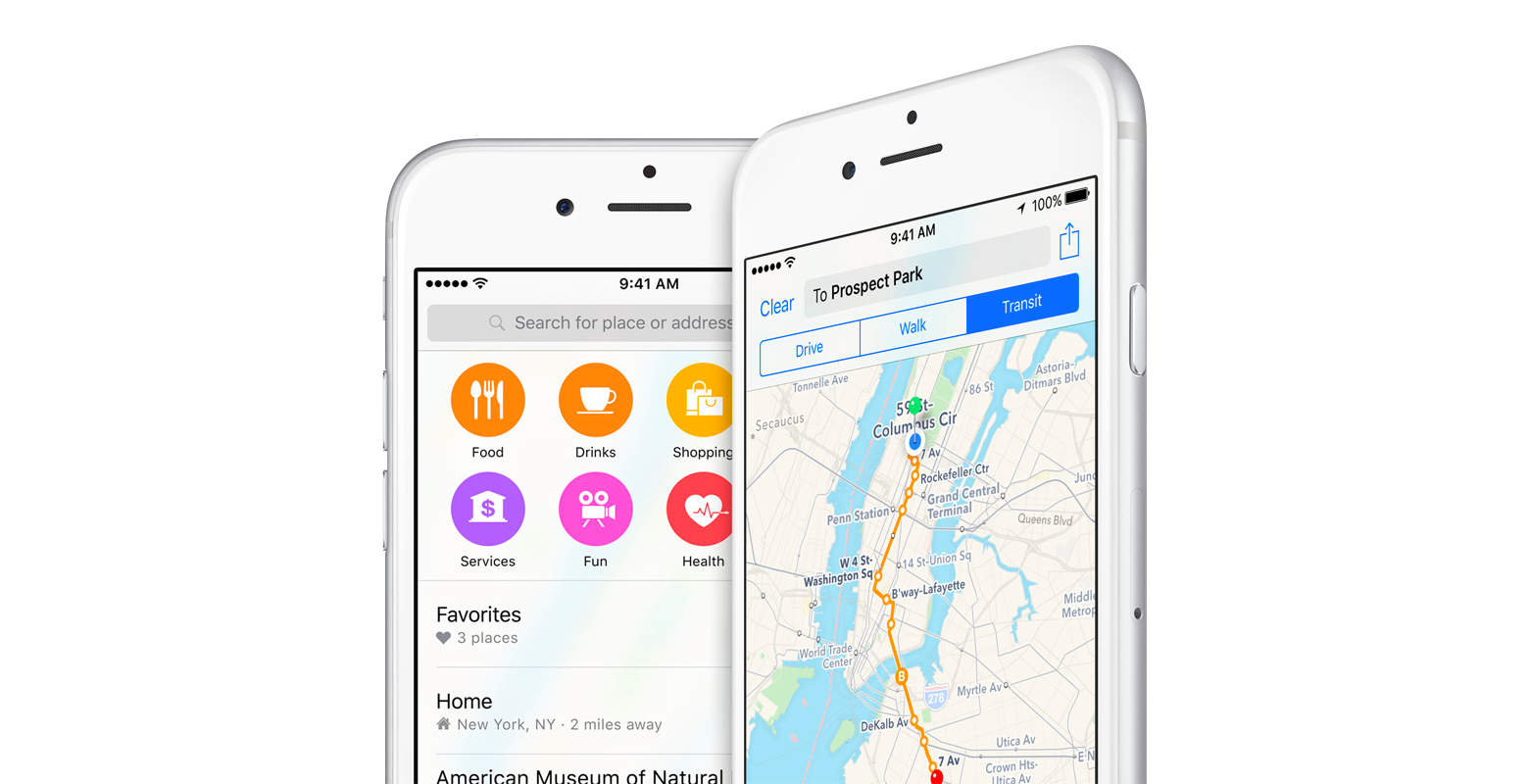
Foursquare is now contributing “business listings data” to Apple Maps. Since the launch of Maps, Apple vowed to collect data from multiple sources to improve the service over time, and is living up to that promise with this new addition.
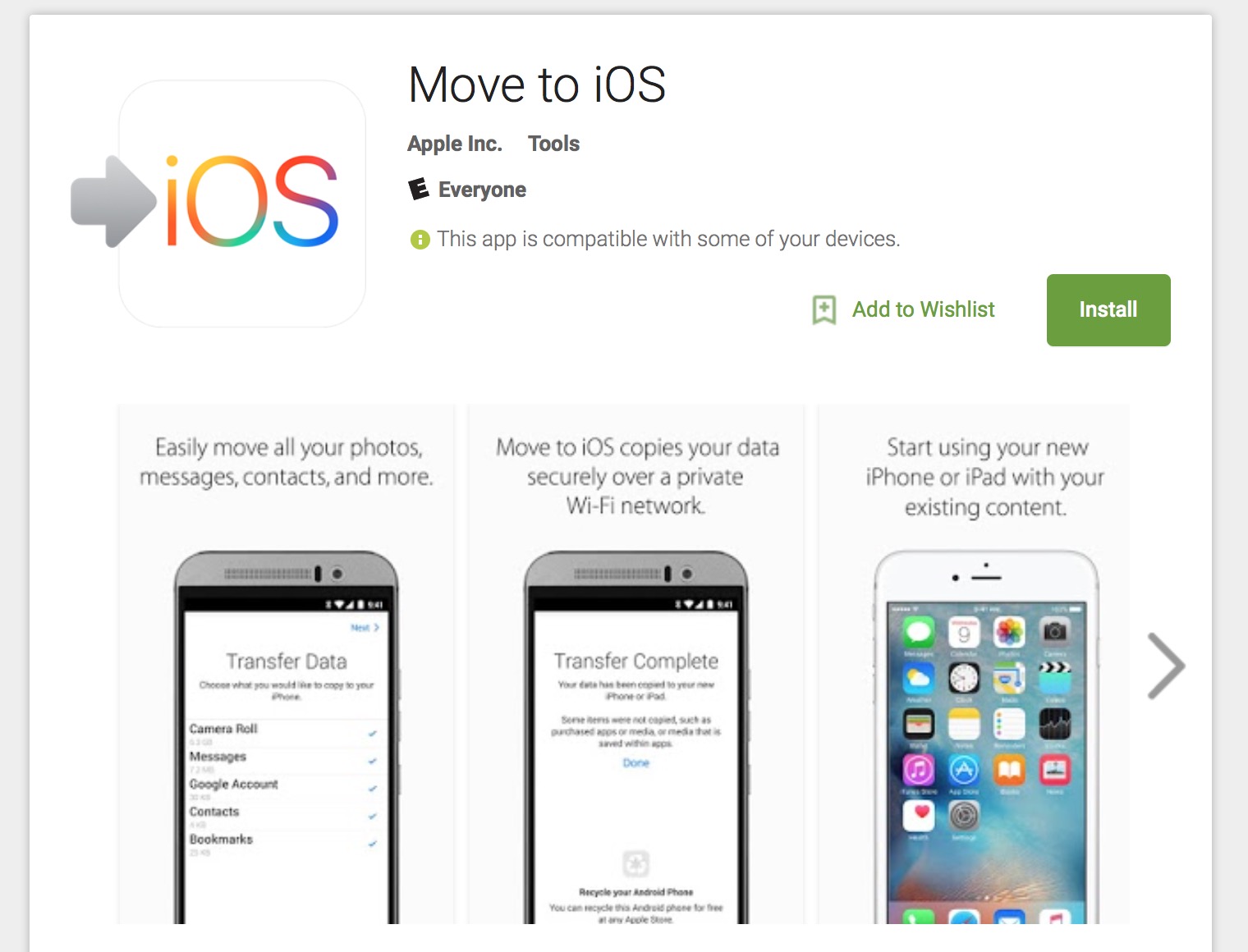
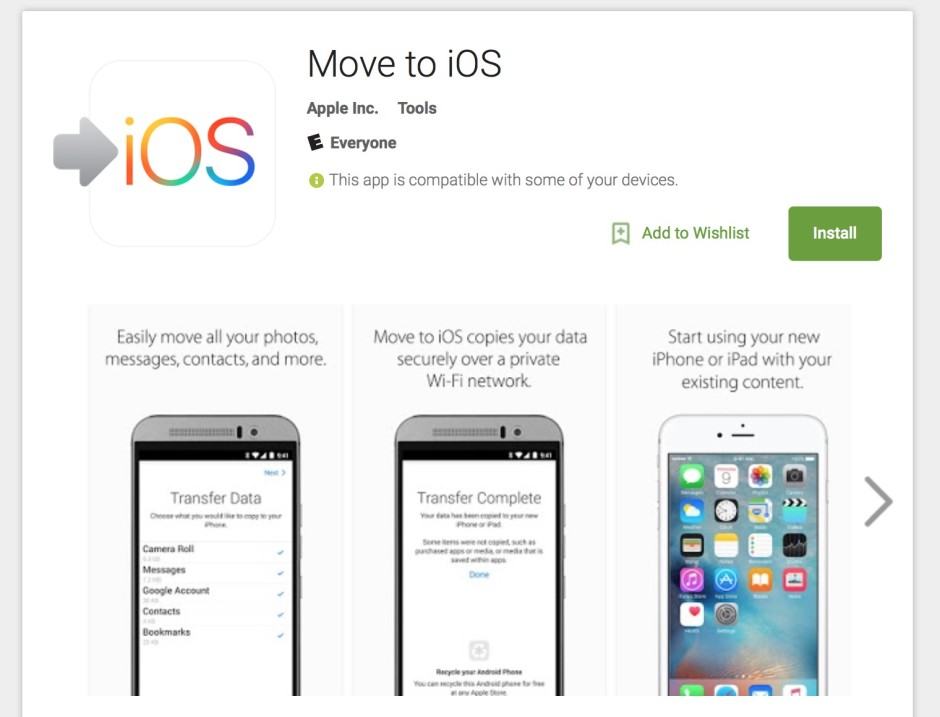
In a bold new move, Apple has just placed its first Android app on the Google Play Store.
No, it’s not Apple Music for Android, but rather Move to iOS, a new app that lets Android switchers easily transfer all their data and information over to a brand new shiny iPhone.
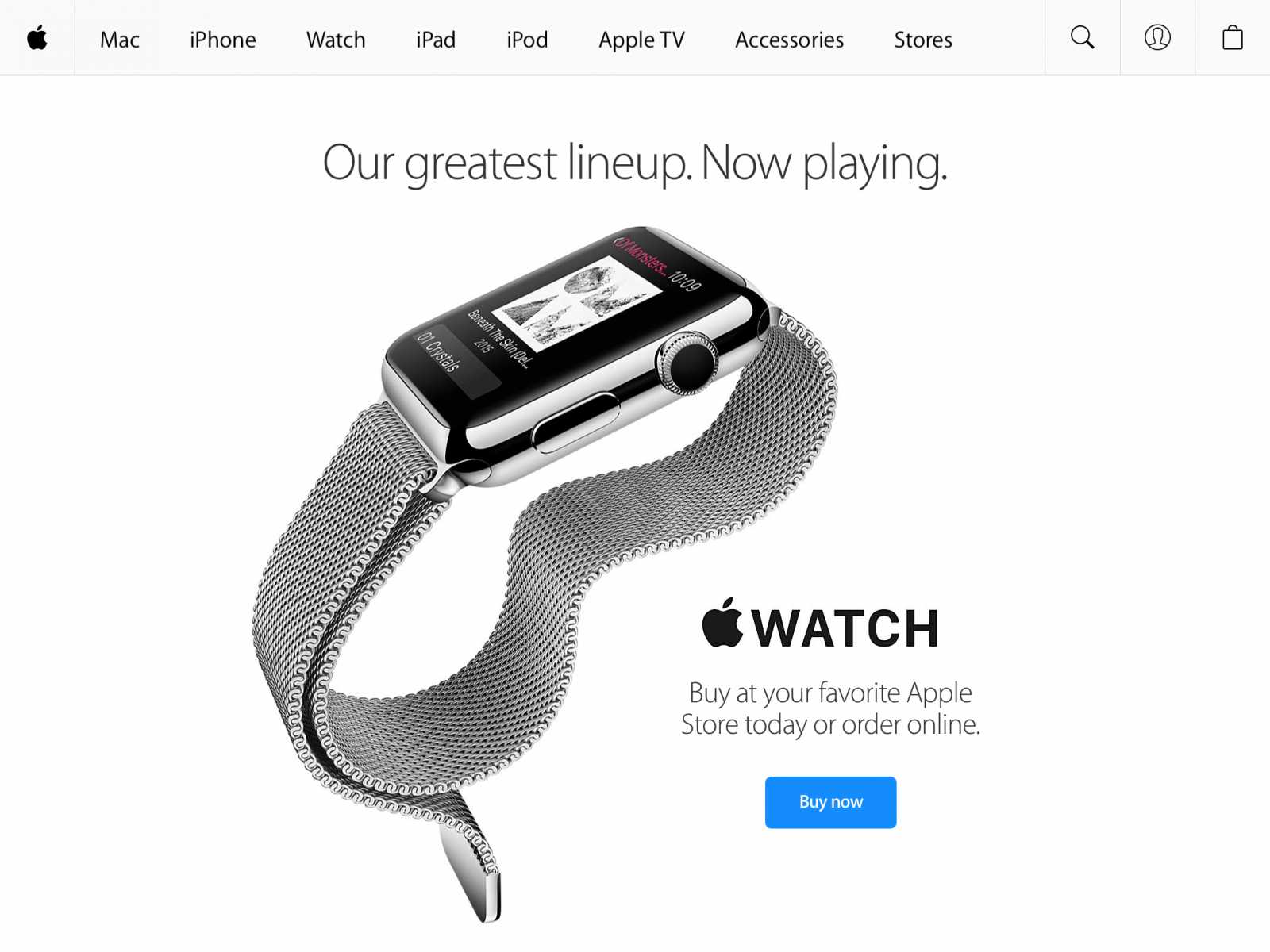
Apple updated its Apple Store app for iPhone and iPad today to include support for something it probably should have supported a long time ago: gift cards. If you have an Apple Store gift card – or multiple gift cards – you can now successfully apply them to an order within the app.
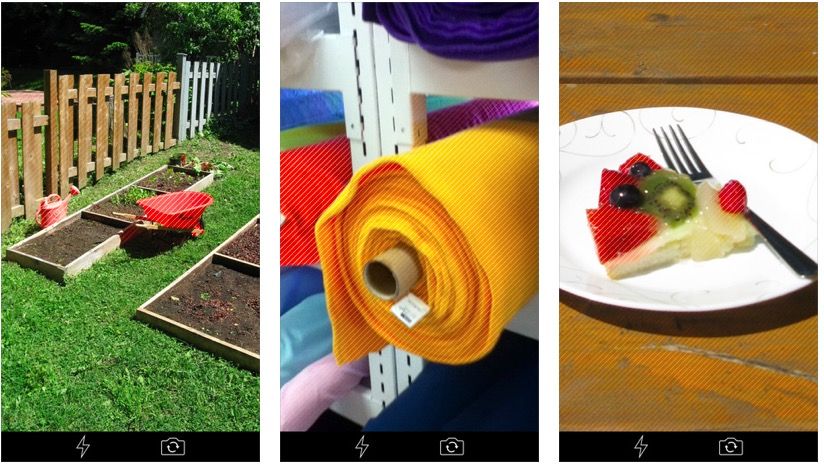
Color blindness is an extremely prevalent disability, especially amongst men: according to official statistics, 1 in 12 men are color blind (although women fare better, at a rate of only 1 in 200). These rates of color blindness are part of the reason why Google places such importance in their Material Design guidelines on designing with color blindness in mind. For example, by not relying on color alone to relay critical information within an app.
But no matter how well programmed an app is, it’s not going to help someone who is color blind see colors… or is it? Red Stripe is a new app by developer Michel Fortin that aims to do just that.
Bad news for those of you who use Apple’s Podcasts app: For the vast majority of users running iOS 7.1.1, the app crashes immediately after launching.
There’s currently no word as to why this is happening, since the Podcasts app was last updated May 29 — adding only minor bug fixes — but the malfunction has just kicked in.
Apple quietly released an app called Podcasts this week. The app enables the discovery, organization and playing of podcasts on an iPhone.
In the past, users listened to podcasts in the Music app by default. The next version of iOS will apparently come with a Music app that doesn’t support podcasts.
Podcasts are currently monetized using the advertising model. Nearly all podcasts are free, but those podcasts that make money do so through advertising.
Here’s a typical podcast app spoken during the show: “This podcast is brought to you buy Audible.com! For a free audio book of your choice, including audio books by David Sedaris, Sarah Vowell, John Hodgeman, go to Audible.com/american.”)
Under the current system, a podcast content creator can make money from ads, but Apple gets nothing, even when it’s downloaded via the iTunes store.
Providing a platform for other companies to make money while Apple makes nothing really isn’t Apple’s thing.
Apple’s new Podcasts app contains two surprising but telling features.
First, Podcasts contains a skip-forward-30-seconds button. The most obvious use for this button is to skip advertising in podcasts, even the kind spoken by the host of the show. (“This podcast brought to you by [skip forward 30 seconds].”)
Second, the Podcasts app has a mysterious “Redeem” button— but only when you run it on the upcoming iOS 6 version.
It’s not clear what exactly the “Redeem” button will do, but it has something to do with a new way for podcasters to charge money.
So let’s put these two new features together: One makes listening to ads optional; the other creates a way to sell podcasts via iTunes using Apple’s agency model.
It’s a carrot and a stick to podcasters: We’re going to reduce the value of your advertising by letting people skip them; but don’t worry, you can monetize by moving to a paid model.
I think this is the direction Apple intends to move all content available on iTunes.