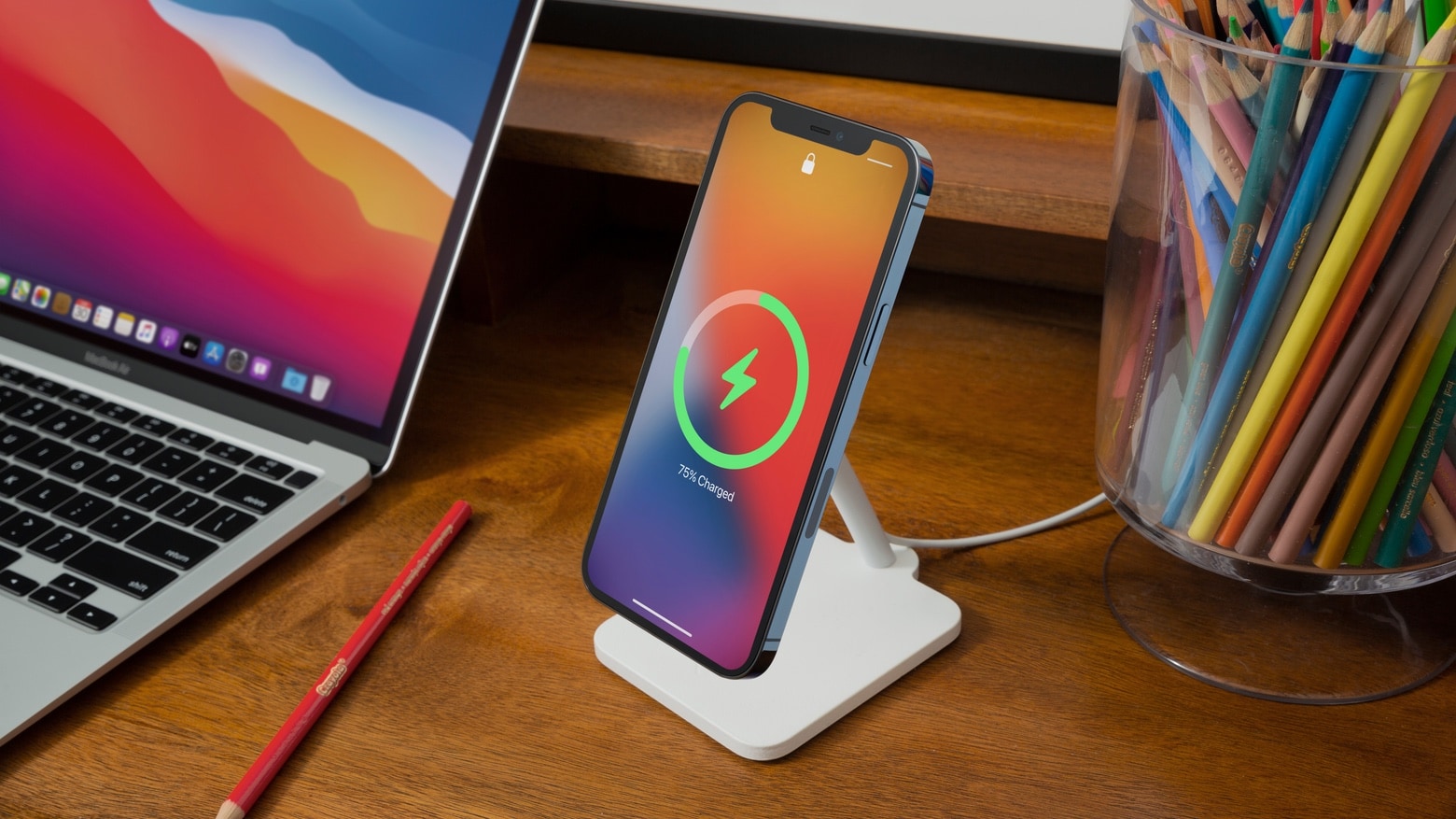
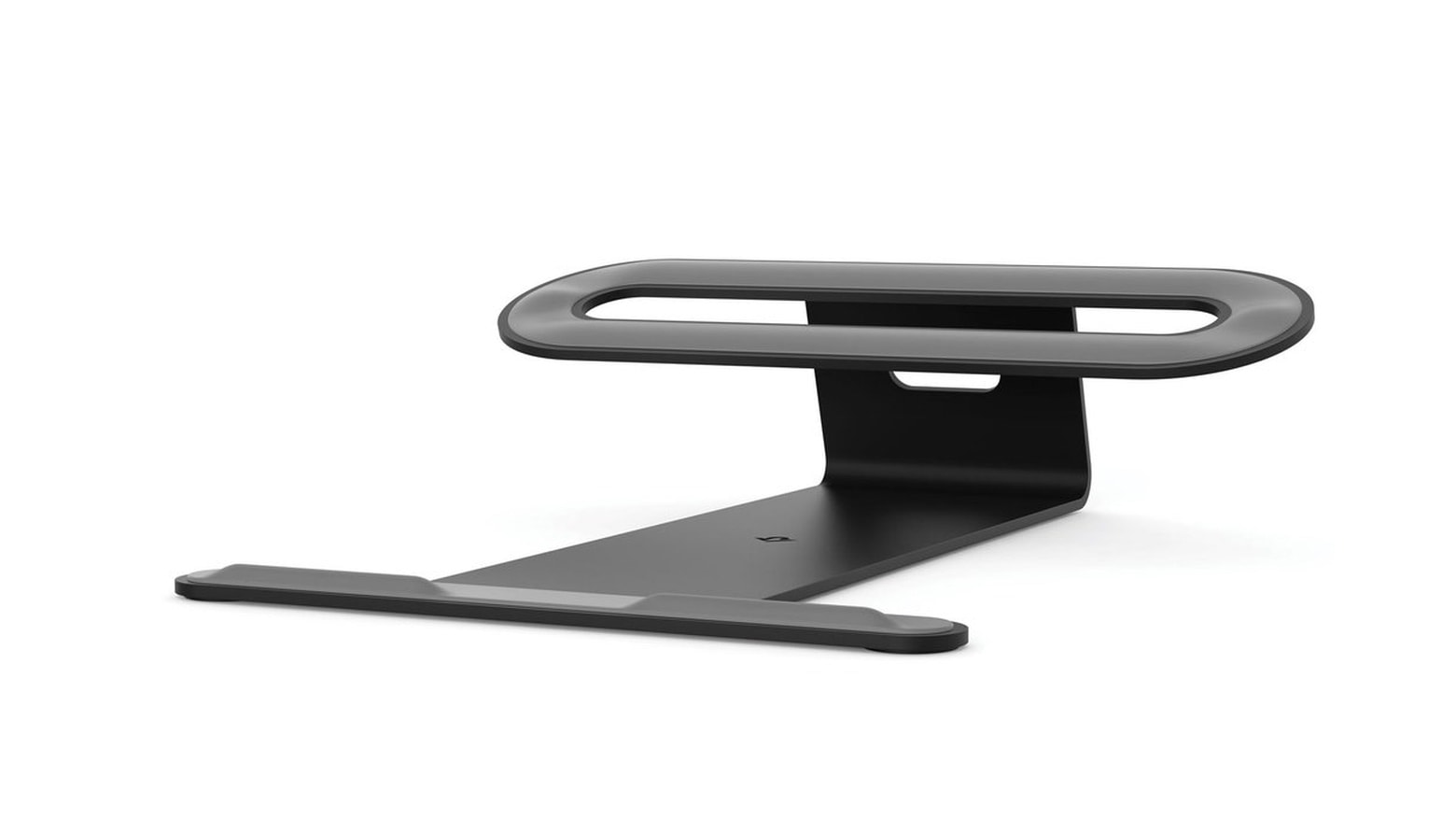
The Twelve South Forté is a new iPhone 12 magnetic stand that also charges at 15 watts. Photo: Twelve South
iPhone 12 users can take advantage of the built-in MagSafe charger with the Twelve South Forté. This stand quickly powers up the handset while also raising it up so it’s ready to be used hands free.
Apple likes the design enough to put it on Apple Store.
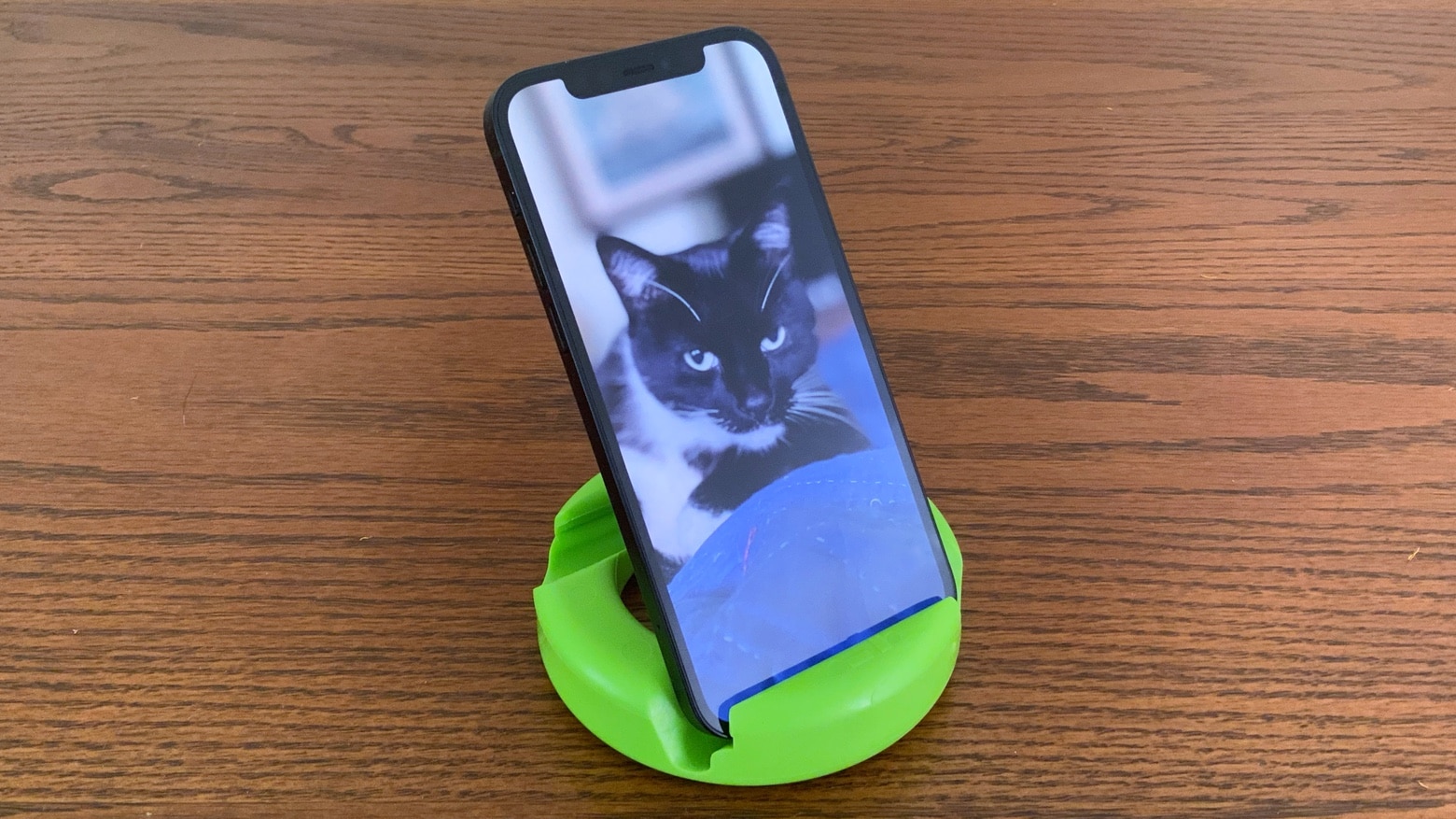
The GoDonut handset and tablet stand has a clever design. It’s also about as rugged as one could hope for. Photo: Ed Hardy/Cult of Mac
GoDonut is a tough, portable stand that’s compatible with a wide range of handsets and small tablets. It can be used in landscape or portrait, and offers multiple viewing angle. Plus, it’s colorful and fun.
I tested GoDonut with iPhone and iPad. And other devices, too. Here’s why I like it. And why I don’t.
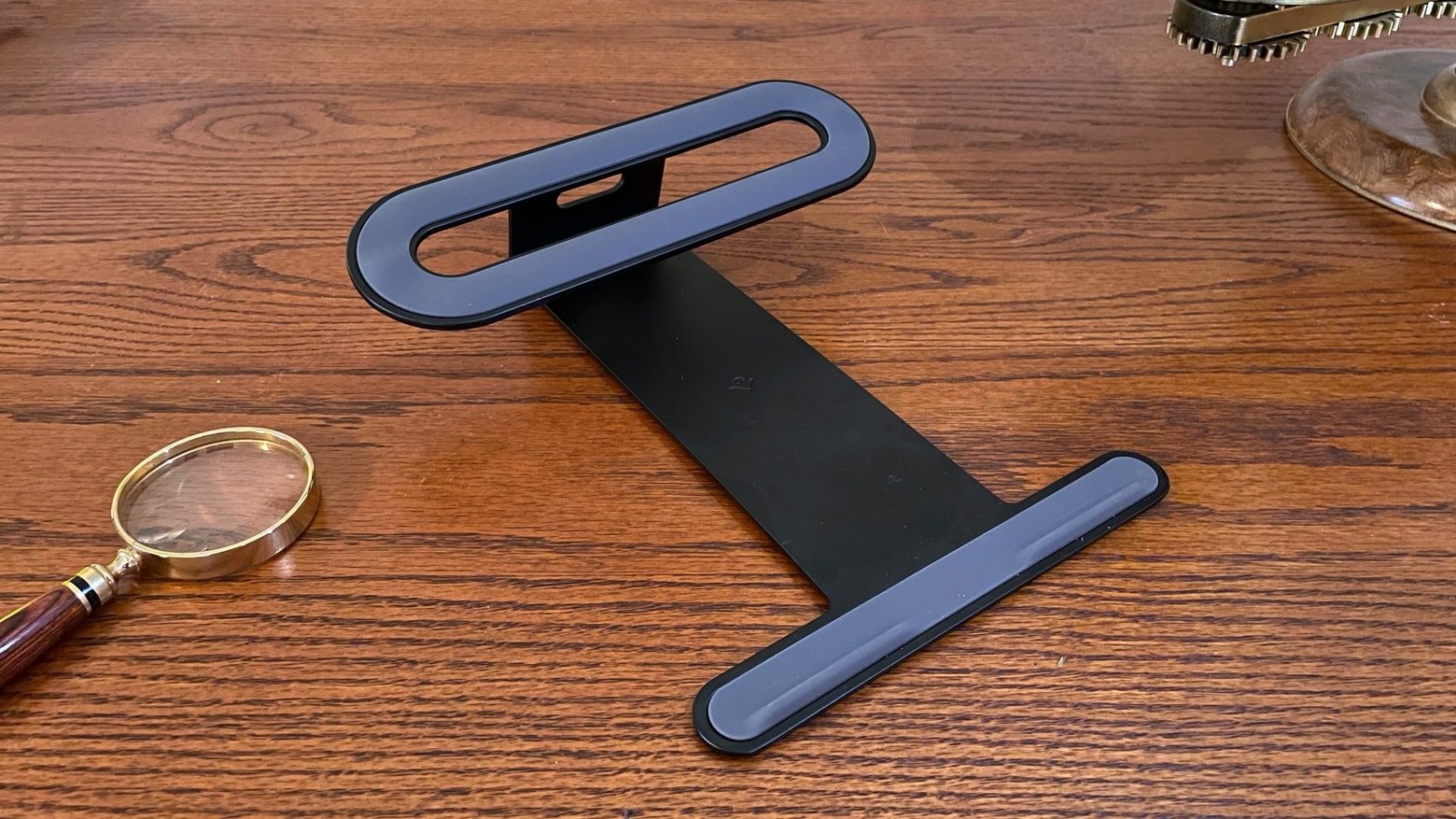
Twelve South ParcSlope securely supports an Apple laptop or tablet. Photo: Ed Hardy/Cult of Mac
Tilting up the base of your MacBook makes it easier to type. And it elevates the screen to be nearer eye level. The Twelve South ParcSlope is a simple, sturdy laptop stand that offers both benefits. And you can use it with your iPad, too.
I used the ParcSlope for several days to see how well it performed in real-world use. Read on to see what I found out.
Kensington StudioDock could be the iPad productivity tool you’re looking for. Photo: Kensington
iPad users wowed by Kensington’s StudioDock at CES 2021 should be happy to hear it took a big step toward release on Wednesday. It’s now possible to preorder this stand that boasts an extensive collection of built-in ports and wireless charging mats. The product is good enough to take home a CES 2021 Innovations Award.
On the other side of the coin, Kensington is just now revealing the price. And it’s not cheap.
ParcSlope props up either a MacBook or an iPad, making them easier to work on. Photo: Twelve South
Some stands are designed for laptops, others for tablets. The ParcSlope from Twelve South is both. The desktop accessory, announced Tuesday, elevates the back edge of either a MacBook or iPad, allowing the user to either type more easily or draw on the touchscreen.
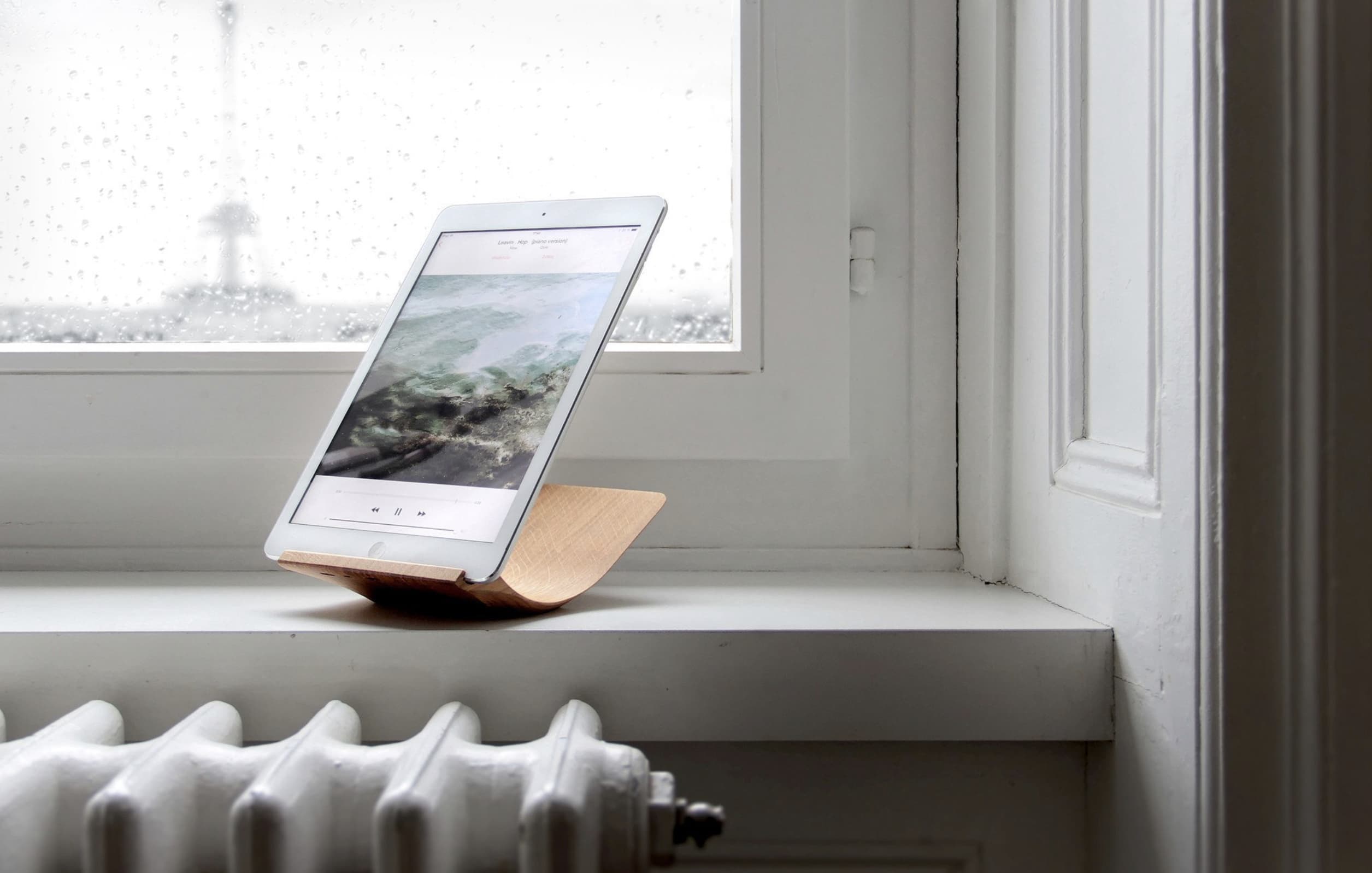
This stunning piece of walnut makes for a brilliant iPad stand that you can use at multiple angles. It’s ideal for reading, writing, and more — and it looks good anywhere.
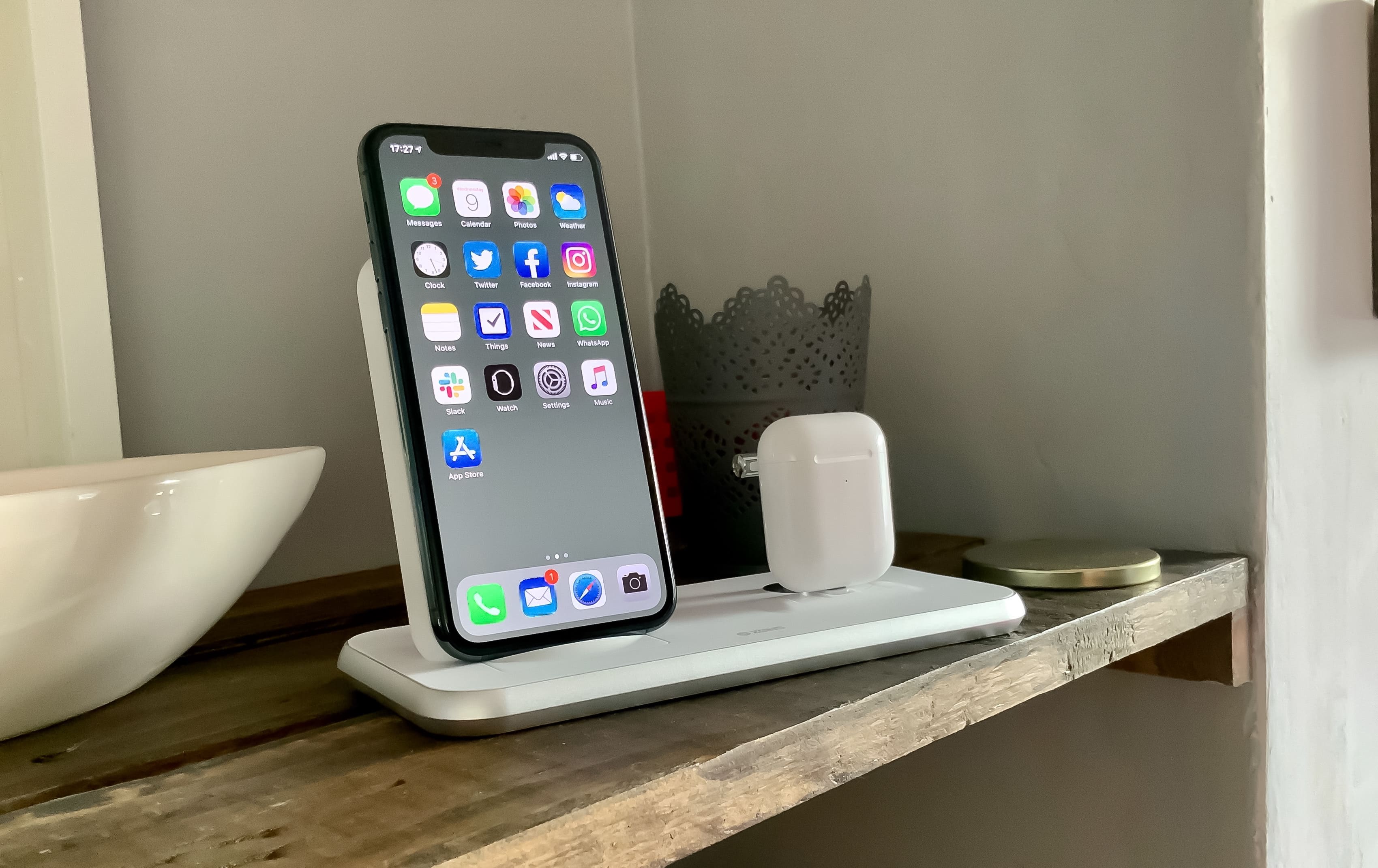
A spectacularly simple charging solution. Photo: Killian Bell/Cult of Mac
Clear the clutter on your bedside table with the Zens Stand+Dock. This stunning charger tops up iPhone and AirPods simultaneously and eliminates messy cables that are forever in your way.
A built-in USB port on its base also allows you to charge a third device — like your Apple Watch. And with up to 20W of power output, there’s more than enough to go around.
You don't want to miss these discounts! Image: Killian Bell/Cult of Mac
We’ve brought you the best iPhone accessories on sale for Prime Day — but we didn’t forget about iPad. Whether you need wireless speakers, a sturdy stand, or a do-it-all USB-C hub, we have you covered.
Everything included in this roundup is now available at a deep discount, but it may not last long. Go grab it while you can!
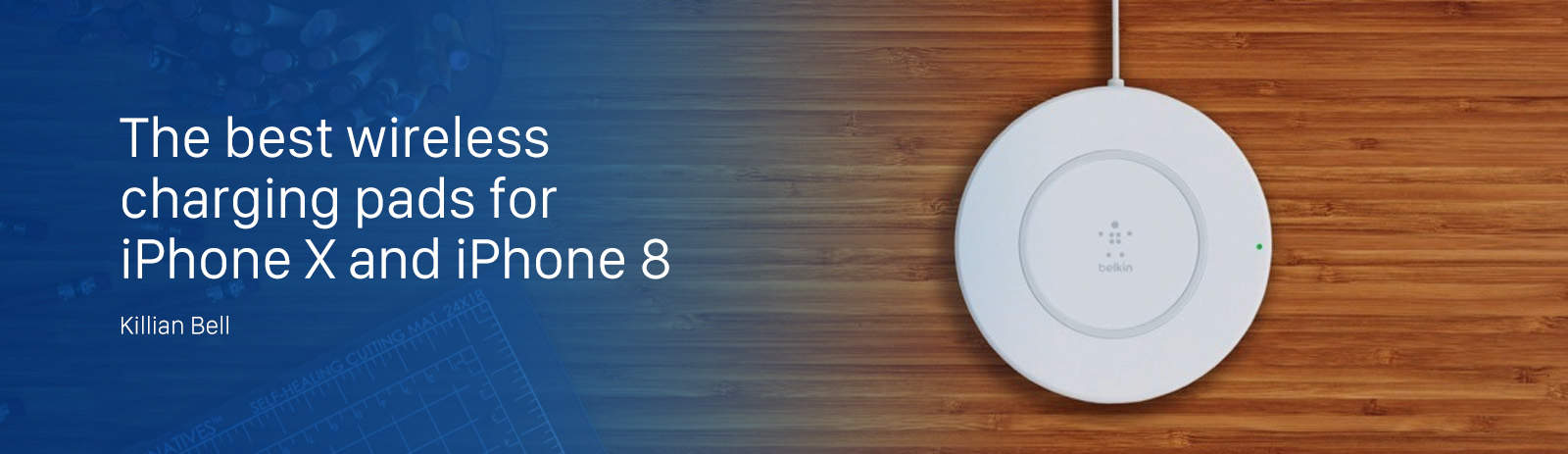
The company has lined up a number of impressive new pads that will keep your iPhone topped up at the fastest possible speeds. Here’s what you have to look forward to.
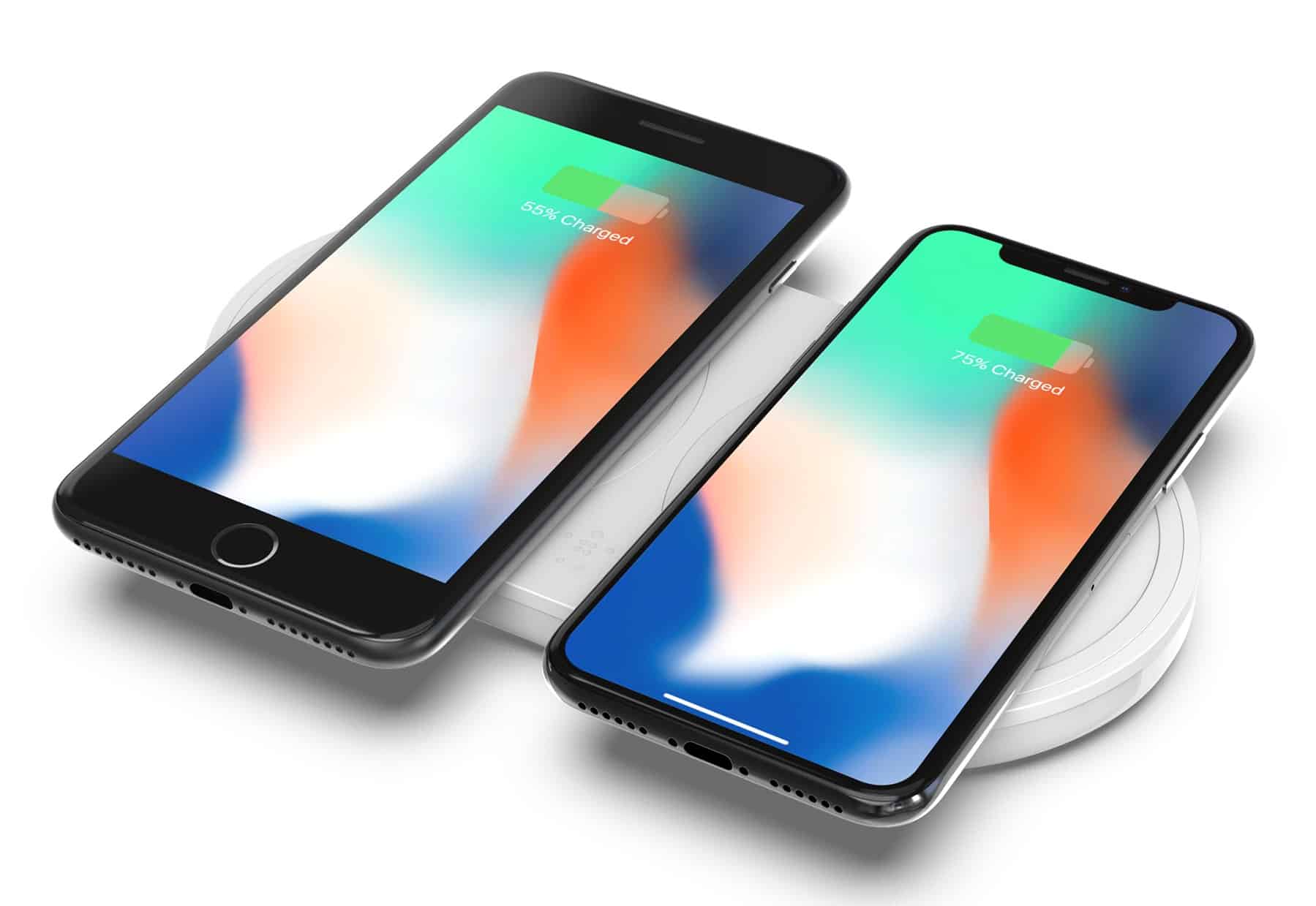
Apple’s new iPhone lineup finally supports wireless charging. Both the iPhone X and the iPhone 8/8 Plus use the Qi standard that’s been popular for years. That means you can choose from an endless list of compatible charging pads, mats and stands already on the market.
So, which one(s) should you buy? We’ve rounded up some of the best iPhone wireless chargers to make your buying decision a little bit easier.
This week's best deals include a new way to take selfies, 2 TB of secure cloud storage, and lots more. Photo: Cult of Mac Deals
Another week, another round of awesome new deals on gear and gadgets in the Cult of Mac Store. This go around, we’ve got a special lens for taking ultra slick selfies, and 2 terabytes of secure cloud storage for life. On top of that, there’s a powerful VPN subscription, and a special podium stand for your iPhone. Plus, everything’s discounted more than 60 percent. Read on for more details:
Add new levels of quality and flexibility to your mobile photography with these premium accessories. Photo: Cult of Mac Deals
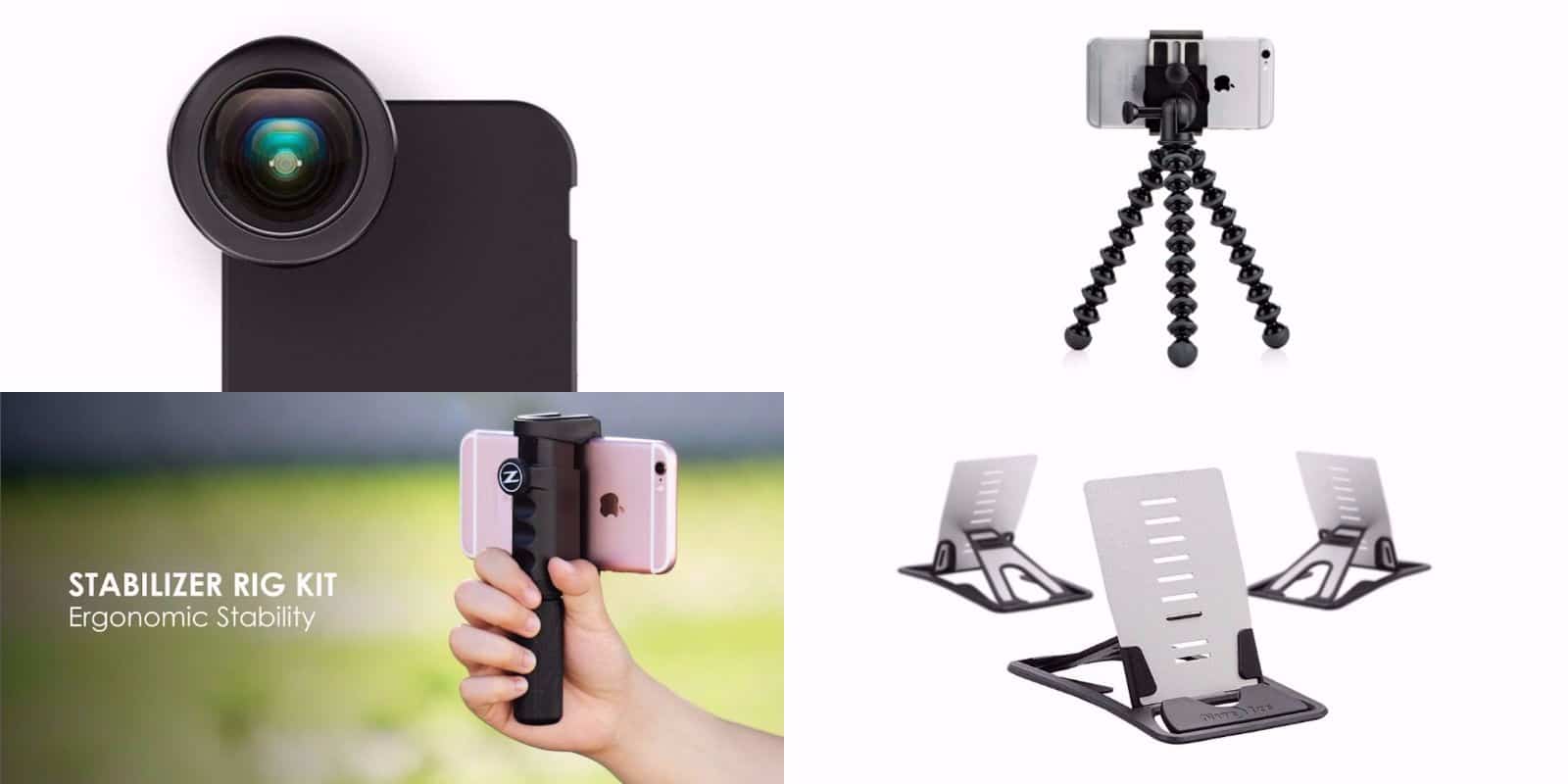
If you’ve got an iPhone, you have one of the best mobile cameras out there. But having a good camera and a good eye isn’t enough to make the most of your iPhone’s photo potential. That’s why we’ve rounded up these deals on tools for taking your mobile image-making to the next level. We’ve got phone and tablet stands that fold into the size of a credit card, a hand-held stabilizer, a grippy tripod mount, and case that includes a wide-angle lens upgrade. Read on for more details:
Your Mac can help you get healthier with a free app called Stand. Photo: Stand
Your Apple Watch tells you to stand up periodically to maintain your health. It’s a small feature, but it’s actually one of the Apple Watch’s killer apps.
If you don’t have an Apple Watch, though, you’re in luck. There’s a new app in town that does the same thing.
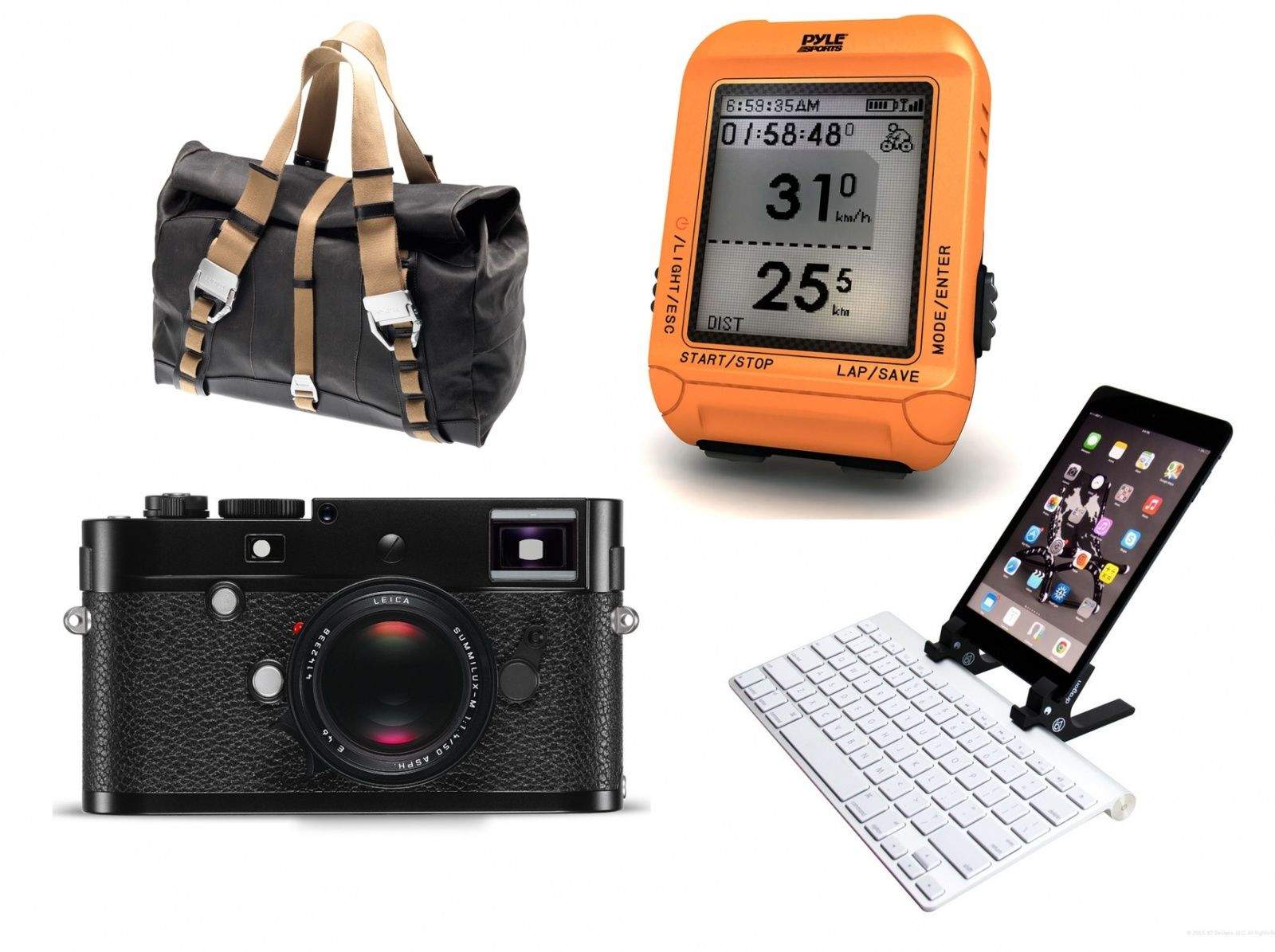
Bags, bags, bags. Literally – there are three hot bags in this week’s gadget roundup, and if you buy them all, you’ll be out by around a grand. Or you could buy the ultra-expensive Leica M-P, a new camera so minimal it doesn’t even have the trademark red dot on the front, yet still costs $8,000. Or you can go to the other end of the price range and pick up LensBaby’s new iPhone optic for just $70. And that’s just the beginning…
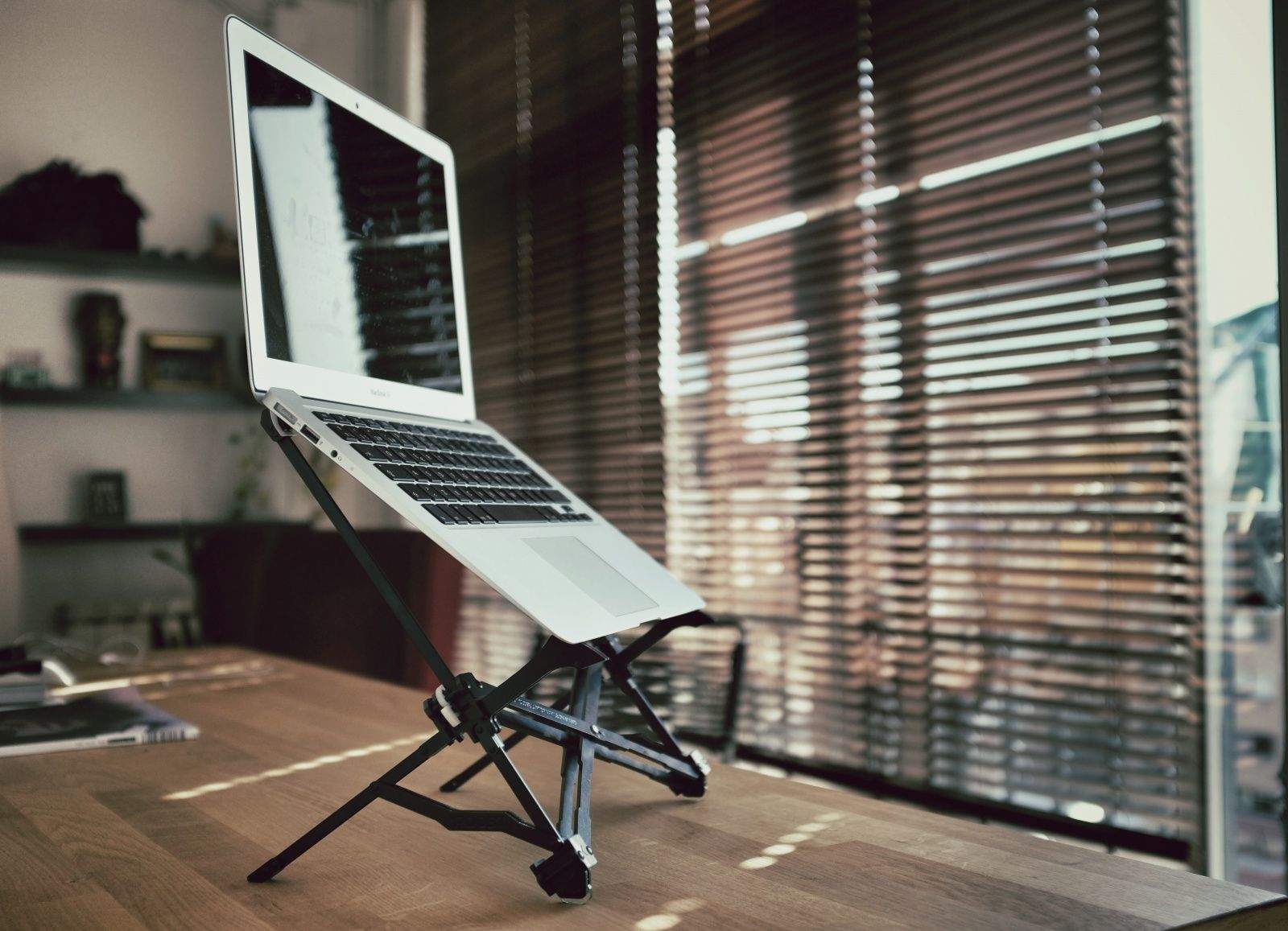
Up, up up! The Roost elevates your MacBook experience. Photos Charlie Sorrel/Cult of Mac
I was supposed to get a Roost to review last year after the successful Kickstarter went into production. I didn’t, but we fixed that at the beginning of this summer, and think God we did – this stand will change the way you use your MacBook.
The Roost is a crazy collapsible scaffold that unfolds from nothing to become a sturdy stand the holds the MacBook at eye-level. Assuming you combine it with regular breaks, and set your keyboard at the right height, you will never have to experience neck, arm or back pain ever again.
Homely multitool Xistera packs many iPhoneography essentials into one pointy package. Photos: Charlie Sorrel/Cult of Mac
Take the Xistera out of its box and you’ll be disappointed. It’s ugly as hell, like a cheap corkscrew, and it looks like it won’t really do much. But hidden in those graceless curves and eye-gouging corners is what a lazier journalist than me would call a “Swiss Army knife of iPhoneography.”
Film or digital? Campfire or BBQ? Car or bike? Cable or wireless?
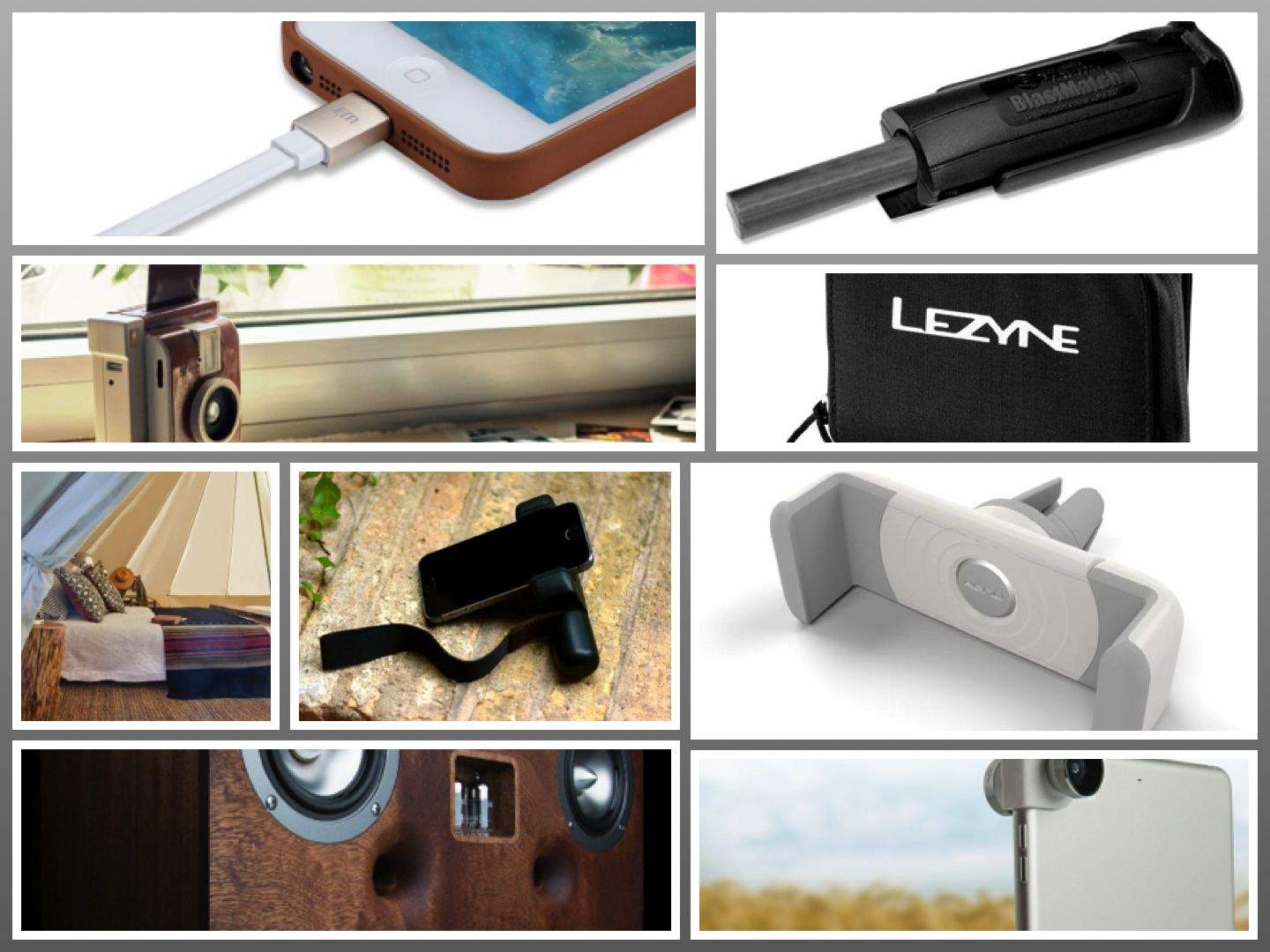
No matter which way you swing, this week’s gadgets have you covered. iPhoneographers can enjoy the Shoulderpod hand grip or slip the new iPad Olloclip onto their Mini or Air, and film nuts can get instant satisfaction with the new Lomo Instant Camera.
Camping? Take it easy in the giant Meriwether tent or go survivalist with the Blastmatch fire-starter. You can even choose how to arrive at the site, with accessories for your car or your bike. Happy traveling!
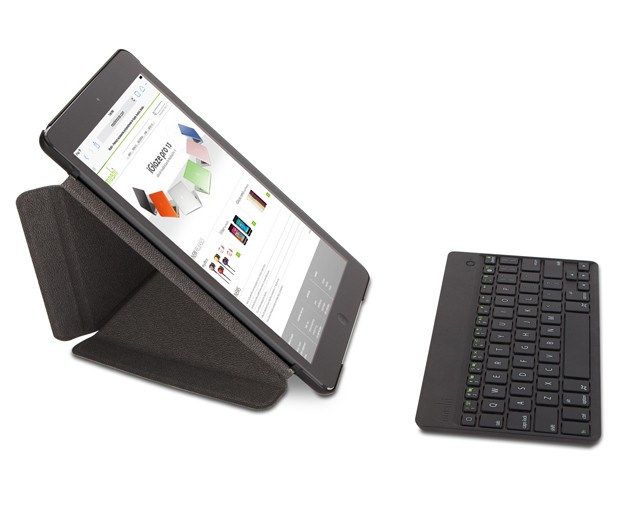
We like Moshi’s Verso covers, which fold – origami-like – into a variety of handy stands. And we (actually probably just me – nobody else here uses one) love the InCase Origami, which covers the Apple aluminum keyboard with a case that folds out into an iPad stand.
So how could I resist Moshi’s VersaKeyboard, which kind of does both?
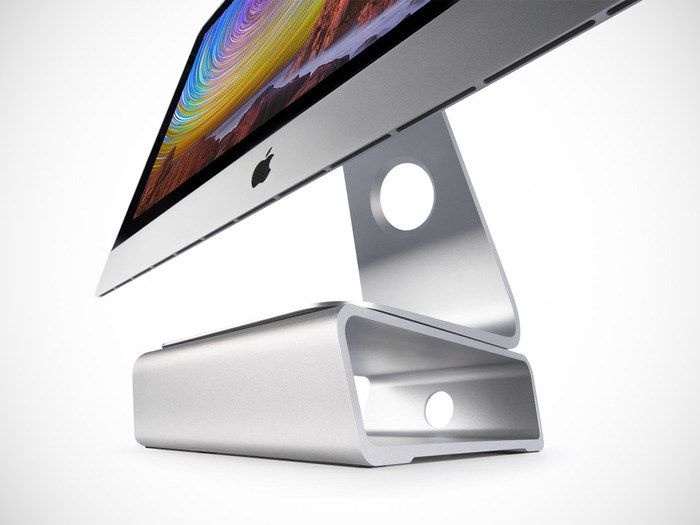
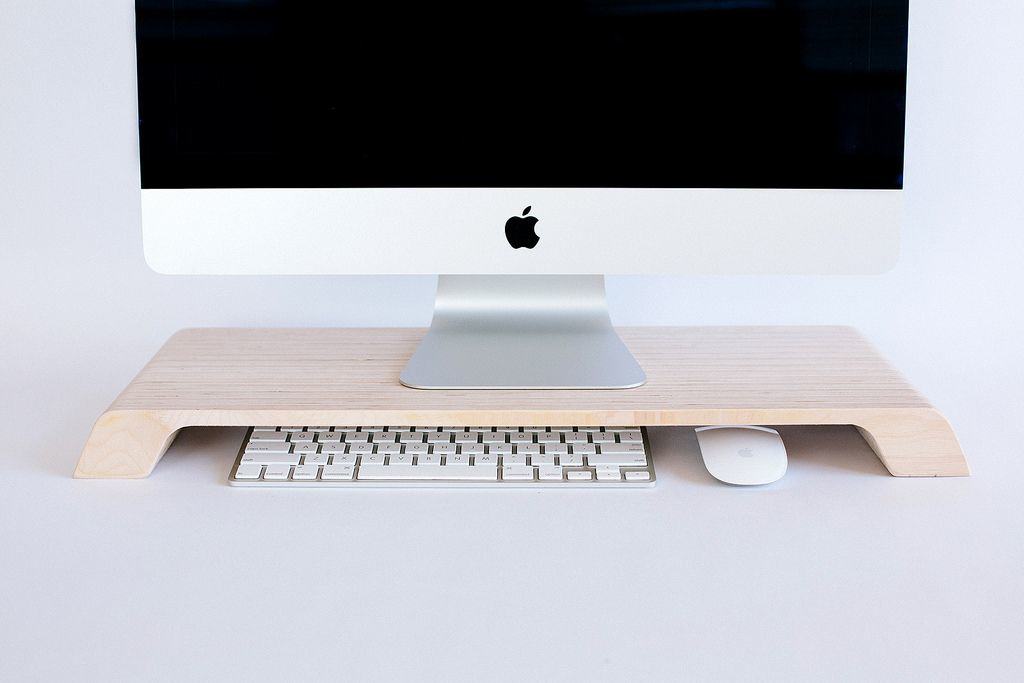
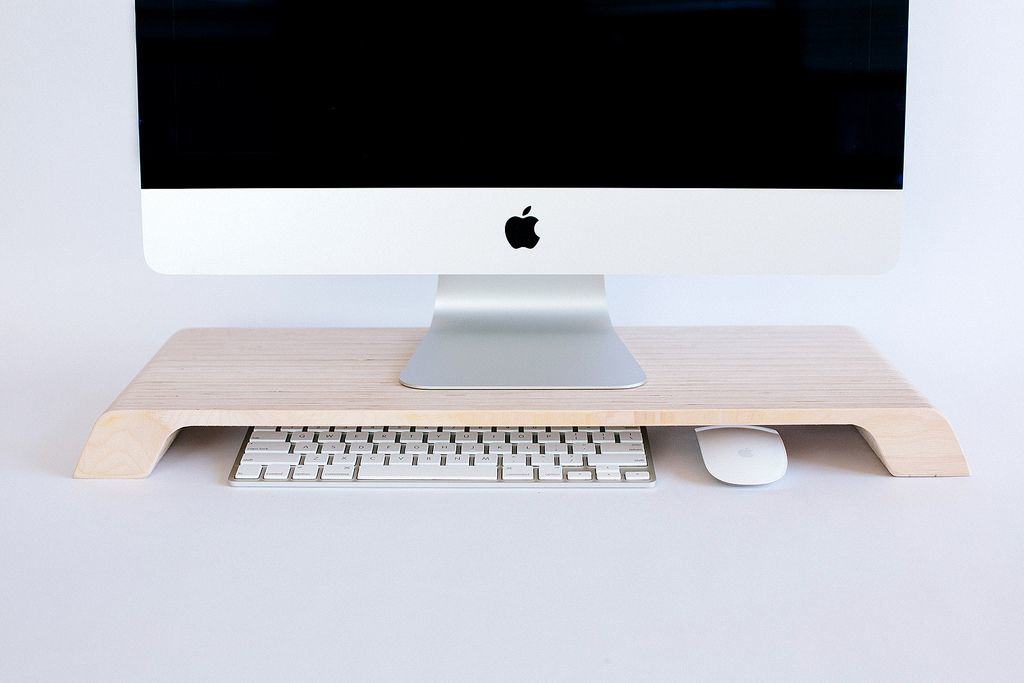
Sometimes the simplest things are the best. A pen and paper for writing shopping lists. A broom instead of a Roomba. An Aeropress instead of a crappy K-cup. And now, a Lifta iMac stand instead of, uh, more complicated iMac stands.
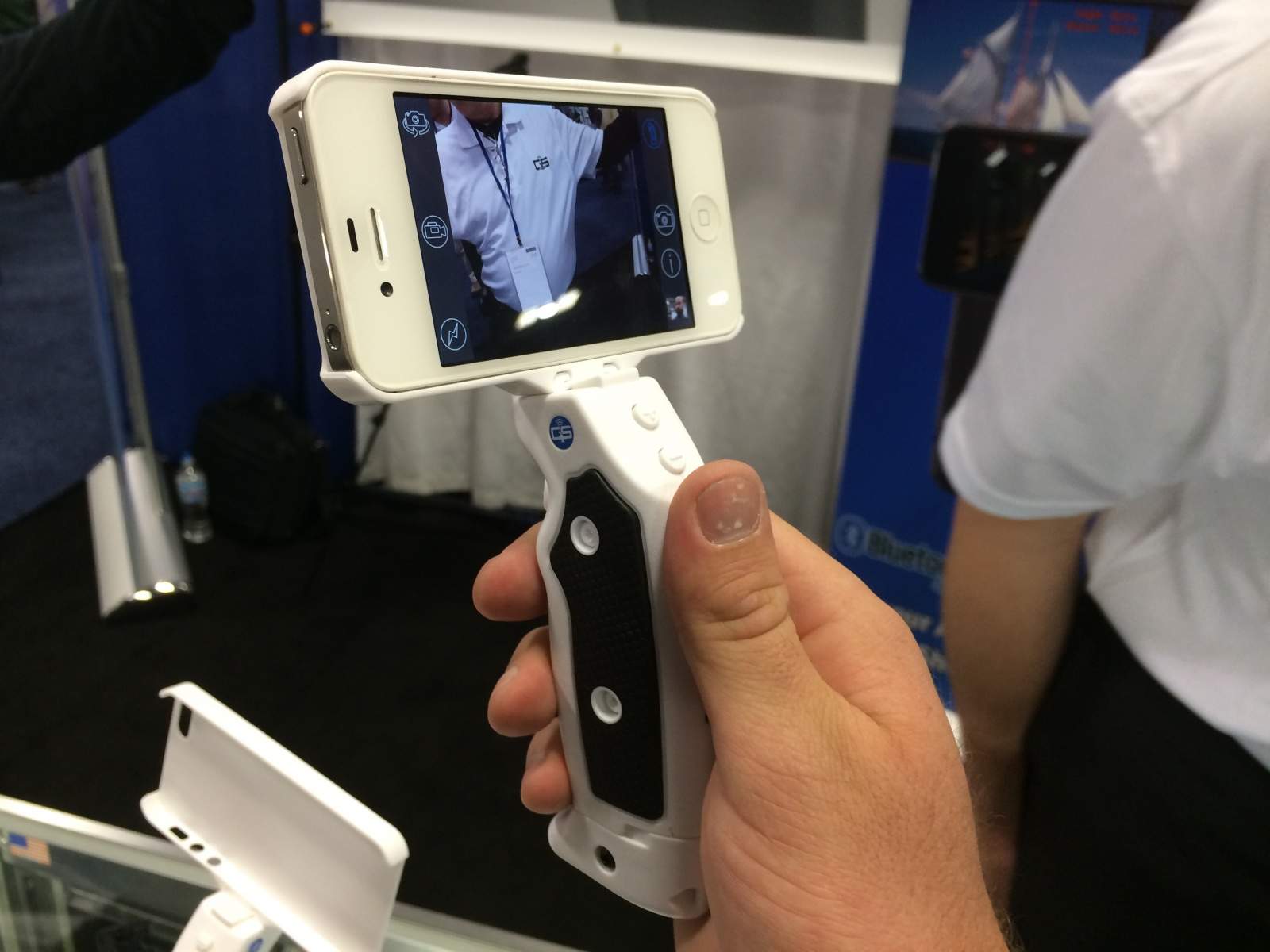
I find anything that promises one-handed operation of your iDevices suspicious, but then I have a dirty mind. The Grip&Shoot – seen by Buster last week and Macworld – is one such gadget, and it adds a trigger grip to the iPhone to make shooting videos and photos way easier.
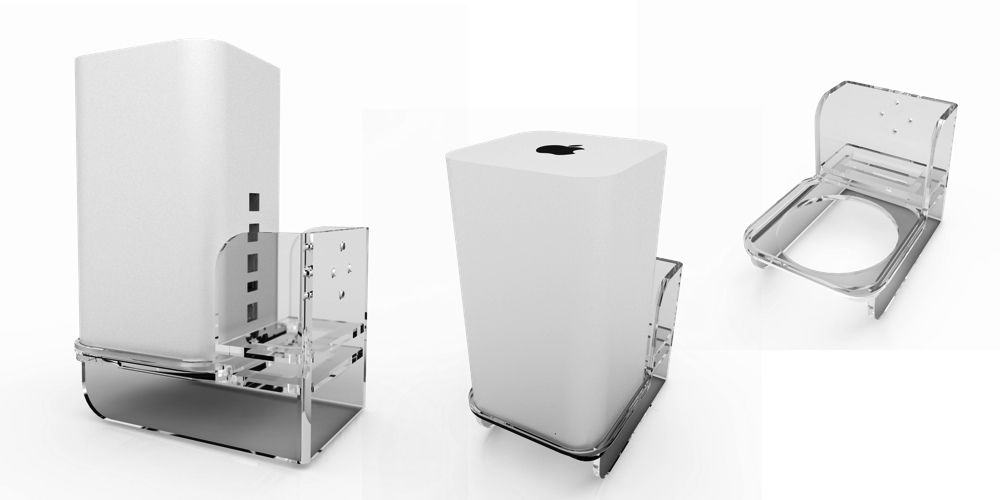
Oh man. If you make a product. Then somebody, somewhere, will make a case of a stand for it. This is a rule as fast as death, taxes and death taxes. So, if you were thinking that your AirPort Extreme was doing a pretty crappy job of sitting on your desk, and of not falling over, then the Air Mount is for you.
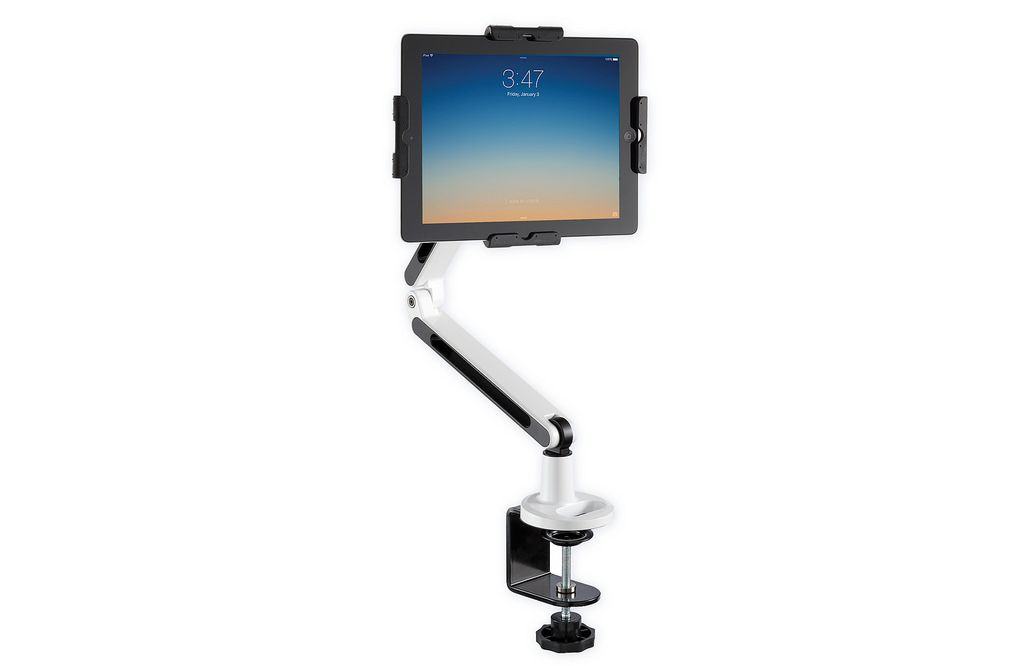
In my review, I described the Ergotron Workfit-A as a terminator arm holding your iMac. The PadDock Pivot Dual Arm Locking Tablet Stand is the same kind of thing, only it’s a Terminator arm holding your iPad.