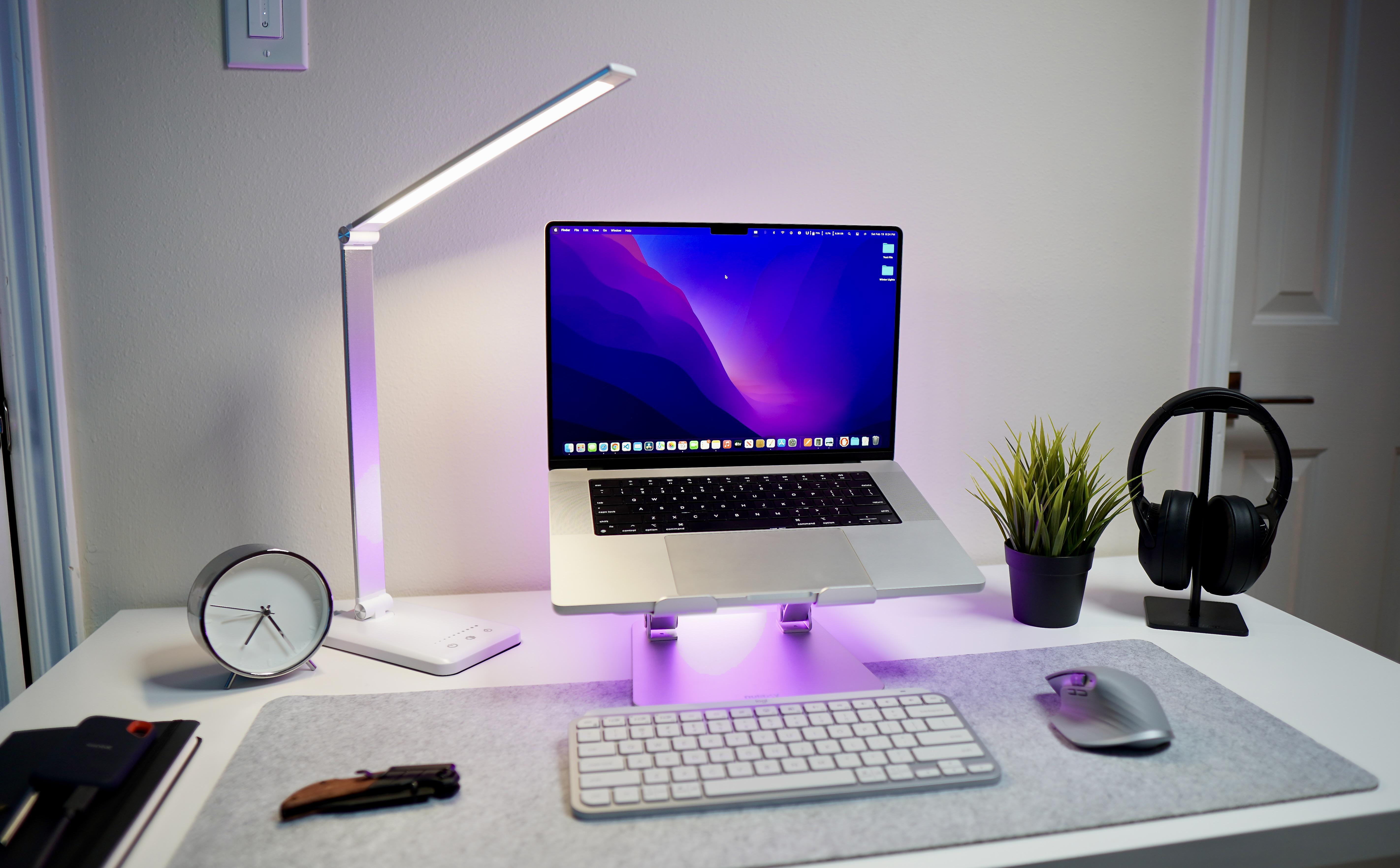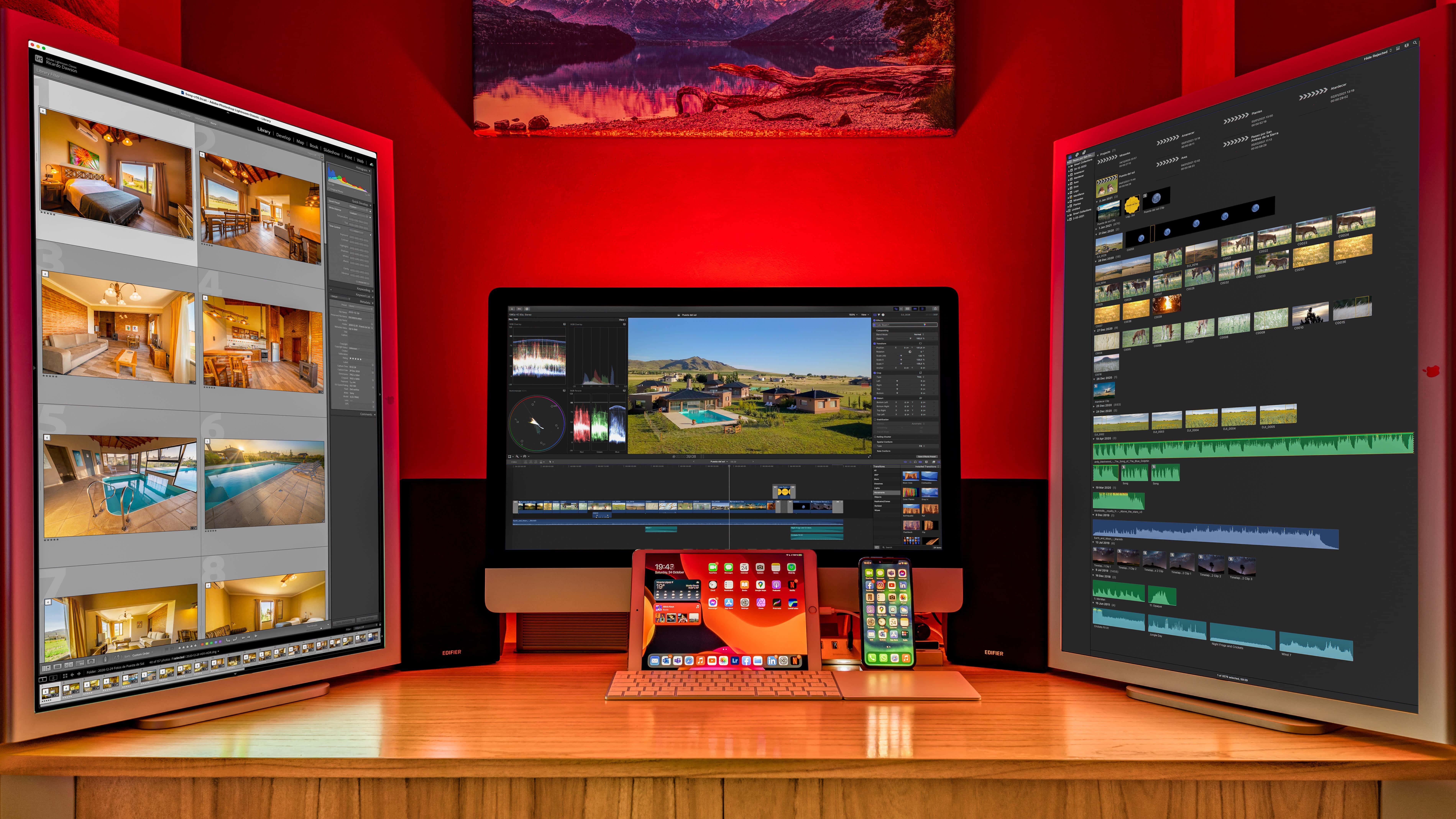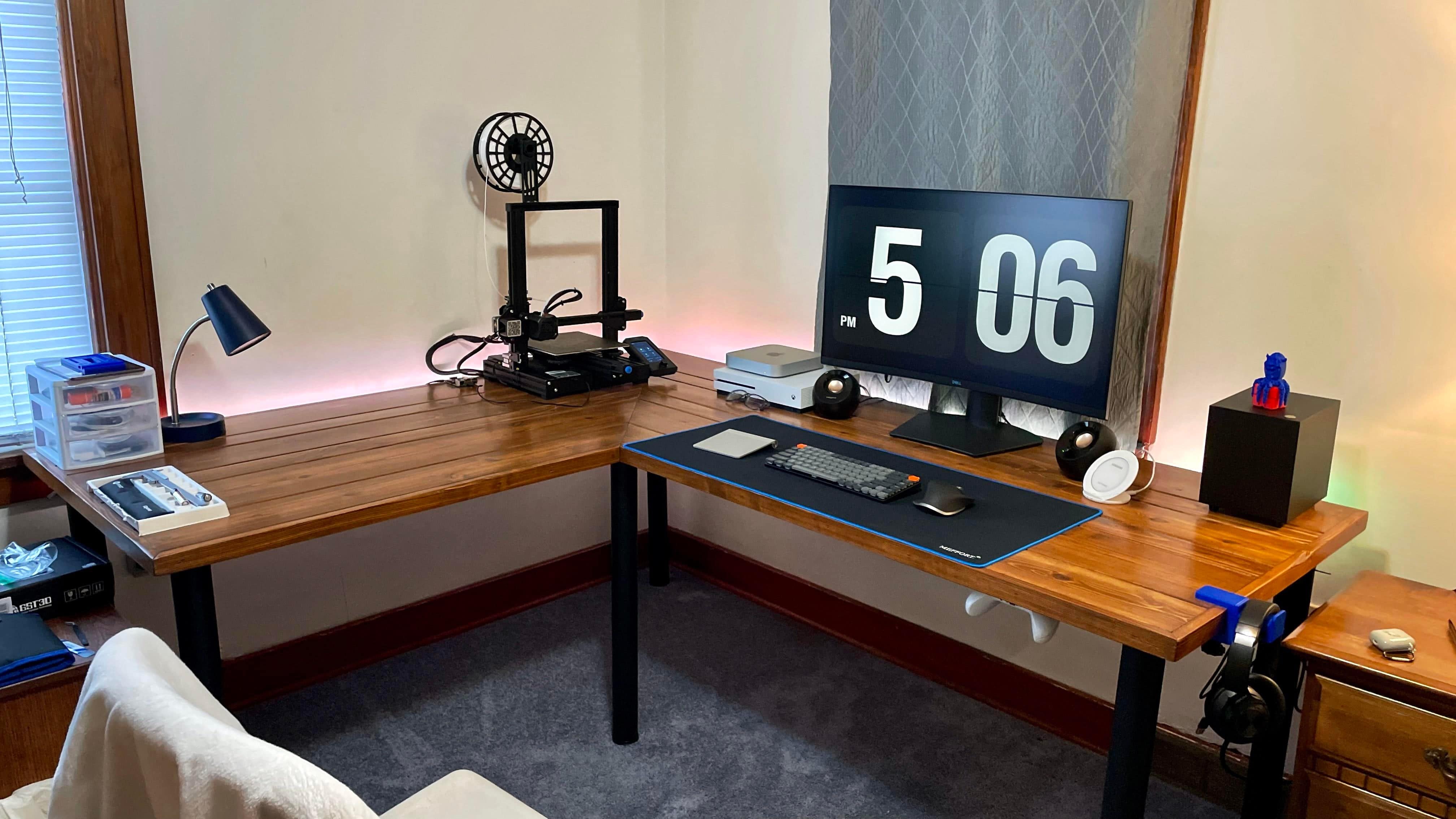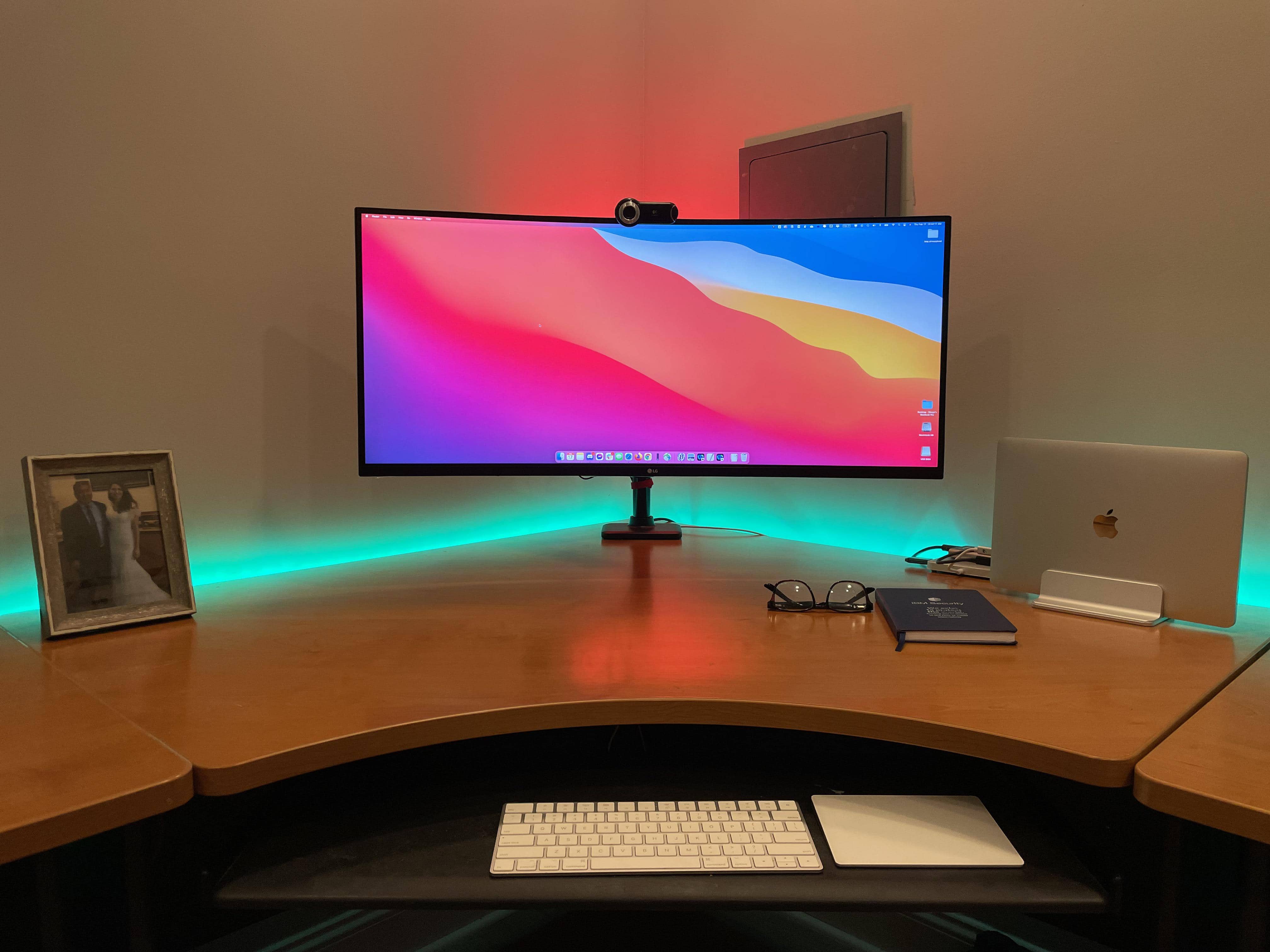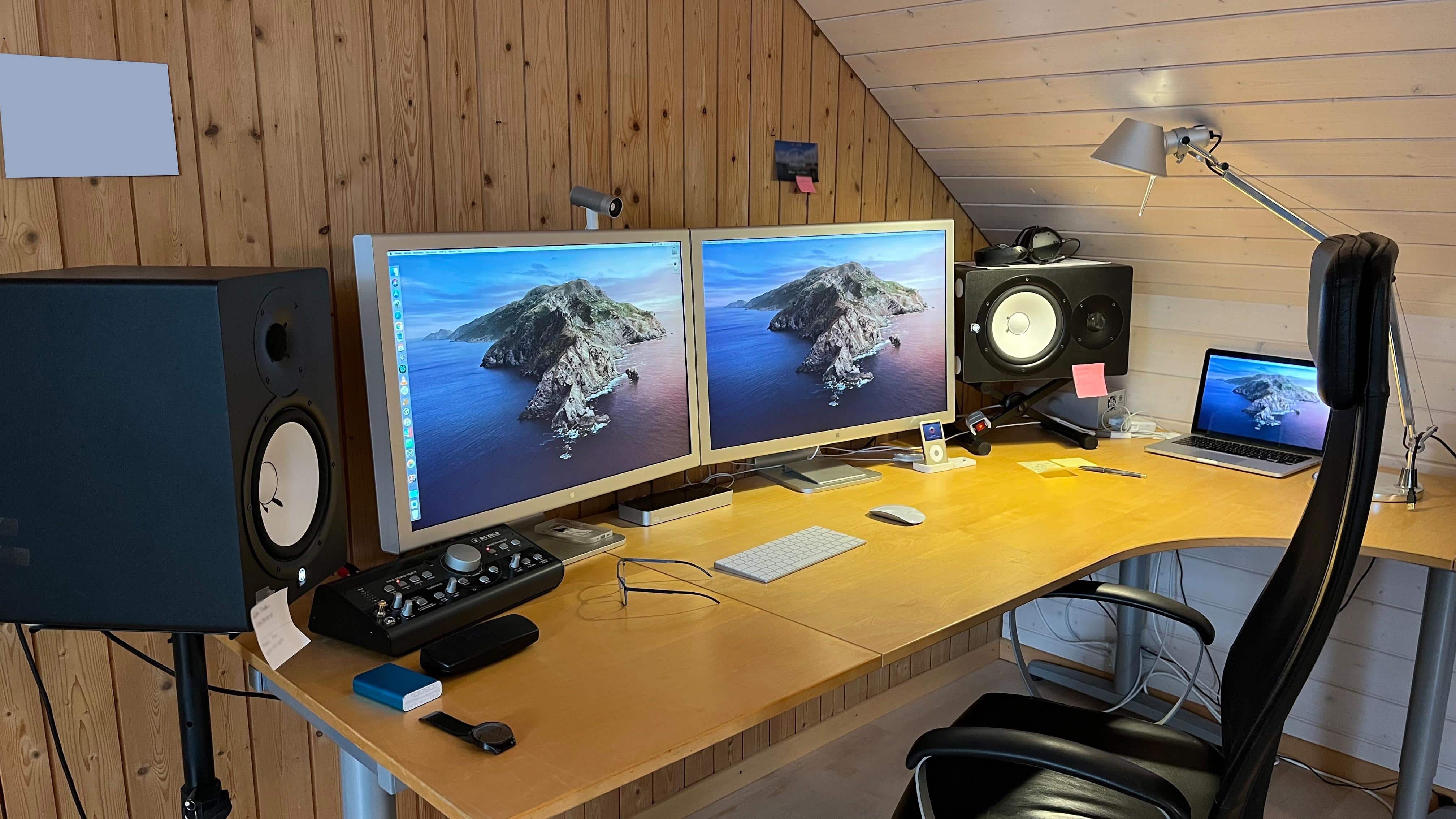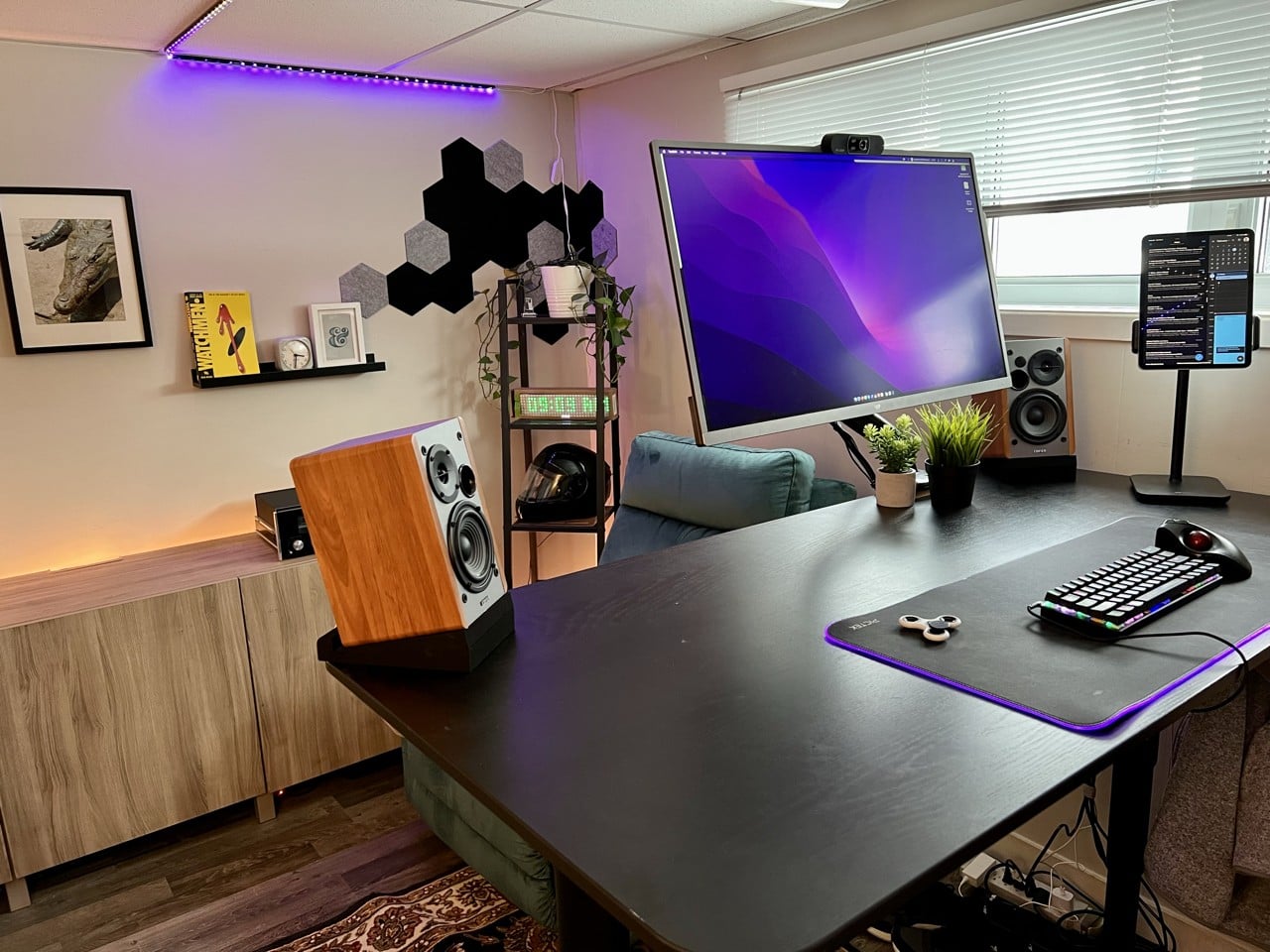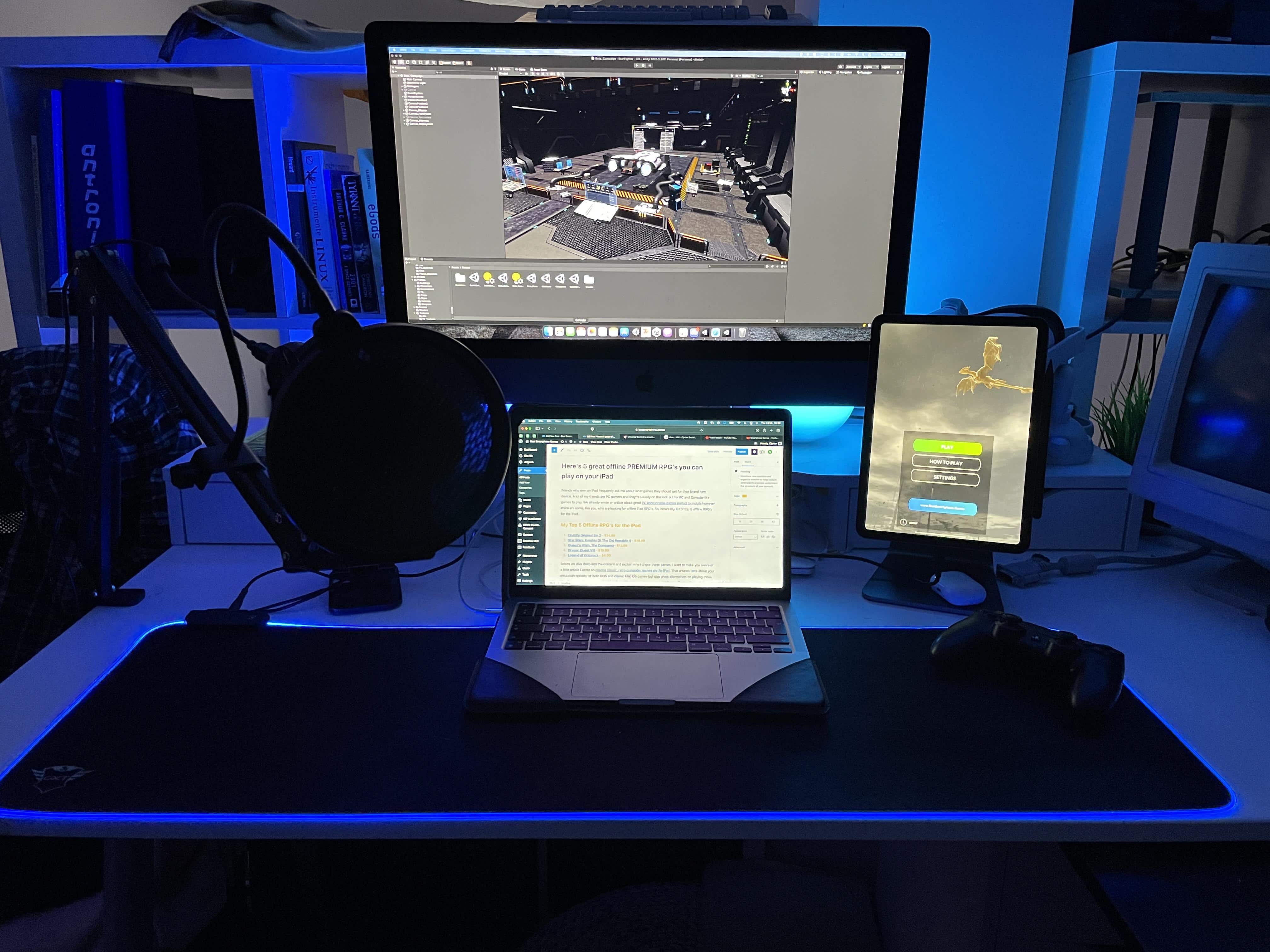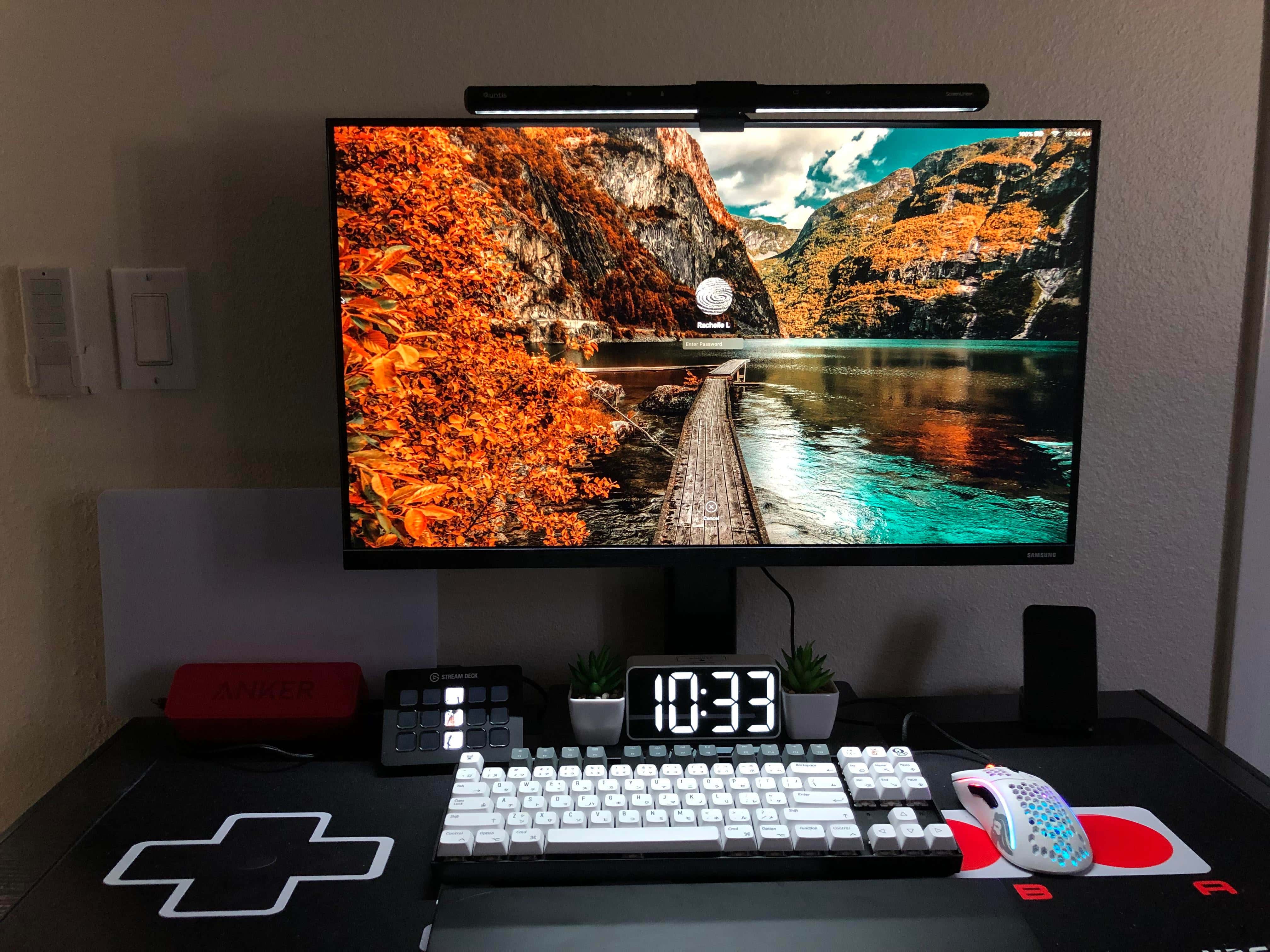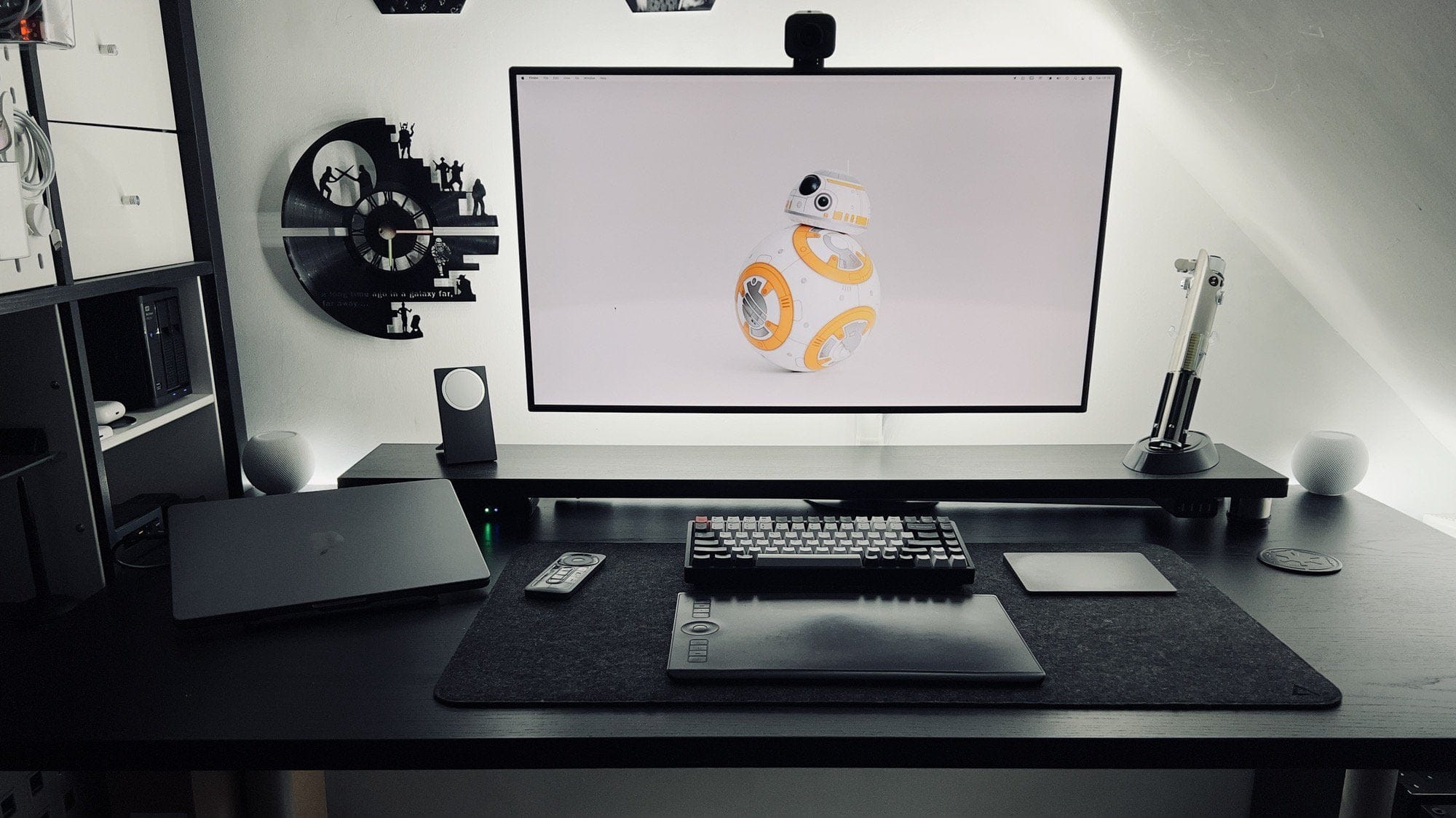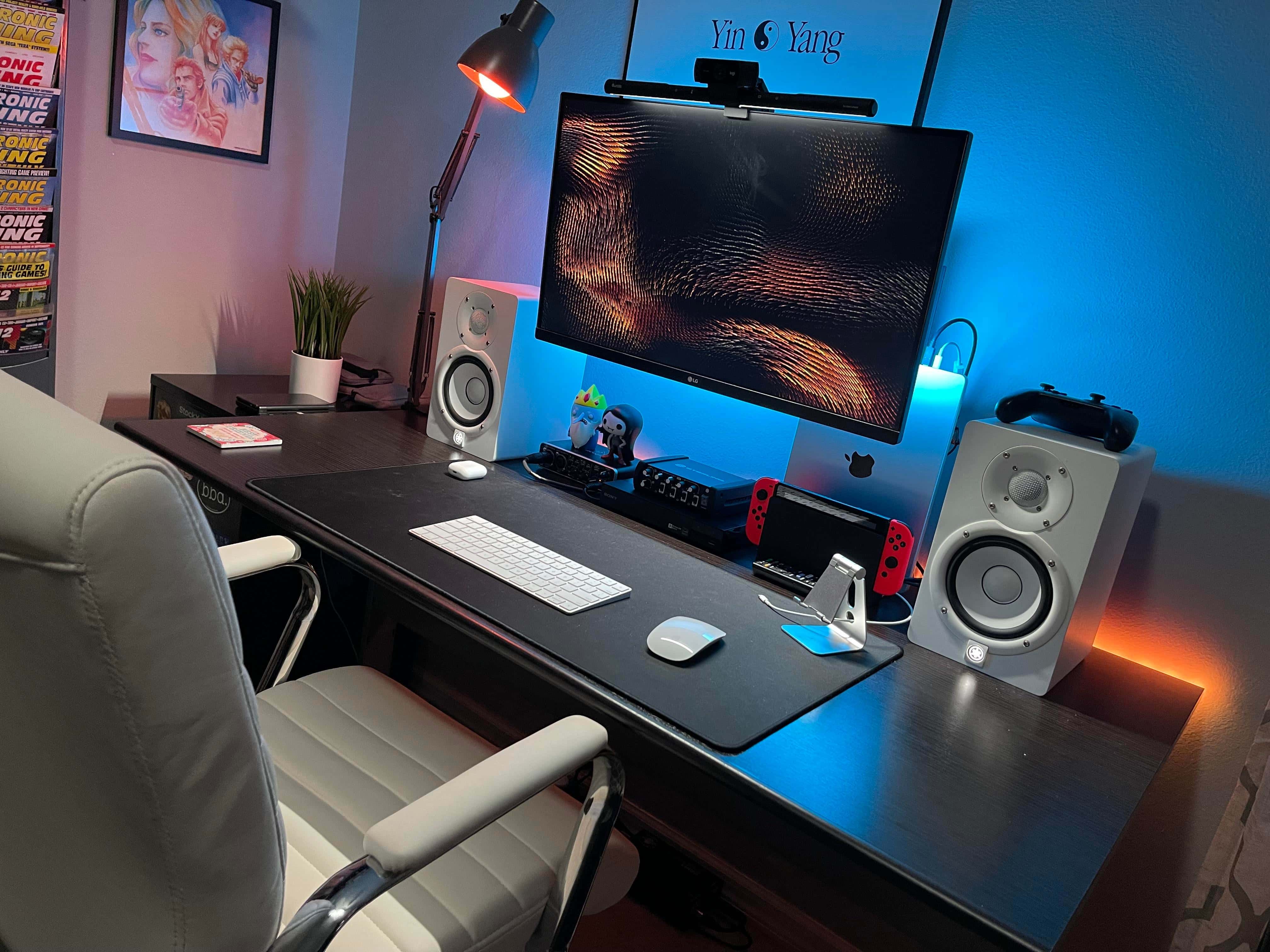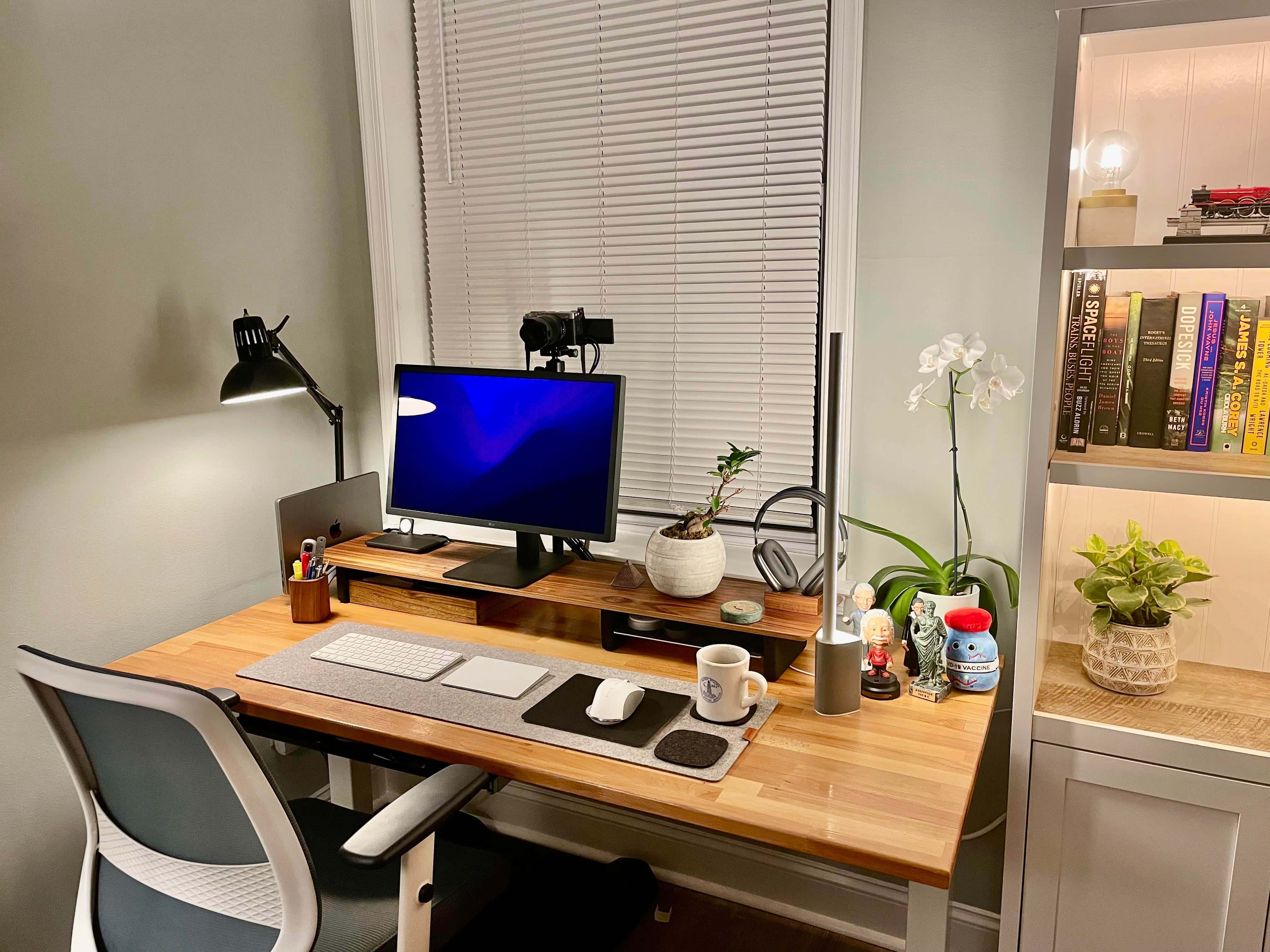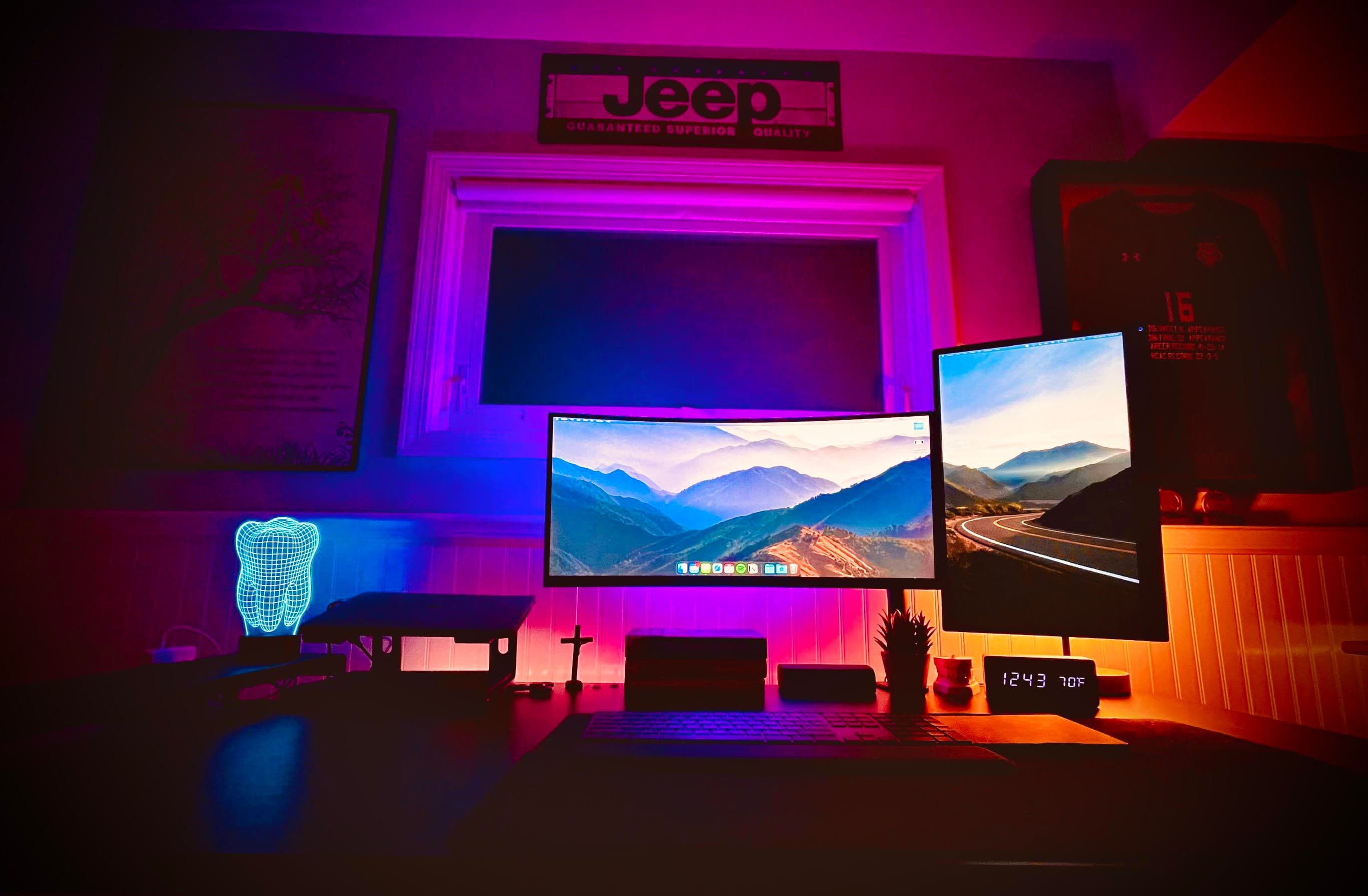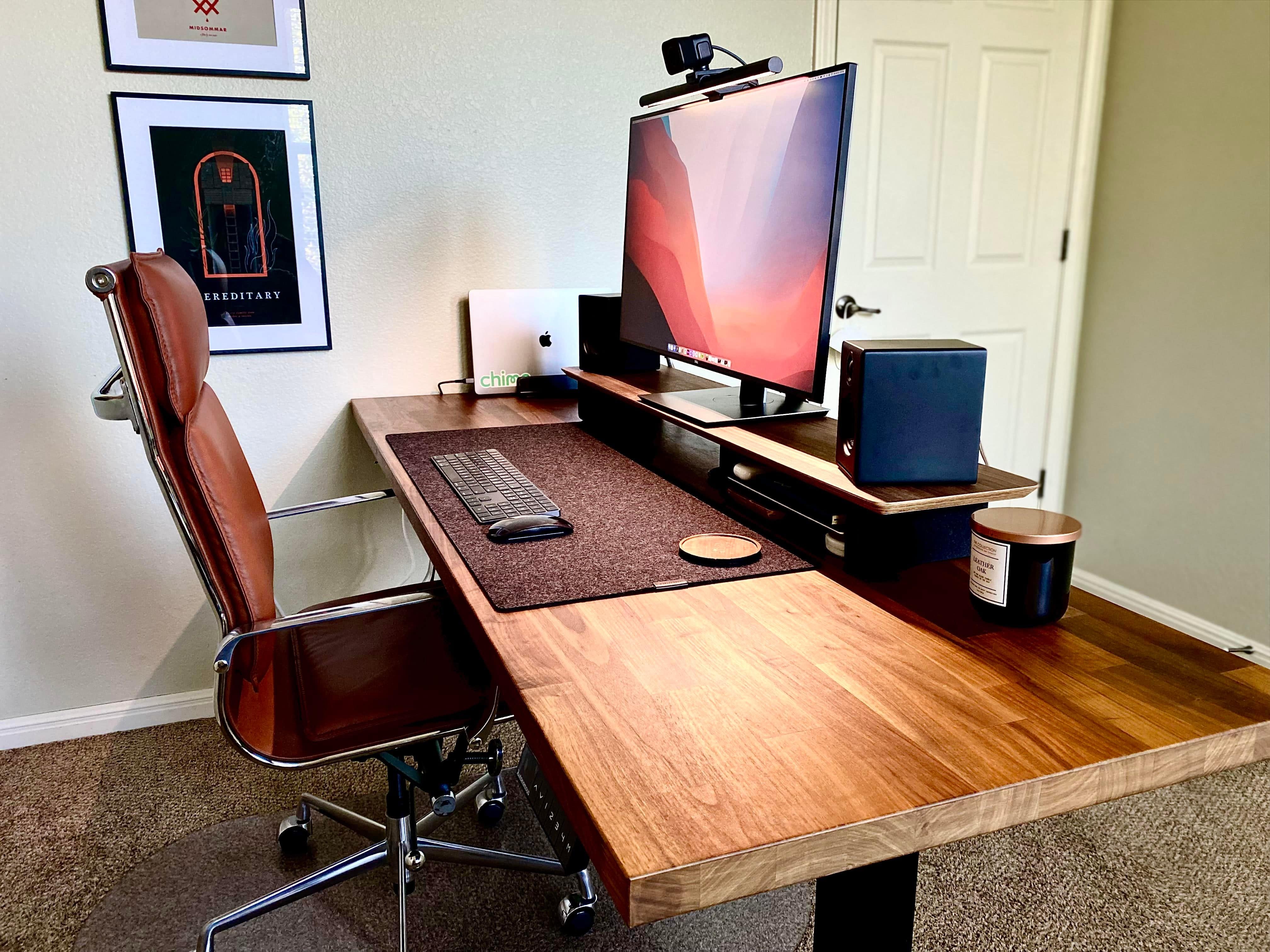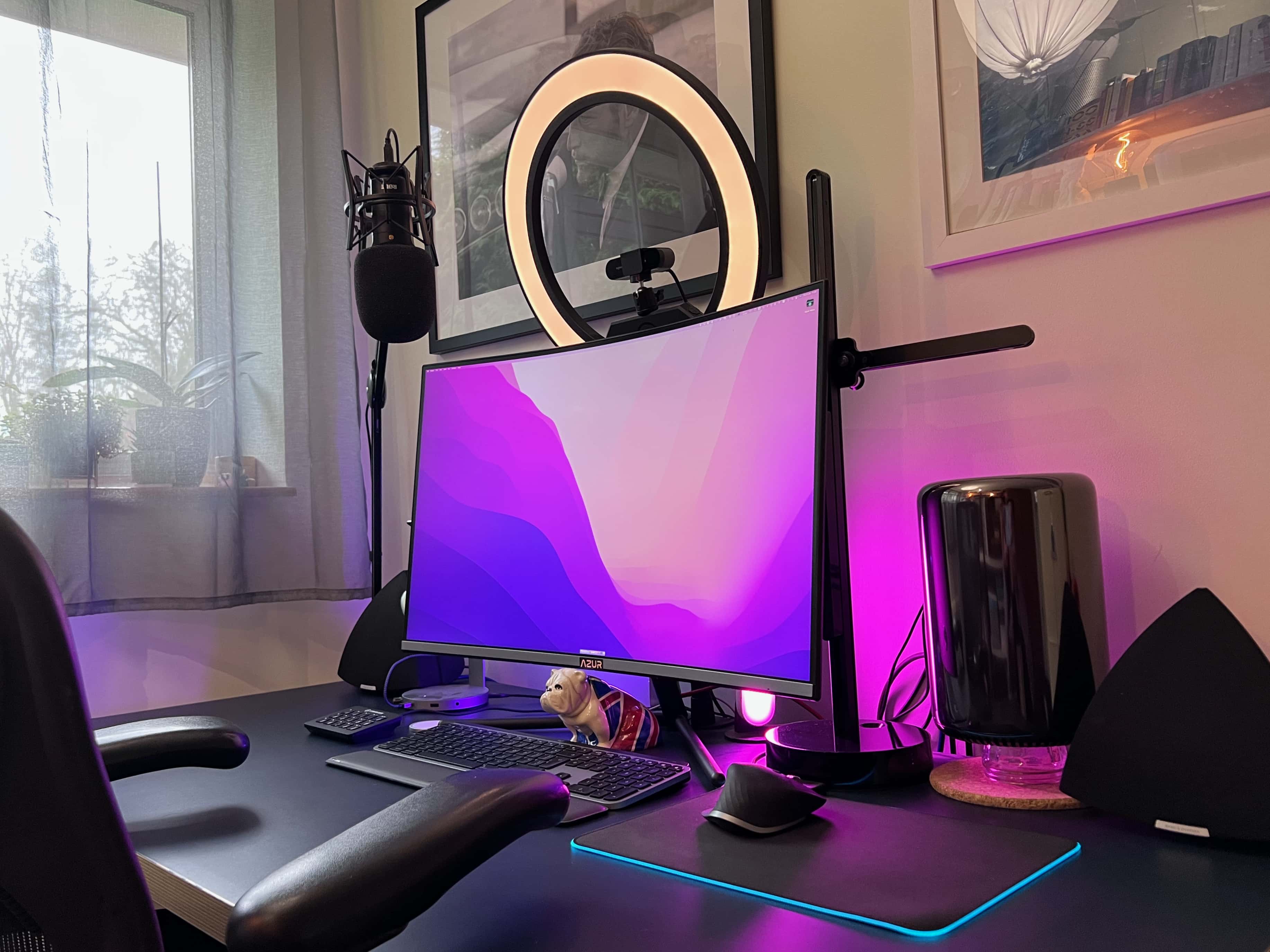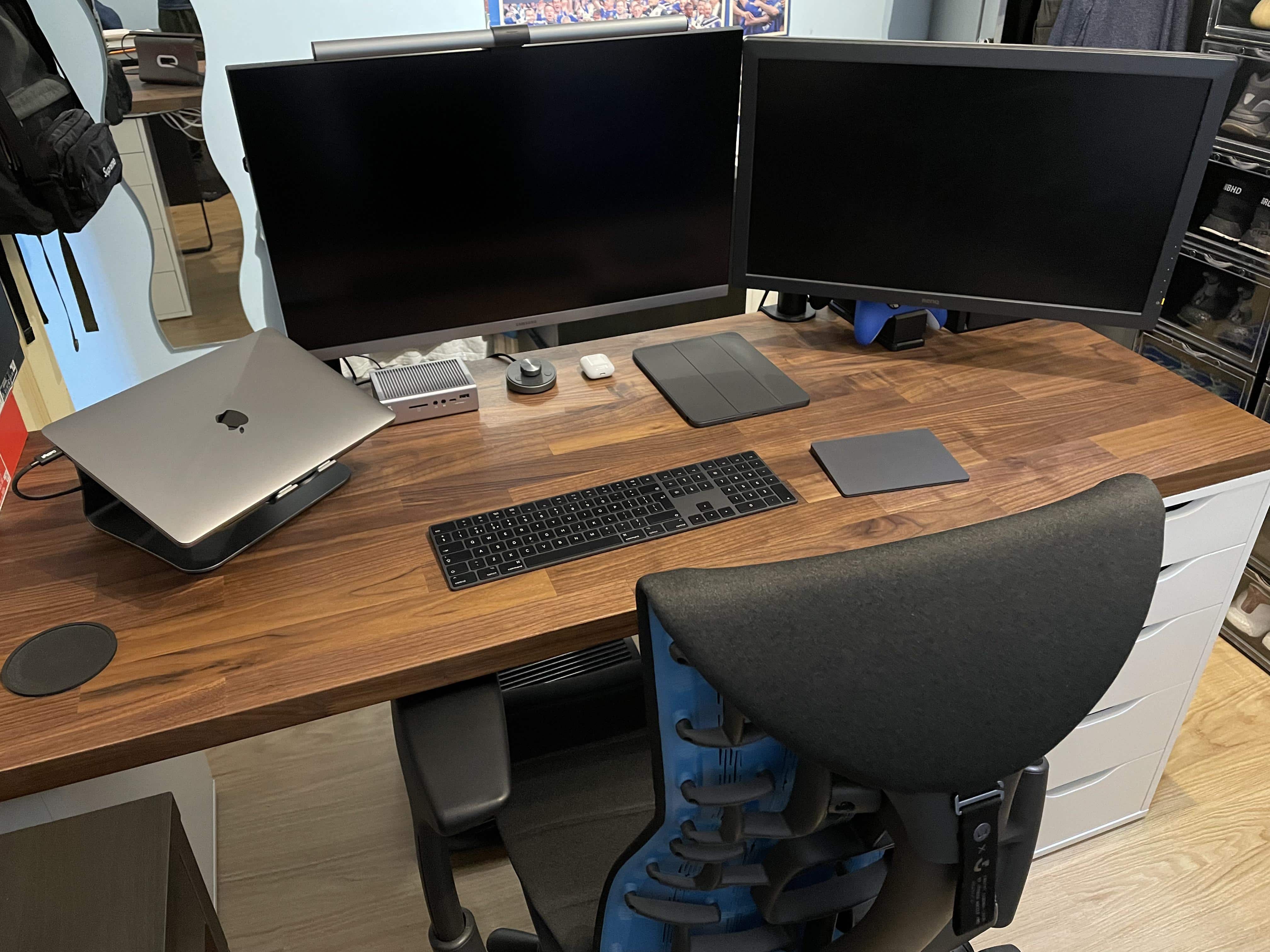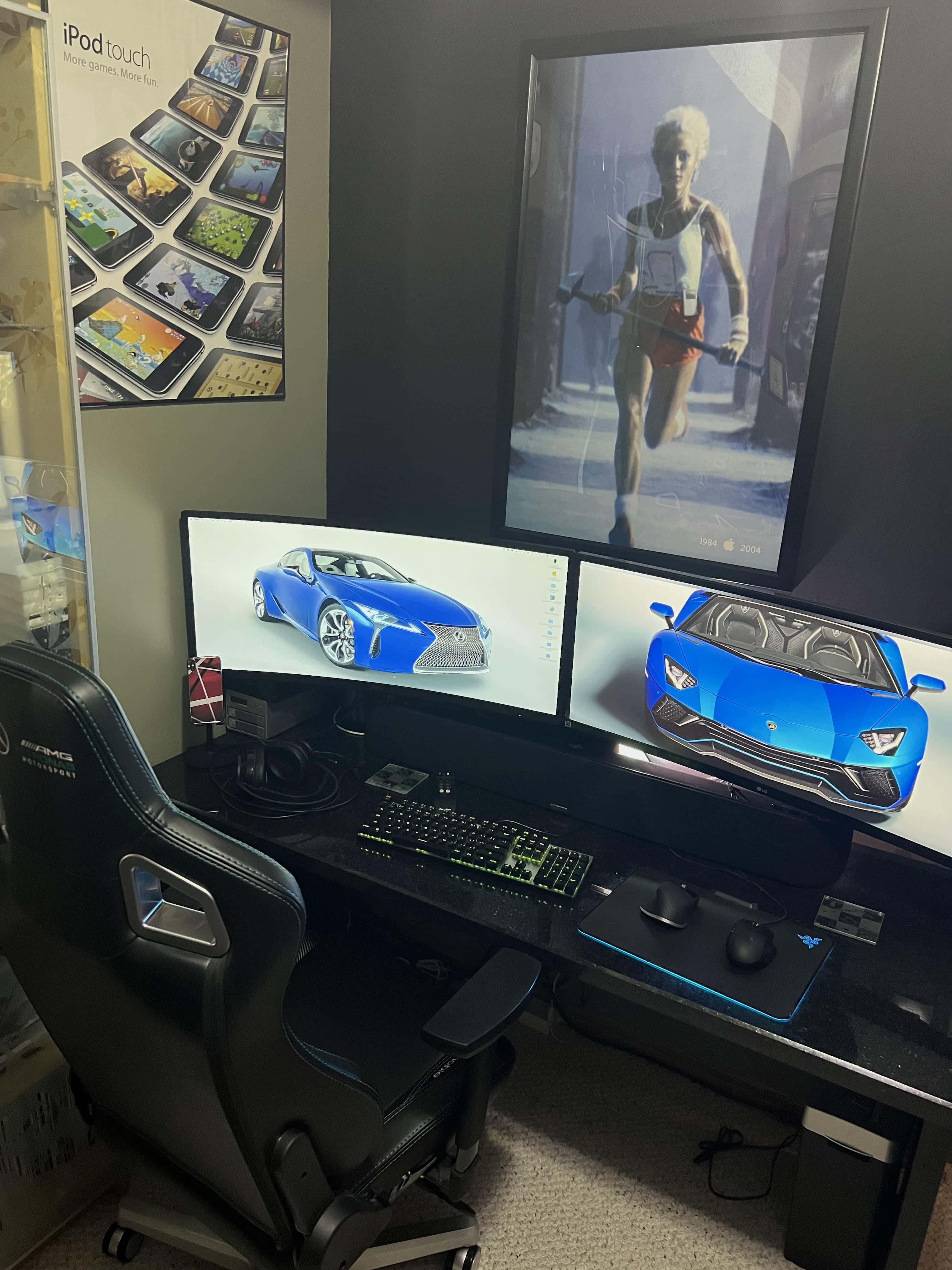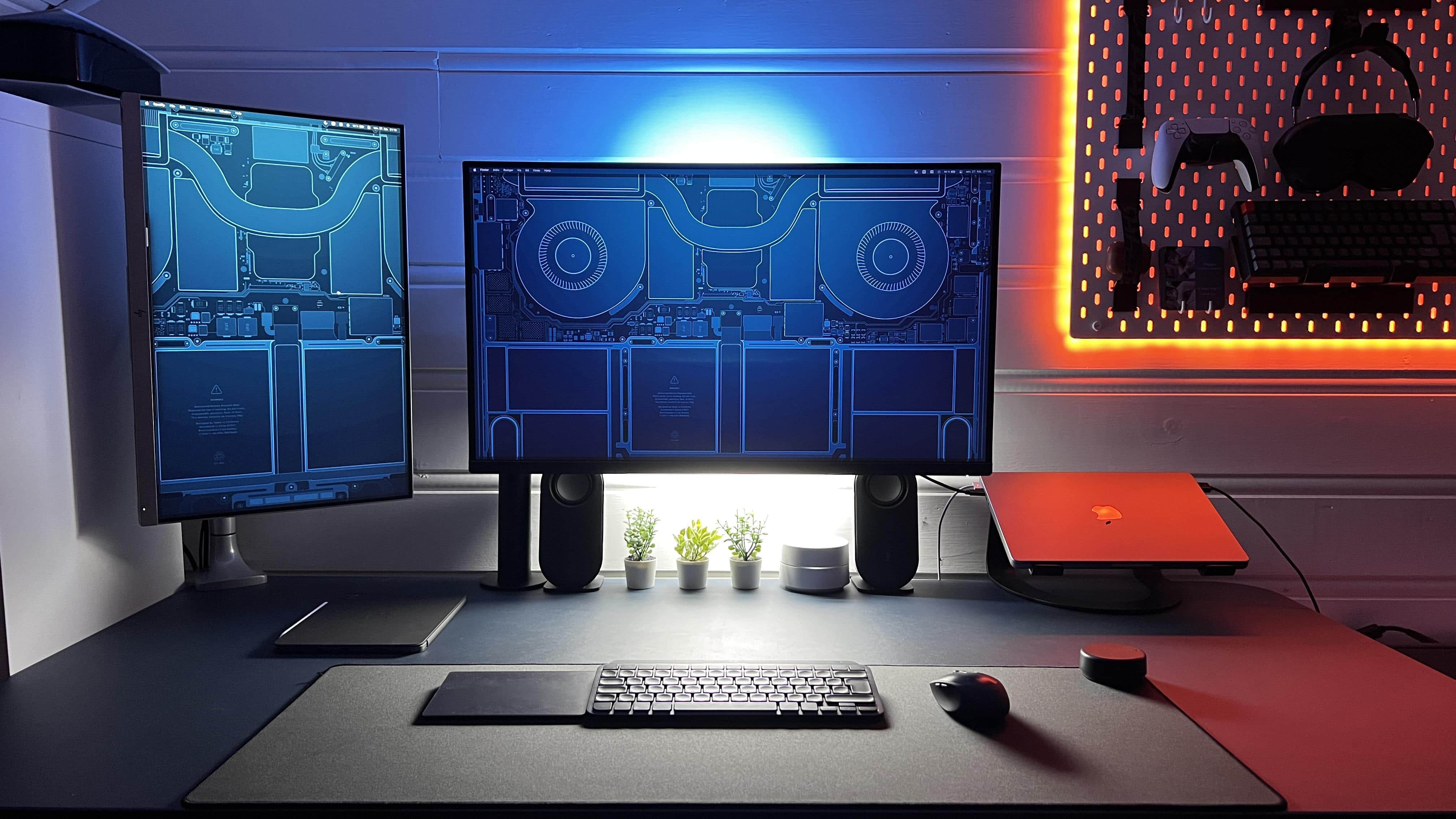
Does this look like a designer's setup, or does this look like a designer's setup. Photo: [email protected]
Leave it to a digital product designer to work their magic in a tastefully pristine workstation with an absolute minimum of cable clutter. “Cable management gets a 10 out of 10,” one person said of today’s featured computer setup. And all that walnut wood doesn’t hurt, either.
But how did they manage to tame the cable monster?
In terms of proper ergonomics, the "before" photo set off some alarm bells. Photo: [email protected]
If your computer setup had three screens, including a MacBook Pro, an iPad and a 32-inch external monitor, would you make the iPad the center screen? Would you put your screened devices on stands, or leave them at or near table level? Today’s setup saw a transition that might actually save its owner from years of physical therapy.
“This is what neck pain would look like if it were a setup,” someone said about the “before” photo, above.
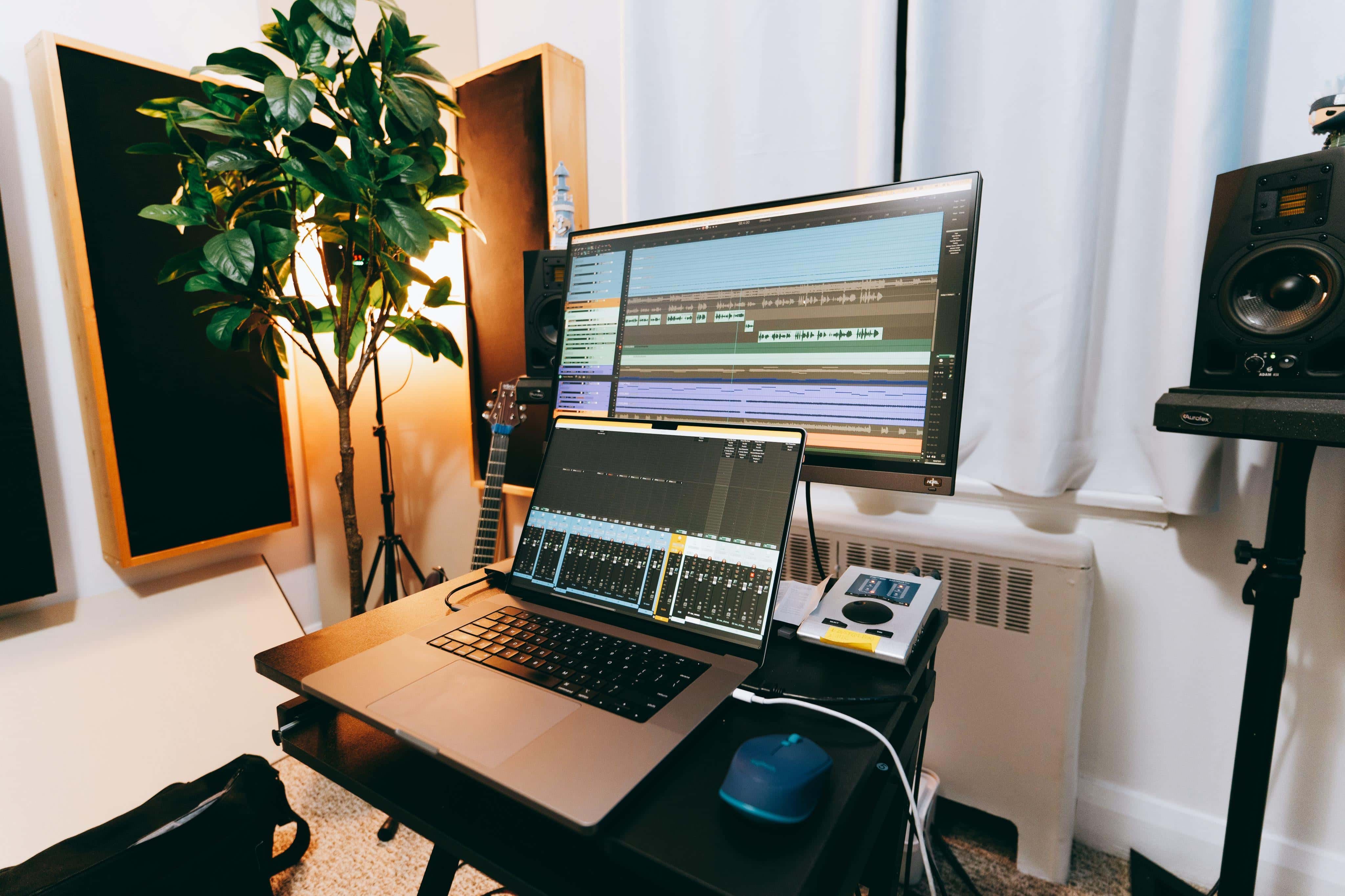
The audio engineer who uses this setup calls their 16-inch M1 Max MacBook "an absolute beast" on the music production front. Photo: [email protected]
Here at Cult of MacSetups Central, we’ve looked fairly closely at quite a few audio-centric workstations used by the likes of sound designers, video mavens and plain ol’ music fans. Today’s featured setup, with a souped-up 16-inch M1 Max MacBook at its core, belongs to an out-and-out audio engineer from Canada named James.
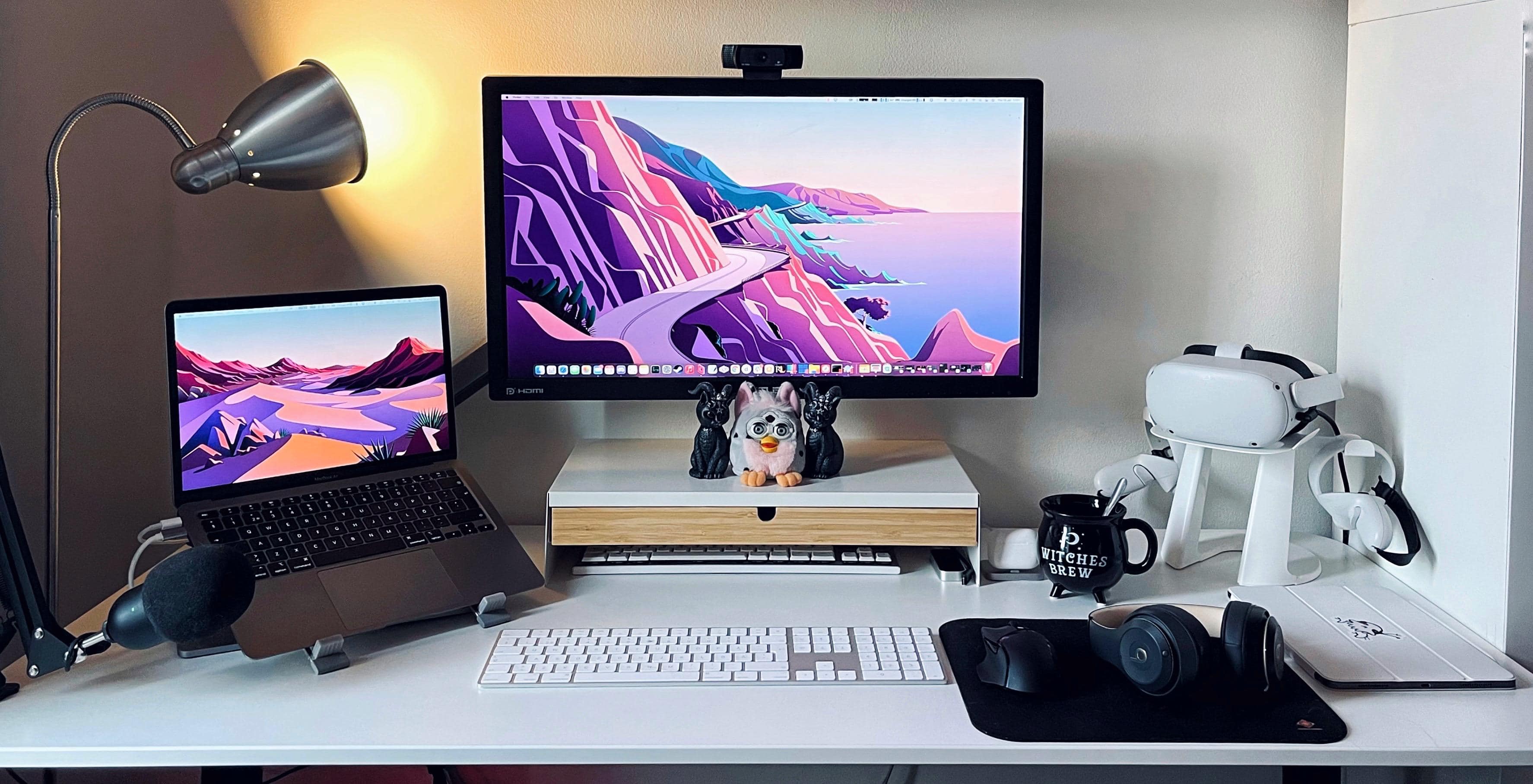
Gamer and 3D animator Jazinity said she’d been a Windows user for most of her life before M1 Macs caught her eye and she made a nearly wholesale switch, going from a tri-display PC gaming station to a “cozy but productive” M1 MacBook Air situation.
The refurbished Furby in the center of the photo may or may not have been in the previous computer setup, but not much else. She has another Furby at her desk at the office, though she’s working at home for the time being, like many people these days.
Basic Apple Guy's setup, the "kitchen edition," needs to be easy to clean and move. Photo: BasicAppleGuy.com
Blogger Basic Apple Guy, whom we’ll call BAG, has been an Apple fan since high school shop class, when he convinced the teacher that making an iMovie on the teacher’s iMac G3 should fit into the curriculum. Now, decades later, BAG’s passion lives on. It showed when he recently shared one of his computer setups, the “kitchen edition.”
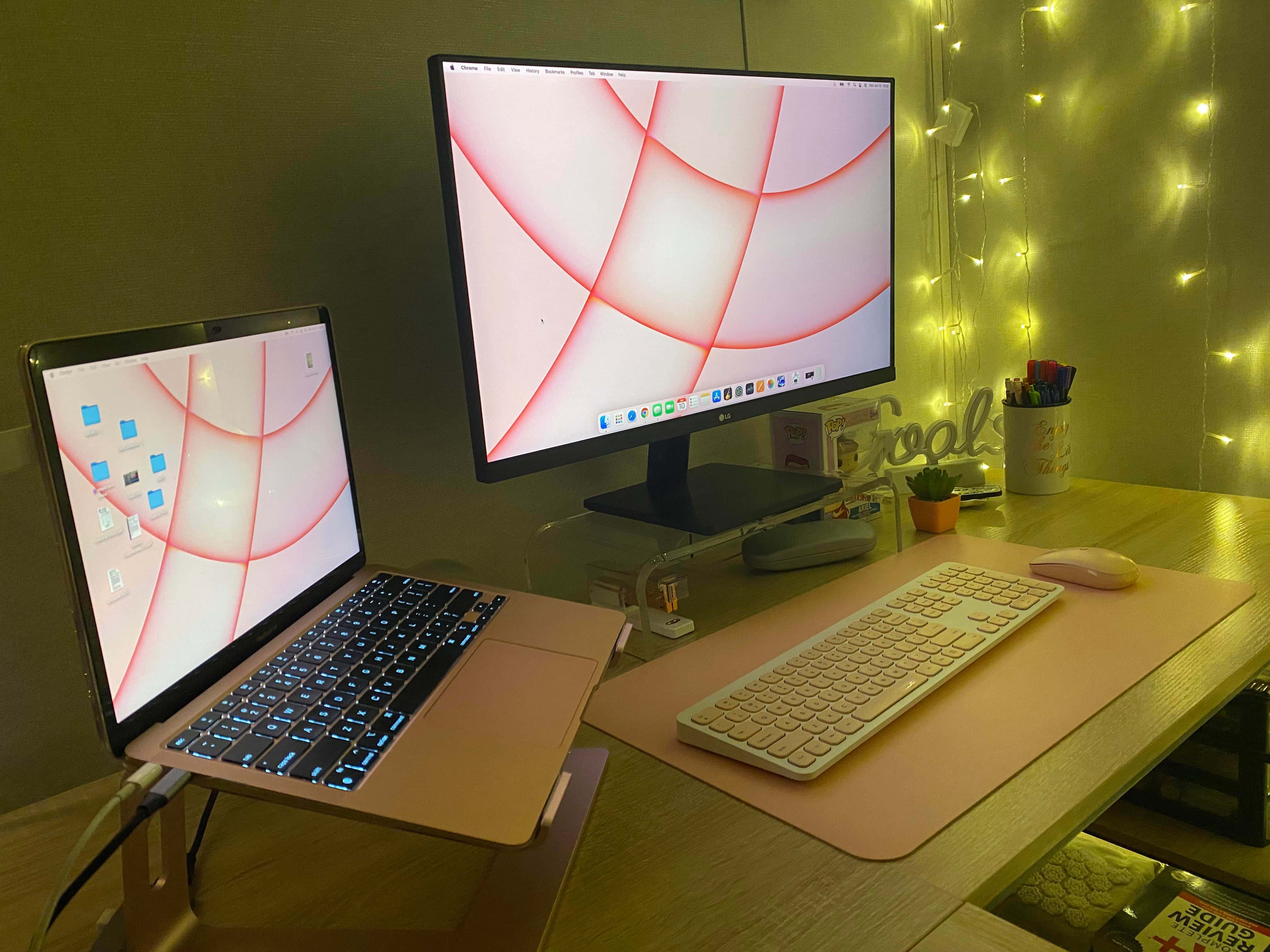
You don't have to spend a lot to have a highly functional and attractive computer setup. Photo: [email protected]
With all due respect to some of the whiz-bang, over-the top computer setups we’ve looked at here at Cult of Mac, you don’t have to spend a zillion bucks and a year of your life putting together a highly effective workstation.
Today’s featured setup is not without flair and it gets the job done — all for the price of an M1 MacBook Air plus a few hundred bones, more or less.
Another trash can Mac Pro is still doing its thing. Here you see it elevated to help with cooling. Photo: Andrew-UK
Reader and technologist Andrew (last name redacted, so to speak) runs a “boutique AV, IT [and] cyber systems integration company from a home office” in London — though he supports sites worldwide. Clearly, he has a lot to do.
And he does it using a late-2013 Mac Pro he fondly said should be on the Death Star from Star Wars, plus a 2017 MacBook Pro he described to Cult of Mac as “perhaps the worst-constructed laptop I have ever owned.”
Mmm ... space gray Magic Keyboard and Magic Trackpad. What, no mouse? Photo: [email protected]
If Apple takes something away, people tend to want it more. We see this in the persistent coveting of space gray peripherals — Magic Trackpad, Magic Keyboard, Magic Mouse 2 — that the Cupertino tech giant stopped selling separately last year after the iMac Pro’s discontinuation.
Following the space gray iMac Pro’s launch in 2018 with matching peripherals exclusive to it, owners found they could sell the dark-hued input devices for mad money. So Apple jumped on that market, charging a slight premium over the silver versions, though not forever. But space gray gear still carries a certain cache.
The one harkens back to 1984. Photo: Michael De Jong
For the first computer setup featured in the new year, we look backward. Not to the recently subsided and mostly loathed 2021, but further back to a controversial Apple product launch from nearly a decade ago. And deeper into Apple’s storied history. Cult of Mac reader Michael De Jong shared some interesting older gear and some iconic imagery with usin his setup photographs.
A new MacBook Pro replaced a 2019 27-inch iMac in this setup. Photo: [email protected]
The new M1 Macs are impressive — especially the newest of the new, the M1 Pro and M1 Max MacBooks. They’re so impressive, we see them replacing even late-model desktop Macs that have years of useful and even impressive life left in them. Such is the case with today’s year-end setup.
In a twist on the old phrase uttered at this time of year, “Out with the (not very) old, in with the (insanely great) new.”
Dual, mounted monitors and an M1 hidden Mac mini make for a clean desktop. Photo: [email protected]
We keep coming across two great secrets of super-clean desktops when it comes to computer setups. As shown in today’s featured setup, they’re both about creating significant amounts of open desk space in different ways — without losing any access to your gear or forfeiting any computing power.
And we’re not just talking about clearing away basic clutter, or even cable clutter, although that always helps. We’re talking about how you can get some of your main equipment up and off the desk so you have room in front of you. Redditor kurtvdpoel demonstrates the two excellent methods in his post, “Home office with Mac mini Apple M1.”
If you’re an avid gamer, or maybe just an aspiring one, it pays to know which displays and accessories will best serve your needs. Not just any display, input device and headset will keep up with today’s graphically rich games. The dual M1 Mac and Sony PlayStation 5 computer setup we look at today demonstrates some good choices you might consider.
Redditor smhppp uses an M1 Mac mini for personal uses, an M1 MacBook Air for work and a Sony PS5 for gaming. They showed their setup in a post entitled, “Current setup, spec in comments for those interested.” It’s one of those one-vertical-and-one horizontal-display setups so many people are trying lately.
That's a sweet ride in the center, there, under the 32-inch LG monitor. Photo: [email protected]
It’s Christmas Eve, and all we want for the holiday is a Porsche 911. It could be a gleaming new one, with a base price of a mere $99,200. It could be super-cool vintage one. Or it could even be a Lego one like the one featured in today’s MacBook Pro and iPad Pro-driven setup.
OK, given our paltry income, who are we kidding — we’d even take a die-cast 911, like the Matchbox cars of our youth.
A key light can be a webcam's best friend. And did you know your HomePod minis need a subwoofer? Photo: [email protected]
Sometimes when you’re trawling the interwebs for cool computer setups, you learn a lot not just from the person bragging about their gear in a social media post, but also from the folks admiring or lambasting it. Such is the case with today’s iPad Pro and Dell widescreen setup.
Its owner and other folks push the importance of adding a good webcam and good lighting for successful videoconferencing. And other folks make a compelling case for adding a subwoofer to paired HomePod minis if you want any bass at all in your music.
The Uplift standing desk and its accessories helped a lot with reducing cable clutter. Photo: [email protected]
OK, so no 2021 award for Most Fastidious Cable Management, mentioned in this article’s headline, exists — at least not around here. But if it did, we might hand it to the person behind today’s setup.
It centers on a 2020 13-inch MacBook Pro and a 32-inch LG 4K display. And it keeps cable clutter to an extreme minimum.
Everything is white, even the M1 Mac mini. But how did that happen? Apple doesn't make it in white. Photo: [email protected]
If you look up “11.11” in the Slang Dictionary, it says, “If it’s 11:11,make a wish! Some people believe 11:11 is a magic number or lucky time of day, good for making a wish … or reaching cosmic enlightenment.” Well, if something’s enlightened, or at least en-whitened, it’s today’s Mac mini-based setup.
It’s all there in black and white, really, with “11.11” writ large on the dual displays — probably via the Fliqlo screensaver, though it could be a clock app — and Nintendo gaming consoles aplenty.
Fine setup, but where did you get that wallpaper? Photo: [email protected]
One of the questions you see most in the comments sections of posts about computer setups on social media is: Where did you get that wallpaper? To many folks, the setup may be fine and dandy, but what they really care about is not so much the fancy hardware, but the imagery on the display that they might easily get for themselves.
Today’s setup is a prime example. It made us look back at 10 great wallpaper sources we’ve come across, below. That’s 11, actually, including today’s subject.
Would you make do with neither an external keyboard nor a mouse? Photo: [email protected]
With the new M1 Pro and M1 Max MacBook Pro models selling like hotcakes, a lot of people are wondering how to incorporate their new laptops into their computer setups. Is it enough just to use the laptop, or should it be used with an external keyboard, mouse or trackpad, as well as an external monitor? If you’re setting up your Mac and find that Bluetooth is off, you may need to know how toturn Bluetooth on Mac without mouse or keyboard.
Premium audio components make this setup a sonic powerhouse. Photo: [email protected]
Premium computer setups for gaming are known for their eye-popping visuals, of course — but they need great sound, too. Today’s featured setup gets there with a killer display but also a raft of audio gear by companies like Aiyima, Burson, Kanto and Hifiman. The headphones, in particular, may make you green with envy.
Redditor IsTowel is a front-end developer and designer as well as a gamer. Their post about their “Working and listening station” outlines some pretty high-level gaming specs in a Mac and PC, dual-display setup — especially for stellar sound quality.
This clean, M1 Mac mini-based setup packs a lot of audio-visual firepower. Photo: [email protected]
Some computer setups are remarkably cool for their awesome computing power. Others wow you with incredible displays, with several high-def monitors. And still others blow you away with premium sound. Or, in the case of today’s featured setup, premium audio-visual gear many people would be psyched to get their hands on.
An M1 MacBook Air and a ThinkPad Nano trade time with an HP 4K monitor. Photo: [email protected]
If you’re going to hunker down in a corner of a room and work until you’ve earned an MBA, you might as well do it on an M1 MacBook Air and have a nice view of passing trains. Except both of those things might help you procrastinate.
Oh, what a difference three external displays make. Photo: [email protected]
Not long ago we wrote about a person who fashioned an ergonomically healthy computer setup with little more than an M1 Pro MacBook. At the time, their fancy new display was still to-be-delivered, so they made-do without it. Now all the screens are in place and they make a magnificent workstation, with the MacBook running with one landscape-mode display and two portrait-mode monitors. It took some special connectivity tricks to make it happen.
It lives! A "SlaBook Pro" is a screen-less MacBook Pro hooked up to an external monitor. Photo: [email protected]
Ever wonder what to do if you damage your laptop’s screen? If you have no insurance or warranty coverage, is it simply time to lay that laptop to rest? No. Not necessarily. The rest of that laptop’s body can be reanimated like the creature from Frankenstein — only more productive, as you would expect from a Mac whose time has not yet come. Call it a “SlaBook” or maybe “MacStein.”
A souped-up Apple SE/30 and a Portrait Display are core to Ciprian's vintage setup. Photo: Bacioiu Ciprian
Bacioiu Constantin Ciprian, known online as “Zapa,” was born in Buzau, Romania, in 1991, not long after a revolution toppled communist rule there. He loved technology as a kid, but it was expensive and hard to get. And soon enough he realized how much he loved Apple products — especially those around in his youth.
Now a longtime resident of Bucharest, he designs and develops games to run on vintage equipment. And get a load of that retro setup!
This M1 Pro MacBook setup uses a 27-inch Dell monitor and a pumped-up audio rig. Photo: Andrew Michletz
Andrew, a customer service experience manager for an internet service provider in Minneapolis, shared his computer setup with Cult of Mac after a big revamp. He replaced a 27-inch 2017 iMac with a 14-inch 2021 M1 Pro MacBook, which he runs alongside his work laptop, a Lenovo ThinkPad T480S. He uses his Apple gear mostly for photo editing and music production.
“With work from home, I needed the ability to use the screen with both my personal computer and my work device,” Andrew told Cult of Mac (he requested we use only his first name). “I had been running Windows on the iMac via Boot Camp and using Miracast to wirelessly extend to the iMac screen from my ThinkPad. When it worked it was great, but it became unreliable over time, and I decided that a monitor with multiple inputs are the way to go.”
Andrew said the Miracast connection with the iMac became unreliable when he got a mesh network. It would sometimes work great, but often fail to connect, despite rigorous troubleshooting. So it was time to do a little shopping.