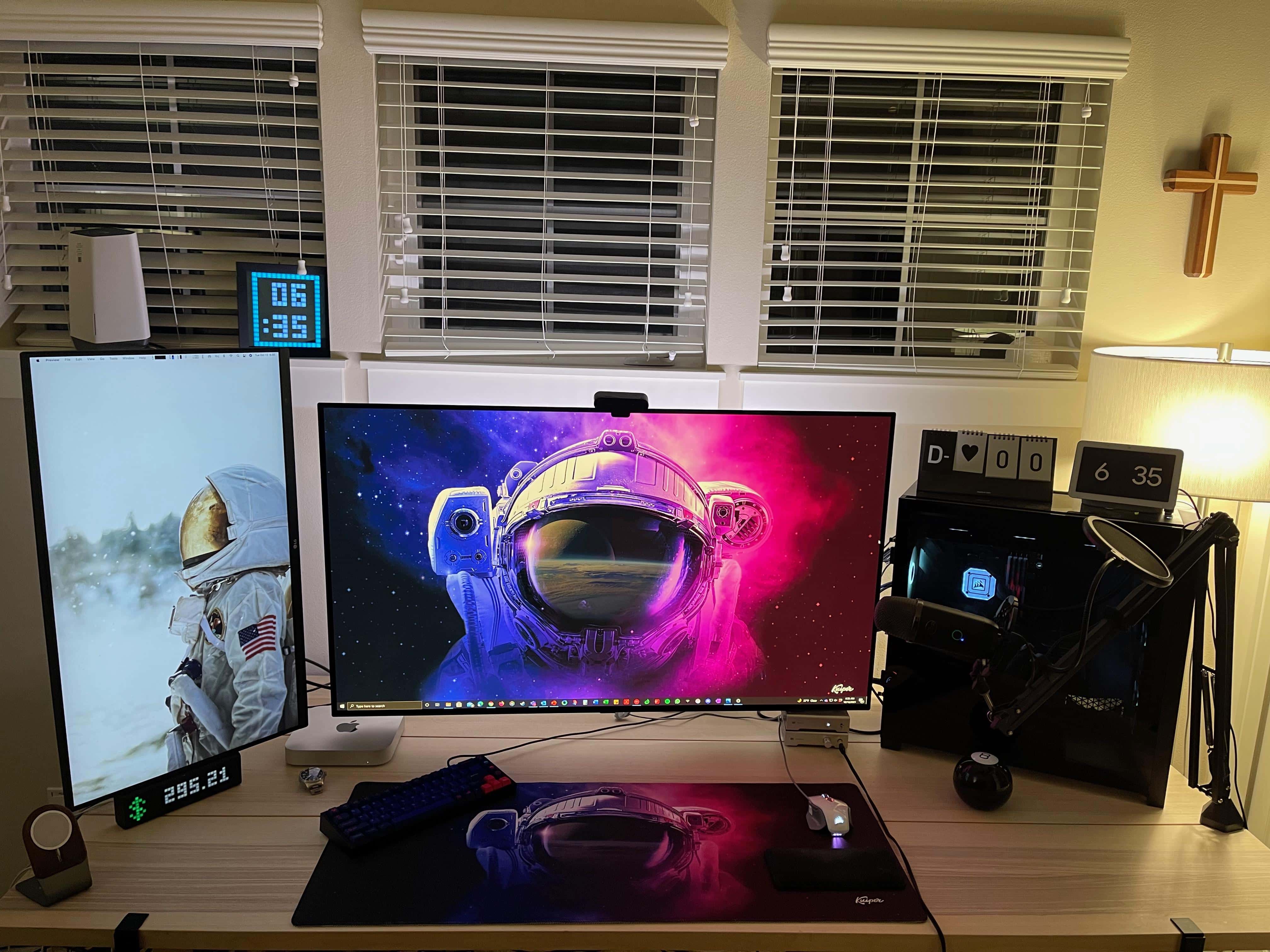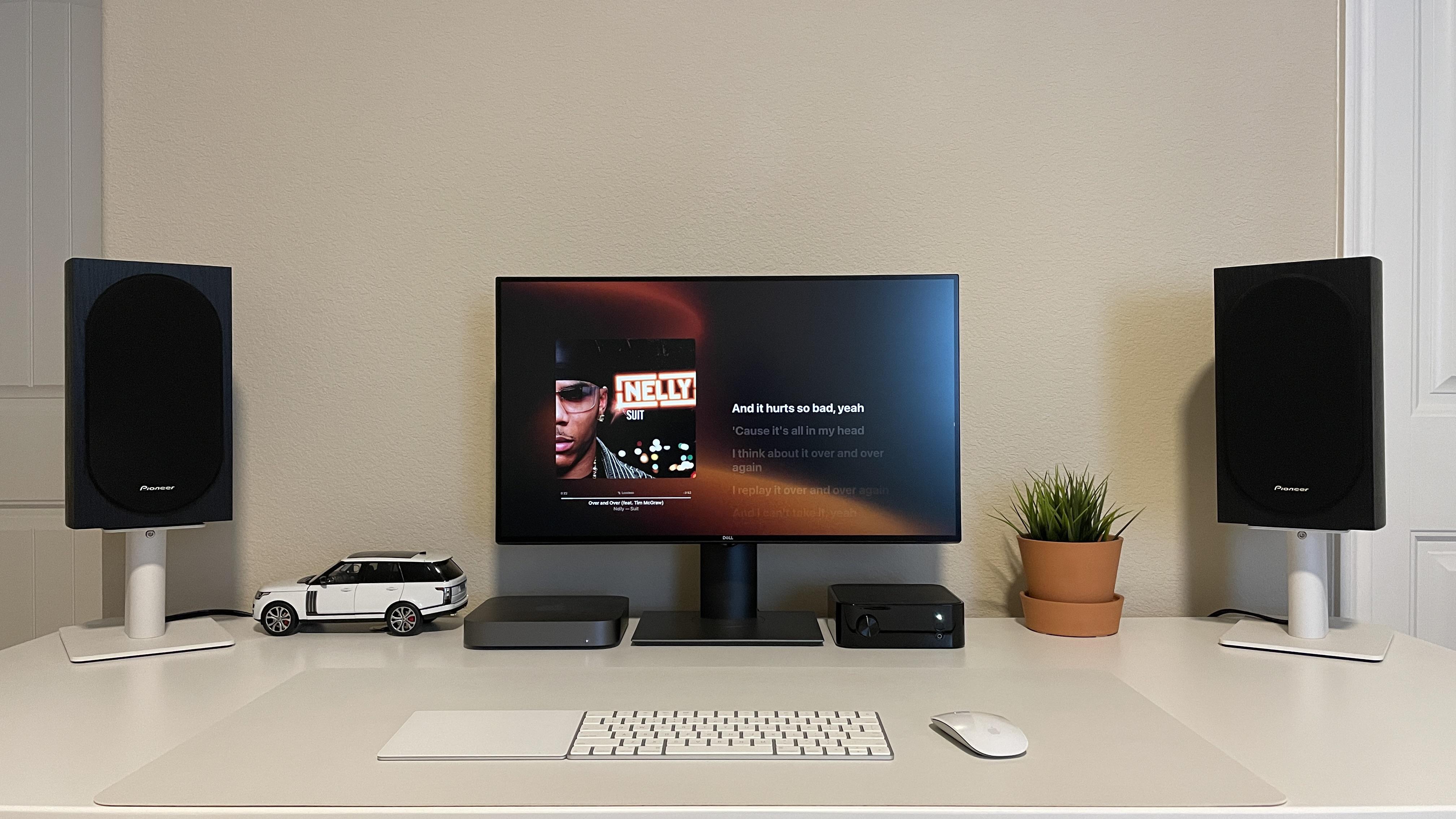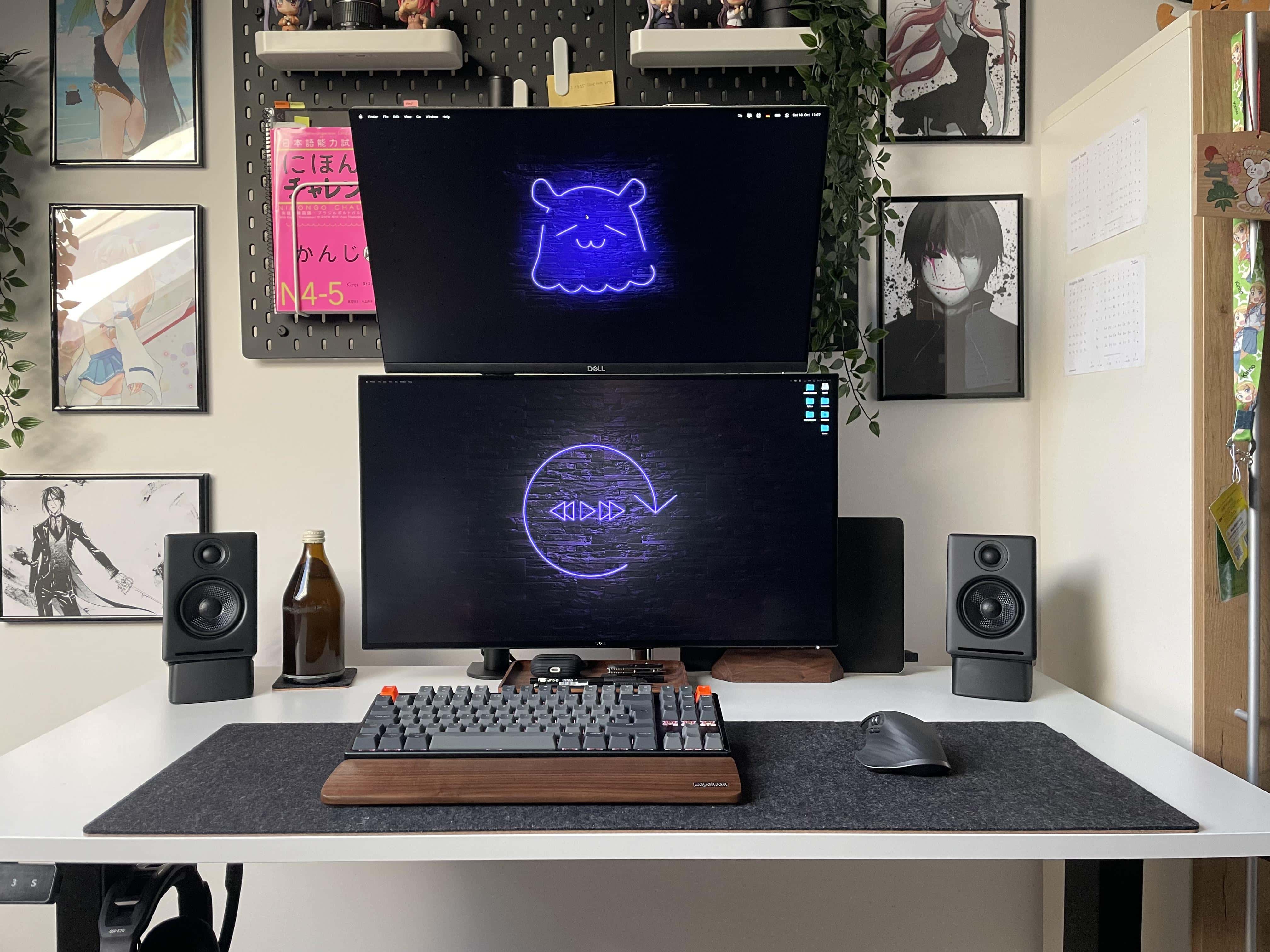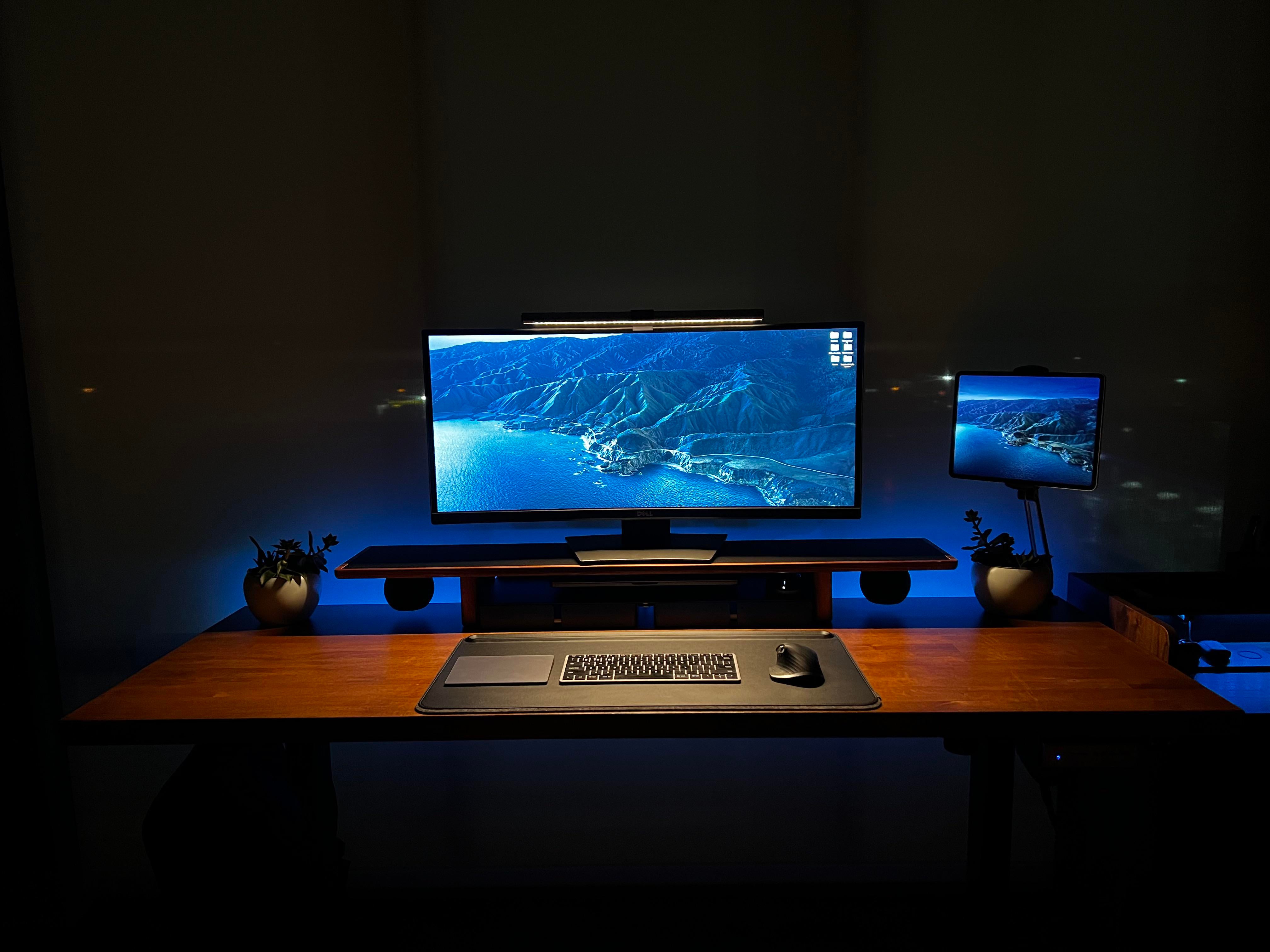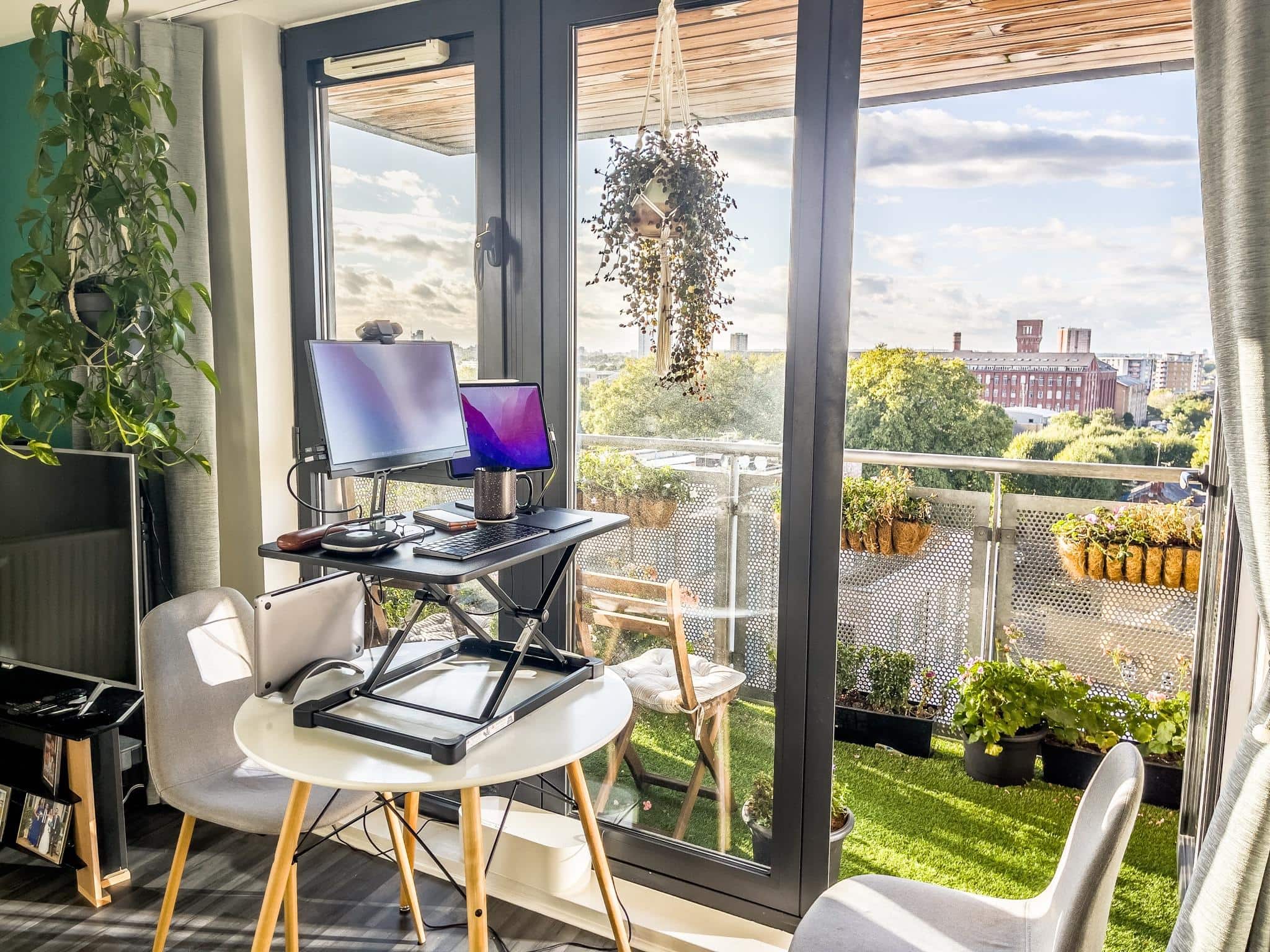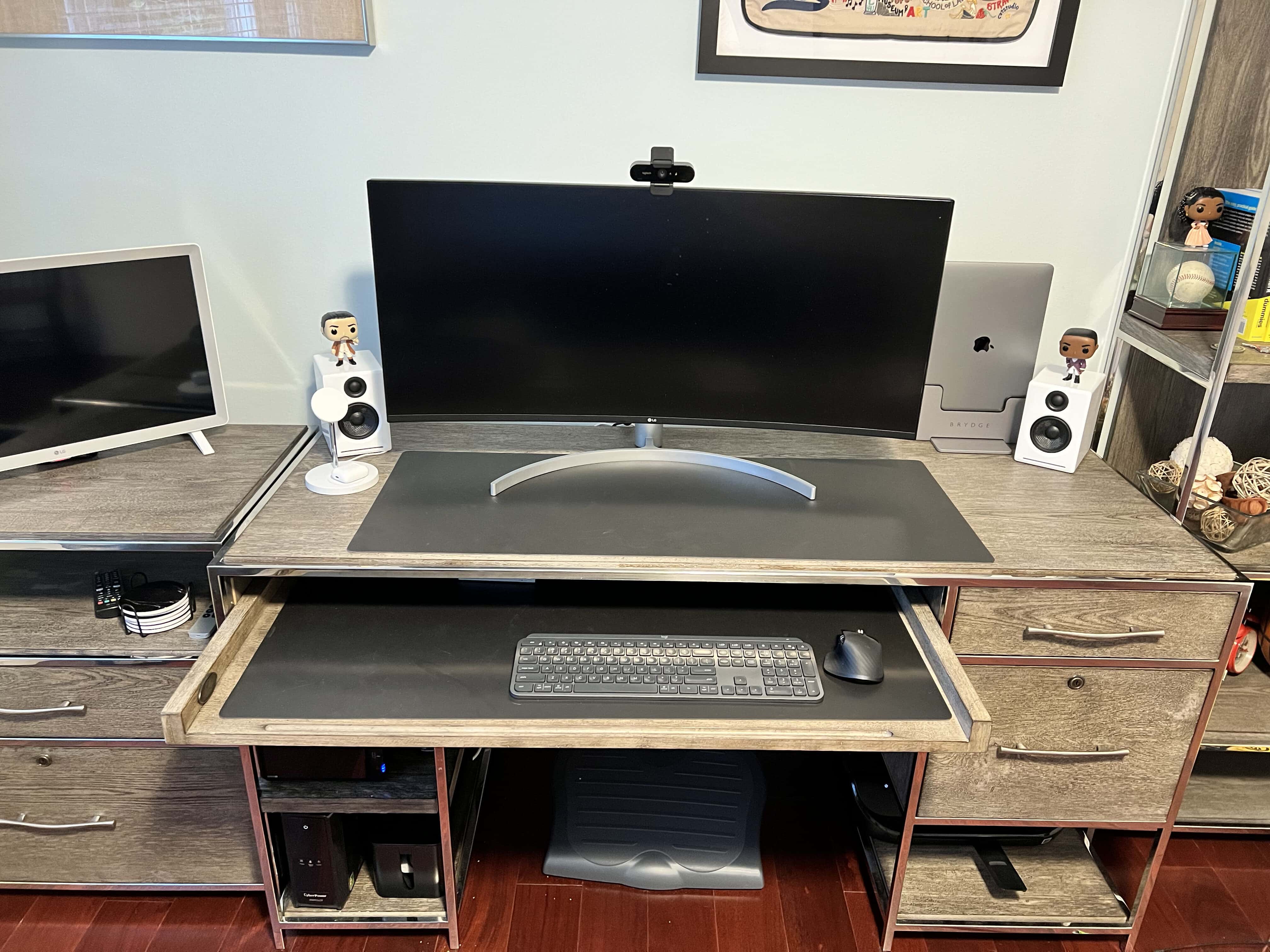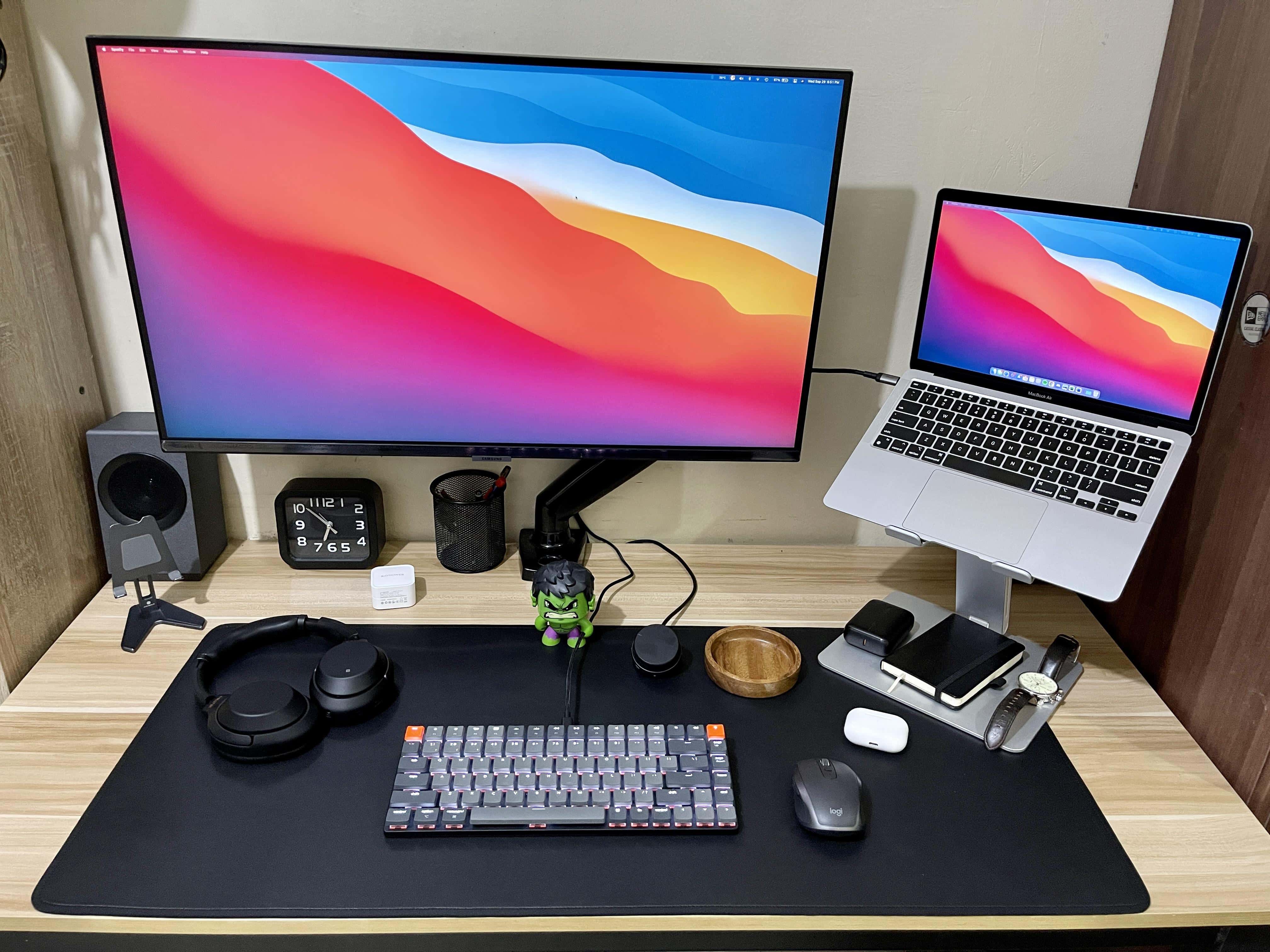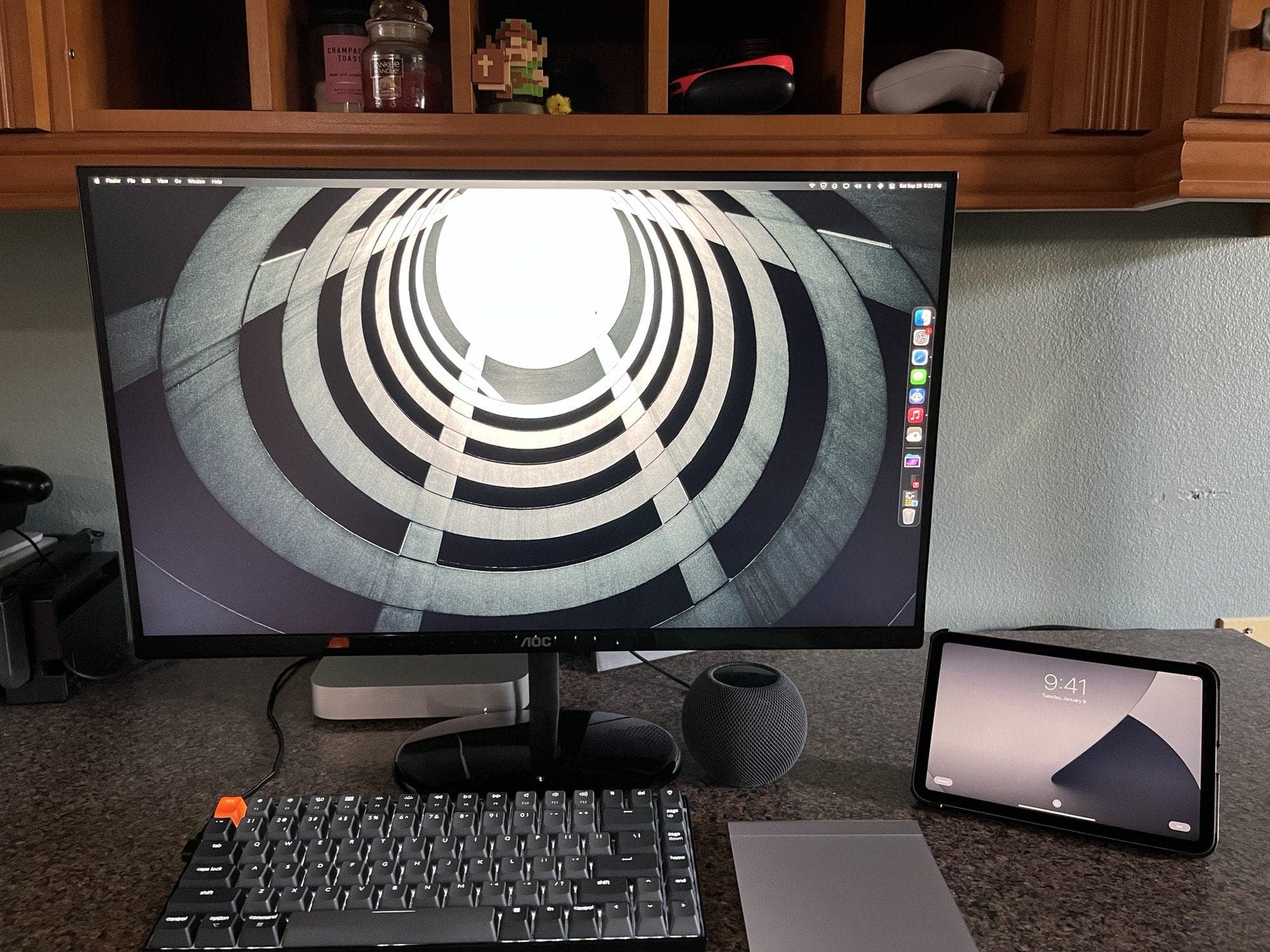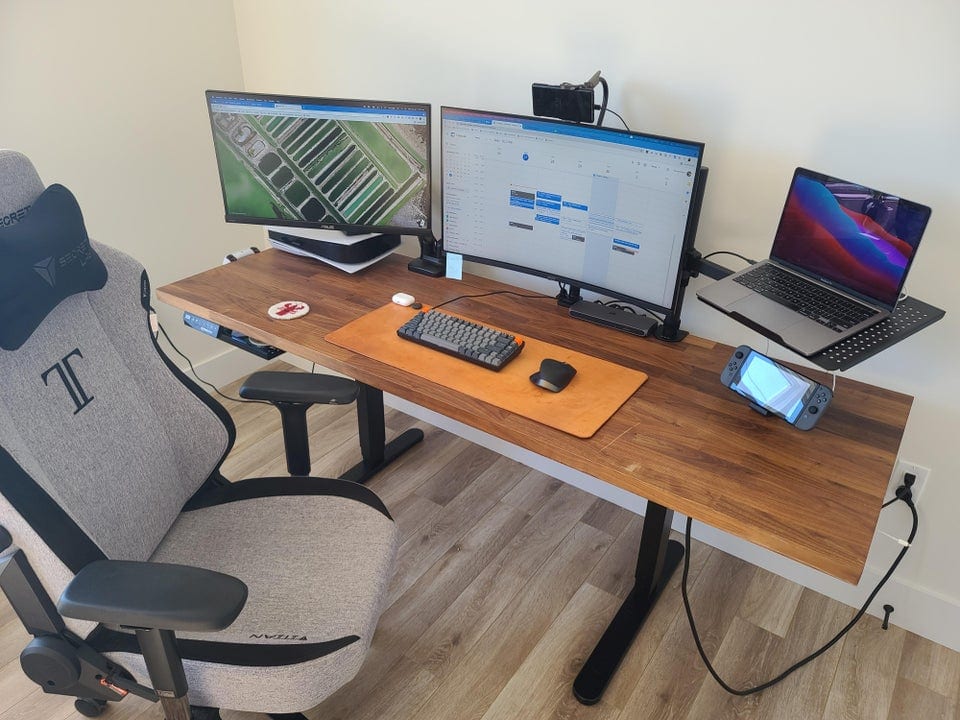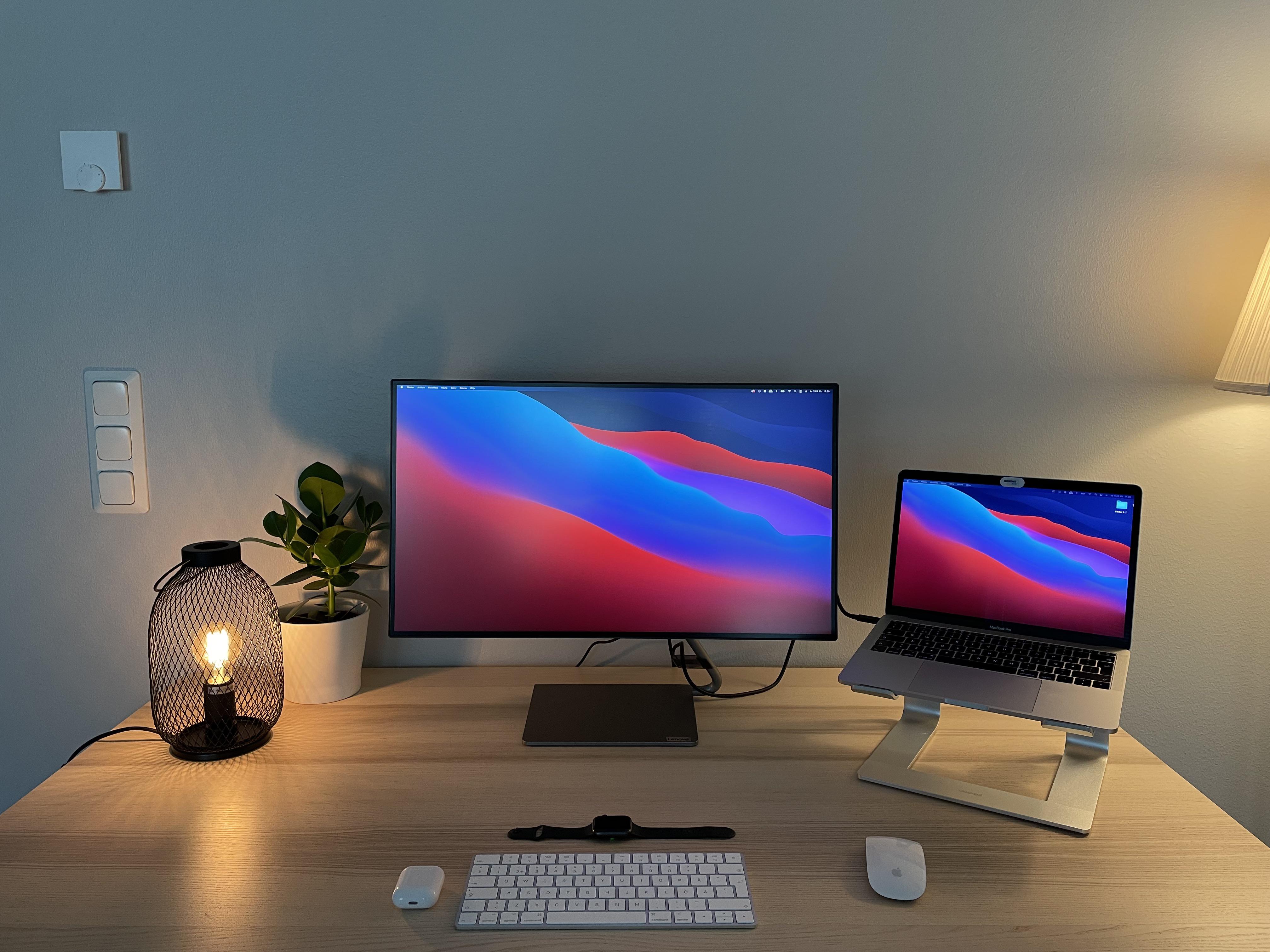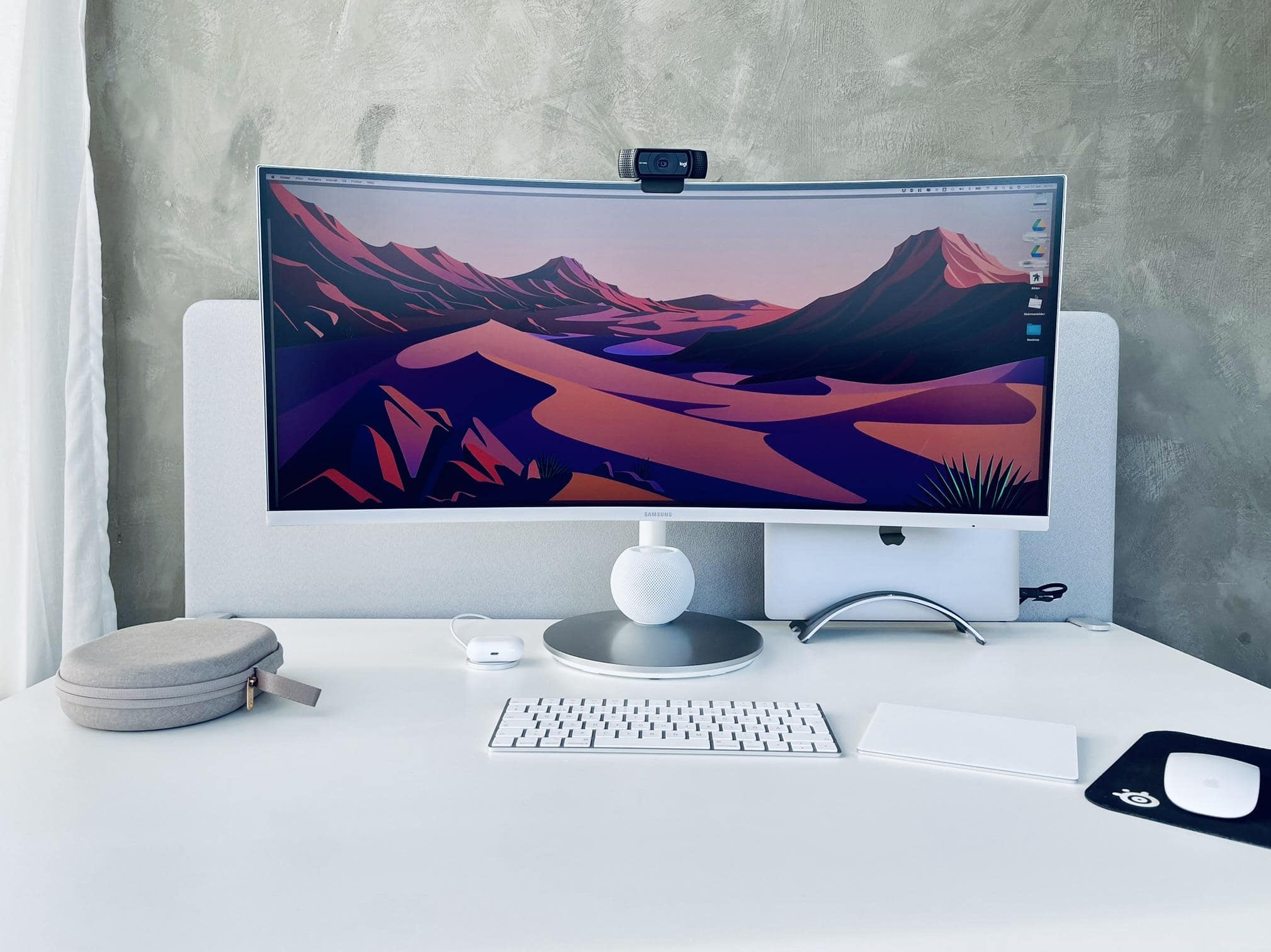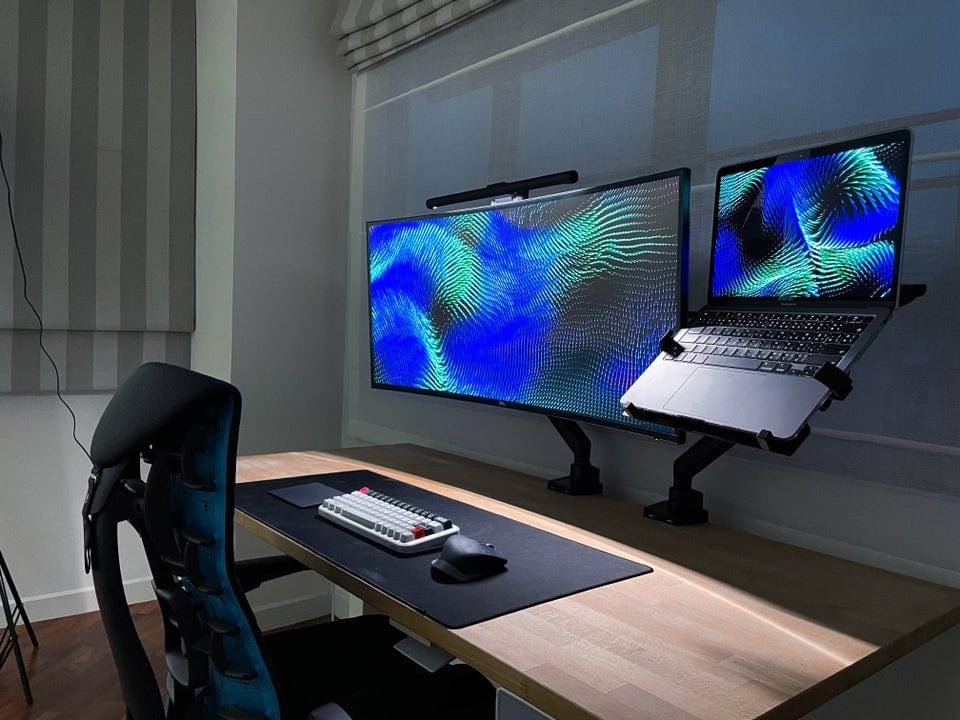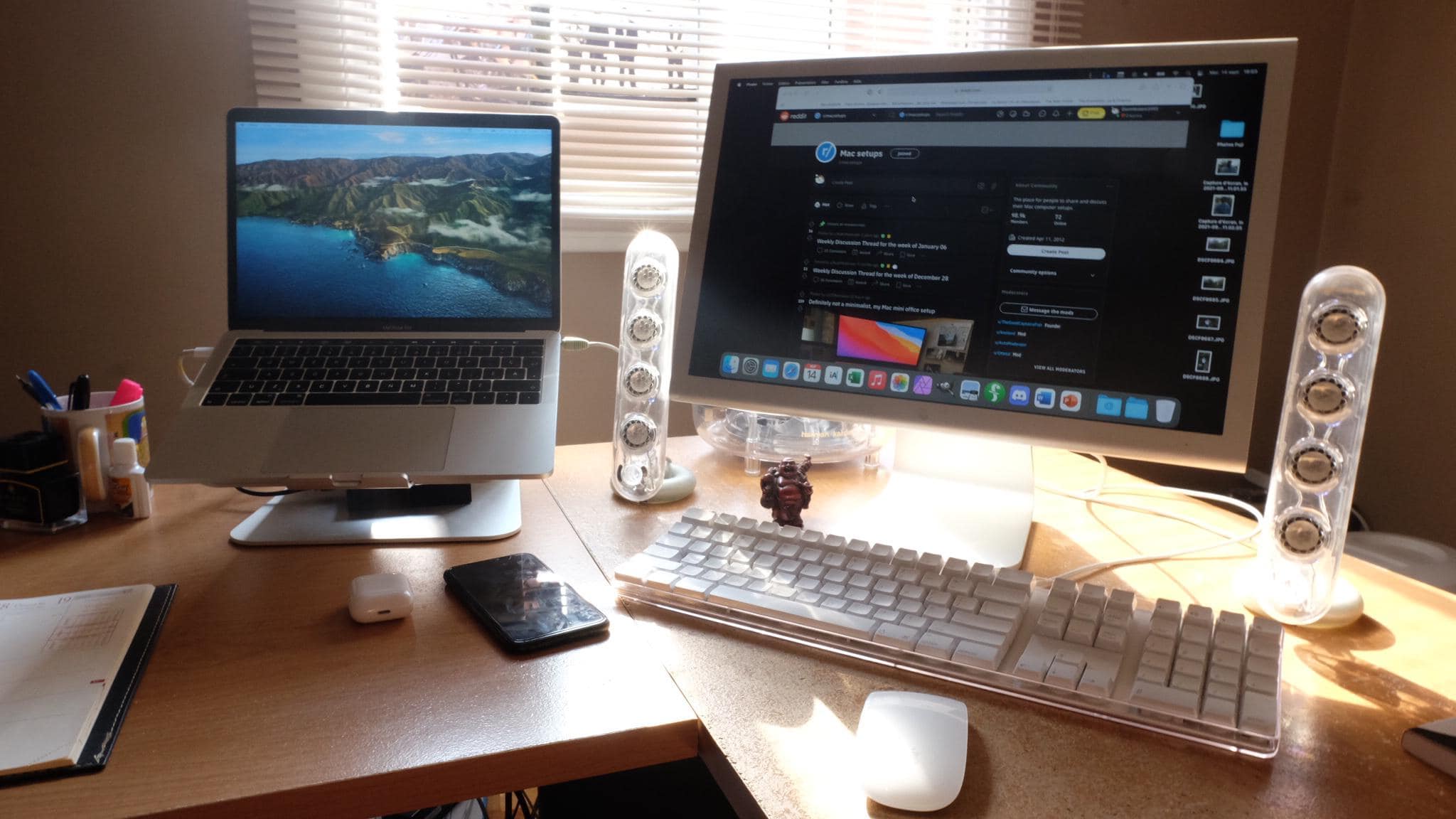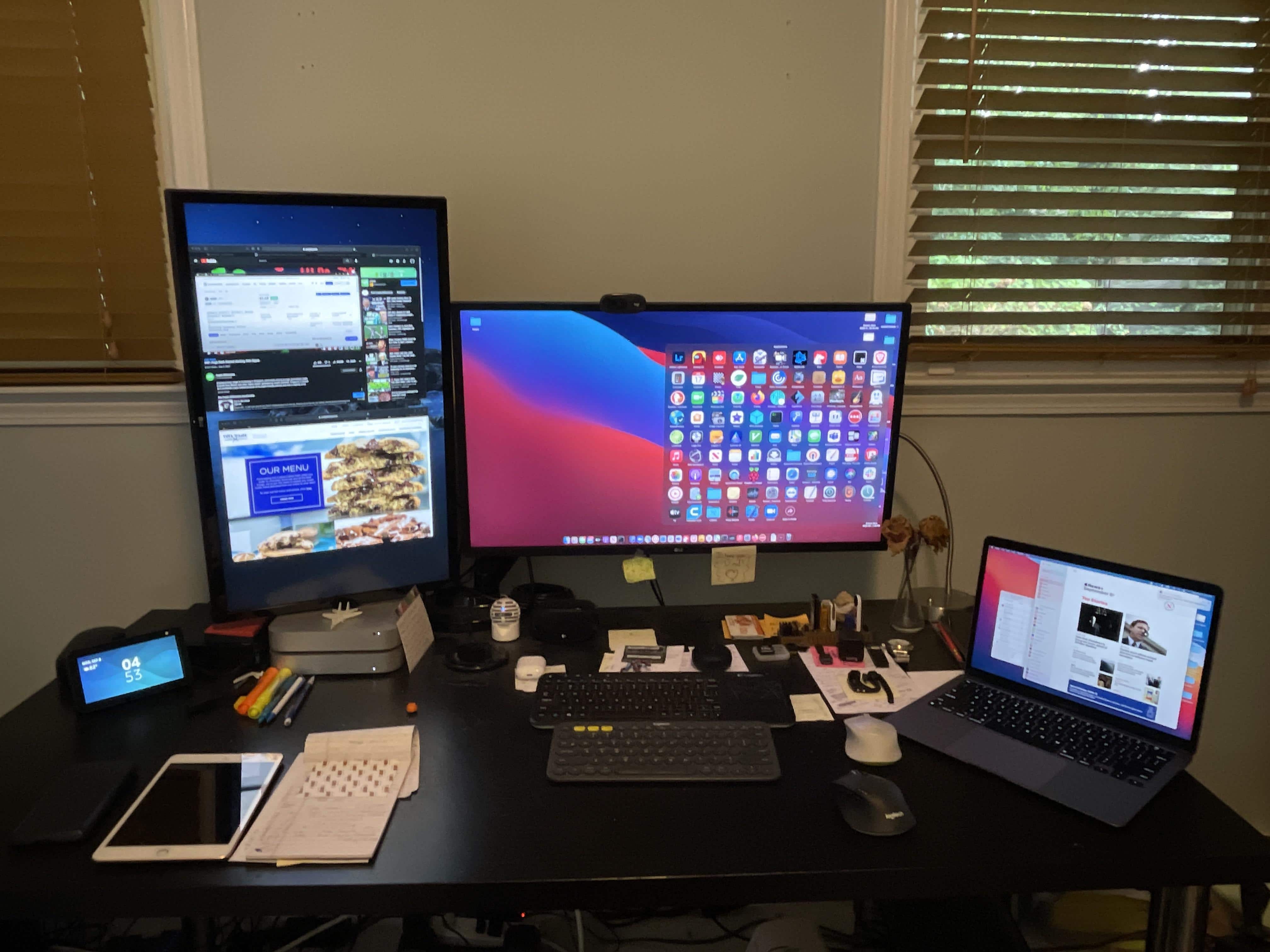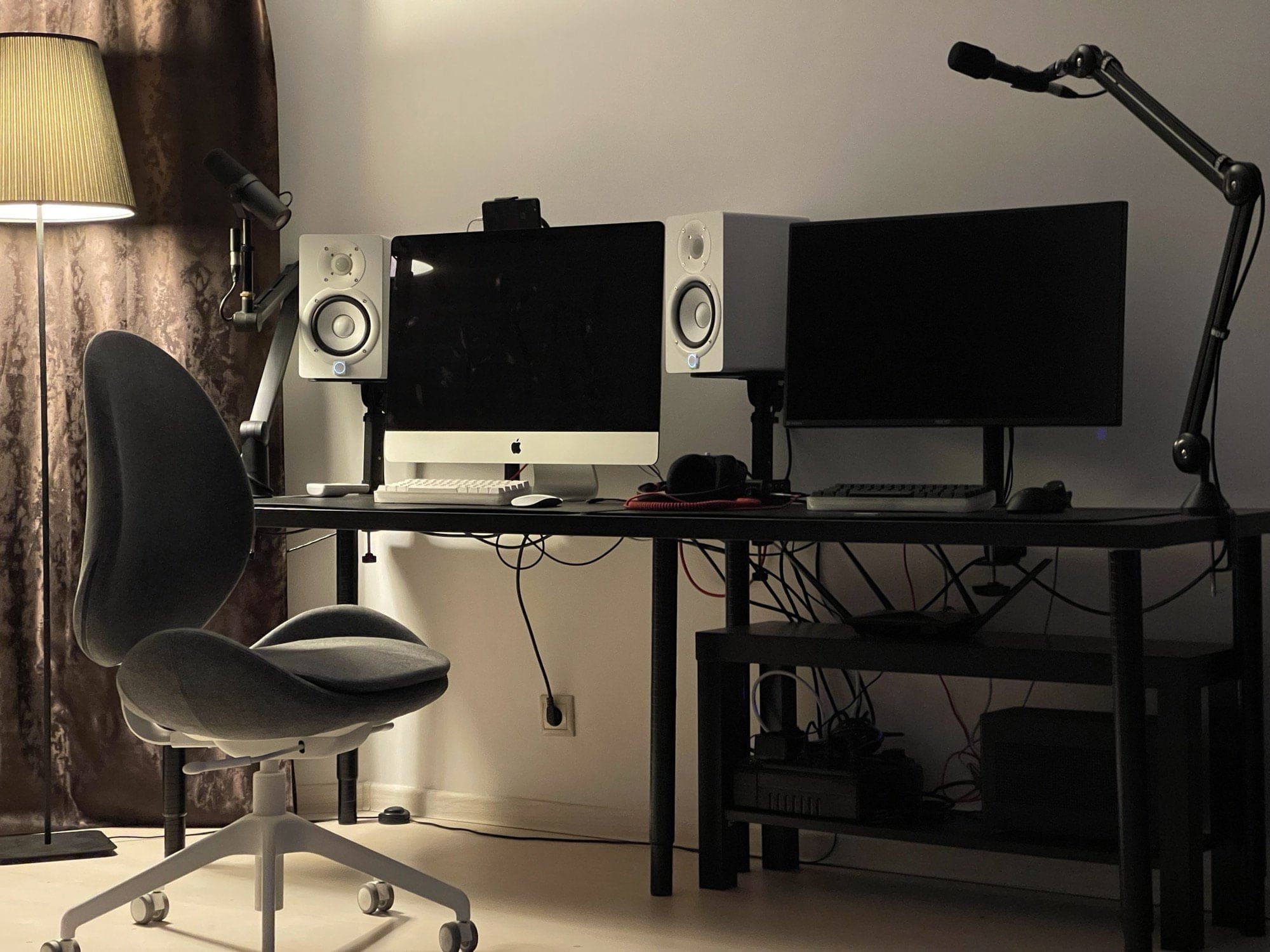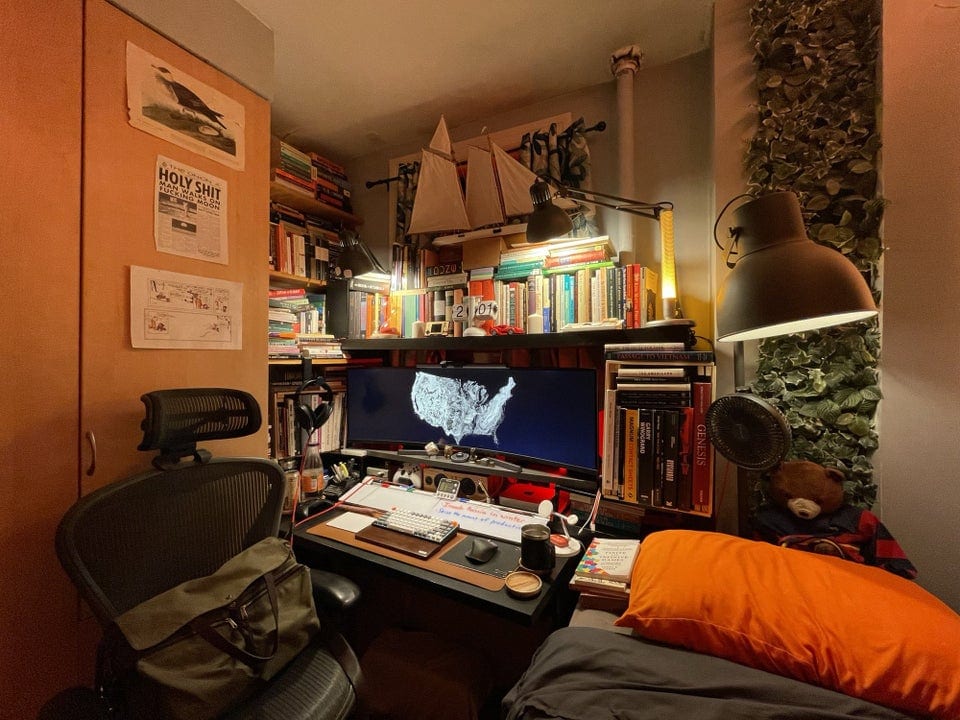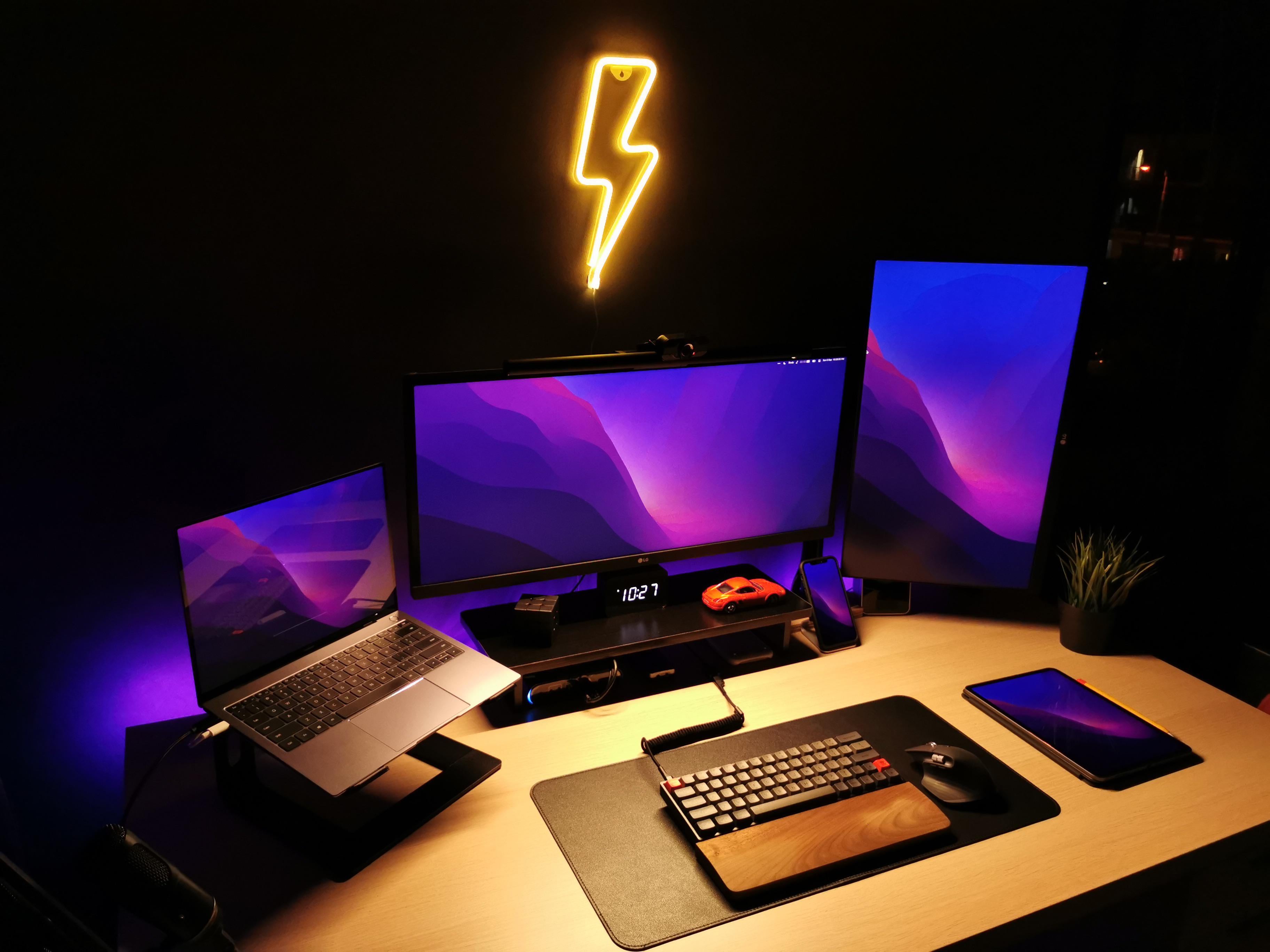
"Honestly that's how it is supposed to be," one comment said of the cable mess. "Bushy just like the 70s." Photo: [email protected]
A recurring theme across computer setups everywhere is the need for better cable management. It’s all about how well the careless, disheveled slob throwing together the gear — here we’re referring mainly to ourselves, not you — deals with the thorny mess of electrical cords and connectors that help make the workstation go.
Here's to a 'maximalist' setup in a minimal space. Photo: [email protected]
With all the staged, pristine-looking computer setups flaunted all over the web, regular folks can really appreciate a “lived in” and productive workstation — especially in something like the “maximalist” setup approach we came across recently.
A hackintosh forms the core of this three-display setup. Photo: [email protected]
If you’re out there pimping your computer setup on a Mac social media list, but you don’t have a Mac, what do you do? Well, you could flex your Hackintosh laptop and surround it with some Apple gear to make things look good.
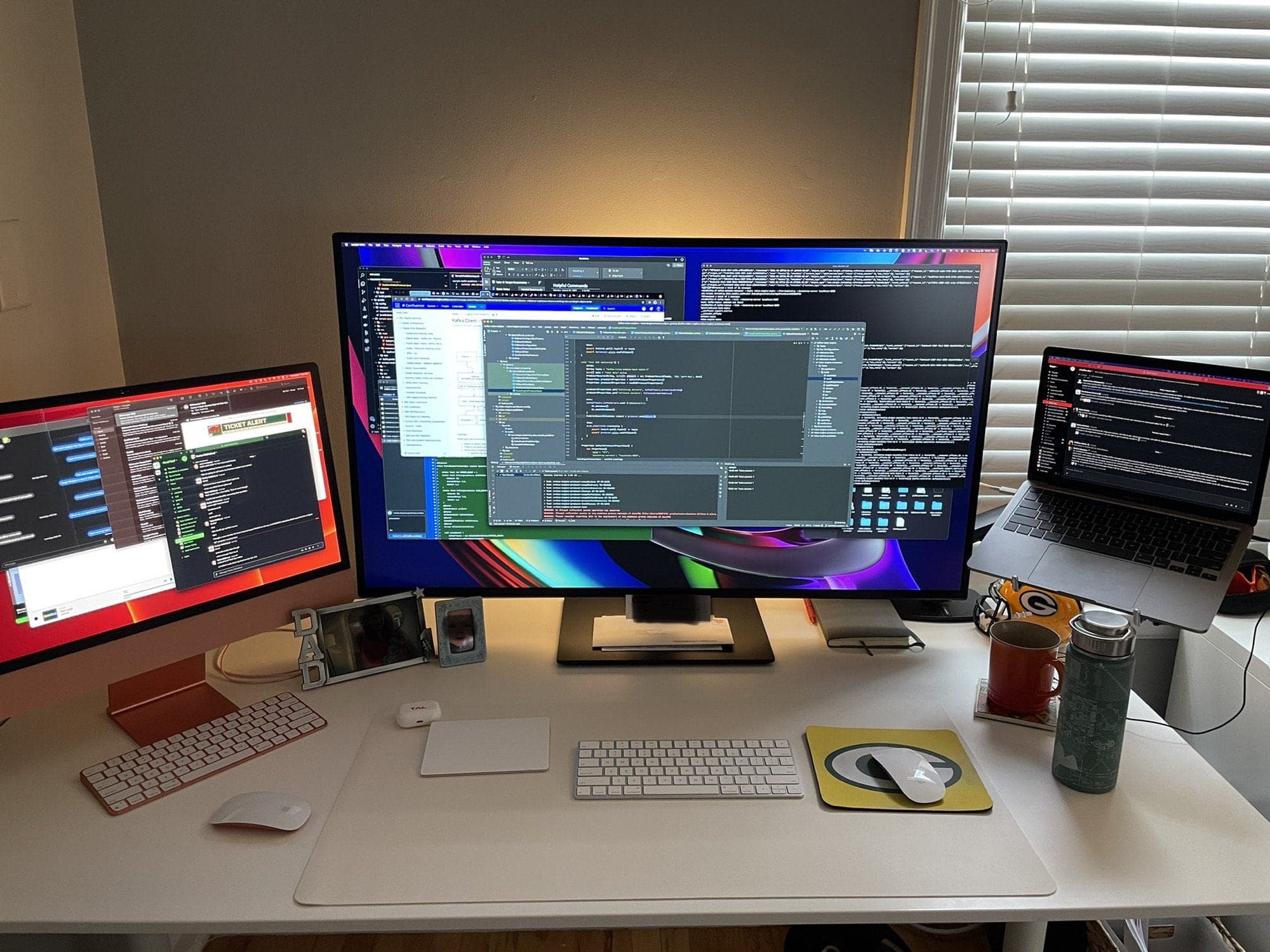
iMac and MacBook Pro, check. Massive display, check. Le Creuset mug, check. Photo: [email protected]
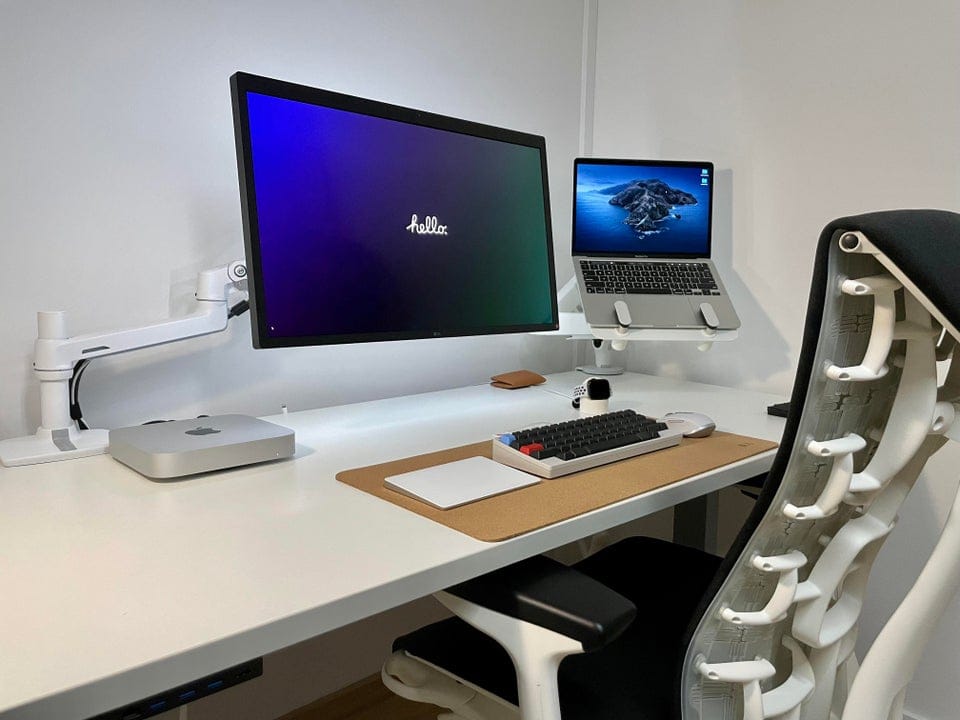
Redditor Doyniish runs a Mission Control-looking workstation, thanks a gargantuan monitor in between a substantial 24-inch iMac display on the left and a MacBook Pro on a stand to the right. In the shot, they’re all festooned with open windows, making it look like all the work in the world is in progress at that particular desk.
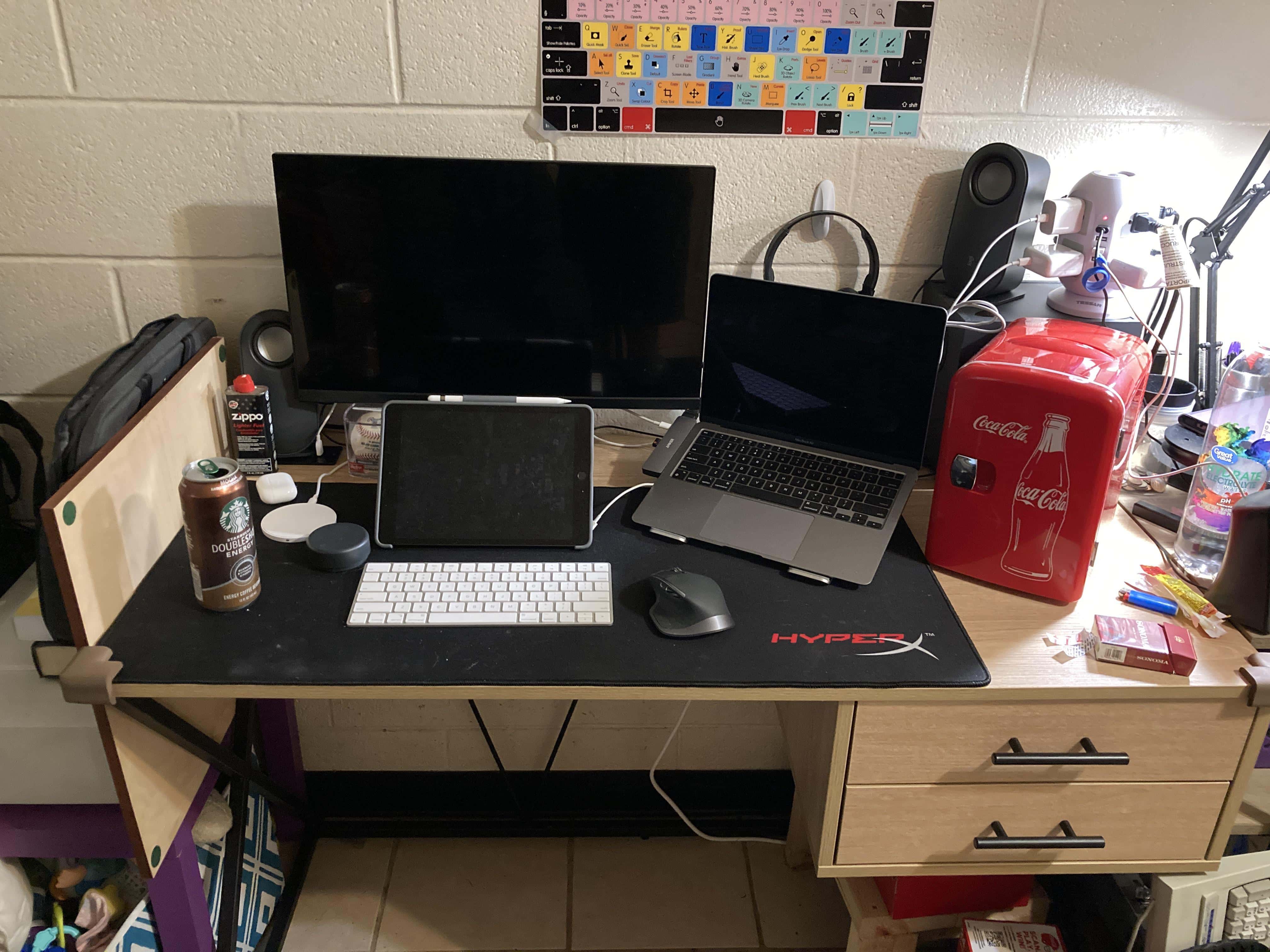
Redditor NotDeadYet7917 dragged himself out of bed on Monday and photographed his M1 MacB00k Air computer setup exactly as it appears in real life. It’s not staged like some of these fancy-schmance setups you see (we’ve seen plenty). And you can tell the workstation is keeping it real by how “lived-in” it looks.
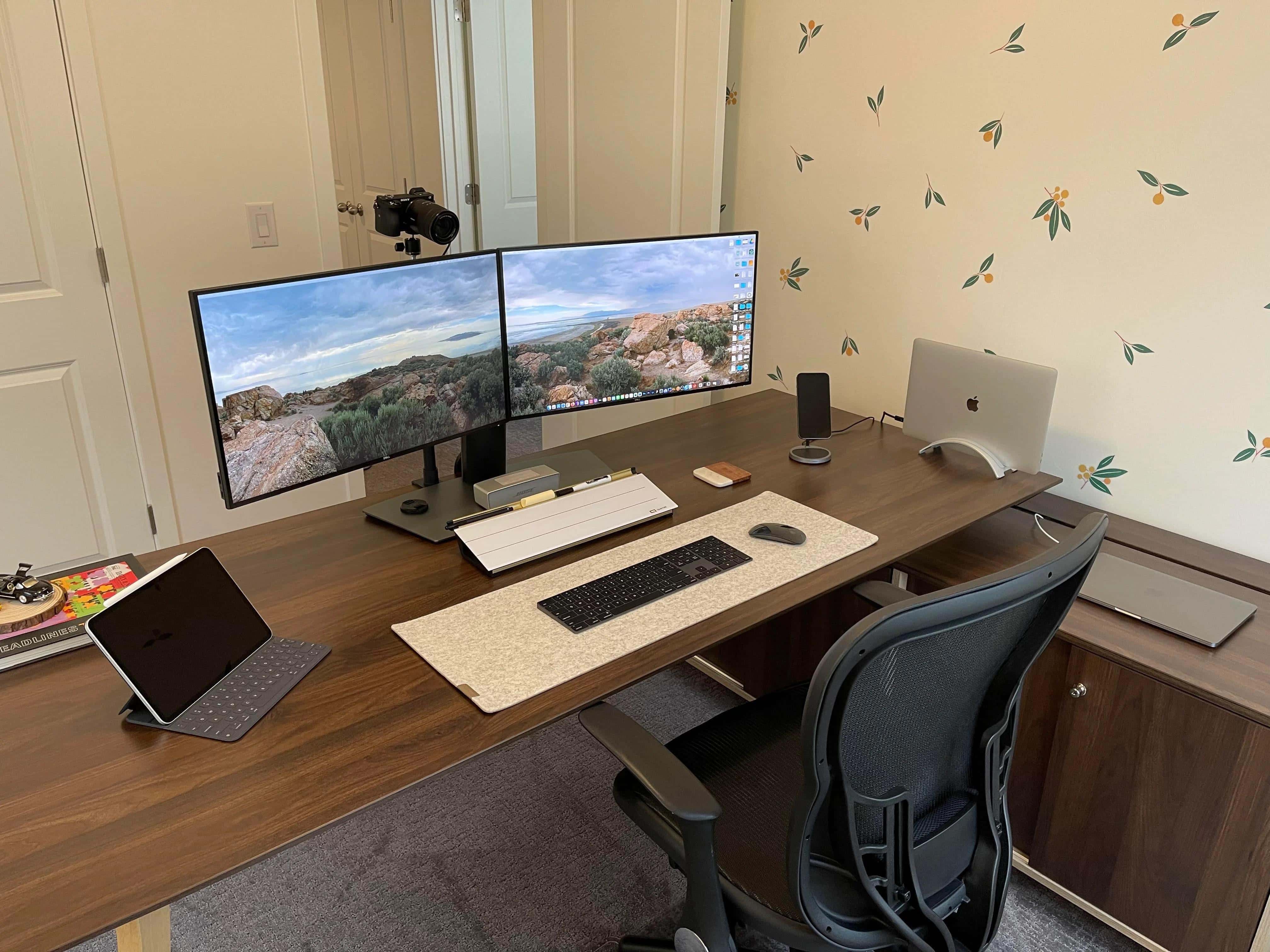
A dual display, dual MacBook Pro home office relies on built-in cable management. Photo: [email protected]
Redditor baby-yoda-stan — Stan for short, let’s say — posted pics of his home office computer setup, which features dual Dell displays and a couple of Intel-powered MacBook Pro laptops. He credits the clean look to built-in cable management in some of his setup’s components.
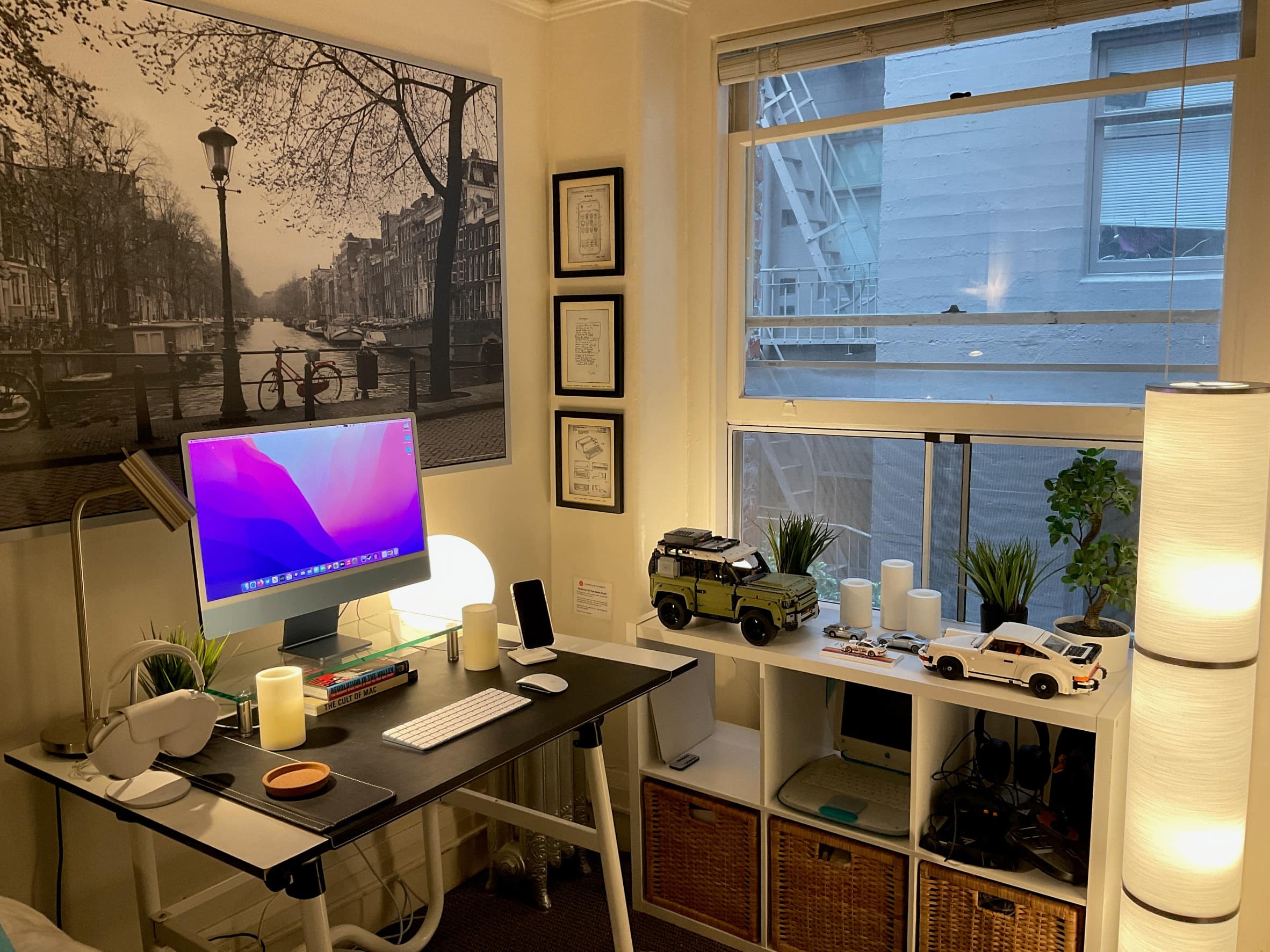
Spot the old iBook on the shelf to the right and The Cult of Mac hardcover under the display. Photo: [email protected]
We last saw Redditor 17parkc after they took delivery of their lovely new blue 24-inch iMac in May. Now it looks like they moved to a new studio apartment with a few new toys. Actually, in one case, an old toy — an iBook from back in the day, sometime around the turn of this century.
The M1 MacBook Pro is all work and the M1 Mac mini is all play. Photo: [email protected]
Redditor jackwong343 knows how to keep his work computing and his personal use separate — even within a clean, spare and capable computer setup. It all starts with an M1 MacBook Pro for work and an M1 Mac mini for play, and never the twain shall meet.
A pair of 25-inch ultrawide monitors and three other displays connect to an M1 MacBook Pro. Photo: [email protected]
Redditor Parmg100 runs his M1 MacBook Pro with enough displays to make most Mac owners do a doubletake. He said he manages to connect five displays, including two ultrawide monitors. Naturally, Redditors showed some curiosity about how he does it, given the MacBook Pro’s limitation on connecting external displays.
What happens when you go from a 2017 27-inch iMac to a 2020 M1 MacBook Air? Photo: [email protected]
Redditor 1st_thing_on_my_mind posted about replacing the main machine in his computer setup. He swapped out a 2017 27-inch iMac stacked with 64GB of RAM in favor of a 2020 MacBook Air flexing 16GB of integrated memory. “THATS A DOWNGRADE” hollered one commenter.
And yet the switch pretty much worked out for 1st_thing.
Three computers and three (large) displays are the core of the setup. Photo: [email protected]
Redditor MalTheNotSoGentleman said he posted a photo and description of his iMac-based computer setup with three computers and three displays because of a paucity of RGB-lit Mac setups on Reddit. So now there’s at least one more. And it comes pretty loaded.
This dual-display setup is wired for serious sound and massive storage. Photo: [email protected]
Redditor MacSources, aka Nicholas Calderone, is a photographer, writer, editor and co-founder of MacSources.com. He runs a Mac mini at the center of his formidable dual-monitor computer setup. The workstation’s audio and storage components seem particularly epic.
Sometimes we go looking for a cool computer setup to write about and end up wowed by a mere accessory. In this case, it’s a 3D-printed stand for five Apple products, styled to look sort of like a cross between a Mac Pro and a Pro Display XDR.
An M1 Mac mini and M1 MacBook Air power this Mac gaming setup. Photo: [email protected]
Given the dominance of PCs in the gaming world for various reasons, it’s refreshing to see somebody purpose-building a Mac computer setup for gaming. Sweden-based Redditor Raka_ny put one together with an M1 Mac mini, an M1 MacBook Air and assorted peripherals.
Would you say this setup is minimalistic, or something else? Photo: [email protected]
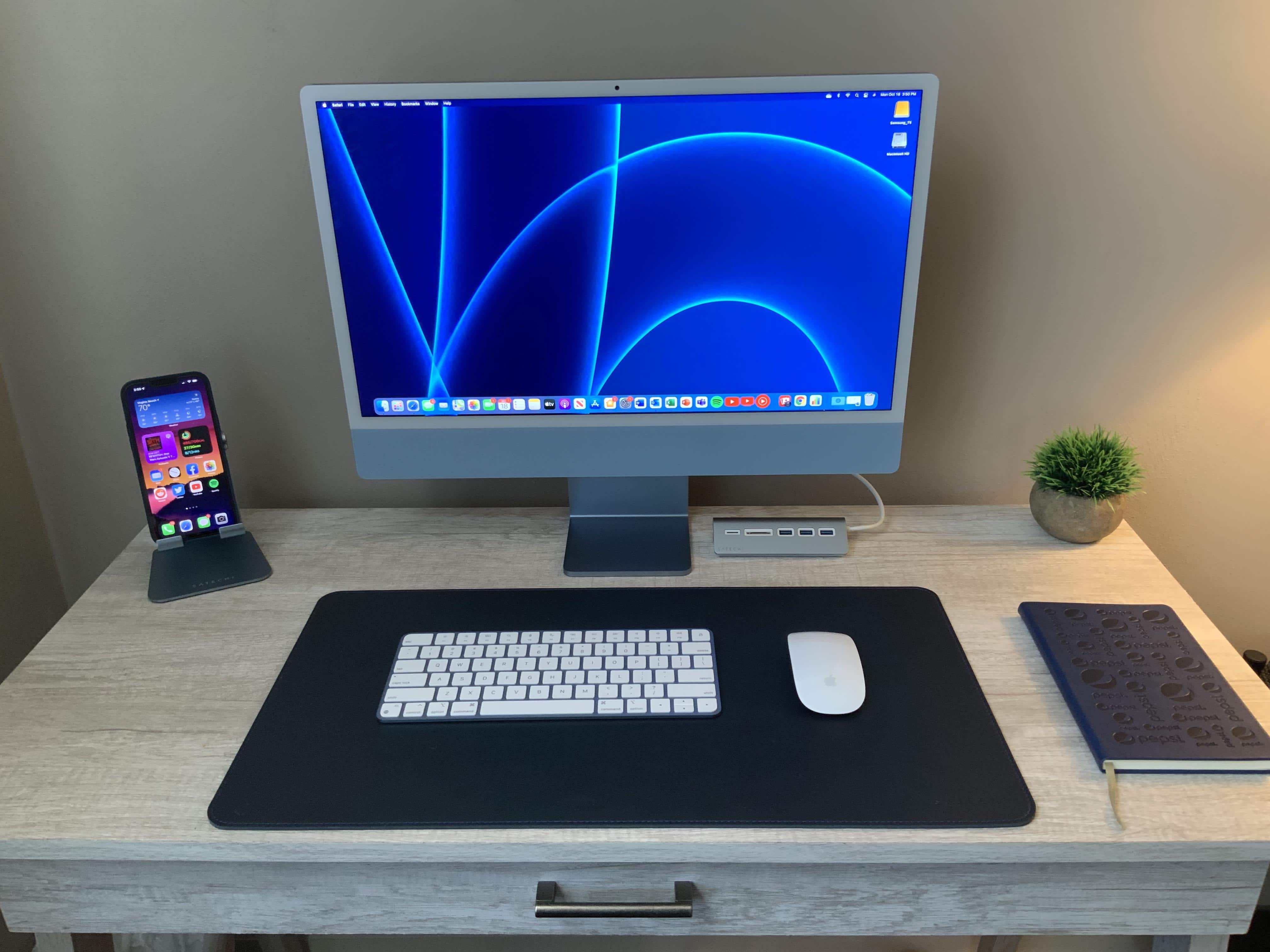
Along with a photo of an extremely spare, or even bare, computer setup, Redditor Leftover_Waffle titled their recent post with the question, “Do you guys like minimalism?” Then they walked away and let the comments pour in.
Thad K's setup features 69 different pieces of gear. Photo: Thad K
Thad K, a 63-year-old project lead and analyst for a U.S. Department of Energy contractor for the past 37 years, recently won an Ultimate Ears Wonderboom 2 Bluetooth speaker from Cult of Mac. The little speaker had no idea what a legion of tech equipment it was about to join — 69 pieces of gear in Stockton, California.
The headphone stand is a bust of Albert Einstein. Photo: [email protected]
There’s a lot to like in Redditor Couchchimp’s computer setup, not the least of which is a bust of Albert Eistein that serves as a headphone stand. Not just “serves” — it’s actually a purpose-built headphone stand. That’ll smarten things up nicely.
Remember those heady days of WWDC 2021, when Apple Senior Vice President of Software Engineering Craig Federighi performed a magical drag-and-drop demo of Universal Control that made the near-future world of macOS Monterey seem especially cool? Oh, yeah. It was just last month.
Anyway, Redditor kinky_unicorn certainly remembers it. They recreated Federighi’s workstation from the video, took a photo of it and posted it on Reddit, after all.
Note the cool-looking keyboard cover on the MaBook pro at left. Photo: [email protected]
When a computer setup is as clean and spare as Redditor whatsyourname’s, the eye tends to go to the most unusual item. In this case, it’s probably the colorful keyboard cover on the MacBook Pro, making it look like some other model of laptop.
And, of course, what did commenters most want to talk about in the setup? That thing. Naturally, a little bit of a debate ensued. Should you use a keyboard cover on a MacBook at all?
The 3D-printed tray for Magic Keyboard and Magic Trackpad has generated a lot of interest. Photo: [email protected]
When a Reddit post draws big interest, it typically gets dozens of comments in a few days. Such is the case with leroy_pylant’s post about 3D printing his own Magic Tray for Magic Keyboard and Magic Trackpad. It generated 76 comments over five days, with a lot of inquiries about how to get the thing.
Not summering on the Baltic Sea shoreline in the south of Sweden, are you? Photo: [email protected]
Redditor N3oPuff drew some attention on the social media platform with a setup photo that flaunts mind-blowing gear not so much as it does natural beauty. It definitely brings to mind the old real estate maxim: “location, location, location.” But an M1 Mac mini always helps.
In fact, it could be the perfect Setup for a summer Friday.
Warning, jazz joke ahead: "Remember to always practice safe Sax," quipped a Redditor. Photo: [email protected]
Redditor madeitinthewild makes beautiful music up in Canada. Or he makes music, anyway. Jazz music. You can tell by the assortment of saxophones next to his M1 MacBook Air- and iPad Air 4-based mini music studio. That, and he said so.
“Remember to always practice safe Sax,” came the obligatory jazz-joke comment.
“No way I live on the edge,” replied madeitinthewild, kinda true to his Reddit handle.
You can stand your Mac mini vertically or mount it behind the monitor or under the desk. Photo: [email protected]
Redditor mnsl0826 decided to save some space by standing up his M1 Mac mini vertically at the base of his monitor, rather than laying it flat. It worked for him, but posting about it on Reddit generated heaps of concern about whether you’re supposed to do that.
See the G4 peeking out from under the desk? Ah, nostalgia. Photo: omgaporksword@Reddit
It sounds like the setup to a punchline: A strapping young Mac mini, a yoked gaming PC and an elderly Power Mac G4 walk into a podcasting primer. Then what happens?
Well, if we’re talking about Redditor omgaporksword’s recent setup post, you learn a few OS-switching tricks, share some old-school Mac nostalgia and see how to position your USB microphone using a boom arm.
There is no punchline and there are no laughs. But please, people. Not everything is about humor. Except maybe omgaporksword’s Reddit handle.