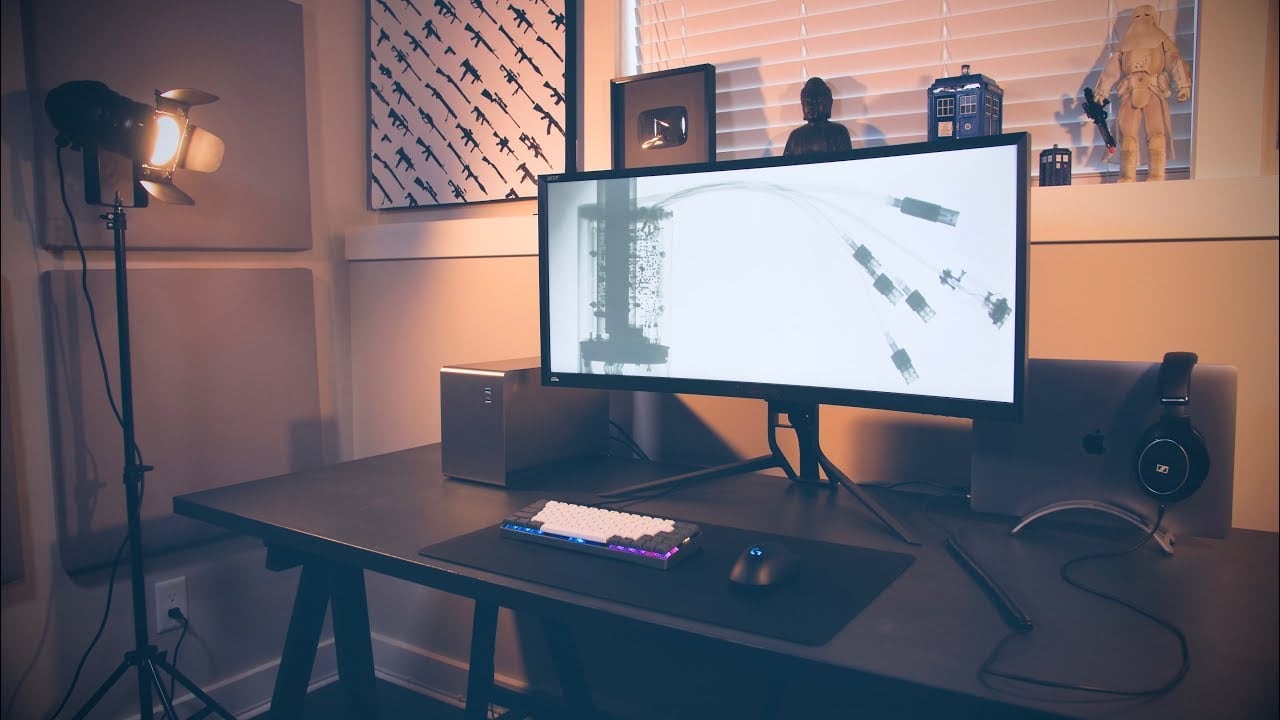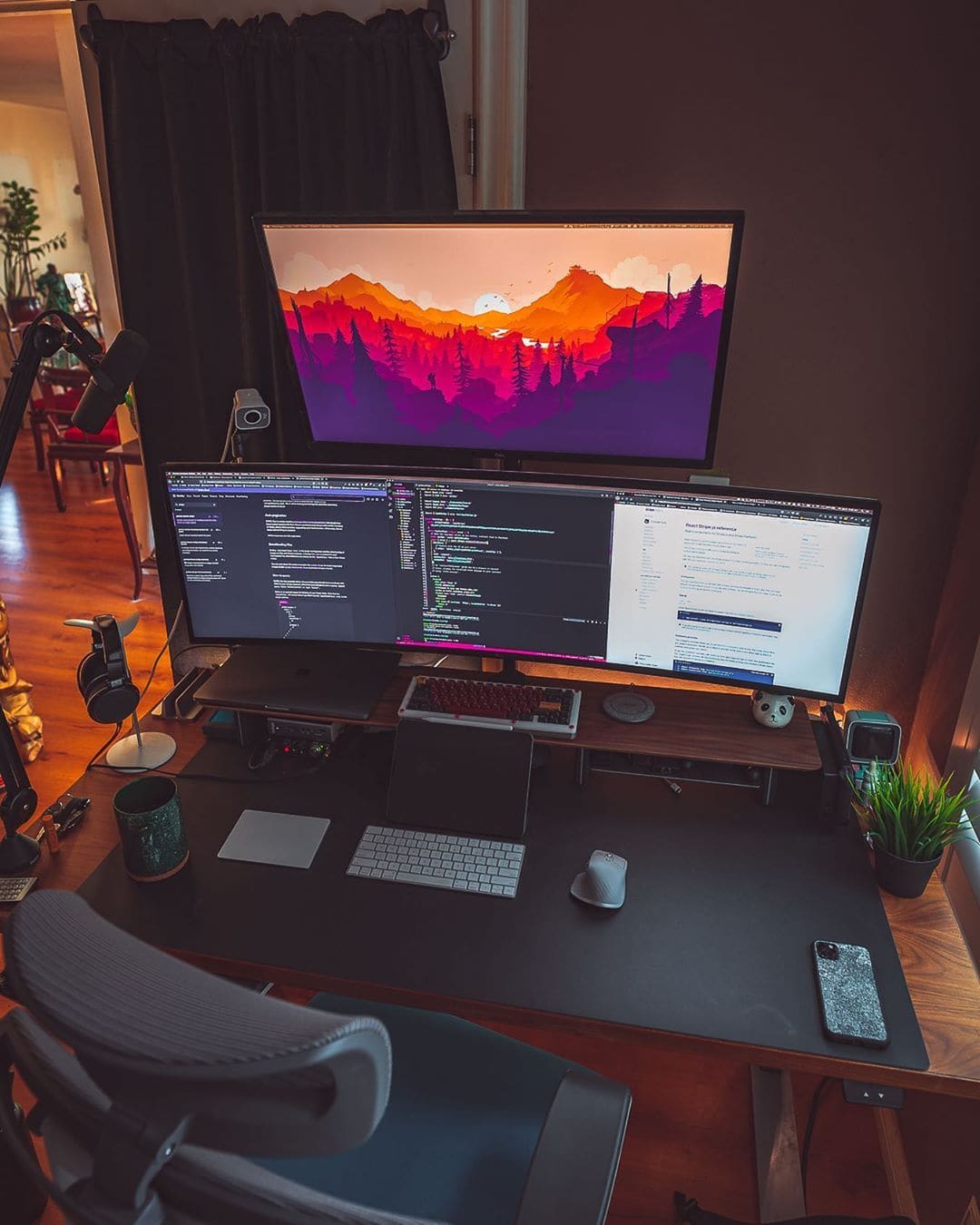
Because a 49-inch UltraWide wasn't enough, he added a second monitor on top. Photo: @chau_codes
If most UltraWide monitors are impressive, then a 49-inch UltraWide is jaw-dropping. That is just the start of programmer Justin Chau’s amazing setup, which took years to assemble. Above his 49-incher, he has a 32-inch Dell S Series Monitor, which gives him an insane amount of screen real estate.
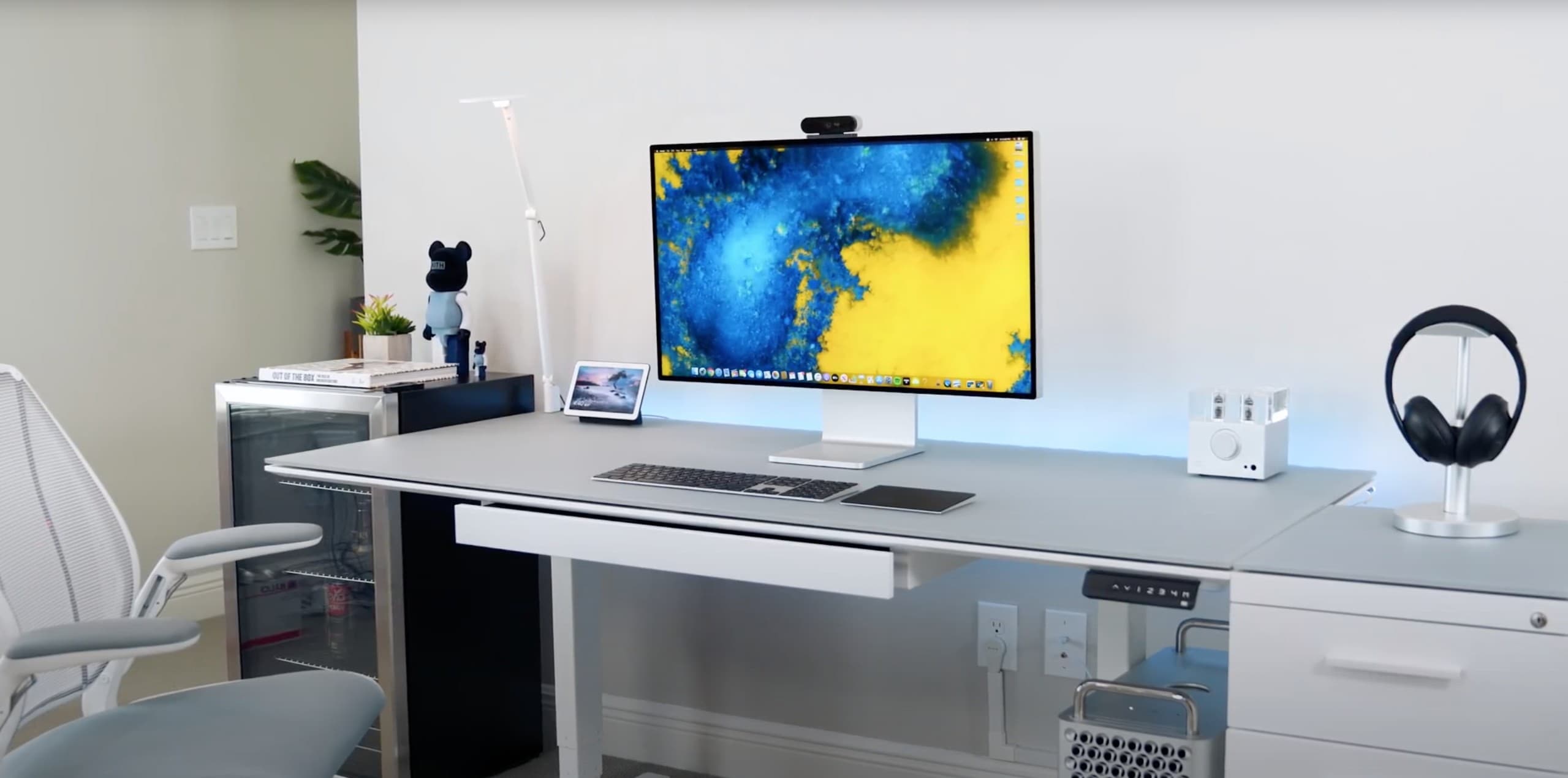
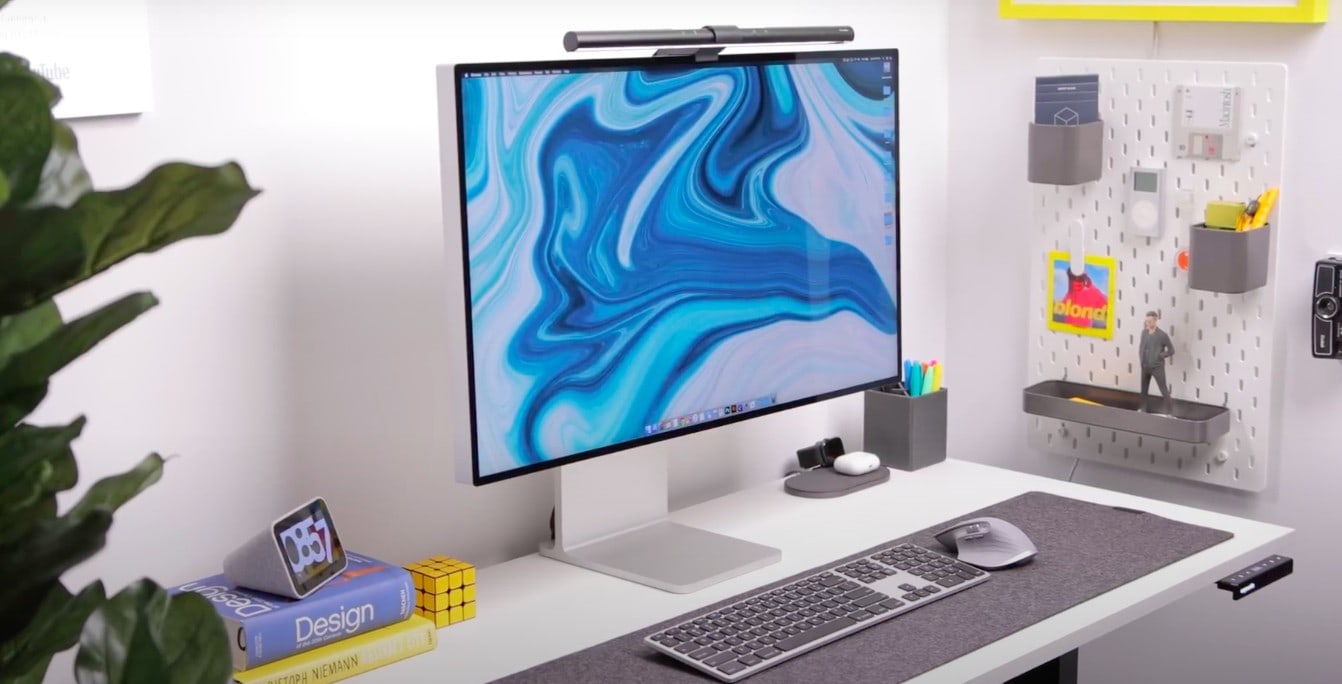
The Pro Display XDR delivers crystal-clear quality. Photo: @Canoopsy/Twitter
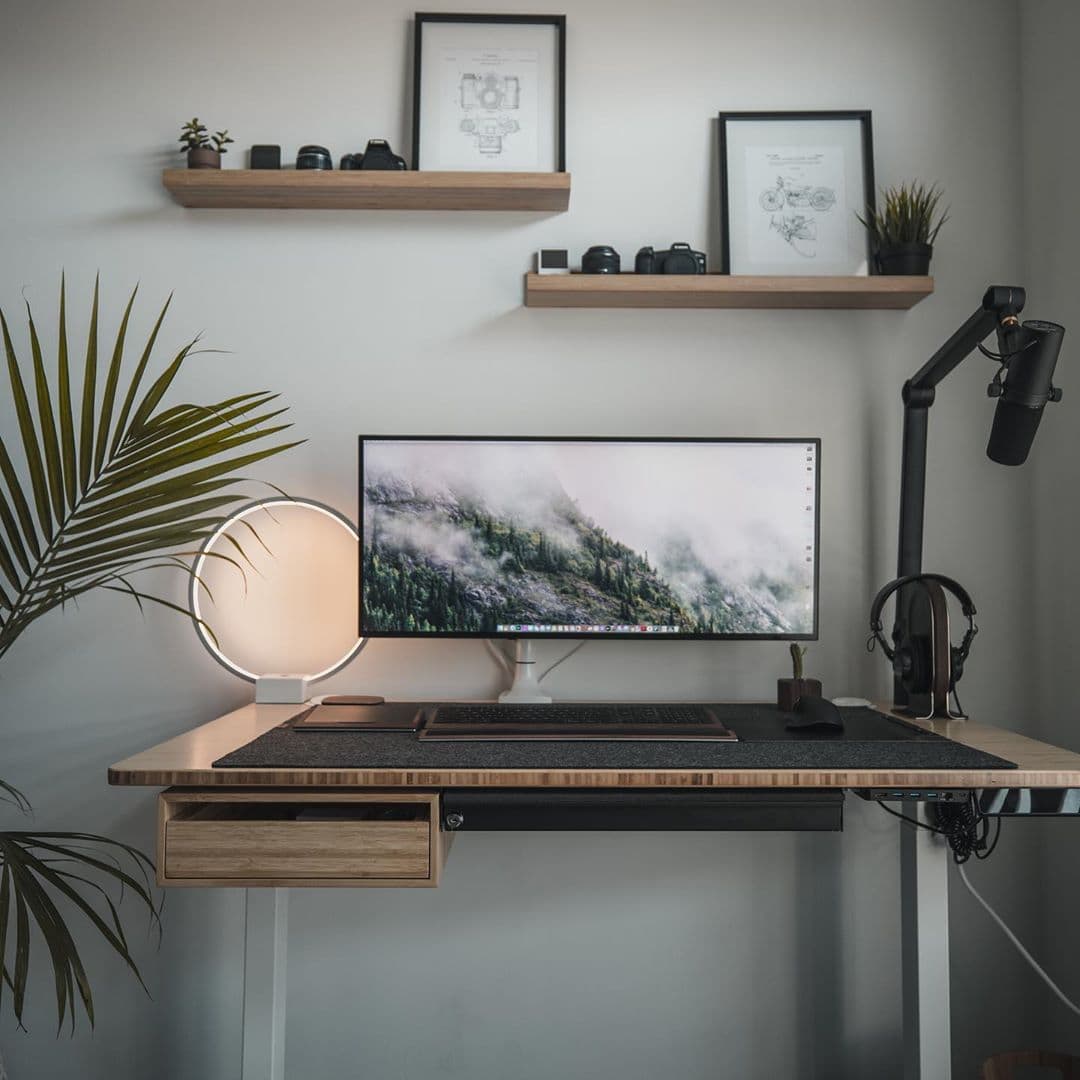
At the beginning of the year, the owner of this striking setup decided to start from scratch. He abandoned his two-monitor config and went with something more minimal — the impeccable $6,000, 32-inch Apple Pro Display XDR. Thats why, for him, scaling down to one monitor is actually an upgrade.
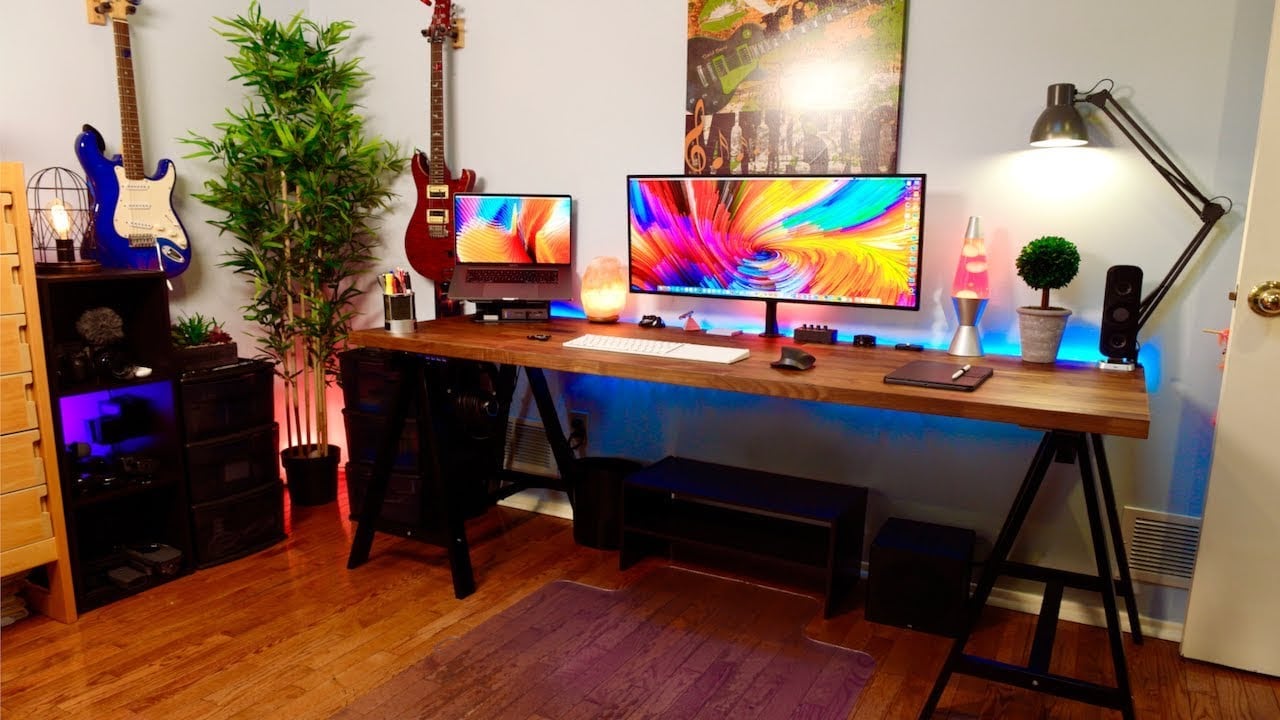
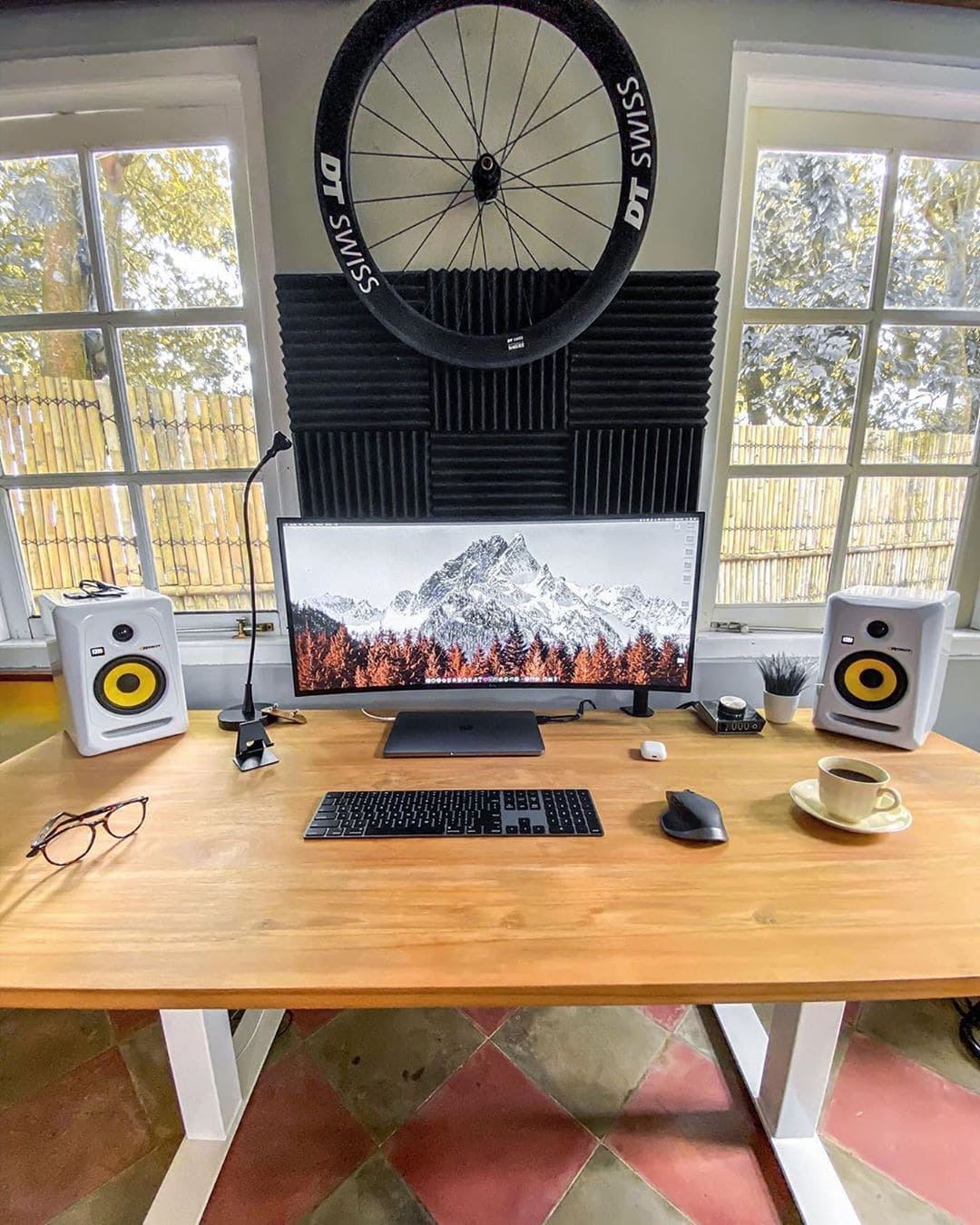
This desk gives Van Der Post plenty of room to work with. Photo: Brice Van Der Post
A MacBook Pro runs this triathlete’s setup. Brice Van Der Post is always on the go so it makes sense that he uses a laptop to power his rig, instead of being chained down by a desktop.
The highlight of this desk might actually be the desk itself. Since Van Der Post works for a furniture company, his factory custom-built the desk for him. The 70×30-inch unfinished teak top gives him ample space for his work. It is also a great canvas for all of the tech on it.
He has a 34-inch LG UltraWide Curved Monitor, which continues to make frequent appearances in our ‘Setups’ series, and a Logitech MX Master 2S, which is a multitasker’s dream mouse.
Van Der Post also has a pair of KRK studio monitors for audio, while a M-Audio AIR Hub take the speakers to the next level.
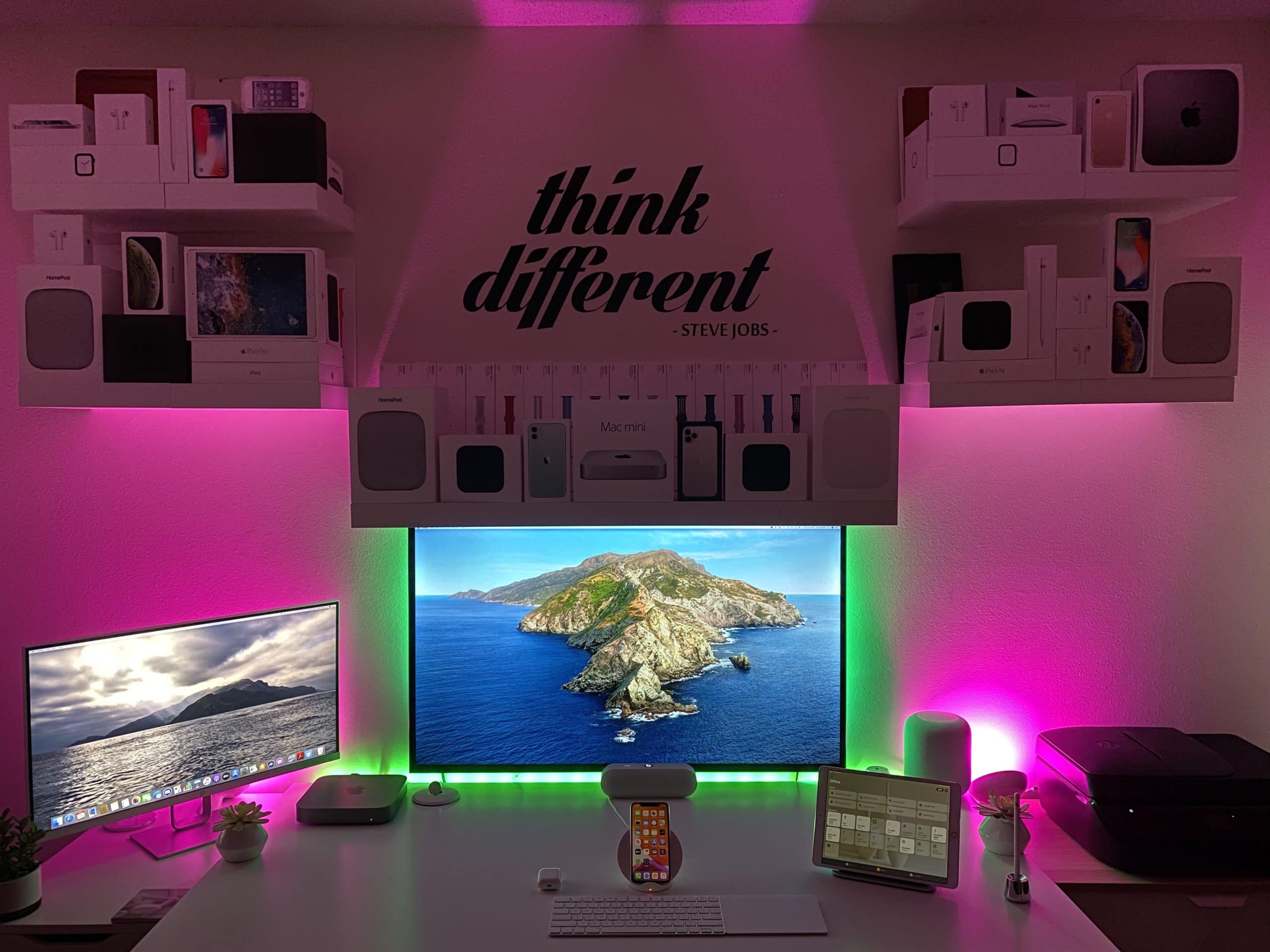
Busy medical student Zach Hicks spent years developing this mouth-watering, Mac mini-powered setup. His main screen is actually a 43-inch smart TV, which gives him a bunch of screen real estate so he can open up a lot of PowerPoint presentations at once.
To accompany these big screens, he uses an Apple Magic Keyboard and Magic Mouse. A HomePod pumps out the audio, while two Philips Hue Bloom lamps illuminate everything. And, if you are wondering about the Apple boxes above his desk, they serve as a visual reminder of his journey to build this dream setup.
This WFH setup has audiophiles drooling. Photo: Jody Whitesides
Jody Whitesides is a television and film composer so naturally his setup is audio-focused. Even with all the high-tech audio gear, it is hard to out-stage his epic 34-inch ultra-wide monitor.
He rocks both the Apple Magic Trackpad and a Logitech mouse. He has both because some tasks are easier to edit using a mouse and others with a trackpad, so it gives him the best of both worlds. The keyboard — a Komplete Kontrol Controller — gives him an additional 88 keys right above his Apple Magic Keyboard.
To handle all of his audio, Whitesides uses a PreSonas monitoring station to easily switch audio outputs. And the Apollo 8 Recording Interface gives him the power to handle all of this gear at once.
For the actual audio itself, he has a pair of KRK V4 Series Speakers to accompany a pair of Genelec 8020D Studio Speakers.
Driving all this is a 2013 “trashcan” Mac Pro, out of shot.
The ultrawide curved monitor is eye-popping. Photo: Carlos Azaustre
An ultrawide curved monitor takes any setup to the next level, and Cesar Azaustre’s MacBook-powered rig is no exception. It took a three-year span for the Spanish front-end engineer to assemble this setup — and it does not disappoint.
To control things on his massive $800 screen, he uses the Apple Magic Keyboard and the Logitech MX Anywhere wireless mouse. For Zoom meetings, he leans on a Logitech Pro Stream Camera and a Røde microphone, both top-of-the-line products.
Who says a MacBook-centered setup can't be epic? Photo: Aral Tasher
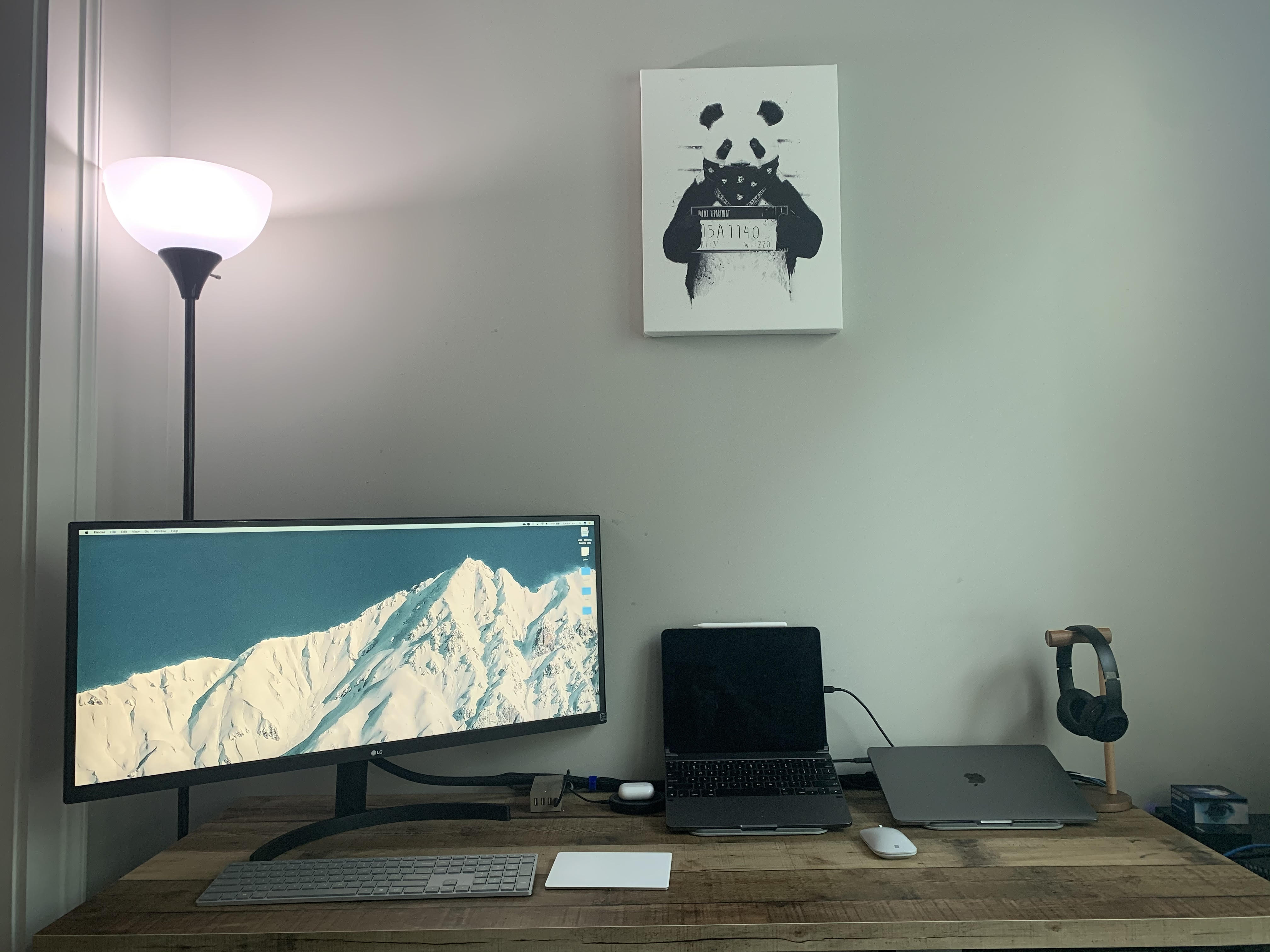
Front-end web developer Aral Tasher’s MacBook-powered rig is minimal but powerful. With just his laptop, a 49-inch monitor and a Thunderbolt 3 cable, he gets desktop-level performance from his humble MacBook.
To hold his MacBook, the nerve center of the setup, he uses a premium wood mount by Grovemade. This is paired with a custom-built keyboard from KBDfans, and a top-of-the-line MX Master 3 mouse from Logitech.
Tasher is also wired for sound. A pair of KRK studio monitors and LG noise-canceling headphones would make any audiophile jealous.
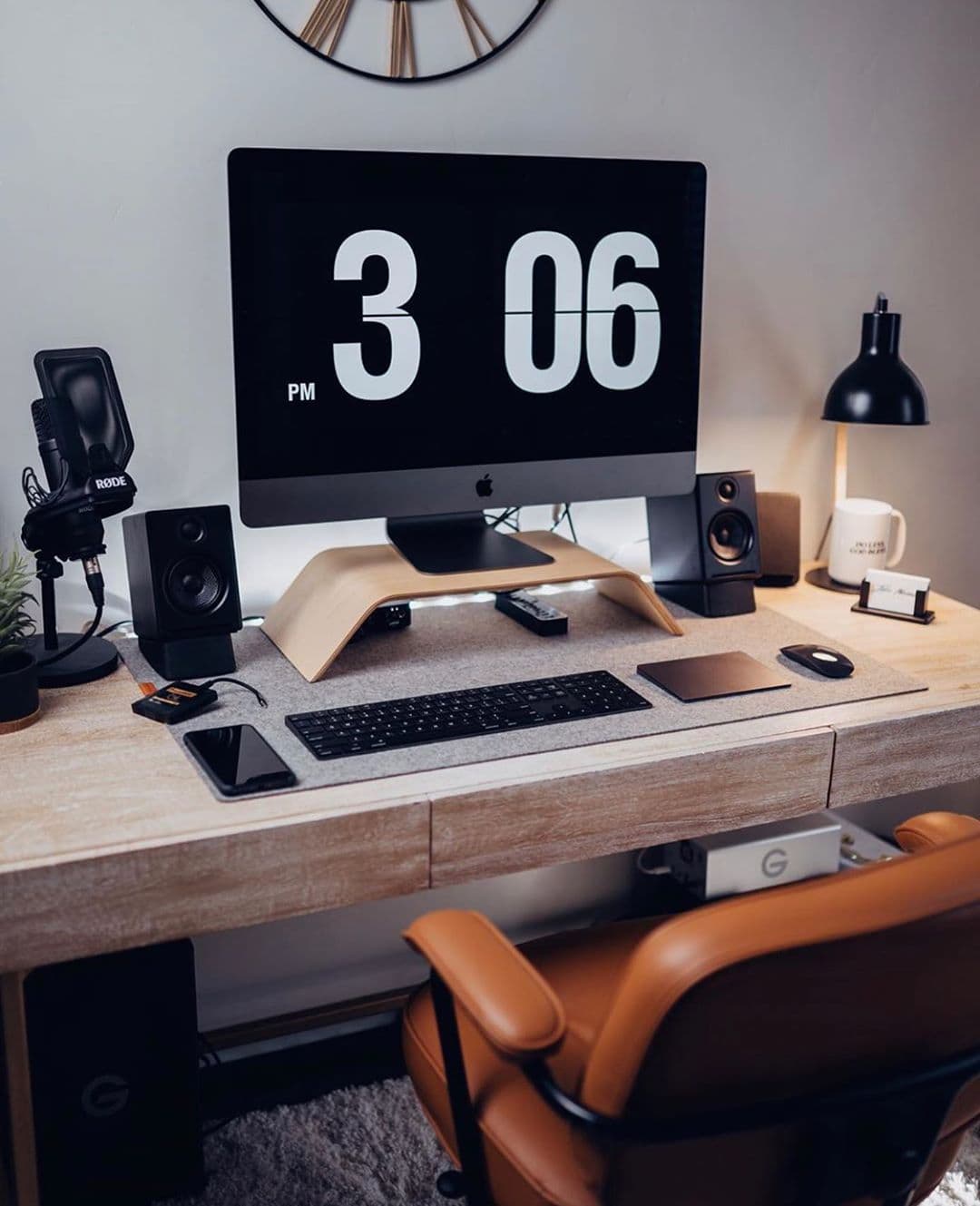
An epic screen is the hallmark of any great setup, and Gary Dee’s video-editing suite is certainly no exception. Dee, a cinematographer and drone pilot, previously used two monitors, but he decided to declutter his desk and replace them with an UltraWide 34-incher from LG Electronics. The massive monitor still leaves him with plenty of screen real estate.
In terms of audio, a pair of Bose speakers give him banging sound. And he uses a high-quality Røde microphone. To complement his minimalist desk, he uses a Rain Design mStand to hold his MacBook.
This sleek setup is both beautiful and affordable Photo: @simplytom_
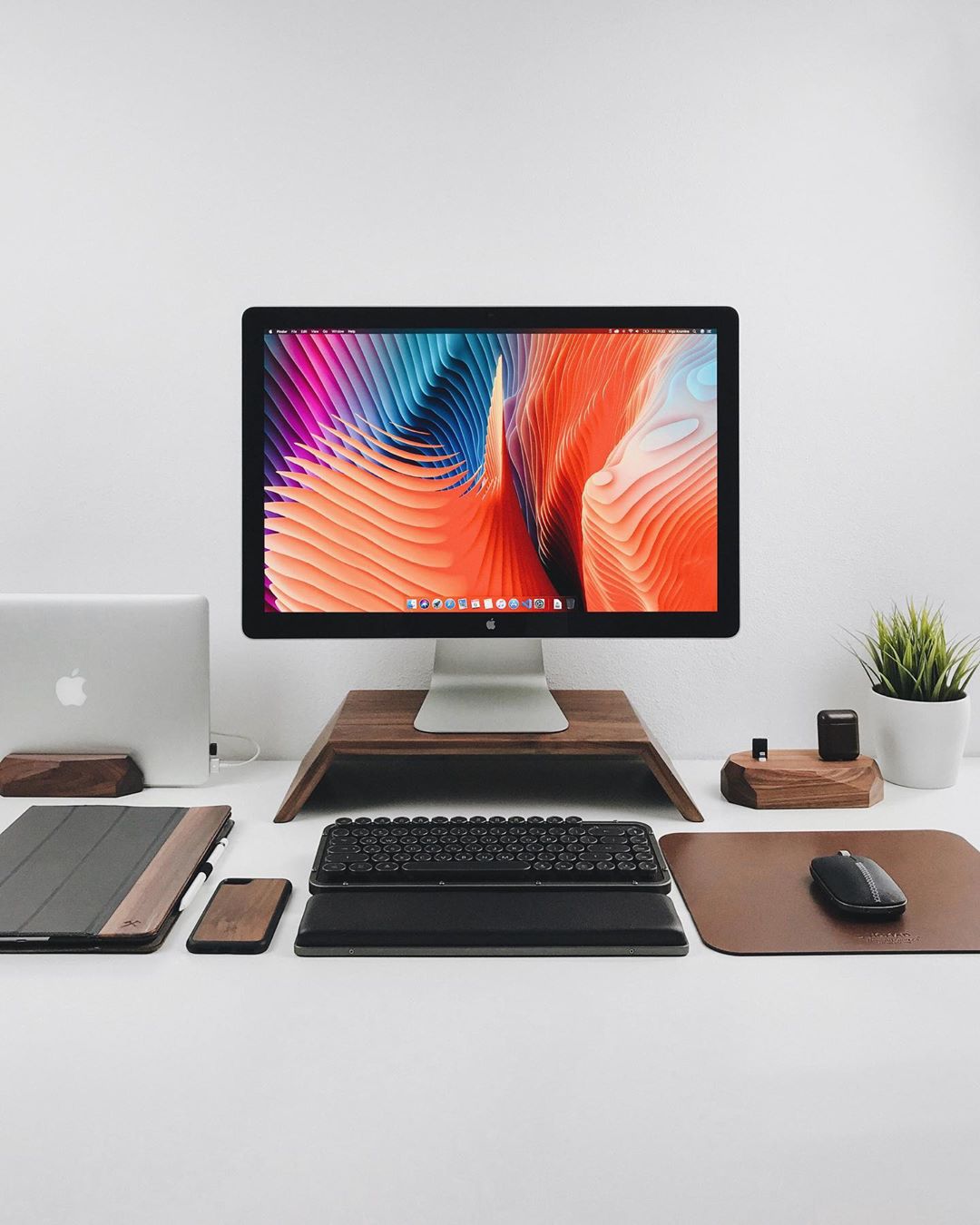
It looks like Thomas Parson, a videographer from Wales, works in ex-Apple designer Jony Ive’s famous white room, using just a MacBook Pro and a 24-inch ASUS monitor, with an iPad as a second screen.
He props up the MacBook in a special vertical laptop stand that nicely adds to the overall minimalist design of his rig. He uses Apple’s Magic Keyboard and Mouse and for audio he has a duo of Logitech desk speakers and a pair of Razer gaming headphones.
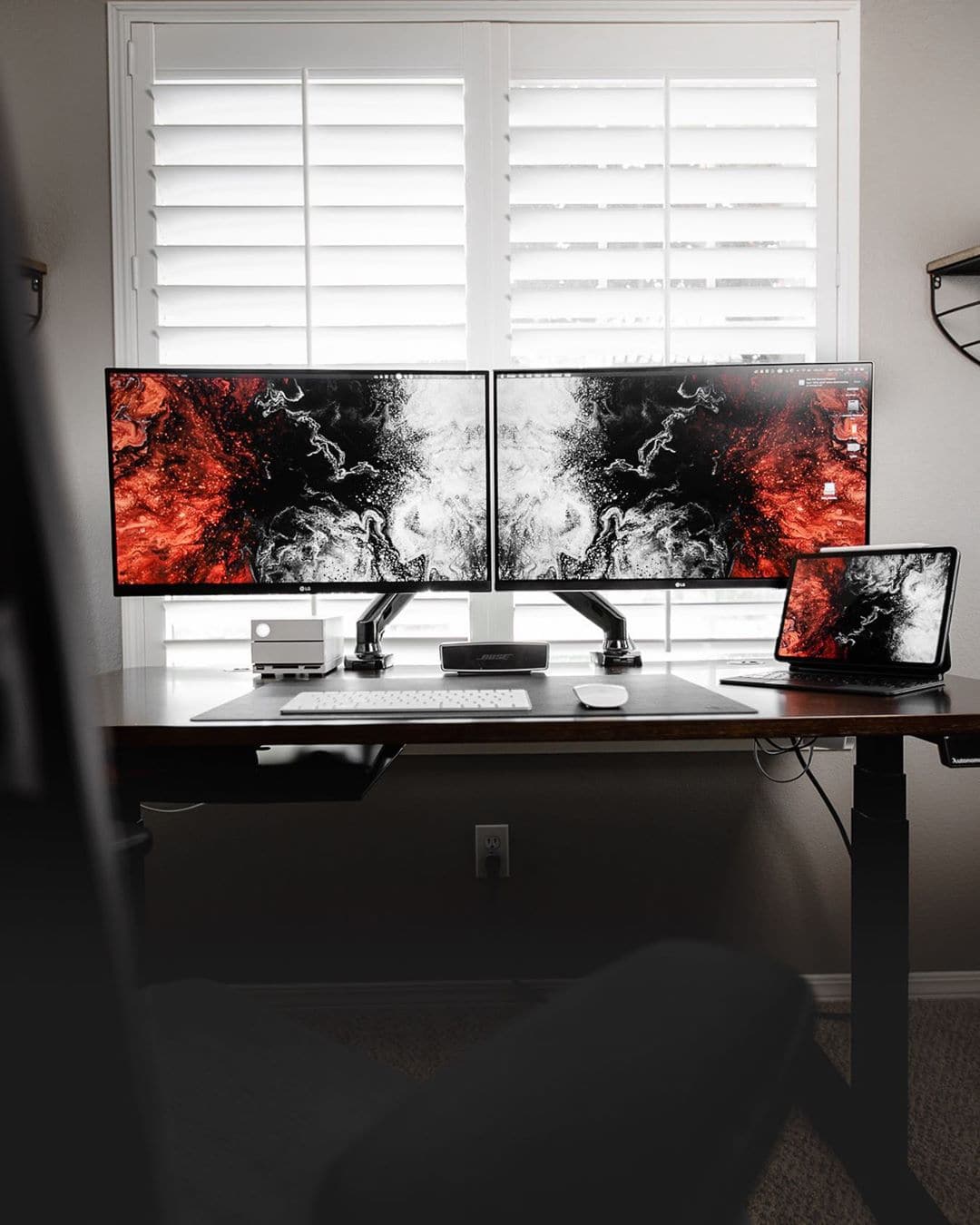
A set of origami-style lights illuminate the cozy setup of Instagram user @mrisad, an integration delivery manager. The Nanoleaf lights floating above his dual monitors evoke the control panels from some ’70s sci-fi show. And they’re integrated with HomeKit, Apple’s home-automation platform.
The heart of his rig is a beautiful pair of screens. The large main screen is a $1,000 curved, 38-inch screen from LG. The second screen is a 28-inch Asus gaming monitor. He hooked them both up to a Mac mini, and elegantly suspended them in midair by an inexpensive ($40) but fully articulated desktop stand.
To round out his setup, @mrisad has a Magic Keyboard and Trackpad from Apple, and a trio of chargers for his iPhone, iPad and AirPods. As for audio, he has a HomePod and a pair of Sennheiser noise-canceling headphones.
This wfh setup is truly incredible. Photo: @theqazman
Waqas Qazi may be a freelance Hollywood colorist, but his desk setup is worthy of an emperor. His jaw-dropping rig boasts three monitors to play with, and a trio of bookshelf speakers to pump out the audio. Plus, he has a DaVinci Resolve Mini Panel, for color-grading and editing, and the Elgato Stream Deck XL, which is great for multitasking.
An LG curved monitor dominates this photographer's WFH setup. Photo: @lioralon
An amazing 34-inch curved monitor dominates the desk of Lior Alon, a photographer from Israel. In addition to the sweet screen, she also uses a high-end Logitech mouse and, of course, Apple’s Magic Keyboard and Magic Trackpad 2 — the staple of any great setup.
To finish it off, a pair of super-high-def monitor speakers from Adam Audio and a Steinberg USB interface give her studio-quality sound.
An ultrawide monitor (and a second screen on top) take this battlestation to the next level. Photo: iSetups/Instagram
An amazing 49-inch LG UltraWide monitor dominates the sweet work-from-home setup of front-end developer Justin Chua from San Jose, California. A second 32-inch Dell monitor floats above, adding even more screen real estate to this eye-blasting battlestation.
And check out his sweet, custom-made mechanical keyboard!